Tell us anything

An idea, a bug, something you love. We read every note.

⌘↵ to send. The page you're on comes along.

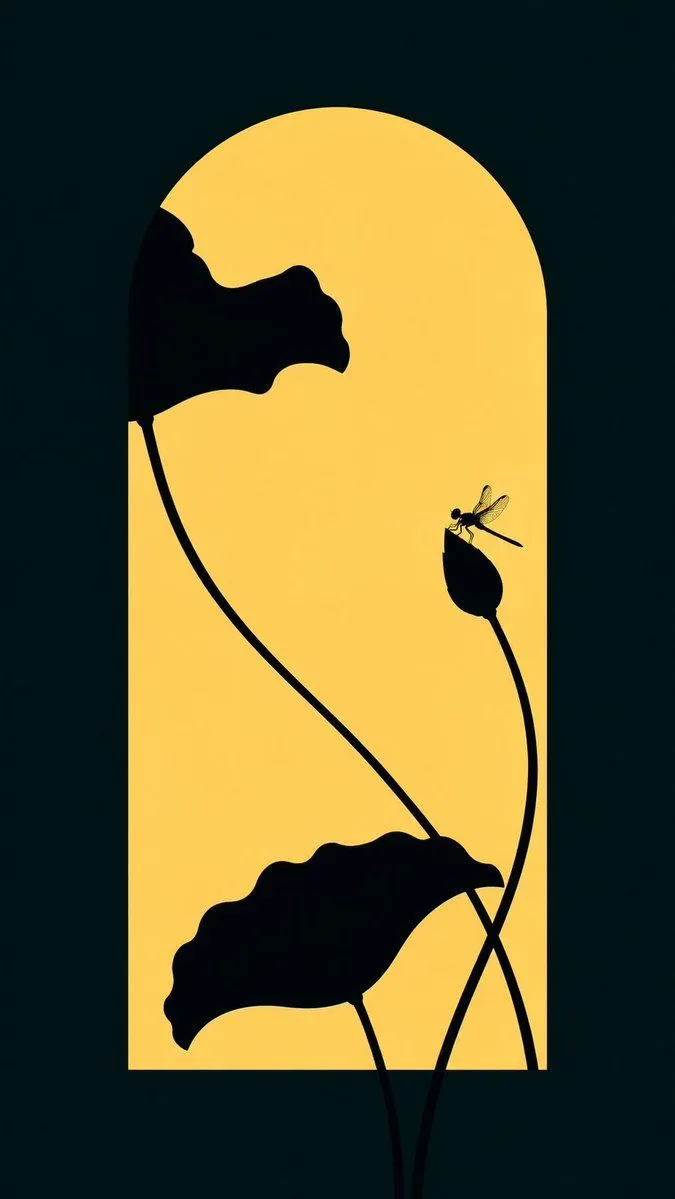
Lotus Silhouette Sunset Arch

Made with GPT Image 2 in ChatGPT by Library Typography. Promptclay never generates images.

Did it work?

No reports yet. Tell others if it worked for you.

No comments yet. Be the first.

    Lotus Silhouette Sunset Arch

    GPT Image 29:16AI-generated

    Prompt

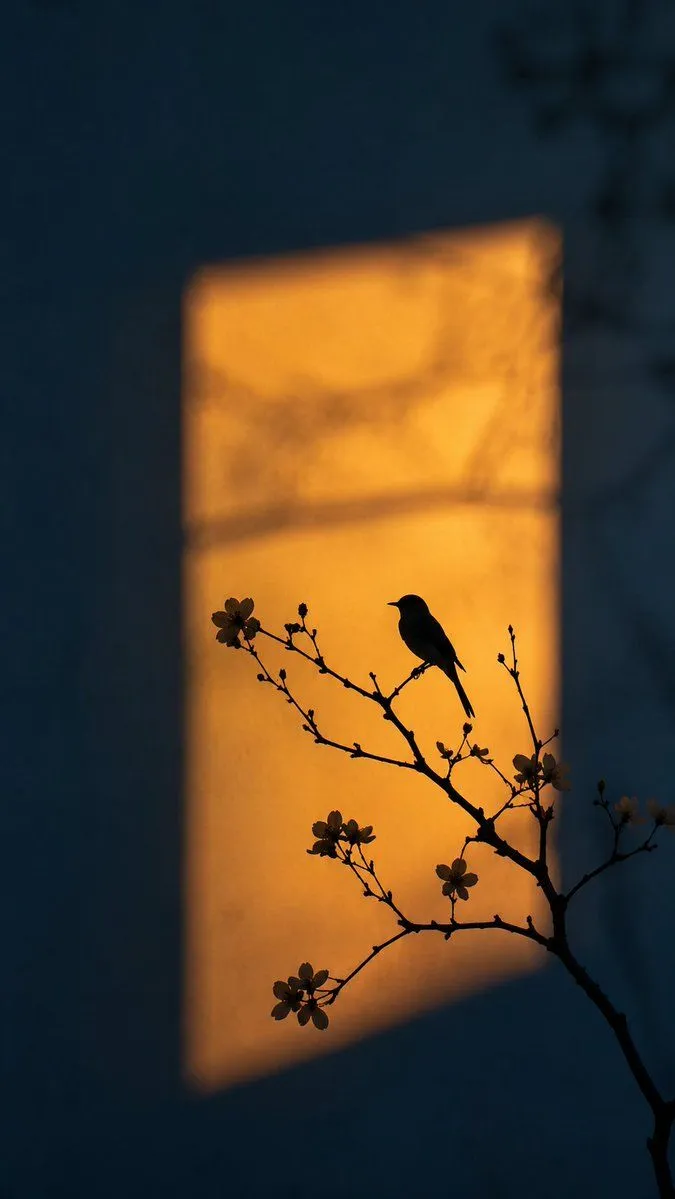
    Create a minimalist botanical silhouette illustration on a vertical 2:3 canvas. Use a deep nearly black teal background with a tall rounded-arch window shape centered in the composition, glowing warm golden yellow like sunset light. In front of the arch, place exactly 3 main lotus-plant silhouettes in pure black: 1 large wavy-edged lotus leaf entering from the upper left with a long thin curved stem sweeping downward across the arch, 1 large wavy lotus leaf near the bottom center-left with its stem dropping out of frame, and 1 closed lotus bud on the right side attached to a tall curved stem that crosses another stem near the lower right. Add exactly 1 small dragonfly perched delicately on the tip of the lotus bud, shown in black with faint translucent golden wings and fine line details. Keep the composition elegant, flat, high-contrast, and graphic, with smooth vector-like shapes, no text, no border, no watermark, and generous negative space.

    Works in
    ChatGPT, Gemini
    Status
    Free to copy
    0
    DetailsVersions, settings and questions

    Written for

    What's in the prompt

    Subject
    Model
    GPT Image 2

    If your face changes

    keep my face exactly the same

    Questions

    Does this work in the ChatGPT app?
    Yes. Paste the prompt and attach your photo if it uses one.
    It changed my face. What do I do?
    Add "keep my face exactly the same" to the end and run it again.
    Can I use the images I make?
    Check the terms of the app you use. Promptclay never generates images and claims nothing you make.
    Similar prompts

    See more
    • Chinese Silhouette Lantern Wallpaper
    • Artistic Silhouette Amber Light Photography
    • Minimalist Zen Summer Rain Art
    • Dark Silhouette Poster Design from Photo
    • Minimalist Golden Forest Illustration
    • Minimalist Fine Art Flower Macro
    • Minimalist Line Art Bee Illustration
    • One Flower, One World City Illustration
    • Mosaic Butterfly and Geometric Coffee Art
    • Macro Illustration of a Tiny Fairy on a Flower
    • Minimalist Modern Magazine Illustration Style
    • Dramatic Stone Corridor With Arched Windows
    • Minimalist Abstract Glossy Oil Painting
    • Minimalist Editorial Illustration Prompt
    • Streamside Dream Scene with Audio and Image Carousel
    • Monochrome Hermes-Inspired Avatar
    • Minimalist Symbolic Tattoo Design
    • Minimalist Typographic Illustration Conveying Meaning
    • Minimalist Single-Pose Character Illustration Prompt
    • Whimsical Flat Illustration Generator
    • Modern Minimalist Loft Architecture Photography
    • Vector Illustration for Five Gods of Wealth Red Packet Cover
    • Convert Graphic to Pencil Rough Design
    • Surreal Geometric Poetic Illustration

    Show more

    Run it on your phone

    1. Prompt copiedRead it

      Create a minimalist botanical silhouette illustration on a vertical 2:3 canvas. Use a deep nearly black teal background with a tall rounded-arch window shape centered in the composition, glowing warm golden yellow like sunset light. In front of the arch, place exactly 3 main lotus-plant silhouettes in pure black: 1 large wavy-edged lotus leaf entering from the upper left with a long thin curved stem sweeping downward across the arch, 1 large wavy lotus leaf near the bottom center-left with its stem dropping out of frame, and 1 closed lotus bud on the right side attached to a tall curved stem that crosses another stem near the lower right. Add exactly 1 small dragonfly perched delicately on the tip of the lotus bud, shown in black with faint translucent golden wings and fine line details. Keep the composition elegant, flat, high-contrast, and graphic, with smooth vector-like shapes, no text, no border, no watermark, and generous negative space.

    2. Open your app

    3. Paste and run

      Press and hold the message box, then tap Paste. Add your photo first if the prompt uses one. You may need to sign in.

    Lotus Silhouette Sunset Arch