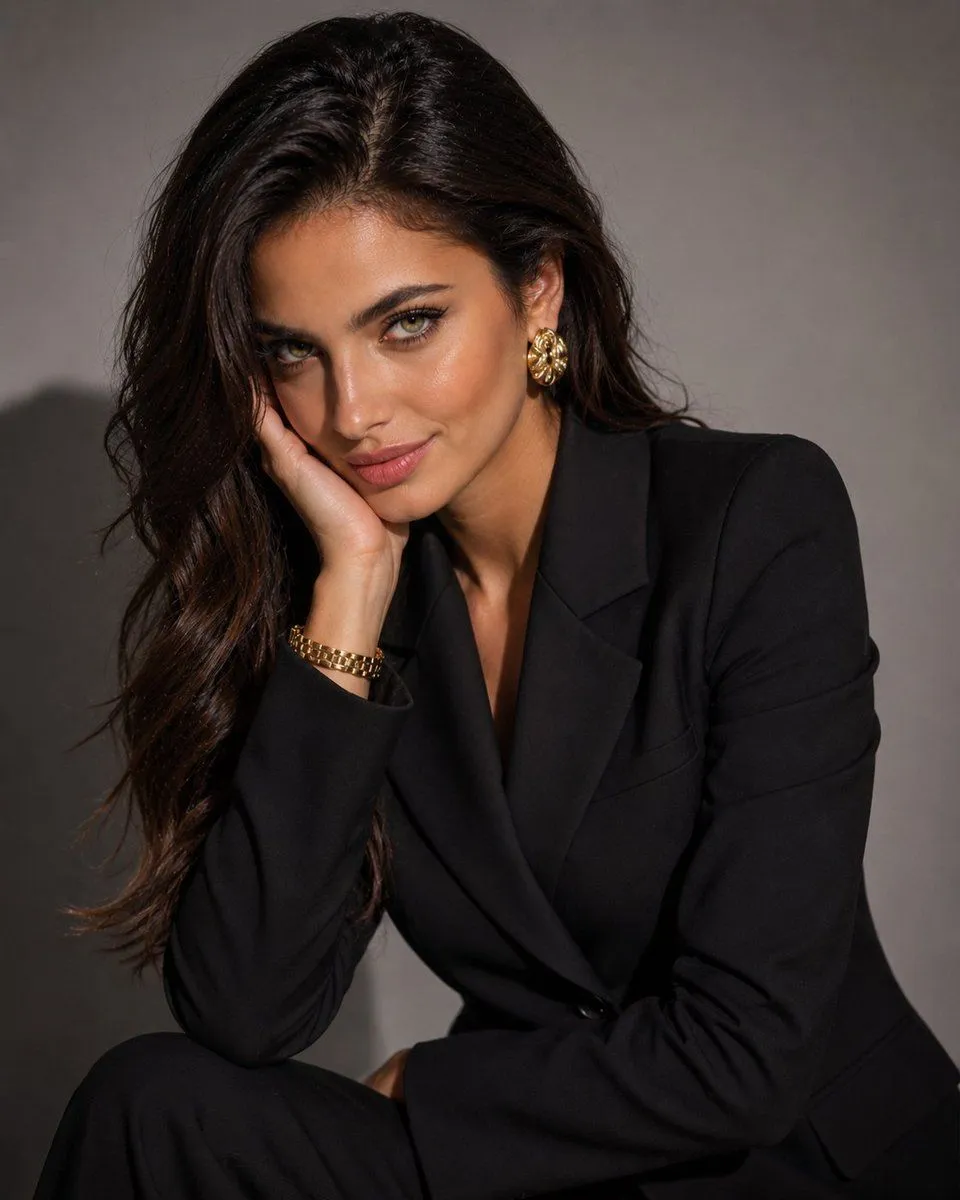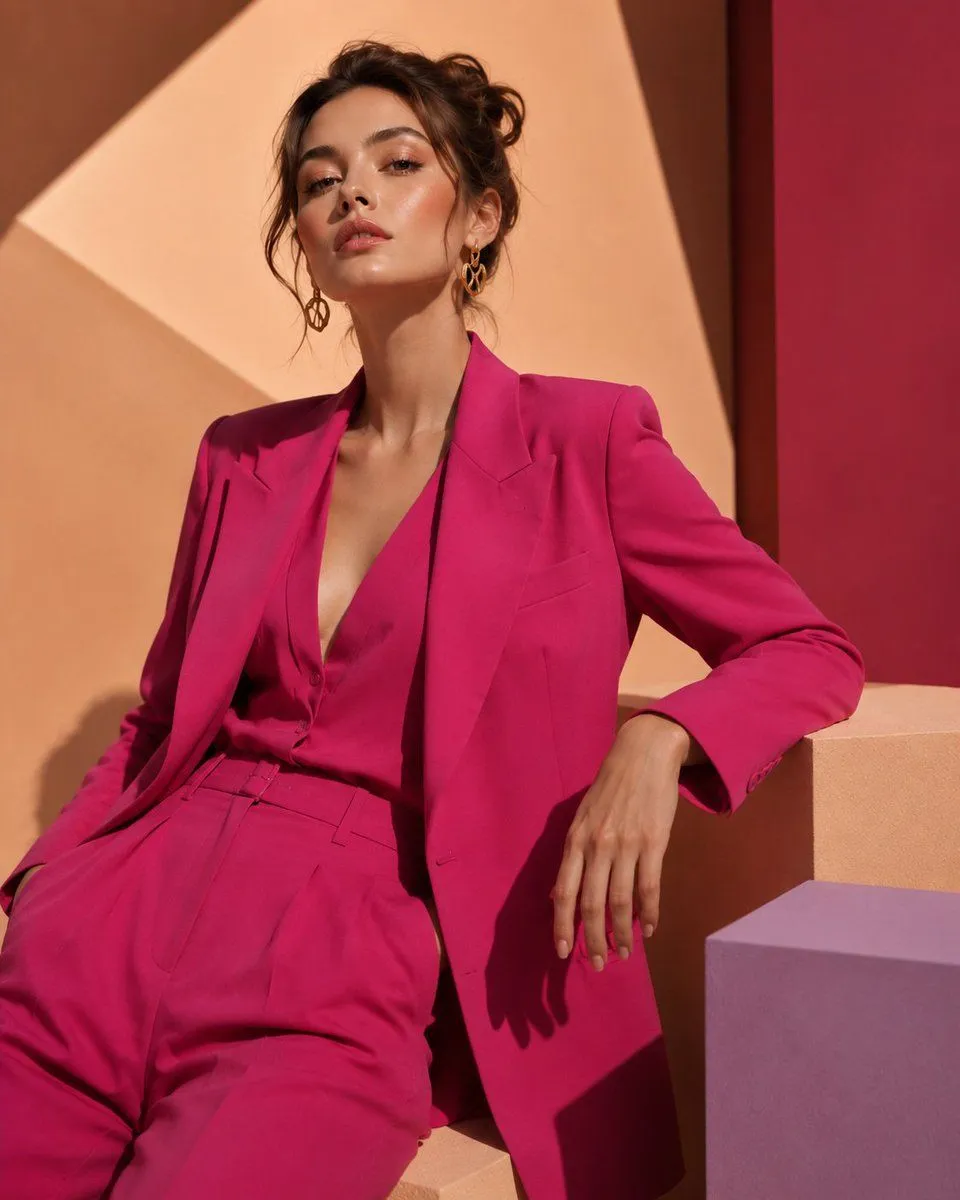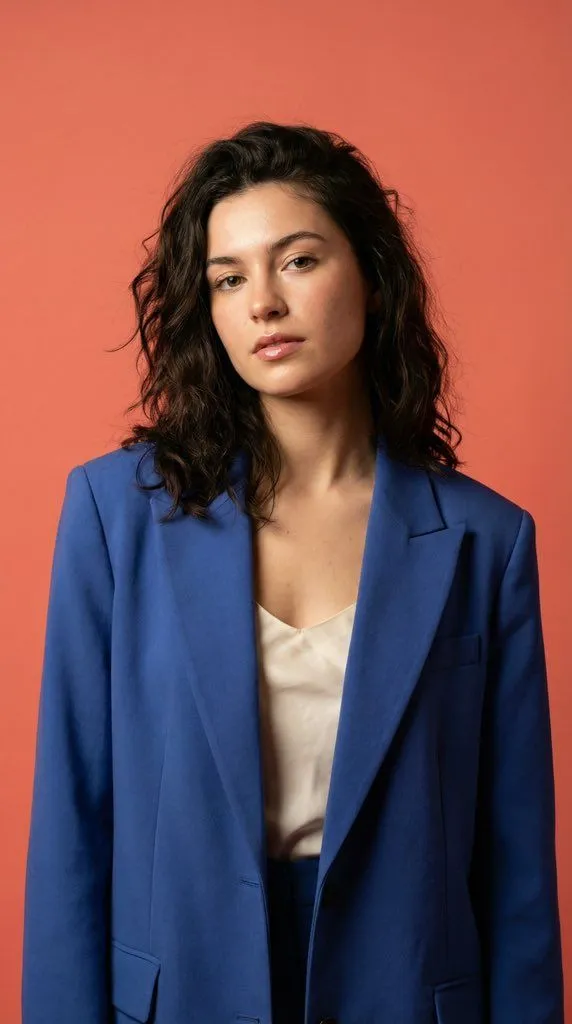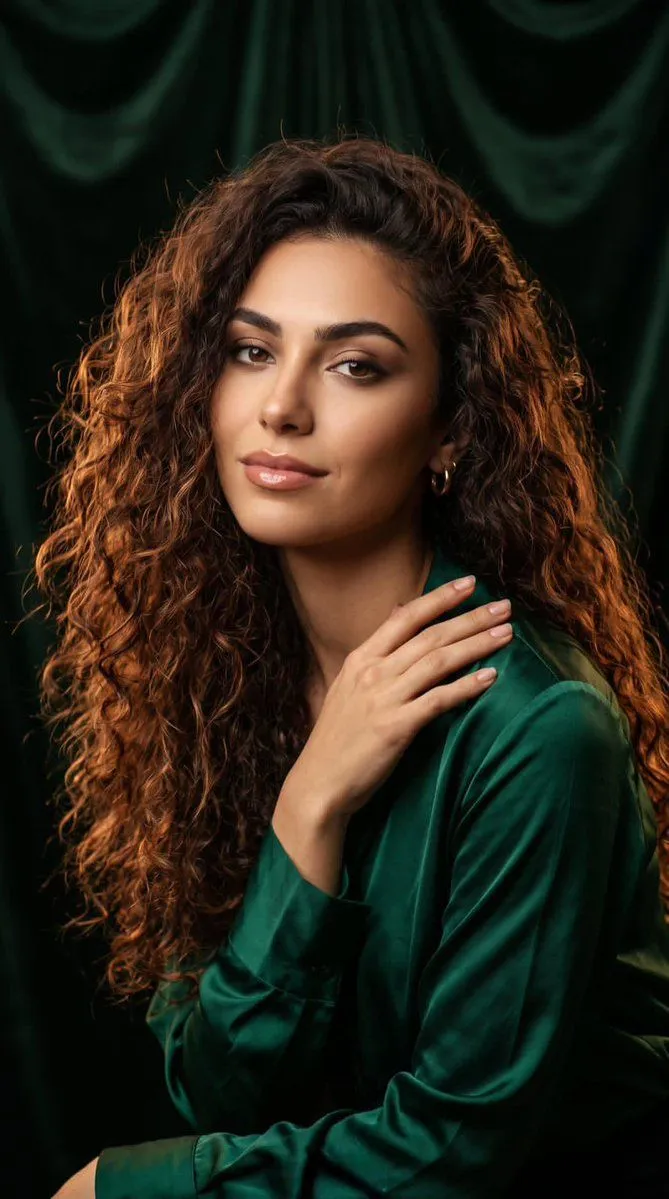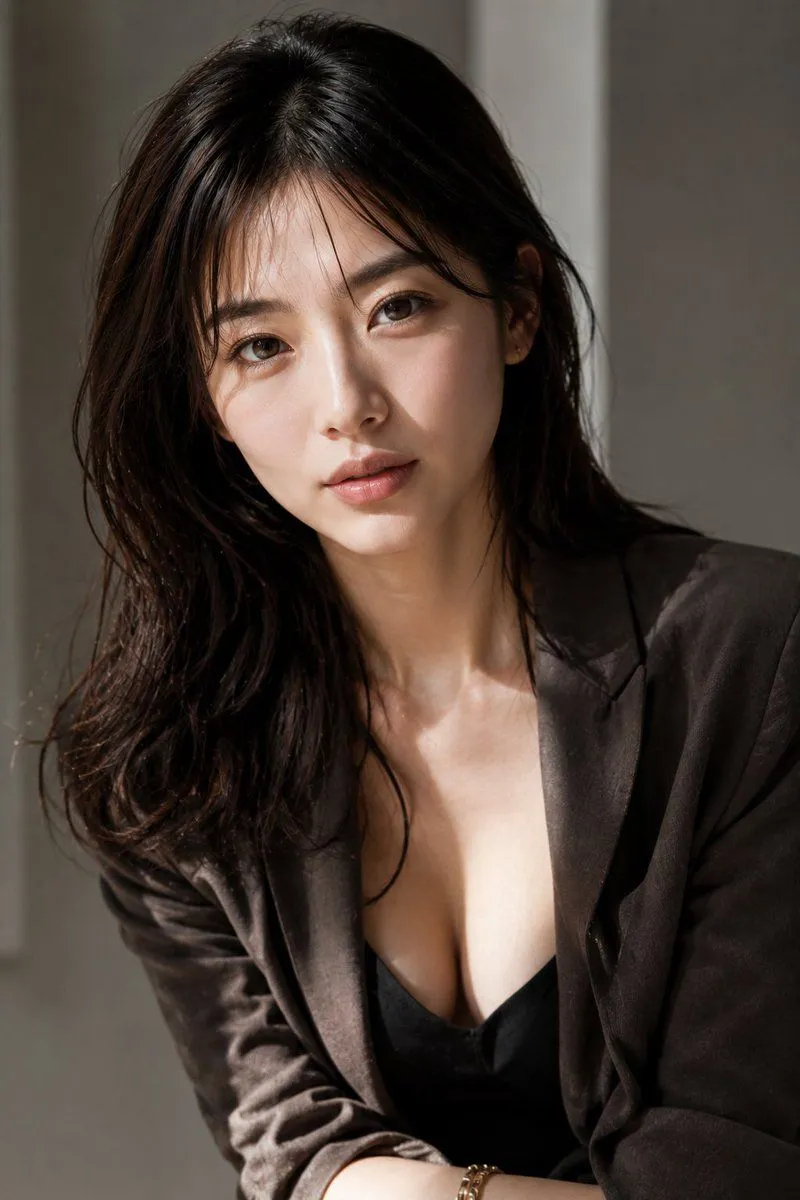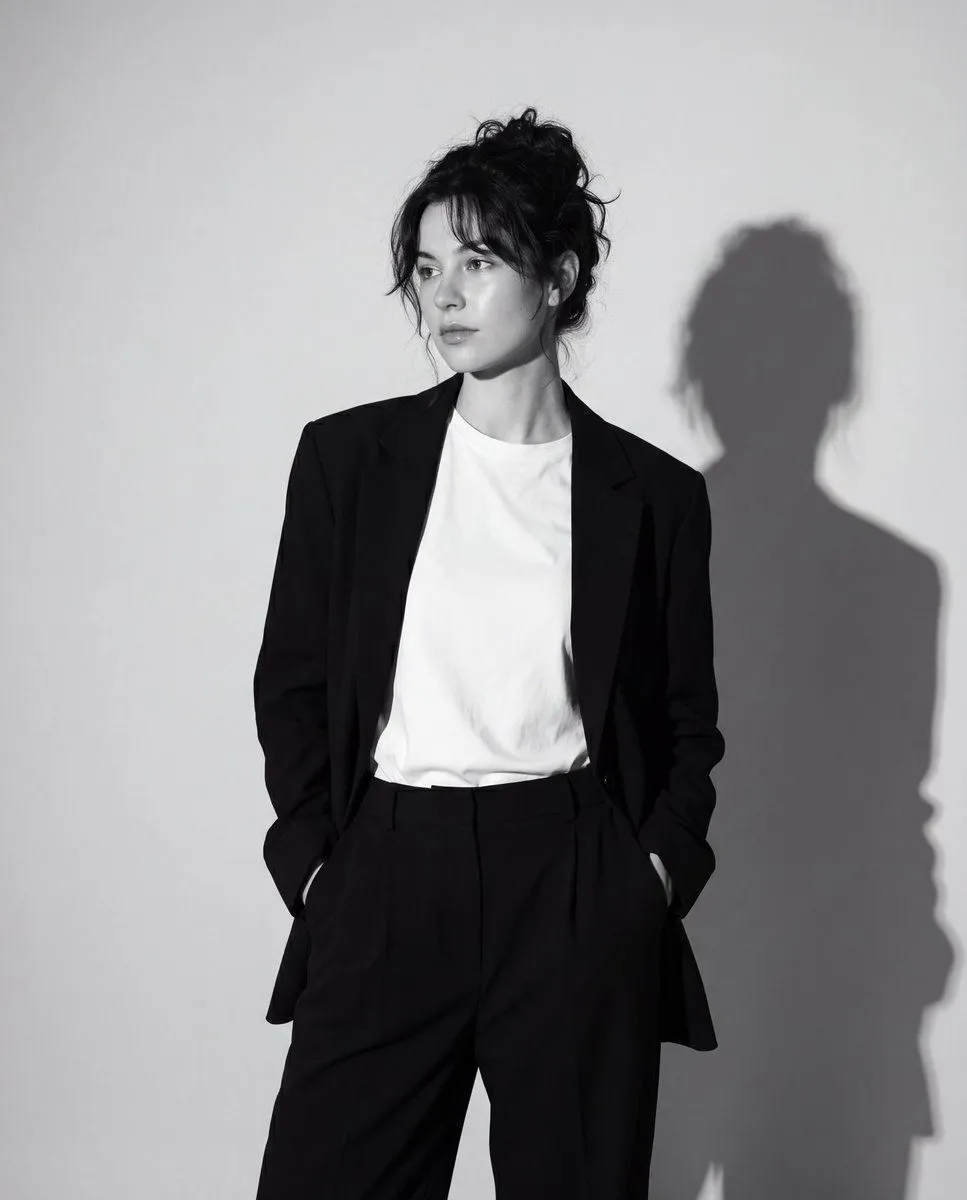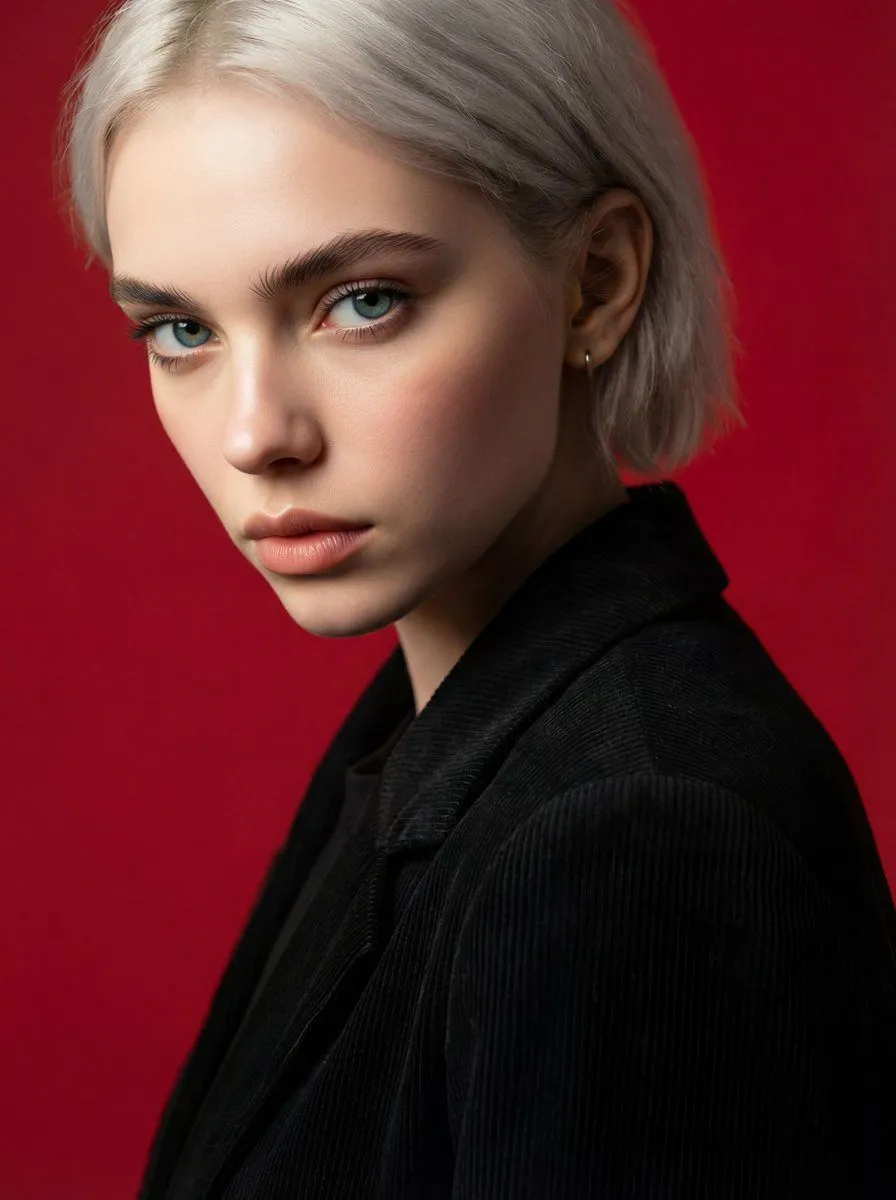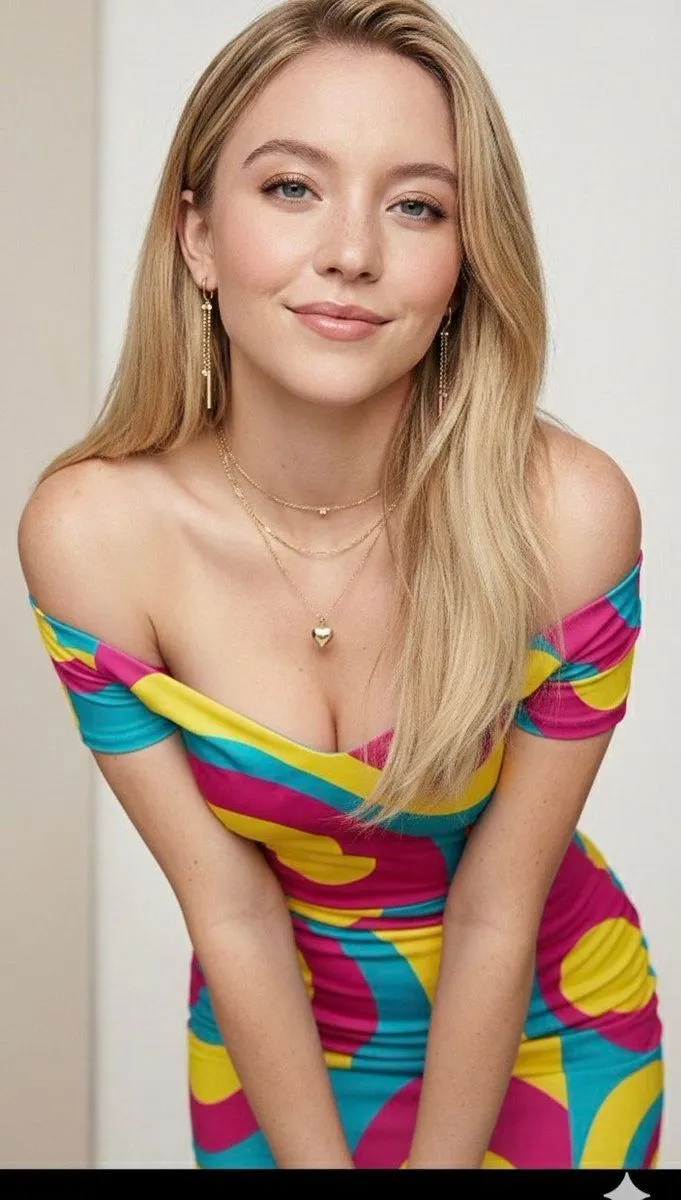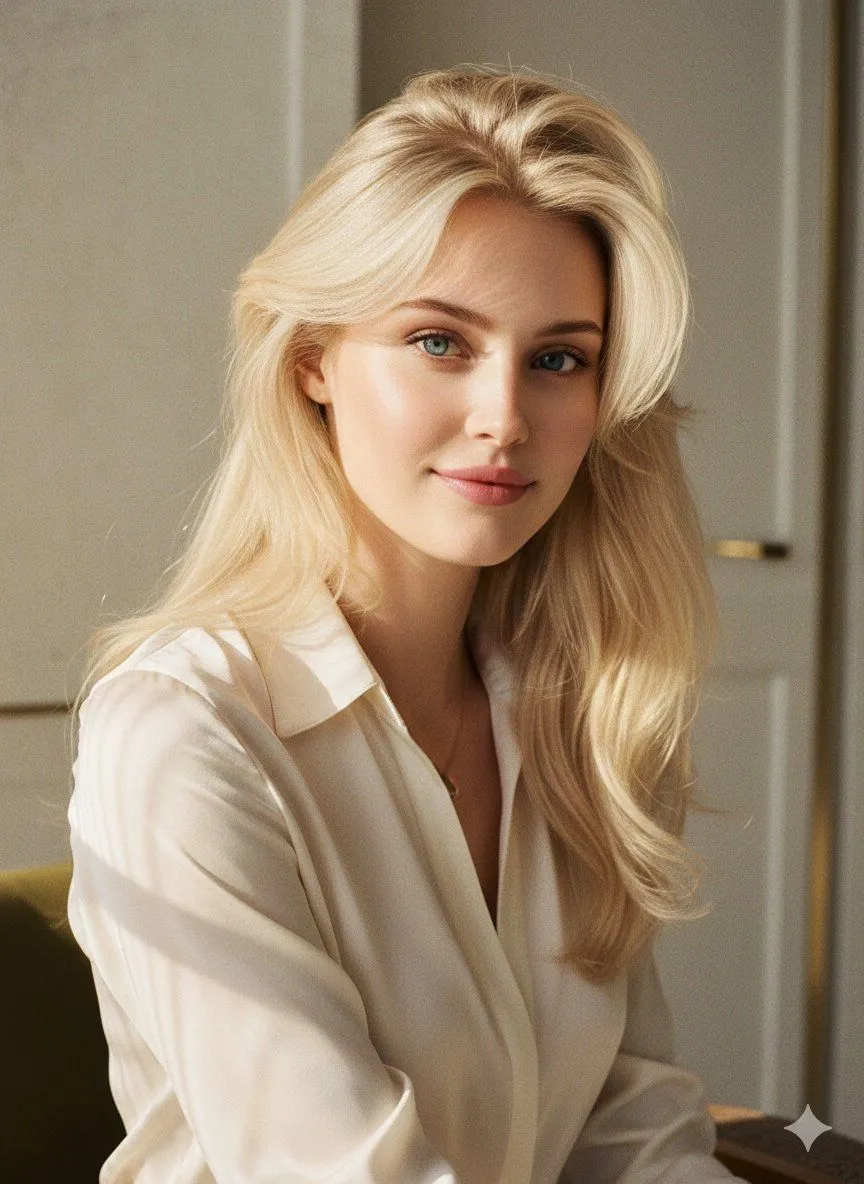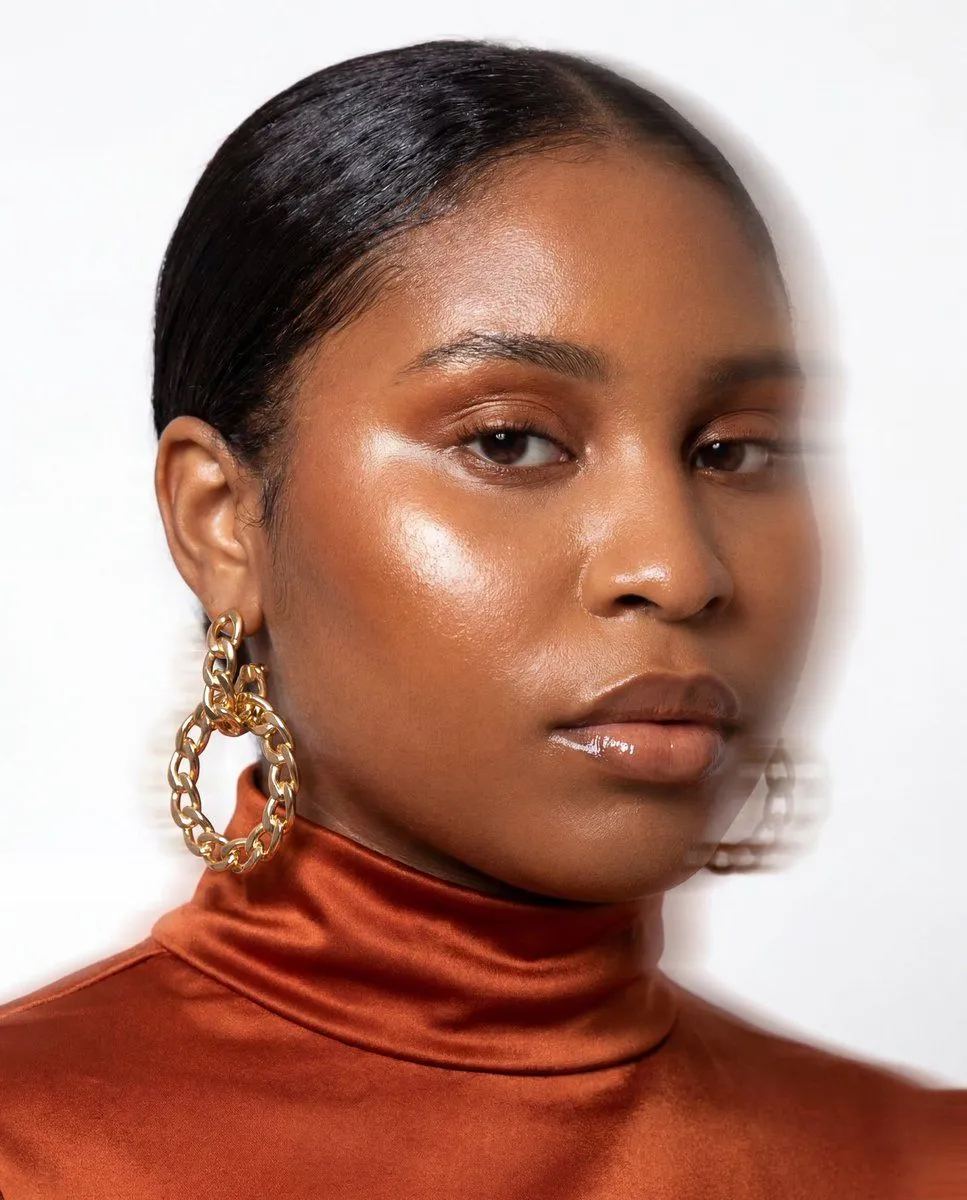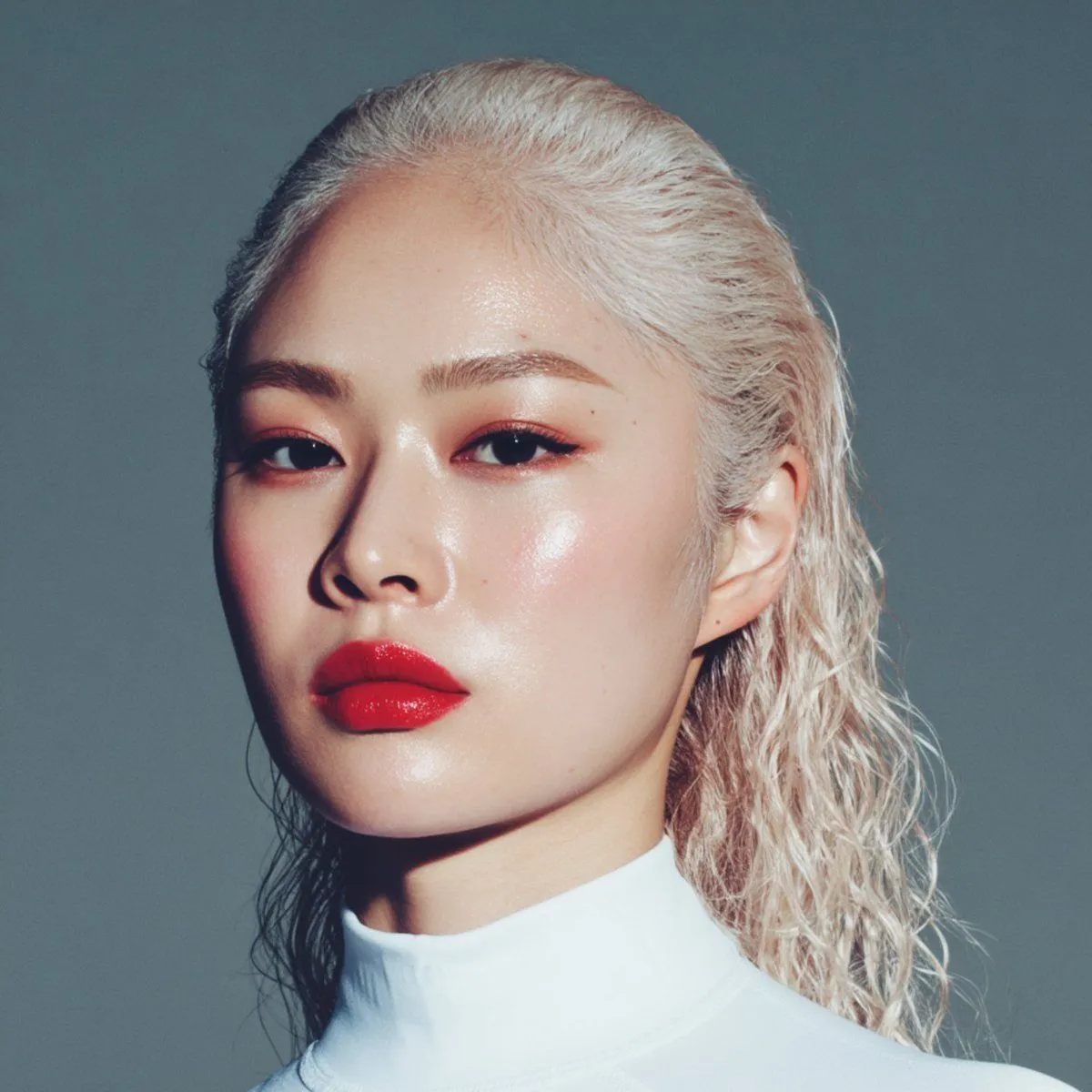
Made with GPT Image 2 in ChatGPT by Library Avatars. Promptclay never generates images.
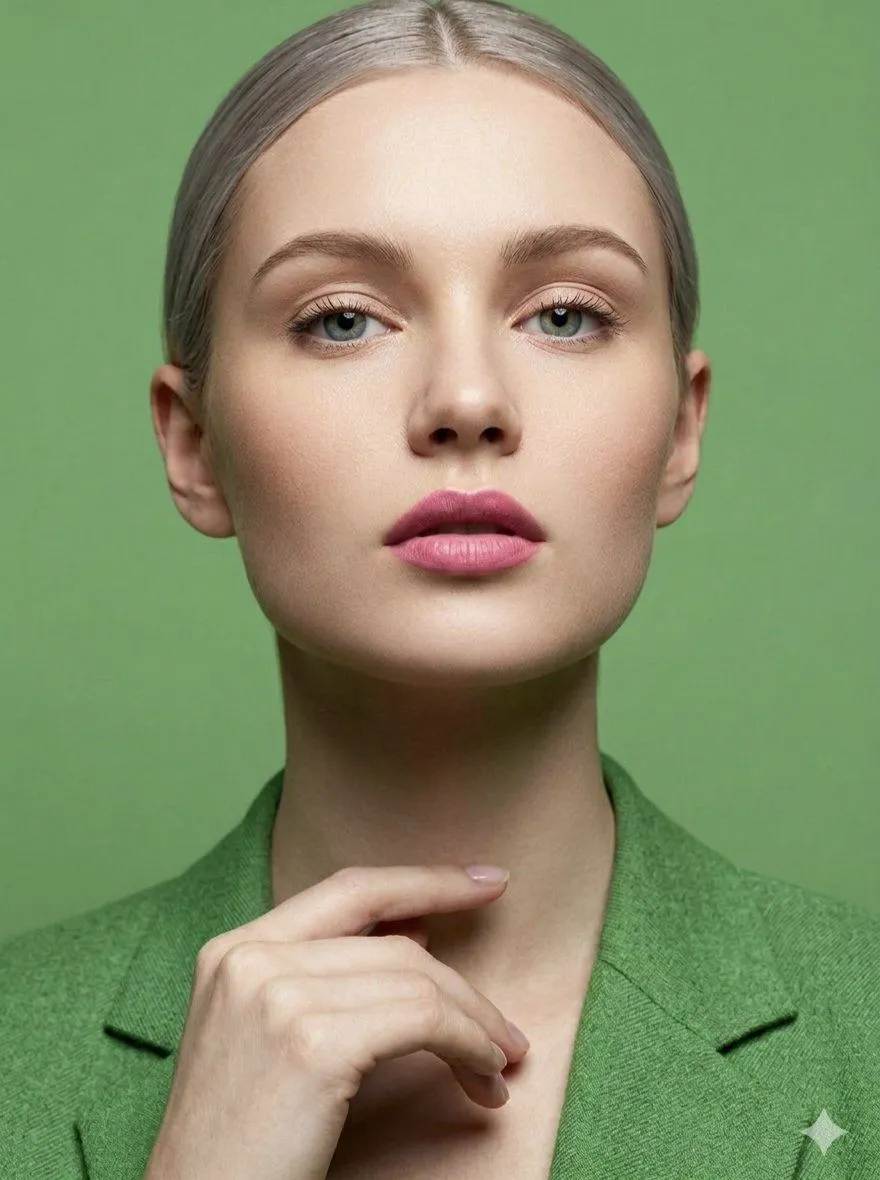
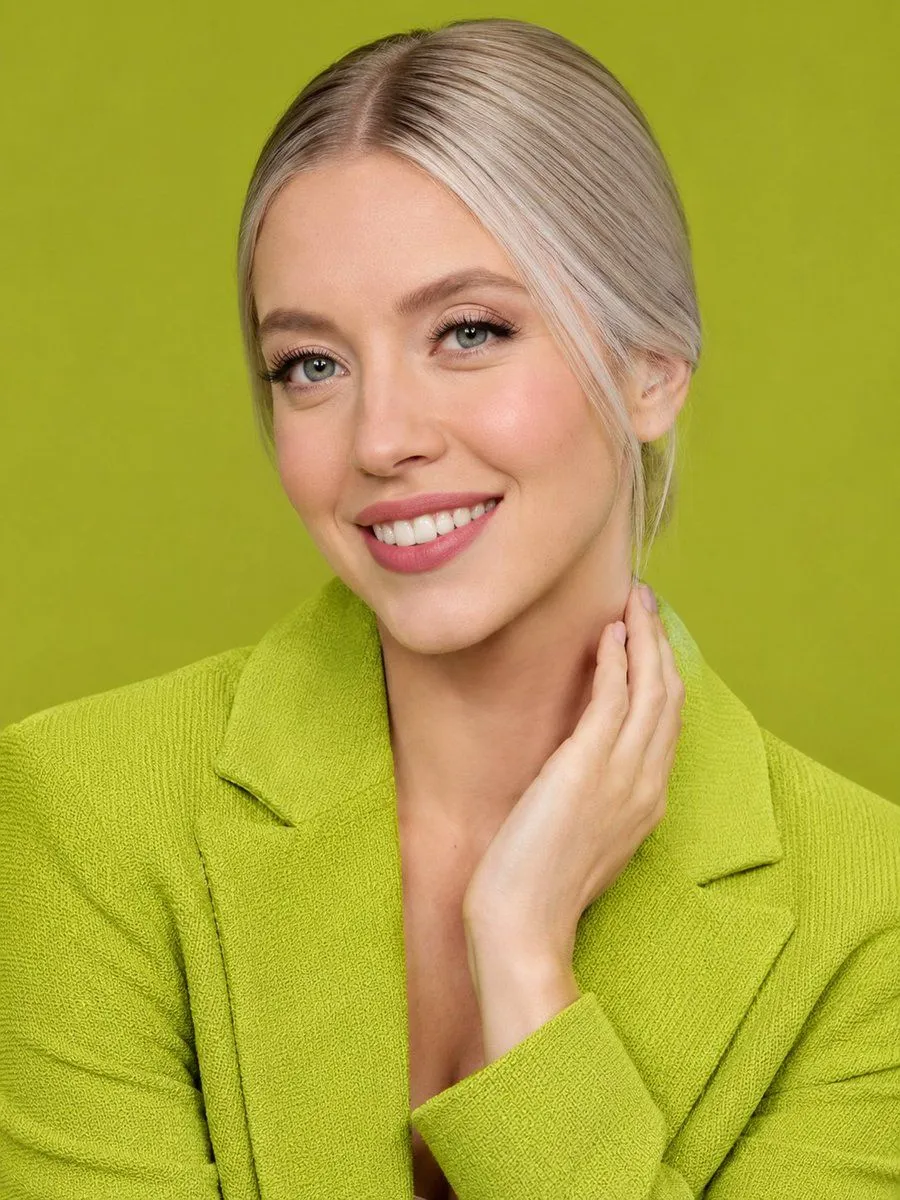
Lime Green Fashion Portrait
Prompt
4 blanks to fillCreate a high-resolution close-up studio portrait of a {subject} against a solid {background_color} background. She has sleek {hair_color} hair parted precisely down the middle and pulled back, with smooth strands tucked behind one ear. Frame her from the upper chest upward, facing forward, wearing an oversized textured {blazer_color} blazer with wide lapels and a deep neckline, matching the monochromatic background for a clean modern fashion-editorial look. Her right hand is posed gracefully along the side of her neck and jawline, fingers relaxed, with soft studio lighting that emphasizes the blazer’s woven texture and the glossy hair. Place a large opaque rectangular censor block over the central face area, covering the eyes, nose, mouth, and most facial features; the block should be a muted skin-tone gradient rectangle, leaving the hair, ear, neck, hand, shoulders, and clothing visible. Use sharp detail, realistic photography, centered composition, shallow depth of field, and polished commercial portrait styling.
Preview of your prompt
Create a high-resolution close-up studio portrait of a woman against a solid lime green background. She has sleek silver-blonde hair parted precisely down the middle and pulled back, with smooth strands tucked behind one ear. Frame her from the upper chest upward, facing forward, wearing an oversized textured lime green blazer with wide lapels and a deep neckline, matching the monochromatic background for a clean modern fashion-editorial look. Her right hand is posed gracefully along the side of her neck and jawline, fingers relaxed, with soft studio lighting that emphasizes the blazer’s woven texture and the glossy hair. Place a large opaque rectangular censor block over the central face area, covering the eyes, nose, mouth, and most facial features; the block should be a muted skin-tone gradient rectangle, leaving the hair, ear, neck, hand, shoulders, and clothing visible. Use sharp detail, realistic photography, centered composition, shallow depth of field, and polished commercial portrait styling.
DetailsVersions, settings and questions
Written for
What's in the prompt
- Subject
- Model
- GPT Image 2
If your face changes
keep my face exactly the sameQuestions
- Does this work in the ChatGPT app?
- Yes. Paste the prompt and attach your photo if it uses one.
- It changed my face. What do I do?
- Add "keep my face exactly the same" to the end and run it again.
- Can I use the images I make?
- Check the terms of the app you use. Promptclay never generates images and claims nothing you make.