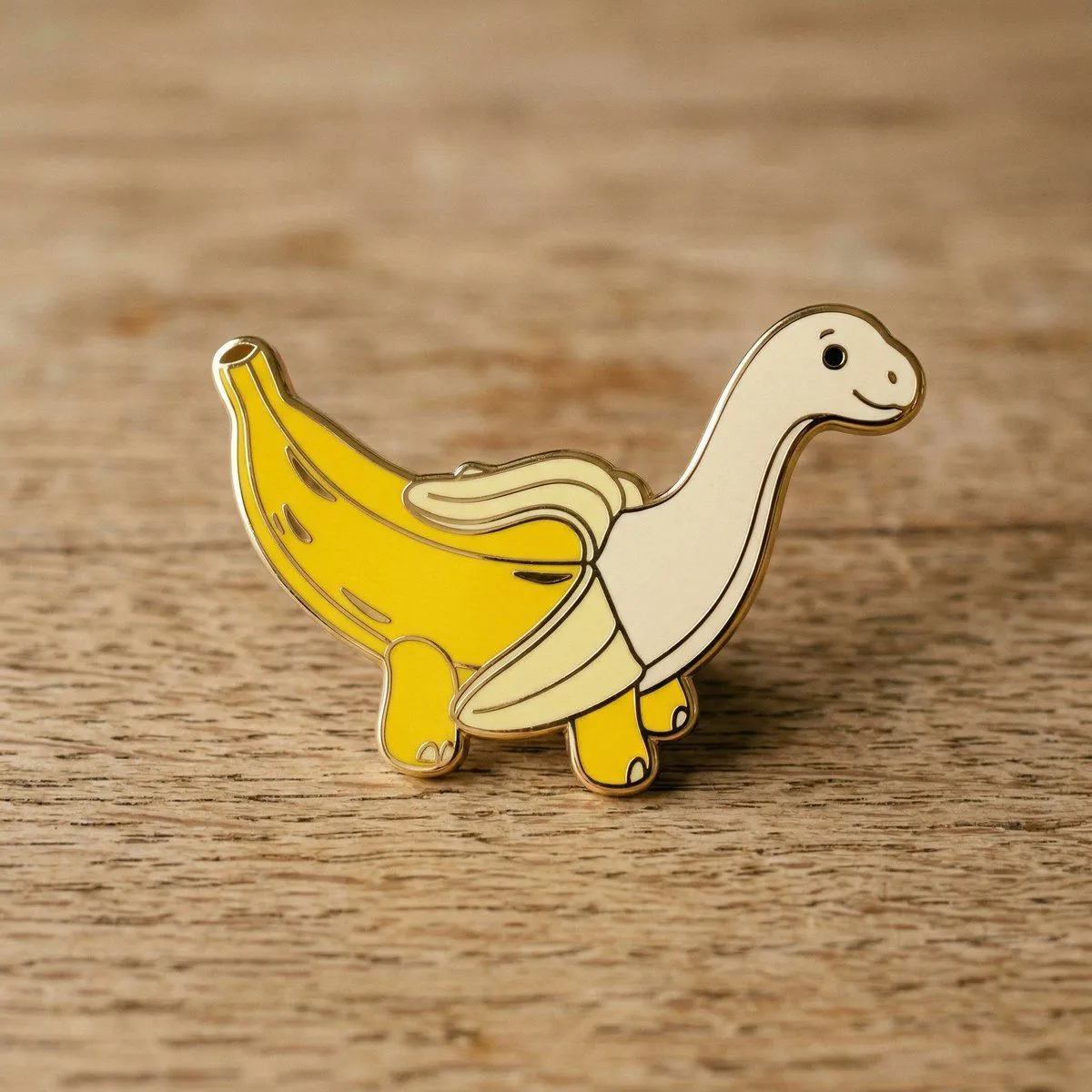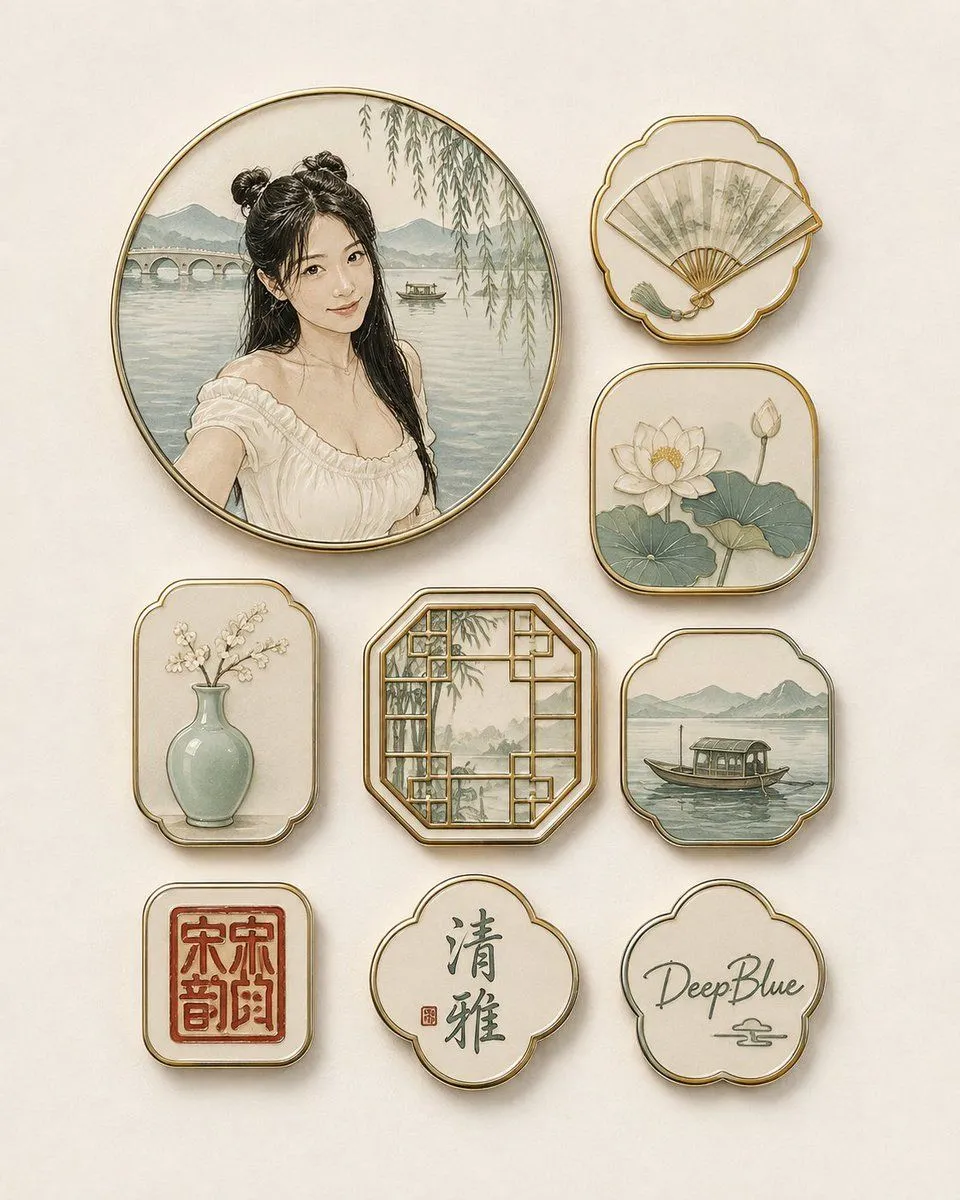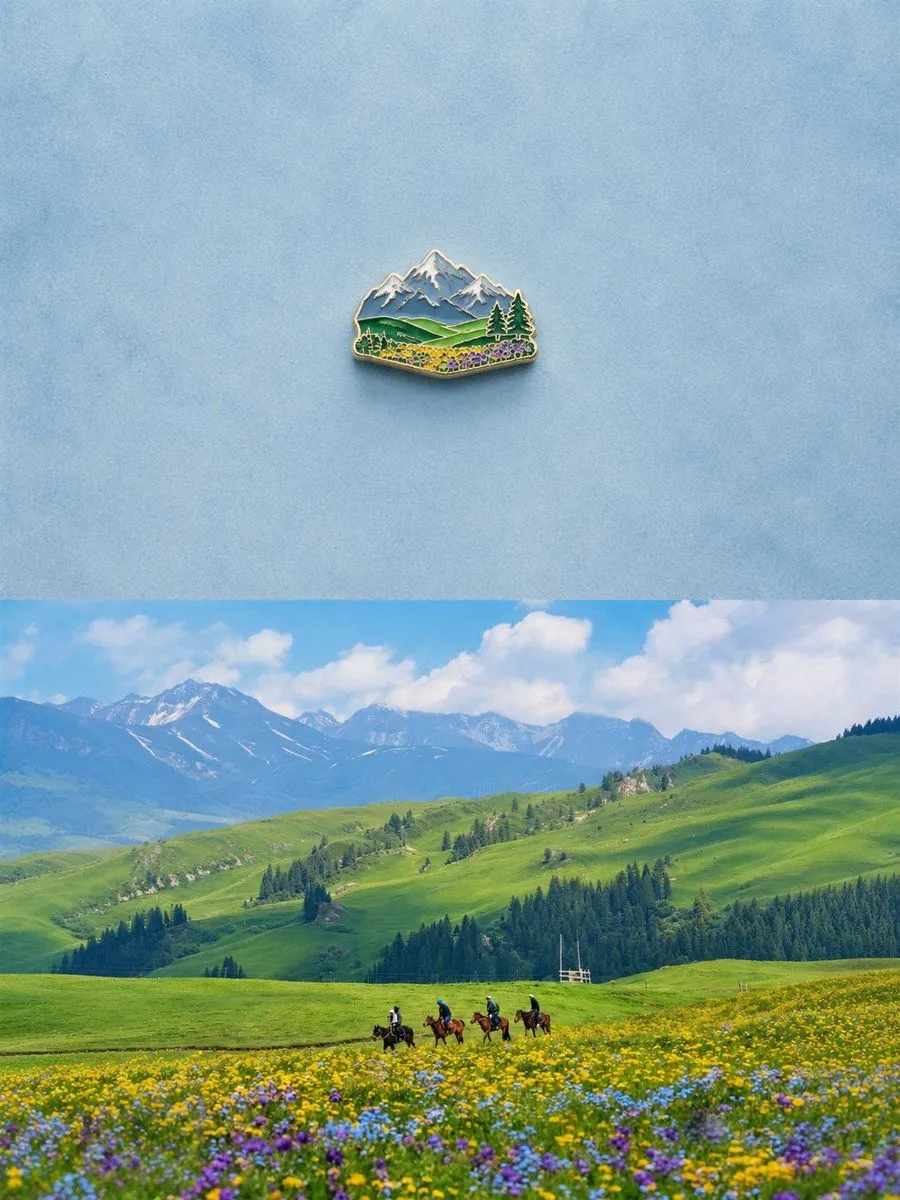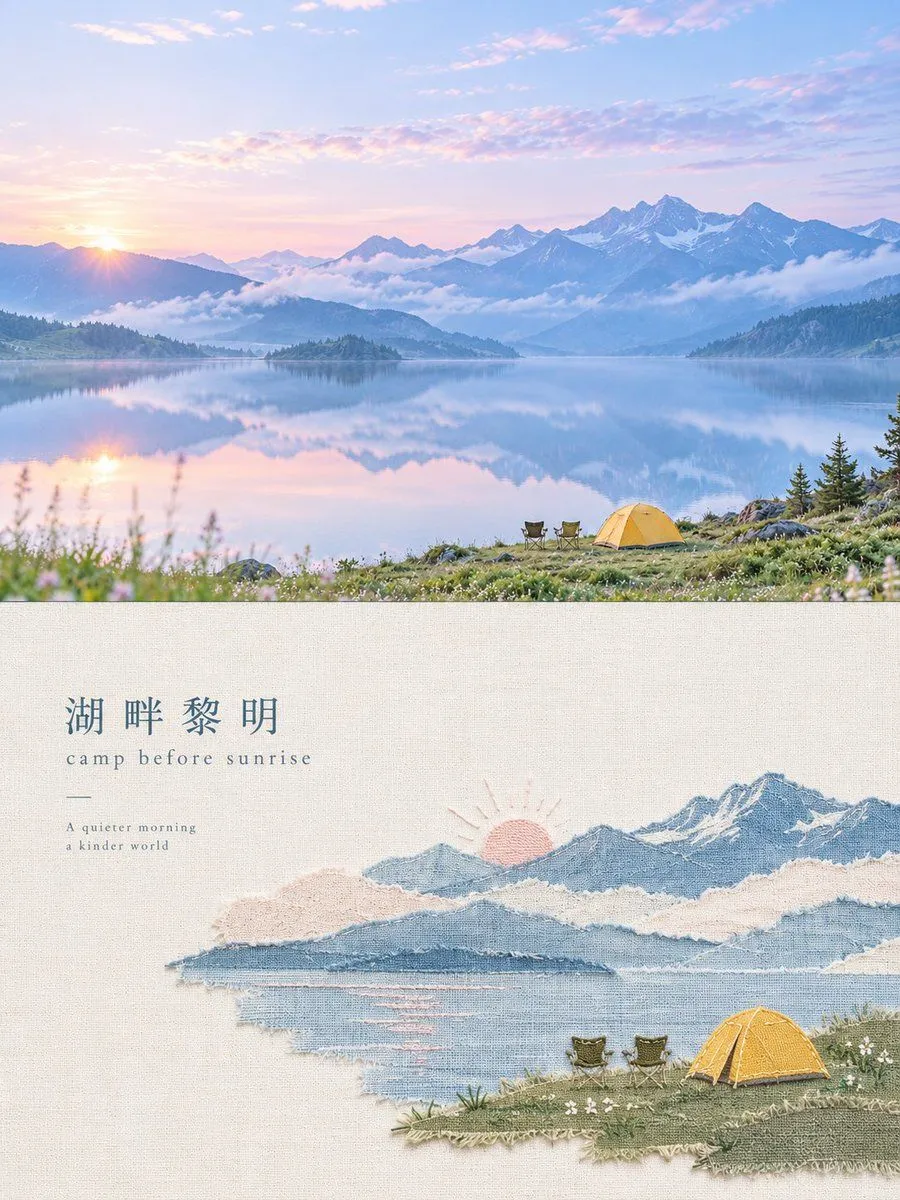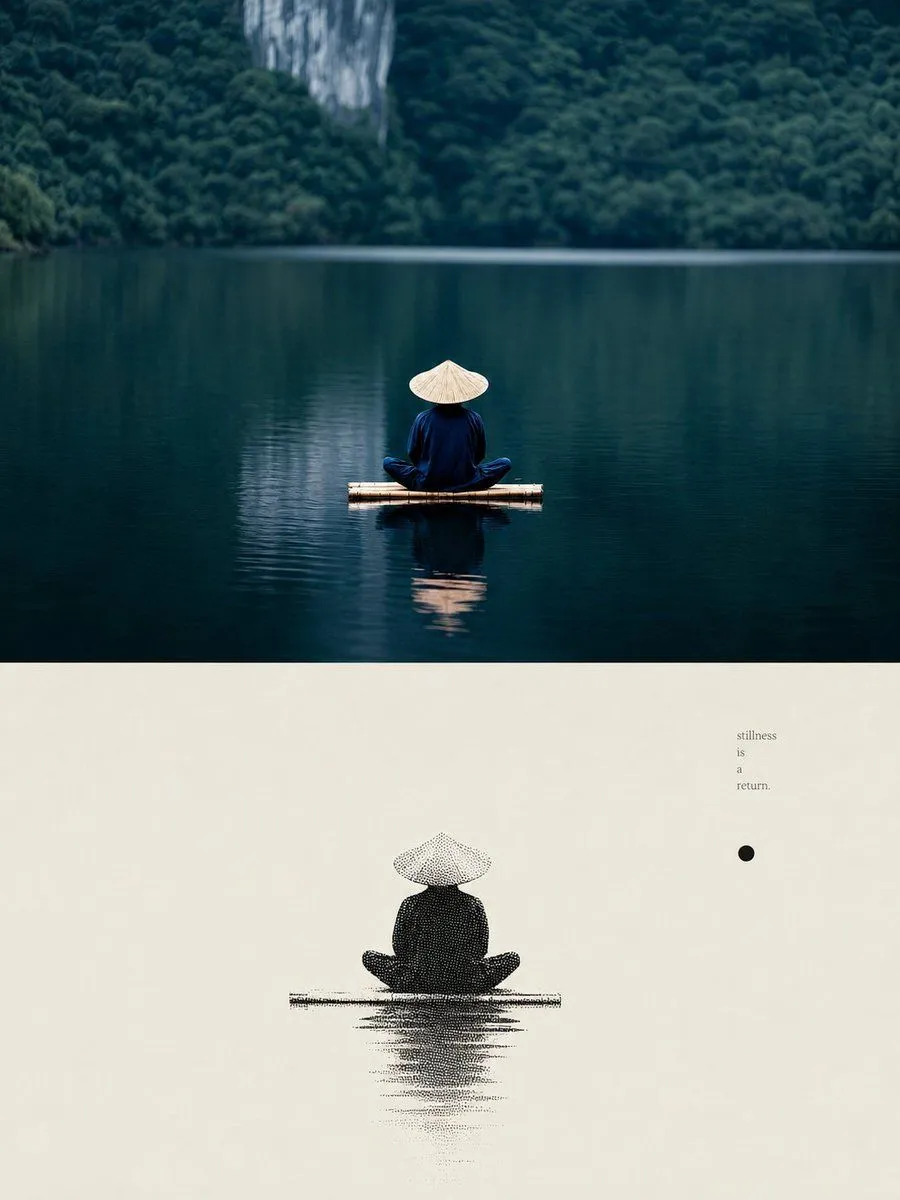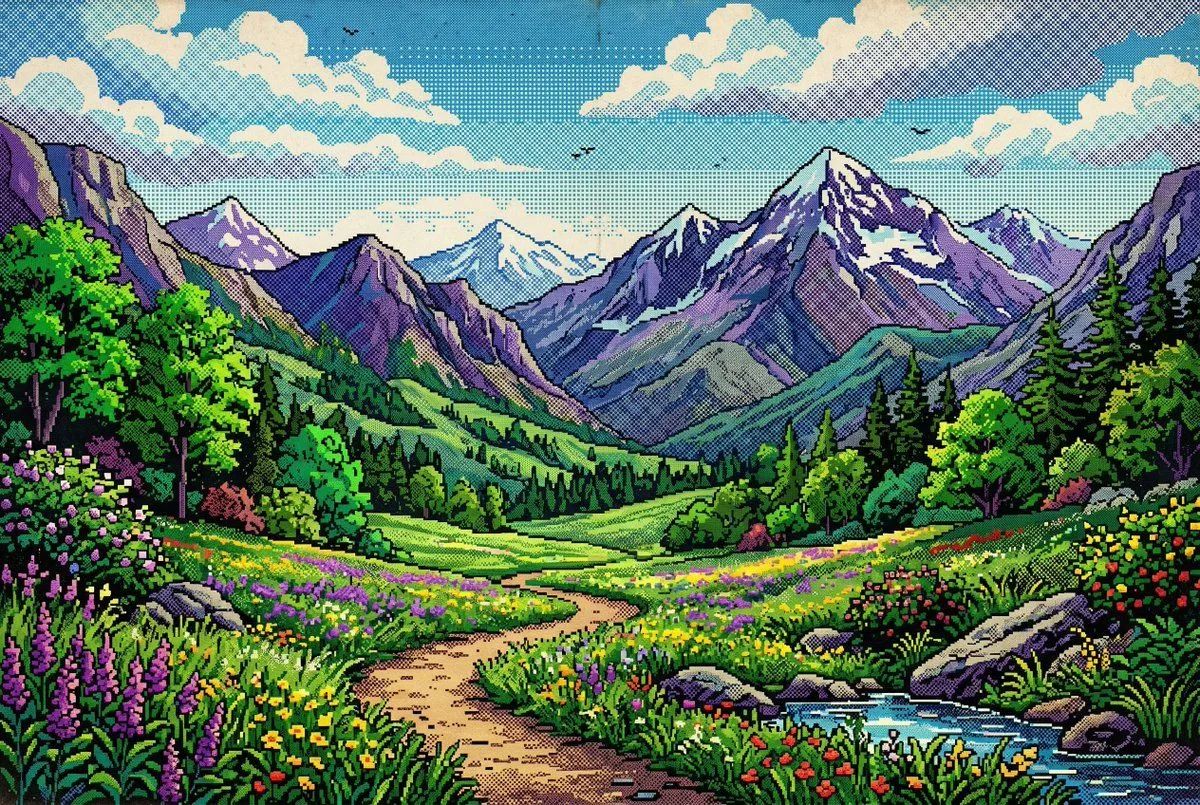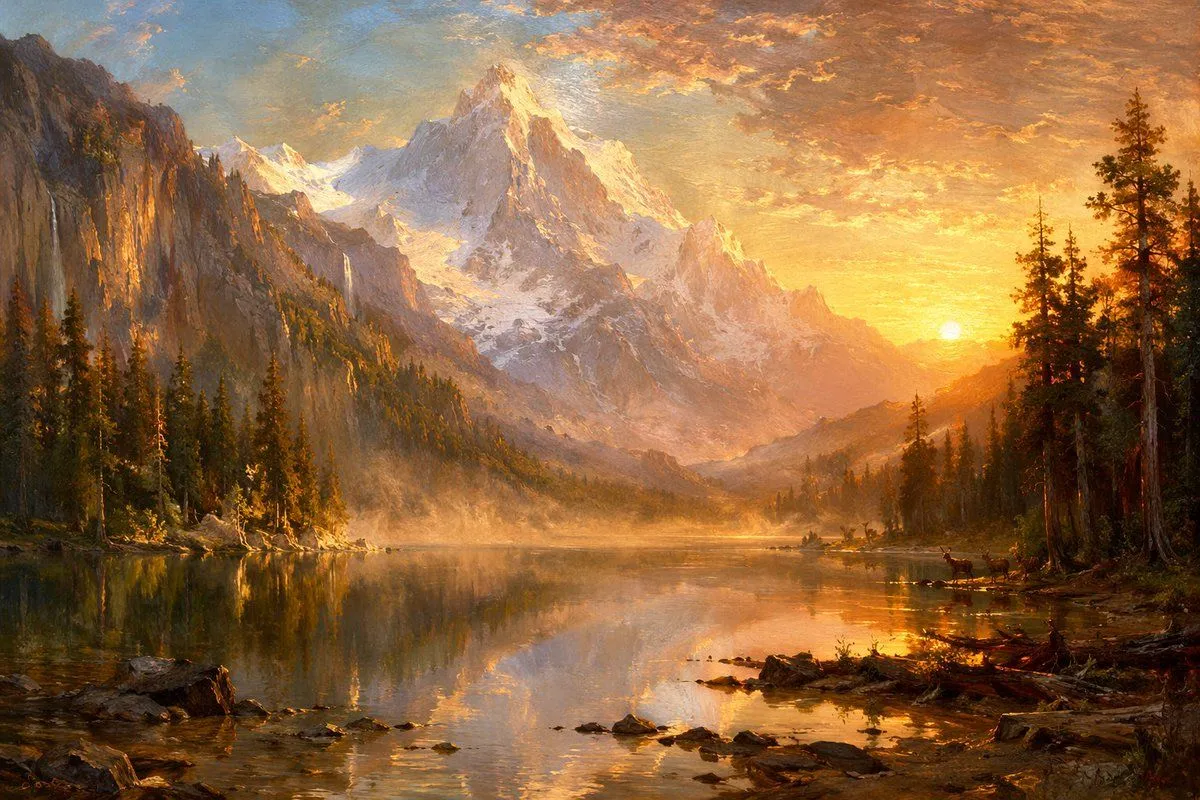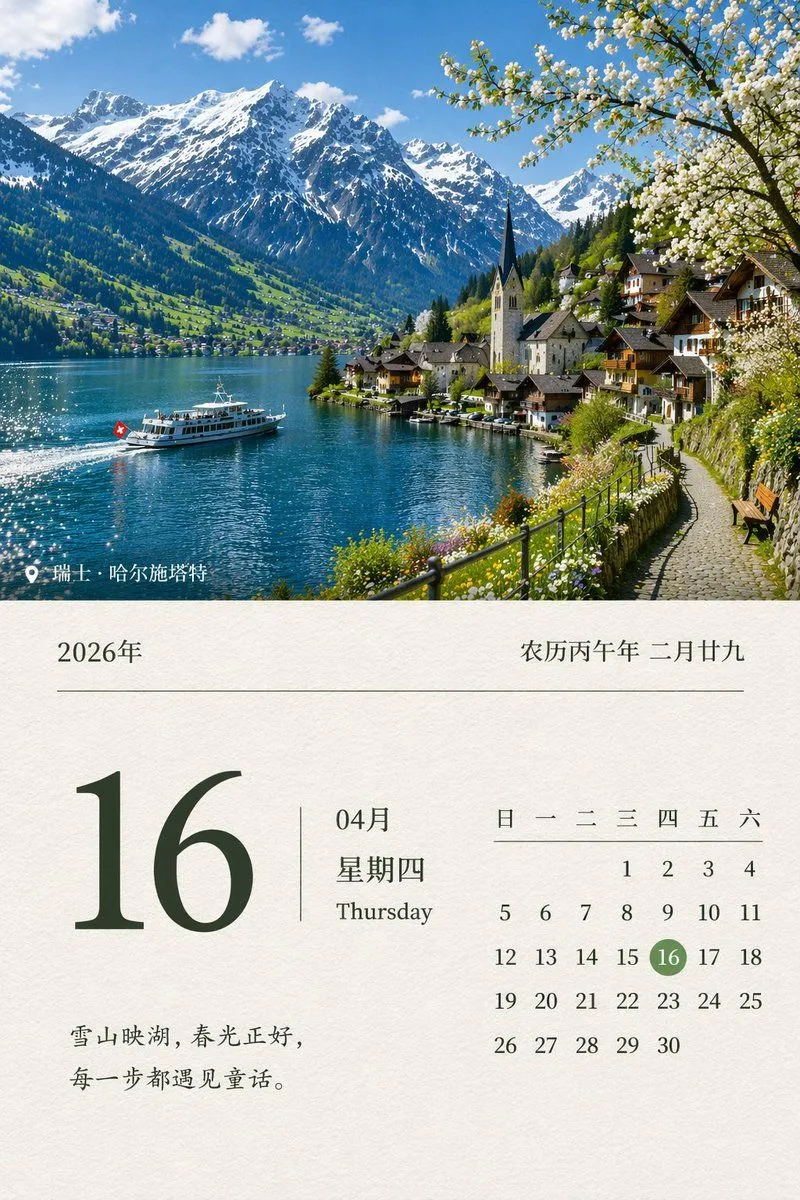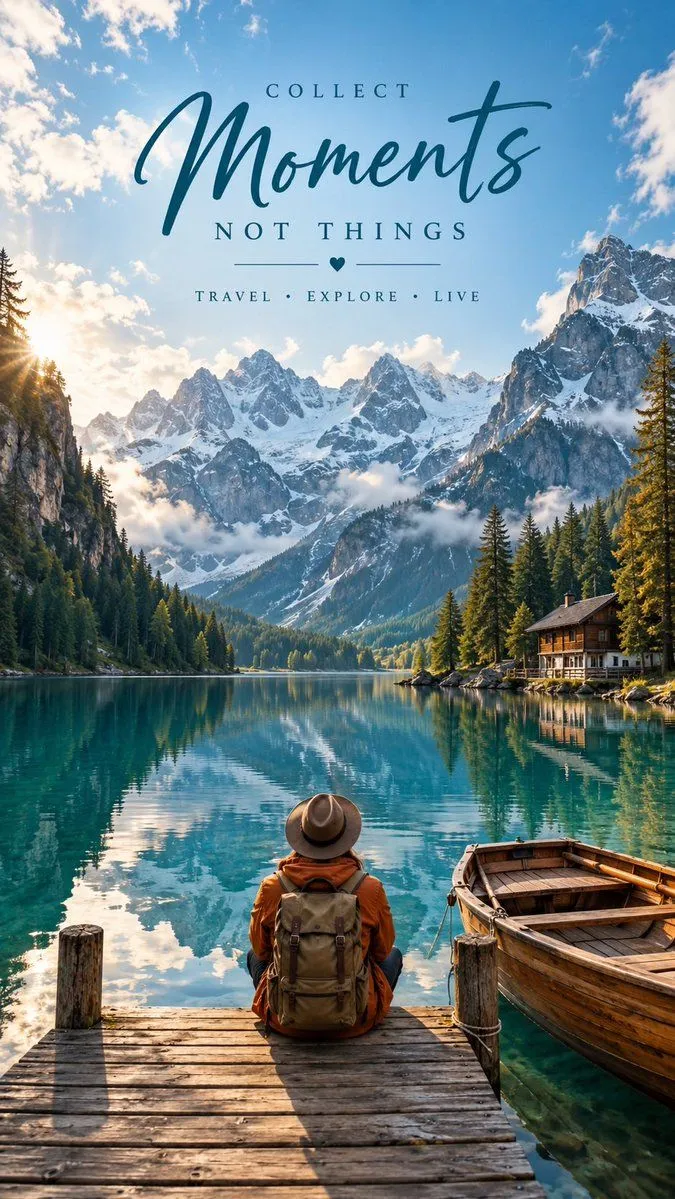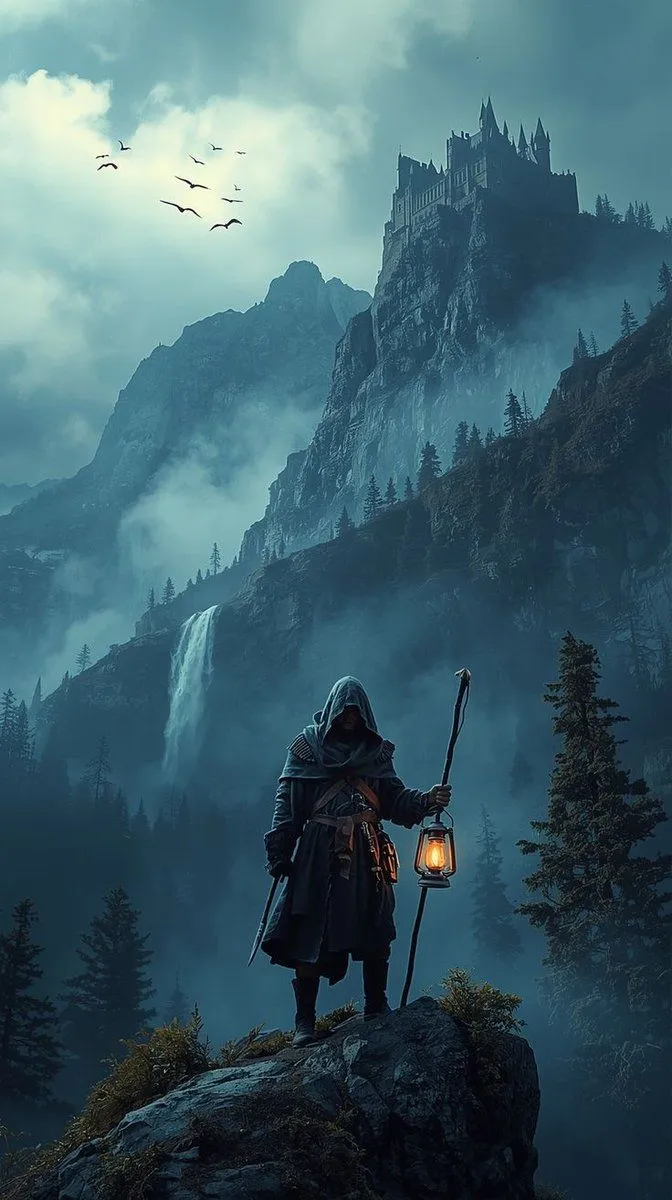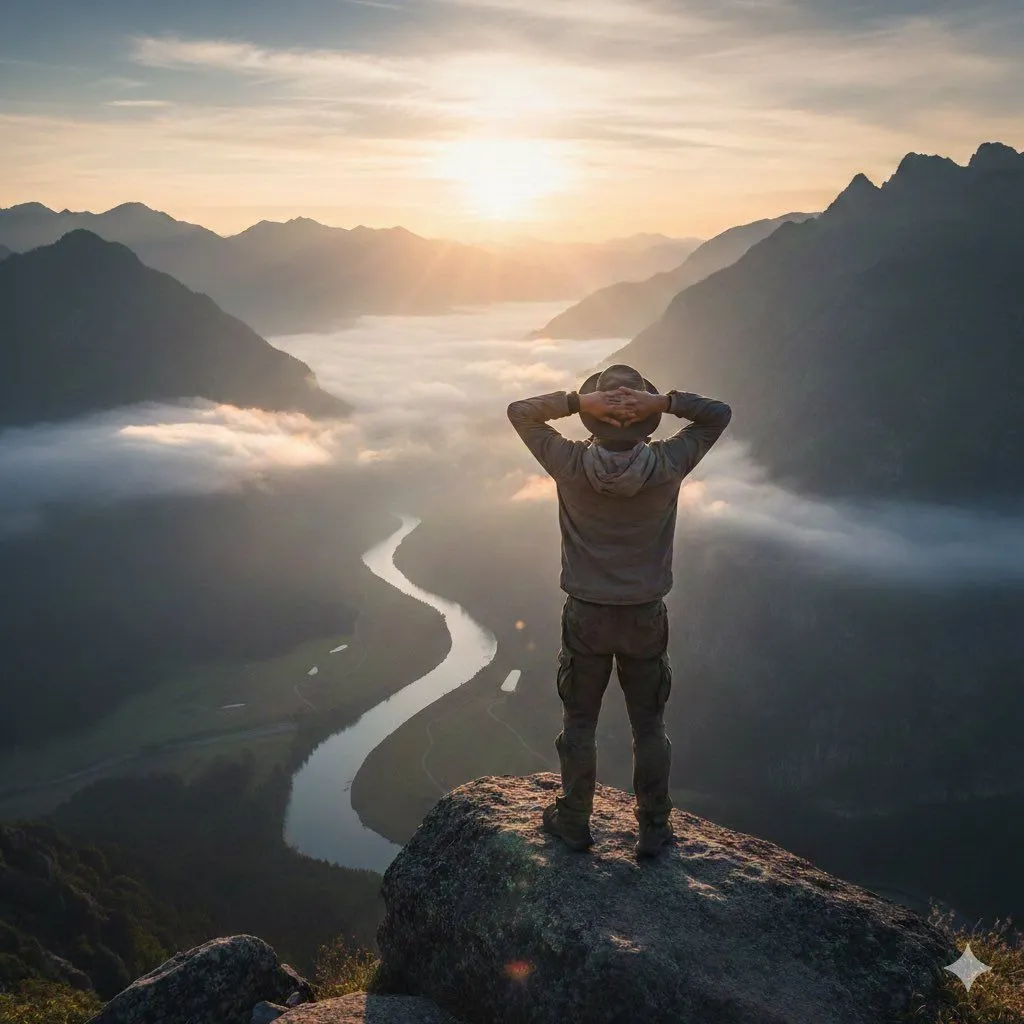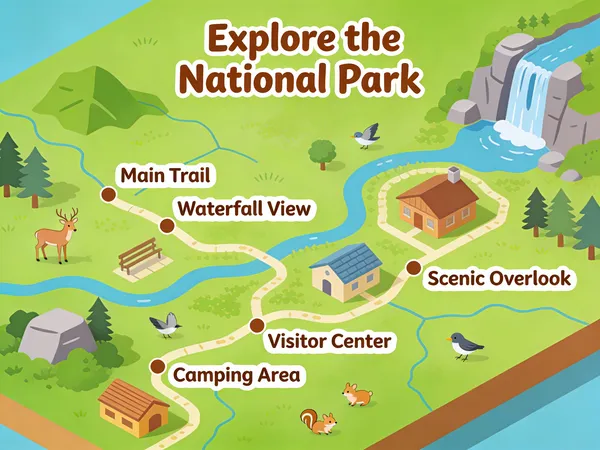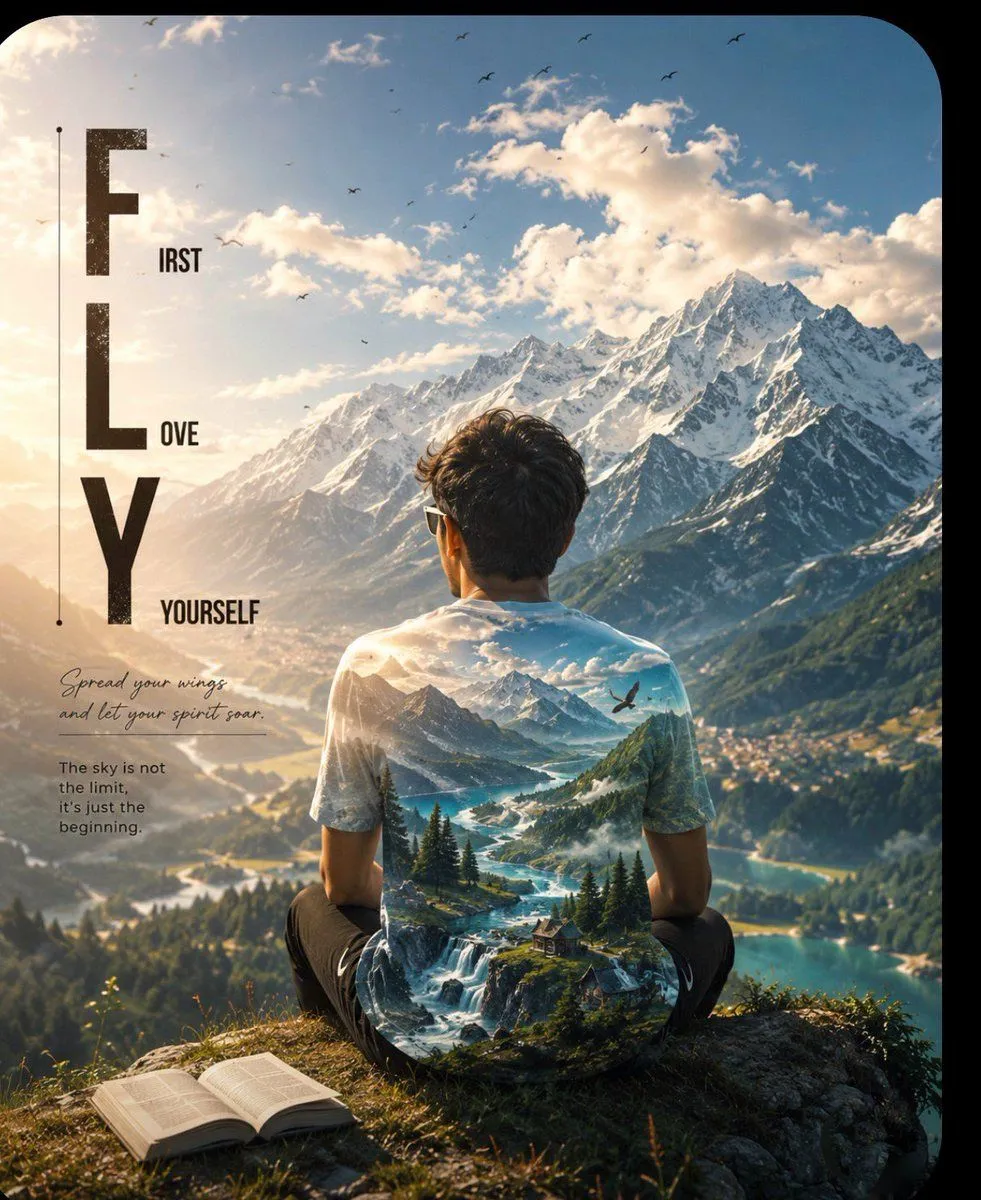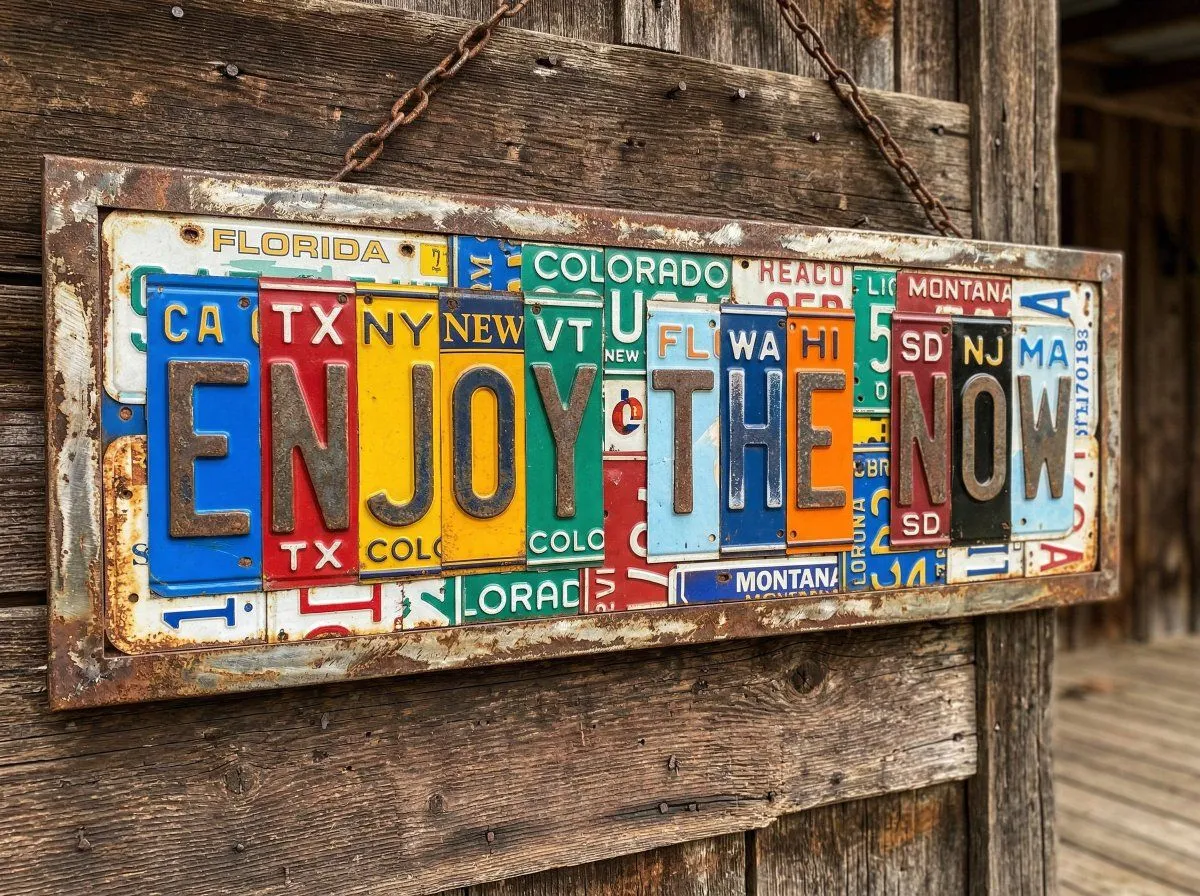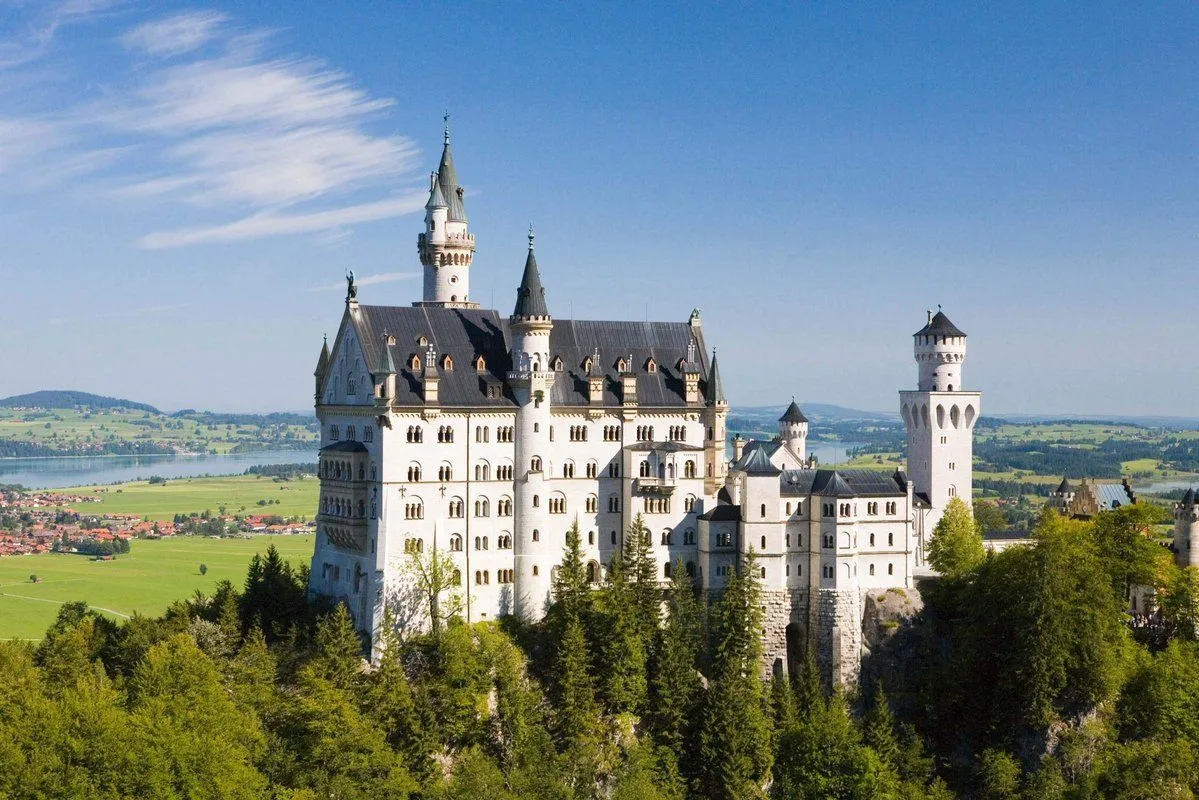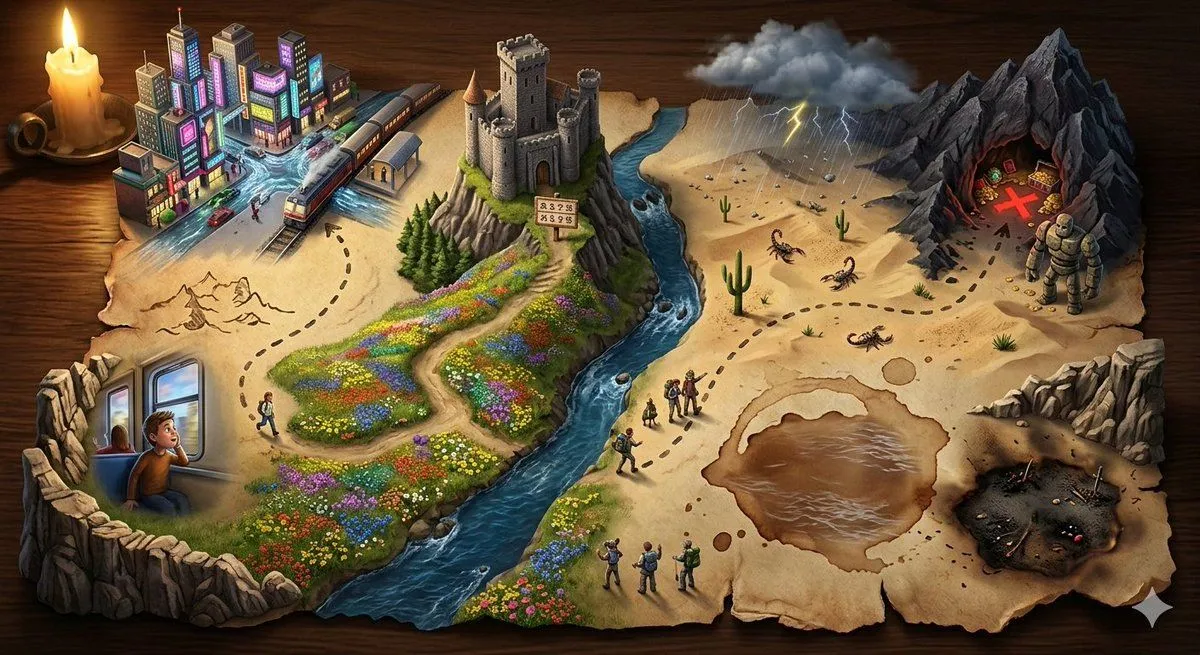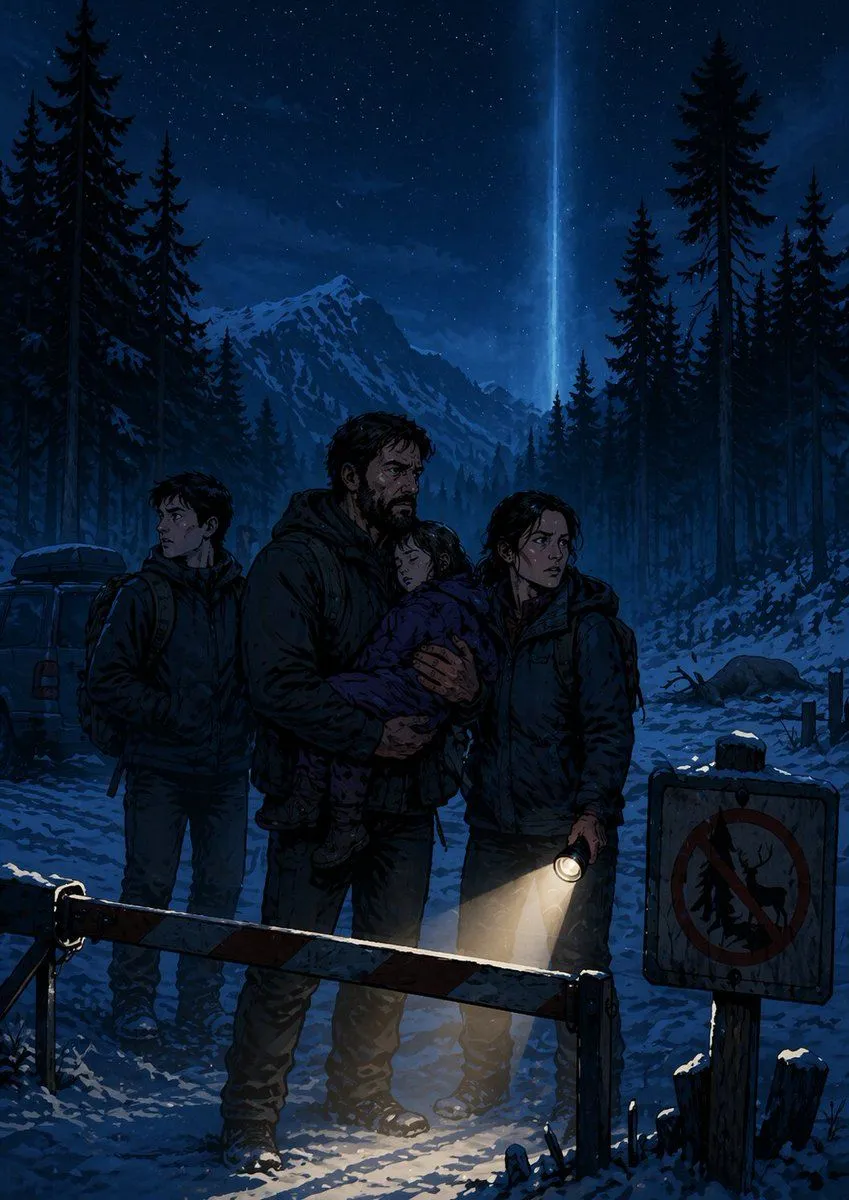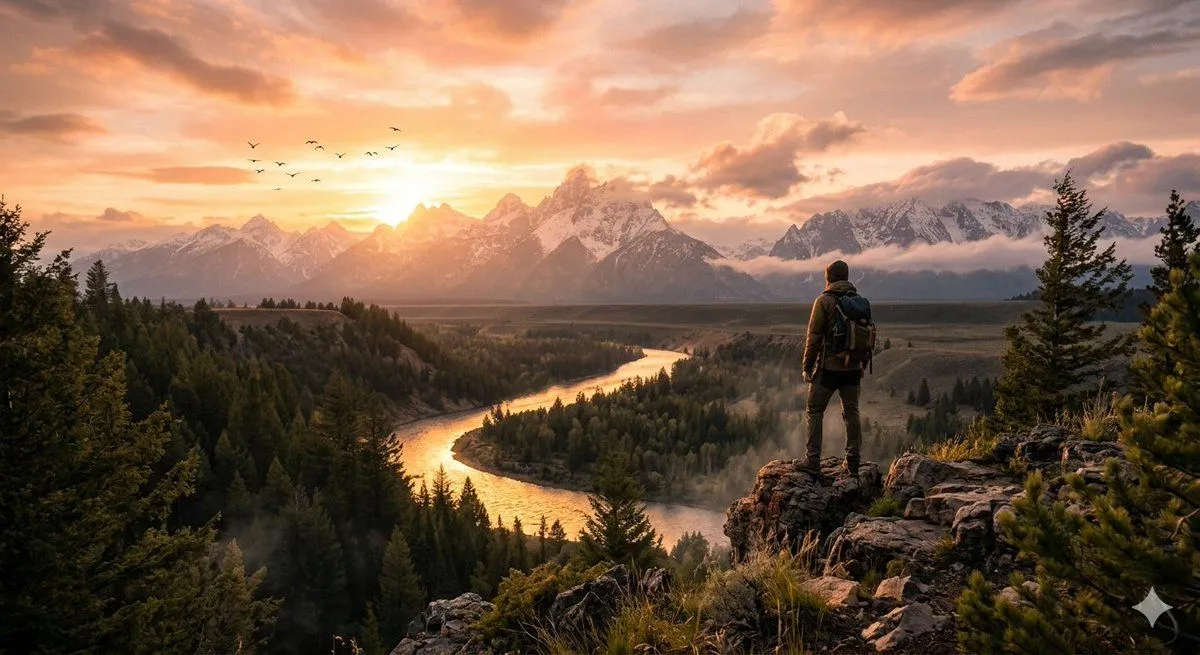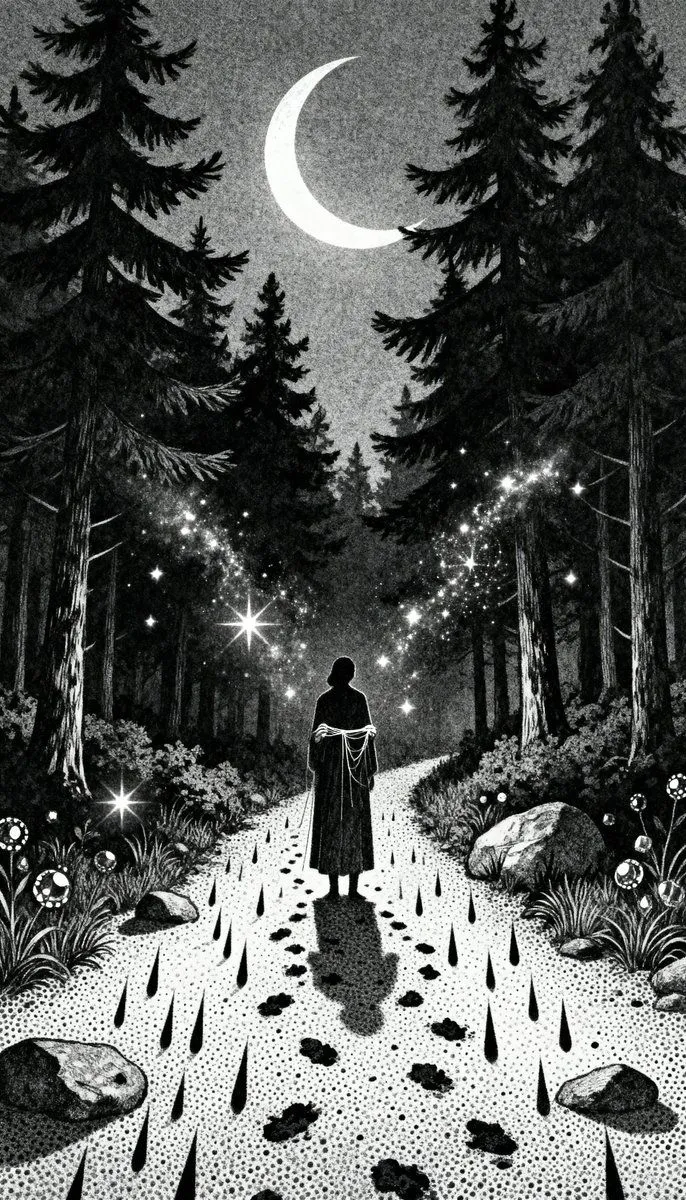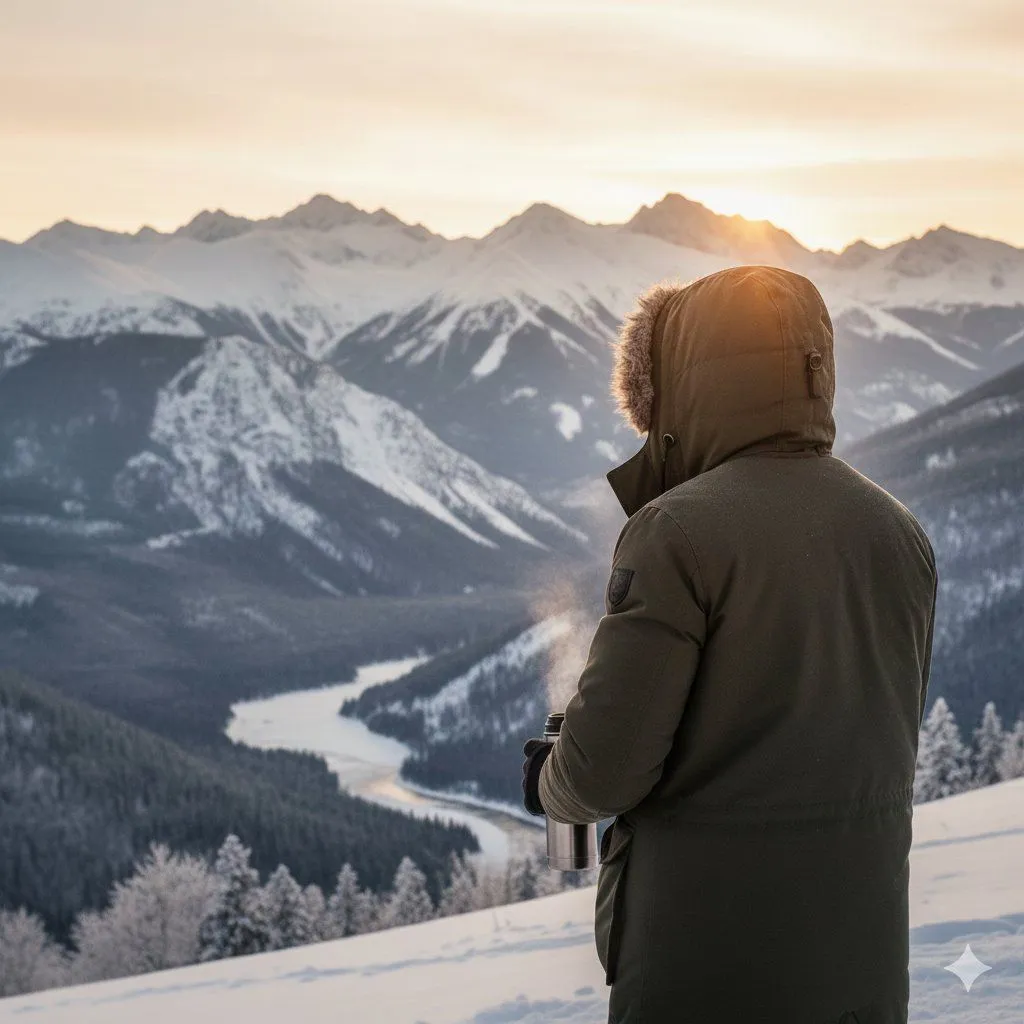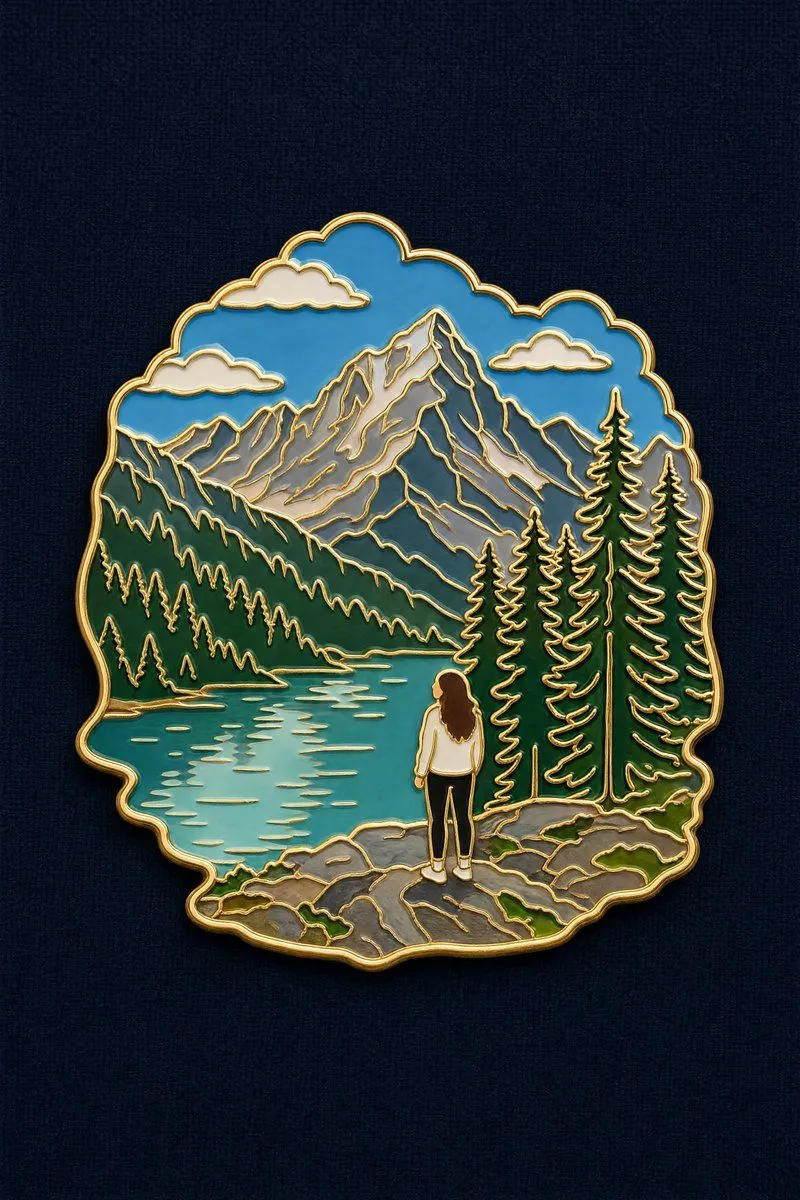
Made with GPT Image 2 in ChatGPT, collected by Library Brand. Promptclay never generates images.
Did it work?
No reports yet. Tell others if it worked for you.
Landscape to Enamel Pin Badge Transformation
Prompt
1 blank to fillTurn the reference photo into a travel souvenir enamel pin badge. Compose it as a SCENE, not a single isolated object. Subject hierarchy: the defining landscape, terrain or landmark of the photo forms the main body of the badge and occupies most of its area. If a person appears prominently in the photo, keep them in the badge as a small, simplified figure at true relative scale within that landscape — the person is an accent, the landscape is the subject.Preserve the original spatial relationship and scale between the figure and the surroundings. How to render the person: flat enamel color blocks matching their real clothing and hair color from the photo. The face is a smooth plain area of light skin-tone enamel with no drawn facial features — do NOT render the person as a dark or black silhouette, and do NOT black out the face or head. Skin reads as a warm light enamel color, clearly lighter than the clothing.Styling: thin polished gold outline around the silhouette and along every internal divider, glossy enamel color fill, gentle even lighting with only a soft sheen on the gold lines, very subtle drop shadow. Outer contour follows the scene's own shape, not a plain rectangle. Background: flat {background_texture} texture. Badge centered, filling about 60% of the frame.Avoid: black silhouette figure, blacked-out face, dark featureless head, portrait close-up, detailed facial features, person dominating the badge, cropping out the landscape, three-quarter angle, macro product photography, heavy specular glare, cartoon, realistic scene, text, watermark.
Preview of your prompt
Turn the reference photo into a travel souvenir enamel pin badge. Compose it as a SCENE, not a single isolated object. Subject hierarchy: the defining landscape, terrain or landmark of the photo forms the main body of the badge and occupies most of its area. If a person appears prominently in the photo, keep them in the badge as a small, simplified figure at true relative scale within that landscape — the person is an accent, the landscape is the subject.Preserve the original spatial relationship and scale between the figure and the surroundings. How to render the person: flat enamel color blocks matching their real clothing and hair color from the photo. The face is a smooth plain area of light skin-tone enamel with no drawn facial features — do NOT render the person as a dark or black silhouette, and do NOT black out the face or head. Skin reads as a warm light enamel color, clearly lighter than the clothing.Styling: thin polished gold outline around the silhouette and along every internal divider, glossy enamel color fill, gentle even lighting with only a soft sheen on the gold lines, very subtle drop shadow. Outer contour follows the scene's own shape, not a plain rectangle. Background: flat dark navy coarse linen texture. Badge centered, filling about 60% of the frame.Avoid: black silhouette figure, blacked-out face, dark featureless head, portrait close-up, detailed facial features, person dominating the badge, cropping out the landscape, three-quarter angle, macro product photography, heavy specular glare, cartoon, realistic scene, text, watermark.
DetailsVersions, settings and questions
Written for
What's in the prompt
- Subject
- Model
- GPT Image 2
If your face changes
keep my face exactly the sameQuestions
- Does this work in the ChatGPT app?
- Yes. Paste the prompt and attach your photo if it uses one.
- It changed my face. What do I do?
- Add "keep my face exactly the same" to the end and run it again.
- Can I use the images I make?
- Check the terms of the app you use. Promptclay never generates images and claims nothing you make.