Tell us anything

An idea, a bug, something you love. We read every note.

⌘↵ to send. The page you're on comes along.

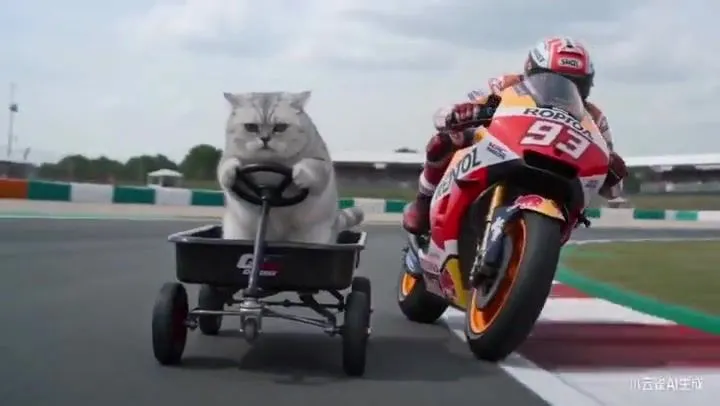
Kitten MotoGP Race Cinematic Prompt

Made with Seedance 2.0 in Kling by Library Cinema. Promptclay never generates images.

Did it work?

No reports yet. Tell others if it worked for you.

No comments yet. Be the first.

    Kitten MotoGP Race Cinematic Prompt

    Seedance 2.016:9AI-generated

    Prompt

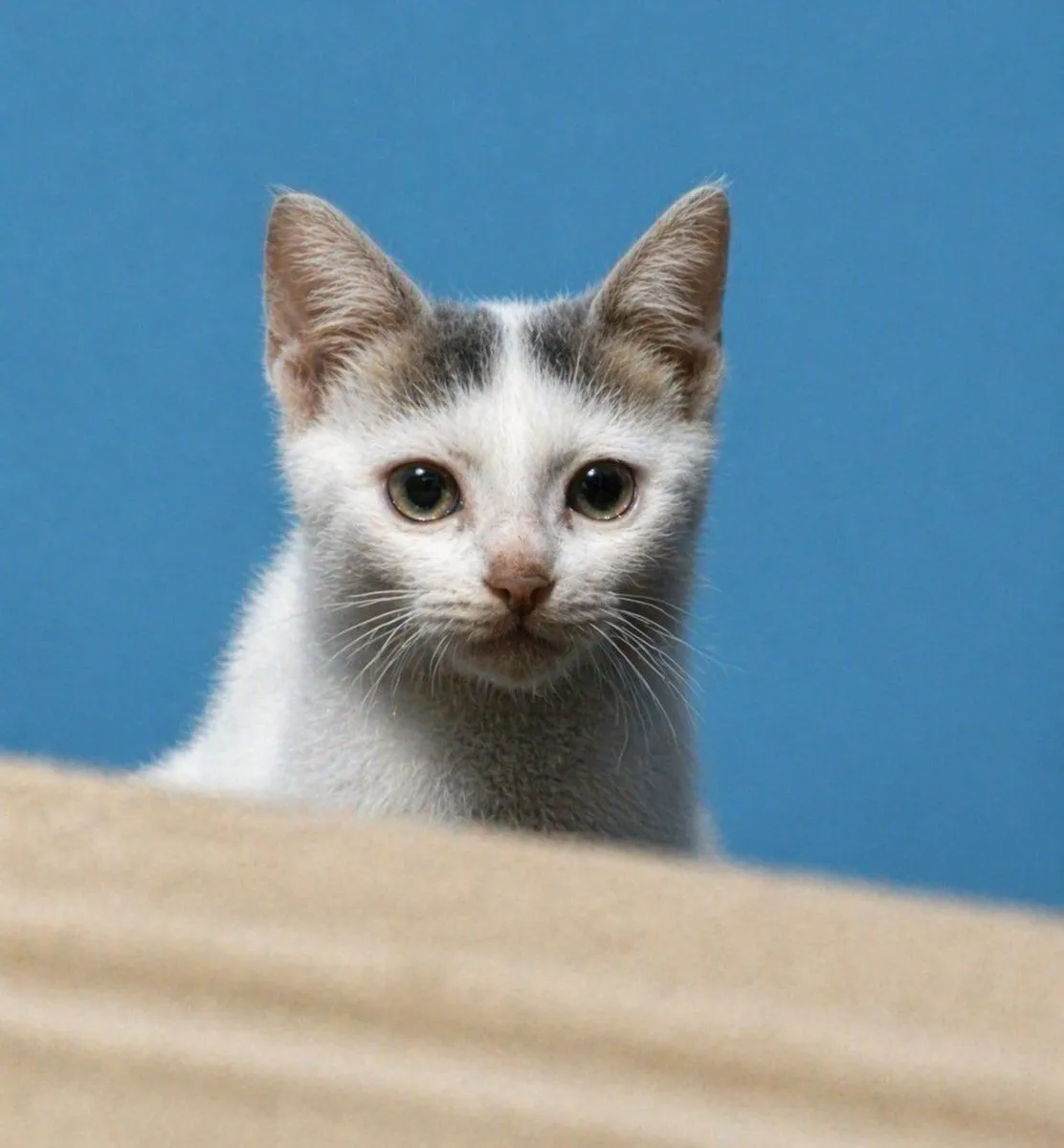
    The image I provide contains my kitten — please use it as the character model reference. Create a video where the kitten is riding a small cart and racing on a MotoGP track. The kitten overtakes the Honda #93 race bike in a corner (this sequence should last 3 seconds). Cut to a rear shot of the kitten, filmed from a ground-level low angle, capturing the kitten leaning hard into the turn (3 seconds). Then use an ultra-telephoto lens shot of the kitten speeding through a large C-shaped corner (3 seconds). Switch to a wide shot showing the kitten and the Honda #93 bike going through the final corner before the finish line (3 seconds). Finally, show the kitten lifting the front of the cart into a wheelie as it crosses the finish line (3 seconds). Throughout the video, add authentic MotoGP-style original male English commentary — but only include commentary for the opening overtake and the final finish-line moment.

    Works in
    Kling
    Status
    Free to copy
    0
    DetailsVersions, settings and questions

    Written for

    What's in the prompt

    Subject
    Model
    Seedance 2.0

    If your face changes

    keep my face exactly the same

    Questions

    Does this work in the Kling app?
    Yes. Paste the prompt and attach your photo if it uses one.
    It changed my face. What do I do?
    Add "keep my face exactly the same" to the end and run it again.
    Can I use the images I make?
    Check the terms of the app you use. Promptclay never generates images and claims nothing you make.
    Similar prompts

    See more
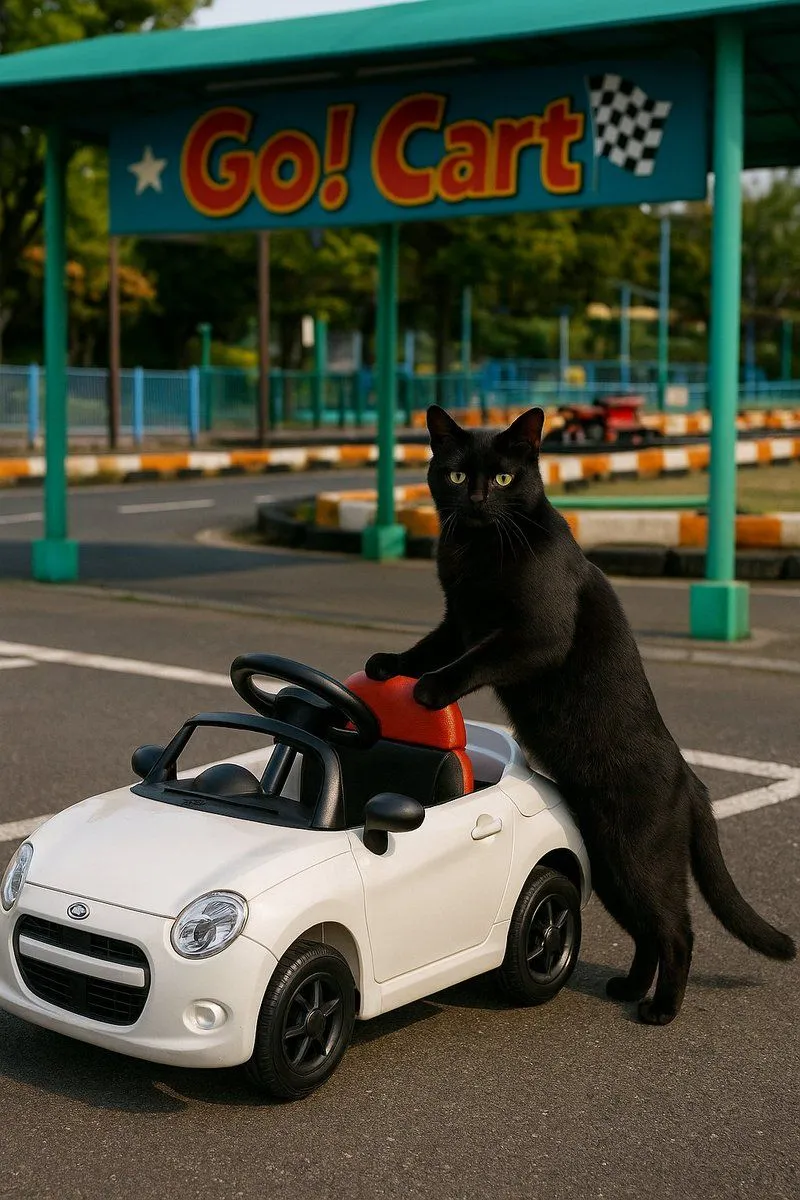
    • Cat with Toy Car at Go-Kart Track
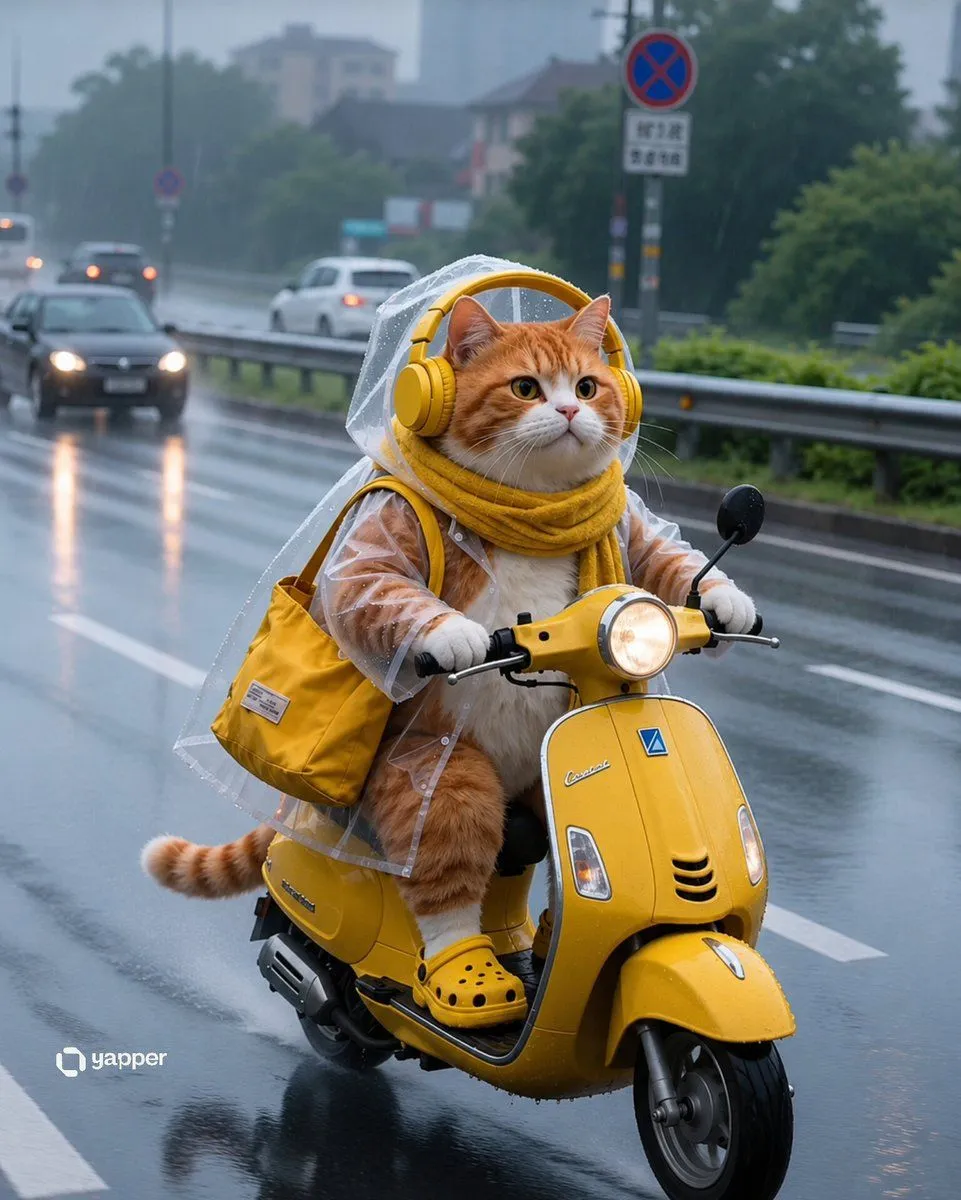
    • Rainy Tabby Scooter Ride
    • Epic Car Chase Action Shot
    • Kijiro Cat Rider Movie Poster
    • Higgsfield Cinematic Racing Video PromptVideo, 0:15
    • Cinematic Porsche Motorsport Poster
    • Hybrid Product Shot Grid (T-Rex and Ferrari)
    • Desert Motocross Action Shot
    • Comedic Giant Max Verstappen in Pit Lane
    • Pixel Art Battle Cat Buggy
    • Seedance 2.0 Video Prompt: Cats on a ScooterVideo, 0:12
    • Cinematic Giant Cat Chasing Tiny Woman
    • Animals watching a movie, DSLR photo
    • Stylish Trio City Street Portrait
    • Hyper-Realistic Robotic Frog Design
    • Realistic Cat Ranger in Forest
    • Miniature Sci-Fi Companion Robot
    • Enhance Blurry Kitten Photo
    • Cinematic Street Photography with Face Reference
    • Freepik prompt for a futuristic nano banana
    • 10-Panel Dog and Cat Park Storyboard
    • Logo-Based Emoji Grid Generation
    • Photorealistic Close-Up Portrait of a Young Woman
    • Recipe Generation Prompt for Bento Box

    Show more

    Run it on your phone

    1. Prompt copiedRead it

      The image I provide contains my kitten — please use it as the character model reference. Create a video where the kitten is riding a small cart and racing on a MotoGP track. The kitten overtakes the Honda #93 race bike in a corner (this sequence should last 3 seconds). Cut to a rear shot of the kitten, filmed from a ground-level low angle, capturing the kitten leaning hard into the turn (3 seconds). Then use an ultra-telephoto lens shot of the kitten speeding through a large C-shaped corner (3 seconds). Switch to a wide shot showing the kitten and the Honda #93 bike going through the final corner before the finish line (3 seconds). Finally, show the kitten lifting the front of the cart into a wheelie as it crosses the finish line (3 seconds). Throughout the video, add authentic MotoGP-style original male English commentary — but only include commentary for the opening overtake and the final finish-line moment.

    2. Open your app

    3. Paste and run

      Press and hold the message box, then tap Paste. Add your photo first if the prompt uses one. You may need to sign in.