Tell us anything

An idea, a bug, something you love. We read every note.

⌘↵ to send. The page you're on comes along.

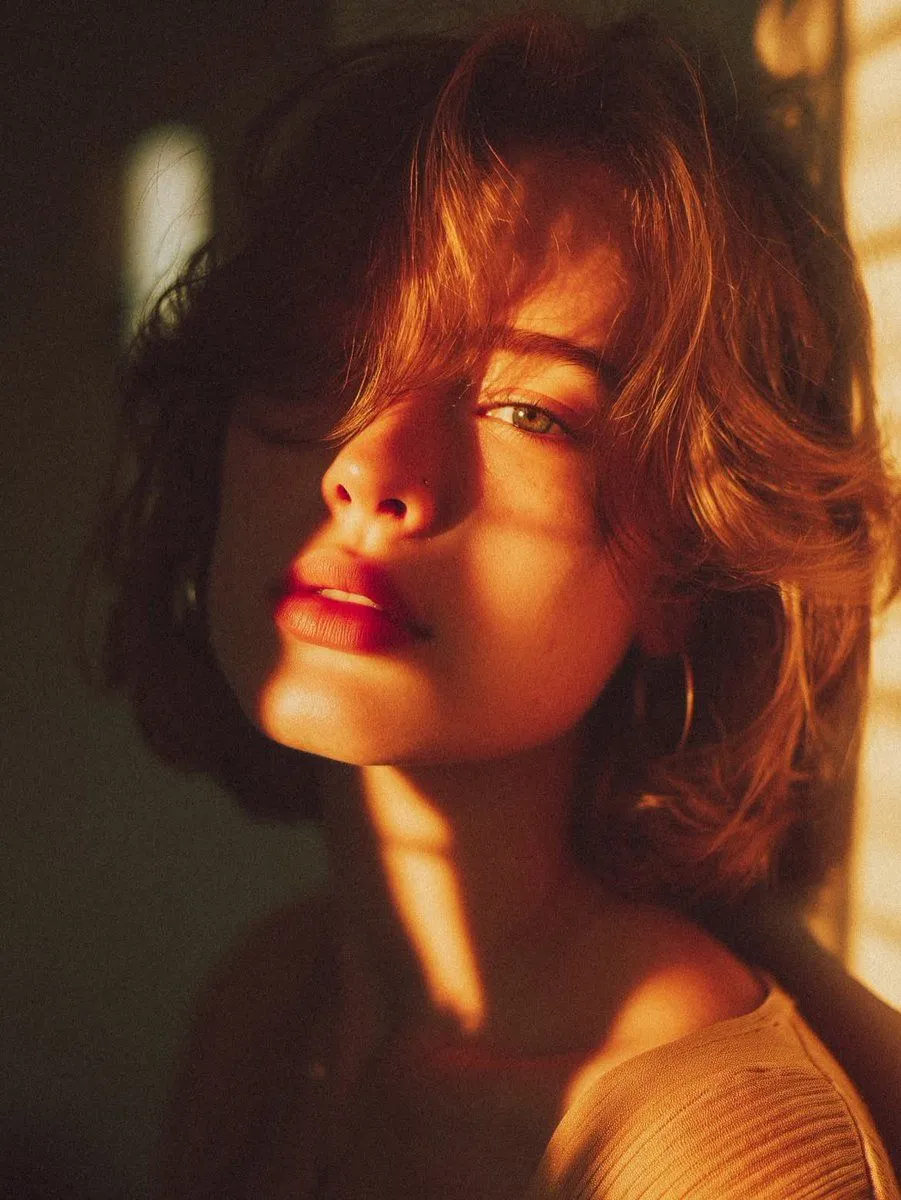
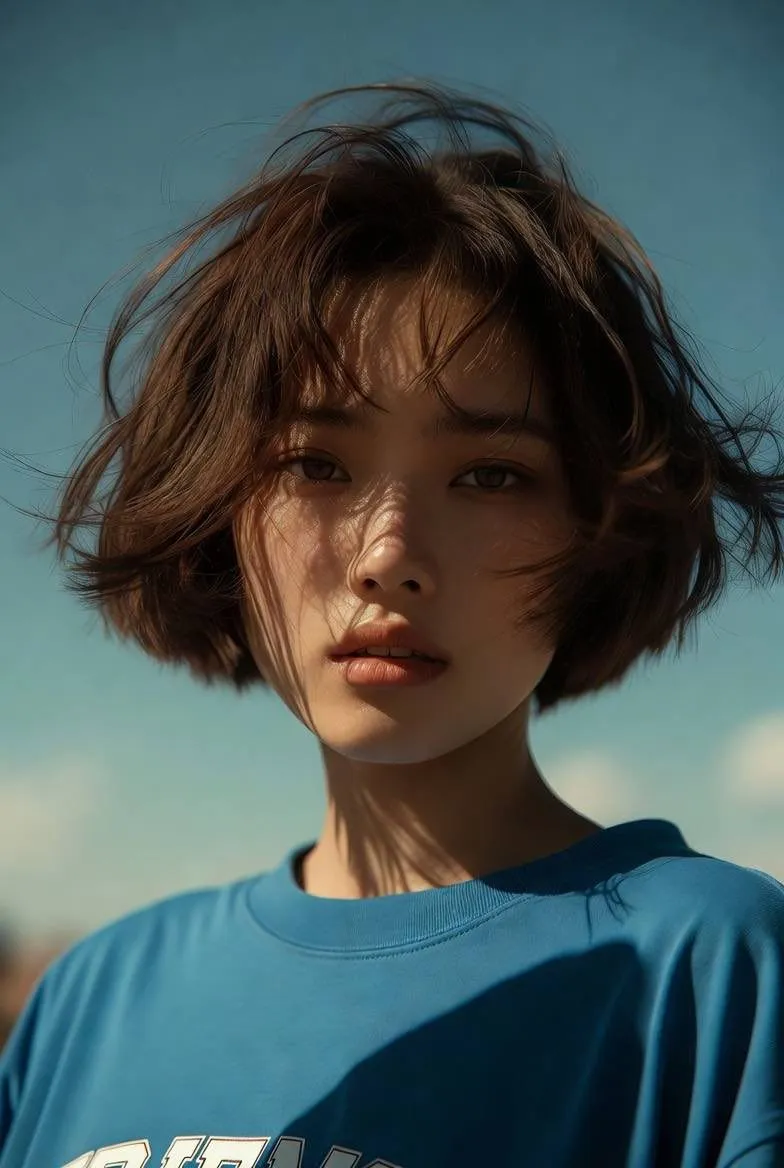
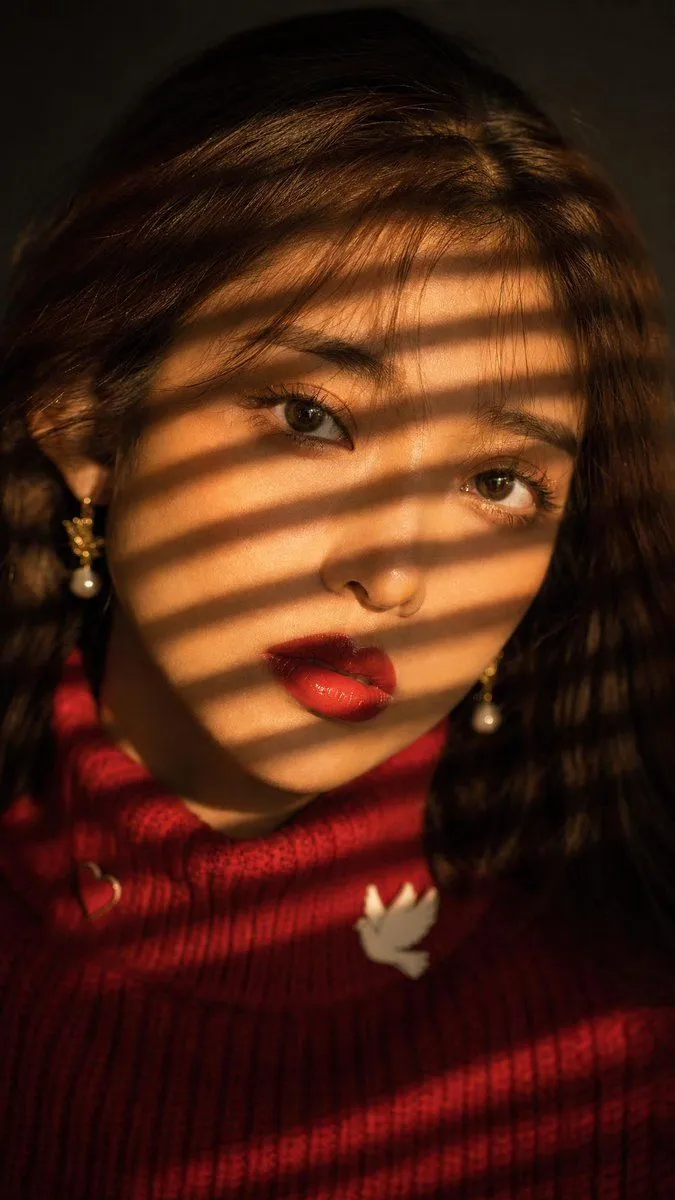
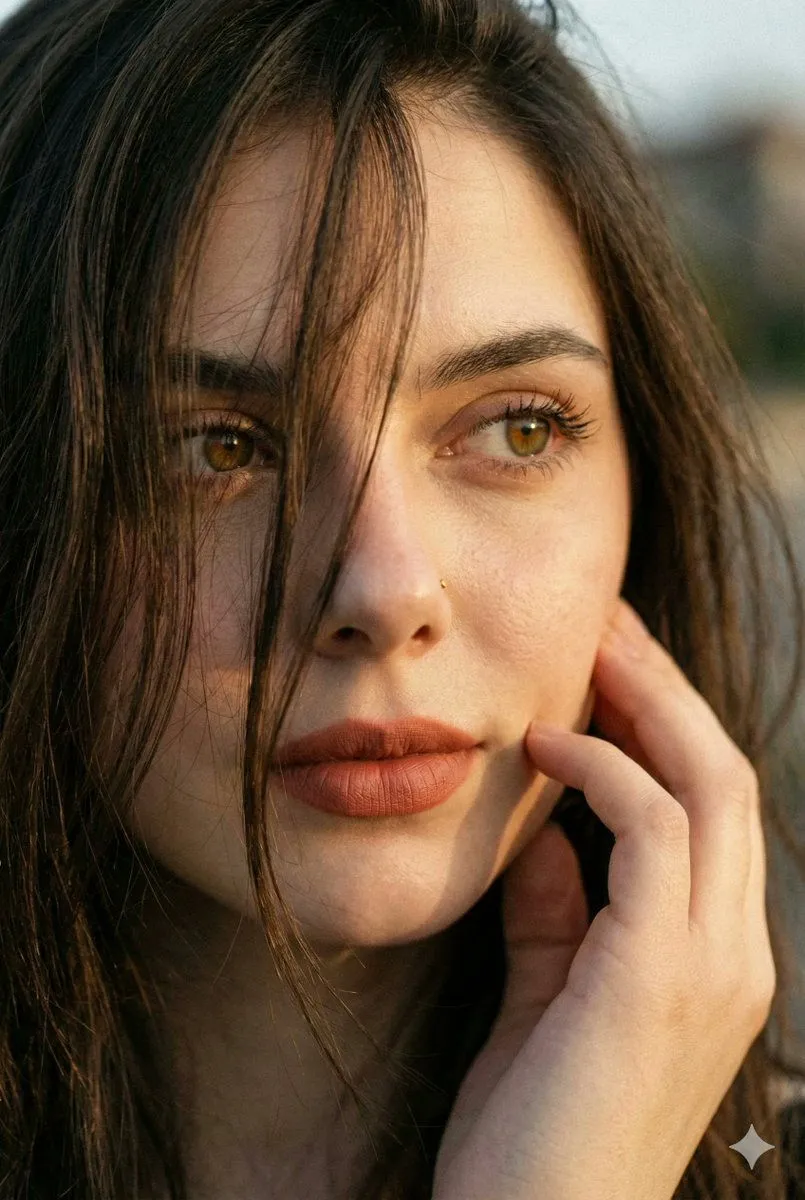
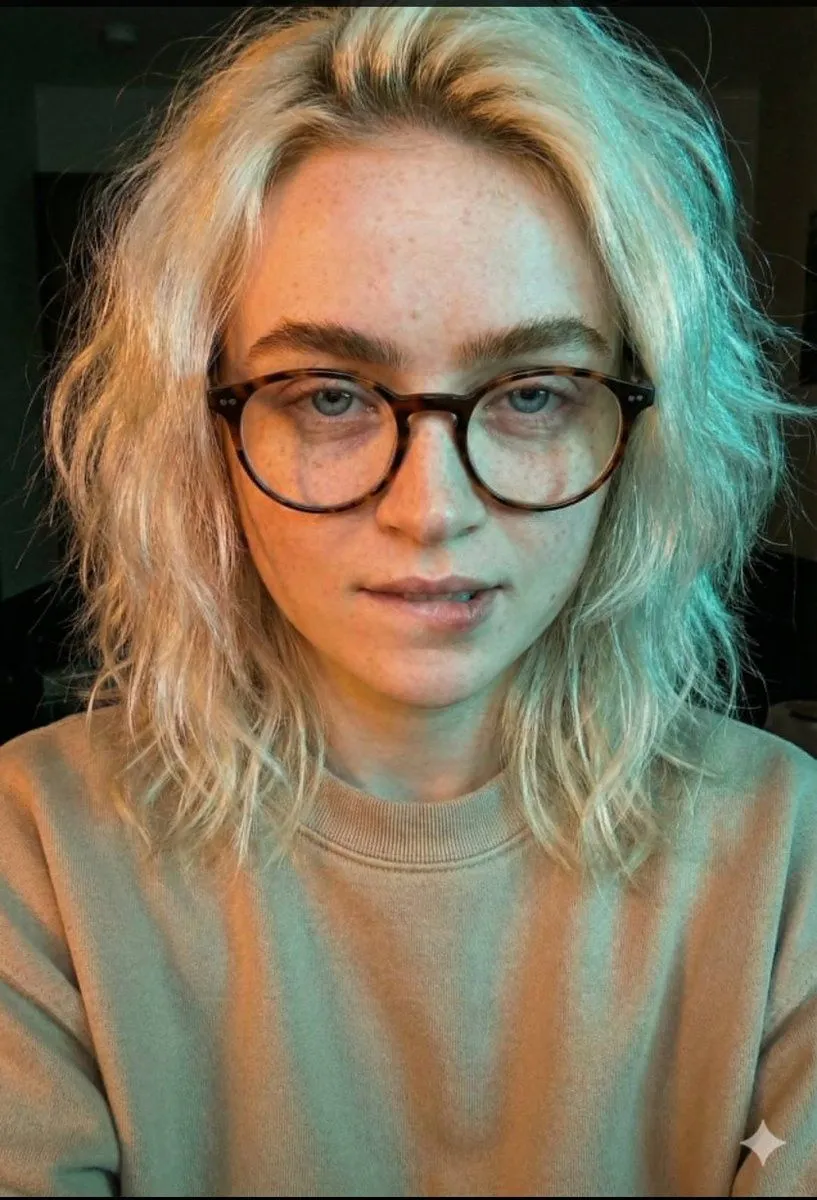
JSON Prompt for Cinematic Dual-Tone Selfie Portrait

Made with Nano Banana Pro in Gemini by Library Portraits. Promptclay never generates images.

Did it work?

No reports yet. Tell others if it worked for you.

No comments yet. Be the first.

    JSON Prompt for Cinematic Dual-Tone Selfie Portrait

    Nano Banana Pro2:3AI-generated

    Prompt

    { "prompt_description": { "subject": { "type": "Young woman", "pose": "Close-up selfie portrait, head slightly tilted, looking off-camera to the right", "expression": "Subtle smirk, relaxed and confident demeanor, lips slightly pursed" }, "facial_features": { "skin_tone": "Fair complexion with soft natural texture", "eyes": "Looking sideways, sharp focus, visible eyeliner", "makeup": "Natural look, minimal visible makeup aside from eyes" }, "hair": { "style": "Long, loose waves, voluminous and slightly messy", "color": "Dirty blonde to light brown with natural highlights (balayage)", "texture": "Soft, detailed strands framing the face" }, "accessories": { "eyewear": "{argument name=\"eyewear style\" default=\"Tortoise shell pattern eyeglasses, cat-eye or rounded frame shape\"}, reflective lenses catching the light" }, "clothing": { "top": "Light beige or off-white casual sweatshirt or sweater, visible only at the shoulders" }, "lighting_and_atmosphere": { "style": "Cinematic dual-tone lighting (split lighting)", "colors": "Warm reddish-orange glow on the left side, cool cyan/teal highlight on the top and right side", "mood": "Moody, intimate, low-light, atmospheric", "shadows": "Soft, diffused shadows creating depth" }, "technical_specifications": { "quality": "4K Ultra HD, photorealistic, highly detailed", "style": "Portrait photography, candid selfie style", "focus": "Sharp focus on eyes and glasses, slight depth of field blurring the background", "texture_detail": "High fidelity skin texture and hair strands" } } }

    Works in
    Gemini, ChatGPT
    Status
    Free to copy
    0
    DetailsVersions, settings and questions

    Written for

    What's in the prompt

    Subject
    Model
    Nano Banana Pro

    If your face changes

    keep my face exactly the same

    Questions

    Does this work in the Gemini app?
    Yes. Gemini runs Nano Banana, so paste the prompt and attach your photo if it uses one.
    It changed my face. What do I do?
    Add "keep my face exactly the same" to the end and run it again.
    Can I use the images I make?
    Check the terms of the app you use. Promptclay never generates images and claims nothing you make.
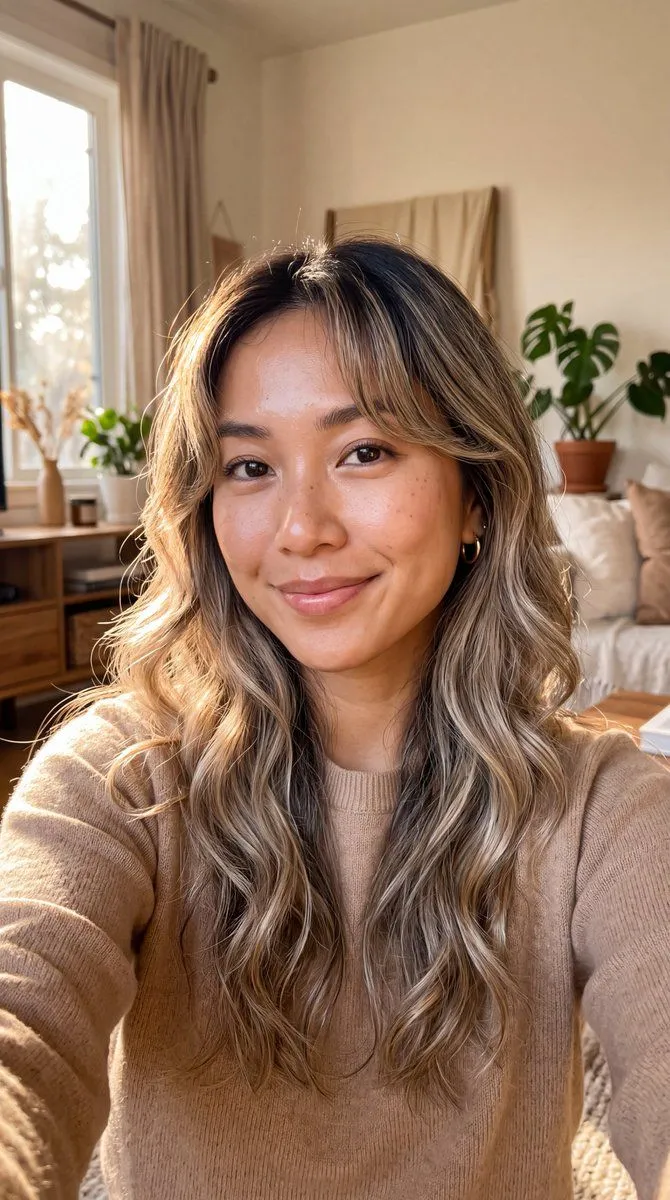
    Similar prompts

    See more
    • Golden Hour Freckled Portrait Selfie Prompt
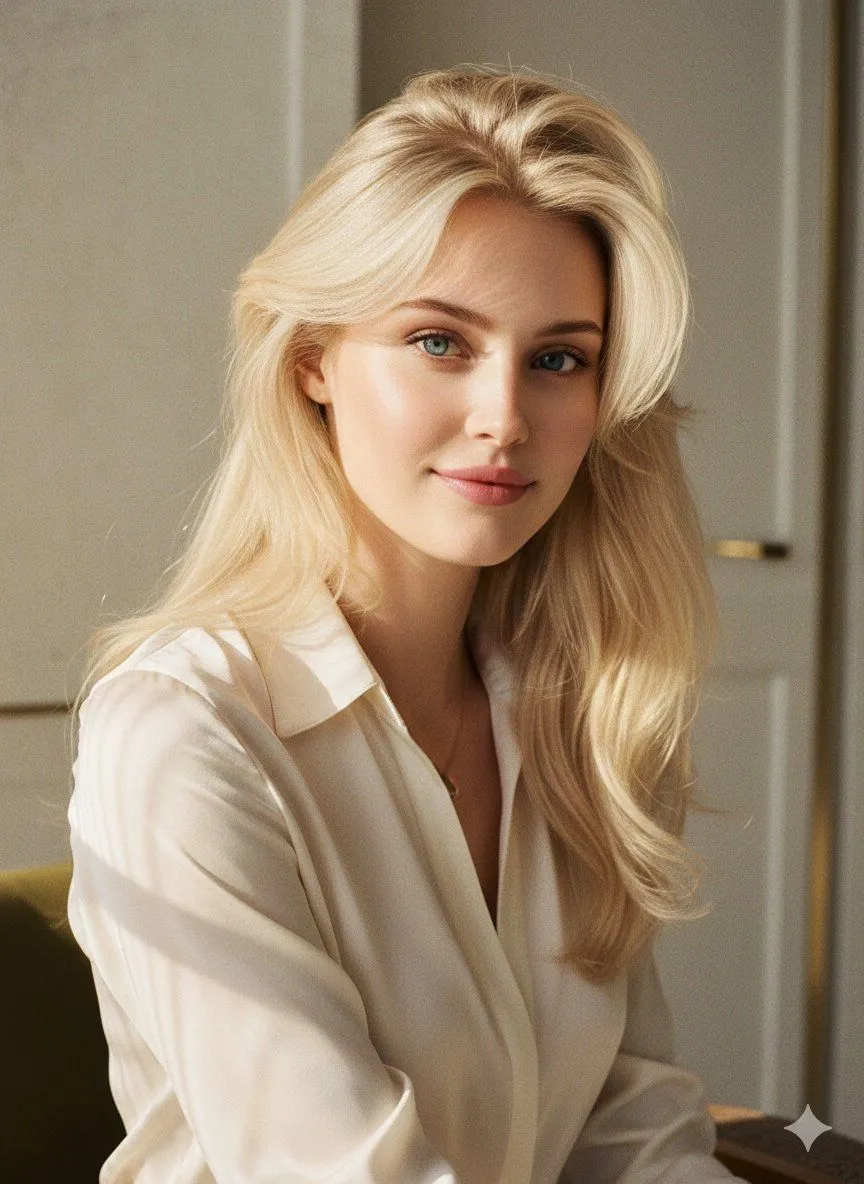
    • Balayage Hair Golden Hour Portrait
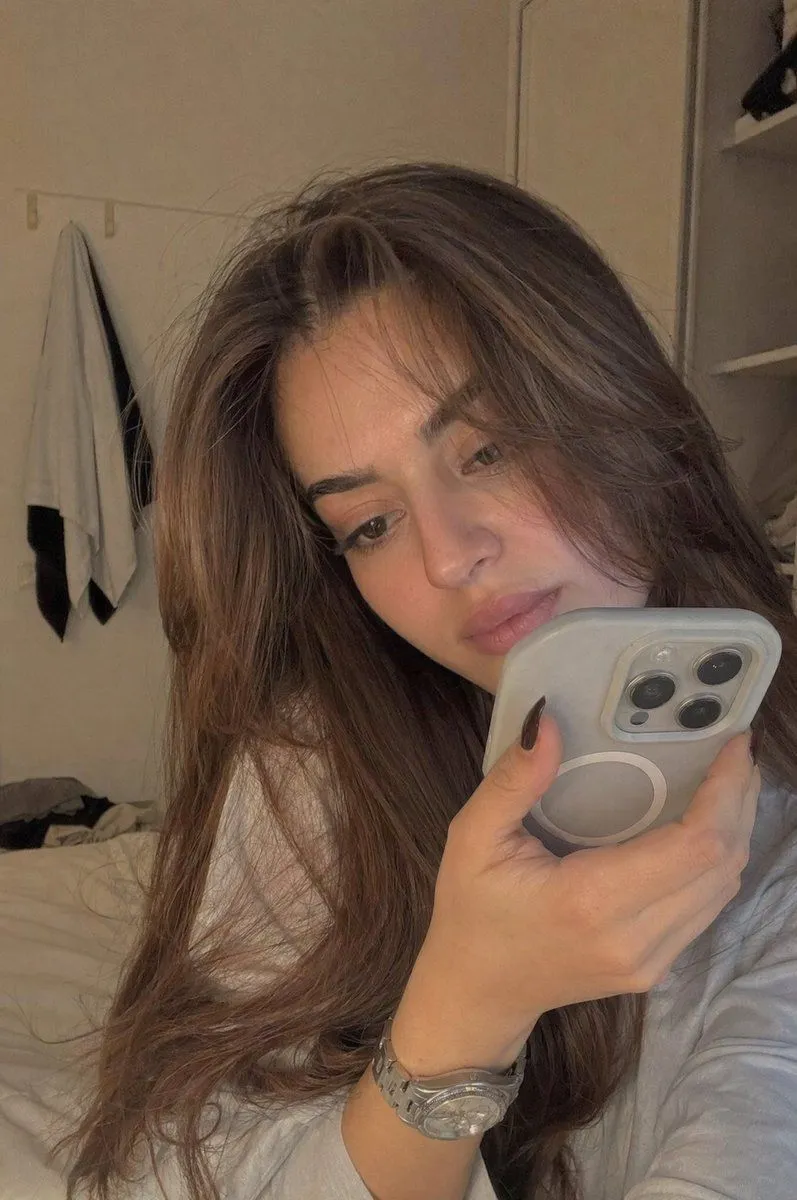
    • Realistic Bedroom Phone Recording Style
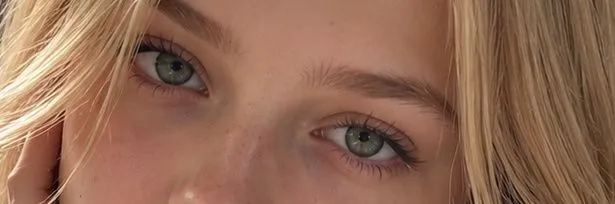
    • Photorealistic Blonde Eye Close-Up
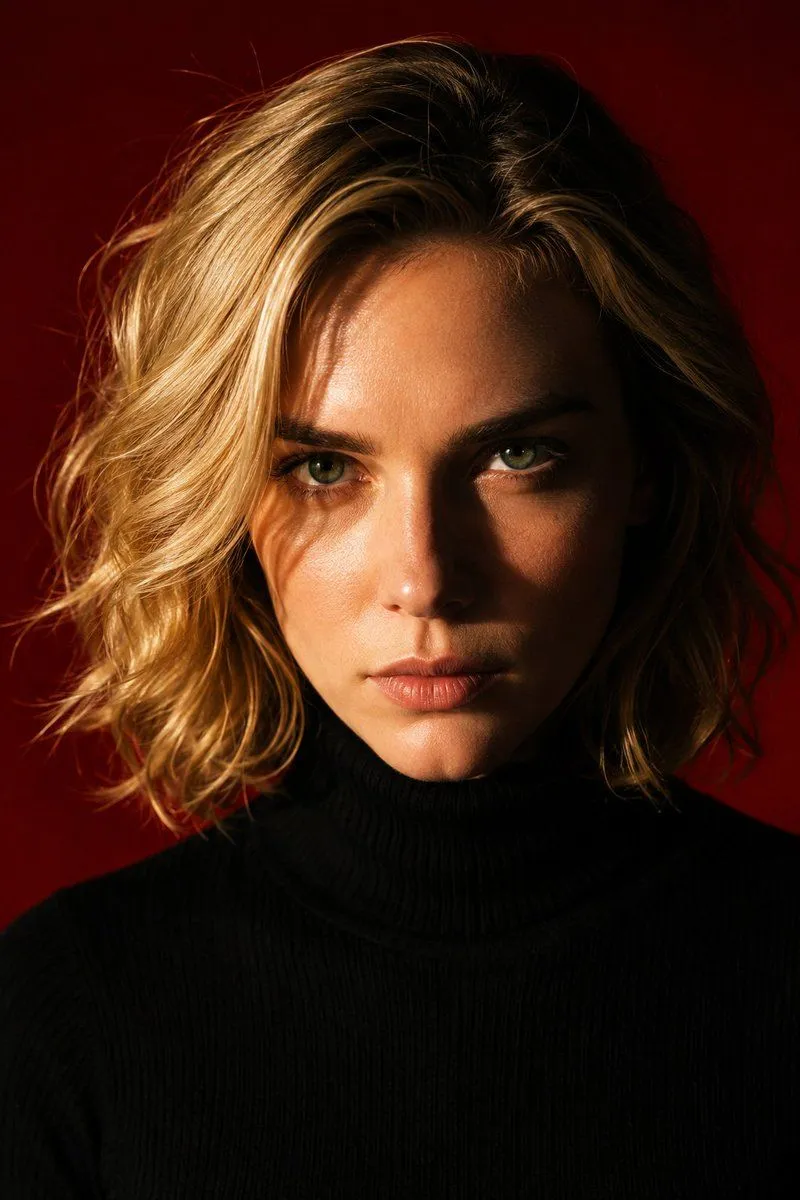
    • Dramatic Red Background Portrait
    • High Fashion Editorial Portrait in Golden Hour
    • Cinematic Golden Hour Portrait
    • Golden Hour Cinematic Portrait
    • Golden Blinds Portrait
    • Hyper-Realistic Intimate Close-Up Portrait
    • East Asian Woman Selfie with Messy Bun and Bokeh Background
    • Saira Halo Spotlight Portrait
    • Monochrome Fine Art Portrait with Dramatic Rim Lighting
    • Character Pose Variation Prompt
    • Scribbly MS Paint Redraw
    • Cyberpunk Science Portrait
    • Early 2000s Rom-Com Movie Poster
    • Hand-Carved Wooden Miniature Figure
    • Human Fragments Editorial Poster
    • Hyperrealistic Tattooed Elf Couple
    • Multi-Angle Scene Generation Prompt (Oshi no Ko Style)
    • Nano Banana Pro Thumbnail Generation Example
    • Newspaper Collage Shadow Portrait
    • Stylized Wicker Caricature Figurine

    Show more

    Run it on your phone

    1. Prompt copiedRead it

      { "prompt_description": { "subject": { "type": "Young woman", "pose": "Close-up selfie portrait, head slightly tilted, looking off-camera to the right", "expression": "Subtle smirk, relaxed and confident demeanor, lips slightly pursed" }, "facial_features": { "skin_tone": "Fair complexion with soft natural texture", "eyes": "Looking sideways, sharp focus, visible eyeliner", "makeup": "Natural look, minimal visible makeup aside from eyes" }, "hair": { "style": "Long, loose waves, voluminous and slightly messy", "color": "Dirty blonde to light brown with natural highlights (balayage)", "texture": "Soft, detailed strands framing the face" }, "accessories": { "eyewear": "{argument name=\"eyewear style\" default=\"Tortoise shell pattern eyeglasses, cat-eye or rounded frame shape\"}, reflective lenses catching the light" }, "clothing": { "top": "Light beige or off-white casual sweatshirt or sweater, visible only at the shoulders" }, "lighting_and_atmosphere": { "style": "Cinematic dual-tone lighting (split lighting)", "colors": "Warm reddish-orange glow on the left side, cool cyan/teal highlight on the top and right side", "mood": "Moody, intimate, low-light, atmospheric", "shadows": "Soft, diffused shadows creating depth" }, "technical_specifications": { "quality": "4K Ultra HD, photorealistic, highly detailed", "style": "Portrait photography, candid selfie style", "focus": "Sharp focus on eyes and glasses, slight depth of field blurring the background", "texture_detail": "High fidelity skin texture and hair strands" } } }

    2. Open your app

    3. Paste and run

      Press and hold the message box, then tap Paste. Add your photo first if the prompt uses one. You may need to sign in.

    JSON Prompt for Cinematic Dual-Tone Selfie Portrait