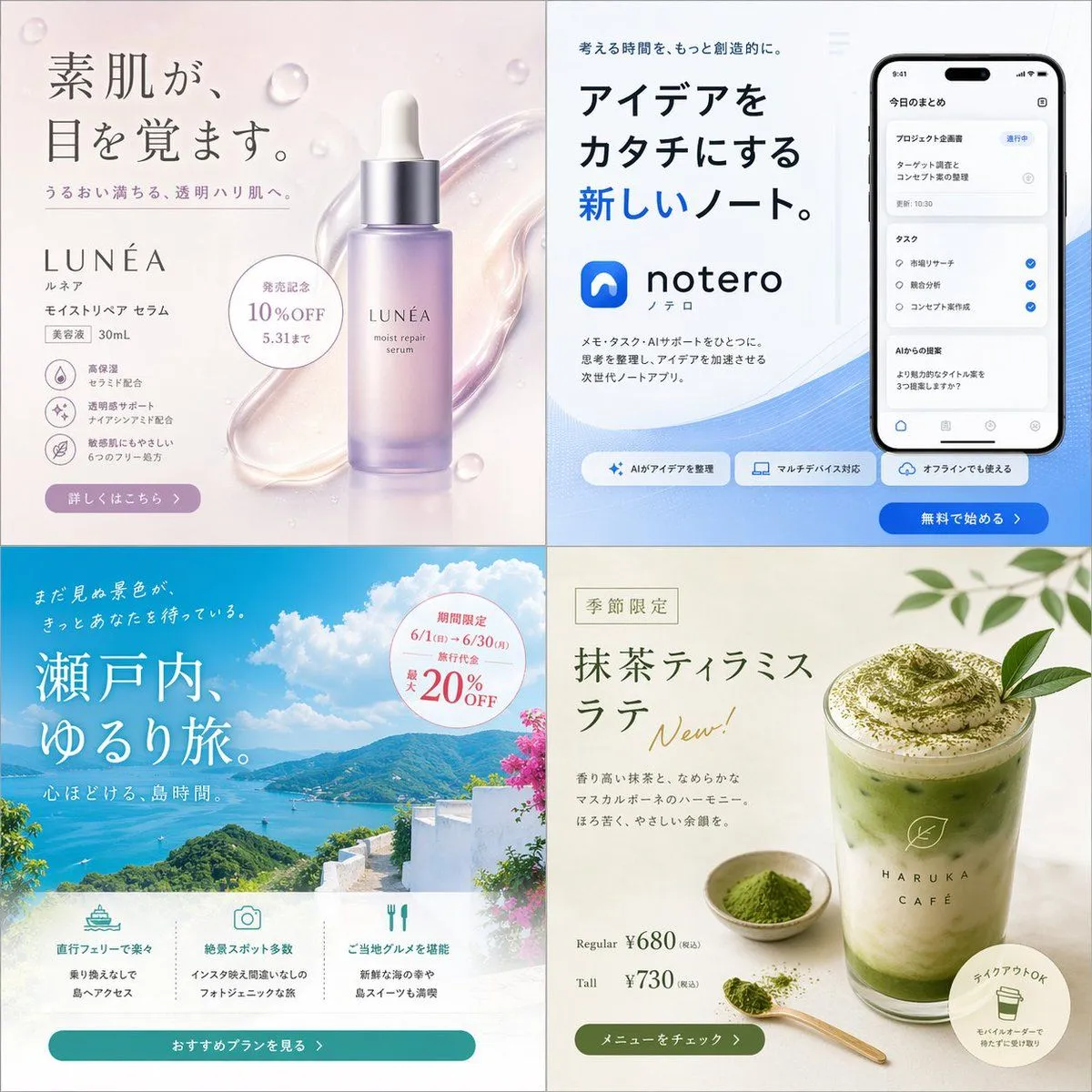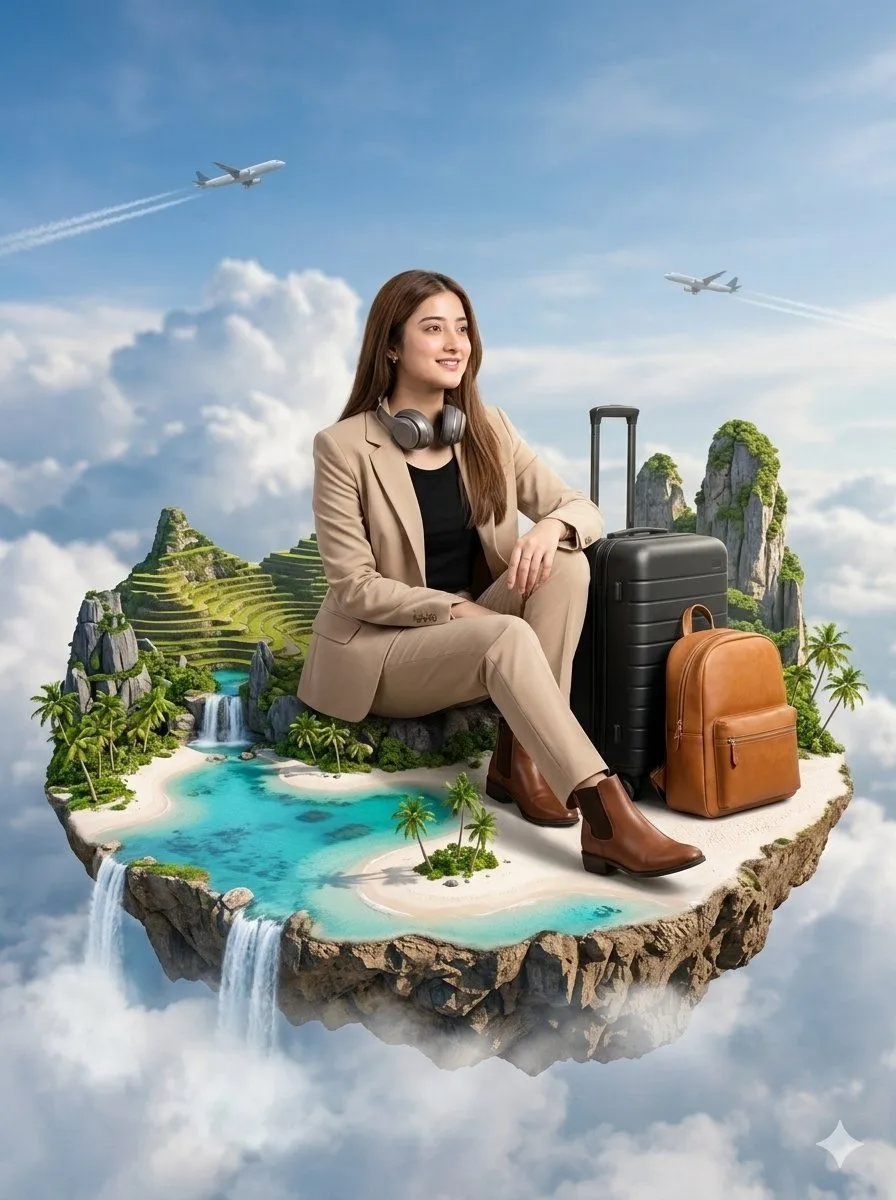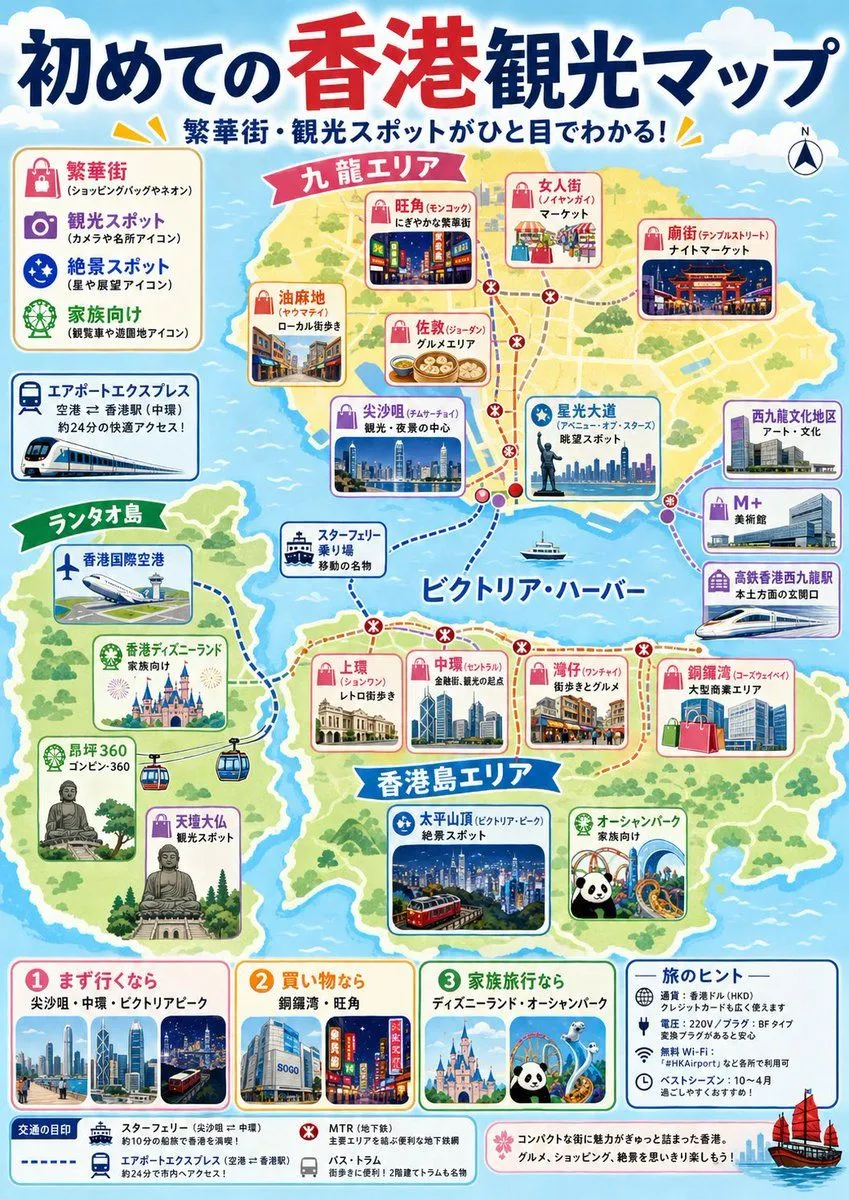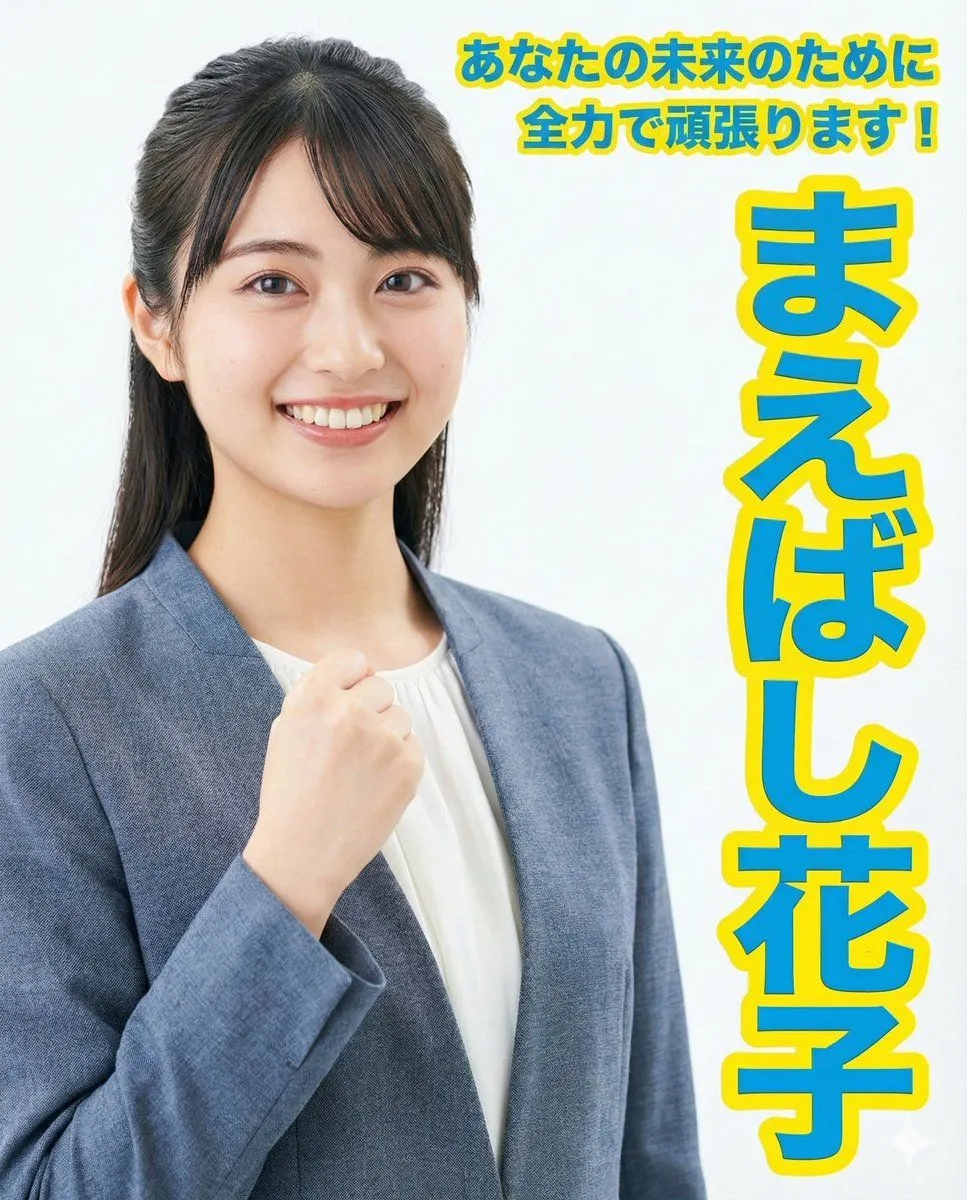
Made with GPT Image 2 in ChatGPT by Library Brand. Promptclay never generates images.
Did it work?
No reports yet. Tell others if it worked for you.
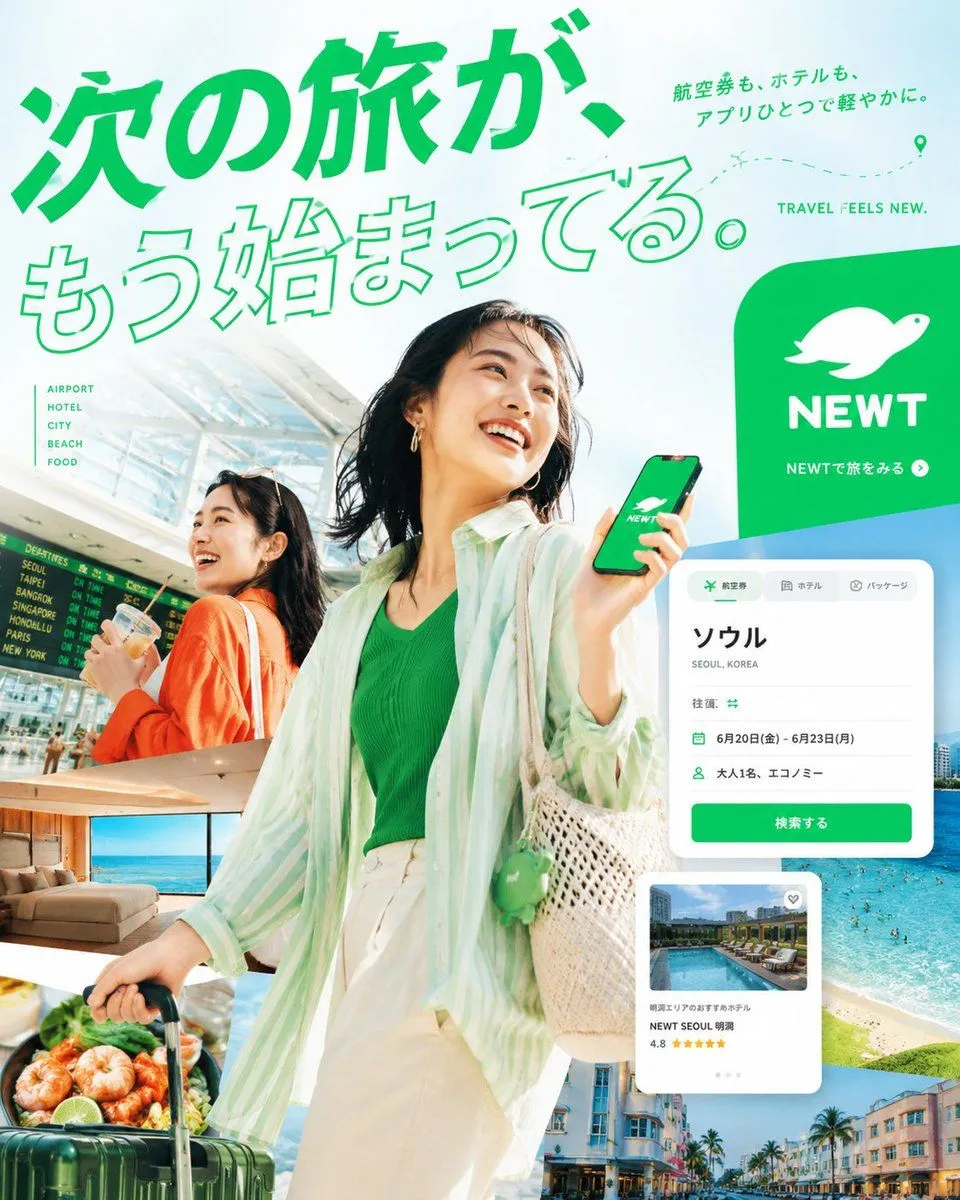
Japanese NEWT Travel App Poster
Prompt
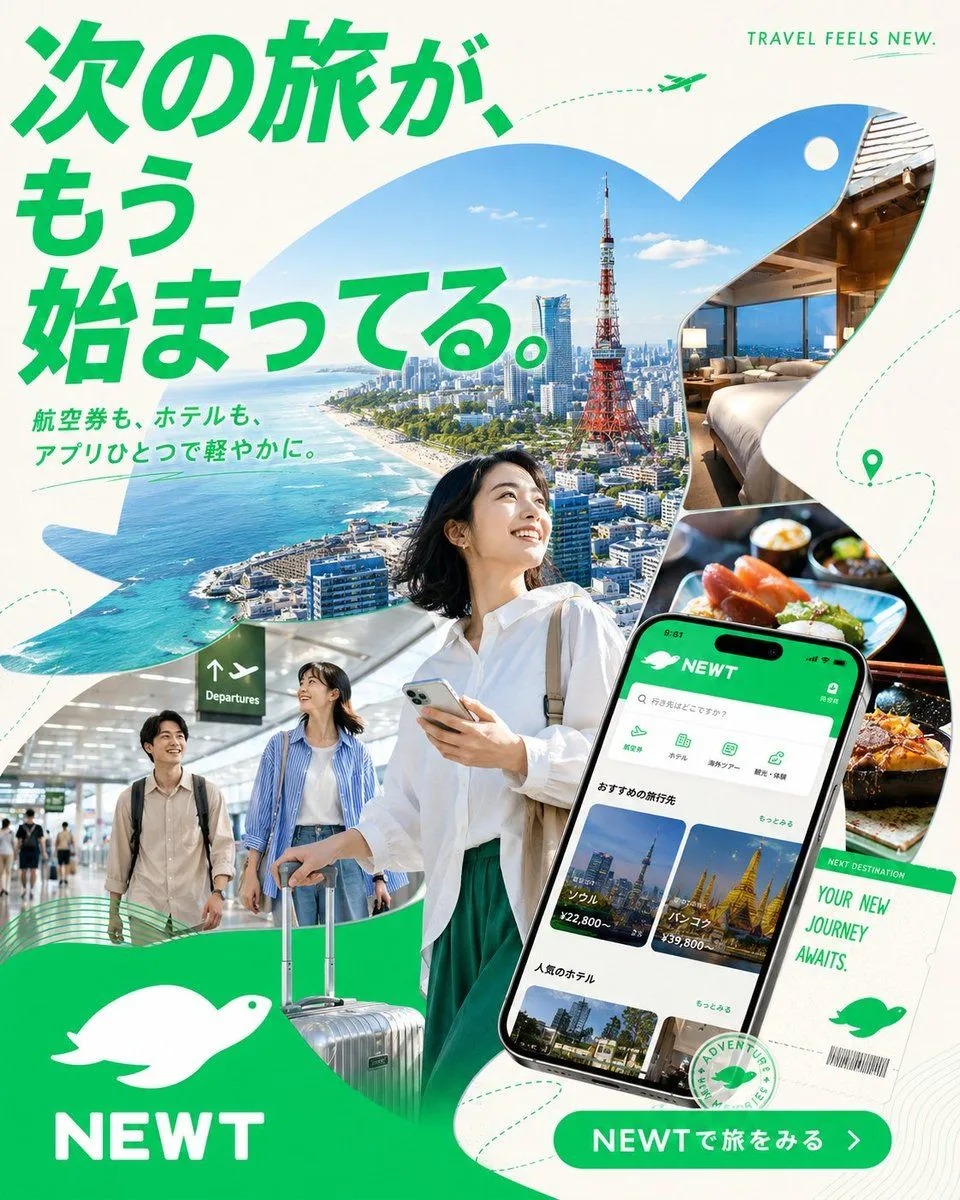
4 blanks to fillGoal: Create a vibrant Japanese travel app advertisement for {brand_name}, combining a Tokyo city travel collage with app promotion and optimistic vacation energy. Canvas: Square 1:1 poster, clean off-white background with bold emerald green brand color, high-resolution commercial advertising finish. Layout: Use a dynamic collage built from large organic wave-shaped cutouts. Top-left is dominated by a huge bold Japanese headline in bright green: {headline_text}. Beneath it, add smaller green Japanese subcopy: {subheadline_text}. Top-right has small uppercase English text: “TRAVEL FEELS NEW.” with a tiny green airplane and dotted flight path. Main imagery: In the center, show a smiling young Japanese woman traveler in a crisp white blouse and green skirt, holding a smartphone and looking upward with excitement. Behind her, inside a sweeping cutout, show a bright aerial coastal Tokyo scene with blue ocean, skyline, and Tokyo Tower. On the right, include two rounded photo cutouts: exactly 1 luxury hotel room with a bed and city view, and exactly 1 close-up gourmet meal scene with sushi/seafood. Bottom-left includes exactly 1 airport scene with two young travelers walking with luggage under a departures sign. Bottom-center shows a silver rolling suitcase partially overlapping the main traveler. App and brand elements: On the lower-right, place a large tilted smartphone mockup displaying the NEWT travel booking app interface in green and white. The app screen should show a green header with the white bird logo and “NEWT,” a search bar, category icons, destination cards, hotel cards, and Japanese UI text. Next to it, add a white boarding-pass style ticket reading “NEXT DESTINATION” and “YOUR NEW JOURNEY AWAITS.” with a barcode and green bird icon. Bottom-left place a large green wave block containing a white simple bird/kiwi-like logo and the brand name {brand_name} in bold white uppercase letters. Bottom-right add a rounded green call-to-action button reading {button_text} with a white arrow. Counted visible elements: exactly 1 main woman traveler, exactly 2 travelers in the airport cutout, exactly 1 smartphone mockup, exactly 1 suitcase in the foreground, exactly 1 boarding-pass ticket, exactly 1 hotel-room photo, exactly 1 food photo, exactly 1 Tokyo aerial city photo, exactly 1 airport photo, exactly 2 white bird logos, exactly 1 tiny airplane icon, and exactly 1 location pin icon. Visual style: Bright modern Japanese startup advertising, glossy photo-collage realism mixed with clean vector graphics, rounded organic masks, fresh emerald green typography, airy white space, dotted travel routes, subtle contour-line patterns, optimistic summer daylight, crisp shadows, premium app-store campaign aesthetic. Constraints: Preserve the Japanese headline and CTA text clearly, keep all text legible, avoid clutter beyond the specified elements, no extra logos, no watermark, no social media UI.
Preview of your prompt
Goal: Create a vibrant Japanese travel app advertisement for NEWT, combining a Tokyo city travel collage with app promotion and optimistic vacation energy. Canvas: Square 1:1 poster, clean off-white background with bold emerald green brand color, high-resolution commercial advertising finish. Layout: Use a dynamic collage built from large organic wave-shaped cutouts. Top-left is dominated by a huge bold Japanese headline in bright green: 次の旅が、もう始まってる。. Beneath it, add smaller green Japanese subcopy: 航空券も、ホテルも、アプリひとつで軽やかに。. Top-right has small uppercase English text: “TRAVEL FEELS NEW.” with a tiny green airplane and dotted flight path. Main imagery: In the center, show a smiling young Japanese woman traveler in a crisp white blouse and green skirt, holding a smartphone and looking upward with excitement. Behind her, inside a sweeping cutout, show a bright aerial coastal Tokyo scene with blue ocean, skyline, and Tokyo Tower. On the right, include two rounded photo cutouts: exactly 1 luxury hotel room with a bed and city view, and exactly 1 close-up gourmet meal scene with sushi/seafood. Bottom-left includes exactly 1 airport scene with two young travelers walking with luggage under a departures sign. Bottom-center shows a silver rolling suitcase partially overlapping the main traveler. App and brand elements: On the lower-right, place a large tilted smartphone mockup displaying the NEWT travel booking app interface in green and white. The app screen should show a green header with the white bird logo and “NEWT,” a search bar, category icons, destination cards, hotel cards, and Japanese UI text. Next to it, add a white boarding-pass style ticket reading “NEXT DESTINATION” and “YOUR NEW JOURNEY AWAITS.” with a barcode and green bird icon. Bottom-left place a large green wave block containing a white simple bird/kiwi-like logo and the brand name NEWT in bold white uppercase letters. Bottom-right add a rounded green call-to-action button reading NEWTで旅をみる with a white arrow. Counted visible elements: exactly 1 main woman traveler, exactly 2 travelers in the airport cutout, exactly 1 smartphone mockup, exactly 1 suitcase in the foreground, exactly 1 boarding-pass ticket, exactly 1 hotel-room photo, exactly 1 food photo, exactly 1 Tokyo aerial city photo, exactly 1 airport photo, exactly 2 white bird logos, exactly 1 tiny airplane icon, and exactly 1 location pin icon. Visual style: Bright modern Japanese startup advertising, glossy photo-collage realism mixed with clean vector graphics, rounded organic masks, fresh emerald green typography, airy white space, dotted travel routes, subtle contour-line patterns, optimistic summer daylight, crisp shadows, premium app-store campaign aesthetic. Constraints: Preserve the Japanese headline and CTA text clearly, keep all text legible, avoid clutter beyond the specified elements, no extra logos, no watermark, no social media UI.
DetailsVersions, settings and questions
Written for
What's in the prompt
- Subject
- Model
- GPT Image 2
If your face changes
keep my face exactly the sameQuestions
- Does this work in the ChatGPT app?
- Yes. Paste the prompt and attach your photo if it uses one.
- It changed my face. What do I do?
- Add "keep my face exactly the same" to the end and run it again.
- Can I use the images I make?
- Check the terms of the app you use. Promptclay never generates images and claims nothing you make.