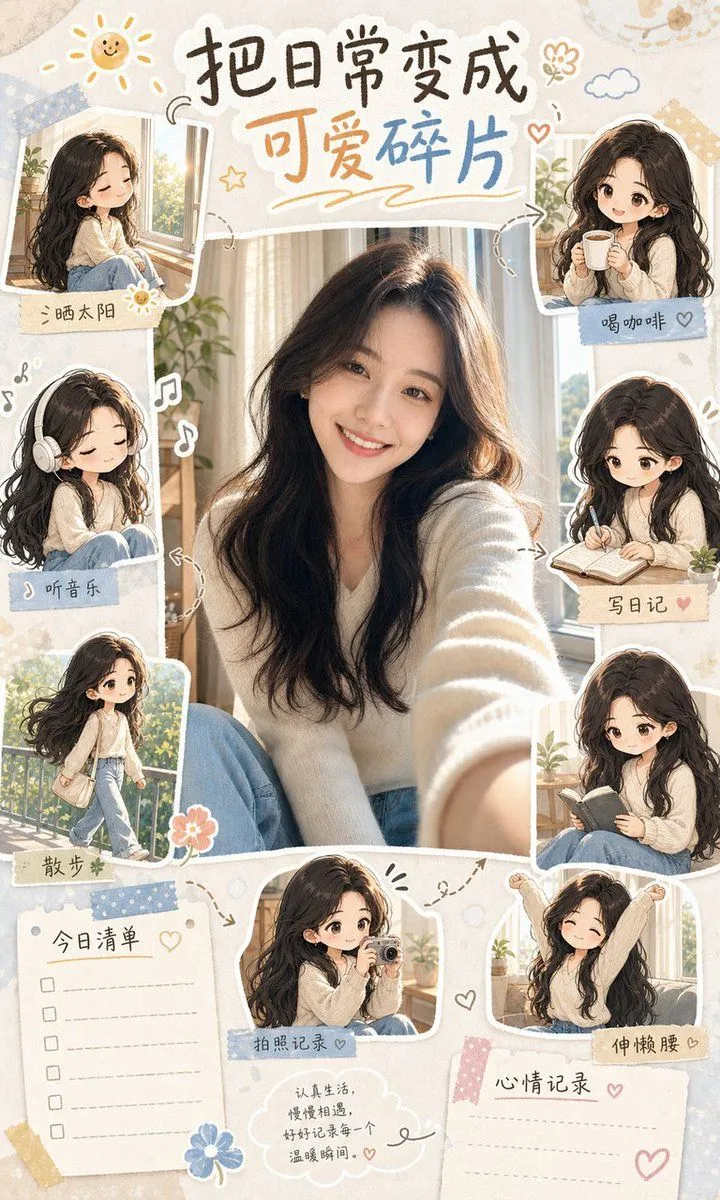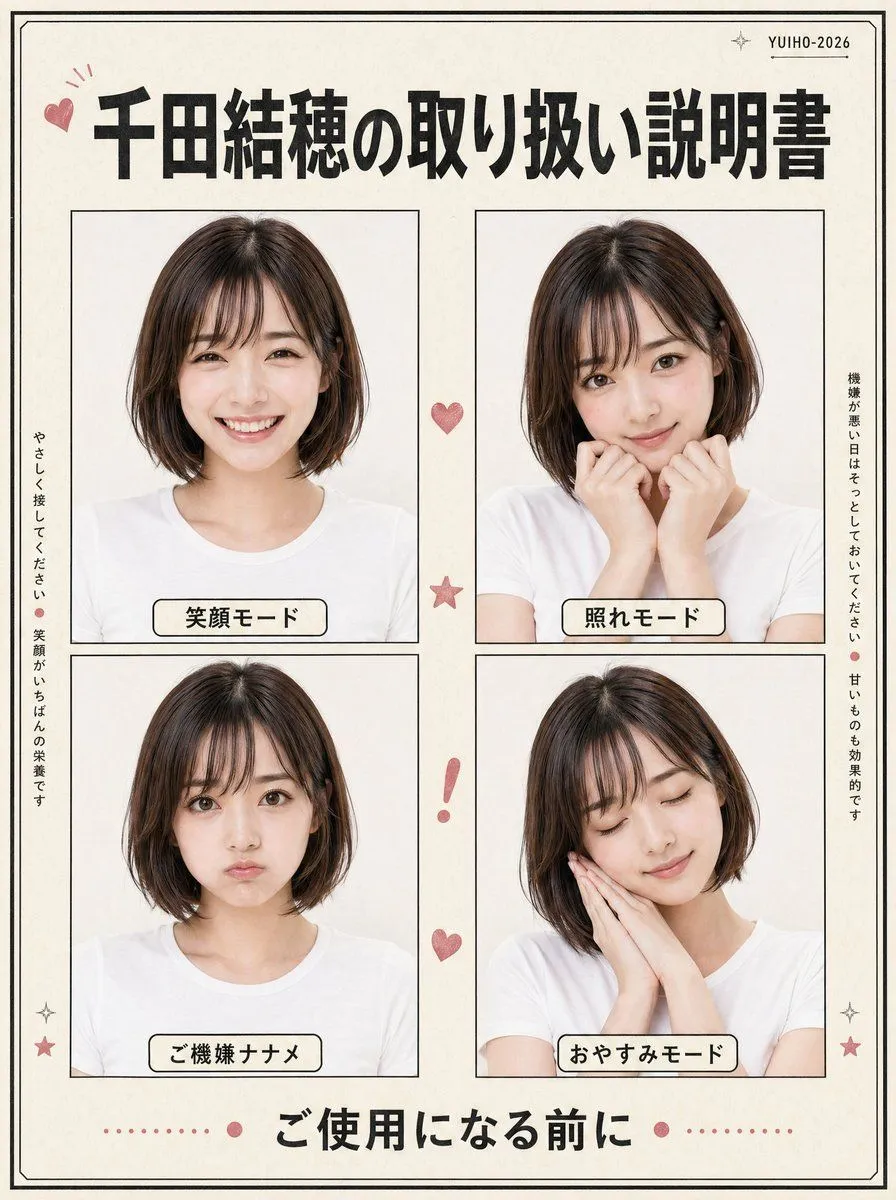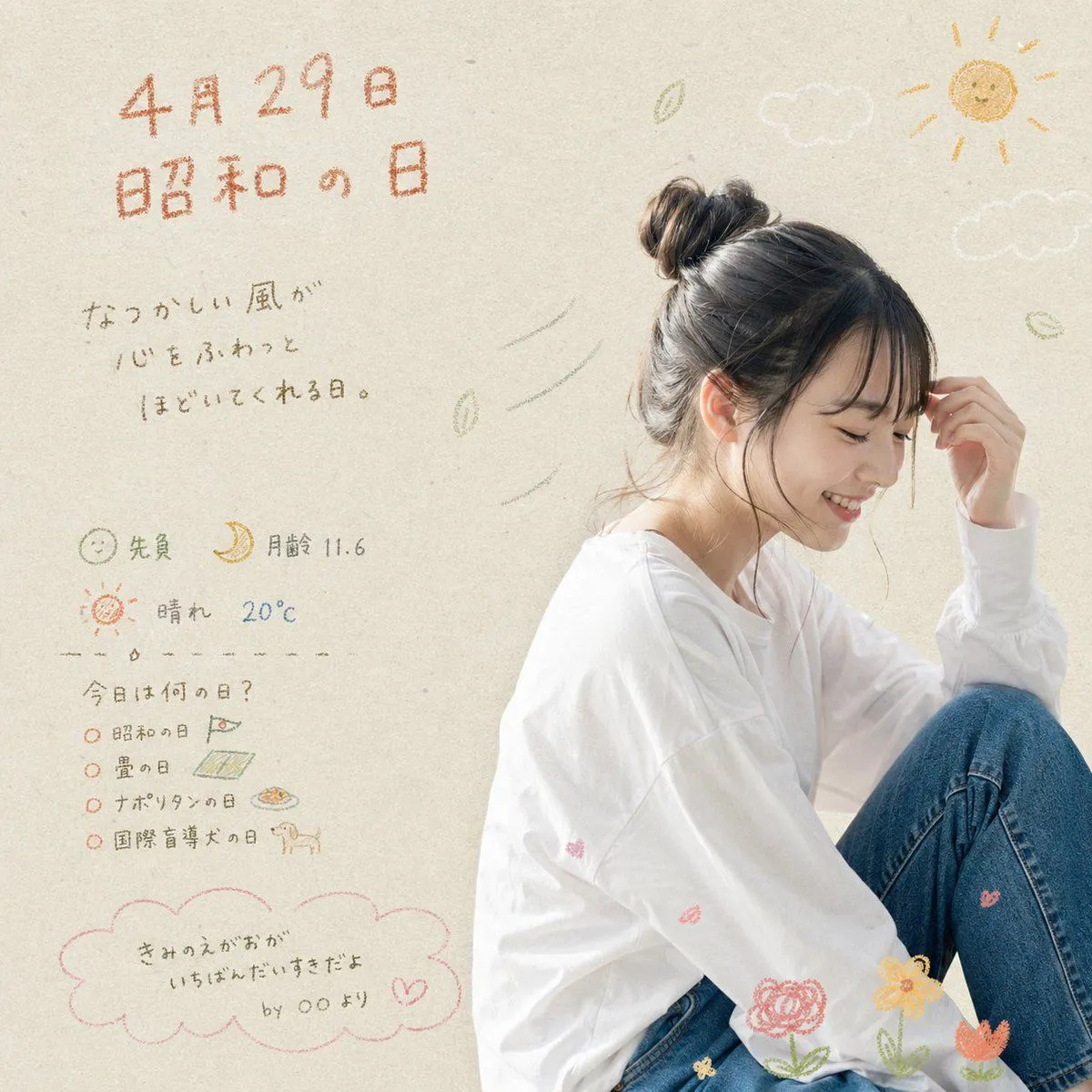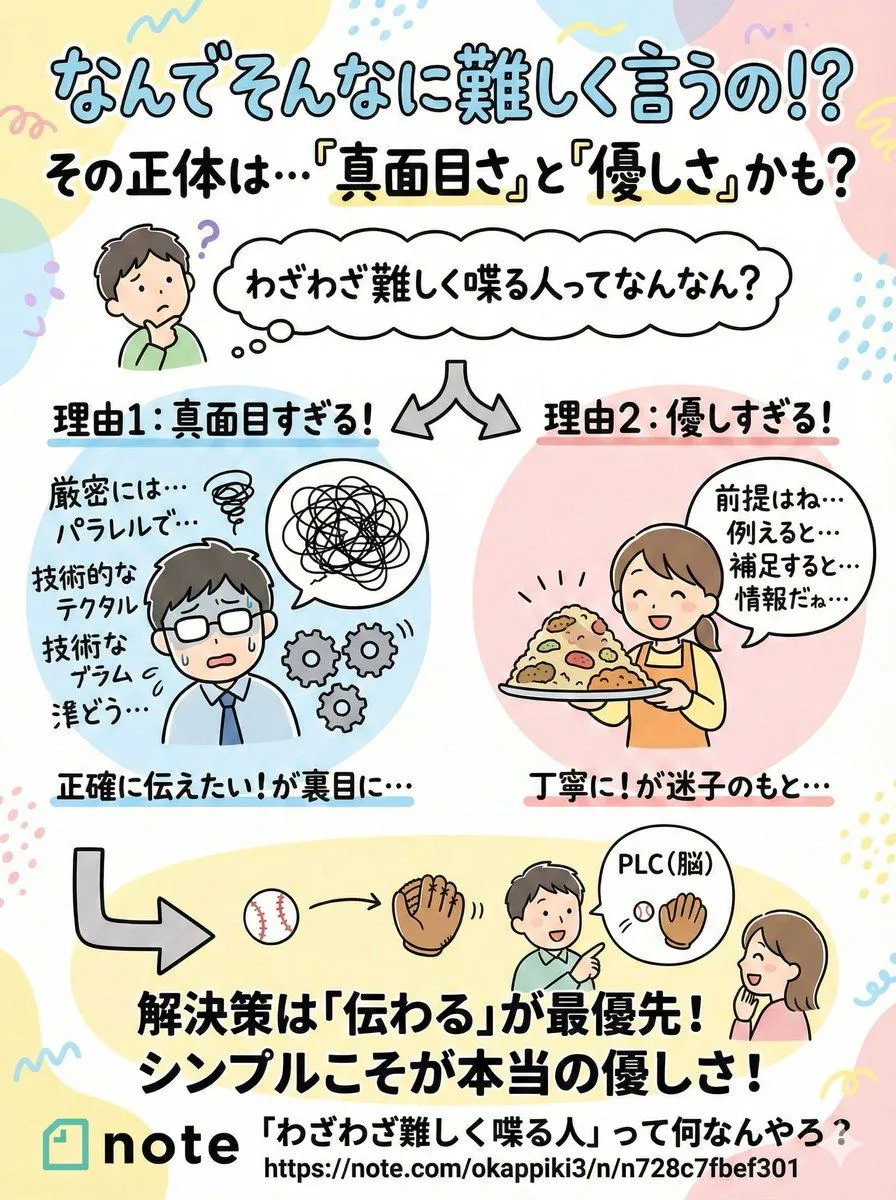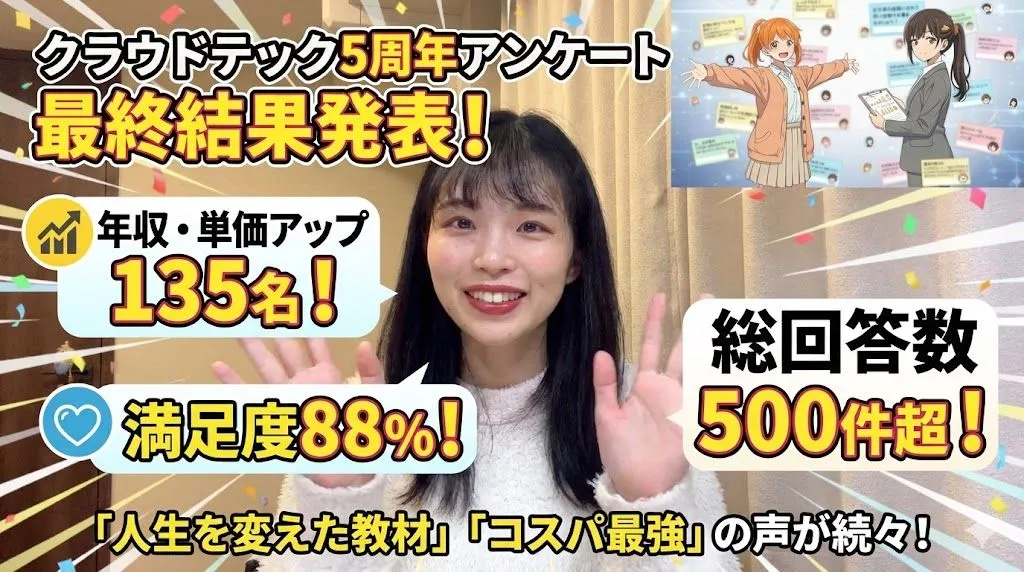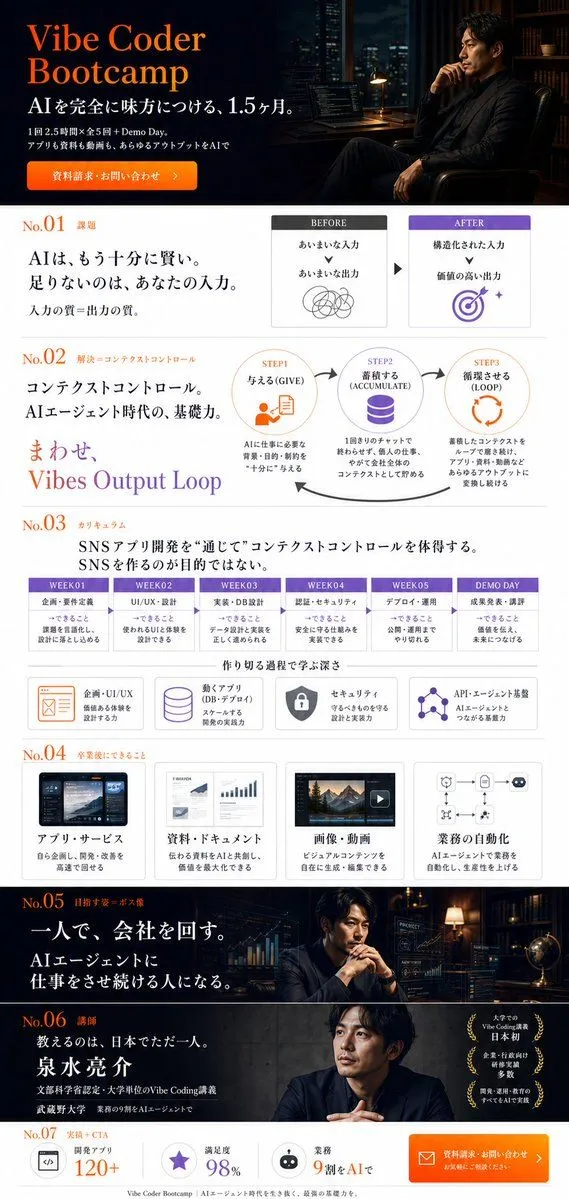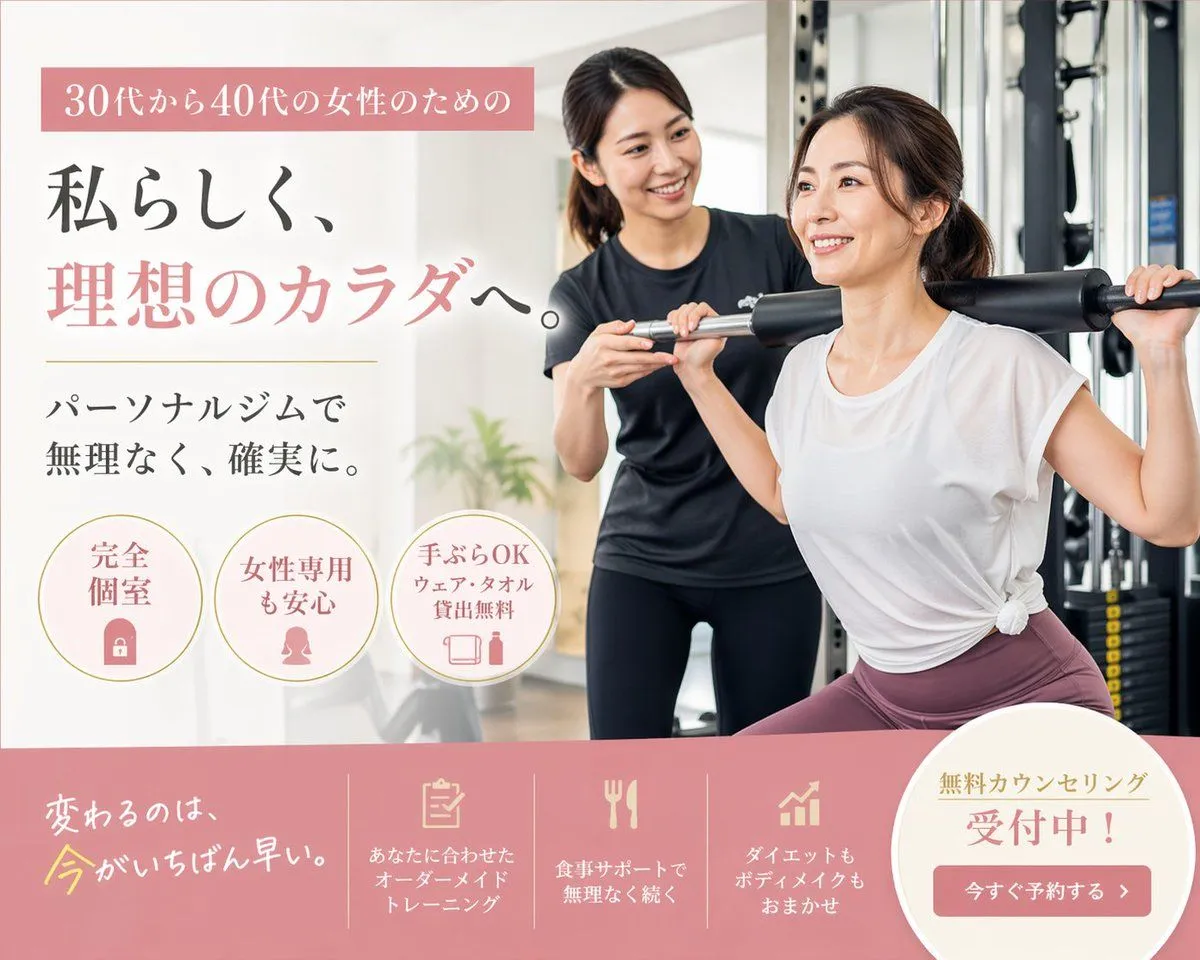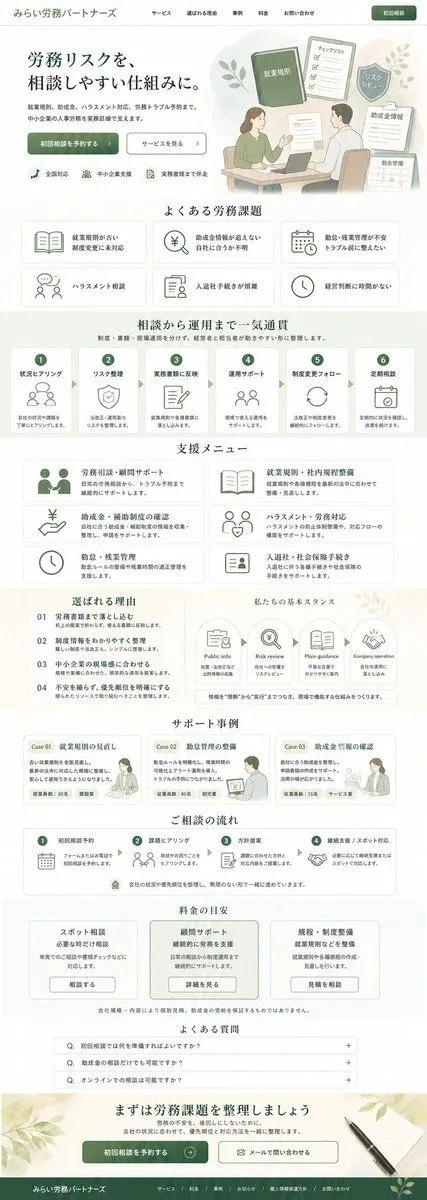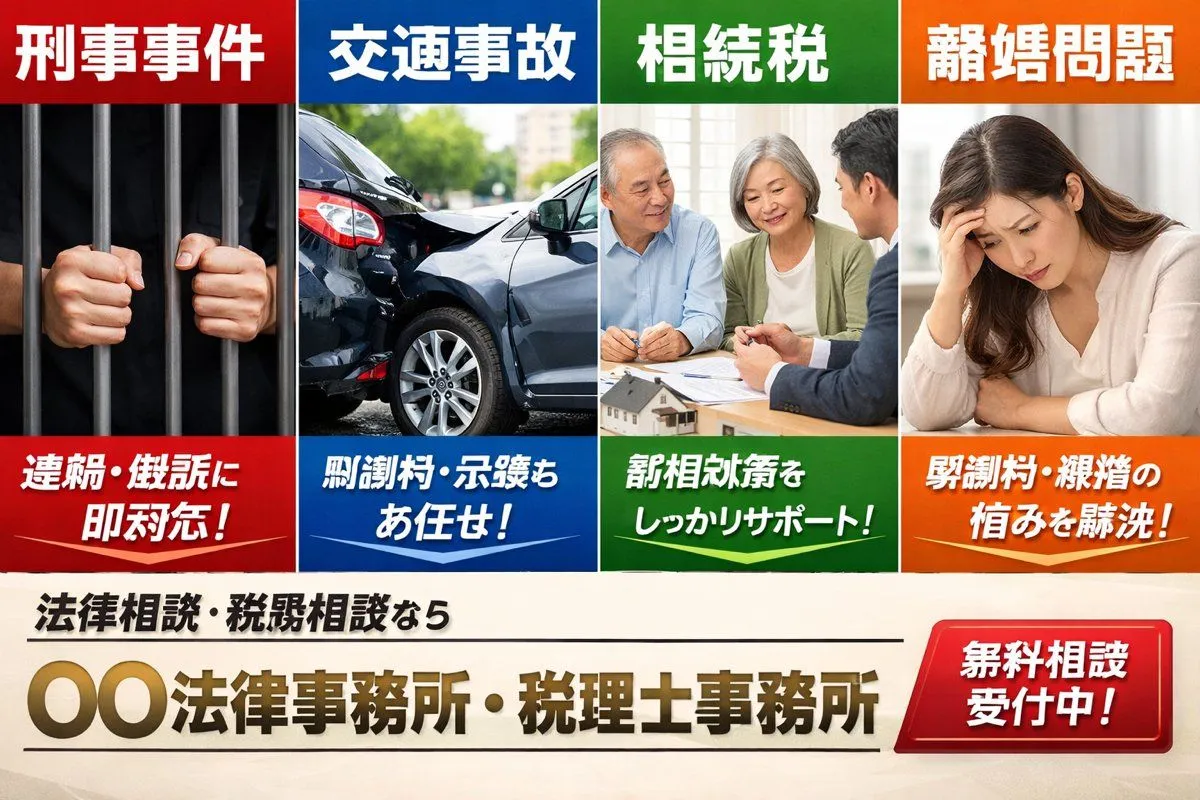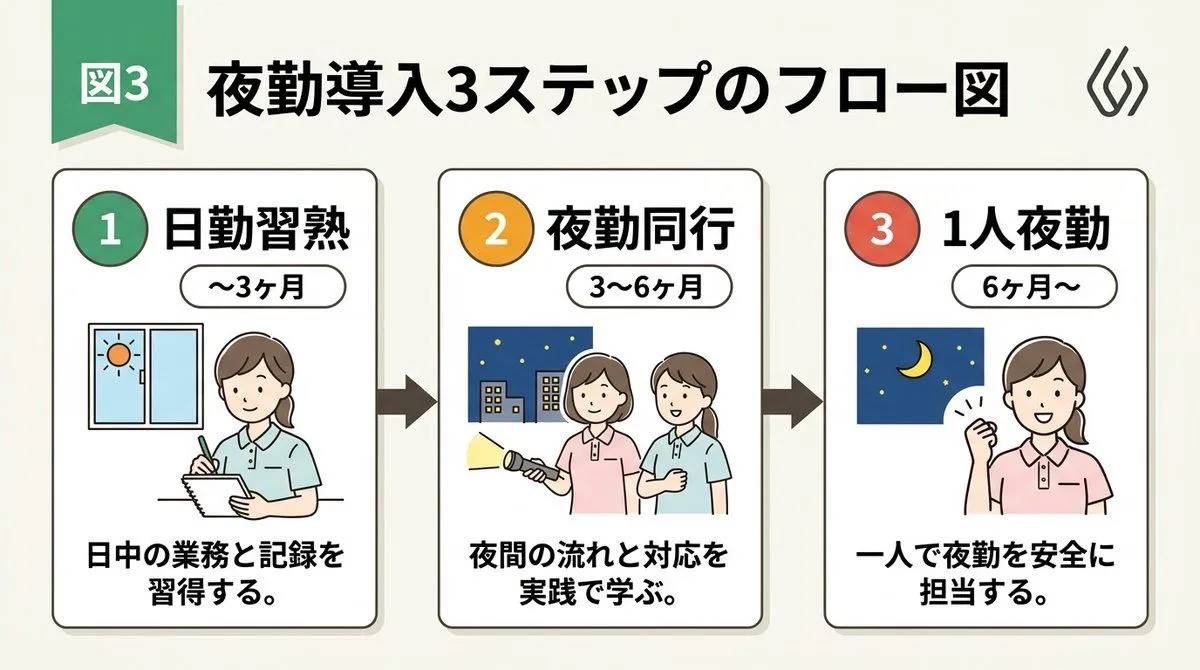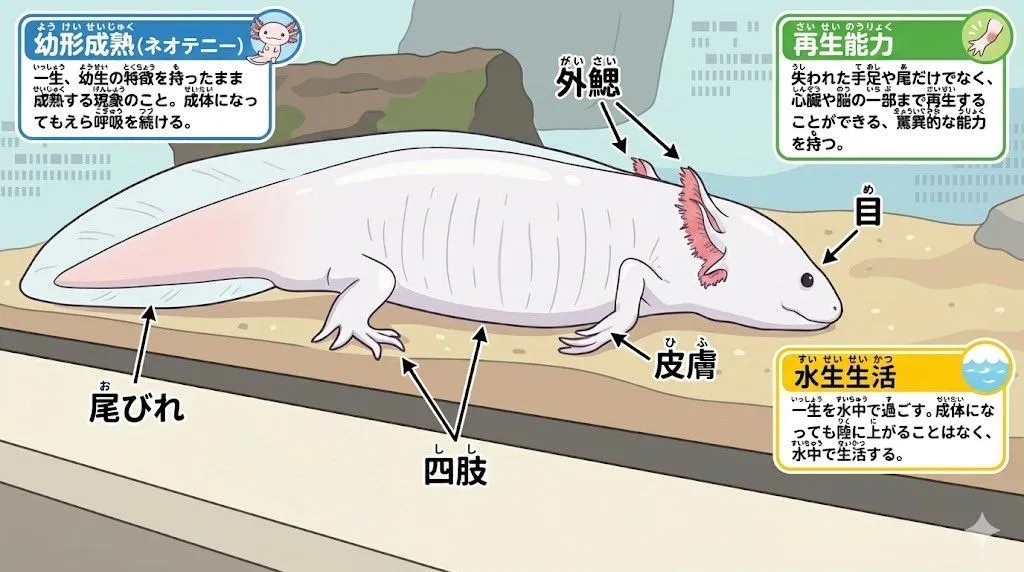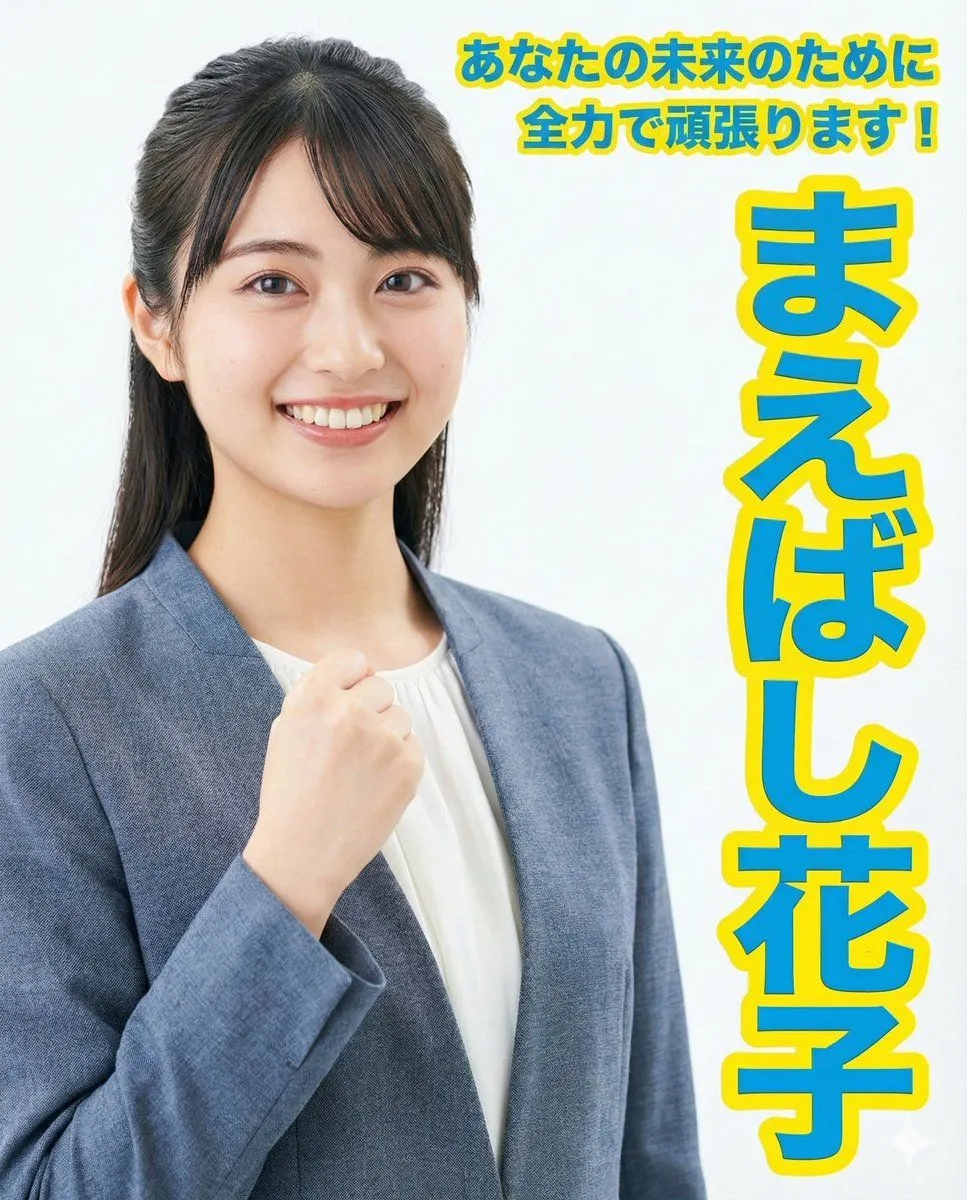
Made with GPT Image 2 in ChatGPT by Library Brand. Promptclay never generates images.
Did it work?
No reports yet. Tell others if it worked for you.
Japanese Kids English LP Hero
Prompt
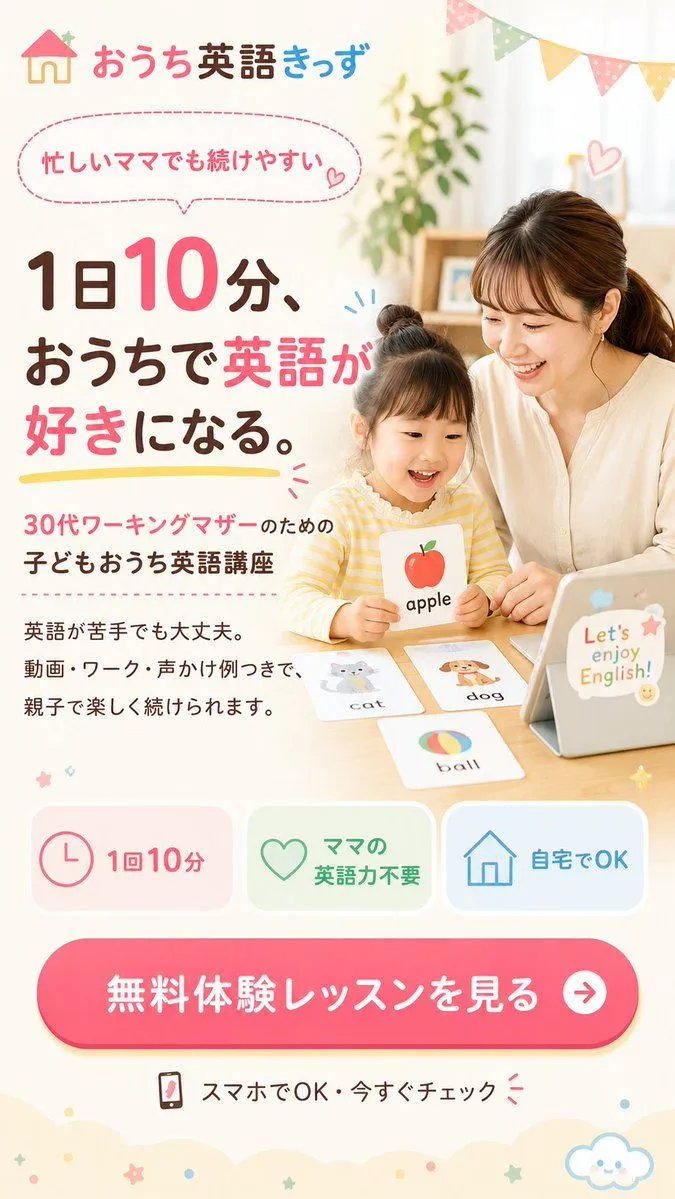
5 blanks to fillGoal: Create a vertical Japanese landing page first-view hero image for an at-home English program for busy working mothers, with a warm parent-child learning photo on the right and large sales copy on the left. Canvas: Vertical smartphone LP/FV design, 675×1200 px or 9:16 ratio, cream-white background, soft pastel palette, airy spacing, friendly family-oriented mood. Visual style: Clean Japanese web advertising design, rounded shapes, hand-drawn decorative accents, pastel pink, brown, yellow, mint green, and sky blue. Use a bright lifestyle-photo look blended into a graphic LP layout. Keep typography large, rounded, and highly readable; emphasize key words in vivid pink. Main image area: On the right half, show a Japanese mother and young child sitting at a wooden table doing English flashcard study at home. The mother wears a simple cream blouse and sits beside the child; the child wears a yellow striped top and holds an illustrated apple card labeled “apple”. Place a tablet on the table at the far right with cute stickers and text “Let’s enjoy English!”. Add four visible English flashcards on the table: 1) apple held by the child, 2) cat card, 3) dog card, 4) ball card. Obscure both faces with soft rectangular skin-tone privacy blurs while keeping hair, clothes, hands, and activity visible. Background includes a plant, shelf, soft daylight curtains, and pastel triangular bunting flags across the upper right. Header: Top left logo with a small house icon and the brand text “おうち英語きっず”, with “おうち” in pink, “英語” in dark brown, and “きっず” in blue. Text content: Add a dashed pink speech bubble near the top left containing “忙しいママでも続けやすい” with a small heart. Large main headline on the left: “1日10分、 おうちで英語が 好きになる。” Make “10”, “英語”, and “好き” bright pink, the rest dark brown, and underline the headline with a yellow brush stroke. Supporting copy below: “30代ワーキングマザーのための 子どもおうち英語講座”. Add small body text: “英語が苦手でも大丈夫。 動画・ワーク・声かけ例つきで、 親子で楽しく続けられます。” Benefit cards: Include exactly three rounded feature cards in one row near the lower middle: 1) pink clock icon with “1回10分”, 2) green heart icon with “ママの英語力不要”, 3) blue house icon with “自宅でOK”. CTA: Near the bottom, add one large rounded hot-pink button with white text “無料体験レッスンを見る” and a white circular arrow icon on the right. Under it, add a small smartphone icon and text “スマホでOK・今すぐチェック” with small pink attention marks. Decorations: Add small hearts, spark lines, stars, dots, scalloped cloud-like cream shapes along the bottom edge, and a cute smiling cloud icon at bottom right. Keep everything soft, cheerful, trustworthy, and conversion-focused. Customizable details: Use the brand name {brand_name}, the main headline {main_headline}, the target audience line {target_audience}, the CTA button text {cta_text}, and the tablet sticker phrase {tablet_phrase}. Constraints: Use Japanese text exactly as specified where visible, maintain a professional LP hero layout, include exactly three benefit cards and exactly four flashcards, no extra people, no watermark, no browser chrome.
Preview of your prompt
Goal: Create a vertical Japanese landing page first-view hero image for an at-home English program for busy working mothers, with a warm parent-child learning photo on the right and large sales copy on the left. Canvas: Vertical smartphone LP/FV design, 675×1200 px or 9:16 ratio, cream-white background, soft pastel palette, airy spacing, friendly family-oriented mood. Visual style: Clean Japanese web advertising design, rounded shapes, hand-drawn decorative accents, pastel pink, brown, yellow, mint green, and sky blue. Use a bright lifestyle-photo look blended into a graphic LP layout. Keep typography large, rounded, and highly readable; emphasize key words in vivid pink. Main image area: On the right half, show a Japanese mother and young child sitting at a wooden table doing English flashcard study at home. The mother wears a simple cream blouse and sits beside the child; the child wears a yellow striped top and holds an illustrated apple card labeled “apple”. Place a tablet on the table at the far right with cute stickers and text “Let’s enjoy English!”. Add four visible English flashcards on the table: 1) apple held by the child, 2) cat card, 3) dog card, 4) ball card. Obscure both faces with soft rectangular skin-tone privacy blurs while keeping hair, clothes, hands, and activity visible. Background includes a plant, shelf, soft daylight curtains, and pastel triangular bunting flags across the upper right. Header: Top left logo with a small house icon and the brand text “おうち英語きっず”, with “おうち” in pink, “英語” in dark brown, and “きっず” in blue. Text content: Add a dashed pink speech bubble near the top left containing “忙しいママでも続けやすい” with a small heart. Large main headline on the left: “1日10分、 おうちで英語が 好きになる。” Make “10”, “英語”, and “好き” bright pink, the rest dark brown, and underline the headline with a yellow brush stroke. Supporting copy below: “30代ワーキングマザーのための 子どもおうち英語講座”. Add small body text: “英語が苦手でも大丈夫。 動画・ワーク・声かけ例つきで、 親子で楽しく続けられます。” Benefit cards: Include exactly three rounded feature cards in one row near the lower middle: 1) pink clock icon with “1回10分”, 2) green heart icon with “ママの英語力不要”, 3) blue house icon with “自宅でOK”. CTA: Near the bottom, add one large rounded hot-pink button with white text “無料体験レッスンを見る” and a white circular arrow icon on the right. Under it, add a small smartphone icon and text “スマホでOK・今すぐチェック” with small pink attention marks. Decorations: Add small hearts, spark lines, stars, dots, scalloped cloud-like cream shapes along the bottom edge, and a cute smiling cloud icon at bottom right. Keep everything soft, cheerful, trustworthy, and conversion-focused. Customizable details: Use the brand name おうち英語きっず, the main headline 1日10分、おうちで英語が好きになる。, the target audience line 30代ワーキングマザーのための 子どもおうち英語講座, the CTA button text 無料体験レッスンを見る, and the tablet sticker phrase Let’s enjoy English!. Constraints: Use Japanese text exactly as specified where visible, maintain a professional LP hero layout, include exactly three benefit cards and exactly four flashcards, no extra people, no watermark, no browser chrome.
DetailsVersions, settings and questions
Written for
What's in the prompt
- Subject
- Model
- GPT Image 2
If your face changes
keep my face exactly the sameQuestions
- Does this work in the ChatGPT app?
- Yes. Paste the prompt and attach your photo if it uses one.
- It changed my face. What do I do?
- Add "keep my face exactly the same" to the end and run it again.
- Can I use the images I make?
- Check the terms of the app you use. Promptclay never generates images and claims nothing you make.