Tell us anything

An idea, a bug, something you love. We read every note.

⌘↵ to send. The page you're on comes along.

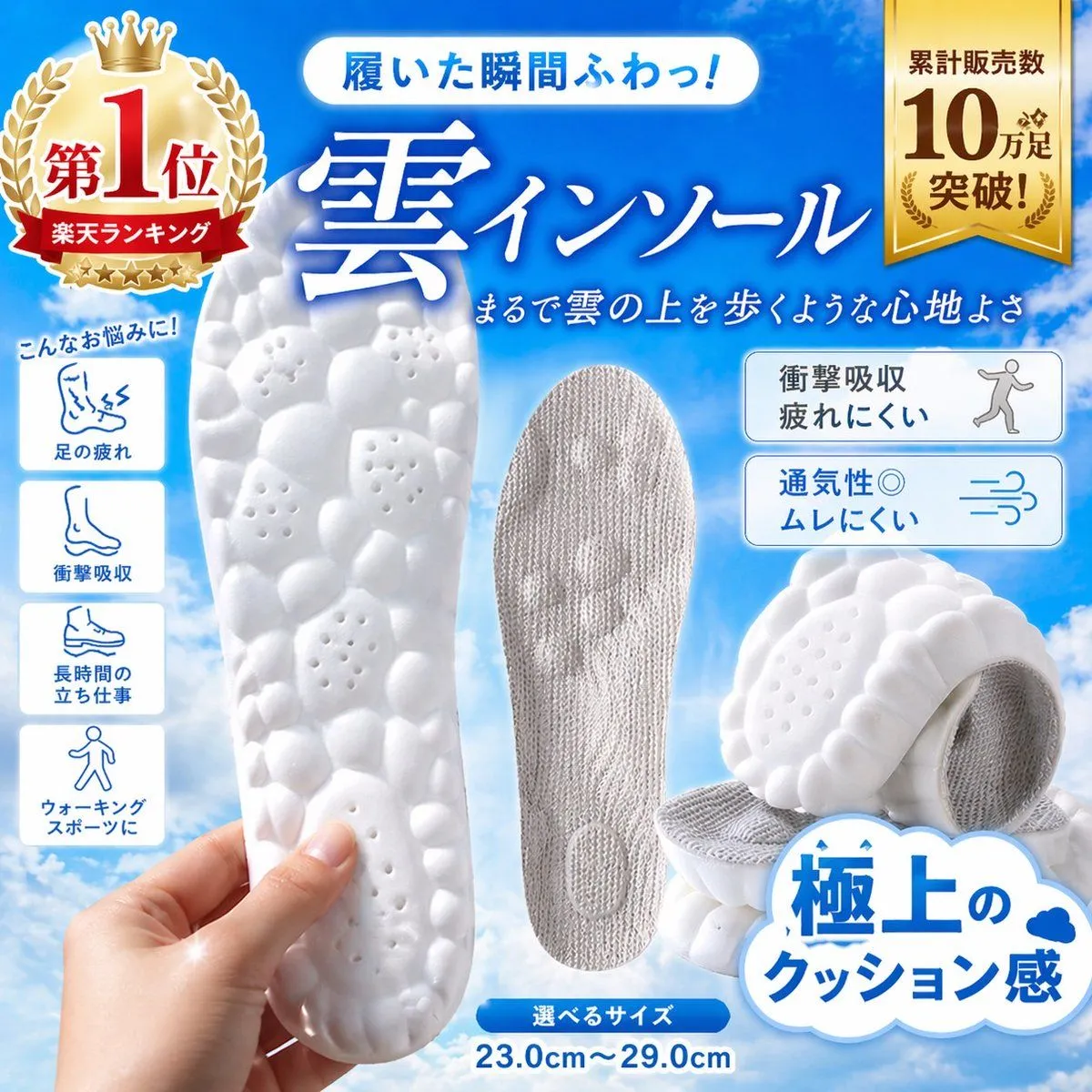
Japanese Cloud Insole Ad Banner

Made with GPT Image 2 in ChatGPT, collected by Library Brand. Promptclay never generates images.

Did it work?

No reports yet. Tell others if it worked for you.

No comments yet. Be the first.

    Japanese Cloud Insole Ad Banner

    GPT Image 21:1AI-generated

    Prompt

    Create a high-converting Japanese e-commerce product advertisement square image for a pair of ultra-cushioned insoles, styled like a Rakuten marketplace hero banner. Bright sky-blue gradient background with soft white clouds, clean glossy commercial design, energetic and premium. Large central Japanese headline in bold white calligraphic serif text with blue glow: "雲インソール". Above it, a rounded white capsule banner with blue text: "履いた瞬間ふわっ!". Below the main headline, smaller white handwritten-style Japanese subheading: "まるで雲の上を歩くような心地よさ". Show 4 insole product views total: 1 large white foam sole held vertically in a realistic human hand at lower left foreground, featuring a pebble-like bubble texture with small ventilation holes; 1 gray fabric-covered insole standing upright in the center; 2 stacked angled white insoles at lower right, emphasizing thick soft cushioning and textured underside. Add a large gold award badge at top left with crown and laurel, containing the Japanese text "第1位" and a red ribbon reading "楽天ランキング". Add a vertical gold ribbon badge at top right with the Japanese text "累計販売数 10万足 突破!". On the left side, place 4 vertically stacked rounded white icon boxes under a small blue handwritten caption "こんなお悩みに!", with simple blue line icons and labels: 1 "足の疲れ", 2 "衝撃吸収", 3 "長時間の立ち仕事", 4 "ウォーキング スポーツに". On the right side, place 2 rounded white feature boxes with blue outlines and blue-gray icon illustrations: top box text "衝撃吸収 疲れにくい" with a walking person icon; bottom box text "通気性◎ ムレにくい" with airflow lines icon. At the bottom right, add a large white cloud-shaped callout with bold blue Japanese text "極上の クッション感" and a tiny blue cloud icon. At the bottom center, place a small blue rounded label "選べるサイズ" with large blue size text underneath: "23.0cm〜29.0cm". Use crisp product-photography lighting, soft shadows, glossy highlights, vivid contrast, and a polished online shopping ad composition optimized for instant conversion.

    Works in
    ChatGPT, Gemini
    Status
    Free to copy
    0
    DetailsVersions, settings and questions

    Written for

    What's in the prompt

    Subject
    Model
    GPT Image 2

    If your face changes

    keep my face exactly the same

    Questions

    Does this work in the ChatGPT app?
    Yes. Paste the prompt and attach your photo if it uses one.
    It changed my face. What do I do?
    Add "keep my face exactly the same" to the end and run it again.
    Can I use the images I make?
    Check the terms of the app you use. Promptclay never generates images and claims nothing you make.
    Similar prompts

    See more
    • Japanese Shoe Laundry Bag Ad
    • Japanese EC Portable Fan Feature Page
    • Women's Summer Big Sale Banner
    • Cherry Blossom Beauty Campaign
    • Japanese Waterproof Rainwear Ad
    • Minimalist Athletic Fashion Close-up
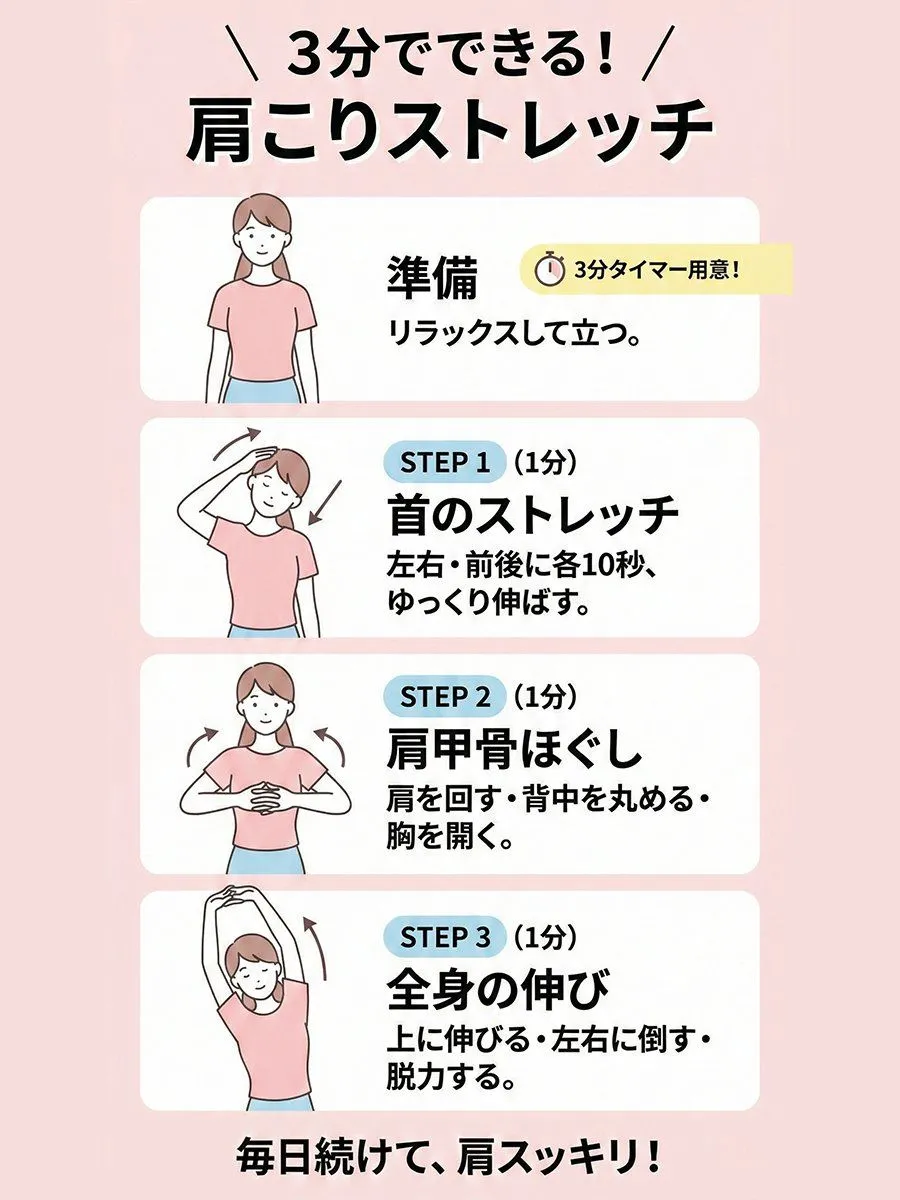
    • Shoulder-stretch infographic for neck and shoulder stiffness
    • Product-Inspired Aristocratic Fashion
    • Hyperrealistic Close-up Video of Cosplay ModelVideo, 0:15
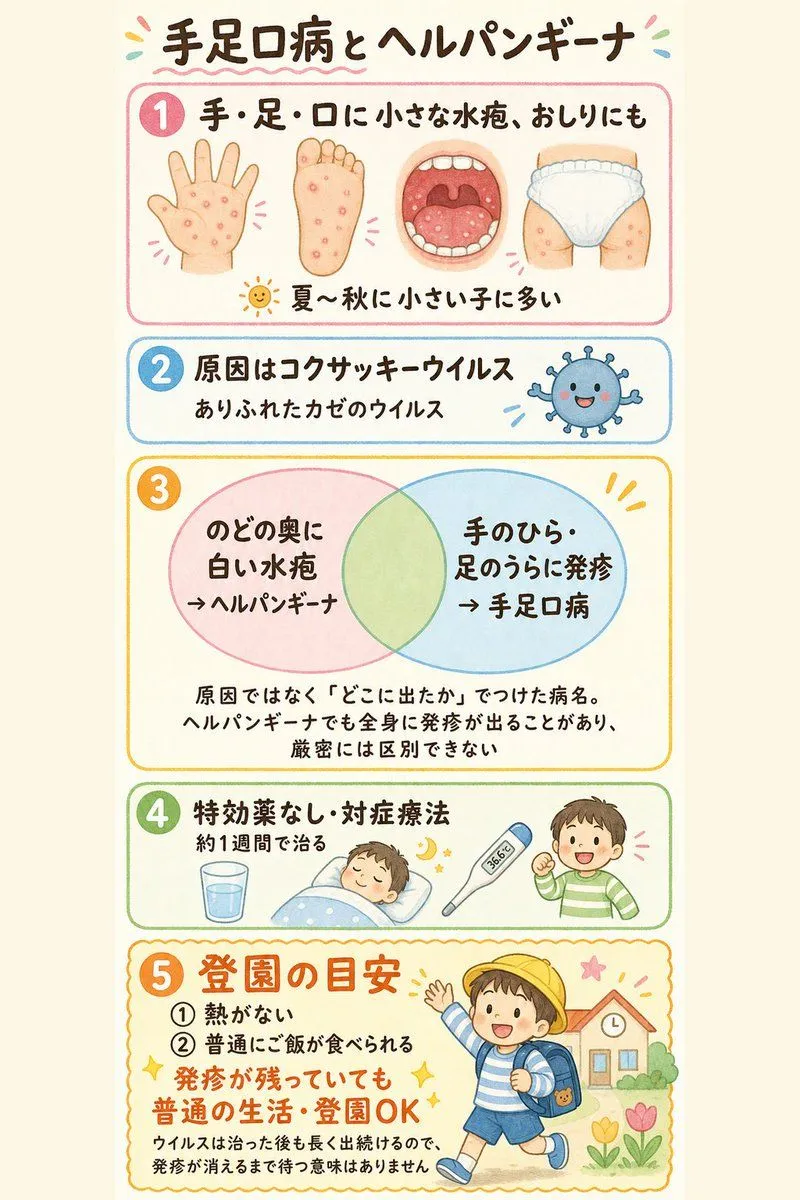
    • Japanese Pediatric Disease Infographic
    • RAKUNE Summer Pajama Storyboard
    • Nano Banana Pro Thumbnail Generation Example
    • Japanese AI Training Banner
    • Japanese ClaudeCode Training Banner
    • Japanese Delivery Referral Banner
    • Premium Japanese-Style Kiwi Juice Skin Packaging Poster
    • Luxury Loungewear Outfit Card
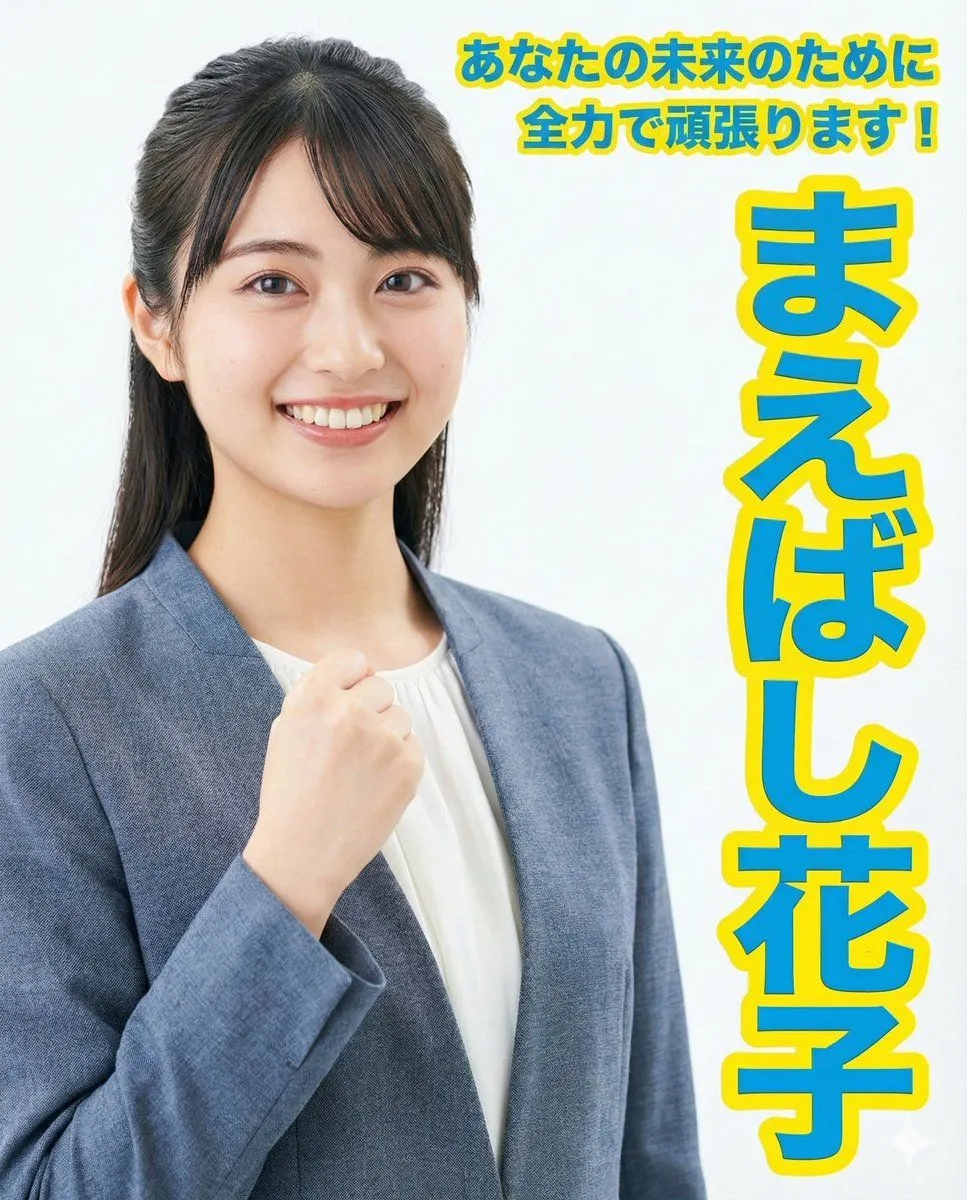
    • Election Poster Style Prompt
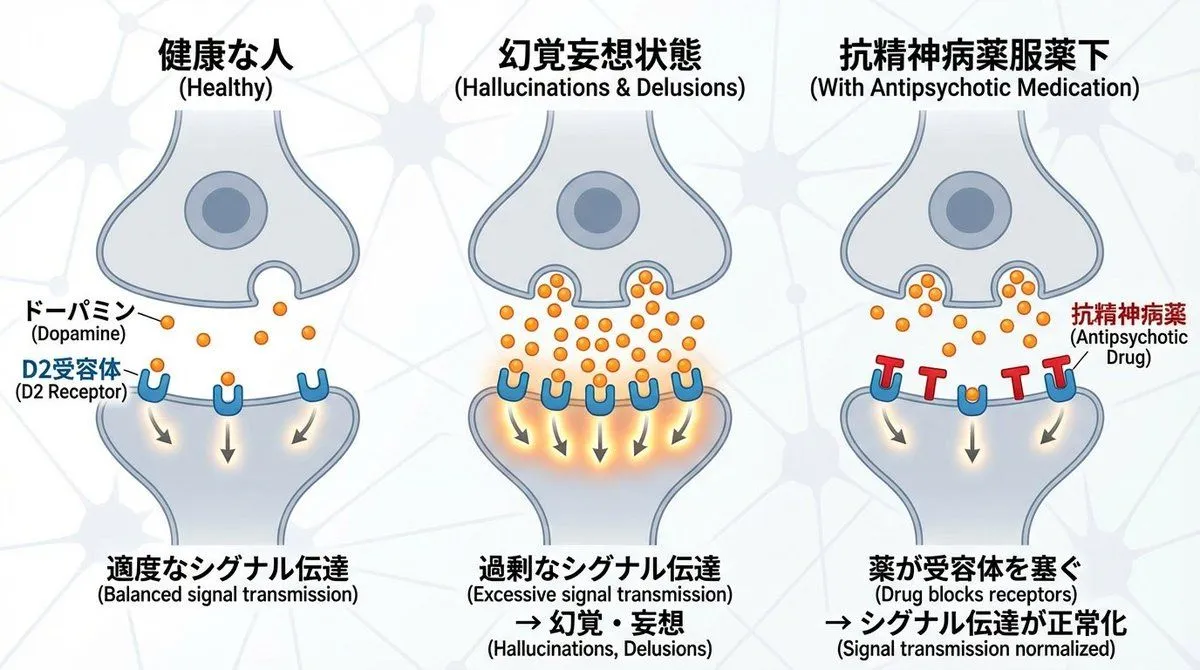
    • Dopamine and schizophrenia synapse diagram
    • Multi-Angle Grid Portrait with Overlay Text (Japanese)
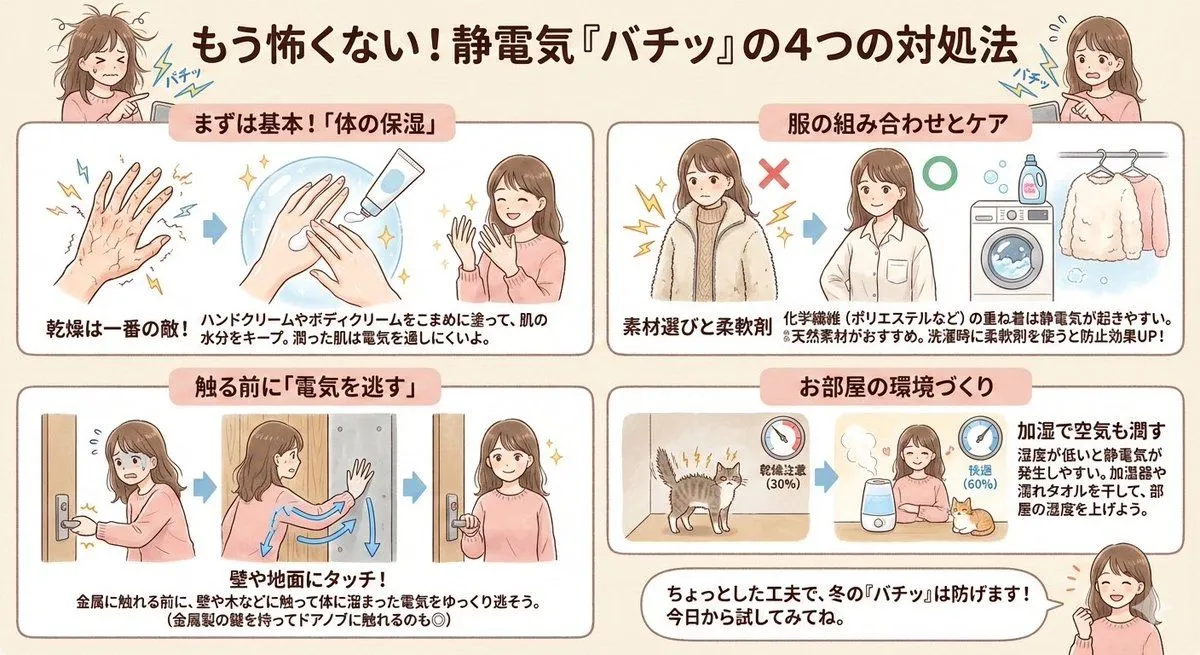
    • Static Electricity Diagram Generation
    • Pop-style flyer image for a note article
    • Four-Model Earbud Product Comparison
    • Mechanical Keyboard Product Page Mockup

    Show more

    Run it on your phone

    1. Prompt copiedRead it

      Create a high-converting Japanese e-commerce product advertisement square image for a pair of ultra-cushioned insoles, styled like a Rakuten marketplace hero banner. Bright sky-blue gradient background with soft white clouds, clean glossy commercial design, energetic and premium. Large central Japanese headline in bold white calligraphic serif text with blue glow: "雲インソール". Above it, a rounded white capsule banner with blue text: "履いた瞬間ふわっ!". Below the main headline, smaller white handwritten-style Japanese subheading: "まるで雲の上を歩くような心地よさ". Show 4 insole product views total: 1 large white foam sole held vertically in a realistic human hand at lower left foreground, featuring a pebble-like bubble texture with small ventilation holes; 1 gray fabric-covered insole standing upright in the center; 2 stacked angled white insoles at lower right, emphasizing thick soft cushioning and textured underside. Add a large gold award badge at top left with crown and laurel, containing the Japanese text "第1位" and a red ribbon reading "楽天ランキング". Add a vertical gold ribbon badge at top right with the Japanese text "累計販売数 10万足 突破!". On the left side, place 4 vertically stacked rounded white icon boxes under a small blue handwritten caption "こんなお悩みに!", with simple blue line icons and labels: 1 "足の疲れ", 2 "衝撃吸収", 3 "長時間の立ち仕事", 4 "ウォーキング スポーツに". On the right side, place 2 rounded white feature boxes with blue outlines and blue-gray icon illustrations: top box text "衝撃吸収 疲れにくい" with a walking person icon; bottom box text "通気性◎ ムレにくい" with airflow lines icon. At the bottom right, add a large white cloud-shaped callout with bold blue Japanese text "極上の クッション感" and a tiny blue cloud icon. At the bottom center, place a small blue rounded label "選べるサイズ" with large blue size text underneath: "23.0cm〜29.0cm". Use crisp product-photography lighting, soft shadows, glossy highlights, vivid contrast, and a polished online shopping ad composition optimized for instant conversion.

    2. Open your app

      This prompt is long, so it is copied instead of sent in the link. Paste it in the app.

    3. Paste and run

      Press and hold the message box, then tap Paste. Add your photo first if the prompt uses one. You may need to sign in.

    Japanese Cloud Insole Ad Banner