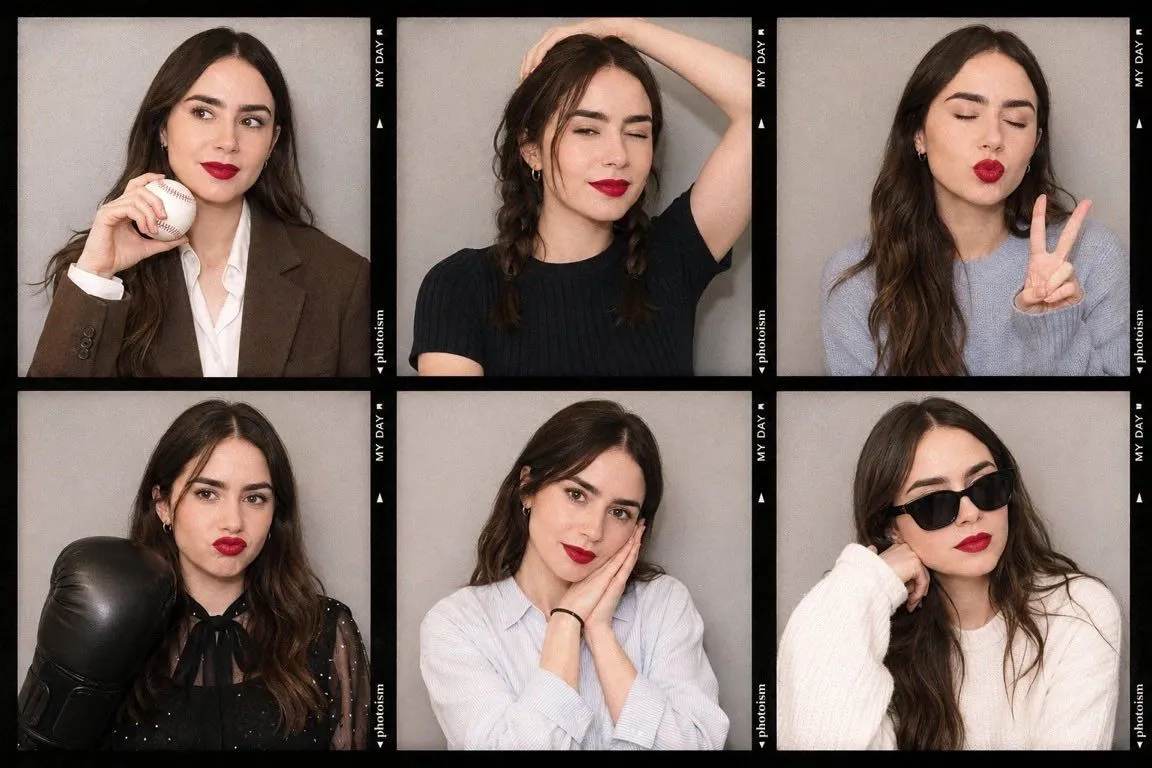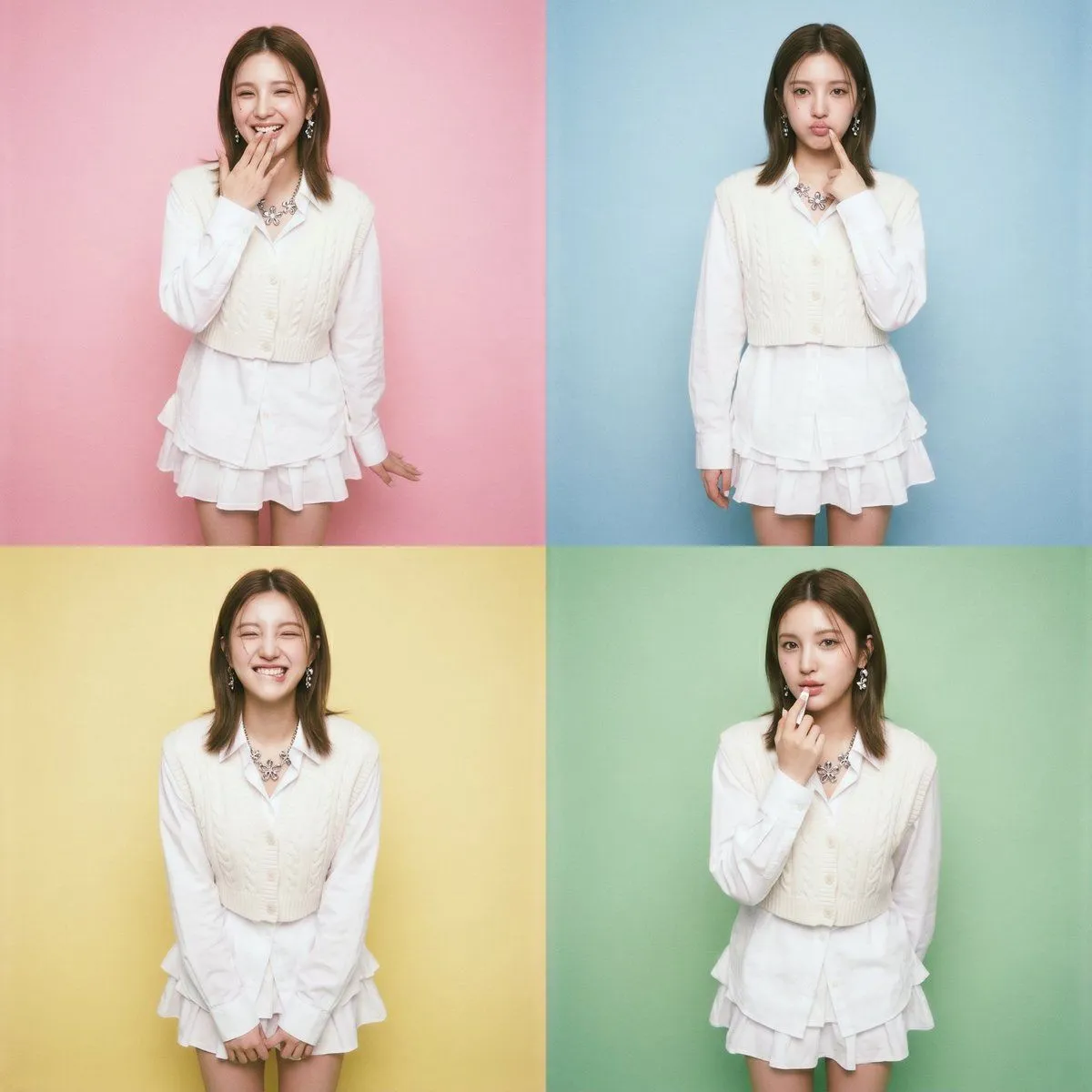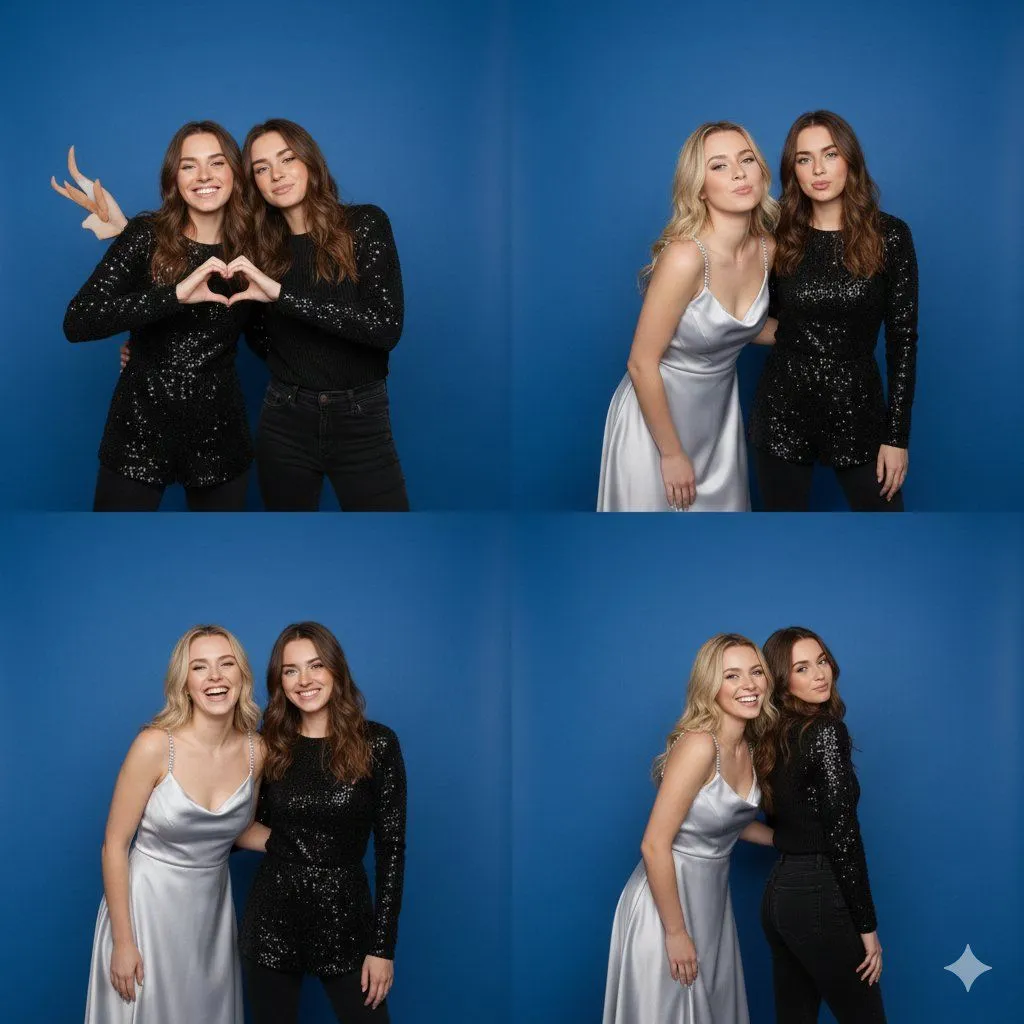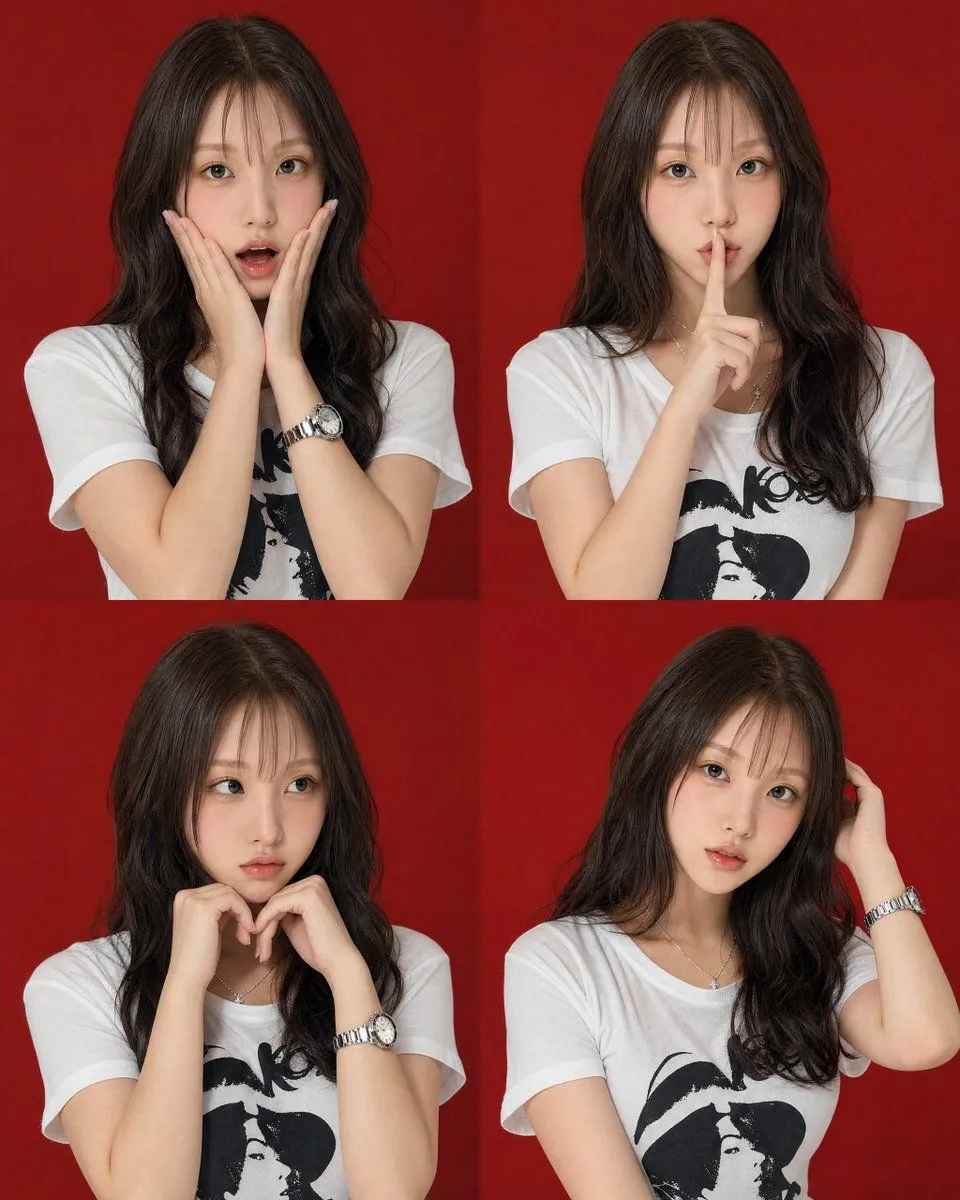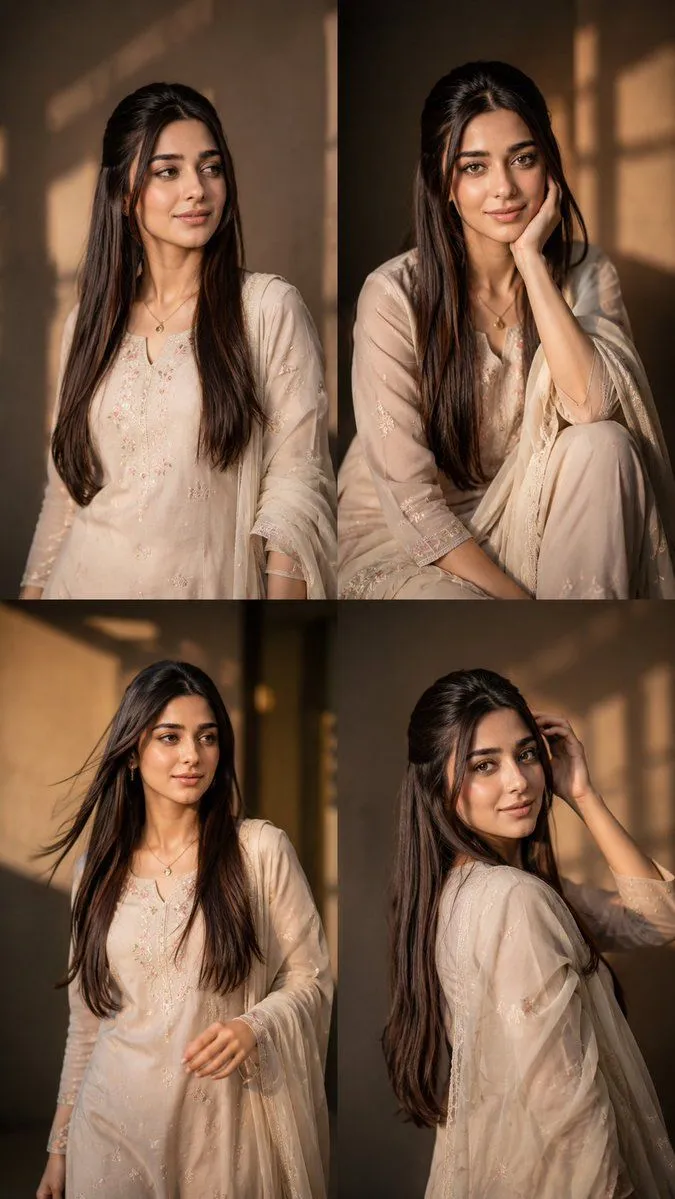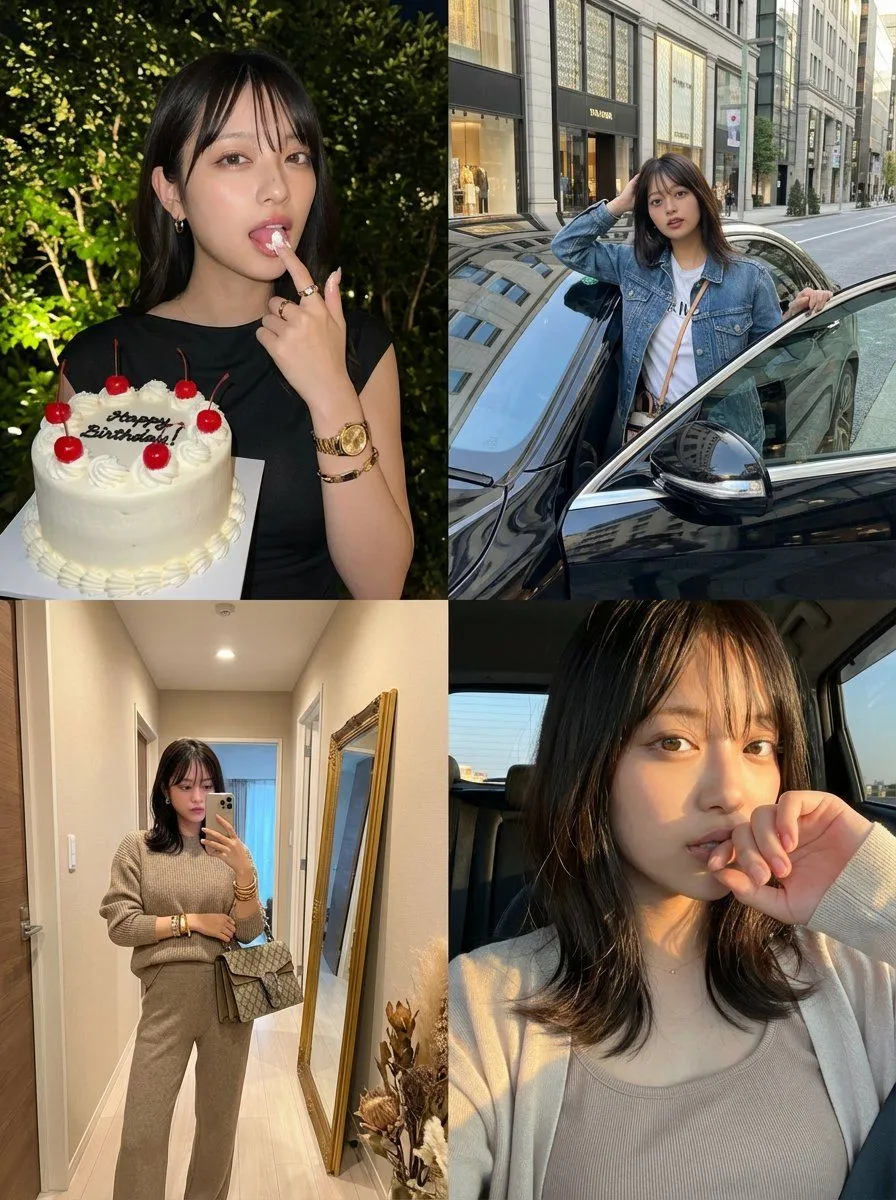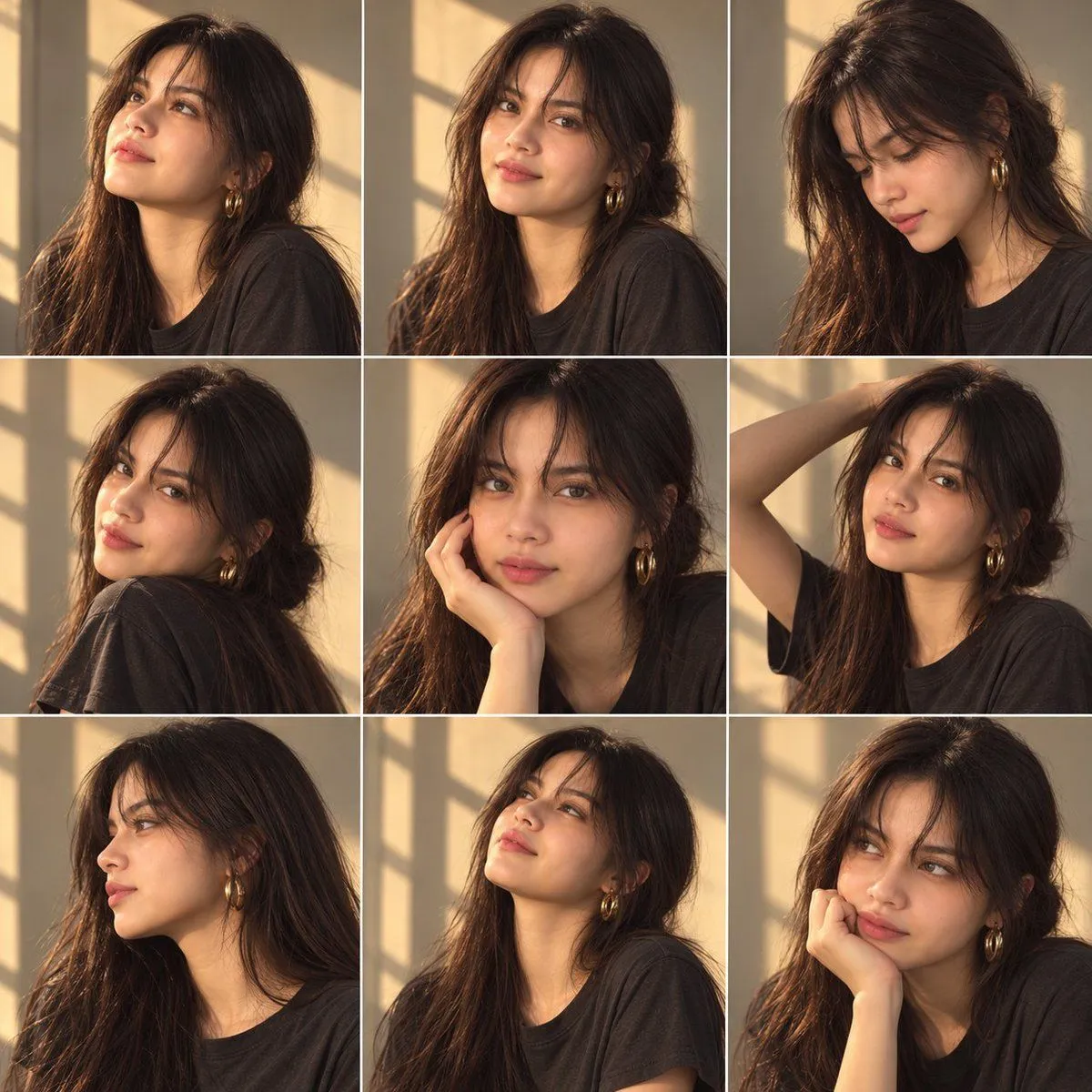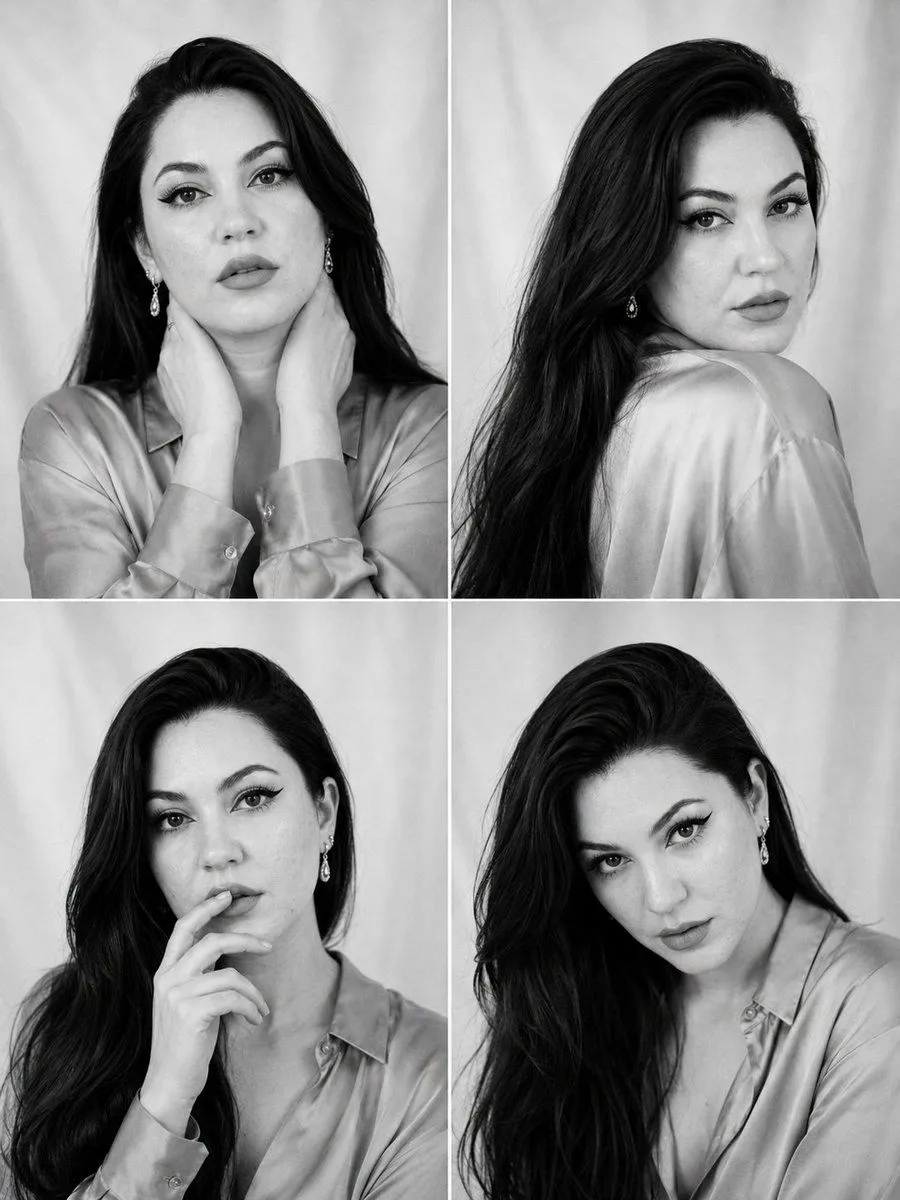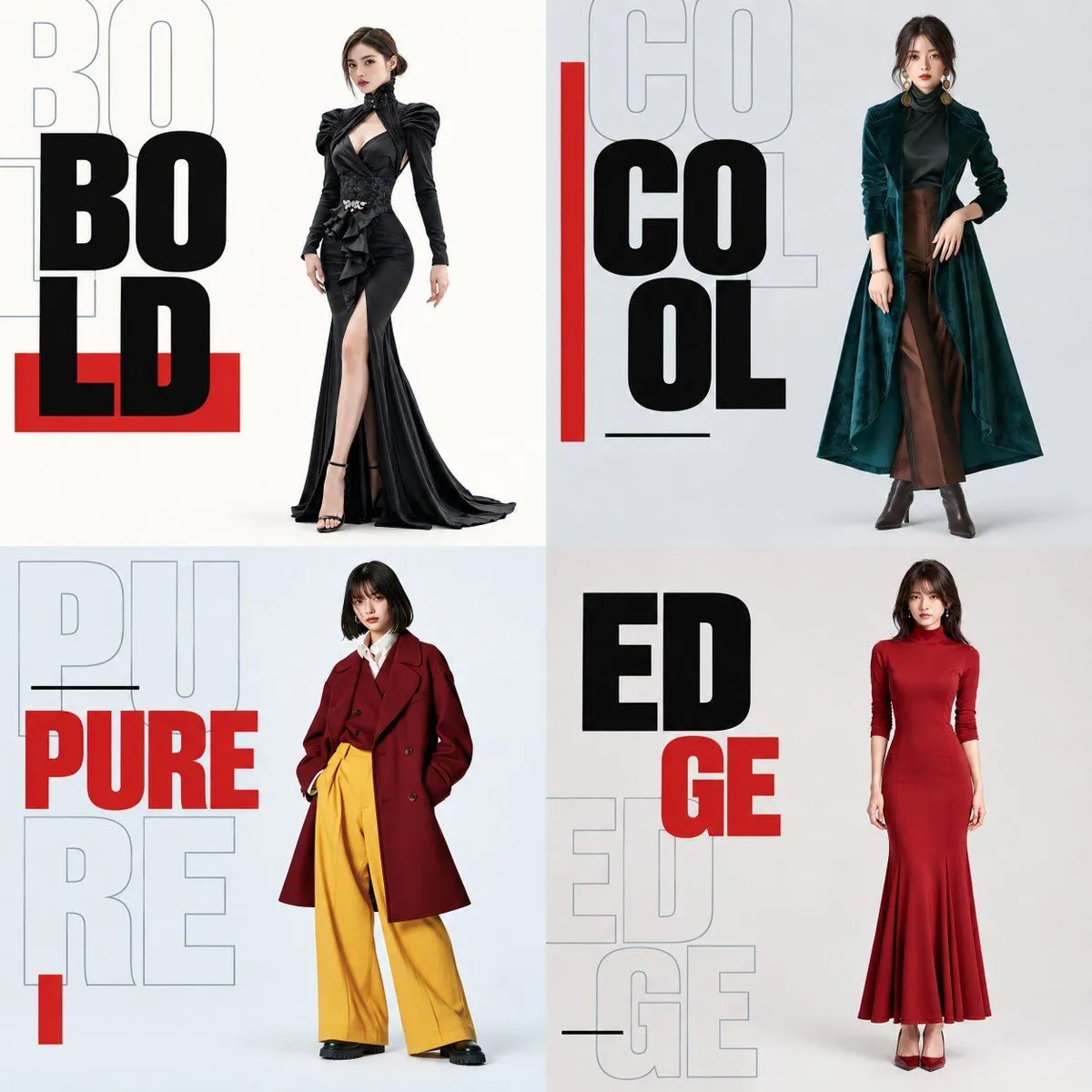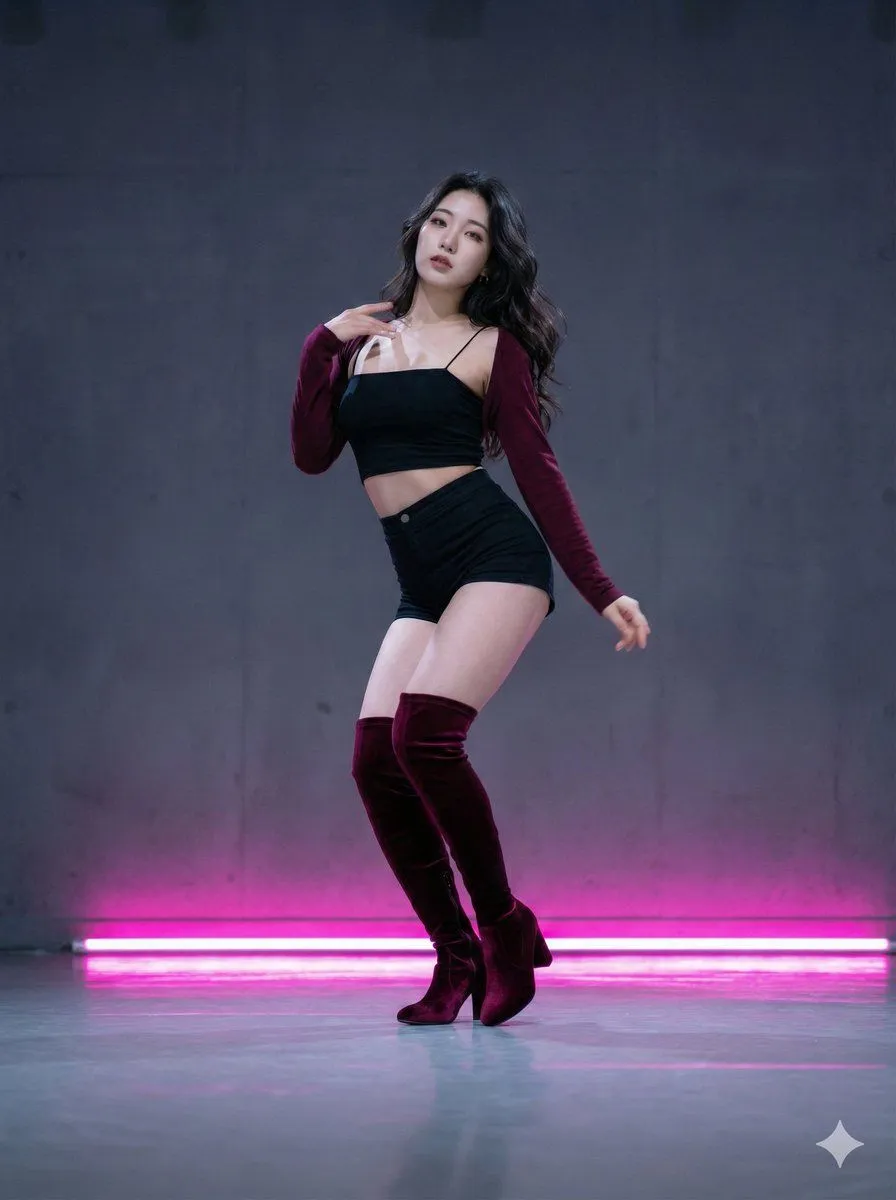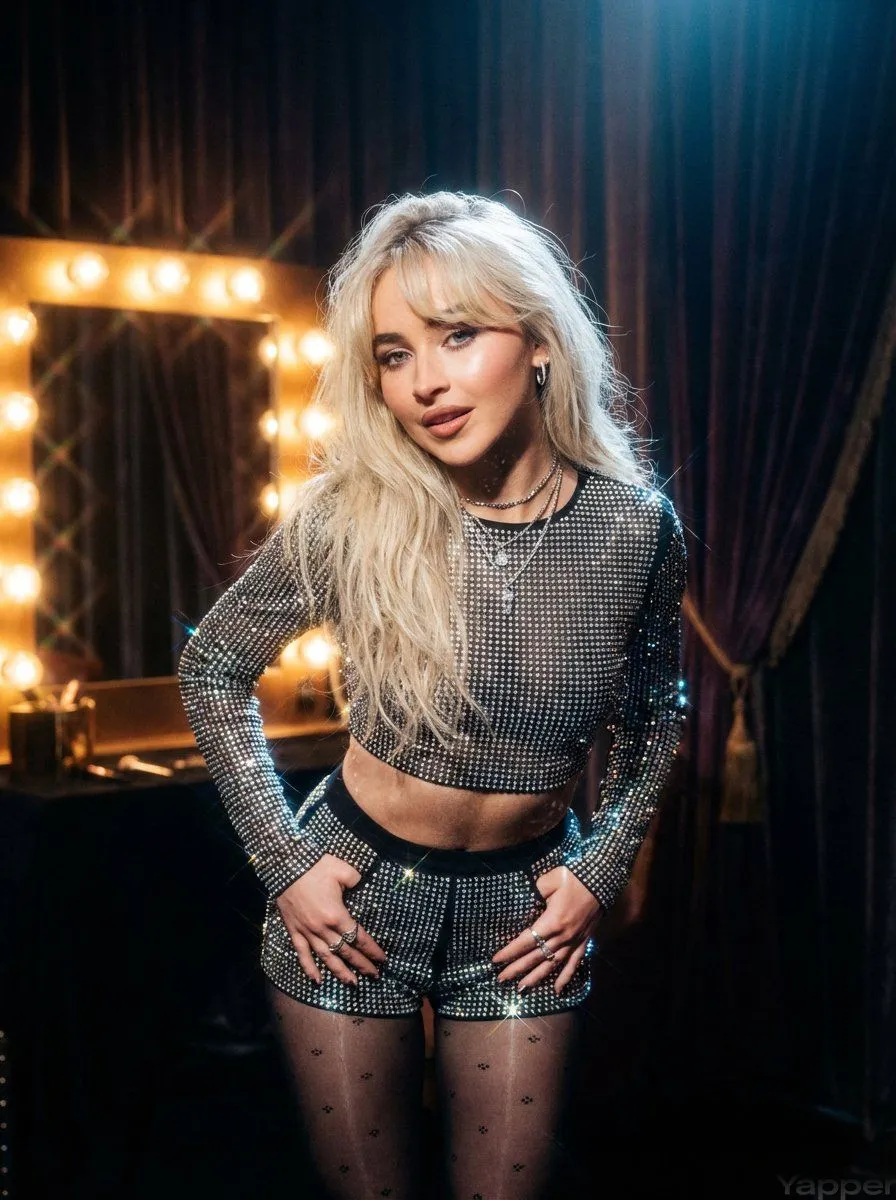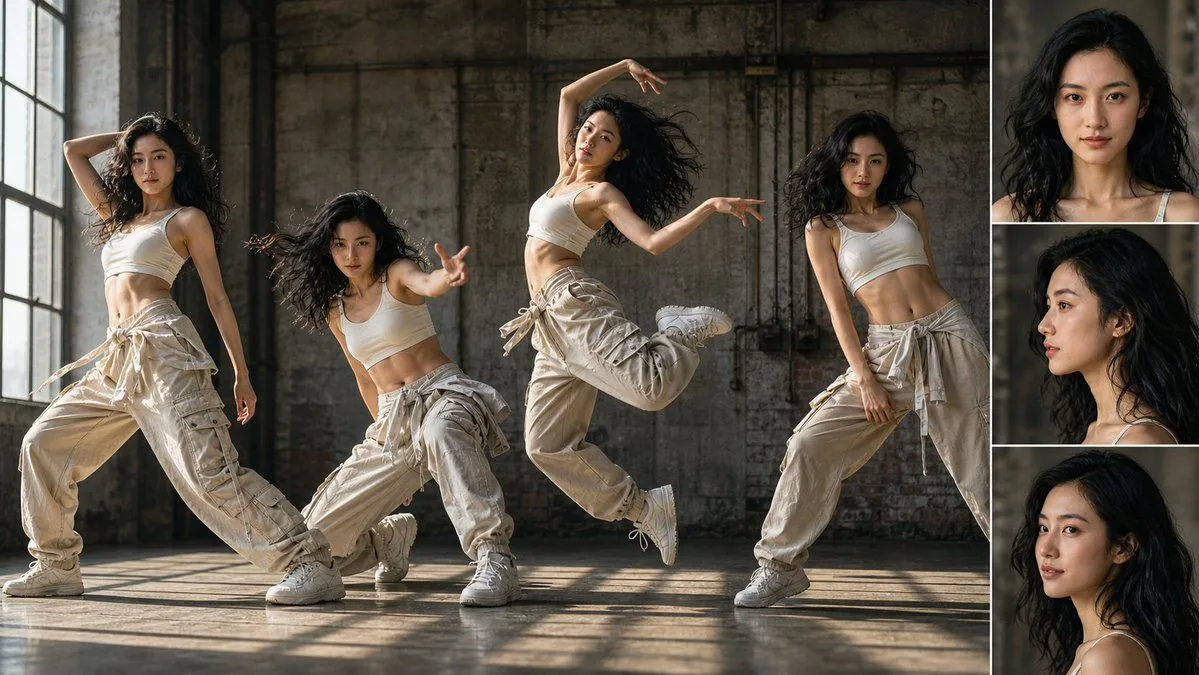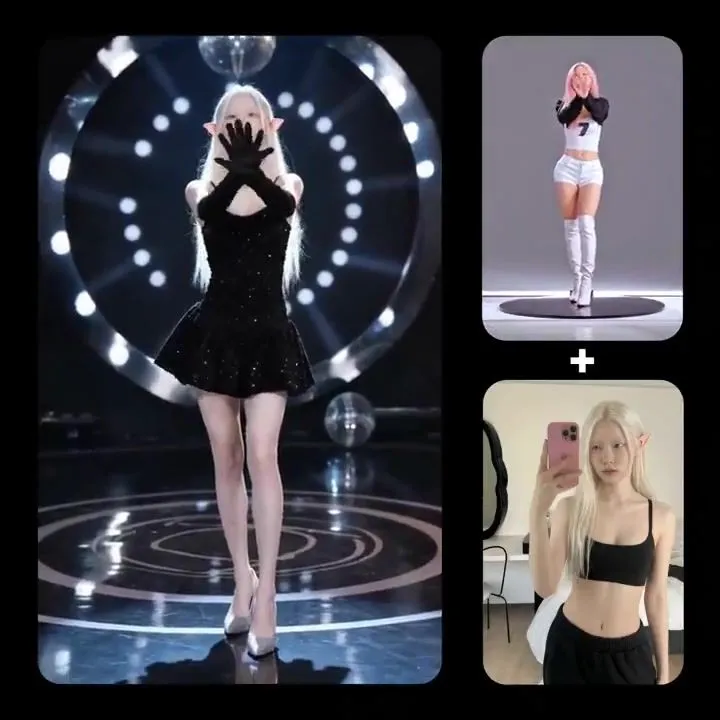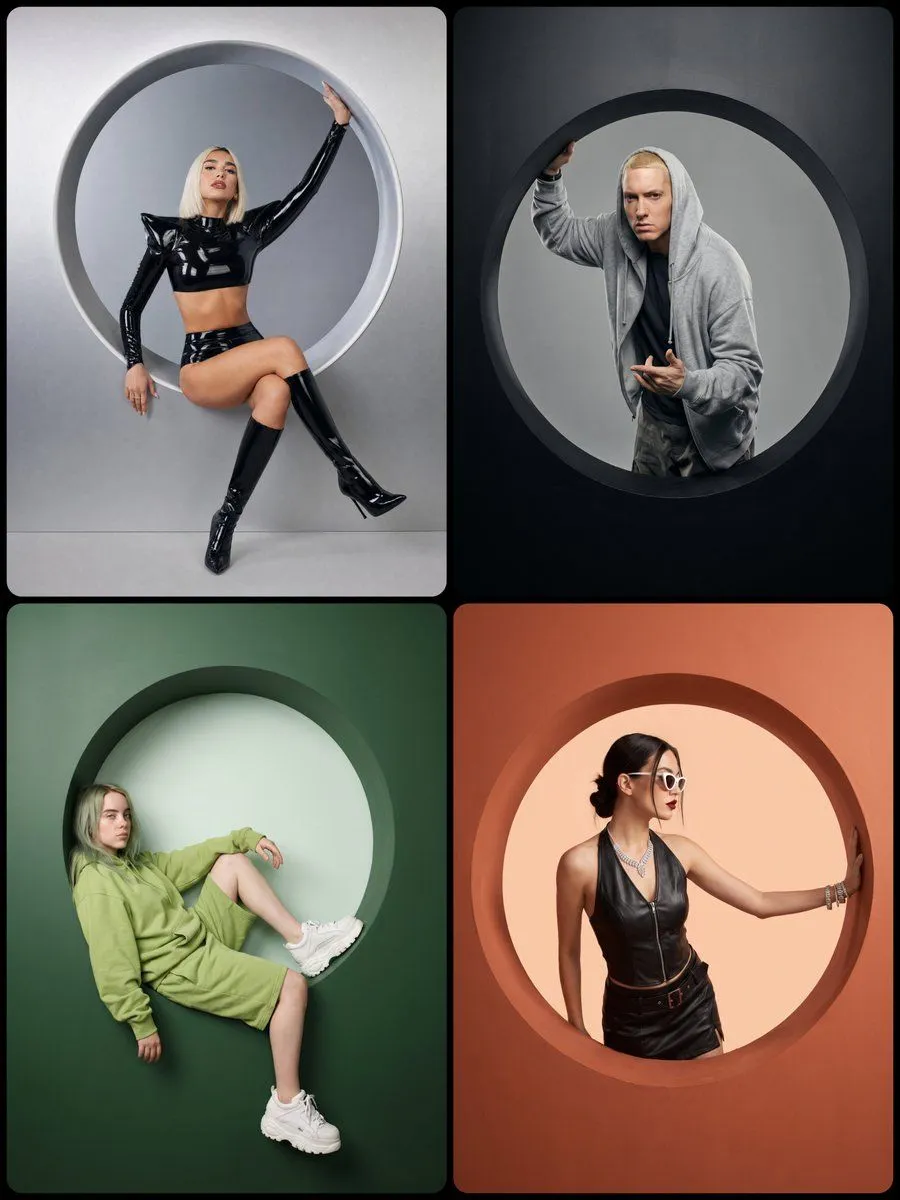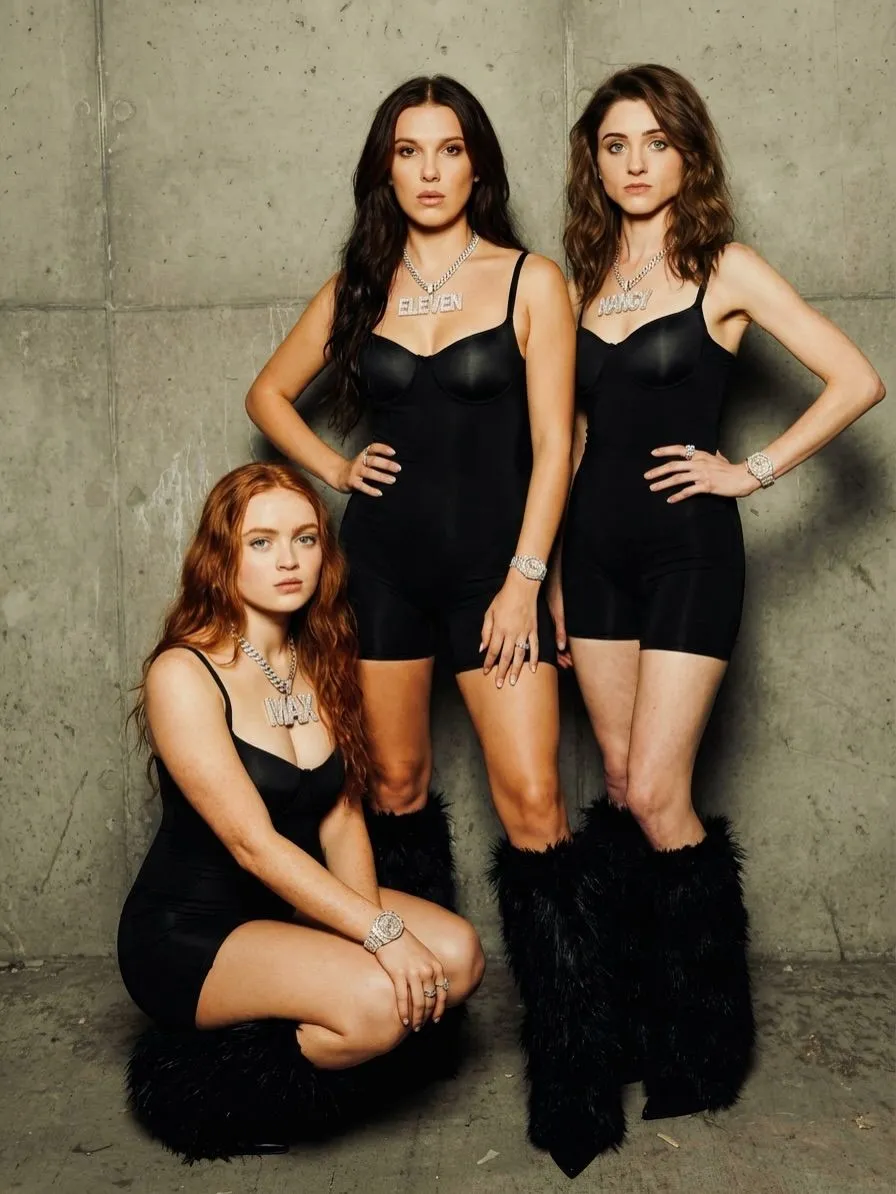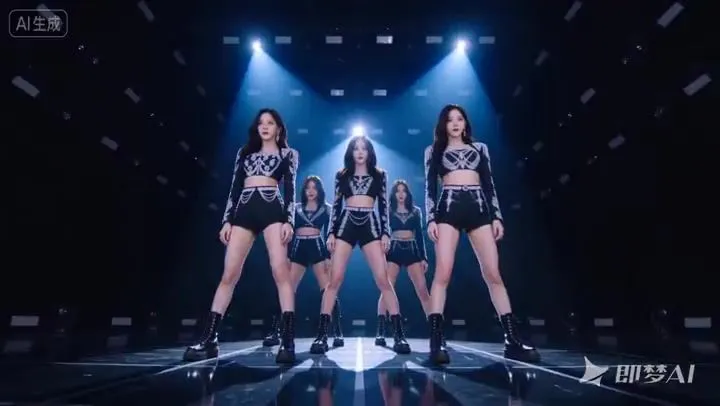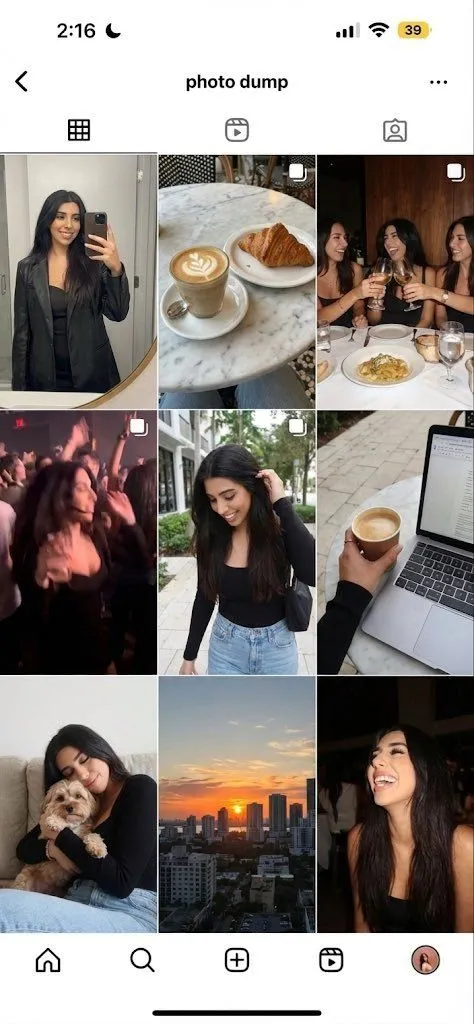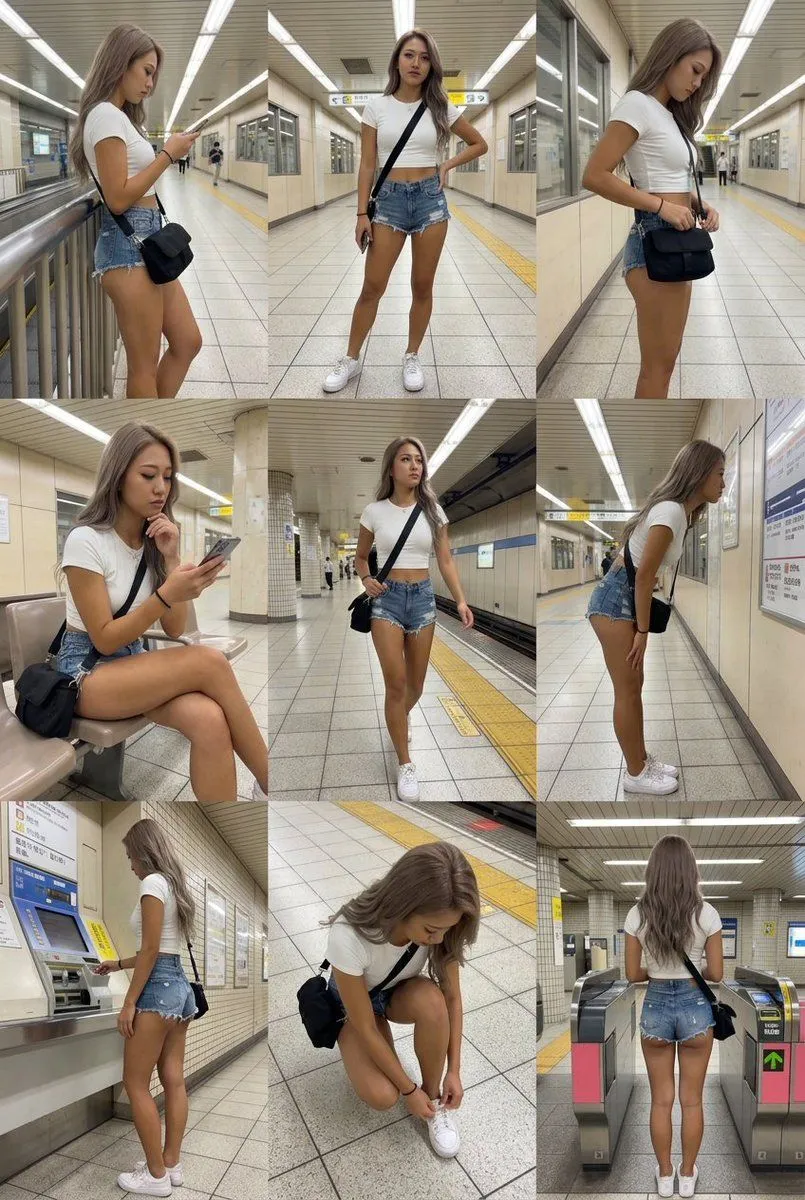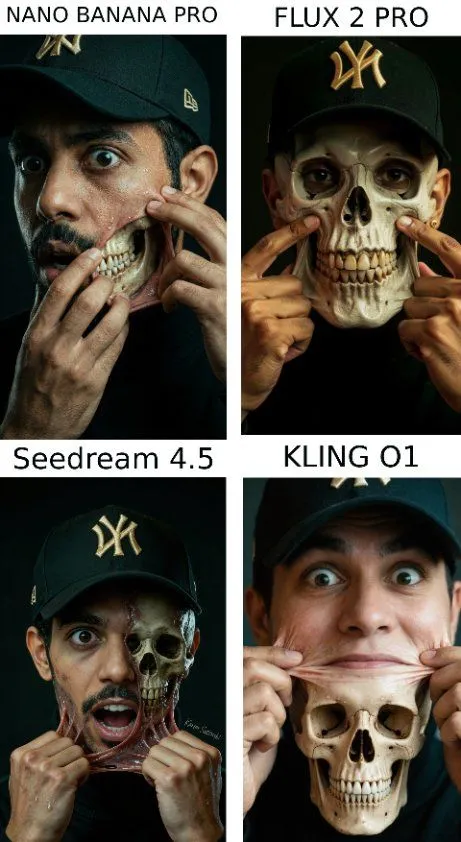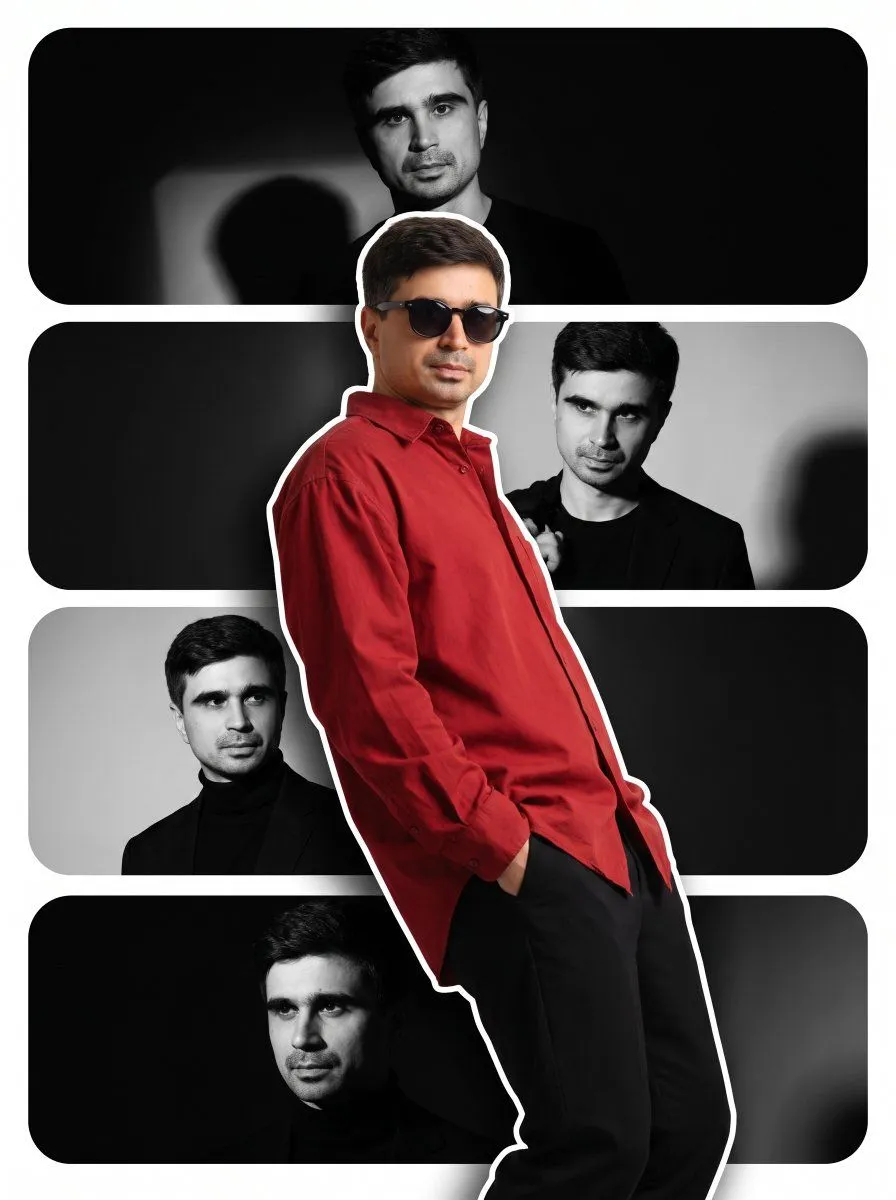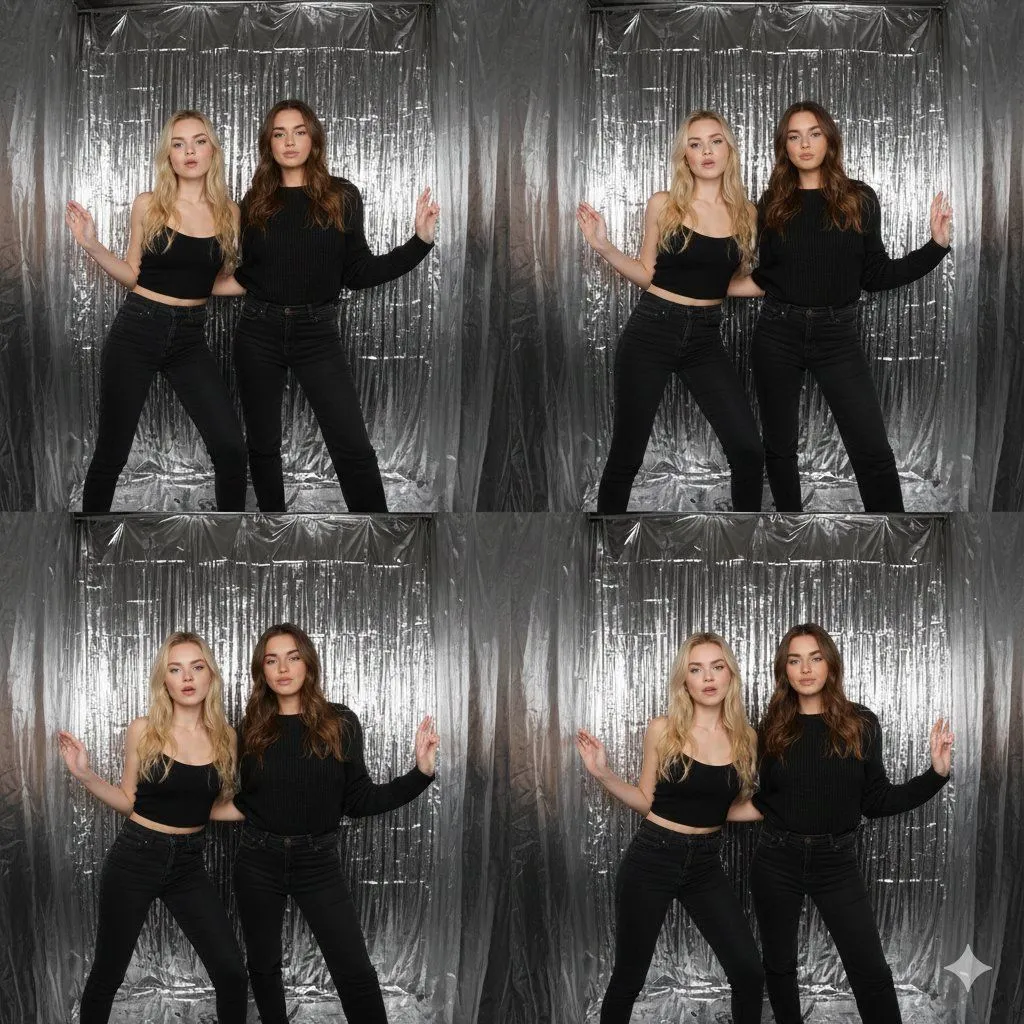
Made with Nano Banana Pro in Gemini by Library Social. Promptclay never generates images.
Did it work?
No reports yet. Tell others if it worked for you.
iPhone-Realistic Photobooth Collage (2x2 Grid)
Prompt
1 blank to fill{ "task": "Create an iPhone-realistic photobooth collage (4 photos in a 2x2 grid)", "subjects": [ { "id": "Subject 1", "description": "EXACTLY from the Reference Image (same face, hairstyle, skin tone, body proportions, overall look).", "outfit": "EXACTLY the same as in the Reference Image. Do not change clothing, glasses, or accessories." }, { "id": "Subject 2", "description": "EXACTLY from the Reference Image (same face, hairstyle, skin tone, body proportions, overall look).", "outfit": "EXACTLY the same as in the Reference Image. Do not change clothing, glasses, or accessories." } ], "scene": { "location": "Inside a small BOX photo booth", "background": "Matte {background_color} walls and blue floor, tight enclosed corner, clean minimal environment", "camera_look": "Ultra wide / slight fisheye lens look with subtle perspective distortion typical of photobox cameras. iPhone 17 Pro, photobooth wide-angle.", "lighting": "Bright neutral-white flash lighting, evenly illuminating faces, soft shadow falloff on blue walls, crisp detail, realistic skin texture. Direct neutral white flash (no yellow / no warm tone).", "aesthetic": "4K, amateur photobooth aesthetic, high contrast but still natural, no cinematic grading, no heavy beauty filter, no blur, no text, no watermark." }, "layout": { "type": "2x2 grid collage", "aspect_ratio": "9:16 (vertical collage)", "style": "Clean, with NO white borders, NO frame lines, NO gaps, and NO outlines between photos (seamless collage). Each frame fills its quadrant edge-to-edge." }, "frames": [ { "position": "top-left", "content": "Subject 1 leans diagonally toward the camera from the front-left, one arm stretched down, playful serious face; Subject 2 stands behind in the center, arms raised and flexing like “strongman”, smiling." }, { "position": "top-right", "content": "Subject 2 leans forward toward the camera, hands on knees, curious expression; Subject 1 enters from the right side very close to camera, tilting her head, one arm arched above her head like a half-heart pose, soft smile." }, { "position": "bottom-left", "content": "Piggyback pose — Subject 1 on Subject 2’s back, arms wrapped around shoulders; both laughing big, faces close to camera, dynamic motion vibe." }, { "position": "bottom-right", "content": "Subject 2 bends sideways/leans forward with a goofy face; Subject 1 stands behind making playful “claw/horns” hand gestures above Subject 2’s head, slightly pouting for fun." } ] }
Preview of your prompt
{ "task": "Create an iPhone-realistic photobooth collage (4 photos in a 2x2 grid)", "subjects": [ { "id": "Subject 1", "description": "EXACTLY from the Reference Image (same face, hairstyle, skin tone, body proportions, overall look).", "outfit": "EXACTLY the same as in the Reference Image. Do not change clothing, glasses, or accessories." }, { "id": "Subject 2", "description": "EXACTLY from the Reference Image (same face, hairstyle, skin tone, body proportions, overall look).", "outfit": "EXACTLY the same as in the Reference Image. Do not change clothing, glasses, or accessories." } ], "scene": { "location": "Inside a small BOX photo booth", "background": "Matte blue walls and blue floor, tight enclosed corner, clean minimal environment", "camera_look": "Ultra wide / slight fisheye lens look with subtle perspective distortion typical of photobox cameras. iPhone 17 Pro, photobooth wide-angle.", "lighting": "Bright neutral-white flash lighting, evenly illuminating faces, soft shadow falloff on blue walls, crisp detail, realistic skin texture. Direct neutral white flash (no yellow / no warm tone).", "aesthetic": "4K, amateur photobooth aesthetic, high contrast but still natural, no cinematic grading, no heavy beauty filter, no blur, no text, no watermark." }, "layout": { "type": "2x2 grid collage", "aspect_ratio": "9:16 (vertical collage)", "style": "Clean, with NO white borders, NO frame lines, NO gaps, and NO outlines between photos (seamless collage). Each frame fills its quadrant edge-to-edge." }, "frames": [ { "position": "top-left", "content": "Subject 1 leans diagonally toward the camera from the front-left, one arm stretched down, playful serious face; Subject 2 stands behind in the center, arms raised and flexing like “strongman”, smiling." }, { "position": "top-right", "content": "Subject 2 leans forward toward the camera, hands on knees, curious expression; Subject 1 enters from the right side very close to camera, tilting her head, one arm arched above her head like a half-heart pose, soft smile." }, { "position": "bottom-left", "content": "Piggyback pose — Subject 1 on Subject 2’s back, arms wrapped around shoulders; both laughing big, faces close to camera, dynamic motion vibe." }, { "position": "bottom-right", "content": "Subject 2 bends sideways/leans forward with a goofy face; Subject 1 stands behind making playful “claw/horns” hand gestures above Subject 2’s head, slightly pouting for fun." } ] }
DetailsVersions, settings and questions
Written for
What's in the prompt
- Subject
- Model
- Nano Banana Pro
If your face changes
keep my face exactly the sameQuestions
- Does this work in the Gemini app?
- Yes. Gemini runs Nano Banana, so paste the prompt and attach your photo if it uses one.
- It changed my face. What do I do?
- Add "keep my face exactly the same" to the end and run it again.
- Can I use the images I make?
- Check the terms of the app you use. Promptclay never generates images and claims nothing you make.