Tell us anything

An idea, a bug, something you love. We read every note.

⌘↵ to send. The page you're on comes along.

iPhone Photobooth Collage Prompt with Reference Lock

Made with Nano Banana Pro in Gemini by Library Social. Promptclay never generates images.

Did it work?

No reports yet. Tell others if it worked for you.

No comments yet. Be the first.

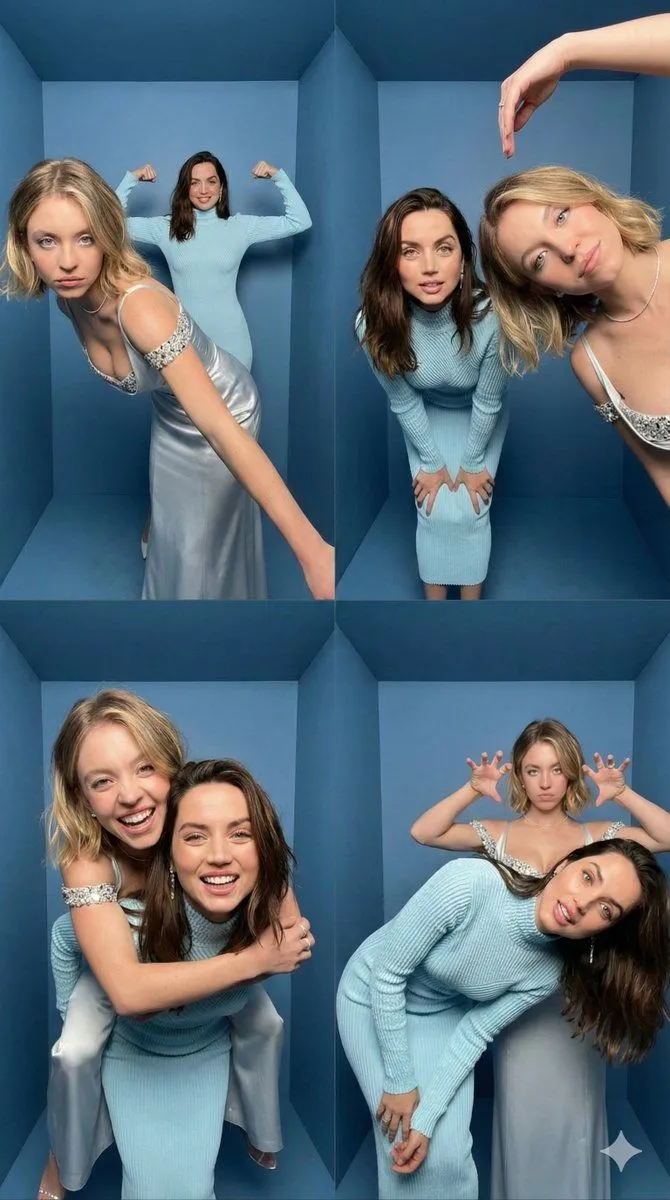
    iPhone Photobooth Collage Prompt with Reference Lock

    Nano Banana Pro9:16AI-generated

    Prompt

    { "task": "Create an iPhone-realistic photobooth collage (4 photos in a 2x2 grid)", "subjects": [ { "id": "Subject 1", "description": "EXACTLY from the Reference Image (same face, hairstyle, skin tone, body proportions, overall look).", "outfit": "EXACTLY the same as in the Reference Image. Do not change clothing, glasses, or accessories." }, { "id": "Subject 2", "description": "EXACTLY from the Reference Image (same face, hairstyle, skin tone, body proportions, overall look).", "outfit": "EXACTLY the same as in the Reference Image. Do not change clothing, glasses, or accessories." } ], "scene": { "location": "Inside a small BOX photo booth", "background": "Matte blue walls and blue floor, tight enclosed corner, clean minimal environment", "camera_look": "Ultra wide / slight fisheye lens look with subtle perspective distortion typical of photobox cameras. iPhone 17 Pro, photobooth wide-angle.", "lighting": "Bright neutral-white flash lighting, evenly illuminating faces, soft shadow falloff on blue walls, crisp detail, realistic skin texture. Direct neutral white flash (no yellow / no warm tone).", "aesthetic": "4K, amateur photobooth aesthetic, high contrast but still natural, no cinematic grading, no heavy beauty filter, no blur, no text, no watermark." }, "layout": { "type": "2x2 grid collage", "aspect_ratio": "9:16 (vertical collage)", "style": "Clean, with NO white borders, NO frame lines, NO gaps, and NO outlines between photos (seamless collage). Each frame fills its quadrant edge-to-edge." }, "frames": [ { "position": "top-left", "content": "Subject 1 leans diagonally toward the camera from the front-left, one arm stretched down, playful serious face; Subject 2 stands behind in the center, arms raised and flexing like “strongman”, smiling." }, { "position": "top-right", "content": "Subject 2 leans forward toward the camera, hands on knees, curious expression; Subject 1 enters from the right side very close to camera, tilting her head, one arm arched above her head like a half-heart pose, soft smile." }, { "position": "bottom-left", "content": "Piggyback pose — Subject 1 on Subject 2’s back, arms wrapped around shoulders; both laughing big, faces close to camera, dynamic motion vibe." }, { "position": "bottom-right", "content": "Subject 2 bends sideways/leans forward with a goofy face; Subject 1 stands behind making playful “claw/horns” hand gestures above Subject 2’s head, slightly pouting for fun." } ] }

    Works in
    Gemini, ChatGPT
    Status
    Free to copy
    0
    DetailsVersions, settings and questions

    Written for

    What's in the prompt

    Subject
    Model
    Nano Banana Pro

    If your face changes

    keep my face exactly the same

    Questions

    Does this work in the Gemini app?
    Yes. Gemini runs Nano Banana, so paste the prompt and attach your photo if it uses one.
    It changed my face. What do I do?
    Add "keep my face exactly the same" to the end and run it again.
    Can I use the images I make?
    Check the terms of the app you use. Promptclay never generates images and claims nothing you make.
    Similar prompts

    See more
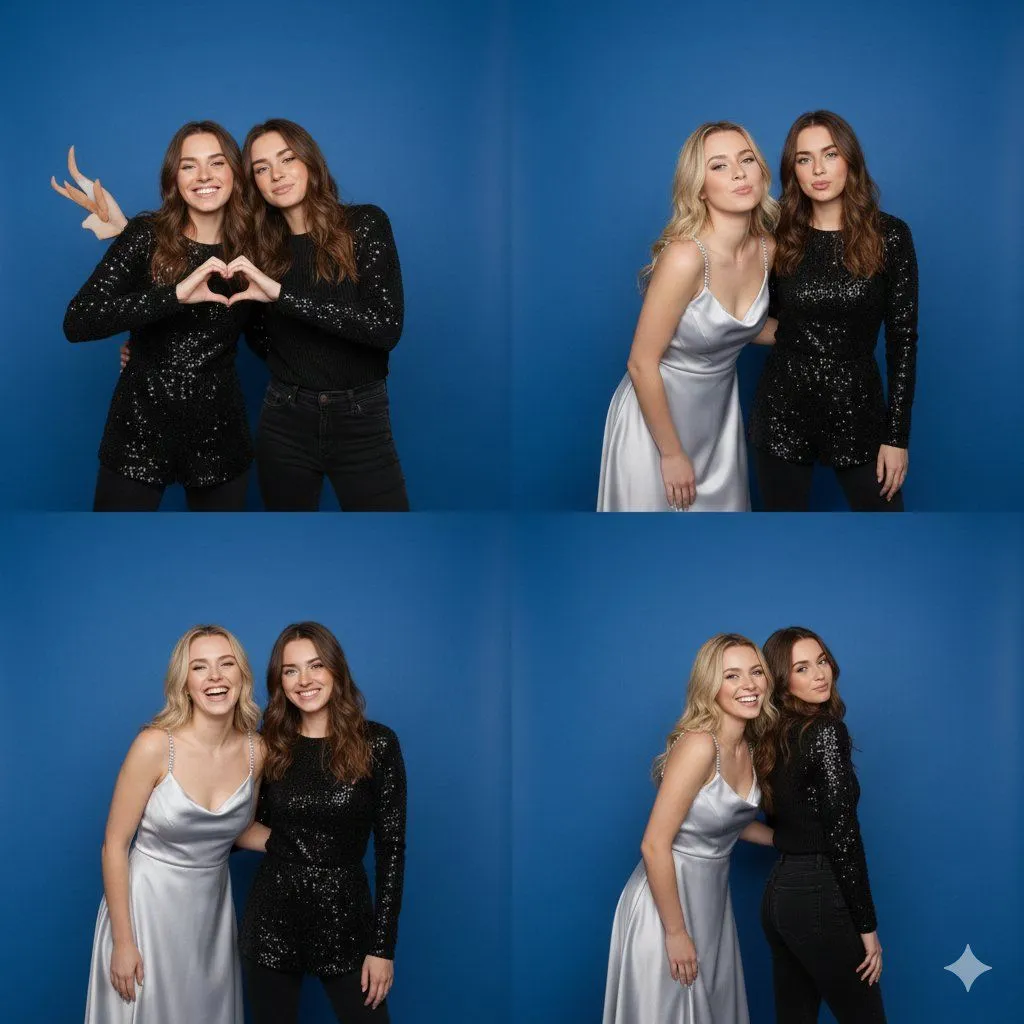
    • 4-Panel Photo Booth Collage of Two Women
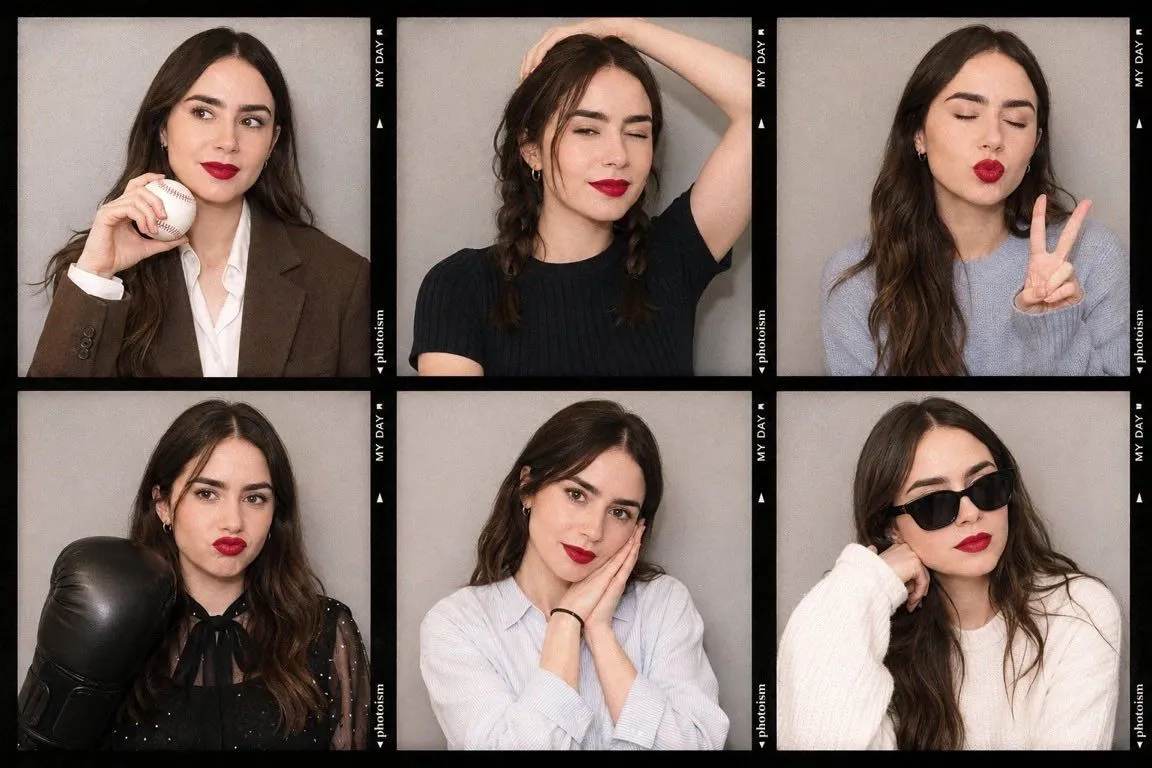
    • Korean Photoism Photobooth Grid
    • Multi-Emotion Selfie Photo Booth
    • Y2K Fish-eye 2x2 Photo Booth Collage
    • 4-Panel Collage Portrait with Identity Lock Prompt
    • Fisheye Group Photo with Exaggerated Poses
    • 2x2 Selfie Collage with Playful Poses
    • Gen Z Summer Photo Dump Collage
    • Multi-Panel Emotional State Grid
    • Fashion Campaign 4-Panel Collage Prompt
    • Hairstyle Photo Collage Prompt
    • Retro Market-Girl Photo Collage
    • Denim Couple Collage
    • Dreamy Luxury Editorial Reflection Prompt
    • Royal Blue Velvet Evening Gown Portrait Prompt
    • Vintage Camera Creativity Metaphor
    • 16 Decades of Fashion Portrait Grid Prompt
    • Anonymized Fashion Collage Poster
    • Weekend photo dump grid for Instagram
    • 3x3 Grid Character Consistency Prompt
    • Fisheye selfie with anime characters
    • Hyper-Realistic Surreal Horror Portrait
    • Modern Editorial Collage Poster
    • Multi-Angle Scene Generation Prompt (Oshi no Ko Style)

    Show more

    Run it on your phone

    1. Prompt copiedRead it

      { "task": "Create an iPhone-realistic photobooth collage (4 photos in a 2x2 grid)", "subjects": [ { "id": "Subject 1", "description": "EXACTLY from the Reference Image (same face, hairstyle, skin tone, body proportions, overall look).", "outfit": "EXACTLY the same as in the Reference Image. Do not change clothing, glasses, or accessories." }, { "id": "Subject 2", "description": "EXACTLY from the Reference Image (same face, hairstyle, skin tone, body proportions, overall look).", "outfit": "EXACTLY the same as in the Reference Image. Do not change clothing, glasses, or accessories." } ], "scene": { "location": "Inside a small BOX photo booth", "background": "Matte blue walls and blue floor, tight enclosed corner, clean minimal environment", "camera_look": "Ultra wide / slight fisheye lens look with subtle perspective distortion typical of photobox cameras. iPhone 17 Pro, photobooth wide-angle.", "lighting": "Bright neutral-white flash lighting, evenly illuminating faces, soft shadow falloff on blue walls, crisp detail, realistic skin texture. Direct neutral white flash (no yellow / no warm tone).", "aesthetic": "4K, amateur photobooth aesthetic, high contrast but still natural, no cinematic grading, no heavy beauty filter, no blur, no text, no watermark." }, "layout": { "type": "2x2 grid collage", "aspect_ratio": "9:16 (vertical collage)", "style": "Clean, with NO white borders, NO frame lines, NO gaps, and NO outlines between photos (seamless collage). Each frame fills its quadrant edge-to-edge." }, "frames": [ { "position": "top-left", "content": "Subject 1 leans diagonally toward the camera from the front-left, one arm stretched down, playful serious face; Subject 2 stands behind in the center, arms raised and flexing like “strongman”, smiling." }, { "position": "top-right", "content": "Subject 2 leans forward toward the camera, hands on knees, curious expression; Subject 1 enters from the right side very close to camera, tilting her head, one arm arched above her head like a half-heart pose, soft smile." }, { "position": "bottom-left", "content": "Piggyback pose — Subject 1 on Subject 2’s back, arms wrapped around shoulders; both laughing big, faces close to camera, dynamic motion vibe." }, { "position": "bottom-right", "content": "Subject 2 bends sideways/leans forward with a goofy face; Subject 1 stands behind making playful “claw/horns” hand gestures above Subject 2’s head, slightly pouting for fun." } ] }

    2. Open your app

    3. Paste and run

      Press and hold the message box, then tap Paste. Add your photo first if the prompt uses one. You may need to sign in.

    iPhone Photobooth Collage Prompt with Reference Lock