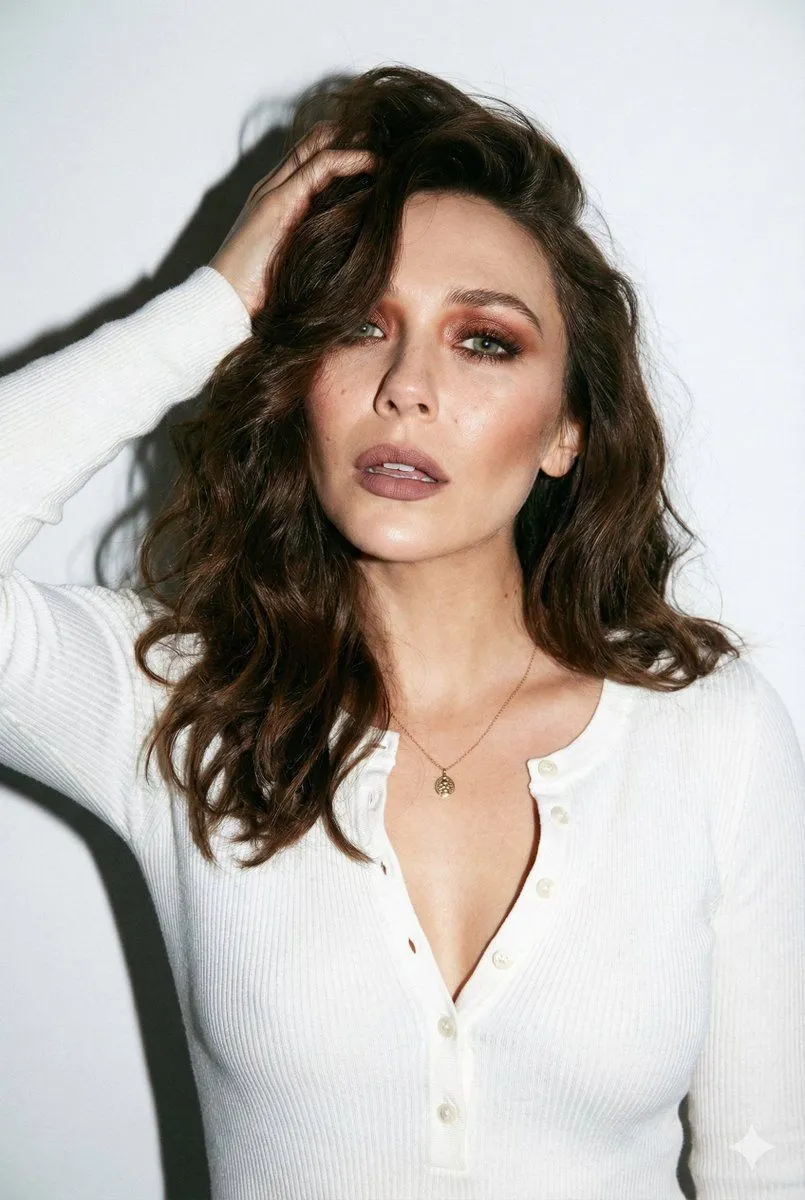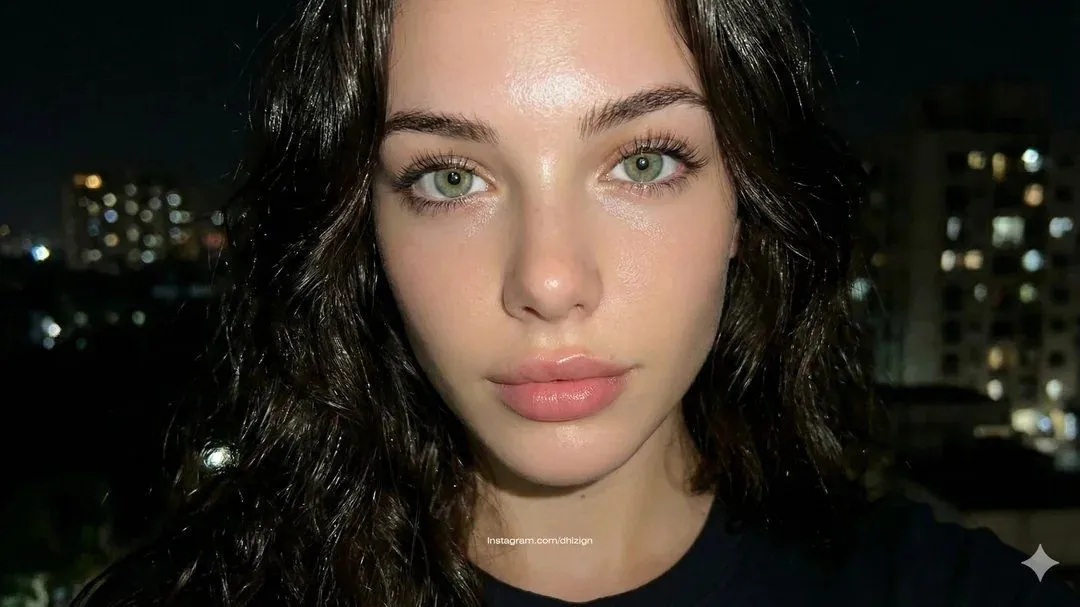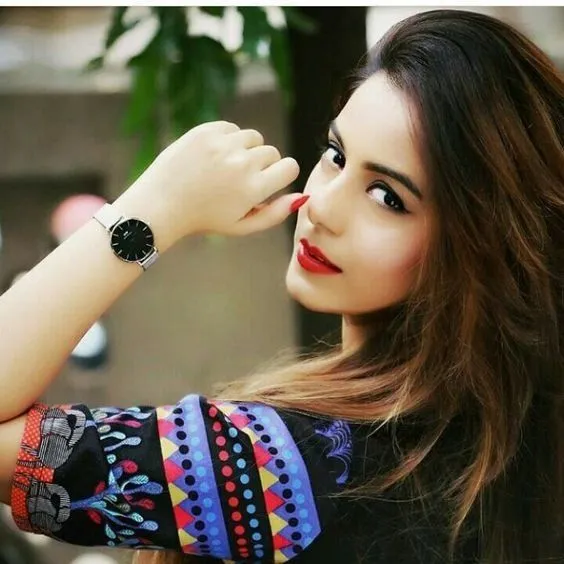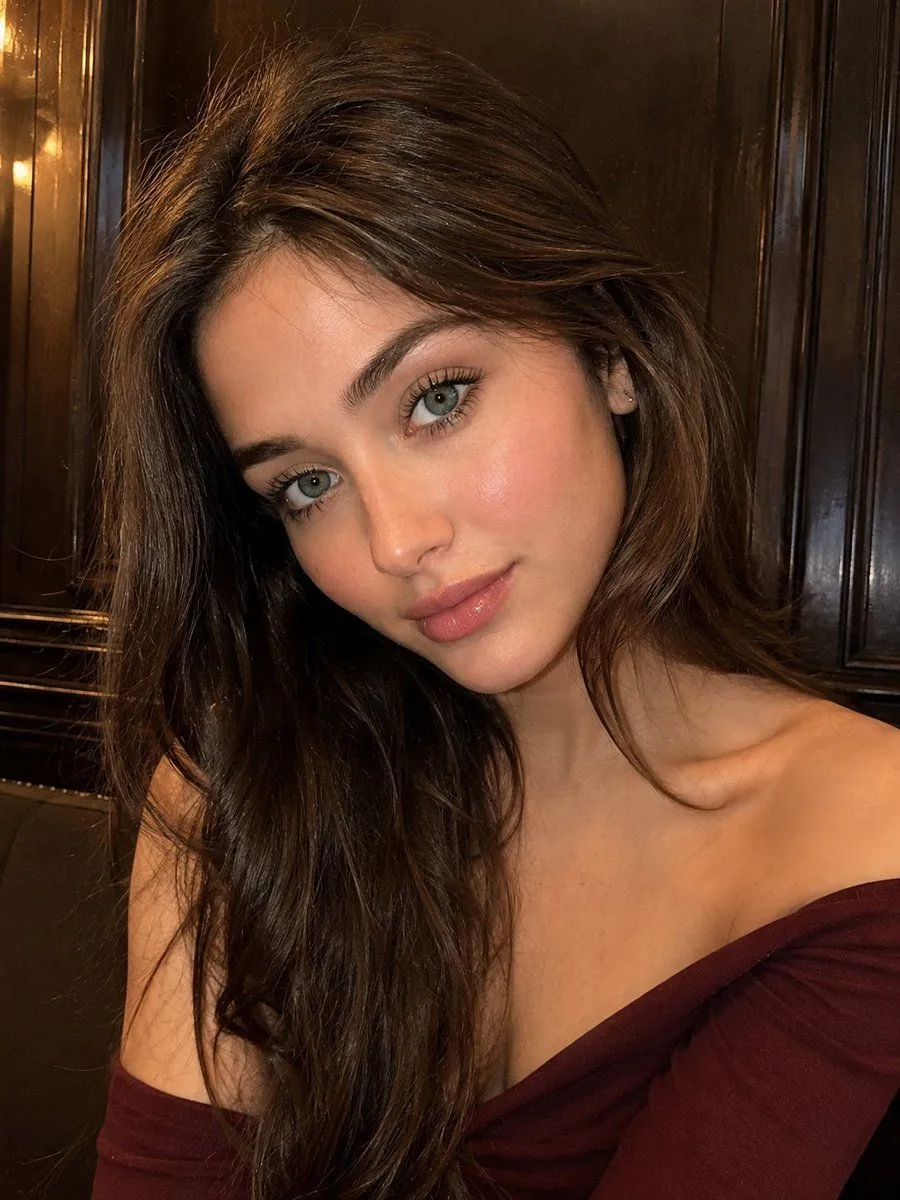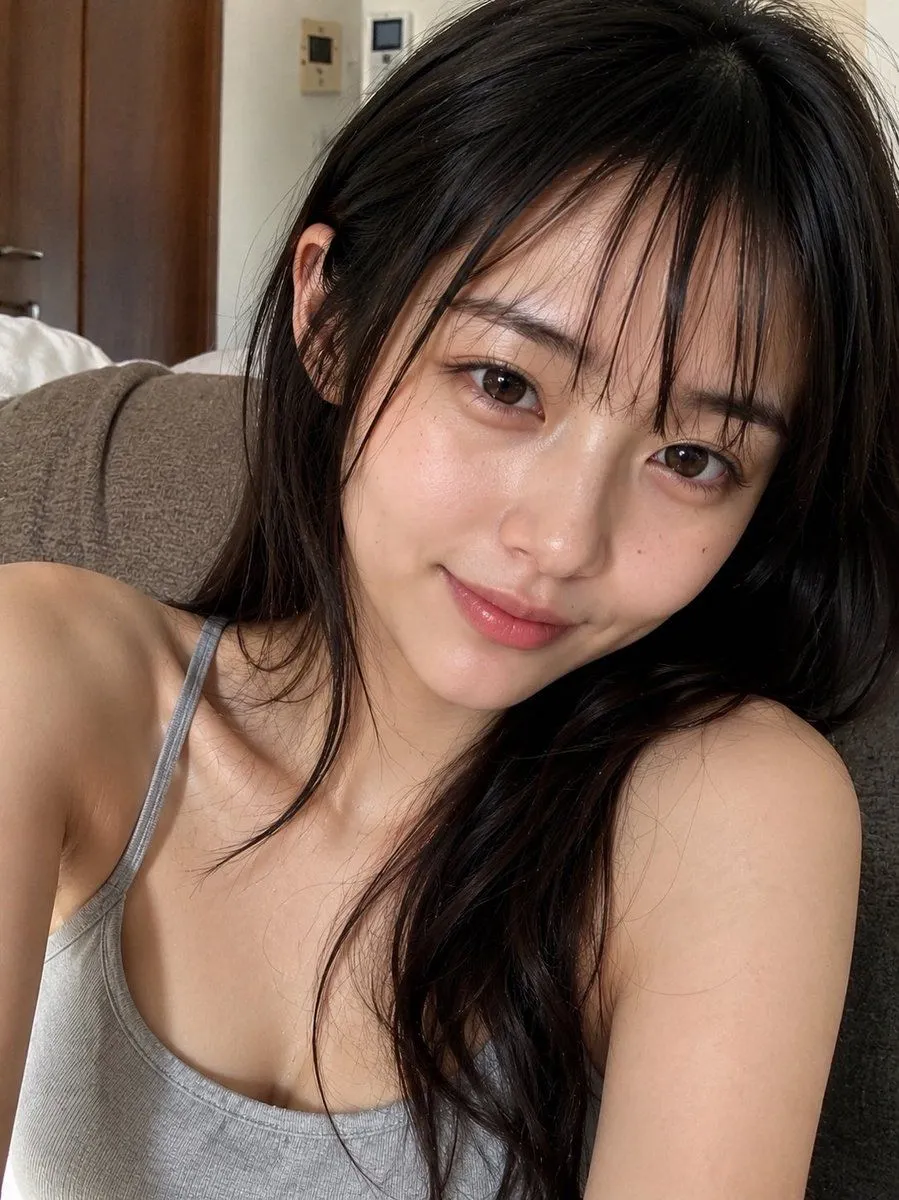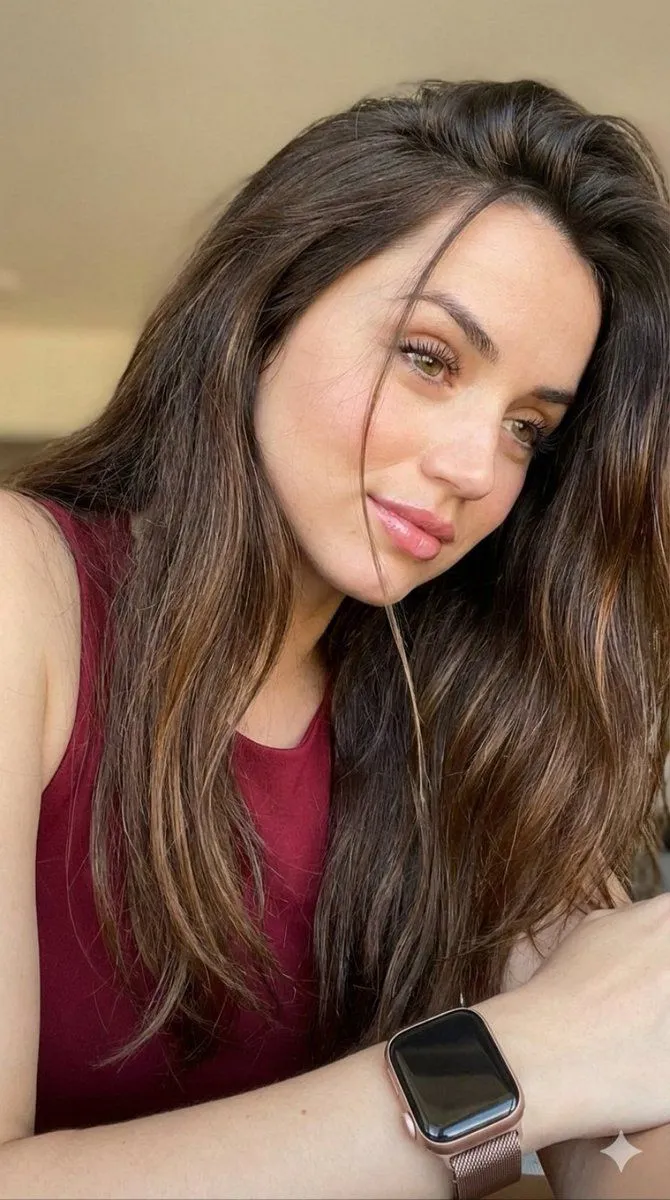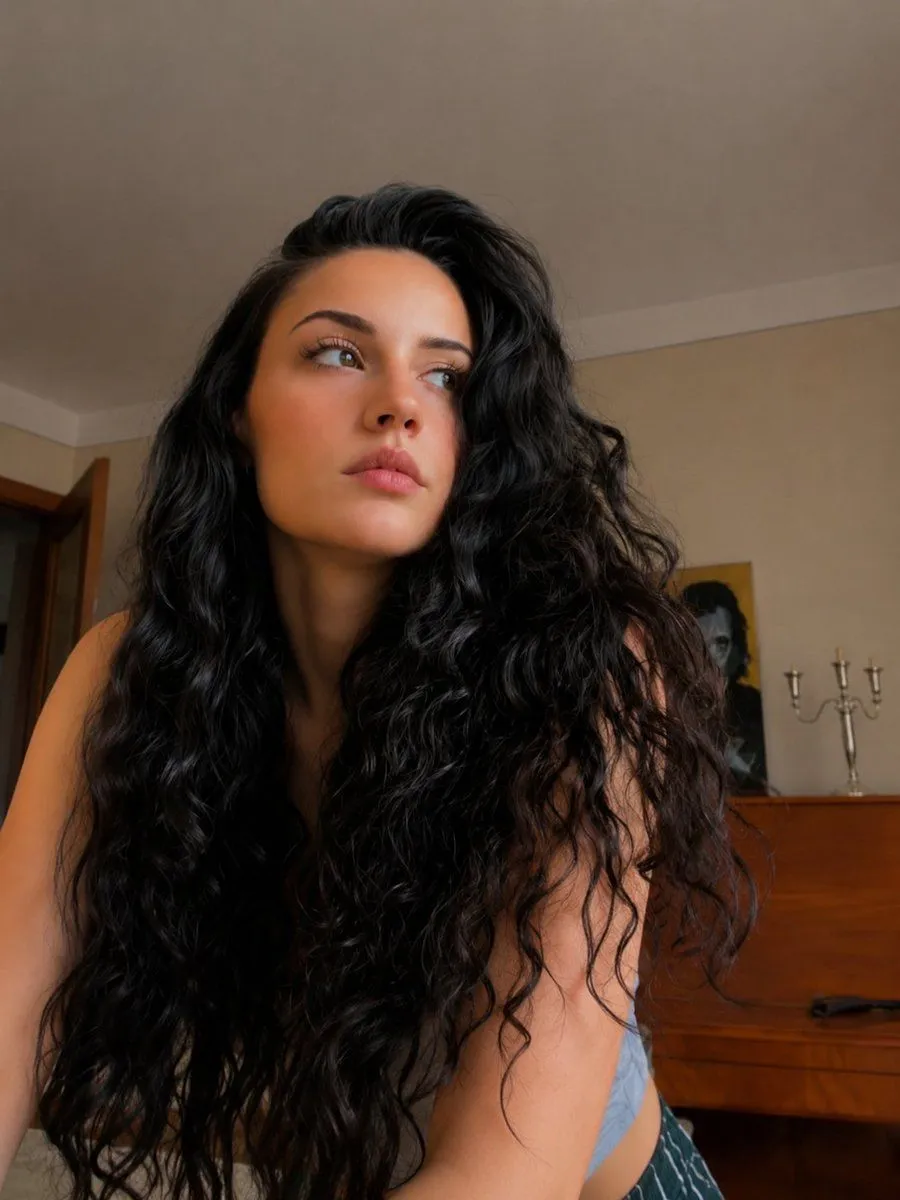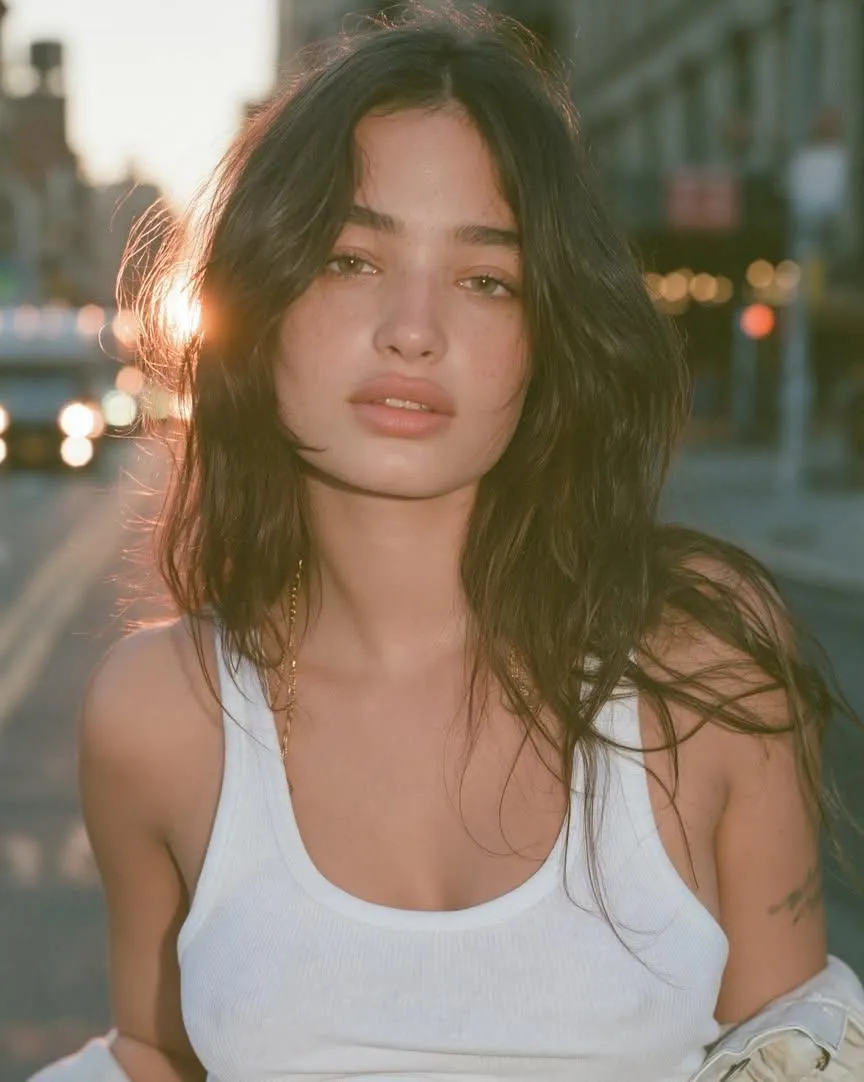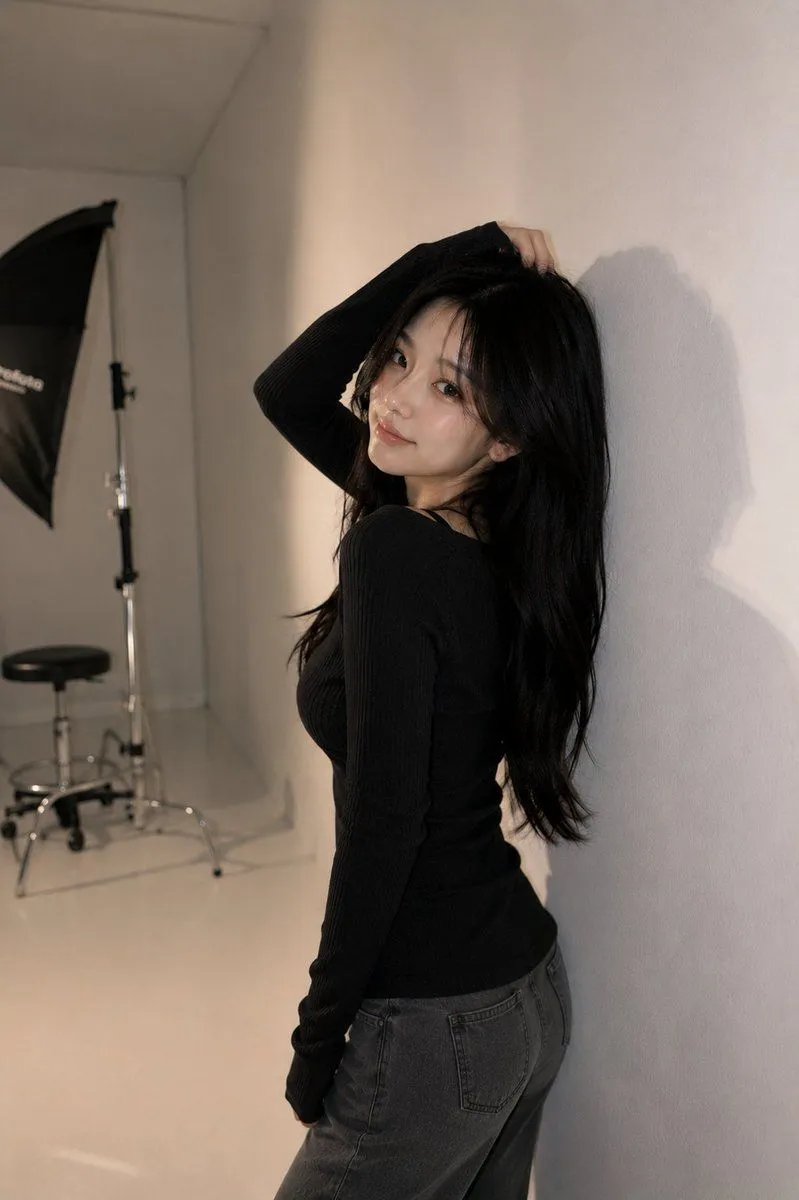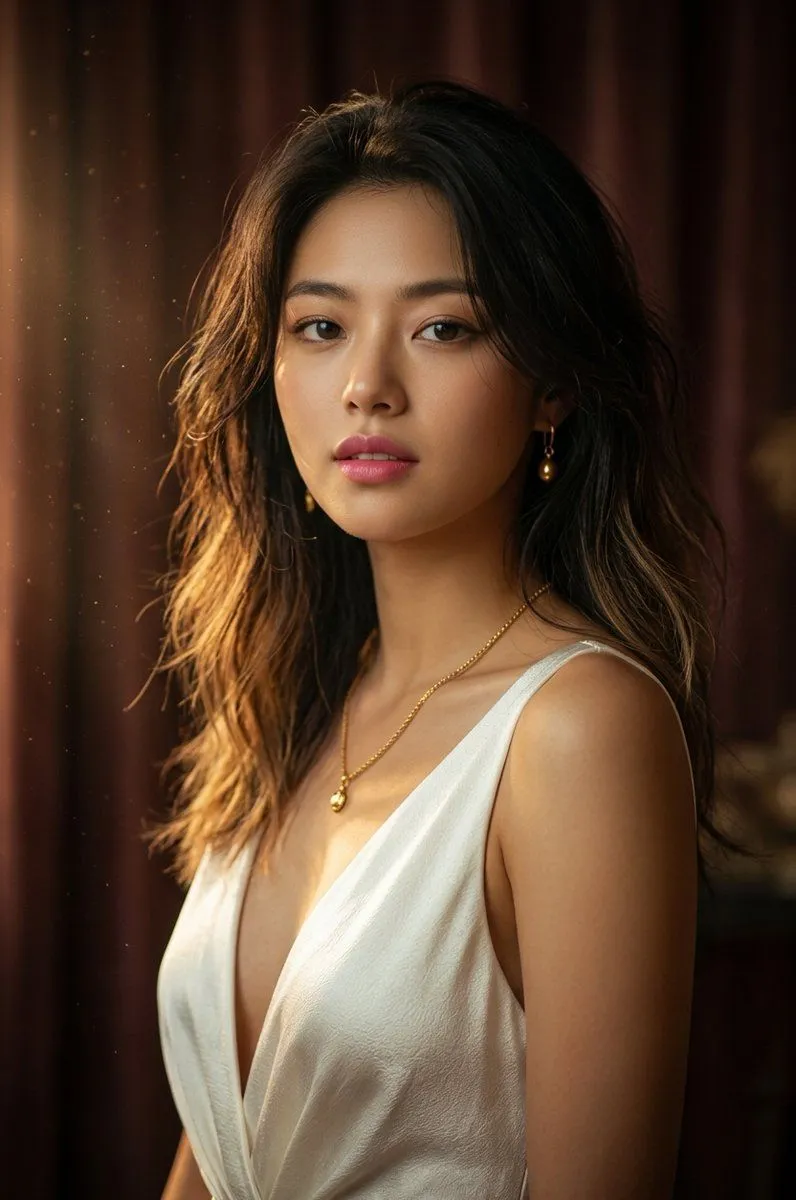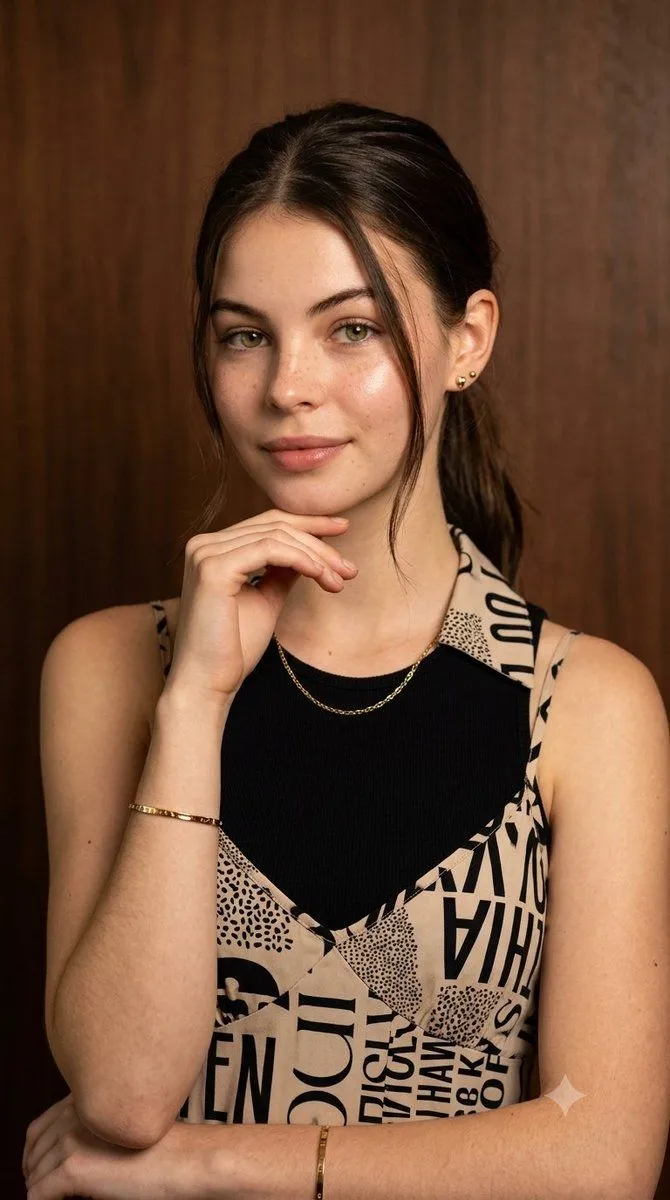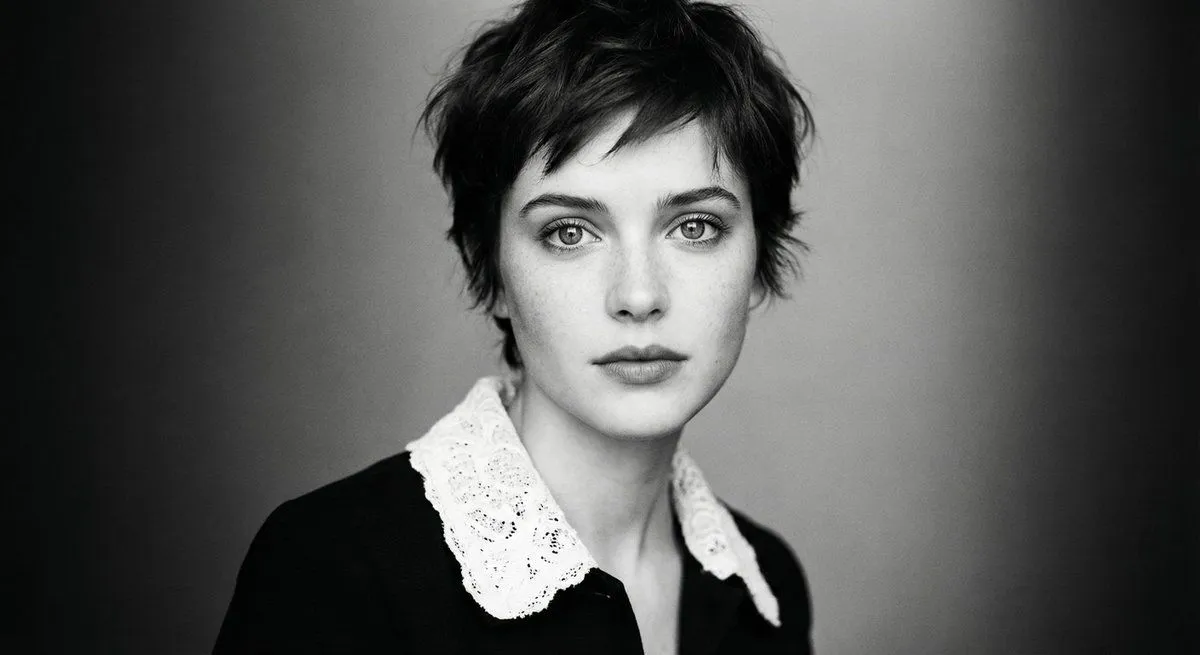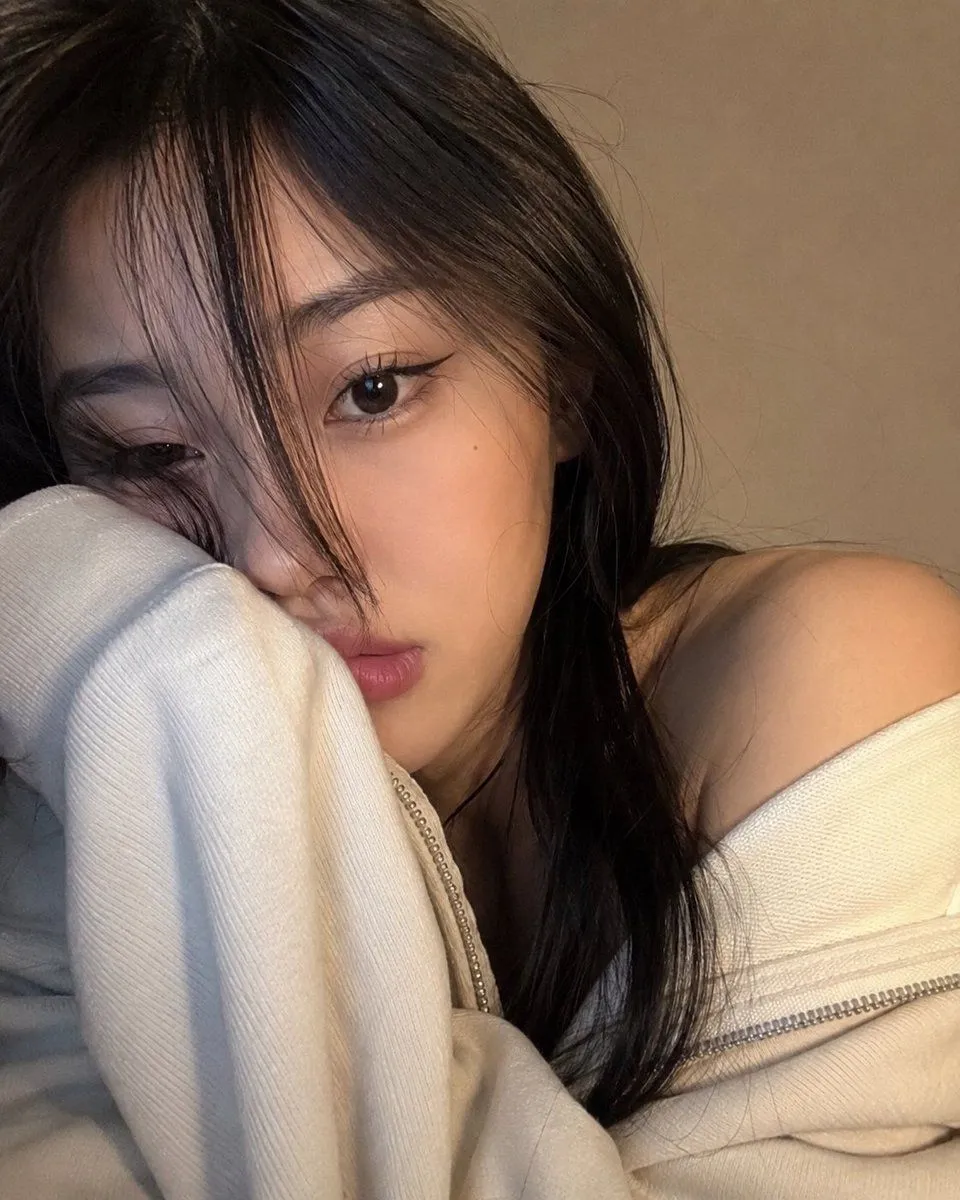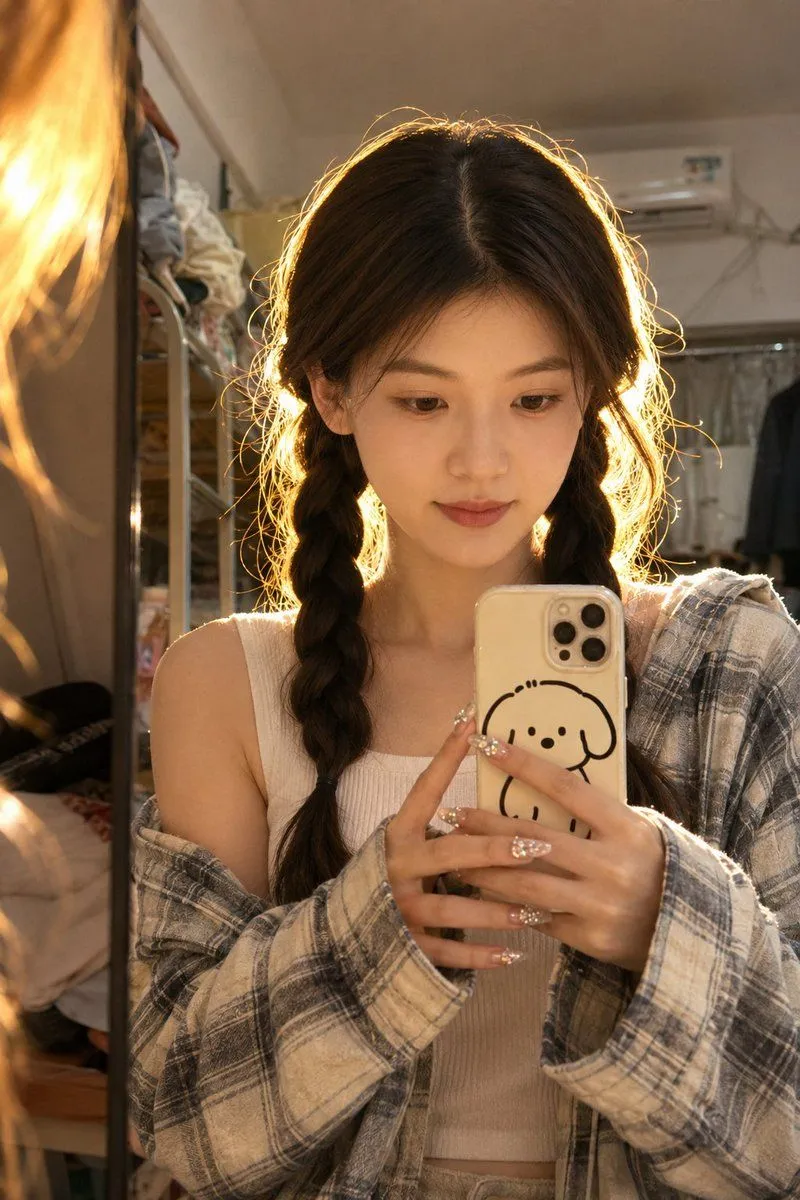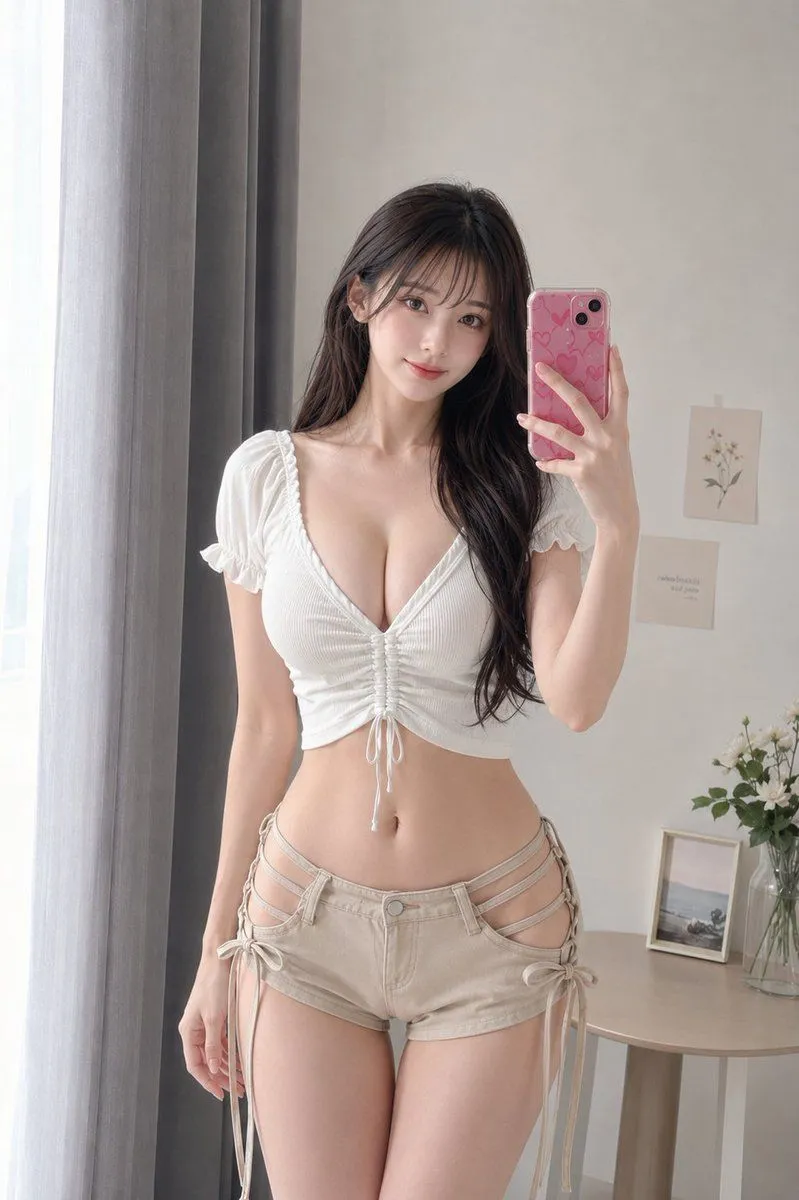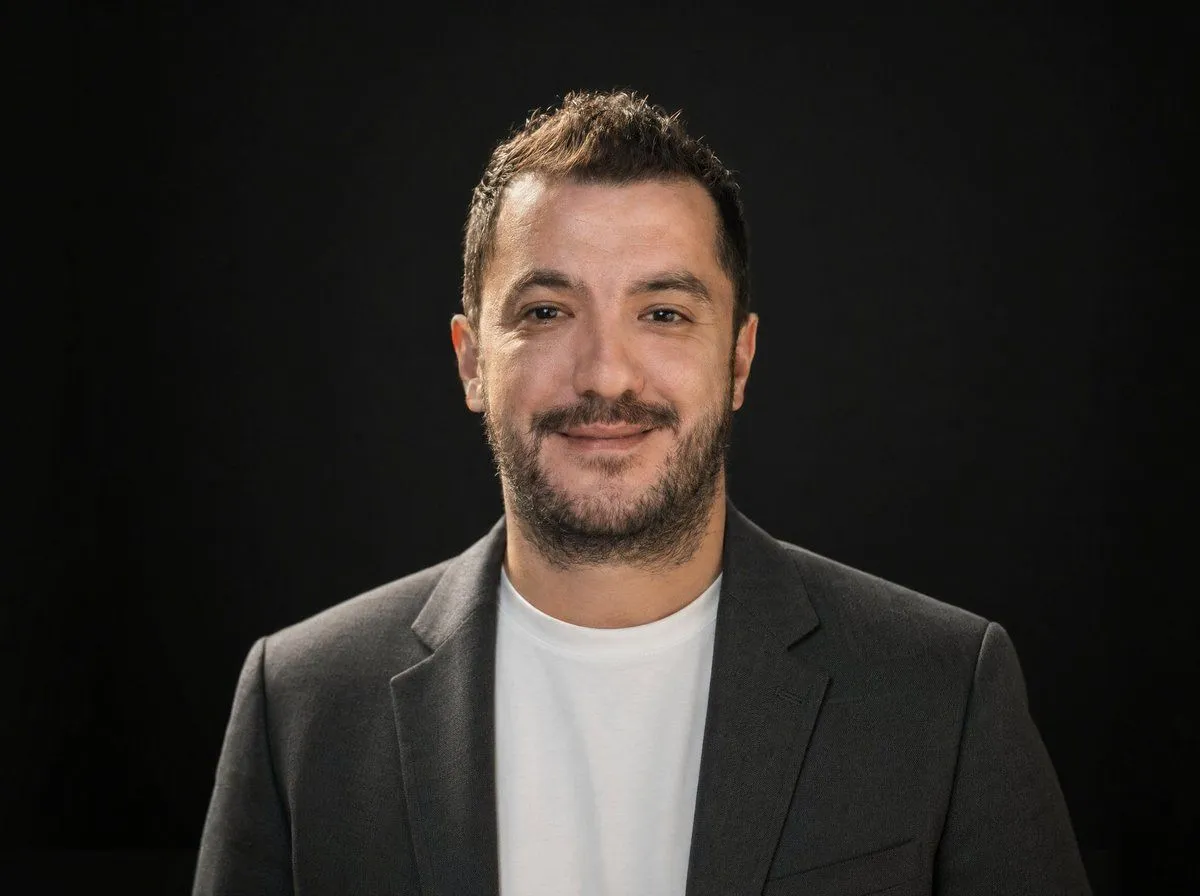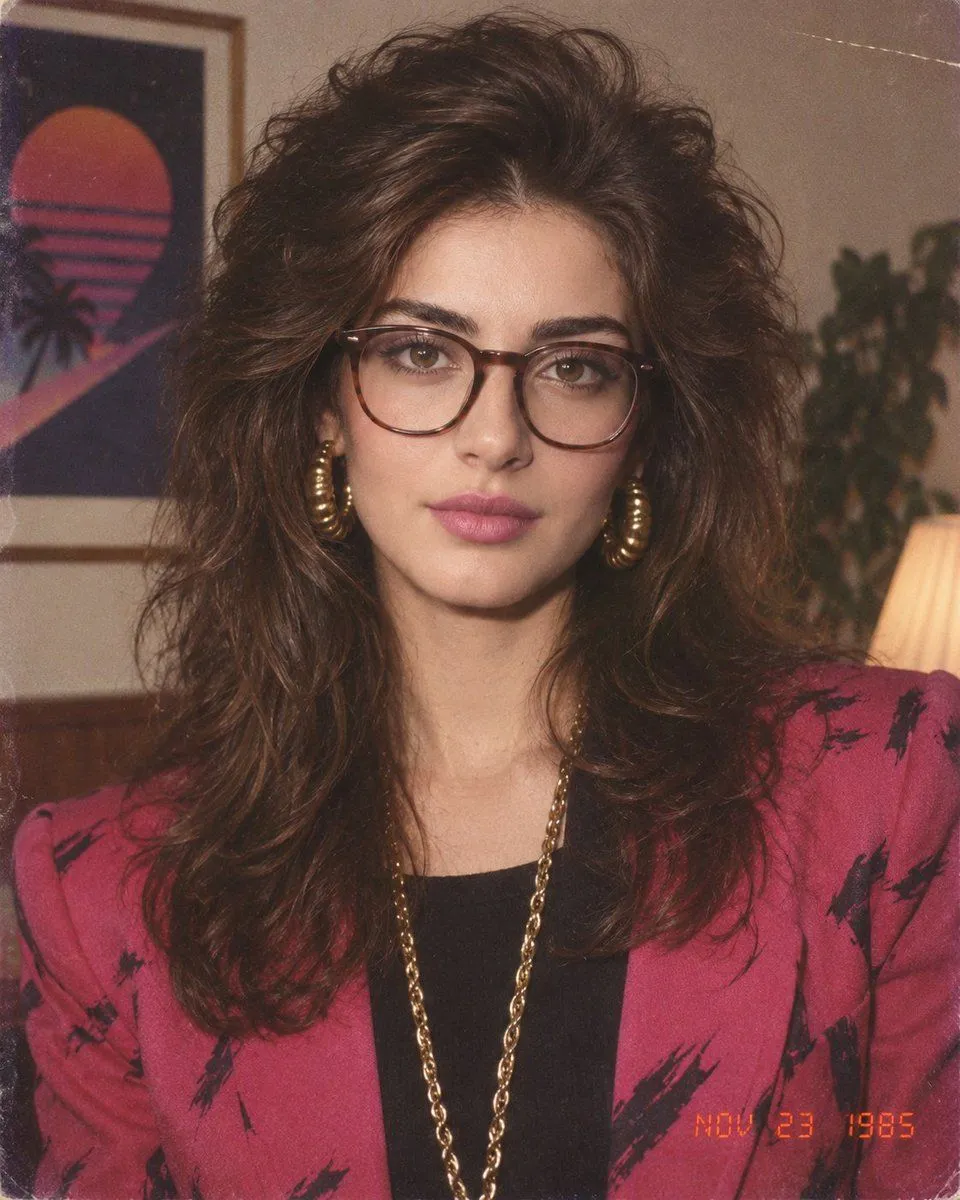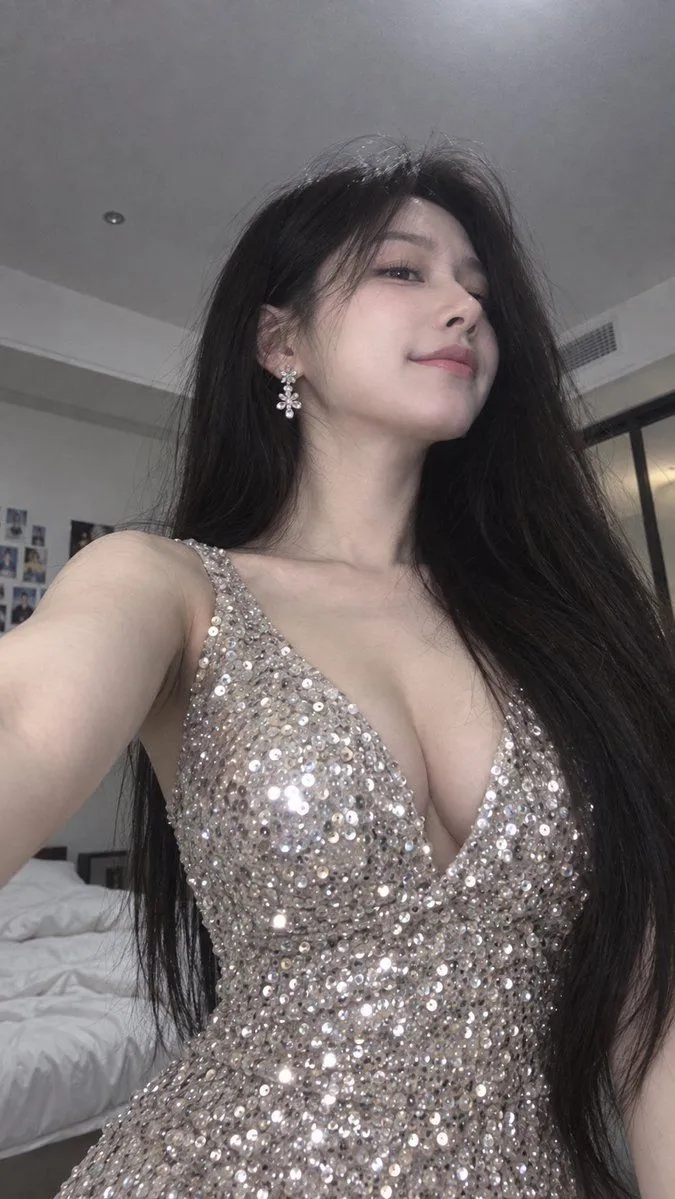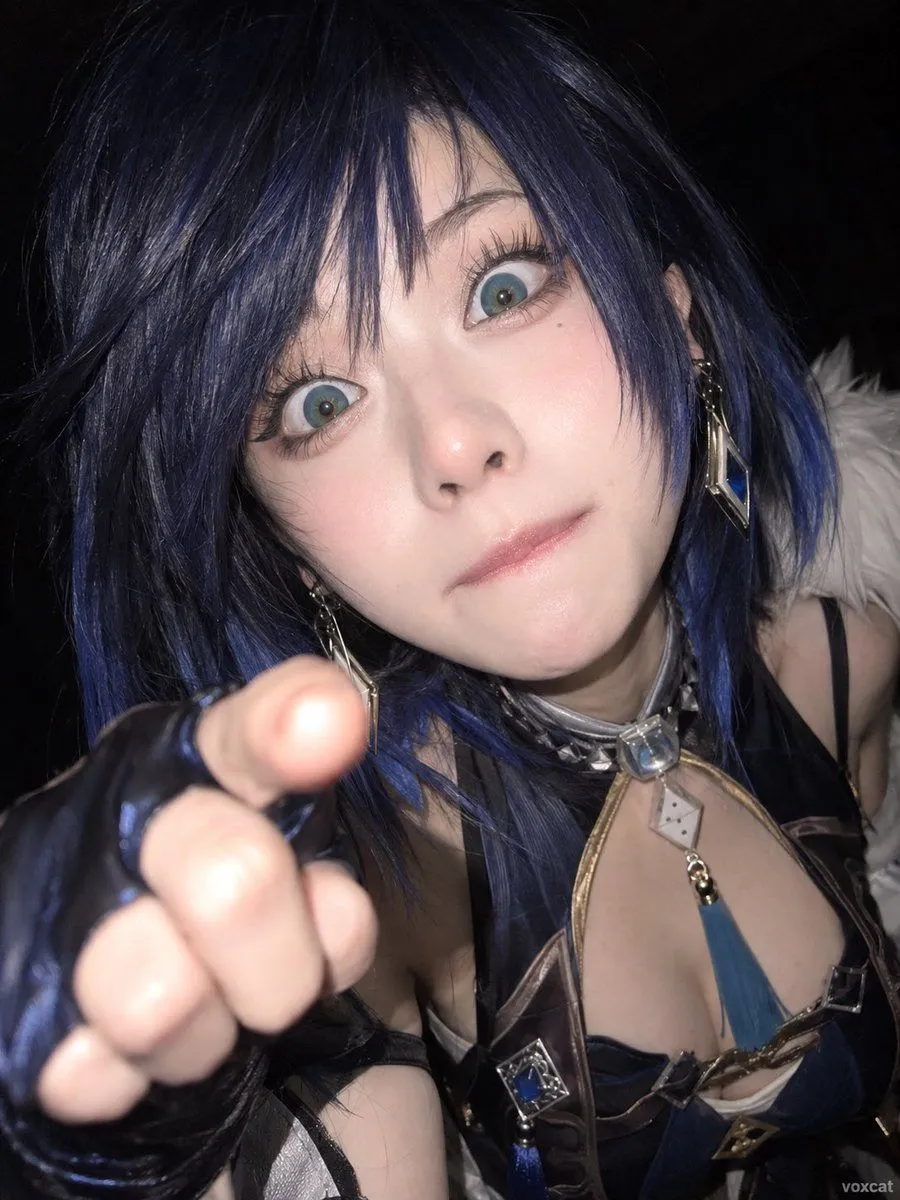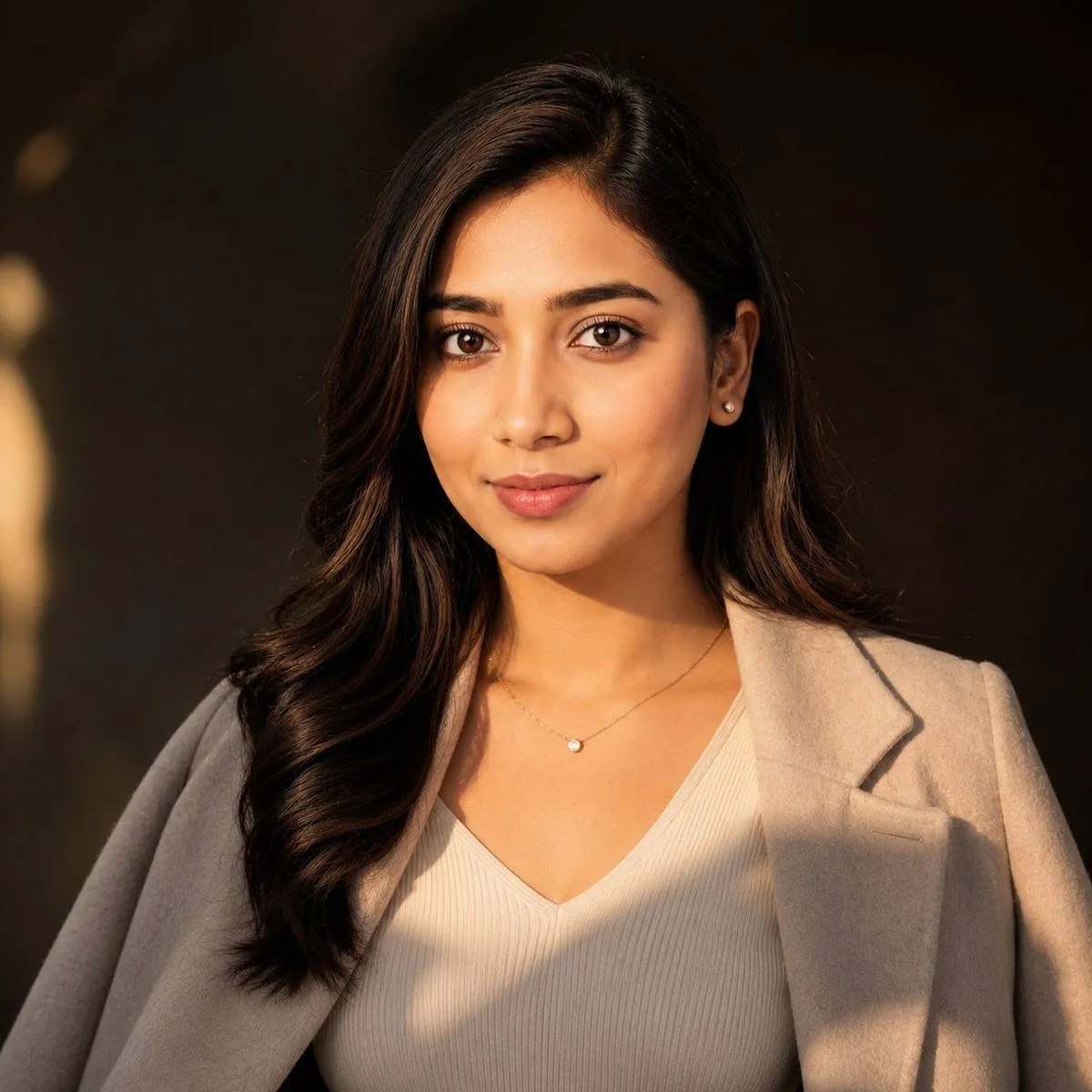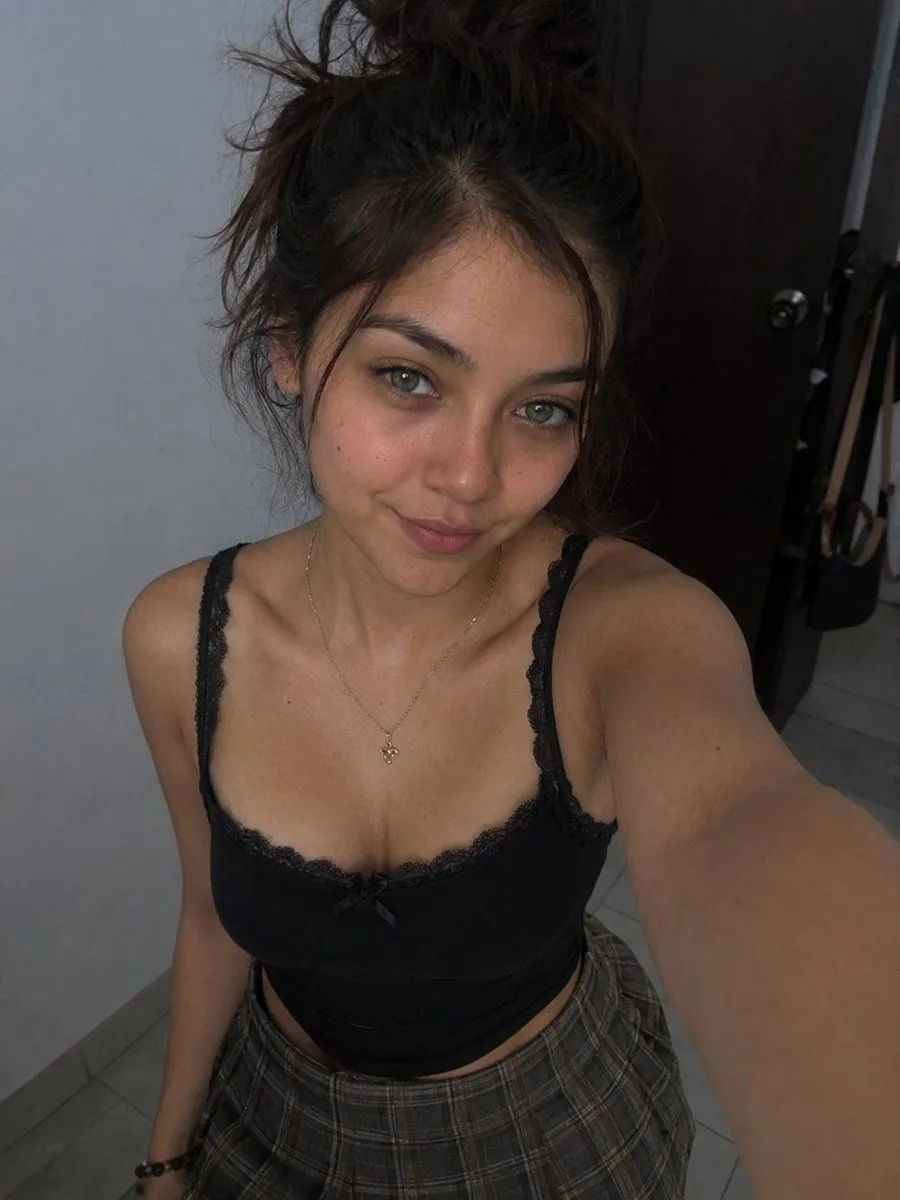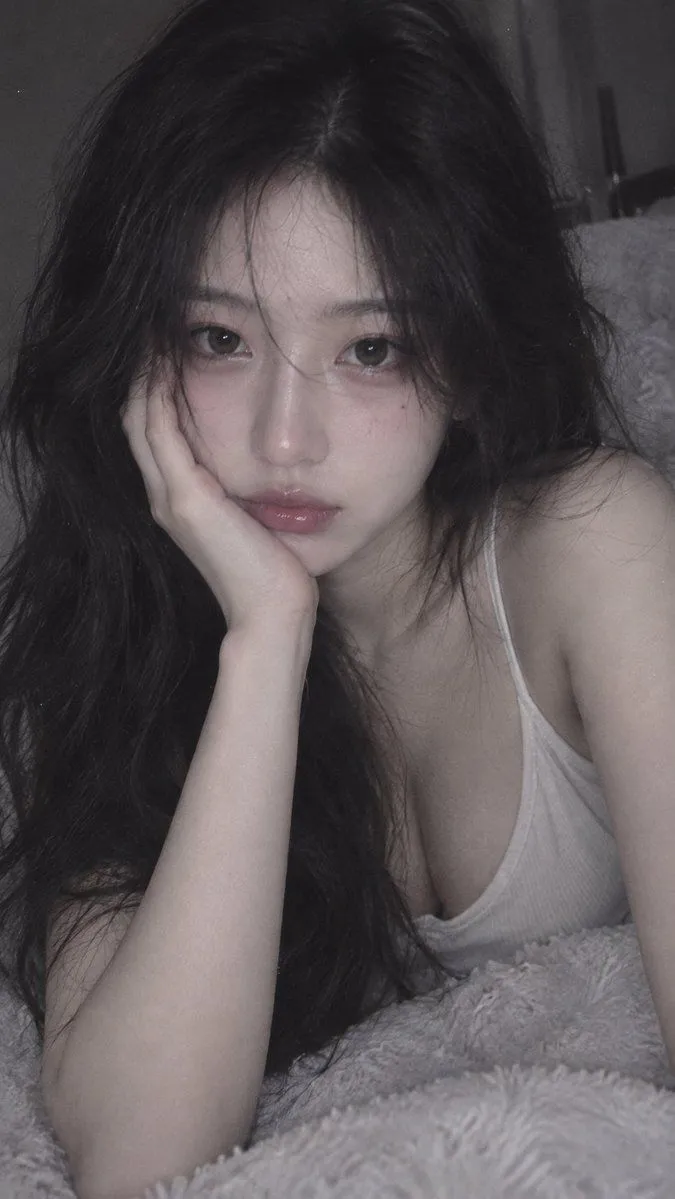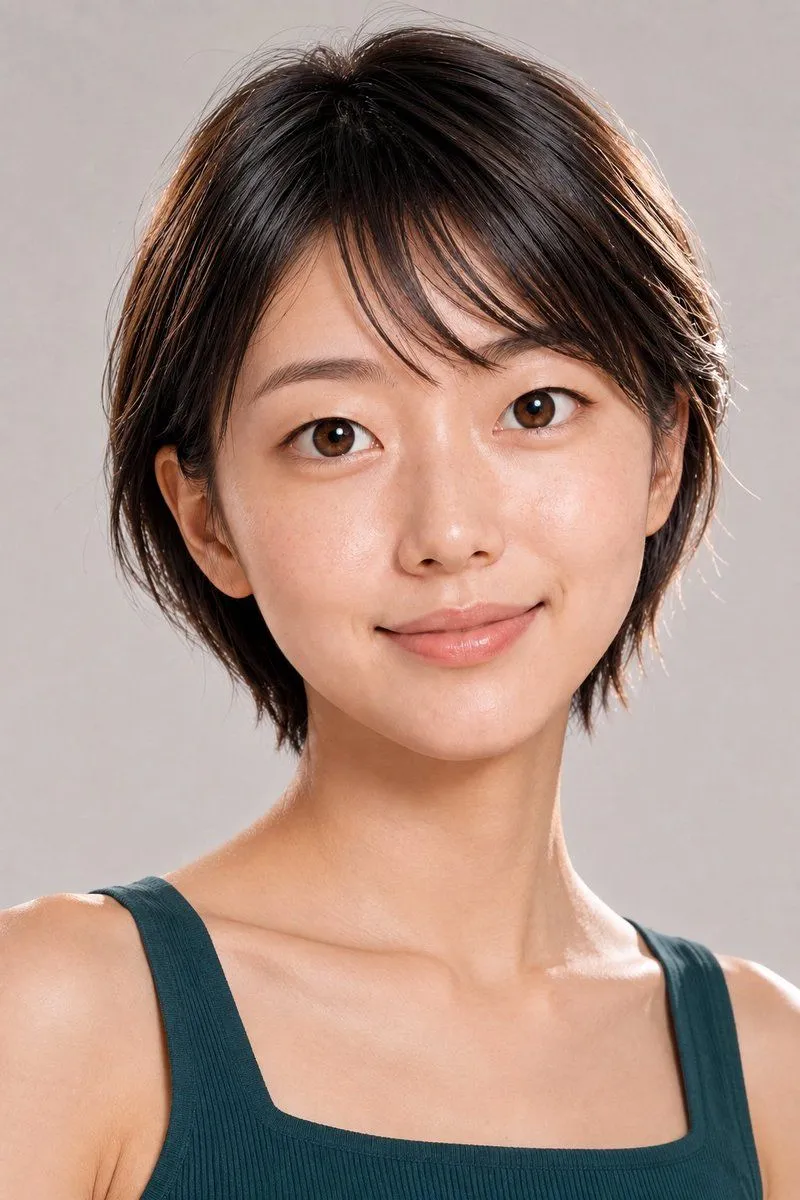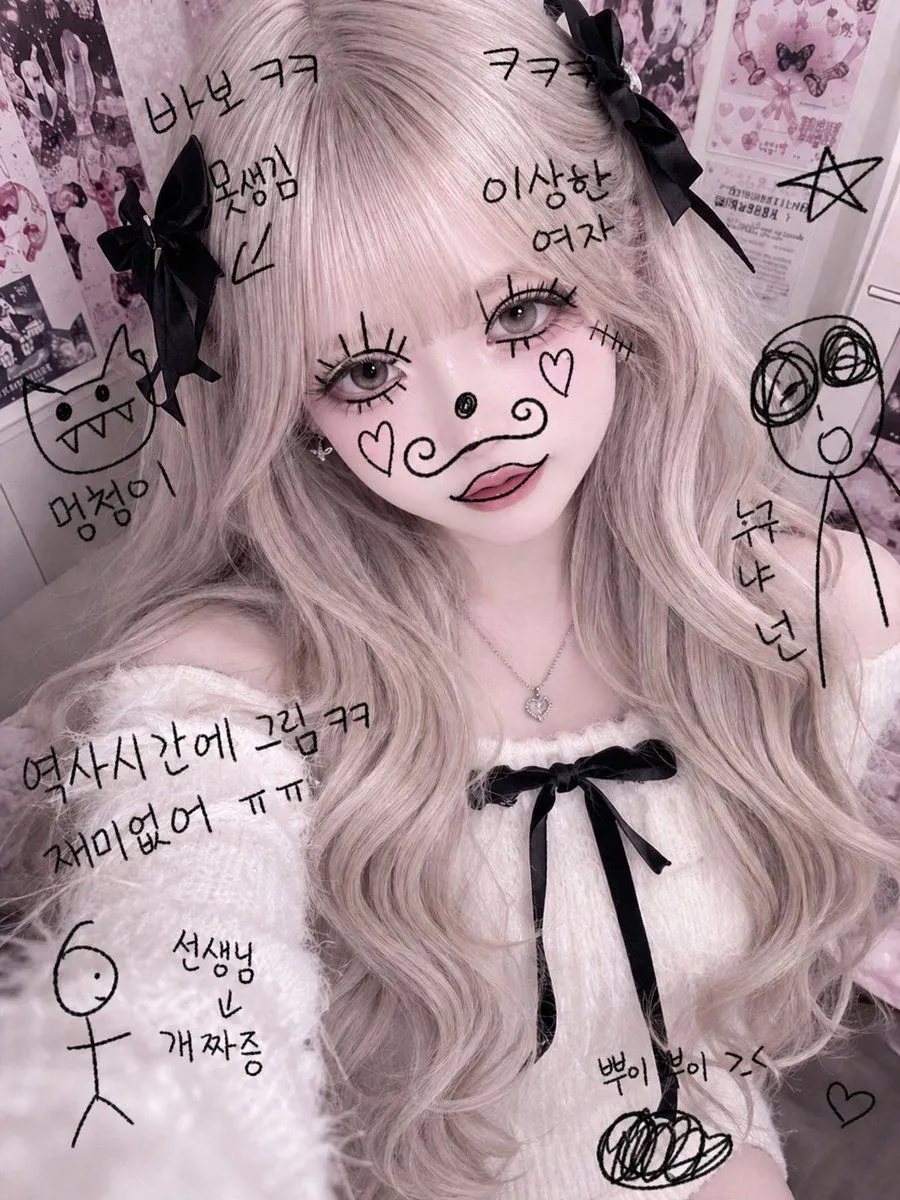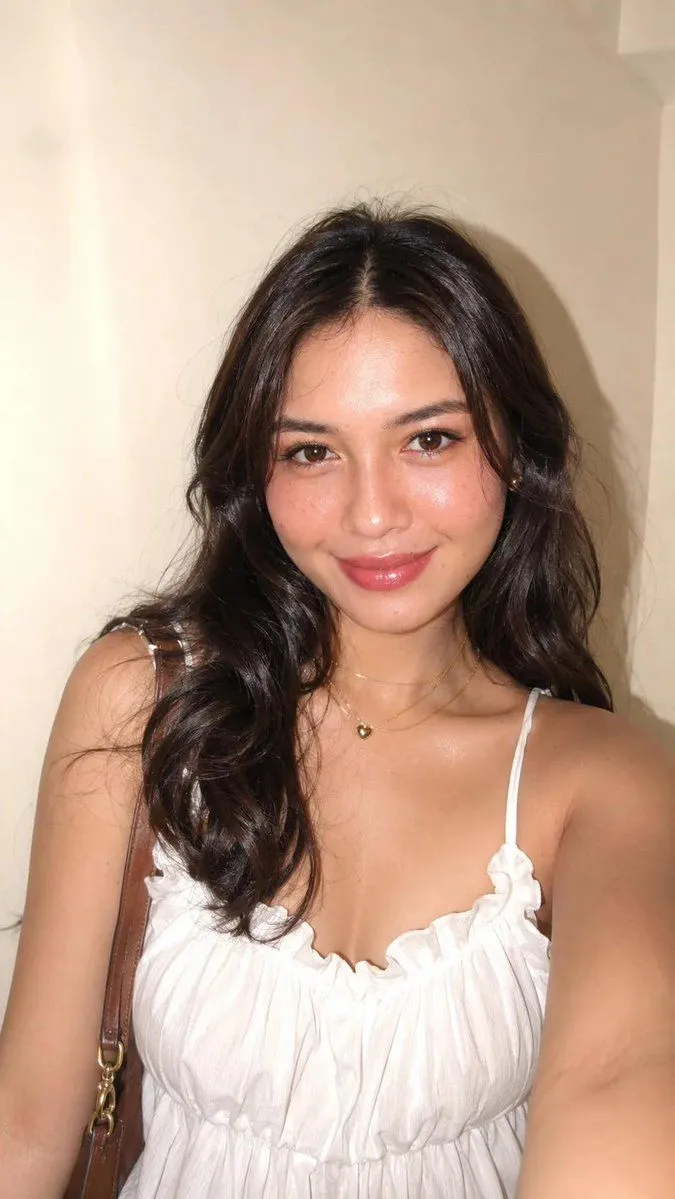
Made with GPT Image 2 in ChatGPT by Library Avatars. Promptclay never generates images.
iPhone Flash Glamour Portrait
Prompt
2 blanks to filluse this attached photo to create, do not alter face and body, 9:16 aspect ratio, captured as a soft glam portrait shot with {camera} using direct harsh flash, bright clean indoor setting, normal standard iPhone quality, no extra sharpness, no HDR, natural unedited iPhone look, warm soft neutral color grading, extreme bright flash highlights and deep sharp defined shadows, {subject}; camera perspective: medium close‑up framing focusing on face, neck and upper torso, eye‑level slightly high viewpoint, clean centered composition, subject fills most of the frame, plain light background visible behind, normal depth of field, subject sharply in clear natural focus, soft glamorous framing; pose & movement: gentle posed stance, body angled softly to side, head tilted playfully to one side and turned fully forward toward camera lens, gaze direct, bold and playful straight to viewer, shoulders relaxed and soft, posture graceful, poised and effortlessly charming, slight natural tilt
Preview of your prompt
use this attached photo to create, do not alter face and body, 9:16 aspect ratio, captured as a soft glam portrait shot with iPhone camera using direct harsh flash, bright clean indoor setting, normal standard iPhone quality, no extra sharpness, no HDR, natural unedited iPhone look, warm soft neutral color grading, extreme bright flash highlights and deep sharp defined shadows, young woman; camera perspective: medium close‑up framing focusing on face, neck and upper torso, eye‑level slightly high viewpoint, clean centered composition, subject fills most of the frame, plain light background visible behind, normal depth of field, subject sharply in clear natural focus, soft glamorous framing; pose & movement: gentle posed stance, body angled softly to side, head tilted playfully to one side and turned fully forward toward camera lens, gaze direct, bold and playful straight to viewer, shoulders relaxed and soft, posture graceful, poised and effortlessly charming, slight natural tilt
DetailsVersions, settings and questions
Written for
What's in the prompt
- Subject
- Model
- GPT Image 2
If your face changes
keep my face exactly the sameQuestions
- Does this work in the ChatGPT app?
- Yes. Paste the prompt and attach your photo if it uses one.
- It changed my face. What do I do?
- Add "keep my face exactly the same" to the end and run it again.
- Can I use the images I make?
- Check the terms of the app you use. Promptclay never generates images and claims nothing you make.