Tell us anything

An idea, a bug, something you love. We read every note.

⌘↵ to send. The page you're on comes along.

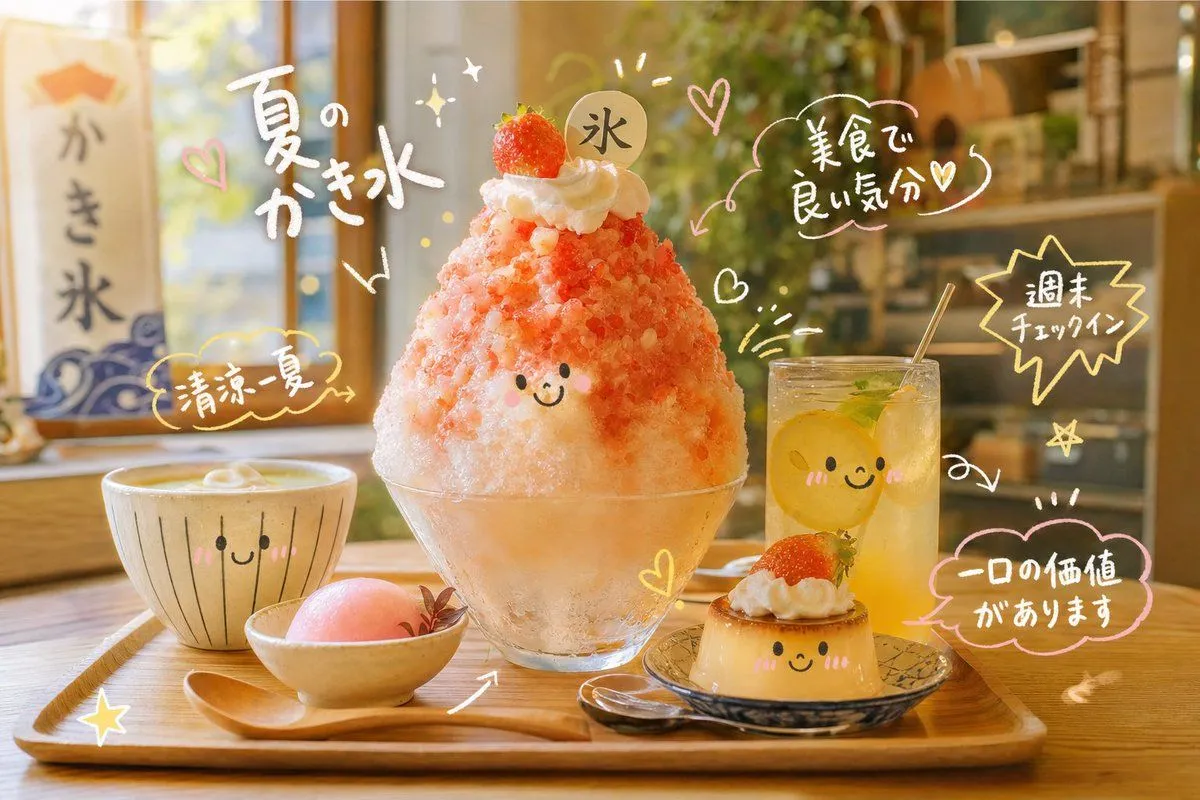
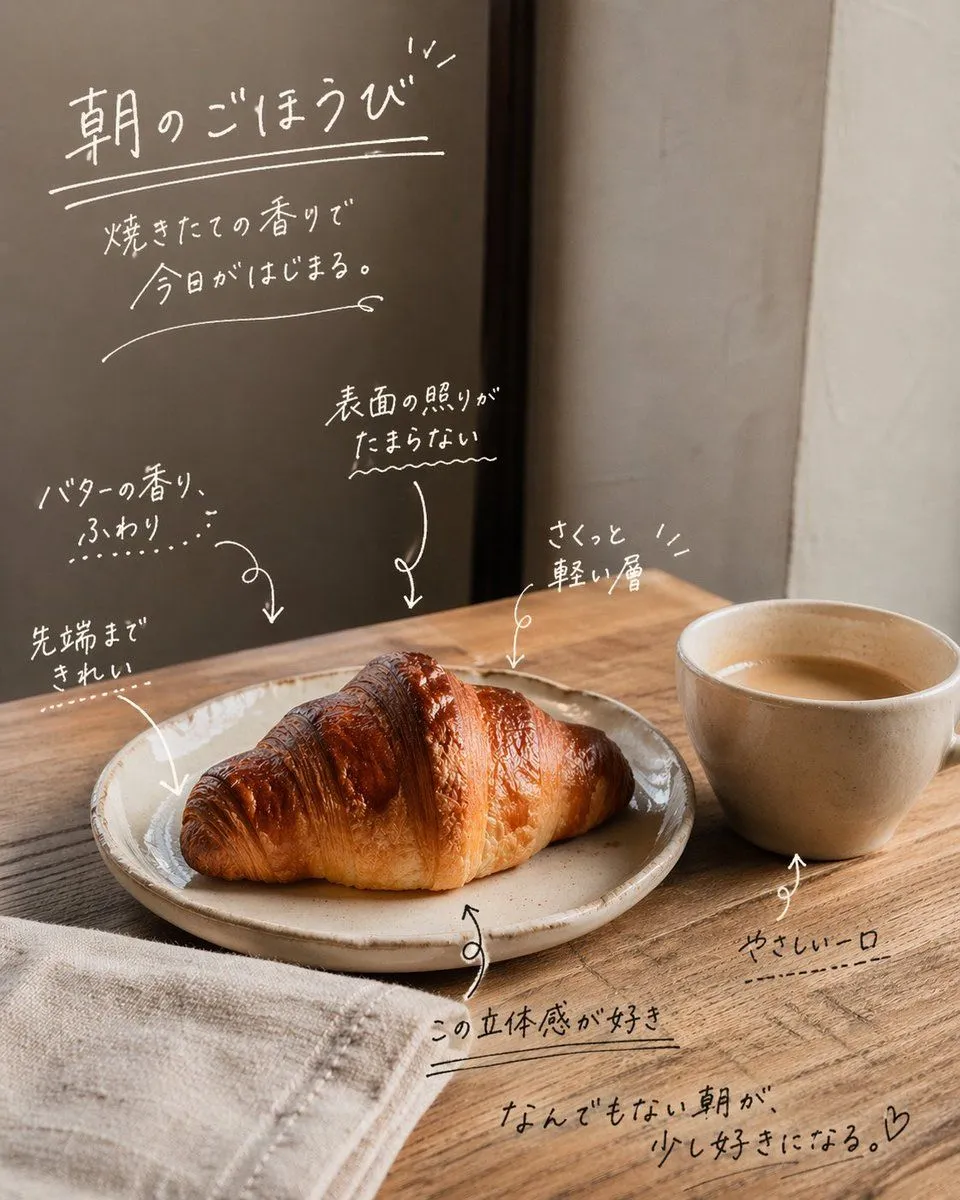
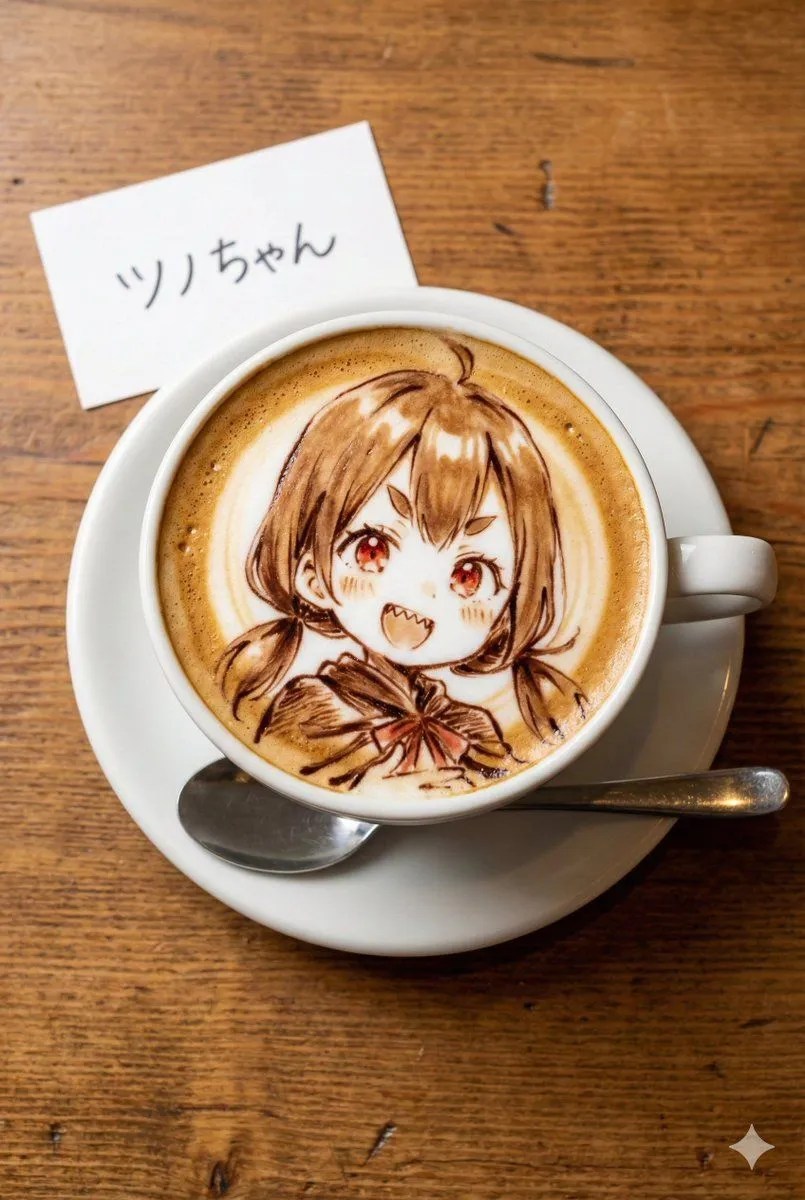
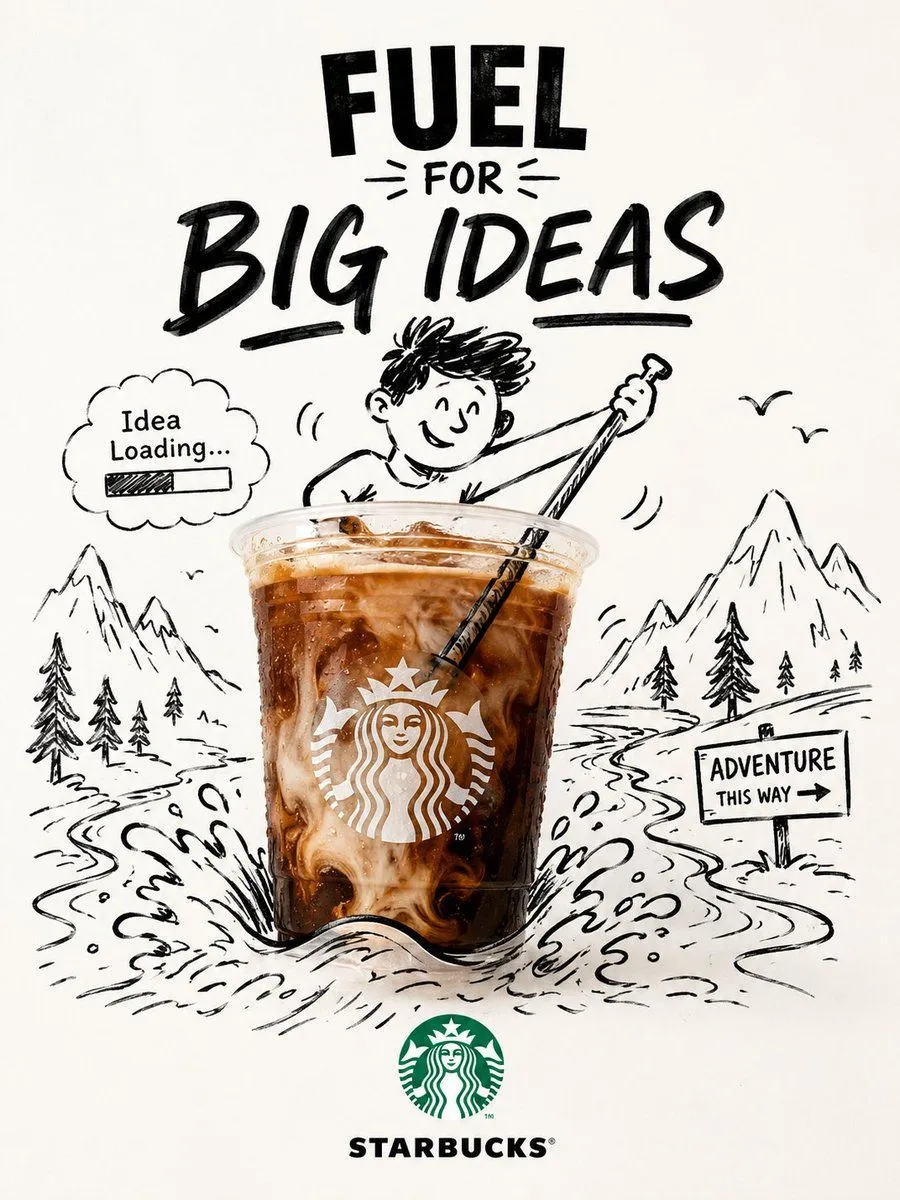
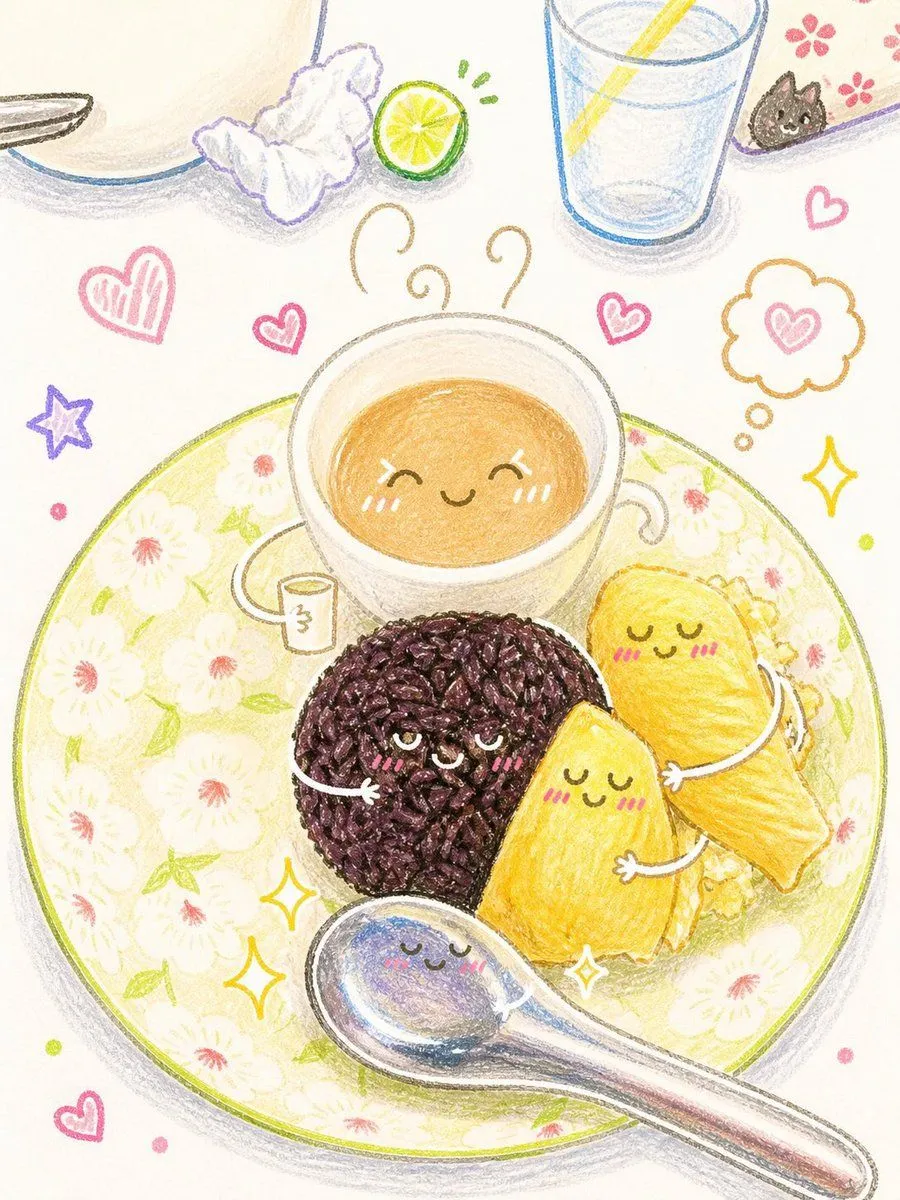
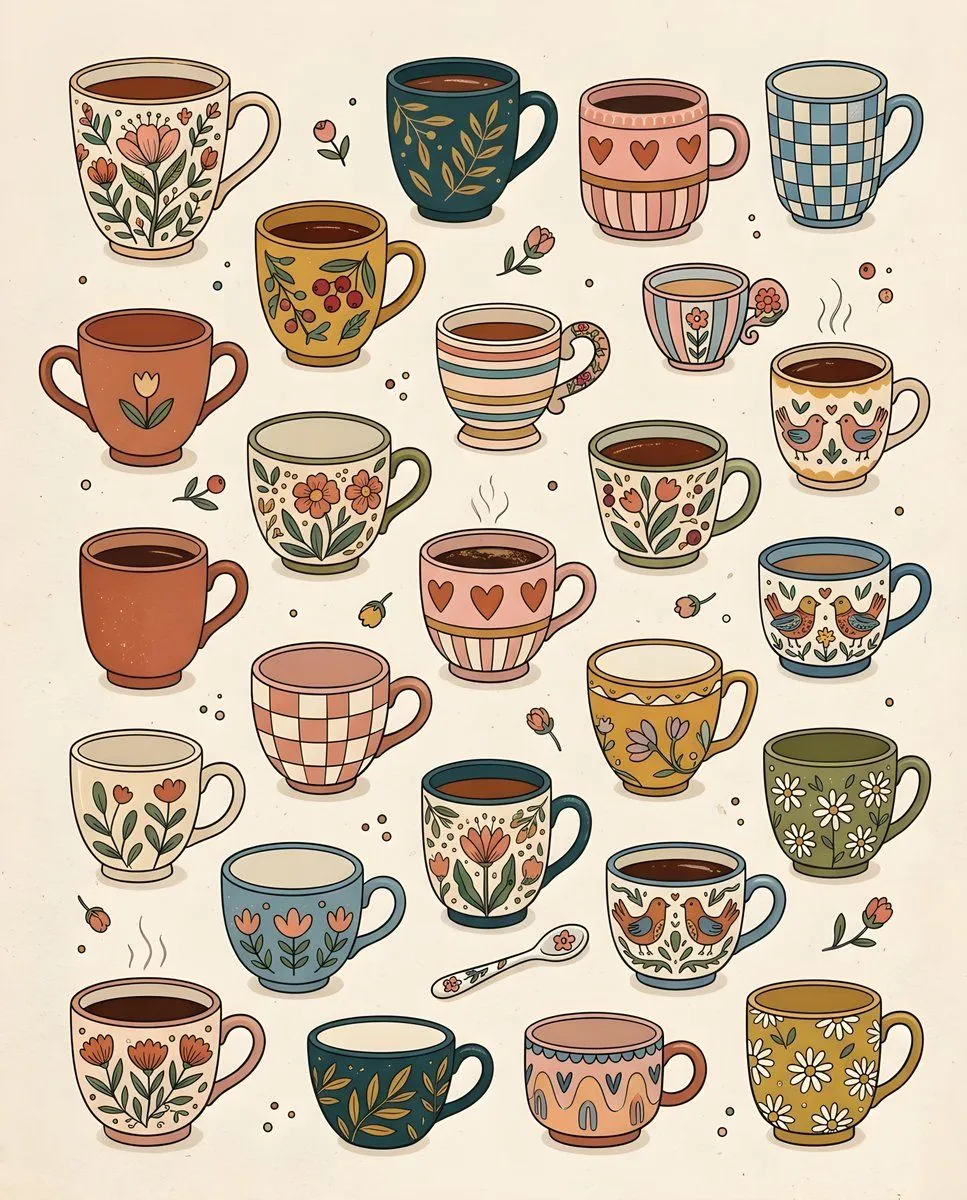
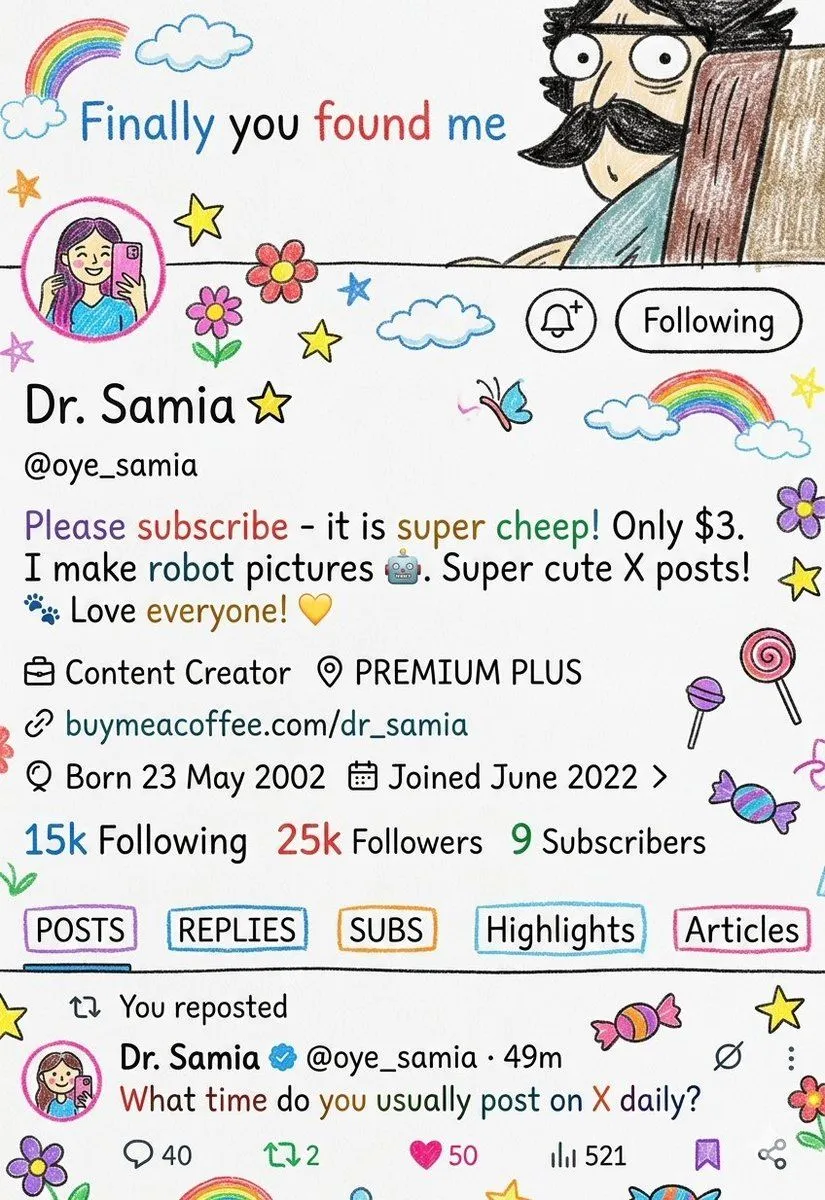
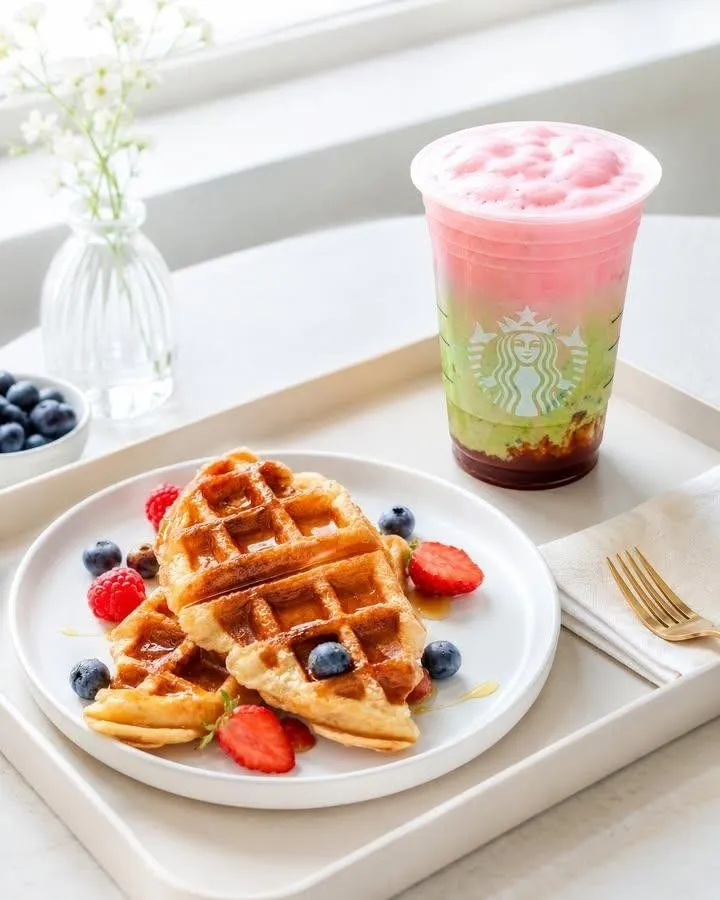
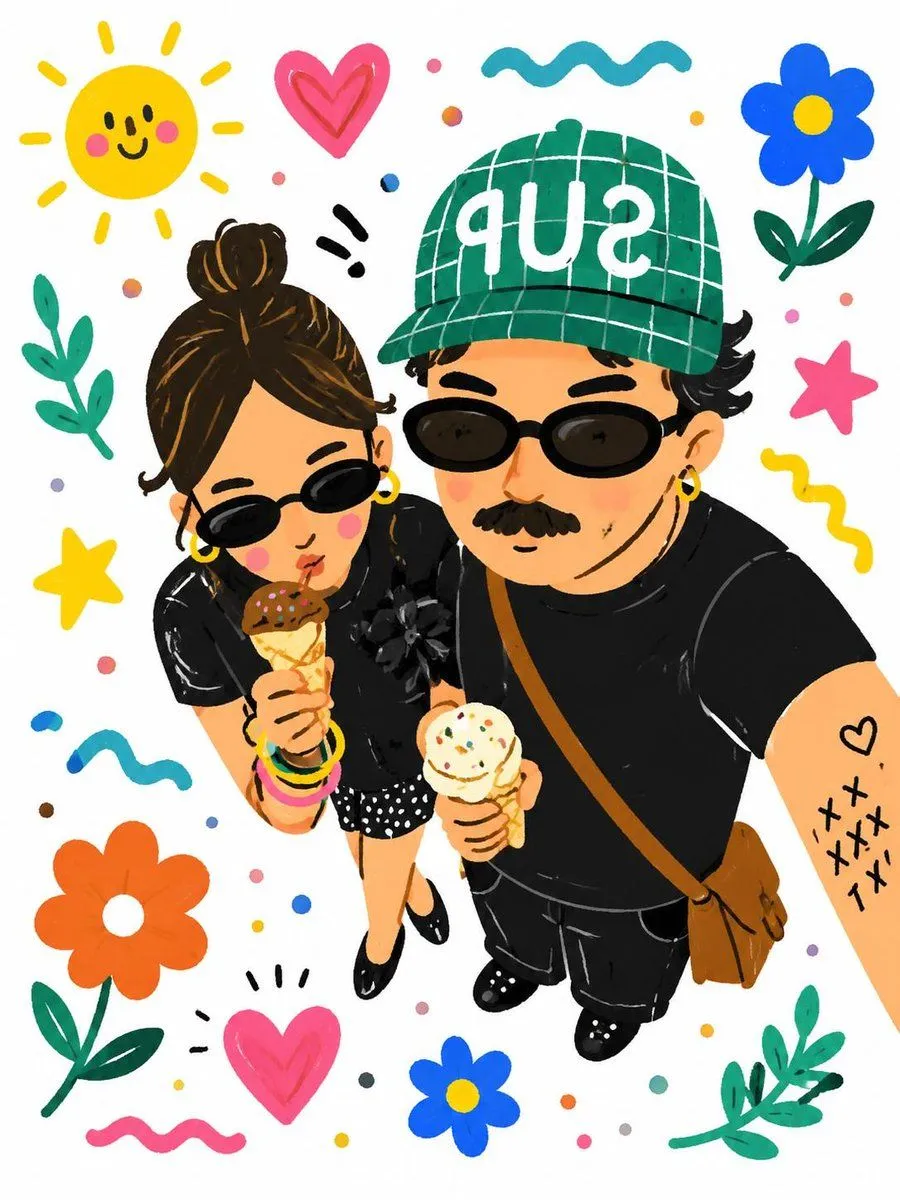
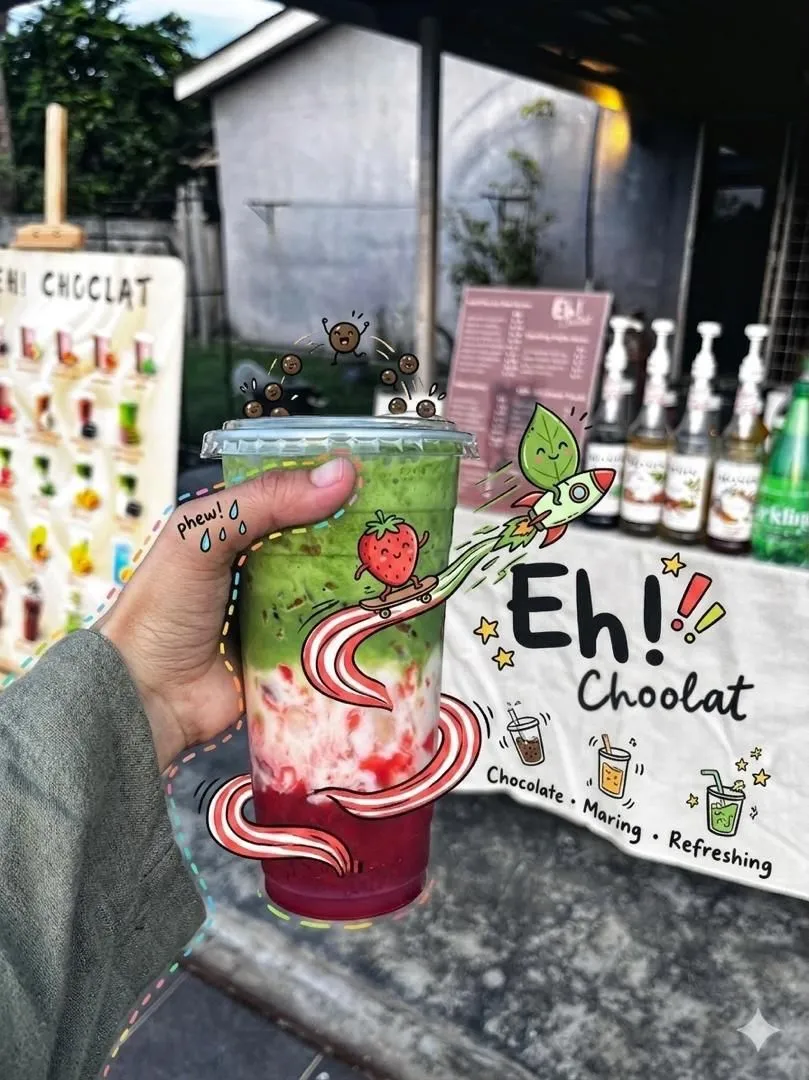
Interactive Hand-Drawn Doodle Overlay

Made with GPT Image 2 in ChatGPT by Library Lifestyle. Promptclay never generates images.

Did it work?

No reports yet. Tell others if it worked for you.

No comments yet. Be the first.

    Interactive Hand-Drawn Doodle Overlay

    GPT Image 23:4AI-generated

    Prompt

    1 blank to fill

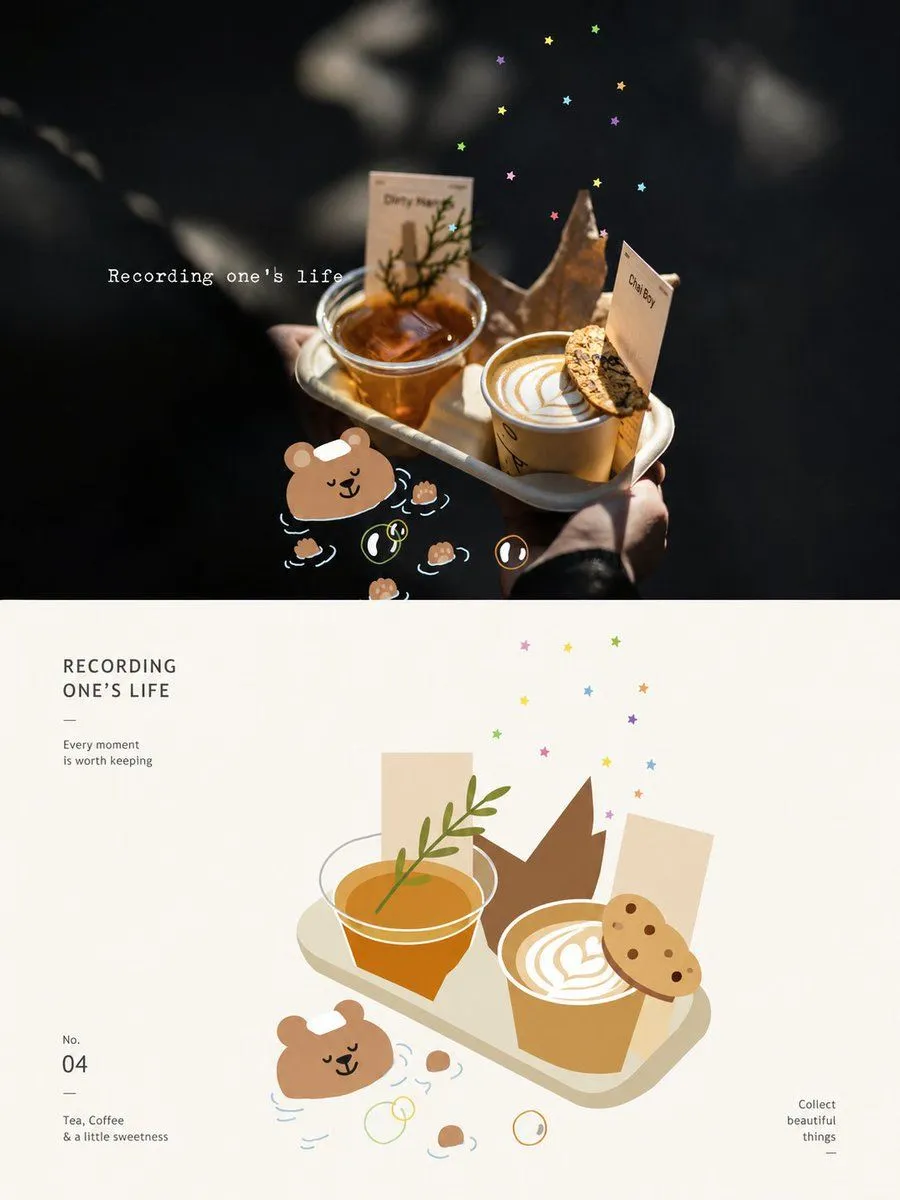
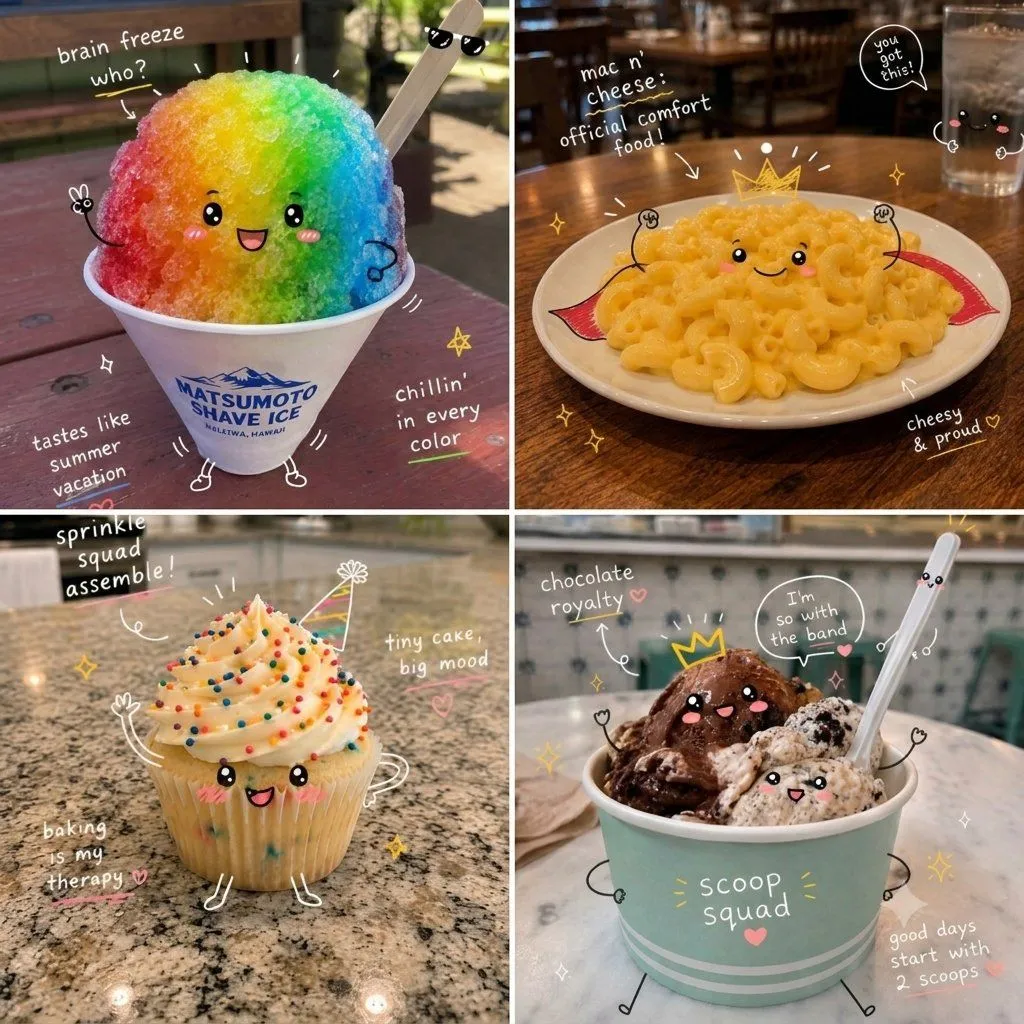
    Analyse the uploaded image and preserve the original subject, composition, and lighting. Do not alter the identity or structure of the main subject. Add playful, hand-drawn {doodle_style} that interact directly with the subject in the image. The {doodle_style} should mimic, follow, or exaggerate the shapes, gestures, or motion present—such as outlining poses, extending limbs, adding motion lines, or creating imaginative elements that “respond” to the subject.

    Works in
    ChatGPT, Gemini
    Status
    Free to copy
    0
    DetailsVersions, settings and questions

    Written for

    What's in the prompt

    Subject
    Model
    GPT Image 2

    If your face changes

    keep my face exactly the same

    Questions

    Does this work in the ChatGPT app?
    Yes. Paste the prompt and attach your photo if it uses one.
    It changed my face. What do I do?
    Add "keep my face exactly the same" to the end and run it again.
    Can I use the images I make?
    Check the terms of the app you use. Promptclay never generates images and claims nothing you make.
    Similar prompts

    See more
    • Kawaii Doodle Food Transformation
    • Doodled Strawberry Matcha Drink Photo
    • Cute Doodle Japanese Café Dessert Photo
    • Handwritten Japanese Cafe Photo Overlay
    • Custom Character Latte Art Generation Prompt
    • Mixed-Media Product Poster
    • Interactive Hand-Drawn Doodle Art
    • Whimsical Hand-Drawn Teacups
    • Crayon Style Profile Transformation
    • Modern Cafe Food Product Tray Photography
    • Floral Character Café Merchandise Scene
    • Kawaii Café and Travel Illustration
    • Folk Art Cafe Date Illustration
    • Kawaii Café Pigtails Portrait
    • Cartoon Selfie Doodle Illustration
    • Decorative Folk Papercraft Illustration
    • Hand drip coffee flowchart in Japanese magazine style
    • Short Comedy Sketch: 'Take Away'Video, 0:15
    • Hyper-Realistic Ice Cream Dessert Photography Prompt
    • Geometric Flat Poster Transformation
    • Japanese Cafe Memory Journal Design
    • Hyper-Realistic Two-Panel iPhone Portrait Prompt
    • Ultra-Cinematic Splash Photography of Coffee and Chocolate
    • Hand-Drawn Style Photo Annotation

    Show more

    Run it on your phone

    1. Prompt copiedRead it

      Analyse the uploaded image and preserve the original subject, composition, and lighting. Do not alter the identity or structure of the main subject. Add playful, hand-drawn {doodle_style} that interact directly with the subject in the image. The {doodle_style} should mimic, follow, or exaggerate the shapes, gestures, or motion present—such as outlining poses, extending limbs, adding motion lines, or creating imaginative elements that “respond” to the subject.

    2. Open your app

    3. Paste and run

      Press and hold the message box, then tap Paste. Add your photo first if the prompt uses one. You may need to sign in.

    Interactive Hand-Drawn Doodle Overlay