Tell us anything

An idea, a bug, something you love. We read every note.

⌘↵ to send. The page you're on comes along.

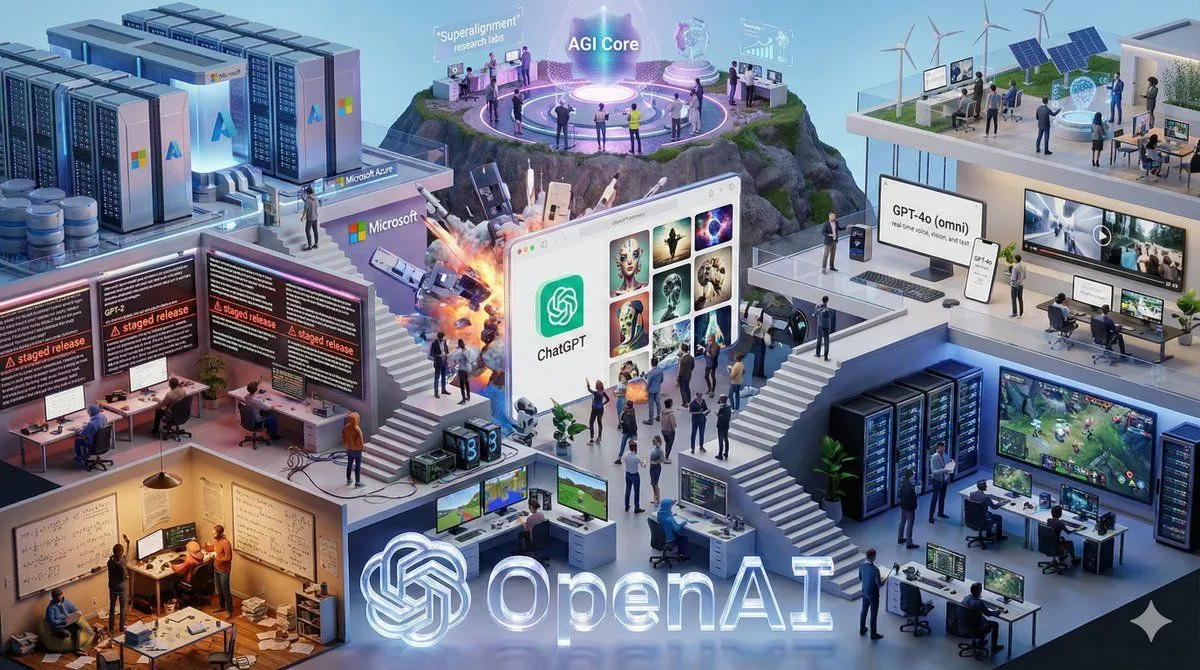
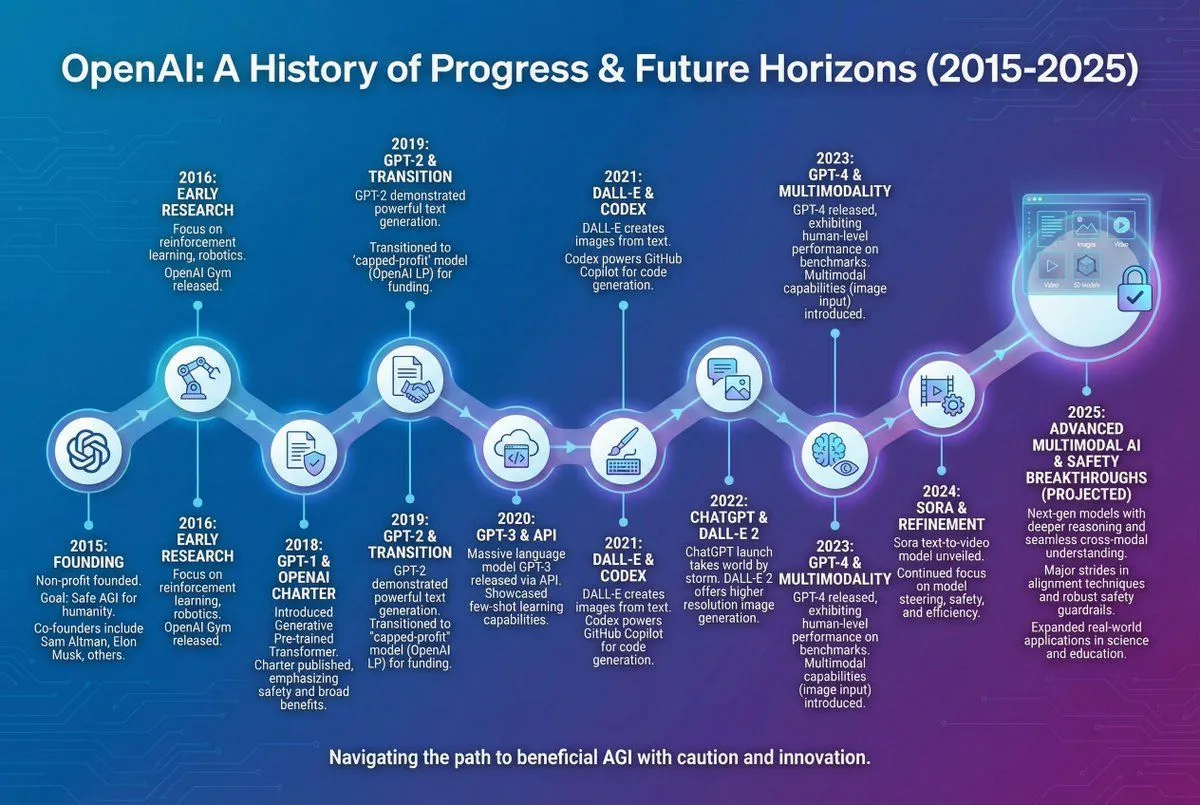
Infographic of OpenAI's History

Made with GPT Image 1.5 in ChatGPT by Library Concept. Promptclay never generates images.

Did it work?

No reports yet. Tell others if it worked for you.

No comments yet. Be the first.

    Infographic of OpenAI's History

    GPT Image 1.53:2AI-generated

    Prompt

    Infographic of OpenAI's history including its progress in 2025

    Works in
    ChatGPT, Gemini
    Status
    Free to copy
    0
    DetailsVersions, settings and questions

    Written for

    What's in the prompt

    Subject
    Model
    GPT Image 1.5

    If your face changes

    keep my face exactly the same

    Questions

    Does this work in the ChatGPT app?
    Yes. Paste the prompt and attach your photo if it uses one.
    It changed my face. What do I do?
    Add "keep my face exactly the same" to the end and run it again.
    Can I use the images I make?
    Check the terms of the app you use. Promptclay never generates images and claims nothing you make.

    Similar prompts

    See more
    • Nano Banana Chronology Request (Non-Executable)
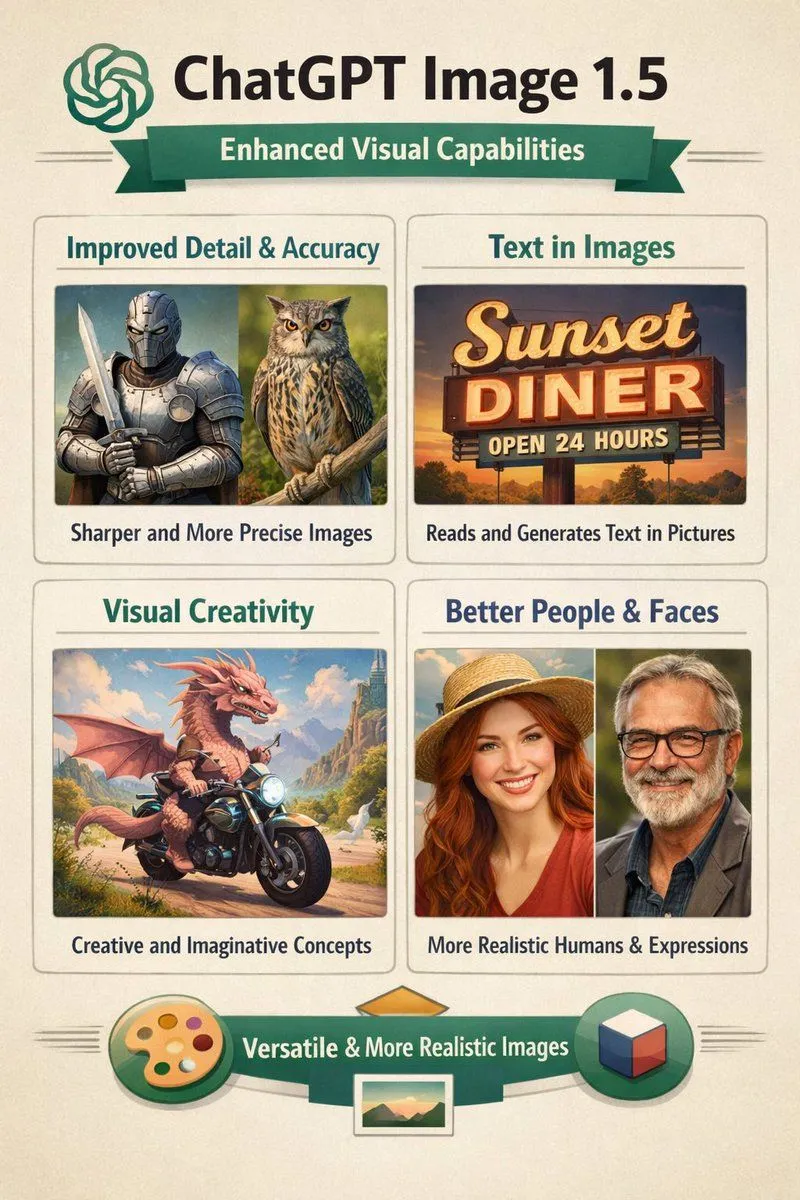
    • Infographic on ChatGPT Image 1.5
    • Storyboard Grid Generator
    • Hand-drawn Anime Swimsuit Portrait
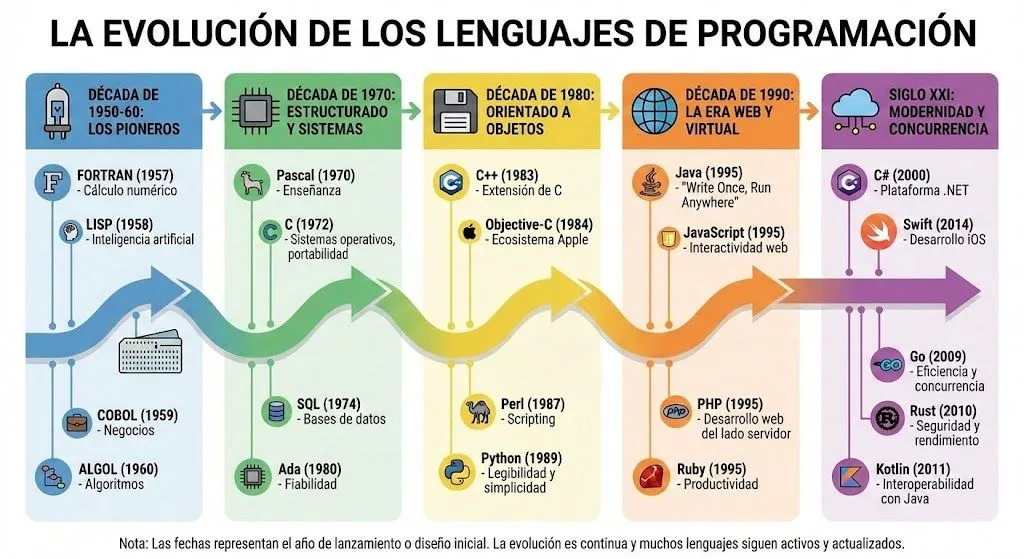
    • Infographic of programming language evolution
    • Isometric Vertical Timeline Prompt (Garage to Futuristic Peak)
    • Universal Statistics Promotional Video PromptVideo, 0:06
    • Visually Stunning Slide Generation from Content
    • JSON Prompt Template for Text Rendering in AI Images
    • Futuristic AI Summit Poster
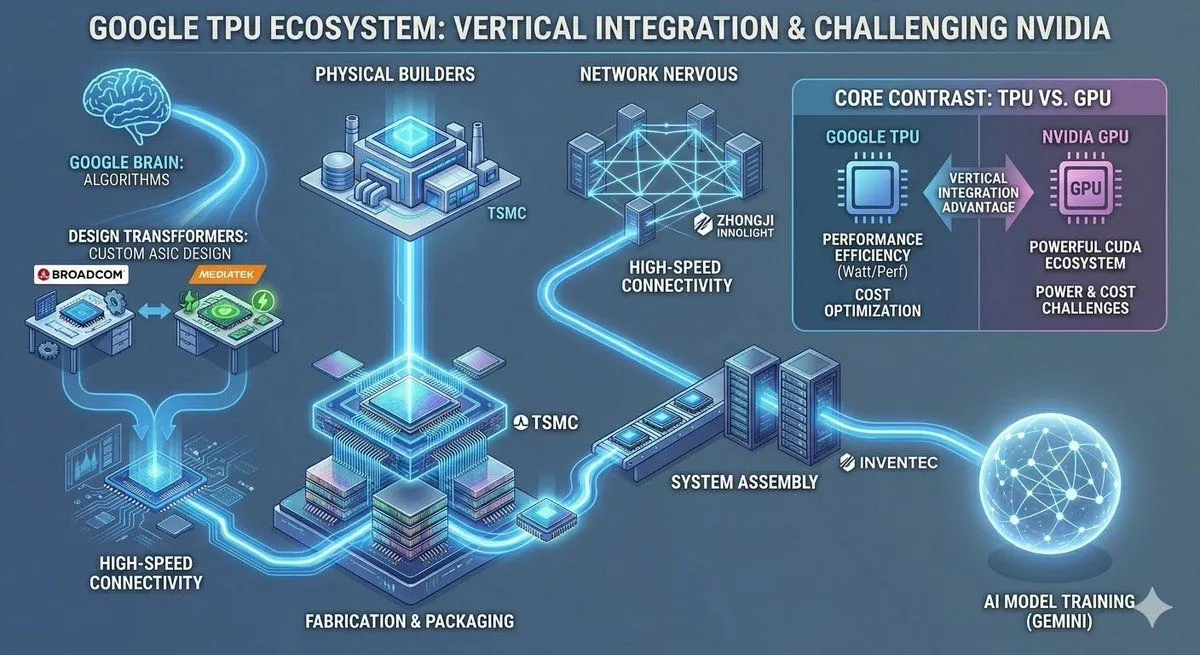
    • Google TPU Ecosystem Infographic
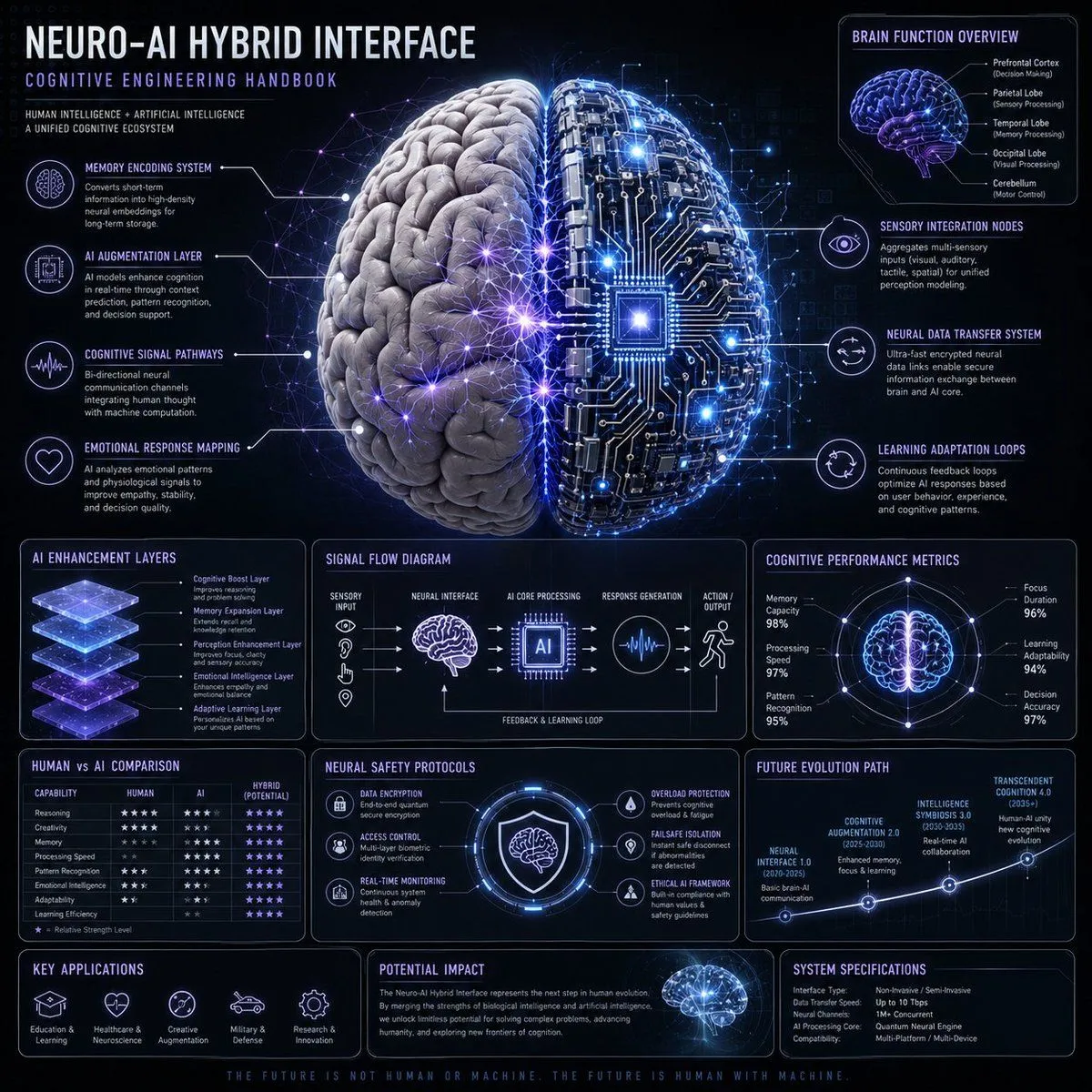
    • Neuro-AI Hybrid System Infographic
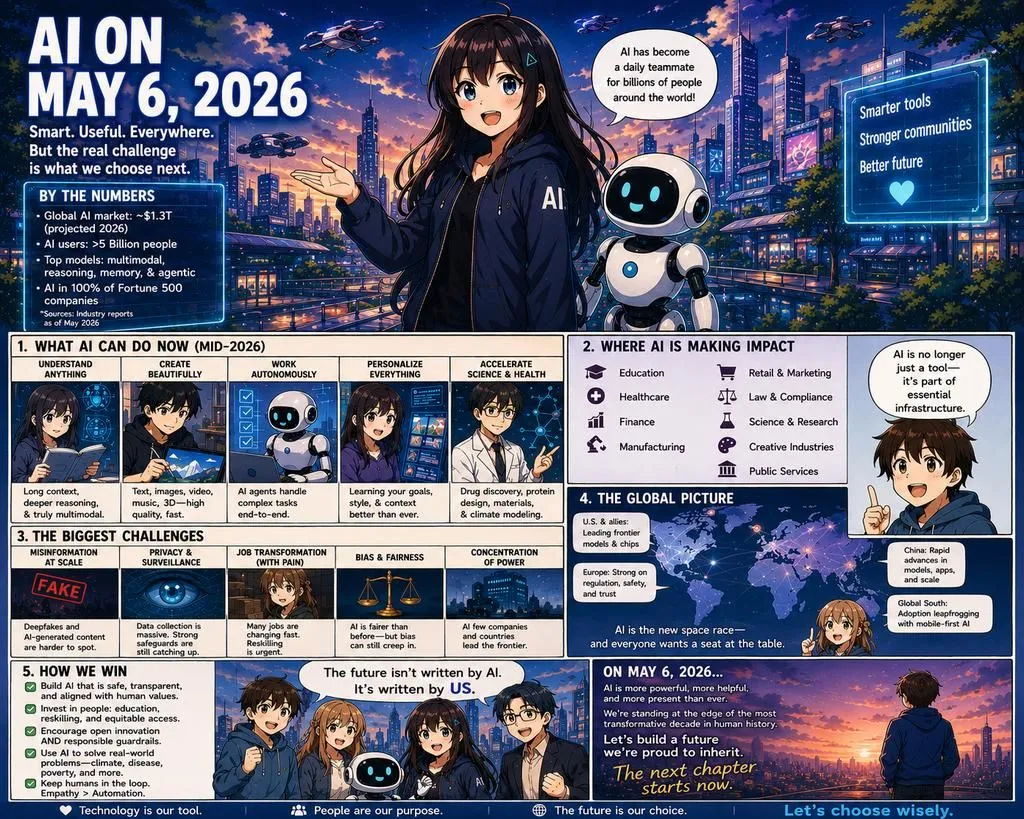
    • Future AI Anime Comic Infographic
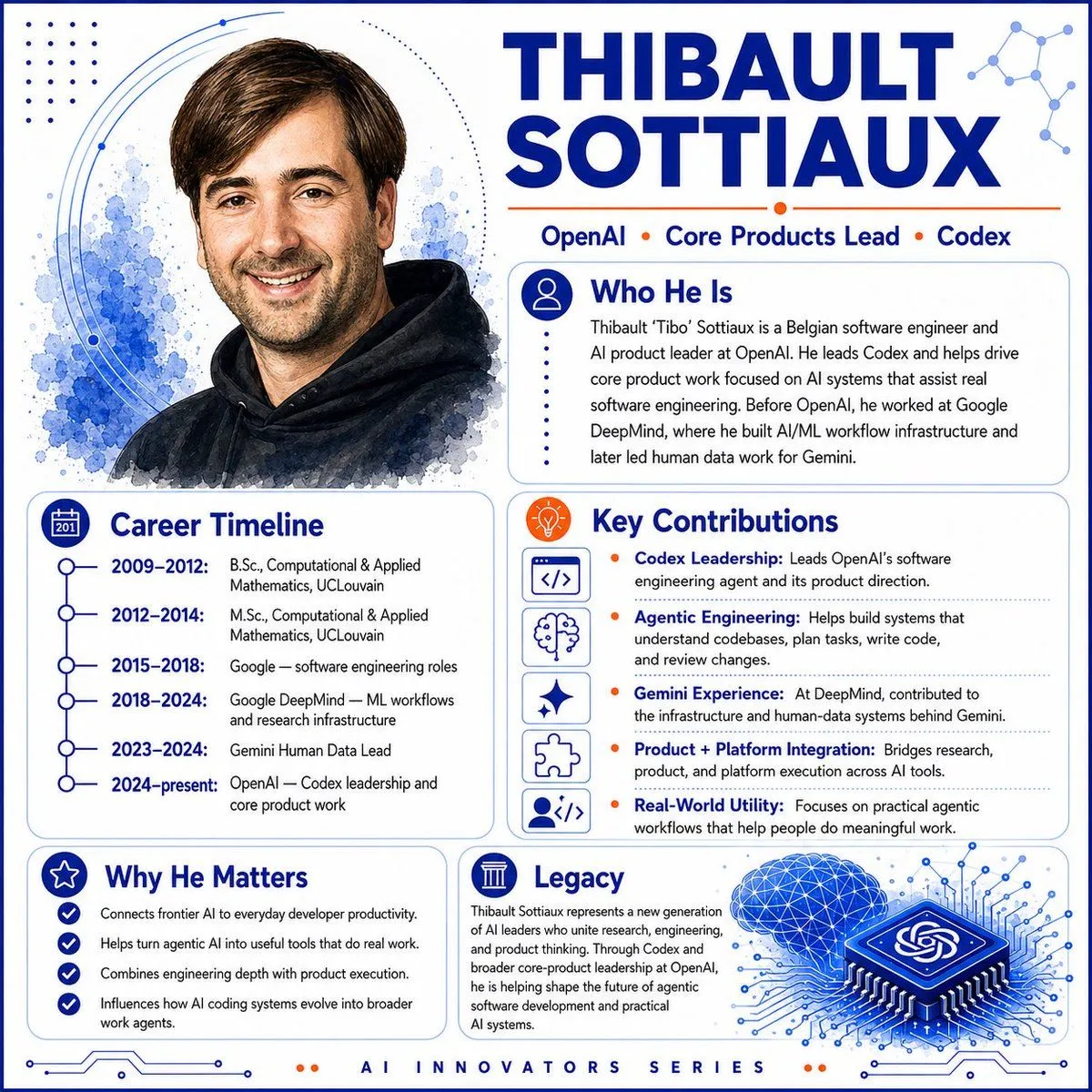
    • AI Innovator Profile Infographic
    • AI Perception Visualization (Nano Banana Pro)
    • Structured 5-Slot Generation Template
    • AI-Proof Prompt Generation (Japanese)
    • Google Search Results Mockup
    • Futuristic Fluffy Glass Typography Art
    • Futuristic Robot Tech Poster
    • Graphic Design Typography Prompt using Nano Banana 2
    • ComfyUI GPT Image Mask Workflow
    • Exploded View Disassembly of Apple Watch Ultra and iPhone
    • Android Quantum Lab Workstation

    Show more

    Run it on your phone

    1. Prompt copiedRead it

      Infographic of OpenAI's history including its progress in 2025

    2. Open your app

    3. Paste and run

      Press and hold the message box, then tap Paste. Add your photo first if the prompt uses one. You may need to sign in.

    Infographic of OpenAI's History