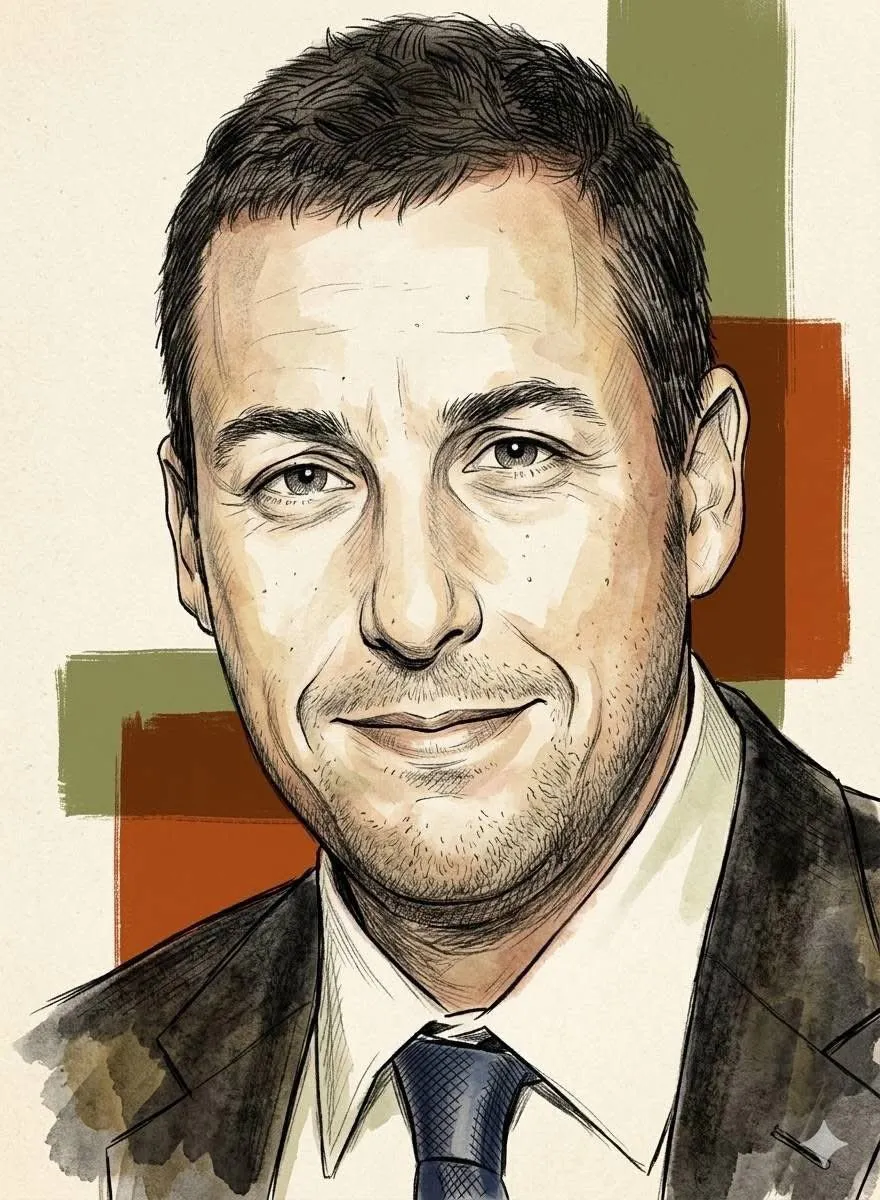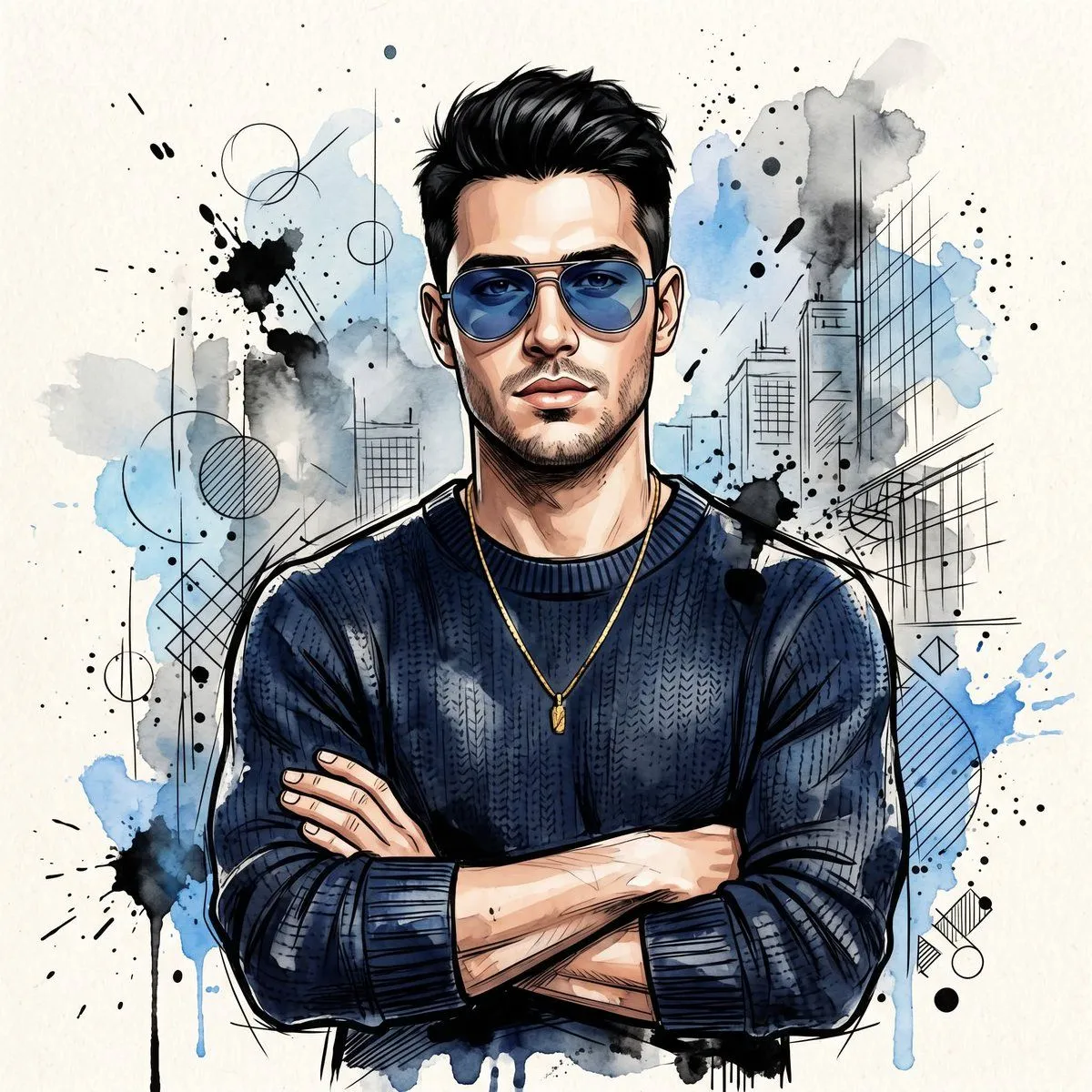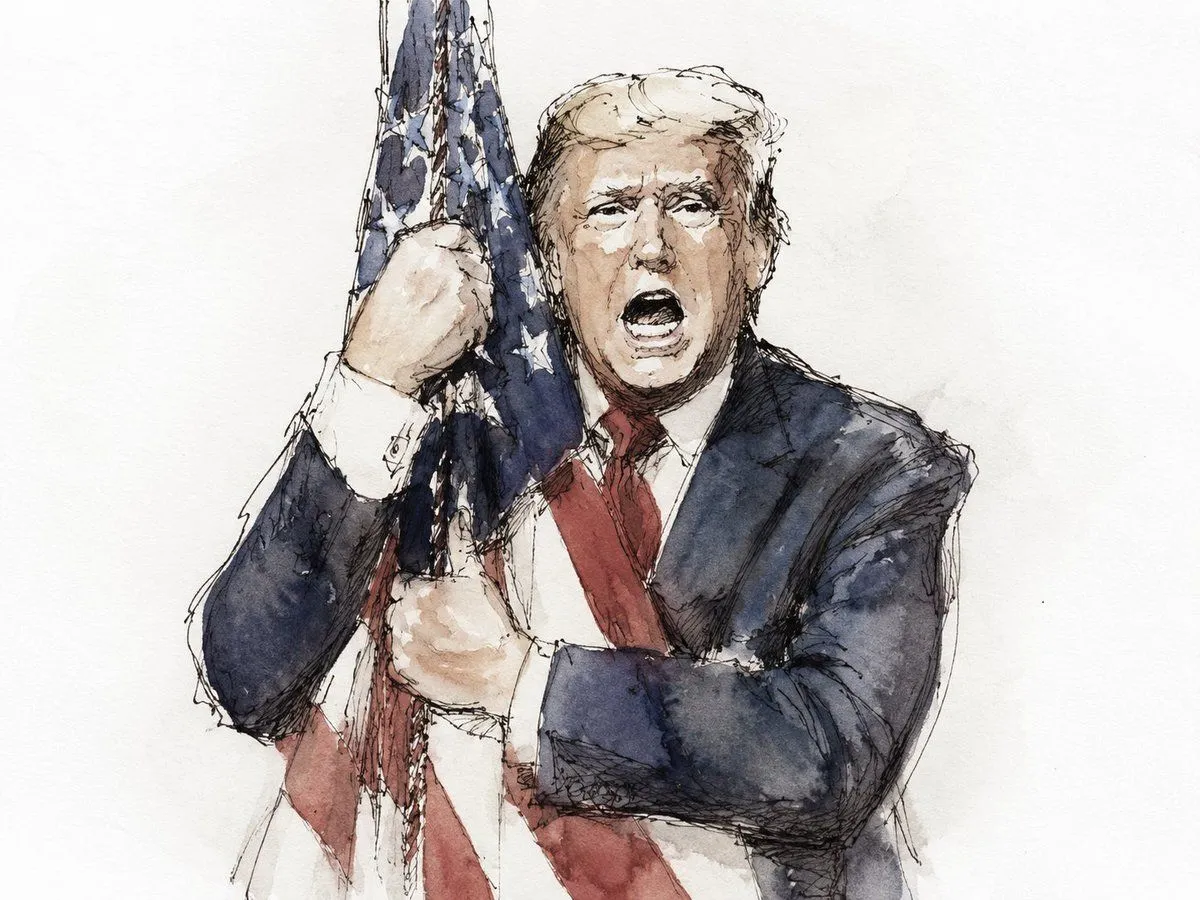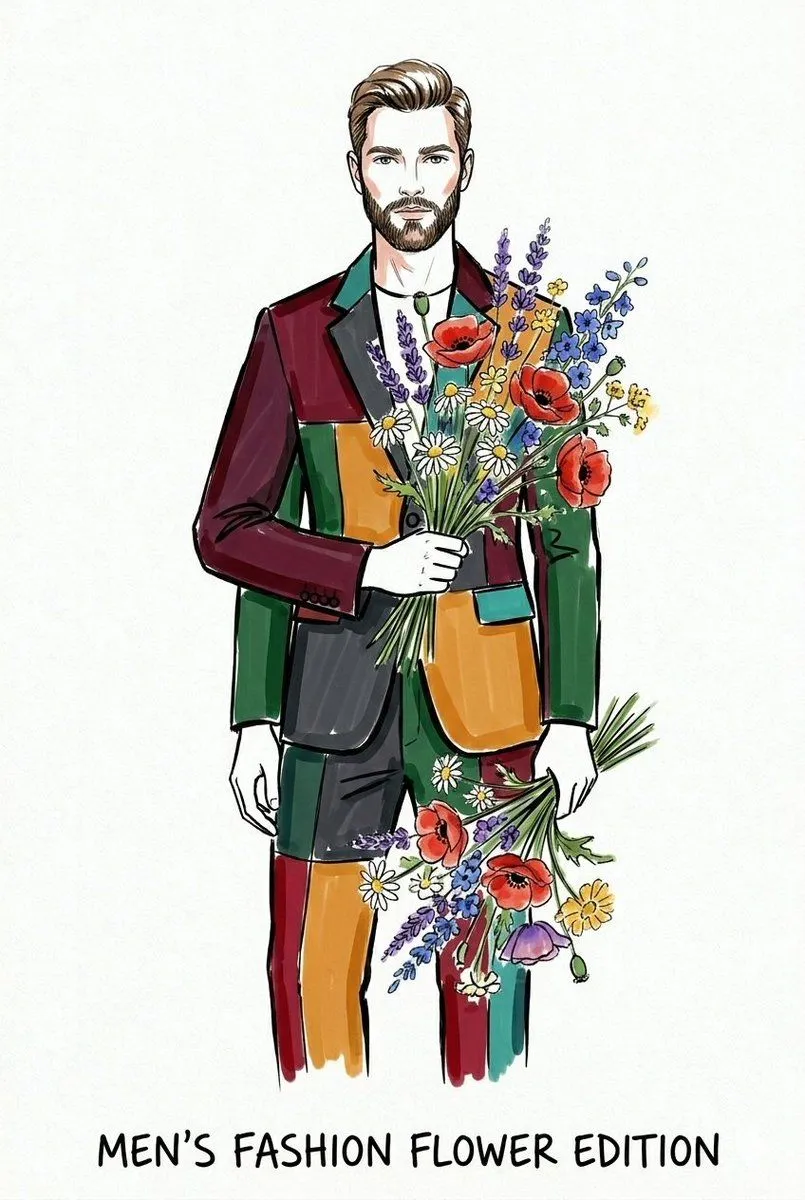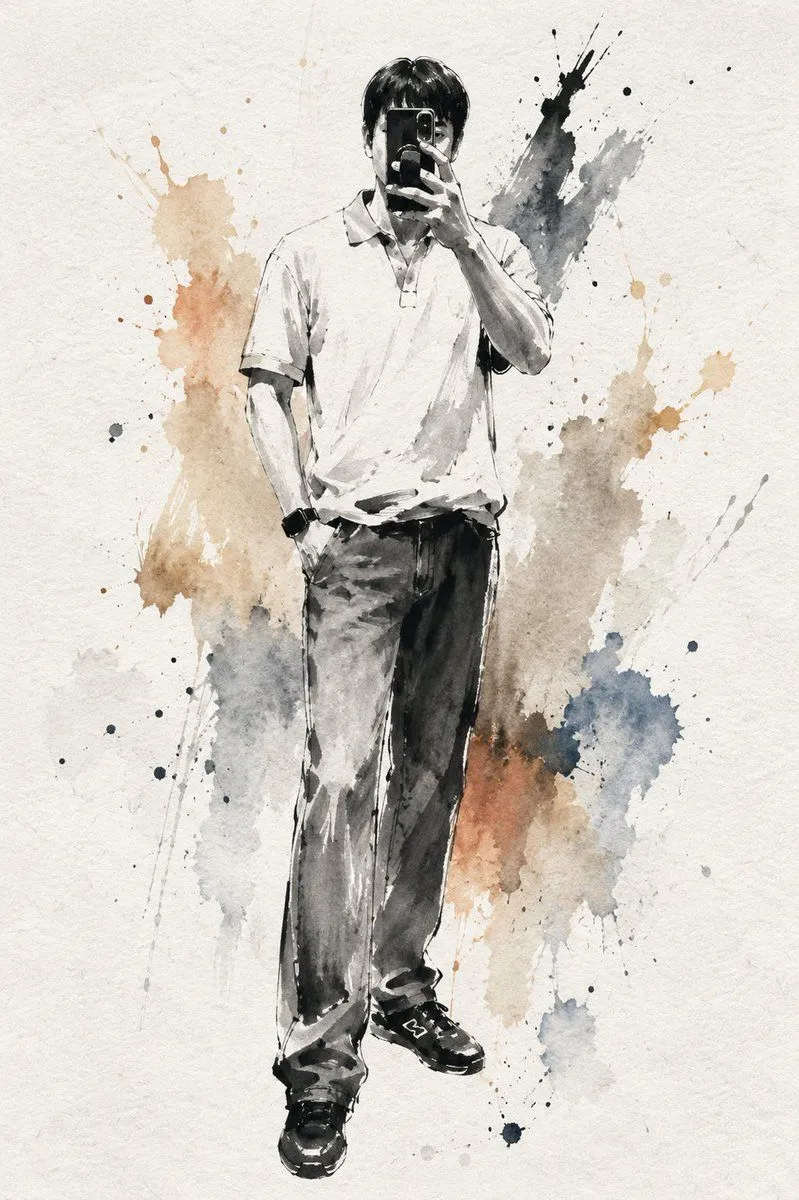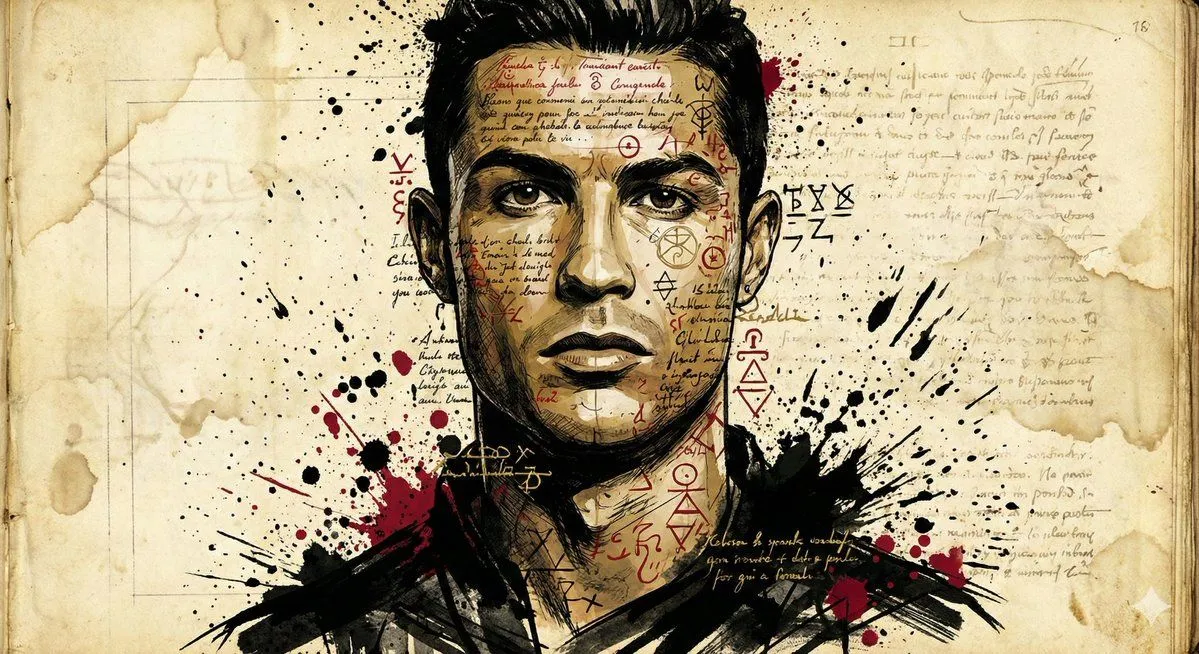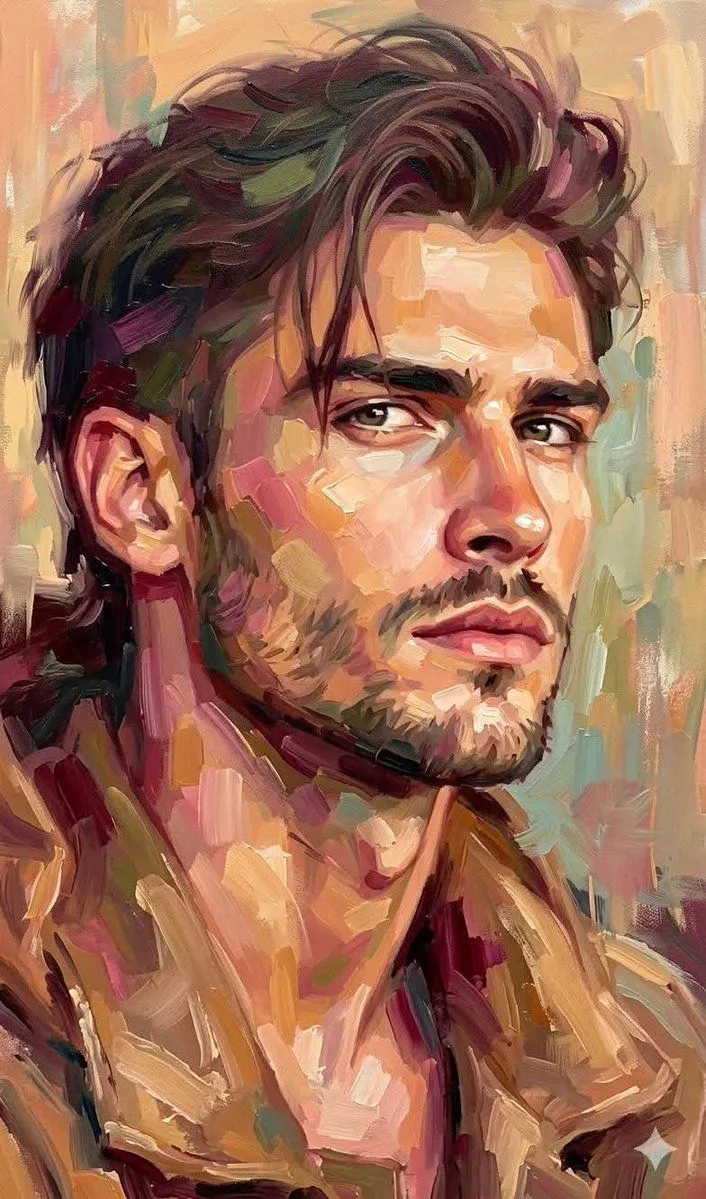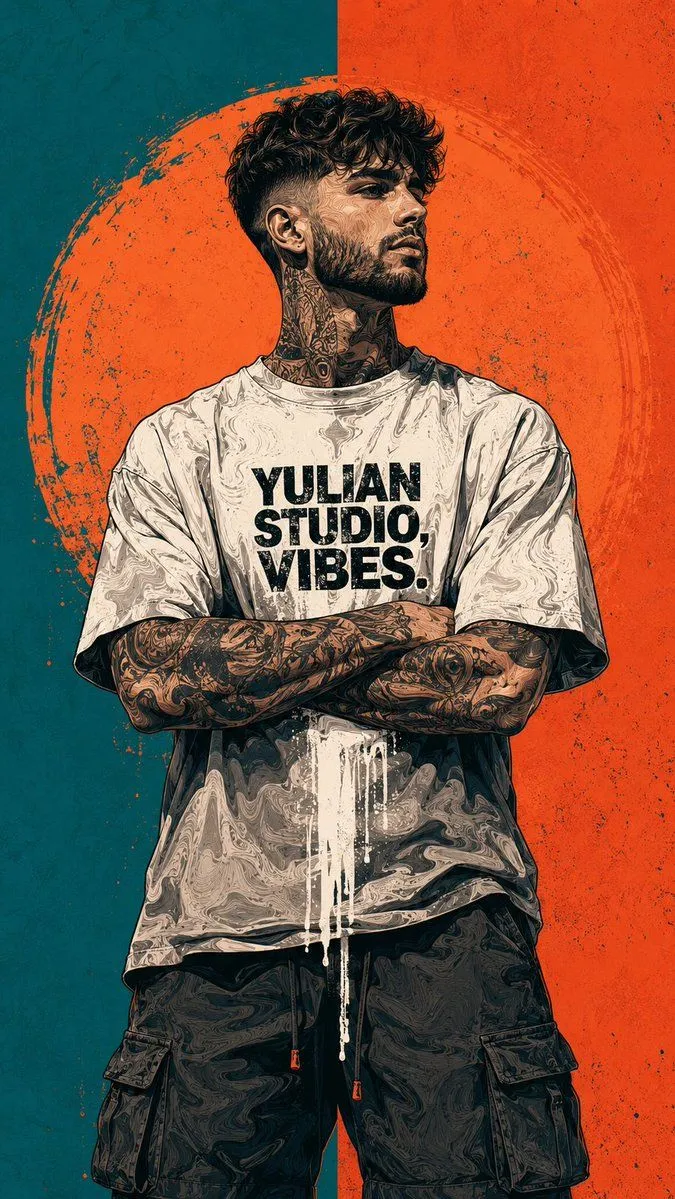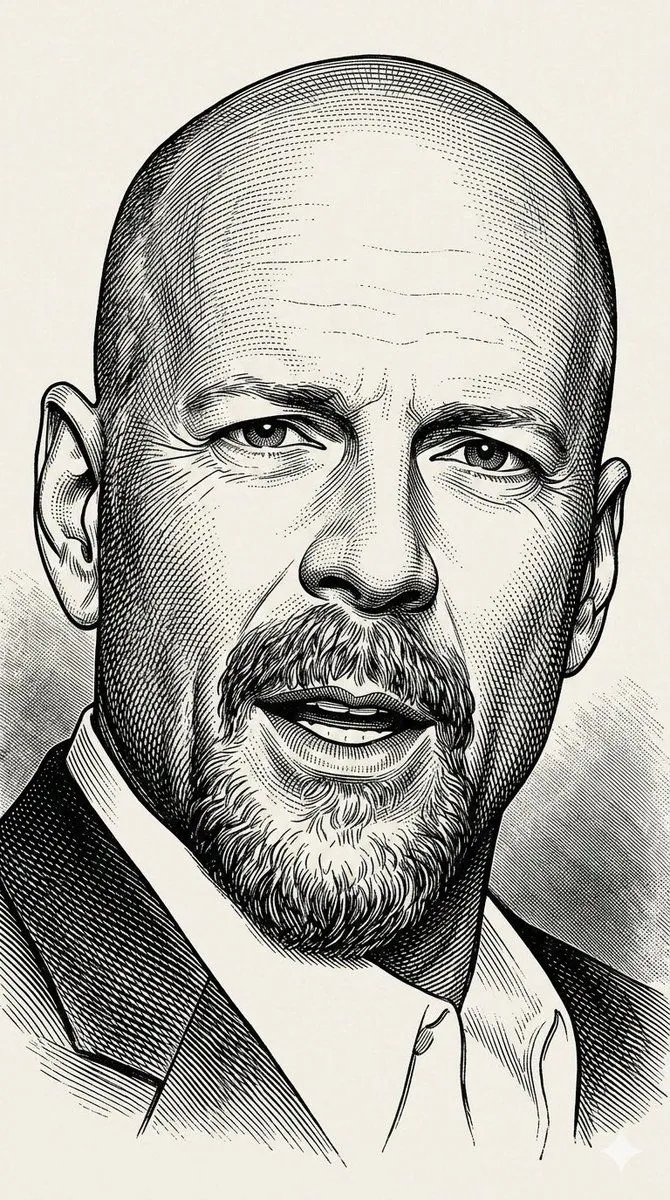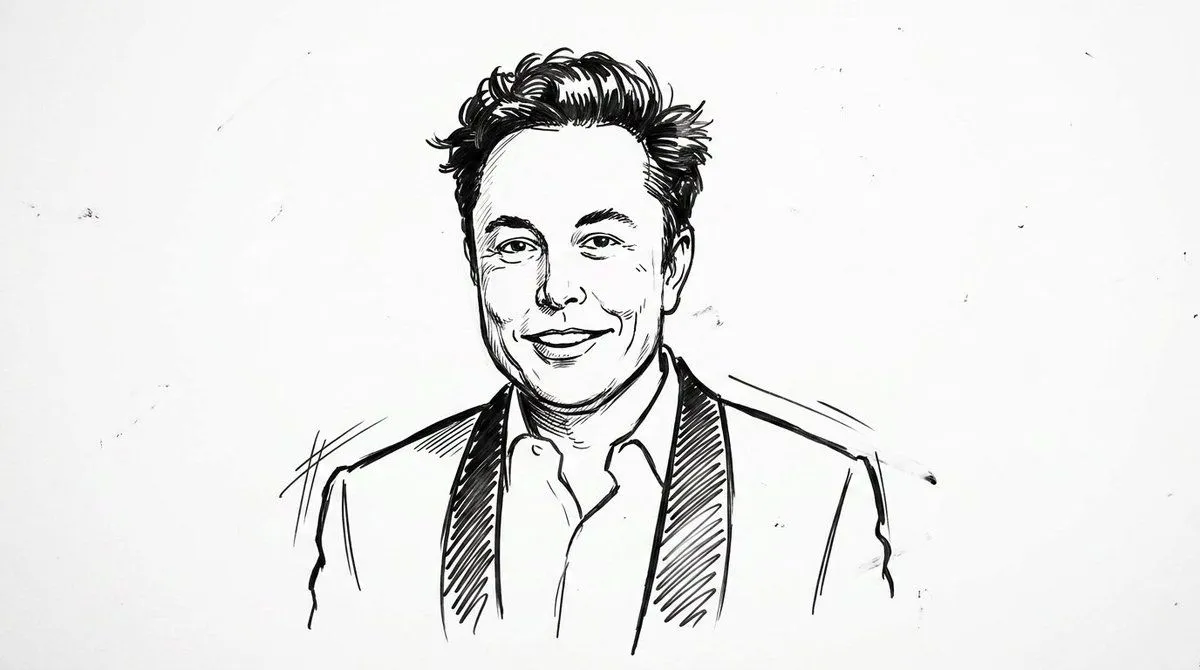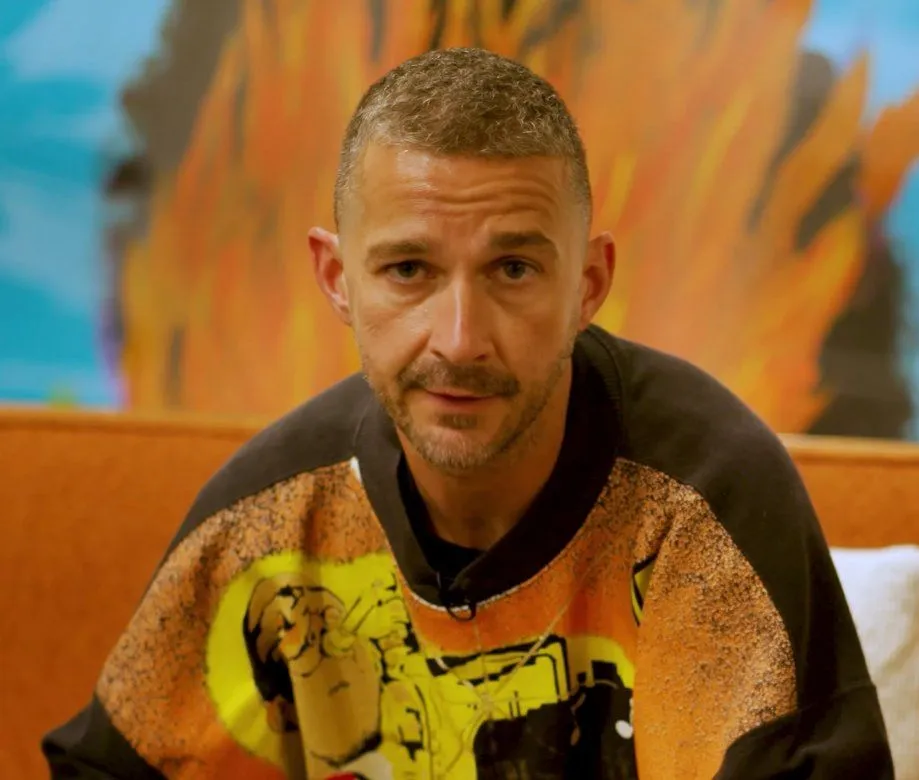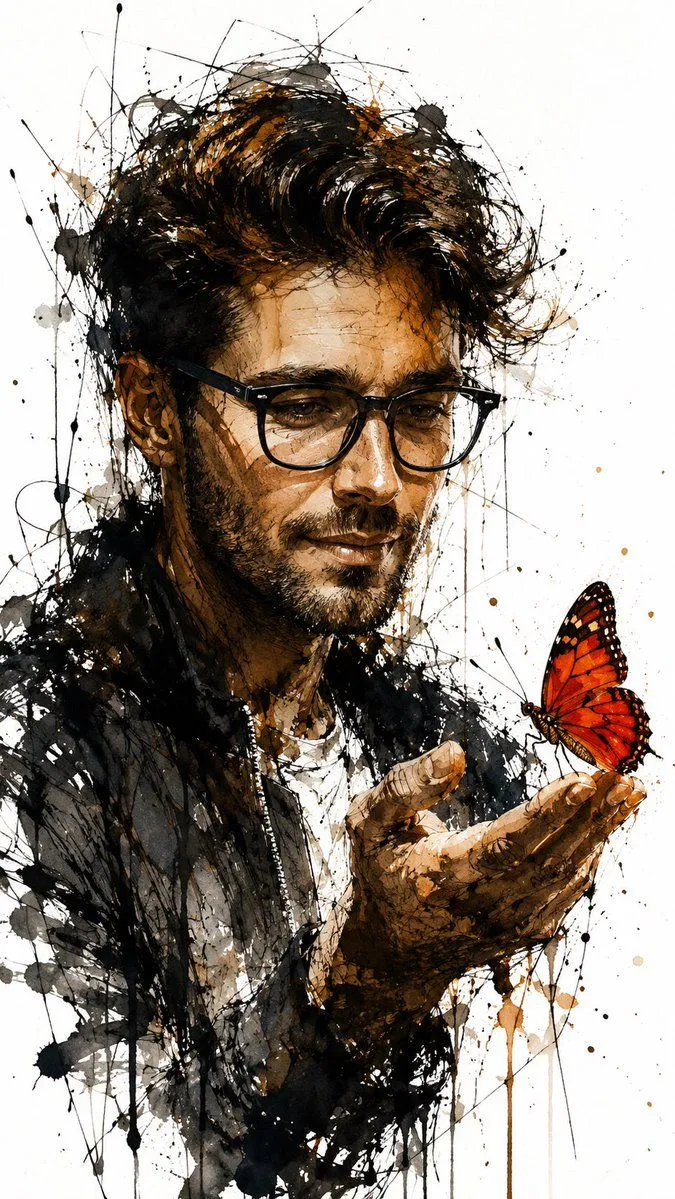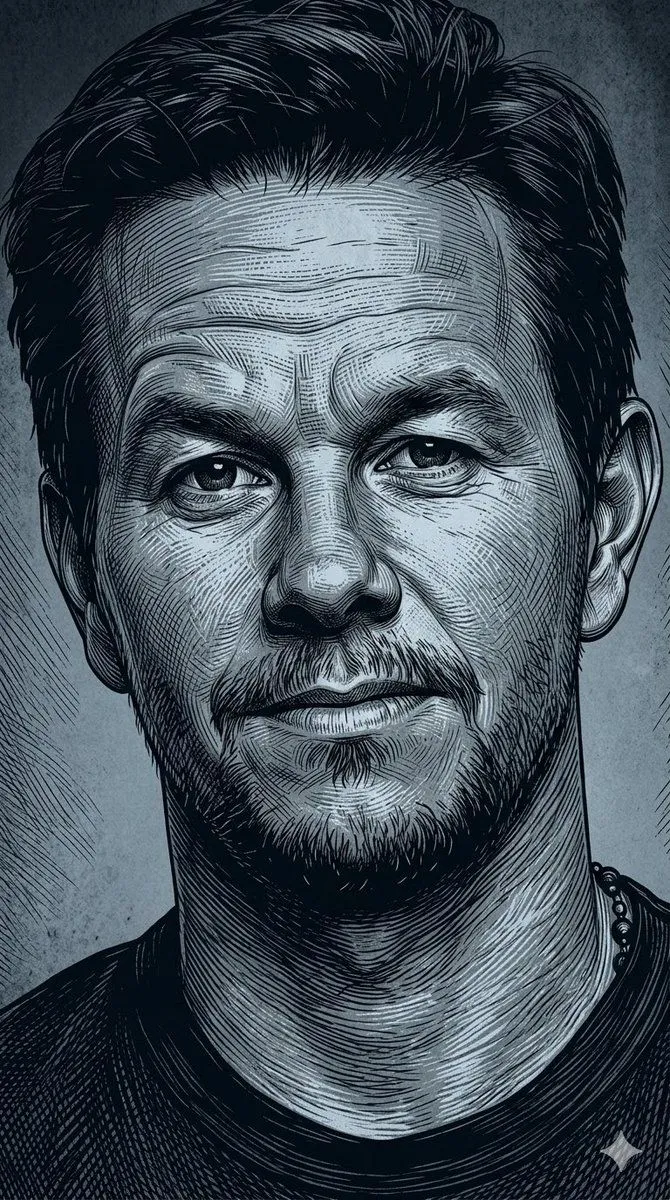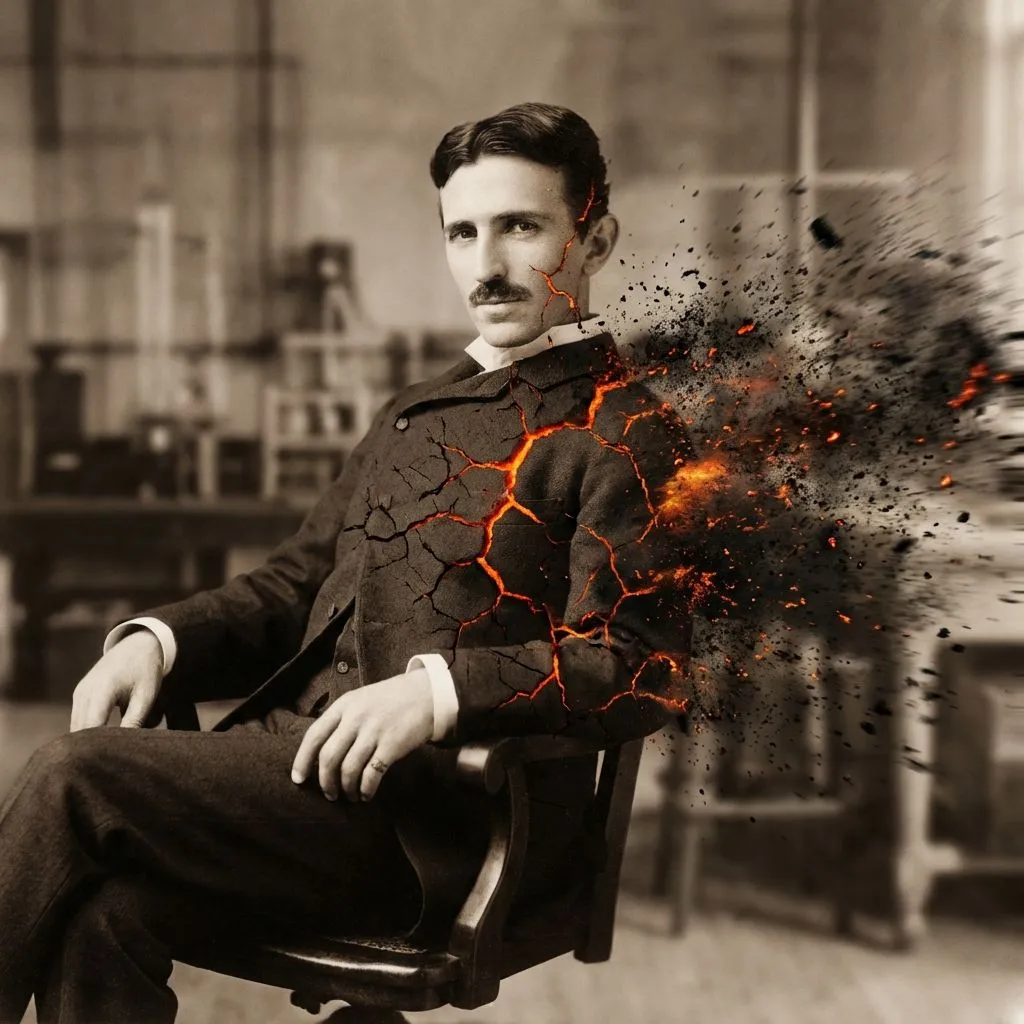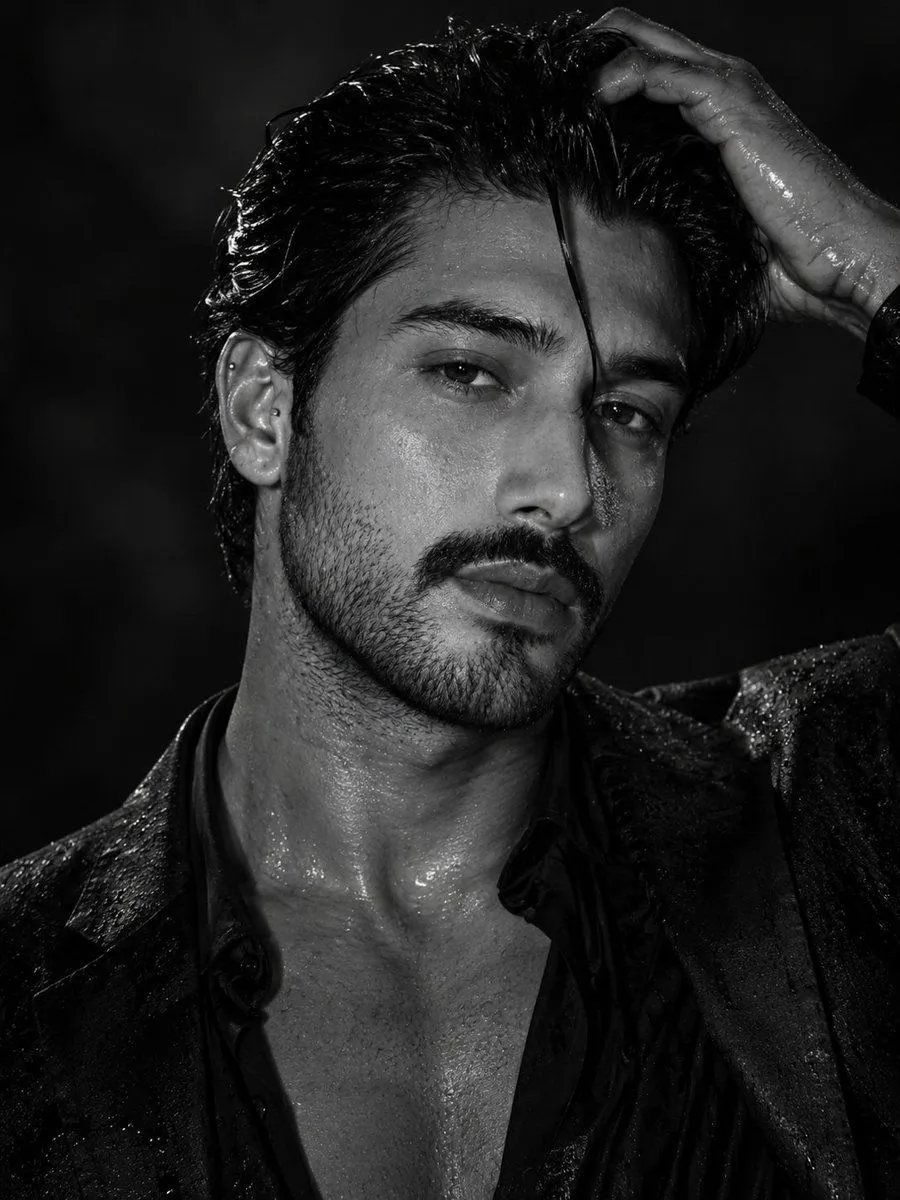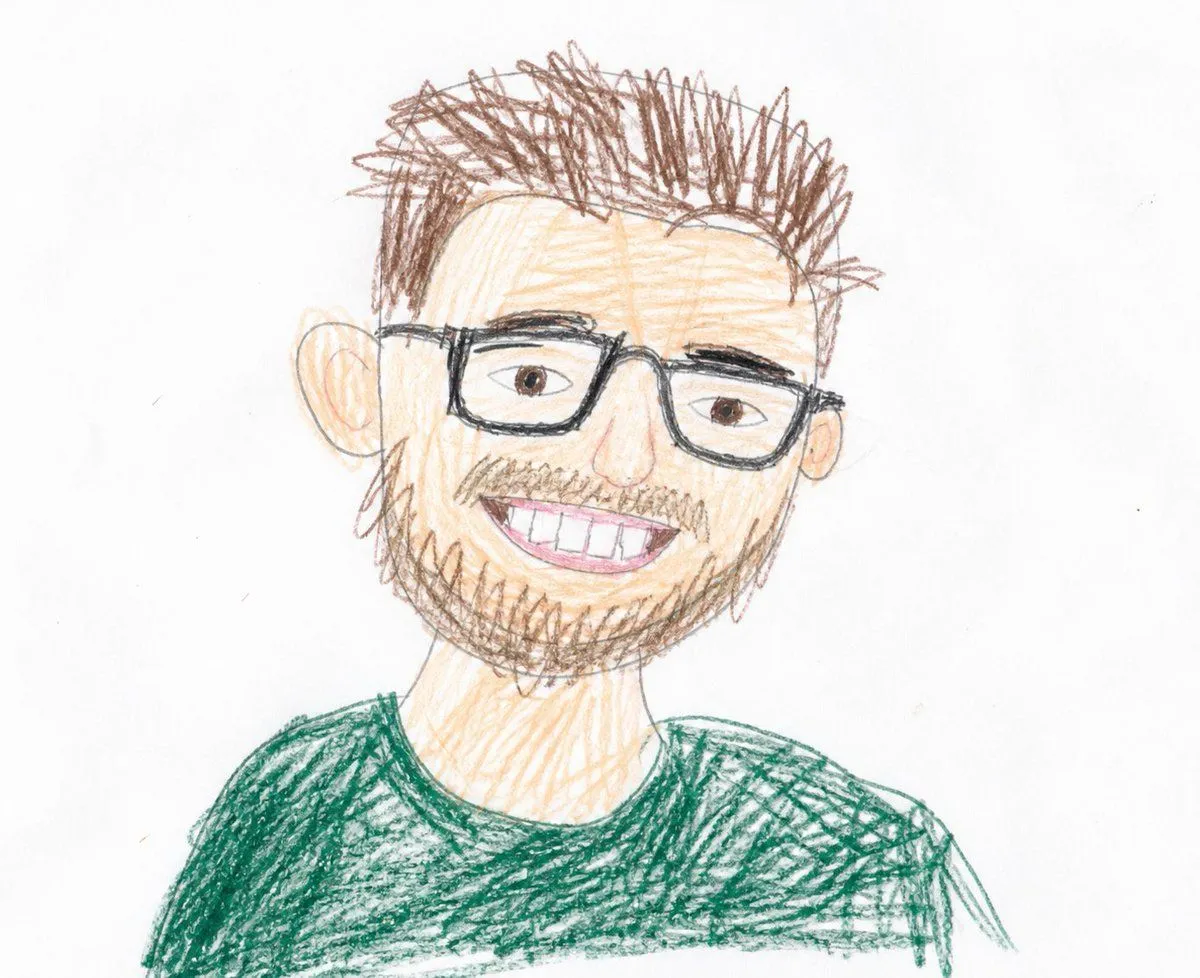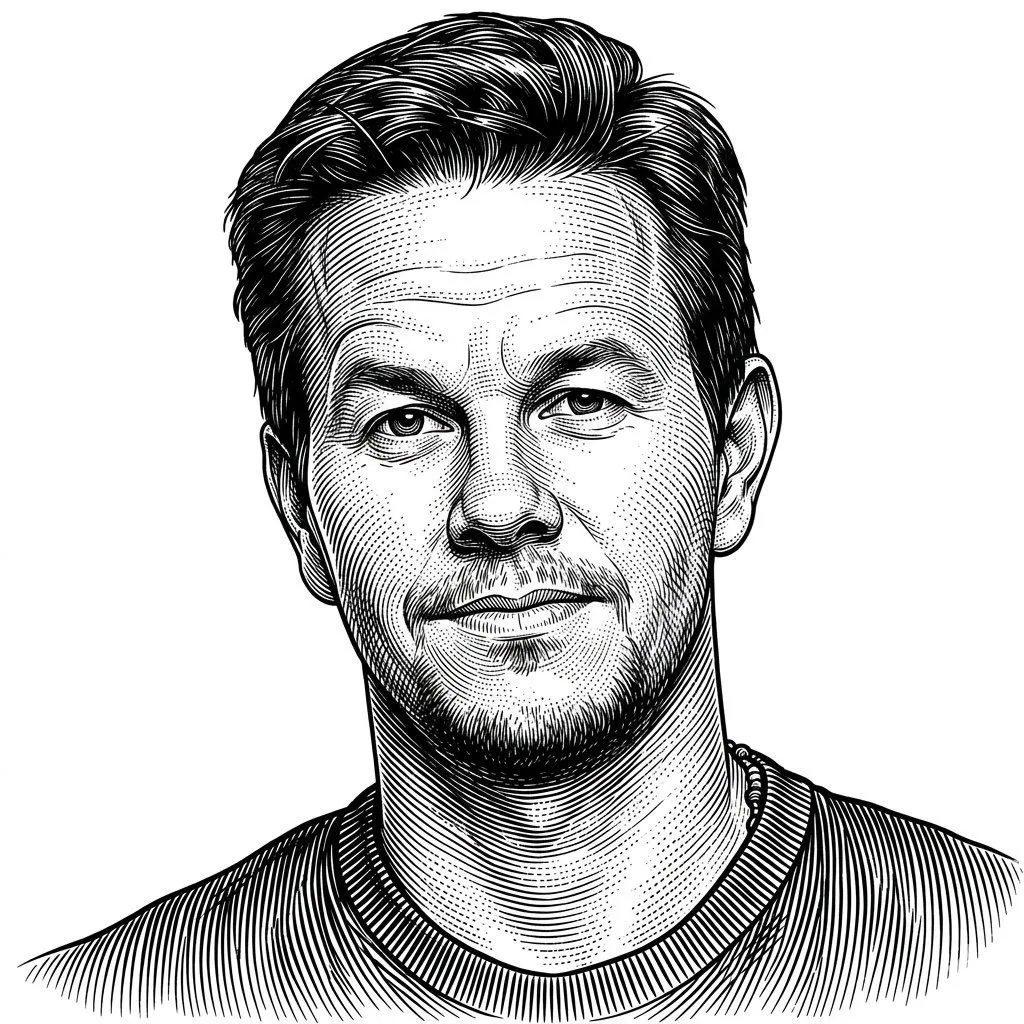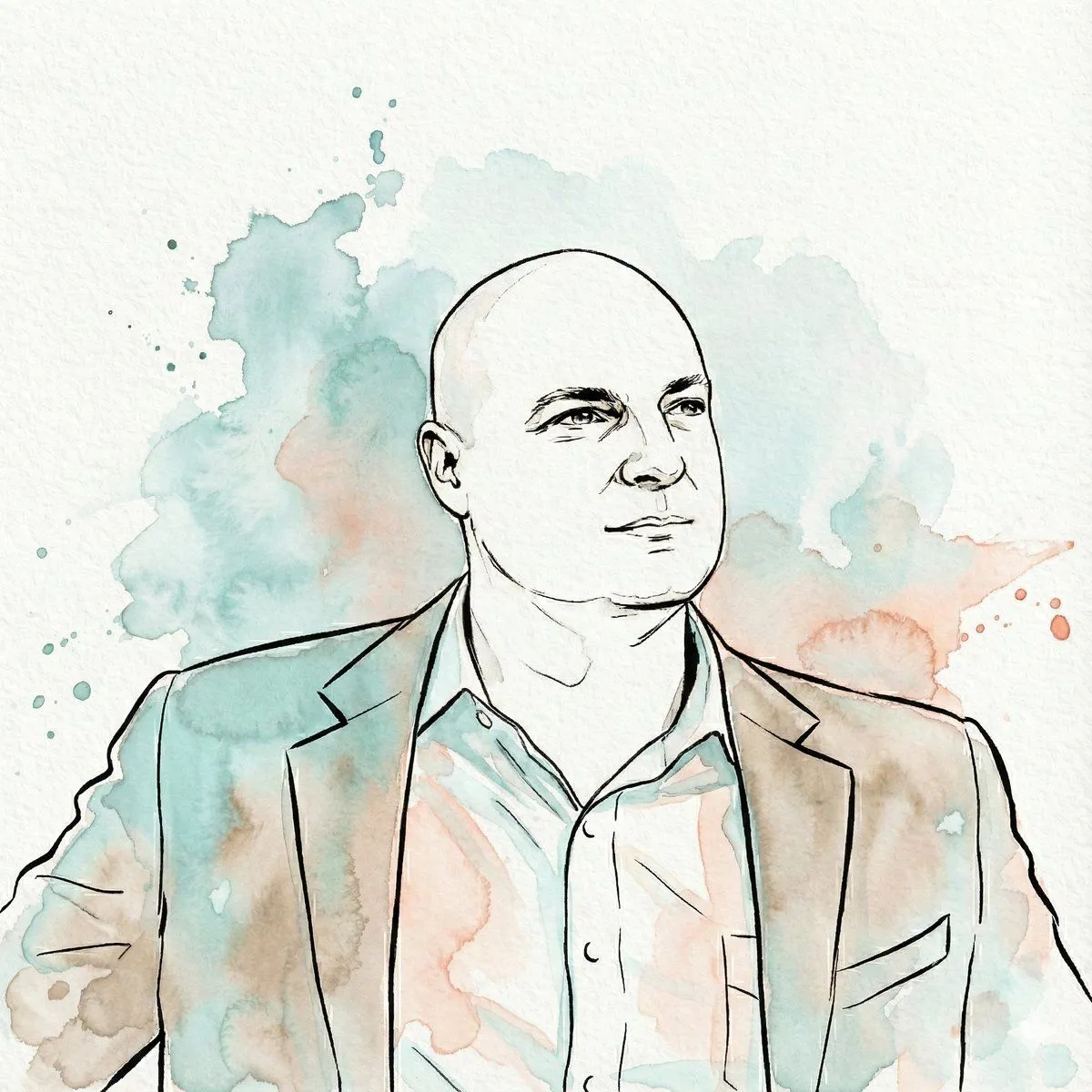
Made with Nano Banana Pro in Gemini by Library Art. Promptclay never generates images.
Did it work?
No reports yet. Tell others if it worked for you.
Image-to-Watercolor Illustration Prompt
Prompt
2 blanks to fill"Transform the subject of the uploaded image into a watercolor illustration rendered in a distinct, stylized aesthetic. The artwork must feature strong, expressive contour lines defining the subject's features, hair, and clothing. The color palette is limited to fluid washes of {primary_color}, muted {secondary_color}, warm beige, and sepia tones used for shading and highlights, replacing natural colors entirely. The final image should emphasize the texture of cold-press paper, visible paint granulation, and loose watercolor bleed effects. The subject's likeness must be preserved accurately within this new medium, set against a white paper background with abstract splashes of teal and coral watercolor"
Preview of your prompt
"Transform the subject of the uploaded image into a watercolor illustration rendered in a distinct, stylized aesthetic. The artwork must feature strong, expressive contour lines defining the subject's features, hair, and clothing. The color palette is limited to fluid washes of teal, muted coral/peach, warm beige, and sepia tones used for shading and highlights, replacing natural colors entirely. The final image should emphasize the texture of cold-press paper, visible paint granulation, and loose watercolor bleed effects. The subject's likeness must be preserved accurately within this new medium, set against a white paper background with abstract splashes of teal and coral watercolor"
DetailsVersions, settings and questions
Written for
What's in the prompt
- Subject
- Model
- Nano Banana Pro
If your face changes
keep my face exactly the sameQuestions
- Does this work in the Gemini app?
- Yes. Gemini runs Nano Banana, so paste the prompt and attach your photo if it uses one.
- It changed my face. What do I do?
- Add "keep my face exactly the same" to the end and run it again.
- Can I use the images I make?
- Check the terms of the app you use. Promptclay never generates images and claims nothing you make.