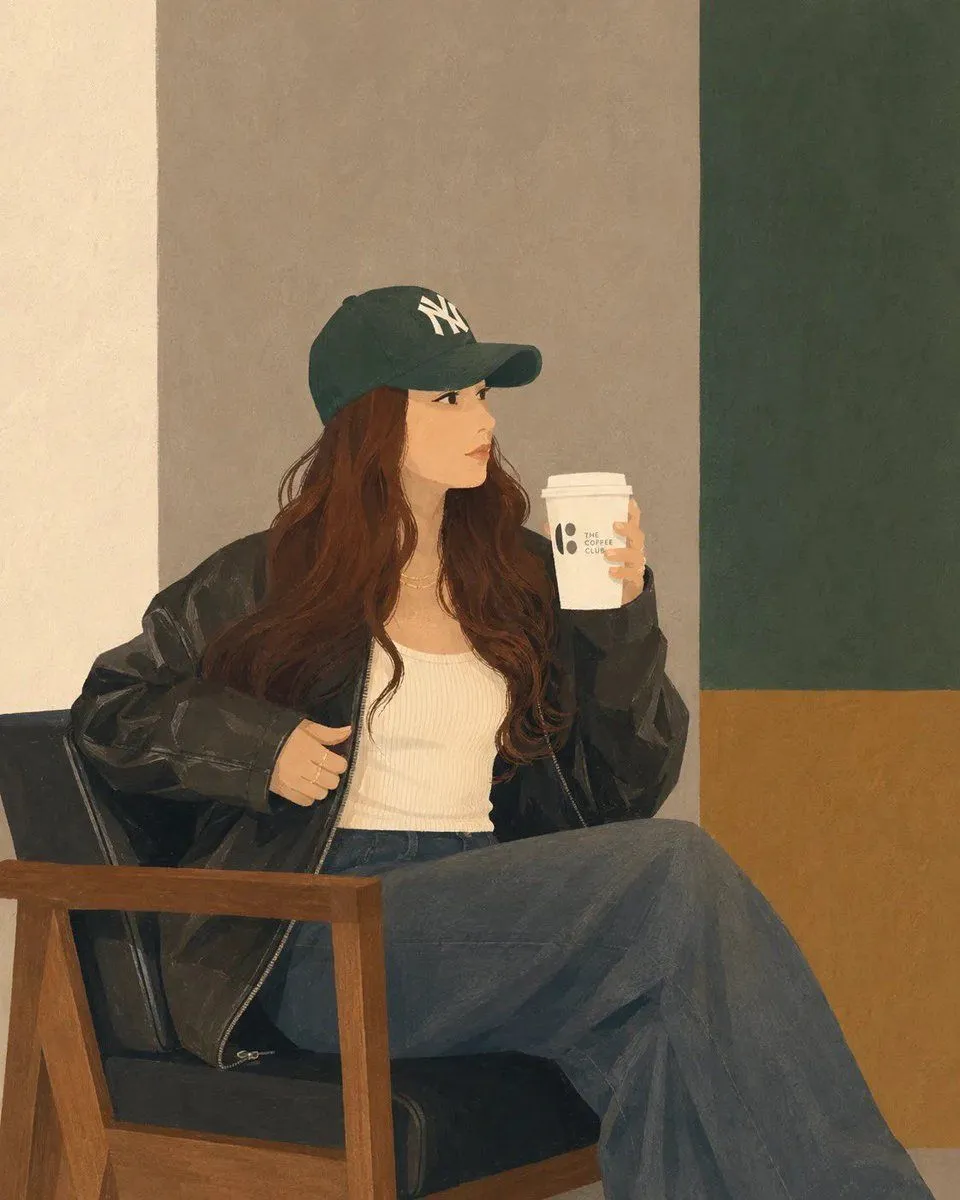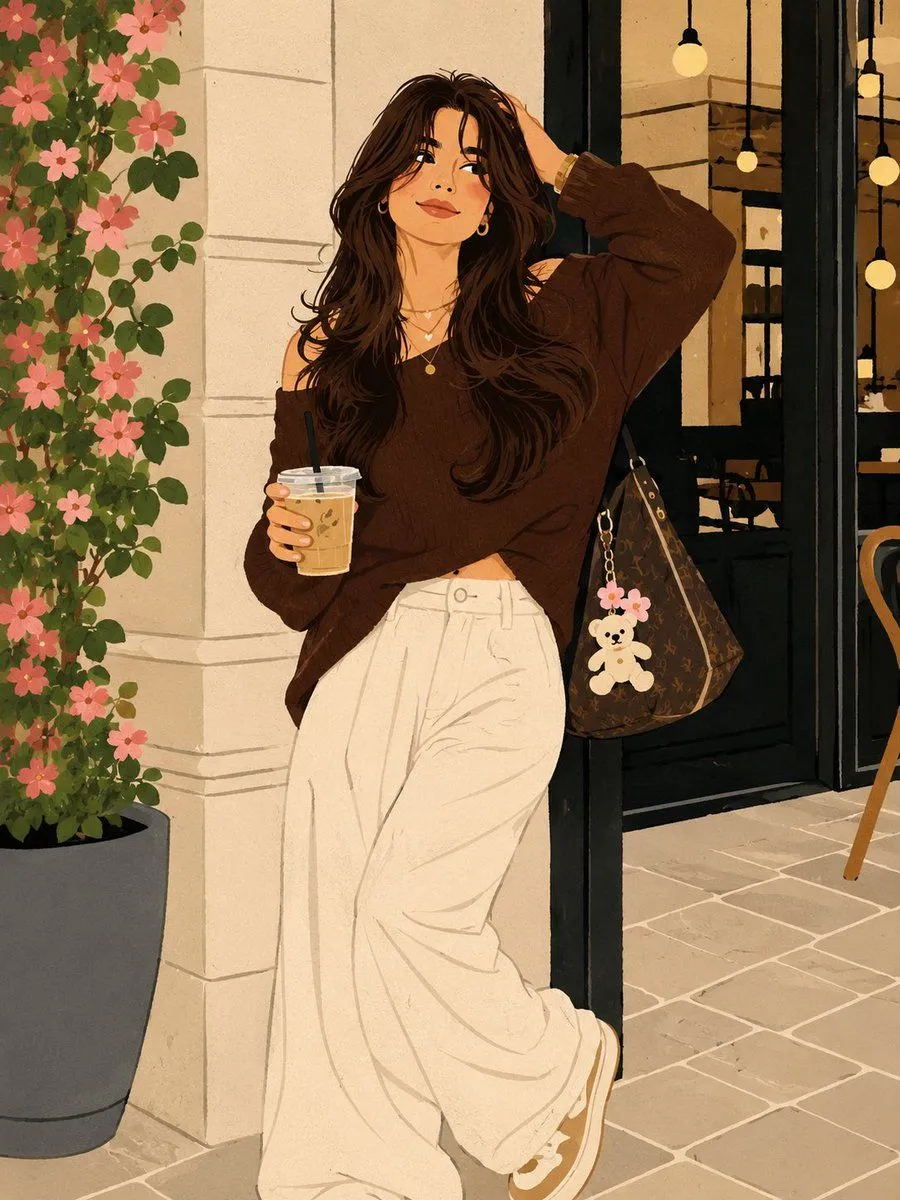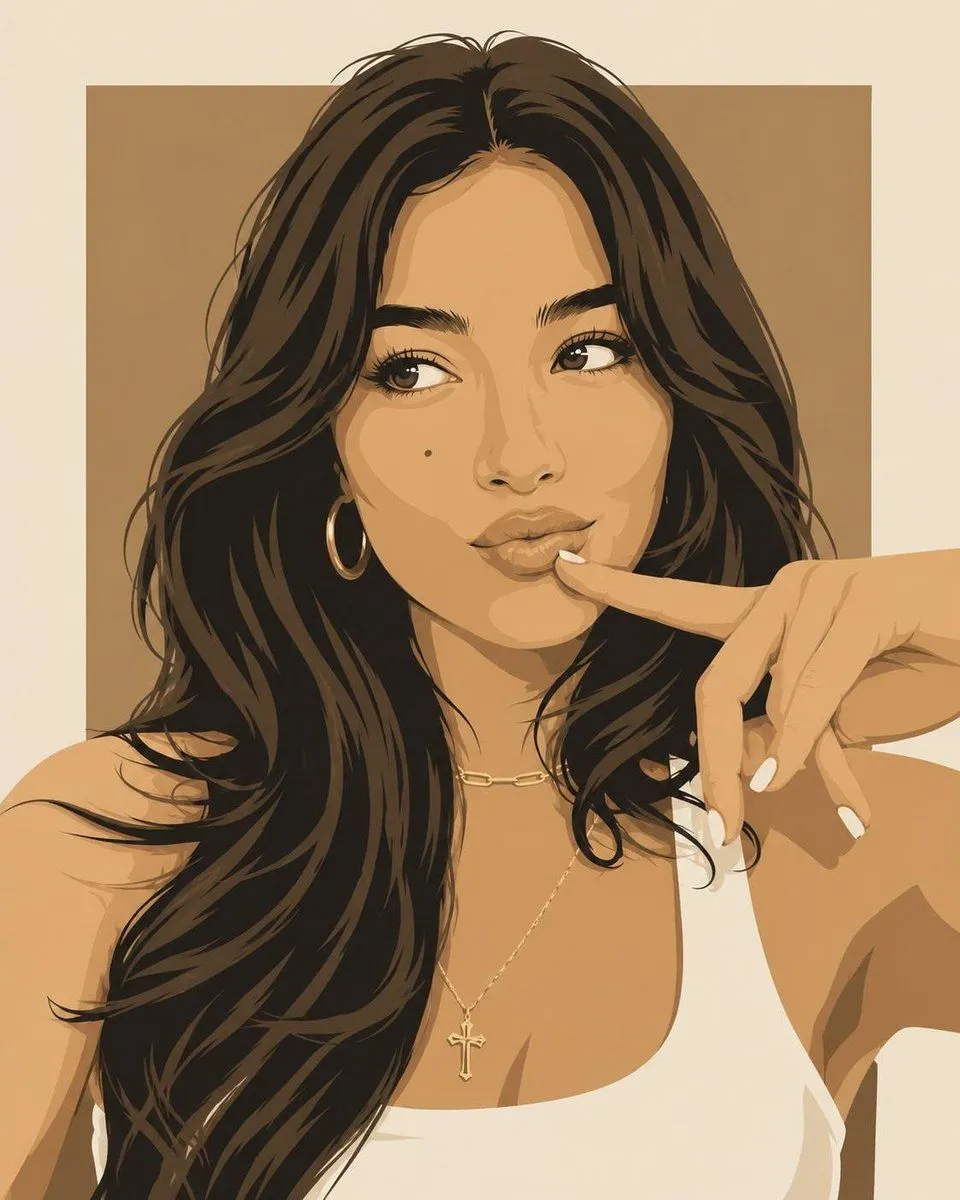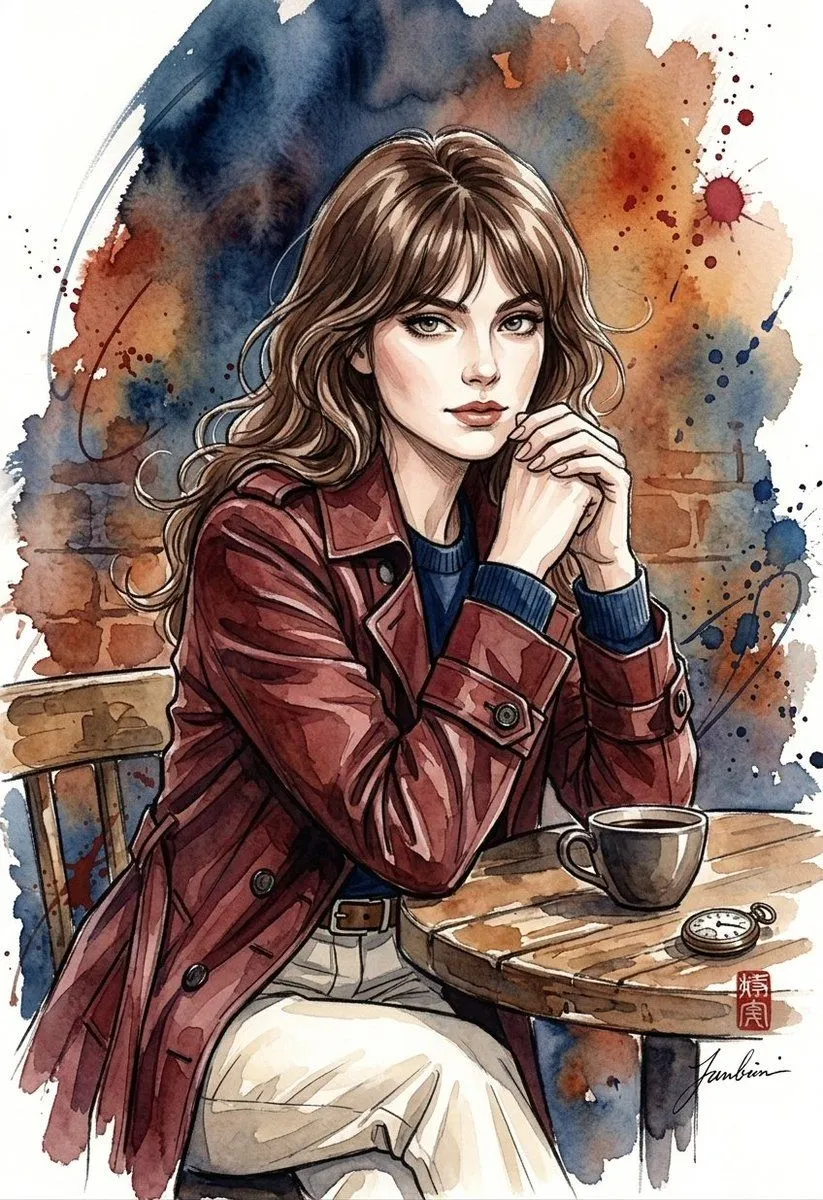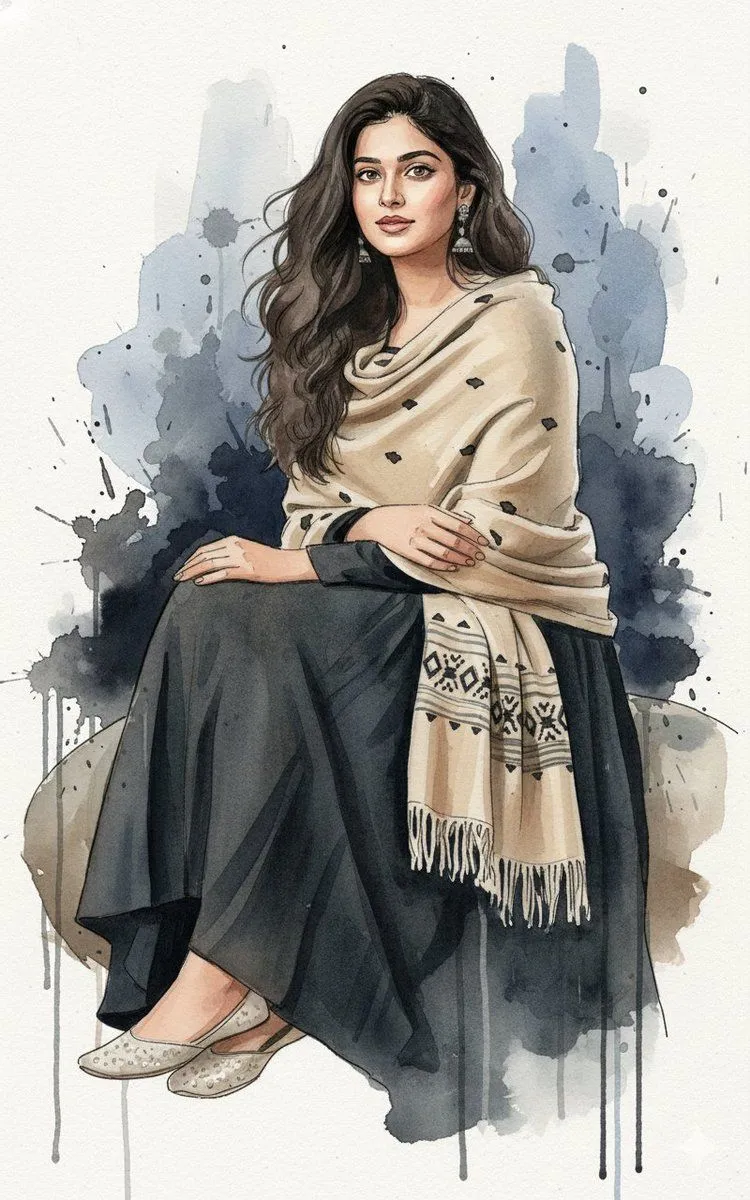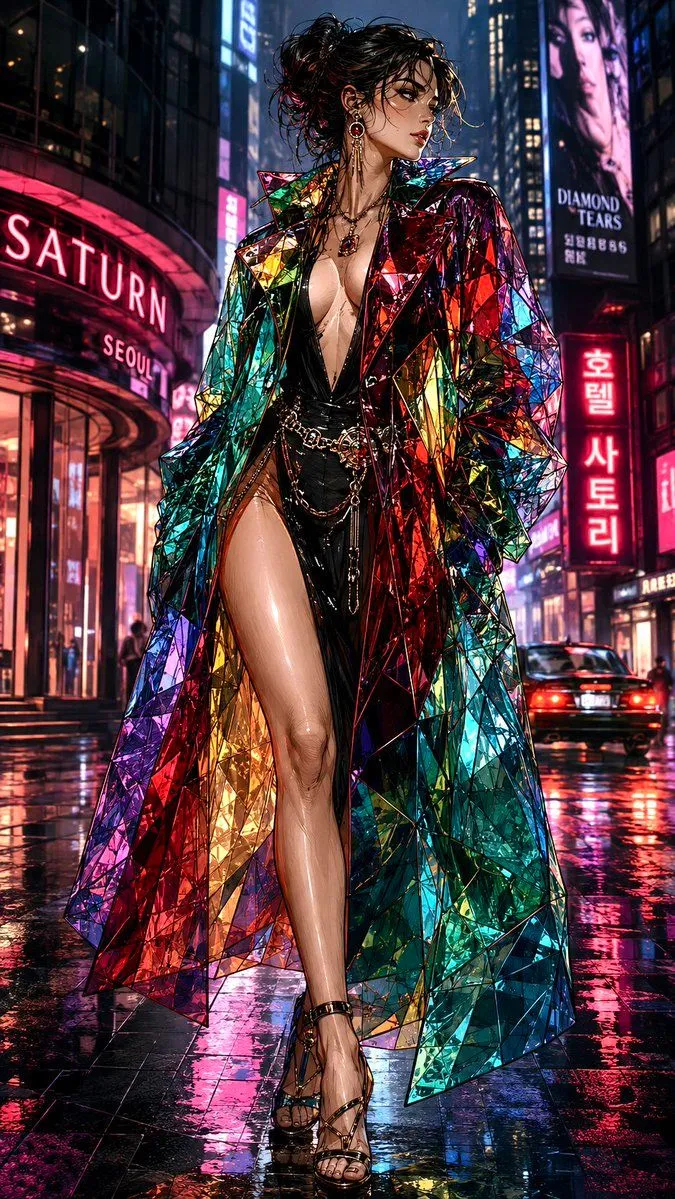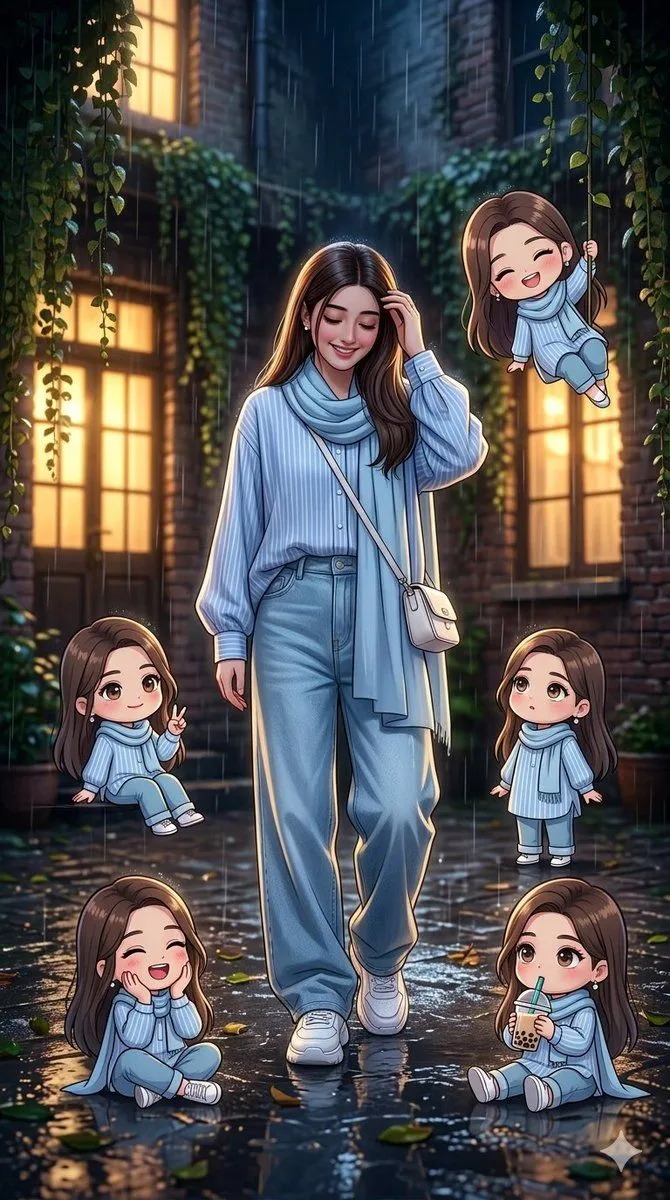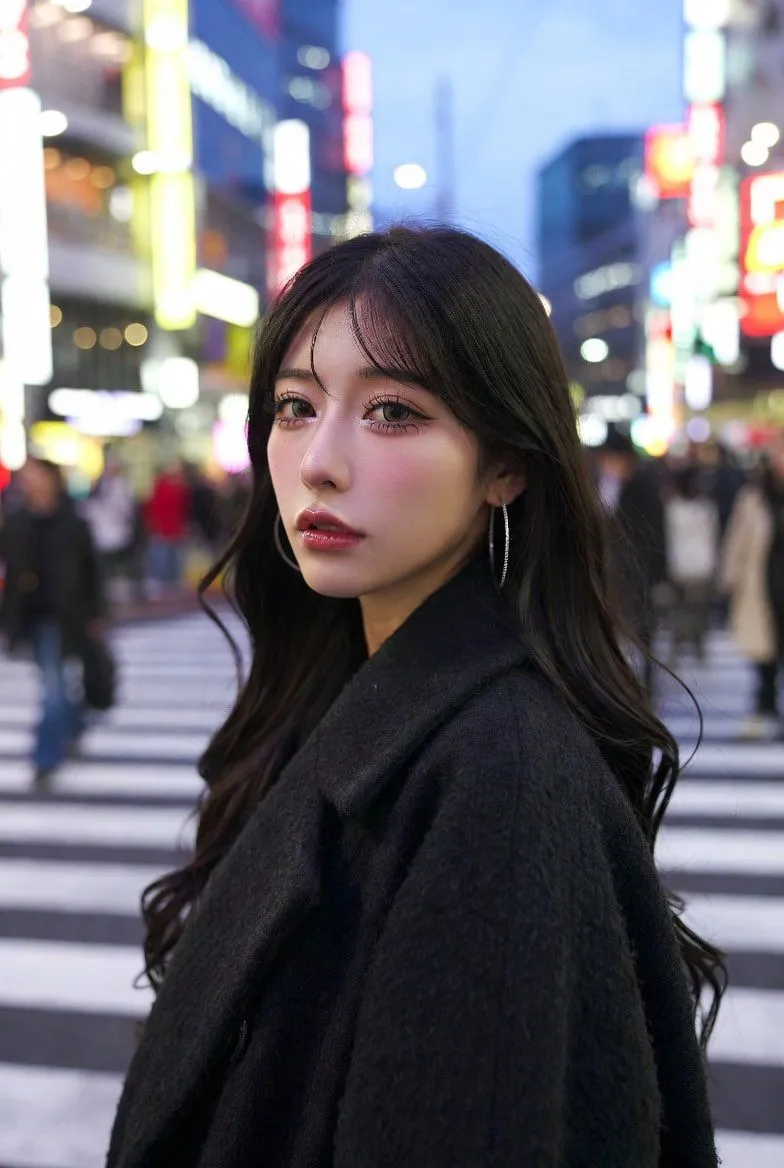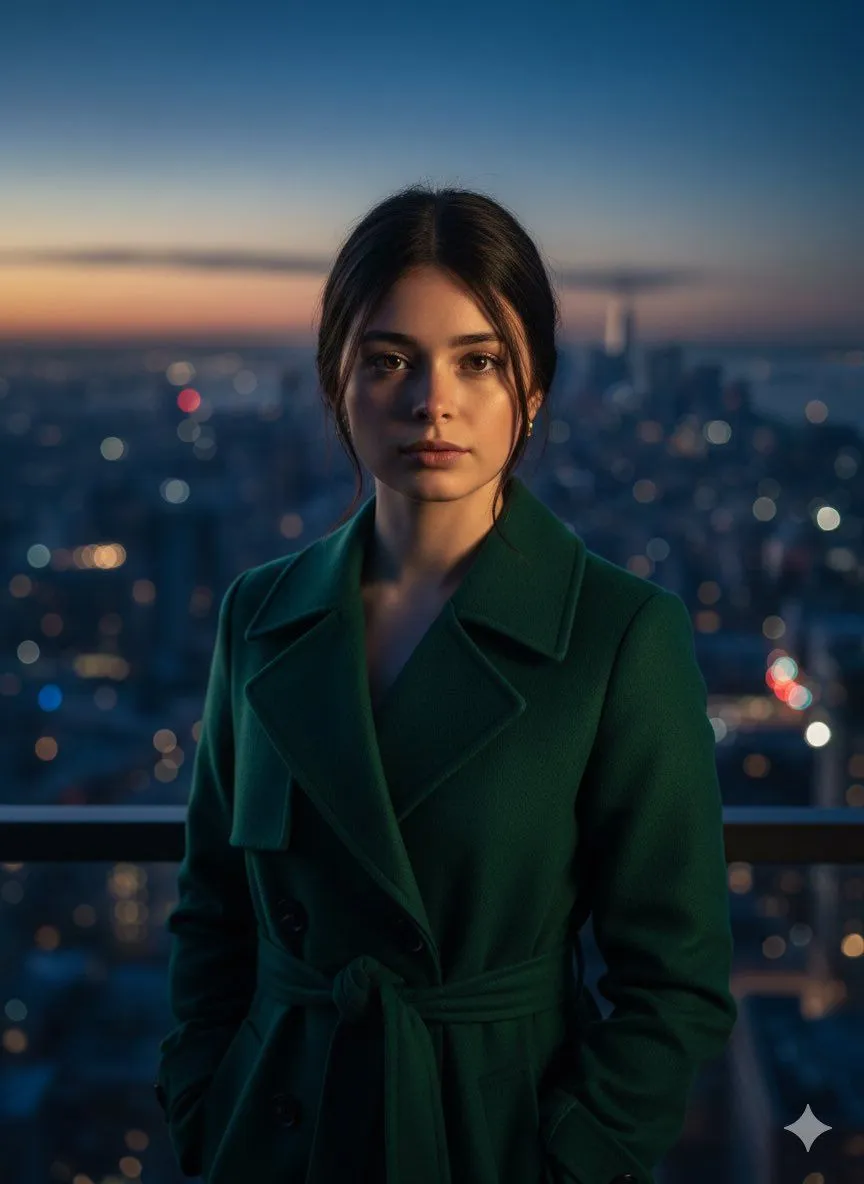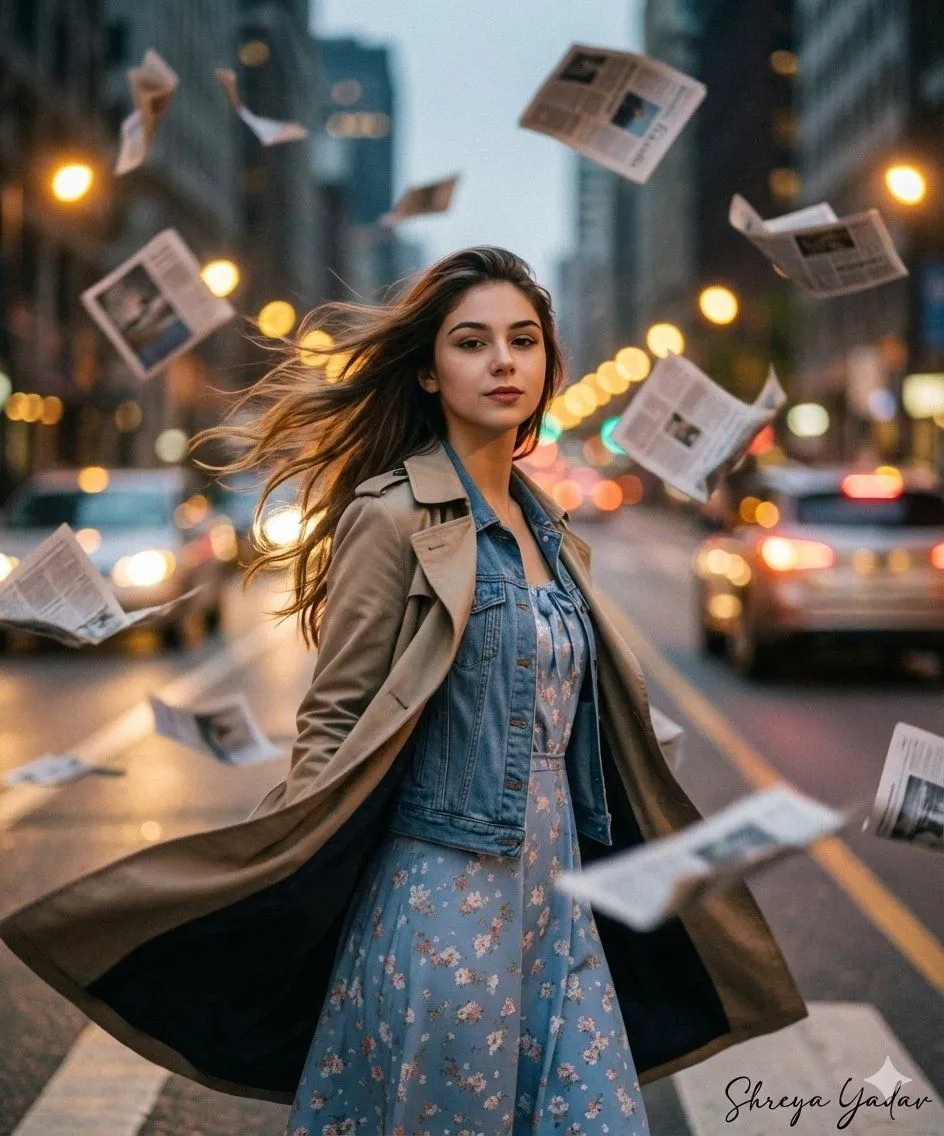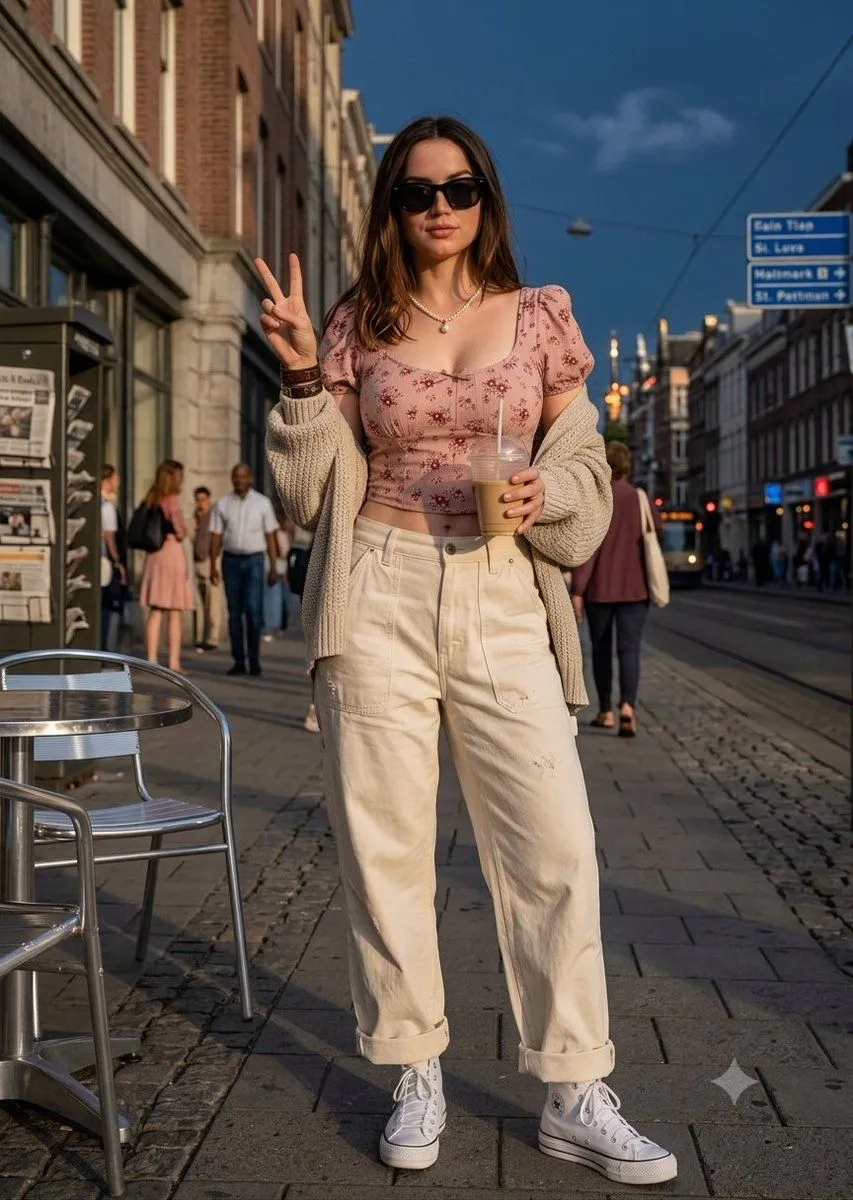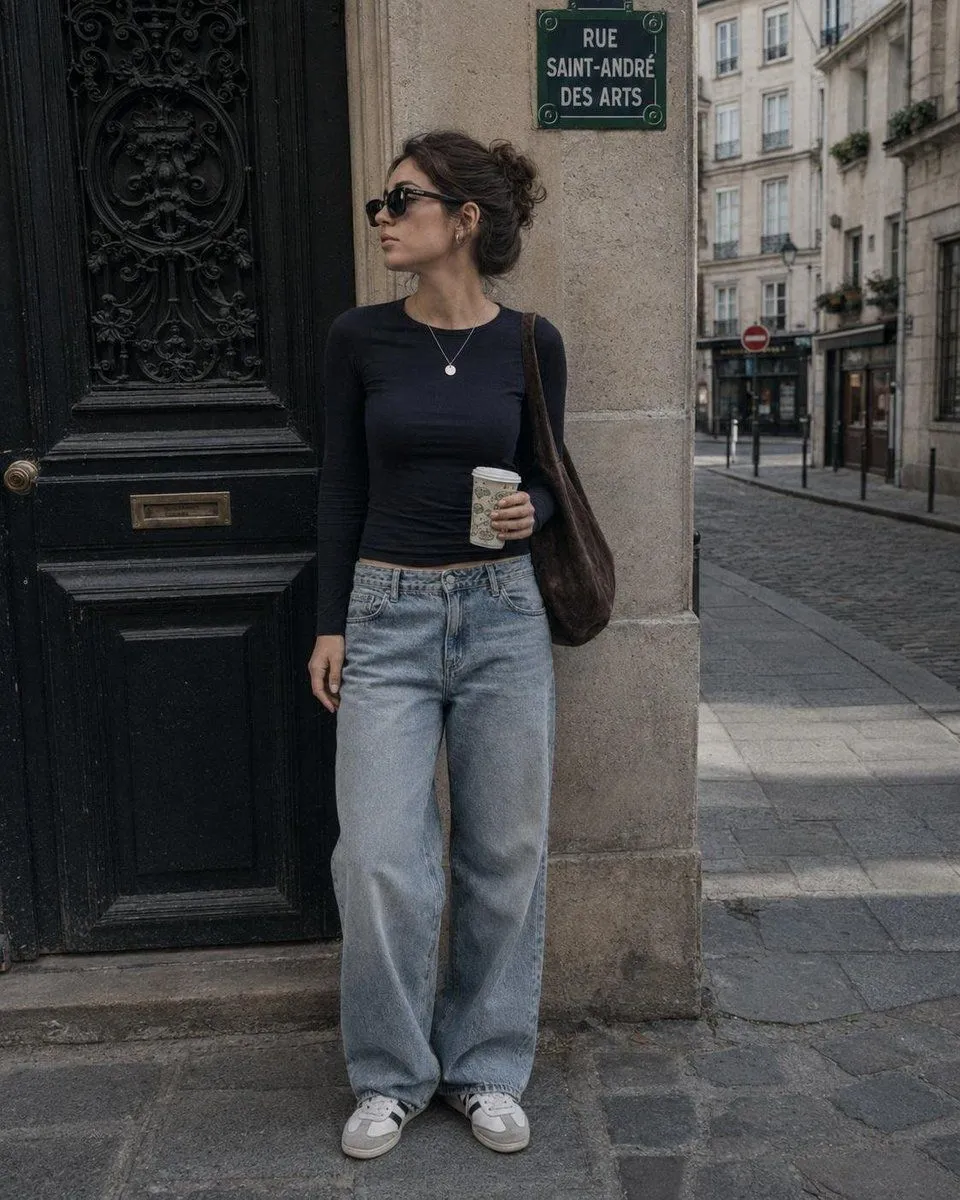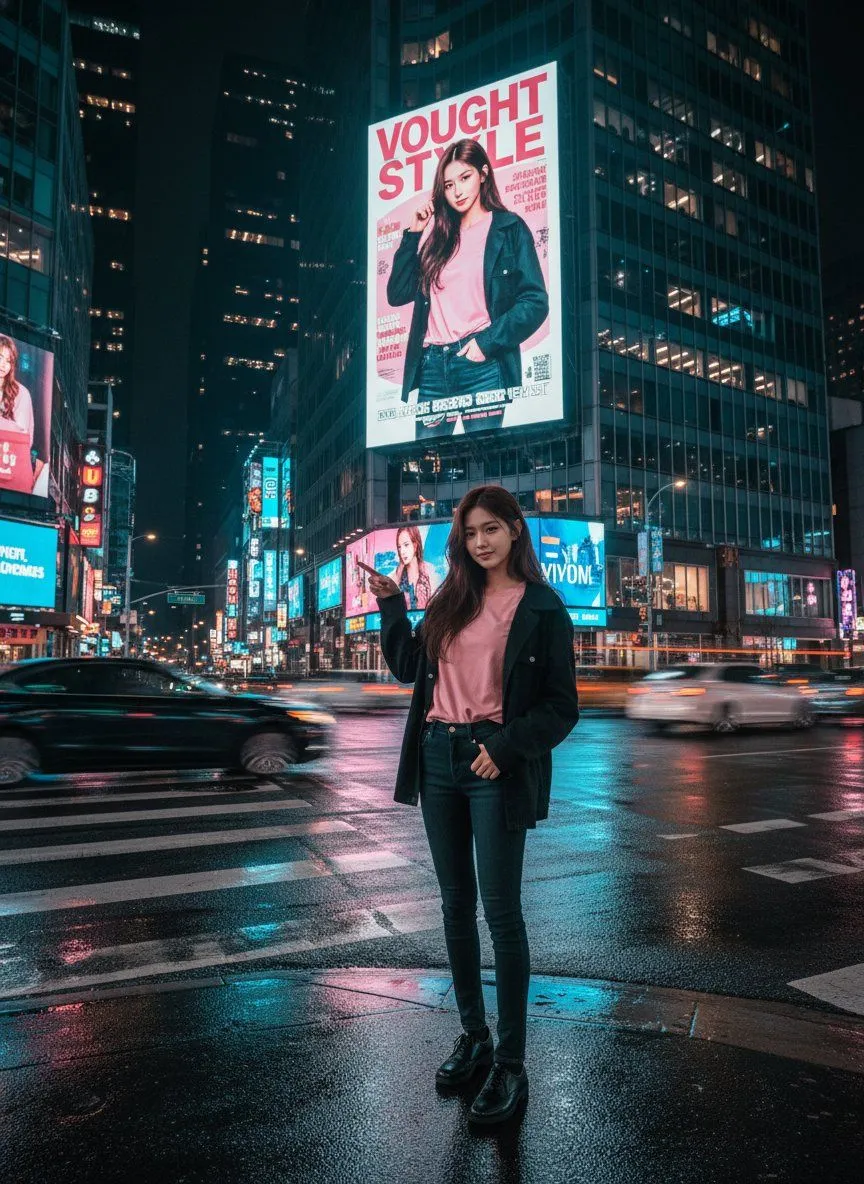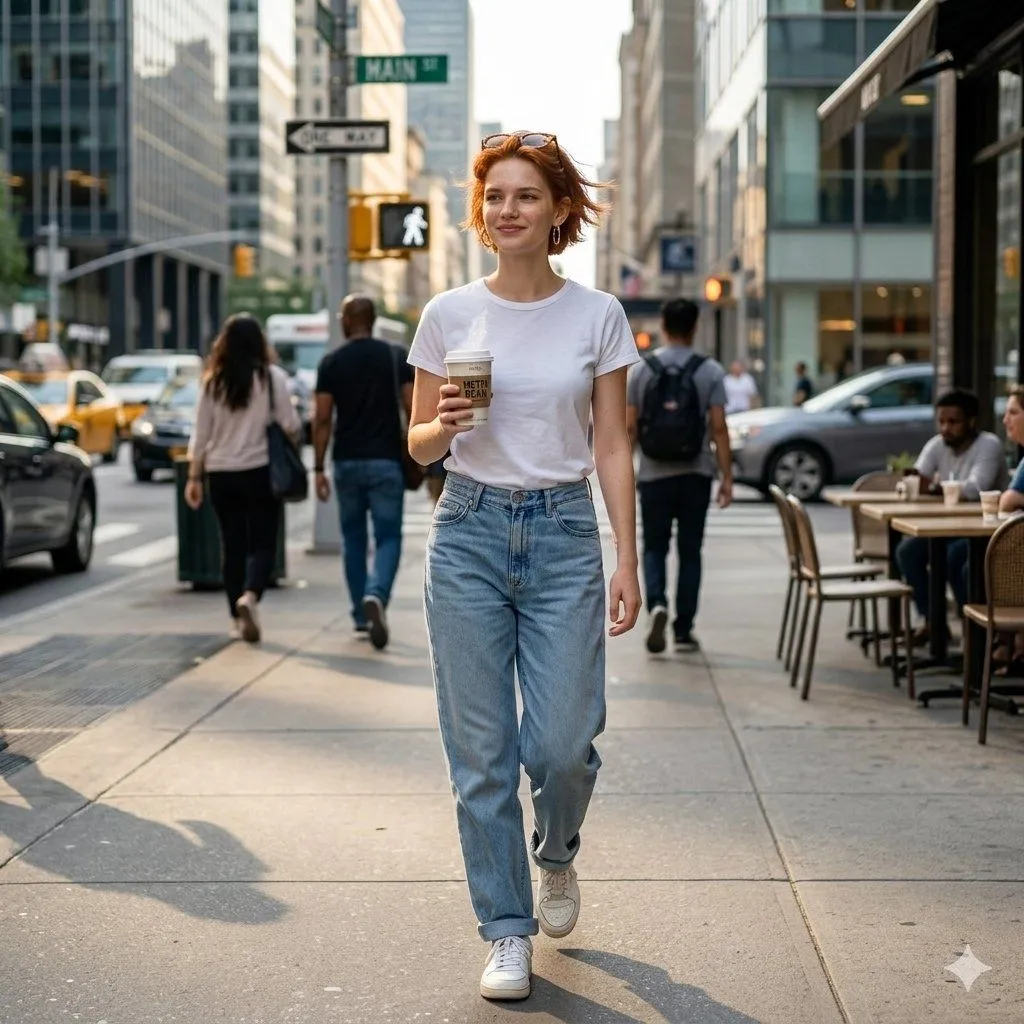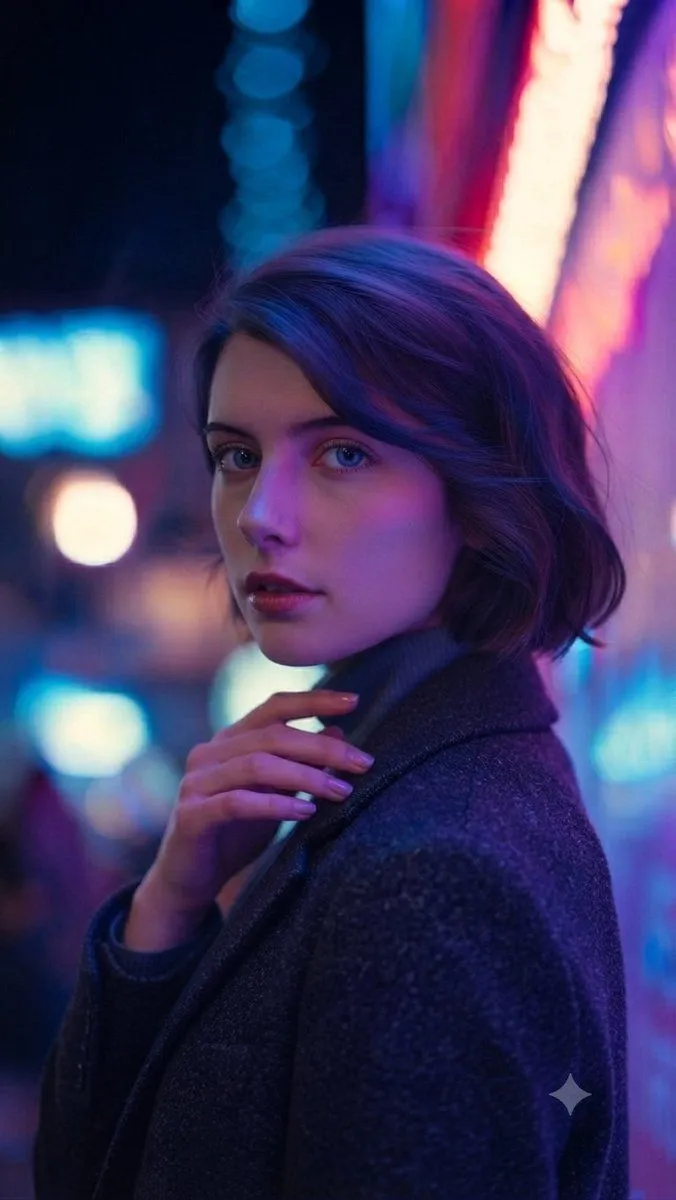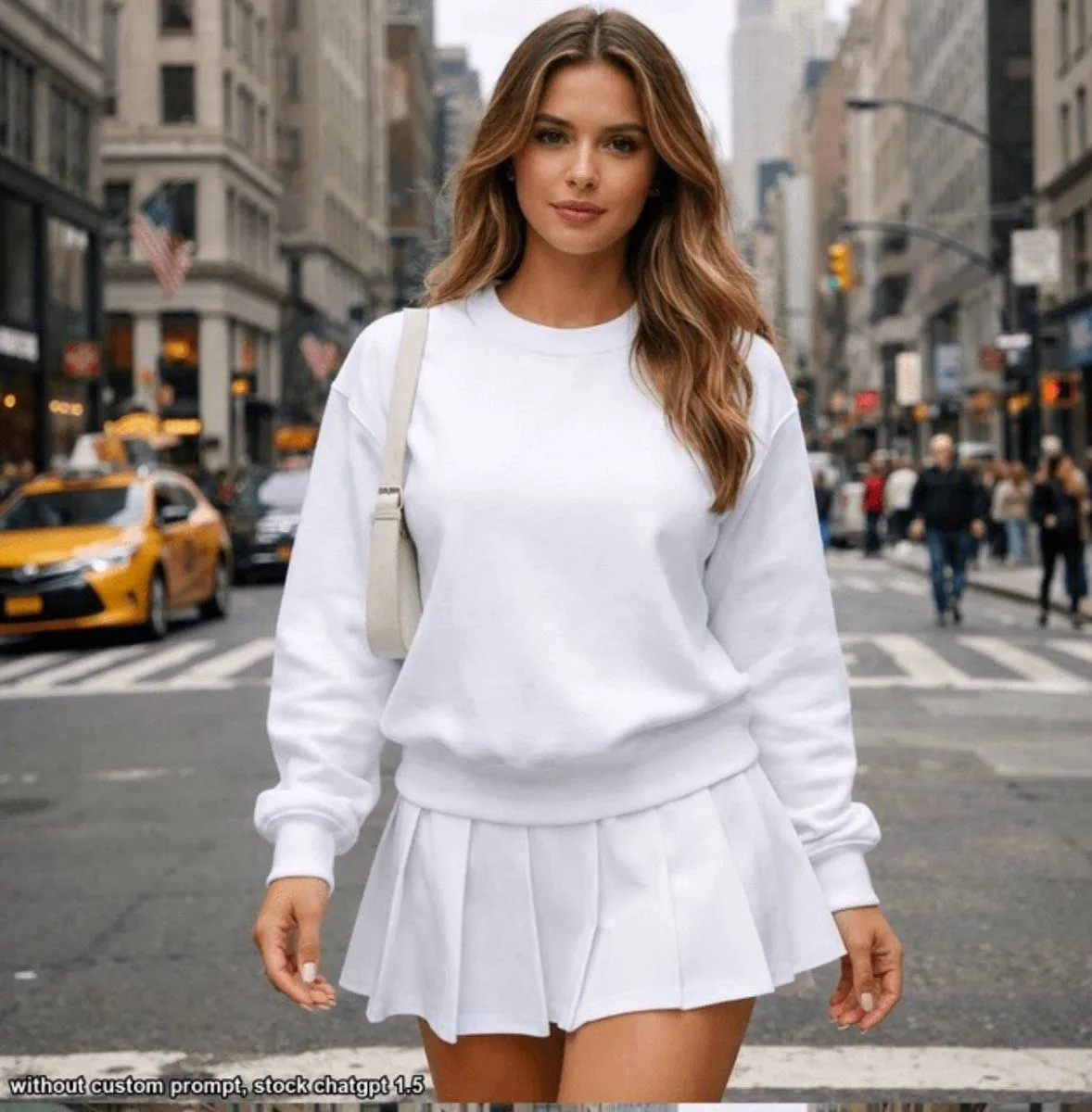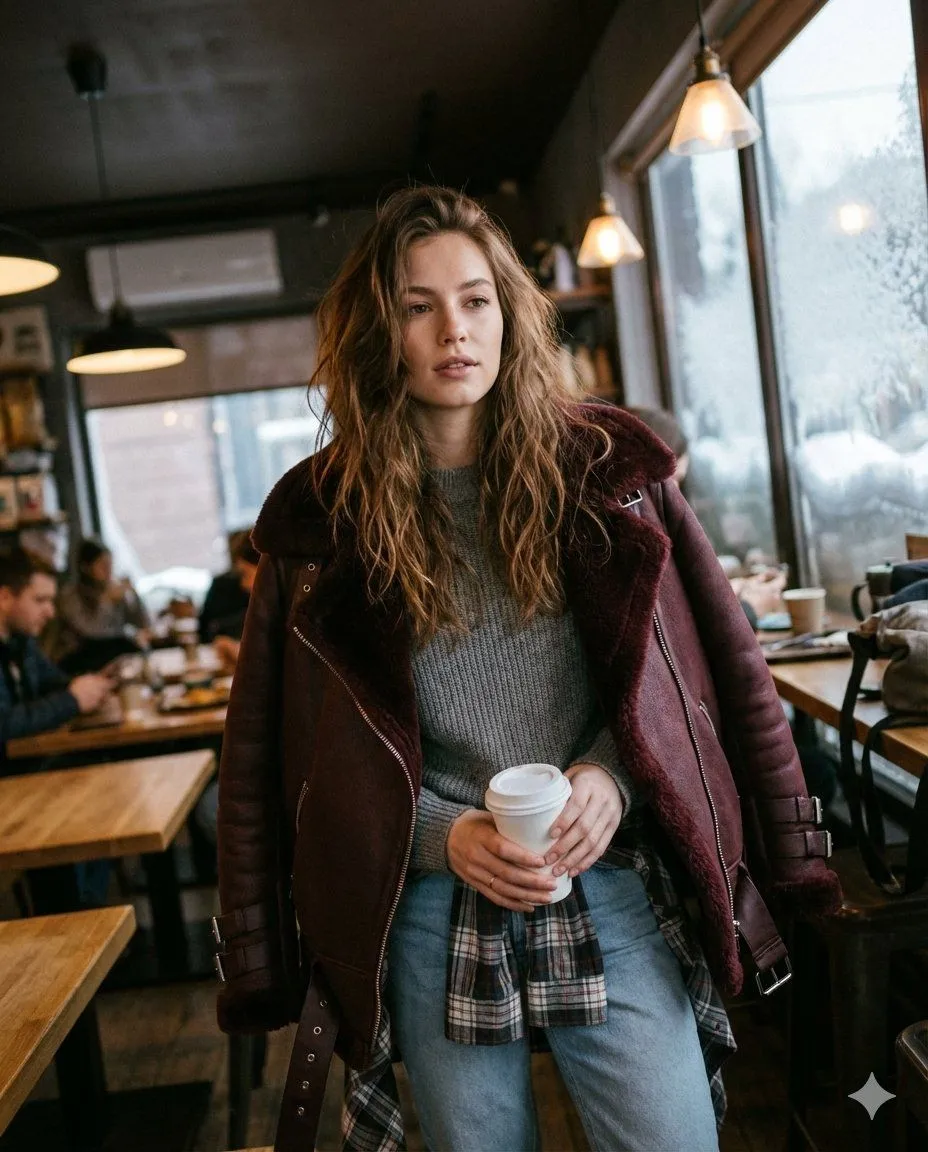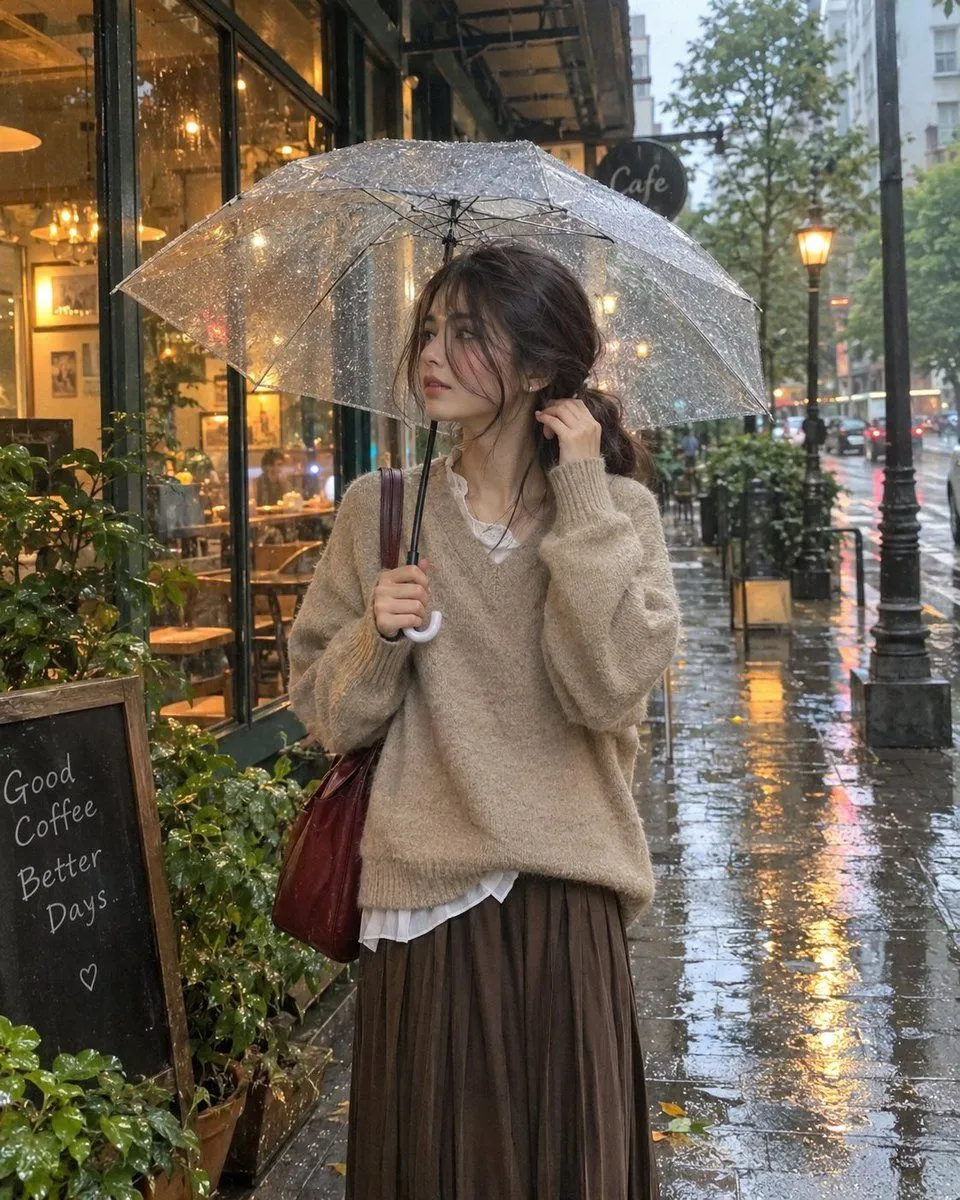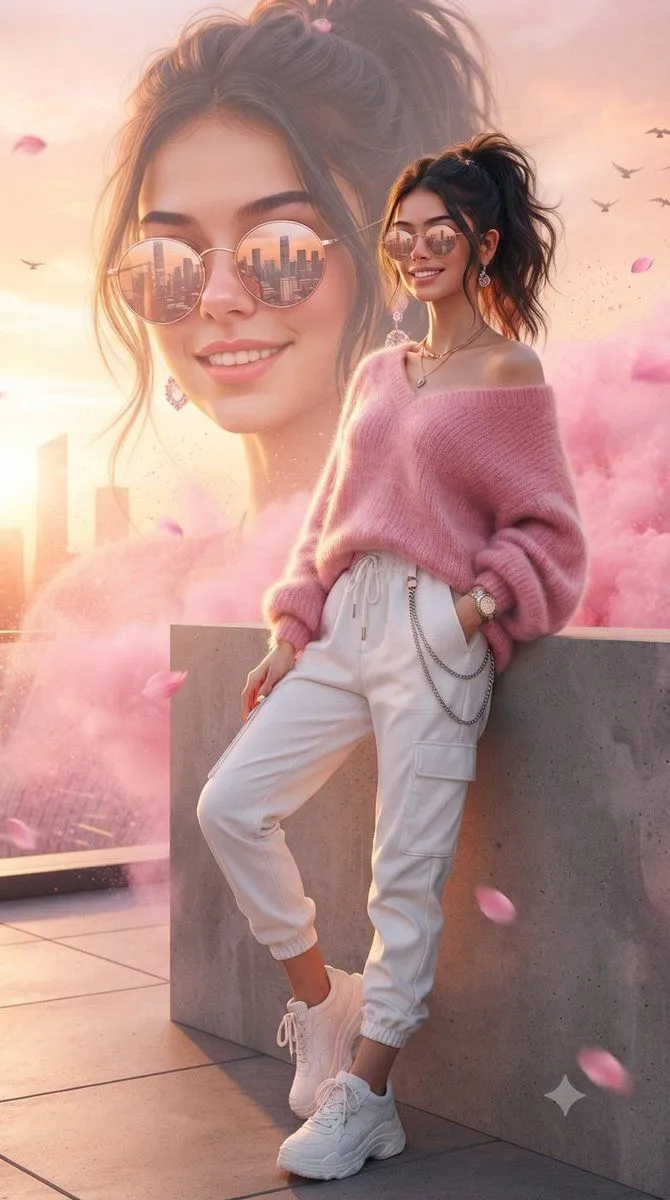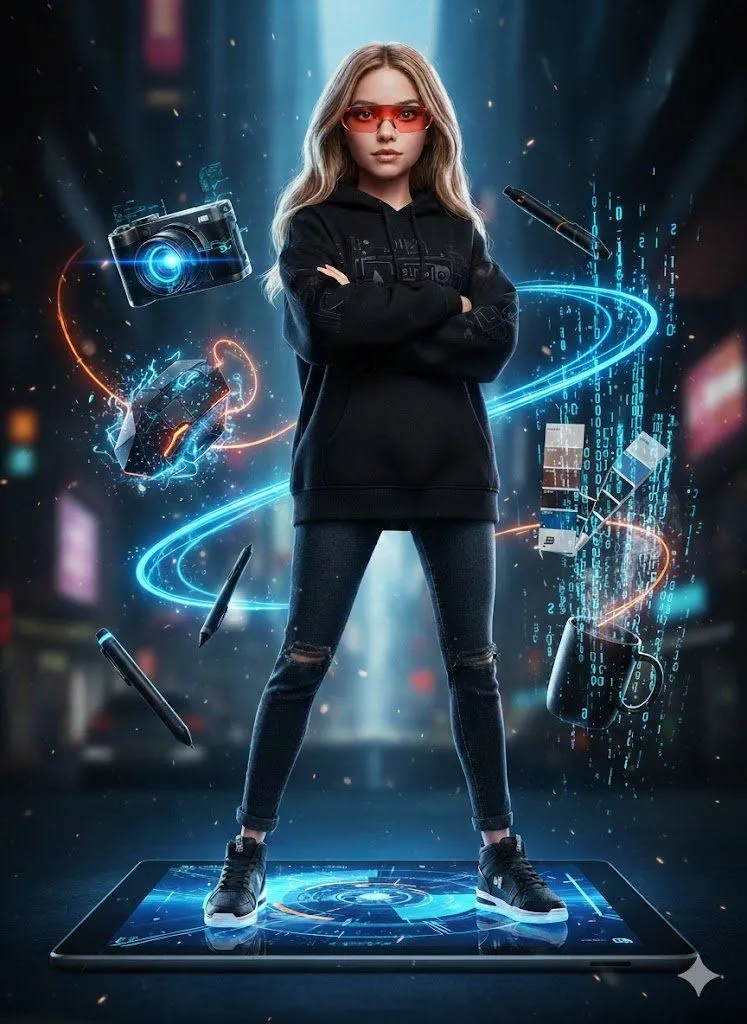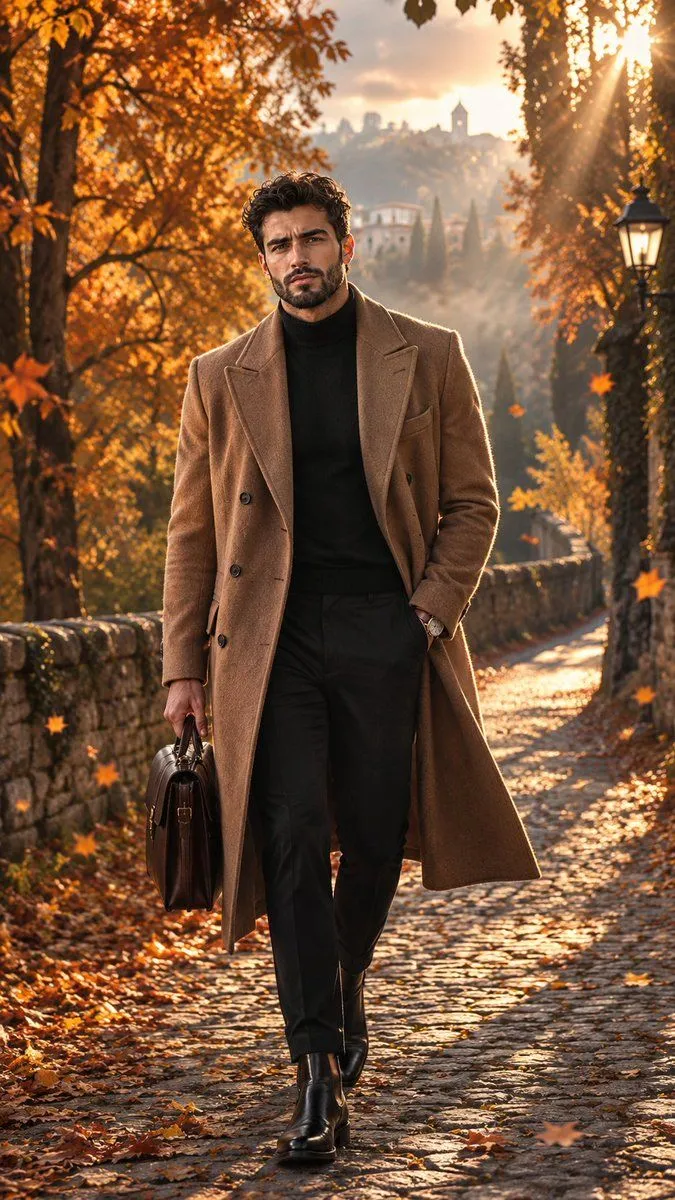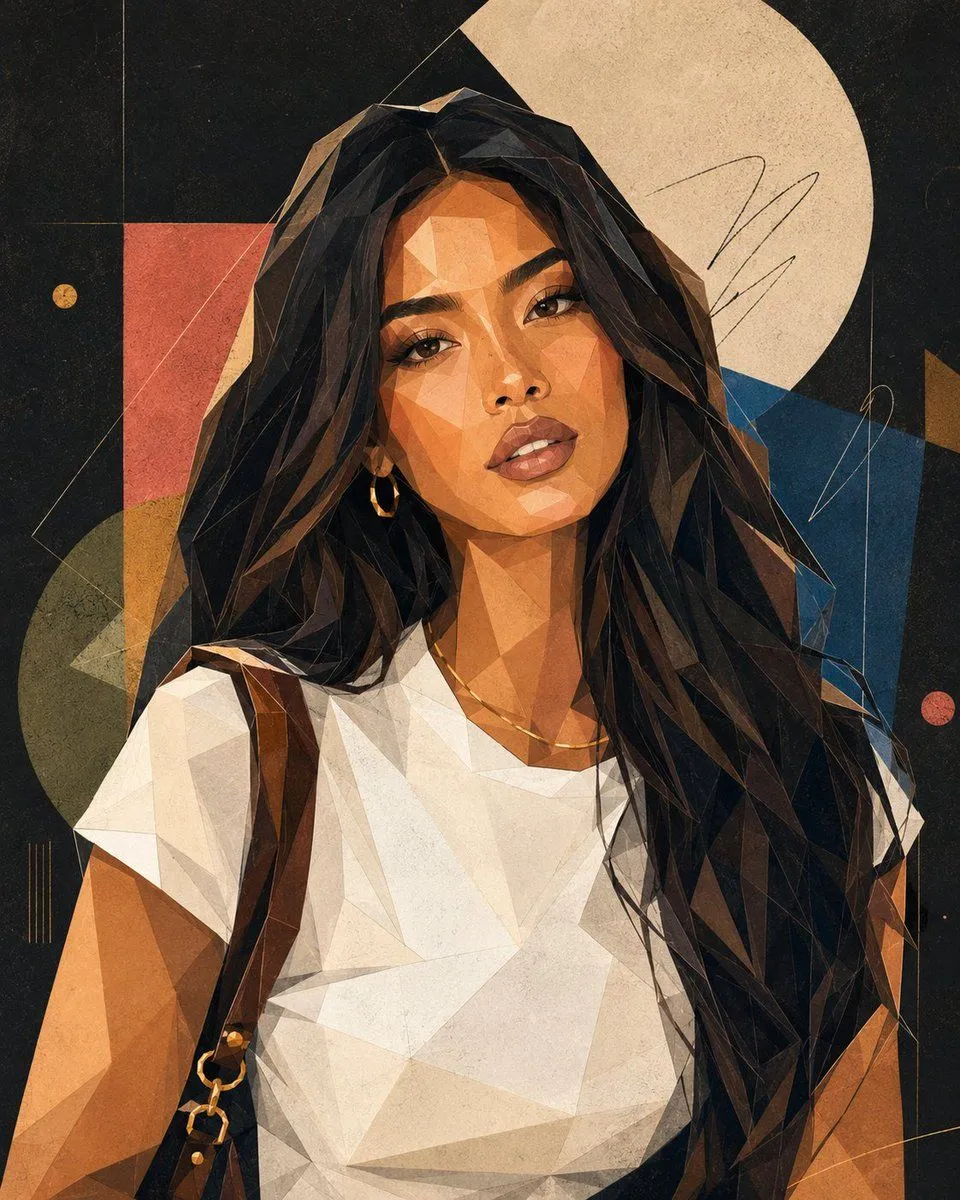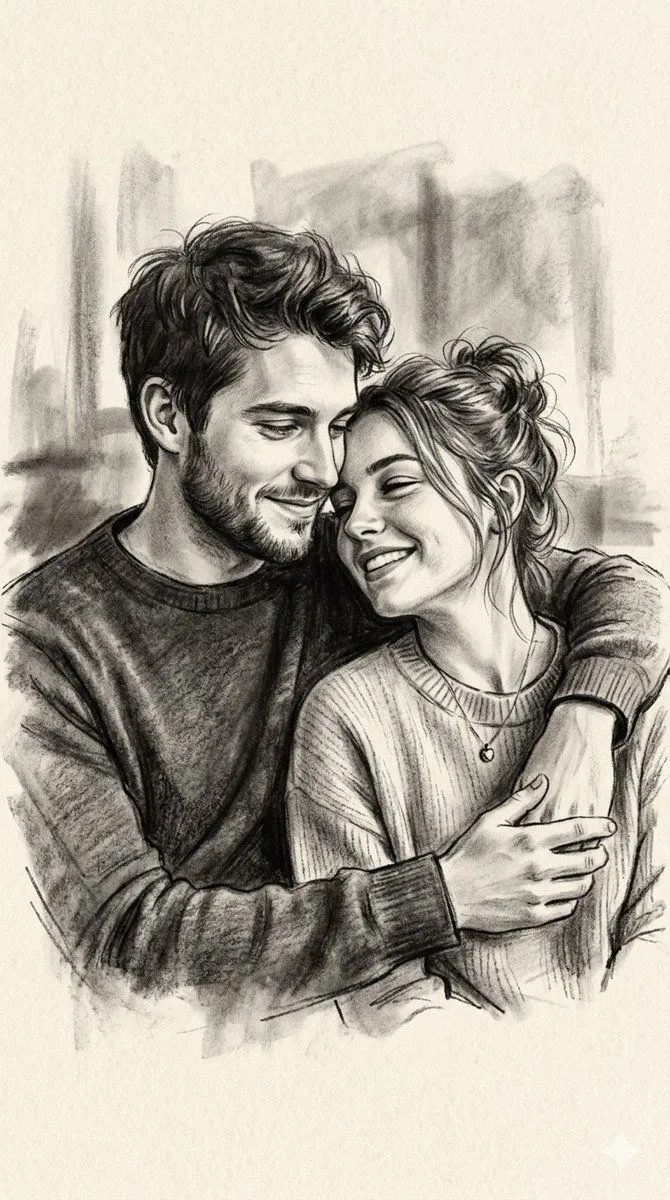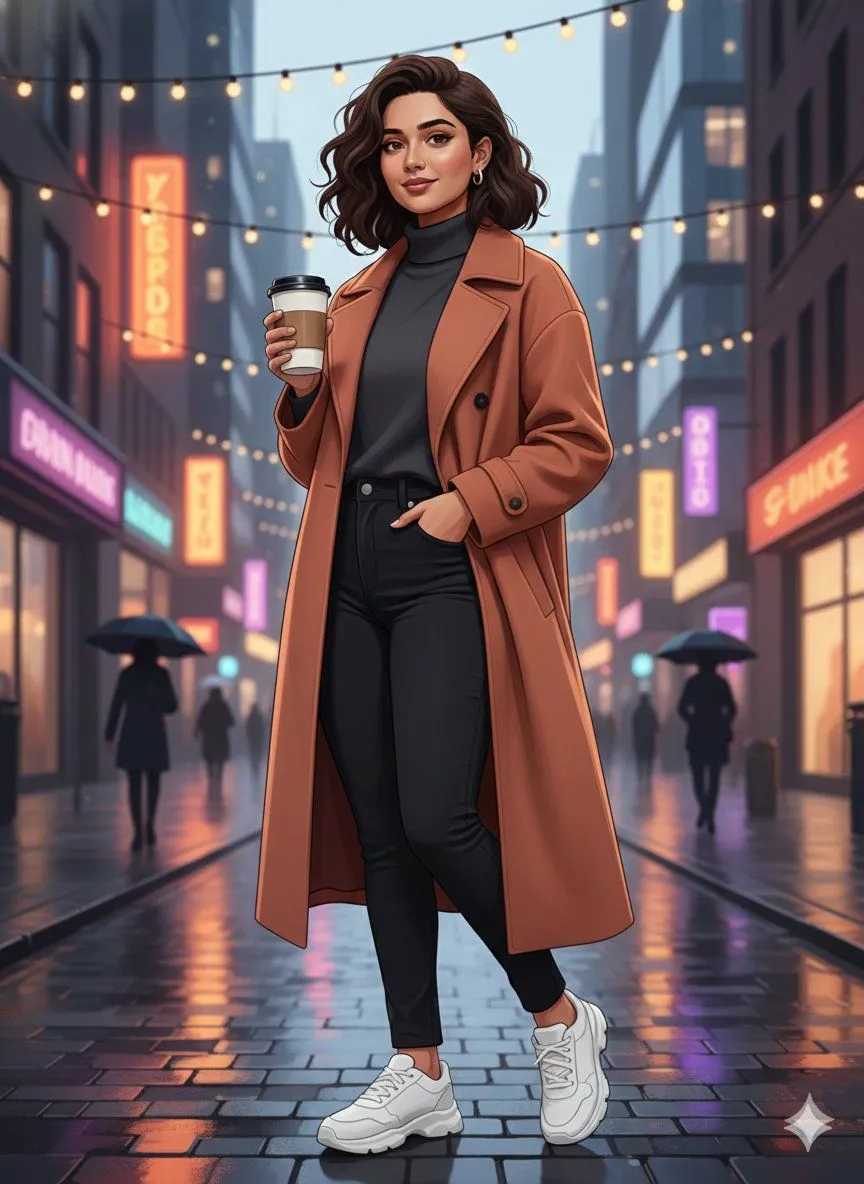
Made with Nano Banana Pro in Gemini, collected by Library Social. Promptclay never generates images.
Did it work?
No reports yet. Tell others if it worked for you.
Image-to-Image Identity Preservation Illustration
Prompt
1 blank to fill{ "input_type": "image_to_image", "target_image": "{target_image}", "prompt": "Create a completely new illustrated scene using the target image only for facial identity reference. Preserve the same face, skin tone, and identity accurately, but change everything else. Generate a new pose, different body posture, new camera angle, and a fresh composition. Replace the background entirely with a new location and environment of your choice, such as an aesthetic urban street, nature landscape, café, rooftop, or artistic setting. Apply a modern digital illustration style with clean lines, smooth shading, soft gradients, and a polished artistic look (not painting, not watercolor). Clothing, colors, mood, and lighting should be redesigned creatively while keeping the face recognizable and natural. The final result should look like a newly illustrated artwork, not a modified version of the original image.", "identity_strength": 0.9, "style_strength": 0.8, "allow_pose_change": true, "allow_background_change": true, "allow_scene_change": true, "preserve_face_only": true, "quality": "4K", "negative_prompt": "same pose, same background, same location, painting texture, watercolor, oil paint, anime, cartoon exaggeration, distorted face, extra limbs, blur, low detail" }
Preview of your prompt
{ "input_type": "image_to_image", "target_image": "UPLOAD_IMAGE_HERE", "prompt": "Create a completely new illustrated scene using the target image only for facial identity reference. Preserve the same face, skin tone, and identity accurately, but change everything else. Generate a new pose, different body posture, new camera angle, and a fresh composition. Replace the background entirely with a new location and environment of your choice, such as an aesthetic urban street, nature landscape, café, rooftop, or artistic setting. Apply a modern digital illustration style with clean lines, smooth shading, soft gradients, and a polished artistic look (not painting, not watercolor). Clothing, colors, mood, and lighting should be redesigned creatively while keeping the face recognizable and natural. The final result should look like a newly illustrated artwork, not a modified version of the original image.", "identity_strength": 0.9, "style_strength": 0.8, "allow_pose_change": true, "allow_background_change": true, "allow_scene_change": true, "preserve_face_only": true, "quality": "4K", "negative_prompt": "same pose, same background, same location, painting texture, watercolor, oil paint, anime, cartoon exaggeration, distorted face, extra limbs, blur, low detail" }
DetailsVersions, settings and questions
Written for
What's in the prompt
- Subject
- Model
- Nano Banana Pro
If your face changes
keep my face exactly the sameQuestions
- Does this work in the Gemini app?
- Yes. Gemini runs Nano Banana, so paste the prompt and attach your photo if it uses one.
- It changed my face. What do I do?
- Add "keep my face exactly the same" to the end and run it again.
- Can I use the images I make?
- Check the terms of the app you use. Promptclay never generates images and claims nothing you make.