Tell us anything

An idea, a bug, something you love. We read every note.

⌘↵ to send. The page you're on comes along.

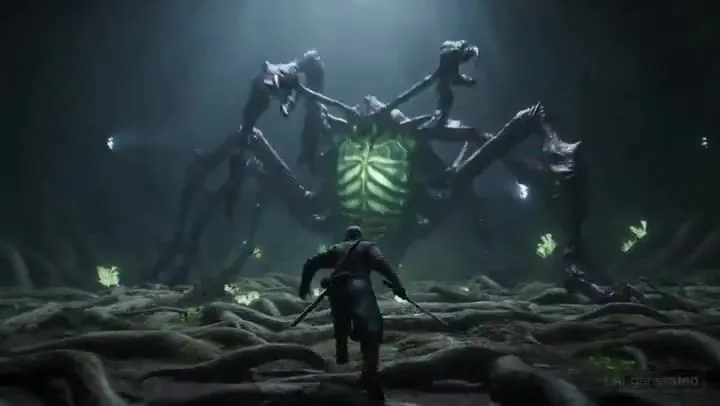
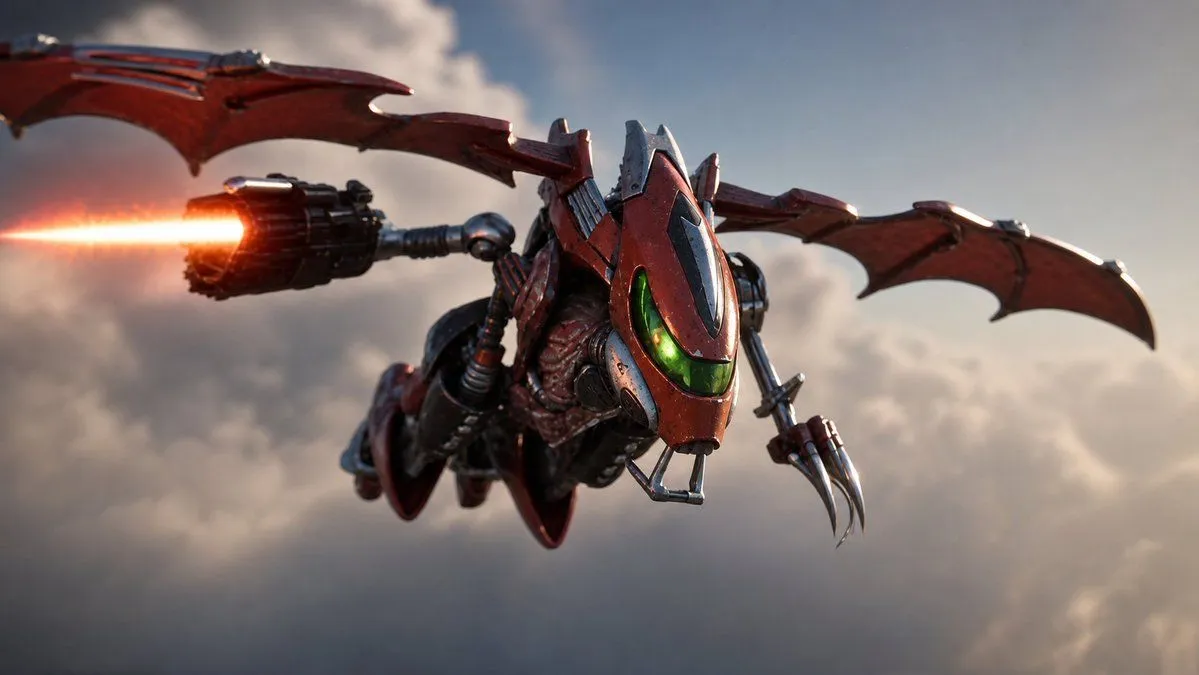
Image Editing Prompt: Adding Creatures to Background

Made with GPT Image 1.5 in ChatGPT by Library Concept. Promptclay never generates images.

Did it work?

No reports yet. Tell others if it worked for you.

No comments yet. Be the first.

    Image Editing Prompt: Adding Creatures to Background

    GPT Image 1.59:16AI-generated

    Prompt

    1 blank to fill

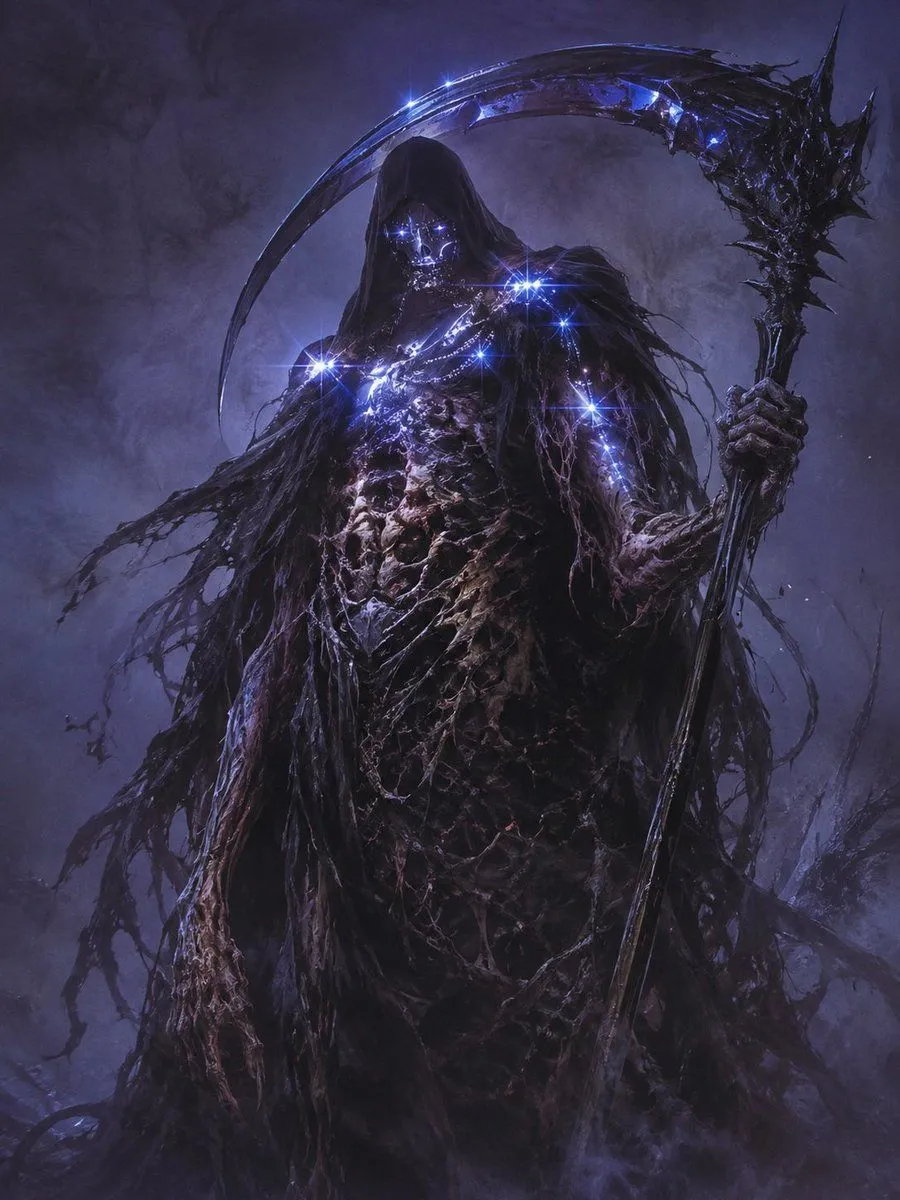
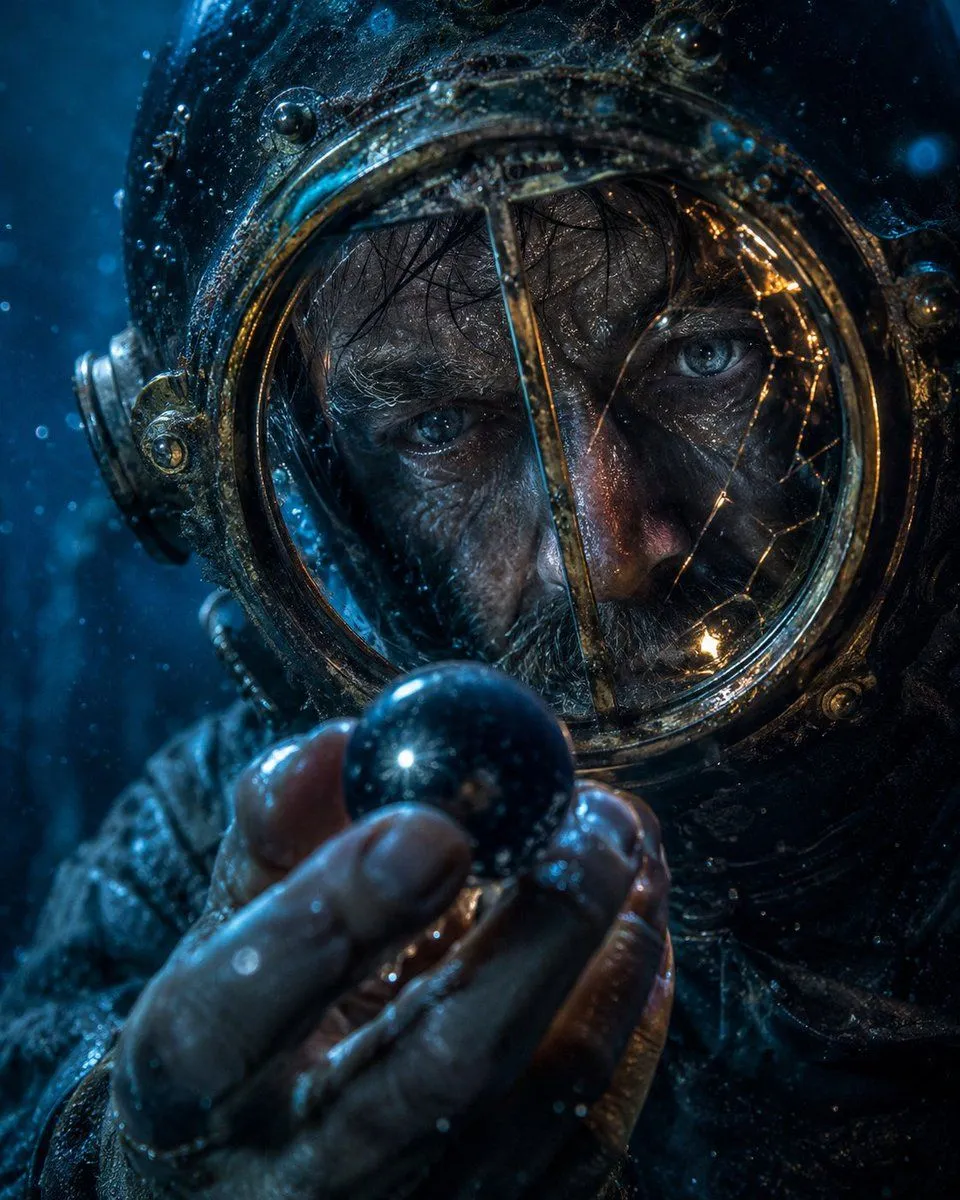
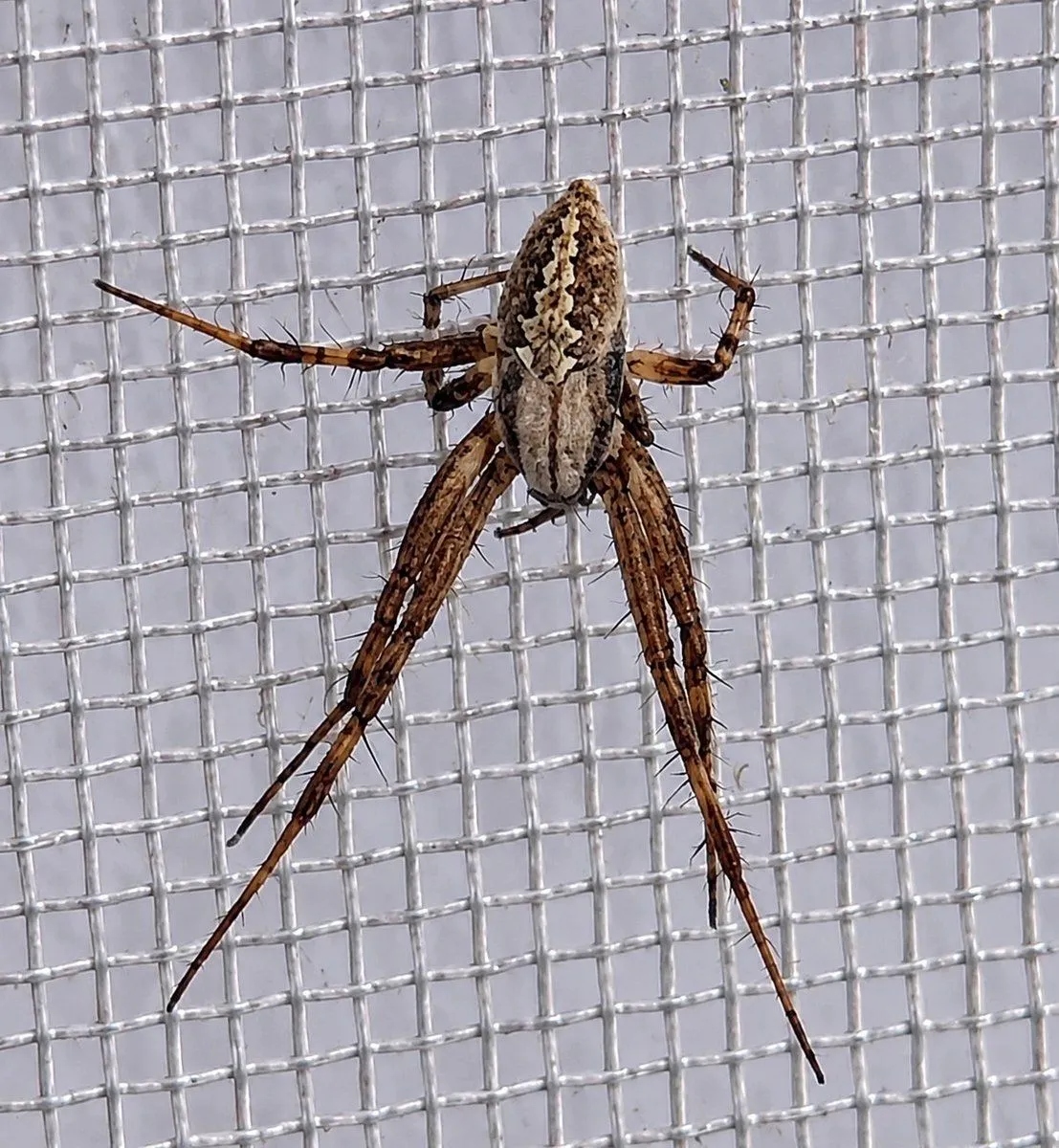
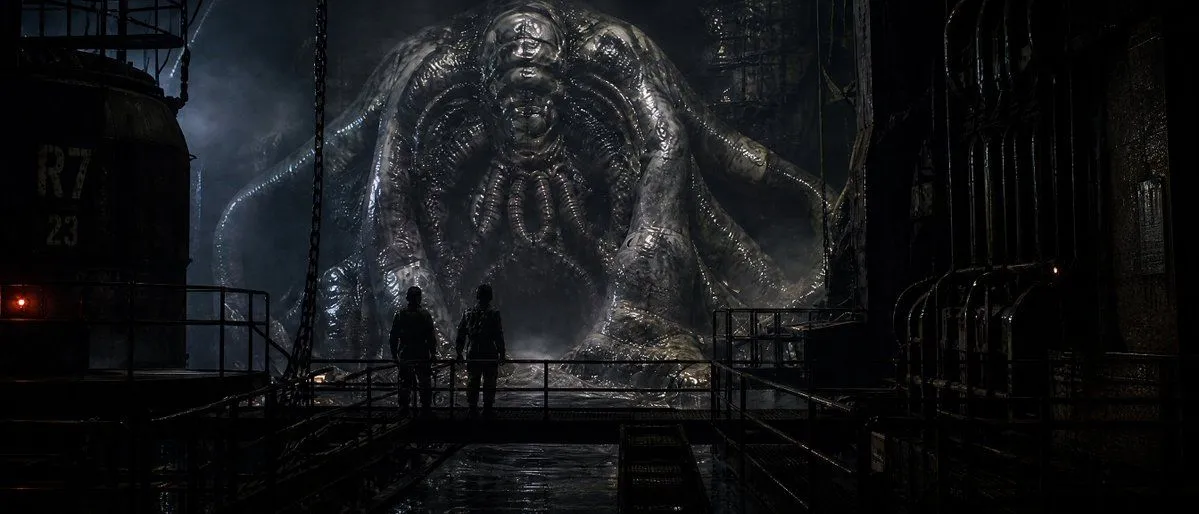
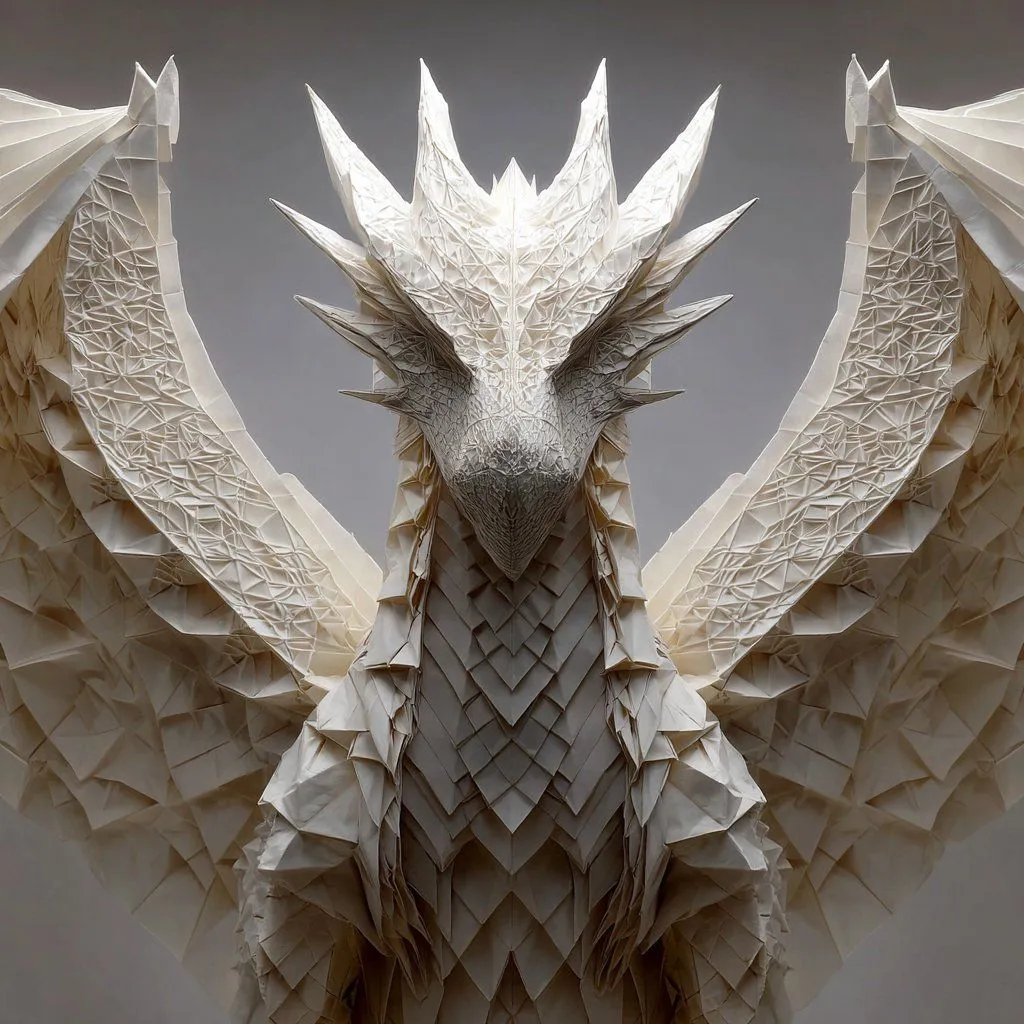
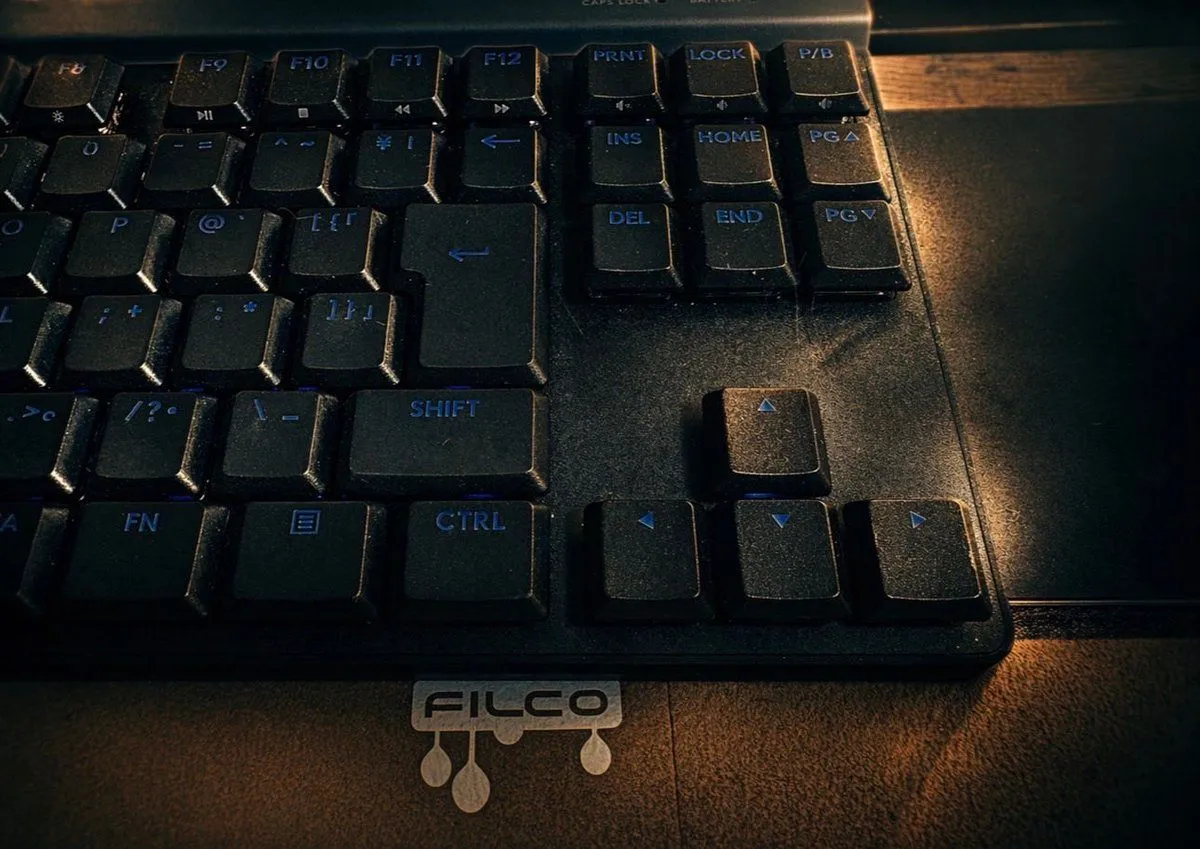
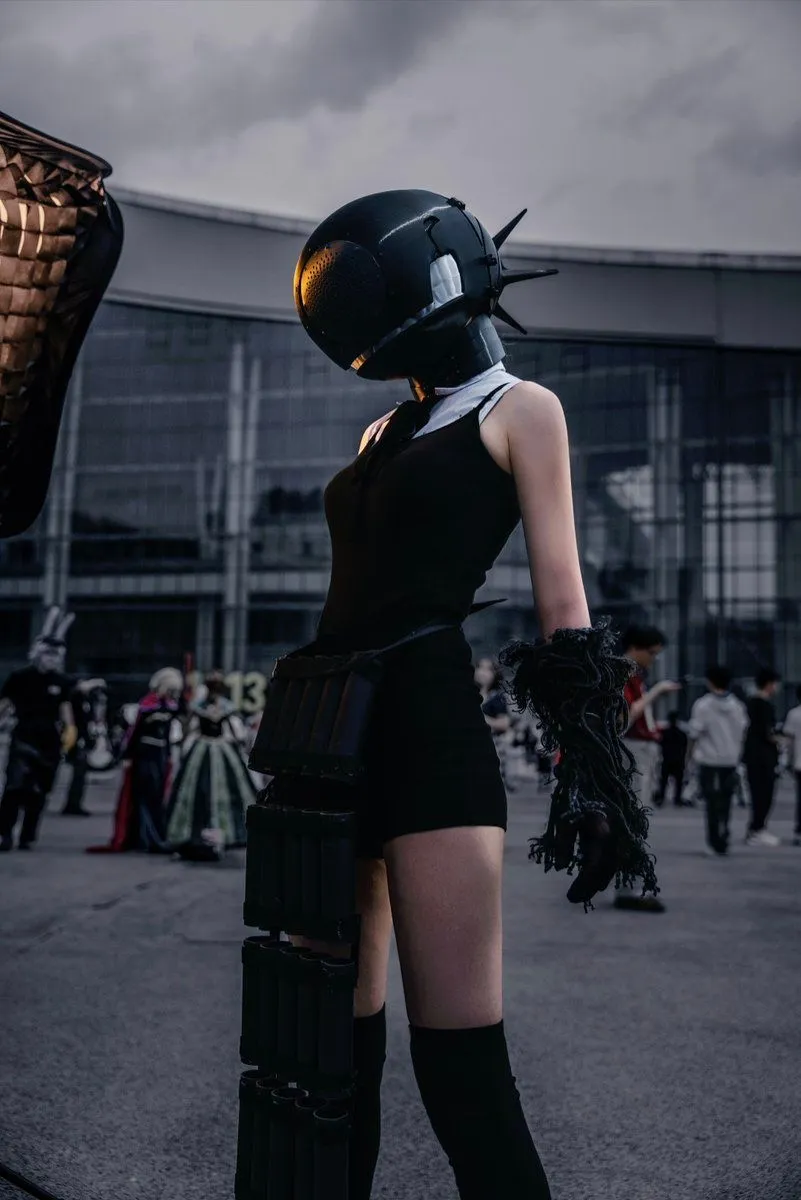
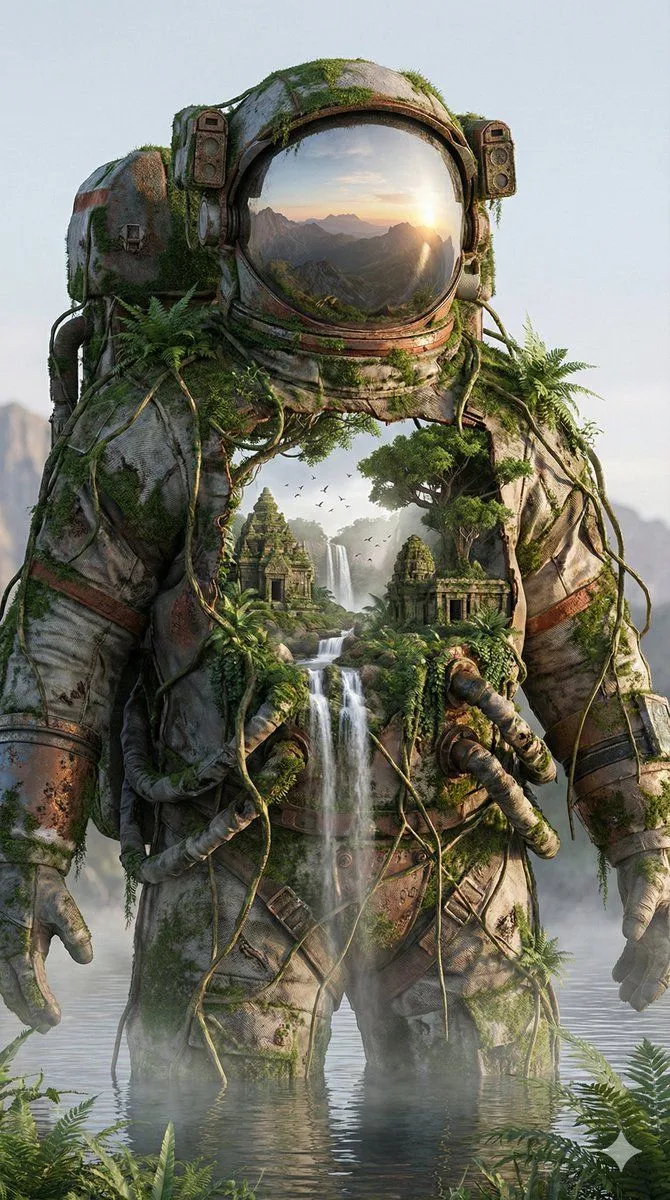
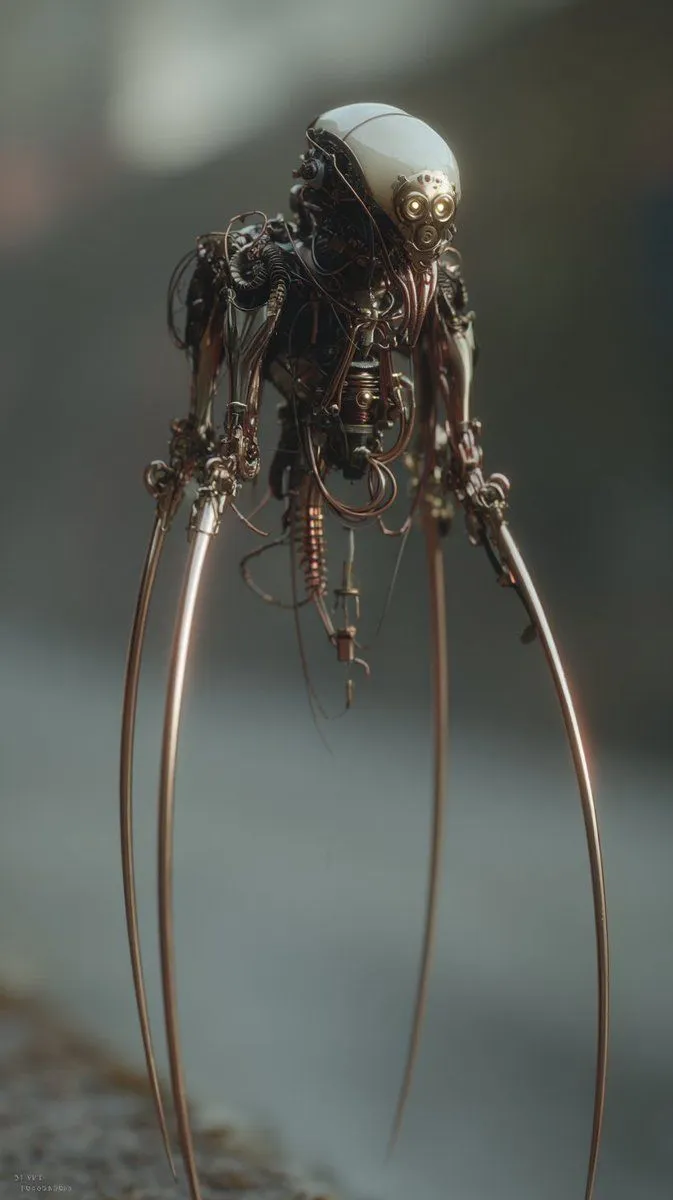
    using the first image and its style and size, add the creature from the second image into the first at varying distances in the background, ensure the focus and size of the creatures is appropriate for its distance, there should be a total of {number_of_creatures} of them, their look and style may vary slightly from one another

    Works in
    ChatGPT, Gemini
    Status
    Free to copy
    0
    DetailsVersions, settings and questions

    Written for

    What's in the prompt

    Subject
    Model
    GPT Image 1.5

    If your face changes

    keep my face exactly the same

    Questions

    Does this work in the ChatGPT app?
    Yes. Paste the prompt and attach your photo if it uses one.
    It changed my face. What do I do?
    Add "keep my face exactly the same" to the end and run it again.
    Can I use the images I make?
    Check the terms of the app you use. Promptclay never generates images and claims nothing you make.
    Similar prompts

    See more
    • Epic Mecha Rabbit BattleVideo, 0:15
    • Future Spawn Flying Demon Drone
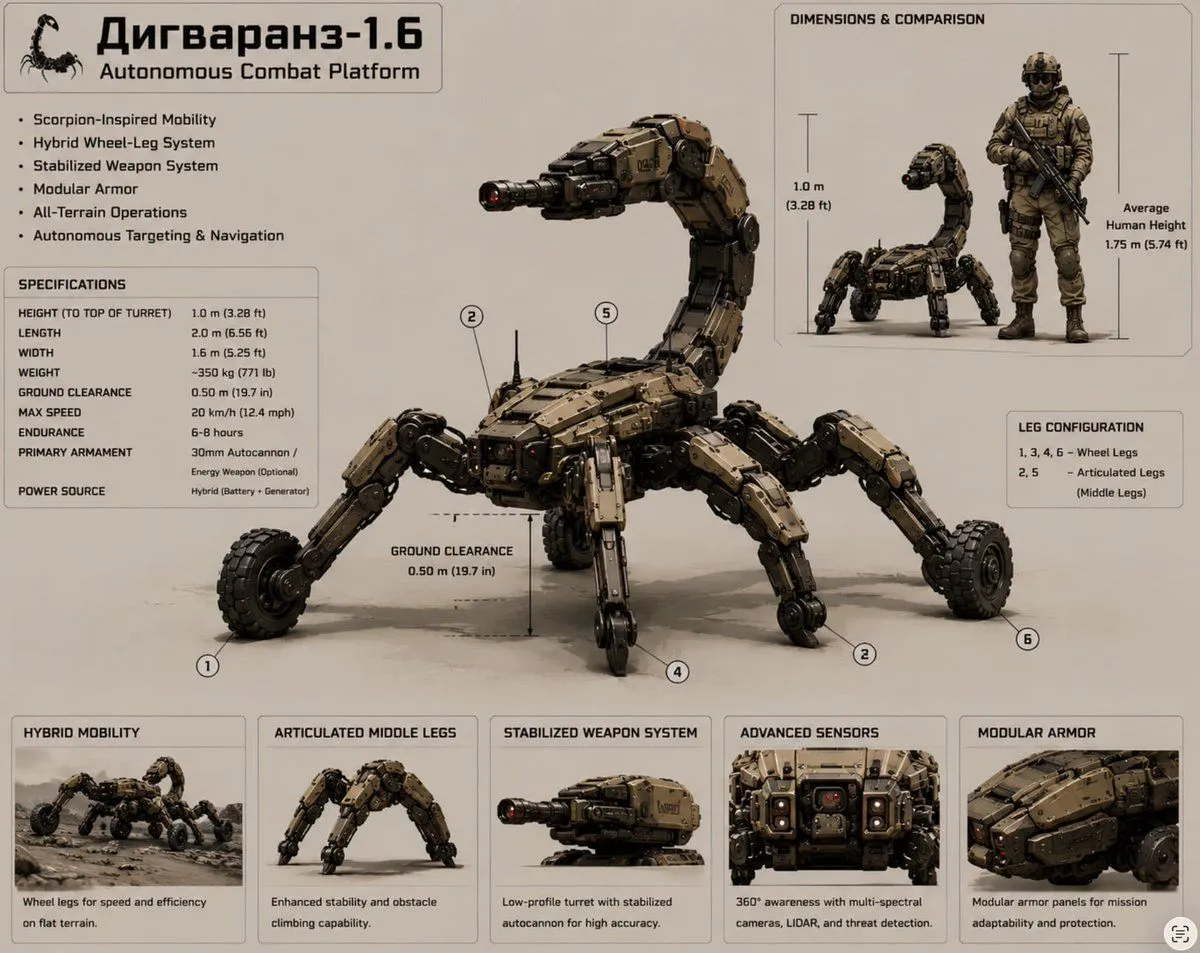
    • Scorpion Combat Robot Spec Sheet
    • Image Generation Prompt: Internal Structure of a Robot
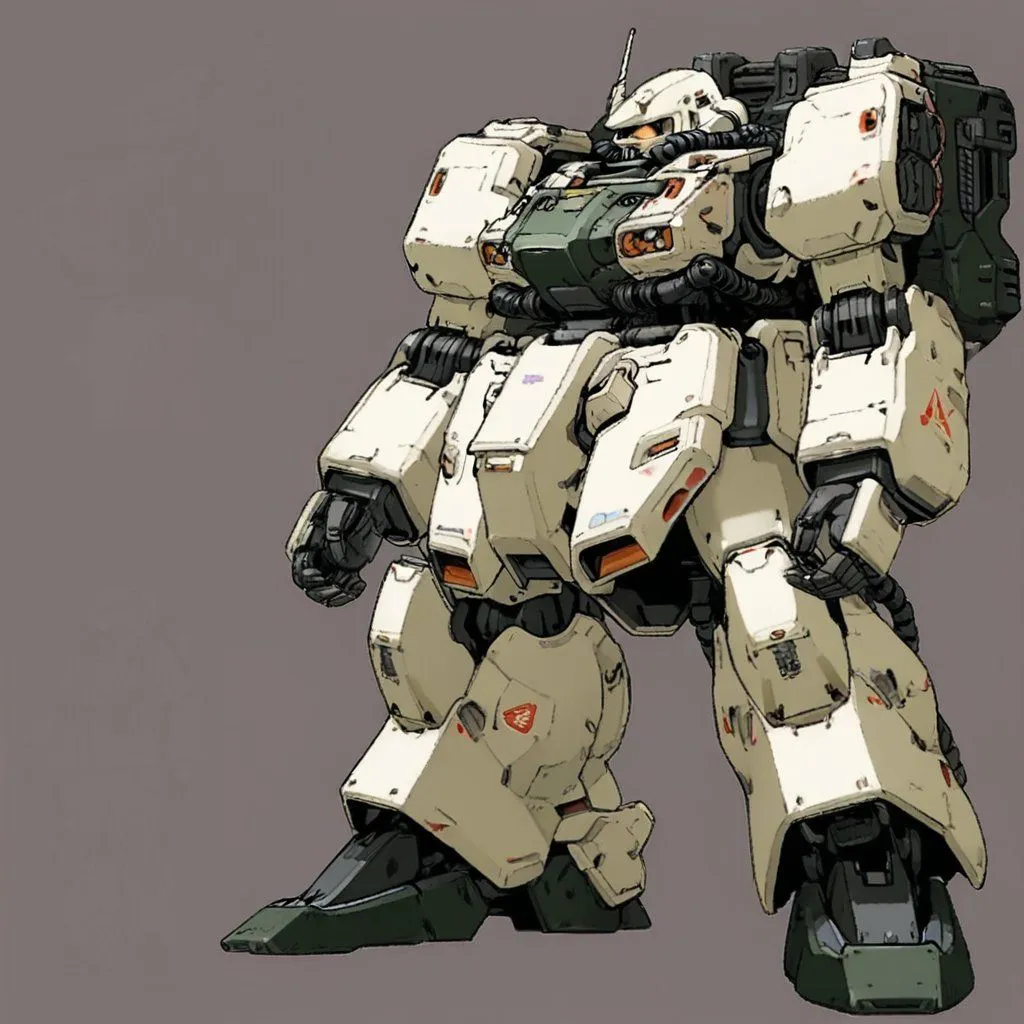
    • Mecha Alien at Gravity Edge
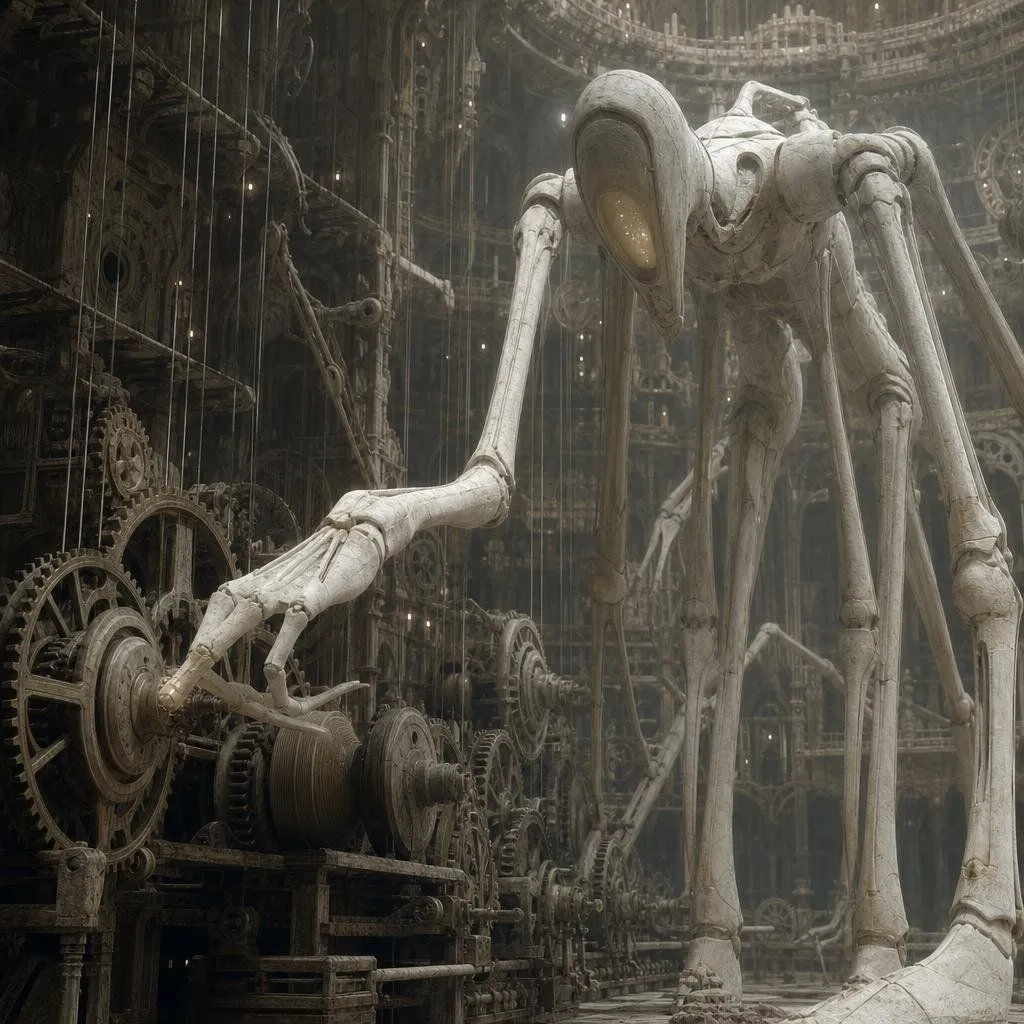
    • Ivory Automaton in Clockwork Cathedral
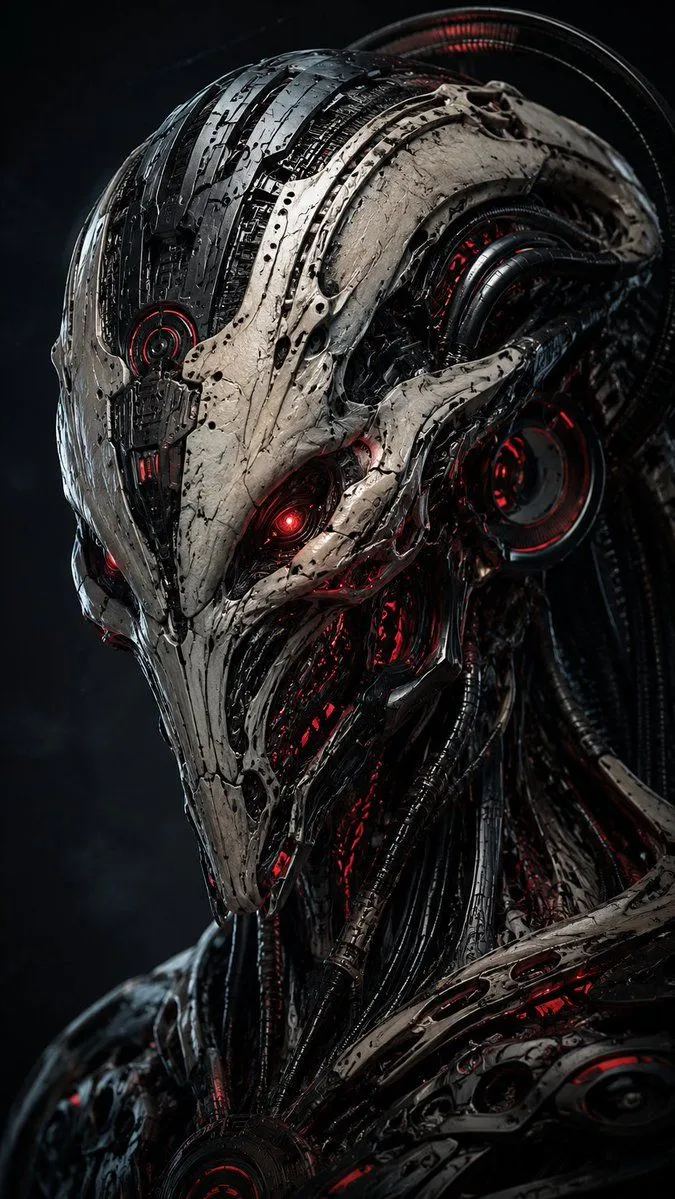
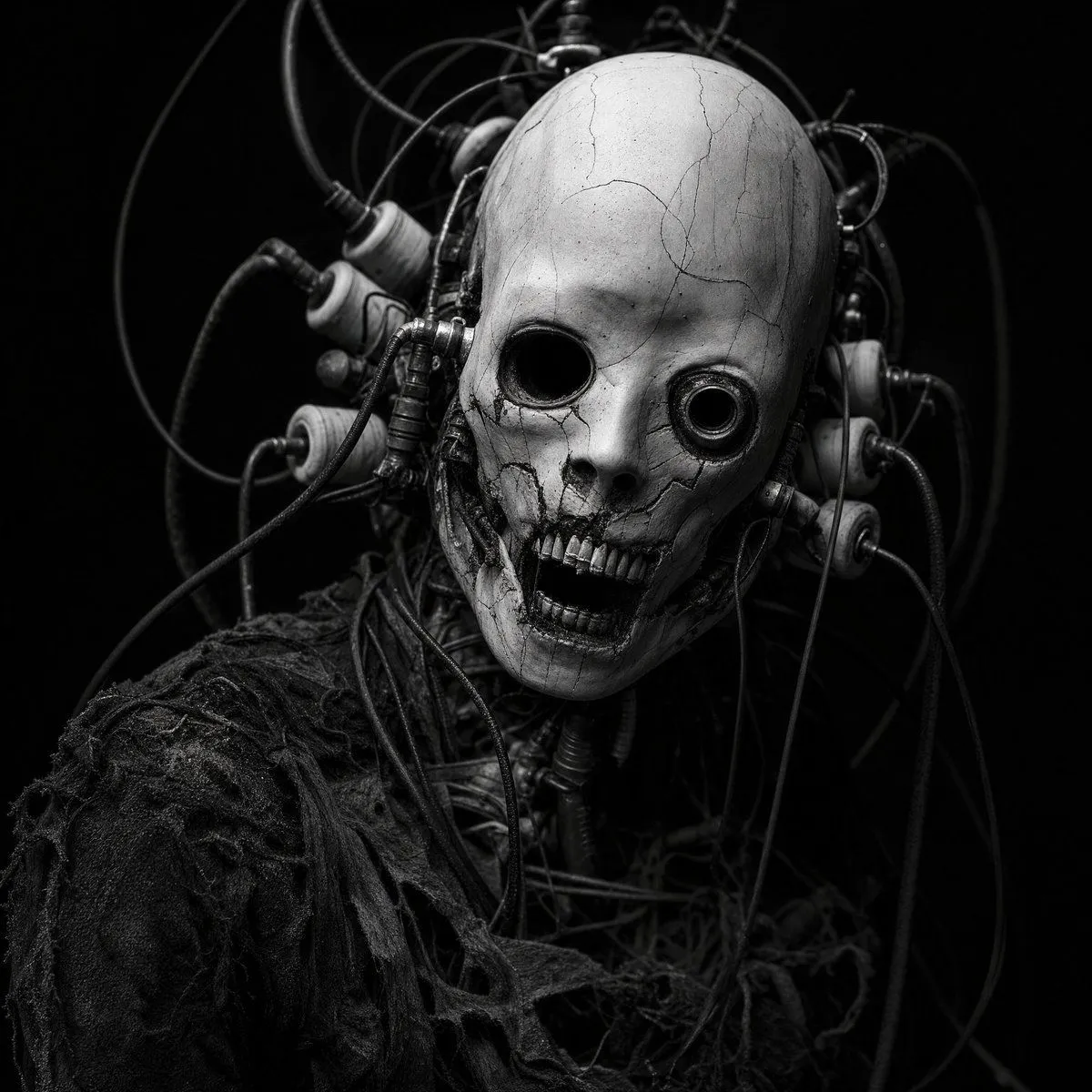
    • Cybernetic Horror Portrait
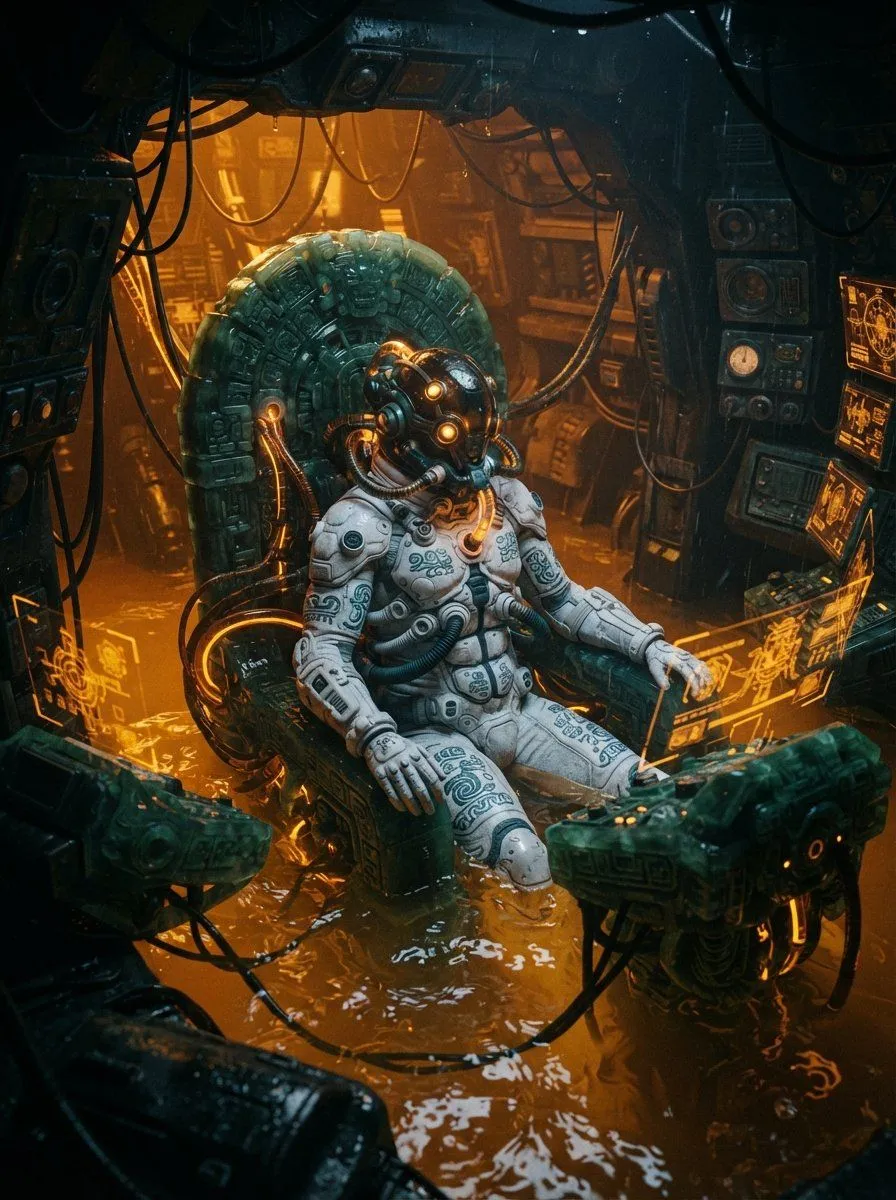
    • Mesoamerican Bio-Mechanical Cockpit
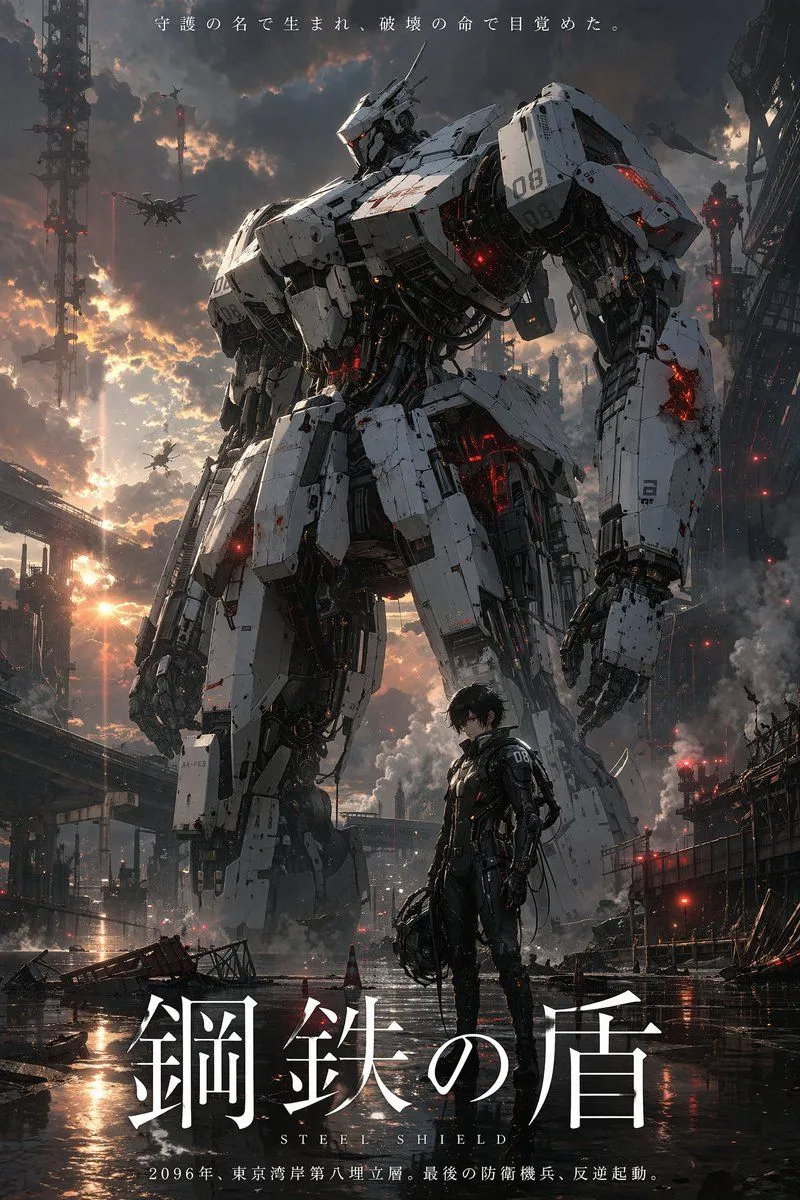
    • Robot Mecha Movie Key Visual Prompt
    • Complex, multi-layered prompt for GPT Image 1.5
    • Multi-Image Art Style Fusion
    • Deep-Sea Diver Artifact Close-Up
    • Mechanical Core Architecture
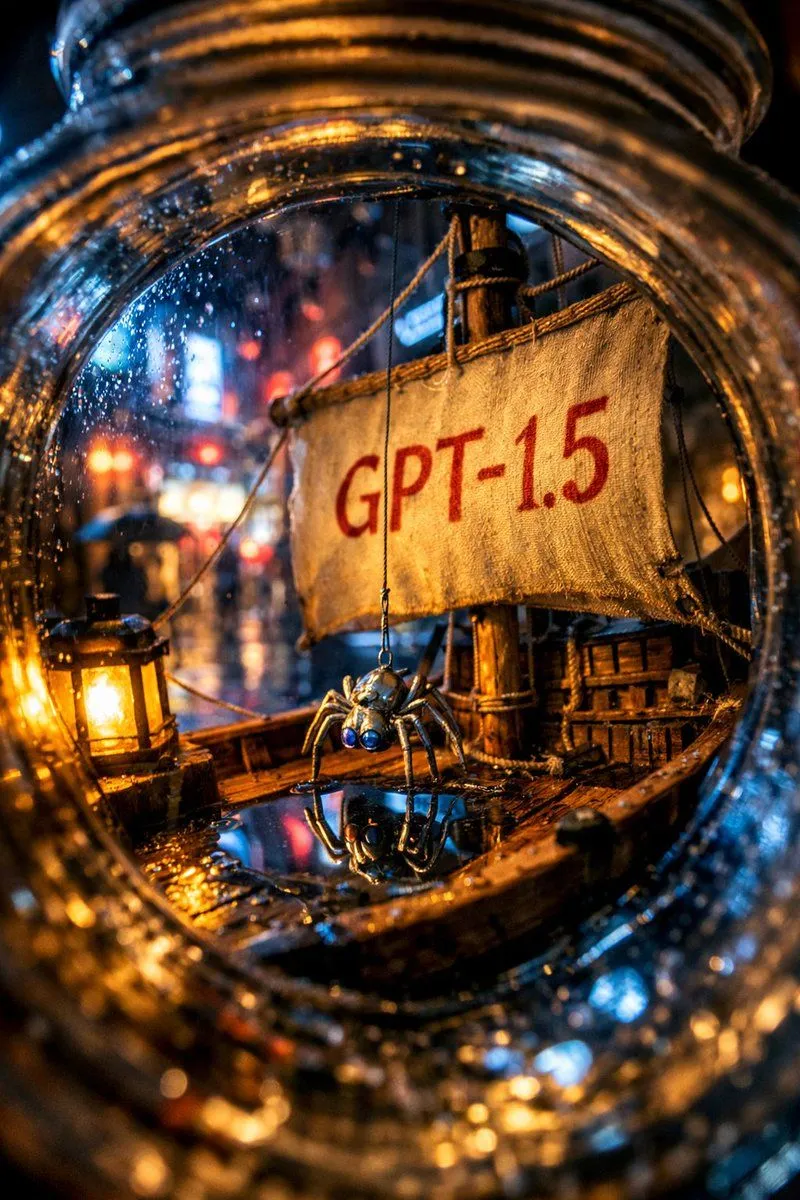
    • Enhanced Spider Macro Photo
    • Industrial Alien Horror Encounter
    • Origami-style step-by-step folding instructions
    • AI Touching a Glowing Microchip
    • Steampunk Pastel Pink Portrait
    • Surreal Ronin Action SceneVideo, 0:15
    • Dramatic Film Filter Processing
    • Cyberpunk Cinematic Photo Edit
    • Surreal Nature-Meets-Sci-Fi Astronaut Suit
    • Futuristic Muscle Car Infographic
    • Peaceful anime hillside landscape

    Show more

    Run it on your phone

    1. Prompt copiedRead it

      using the first image and its style and size, add the creature from the second image into the first at varying distances in the background, ensure the focus and size of the creatures is appropriate for its distance, there should be a total of {number_of_creatures} of them, their look and style may vary slightly from one another

    2. Open your app

    3. Paste and run

      Press and hold the message box, then tap Paste. Add your photo first if the prompt uses one. You may need to sign in.

    Image Editing Prompt: Adding Creatures to Background