Tell us anything

An idea, a bug, something you love. We read every note.

⌘↵ to send. The page you're on comes along.

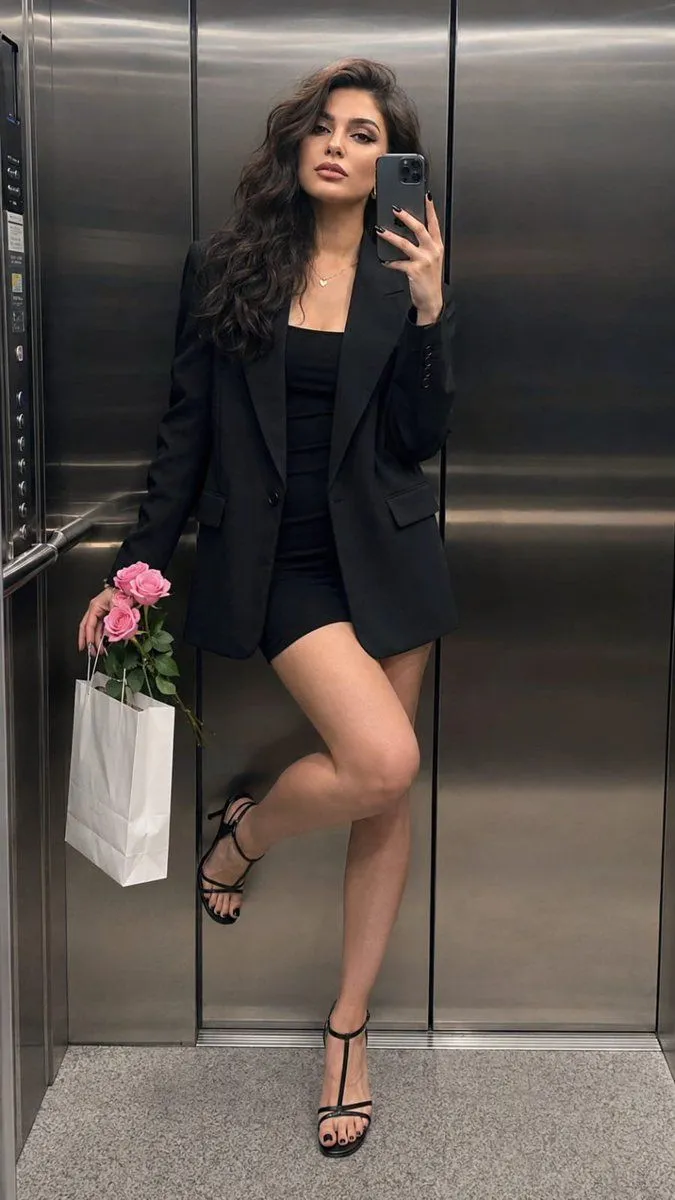
Hyperrealistic Mirror Selfie Portrait

Made with GPT Image 2 in ChatGPT by Library Avatars. Promptclay never generates images.

Did it work?

No reports yet. Tell others if it worked for you.

No comments yet. Be the first.

    Hyperrealistic Mirror Selfie Portrait

    GPT Image 29:16AI-generated

    Prompt

    Preserve the clearly adult woman’s exact identity, facial features, proportions, skin tone, and natural asymmetry. Hyperrealistic Pinterest-style iPhone 15 Pro Max mirror selfie inside a modern brushed-steel elevator. She leans lightly against the wall, one leg straight and the other bent with foot resting naturally against the wall, relaxed elegant pose. She holds an iPhone beside her cheek while her other hand carries pink roses and a white shopping bag. Fitted black mini dress, oversized black blazer, black strappy heels, delicate necklace, small hoop earrings, light makeup. Dim overhead lighting, cool metallic reflections, realistic skin texture, authentic phone-camera grain, natural mirror perspective, full-length vertical 9:16, sharp face and clothing, believable hands and reflections. --no altered identity, extra fingers, extra people, duplicated reflection, warped phone, CGI, plastic skin.

    Works in
    ChatGPT, Gemini
    Status
    Free to copy
    0
    DetailsVersions, settings and questions

    Written for

    What's in the prompt

    Subject
    Model
    GPT Image 2

    If your face changes

    keep my face exactly the same

    Questions

    Does this work in the ChatGPT app?
    Yes. Paste the prompt and attach your photo if it uses one.
    It changed my face. What do I do?
    Add "keep my face exactly the same" to the end and run it again.
    Can I use the images I make?
    Check the terms of the app you use. Promptclay never generates images and claims nothing you make.
    Similar prompts

    See more
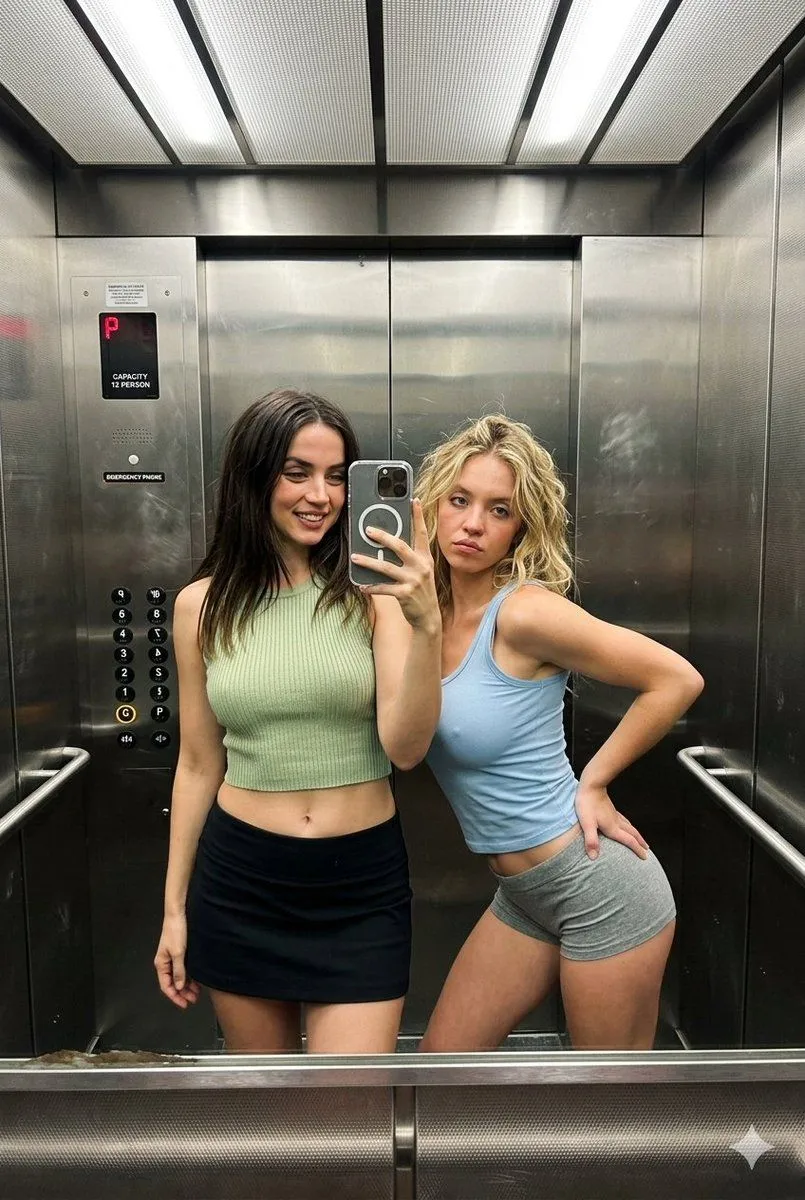
    • Realistic Elevator Mirror Selfie
    • Elevator Mirror Selfie with Book
    • Ana de Armas and Sydney Sweeney Elevator Selfie
    • Hyper-Realistic Mirror Selfie Prompt for Gemini Nano Banana 2
    • Realistic Korean Mirror Selfie
    • Replace clothing while keeping identity and pose
    • Soft Intimate Mirror Selfie (Reference-Based Generation)
    • Old Money Aesthetic Asian Female Portrait
    • Elegant High-End Fashion Portrait
    • Photo to Minimalist Magazine Illustration
    • Professional Korean Office Portrait
    • Sunset Train Portrait Photo
    • Night Rooftop Portrait in St. Petersburg
    • Extract a single panel from a 3x3 image grid with Nano Banana Pro
    • Cozy Living Room Afternoon Scene
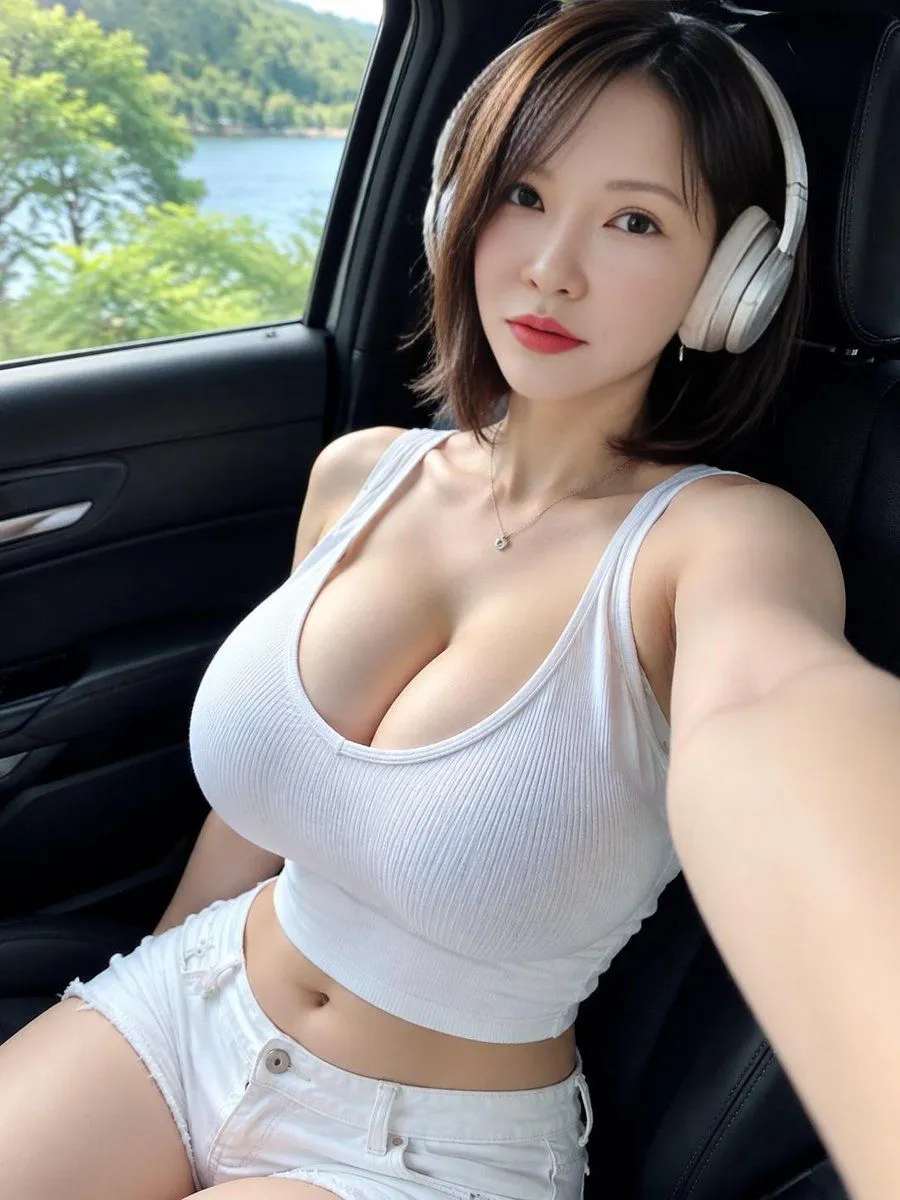
    • Lakeside Car Selfie with Headphones
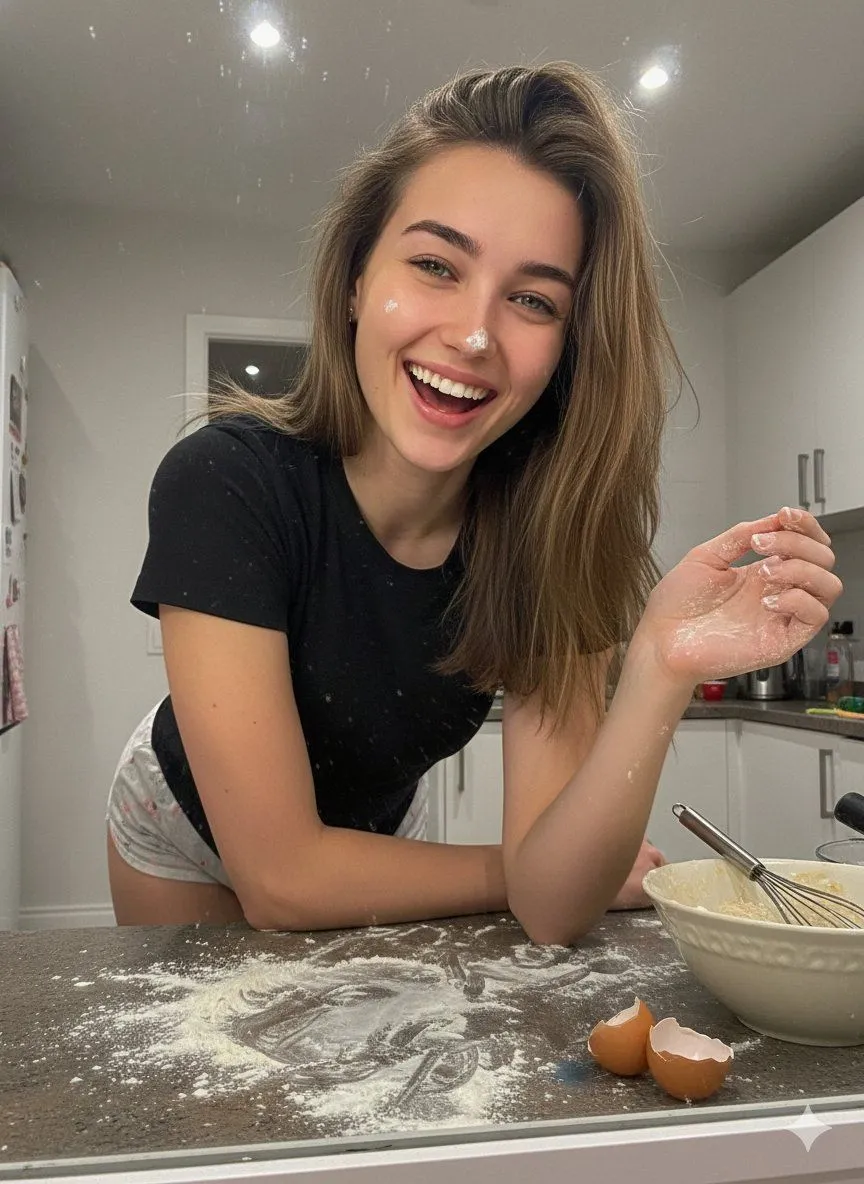
    • Messy Kitchen Mirror Selfie
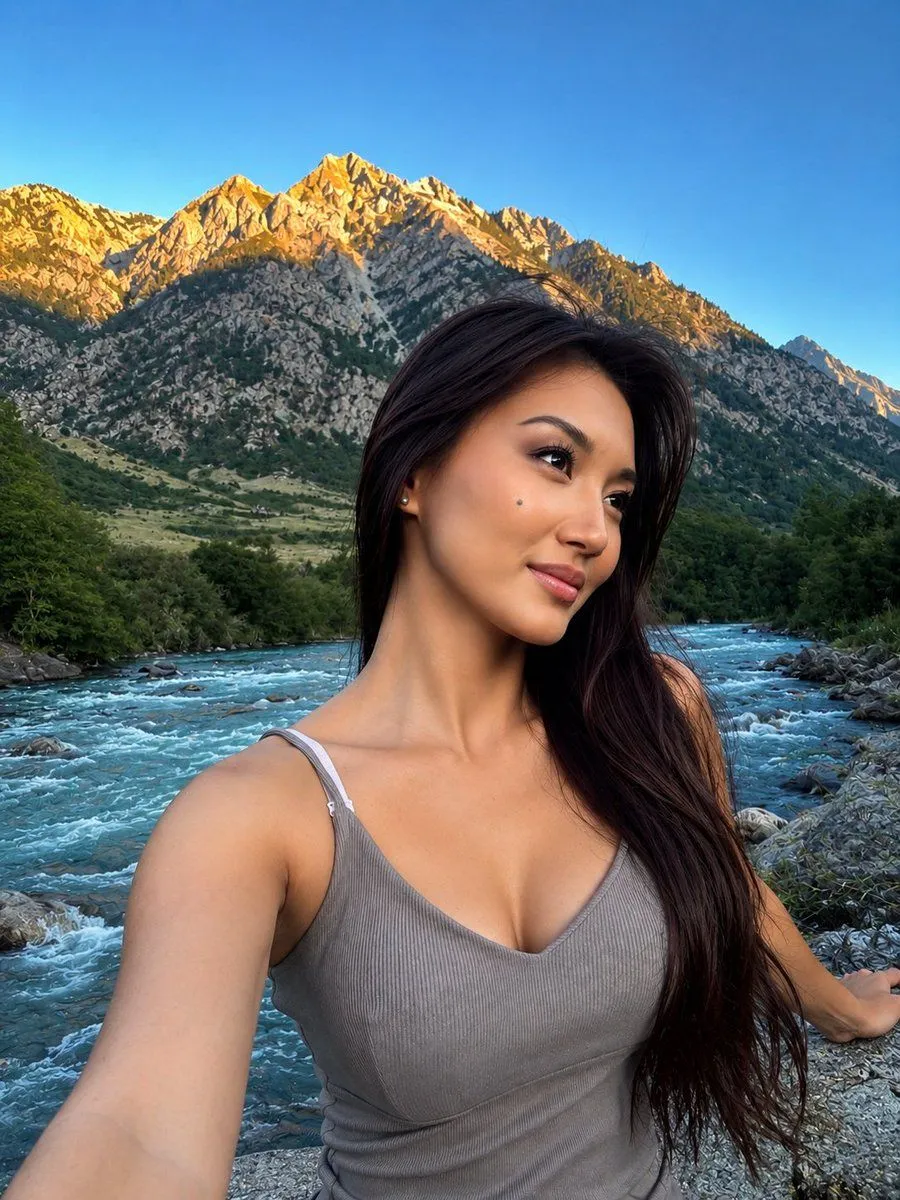
    • Alpine Mountain Stream Selfie
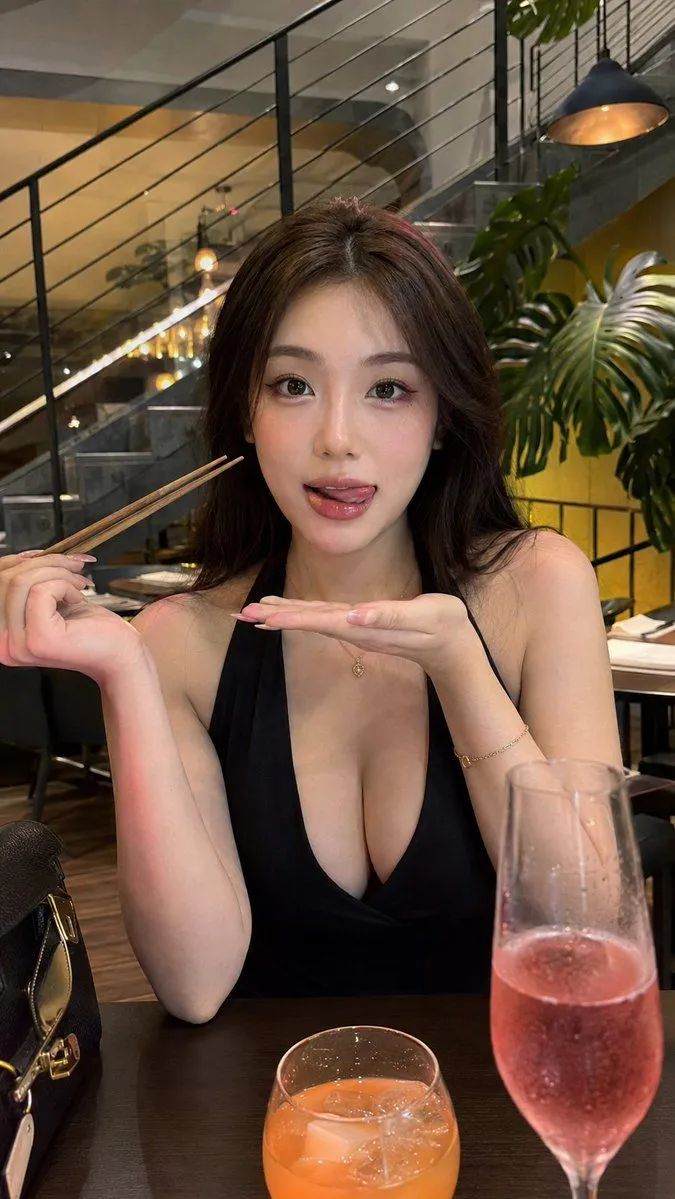
    • East Asian Woman Restaurant Portrait
    • Before After Makeup Transformation
    • Kashmir Luxury Rain Masterpiece
    • Mustard Top Tennis Player Portrait
    • Realistic Top-Down Portrait of Woman with Strawberry
    • Sayaka Weather Presenter Studio

    Show more

    Run it on your phone

    1. Prompt copiedRead it

      Preserve the clearly adult woman’s exact identity, facial features, proportions, skin tone, and natural asymmetry. Hyperrealistic Pinterest-style iPhone 15 Pro Max mirror selfie inside a modern brushed-steel elevator. She leans lightly against the wall, one leg straight and the other bent with foot resting naturally against the wall, relaxed elegant pose. She holds an iPhone beside her cheek while her other hand carries pink roses and a white shopping bag. Fitted black mini dress, oversized black blazer, black strappy heels, delicate necklace, small hoop earrings, light makeup. Dim overhead lighting, cool metallic reflections, realistic skin texture, authentic phone-camera grain, natural mirror perspective, full-length vertical 9:16, sharp face and clothing, believable hands and reflections. --no altered identity, extra fingers, extra people, duplicated reflection, warped phone, CGI, plastic skin.

    2. Open your app

    3. Paste and run

      Press and hold the message box, then tap Paste. Add your photo first if the prompt uses one. You may need to sign in.

    Hyperrealistic Mirror Selfie Portrait