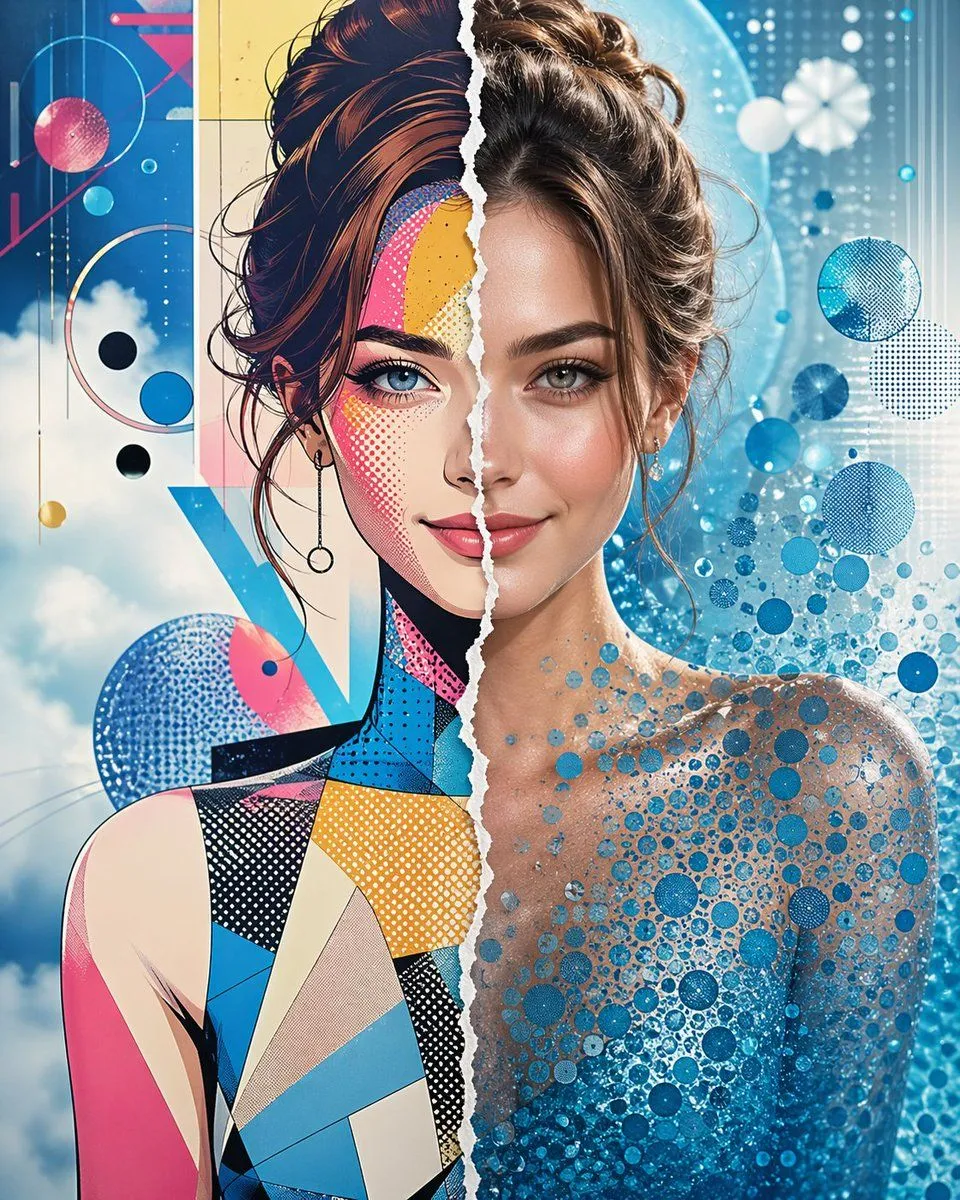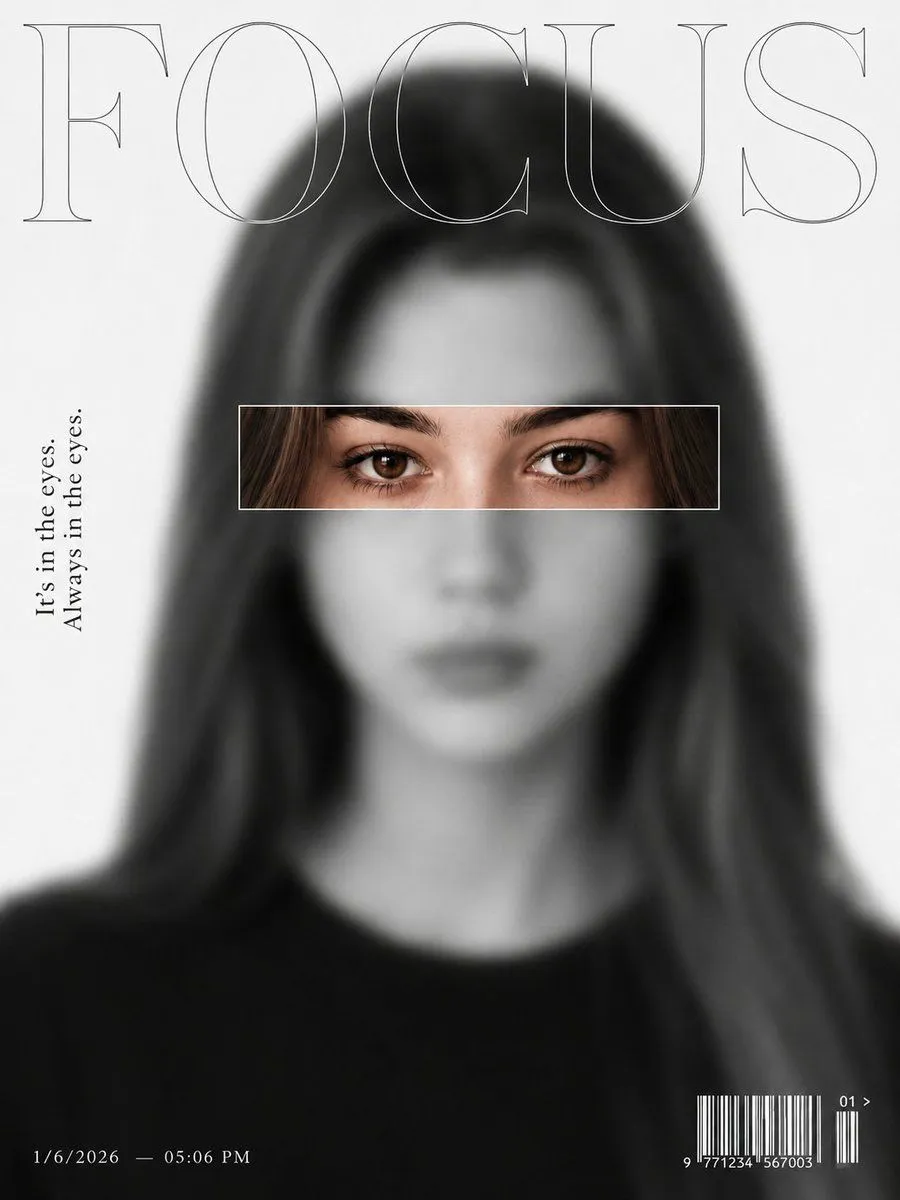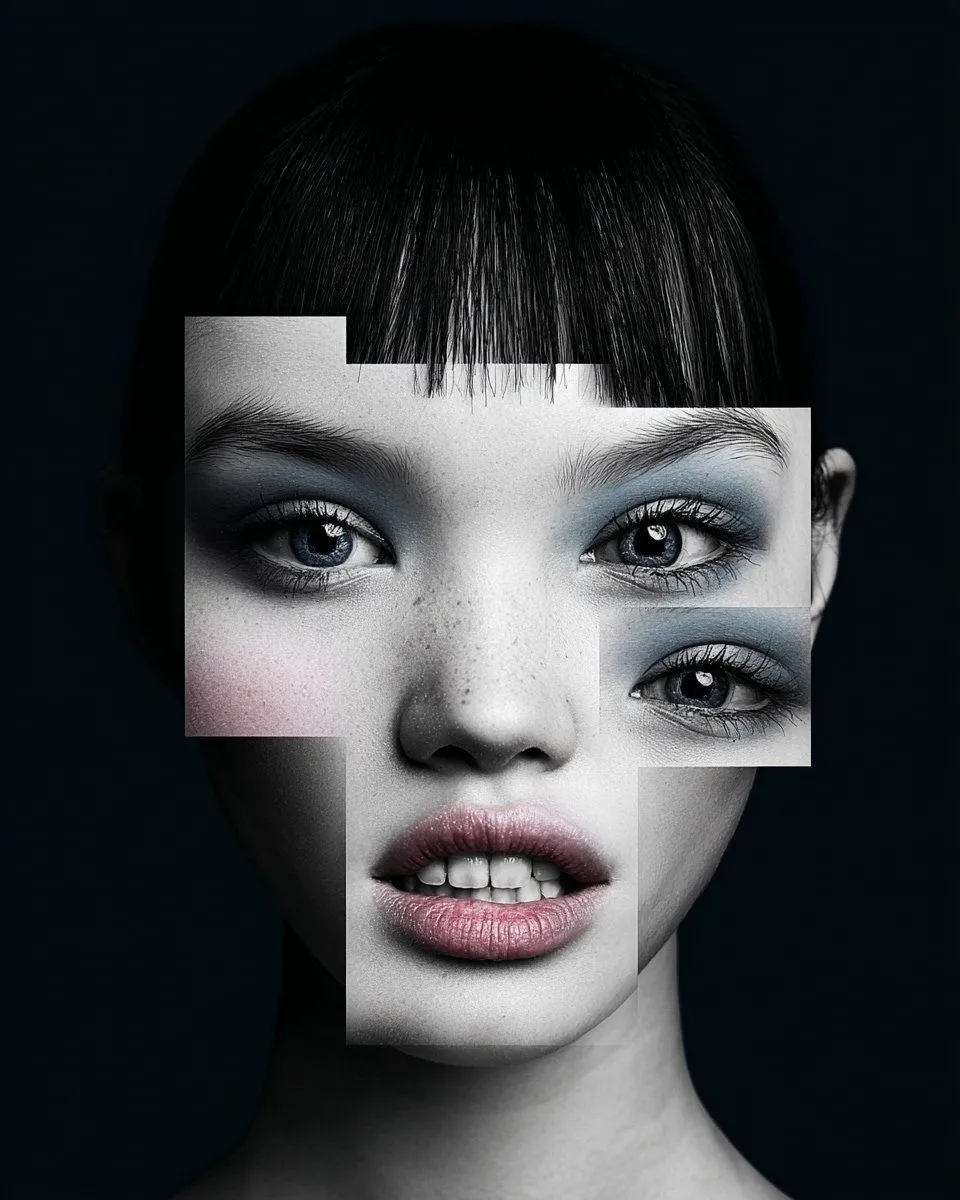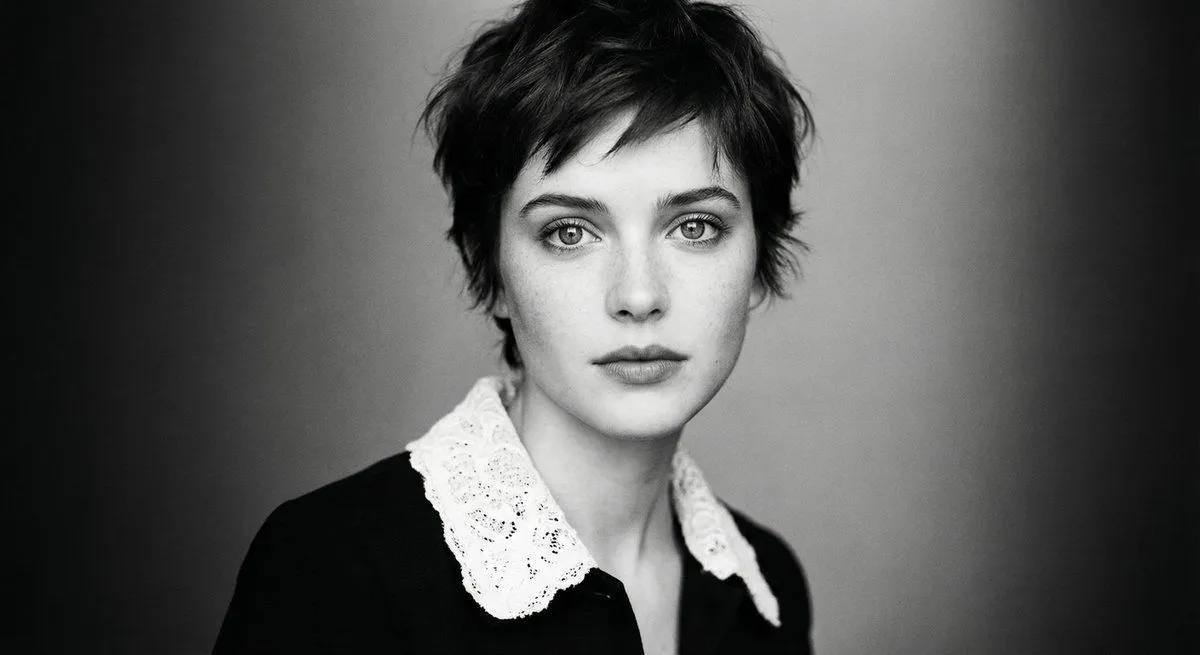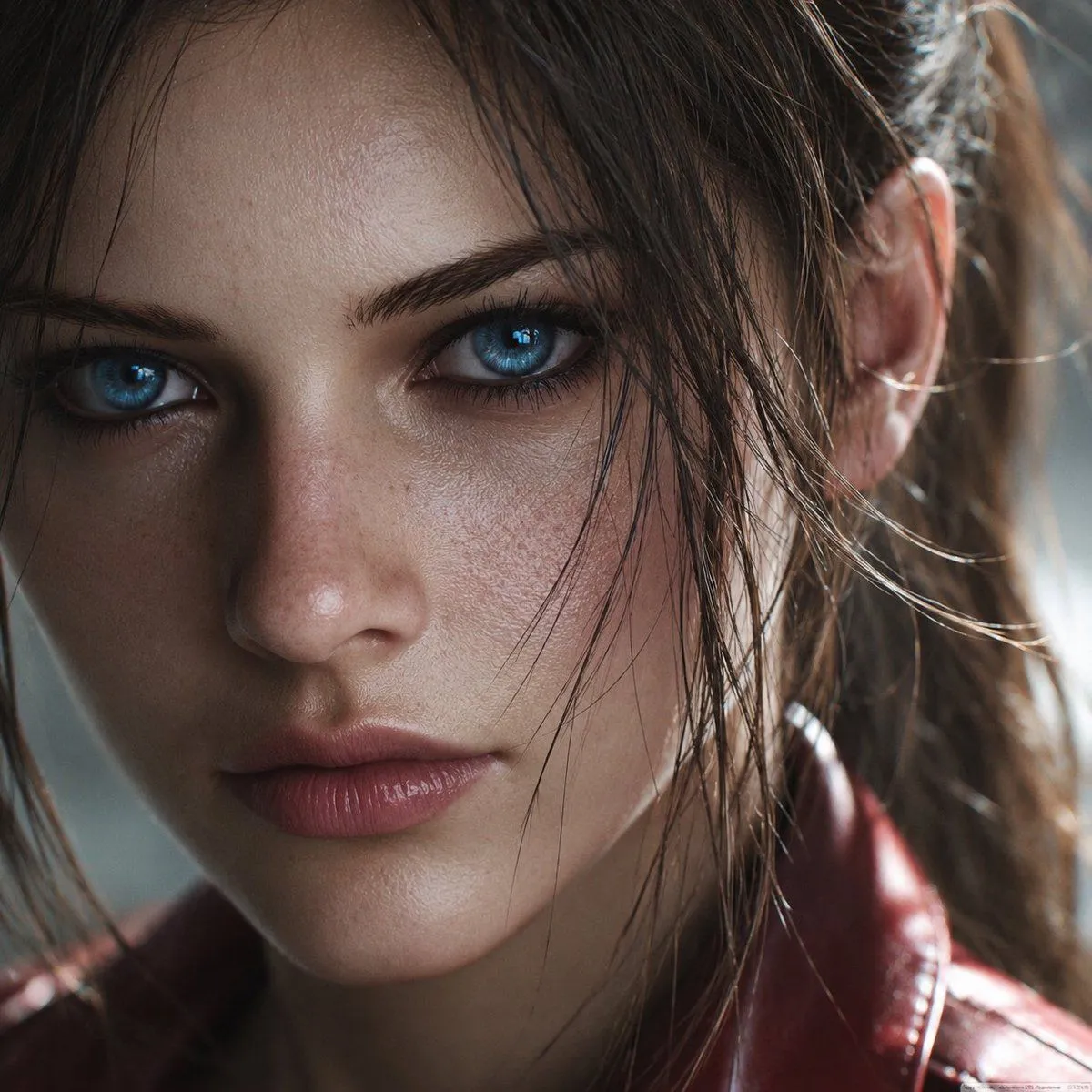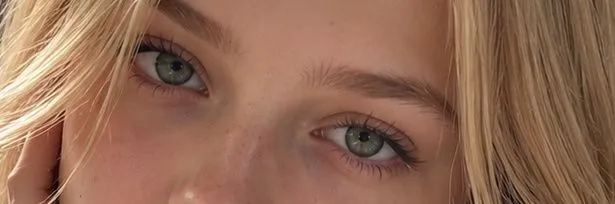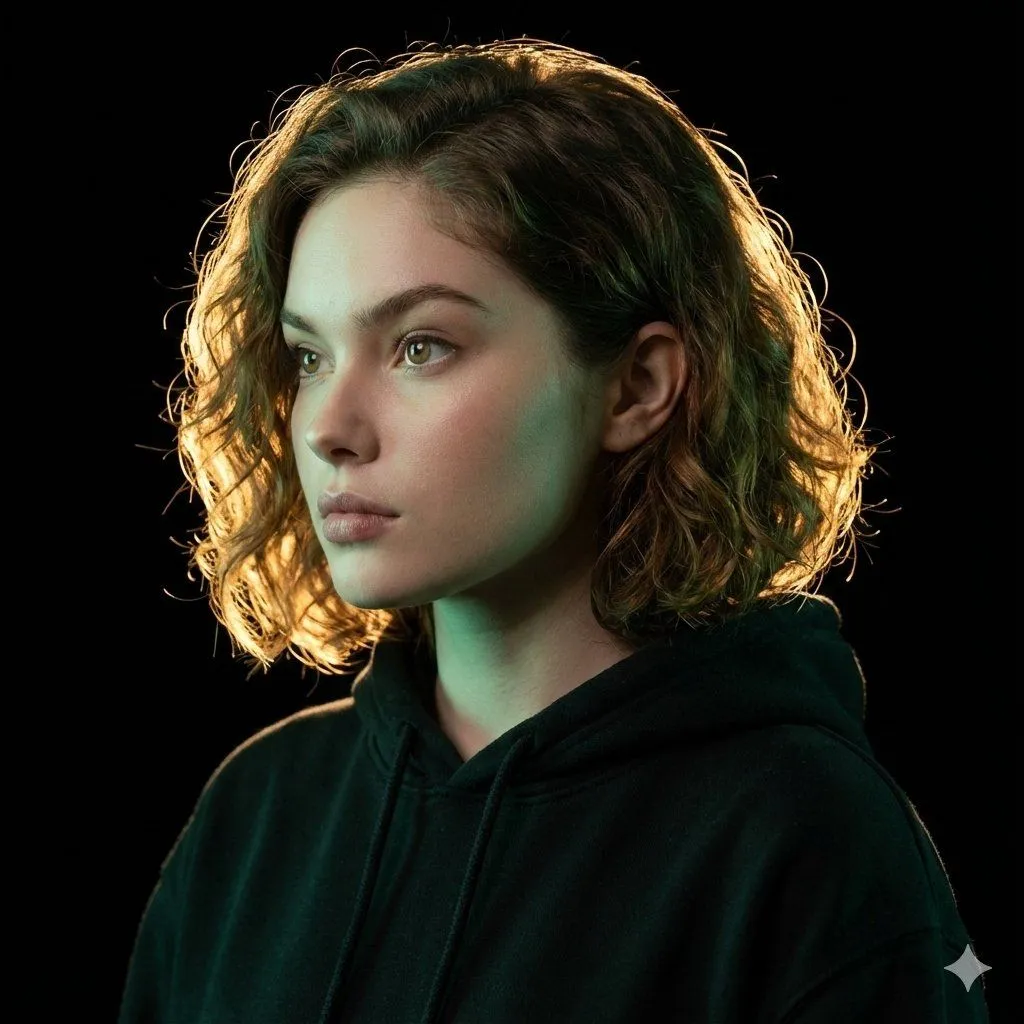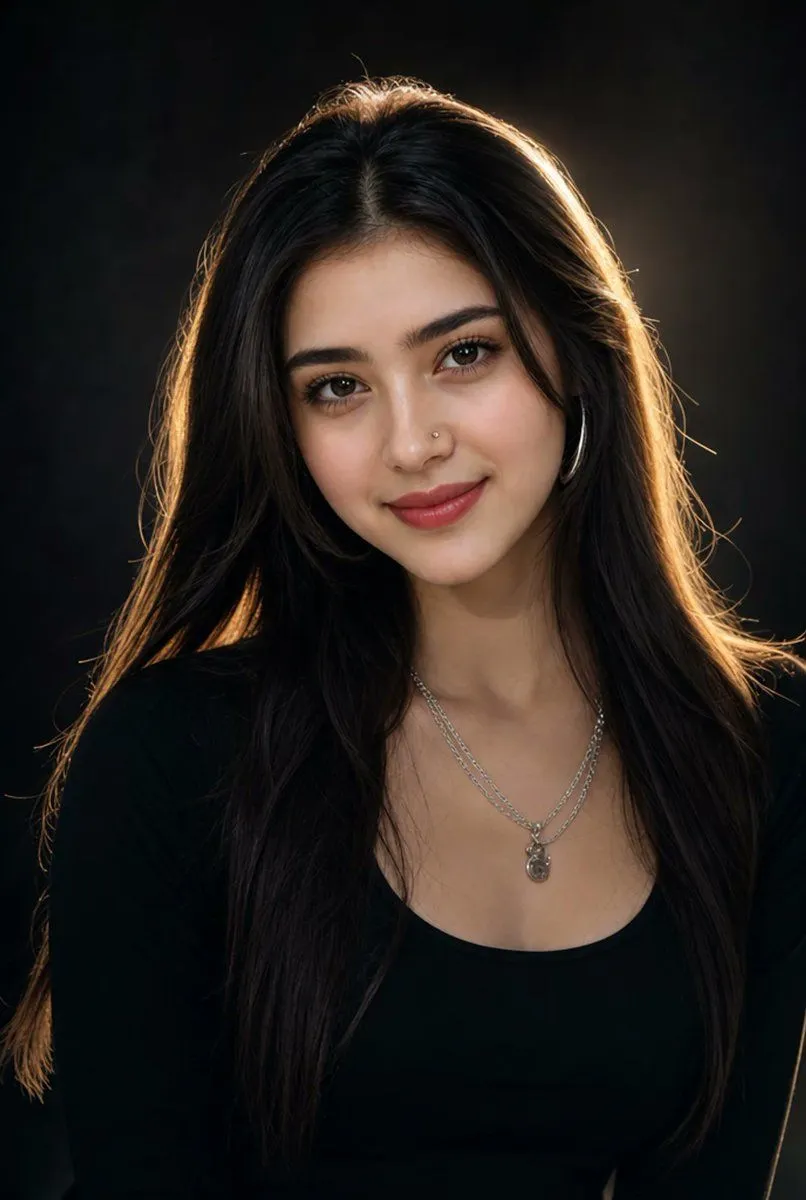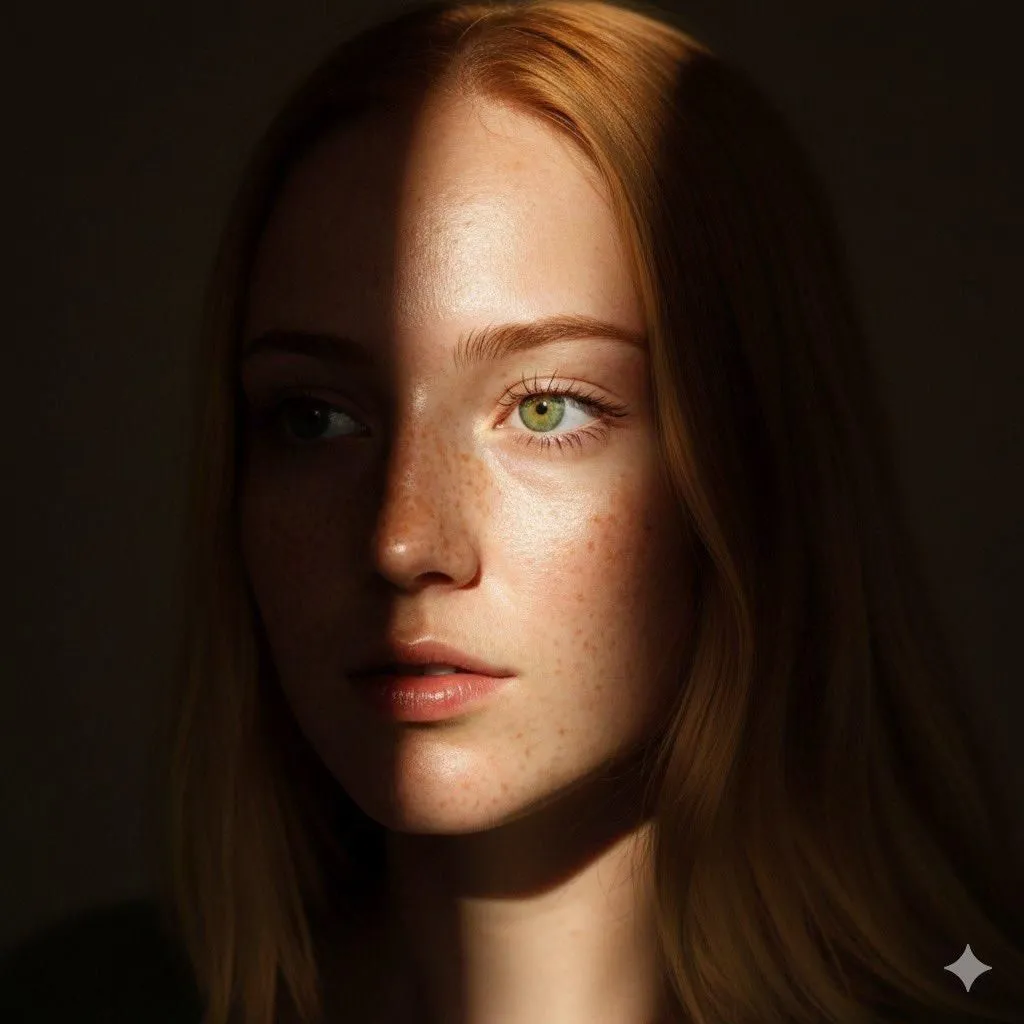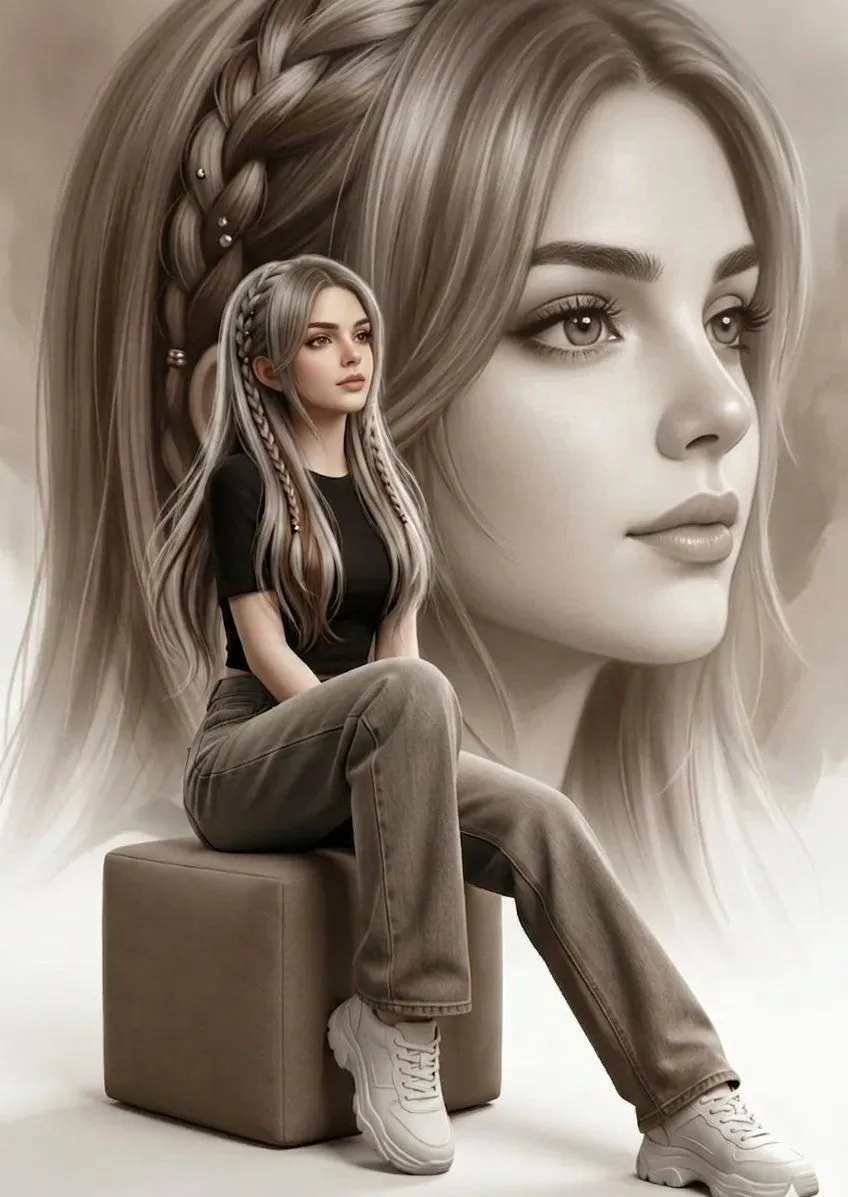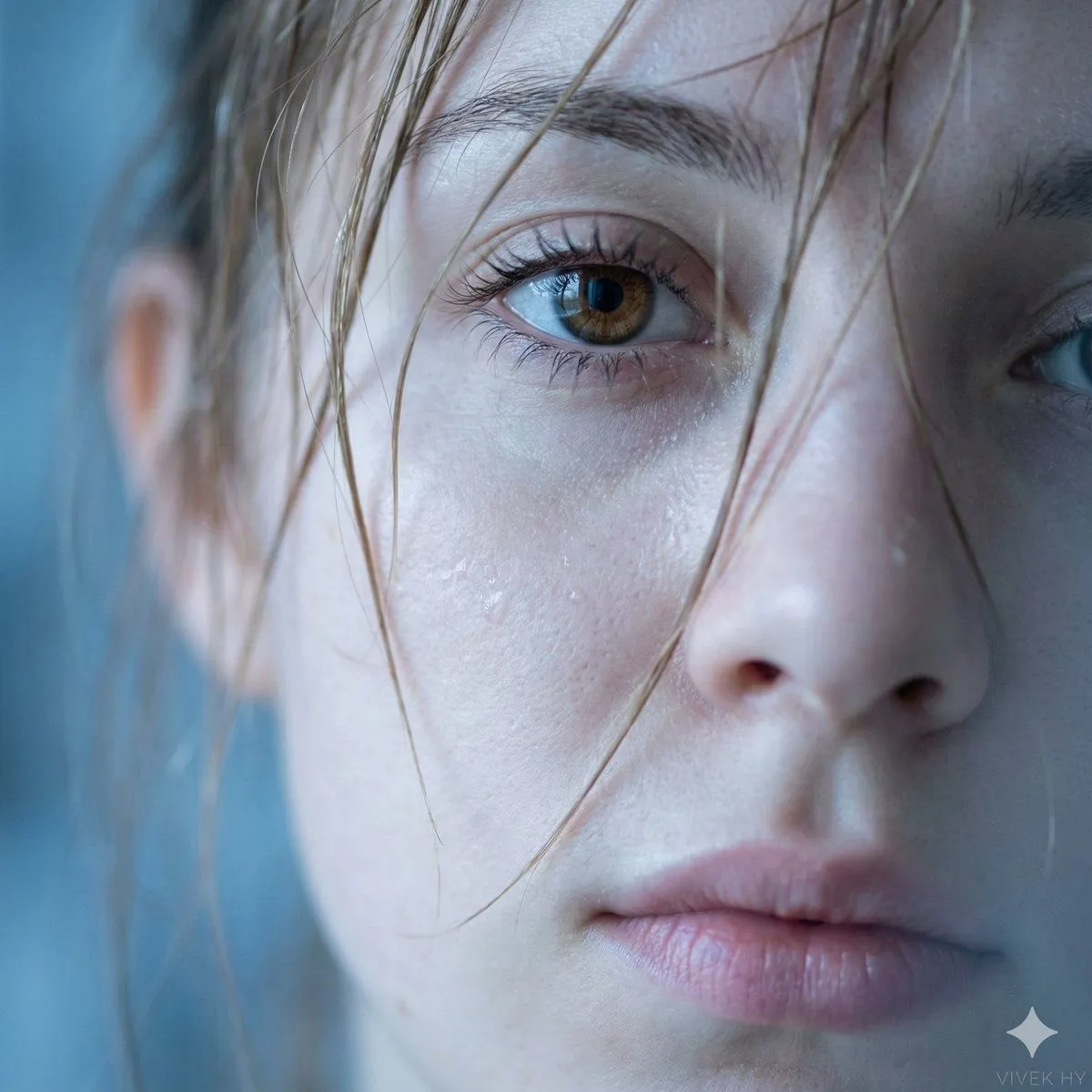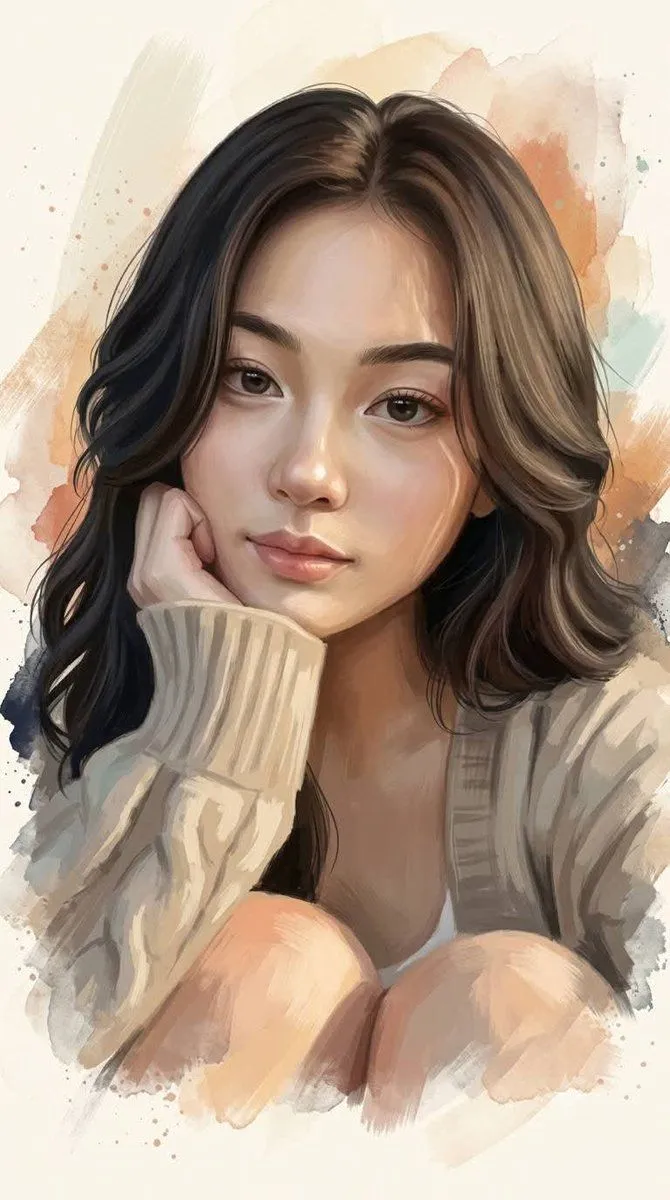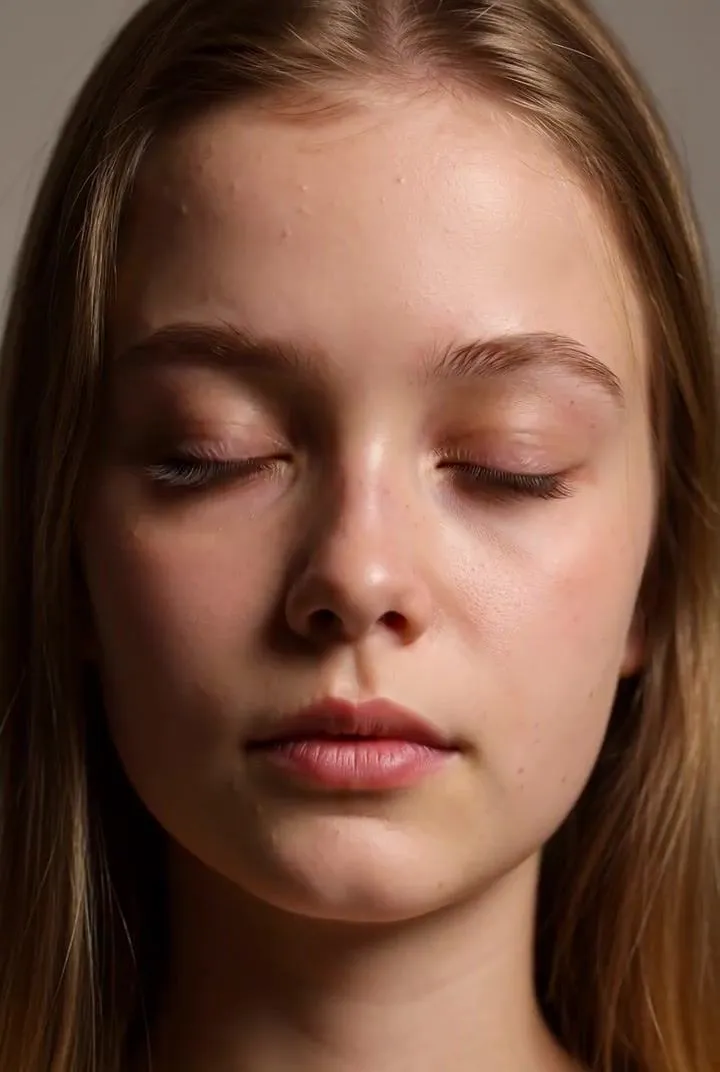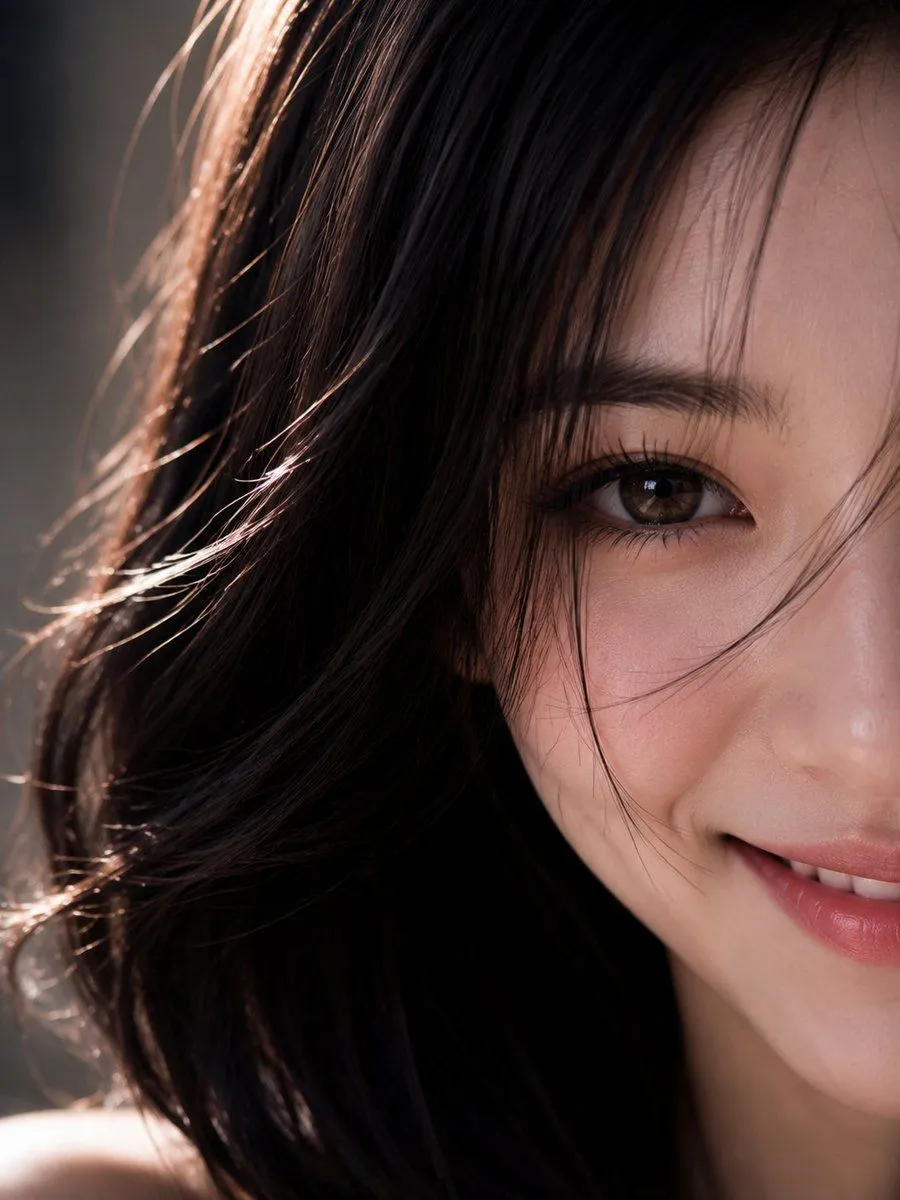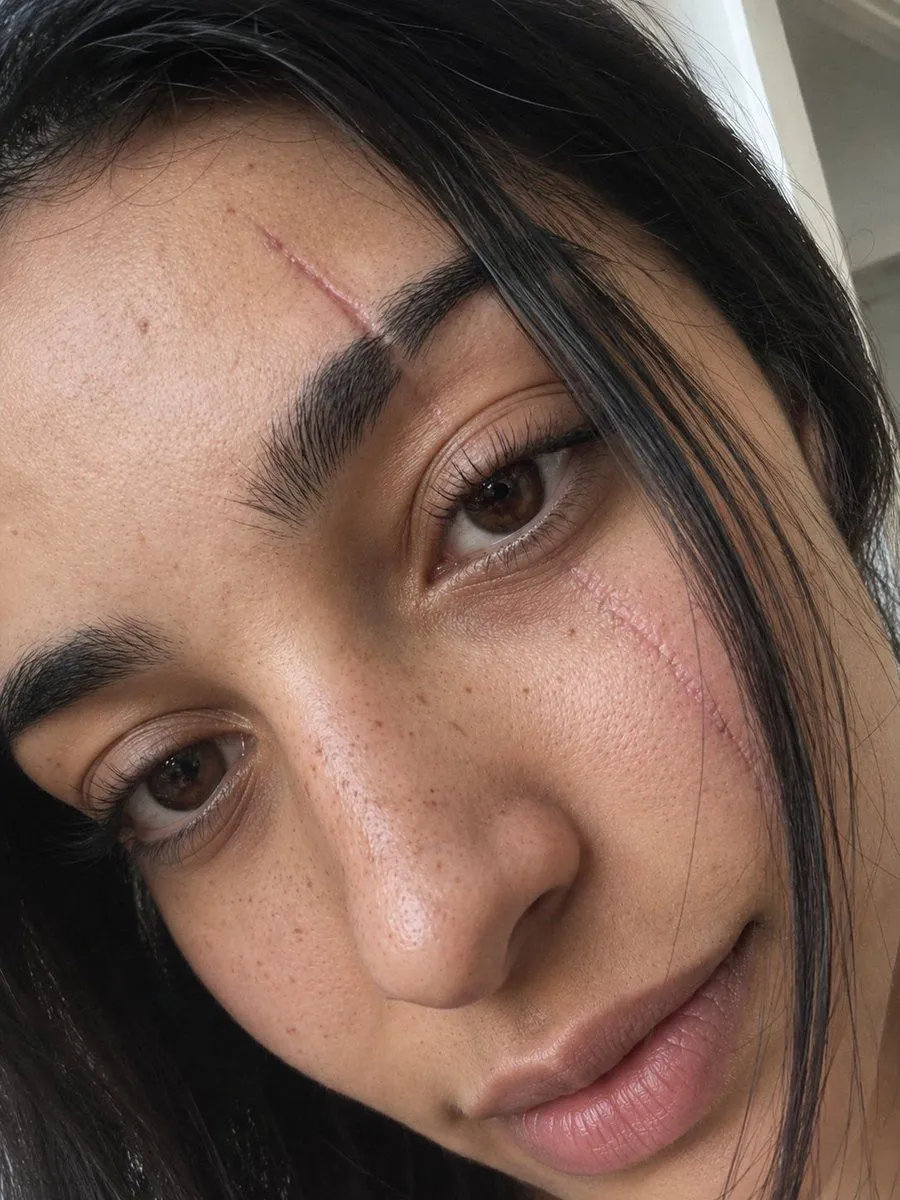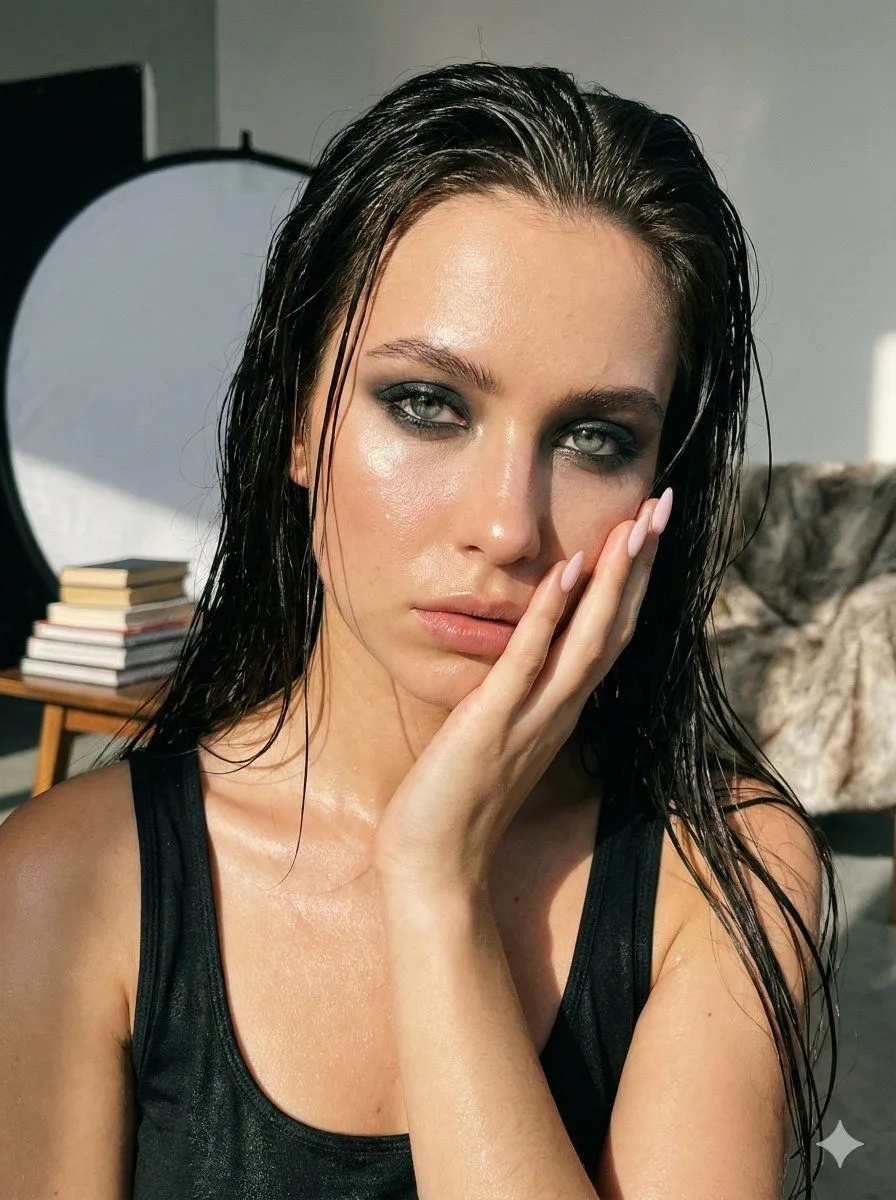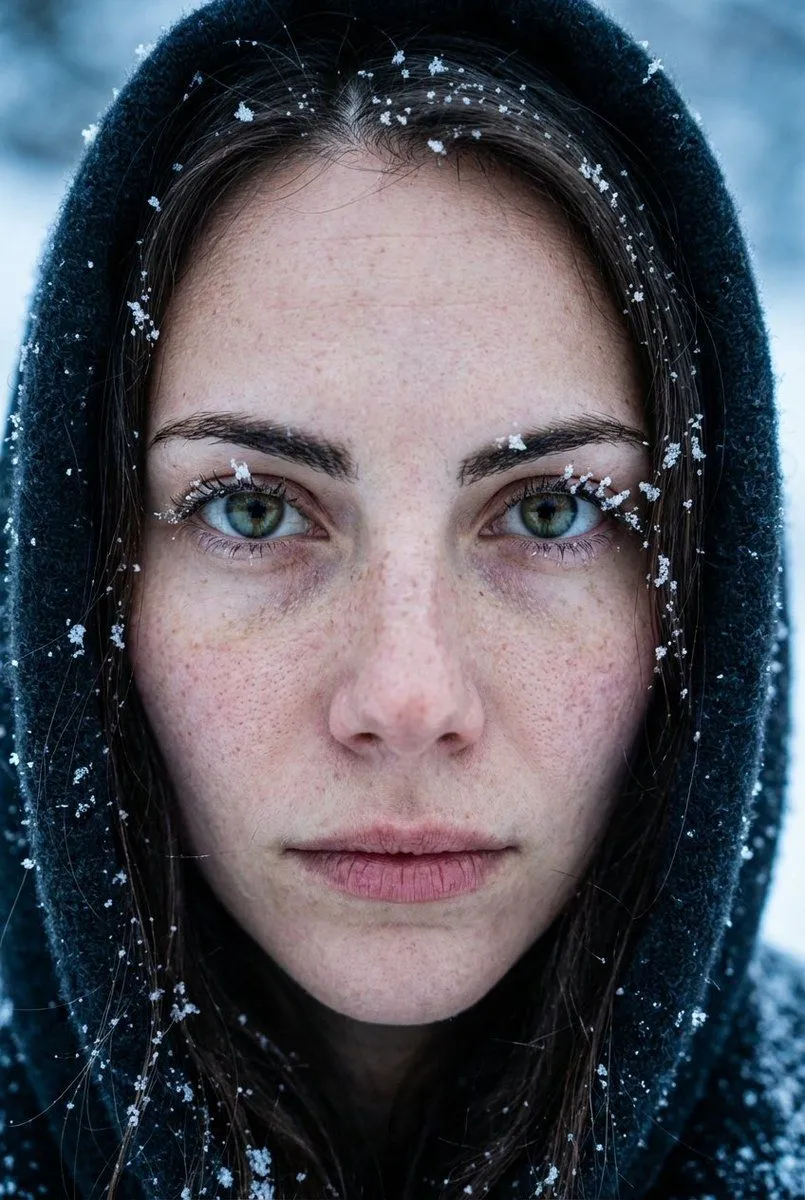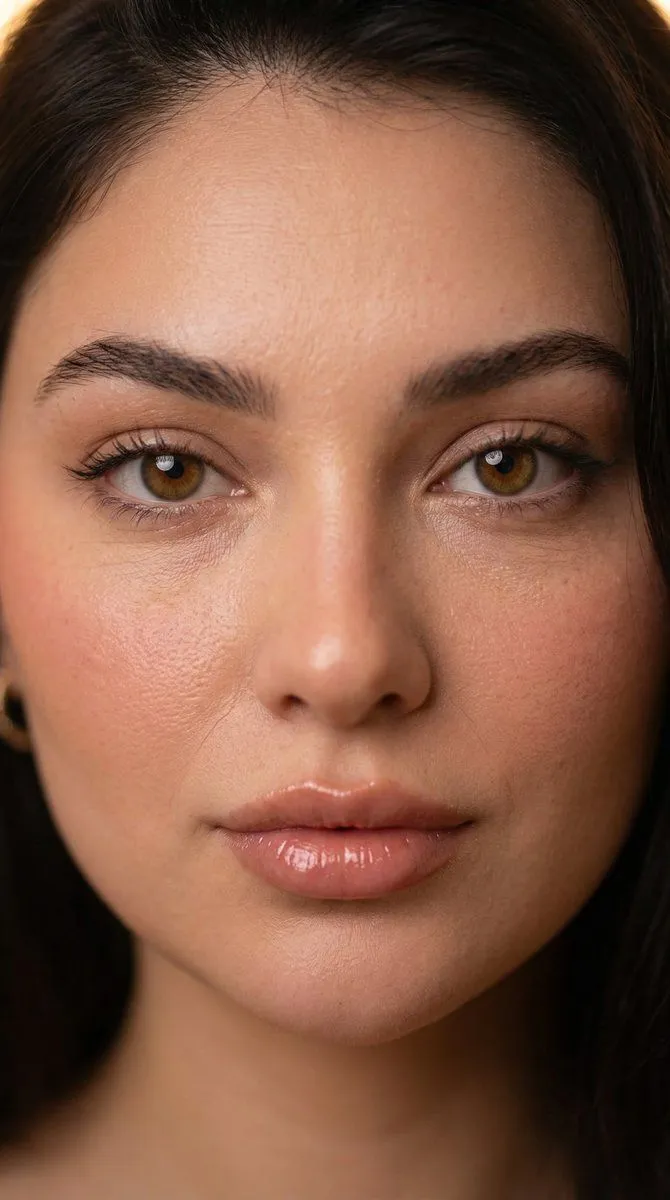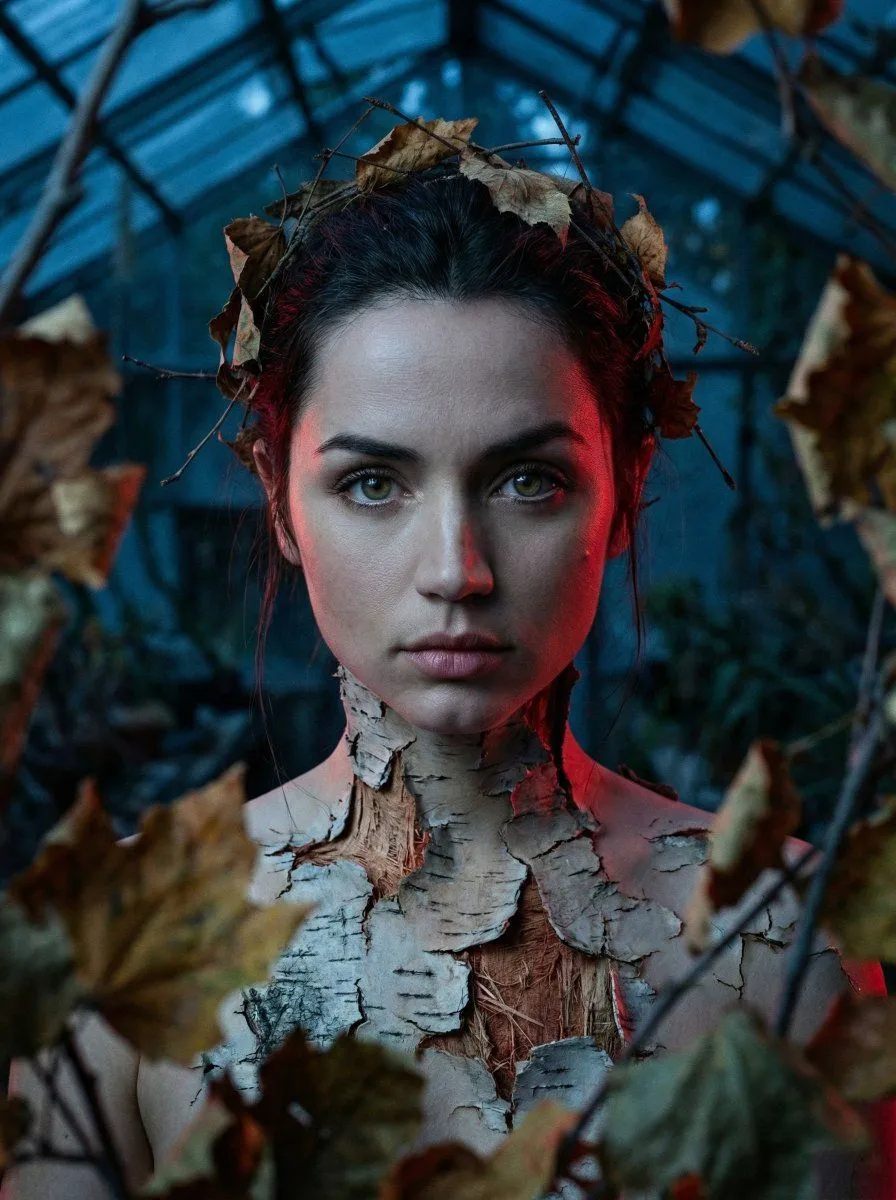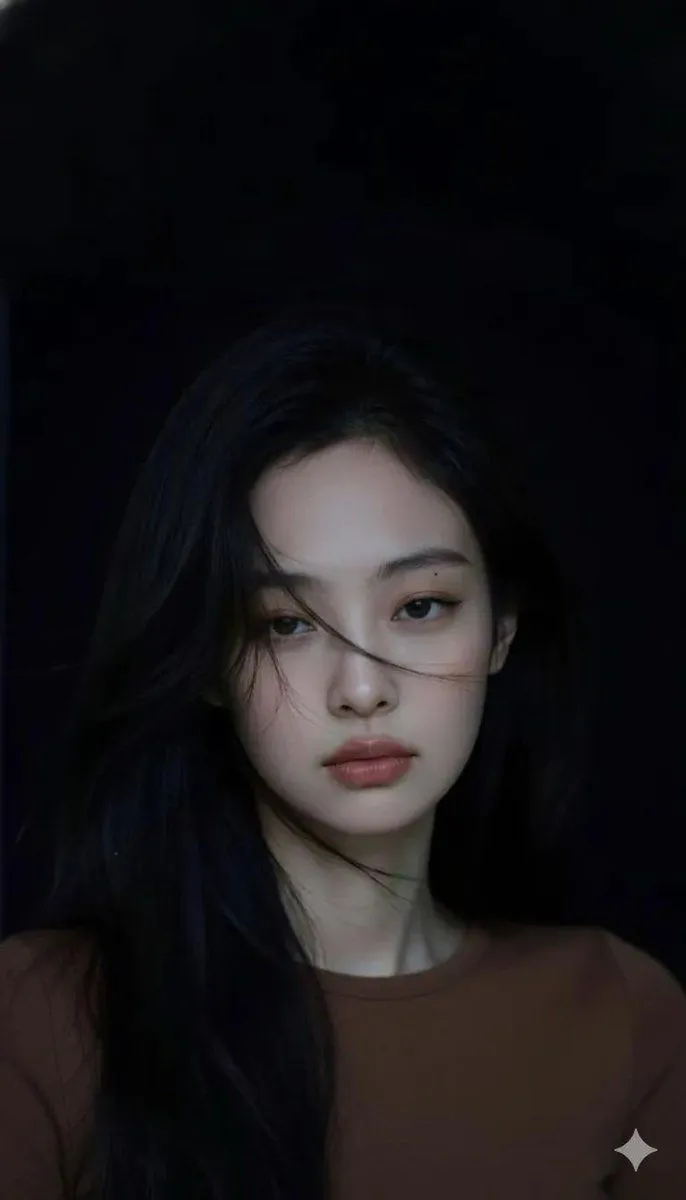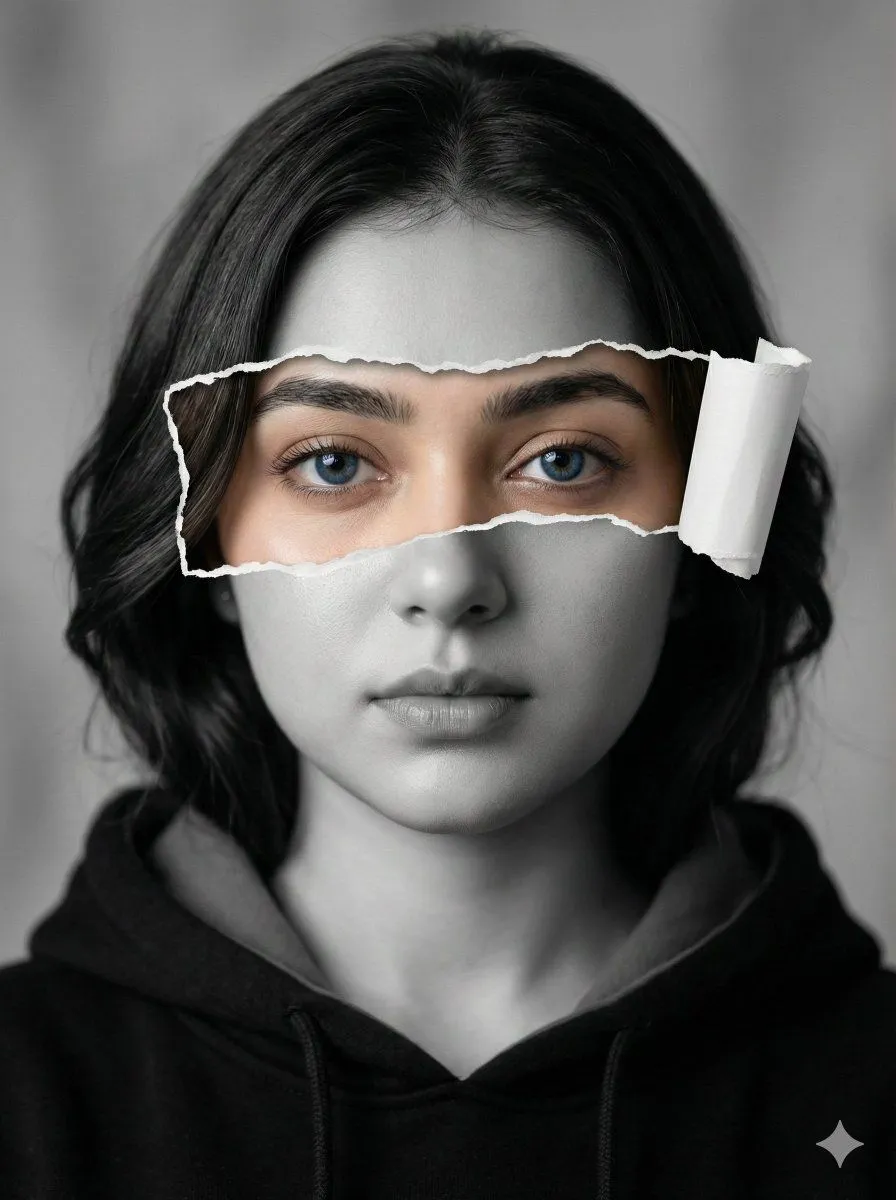
Made with Nano Banana Pro in Gemini by Library Social. Promptclay never generates images.
Hyperrealistic Black-and-White Portrait with Selective Color
Prompt
1 blank to fill{ "style": { "art_direction": "hyperrealistic", "color_scheme": "black-and-white with selective color", "execution": "high-resolution photo-manipulation" }, "subject": { "type": "young woman", "hair": { "color": "dark", "style": "soft waves or sleek straight", "grooming": "beautifully styled" }, "makeup": { "look": "subtle", "features": [ "defined eyebrows", "natural skin finish" ] }, "expression": "serious yet serene", "gaze": { "direction": "directly into camera", "eyes": { "color": "{eye_color}", "quality": "intense and piercing", "rendering": "vivid full color" } } }, "composition": { "portrait_type": "close-up", "effect": { "type": "ripped-paper", "orientation": "horizontal", "coverage": "across face", "reveals": "eye area in full natural skin tone and color", "edges": { "appearance": "authentic and organic", "detail": "one flap slightly curled outward", "depth": "enhanced realism" } } }, "clothing": { "garment": "hoodie", "color": "dark", "details": [ "visible inner collar" ] }, "lighting": { "type": "soft and balanced", "highlights": [ "facial structure", "cheekbones", "skin texture" ], "shadows": "no harsh shadows" }, "background": { "type": "neutral", "treatment": "soft blur" }, "mood": [ "mysterious", "introspective", "deeply artistic" ] }
Preview of your prompt
{ "style": { "art_direction": "hyperrealistic", "color_scheme": "black-and-white with selective color", "execution": "high-resolution photo-manipulation" }, "subject": { "type": "young woman", "hair": { "color": "dark", "style": "soft waves or sleek straight", "grooming": "beautifully styled" }, "makeup": { "look": "subtle", "features": [ "defined eyebrows", "natural skin finish" ] }, "expression": "serious yet serene", "gaze": { "direction": "directly into camera", "eyes": { "color": "blue", "quality": "intense and piercing", "rendering": "vivid full color" } } }, "composition": { "portrait_type": "close-up", "effect": { "type": "ripped-paper", "orientation": "horizontal", "coverage": "across face", "reveals": "eye area in full natural skin tone and color", "edges": { "appearance": "authentic and organic", "detail": "one flap slightly curled outward", "depth": "enhanced realism" } } }, "clothing": { "garment": "hoodie", "color": "dark", "details": [ "visible inner collar" ] }, "lighting": { "type": "soft and balanced", "highlights": [ "facial structure", "cheekbones", "skin texture" ], "shadows": "no harsh shadows" }, "background": { "type": "neutral", "treatment": "soft blur" }, "mood": [ "mysterious", "introspective", "deeply artistic" ] }
DetailsVersions, settings and questions
Written for
What's in the prompt
- Subject
- Model
- Nano Banana Pro
If your face changes
keep my face exactly the sameQuestions
- Does this work in the Gemini app?
- Yes. Gemini runs Nano Banana, so paste the prompt and attach your photo if it uses one.
- It changed my face. What do I do?
- Add "keep my face exactly the same" to the end and run it again.
- Can I use the images I make?
- Check the terms of the app you use. Promptclay never generates images and claims nothing you make.