Tell us anything

An idea, a bug, something you love. We read every note.

⌘↵ to send. The page you're on comes along.

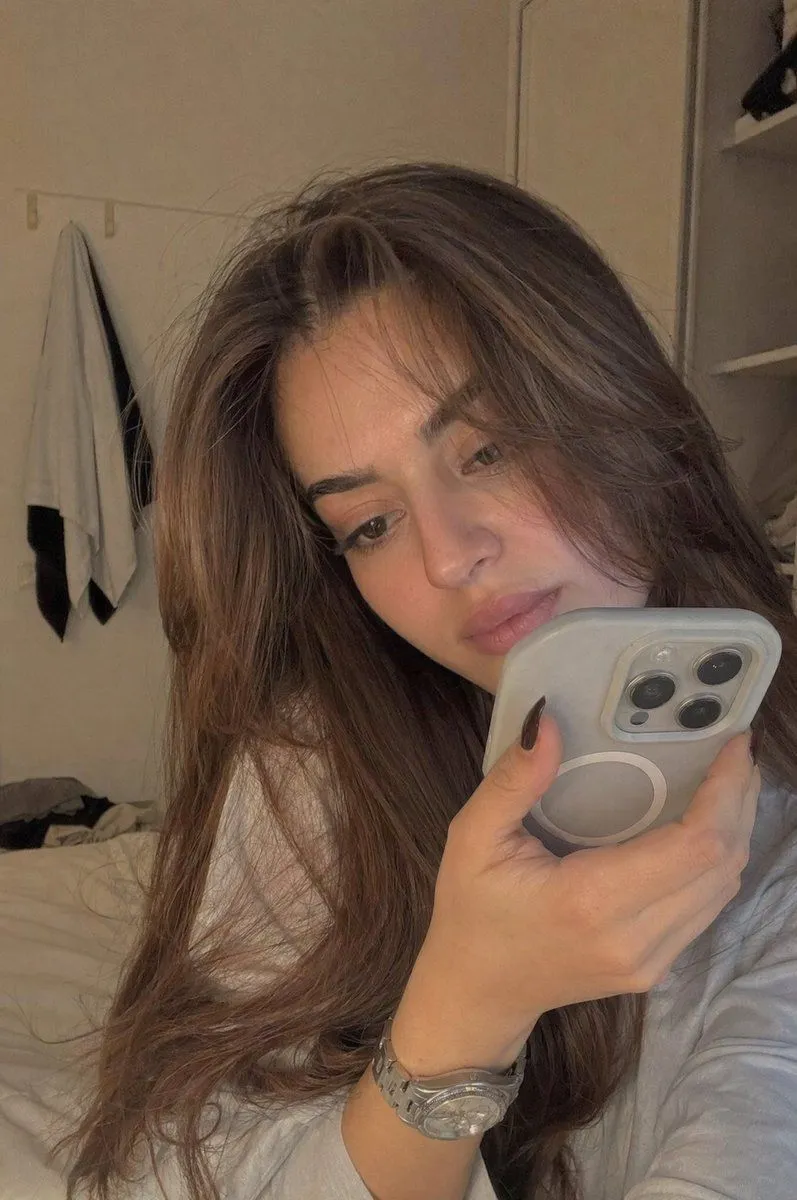
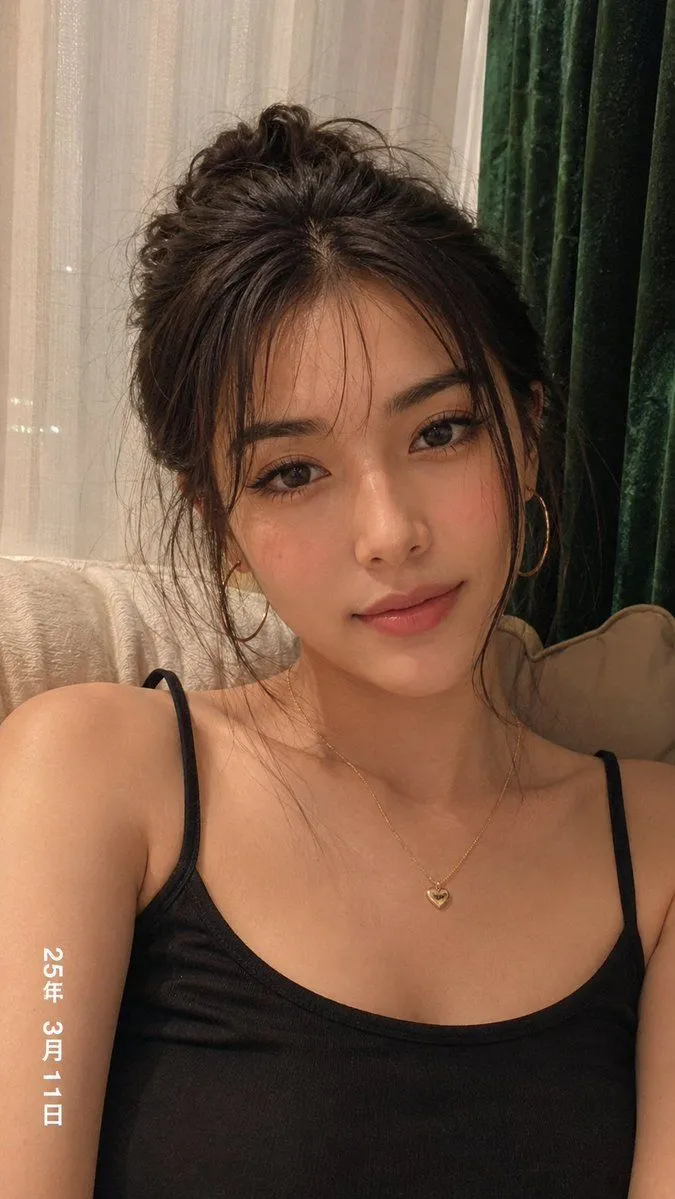
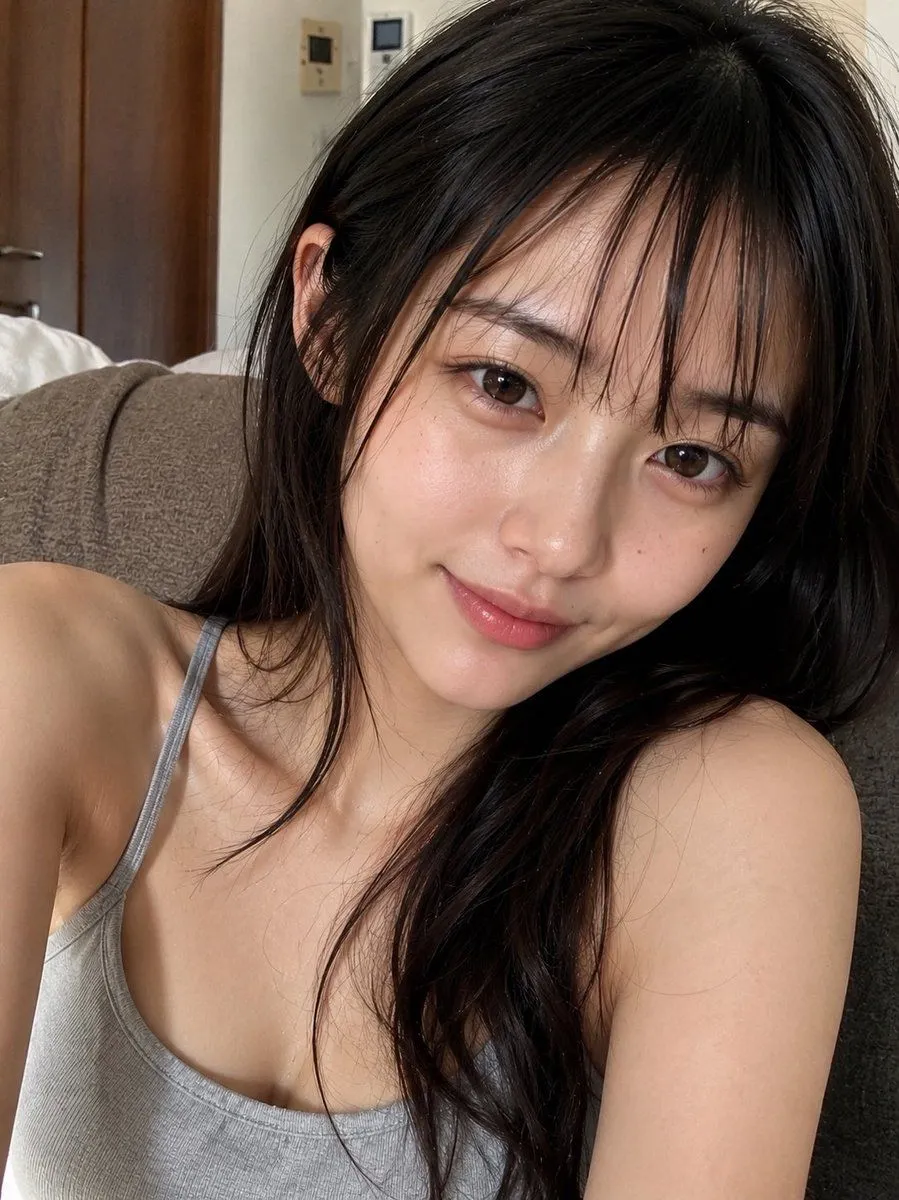
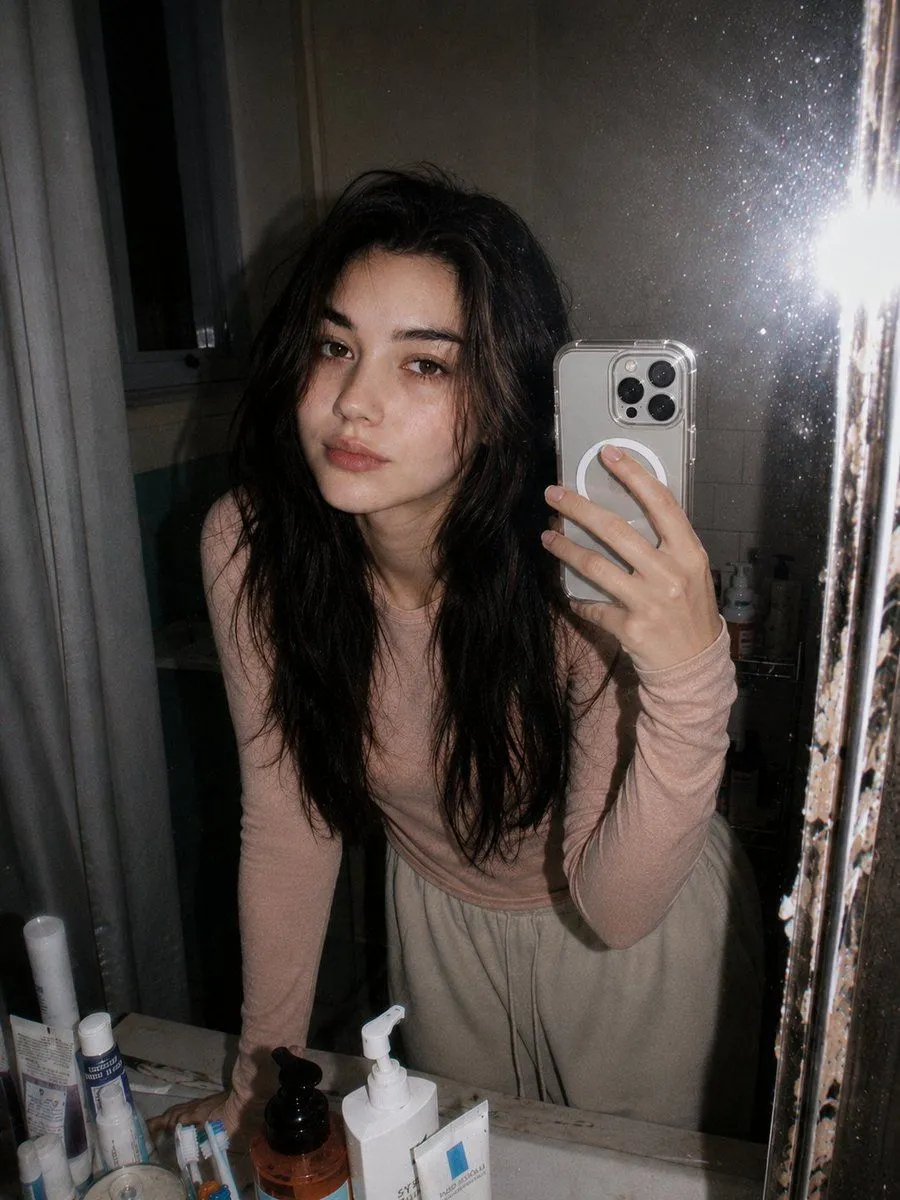
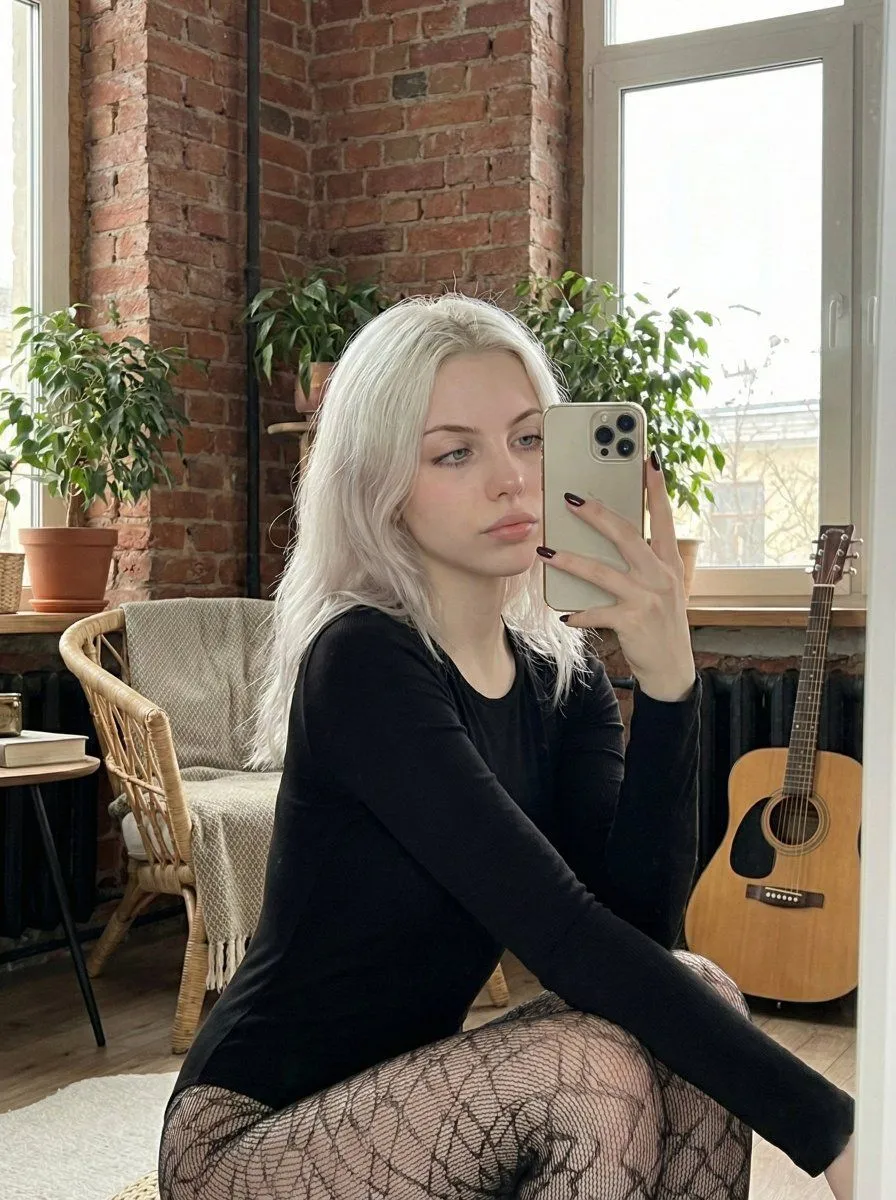
Hyper-Realistic Mirror Selfie Prompt

Made with Nano Banana Pro in Gemini by Library Portraits. Promptclay never generates images.

Did it work?

No reports yet. Tell others if it worked for you.

No comments yet. Be the first.

    Hyper-Realistic Mirror Selfie Prompt

    Nano Banana Pro3:4AI-generated

    Prompt

    {   "subject": {     "character": "uploaded_photo",     "face_consistency": "true",     "body_consistency": "true",     "gender": "female",     "age_appearance": "young adult, early 20s",     "ethnicity": "Northern European",     "emotion": "composed, neutral, effortless, calm focus",     "hair": {       "color": "icy platinum blonde",       "length": "long, past shoulders",       "style": "straight with soft natural movement",       "texture": "silky, light-reflecting, fine strands",       "placement": "cascading over shoulders"     },     "face": {       "visibility": "partially visible in reflection",       "profile_visibility": "three-quarter view",       "skin_tone": "fair, pale, porcelain",       "expression": "neutral, relaxed lips, blue eyes looking at phone screen"     }   },   "meta": {     "aspect_ratio": "9:16",     "camera": "iPhone 15 Pro Max rear camera",     "lens": "24mm f/1.78 main lens equivalent",     "focal_character": "sharp focus on subject, natural depth of field",     "quality": "ultra photorealistic, 8k resolution",     "style": "authentic mirror selfie, raw mobile photography, natural daylight, subtle skin texture"   },   "visibility_rules": {     "mirror_only": true,     "no_direct_subject_visibility": true,     "no_body_parts_outside_mirror": true   },   "camera_angle": {     "vertical_position": "eye level",     "horizontal_alignment": "centered",     "tilt": "0 degree tilt",     "yaw": "facing mirror directly",     "roll": "no rotation",     "distance_to_mirror_meters": 1.0,     "handheld_behavior": "slight natural handheld lean"   },   "body_angle": {     "global_orientation": "crouching or squatting position",     "torso_rotation_degrees": 15,     "shoulder_alignment": "relaxed, one shoulder slightly higher holding phone",     "hip_rotation_degrees": 45,     "weight_distribution": "balanced on balls of feet in a squat",     "posture": "compact, athletic, modern pose"   },   "head_angle": {     "rotation_degrees": 10,     "tilt": "subtle side tilt",     "chin_position": "neutral",     "neck_tension": "relaxed"   },   "phone_angle": {     "phone_model": "Gold iPhone 15 Pro Max with triple-lens system",     "height_relative_to_face": "partial coverage of the left cheek",     "distance_from_face_cm": 25,     "angle": "slight inward tilt toward subject",     "coverage": "phone obscures a portion of the face but leaves eyes and hair visible"   },   "pose": {     "legs": {       "stance": "deep squat",       "front_leg": "bent, knee pointing toward camera",       "back_leg": "bent, supporting weight"     },     "hips": {       "action": "tucked in a crouching silhouette"     },     "arms": {       "phone_hand": "right hand holding phone, index finger on side",       "free_hand": "left arm resting on knee"     }   },   "clothing": {     "outfit_type": "long-sleeve bodysuit with patterned tights",     "color": "solid black top, black patterned bottoms",     "ma

    Works in
    Gemini, ChatGPT
    Status
    Free to copy
    0
    DetailsVersions, settings and questions

    Written for

    What's in the prompt

    Subject
    Model
    Nano Banana Pro

    If your face changes

    keep my face exactly the same

    Questions

    Does this work in the Gemini app?
    Yes. Gemini runs Nano Banana, so paste the prompt and attach your photo if it uses one.
    It changed my face. What do I do?
    Add "keep my face exactly the same" to the end and run it again.
    Can I use the images I make?
    Check the terms of the app you use. Promptclay never generates images and claims nothing you make.
    Similar prompts

    See more
    • Gen Z Fashion Mirror Selfie in a Fitting Room
    • System Prompt for High-Control Photorealistic Image Generation
    • Detailed Mirror Selfie Generation Prompt
    • Ethereal Night Selfie Portrait
    • JSON Prompt Generation for Hyper-Realistic AI Photos
    • Ultra-Realistic Bedroom Selfie
    • Cozy Scandinavian Cabin Selfie Portrait
    • Realistic Bedroom Phone Recording Style
    • Hyper-Realistic Young Woman Self-Portrait
    • Natural Face Realism Modifier
    • Retro 90s Disposable Camera Flash Portrait
    • Four-Panel Image Generation with Specific Location and Perspective Prompt
    • Romantic Rainy City Moment
    • Surreal Botanical Fashion Editorial
    • Cyberpunk Science Portrait
    • Hand-Carved Wooden Miniature Figure
    • Human Fragments Editorial Poster
    • Hyper-realistic Cobalt Blue Coconut Still Life
    • Hyperrealistic Tattooed Elf Couple
    • Multi-Angle Scene Generation Prompt (Oshi no Ko Style)
    • Nano Banana Pro Thumbnail Generation Example
    • Newspaper Collage Shadow Portrait
    • Sophisticated Oil Portrait Painting
    • The Lighthouse Keeper Storyboard

    Show more

    Run it on your phone

    1. Prompt copiedRead it

      {   "subject": {     "character": "uploaded_photo",     "face_consistency": "true",     "body_consistency": "true",     "gender": "female",     "age_appearance": "young adult, early 20s",     "ethnicity": "Northern European",     "emotion": "composed, neutral, effortless, calm focus",     "hair": {       "color": "icy platinum blonde",       "length": "long, past shoulders",       "style": "straight with soft natural movement",       "texture": "silky, light-reflecting, fine strands",       "placement": "cascading over shoulders"     },     "face": {       "visibility": "partially visible in reflection",       "profile_visibility": "three-quarter view",       "skin_tone": "fair, pale, porcelain",       "expression": "neutral, relaxed lips, blue eyes looking at phone screen"     }   },   "meta": {     "aspect_ratio": "9:16",     "camera": "iPhone 15 Pro Max rear camera",     "lens": "24mm f/1.78 main lens equivalent",     "focal_character": "sharp focus on subject, natural depth of field",     "quality": "ultra photorealistic, 8k resolution",     "style": "authentic mirror selfie, raw mobile photography, natural daylight, subtle skin texture"   },   "visibility_rules": {     "mirror_only": true,     "no_direct_subject_visibility": true,     "no_body_parts_outside_mirror": true   },   "camera_angle": {     "vertical_position": "eye level",     "horizontal_alignment": "centered",     "tilt": "0 degree tilt",     "yaw": "facing mirror directly",     "roll": "no rotation",     "distance_to_mirror_meters": 1.0,     "handheld_behavior": "slight natural handheld lean"   },   "body_angle": {     "global_orientation": "crouching or squatting position",     "torso_rotation_degrees": 15,     "shoulder_alignment": "relaxed, one shoulder slightly higher holding phone",     "hip_rotation_degrees": 45,     "weight_distribution": "balanced on balls of feet in a squat",     "posture": "compact, athletic, modern pose"   },   "head_angle": {     "rotation_degrees": 10,     "tilt": "subtle side tilt",     "chin_position": "neutral",     "neck_tension": "relaxed"   },   "phone_angle": {     "phone_model": "Gold iPhone 15 Pro Max with triple-lens system",     "height_relative_to_face": "partial coverage of the left cheek",     "distance_from_face_cm": 25,     "angle": "slight inward tilt toward subject",     "coverage": "phone obscures a portion of the face but leaves eyes and hair visible"   },   "pose": {     "legs": {       "stance": "deep squat",       "front_leg": "bent, knee pointing toward camera",       "back_leg": "bent, supporting weight"     },     "hips": {       "action": "tucked in a crouching silhouette"     },     "arms": {       "phone_hand": "right hand holding phone, index finger on side",       "free_hand": "left arm resting on knee"     }   },   "clothing": {     "outfit_type": "long-sleeve bodysuit with patterned tights",     "color": "solid black top, black patterned bottoms",     "ma

    2. Open your app

    3. Paste and run

      Press and hold the message box, then tap Paste. Add your photo first if the prompt uses one. You may need to sign in.

    Hyper-Realistic Mirror Selfie Prompt