Tell us anything

An idea, a bug, something you love. We read every note.

⌘↵ to send. The page you're on comes along.

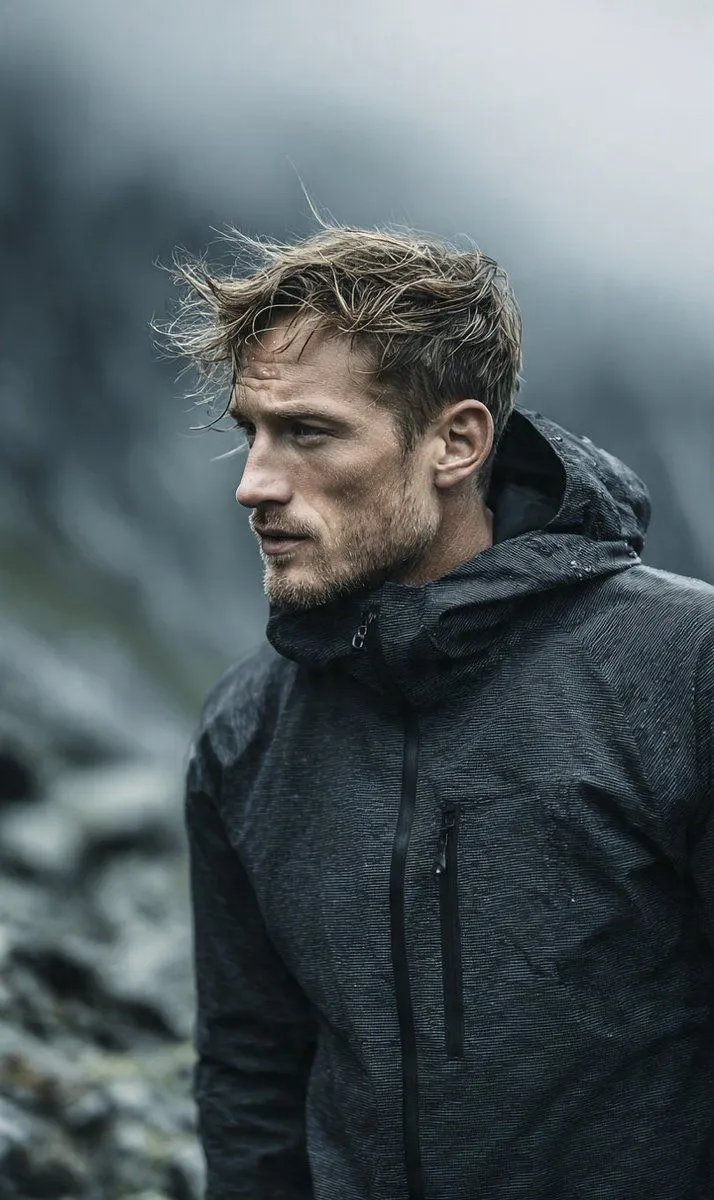
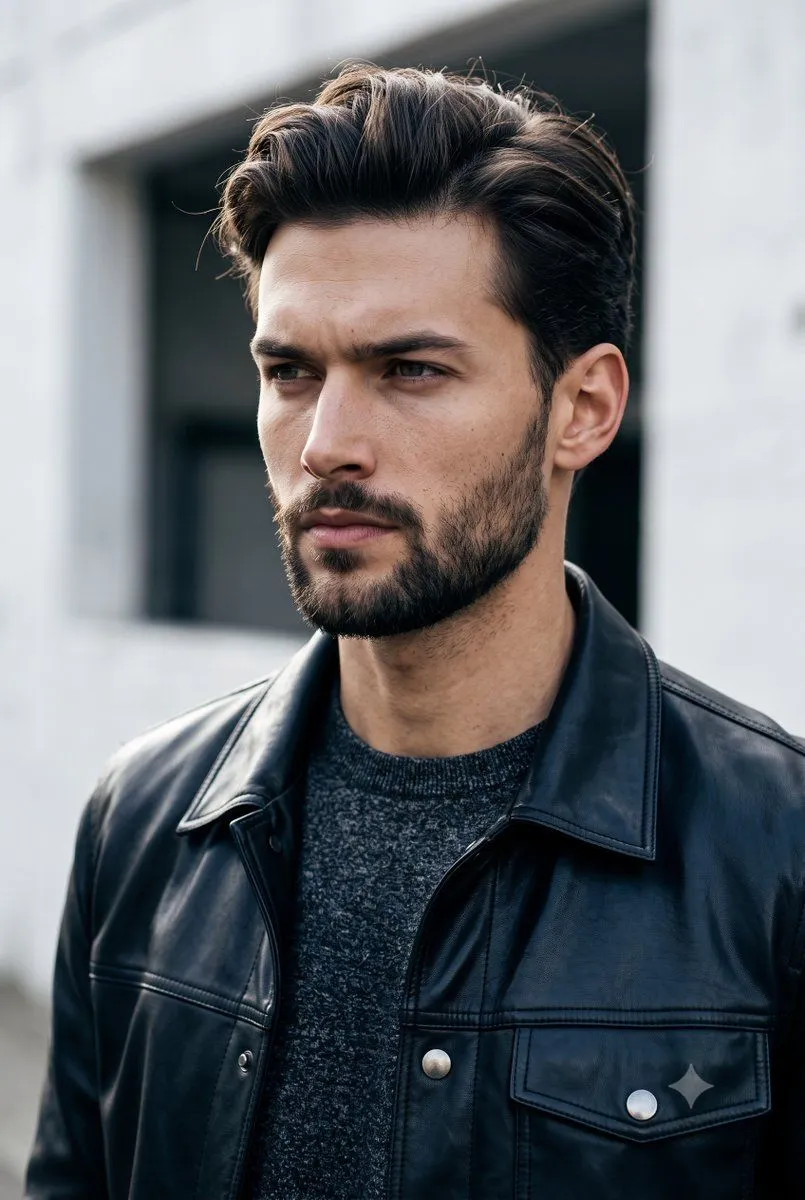
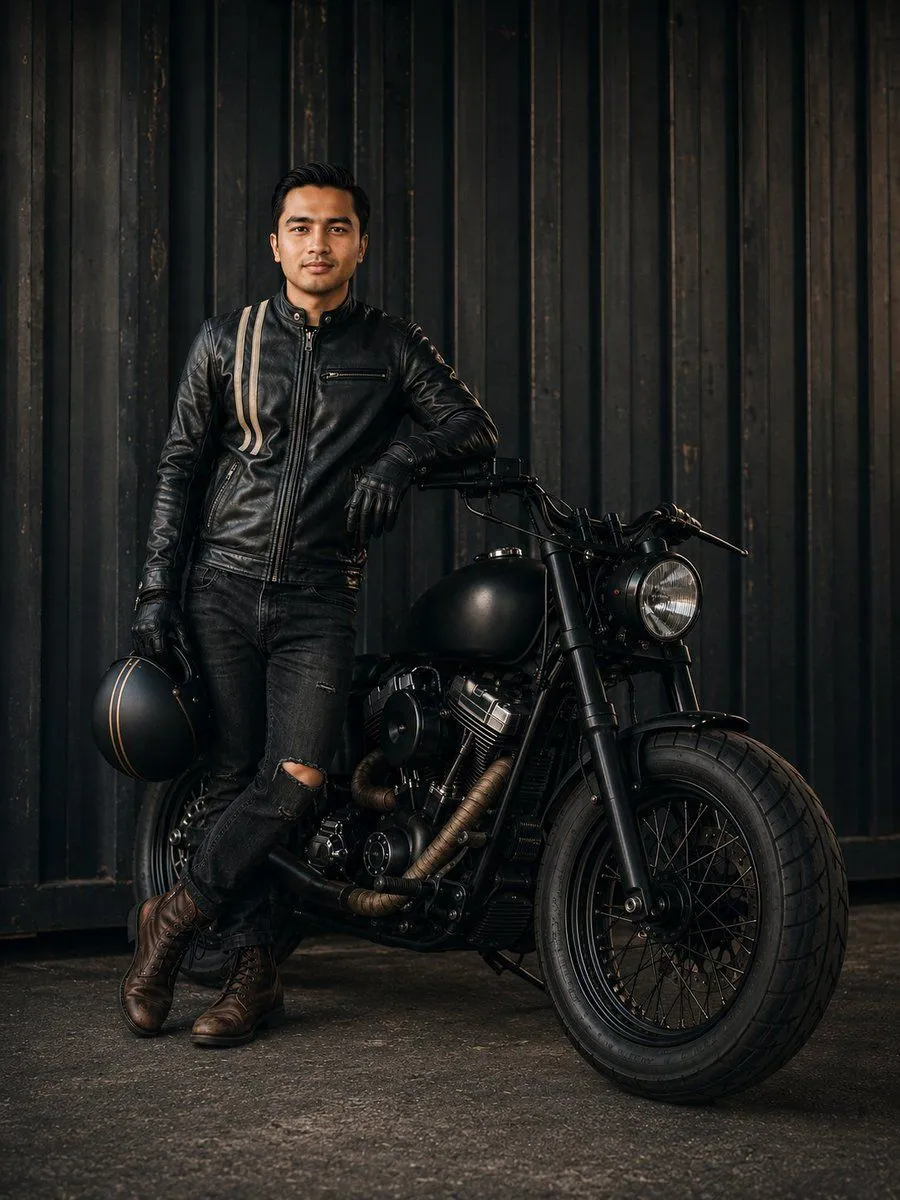
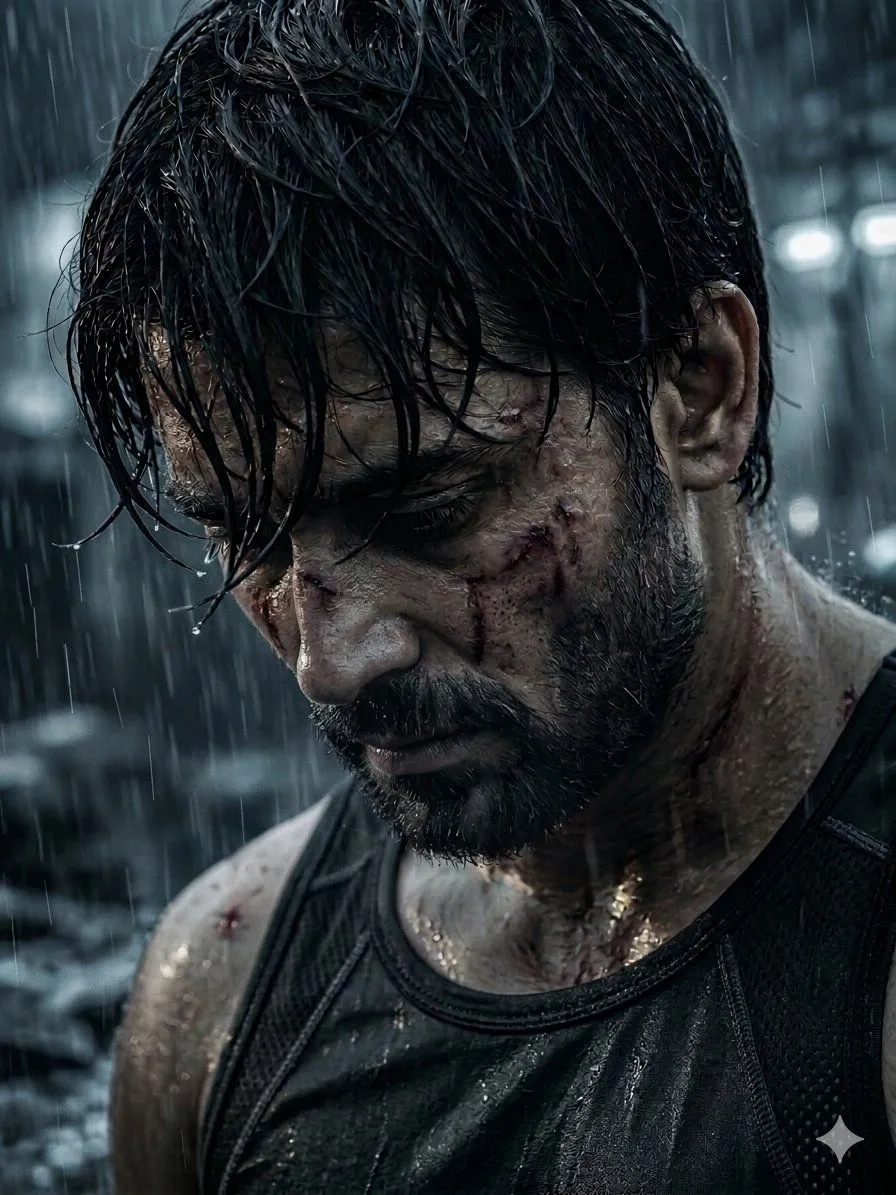
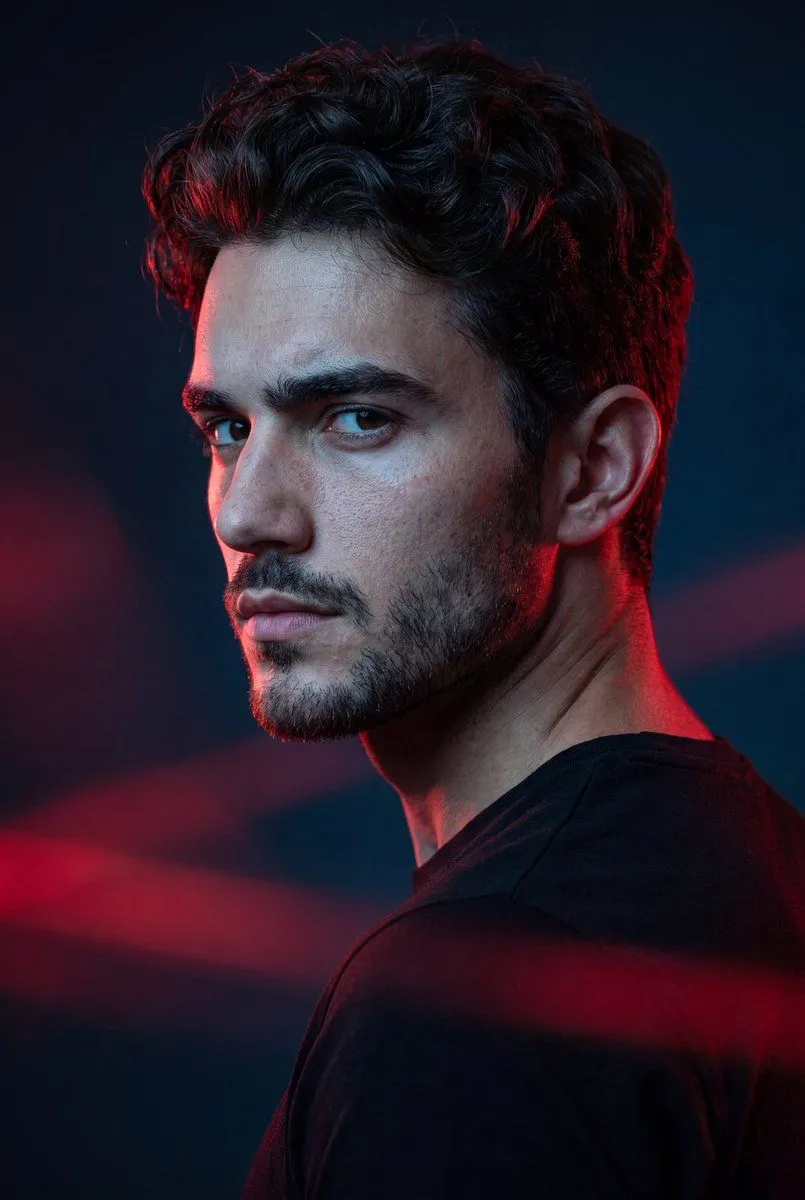
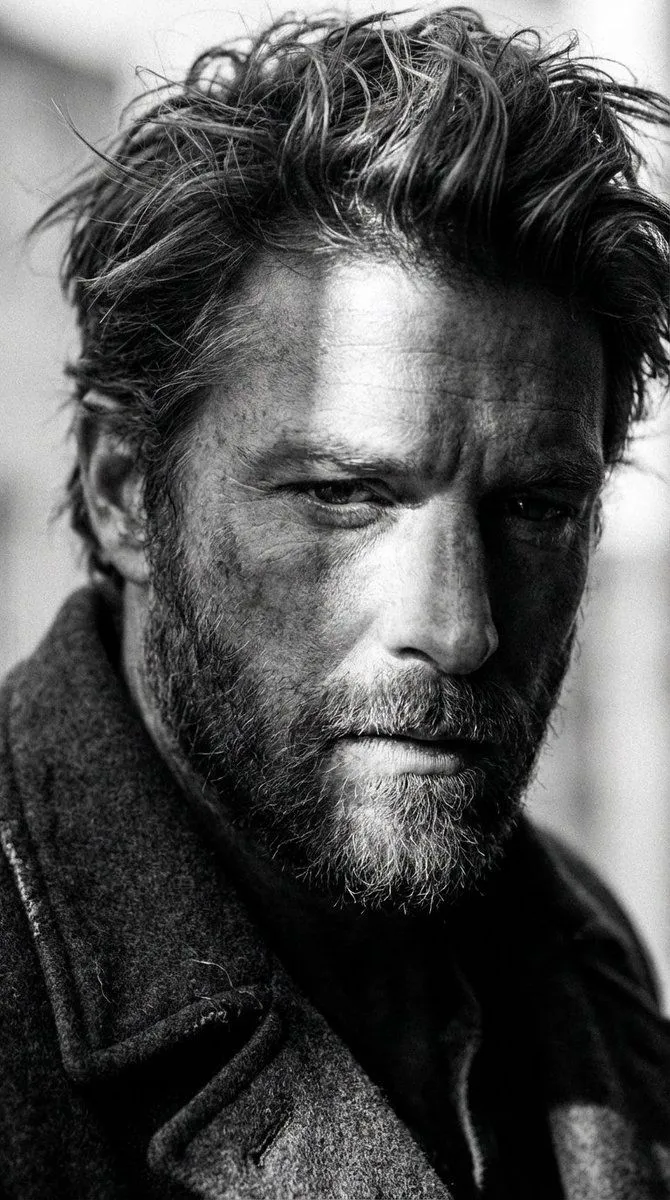
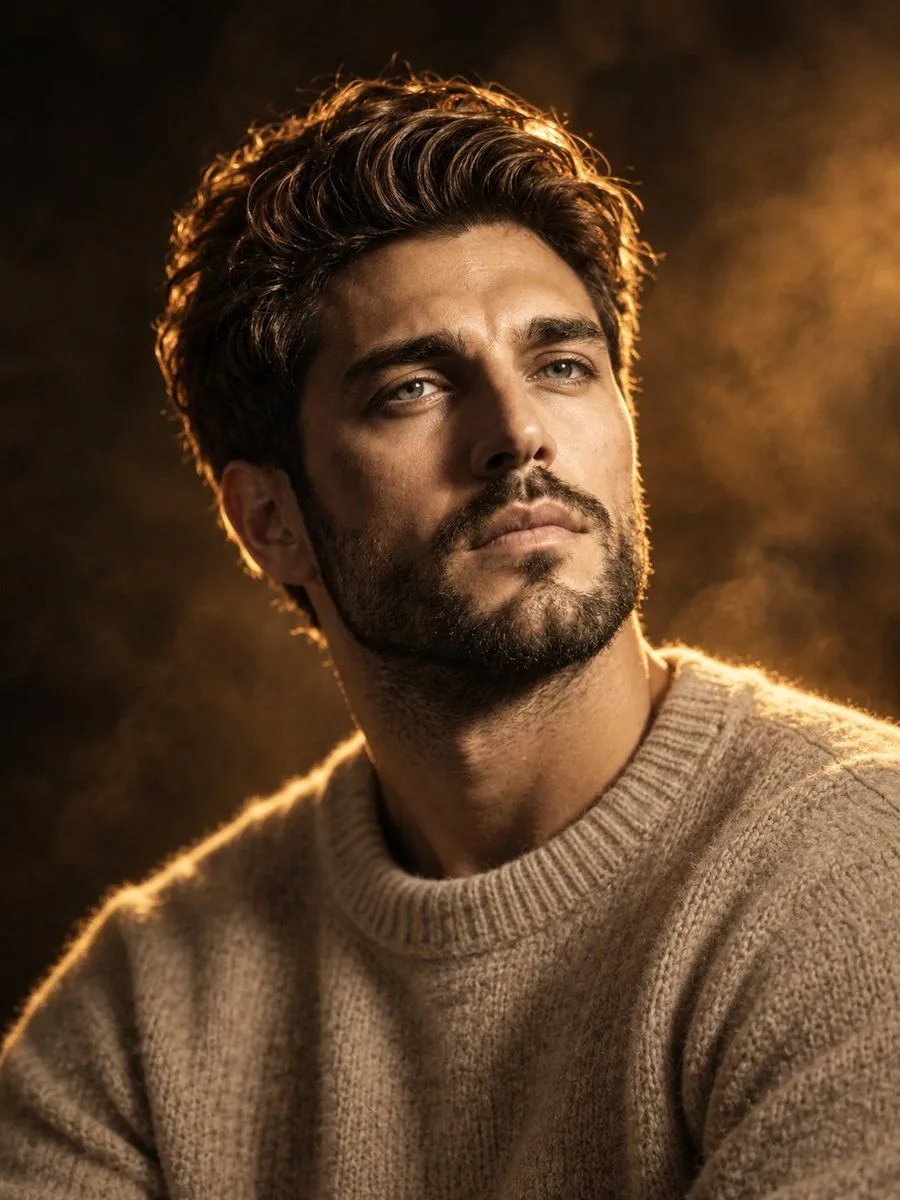
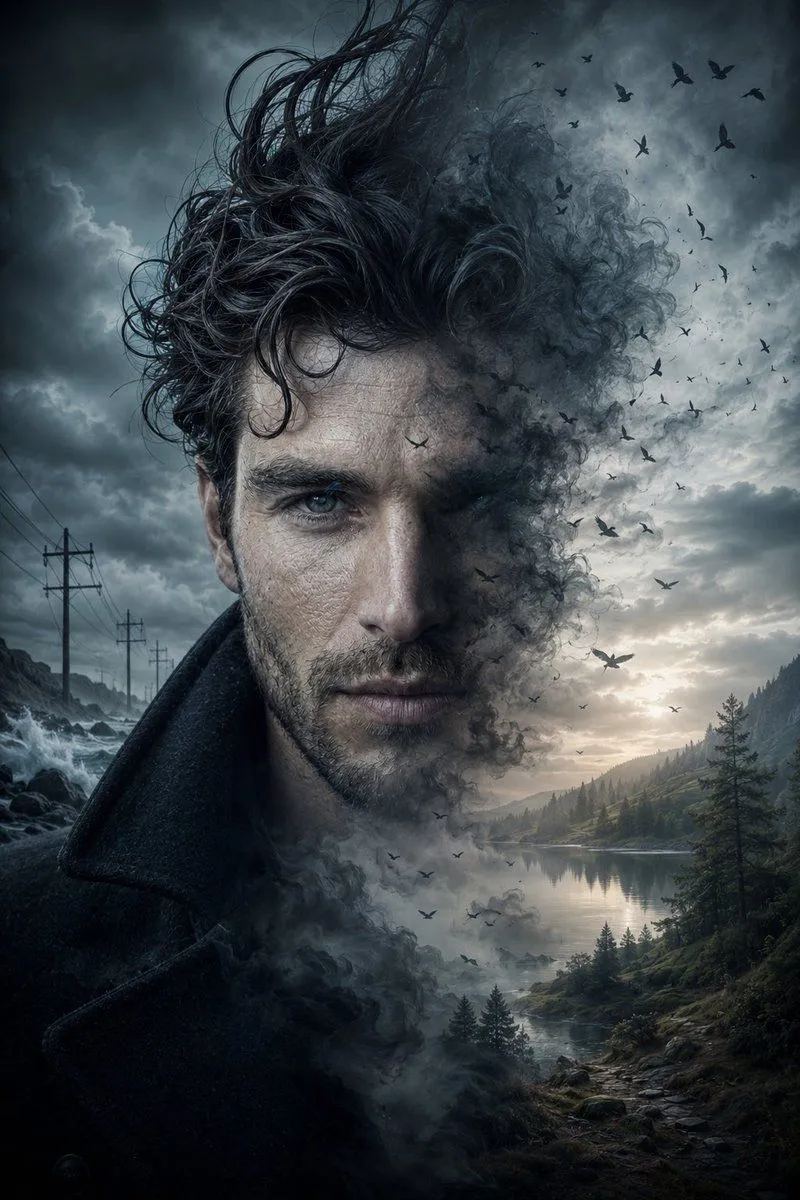
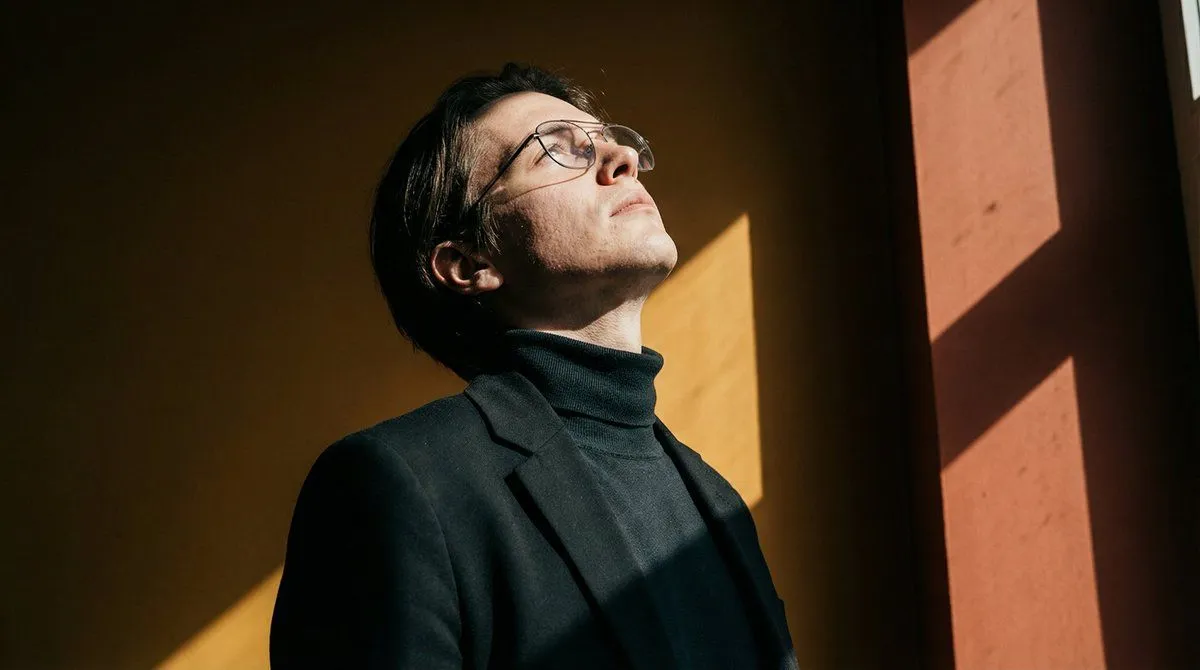
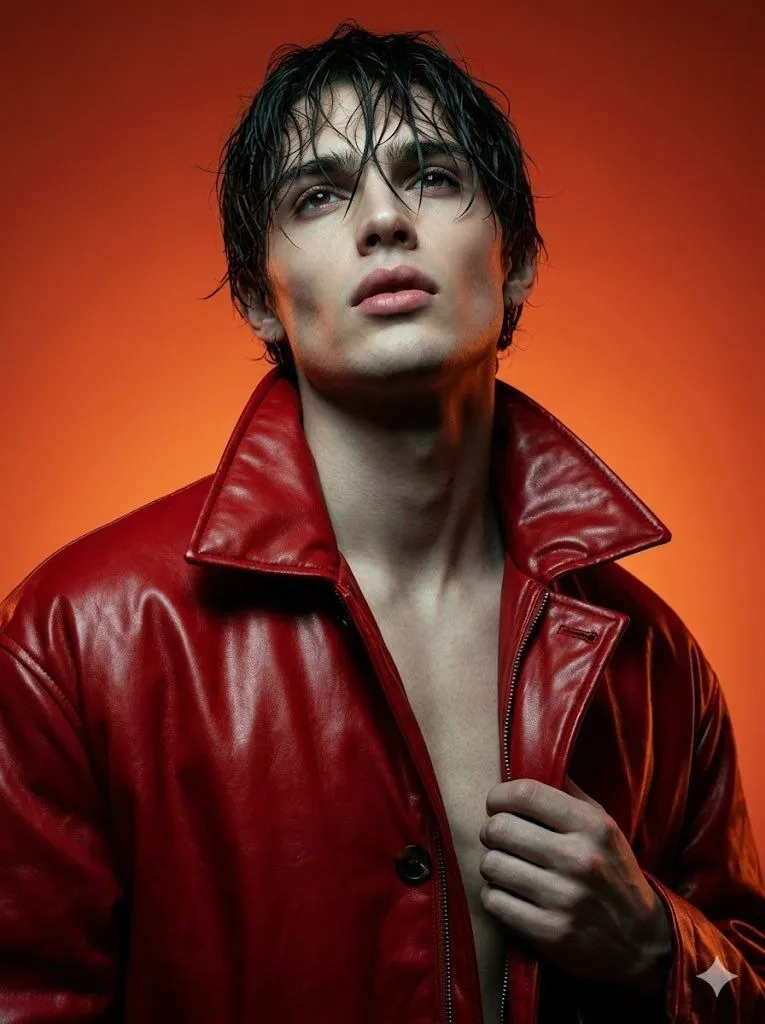
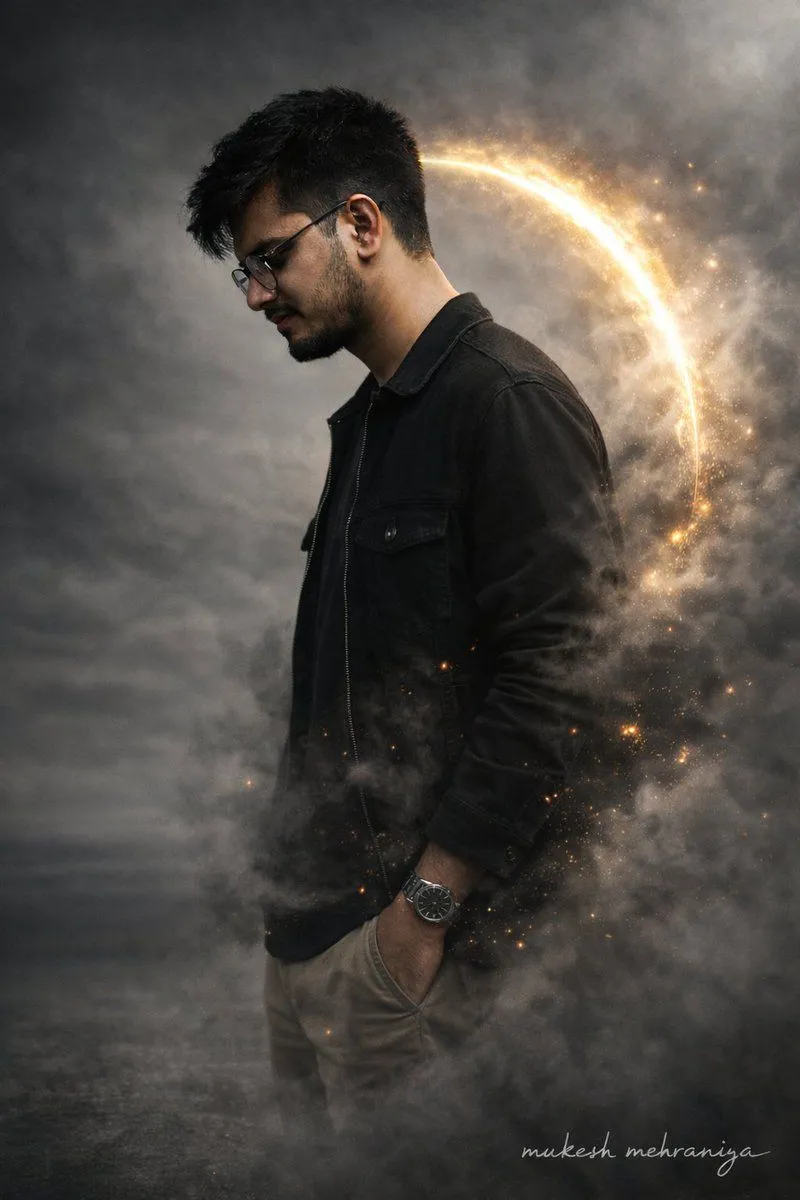
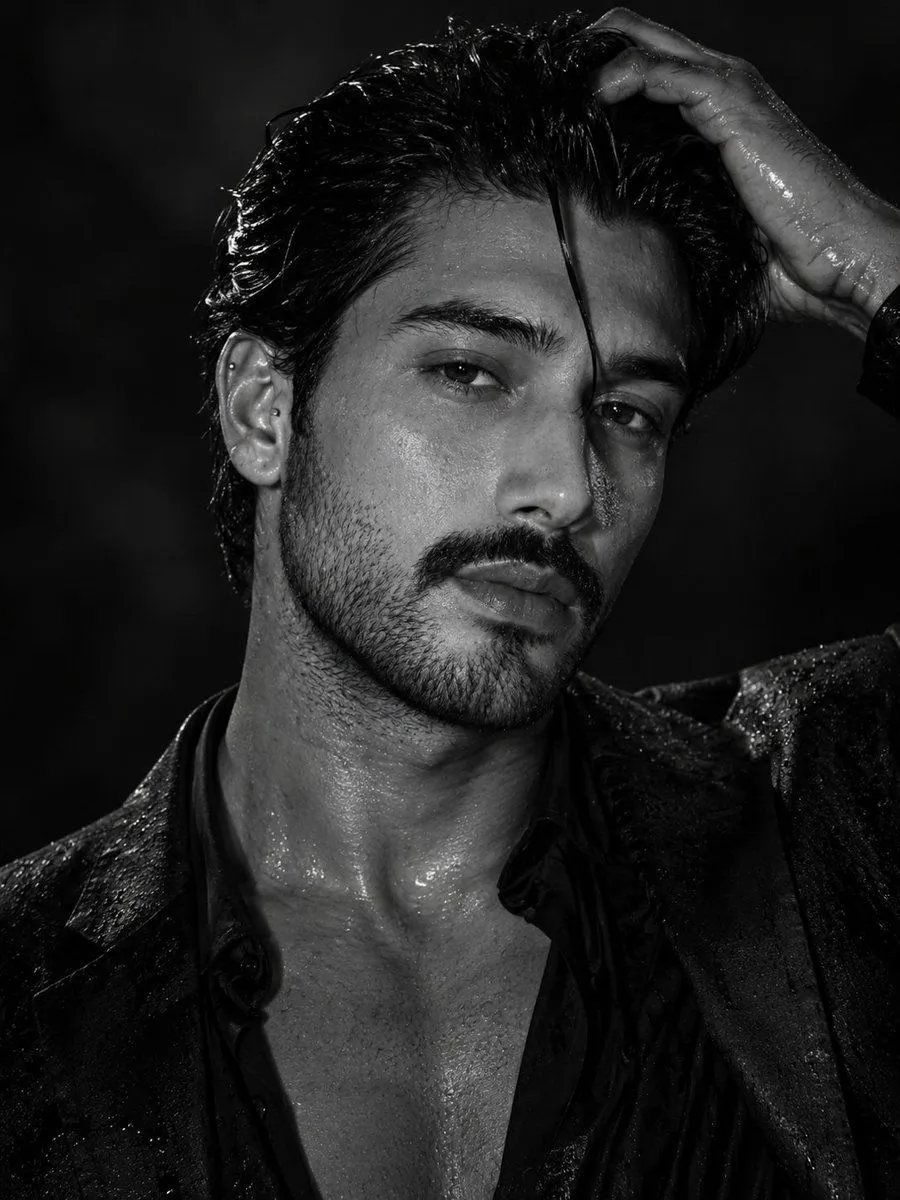
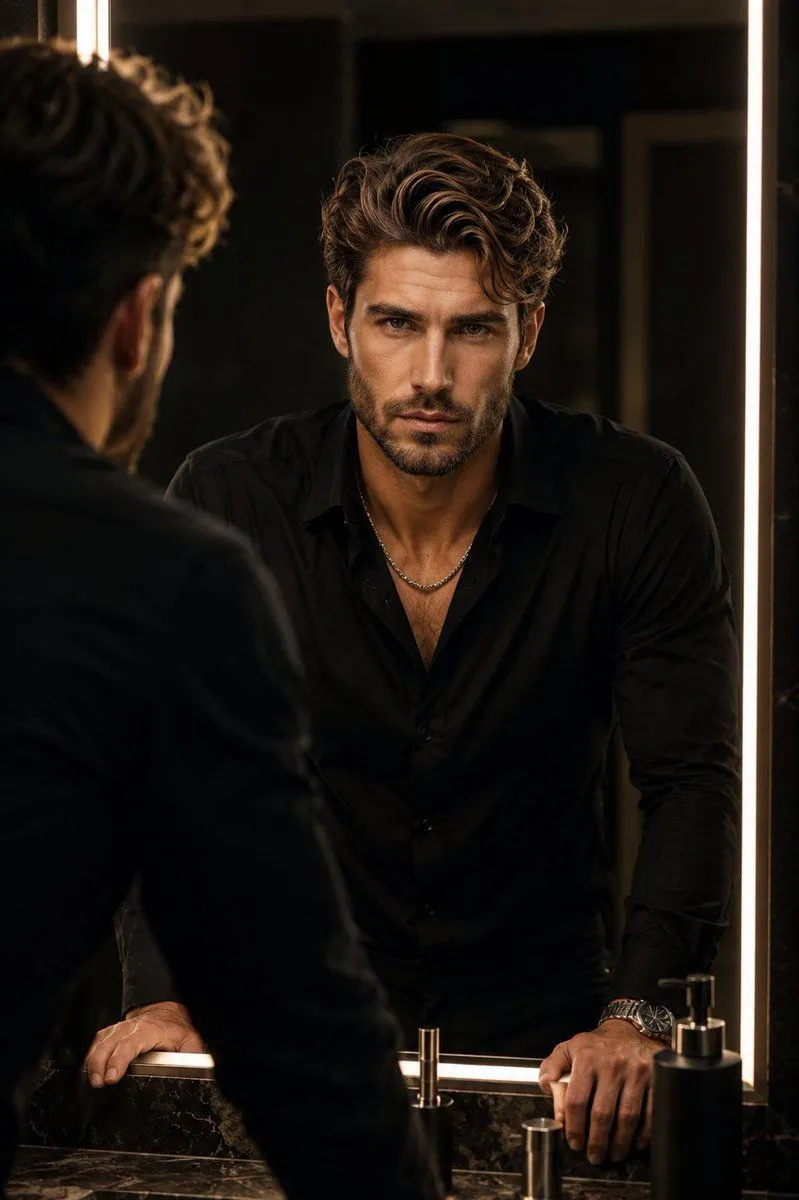
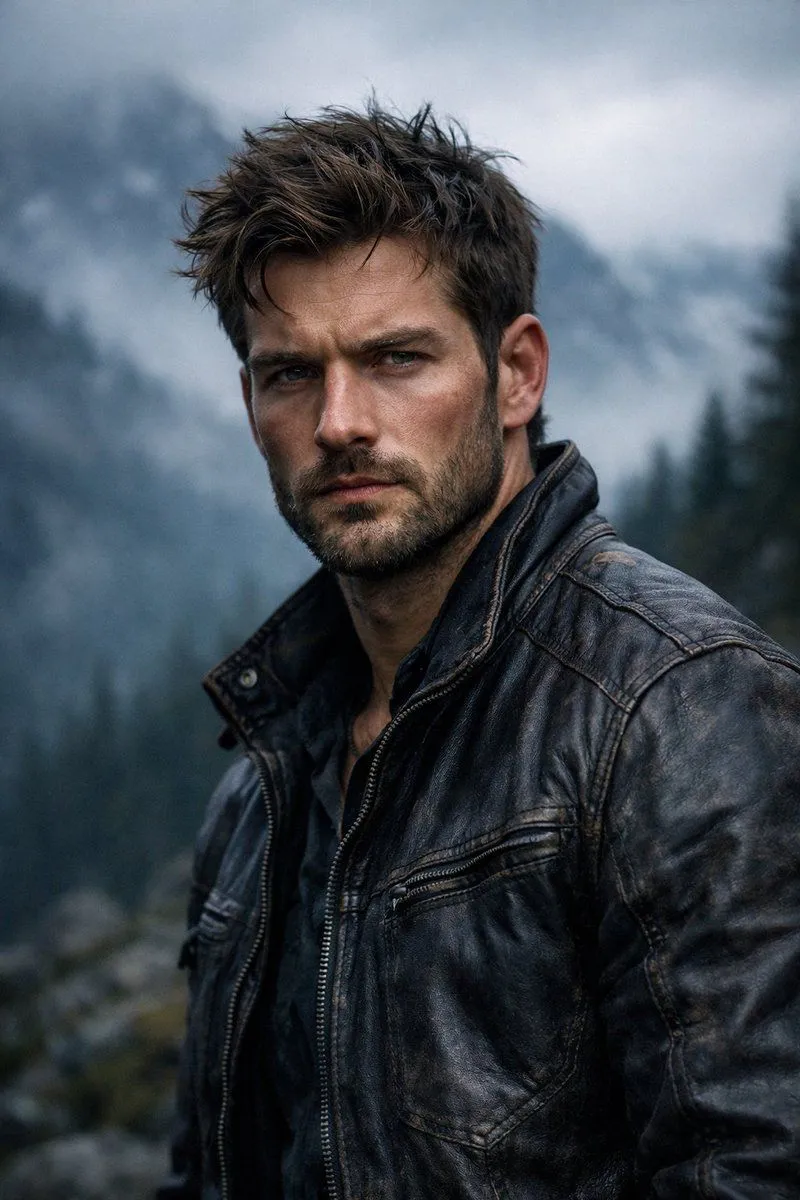
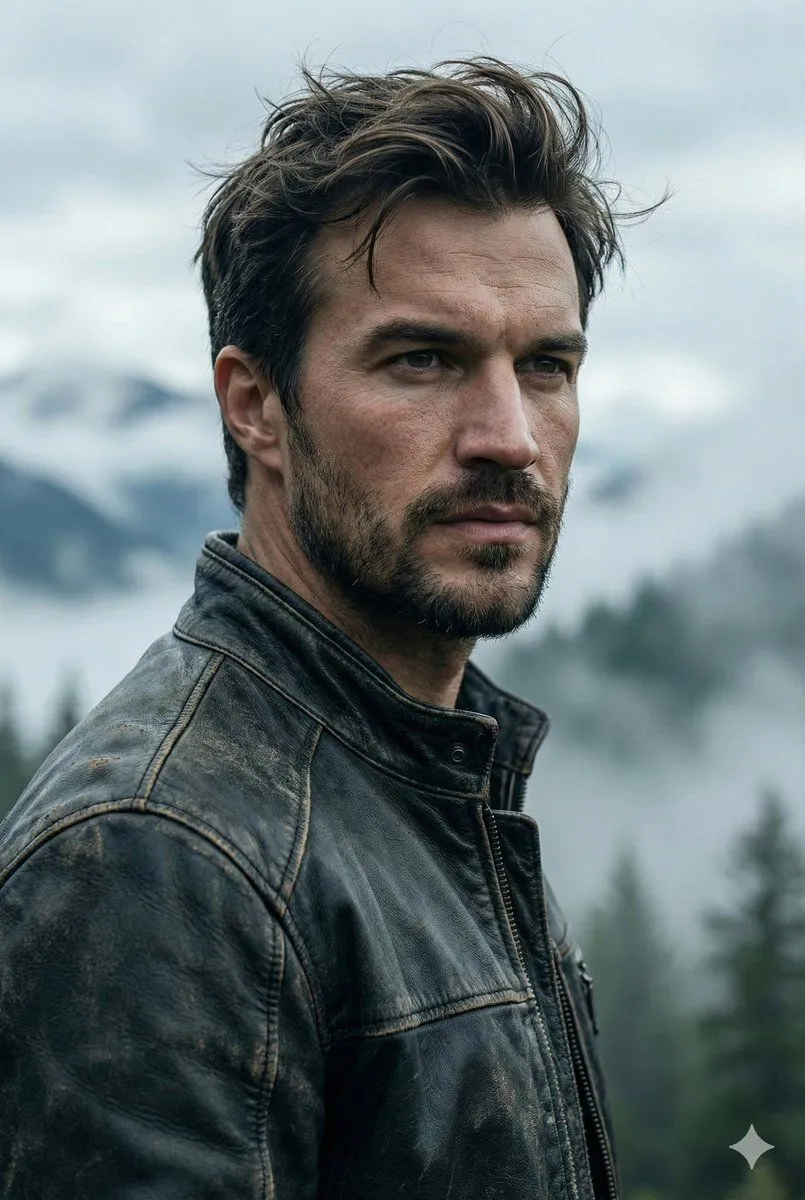
Hyper-Realistic Cinematic Portrait

Made with GPT Image 1.5 in ChatGPT by Library Concept. Promptclay never generates images.

Did it work?

No reports yet. Tell others if it worked for you.

No comments yet. Be the first.

    Hyper-Realistic Cinematic Portrait

    GPT Image 1.52:3AI-generated

    Prompt

    { "render_goal": "Create a hyper-realistic, cinematic portrait with a rugged outdoor adventure aesthetic", "subject": { "gender": "male", "age_range": "mid-to-late 20s", "appearance": { "hair": "textured, windswept", "beard": "short, well-groomed", "facial_features": "sharp, chiseled", "expression": "intense, serious" }, "skin_detail": "ultra-detailed, natural texture with realistic tones" }, "wardrobe": { "outerwear": "worn dark leather jacket", "details": "visible stitching, rugged texture" }, "environment": { "location": "outdoor mountain landscape", "background": { "mountains": "misty, fog-covered", "trees": "dark evergreen forest fading into distance", "atmosphere": "dense atmospheric fog" } }, "lighting_and_color": { "lighting_style": "moody, cinematic", "light_source": "soft overcast daylight", "shadows": "dramatic but natural", "color_palette": "cool, desaturated tones" }, "camera_settings": { "lens": "85mm", "aperture": "f/1.8", "depth_of_field": "shallow", "focus": "razor-sharp on subject, blurred background" }, "photography_style": { "quality": "professional photography", "realism_level": "hyper-realistic", "details": "high micro-detail, crisp textures, cinematic contrast" } }

    Works in
    ChatGPT, Gemini
    Status
    Free to copy
    0
    DetailsVersions, settings and questions

    Written for

    What's in the prompt

    Subject
    Model
    GPT Image 1.5

    If your face changes

    keep my face exactly the same

    Questions

    Does this work in the ChatGPT app?
    Yes. Paste the prompt and attach your photo if it uses one.
    It changed my face. What do I do?
    Add "keep my face exactly the same" to the end and run it again.
    Can I use the images I make?
    Check the terms of the app you use. Promptclay never generates images and claims nothing you make.
    Similar prompts

    See more
    • Cinematic Mountain Portrait With OpenArt Watermark
    • Cinematic Portrait Prompt for Outdoor Expedition Vibe
    • Cinematic Scandinavian Outdoor Portrait
    • Cinematic Lumberjack Portrait Prompt
    • Hyperreal winter park walk portrait
    • Rugged Urban Portrait
    • Cinematic Male Street Portrait
    • Cinematic Male Rider Portrait
    • Battle-Worn Fighter Portrait
    • Cinematic Portrait with Dramatic Rim Lighting
    • High-Contrast Cinematic Portrait of a Rugged Man
    • Cinematic Male Editorial Portrait
    • Cinematic Double Exposure Storm Portrait
    • Ultra-Realistic Portrait with Hard Lighting Prompt
    • High Fashion Cinematic Androgynous Portrait
    • Complex JSON Prompt for Hyper-Realistic Identity Lock
    • Cinematic Monochrome Male Portrait
    • Luxury Bathroom Mirror Reflection
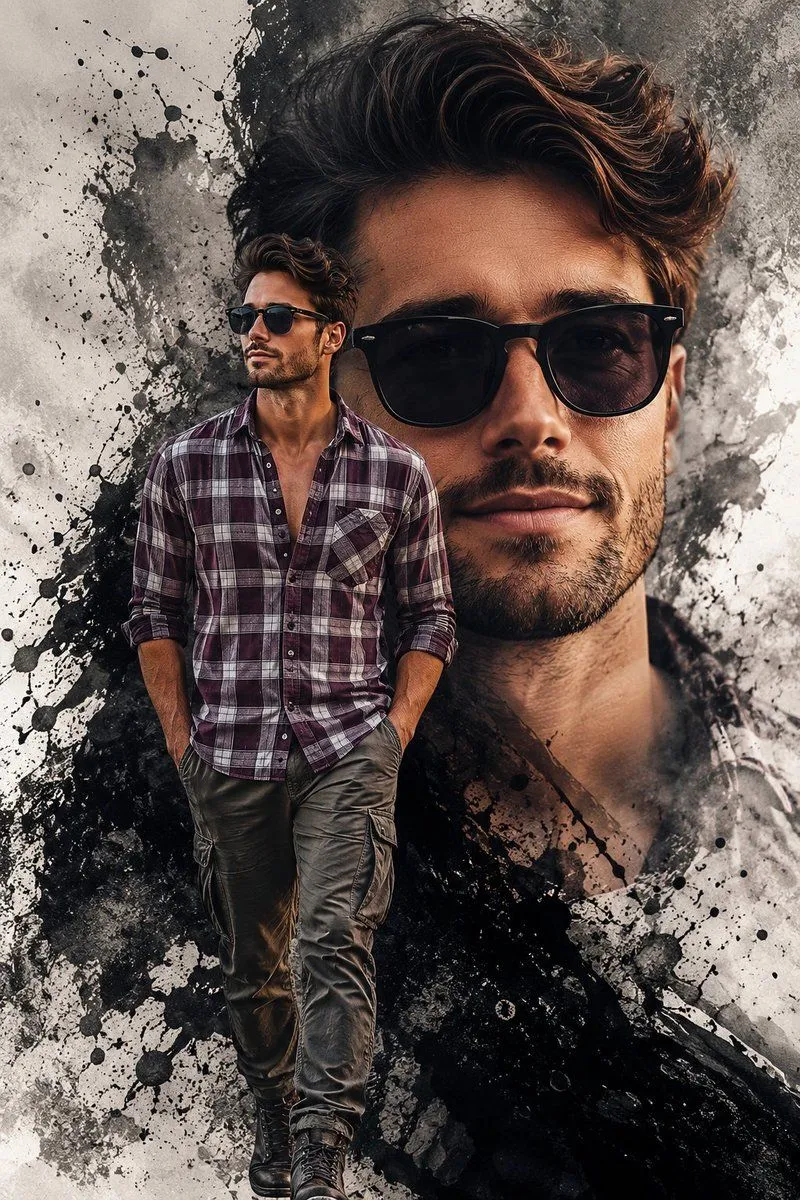
    • Double Exposure Edgy Movie Poster
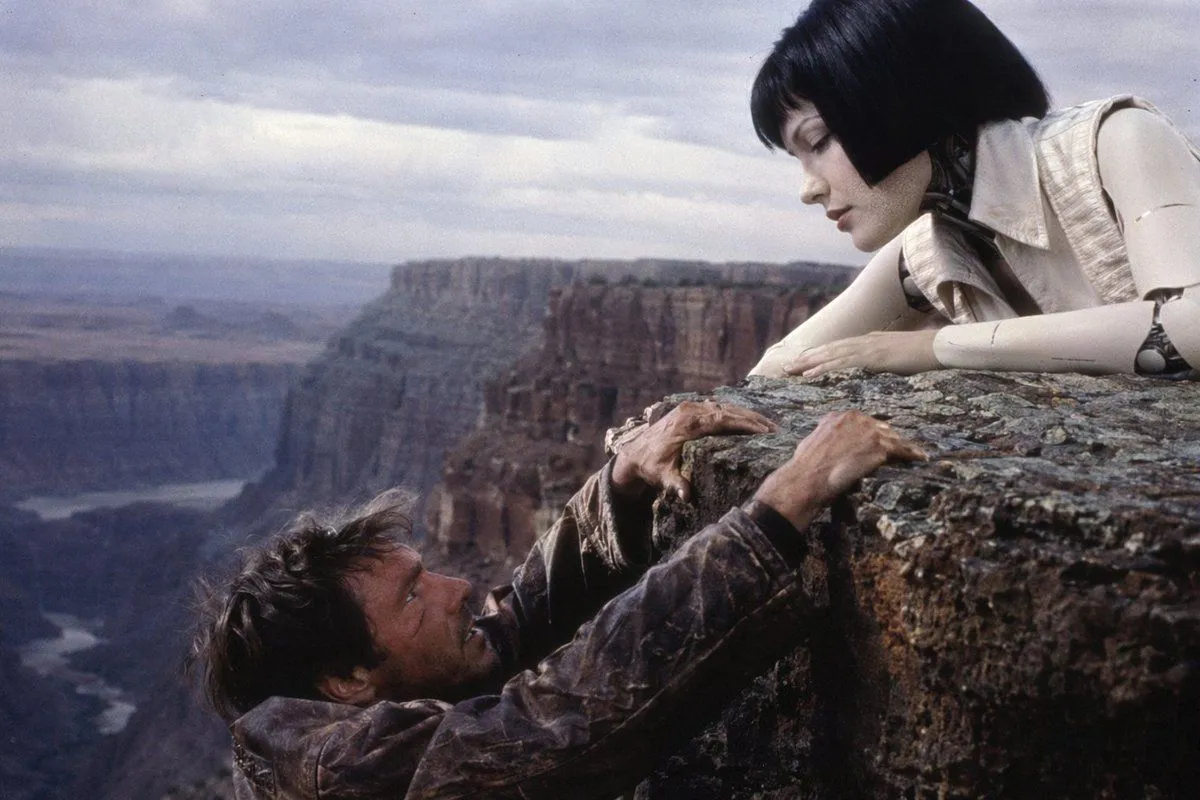
    • 90s Sci-Fi Cliffhanger Movie Still
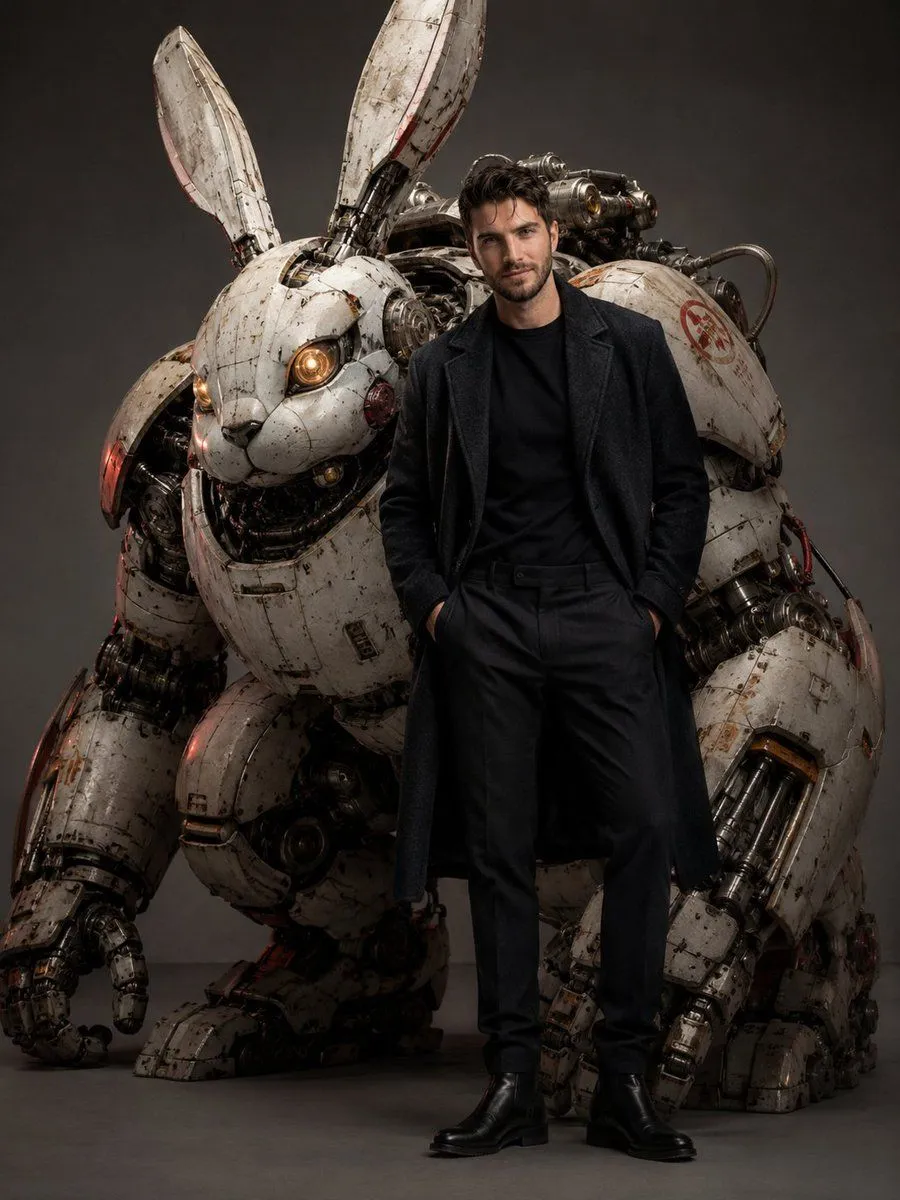
    • Dieselpunk Mecha Rabbit Companion
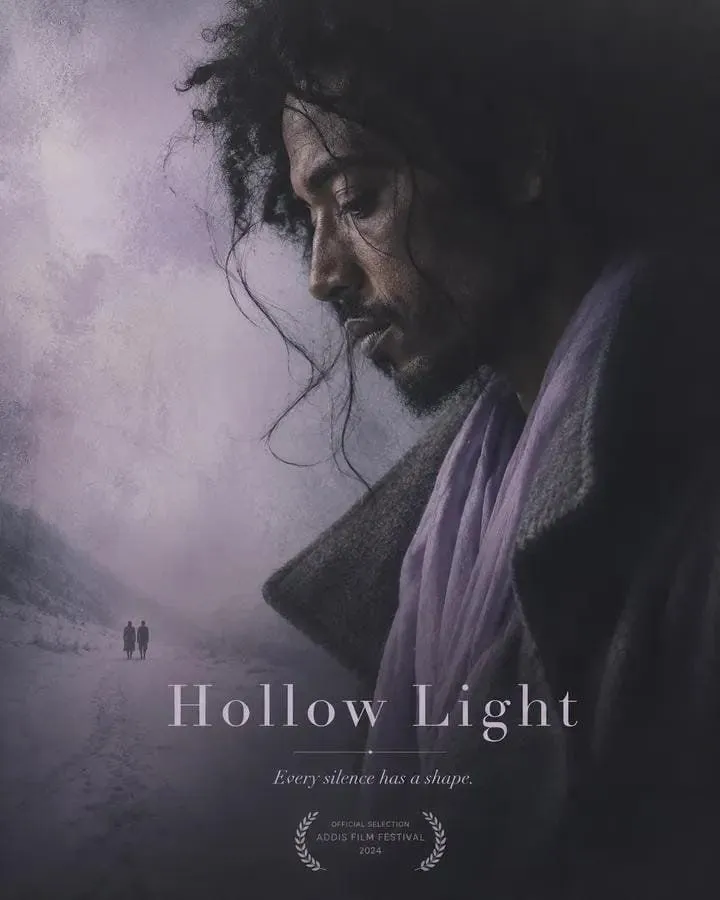
    • Minimalist Arthouse Movie Poster Template
    • Tactical Sniper Urban Photography
    • Tech Keynote Presentation Slide

    Show more

    Run it on your phone

    1. Prompt copiedRead it

      { "render_goal": "Create a hyper-realistic, cinematic portrait with a rugged outdoor adventure aesthetic", "subject": { "gender": "male", "age_range": "mid-to-late 20s", "appearance": { "hair": "textured, windswept", "beard": "short, well-groomed", "facial_features": "sharp, chiseled", "expression": "intense, serious" }, "skin_detail": "ultra-detailed, natural texture with realistic tones" }, "wardrobe": { "outerwear": "worn dark leather jacket", "details": "visible stitching, rugged texture" }, "environment": { "location": "outdoor mountain landscape", "background": { "mountains": "misty, fog-covered", "trees": "dark evergreen forest fading into distance", "atmosphere": "dense atmospheric fog" } }, "lighting_and_color": { "lighting_style": "moody, cinematic", "light_source": "soft overcast daylight", "shadows": "dramatic but natural", "color_palette": "cool, desaturated tones" }, "camera_settings": { "lens": "85mm", "aperture": "f/1.8", "depth_of_field": "shallow", "focus": "razor-sharp on subject, blurred background" }, "photography_style": { "quality": "professional photography", "realism_level": "hyper-realistic", "details": "high micro-detail, crisp textures, cinematic contrast" } }

    2. Open your app

    3. Paste and run

      Press and hold the message box, then tap Paste. Add your photo first if the prompt uses one. You may need to sign in.

    Hyper-Realistic Cinematic Portrait