Tell us anything

An idea, a bug, something you love. We read every note.

⌘↵ to send. The page you're on comes along.

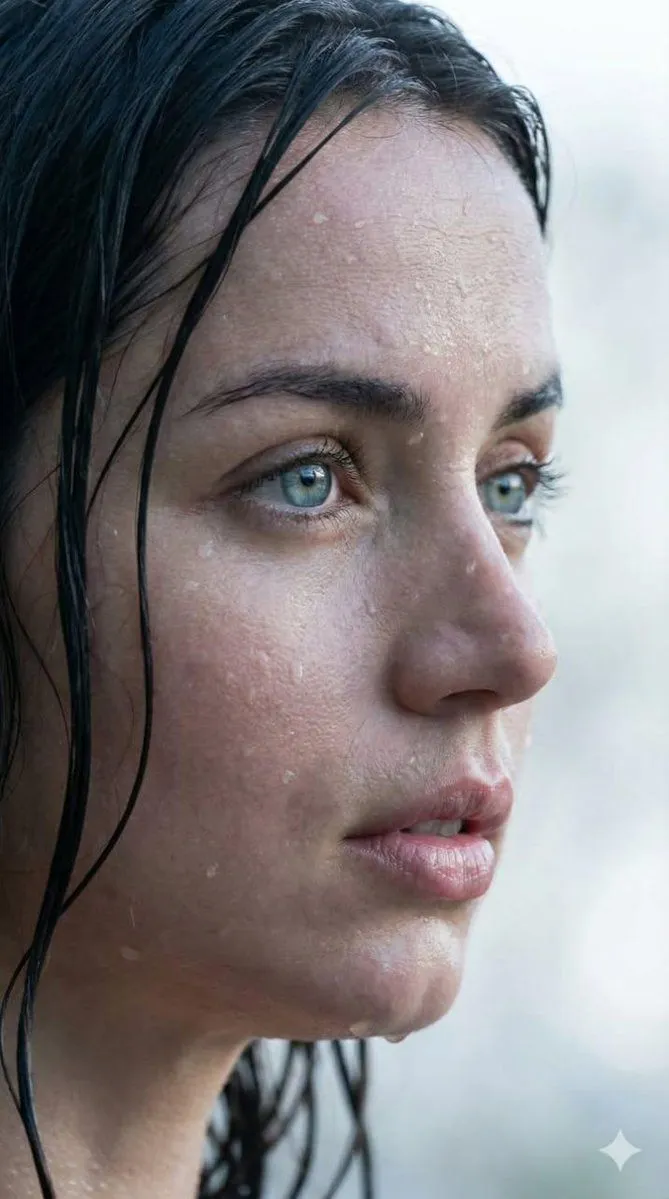
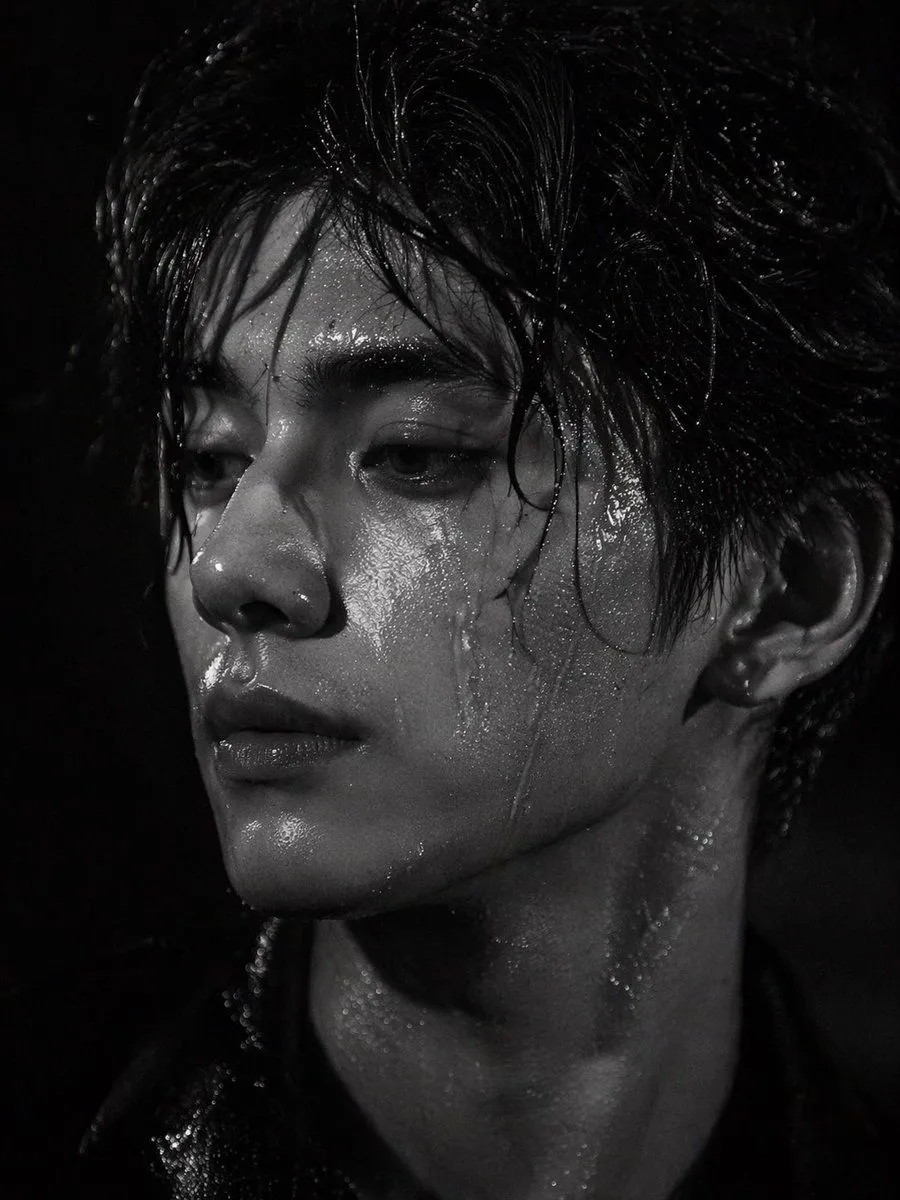
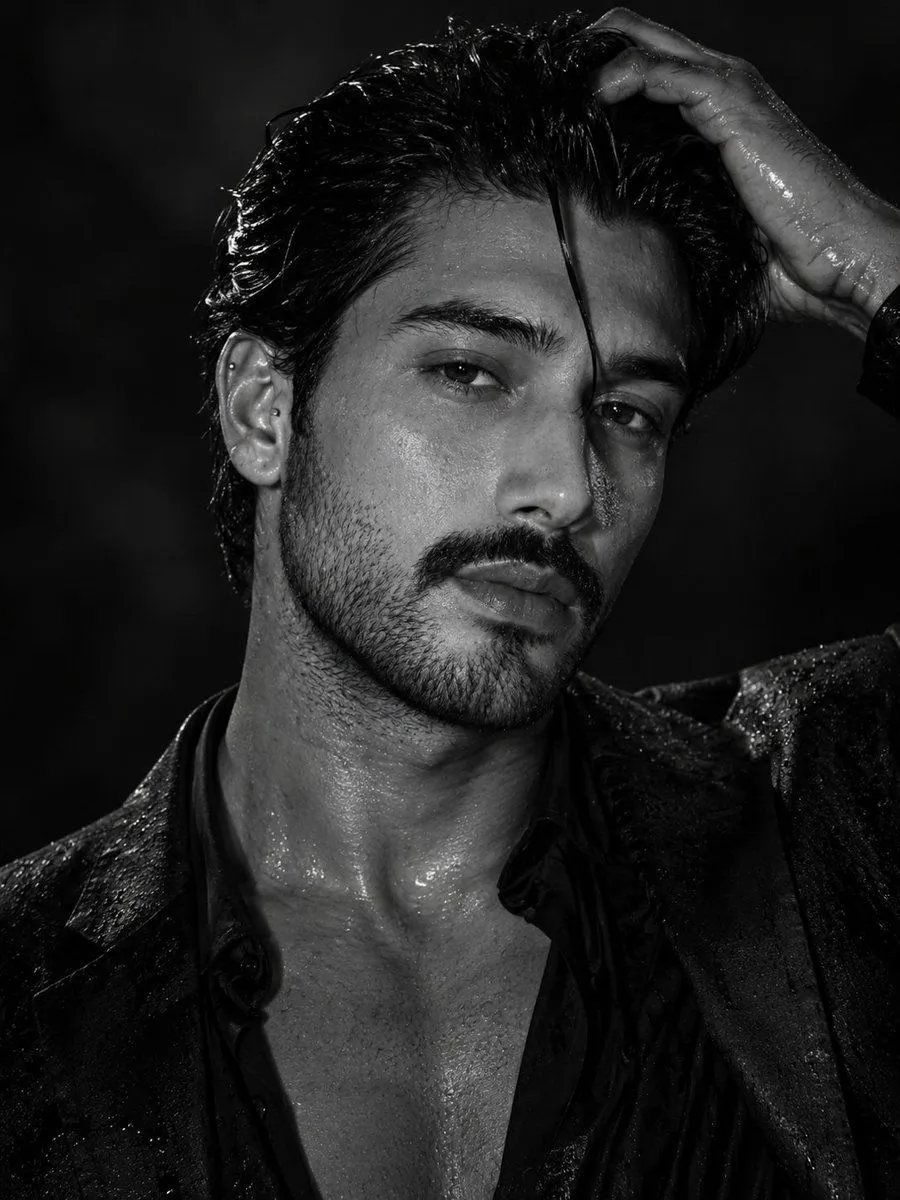
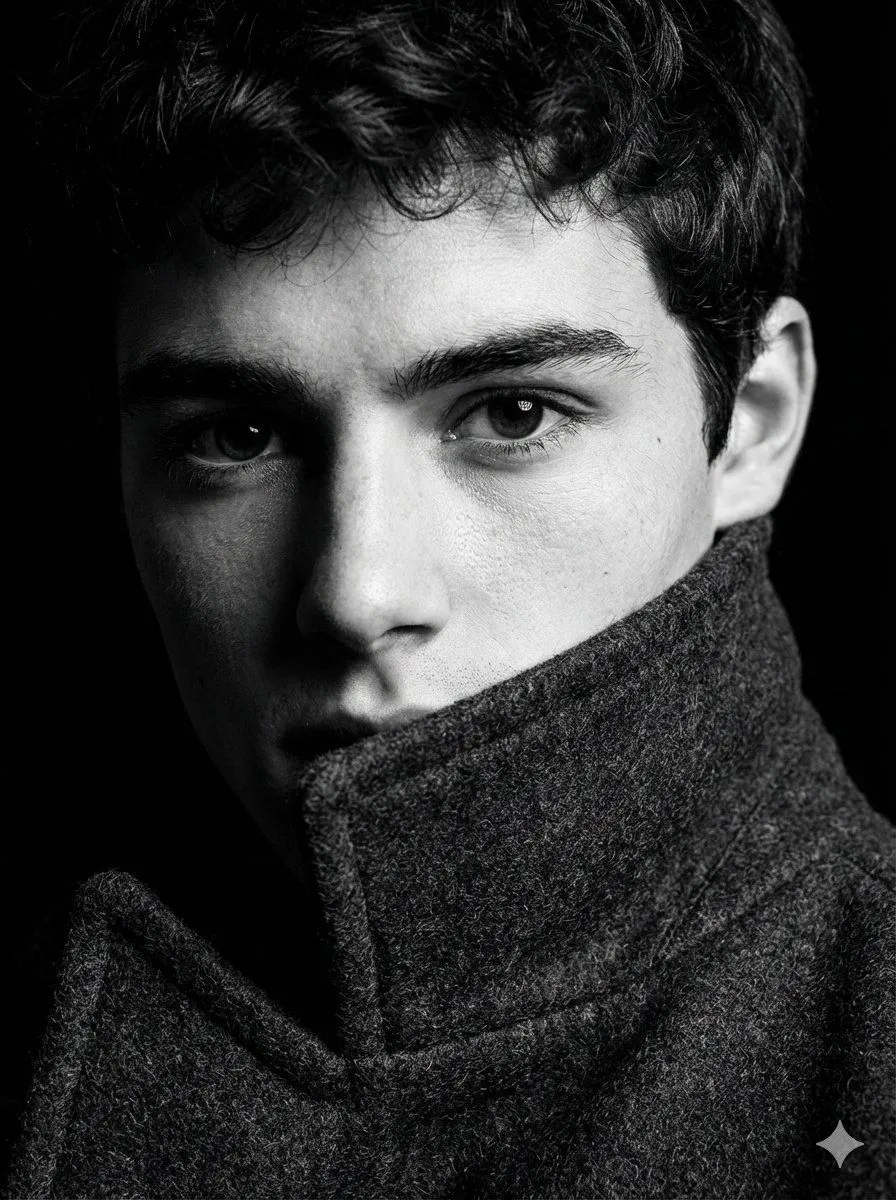
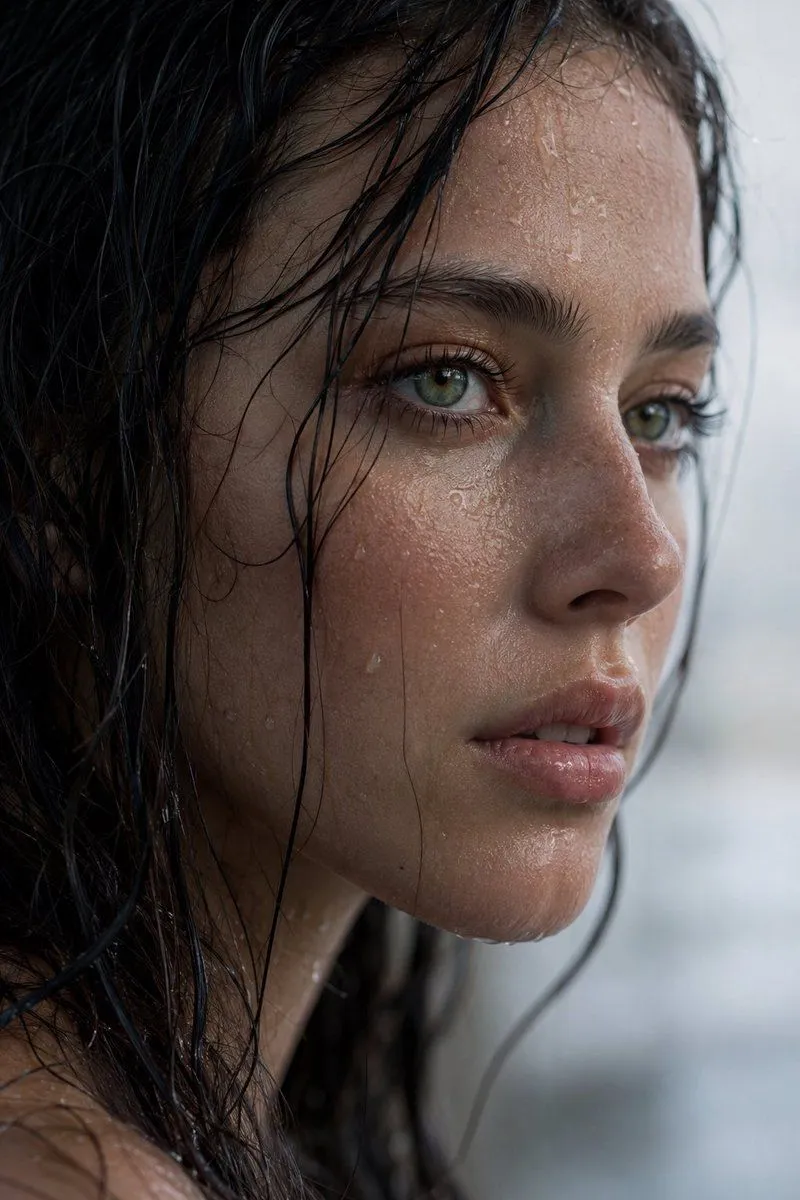
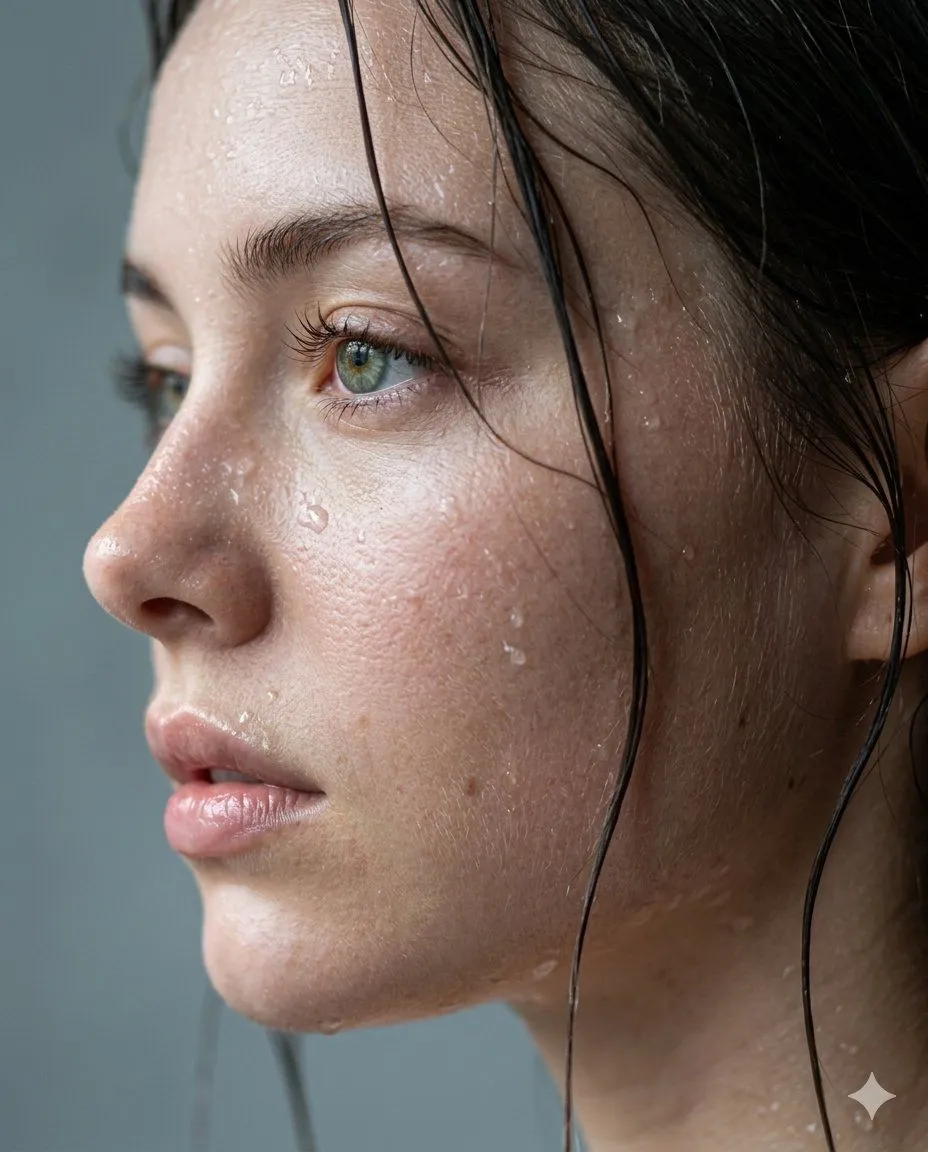
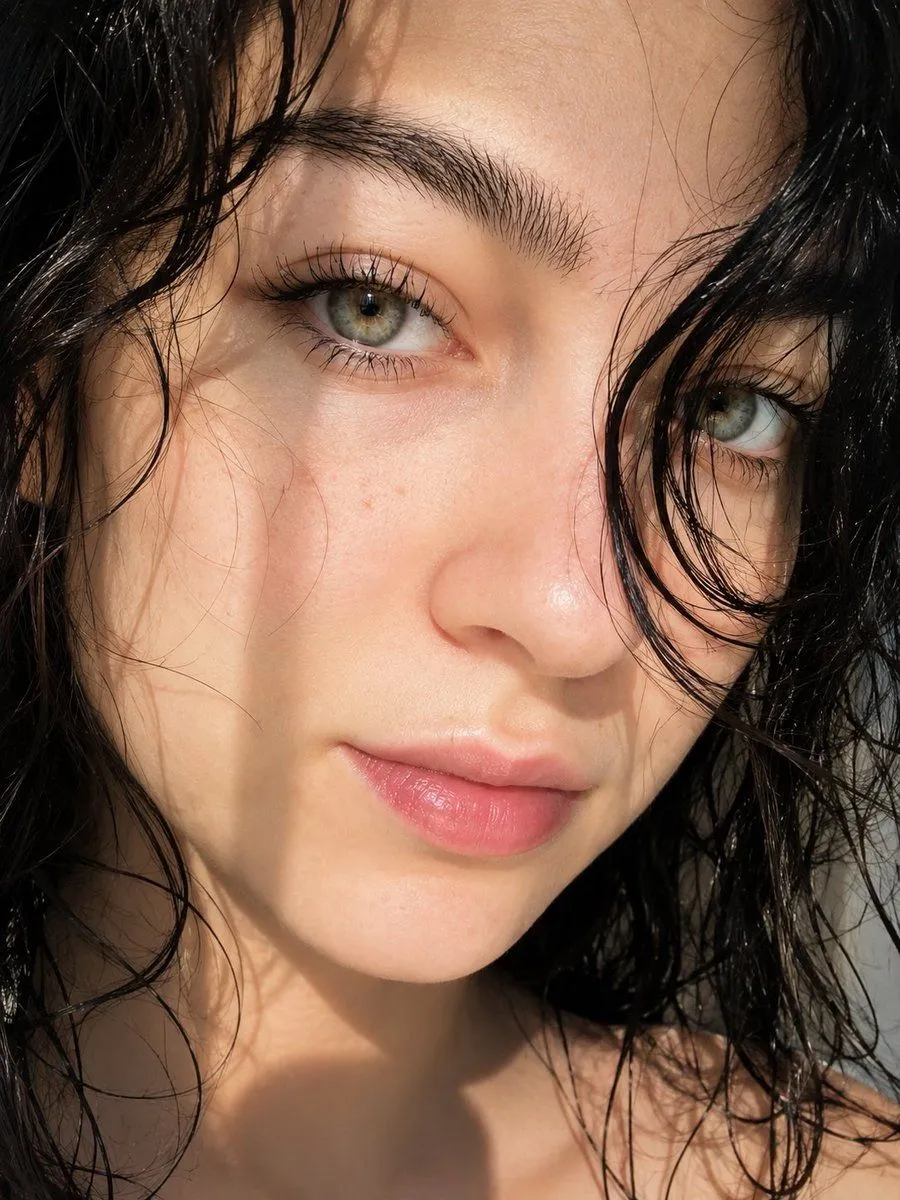
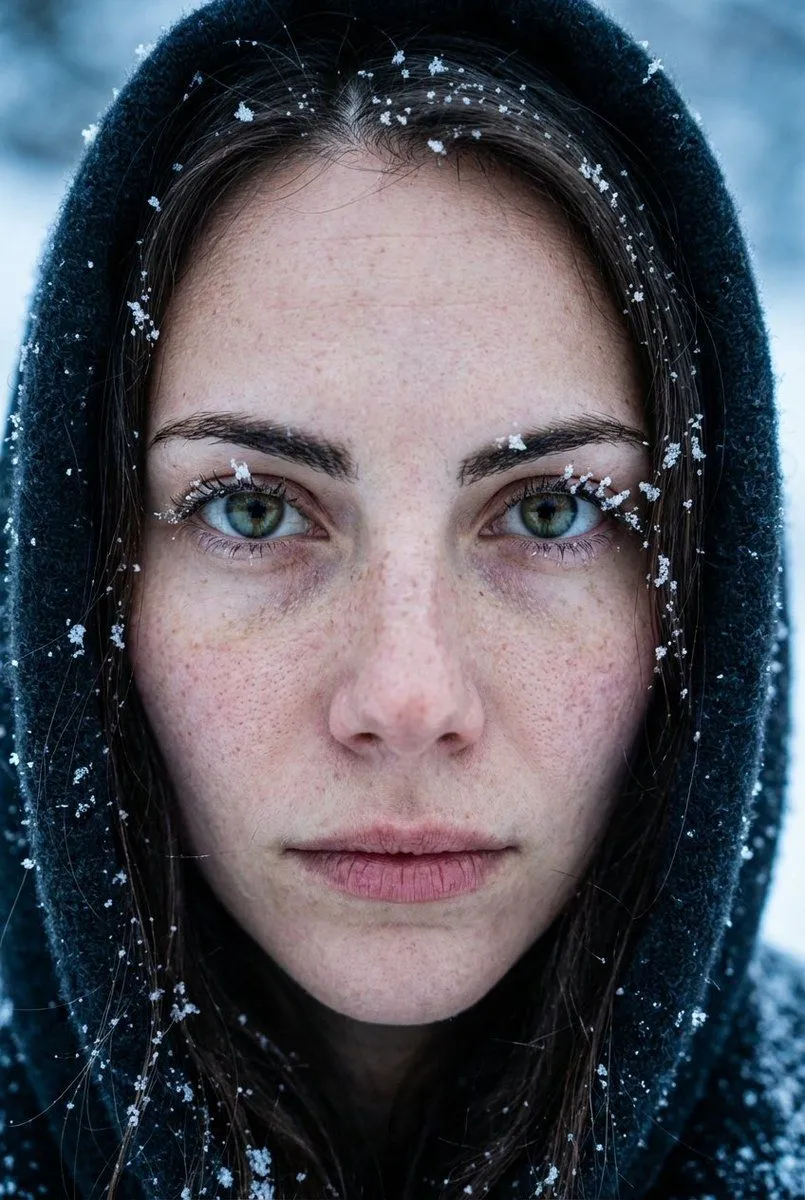
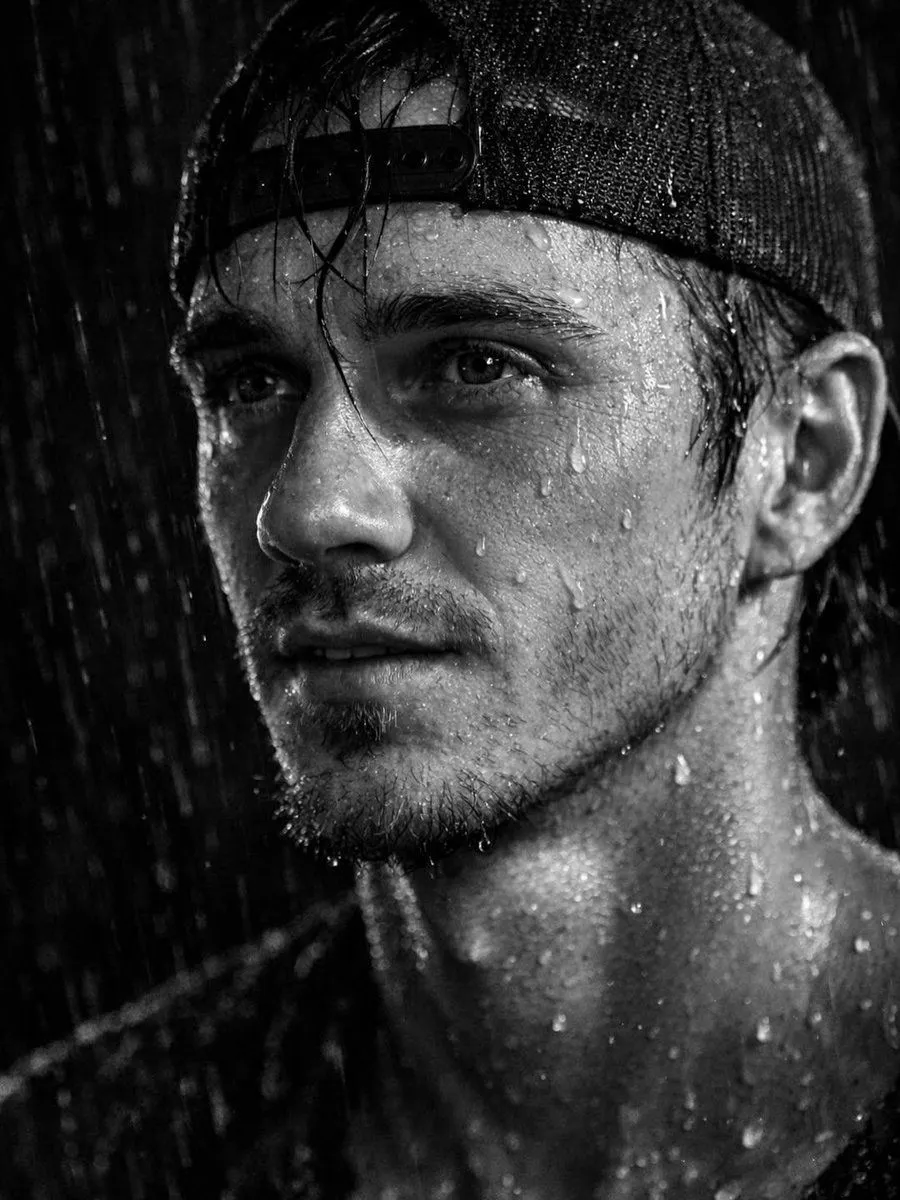
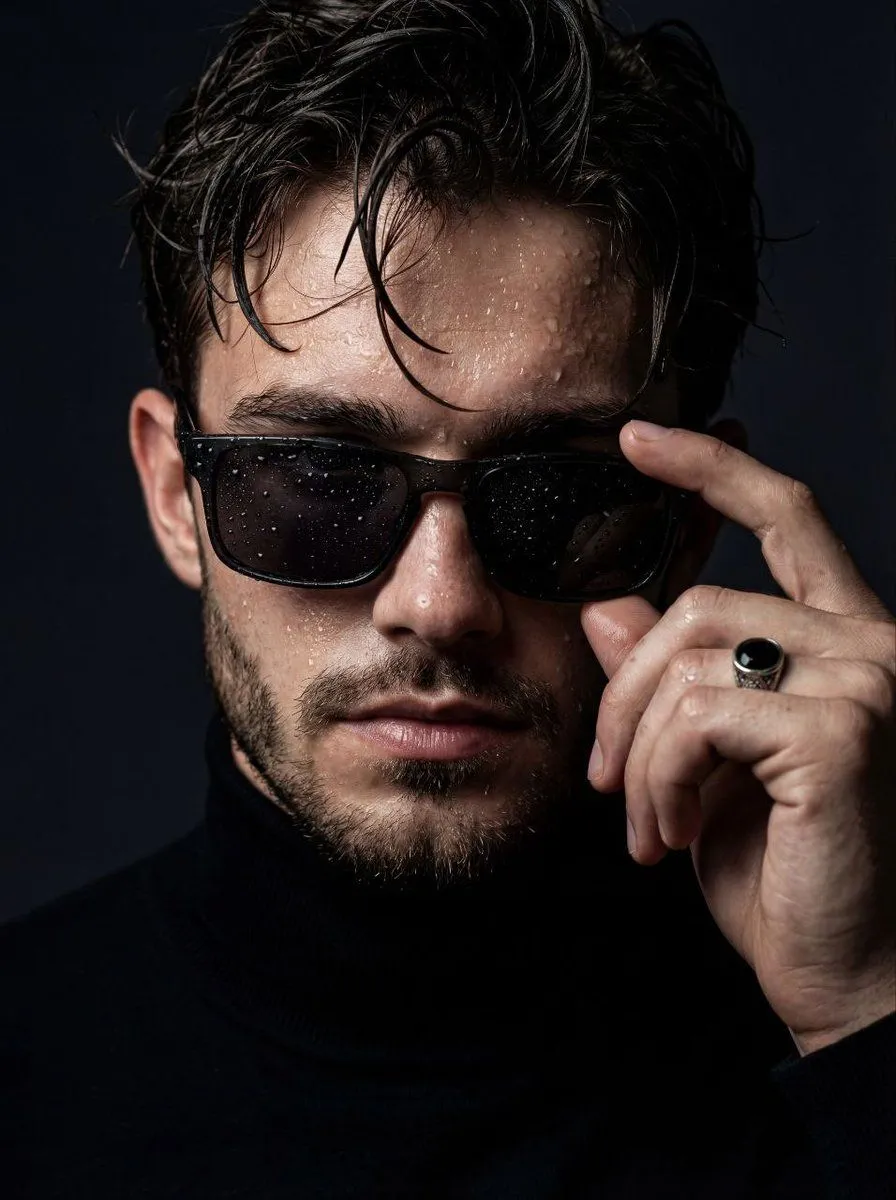
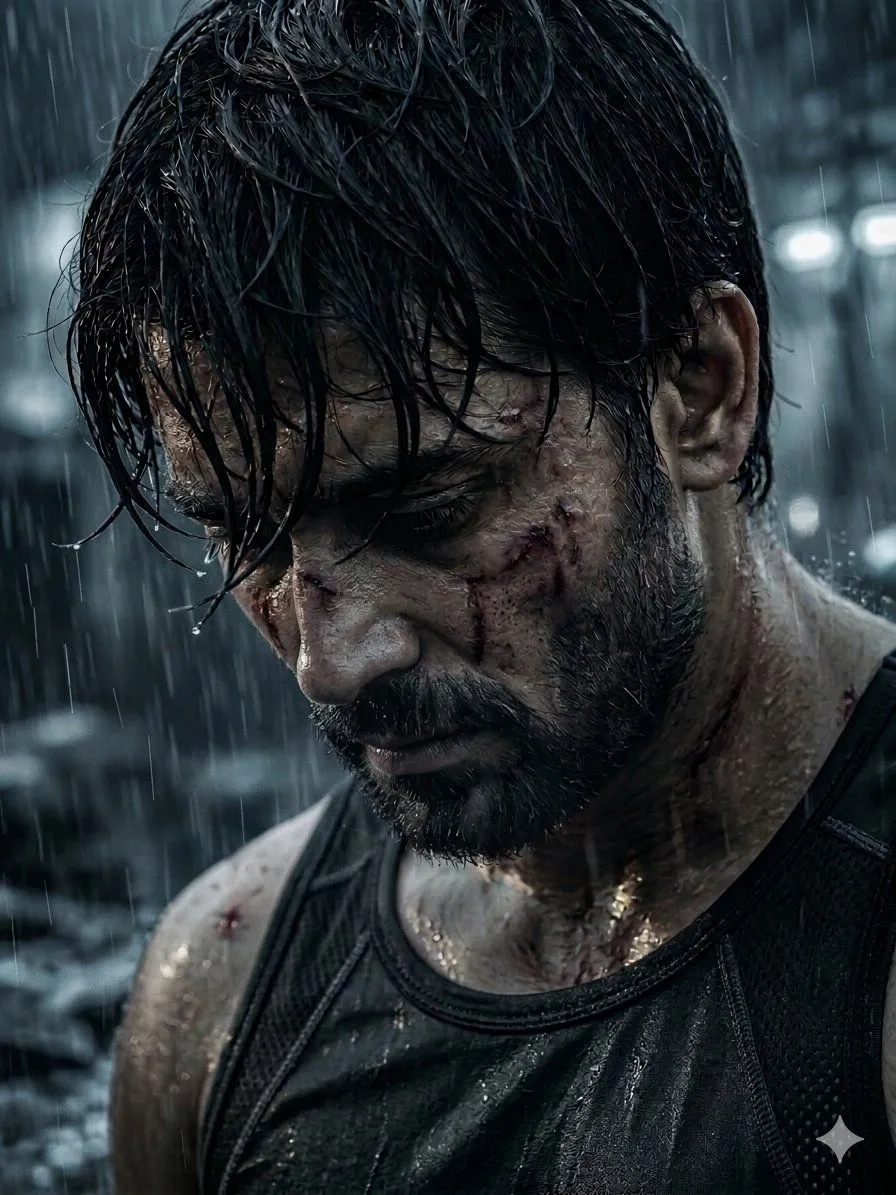
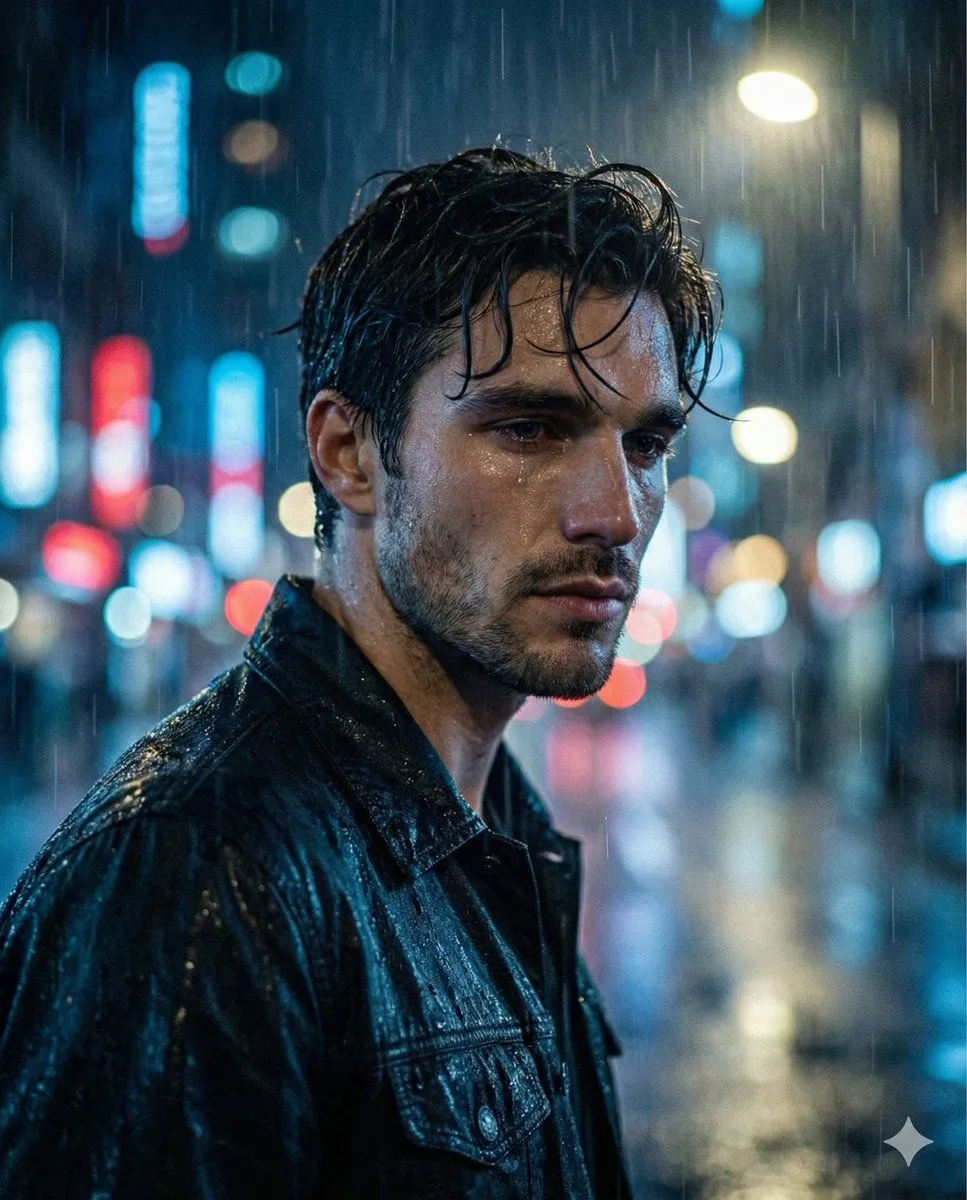
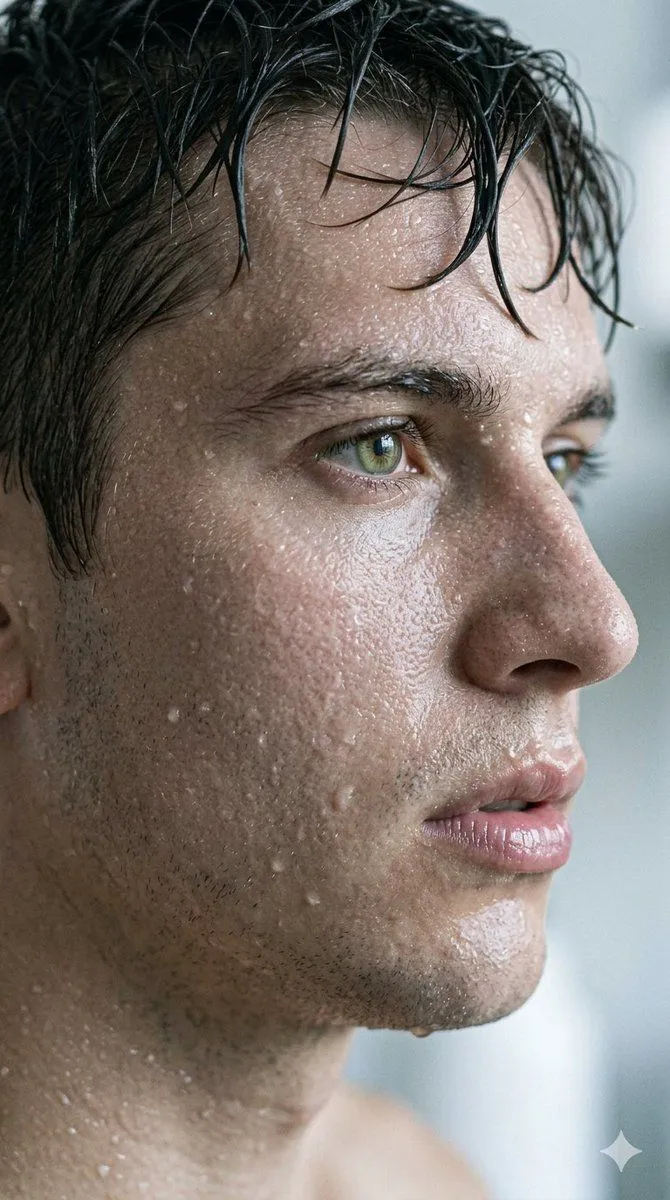
Hyper-Realistic Cinematic Macro Portrait with JSON Structure

Made with Nano Banana Pro in Gemini by Library Portraits. Promptclay never generates images.

Did it work?

No reports yet. Tell others if it worked for you.

No comments yet. Be the first.

    Hyper-Realistic Cinematic Macro Portrait with JSON Structure

    Nano Banana Pro9:16AI-generated

    Prompt

    { "image_metadata": { "version": "1.0", "style": "Hyper-Realistic Cinematic Photography", "aspect_ratio": "9:16" }, "prompt_details": { "subject": { "focus": "Extreme macro profile of a young man", "features": [ "Hyper-detailed skin pores", "Light facial stubble", "Wet dark hair clinging to forehead", "Piercing hazel eyes with wet lash line" ], "expression": "Contemplative, intense, focused gaze" }, "environment_effects": { "moisture": [ "Individual water droplets on cheeks", "Glistening sweat beads", "Wet skin texture with high specular highlights" ], "lighting": { "type": "Soft directional side-lighting", "effects": ["Subsurface scattering", "Sharp iris reflections"] } }, "technical_specs": { "camera": { "lens": "85mm Macro", "aperture": "f/1.8", "focus_mode": "Sharp focus on eye and skin grain" }, "post_processing": [ "Cinematic color grading", "Neutral palette", "High-fidelity texture rendering", "Depth of field bokeh" ] }, "negative_constraints": [ "Smooth skin", "Cartoonish", "Text", "Watermarks", "Low resolution", "Overexposed" ] } }

    Works in
    Gemini, ChatGPT
    Status
    Free to copy
    0
    DetailsVersions, settings and questions

    Written for

    What's in the prompt

    Subject
    Model
    Nano Banana Pro

    If your face changes

    keep my face exactly the same

    Questions

    Does this work in the Gemini app?
    Yes. Gemini runs Nano Banana, so paste the prompt and attach your photo if it uses one.
    It changed my face. What do I do?
    Add "keep my face exactly the same" to the end and run it again.
    Can I use the images I make?
    Check the terms of the app you use. Promptclay never generates images and claims nothing you make.
    Similar prompts

    See more
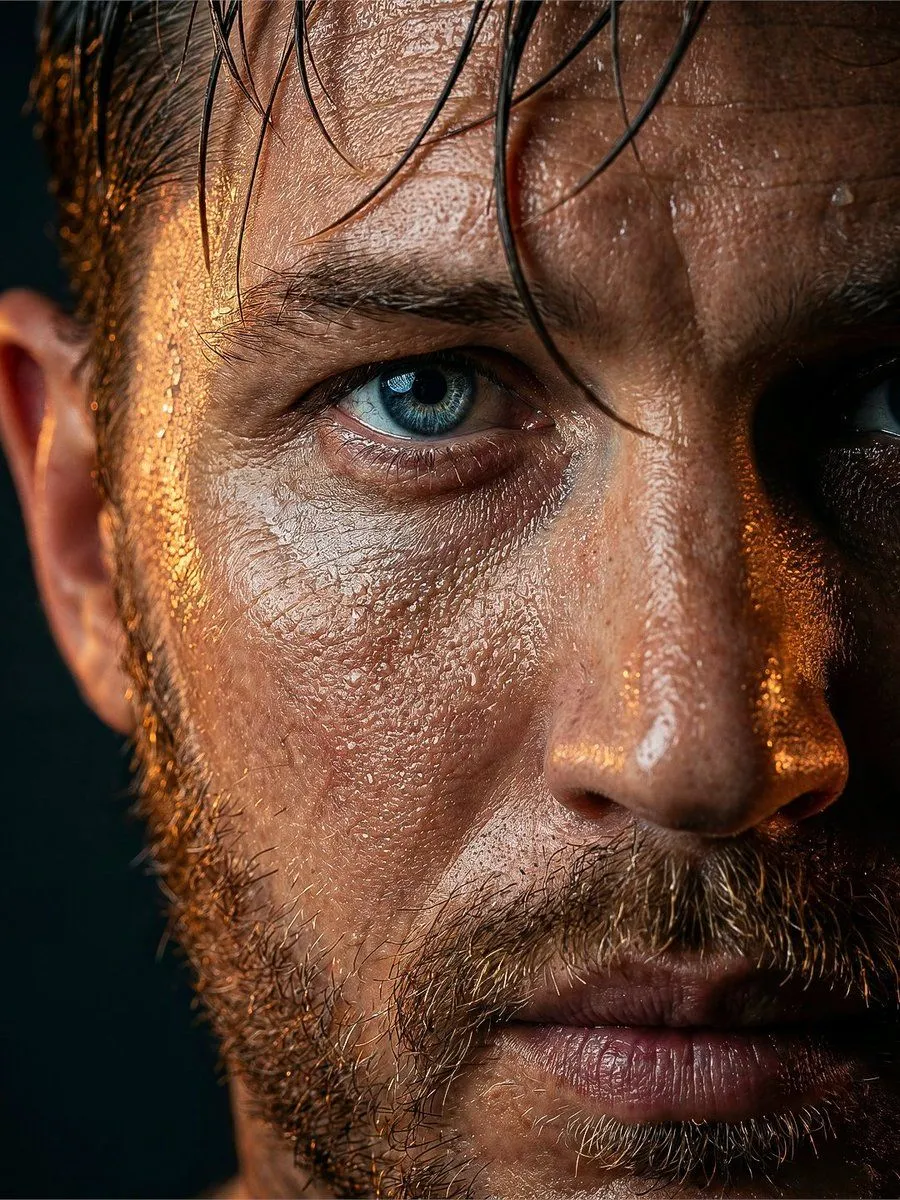
    • Rugged Man Wet Skin Portrait
    • Extreme Close-up Portrait with Glistening Skin
    • Extreme Wet Close-up Portrait with Reference Image
    • Dramatic Wet Portrait Photography
    • Cinematic Monochrome Male Portrait
    • Extreme Close-Up High-Contrast Portrait Prompt
    • Realistic Wet Close-Up Portrait
    • Cinematic Skincare Campaign Portrait
    • Ultra-Realistic Beauty Portrait
    • Extreme Close-Up Portrait with Realistic Skin Texture
    • Ultra-Realistic Cinematic Portrait Prompt
    • Moody Cinematic Close-Up Portrait with Wet Skin
    • Battle-Worn Fighter Portrait
    • Melancholic Sad Boy in the Rain (Reference Face)
    • Conceptual Fire and Water Portrait
    • Gritty Urban Superhero Portrait
    • Cinematic Noir Rainy Portrait
    • Cyberpunk Science Portrait
    • Hand-Carved Wooden Miniature Figure
    • Human Fragments Editorial Poster
    • Hyperrealistic Tattooed Elf Couple
    • Multi-Angle Scene Generation Prompt (Oshi no Ko Style)
    • Nano Banana Pro Thumbnail Generation Example
    • Stylized Wicker Caricature Figurine

    Show more

    Run it on your phone

    1. Prompt copiedRead it

      { "image_metadata": { "version": "1.0", "style": "Hyper-Realistic Cinematic Photography", "aspect_ratio": "9:16" }, "prompt_details": { "subject": { "focus": "Extreme macro profile of a young man", "features": [ "Hyper-detailed skin pores", "Light facial stubble", "Wet dark hair clinging to forehead", "Piercing hazel eyes with wet lash line" ], "expression": "Contemplative, intense, focused gaze" }, "environment_effects": { "moisture": [ "Individual water droplets on cheeks", "Glistening sweat beads", "Wet skin texture with high specular highlights" ], "lighting": { "type": "Soft directional side-lighting", "effects": ["Subsurface scattering", "Sharp iris reflections"] } }, "technical_specs": { "camera": { "lens": "85mm Macro", "aperture": "f/1.8", "focus_mode": "Sharp focus on eye and skin grain" }, "post_processing": [ "Cinematic color grading", "Neutral palette", "High-fidelity texture rendering", "Depth of field bokeh" ] }, "negative_constraints": [ "Smooth skin", "Cartoonish", "Text", "Watermarks", "Low resolution", "Overexposed" ] } }

    2. Open your app

    3. Paste and run

      Press and hold the message box, then tap Paste. Add your photo first if the prompt uses one. You may need to sign in.

    Hyper-Realistic Cinematic Macro Portrait with JSON Structure