Tell us anything

An idea, a bug, something you love. We read every note.

⌘↵ to send. The page you're on comes along.

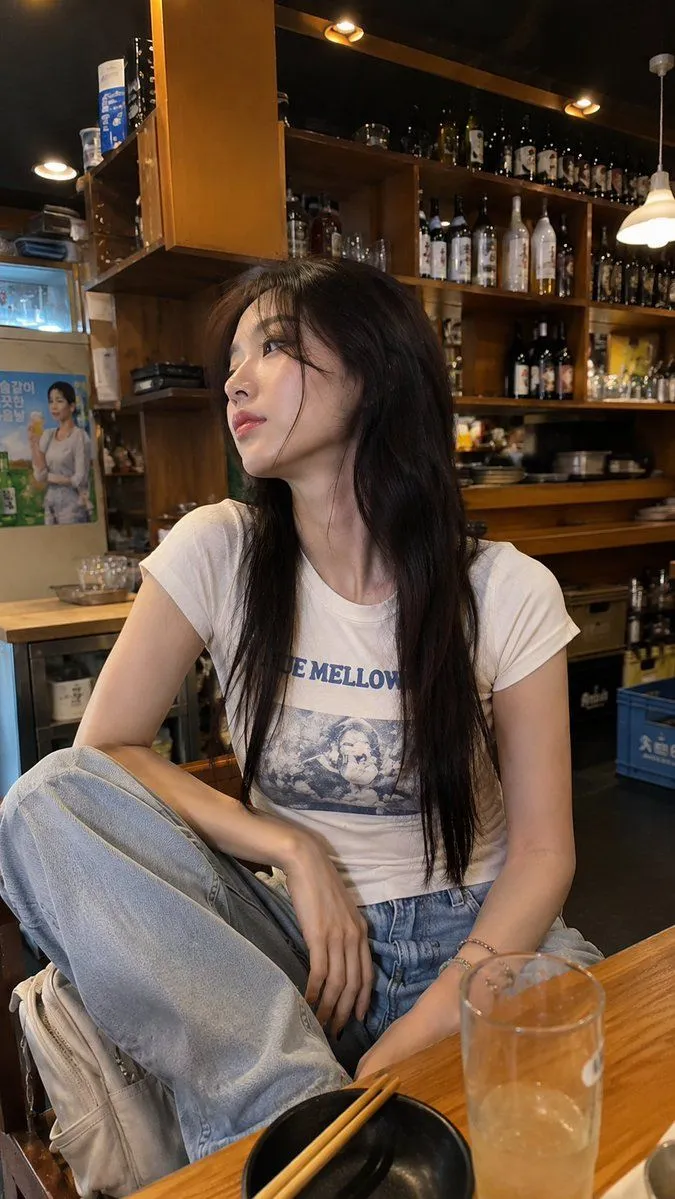
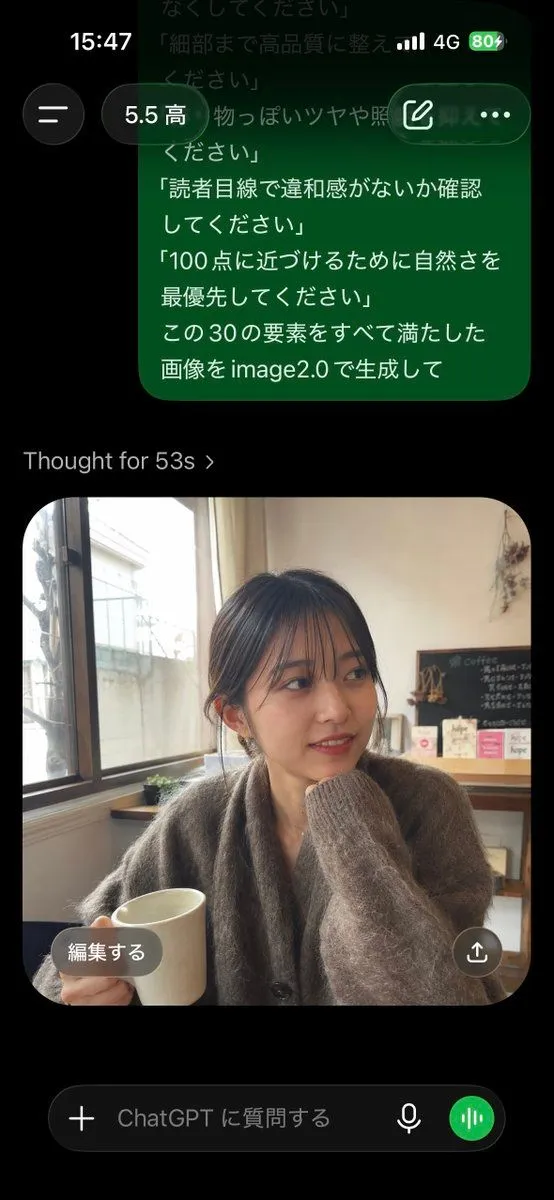
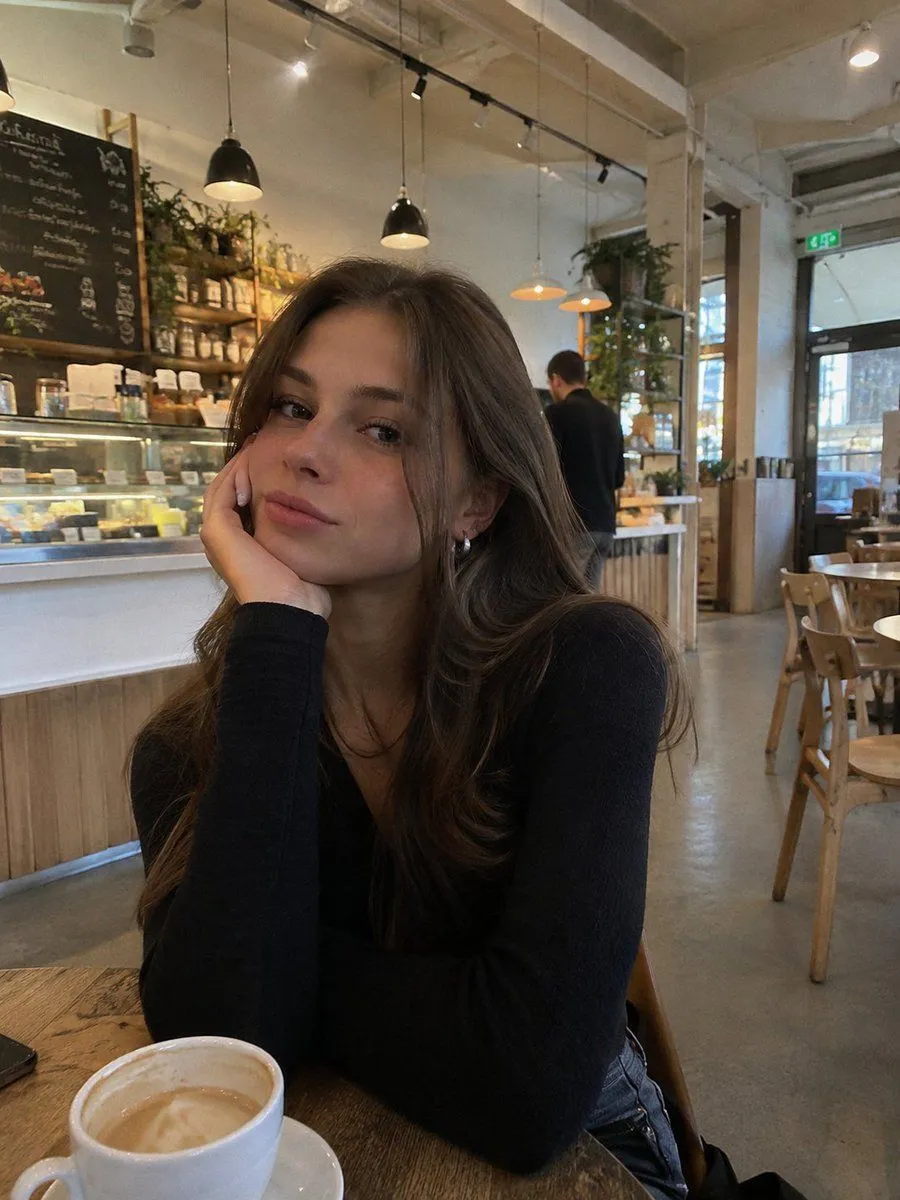
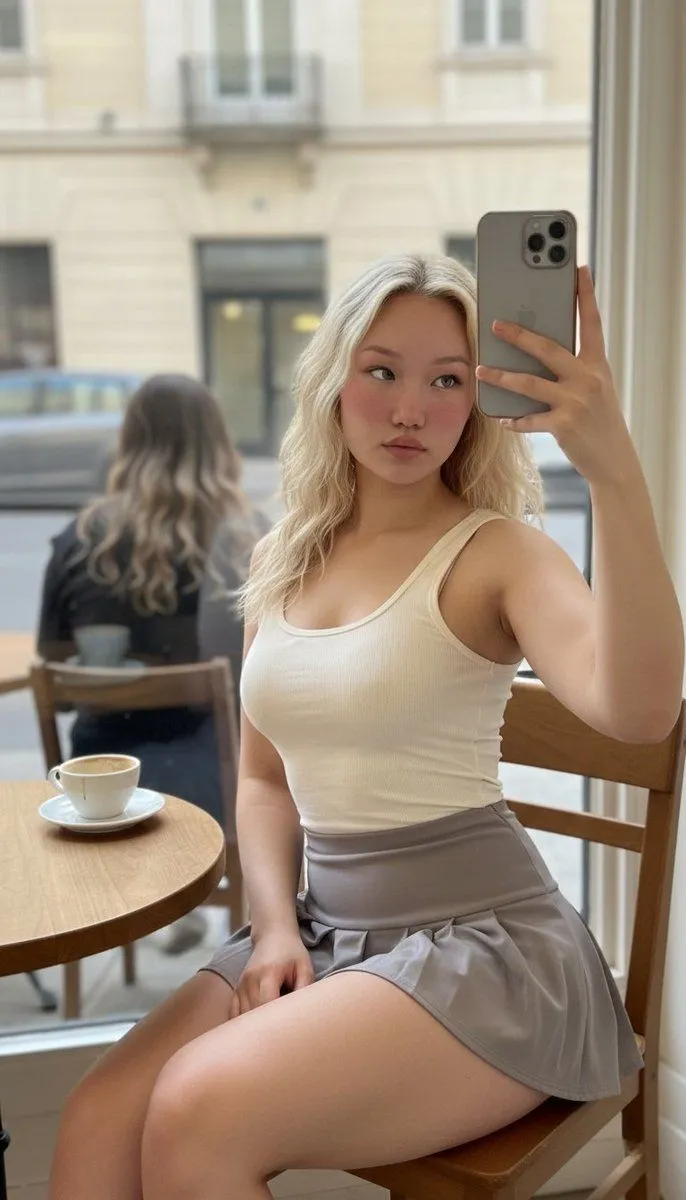
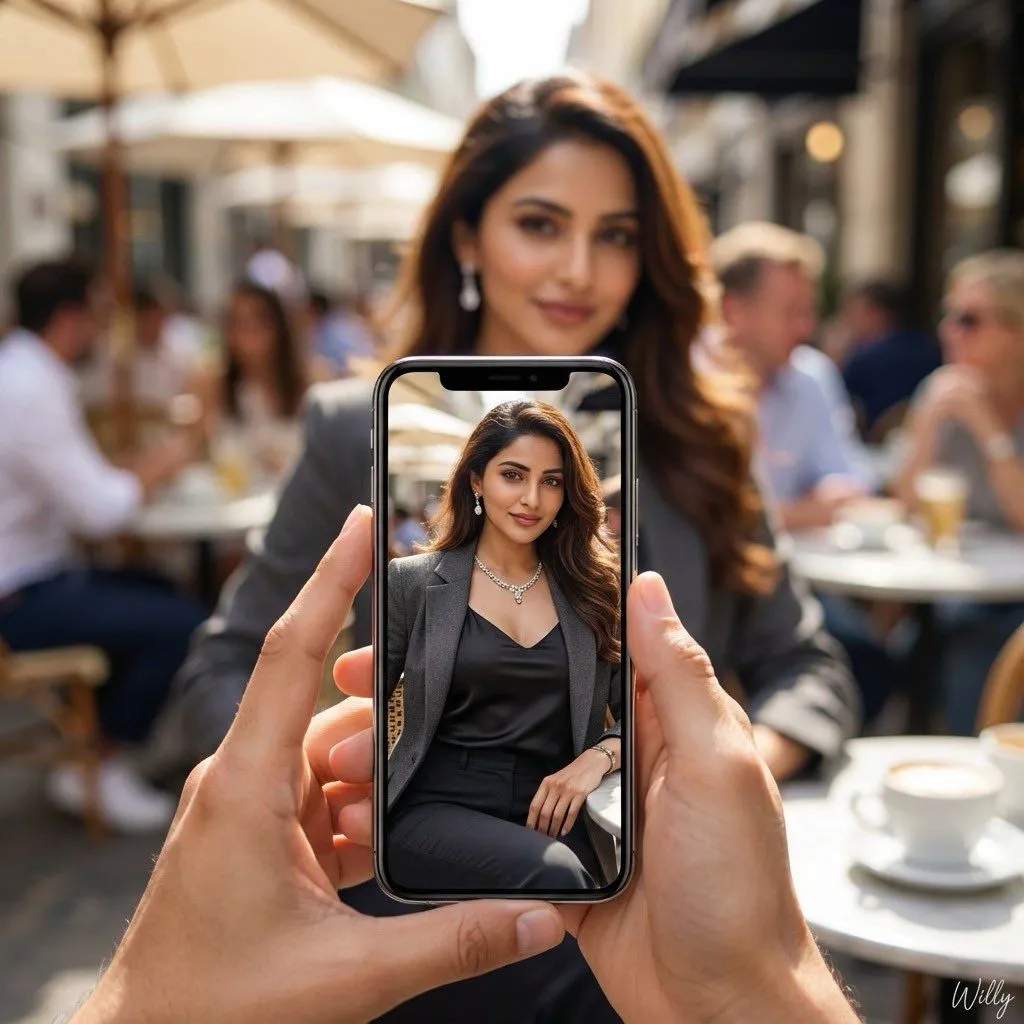
Hyper-realistic 8K image prompt for a vibrant cafe scene

Made with Nano Banana Pro in Gemini by Library Social. Promptclay never generates images.

Did it work?

No reports yet. Tell others if it worked for you.

No comments yet. Be the first.

    Hyper-realistic 8K image prompt for a vibrant cafe scene

    Nano Banana Pro1:1AI-generated

    Prompt

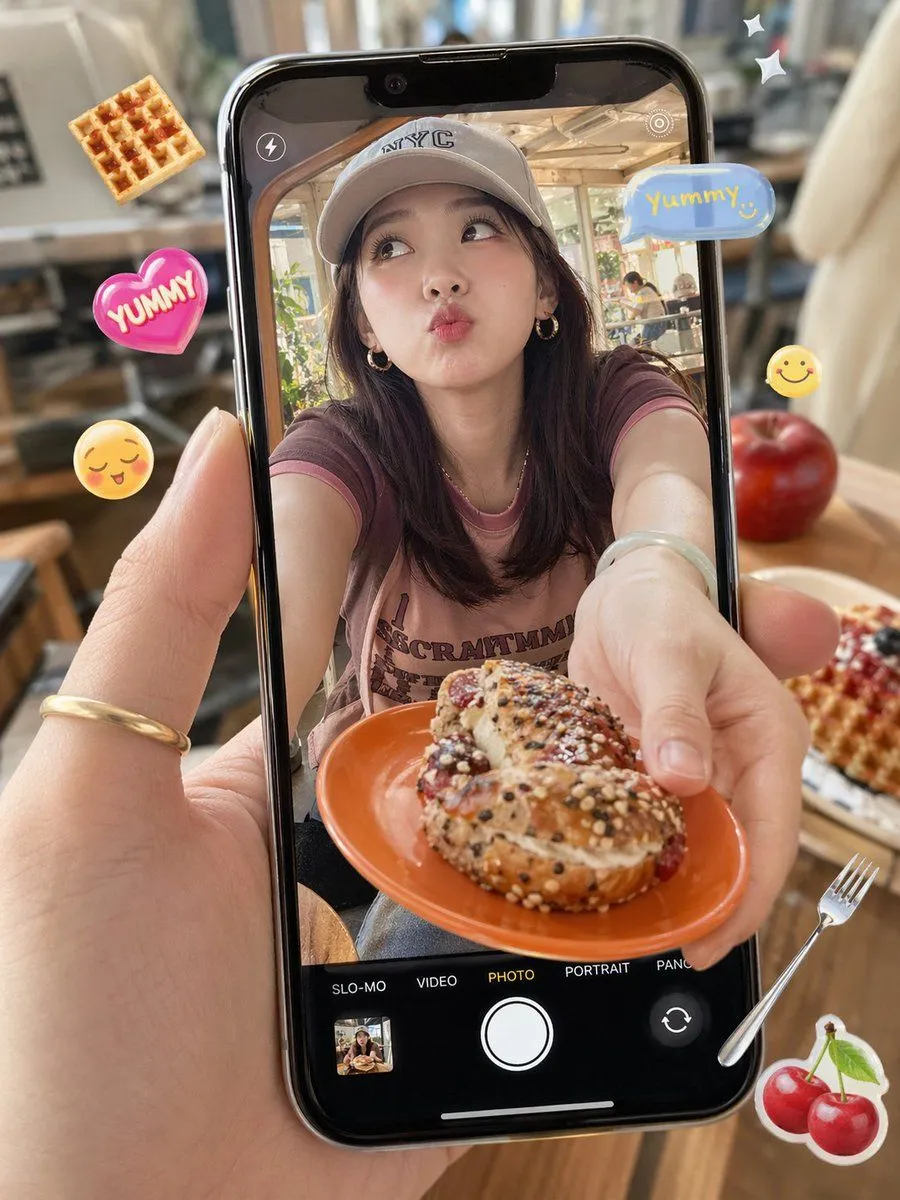
    { "concept": "vibrant candid moment at an outdoor cafe", "Persona_Details": { "Character": "Young female ", "Clothing": { "Outerwear": "Charcoal gray tailored blazer over black satin camisole and dark pants", "Footwear": "Soft sneakers", "Accessories": “Luxurious necklace", "softly hanging earrings" }, "Actions": [ "Slightly tilted forward, direct attractive gaze towards the viewer, feminine charm, playful but elegant expression” ] }, "composition": { "foreground": "hands holding a phone, capturing a reference or {character}", "background": "softly blurred cafe crowd with warm ambience", "focus_style": "dual-focus effect where the phone screen is sharp and subject behind it is softly blurred" }, "vibe": "urban lifestyle, natural happiness, warm social atmosphere", "lighting": "bright daylight with soft shadows and creamy bokeh", "colors": "pastel tones with warm highlights and teal accents", "camera_specs": { "lens": "35mm wide aperture", "depth": "shallow depth of field emphasizing the phone screen" }, "quality": "8K hyper-realistic, crisp detailing", "signature": "A stylish handwritten signature 'Willy' is elegantly and small letters placed at the Bottom Right corner, rendered in the same High-Contrast Color" “aspect_ratio”: “1:1” }

    Works in
    Gemini, ChatGPT
    Status
    Free to copy
    0
    DetailsVersions, settings and questions

    Written for

    What's in the prompt

    Subject
    Model
    Nano Banana Pro

    If your face changes

    keep my face exactly the same

    Questions

    Does this work in the Gemini app?
    Yes. Gemini runs Nano Banana, so paste the prompt and attach your photo if it uses one.
    It changed my face. What do I do?
    Add "keep my face exactly the same" to the end and run it again.
    Can I use the images I make?
    Check the terms of the app you use. Promptclay never generates images and claims nothing you make.
    Similar prompts

    See more
    • Cafe Phone Camera Food Snapshot
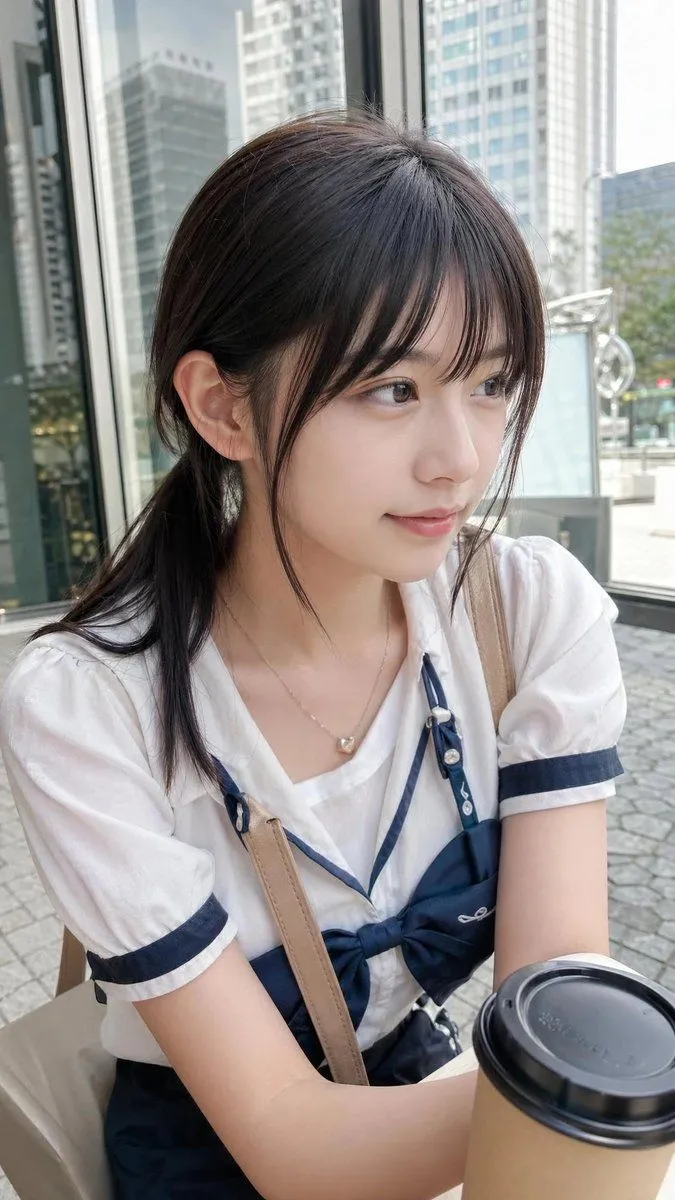
    • Casual Cafe Portrait in Sailor Blouse
    • Realistic Smartphone Cafe Portrait
    • Natural Social Media Style Photo Prompt
    • Realistic iPhone Cafe Portrait
    • Casual Lifestyle Portrait in an Urban Outdoor Café
    • Social Media Realism Selfie in European Café
    • Urban Street Style Cafe Portrait
    • Multi-Angle, Face-Obscured Shot Generation Prompt for Nano Banana Pro
    • Cinematic Night Drive Filmstrip Prompt
    • Oversized Smartphone Street Portrait
    • Ultra-Realistic Beauty Portrait Prompt
    • Consistent Character Portrait: Alev in a Cozy Library (JSON)
    • Coquette Garden Editorial with Rabbits
    • Cyberpunk Cinematic Close-up Portrait
    • Golden Hour Portrait at Italian Trattoria
    • Golf Course Athletic Portrait Prompt
    • High-Fashion Christmas Portrait with Holiday Sophistication
    • Hyper-Realistic Photo of Person and Pixar Double
    • Three-Panel Transformation Journey Artwork Prompt
    • Ultra-Luxury Fashion Editorial Portrait
    • Urban Fashion Portrait with Range Rover Prompt
    • Victorian-Edwardian Aristocratic Woman Portrait
    • Virtual outfit try-on with Tokyo street option

    Show more

    Run it on your phone

    1. Prompt copiedRead it

      { "concept": "vibrant candid moment at an outdoor cafe", "Persona_Details": { "Character": "Young female ", "Clothing": { "Outerwear": "Charcoal gray tailored blazer over black satin camisole and dark pants", "Footwear": "Soft sneakers", "Accessories": “Luxurious necklace", "softly hanging earrings" }, "Actions": [ "Slightly tilted forward, direct attractive gaze towards the viewer, feminine charm, playful but elegant expression” ] }, "composition": { "foreground": "hands holding a phone, capturing a reference or {character}", "background": "softly blurred cafe crowd with warm ambience", "focus_style": "dual-focus effect where the phone screen is sharp and subject behind it is softly blurred" }, "vibe": "urban lifestyle, natural happiness, warm social atmosphere", "lighting": "bright daylight with soft shadows and creamy bokeh", "colors": "pastel tones with warm highlights and teal accents", "camera_specs": { "lens": "35mm wide aperture", "depth": "shallow depth of field emphasizing the phone screen" }, "quality": "8K hyper-realistic, crisp detailing", "signature": "A stylish handwritten signature 'Willy' is elegantly and small letters placed at the Bottom Right corner, rendered in the same High-Contrast Color" “aspect_ratio”: “1:1” }

    2. Open your app

    3. Paste and run

      Press and hold the message box, then tap Paste. Add your photo first if the prompt uses one. You may need to sign in.

    Hyper-realistic 8K image prompt for a vibrant cafe scene