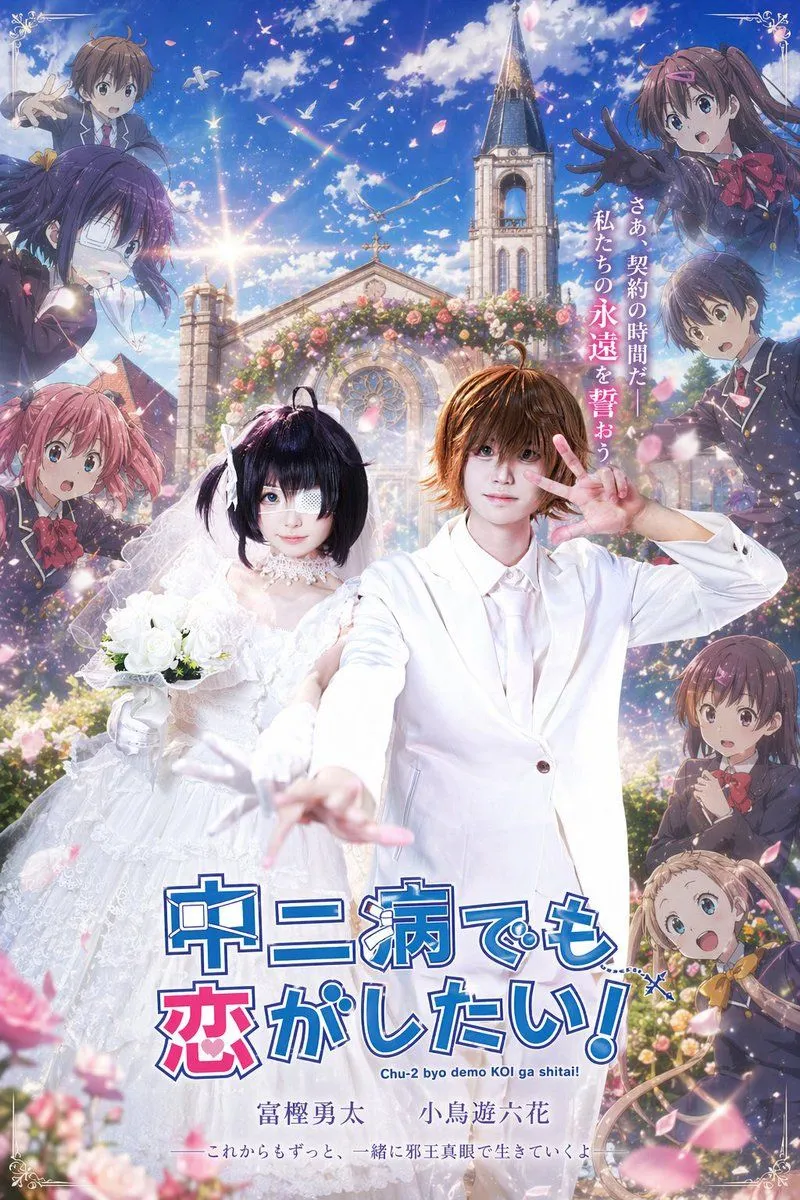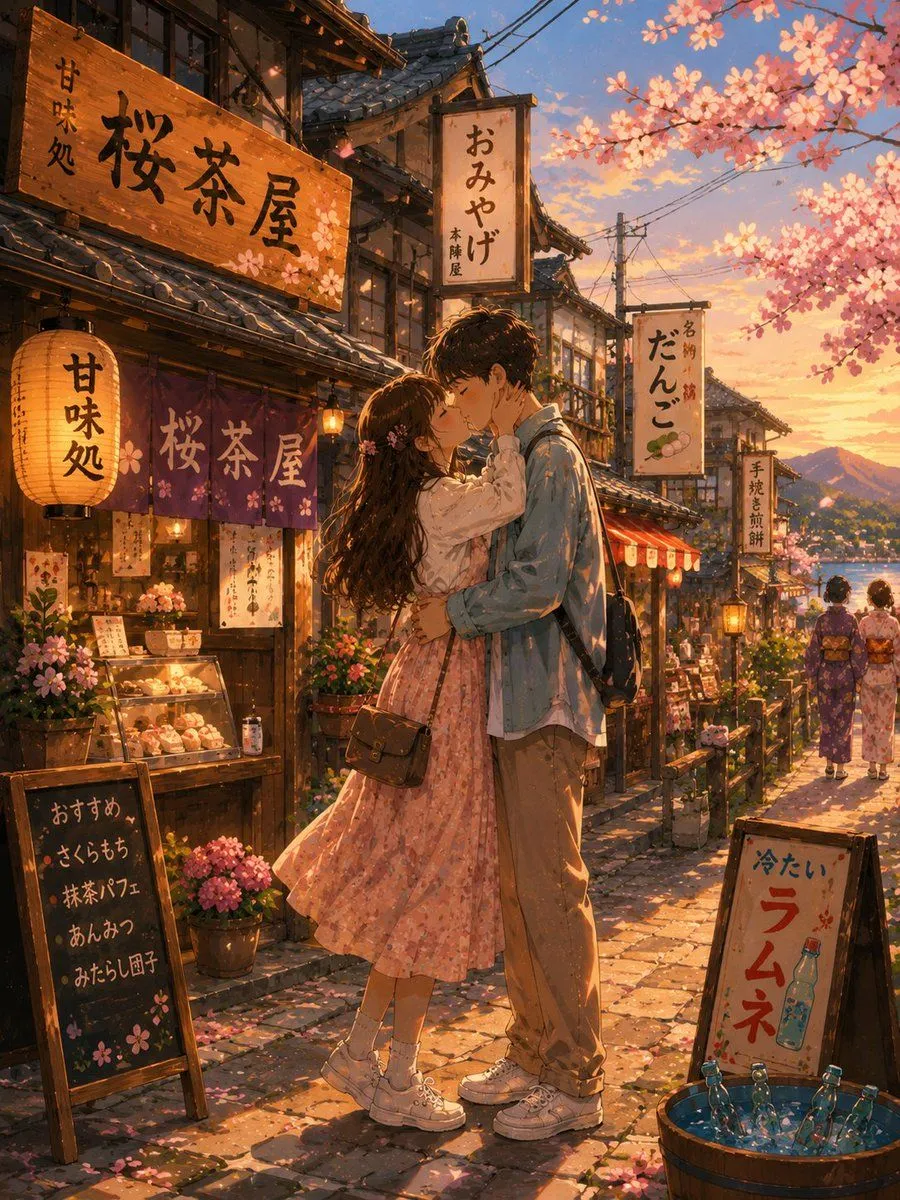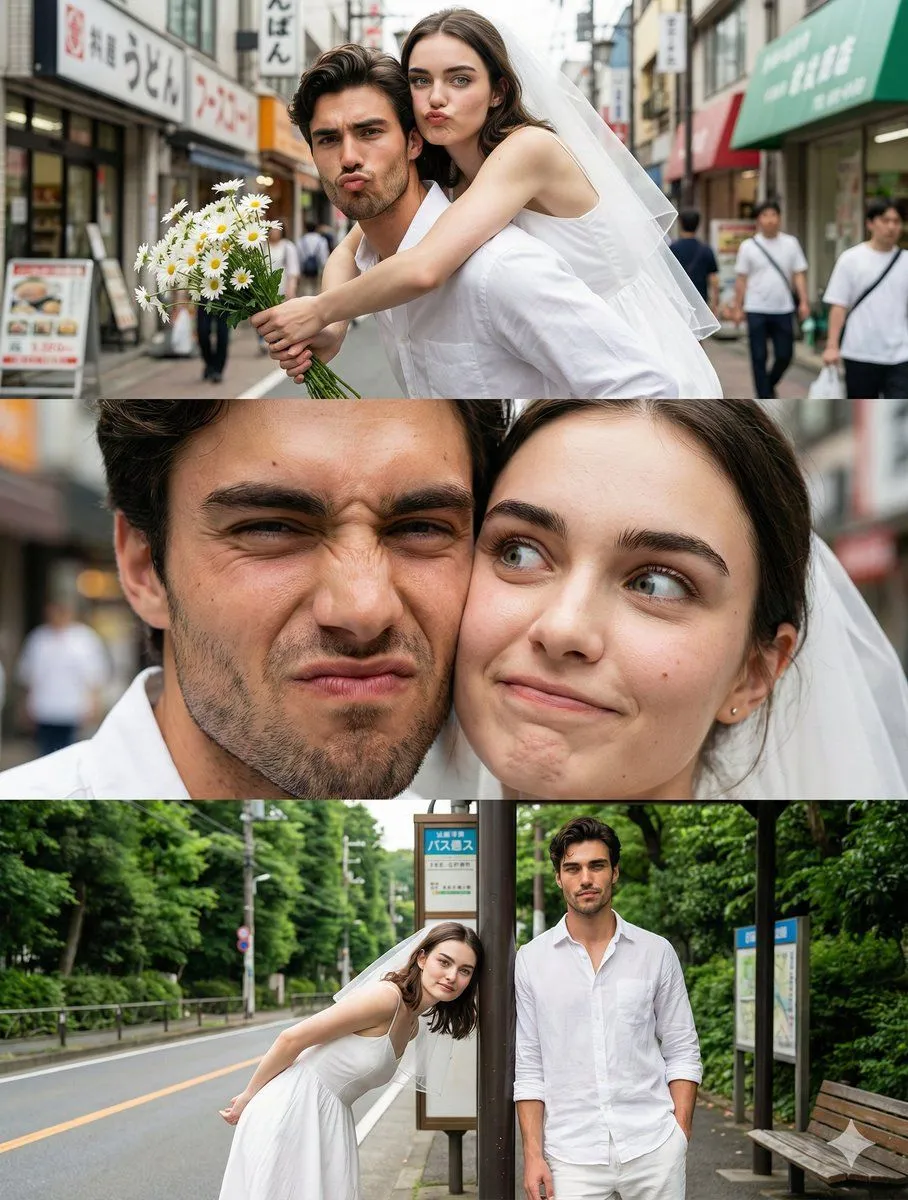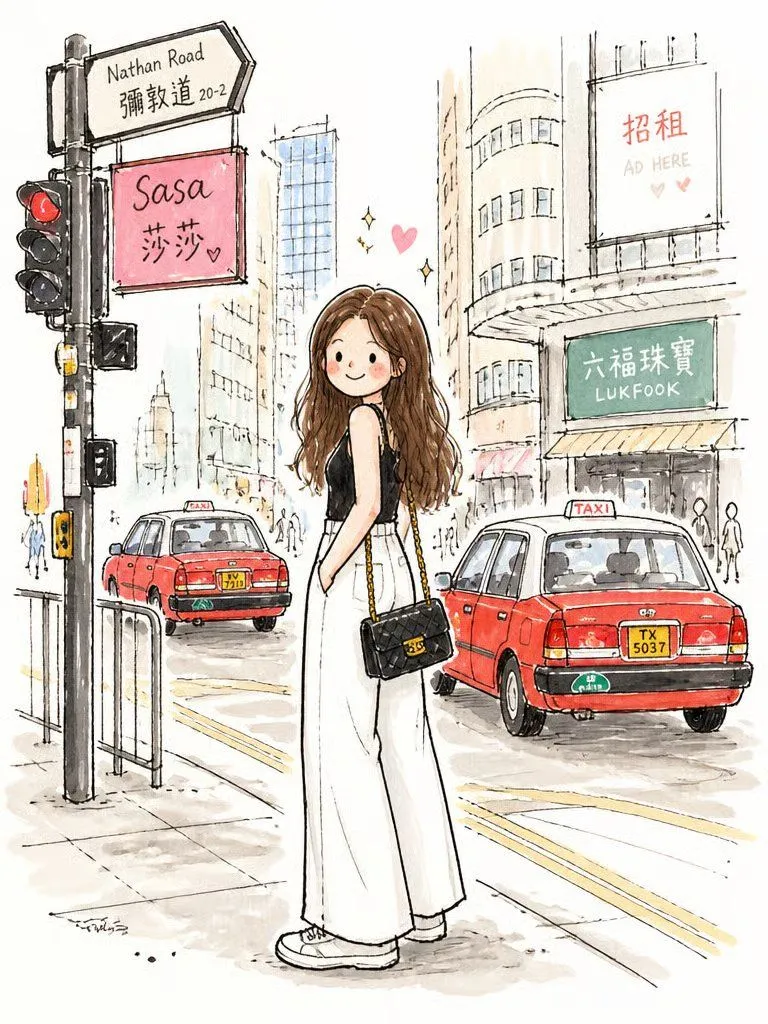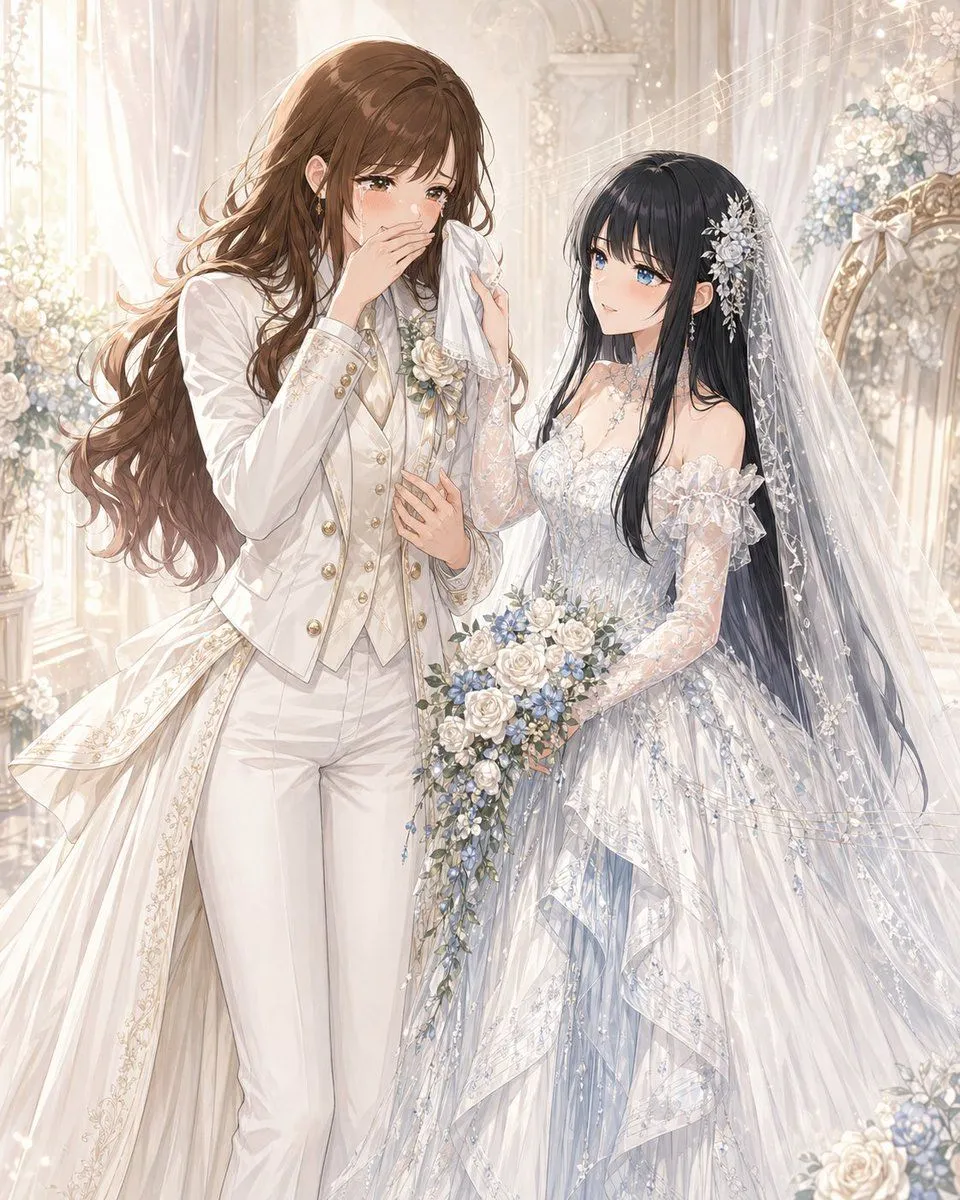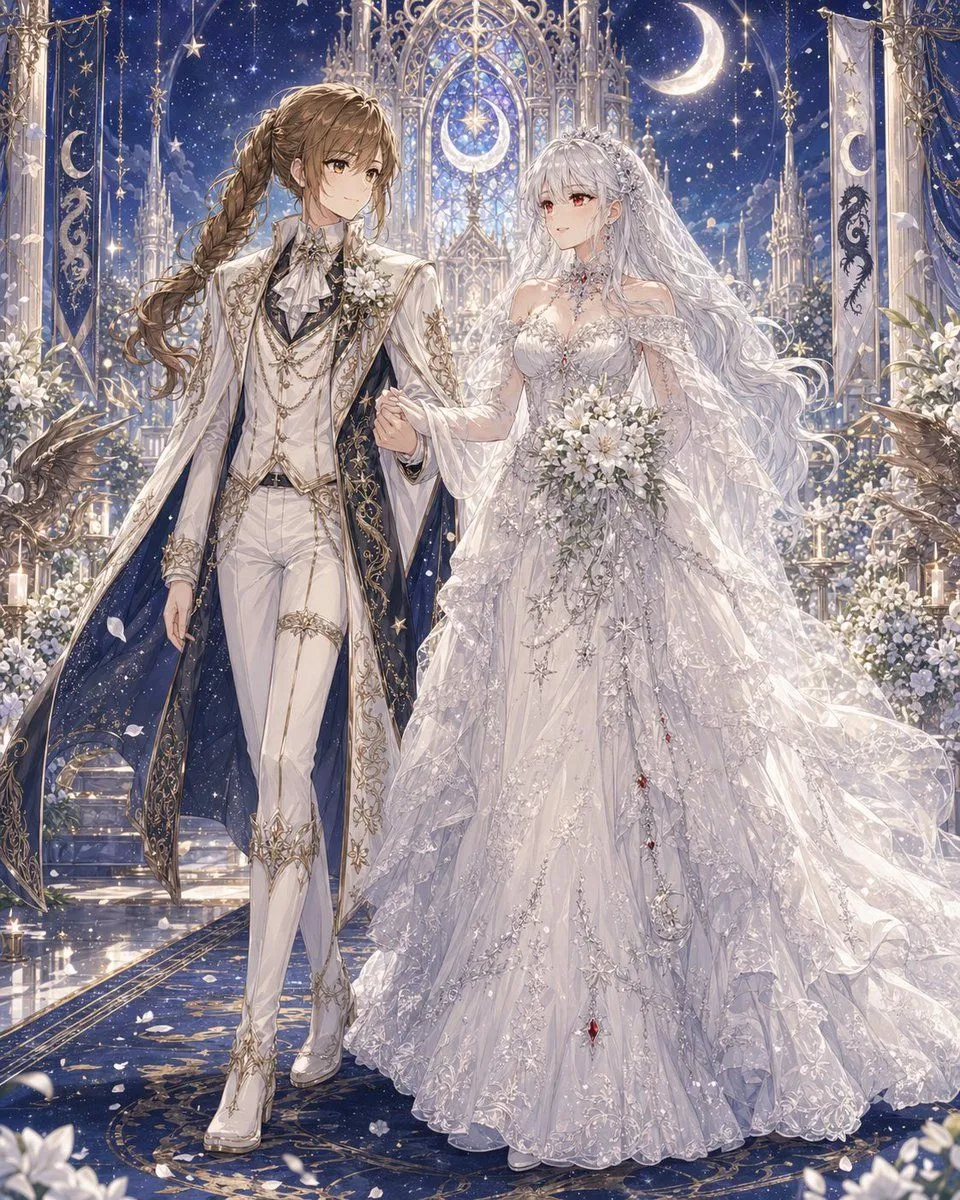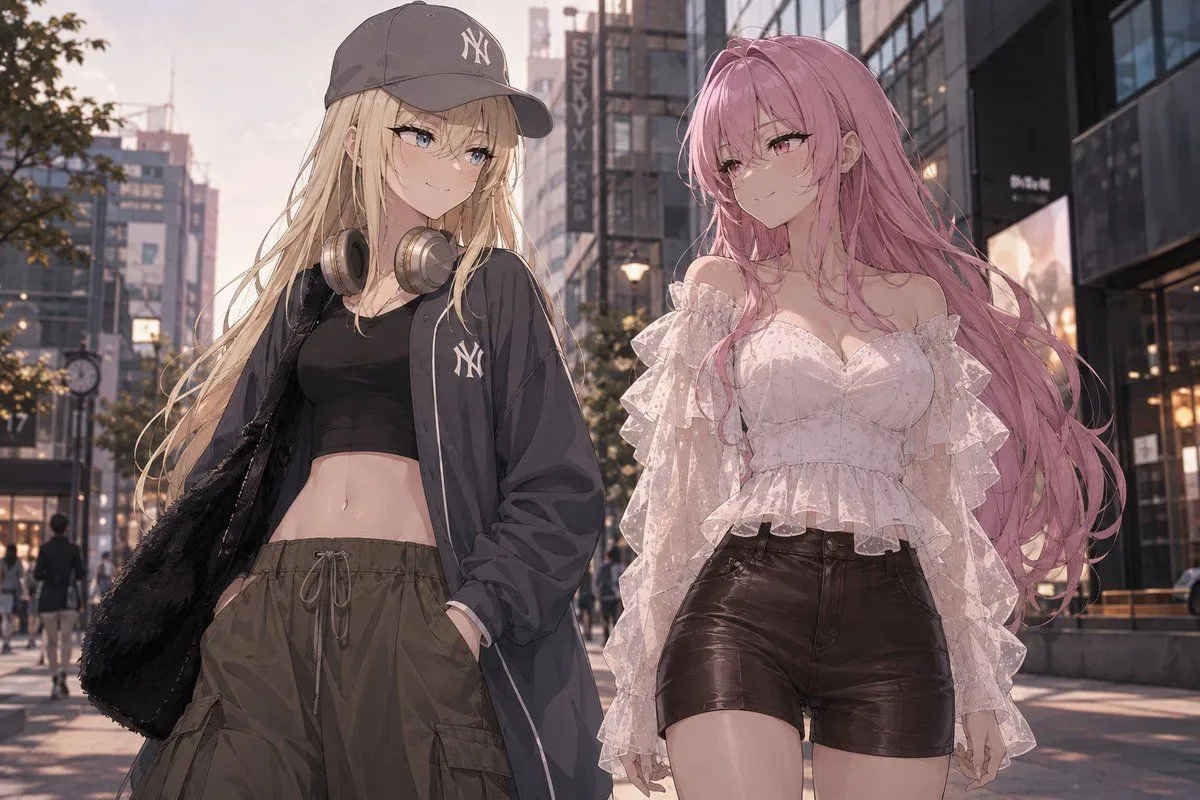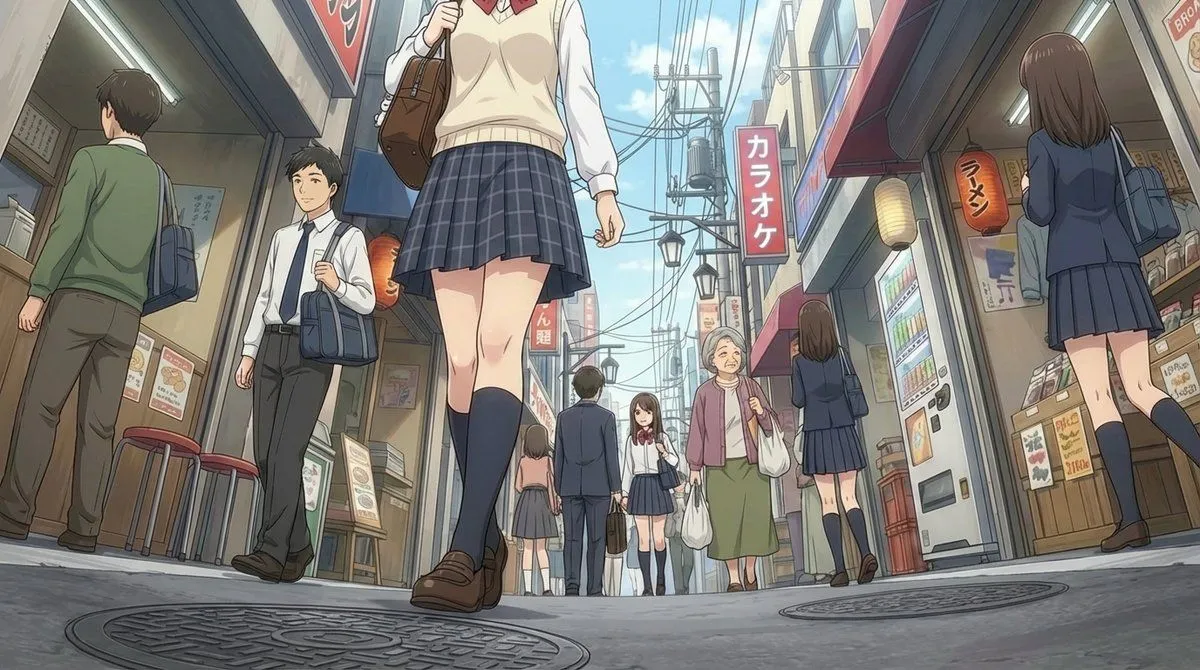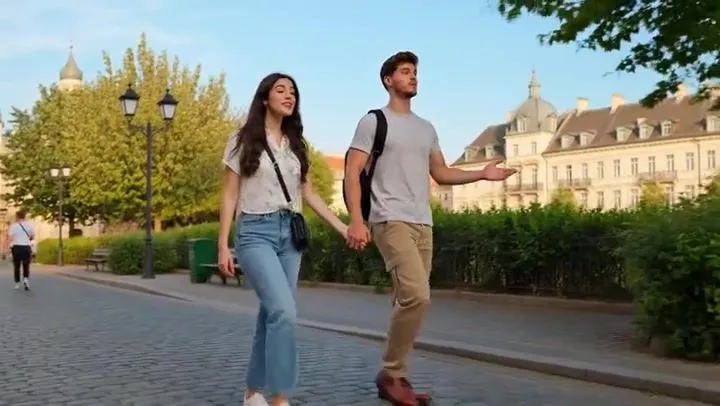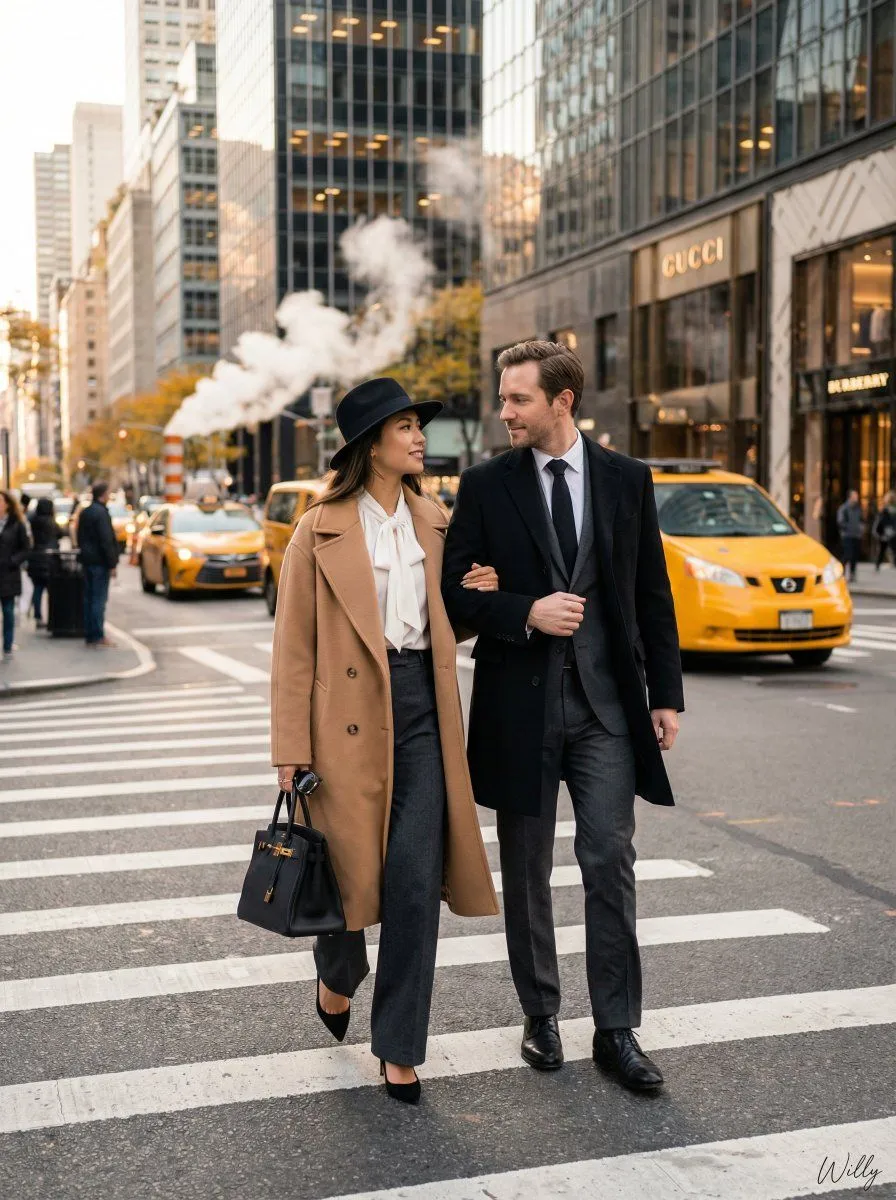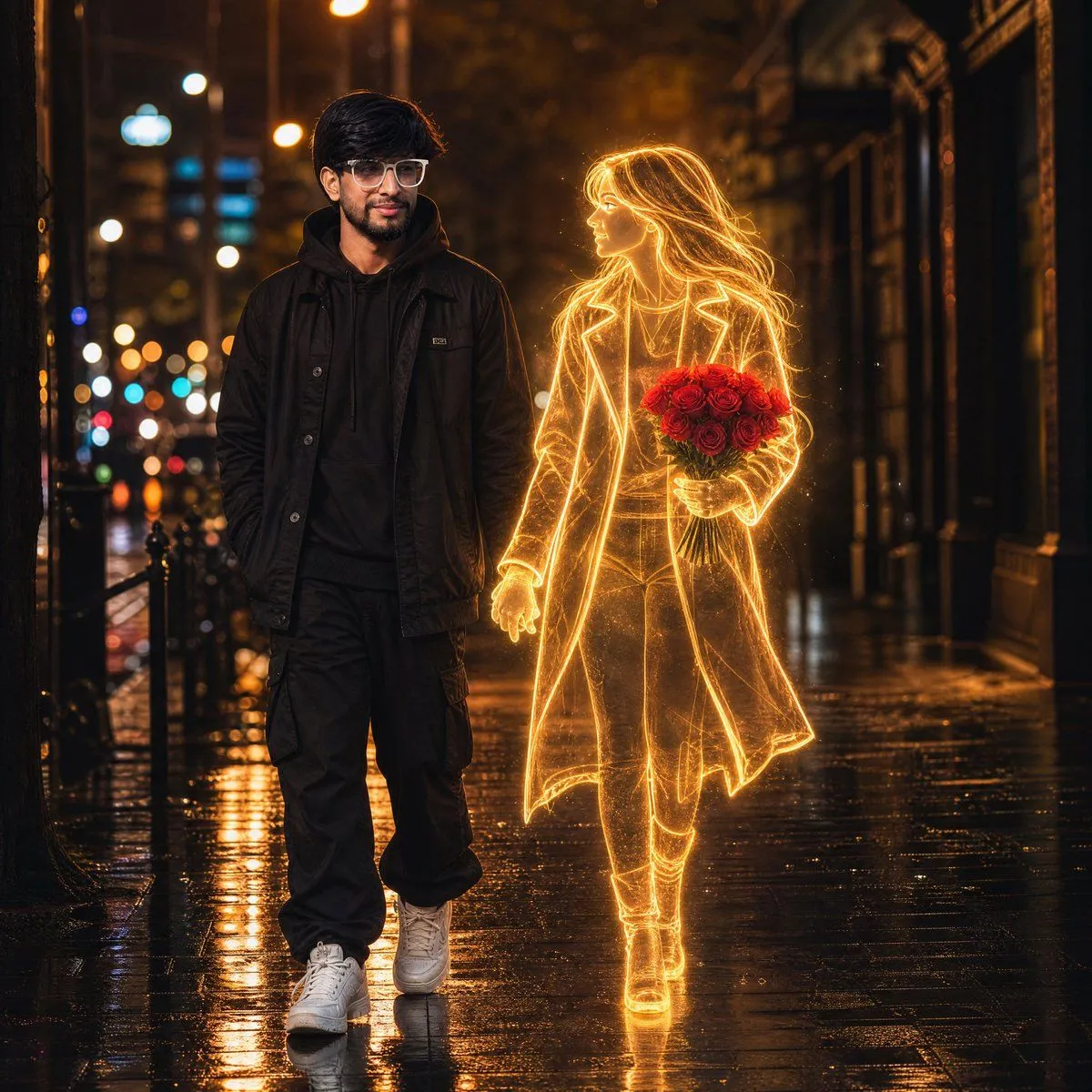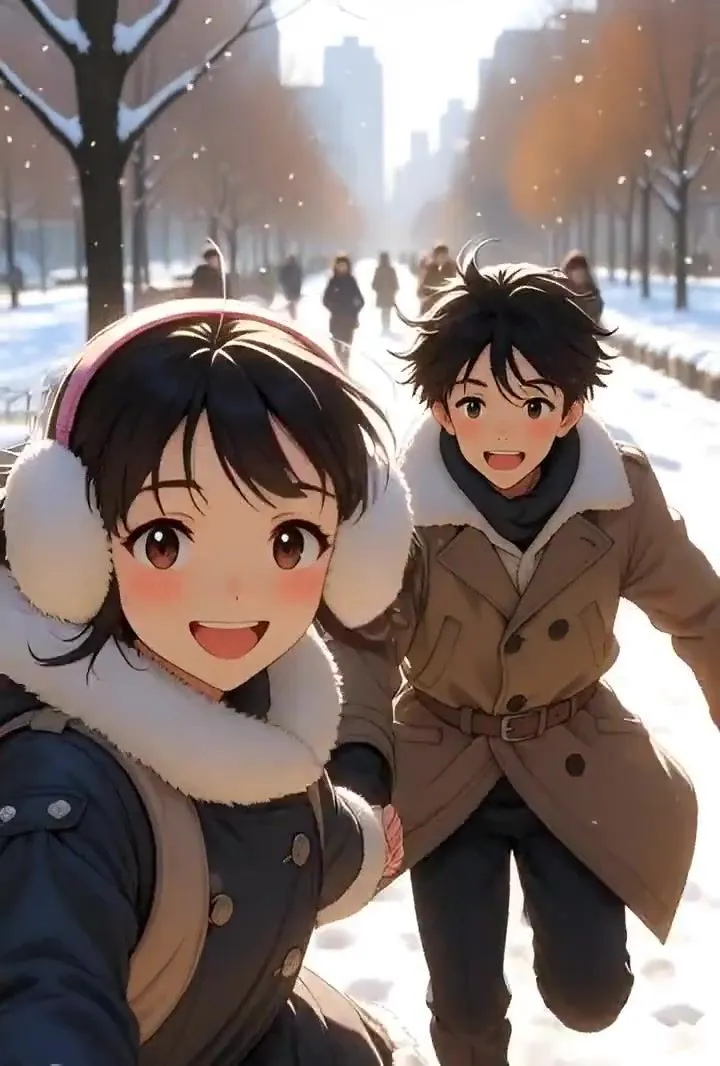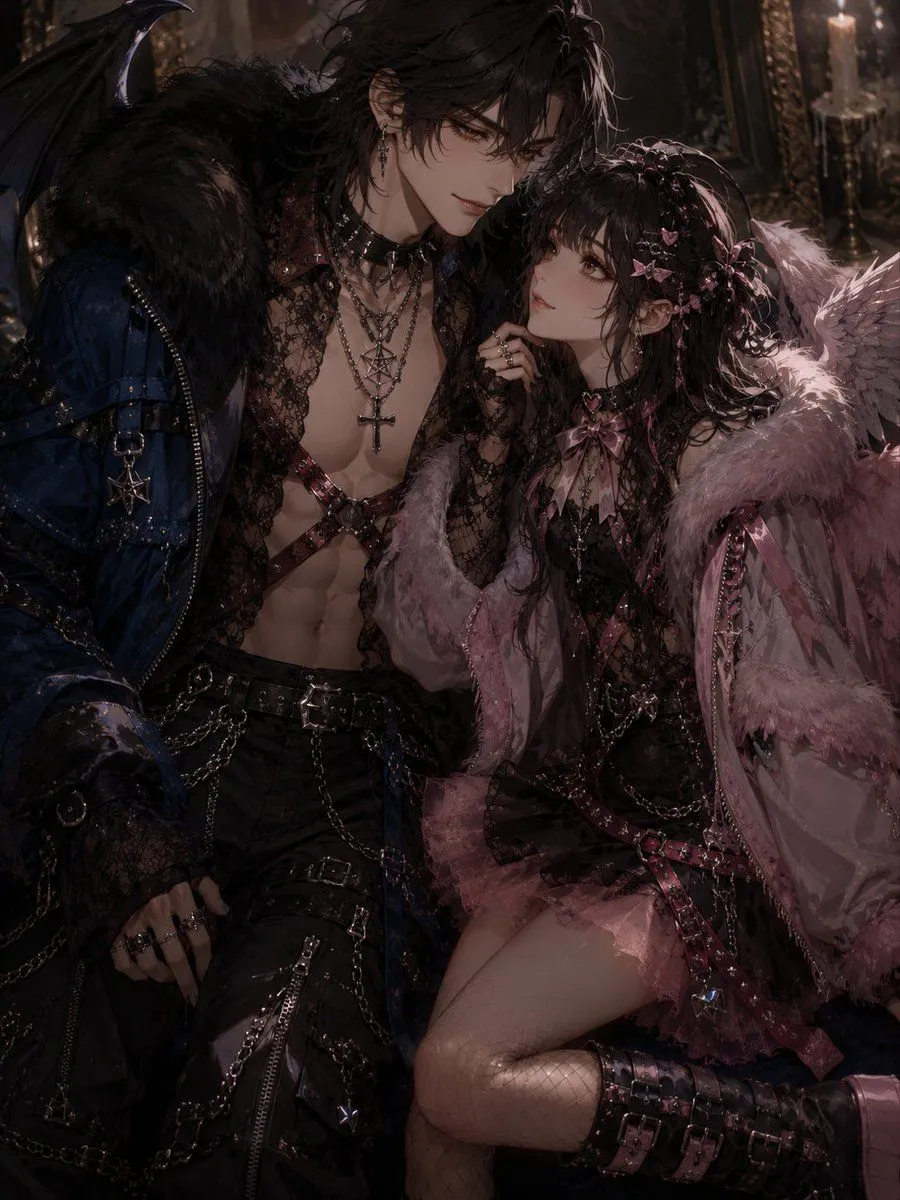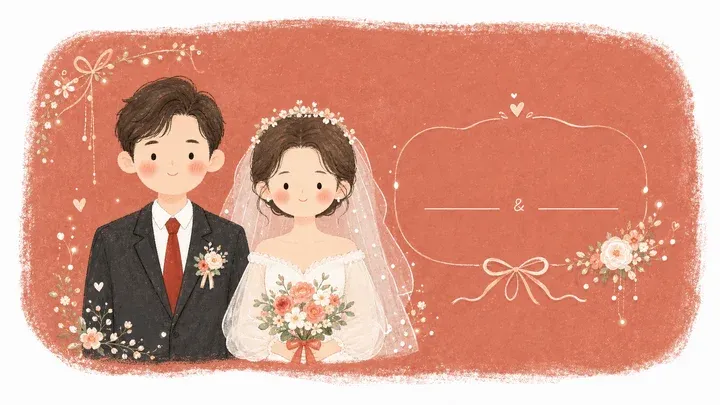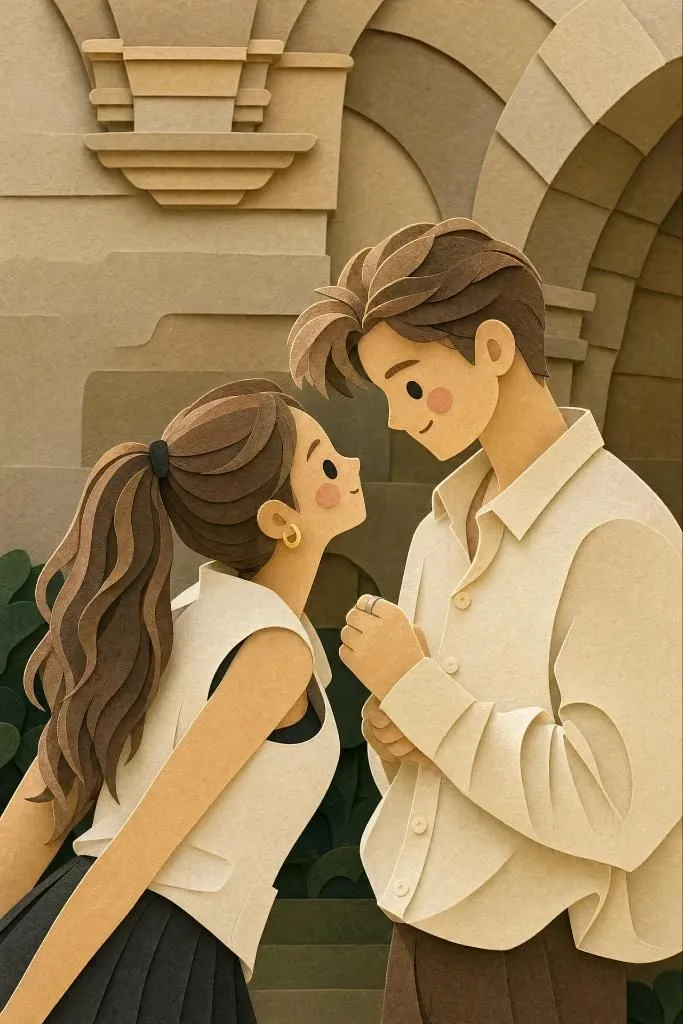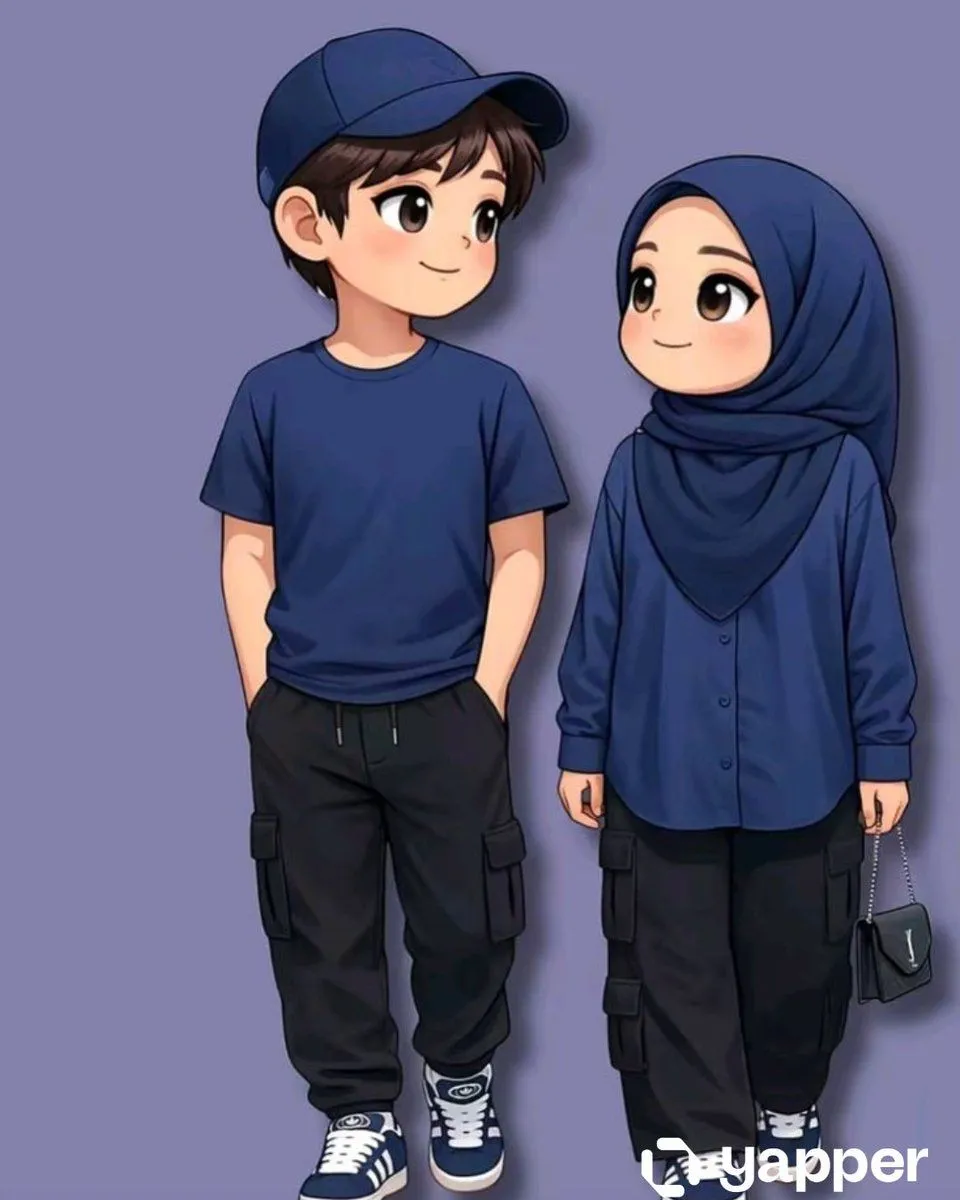
Made with Nano Banana Pro in Gemini by Library Social. Promptclay never generates images.
Did it work?
No reports yet. Tell others if it worked for you.
Hong Kong Wedding Snap Prompt
Prompt
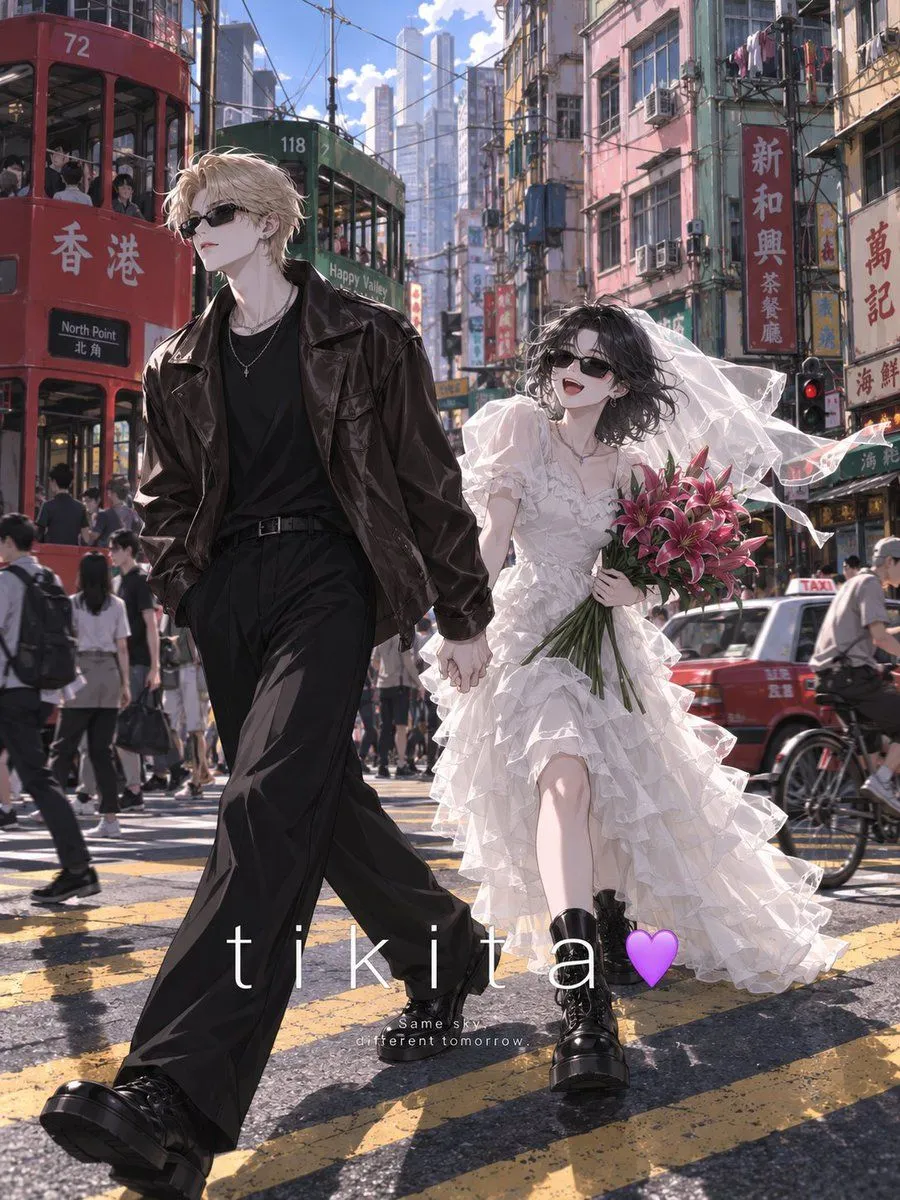
1 blank to fillAn illustration of a wedding on the streets of Hong Kong — a candid in-between moment, not a posed key visual. [PEOPLE] Use the uploaded character image(s) as reference. Keep each character's hair, eyes and face exactly. Match the art style of the upload and apply it to the whole picture — people, buildings, vehicles, signage. Same linework, same shading, same colour. Never photographic. [STYLING] Bride — black cat-eye sunglasses, white tiered ruffle organza dress with sheer puff sleeves, a short tulle veil lifting in the wind, chunky black boots. Laughing. She holds a loose bunch of long-stem magenta lilies. Groom — black rectangular sunglasses, dark brown leather jacket, black wide-leg trousers, black boots. Not smiling. [SCENE] They cross a downtown intersection hand in hand, the groom half a step ahead, her veil blown sideways. Behind them: pink, mint and yellow tong lau blocks, window grilles, aircon units, Chinese shop signs, tram wires. A red taxi passes. Thick yellow road markings. [LOOK] Harsh early-afternoon sun. Lit and shadowed areas split with a crisp edge — no soft even glow, no airbrushed gradients. Draw the background in full detail, crisp all the way back, no blur or haze. Keep them small and off-centre, and leave the street messy: passersby, scooters, shop signs, hanging laundry. Vertical 3:4, no watermark. A drawing, not a photograph. [LETTERING] Across the lower third, centred: "{text_input}" in a thin, wide-tracked white sans-serif, spelled exactly. Below it two centred lines of very small white serif text. Flat and clean, no shadow or box.
Preview of your prompt
An illustration of a wedding on the streets of Hong Kong — a candid in-between moment, not a posed key visual. [PEOPLE] Use the uploaded character image(s) as reference. Keep each character's hair, eyes and face exactly. Match the art style of the upload and apply it to the whole picture — people, buildings, vehicles, signage. Same linework, same shading, same colour. Never photographic. [STYLING] Bride — black cat-eye sunglasses, white tiered ruffle organza dress with sheer puff sleeves, a short tulle veil lifting in the wind, chunky black boots. Laughing. She holds a loose bunch of long-stem magenta lilies. Groom — black rectangular sunglasses, dark brown leather jacket, black wide-leg trousers, black boots. Not smiling. [SCENE] They cross a downtown intersection hand in hand, the groom half a step ahead, her veil blown sideways. Behind them: pink, mint and yellow tong lau blocks, window grilles, aircon units, Chinese shop signs, tram wires. A red taxi passes. Thick yellow road markings. [LOOK] Harsh early-afternoon sun. Lit and shadowed areas split with a crisp edge — no soft even glow, no airbrushed gradients. Draw the background in full detail, crisp all the way back, no blur or haze. Keep them small and off-centre, and leave the street messy: passersby, scooters, shop signs, hanging laundry. Vertical 3:4, no watermark. A drawing, not a photograph. [LETTERING] Across the lower third, centred: "Text Input" in a thin, wide-tracked white sans-serif, spelled exactly. Below it two centred lines of very small white serif text. Flat and clean, no shadow or box.
DetailsVersions, settings and questions
Written for
What's in the prompt
- Subject
- Model
- Nano Banana Pro
If your face changes
keep my face exactly the sameQuestions
- Does this work in the Gemini app?
- Yes. Gemini runs Nano Banana, so paste the prompt and attach your photo if it uses one.
- It changed my face. What do I do?
- Add "keep my face exactly the same" to the end and run it again.
- Can I use the images I make?
- Check the terms of the app you use. Promptclay never generates images and claims nothing you make.