Tell us anything

An idea, a bug, something you love. We read every note.

⌘↵ to send. The page you're on comes along.

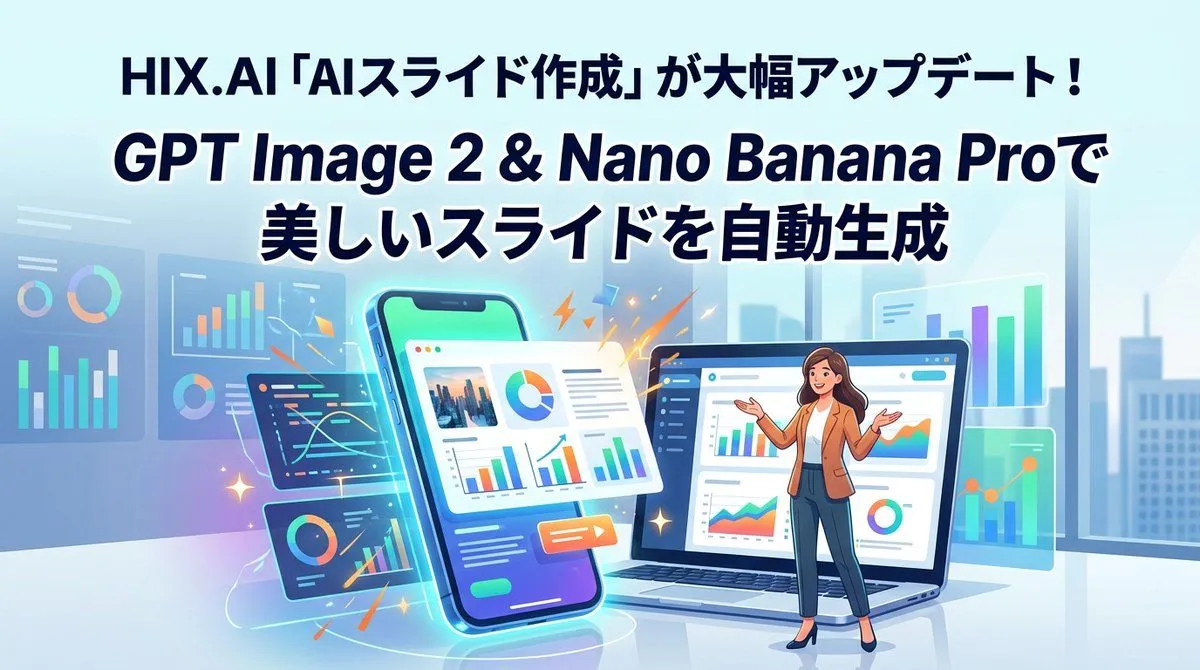
HIX.AI Slide Update Banner

Made with GPT Image 2 in ChatGPT by Library Brand. Promptclay never generates images.

Did it work?

No reports yet. Tell others if it worked for you.

No comments yet. Be the first.

    HIX.AI Slide Update Banner

    GPT Image 216:9AI-generated

    Prompt

    {"type":"wide promotional banner illustration for a software update announcement","aspect_ratio":"16:9","style":"clean modern vector illustration, glossy SaaS marketing design, soft gradients, crisp typography, vibrant cyan and blue glow effects, subtle depth, corporate tech aesthetic","language":"Japanese headline text with English product names","canvas":{"background":"bright office interior with pale blue glass windows, faint city skyline silhouettes, soft daylight, glossy floor reflection","color_palette":"light cyan, sky blue, navy, teal, mint green, orange accent sparks, white panels"},"text":{"top_headline":"{argument name=\"top headline text\" default=\"HIX.AI「AIスライド作成」が大幅アップデート!\"}","main_headline_line_1":"{argument name=\"main headline line one\" default=\"GPT Image 2 & Nano Banana Proで\"}","main_headline_line_2":"{argument name=\"main headline line two\" default=\"美しいスライドを自動生成\"}","typography":"large bold rounded sans-serif, dark navy fill, thick white outline or glow on the two main headline lines, centered at the top, strong hierarchy"},"main_scene":{"centerpiece":"a tilted smartphone standing upright near the center-left, glowing cyan outline, displaying a slide-generation interface with charts, a photo thumbnail, text blocks, and a colorful pie chart","laptop":"open laptop on the center-right, screen showing an analytics slide editor dashboard with sidebar navigation, bar charts, line charts, donut chart, and a small presenter illustration area","presenter":"{argument name=\"presenter description\" default=\"female business presenter standing in front of the laptop, tan blazer, white shirt, dark blue trousers, black heels, long wavy brown hair, arms open in an explanatory gesture, simplified blurred face\"}","effects":"orange lightning bolts, small sparkles, glowing swooshes, and confetti-like accent strokes around the smartphone and dashboards to suggest automated generation"},"ui_components":{"count":8,"items":["1 tilted smartphone interface in the foreground","1 open laptop interface in the foreground","1 central floating white slide card overlapping the phone, containing photo thumbnail, pie chart, paragraph lines, bar charts, and orange play button","1 dark floating code-and-line-chart panel at lower left of phone","1 dark floating donut-and-bar-chart panel near bottom left","1 translucent analytics dashboard panel at far left with bar charts and donut charts","1 small translucent line-chart panel above the phone","1 translucent chart panel at right with vertical bars and line graph"]},"composition":"headline occupies the upper 40 percent; devices and presenter occupy the lower 60 percent; smartphone slightly left of center, laptop slightly right of center, presenter standing in front of laptop; floating panels distributed left and right for balance; no borders, no watermark","rendering_instructions":"make the image polished and legible as a social media announcement banner; keep all charts decorative but clear; preserve the exact Japanese headline text; use high contrast between navy headline and bright cyan background"}

    Works in
    ChatGPT, Gemini
    Status
    Free to copy
    0
    DetailsVersions, settings and questions

    Written for

    What's in the prompt

    Subject
    Model
    GPT Image 2

    If your face changes

    keep my face exactly the same

    Questions

    Does this work in the ChatGPT app?
    Yes. Paste the prompt and attach your photo if it uses one.
    It changed my face. What do I do?
    Add "keep my face exactly the same" to the end and run it again.
    Can I use the images I make?
    Check the terms of the app you use. Promptclay never generates images and claims nothing you make.
    Similar prompts

    See more
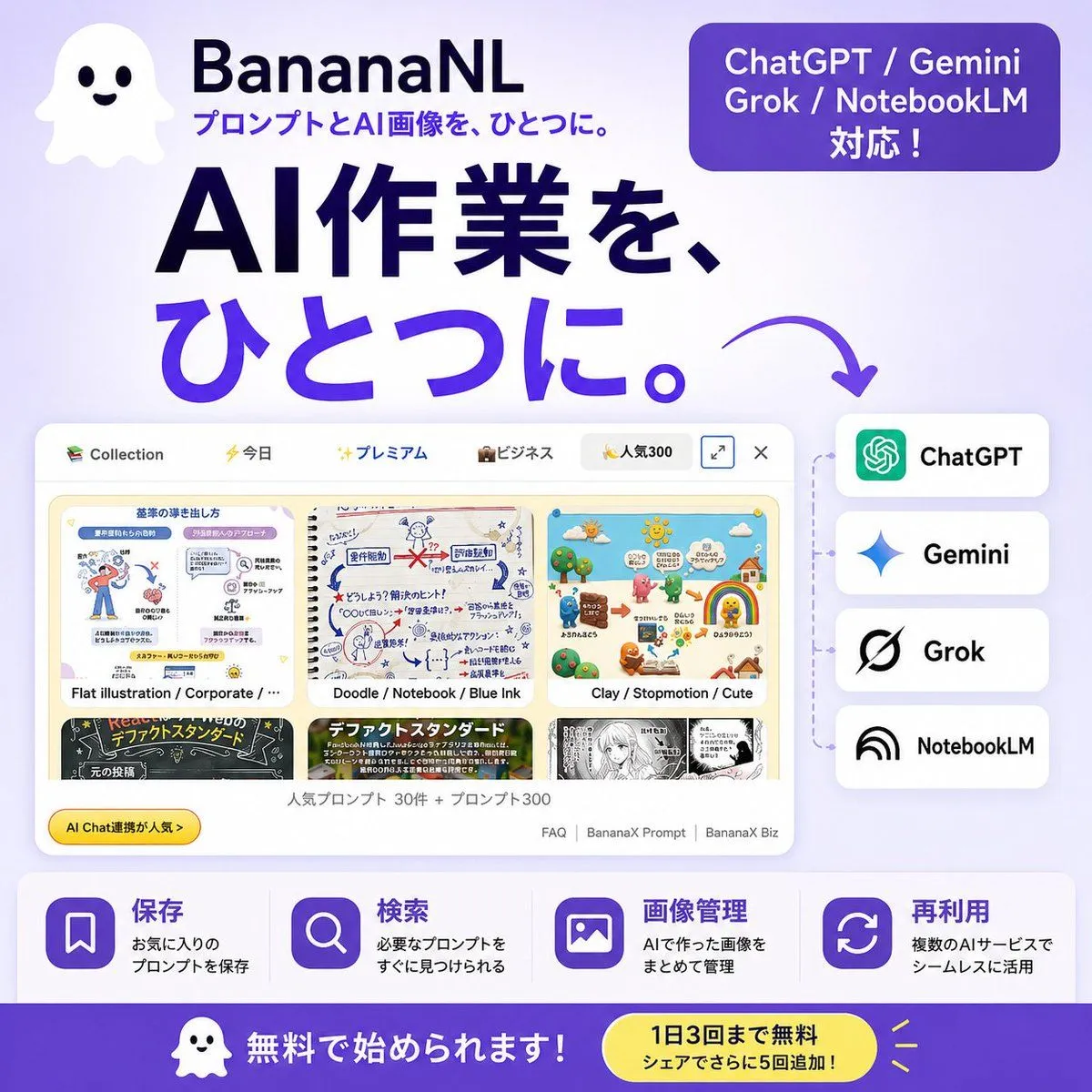
    • Japanese SaaS AI Prompt Manager Ad
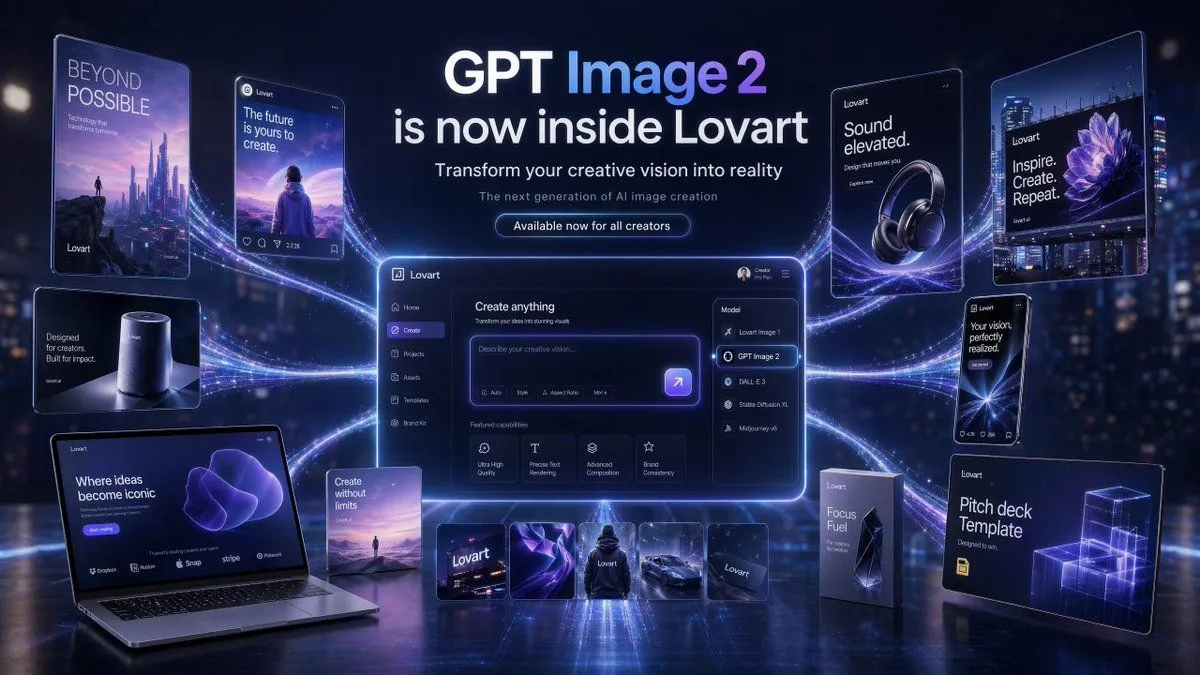
    • Futuristic GPT Image 2 Launch Banner
    • Resize banner image to 1:1
    • GPT Image 2 Reference Tutorial Banner
    • Japanese AI Creative Promo Slide
    • KAWAISALES Ad Design
    • Banner Generation Prompt for Model Comparison
    • Visually Stunning Slide Generation from Content
    • Nano Banana Pro Prompt for High-Visibility 3D Thumbnail Design
    • Low-Cost AI Video Thumbnail
    • Manus GPT Image 2.0 Comparison Slide
    • Professional Tool Launch Poster
    • Nano-banana Pro Persona Generation Prompt
    • ChatGPT Bonus Banner Screenshot
    • AI Brand Guide Generation UI
    • Nano Banana Pro Tesla FSD infographic
    • Professional Workbench Cover Banner
    • Comparing Nano Banana Pro and 2 with a Profile Flyer Prompt
    • Generate a room that looks like life is being enjoyed to the fullest
    • ChatGPT Foundations Product Visual
    • Mechanical Keyboard Themed Art Poster Prompt
    • Magic Prompt for Automatic Infographic Generation with Nano Banana Pro
    • Cinematic GPT Image 2 Poster
    • 7-Shot Cinematic Campaign Sequence Prompt

    Show more

    Run it on your phone

    1. Prompt copiedRead it

      {"type":"wide promotional banner illustration for a software update announcement","aspect_ratio":"16:9","style":"clean modern vector illustration, glossy SaaS marketing design, soft gradients, crisp typography, vibrant cyan and blue glow effects, subtle depth, corporate tech aesthetic","language":"Japanese headline text with English product names","canvas":{"background":"bright office interior with pale blue glass windows, faint city skyline silhouettes, soft daylight, glossy floor reflection","color_palette":"light cyan, sky blue, navy, teal, mint green, orange accent sparks, white panels"},"text":{"top_headline":"{argument name=\"top headline text\" default=\"HIX.AI「AIスライド作成」が大幅アップデート!\"}","main_headline_line_1":"{argument name=\"main headline line one\" default=\"GPT Image 2 & Nano Banana Proで\"}","main_headline_line_2":"{argument name=\"main headline line two\" default=\"美しいスライドを自動生成\"}","typography":"large bold rounded sans-serif, dark navy fill, thick white outline or glow on the two main headline lines, centered at the top, strong hierarchy"},"main_scene":{"centerpiece":"a tilted smartphone standing upright near the center-left, glowing cyan outline, displaying a slide-generation interface with charts, a photo thumbnail, text blocks, and a colorful pie chart","laptop":"open laptop on the center-right, screen showing an analytics slide editor dashboard with sidebar navigation, bar charts, line charts, donut chart, and a small presenter illustration area","presenter":"{argument name=\"presenter description\" default=\"female business presenter standing in front of the laptop, tan blazer, white shirt, dark blue trousers, black heels, long wavy brown hair, arms open in an explanatory gesture, simplified blurred face\"}","effects":"orange lightning bolts, small sparkles, glowing swooshes, and confetti-like accent strokes around the smartphone and dashboards to suggest automated generation"},"ui_components":{"count":8,"items":["1 tilted smartphone interface in the foreground","1 open laptop interface in the foreground","1 central floating white slide card overlapping the phone, containing photo thumbnail, pie chart, paragraph lines, bar charts, and orange play button","1 dark floating code-and-line-chart panel at lower left of phone","1 dark floating donut-and-bar-chart panel near bottom left","1 translucent analytics dashboard panel at far left with bar charts and donut charts","1 small translucent line-chart panel above the phone","1 translucent chart panel at right with vertical bars and line graph"]},"composition":"headline occupies the upper 40 percent; devices and presenter occupy the lower 60 percent; smartphone slightly left of center, laptop slightly right of center, presenter standing in front of laptop; floating panels distributed left and right for balance; no borders, no watermark","rendering_instructions":"make the image polished and legible as a social media announcement banner; keep all charts decorative but clear; preserve the exact Japanese headline text; use high contrast between navy headline and bright cyan background"}

    2. Open your app

      This prompt is long, so it is copied instead of sent in the link. Paste it in the app.

    3. Paste and run

      Press and hold the message box, then tap Paste. Add your photo first if the prompt uses one. You may need to sign in.

    HIX.AI Slide Update Banner