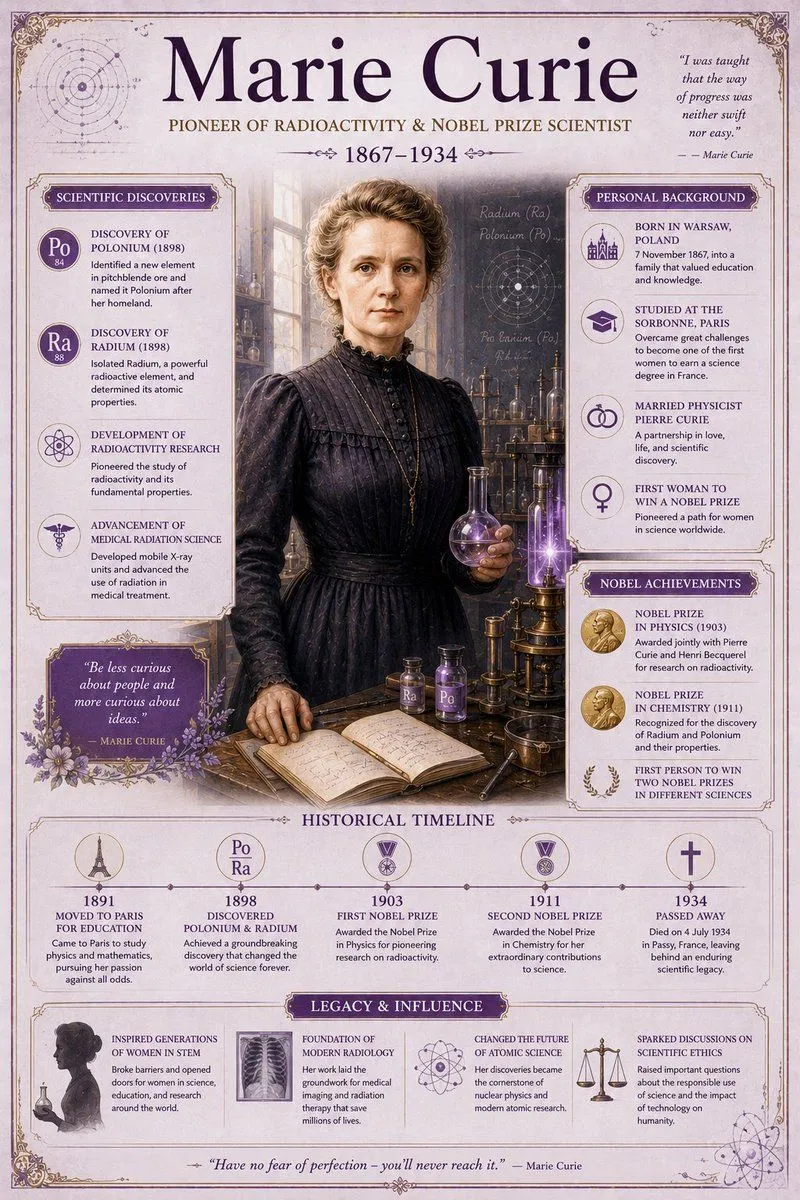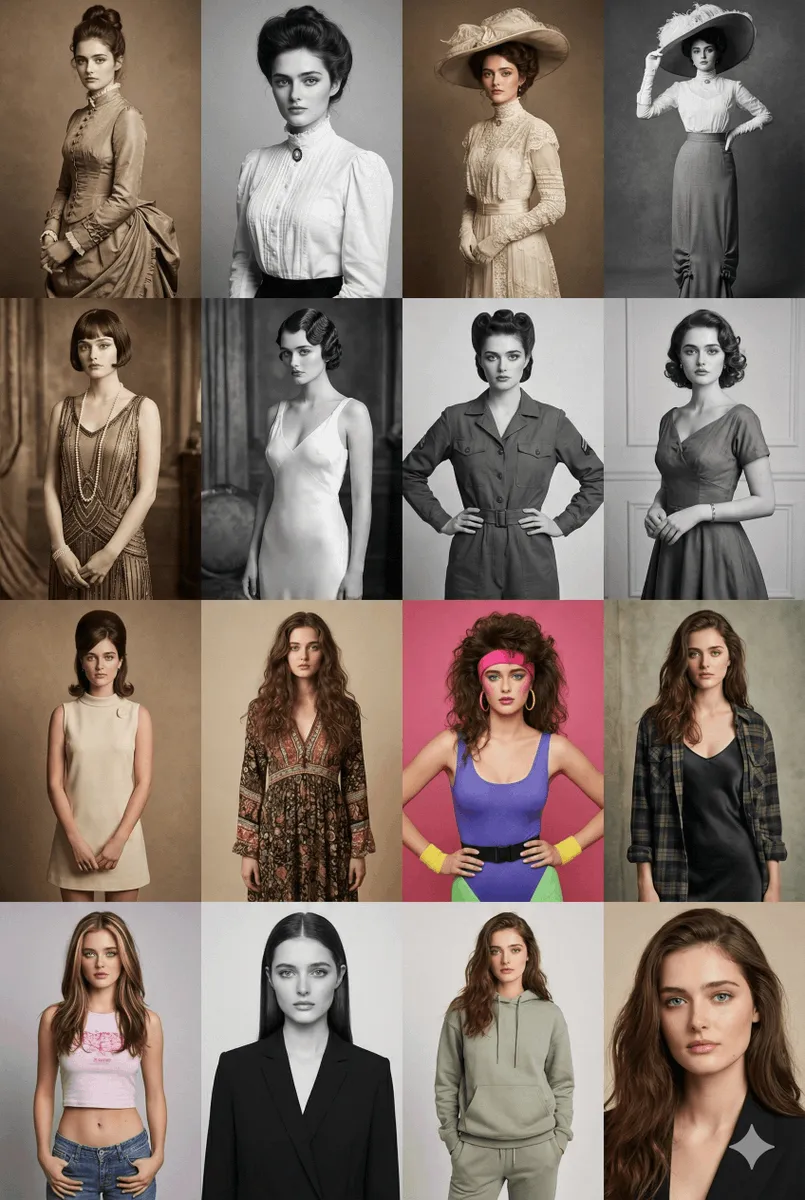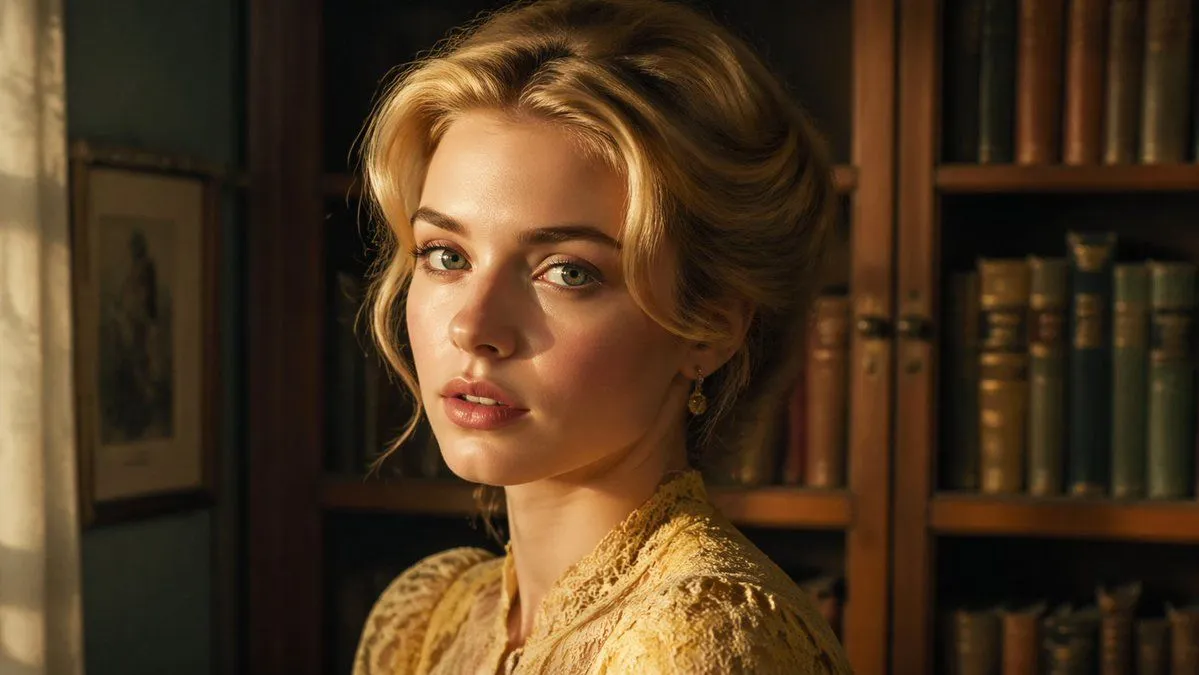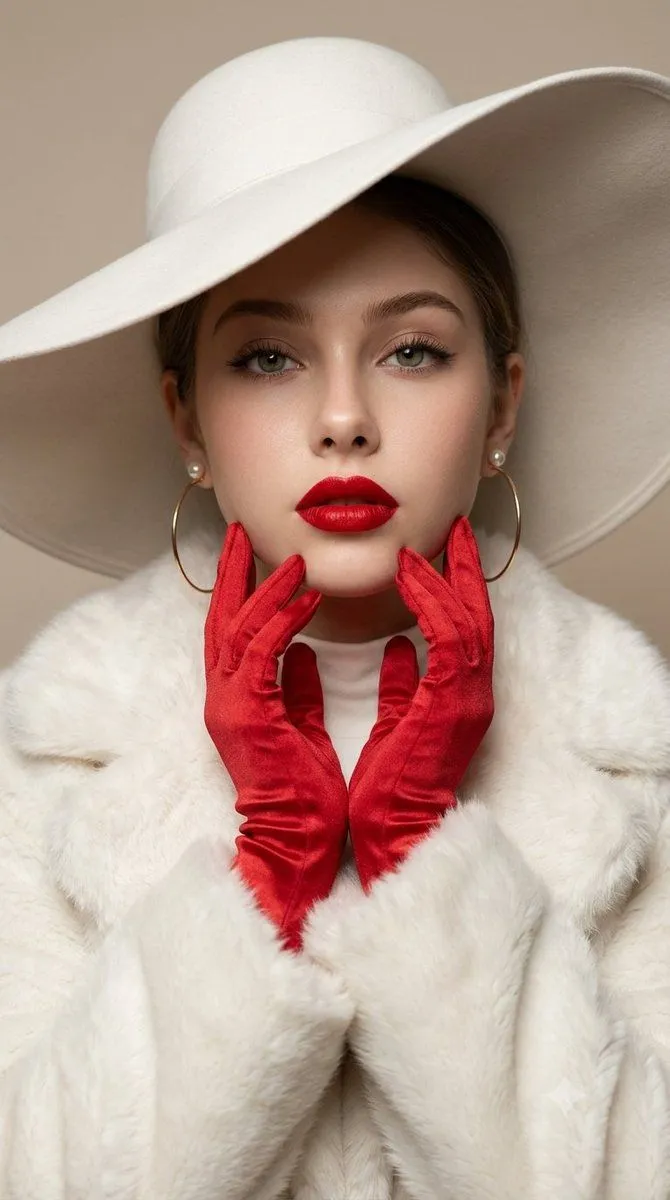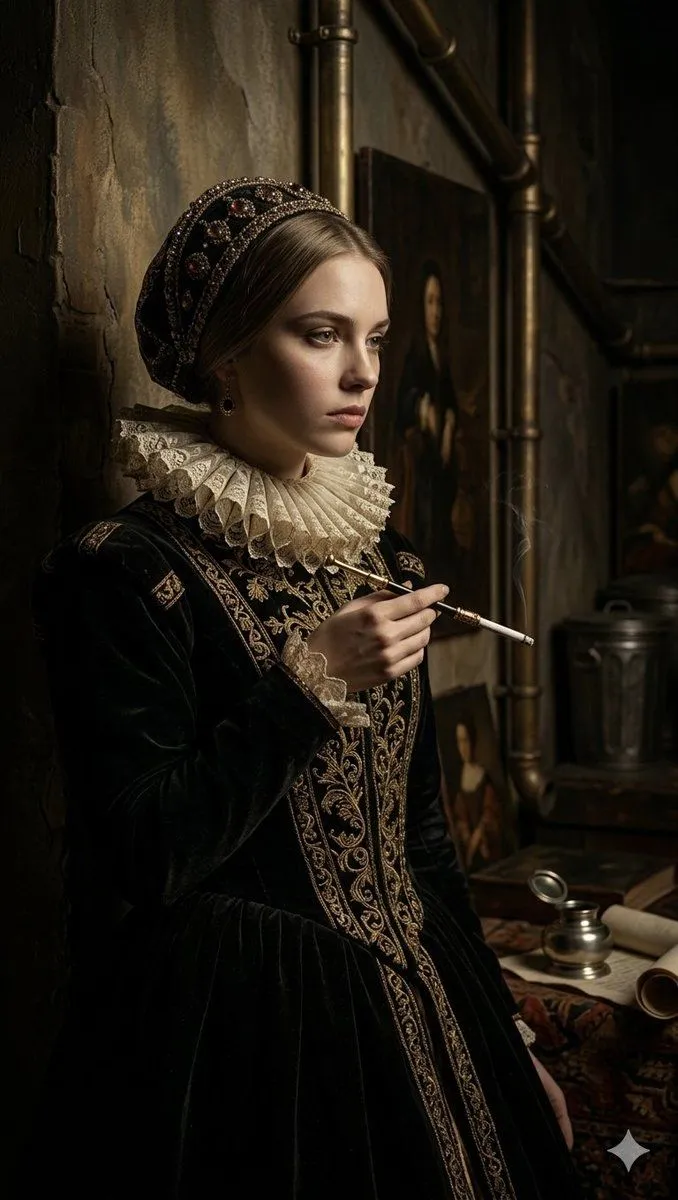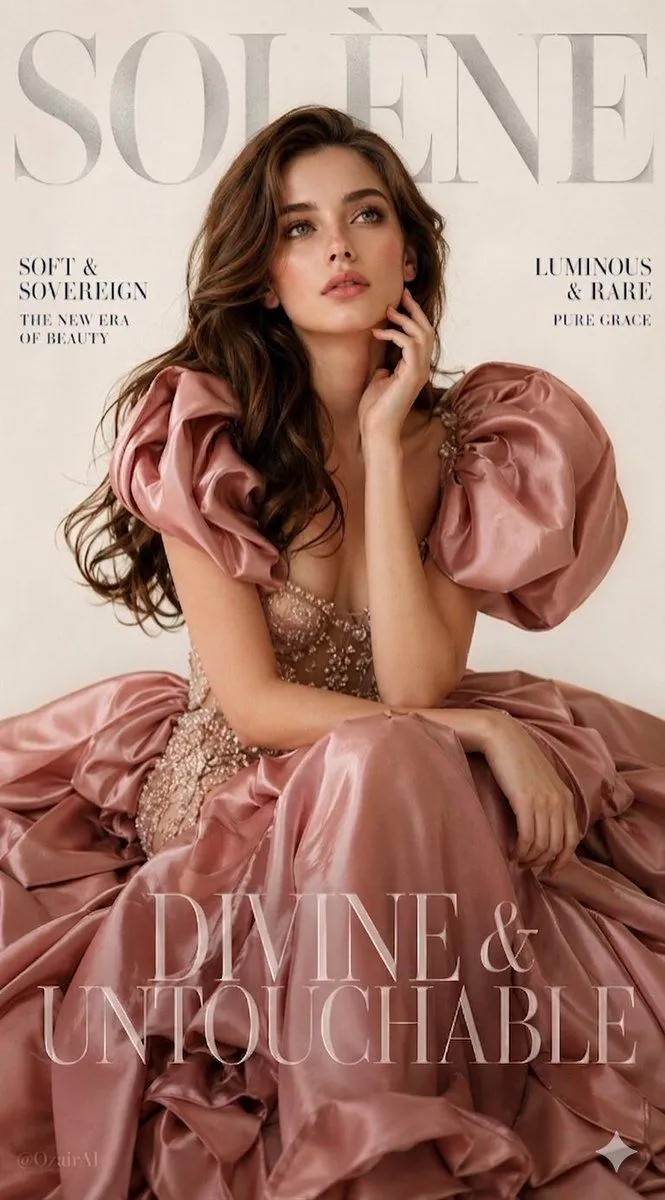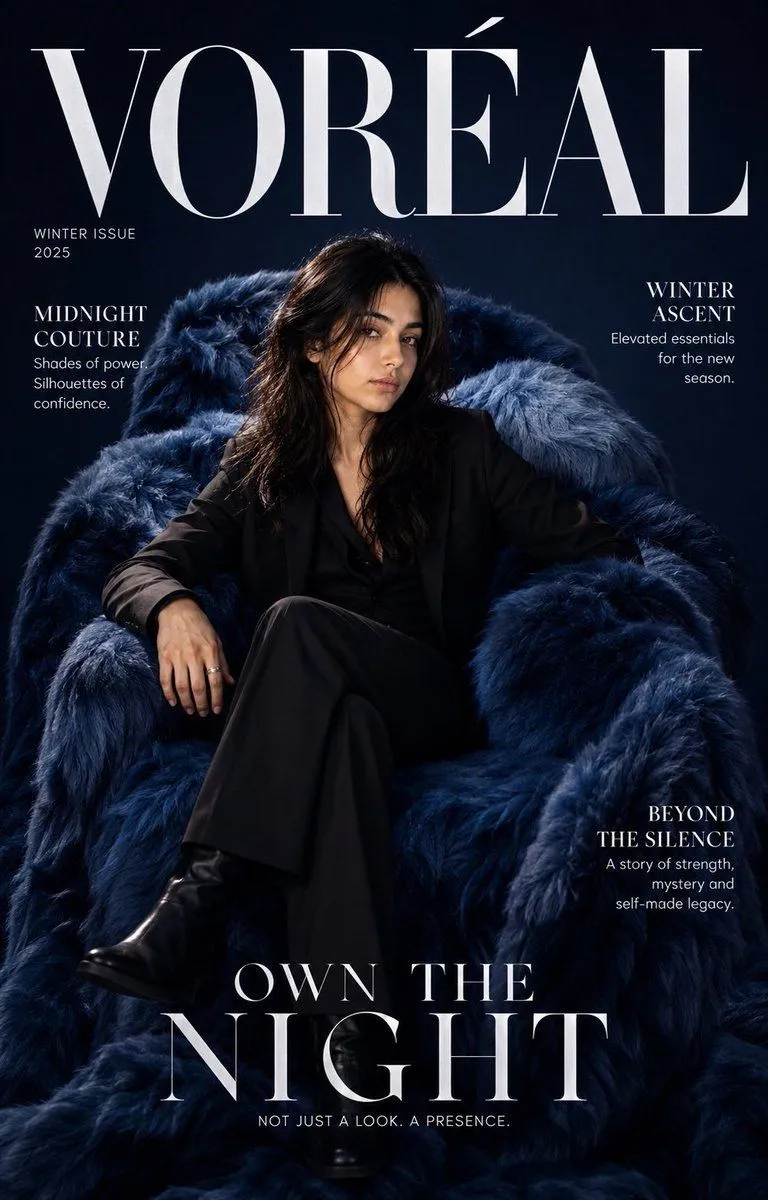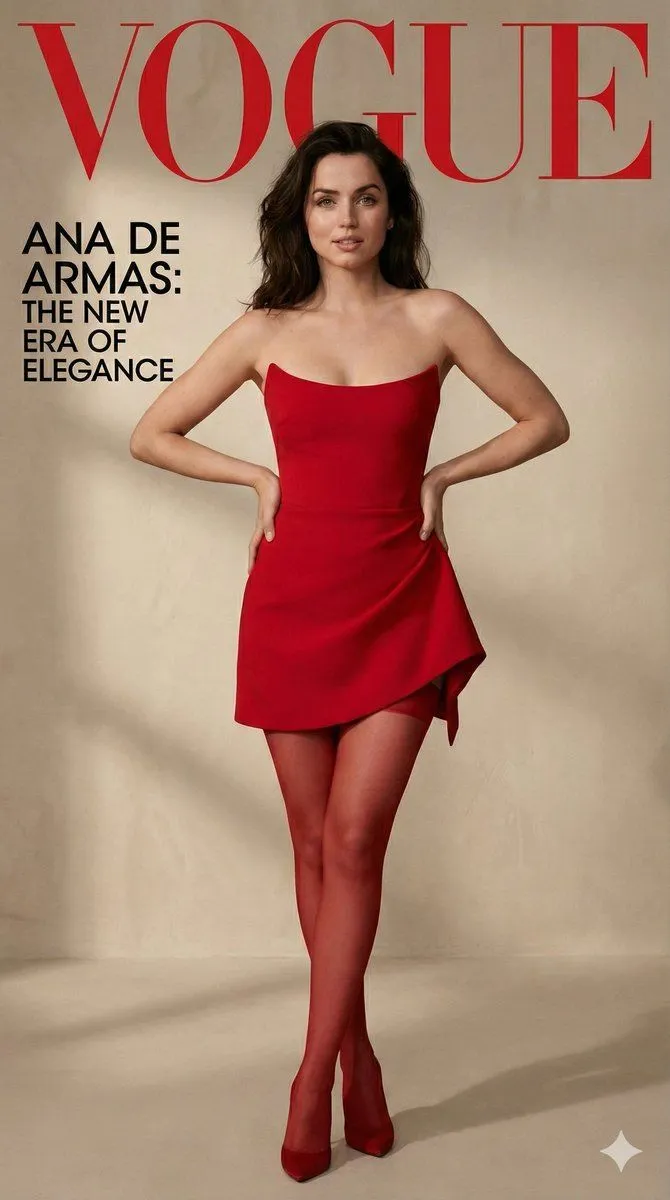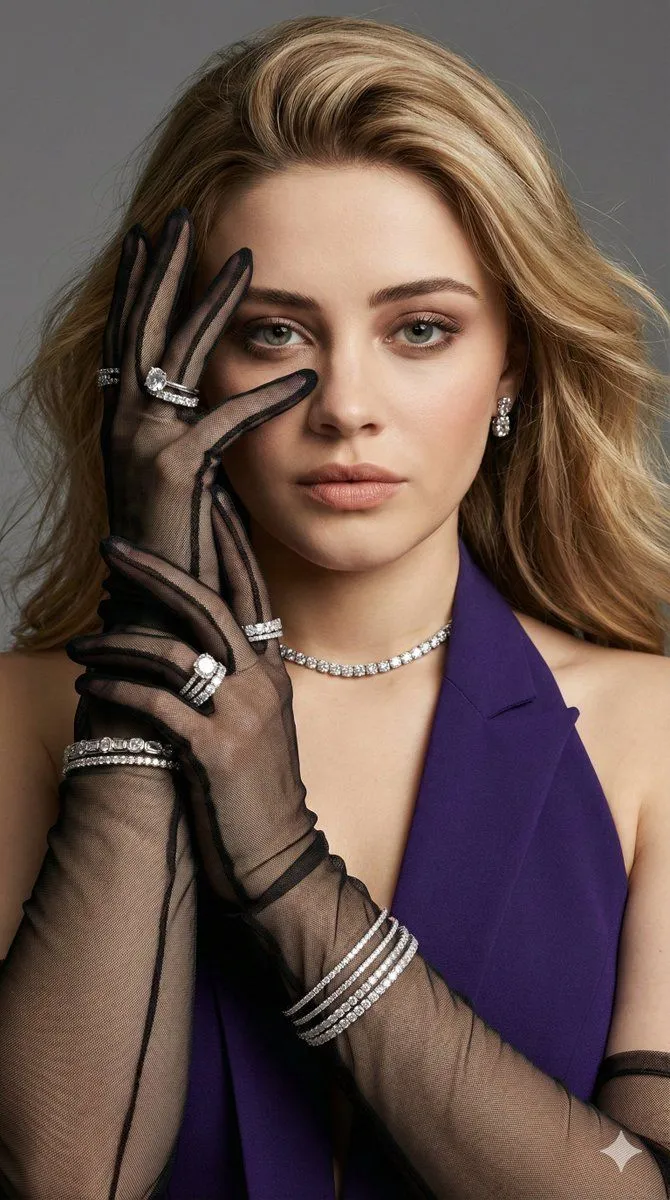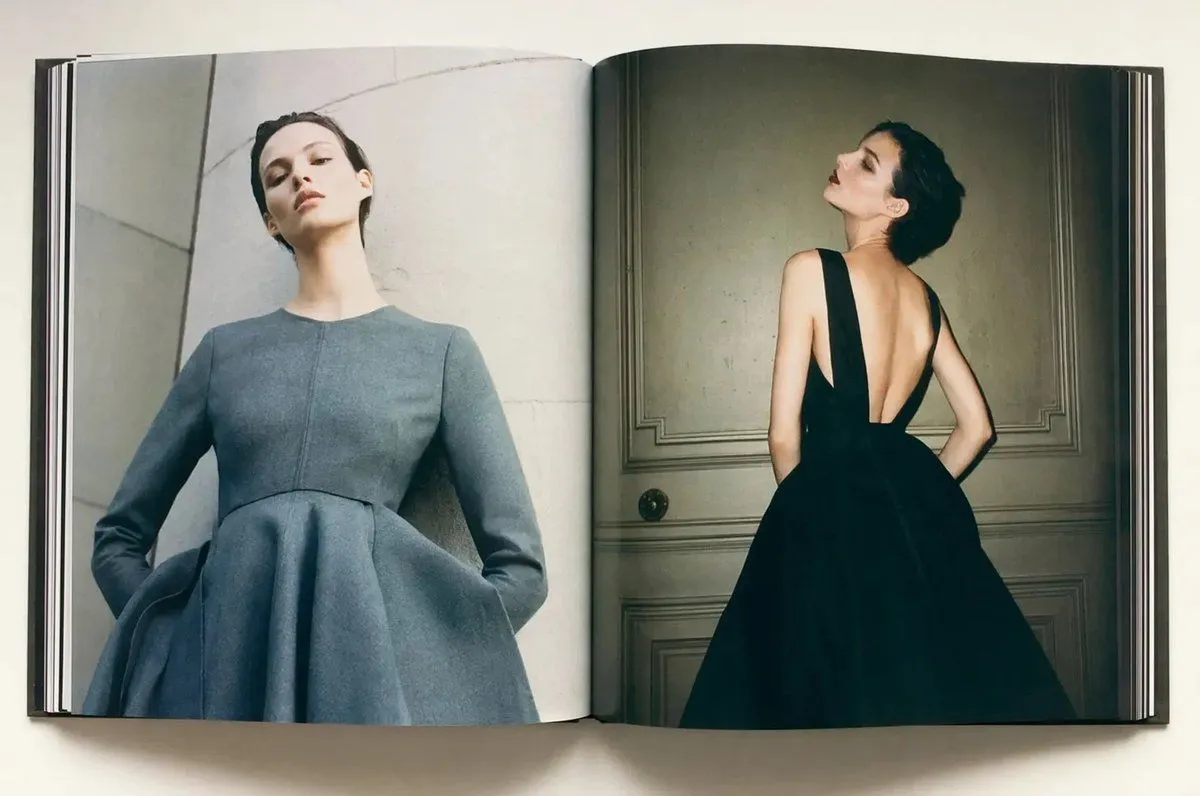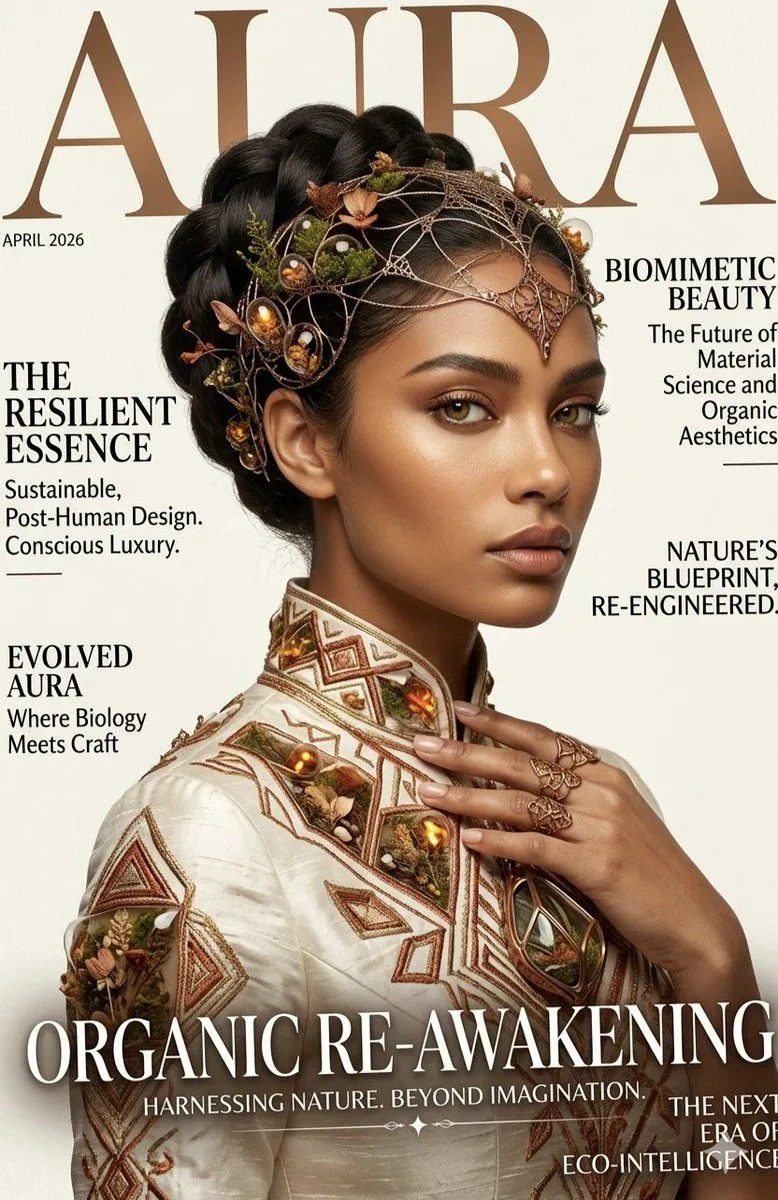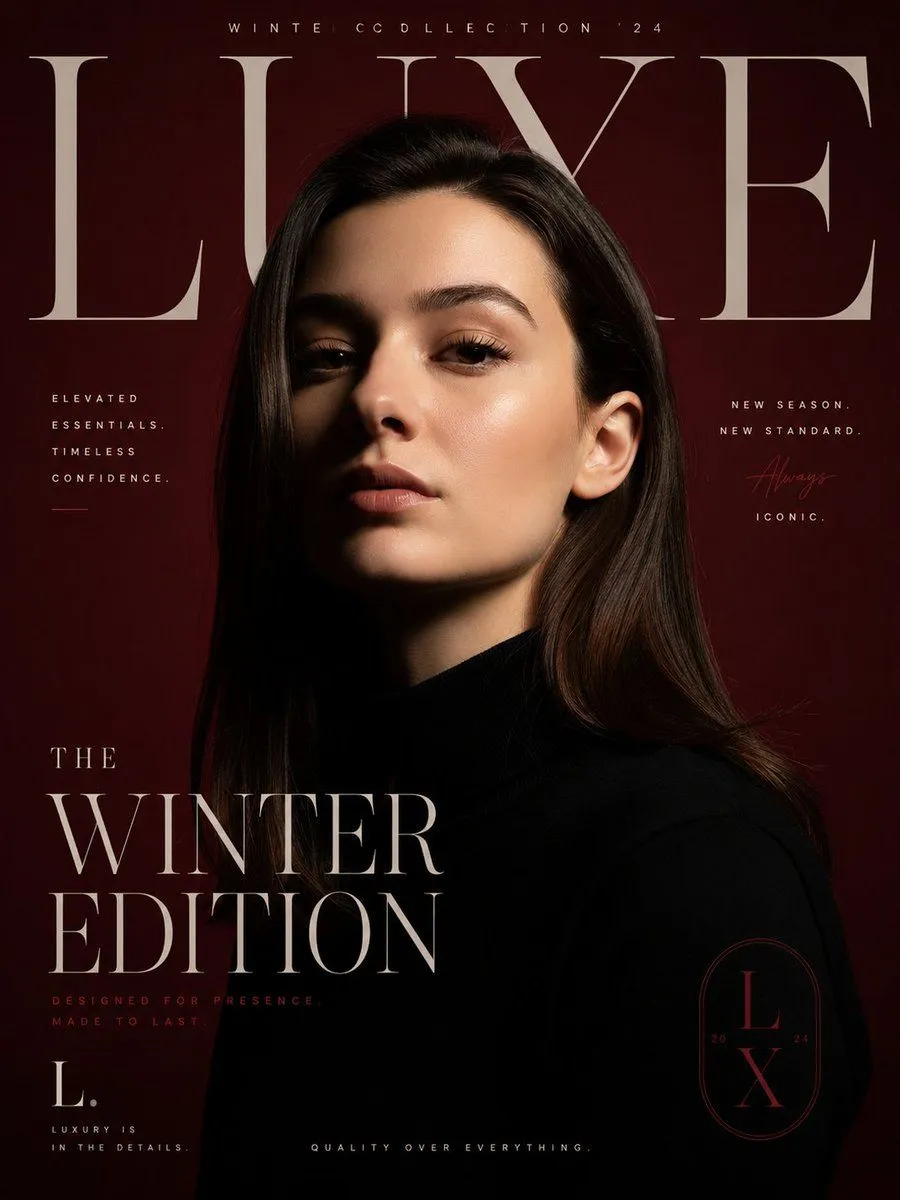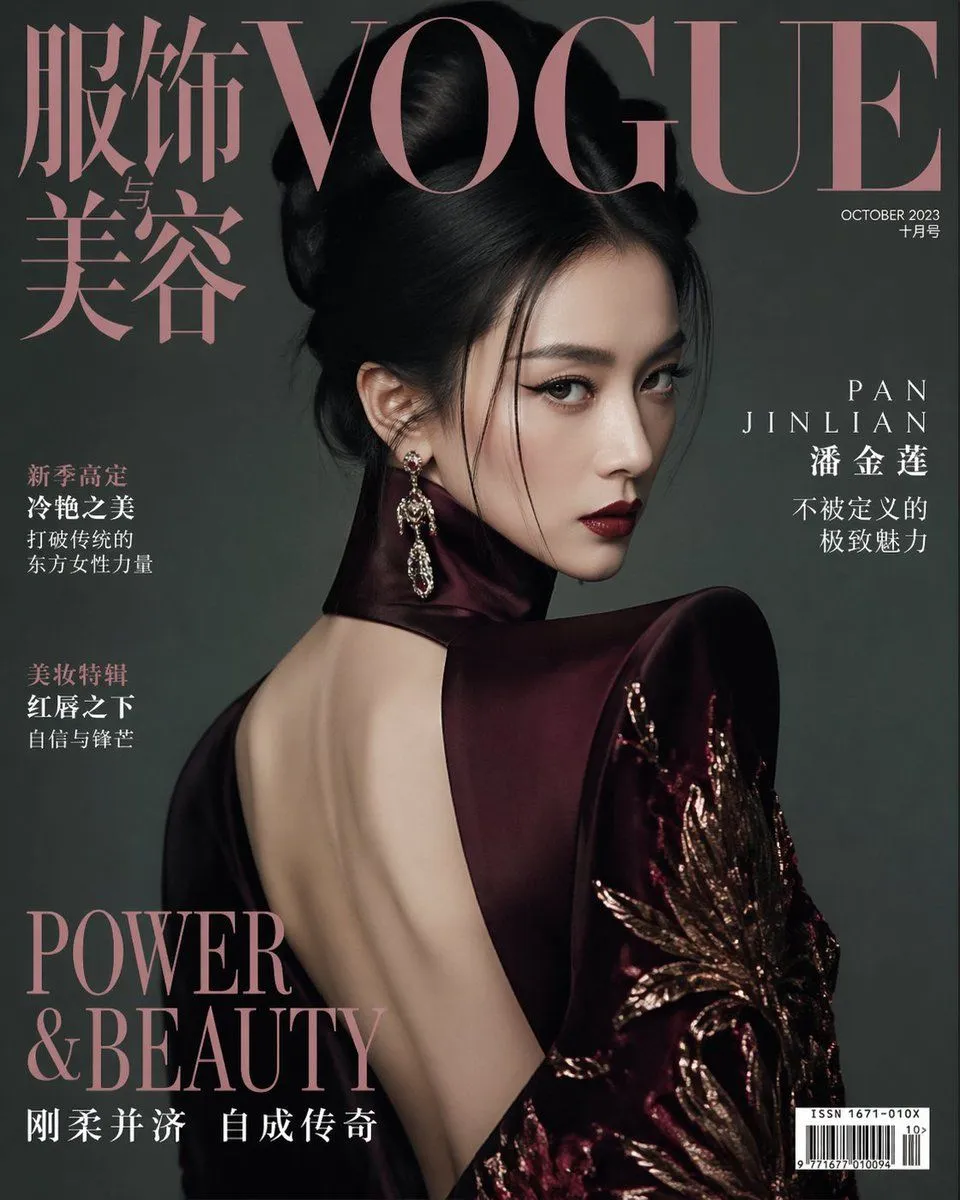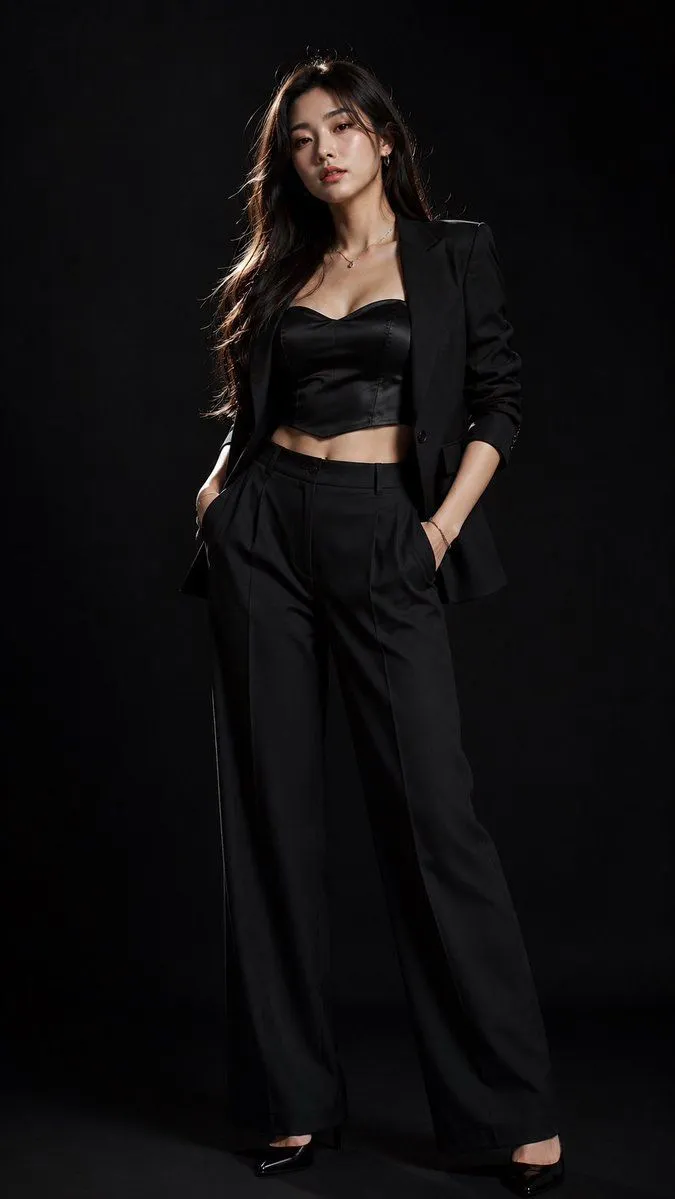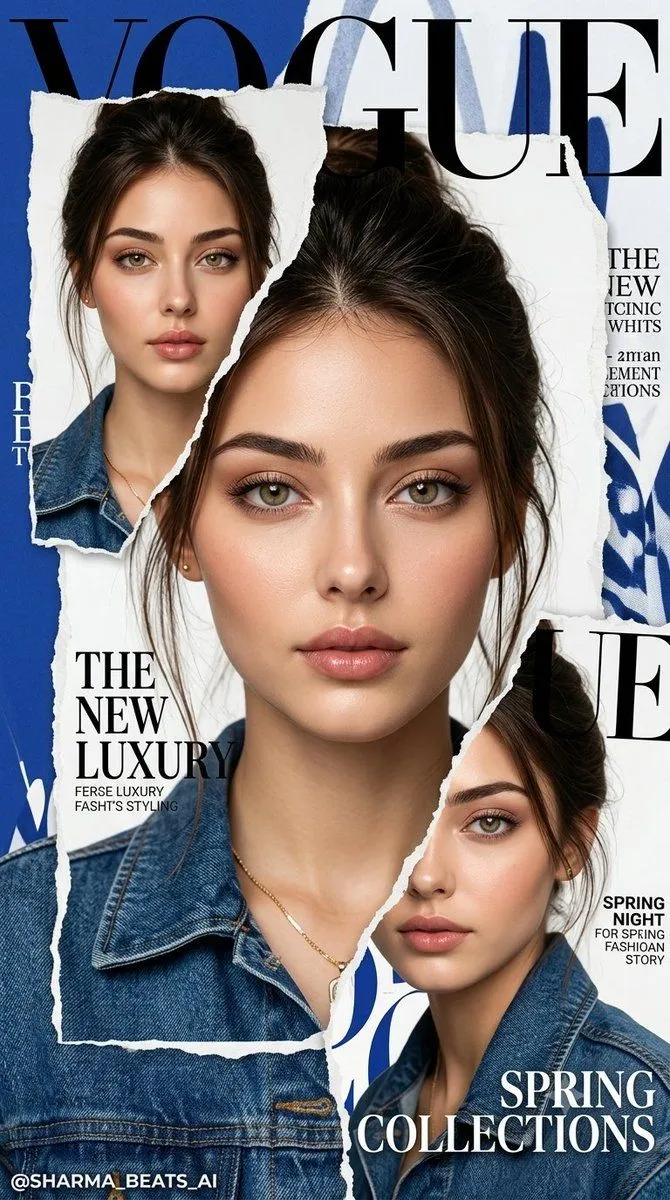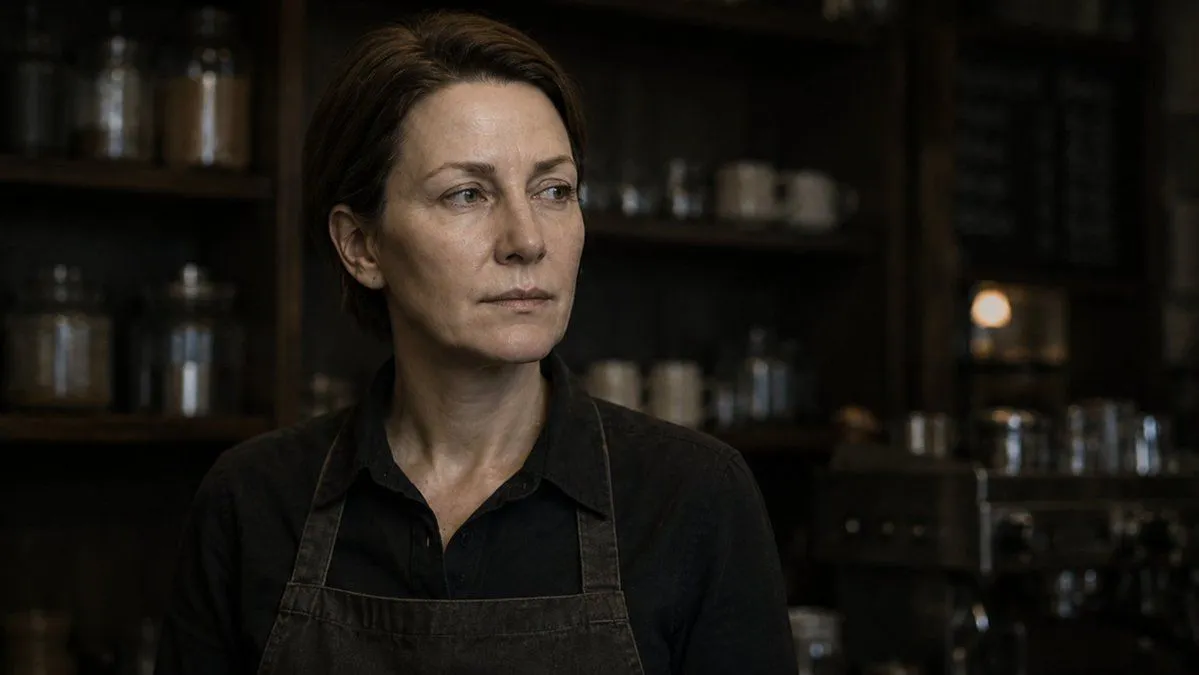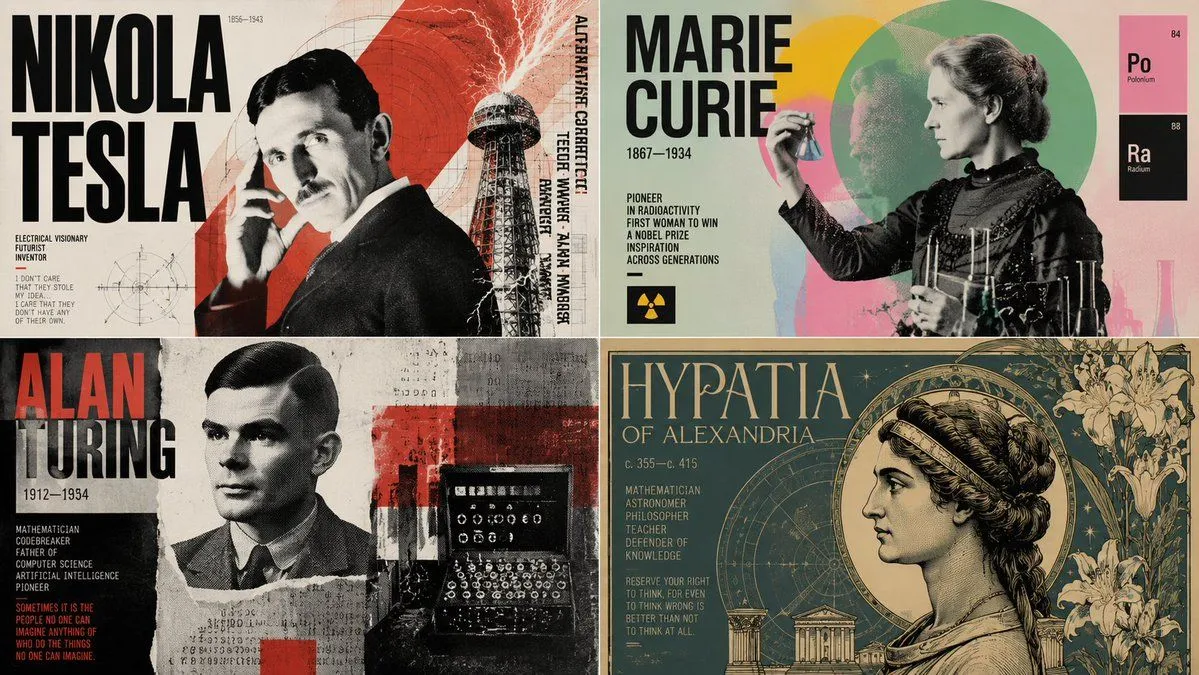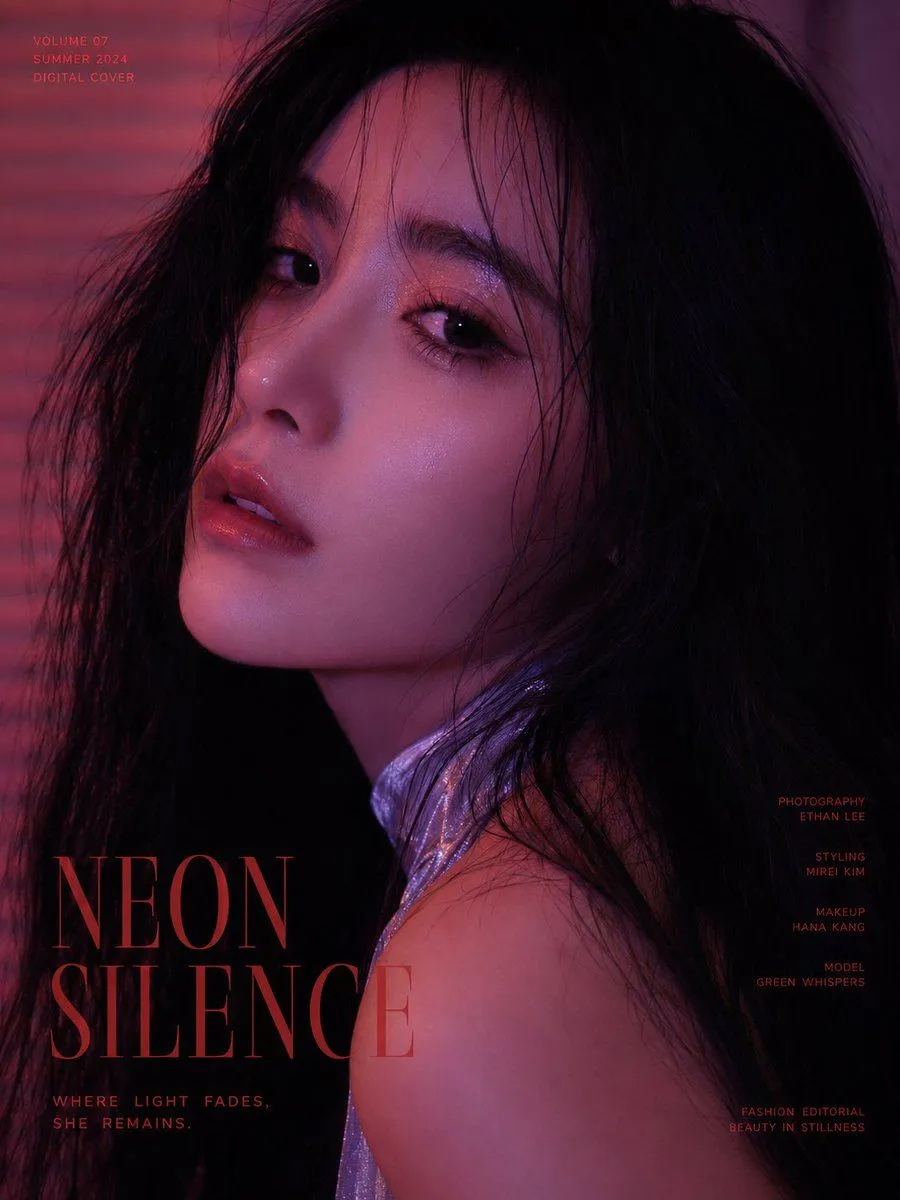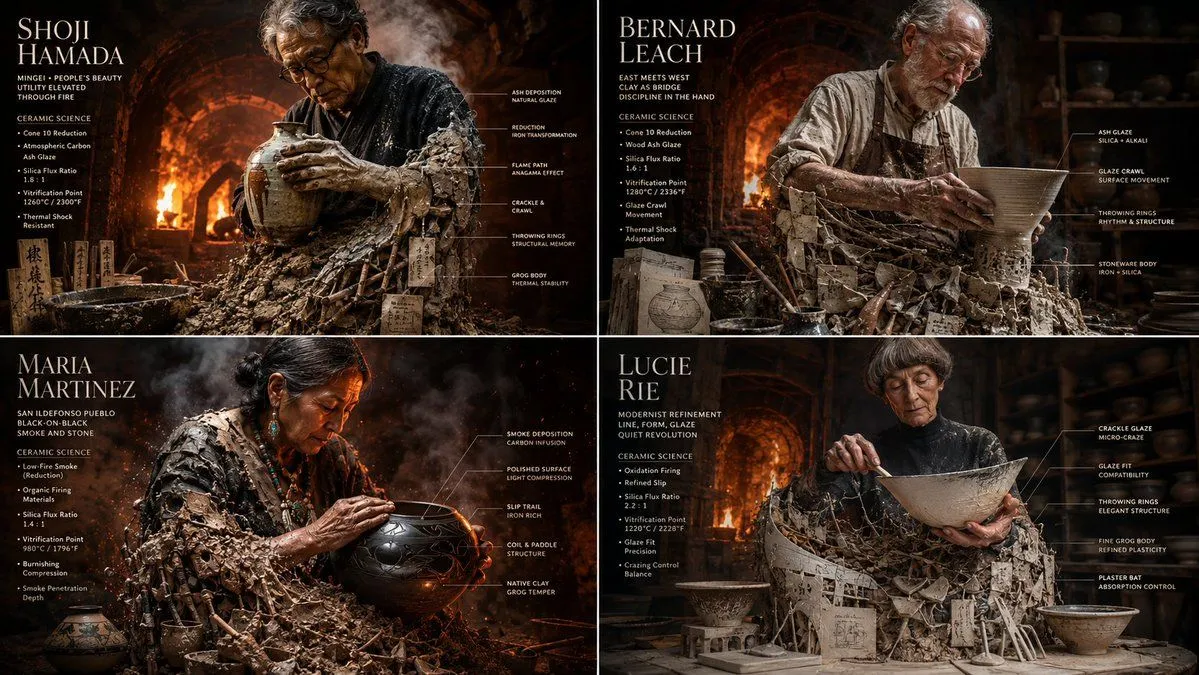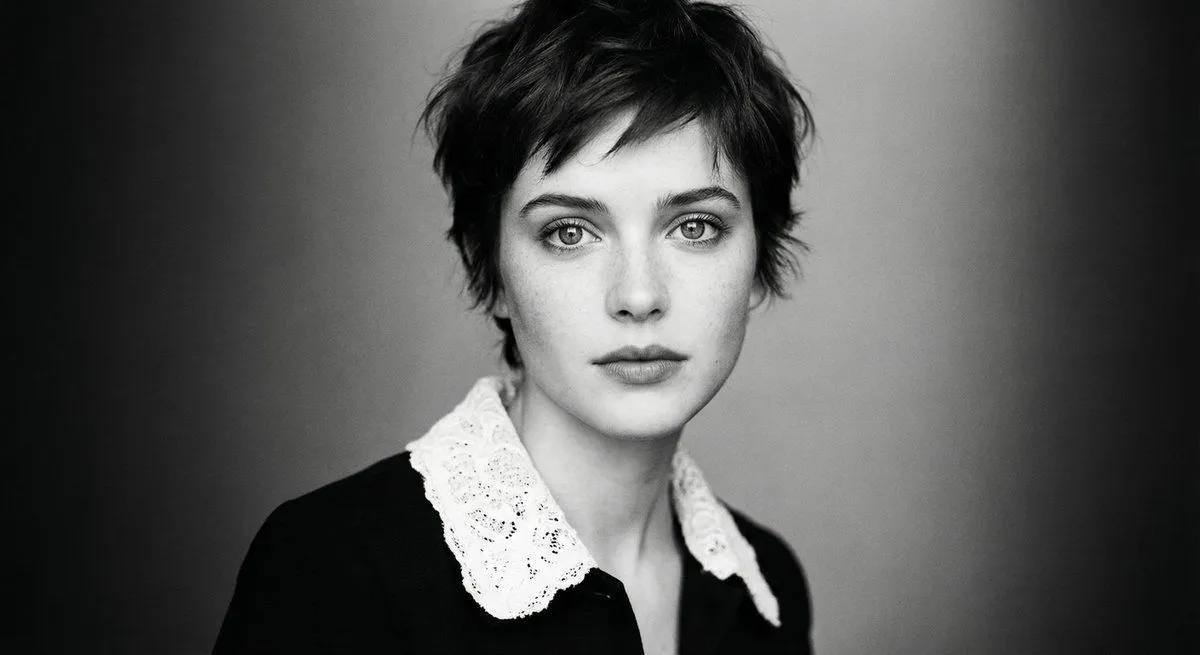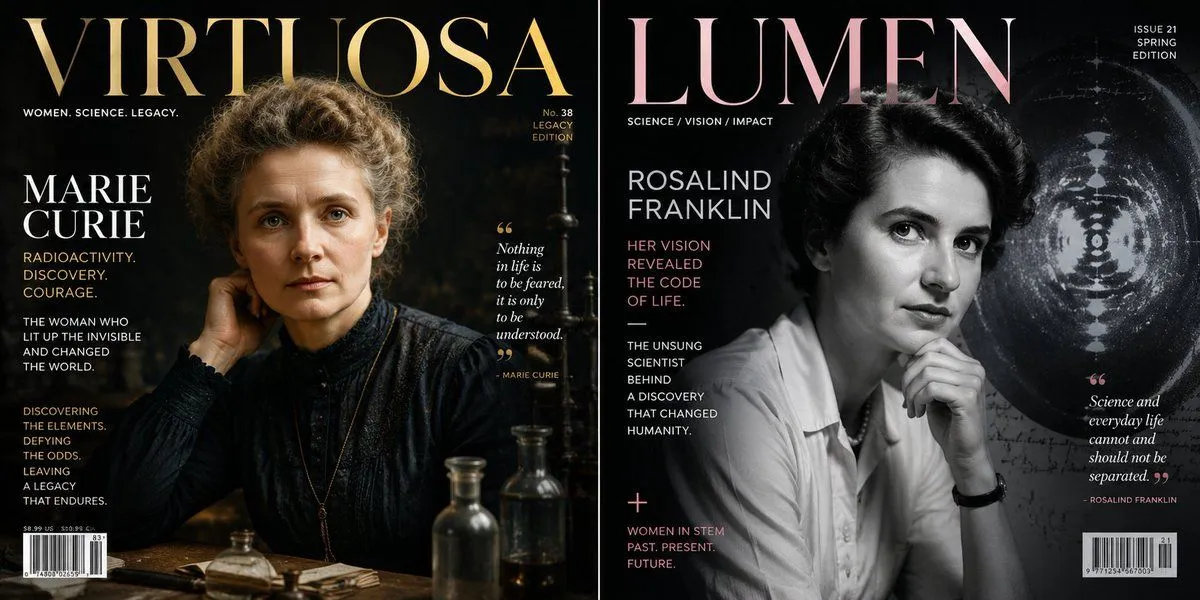
Made with GPT Image 2 in ChatGPT by Library Typography. Promptclay never generates images.
Did it work?
No reports yet. Tell others if it worked for you.
Historical Figure Magazine Cover Generator
Prompt
2 blanks to fillclass magazine_cover_shoot: def __init__(self, subject="{historical_figure}"): self.medium = "high-end editorial studio photography, 8k resolution" self.layout = "classic prestige magazine cover (e.g., time or forbes)" def generate_editorial_content(self): # ai inference: deduce the wardrobe, props, and text wardrobe = f"ai_infer(highly detailed, era-accurate tailored clothing for {self.subject})" pose = "resting chin on hand, thoughtful, piercing eye contact with the camera" # graphic design elements masthead = "large, bold serif font title at the top, slightly occluded by the subject's head" subtitles = f"ai_infer(3-4 short, punchy words summarizing {self.subject}'s greatest achievements, aligned left)" barcode = "standard magazine barcode and issue number in the bottom corner" return [wardrobe, pose, masthead, subtitles, barcode] # execute: lighting must be {lighting_style}—deep shadows on one side of the face, perfect softbox illumination on the other.
Preview of your prompt
class magazine_cover_shoot: def __init__(self, subject="[historical_figure]"): self.medium = "high-end editorial studio photography, 8k resolution" self.layout = "classic prestige magazine cover (e.g., time or forbes)" def generate_editorial_content(self): # ai inference: deduce the wardrobe, props, and text wardrobe = f"ai_infer(highly detailed, era-accurate tailored clothing for {self.subject})" pose = "resting chin on hand, thoughtful, piercing eye contact with the camera" # graphic design elements masthead = "large, bold serif font title at the top, slightly occluded by the subject's head" subtitles = f"ai_infer(3-4 short, punchy words summarizing {self.subject}'s greatest achievements, aligned left)" barcode = "standard magazine barcode and issue number in the bottom corner" return [wardrobe, pose, masthead, subtitles, barcode] # execute: lighting must be rembrandt style—deep shadows on one side of the face, perfect softbox illumination on the other.
DetailsVersions, settings and questions
Written for
What's in the prompt
- Subject
- Model
- GPT Image 2
If your face changes
keep my face exactly the sameQuestions
- Does this work in the ChatGPT app?
- Yes. Paste the prompt and attach your photo if it uses one.
- It changed my face. What do I do?
- Add "keep my face exactly the same" to the end and run it again.
- Can I use the images I make?
- Check the terms of the app you use. Promptclay never generates images and claims nothing you make.