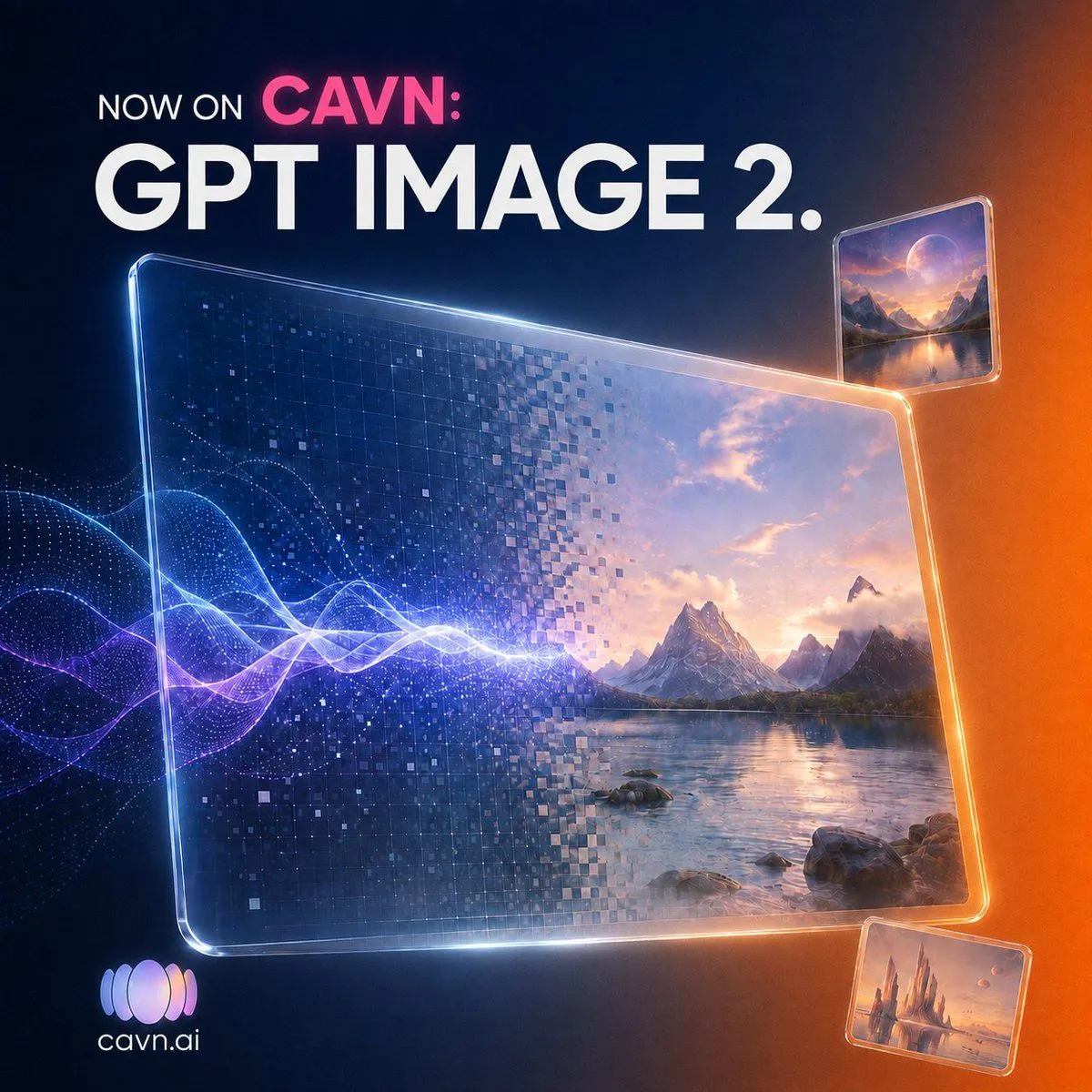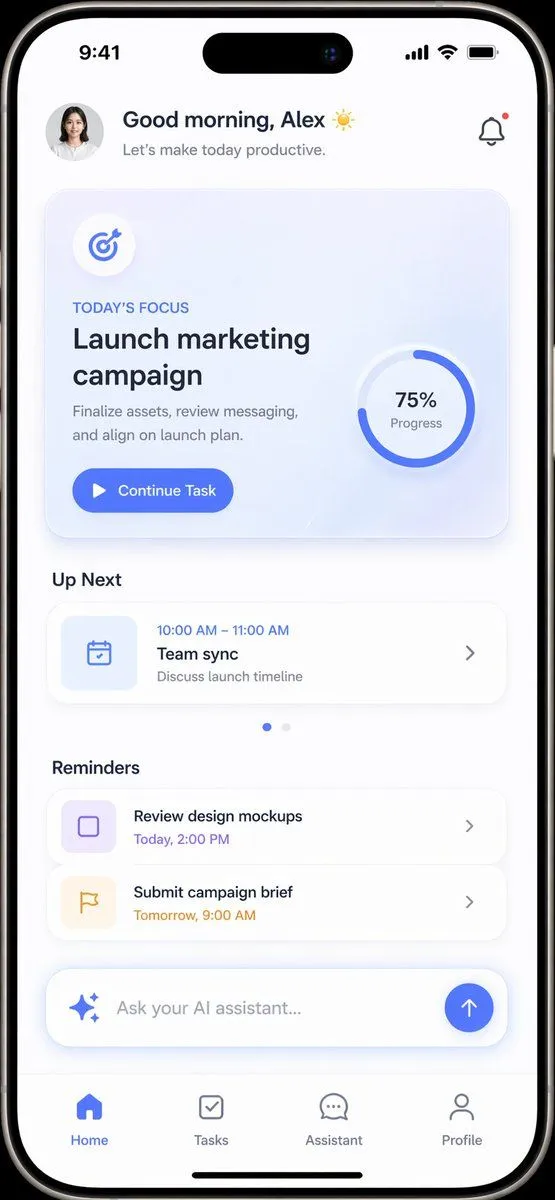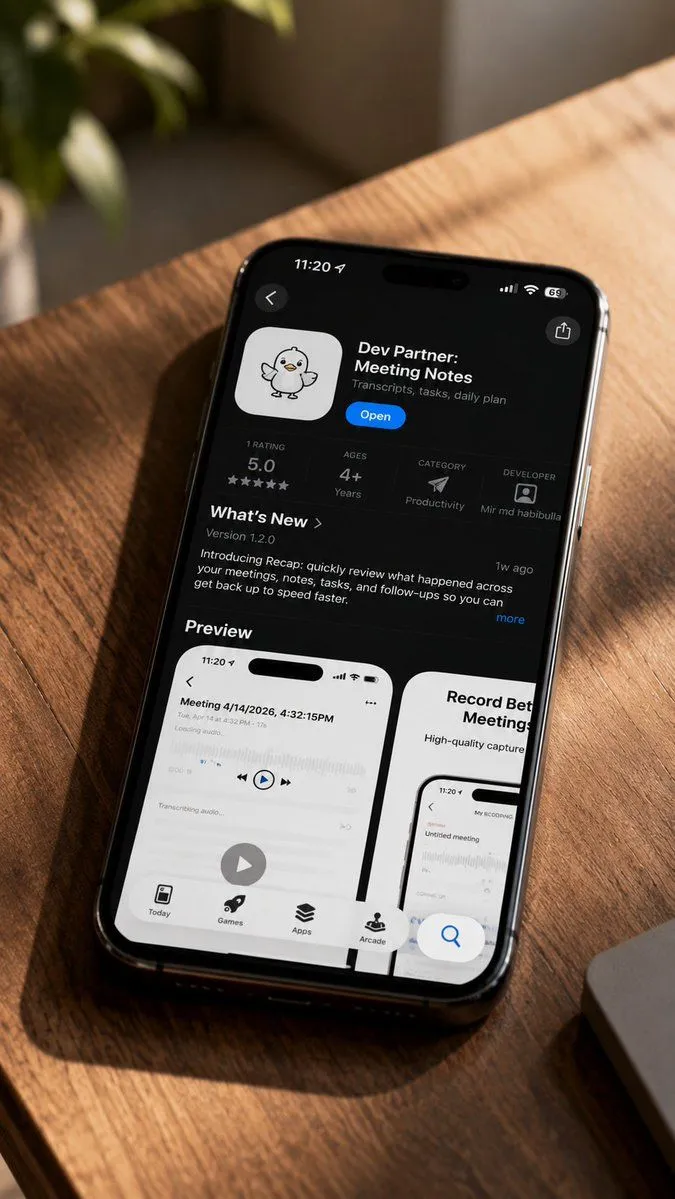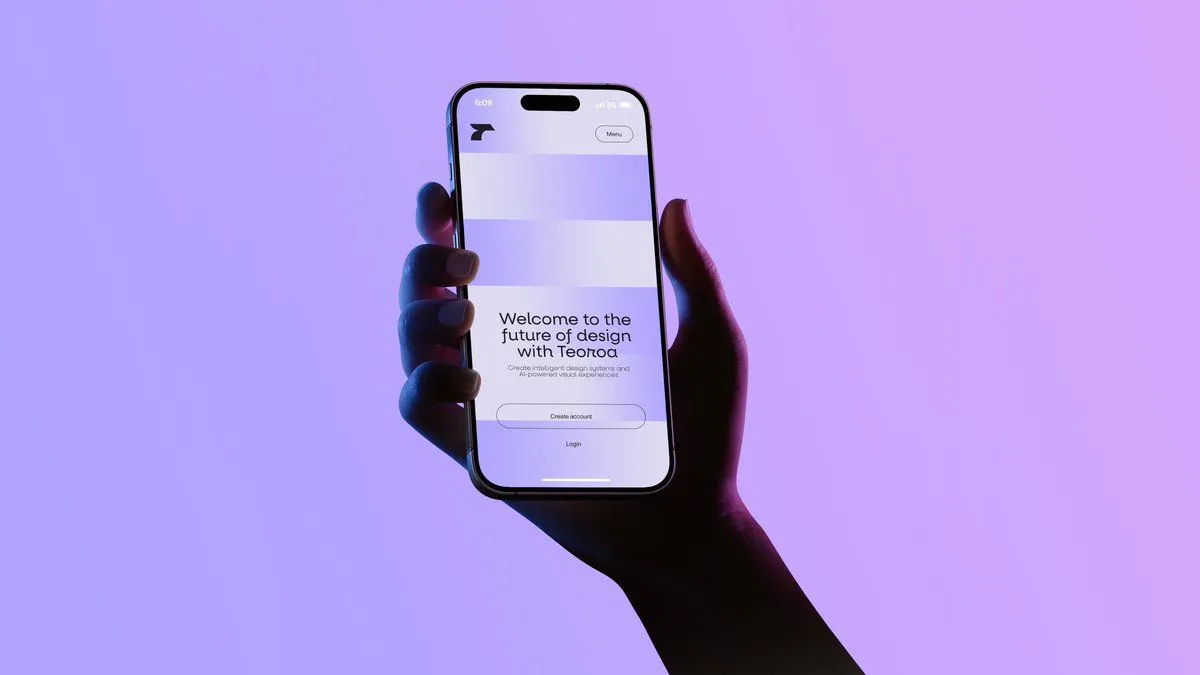
Made with GPT Image 2 in ChatGPT by Library Brand. Promptclay never generates images.
Did it work?
No reports yet. Tell others if it worked for you.
Highlighted App Promo Cover
Prompt
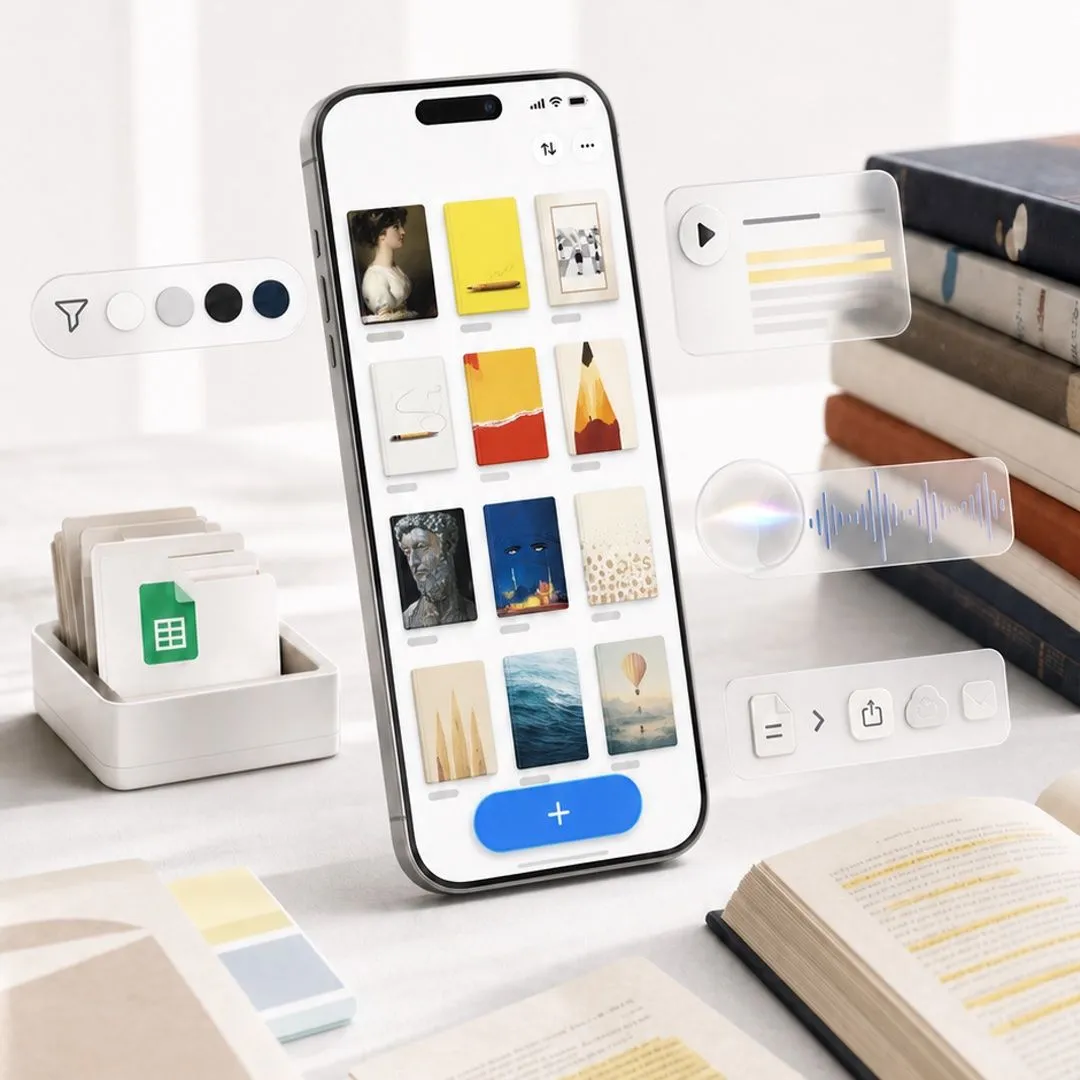
2 blanks to fillCreate a polished square promotional cover image for {app_name}, showing a modern iPhone standing upright at a slight angle on a bright white desk, with a clean productivity-and-reading aesthetic. On the phone screen, display a minimalist gallery grid of exactly 12 saved highlight cards arranged in 3 columns by 4 rows, each with a small gray label line beneath it; the cards show varied bookish visuals such as a classical portrait, yellow notebook, framed photo, white note with cord, red-and-yellow abstract cover, pencil illustration, dark statue face, blue night cover, beige dotted page, pale sails, ocean water, and a balloon landscape. At the bottom of the phone UI, include a large rounded blue add button with a white plus sign. Surround the phone with translucent floating feature widgets: on the left, one pill-shaped toolbar with exactly 5 elements—a paper-plane/filter icon and 4 circular color swatches in white, light gray, black, and navy; on the upper right, one glassmorphism audio card with a play button and 5 horizontal transcript lines including 2 yellow highlight lines; in the middle right, one frosted audio waveform card with a glowing circular orb and blue waveform; on the lower right, one frosted action toolbar with exactly 5 icons—a document, chevron arrow, share, cloud upload, and envelope. Desk props include a white tray of folders with a green spreadsheet document icon on the left, a small stack of pastel sticky notes in the foreground, an open book with yellow highlighted text at bottom right, loose papers with highlighted passages, and a stack of hardcover books on the right. Use soft natural window light, shallow depth of field, realistic high-end product photography, creamy whites and warm neutrals, subtle shadows, glassy translucent UI overlays, crisp phone details, no visible brand logos except the app-like interface, no watermark, no extra text beyond simple UI marks. Use a premium launch-promo composition suitable for an in-app event cover, {image_aspect_ratio}.
Preview of your prompt
Create a polished square promotional cover image for Highlighted, showing a modern iPhone standing upright at a slight angle on a bright white desk, with a clean productivity-and-reading aesthetic. On the phone screen, display a minimalist gallery grid of exactly 12 saved highlight cards arranged in 3 columns by 4 rows, each with a small gray label line beneath it; the cards show varied bookish visuals such as a classical portrait, yellow notebook, framed photo, white note with cord, red-and-yellow abstract cover, pencil illustration, dark statue face, blue night cover, beige dotted page, pale sails, ocean water, and a balloon landscape. At the bottom of the phone UI, include a large rounded blue add button with a white plus sign. Surround the phone with translucent floating feature widgets: on the left, one pill-shaped toolbar with exactly 5 elements—a paper-plane/filter icon and 4 circular color swatches in white, light gray, black, and navy; on the upper right, one glassmorphism audio card with a play button and 5 horizontal transcript lines including 2 yellow highlight lines; in the middle right, one frosted audio waveform card with a glowing circular orb and blue waveform; on the lower right, one frosted action toolbar with exactly 5 icons—a document, chevron arrow, share, cloud upload, and envelope. Desk props include a white tray of folders with a green spreadsheet document icon on the left, a small stack of pastel sticky notes in the foreground, an open book with yellow highlighted text at bottom right, loose papers with highlighted passages, and a stack of hardcover books on the right. Use soft natural window light, shallow depth of field, realistic high-end product photography, creamy whites and warm neutrals, subtle shadows, glassy translucent UI overlays, crisp phone details, no visible brand logos except the app-like interface, no watermark, no extra text beyond simple UI marks. Use a premium launch-promo composition suitable for an in-app event cover, 1:1 square.
DetailsVersions, settings and questions
Written for
What's in the prompt
- Subject
- Model
- GPT Image 2
If your face changes
keep my face exactly the sameQuestions
- Does this work in the ChatGPT app?
- Yes. Paste the prompt and attach your photo if it uses one.
- It changed my face. What do I do?
- Add "keep my face exactly the same" to the end and run it again.
- Can I use the images I make?
- Check the terms of the app you use. Promptclay never generates images and claims nothing you make.