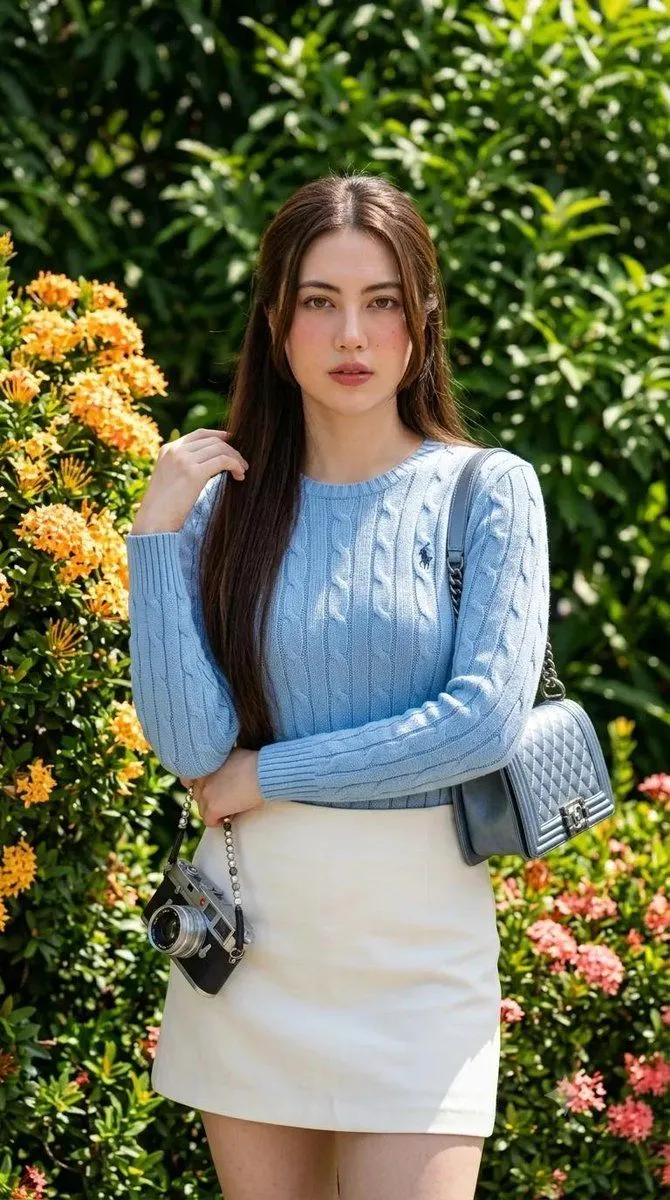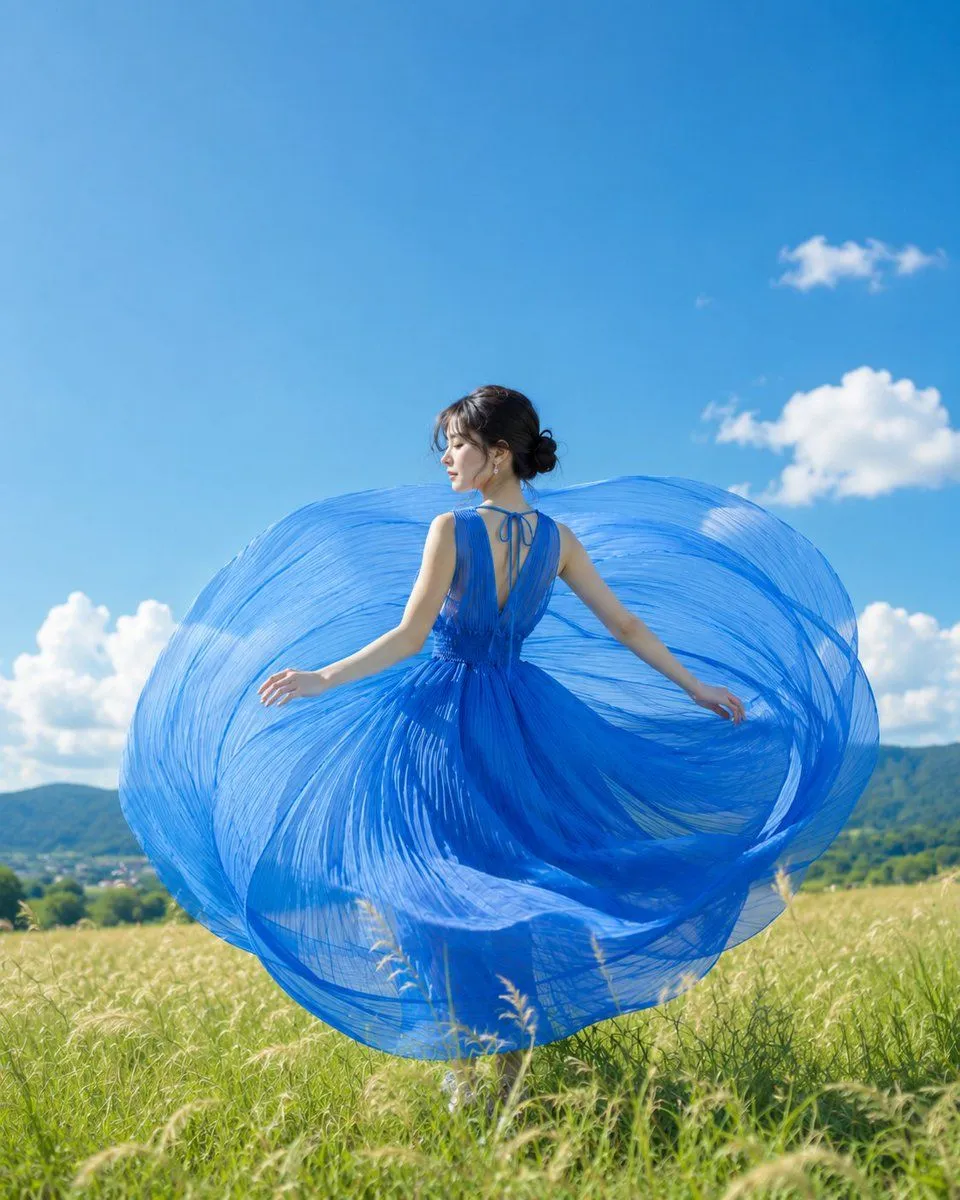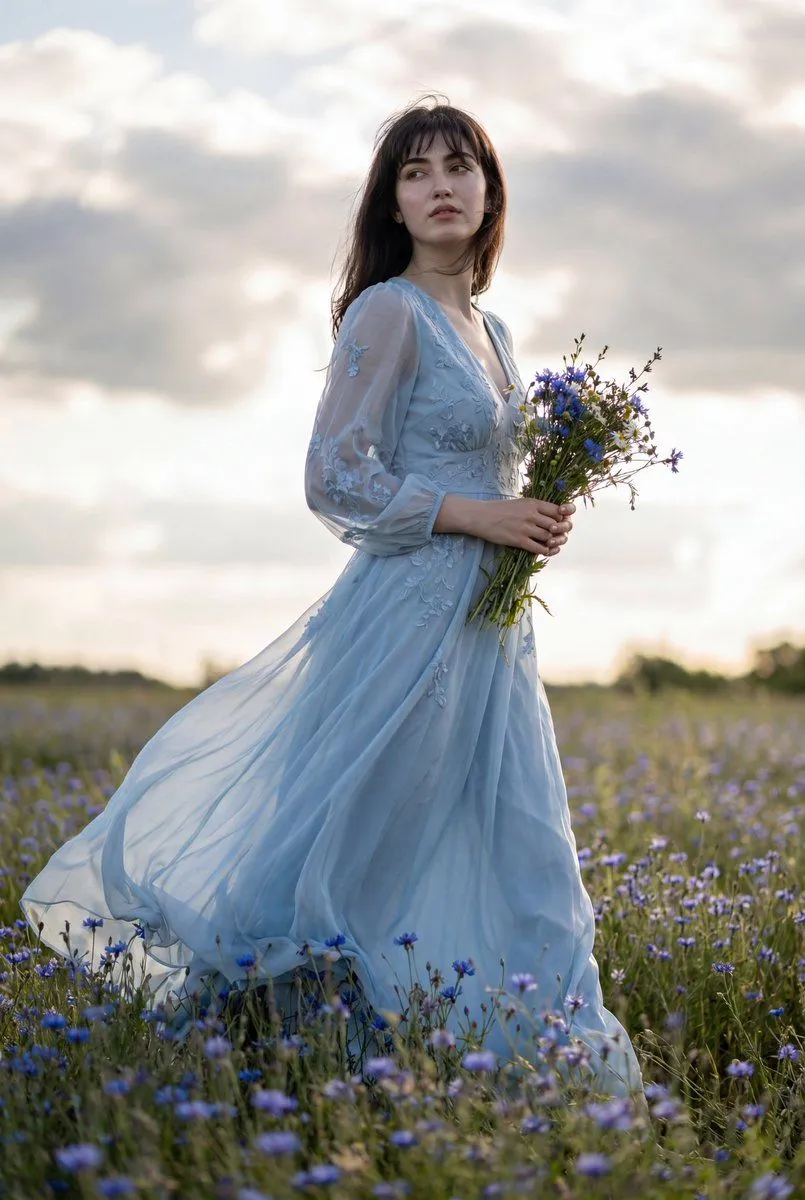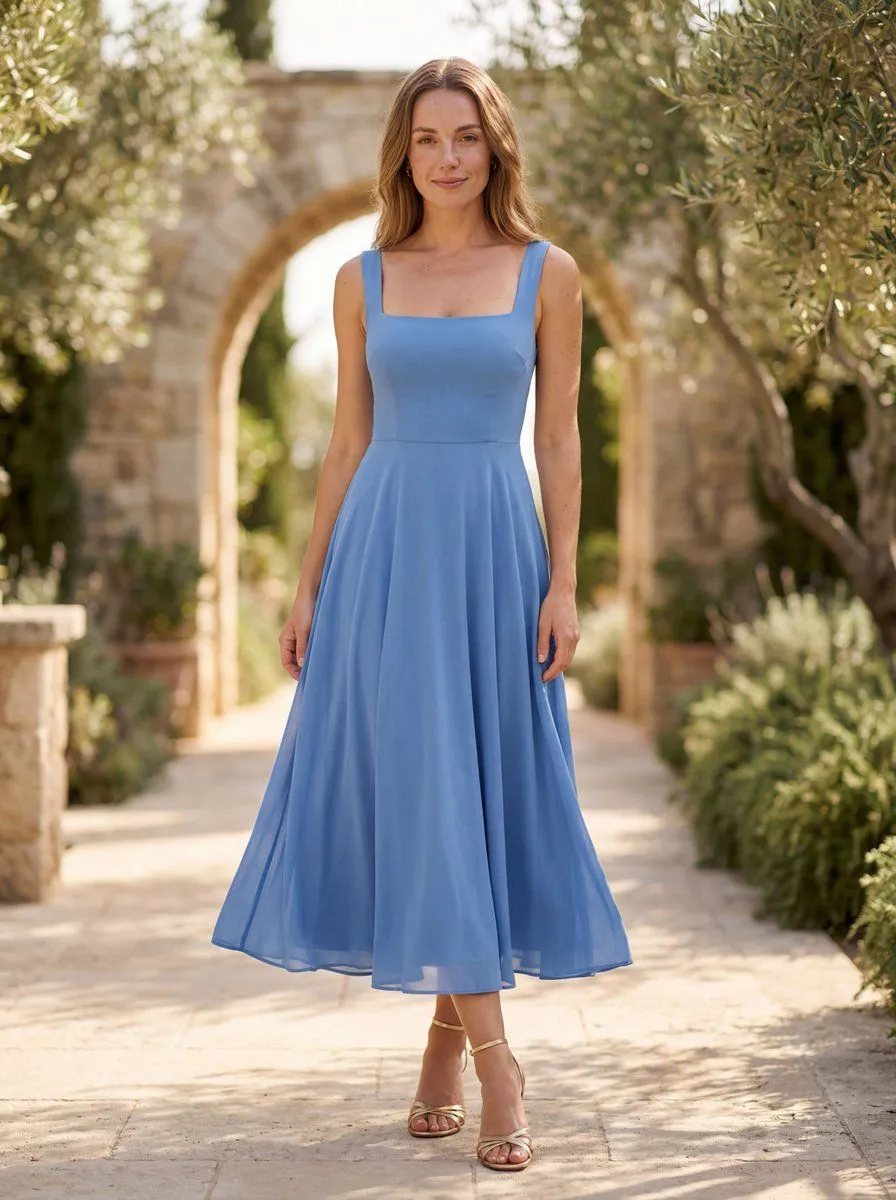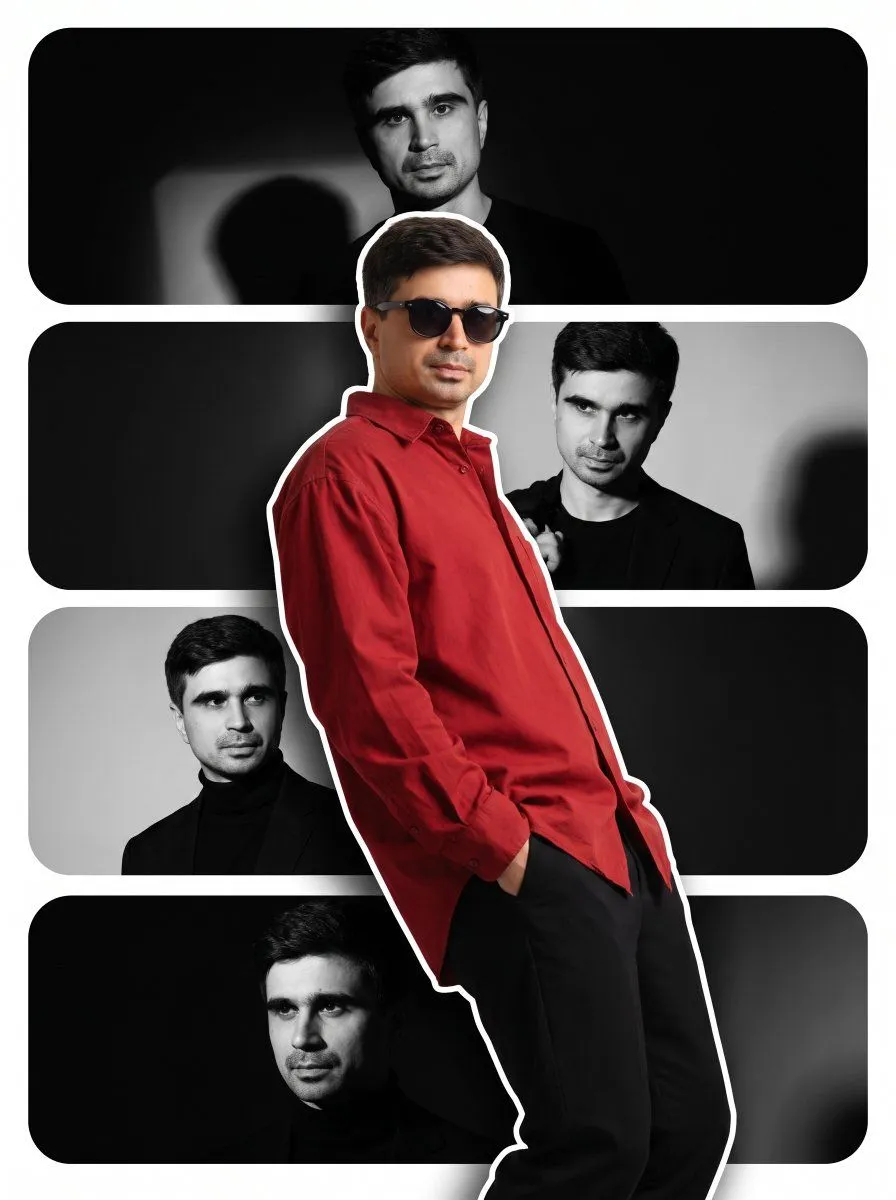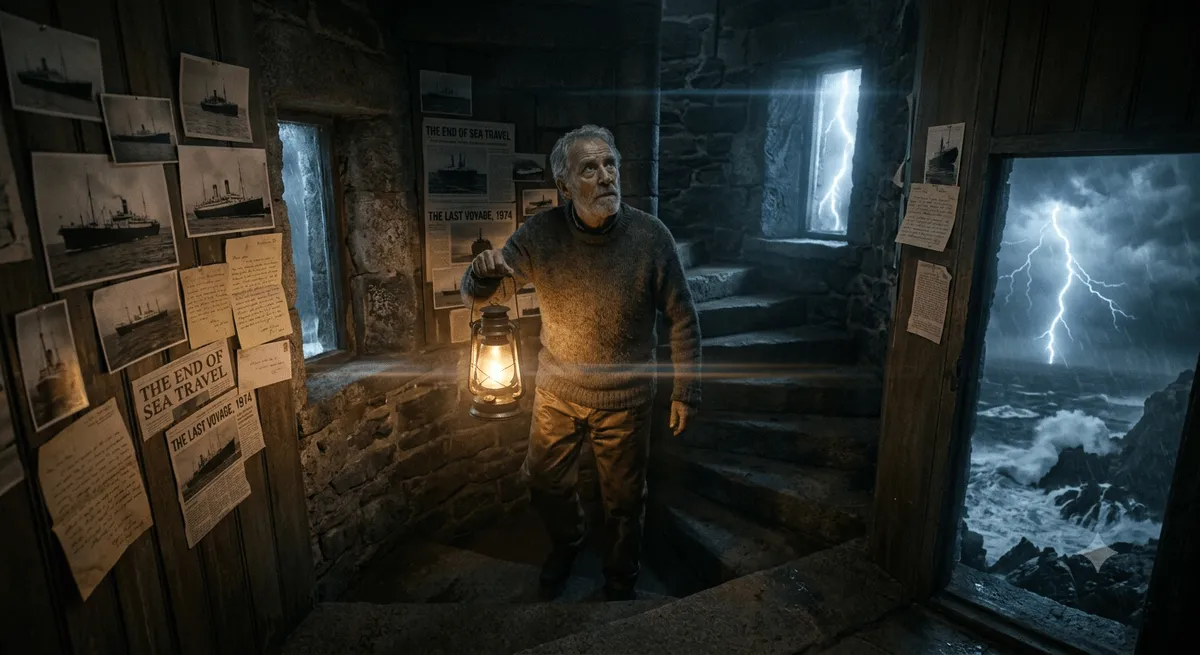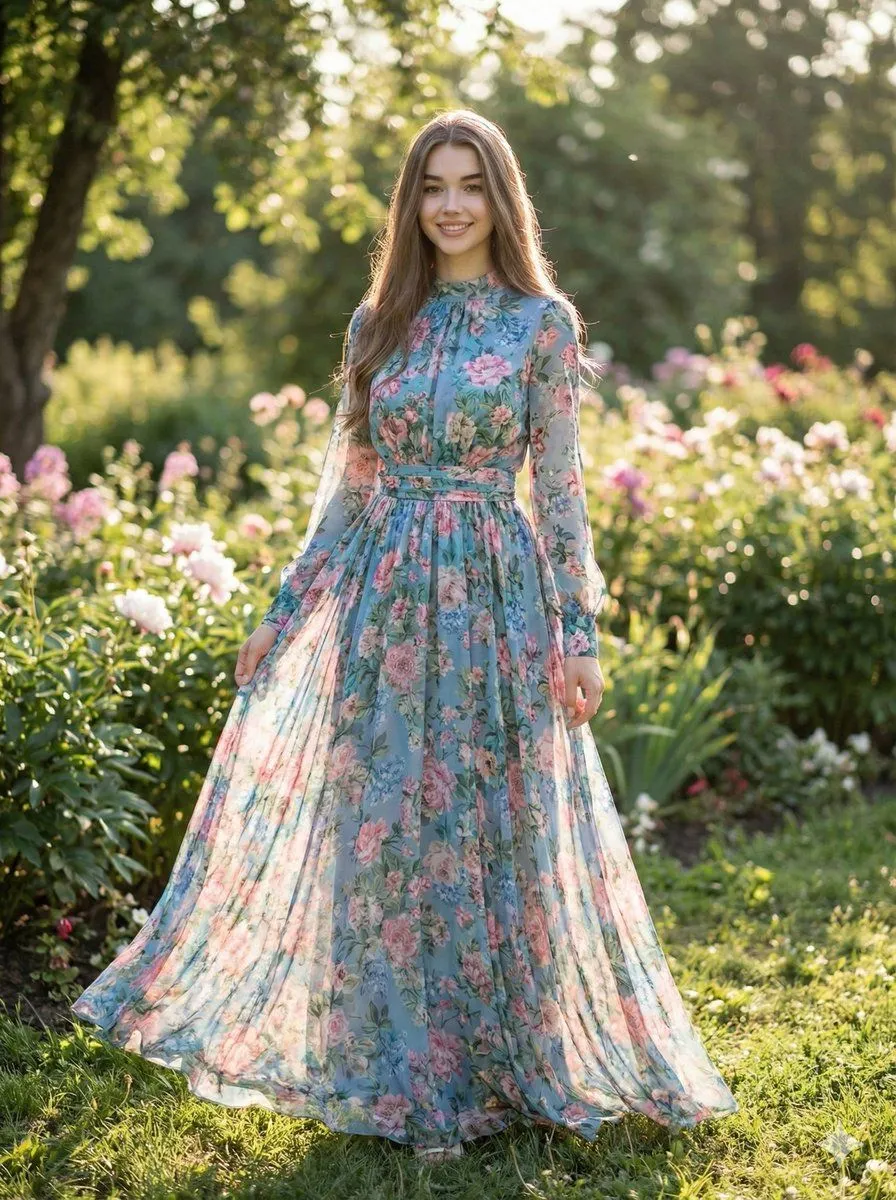
Made with Nano Banana Pro in Gemini by Library Social. Promptclay never generates images.
Did it work?
No reports yet. Tell others if it worked for you.
High-Fashion Street Style Portrait Prompt
Prompt
1 blank to fill{ "type": "image_generation_prompt", "identity_preservation": { "use_reference_image": true, "alter_face": false, "notes": "Maintain the subject's facial features, hair color, and natural appearance from the original reference photo." }, "subject": { "gender": "female", "pose": "walking confidently outdoors", "framing": "mid-shot to knees, captured from a slightly low or eye-level angle", "appearance": { "hair": { "style": "loose waves", "color": "brown", "length": "long and flowing" }, "expression": "neutral, confident chic" }, "wardrobe": { "outfit": "tailored {suit_color} suit", "details": { "jacket": "structured blazer with a single button closure", "shirt": "crisp white button-down worn underneath, slightly unbuttoned at the top" } }, "accessories": [ "round dark sunglasses with gold frames" ] }, "environment": { "setting": "urban street scene", "background": { "description": "blurred city architecture and sidewalk", "depth_of_field": "shallow depth of field to isolate the subject (bokeh effect)" }, "lighting": { "type": "natural daylight", "quality": "soft, diffused sunlight" } }, "style": { "aesthetic": "high-fashion editorial, street style", "quality": "ultra-realistic, 8k resolution, cinematic lighting" }, "output_goal": "Generate a photorealistic street-style portrait of the woman wearing a lavender suit and sunglasses, walking confidently in a city setting." }
Preview of your prompt
{ "type": "image_generation_prompt", "identity_preservation": { "use_reference_image": true, "alter_face": false, "notes": "Maintain the subject's facial features, hair color, and natural appearance from the original reference photo." }, "subject": { "gender": "female", "pose": "walking confidently outdoors", "framing": "mid-shot to knees, captured from a slightly low or eye-level angle", "appearance": { "hair": { "style": "loose waves", "color": "brown", "length": "long and flowing" }, "expression": "neutral, confident chic" }, "wardrobe": { "outfit": "tailored lavender-blue suit", "details": { "jacket": "structured blazer with a single button closure", "shirt": "crisp white button-down worn underneath, slightly unbuttoned at the top" } }, "accessories": [ "round dark sunglasses with gold frames" ] }, "environment": { "setting": "urban street scene", "background": { "description": "blurred city architecture and sidewalk", "depth_of_field": "shallow depth of field to isolate the subject (bokeh effect)" }, "lighting": { "type": "natural daylight", "quality": "soft, diffused sunlight" } }, "style": { "aesthetic": "high-fashion editorial, street style", "quality": "ultra-realistic, 8k resolution, cinematic lighting" }, "output_goal": "Generate a photorealistic street-style portrait of the woman wearing a lavender suit and sunglasses, walking confidently in a city setting." }
DetailsVersions, settings and questions
Written for
What's in the prompt
- Subject
- Model
- Nano Banana Pro
If your face changes
keep my face exactly the sameQuestions
- Does this work in the Gemini app?
- Yes. Gemini runs Nano Banana, so paste the prompt and attach your photo if it uses one.
- It changed my face. What do I do?
- Add "keep my face exactly the same" to the end and run it again.
- Can I use the images I make?
- Check the terms of the app you use. Promptclay never generates images and claims nothing you make.