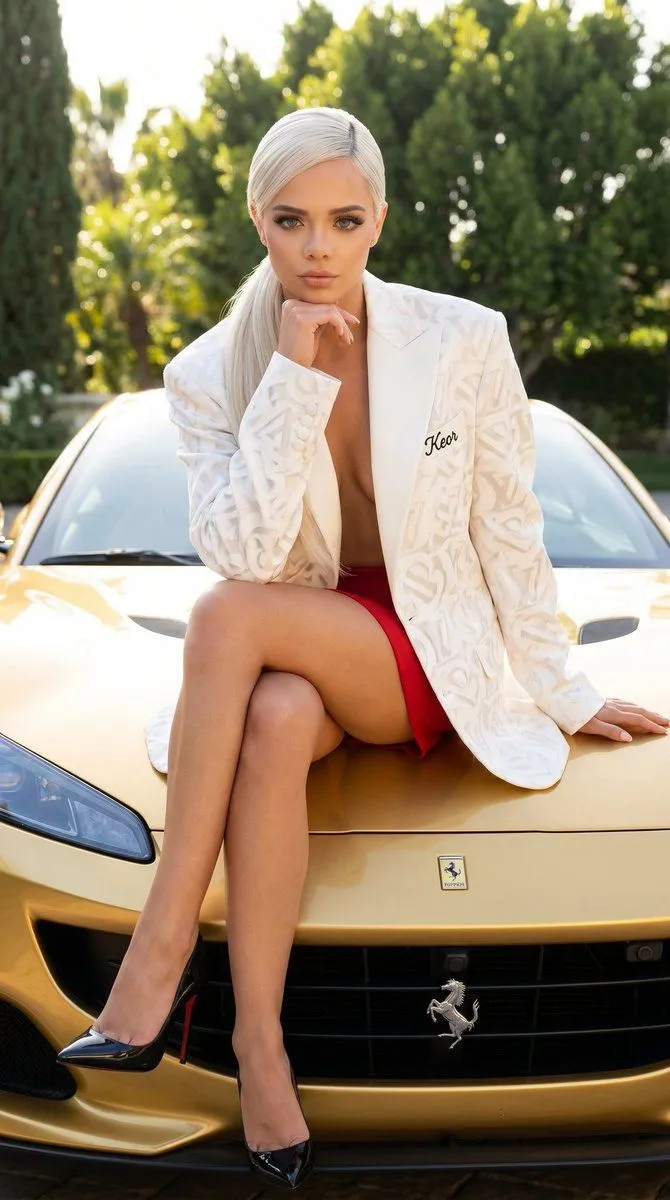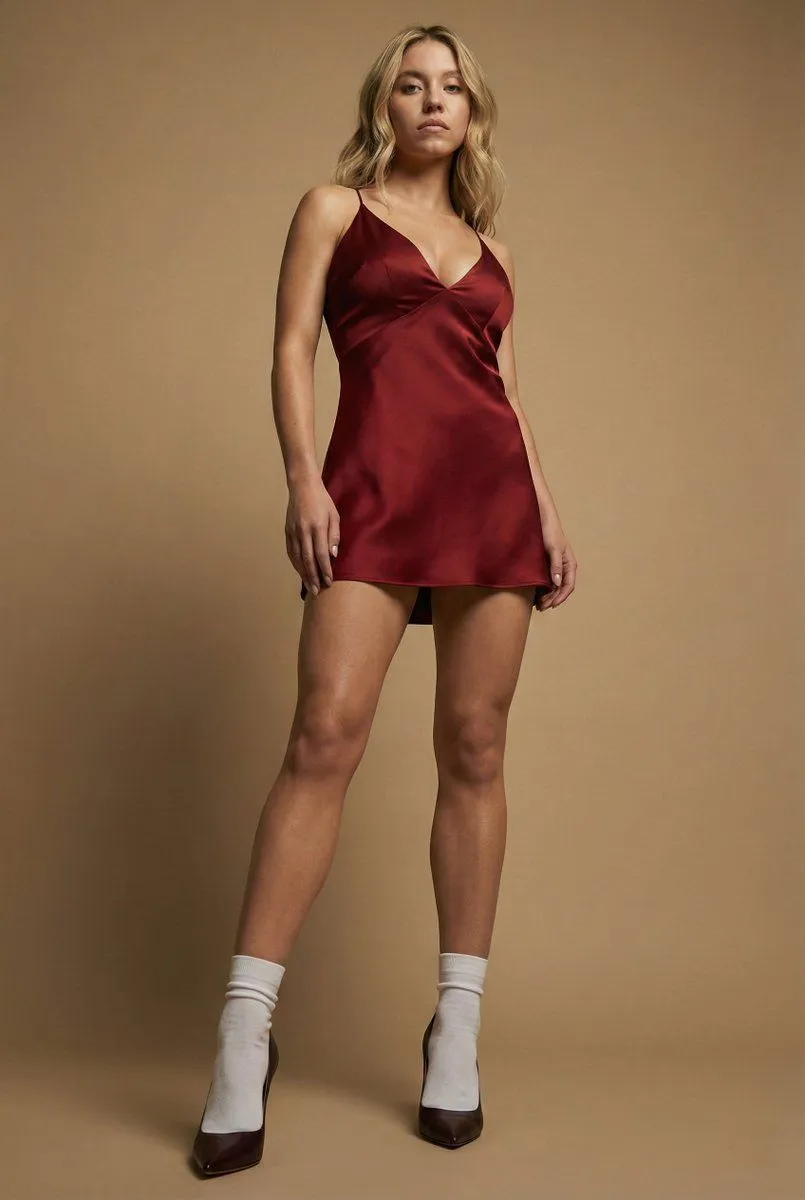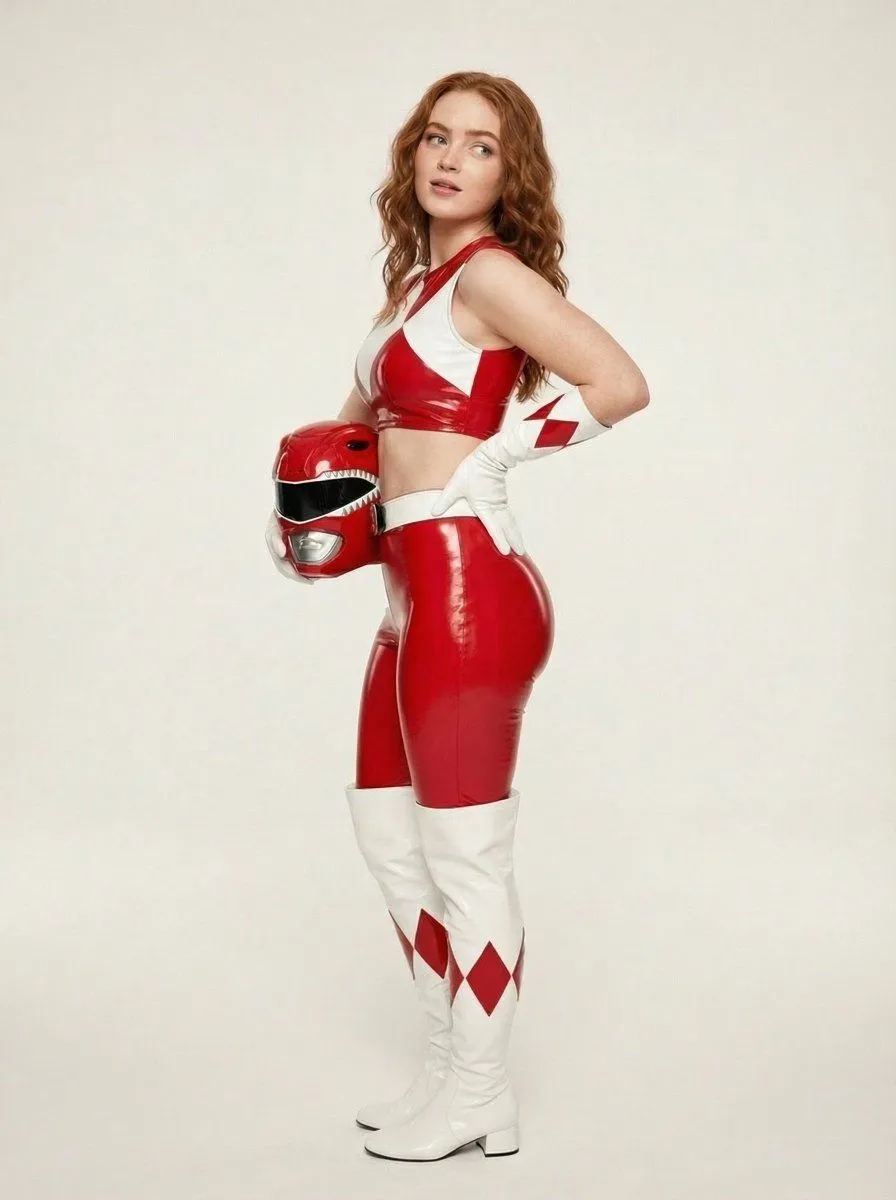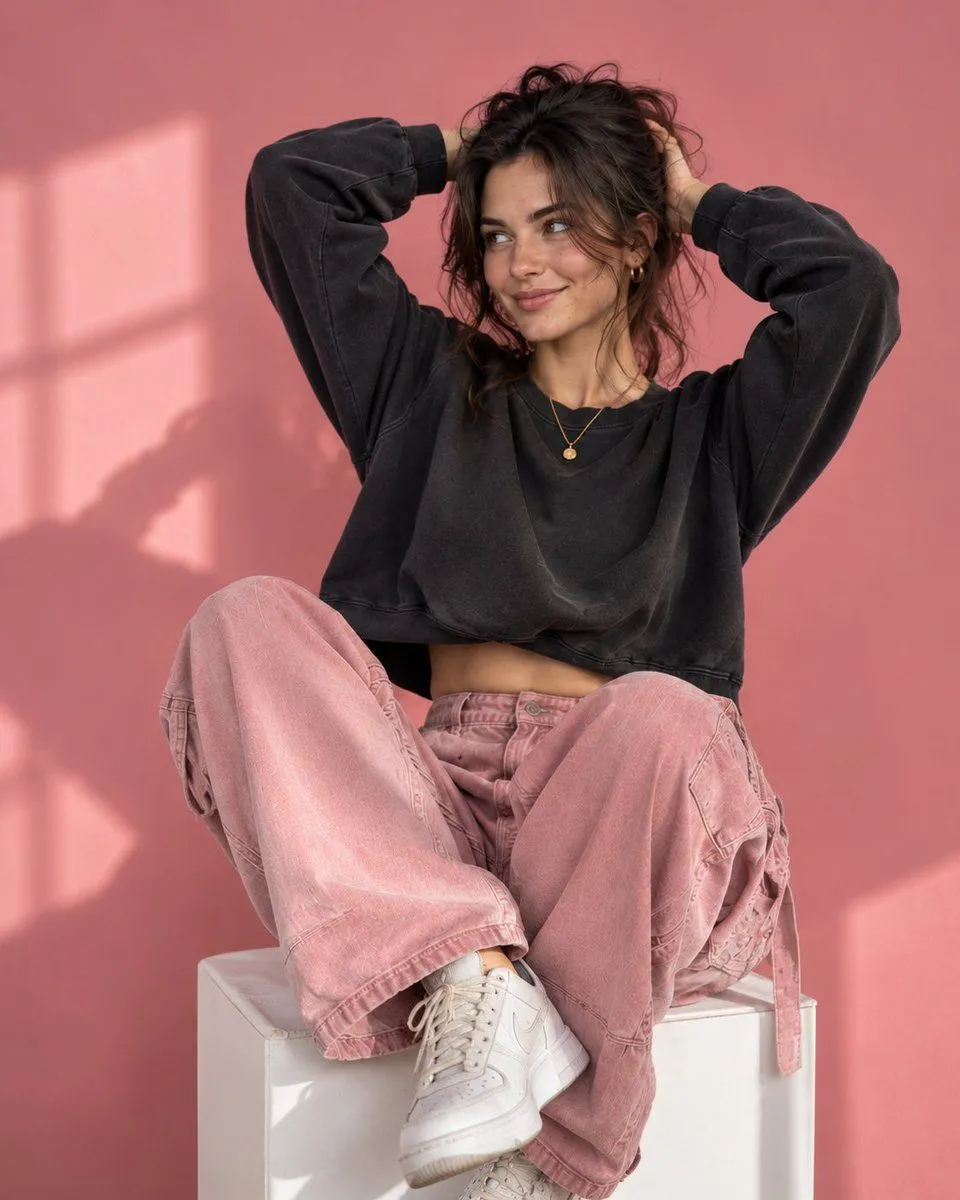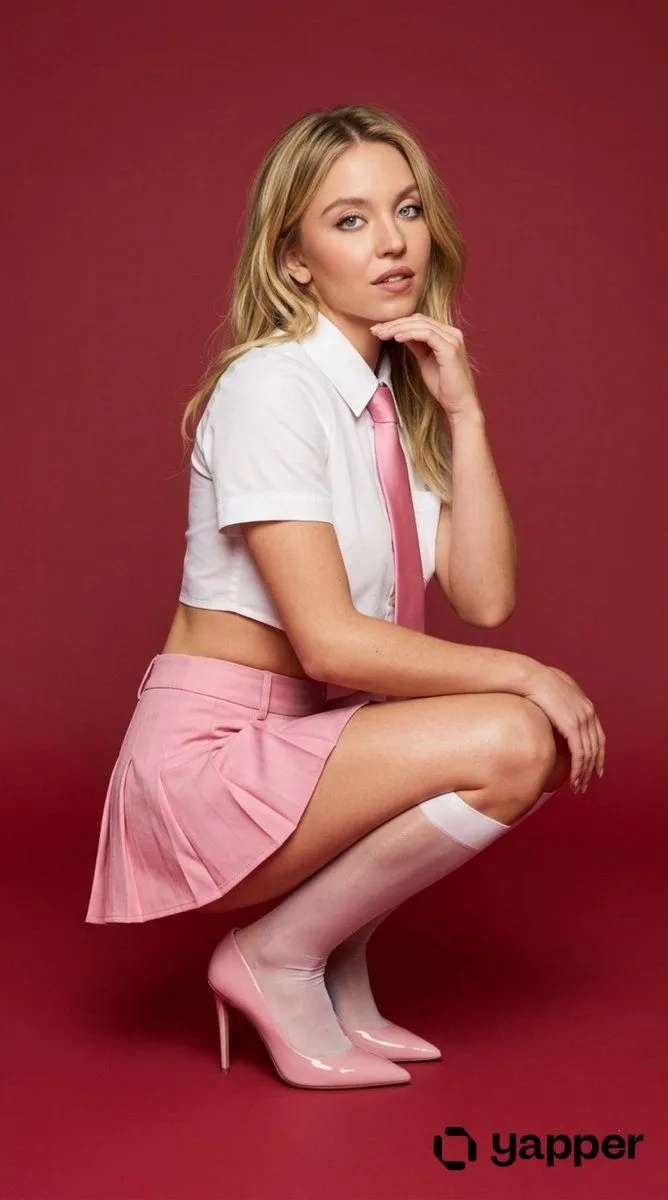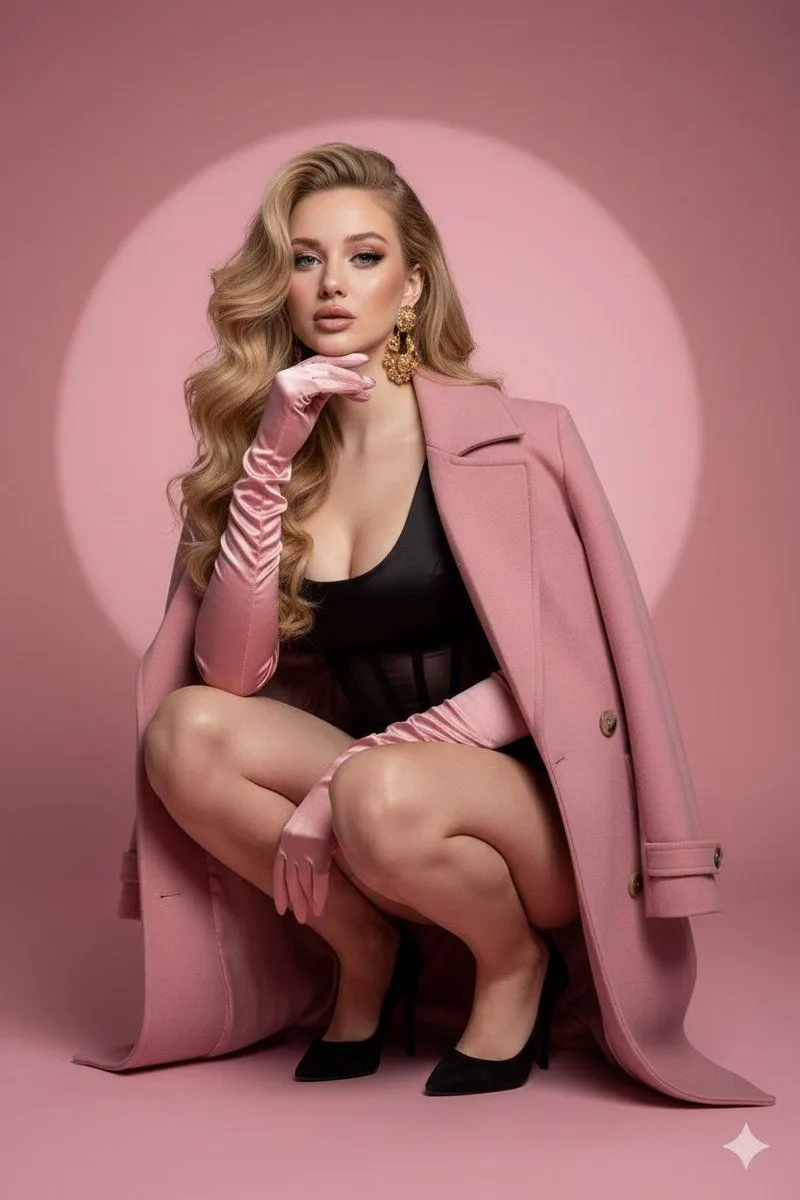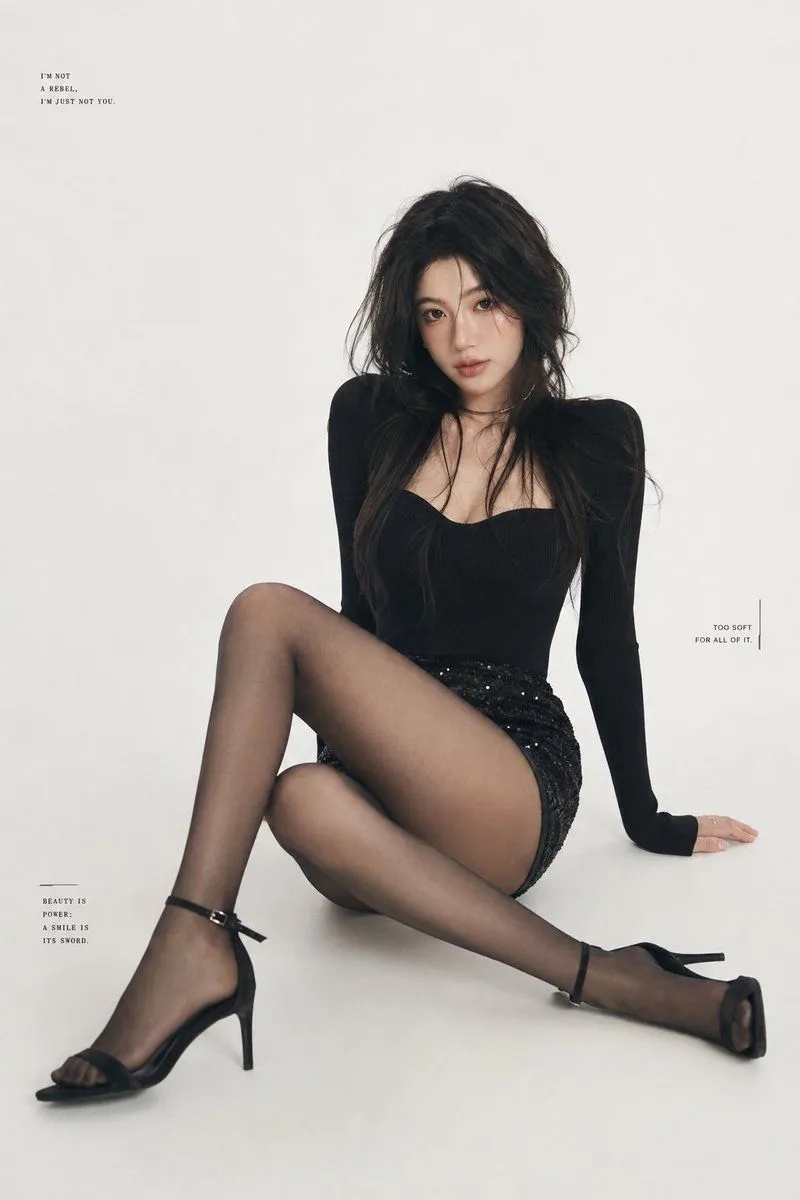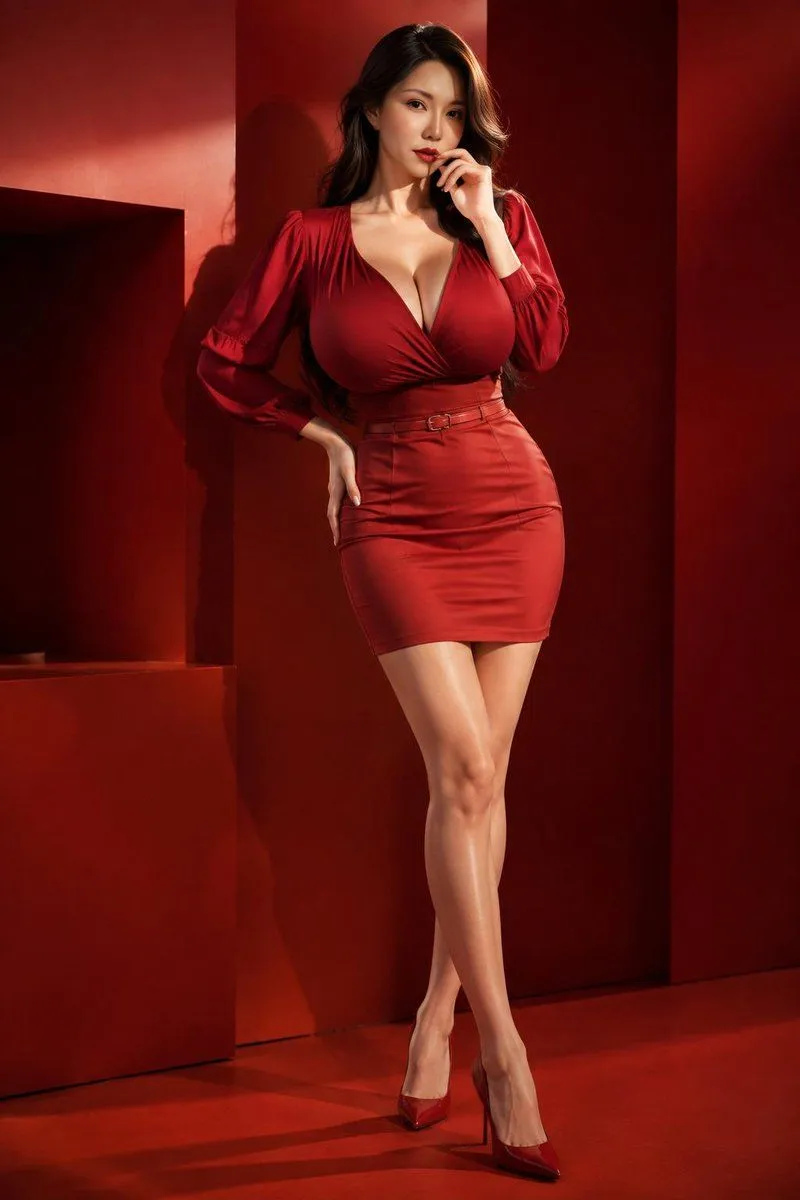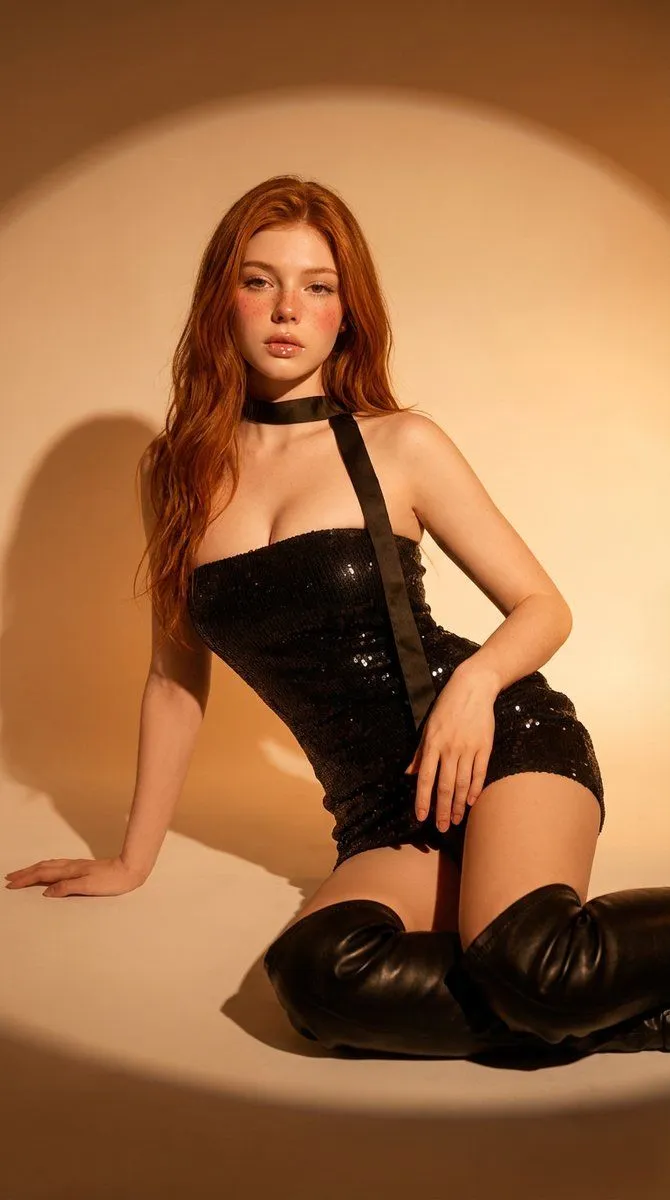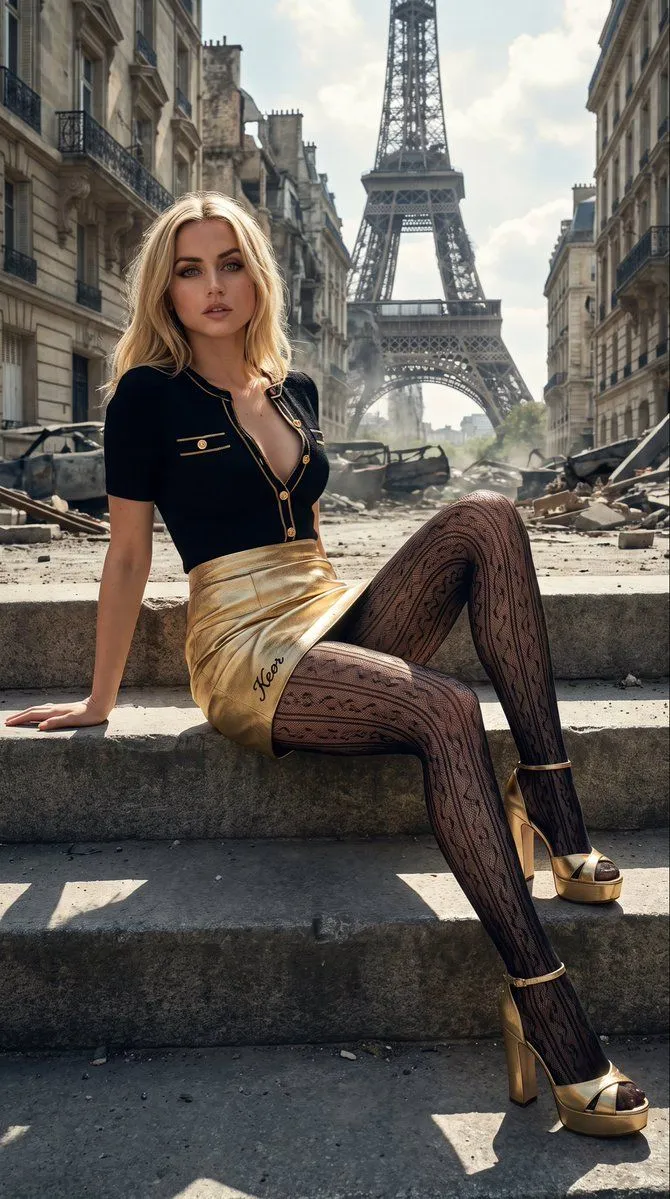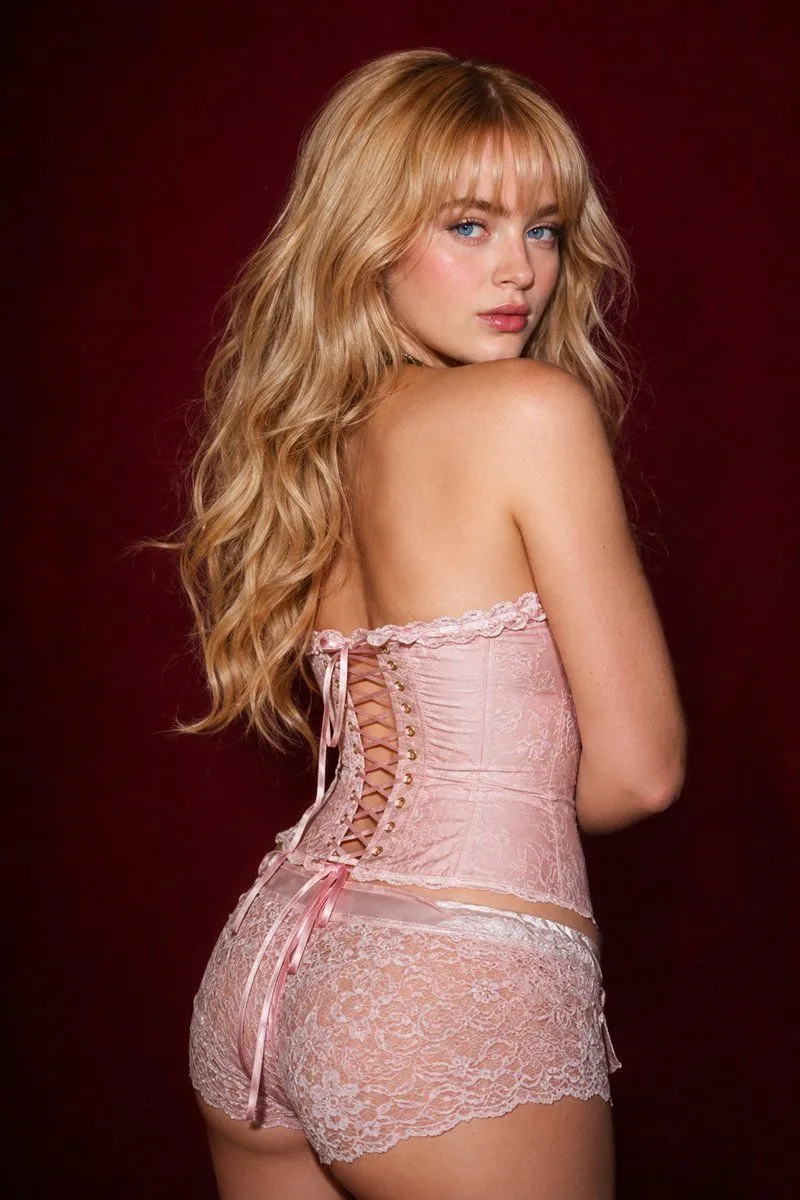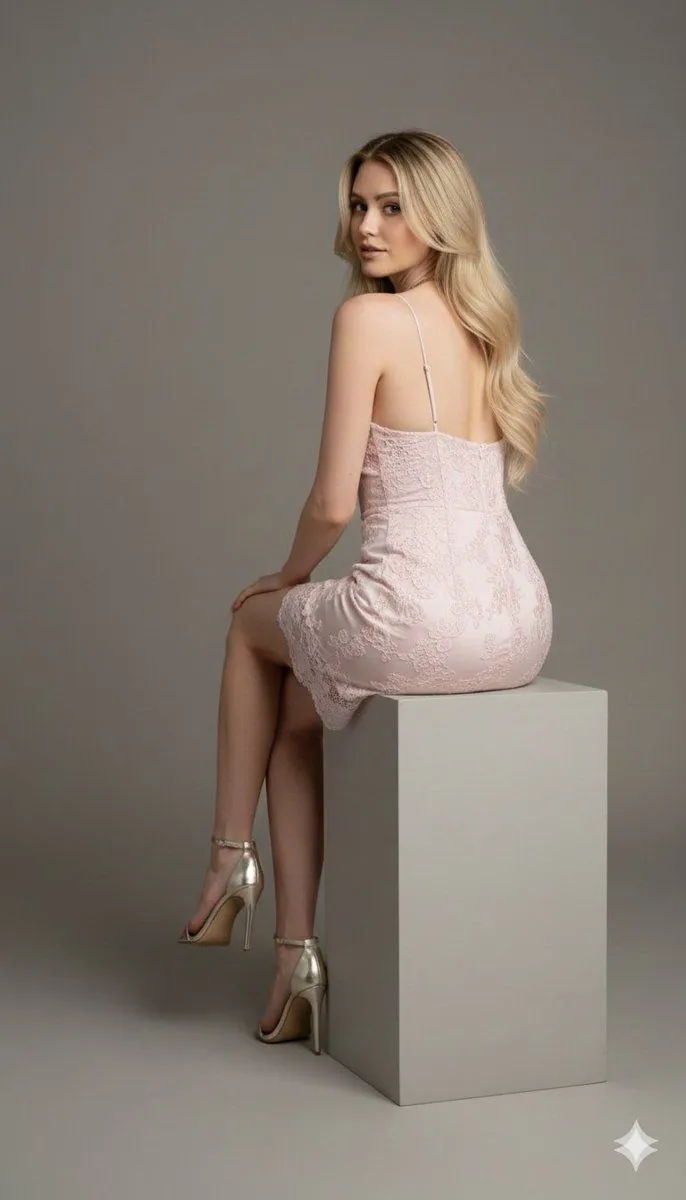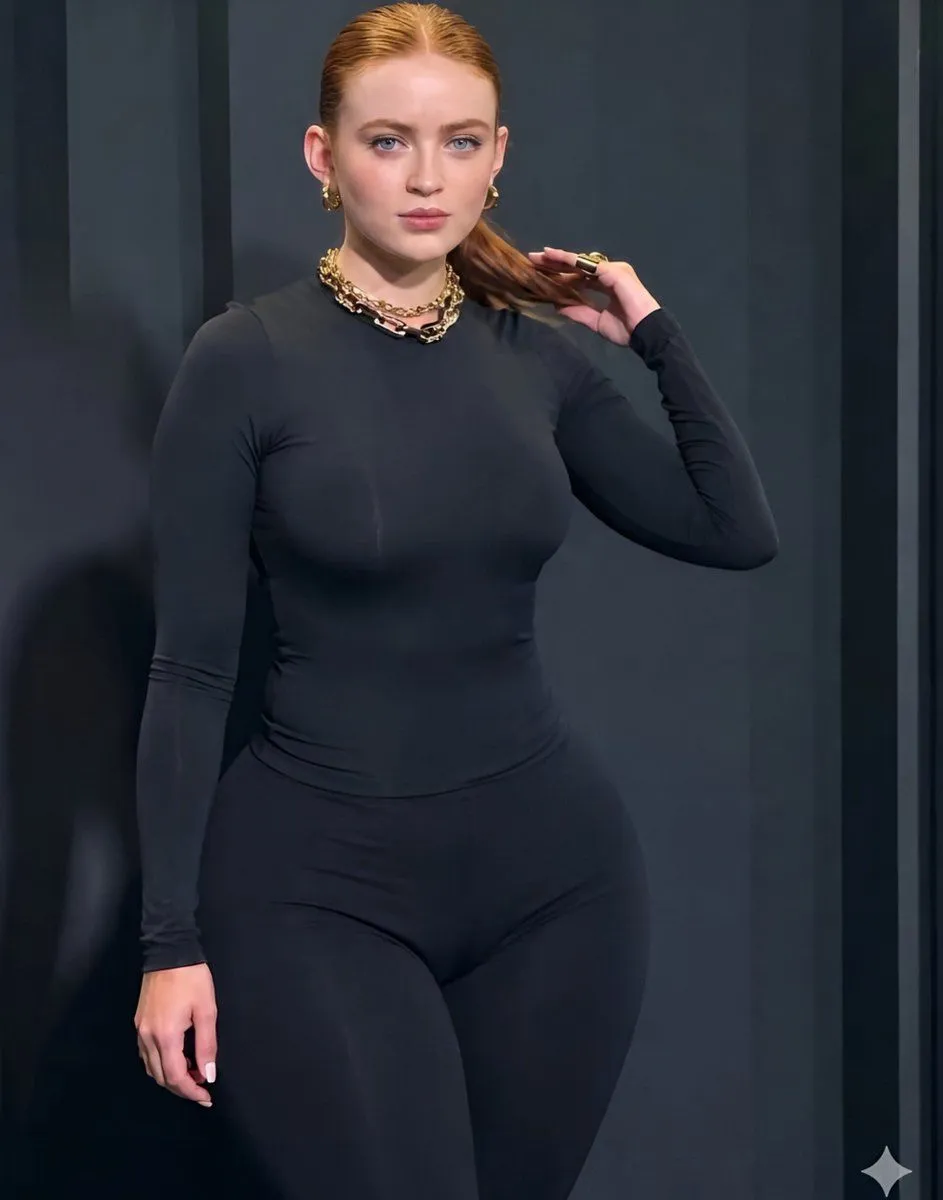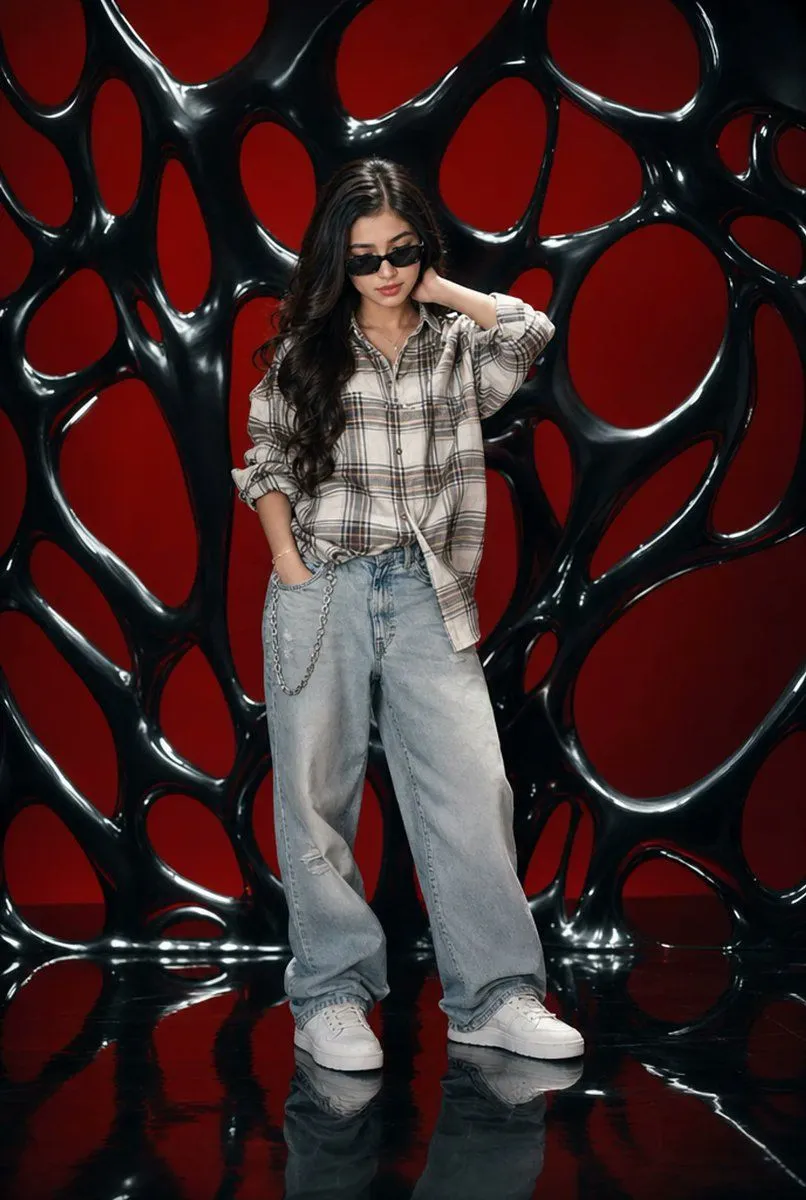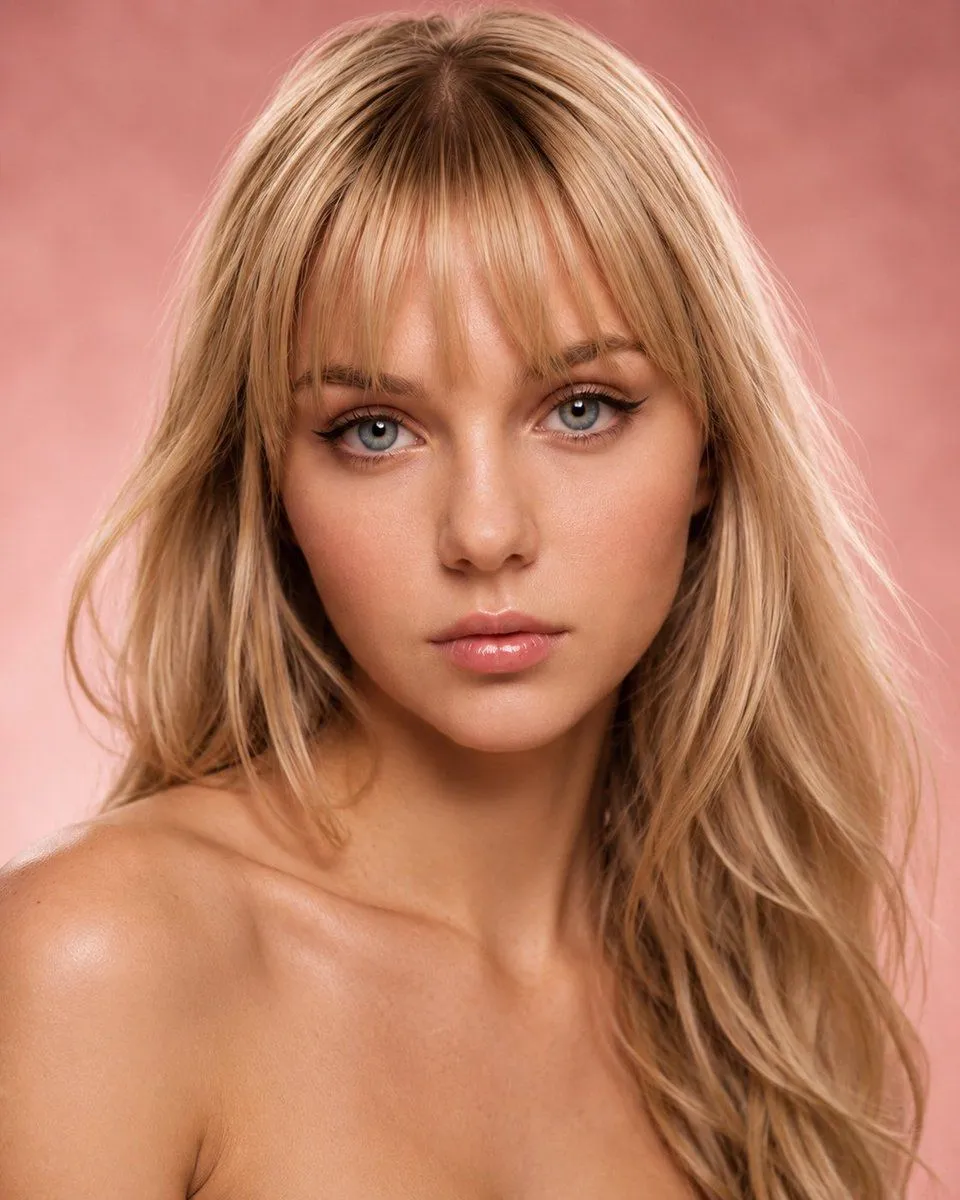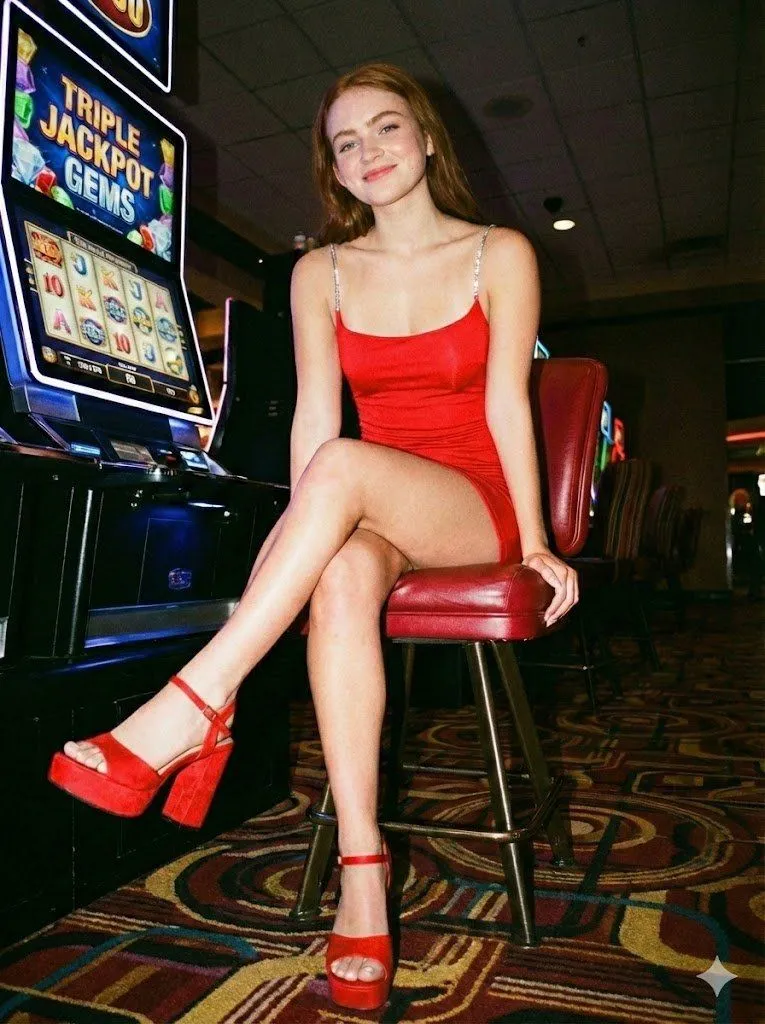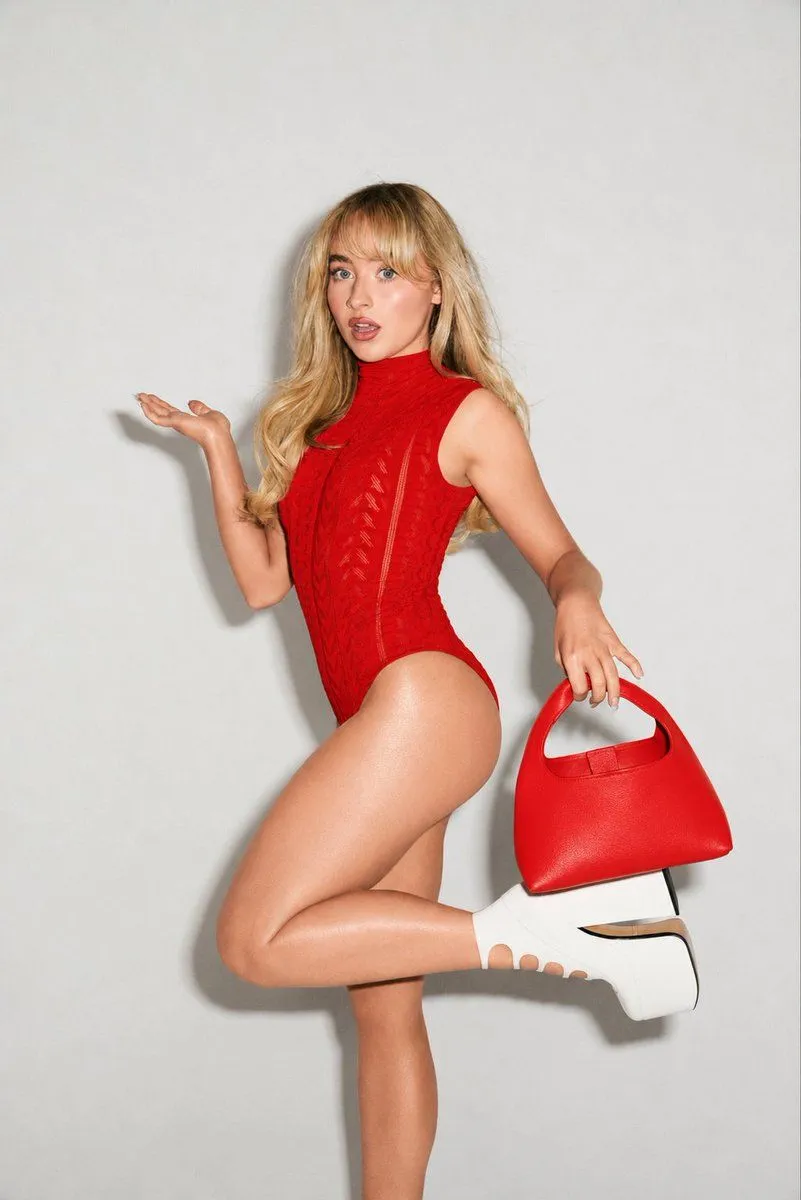
Made with GPT Image 2 in ChatGPT by Library Brand. Promptclay never generates images.
High-Fashion Editorial Portrait Edit
Prompt
2 blanks to fillEdit the reference photo into a high-fashion studio portrait. Keep the same pose, facial structure, hairstyle, body proportions, lighting, and plain light gray background. Change the outfit color from bright pink to {color} while preserving the fabric texture and details. Change the handbag color to matching {accent_color} and remove all visible text, logo, branding, and watermark from the handbag or anywhere in the image. Keep the white platform heels unchanged. Make the final image photorealistic, clean, sharp, and editorial-style with natural skin texture and realistic shadows. Negative prompt: watermark, logo, text, brand name, distorted anatomy, extra fingers, bad hands, blurry face, low quality, overedited skin, cartoon, CGI.
Preview of your prompt
Edit the reference photo into a high-fashion studio portrait. Keep the same pose, facial structure, hairstyle, body proportions, lighting, and plain light gray background. Change the outfit color from bright pink to rich vibrant red while preserving the fabric texture and details. Change the handbag color to matching red and remove all visible text, logo, branding, and watermark from the handbag or anywhere in the image. Keep the white platform heels unchanged. Make the final image photorealistic, clean, sharp, and editorial-style with natural skin texture and realistic shadows. Negative prompt: watermark, logo, text, brand name, distorted anatomy, extra fingers, bad hands, blurry face, low quality, overedited skin, cartoon, CGI.
DetailsVersions, settings and questions
Written for
What's in the prompt
- Subject
- Model
- GPT Image 2
If your face changes
keep my face exactly the sameQuestions
- Does this work in the ChatGPT app?
- Yes. Paste the prompt and attach your photo if it uses one.
- It changed my face. What do I do?
- Add "keep my face exactly the same" to the end and run it again.
- Can I use the images I make?
- Check the terms of the app you use. Promptclay never generates images and claims nothing you make.