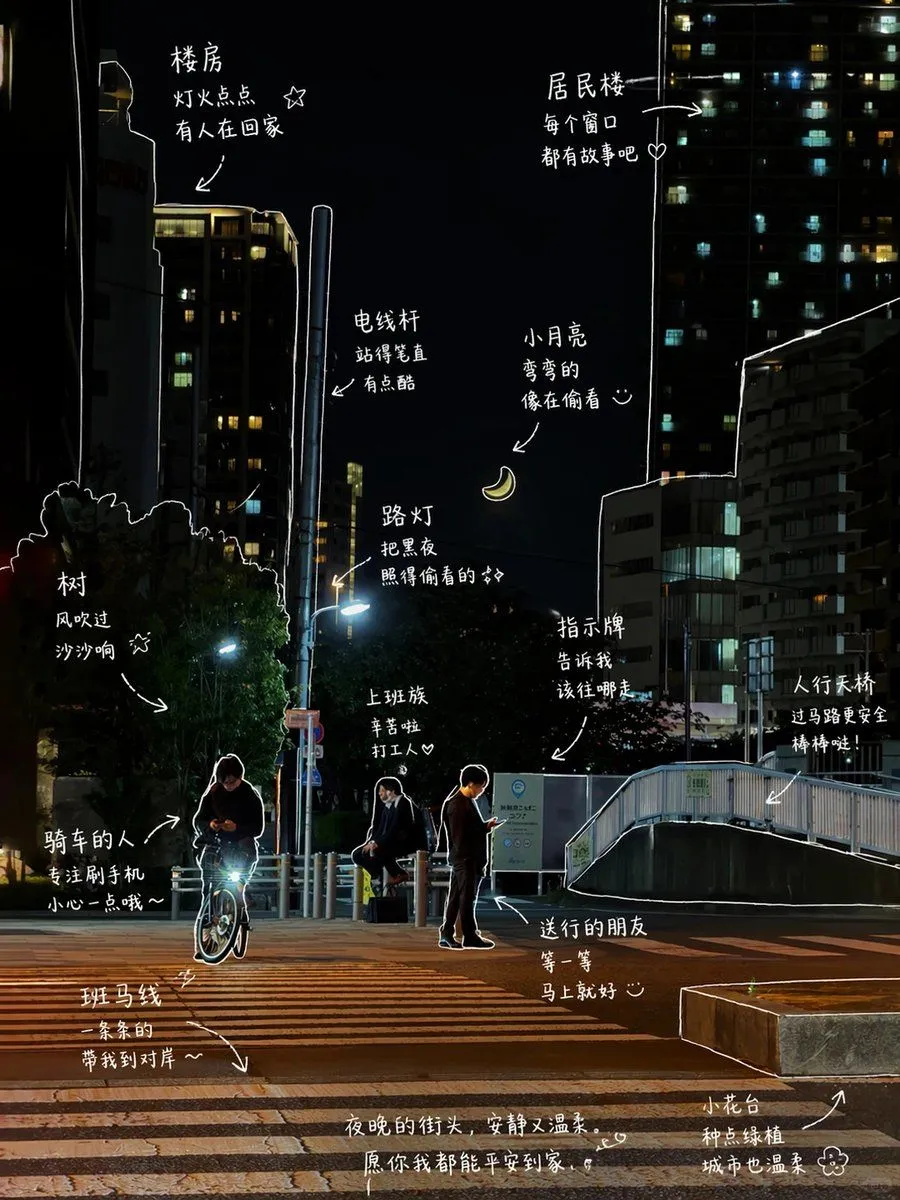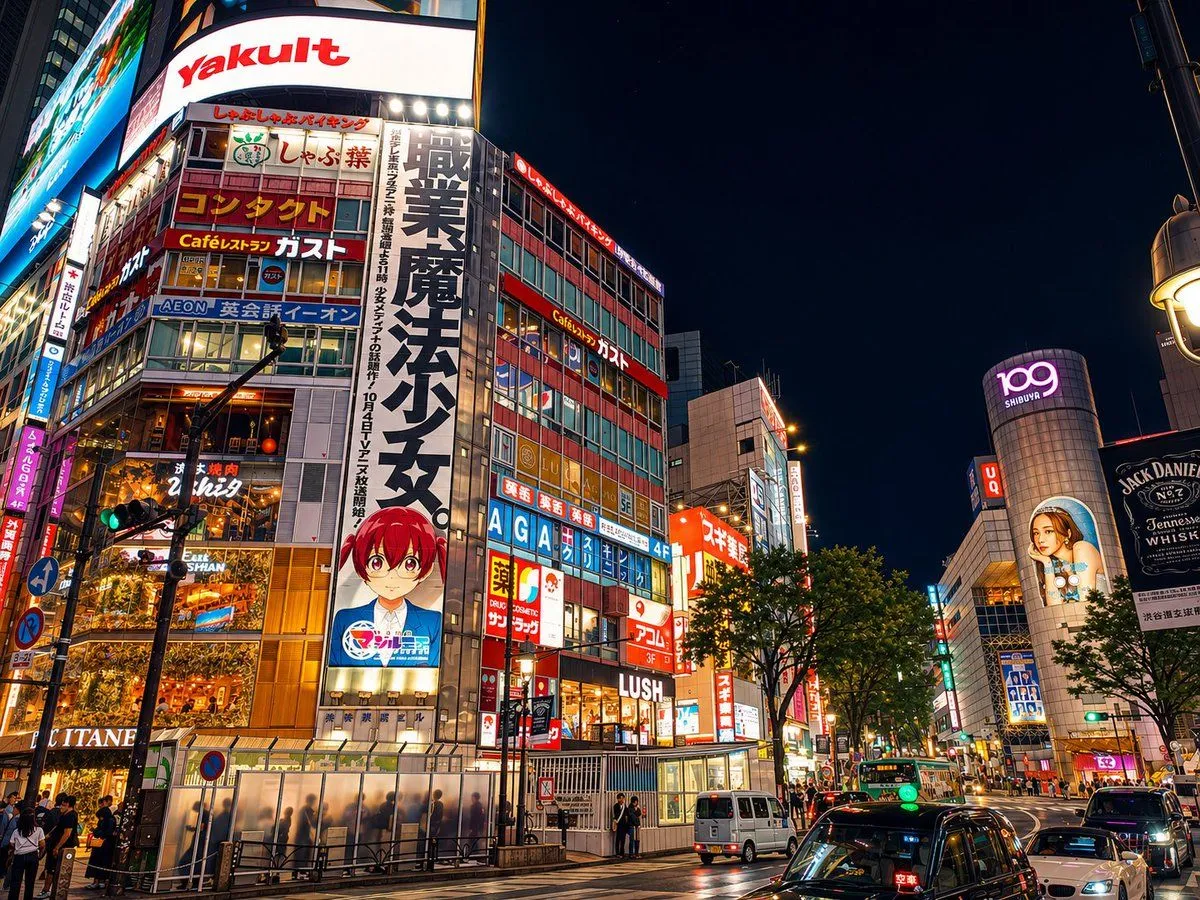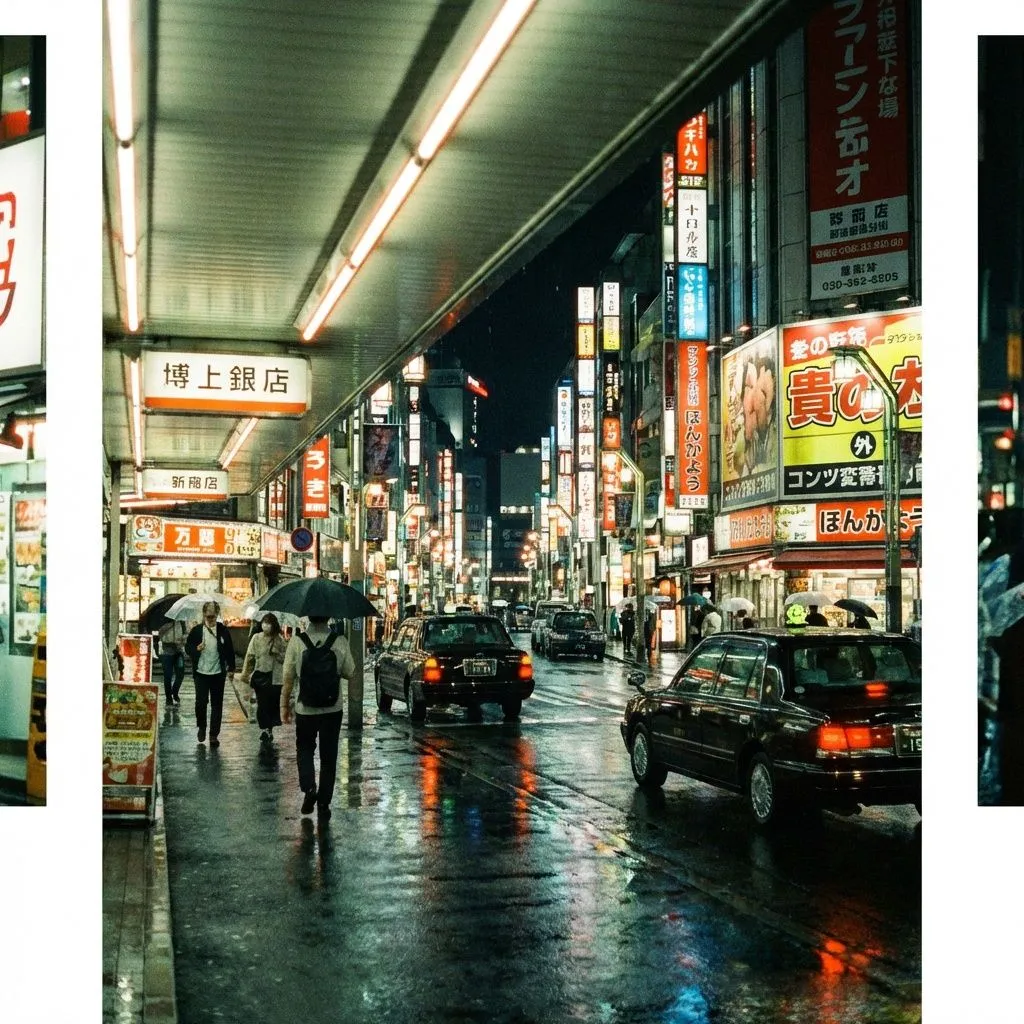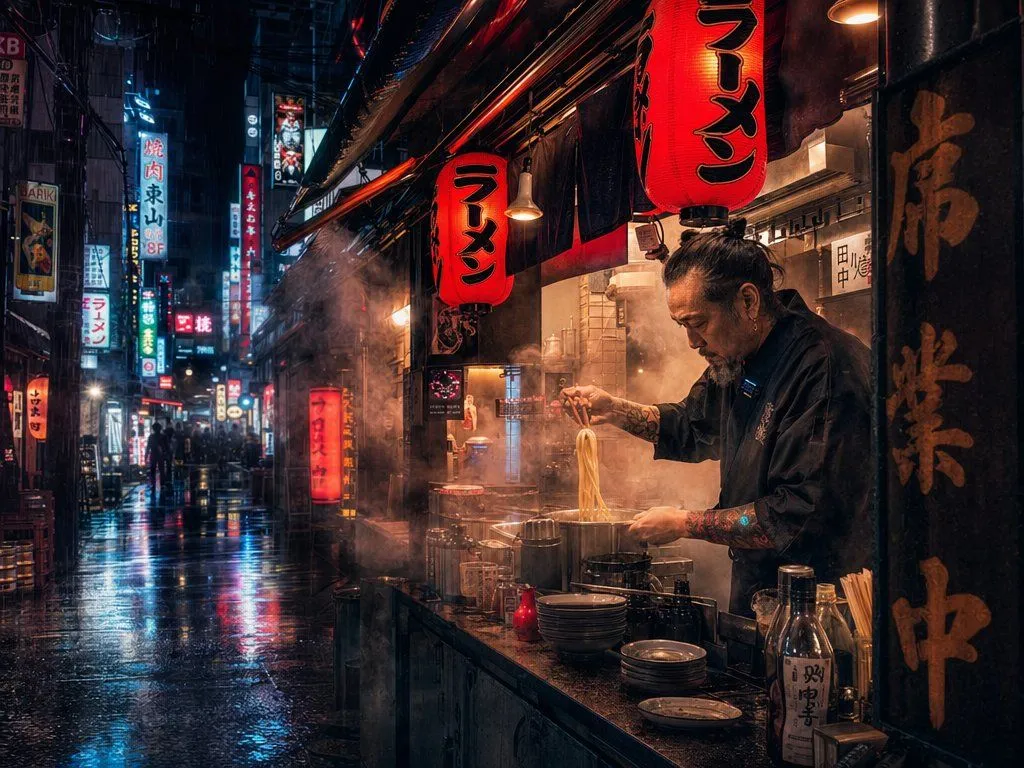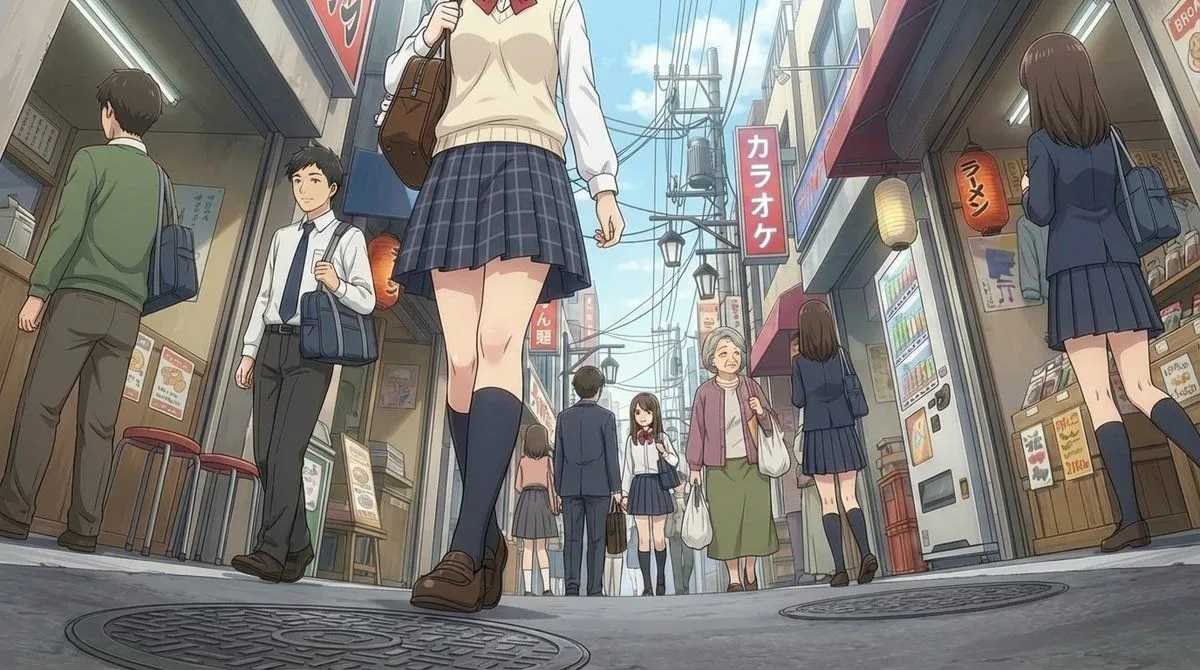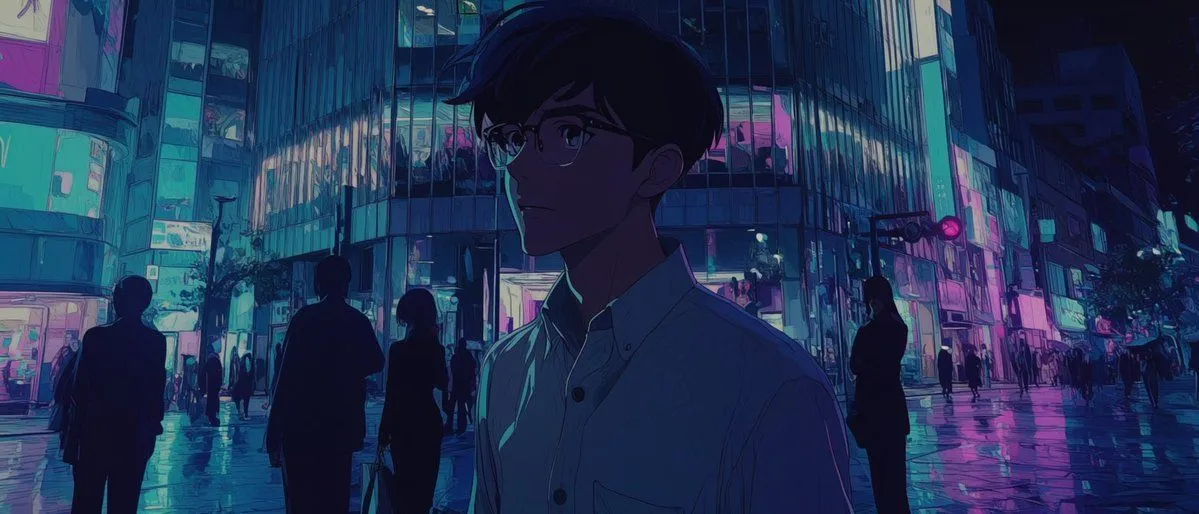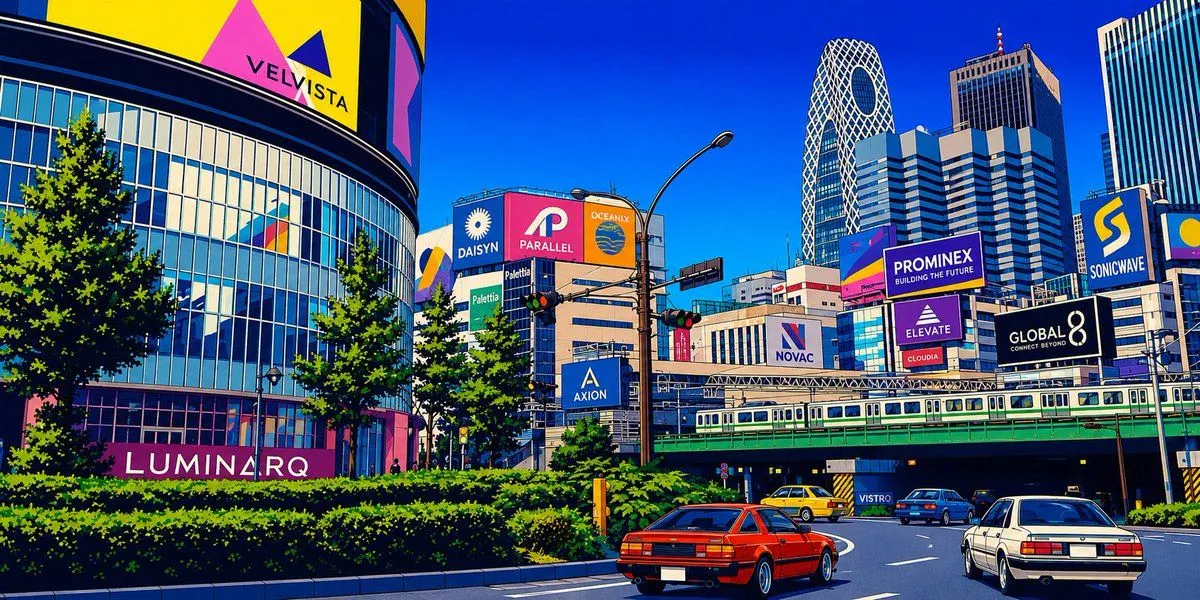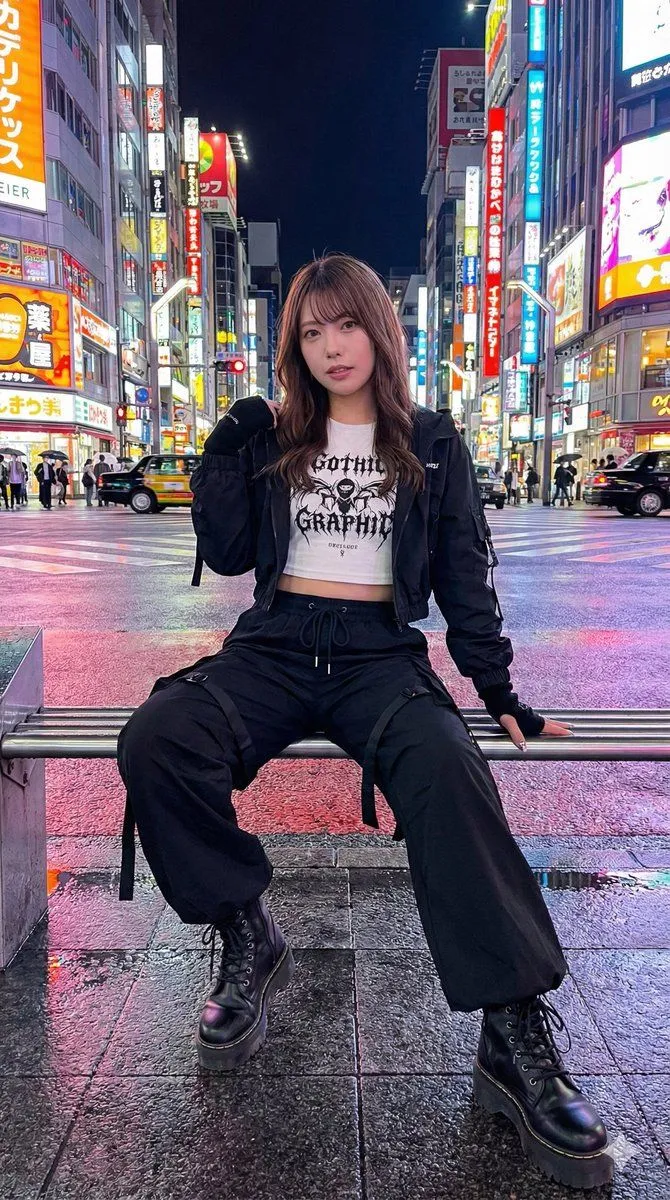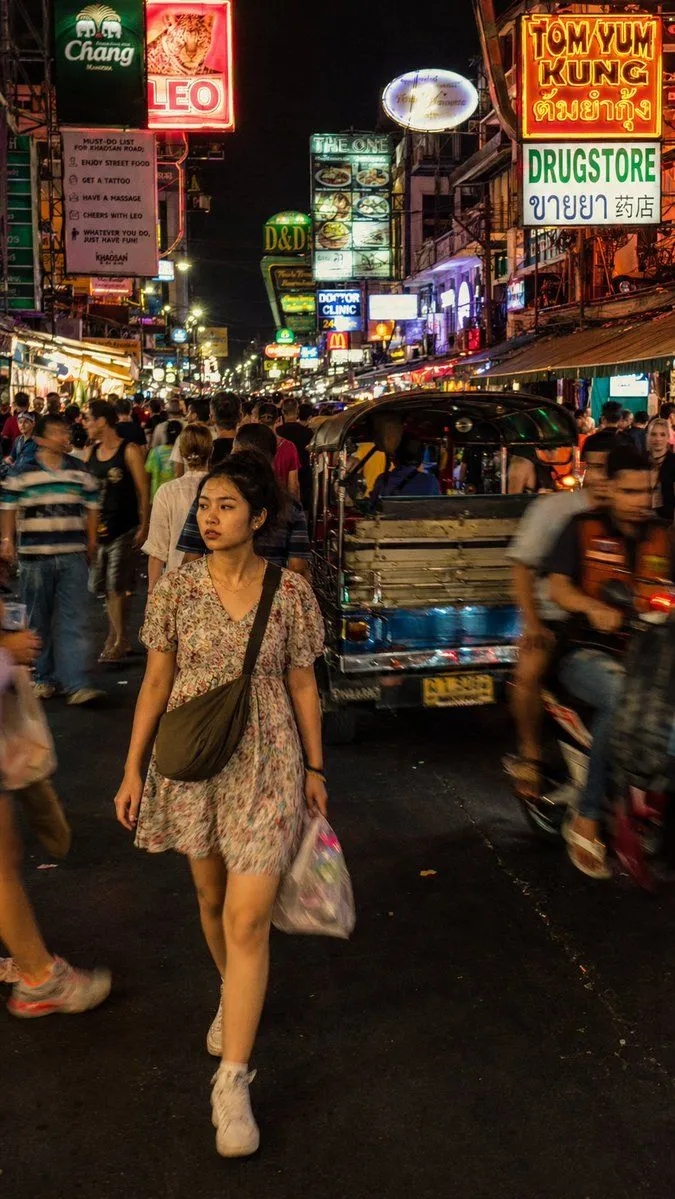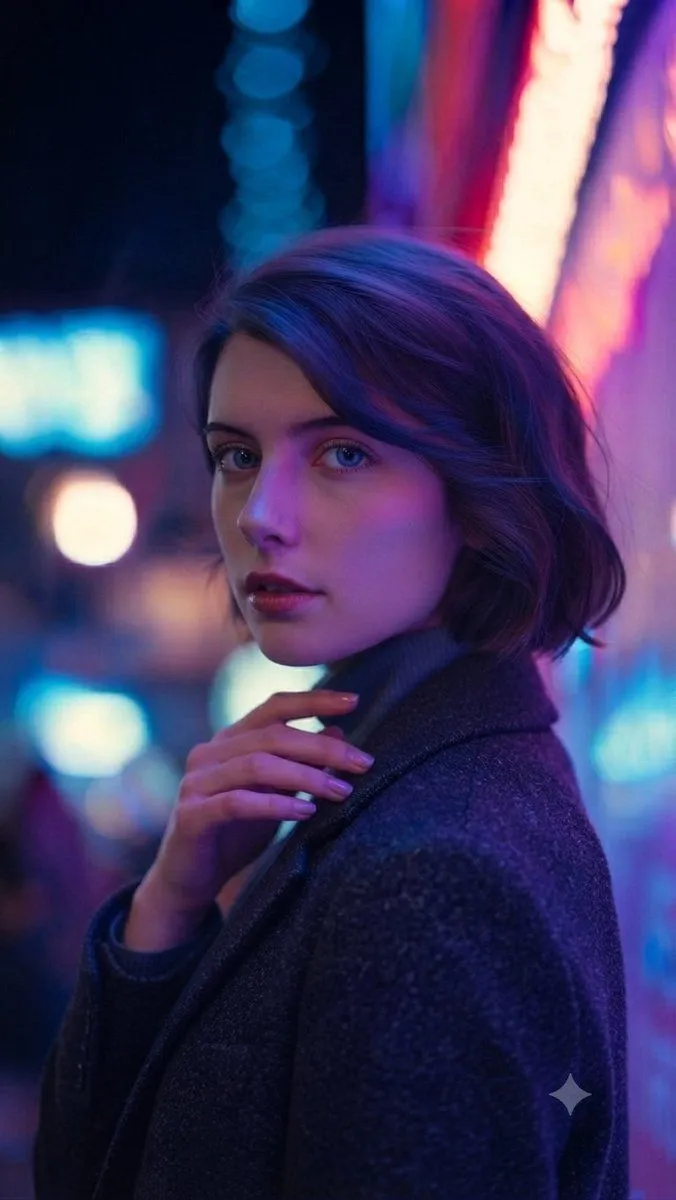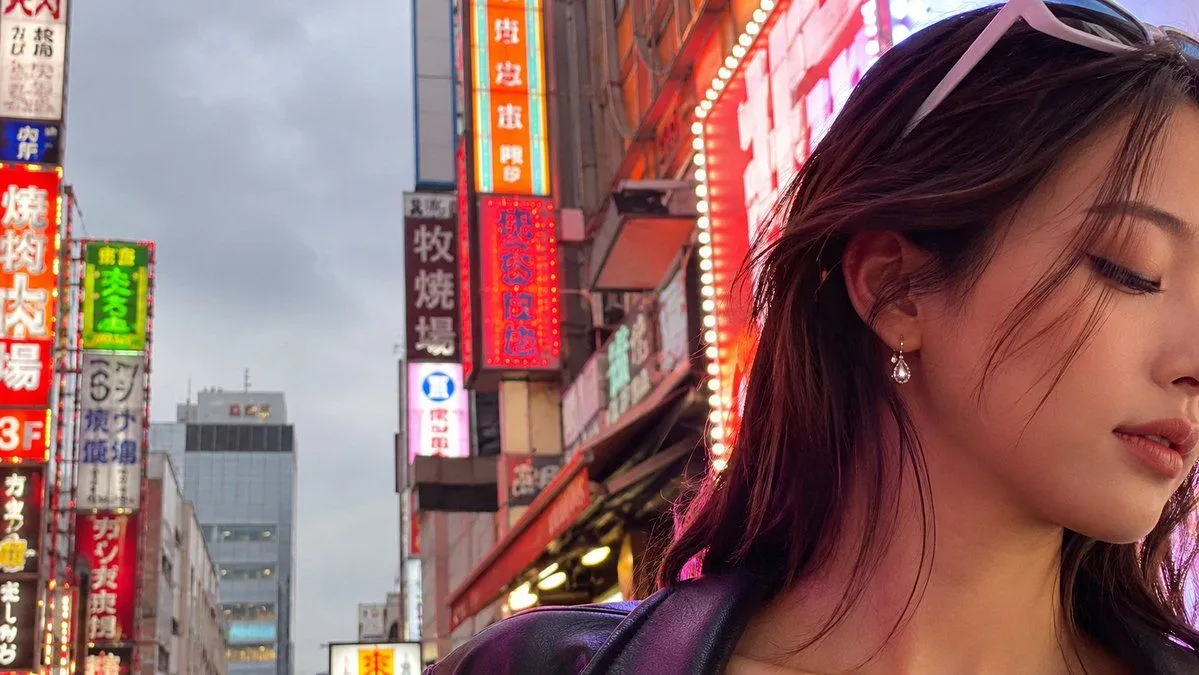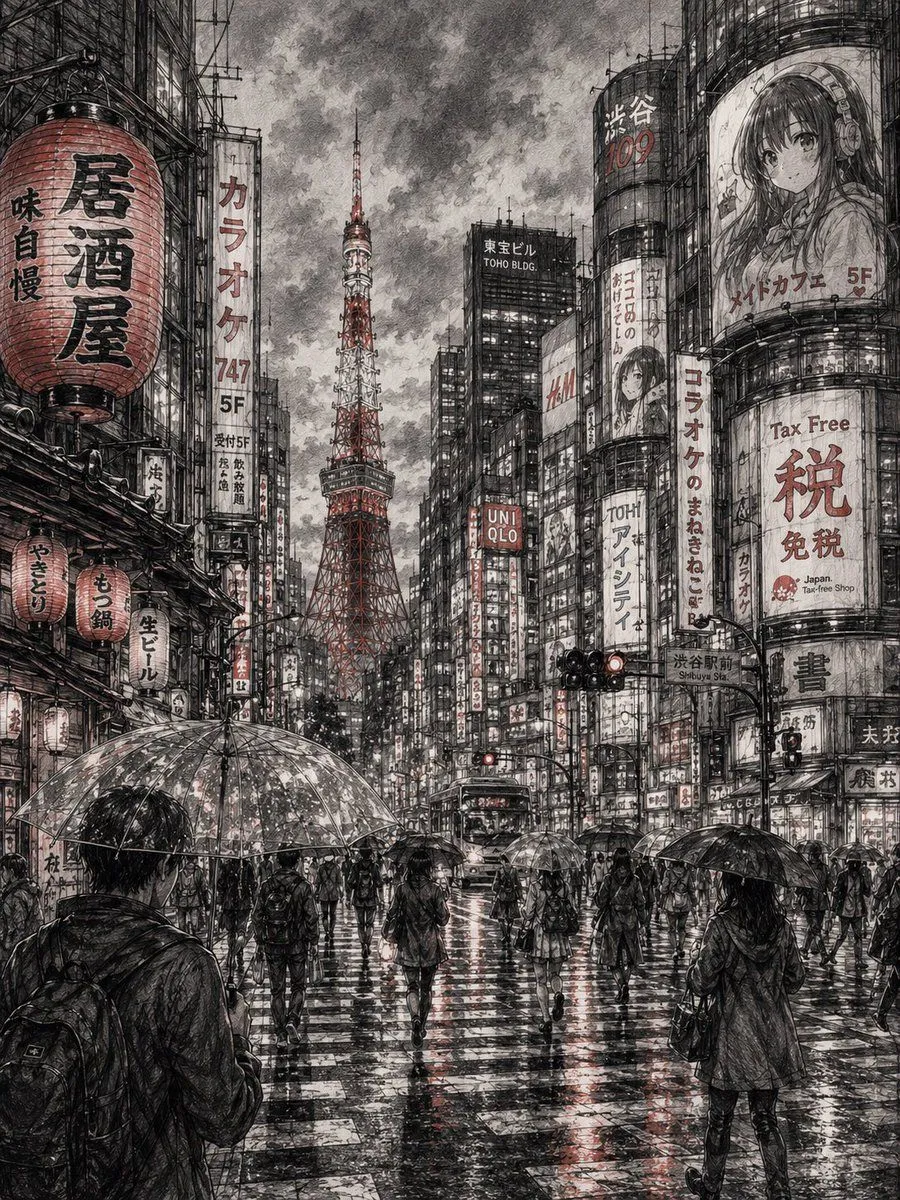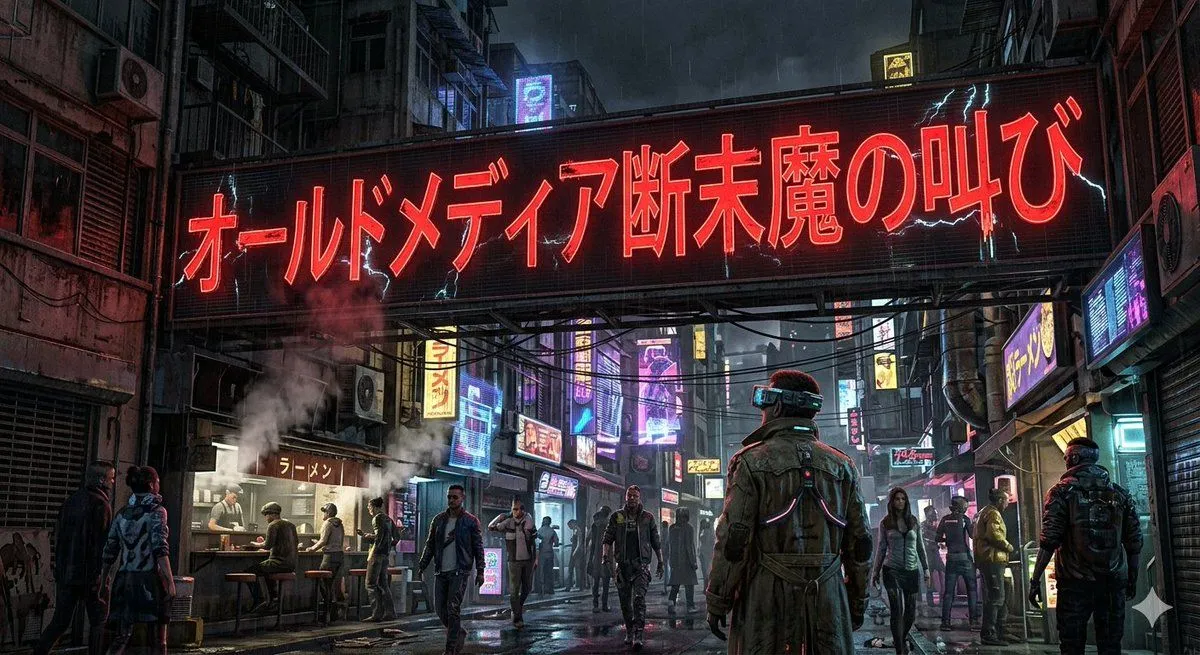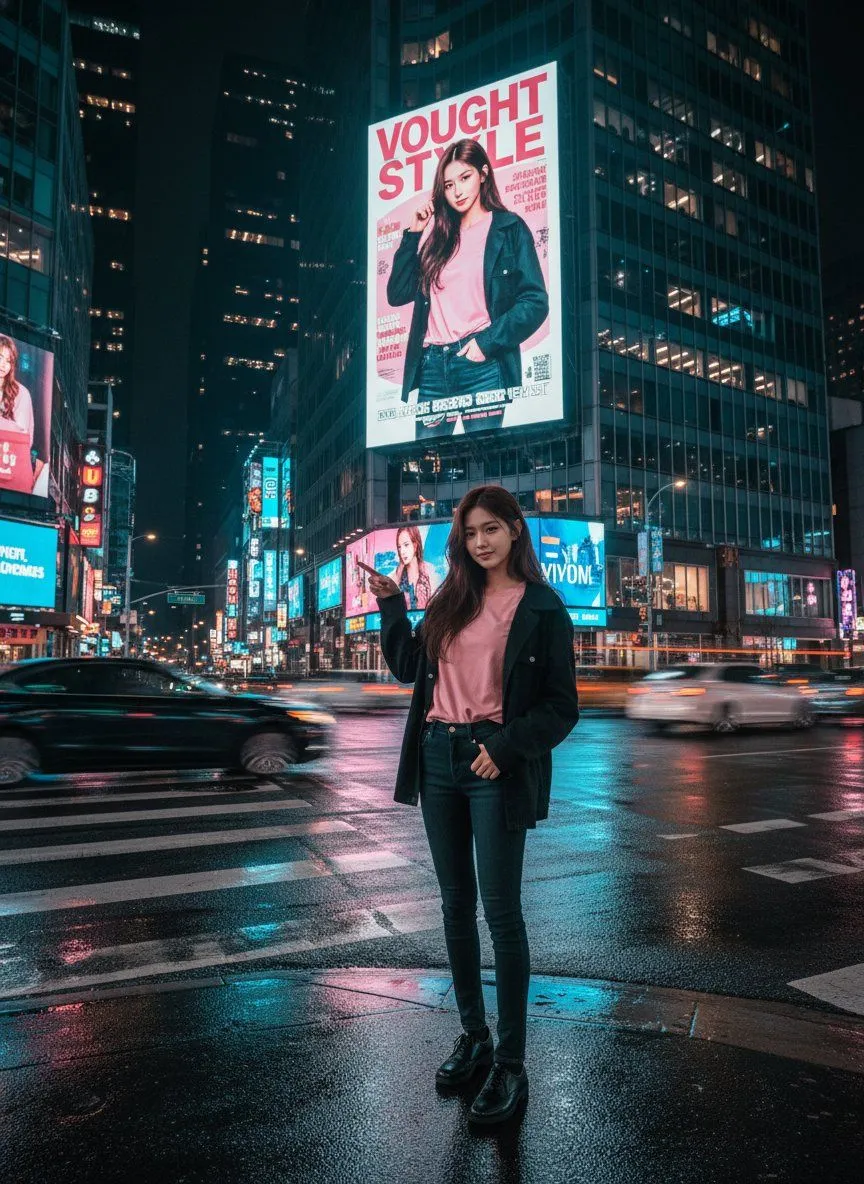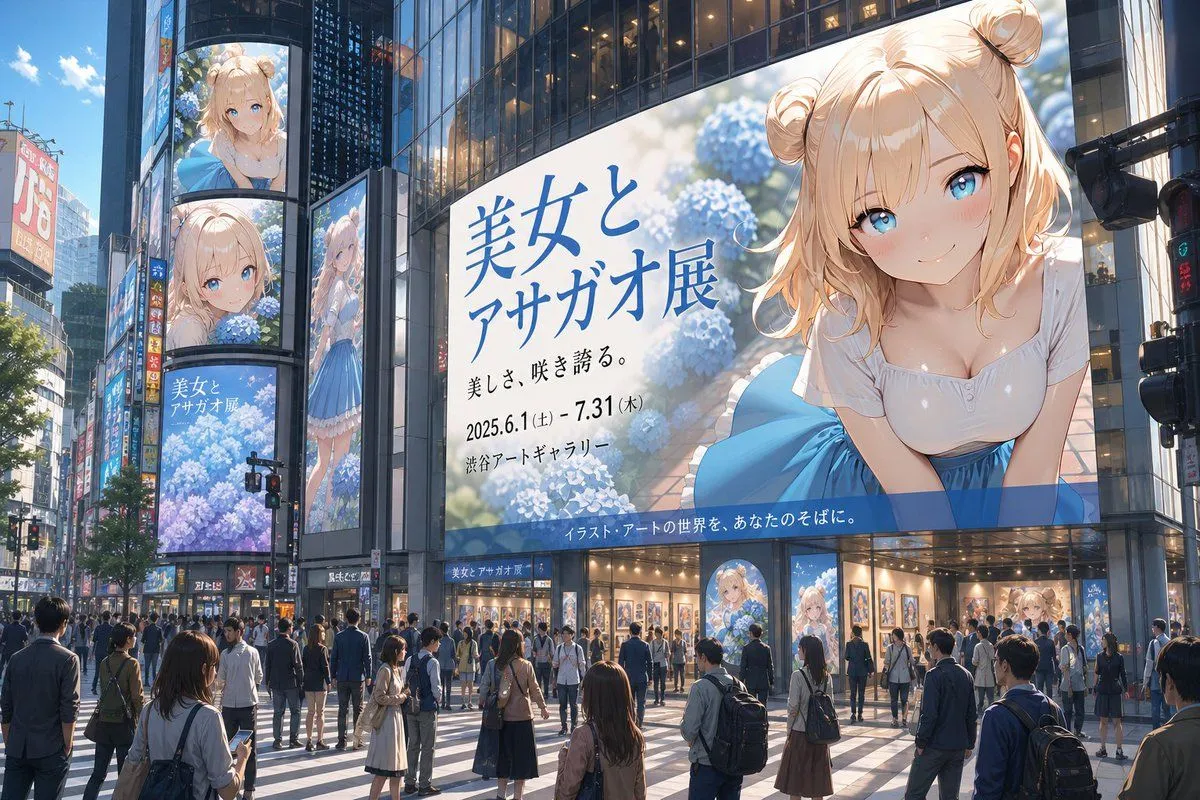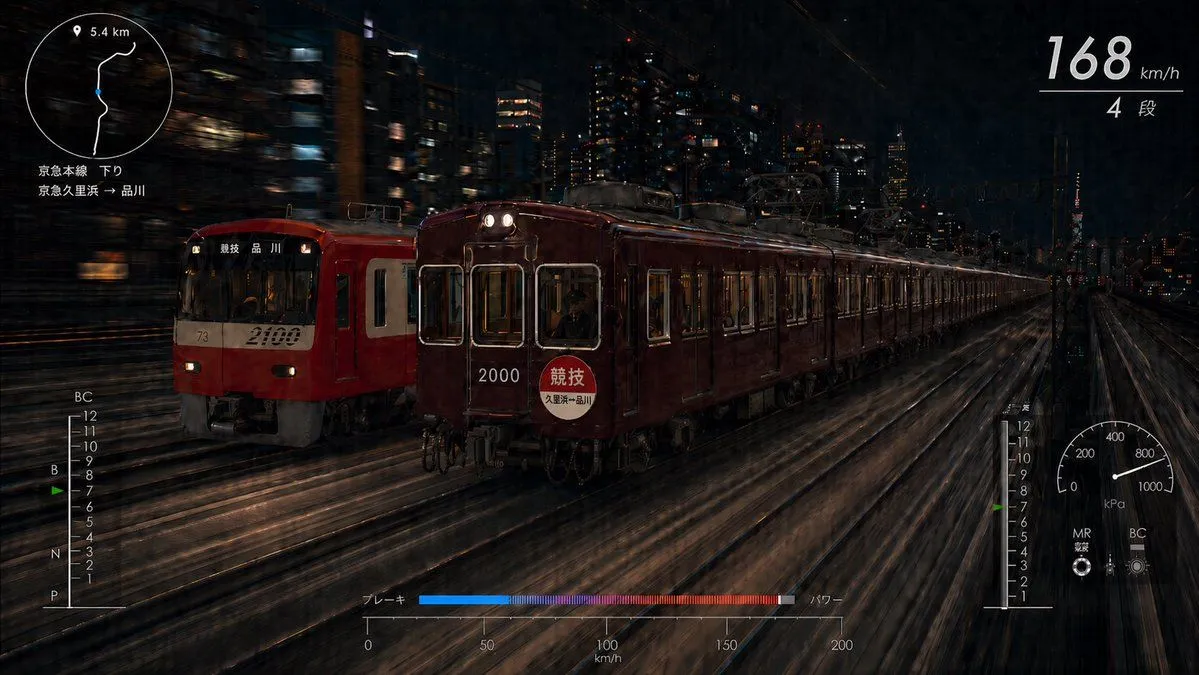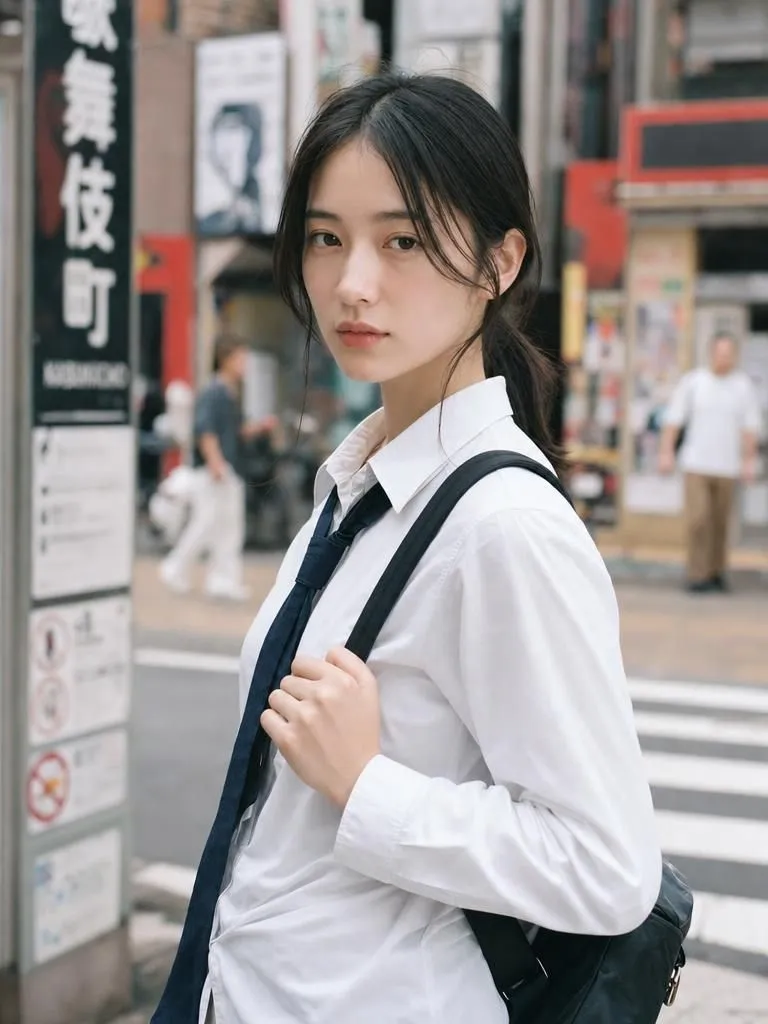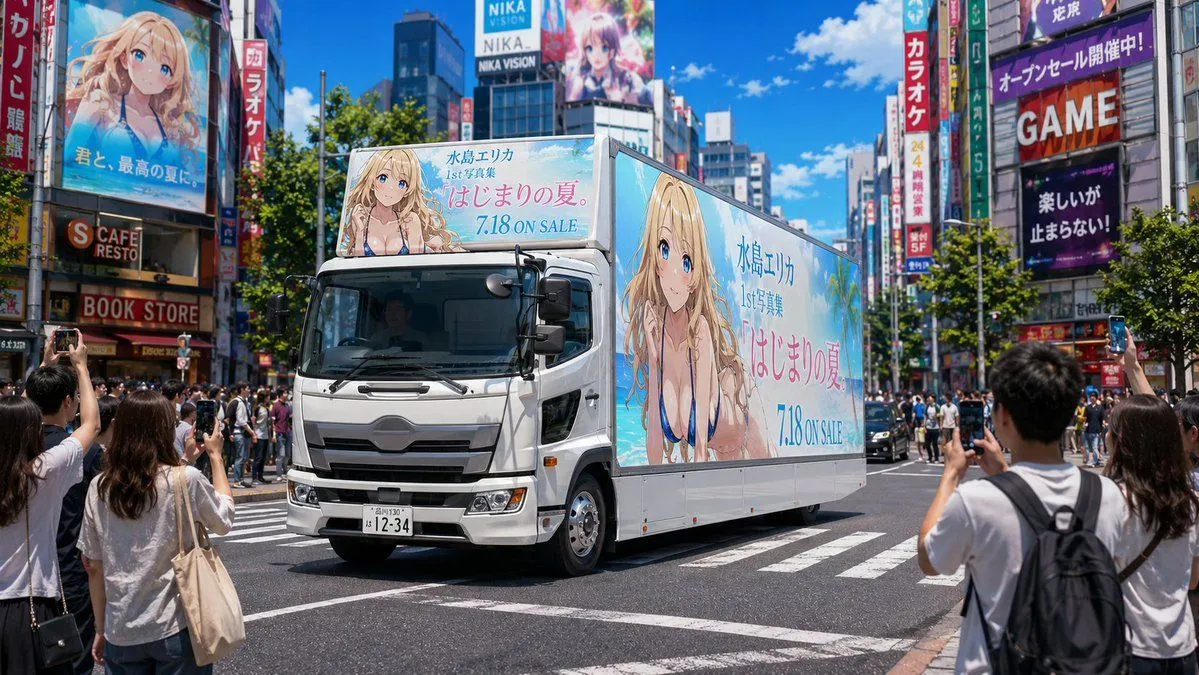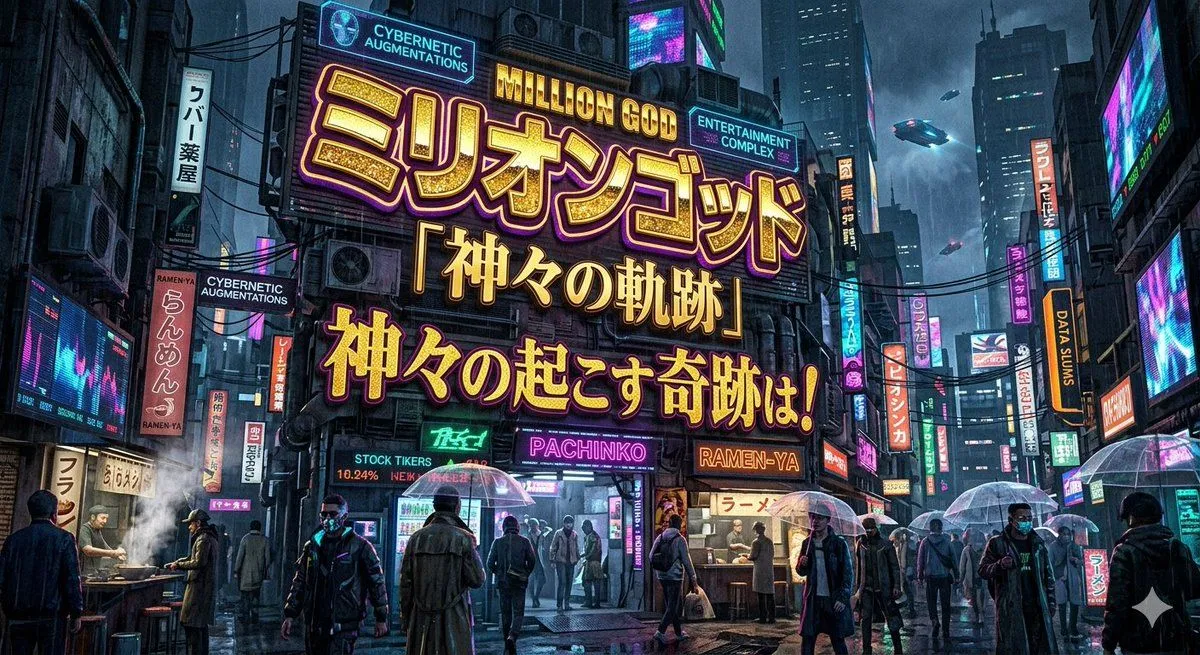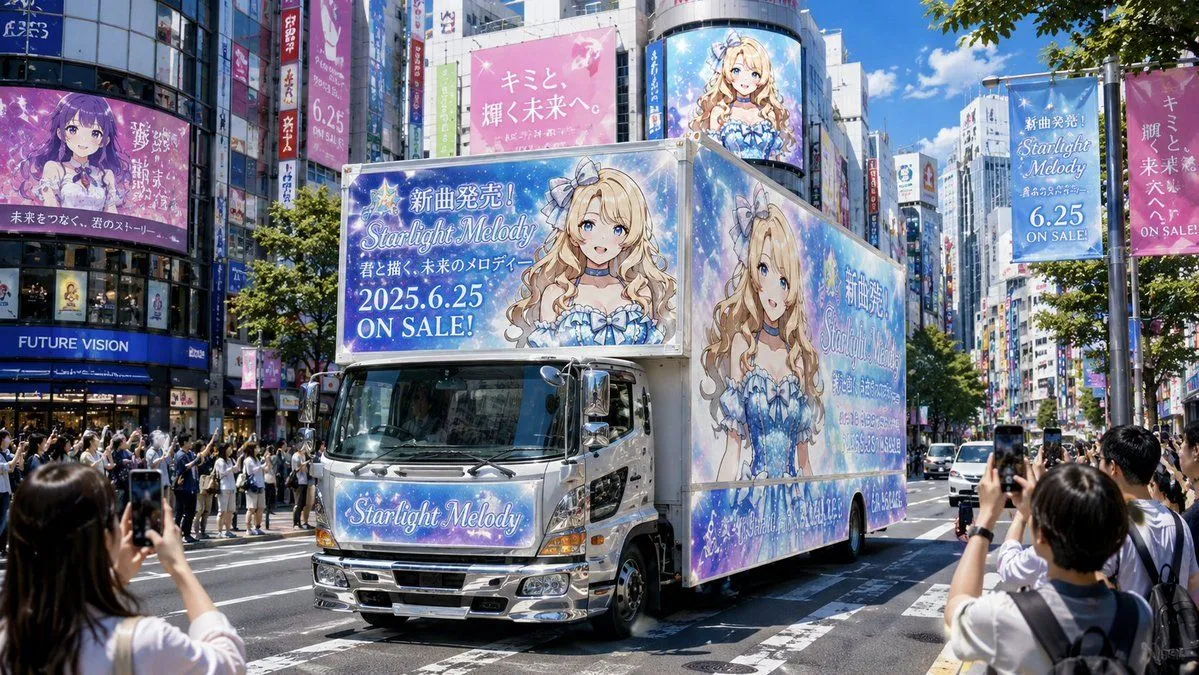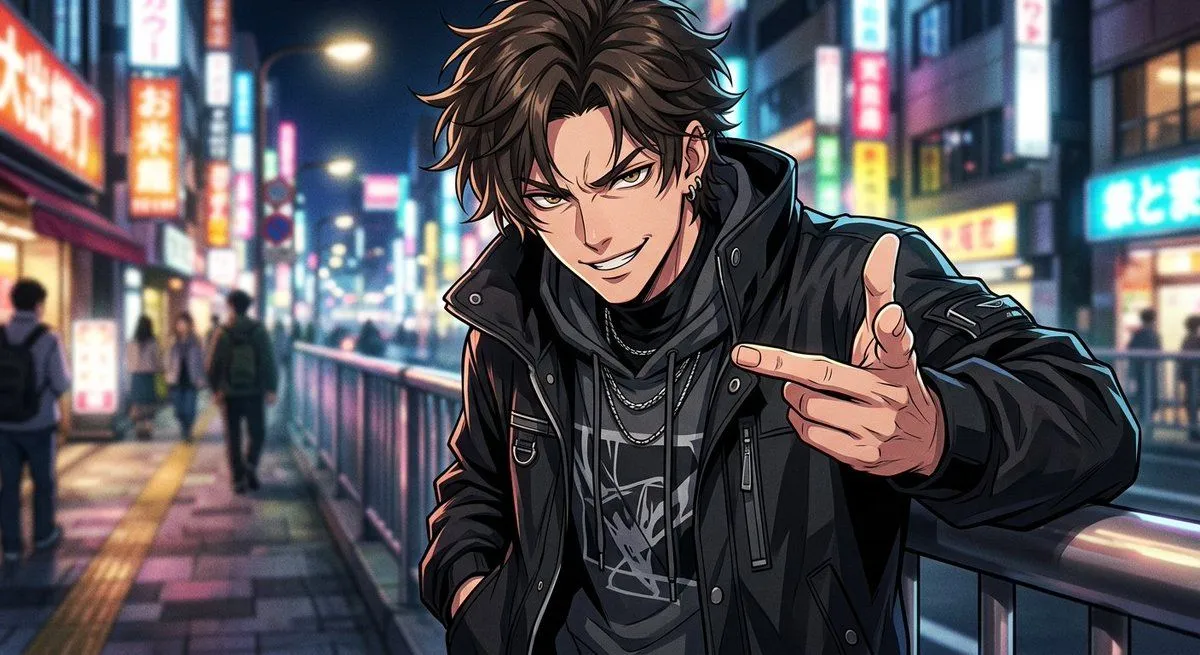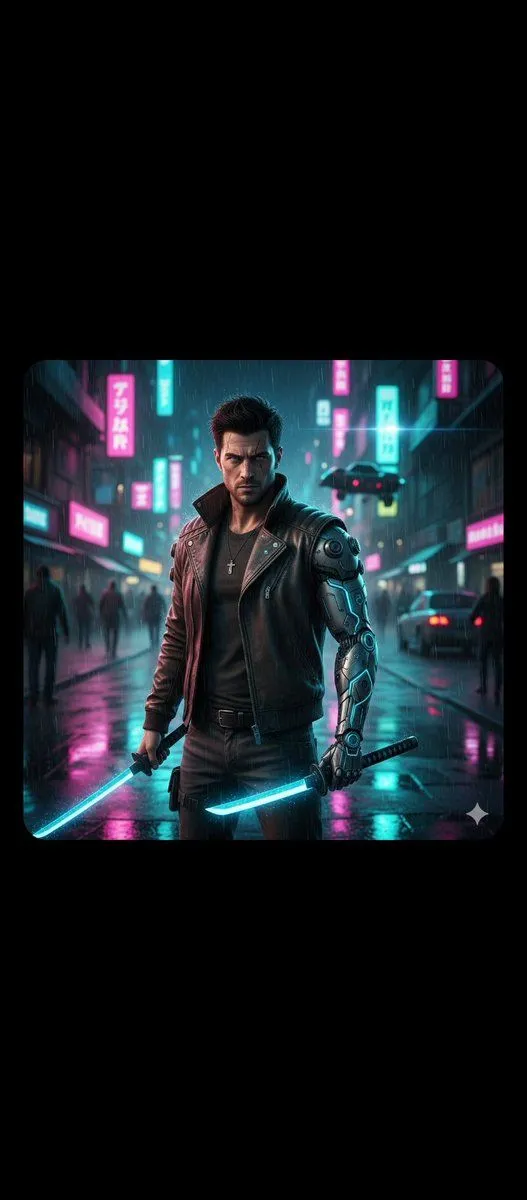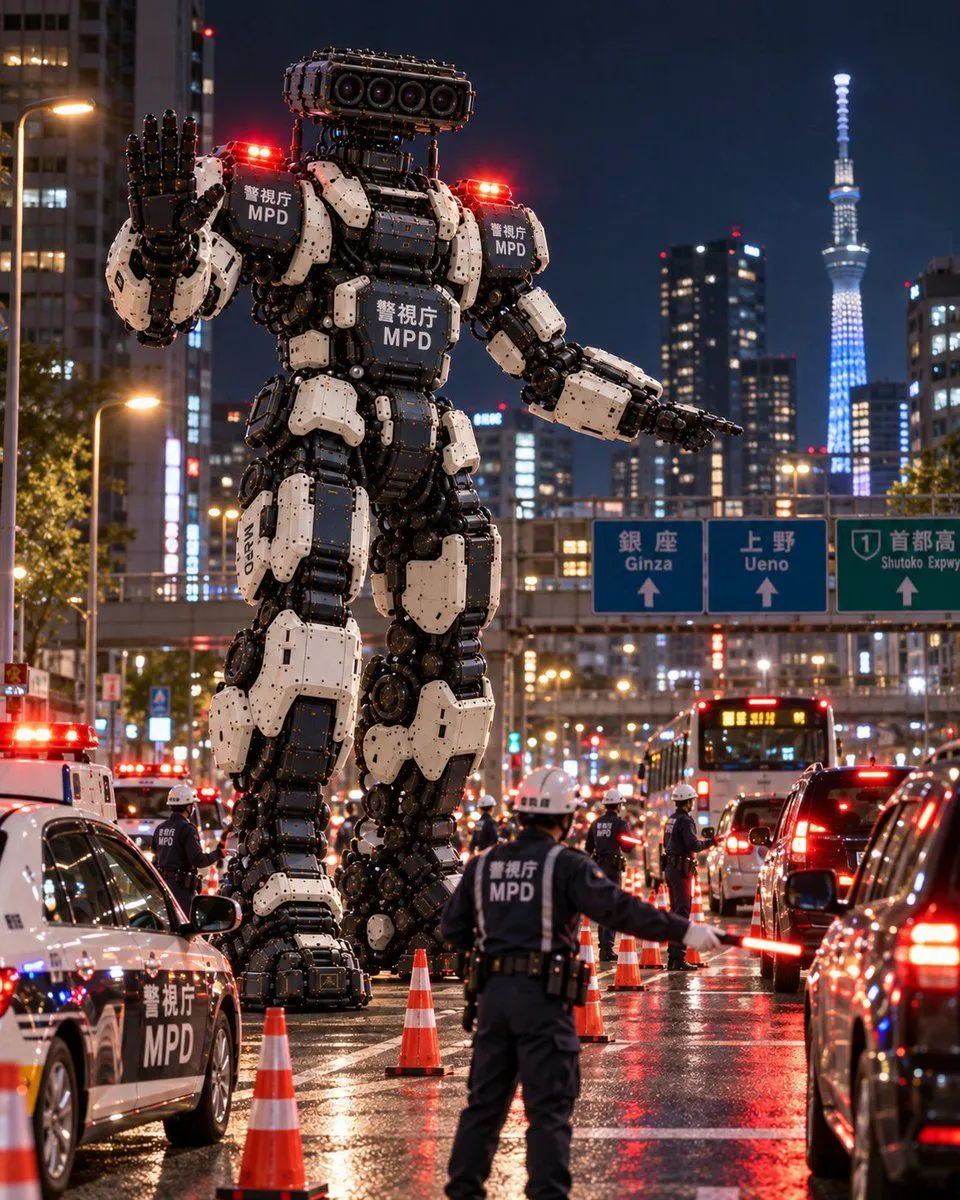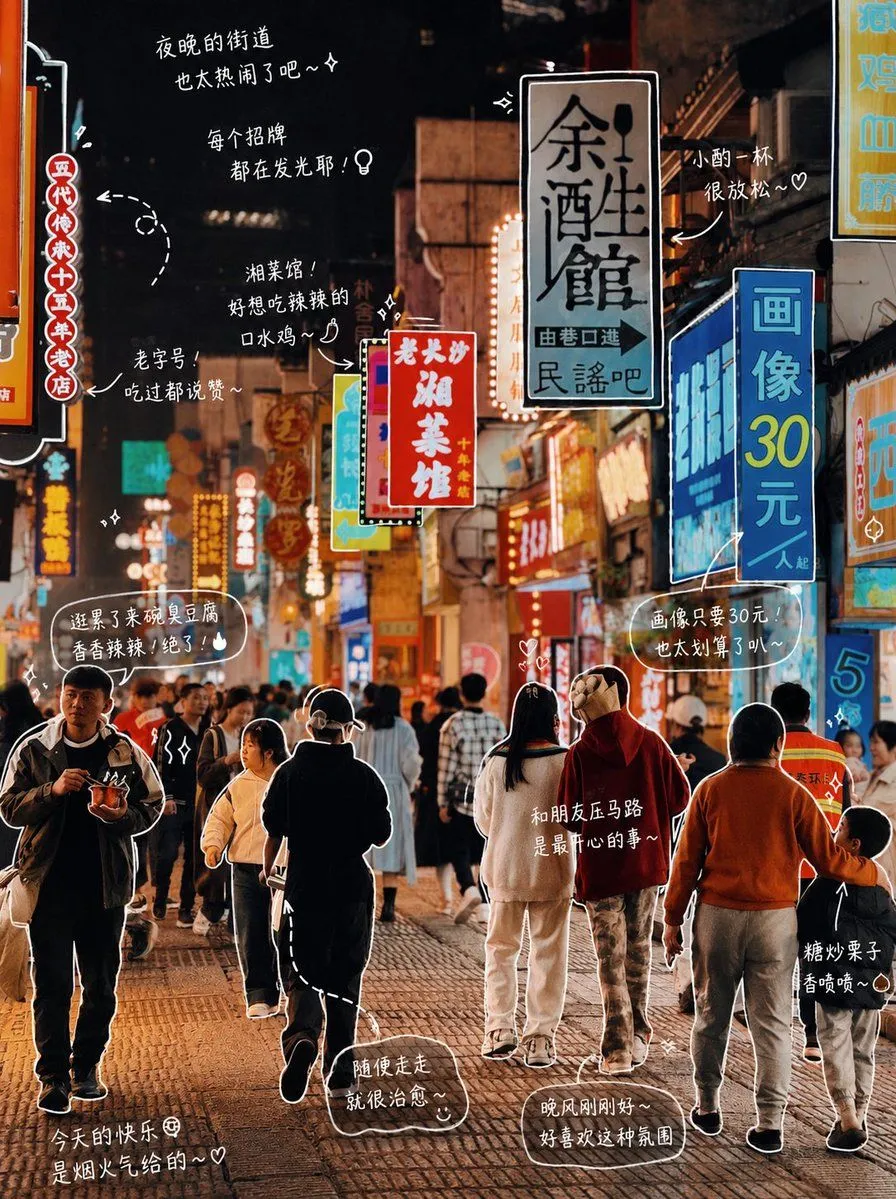
Made with GPT Image 2 in ChatGPT by Library Lifestyle. Promptclay never generates images.
Did it work?
No reports yet. Tell others if it worked for you.
Hand-drawn Photo Annotation
Prompt
2 blanks to fillModify the photo: Please observe the elements in the photo and add meaningful hand-drawn style annotations for each object. Fill in the objects in the photo (e.g., {item_list}). [Drawing Rules]: • Use thin hand-drawn lines like white brush strokes • One-stroke style, casual, slightly uneven • Add outlines around objects • Use arrows or dotted lines for visual guidance. [Text Rules]: • Handwritten font (Japanese cute style) • Short sentences, like self-muttering • Diary-like tone with a hint of emotion. [Annotation Rules]: • Drinks -> Taste, temperature, mood (e.g., refreshing, slightly sweet, just right) • Food -> Texture, deliciousness (e.g., soft, super delicious) • Space -> Atmosphere (e.g., very relaxing, love this feeling) • Overall -> A summary sentence (e.g., {mood_summary}). [Decoration]: • Moderately add elements like steam, sparkles, hearts, stars, and small emojis. Do not over-decorate, preserve white space.
Preview of your prompt
Modify the photo: Please observe the elements in the photo and add meaningful hand-drawn style annotations for each object. Fill in the objects in the photo (e.g., pizza, soda). [Drawing Rules]: • Use thin hand-drawn lines like white brush strokes • One-stroke style, casual, slightly uneven • Add outlines around objects • Use arrows or dotted lines for visual guidance. [Text Rules]: • Handwritten font (Japanese cute style) • Short sentences, like self-muttering • Diary-like tone with a hint of emotion. [Annotation Rules]: • Drinks -> Taste, temperature, mood (e.g., refreshing, slightly sweet, just right) • Food -> Texture, deliciousness (e.g., soft, super delicious) • Space -> Atmosphere (e.g., very relaxing, love this feeling) • Overall -> A summary sentence (e.g., Today is a bit happy~). [Decoration]: • Moderately add elements like steam, sparkles, hearts, stars, and small emojis. Do not over-decorate, preserve white space.
DetailsVersions, settings and questions
Written for
What's in the prompt
- Subject
- Model
- GPT Image 2
If your face changes
keep my face exactly the sameQuestions
- Does this work in the ChatGPT app?
- Yes. Paste the prompt and attach your photo if it uses one.
- It changed my face. What do I do?
- Add "keep my face exactly the same" to the end and run it again.
- Can I use the images I make?
- Check the terms of the app you use. Promptclay never generates images and claims nothing you make.