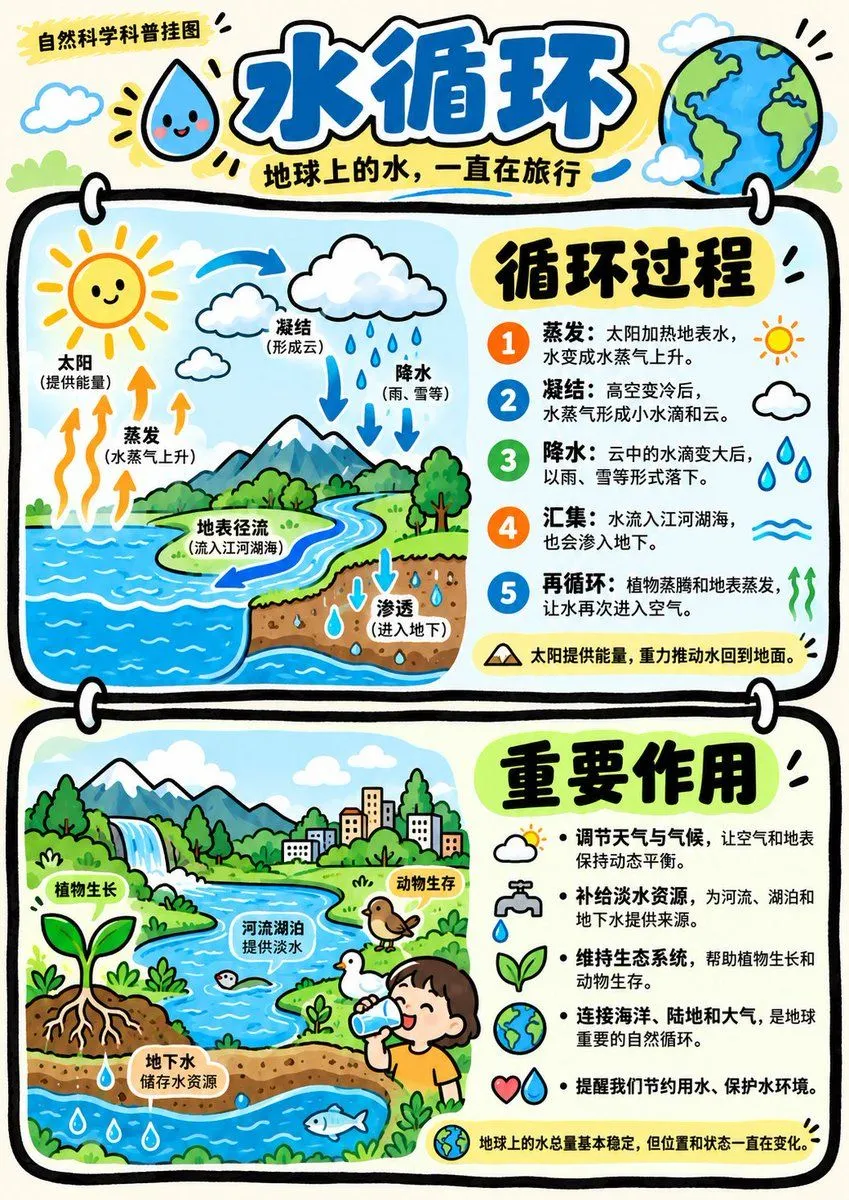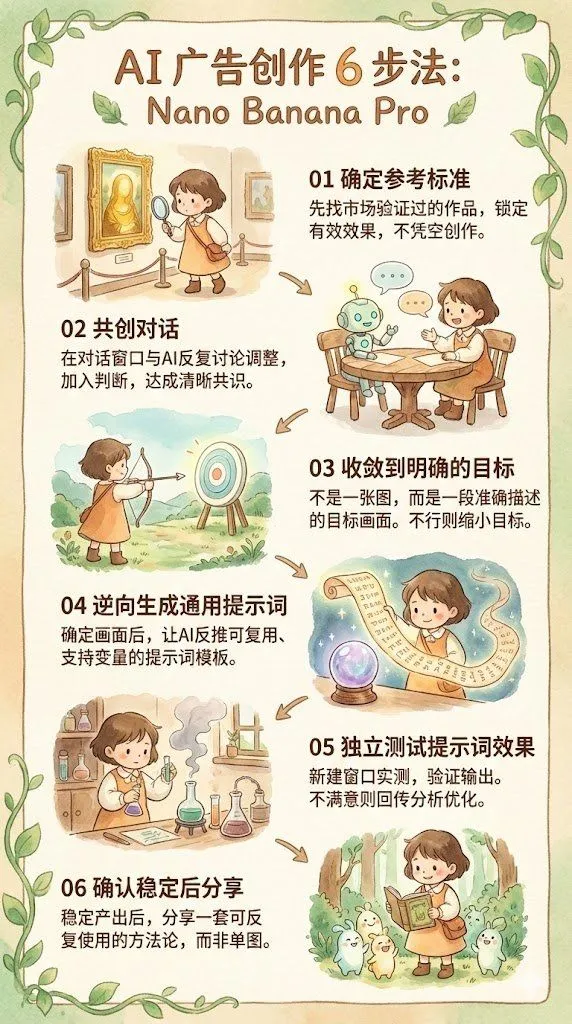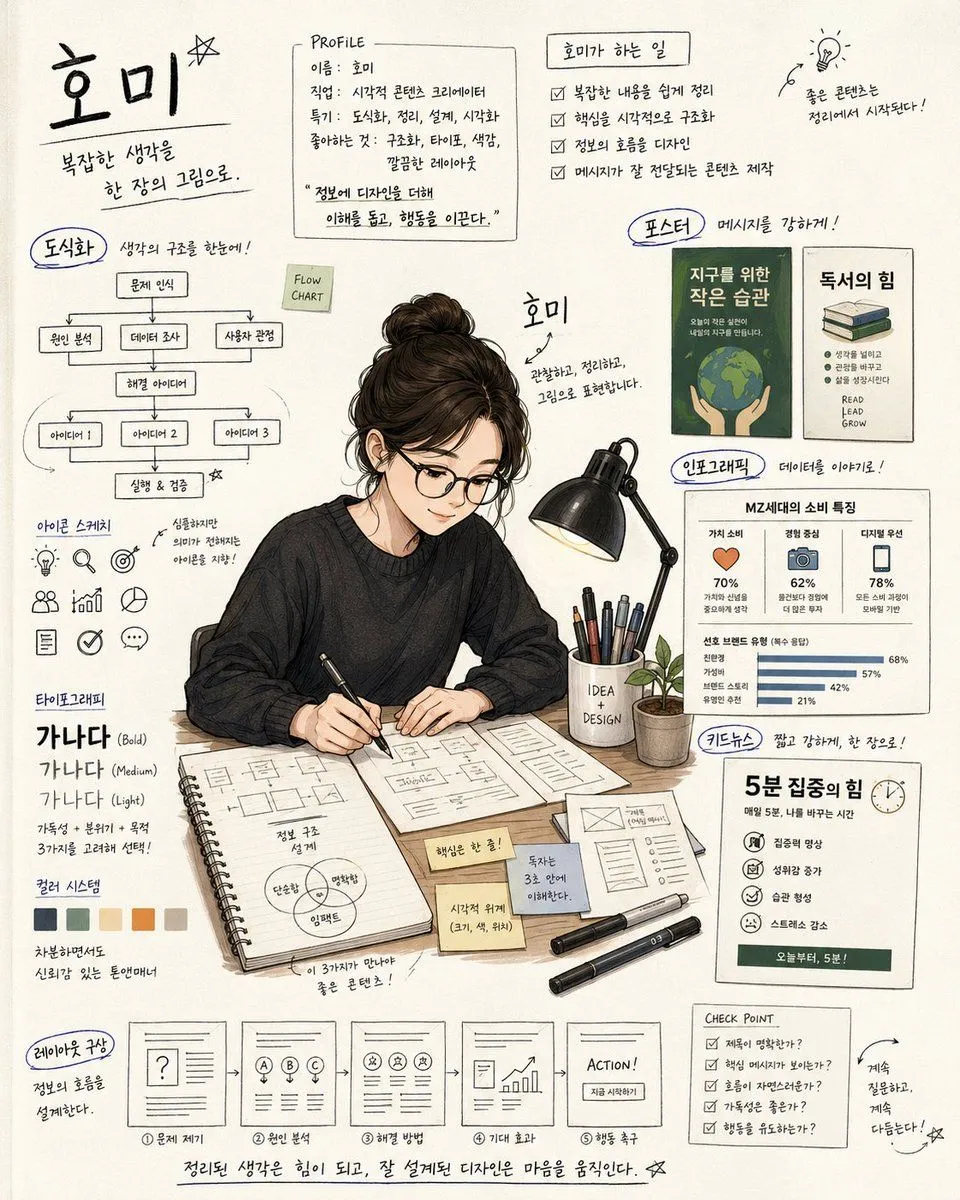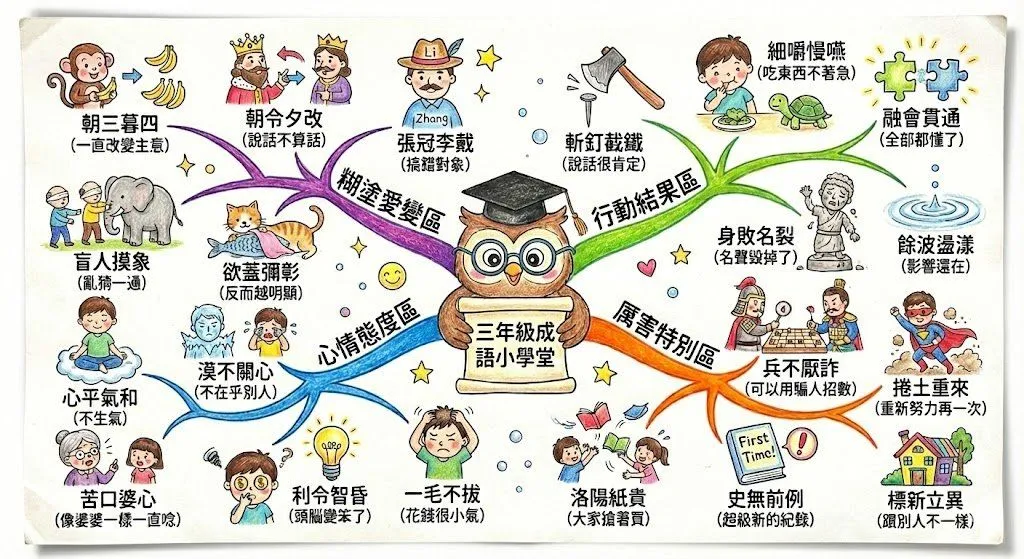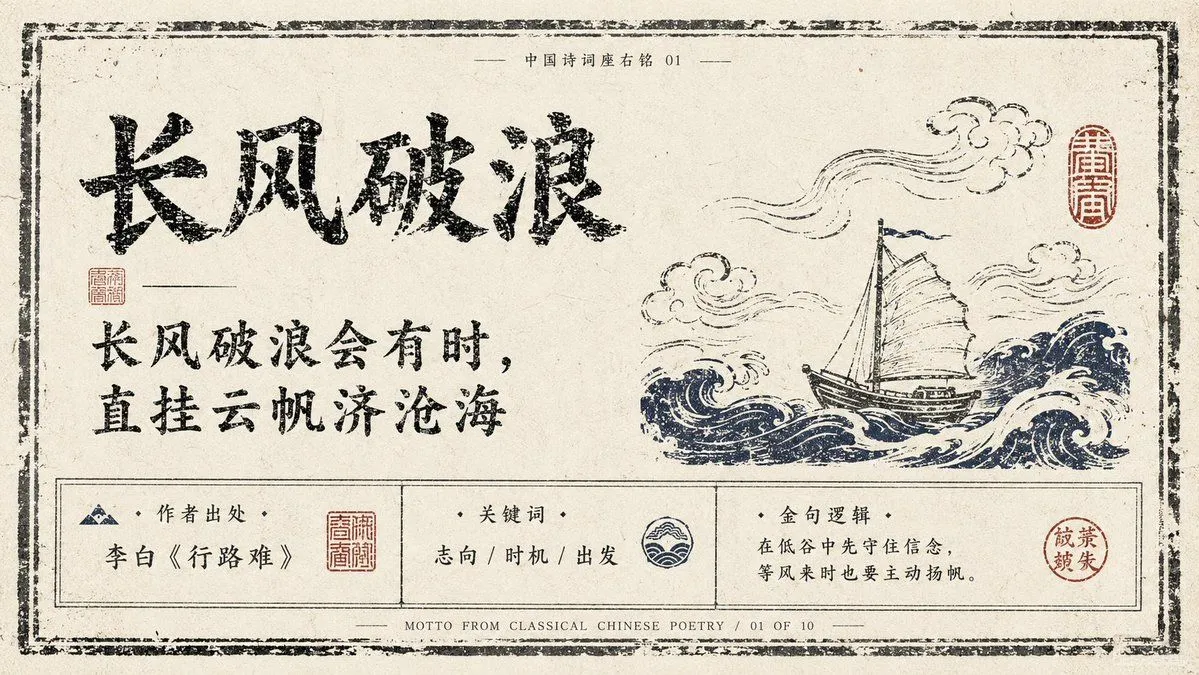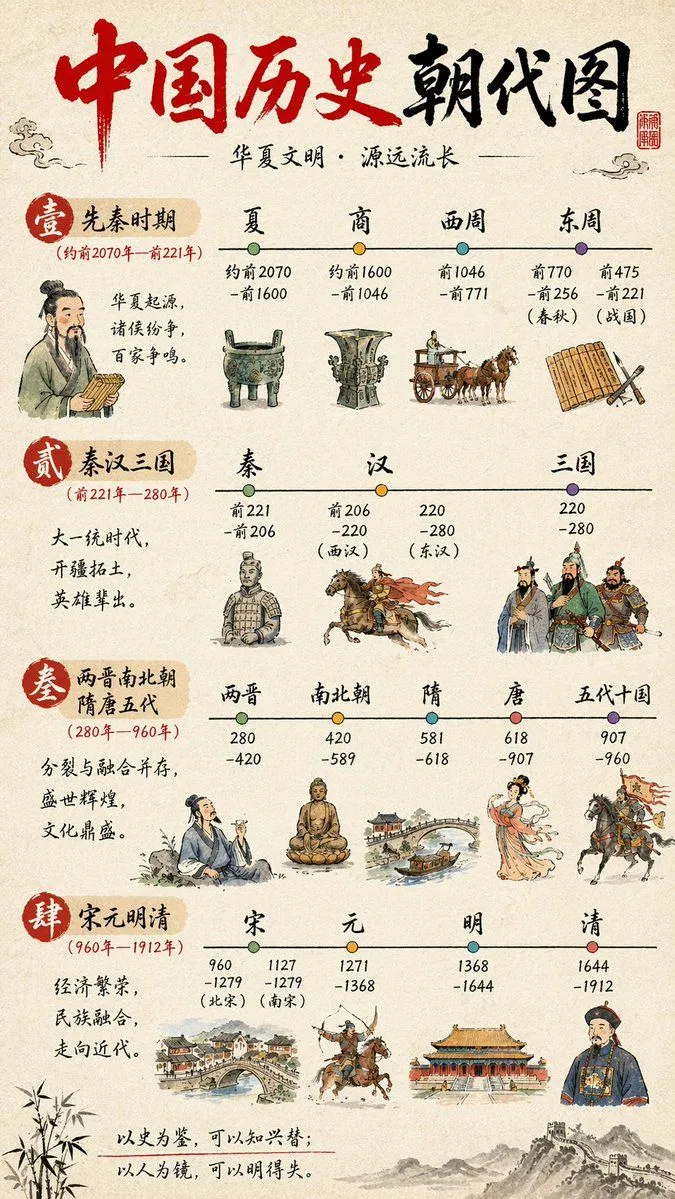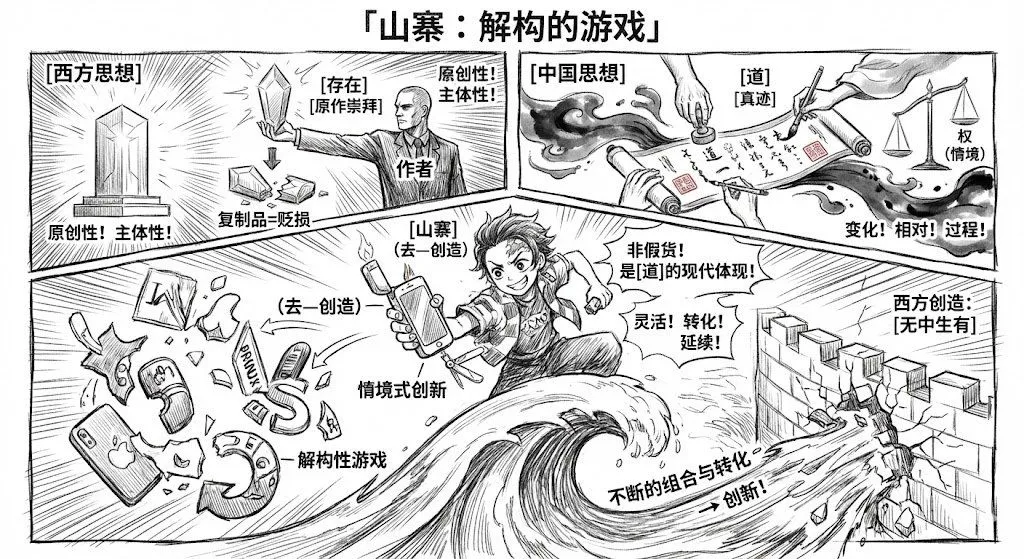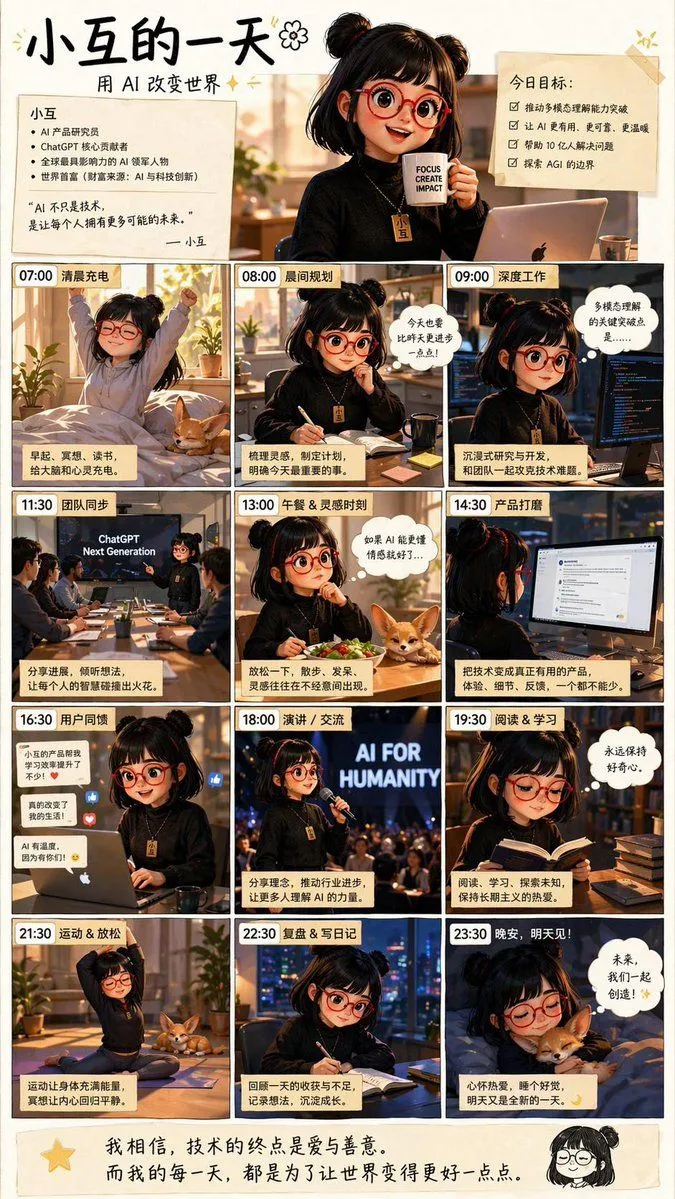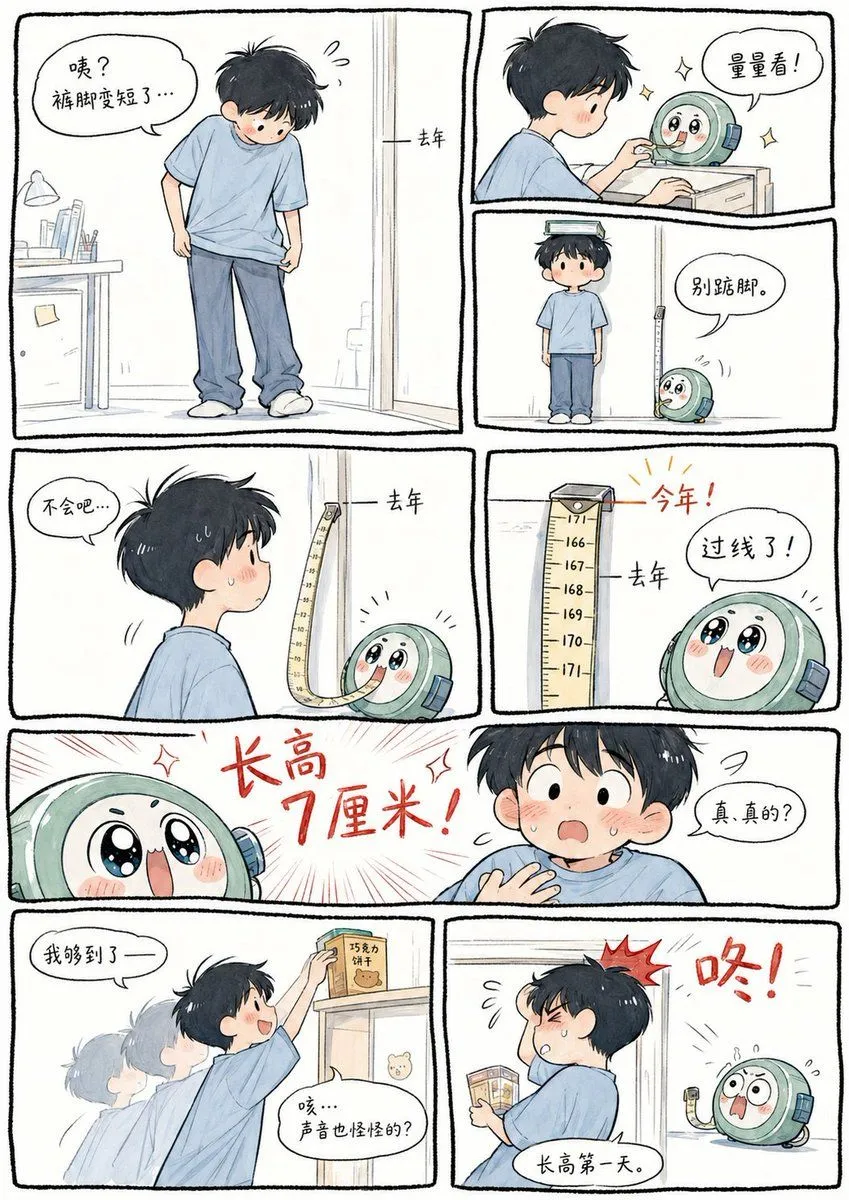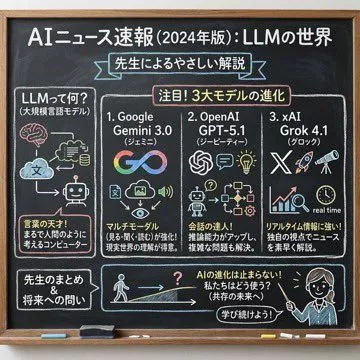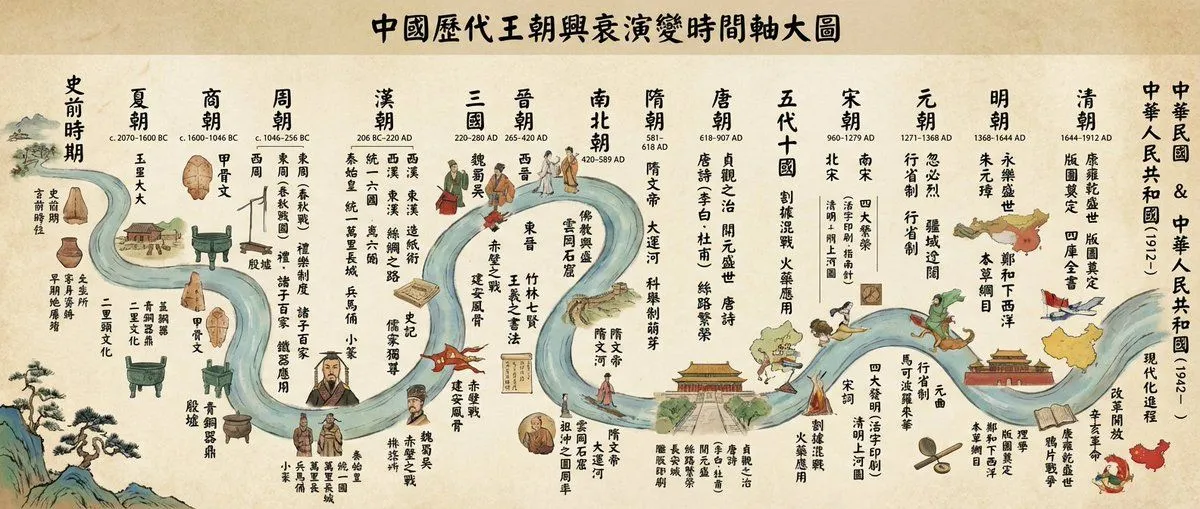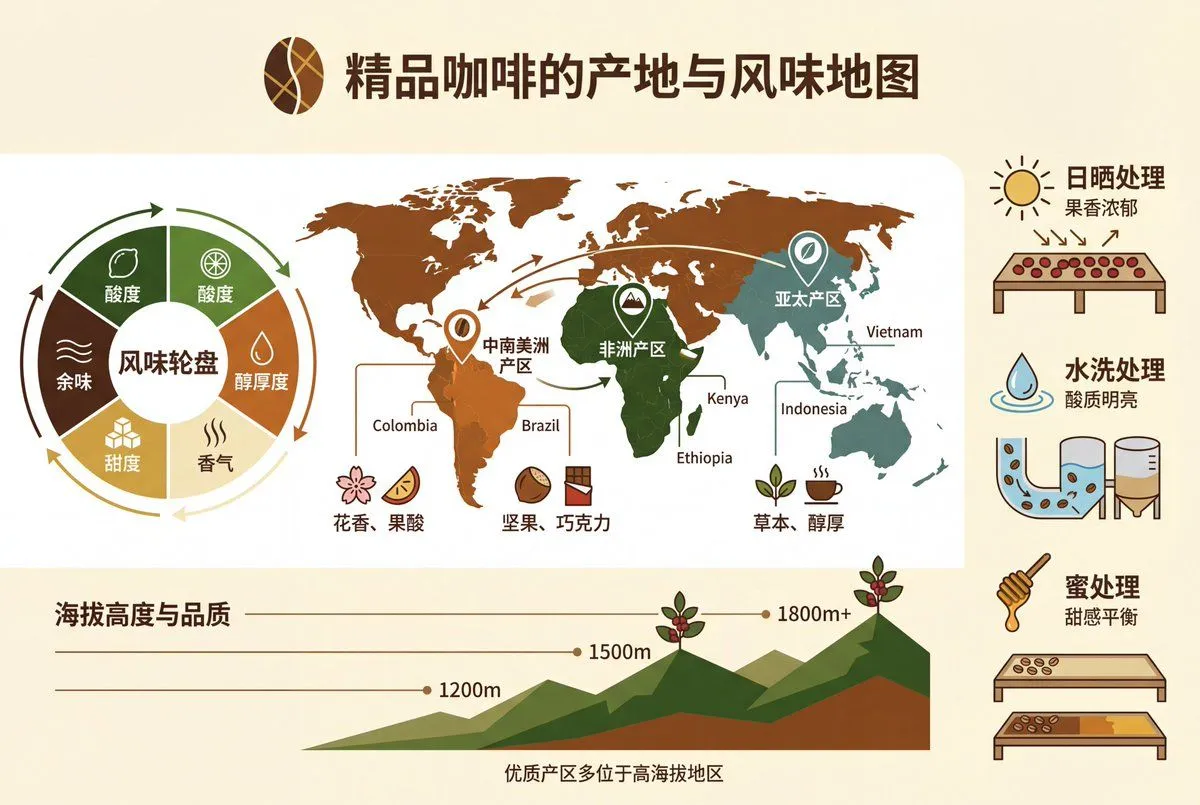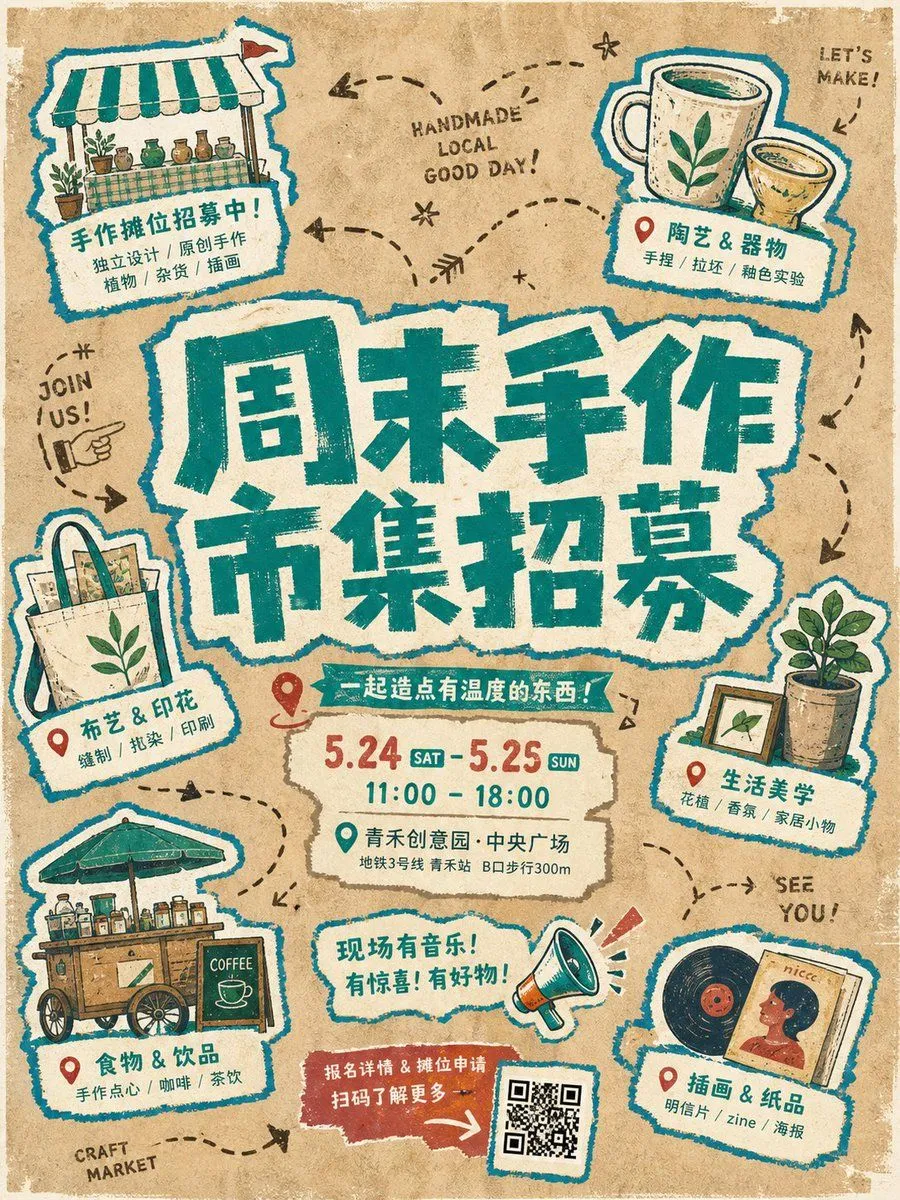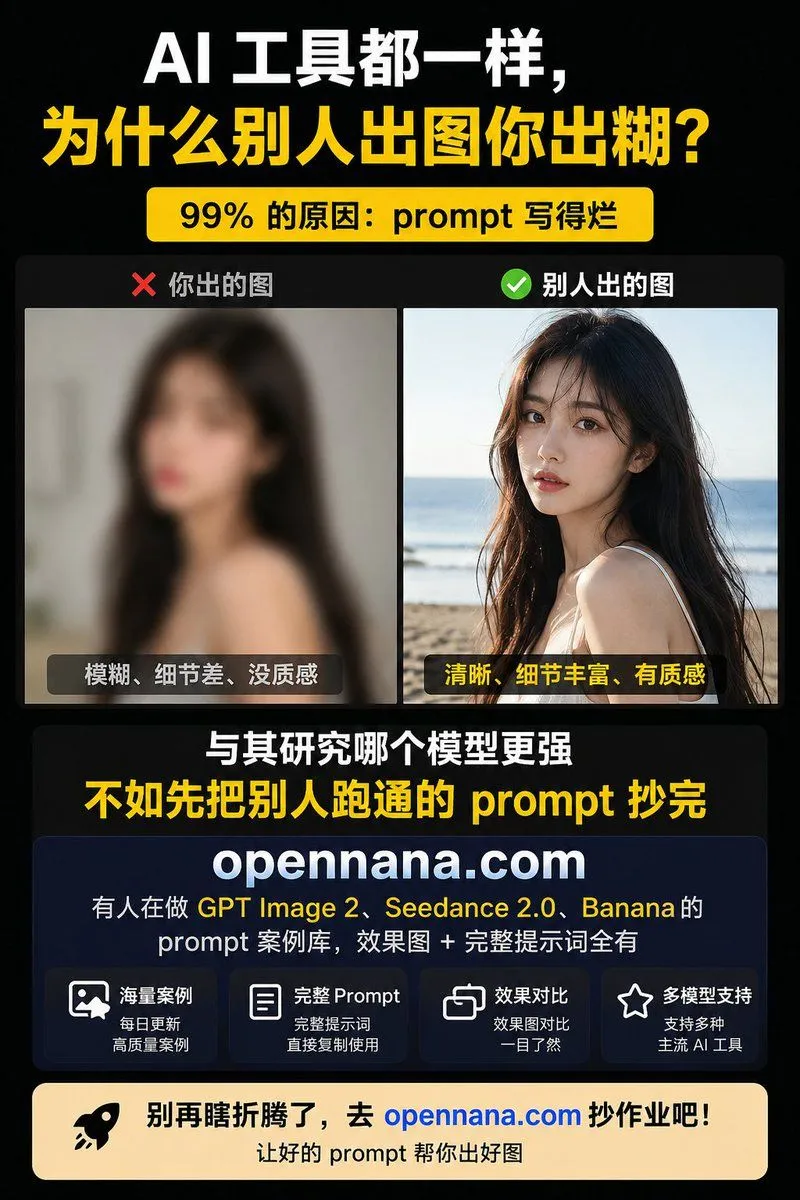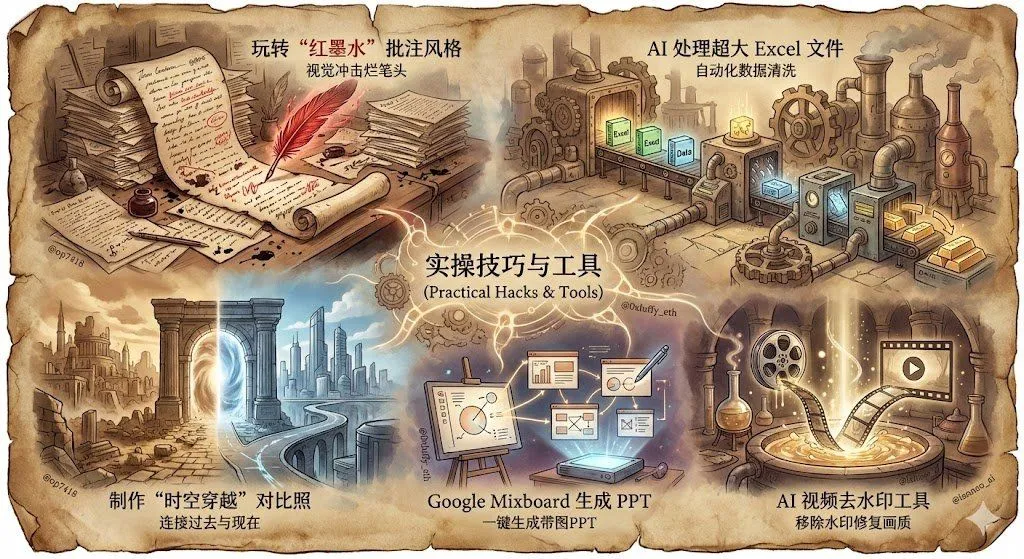
Made with Nano Banana Pro in Gemini by Library Social. Promptclay never generates images.
Did it work?
No reports yet. Tell others if it worked for you.
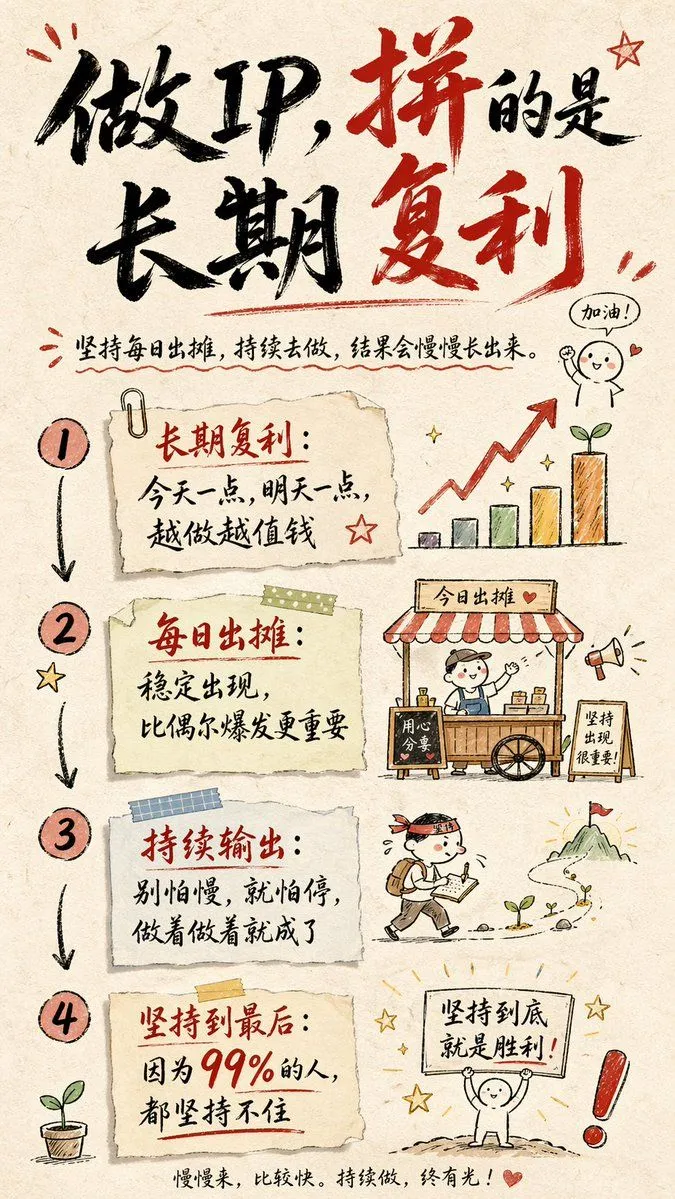
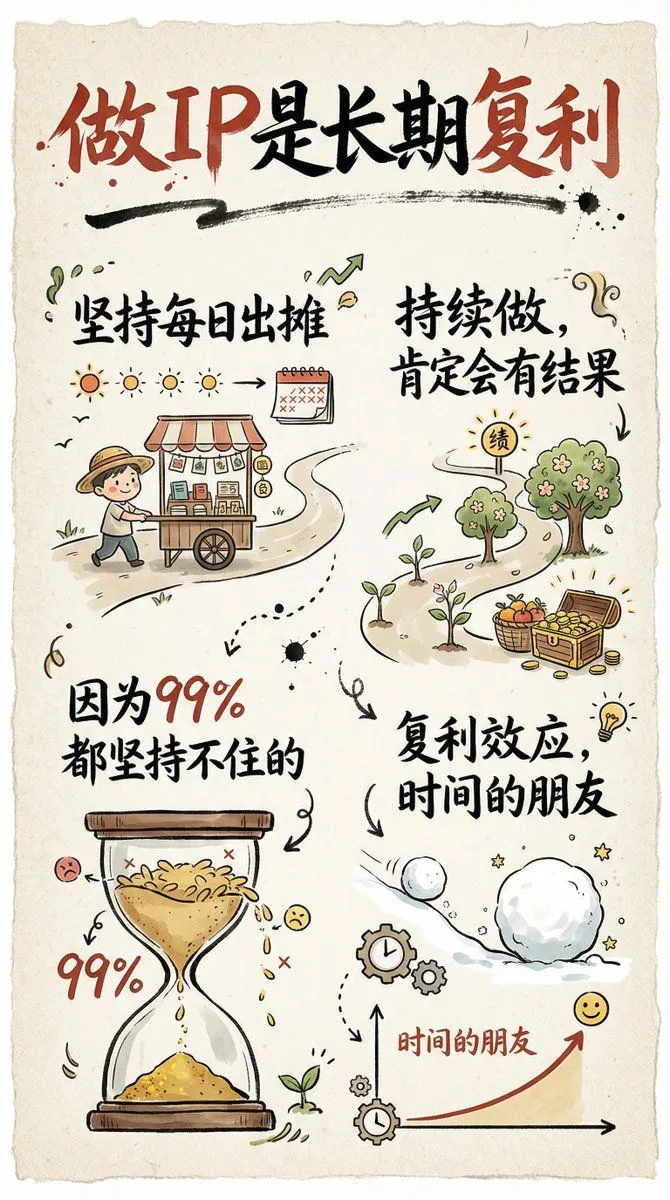
Hand-drawn infographic card about long-term IP building
Prompt
1 blank to fillCreate a hand-drawn style infographic card in a 9:16 vertical ratio. The card should have a clear theme, with a beige or off‑white paper-textured background and an overall rustic, friendly hand-drawn aesthetic. At the top of the card, highlight the title in large brush-style cursive Chinese characters using a striking red-and-black contrast to draw the viewer’s eye. All text should be in Chinese cursive script. The layout is divided into 2 to 4 clear sections, each using short, concise Chinese phrases to express the key points. The font should maintain the flowing rhythm of cursive script while staying readable and artistic. Add simple, fun hand-drawn illustrations or icons on the card, such as characters or symbolic motifs, to enhance visual appeal and spark reflection and empathy. Maintain visual balance in the overall layout and leave enough white space so the design remains clean, easy to read, and easy to understand. The theme is: “{theme}”
Preview of your prompt
Create a hand-drawn style infographic card in a 9:16 vertical ratio. The card should have a clear theme, with a beige or off‑white paper-textured background and an overall rustic, friendly hand-drawn aesthetic. At the top of the card, highlight the title in large brush-style cursive Chinese characters using a striking red-and-black contrast to draw the viewer’s eye. All text should be in Chinese cursive script. The layout is divided into 2 to 4 clear sections, each using short, concise Chinese phrases to express the key points. The font should maintain the flowing rhythm of cursive script while staying readable and artistic. Add simple, fun hand-drawn illustrations or icons on the card, such as characters or symbolic motifs, to enhance visual appeal and spark reflection and empathy. Maintain visual balance in the overall layout and leave enough white space so the design remains clean, easy to read, and easy to understand. The theme is: “Building a personal IP is a long-term compounding process; if you keep showing up daily and continue consistently, you w”
DetailsVersions, settings and questions
Written for
What's in the prompt
- Subject
- Model
- Nano Banana Pro
If your face changes
keep my face exactly the sameQuestions
- Does this work in the Gemini app?
- Yes. Gemini runs Nano Banana, so paste the prompt and attach your photo if it uses one.
- It changed my face. What do I do?
- Add "keep my face exactly the same" to the end and run it again.
- Can I use the images I make?
- Check the terms of the app you use. Promptclay never generates images and claims nothing you make.