Tell us anything

An idea, a bug, something you love. We read every note.

⌘↵ to send. The page you're on comes along.

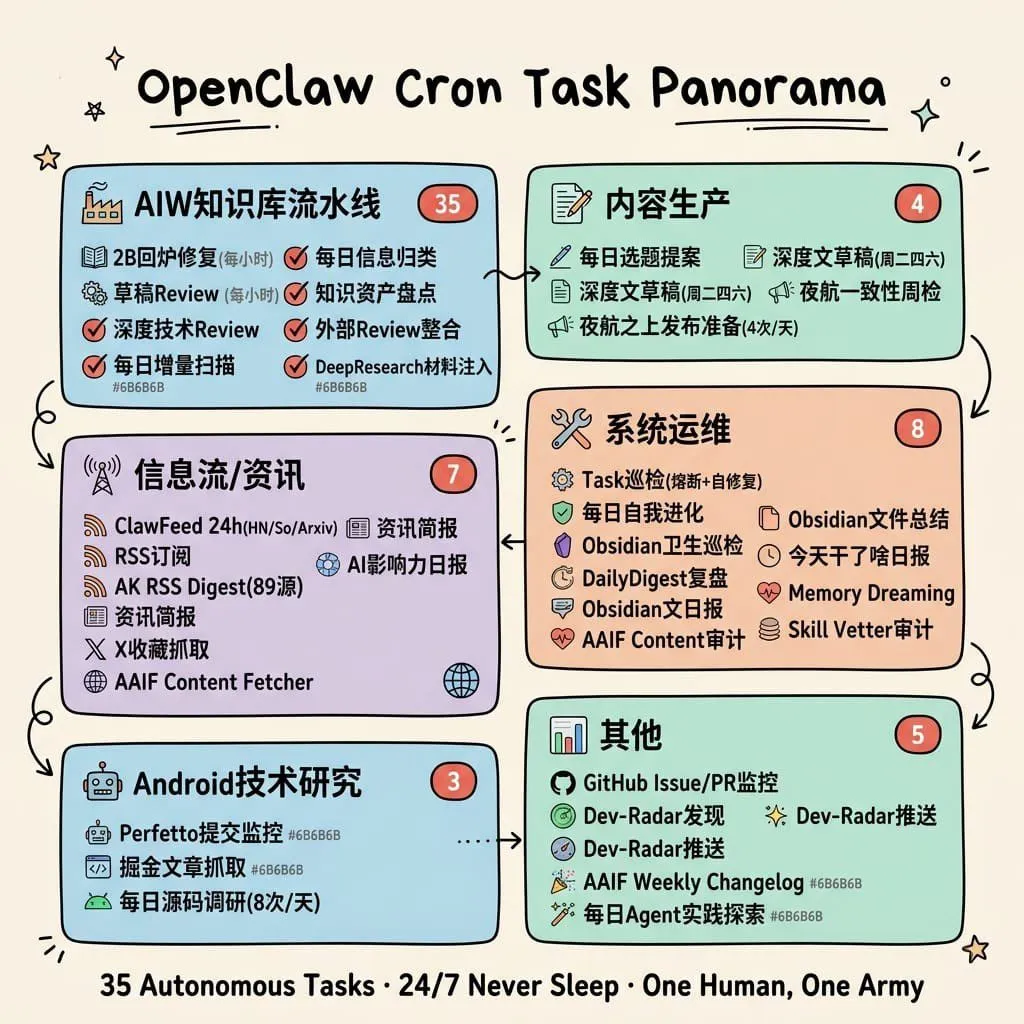
Hand-Drawn Cron Task Panorama

Made with GPT Image 2 in ChatGPT, collected by Library Explainers. Promptclay never generates images.

Did it work?

No reports yet. Tell others if it worked for you.

No comments yet. Be the first.

    Hand-Drawn Cron Task Panorama

    GPT Image 21:1AI-generated

    Prompt

    {"type":"hand-drawn educational infographic poster","topic":"cron task ecosystem overview","style":{"overall":"clean single-page visual summary in a hand-drawn educational infographic style","background":"warm cream paper texture (#F5F0E8)","linework":"black outlines with slight hand-drawn wobble","rendering":"flat pastel rounded cards, no realism, colors do not completely fill outlines, generous whitespace, small doodle decorations like stars, sparkles, underlines, and tiny arrows","typography":"bold large hand-drawn title at top center, bold keywords inside sections, smaller warm-gray annotations"},"title":{"text":"{argument name=\"headline text\" default=\"OpenClaw Cron Task Panorama\"}","position":"top center","style":"large bold hand-drawn black lettering with short underline accents"},"layout":{"structure":"6 rounded rectangular modules arranged in two columns and three rows, connected by hand-drawn curved arrows showing workflow progression","sections":[{"title":"AIW知识库流水线","position":"top left","color":"light blue #A8D8EA","count":6,"badge":"35","items":["2日内修复(每小时)","草稿Review (每小时)","深度技术Review","每日增量扫描","每日信息归类","知识资产盘点","外部Review整合","DeepResearch材料注入"]},{"title":"内容生产","position":"top right","color":"mint green #B5E5CF","count":4,"badge":"4","items":["每日选题提案","深度文章稿[周二-周六]","深度文章摘要[周二-四]","夜航一致性周检","夜航之上发布准日(4次/天)"]},{"title":"信息流/资讯","position":"middle left","color":"lavender #D5C6E0","count":7,"badge":"7","items":["ClawFeed 24h(HN/So/Arxiv)","RSS订阅","AK RSS Digest(89源)","资讯简报","AI影响力日报","X 收藏抓取","AAIF Content Fetcher"]},{"title":"系统运维","position":"middle right","color":"light peach #F4C7AB","count":8,"badge":"8","items":["Task巡检(播新+自修复)","每日自我进化","Obsidian卫生巡检","DailyDigest复盘","Obsidian文日报","AAIF Content审计","Obsidian文件总结","今天干了啥日报","Memory Dreaming","Skill Vetter审计"]},{"title":"Android技术研究","position":"bottom left","color":"light blue #A8D8EA","count":3,"badge":"3","items":["Perfetto提交监控","掘金文章抓取","每日源码调研(8次/天)"]},{"title":"其他","position":"bottom right","color":"mint green #B5E5CF","count":5,"badge":"5","items":["GitHub Issue/PR监控","Dev-Radar发现","Dev-Radar推送","AAIF Weekly Changelog","每日Agent实践探索"]}],"connectors":["top left to top right","top right down to middle right","middle right to middle left","middle left down to bottom left","bottom left to bottom right","middle right down toward bottom right"],"decorations":{"corner_doodles_count":6,"types":["star","sparkle","short hatch marks","tiny curved lines"]}},"icons":{"section_icons":6,"examples":["factory for knowledge pipeline","document and pencil for content production","antenna/wifi for information flow","wrench and screwdriver for system operations","robot for Android research","bar chart for others"],"item_icons":"each bullet has a small simple icon such as checkmark, book, magnifier, shield, clock, heart, globe, RSS, GitHub mark, or pencil"},"footer":{"text":"{argument name=\"footer quote\" default=\"35 Autonomous Tasks · 24/7 Never Sleep · One Human, One Army\"}","position":"bottom center","style":"bold centered black summary line"},"color_customization":{"primary_card_palette":"{argument name=\"card palette\" default=\"pastel blue, mint green, lavender, and peach\"}","accent":"{argument name=\"accent color\" default=\"coral red\"}","paper":"{argument name=\"paper background\" default=\"warm cream paper texture\"}"}}

    Works in
    ChatGPT, Gemini
    Status
    Free to copy
    0
    DetailsVersions, settings and questions

    Written for

    What's in the prompt

    Subject
    Model
    GPT Image 2

    If your face changes

    keep my face exactly the same

    Questions

    Does this work in the ChatGPT app?
    Yes. Paste the prompt and attach your photo if it uses one.
    It changed my face. What do I do?
    Add "keep my face exactly the same" to the end and run it again.
    Can I use the images I make?
    Check the terms of the app you use. Promptclay never generates images and claims nothing you make.
    Similar prompts

    See more
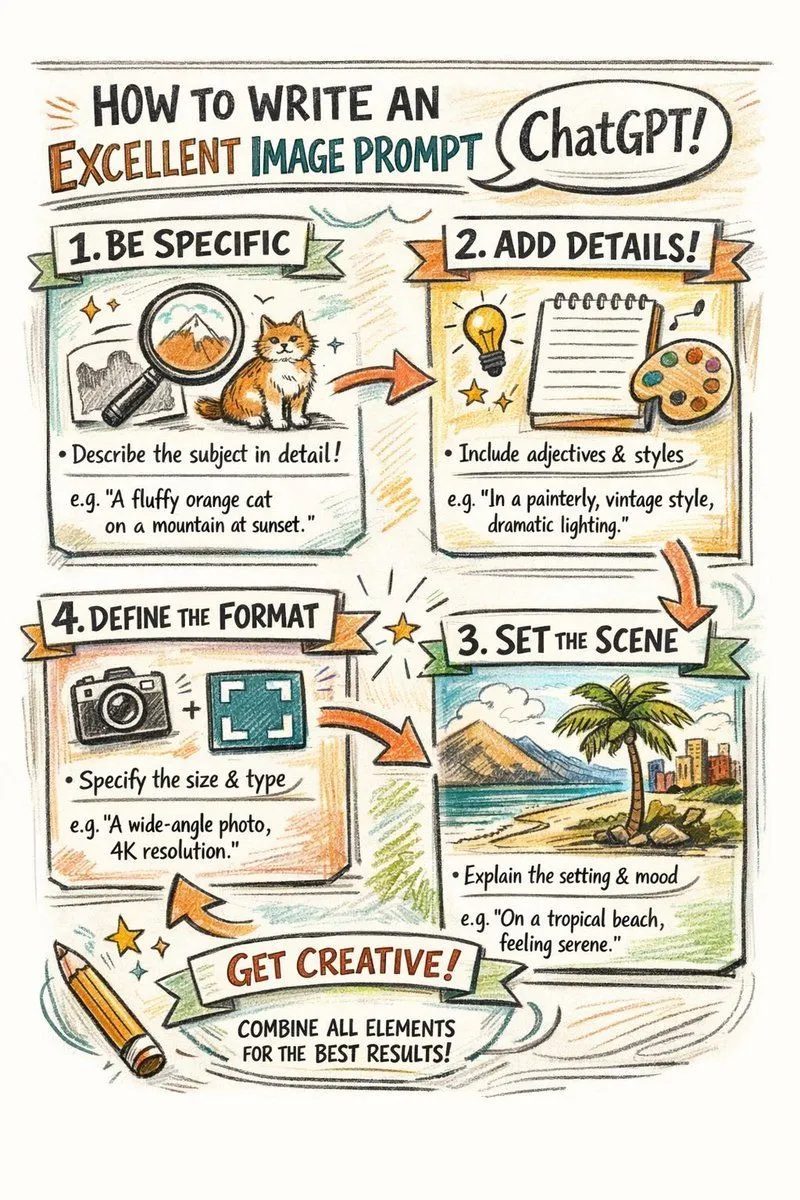
    • Hand-drawn infographic on writing image prompts
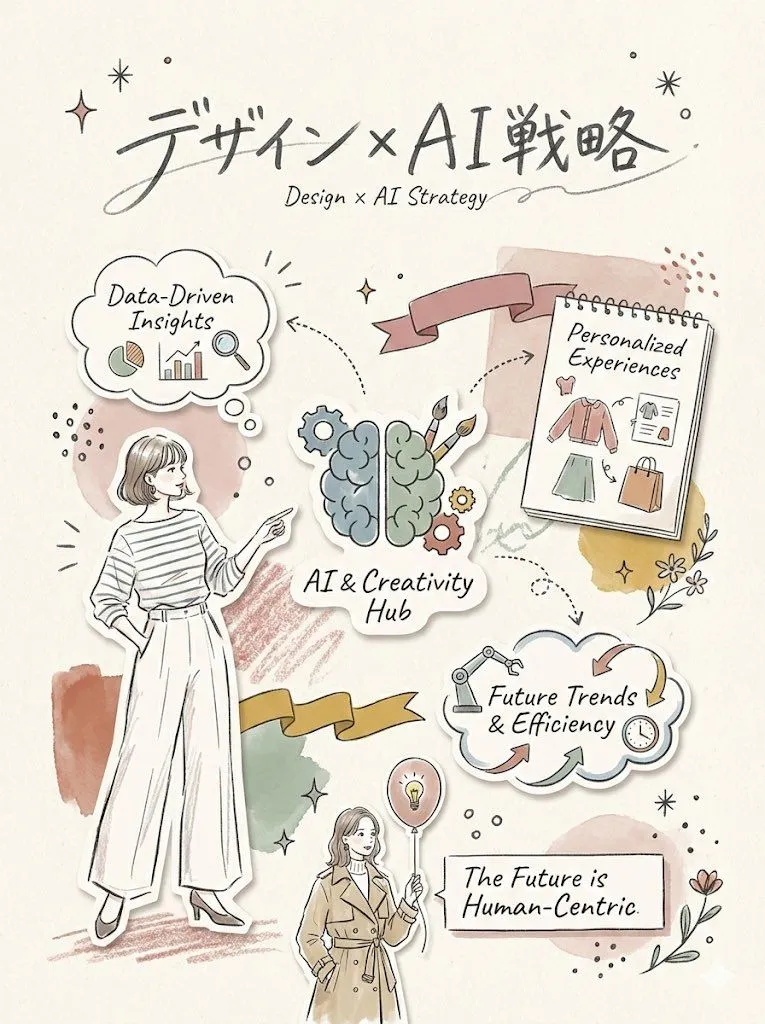
    • AI-Proof Prompt Generation (Japanese)
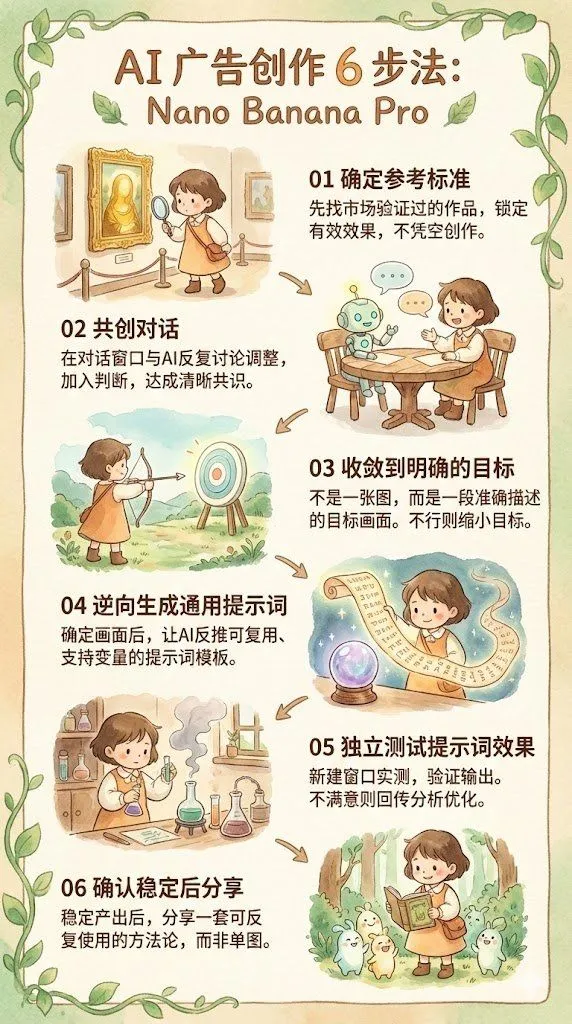
    • Reverse-Engineering Reusable Prompt Templates for Advertising
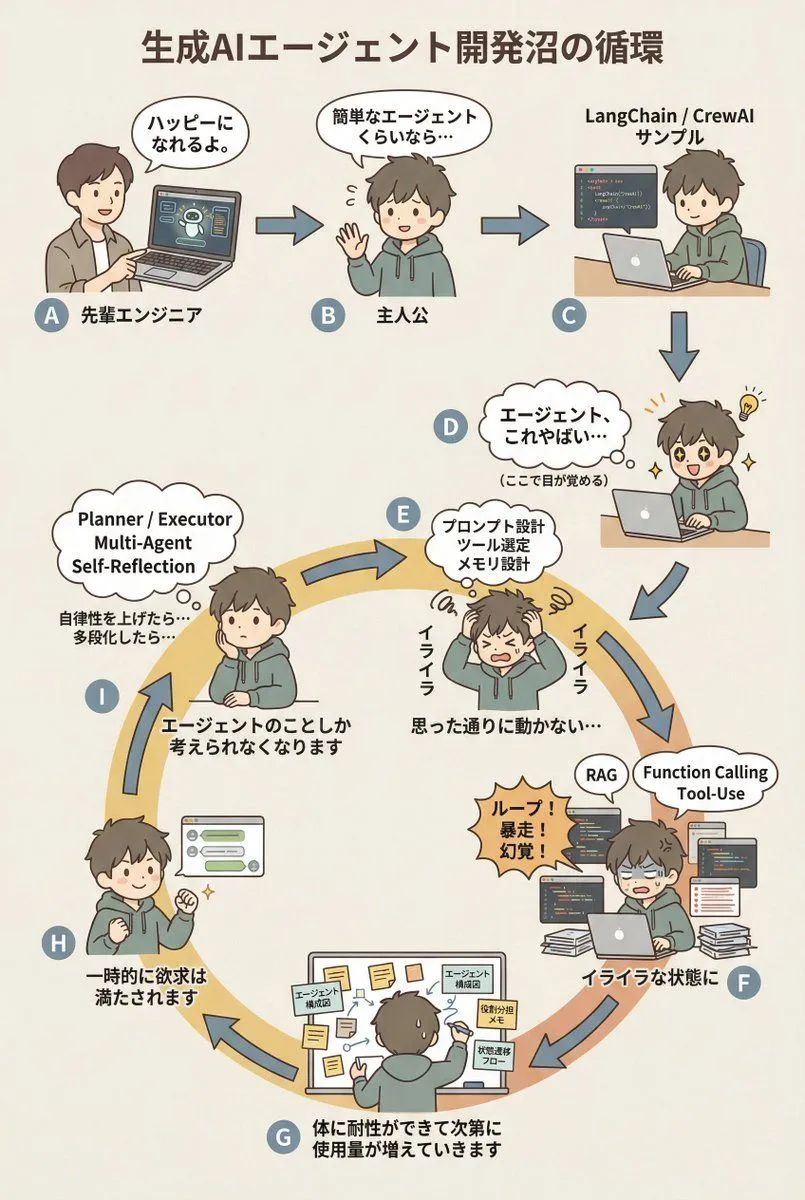
    • AI Agent Development 'Swamp' Diagram Prompt
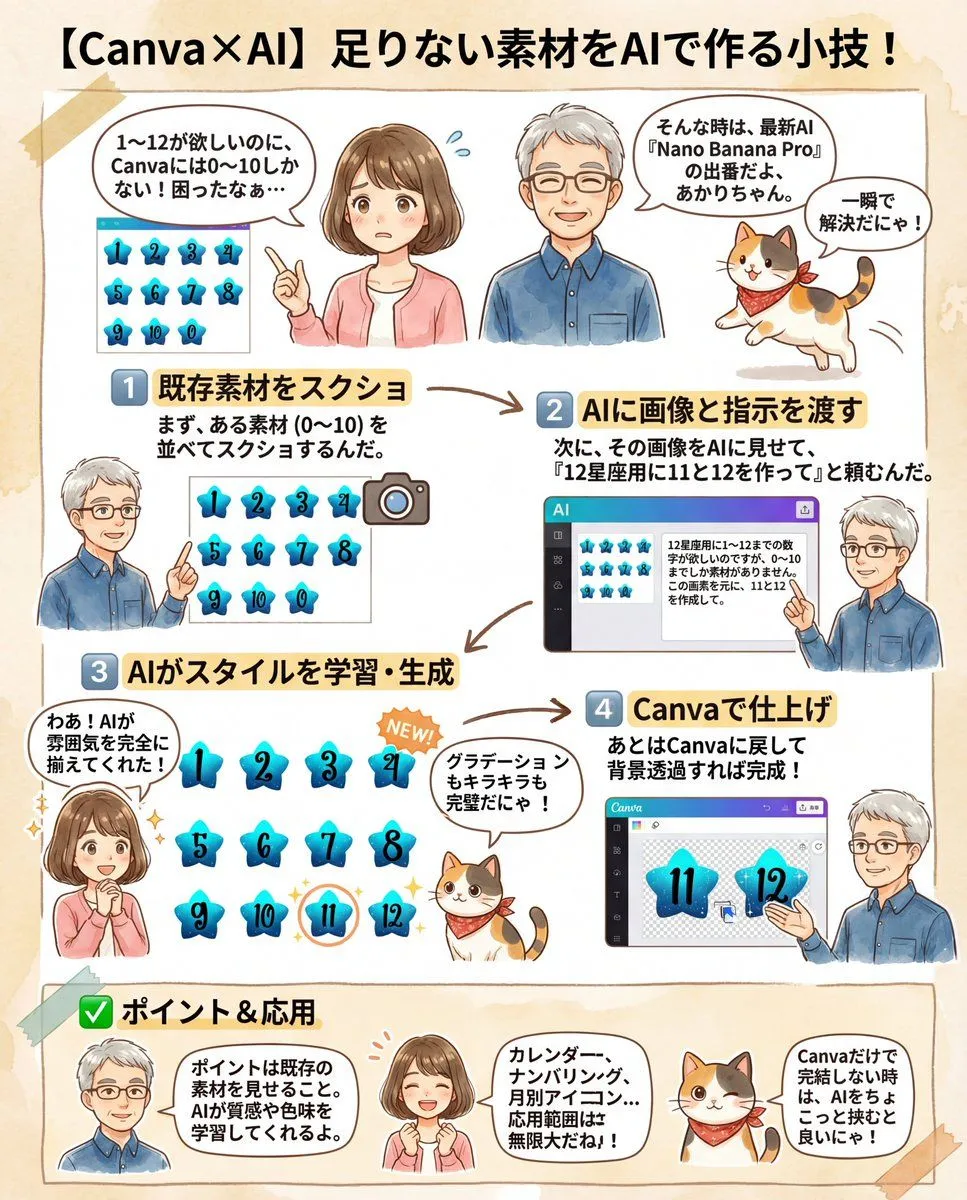
    • Canva Asset Creation and Style Matching Prompt
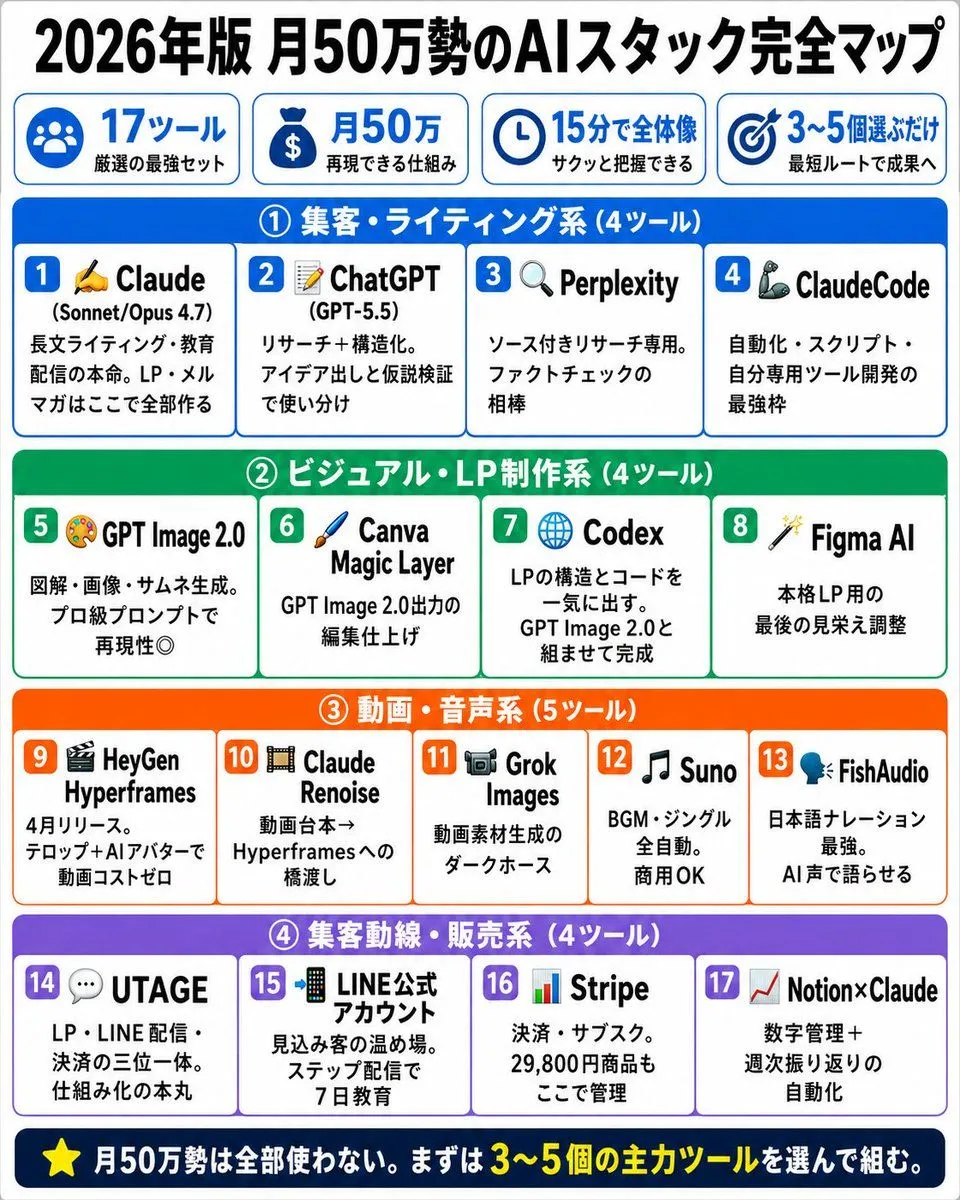
    • Japanese AI Stack Infographic Map
    • Japanese AI Tools Role Infographic
    • Summarize a book into a Japanese poster image
    • Image Generation Prompt for HTML/CSS Explanation Diagram
    • AI Coding Partner Timeline
    • Didi OpenClaw Ride Skill Poster
    • Industrial Design Concept Prompt
    • AI Coding Assistant Promo Infographic
    • Structured 5-Slot Generation Template
    • Character Hospital Scene Generation Prompt
    • Cyberpunk AI Tools Comparison Poster
    • Chinese AI Chat Screenshot with Bunny Comic
    • ChatGPT App Screenshot With Cute 4-Panel Comic
    • Personalized Personality Visualization
    • Geometric Milestone Celebration Poster
    • Retro Sci-Fi Newspaper Front Page
    • Japanese AI Telop Thumbnail
    • Mystic Ruins Platformer Screenshot
    • Website Homepage Screenshot Generation

    Show more

    Run it on your phone

    1. Prompt copiedRead it

      {"type":"hand-drawn educational infographic poster","topic":"cron task ecosystem overview","style":{"overall":"clean single-page visual summary in a hand-drawn educational infographic style","background":"warm cream paper texture (#F5F0E8)","linework":"black outlines with slight hand-drawn wobble","rendering":"flat pastel rounded cards, no realism, colors do not completely fill outlines, generous whitespace, small doodle decorations like stars, sparkles, underlines, and tiny arrows","typography":"bold large hand-drawn title at top center, bold keywords inside sections, smaller warm-gray annotations"},"title":{"text":"{argument name=\"headline text\" default=\"OpenClaw Cron Task Panorama\"}","position":"top center","style":"large bold hand-drawn black lettering with short underline accents"},"layout":{"structure":"6 rounded rectangular modules arranged in two columns and three rows, connected by hand-drawn curved arrows showing workflow progression","sections":[{"title":"AIW知识库流水线","position":"top left","color":"light blue #A8D8EA","count":6,"badge":"35","items":["2日内修复(每小时)","草稿Review (每小时)","深度技术Review","每日增量扫描","每日信息归类","知识资产盘点","外部Review整合","DeepResearch材料注入"]},{"title":"内容生产","position":"top right","color":"mint green #B5E5CF","count":4,"badge":"4","items":["每日选题提案","深度文章稿[周二-周六]","深度文章摘要[周二-四]","夜航一致性周检","夜航之上发布准日(4次/天)"]},{"title":"信息流/资讯","position":"middle left","color":"lavender #D5C6E0","count":7,"badge":"7","items":["ClawFeed 24h(HN/So/Arxiv)","RSS订阅","AK RSS Digest(89源)","资讯简报","AI影响力日报","X 收藏抓取","AAIF Content Fetcher"]},{"title":"系统运维","position":"middle right","color":"light peach #F4C7AB","count":8,"badge":"8","items":["Task巡检(播新+自修复)","每日自我进化","Obsidian卫生巡检","DailyDigest复盘","Obsidian文日报","AAIF Content审计","Obsidian文件总结","今天干了啥日报","Memory Dreaming","Skill Vetter审计"]},{"title":"Android技术研究","position":"bottom left","color":"light blue #A8D8EA","count":3,"badge":"3","items":["Perfetto提交监控","掘金文章抓取","每日源码调研(8次/天)"]},{"title":"其他","position":"bottom right","color":"mint green #B5E5CF","count":5,"badge":"5","items":["GitHub Issue/PR监控","Dev-Radar发现","Dev-Radar推送","AAIF Weekly Changelog","每日Agent实践探索"]}],"connectors":["top left to top right","top right down to middle right","middle right to middle left","middle left down to bottom left","bottom left to bottom right","middle right down toward bottom right"],"decorations":{"corner_doodles_count":6,"types":["star","sparkle","short hatch marks","tiny curved lines"]}},"icons":{"section_icons":6,"examples":["factory for knowledge pipeline","document and pencil for content production","antenna/wifi for information flow","wrench and screwdriver for system operations","robot for Android research","bar chart for others"],"item_icons":"each bullet has a small simple icon such as checkmark, book, magnifier, shield, clock, heart, globe, RSS, GitHub mark, or pencil"},"footer":{"text":"{argument name=\"footer quote\" default=\"35 Autonomous Tasks · 24/7 Never Sleep · One Human, One Army\"}","position":"bottom center","style":"bold centered black summary line"},"color_customization":{"primary_card_palette":"{argument name=\"card palette\" default=\"pastel blue, mint green, lavender, and peach\"}","accent":"{argument name=\"accent color\" default=\"coral red\"}","paper":"{argument name=\"paper background\" default=\"warm cream paper texture\"}"}}

    2. Open your app

      This prompt is long, so it is copied instead of sent in the link. Paste it in the app.

    3. Paste and run

      Press and hold the message box, then tap Paste. Add your photo first if the prompt uses one. You may need to sign in.

    Hand-Drawn Cron Task Panorama