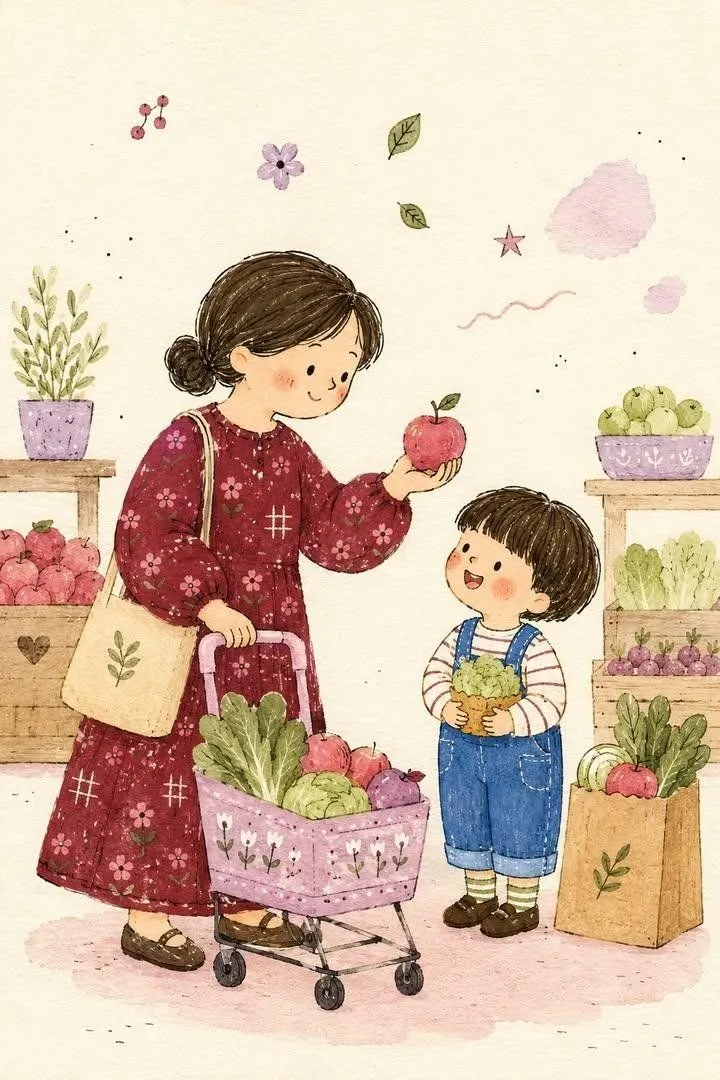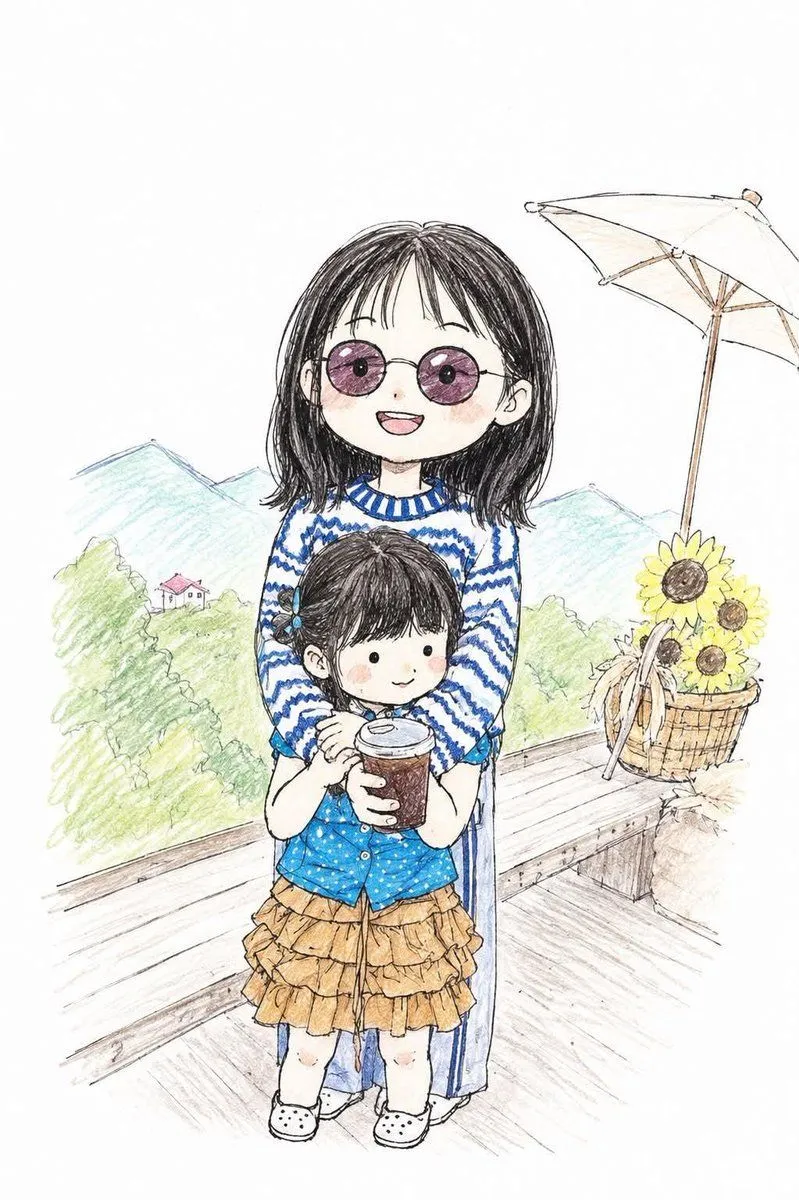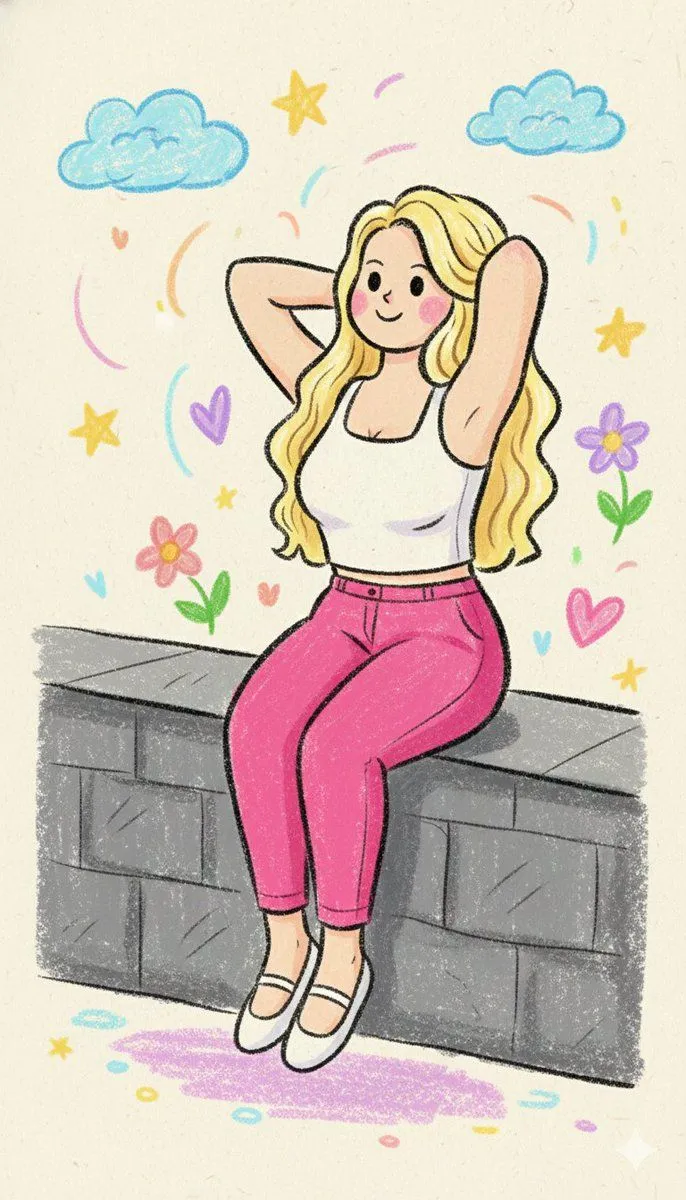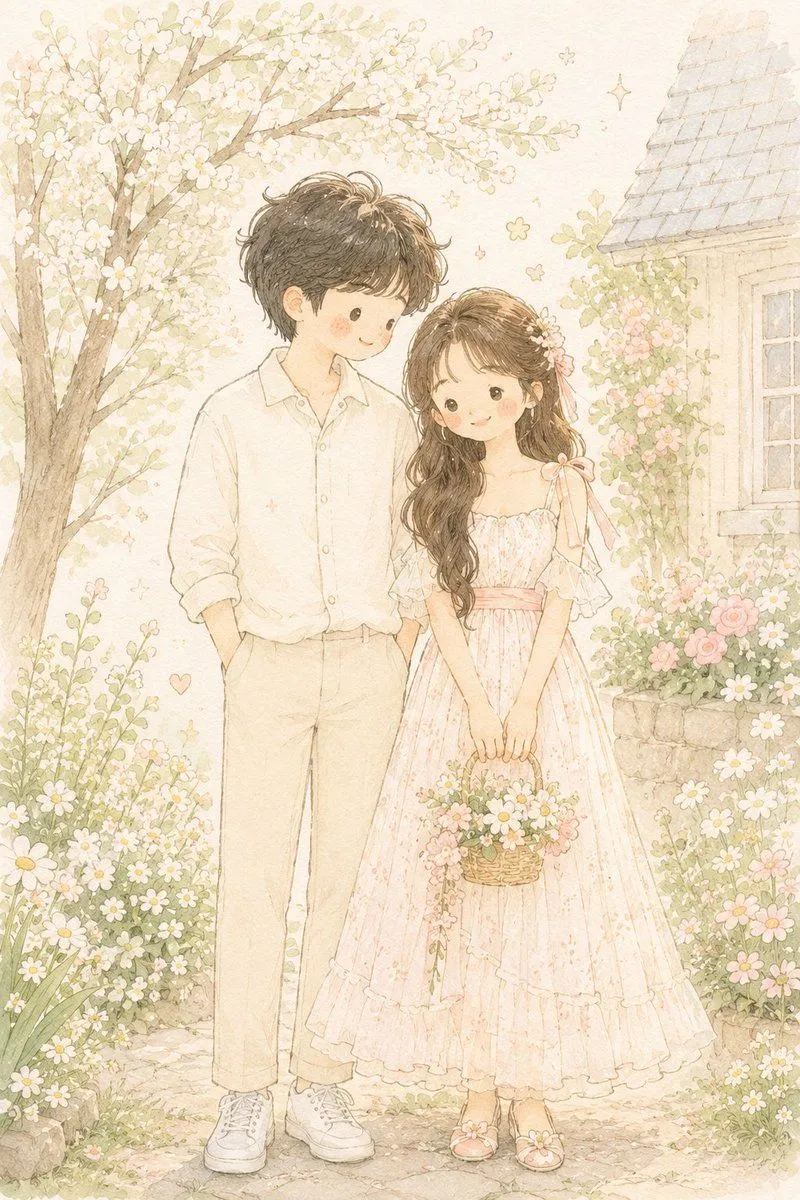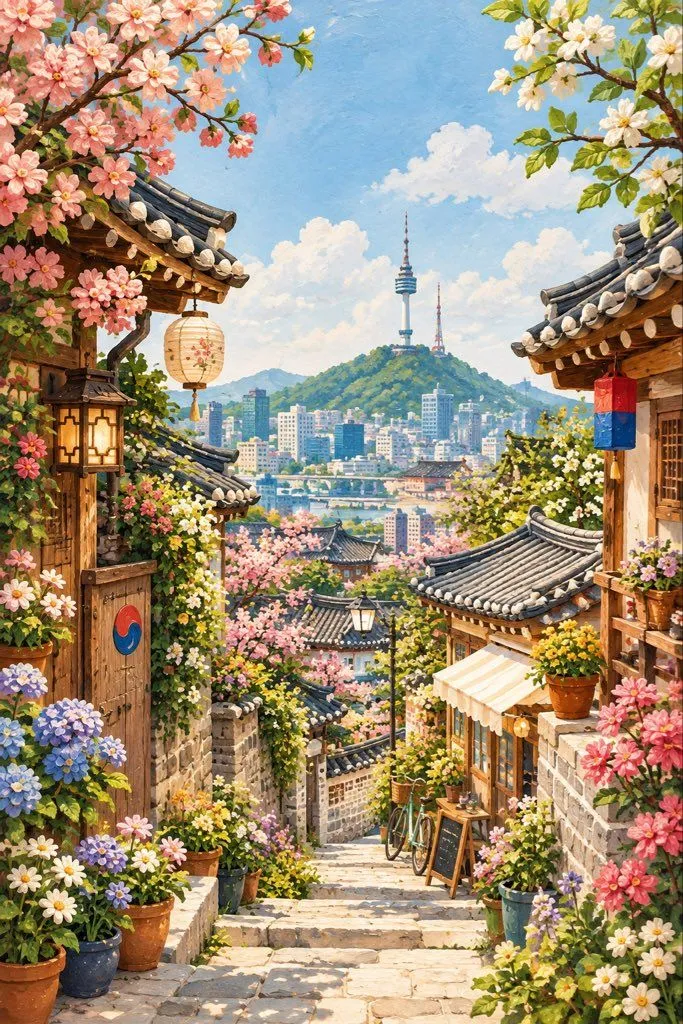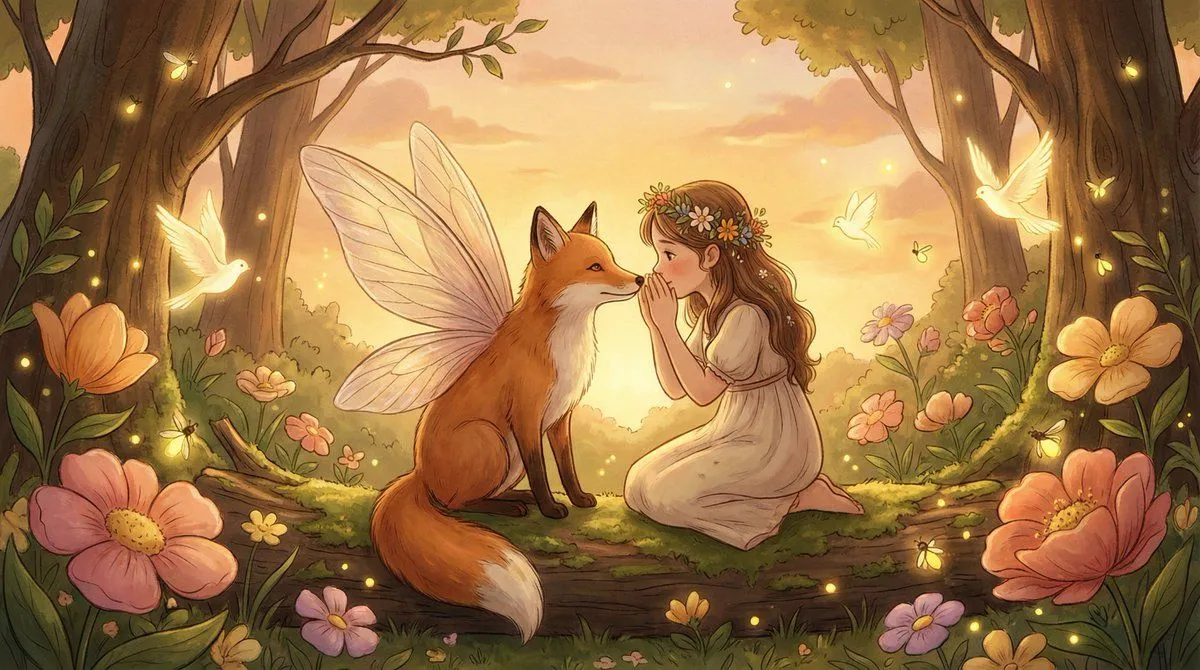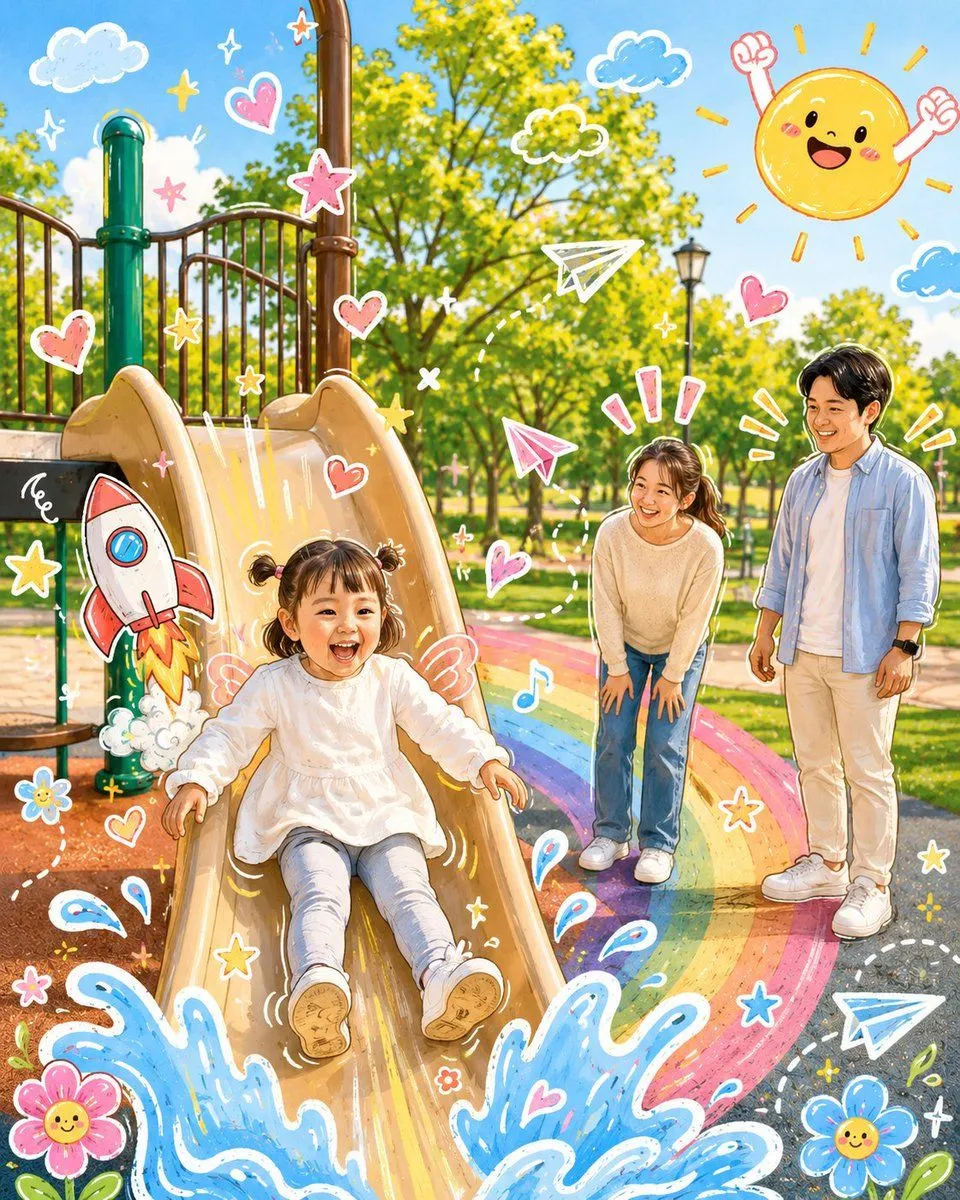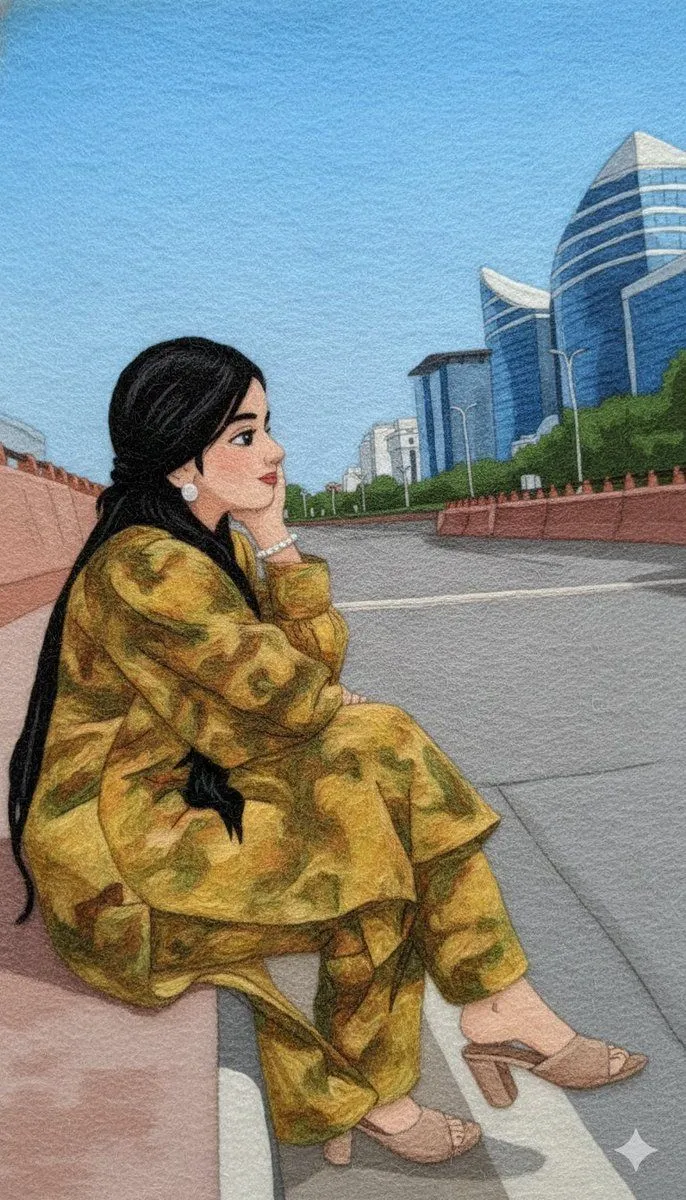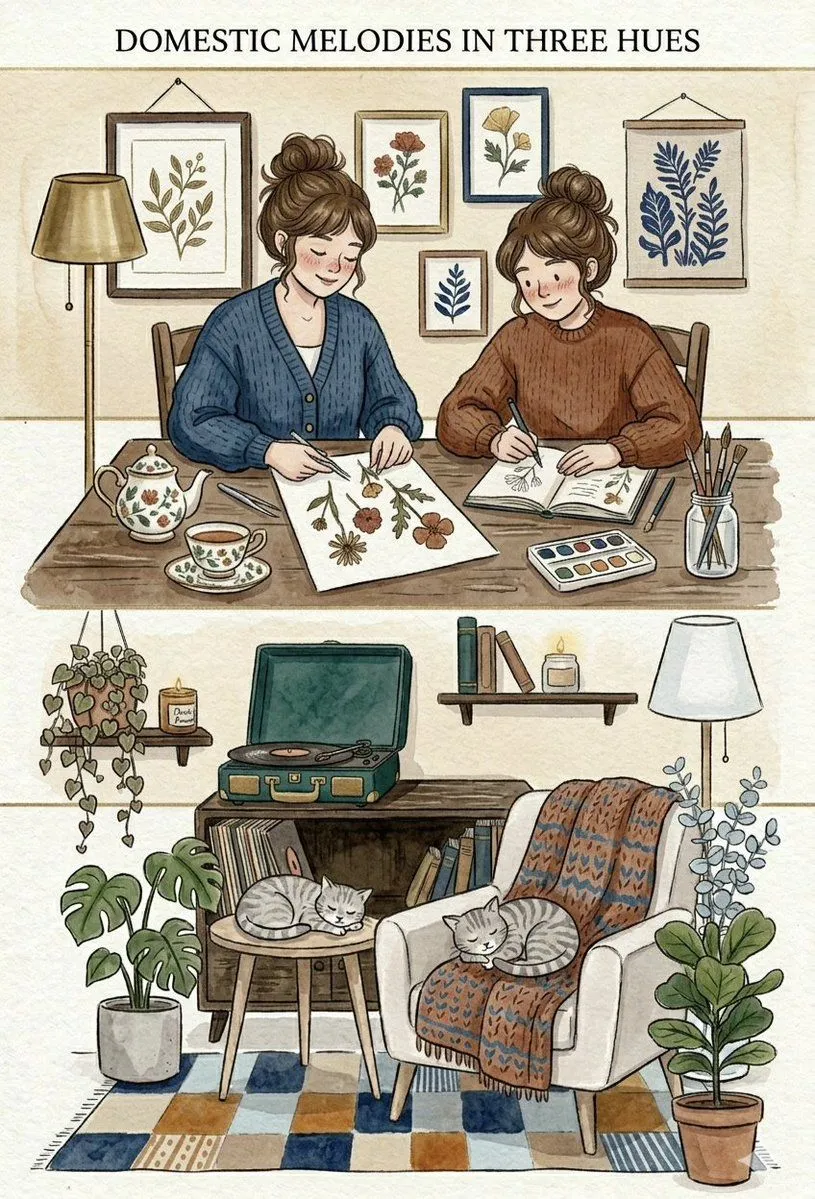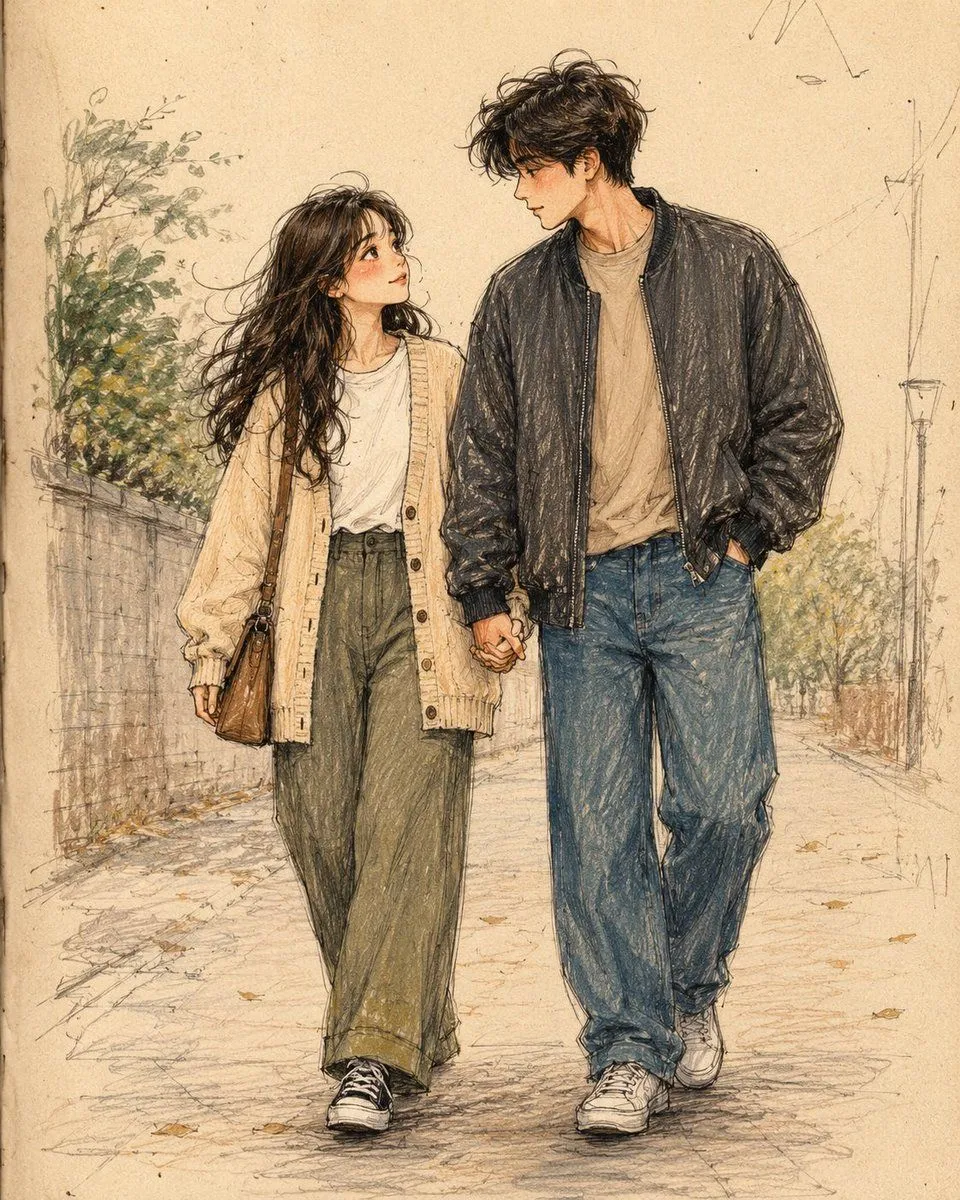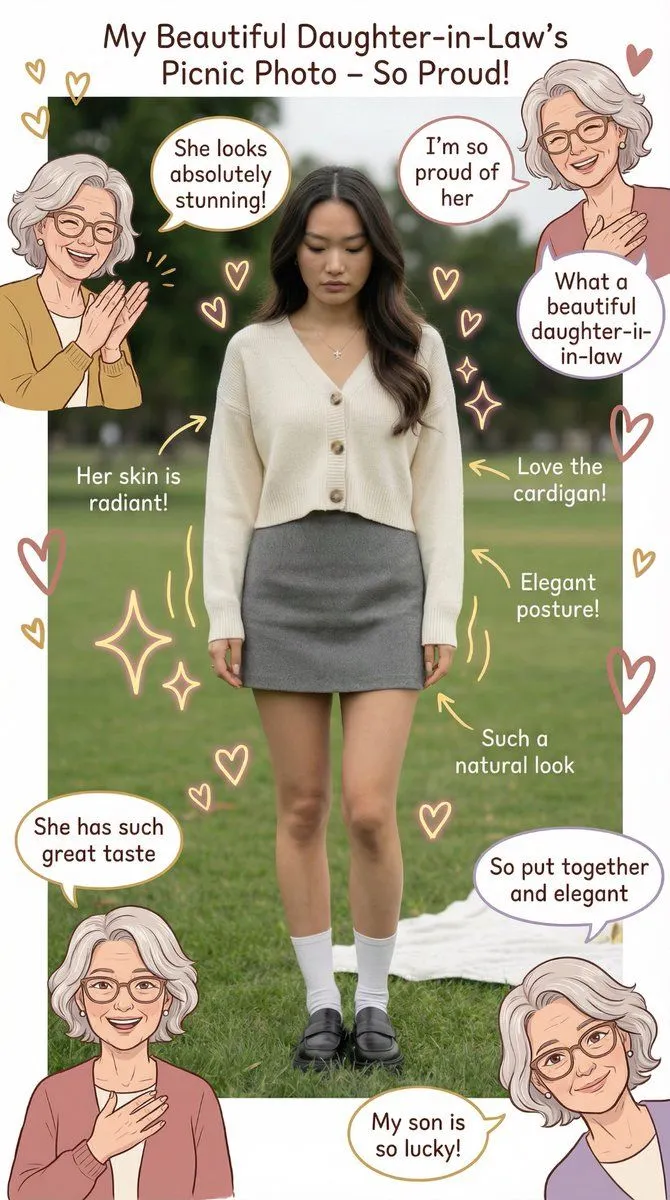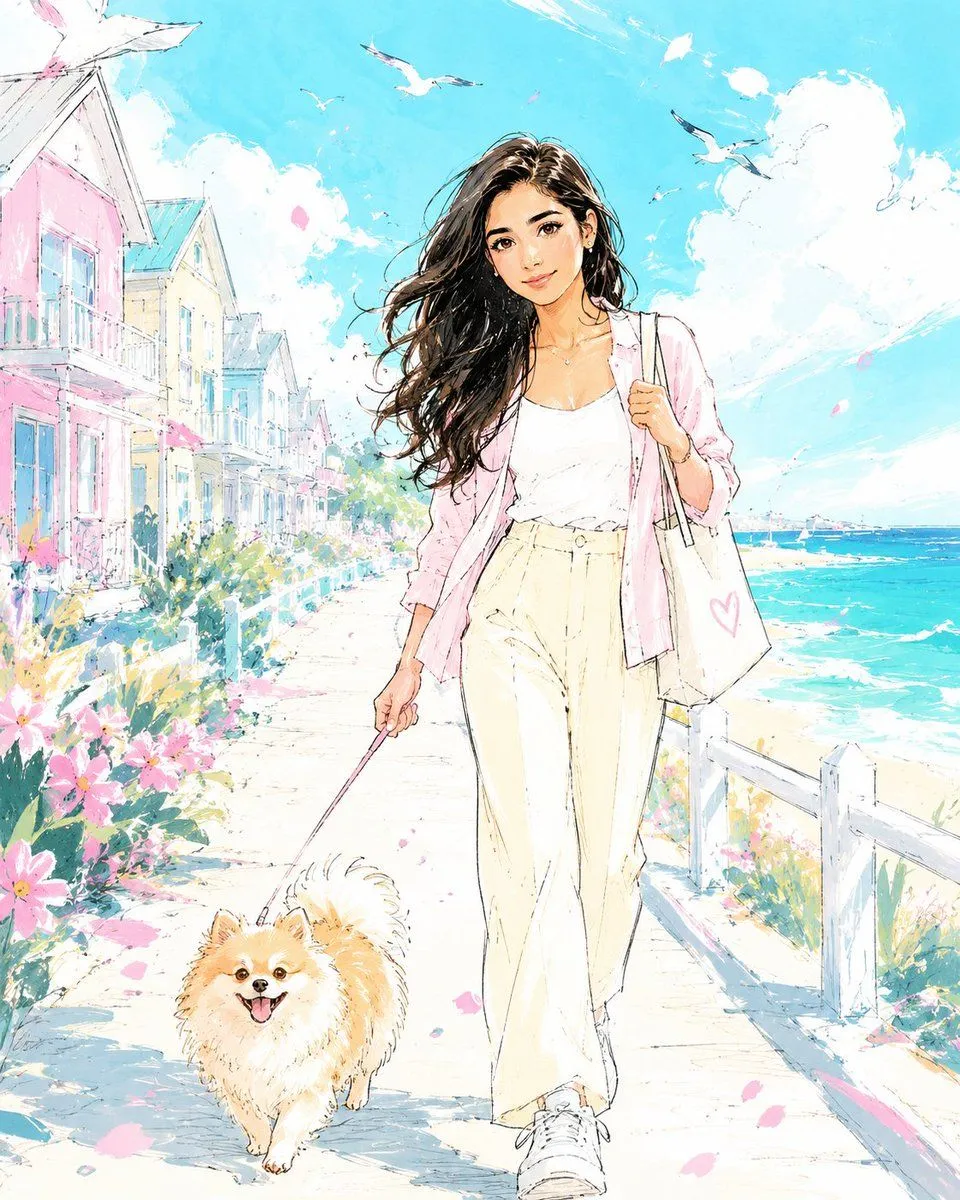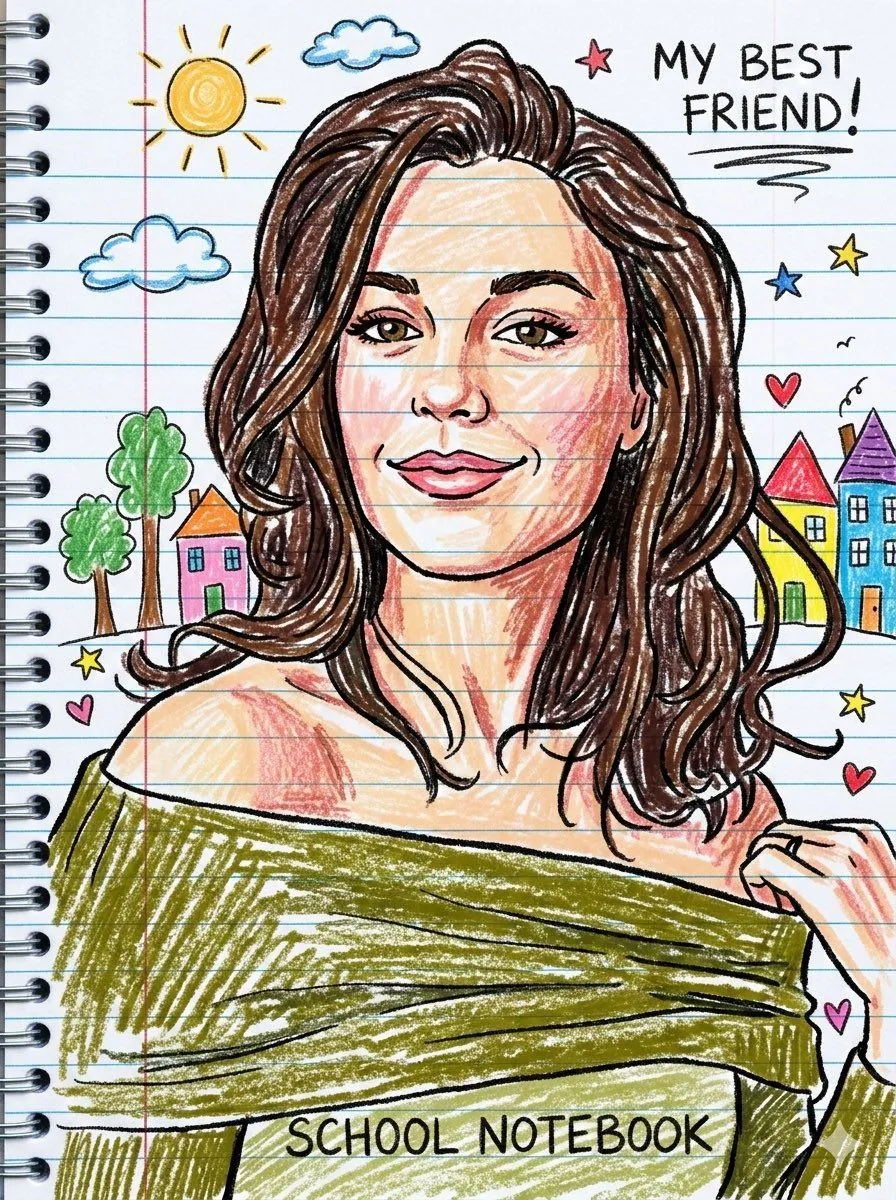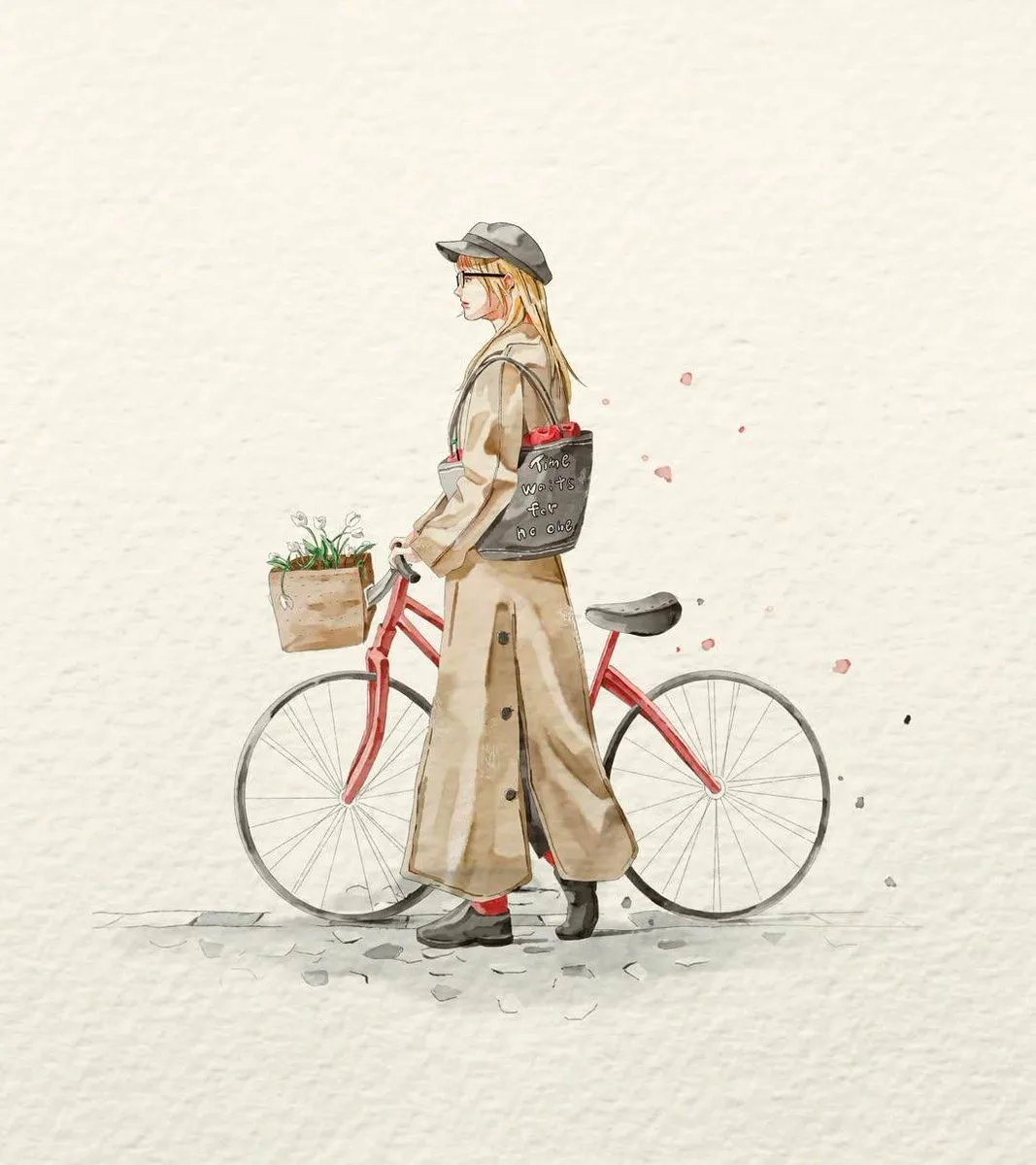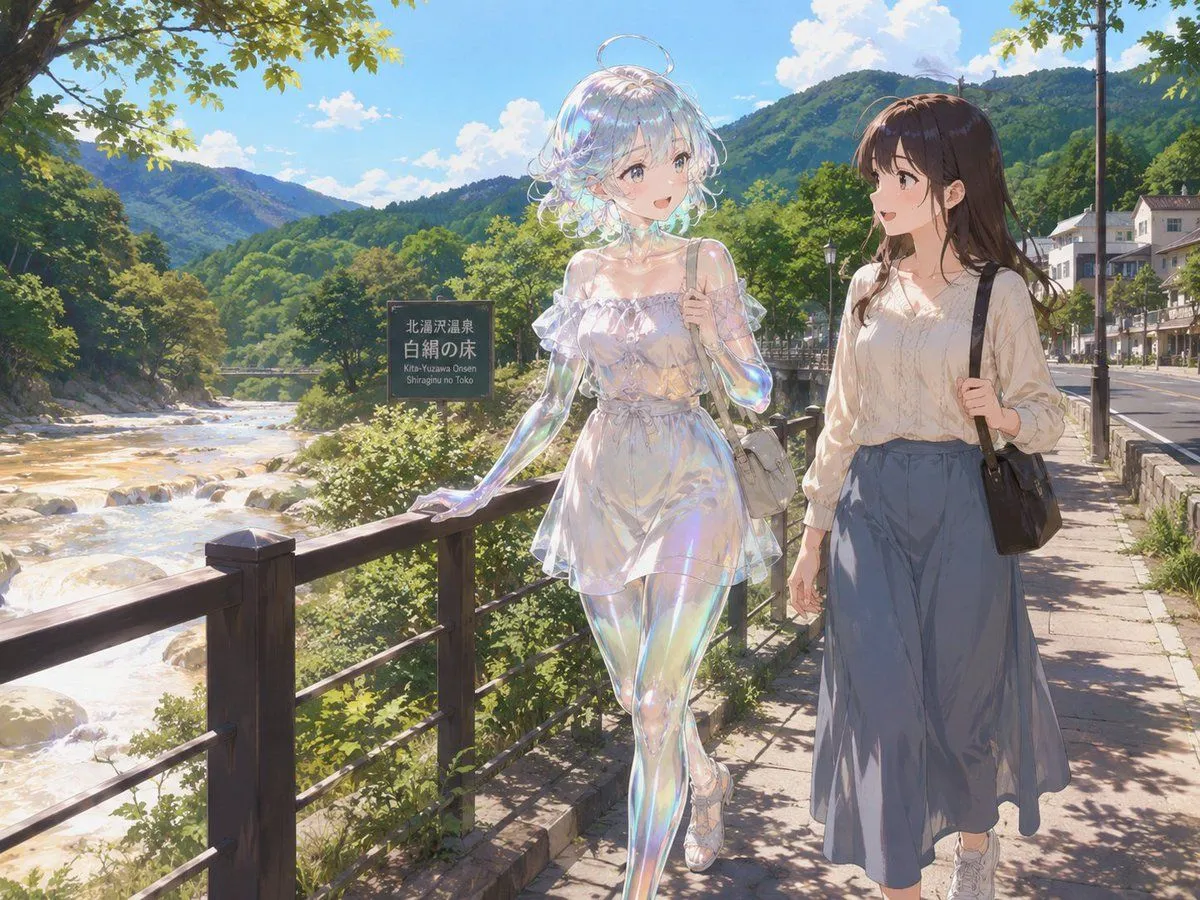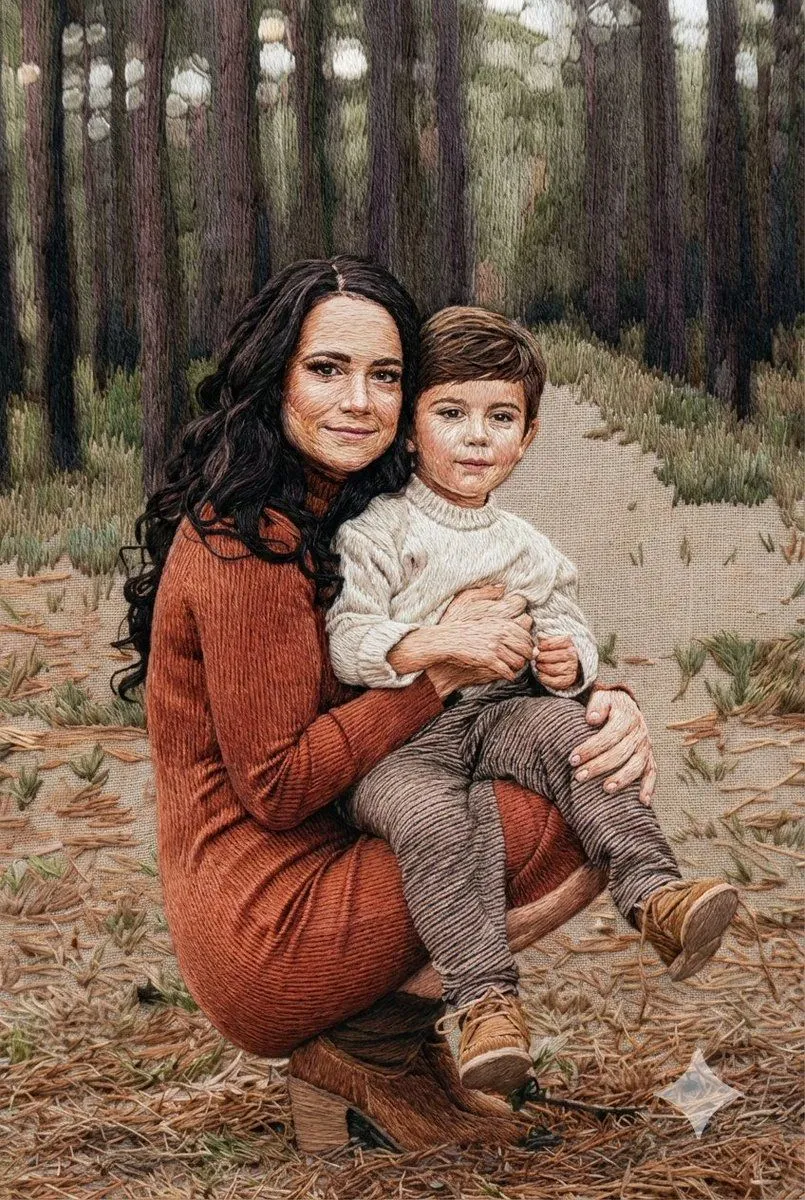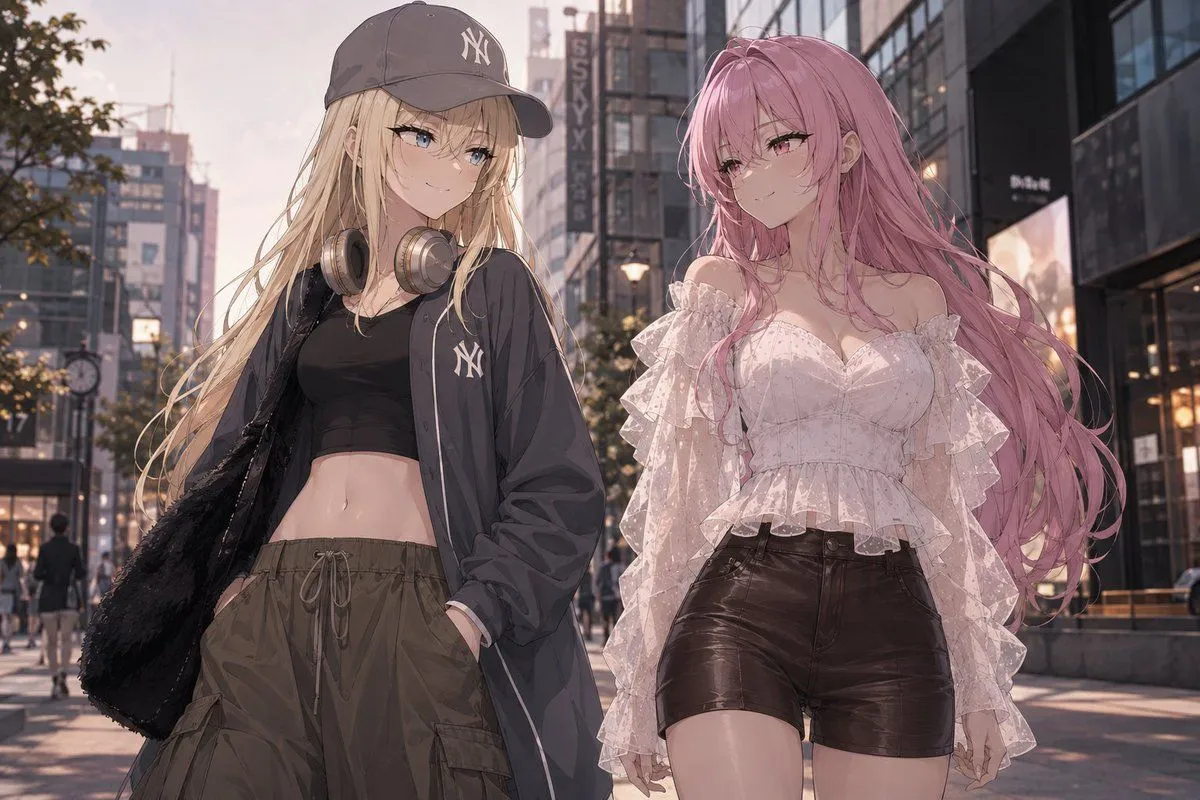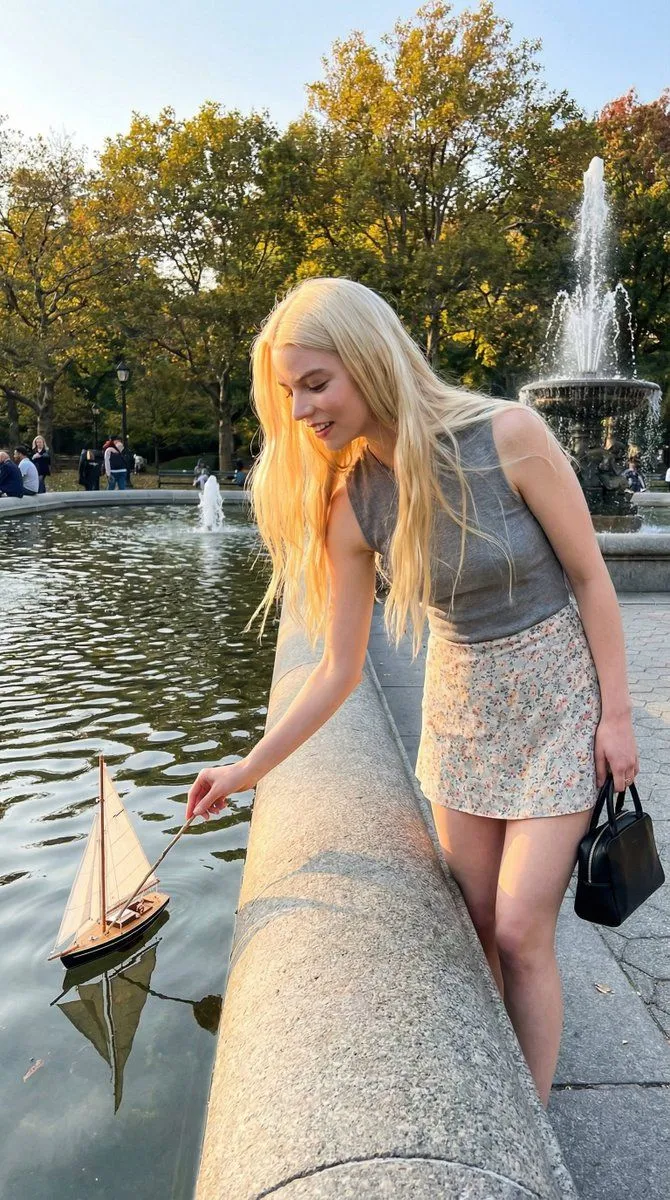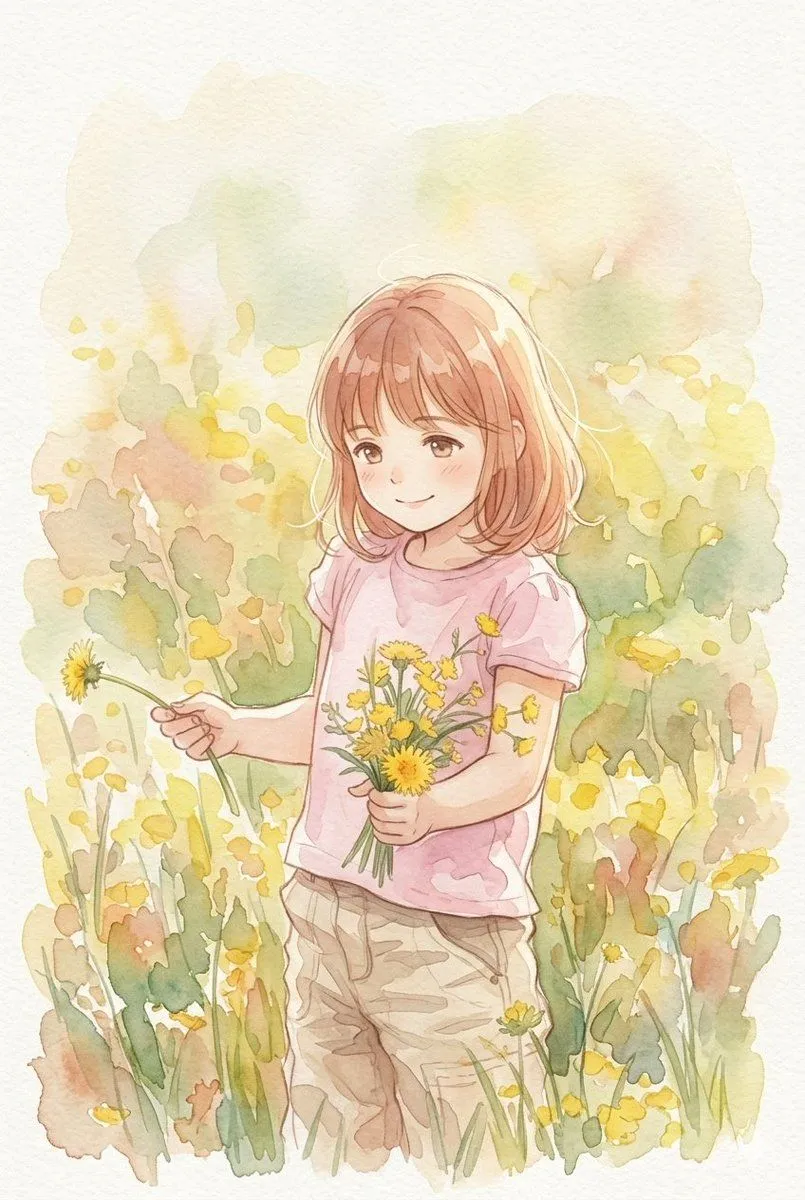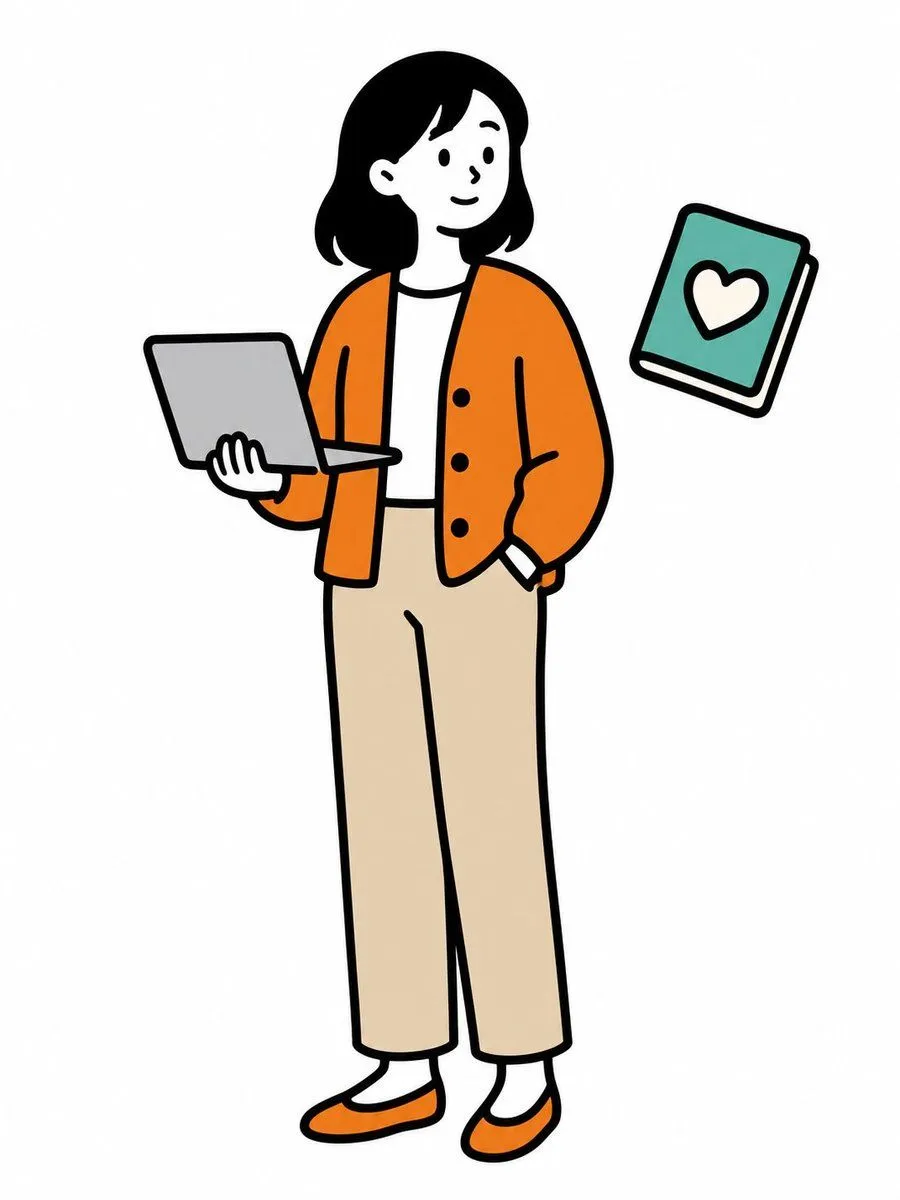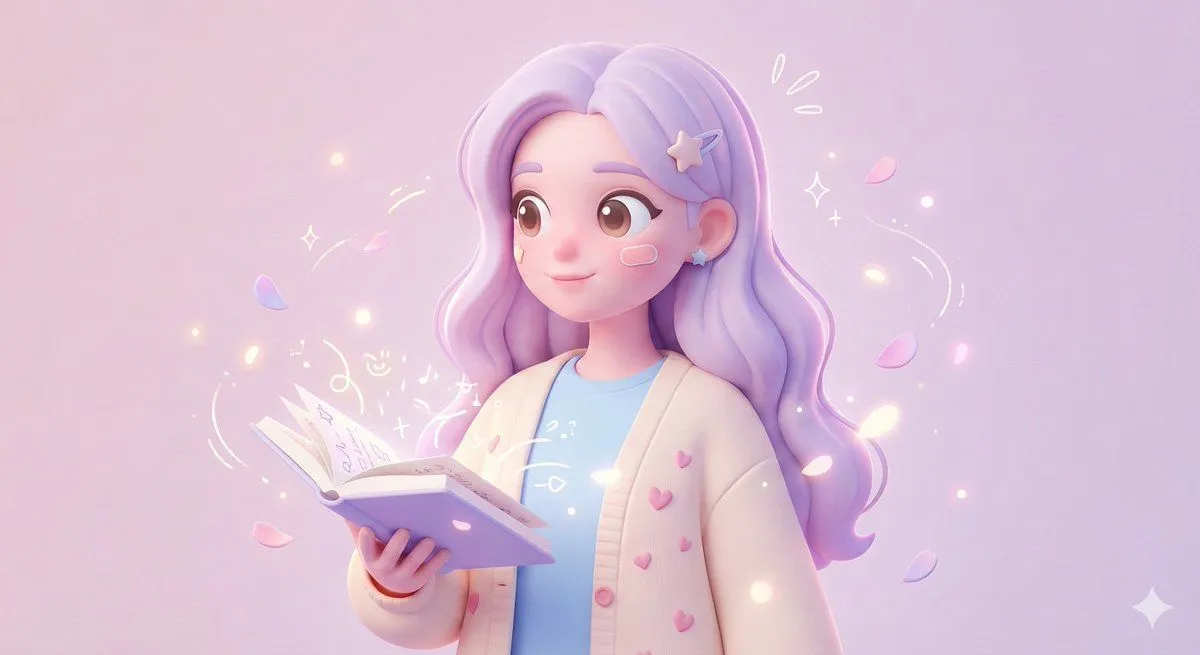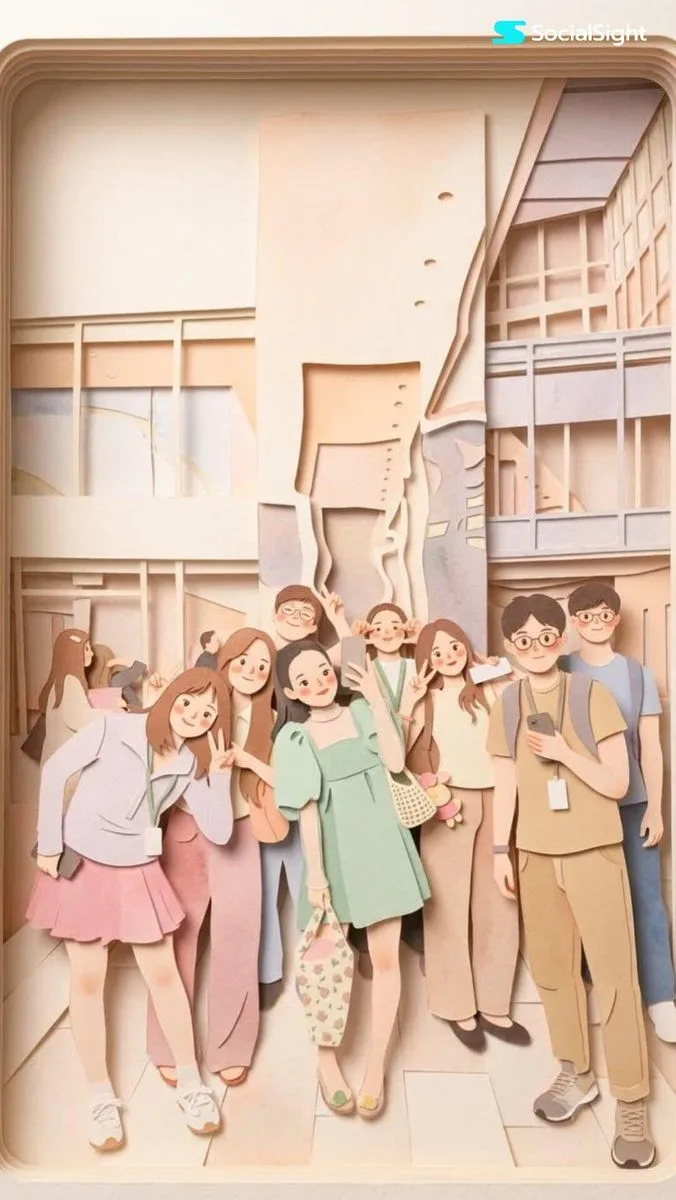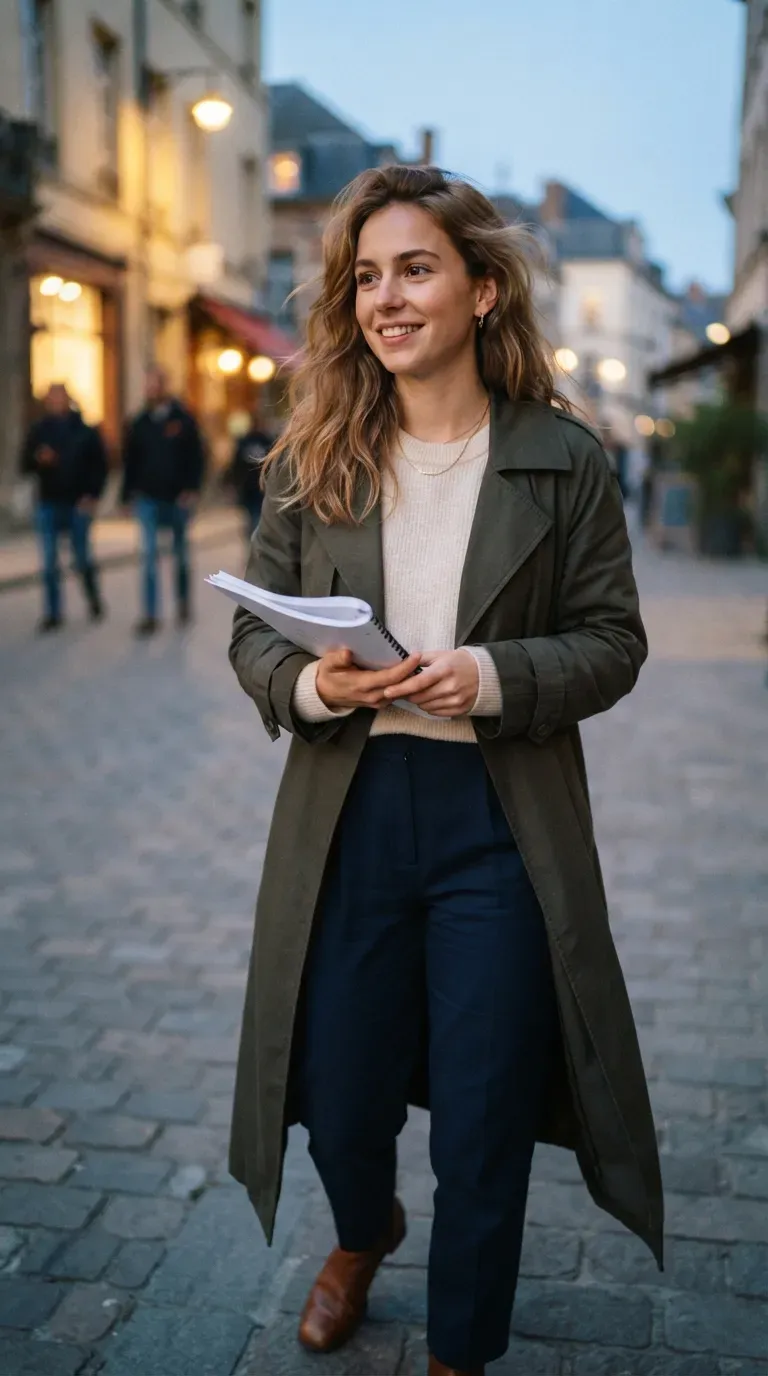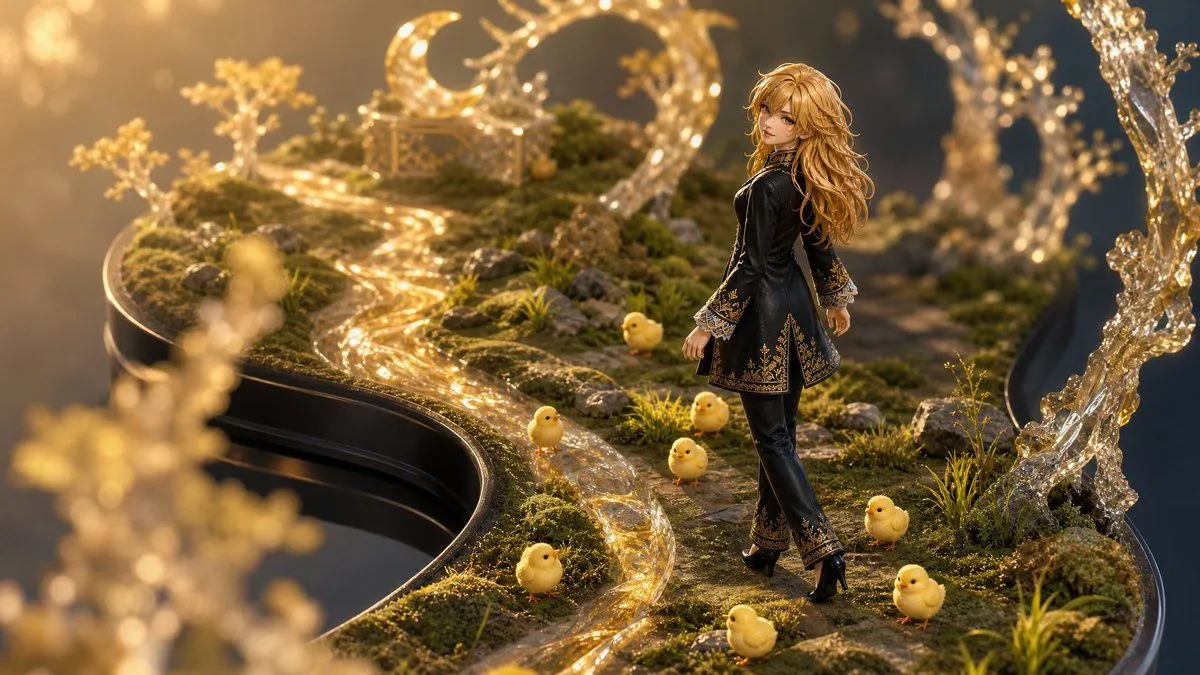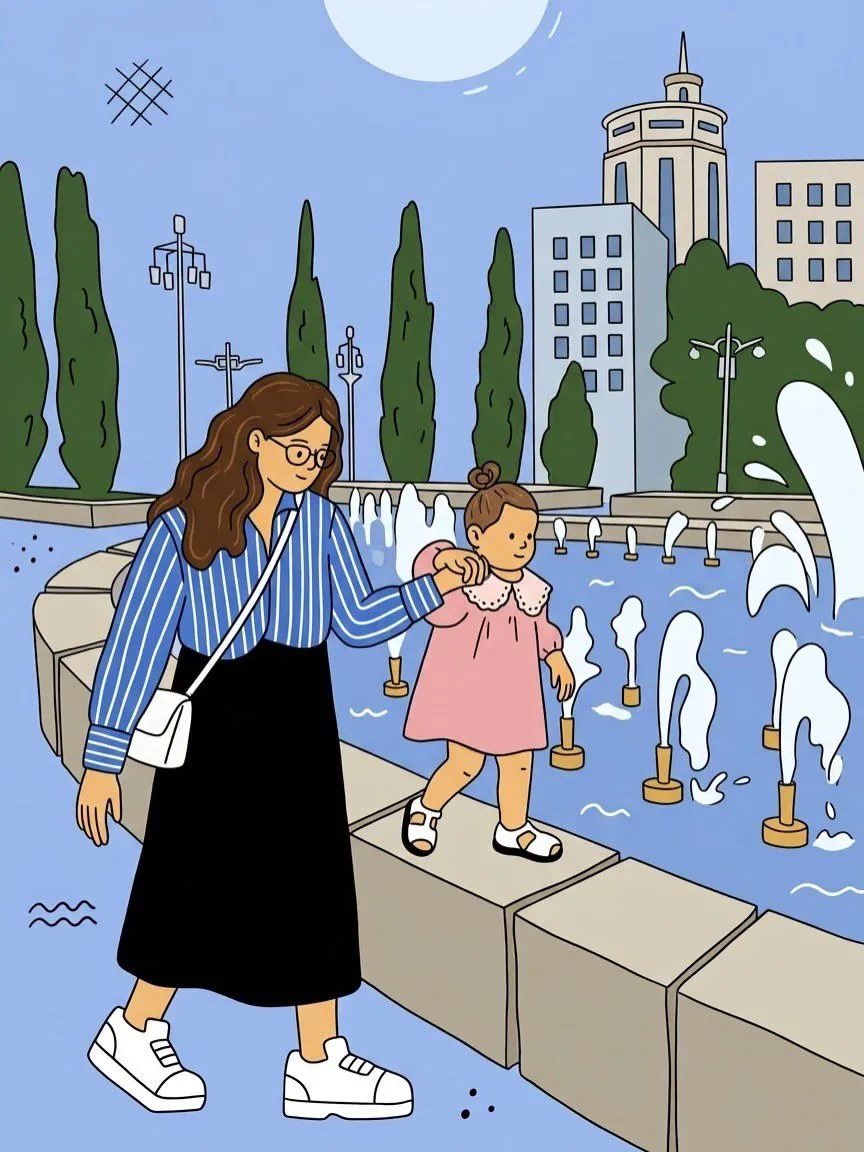
Made with GPT Image 2 in ChatGPT by Library Lifestyle. Promptclay never generates images.
Did it work?
No reports yet. Tell others if it worked for you.
Hand-Drawn 2D Cartoon Illustration
Prompt
Convert the entire uploaded photograph into a clean, colorful, hand-drawn 2D cartoon illustration. Preserve the original composition, camera angle, poses, facial expressions, recognizable identities, hairstyles, clothing, accessories, and all important background elements. ILLUSTRATION STYLE: •Clean black outlines with slightly varied, hand-drawn line weight. •Flat pastel colors with minimal cel shading. •Simplified characters with cute proportions, expressive faces, and natural poses. •Smooth, slightly imperfect lines for an authentic illustrated feel. •Simplify realistic textures into clean shapes while retaining recognizable details. •Recreate the original environment, including buildings, trees, fountains, pathways, and other objects, in the same cartoon style. •Use a soft pastel palette with light blue skies, muted greens, warm skin tones, and gentle pinks. •Add subtle artistic details while maintaining the original scene’s atmosphere. PRESERVE THE ORIGINAL: Keep the same number of people, their positions, body proportions, clothing colors, interactions, and relative sizes. Maintain the original background layout and perspective. Do not add, remove, or reposition important objects. OUTPUT REQUIREMENTS: A polished, full-frame 2D illustration with consistent outlines, flat colors, and a playful, storybook aesthetic. The entire image must be illustrated, with zero photorealistic elements. AVOID: 3D rendering, photorealism, excessive shading, watercolor textures, blurry lines, distorted faces, extra fingers or limbs, changed outfits, altered poses, missing background details, and unwanted text or watermarks. Aspect ratio: Match the uploaded photo exactly. Pro tip: Upload one photo at a time and use this same prompt to transform different photos into a consistent cartoon style.
Use only photos you have the right to usePhoto tips
- Your photo stays with your app. You upload it to Gemini, ChatGPT or the app you use. Promptclay never sees or stores it.
- Crop to what the prompt needs. Your face for a portrait. Leave out other people, house numbers, cards and screens.
- Check the result before you post. Apps sometimes add things that were not in your photo, like a mole, a tattoo or bare shoulders. Run it again or ask the app to remove them.
DetailsVersions, settings and questions
Written for
What's in the prompt
- Subject
- Model
- GPT Image 2
If your face changes
keep my face exactly the sameQuestions
- Does this work in the ChatGPT app?
- Yes. Paste the prompt and attach your photo if it uses one.
- It changed my face. What do I do?
- Add "keep my face exactly the same" to the end and run it again.
- Can I use the images I make?
- Check the terms of the app you use. Promptclay never generates images and claims nothing you make.