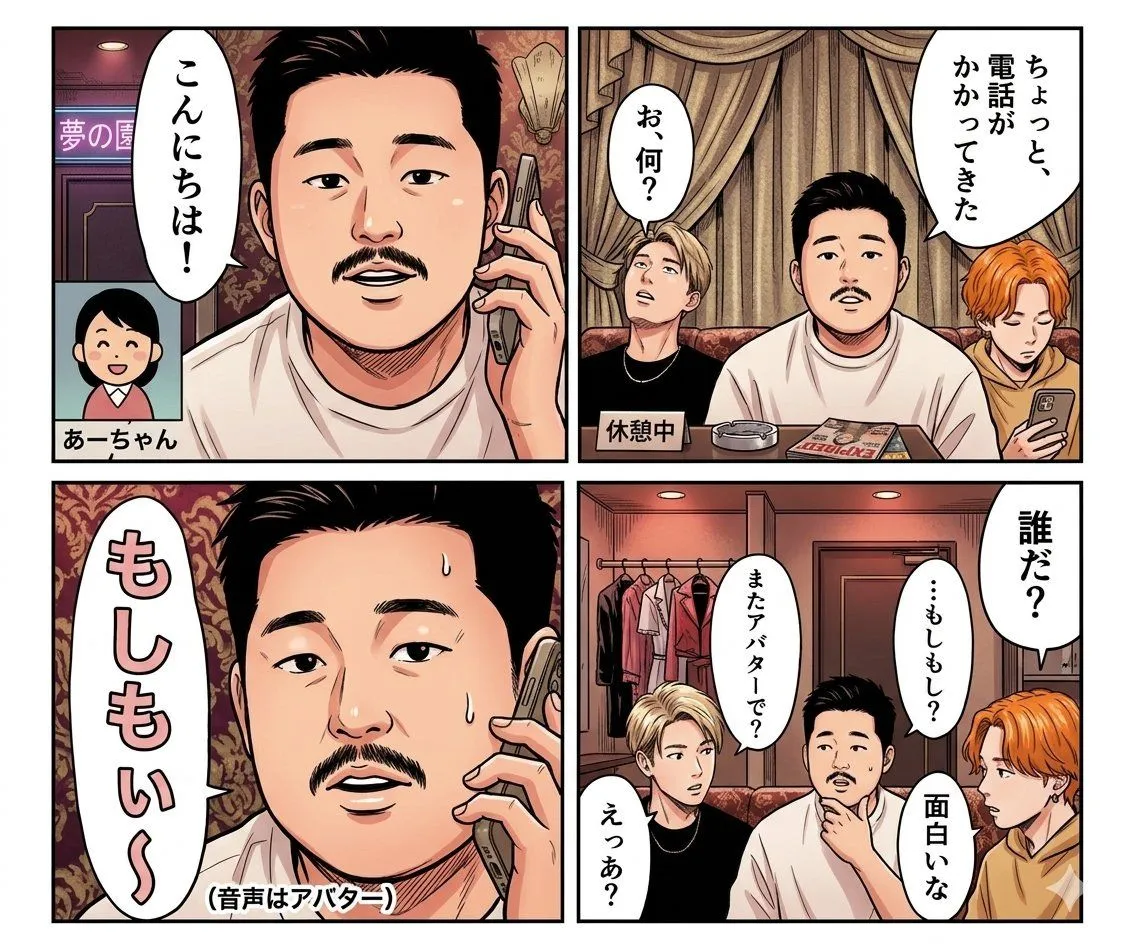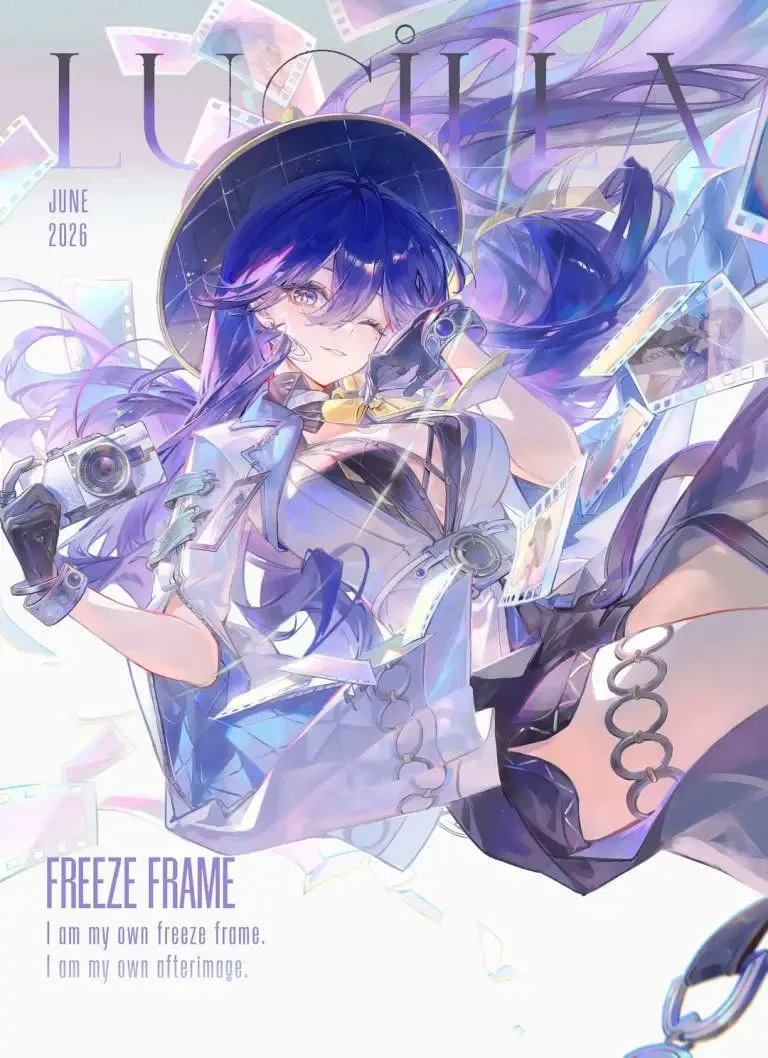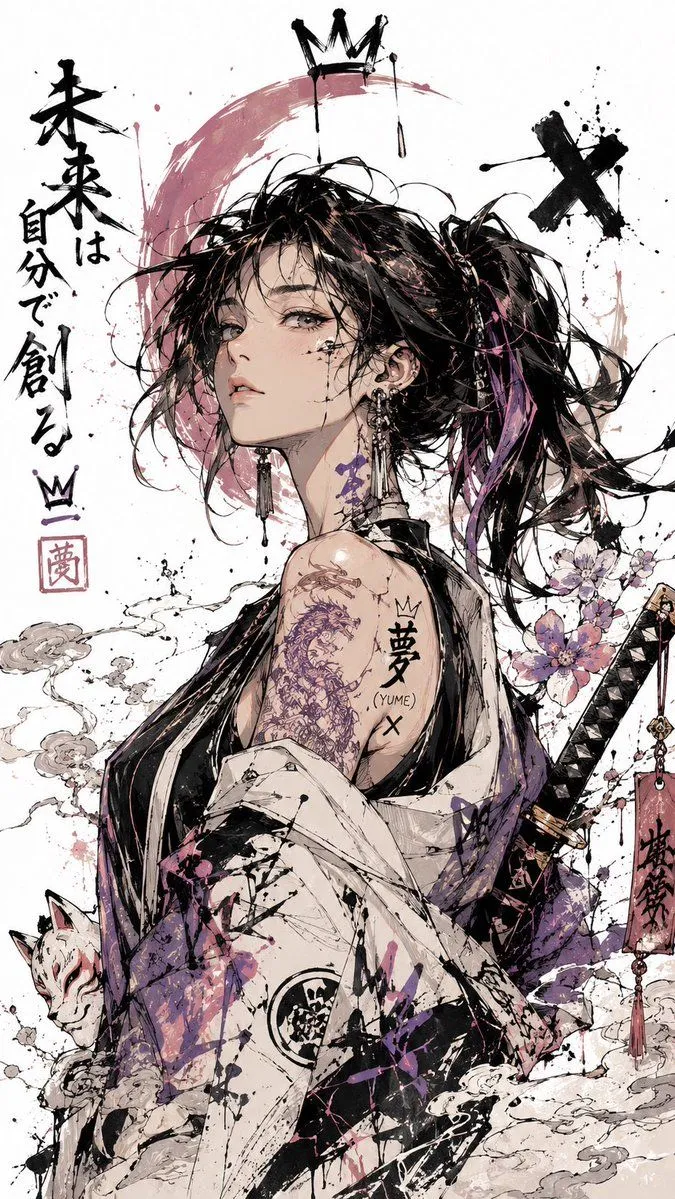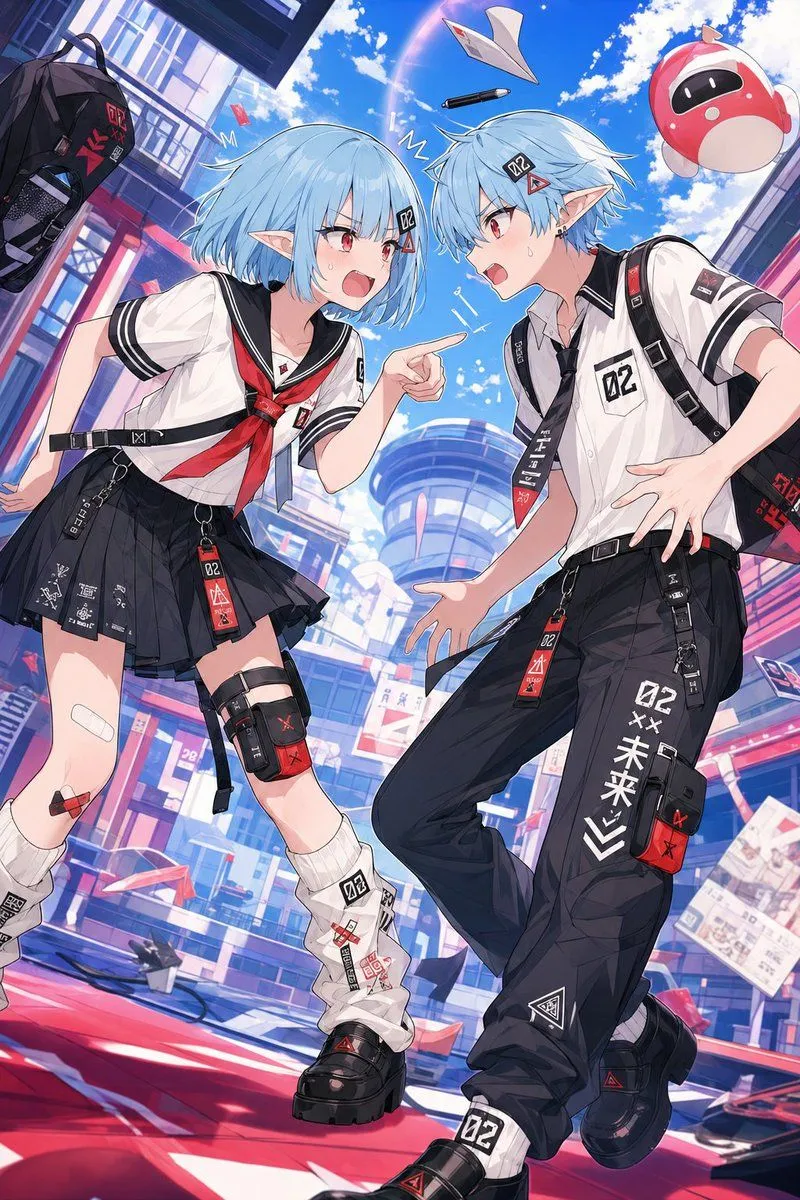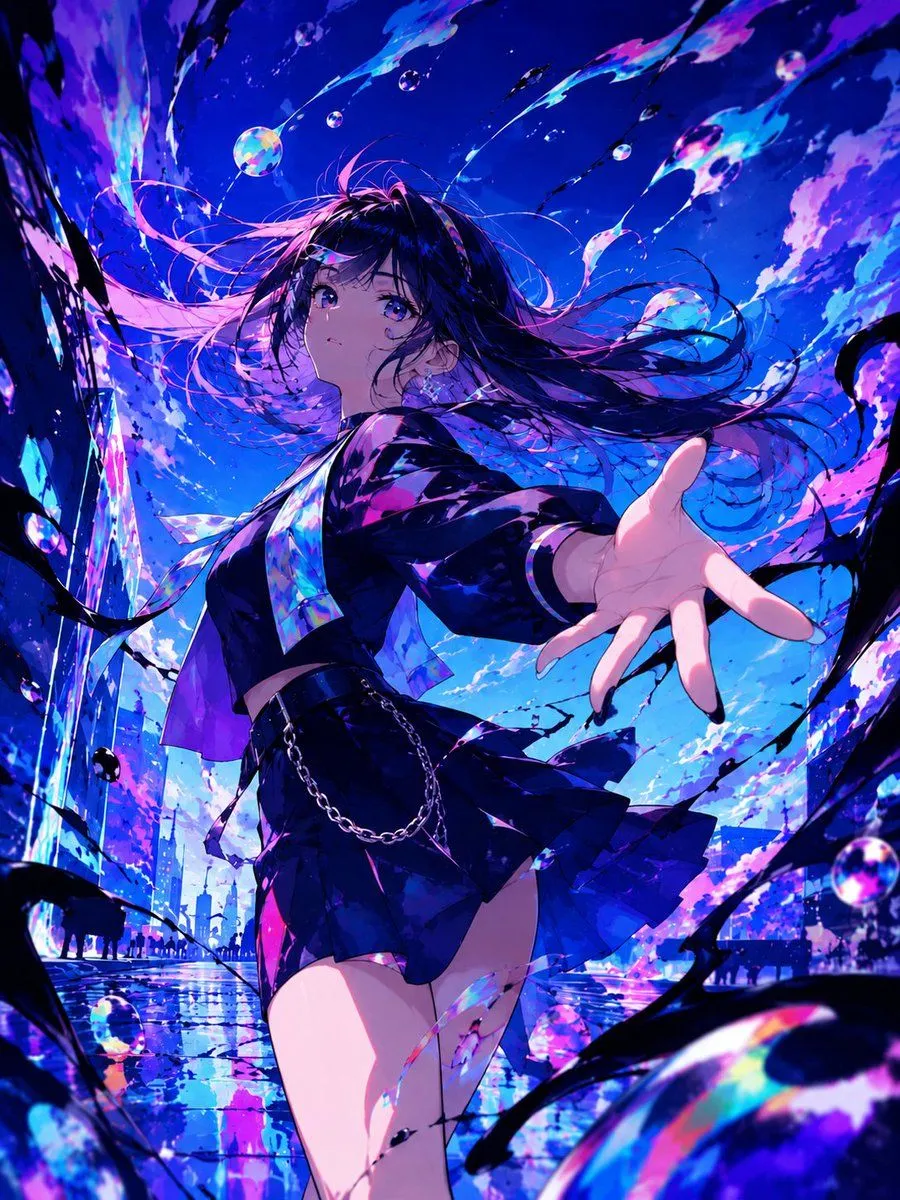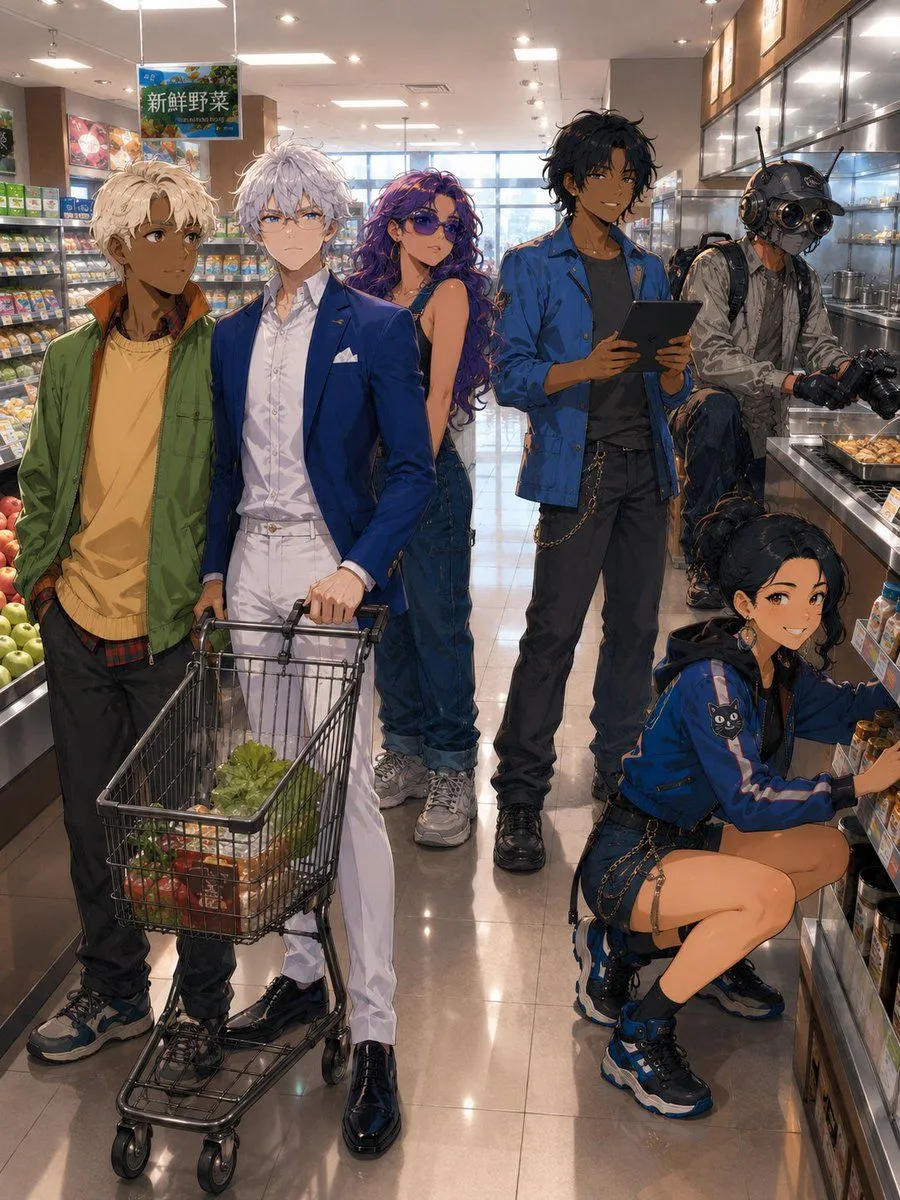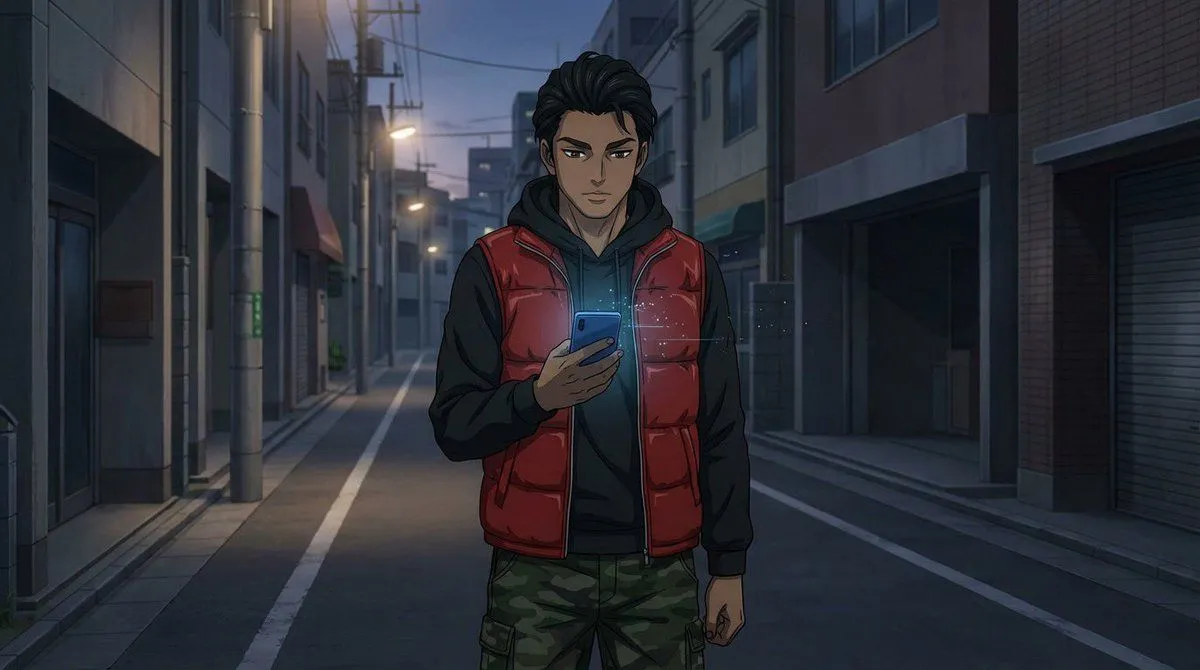
Made with GPT Image 2 in ChatGPT by Library Anime. Promptclay never generates images.
Did it work?
No reports yet. Tell others if it worked for you.
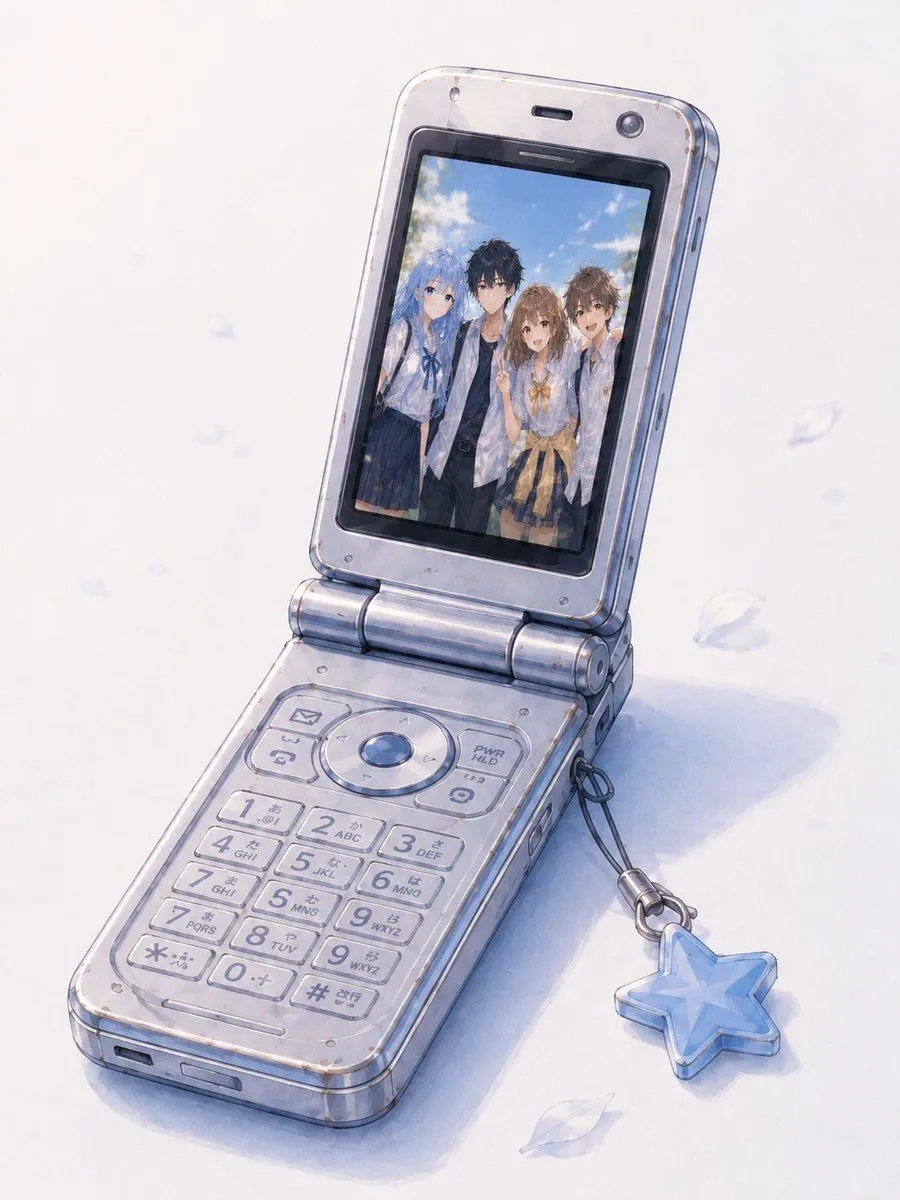
Group Photo Inside Retro Flip Phone
Prompt
2 blanks to fillUsing REFERENCE_1 as the base object and style reference, create a clean standalone illustration of the open Japanese flip phone, removing the surrounding infographic layout, captions, detail panels, borders, and all printed text. Replace the phone's screen content with the group photo from REFERENCE_0, fitted naturally inside the display as if it is being viewed in the phone gallery. Preserve the old silver-blue clamshell phone's angle, keypad, hinge, translucent worn plastic texture, small scratches, and blue star charm strap from REFERENCE_1. Keep the image in the same soft watercolor/anime concept-art style with a pale white background, faint blue shadows, and a few drifting translucent petals. The screen should show exactly 4 people from the group photo: blue-haired girl, black-haired boy, brown-haired girl, and brown-haired boy. Do not add UI text, labels, borders, page decorations, or extra objects beyond the phone, charm, subtle shadow, and petals. Optional customization: use {screen_photo} on the phone display, with the phone model/color remaining {phone_color}.
Preview of your prompt
Using REFERENCE_1 as the base object and style reference, create a clean standalone illustration of the open Japanese flip phone, removing the surrounding infographic layout, captions, detail panels, borders, and all printed text. Replace the phone's screen content with the group photo from REFERENCE_0, fitted naturally inside the display as if it is being viewed in the phone gallery. Preserve the old silver-blue clamshell phone's angle, keypad, hinge, translucent worn plastic texture, small scratches, and blue star charm strap from REFERENCE_1. Keep the image in the same soft watercolor/anime concept-art style with a pale white background, faint blue shadows, and a few drifting translucent petals. The screen should show exactly 4 people from the group photo: blue-haired girl, black-haired boy, brown-haired girl, and brown-haired boy. Do not add UI text, labels, borders, page decorations, or extra objects beyond the phone, charm, subtle shadow, and petals. Optional customization: use the four-person summer group photo from REFERENCE_0 on the phone display, with the phone model/color remaining silver-blue translucent flip phone.
DetailsVersions, settings and questions
Written for
What's in the prompt
- Subject
- Model
- GPT Image 2
If your face changes
keep my face exactly the sameQuestions
- Does this work in the ChatGPT app?
- Yes. Paste the prompt and attach your photo if it uses one.
- It changed my face. What do I do?
- Add "keep my face exactly the same" to the end and run it again.
- Can I use the images I make?
- Check the terms of the app you use. Promptclay never generates images and claims nothing you make.