Tell us anything

An idea, a bug, something you love. We read every note.

⌘↵ to send. The page you're on comes along.

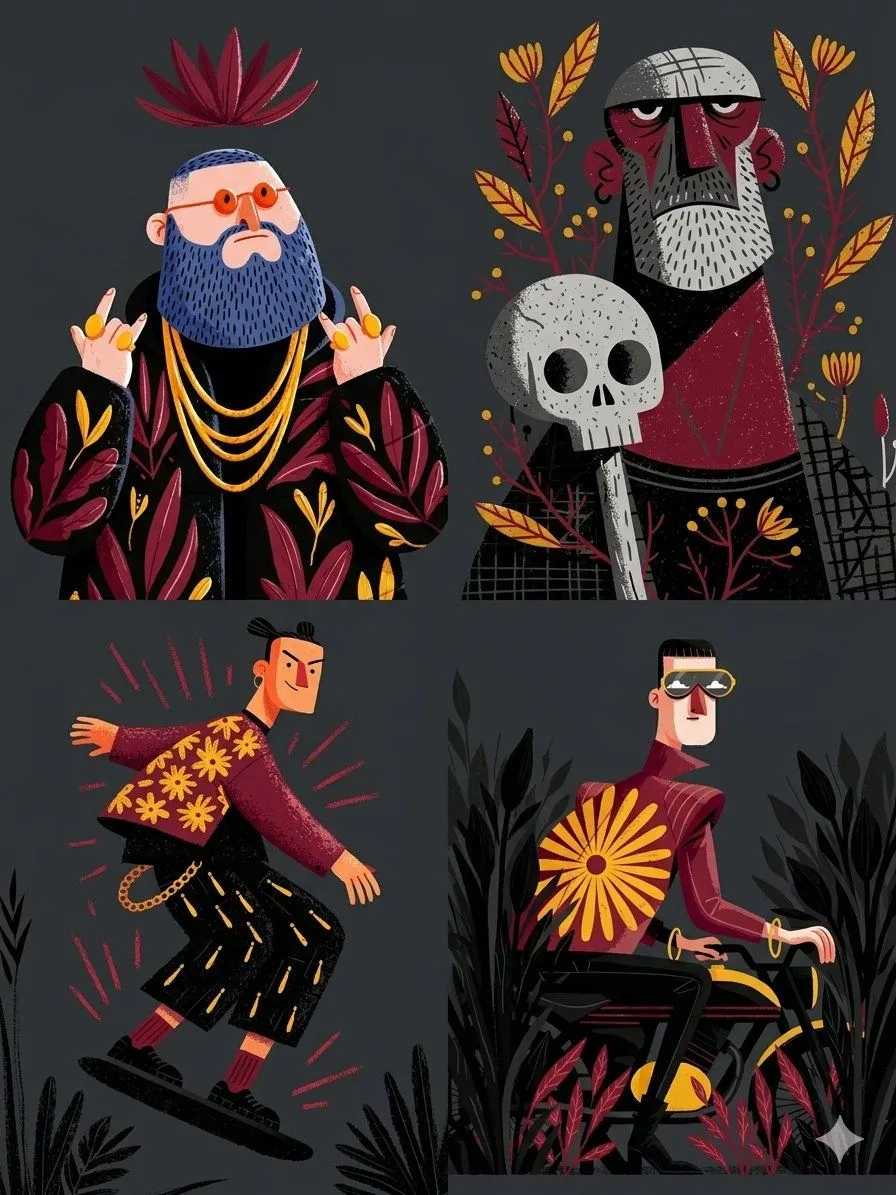
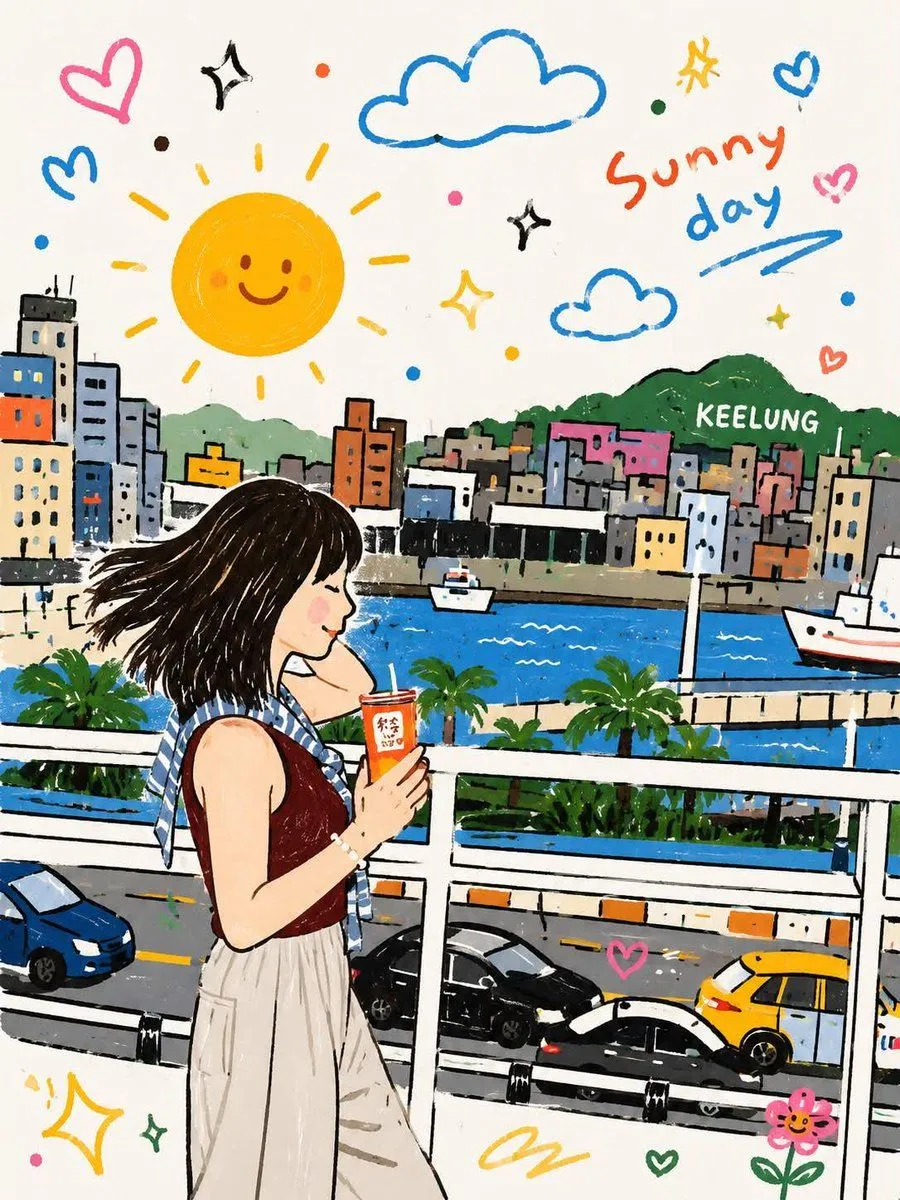
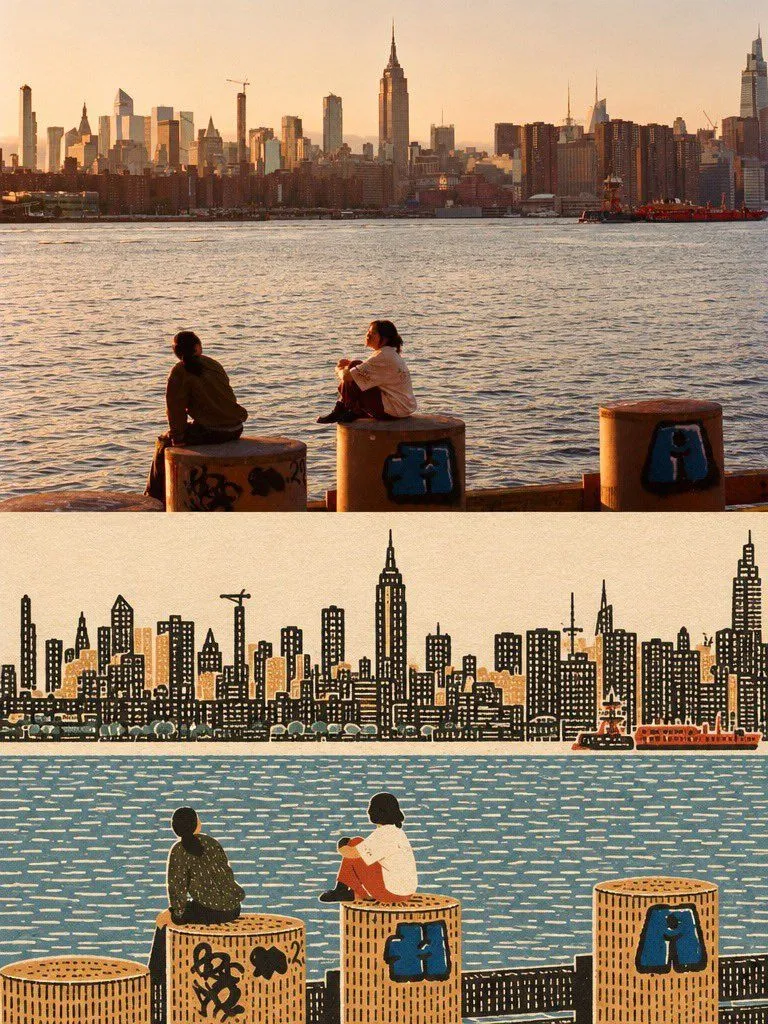
GPT Image 2 Prompt: Naïve Folk Art Transformation

Made with GPT Image 2 in ChatGPT by Library Lifestyle. Promptclay never generates images.

Did it work?

No reports yet. Tell others if it worked for you.

No comments yet. Be the first.

    GPT Image 2 Prompt: Naïve Folk Art Transformation

    GPT Image 23:4AI-generated

    Prompt

    Create one vertically stacked before-and-after comparison using the supplied image as the only source. LAYOUT:Exactly two equal-height panels: original image on top, transformed image on bottom. Both panels have the source image's aspect ratio and identical width. The complete canvas is twice the source image's height. Join the panels directly at a clean horizontal seam. No thick divider, extra panel, decorative frame, labels, or added text. TOP PANEL — ORIGINAL:Place the supplied image unchanged in the upper half. Preserve its full composition, original colors, lighting, details, existing text, and crop. Do not redraw, retouch, stylize, or apply texture to this panel. BOTTOM PANEL — OUTSIDER ART:Redraw the same scene as a flat, densely textured naïve folk-art print. Preserve the main subject, recognizable silhouettes, relative positions, important objects, and overall composition. Do not invent additional subjects or props. Flatten the ground into map-like color zones, with people, trees, buildings, and objects shown in simple frontal or side elevation. Remove converging perspective, photographic depth, directional lighting, and cast shadows.Use warm paper white, warm ink black, and two to four subdued colors derived from the source. Choose one existing object or connected detail as the only saturated accent. Give each large zone one consistent handmade texture: stitch marks, irregular window grids, or dense foliage marks. Keep the texture dense, rhythmic, and slightly imperfect. Where people appear, use small, solid, faceless figures with filled clothing and limbs of visible width. Render every surface as opaque printed ink on matte paper, with no photographic remnants.Keep all illustration, paper texture, and color changes strictly inside the lower panel. No gradients, glossy vector finish, watercolor, stick figures, cute cartoon proportions, invented lettering, or watermark.

    Works in
    ChatGPT, Gemini
    Status
    Free to copy
    0
    DetailsVersions, settings and questions

    Written for

    What's in the prompt

    Subject
    Model
    GPT Image 2

    If your face changes

    keep my face exactly the same

    Questions

    Does this work in the ChatGPT app?
    Yes. Paste the prompt and attach your photo if it uses one.
    It changed my face. What do I do?
    Add "keep my face exactly the same" to the end and run it again.
    Can I use the images I make?
    Check the terms of the app you use. Promptclay never generates images and claims nothing you make.
    Similar prompts

    See more
    • Paper Cut Collage Poster Design
    • Travel Gouache Still Life Poster
    • Mount Fuji Watercolor Transformation
    • Photo to Storybook Illustration Split
    • Coastal Photo to Pastel Pixel Art
    • Risograph Folk Art Illustration
    • Folk Art Cafe Study Illustration Prompt
    • Whimsical Folk-Art Illustration Scene
    • Decorative Folk Flat Illustration
    • Childlike Pastel Portrait Collage
    • Whimsical Childlike Doodle Reconstruction
    • Panoramic Cityscape in Qingming Festival Scroll Style (8:1 Aspect Ratio)
    • Naive doodle-style subject illustration
    • Structured Prompting Guide for Nano Banana Pro
    • Layered Papercraft Image Transformation
    • Workflow for Style Transfer and Storyboard Generation
    • Split-Era Urban Diorama Generation Prompt for Nano Banana Pro
    • Vintage Urban Film Portrait
    • Watercolor Man Portrait with City Skyline
    • Structural Image Inpainting Prompt
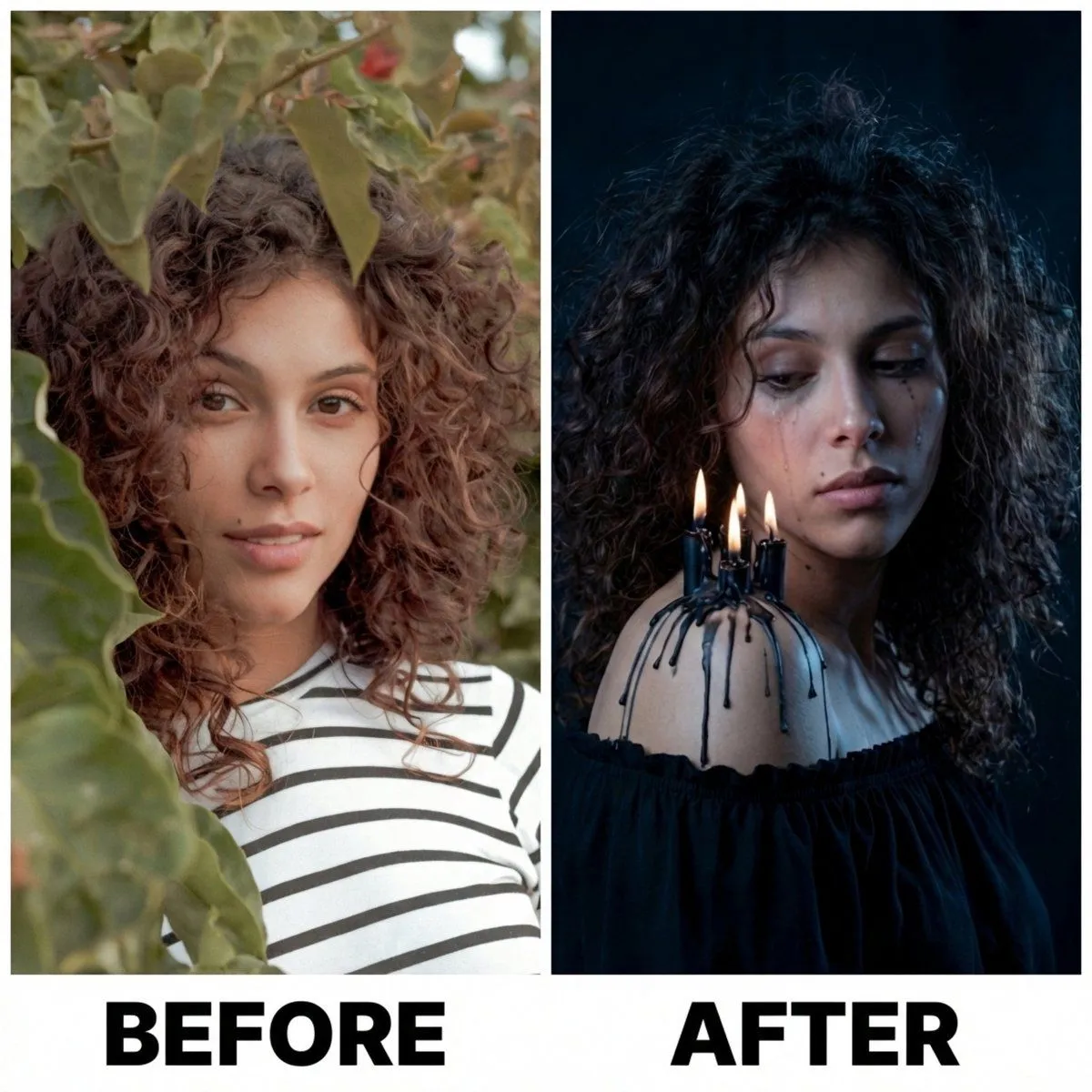
    • Moody Portrait with Dripping Candles
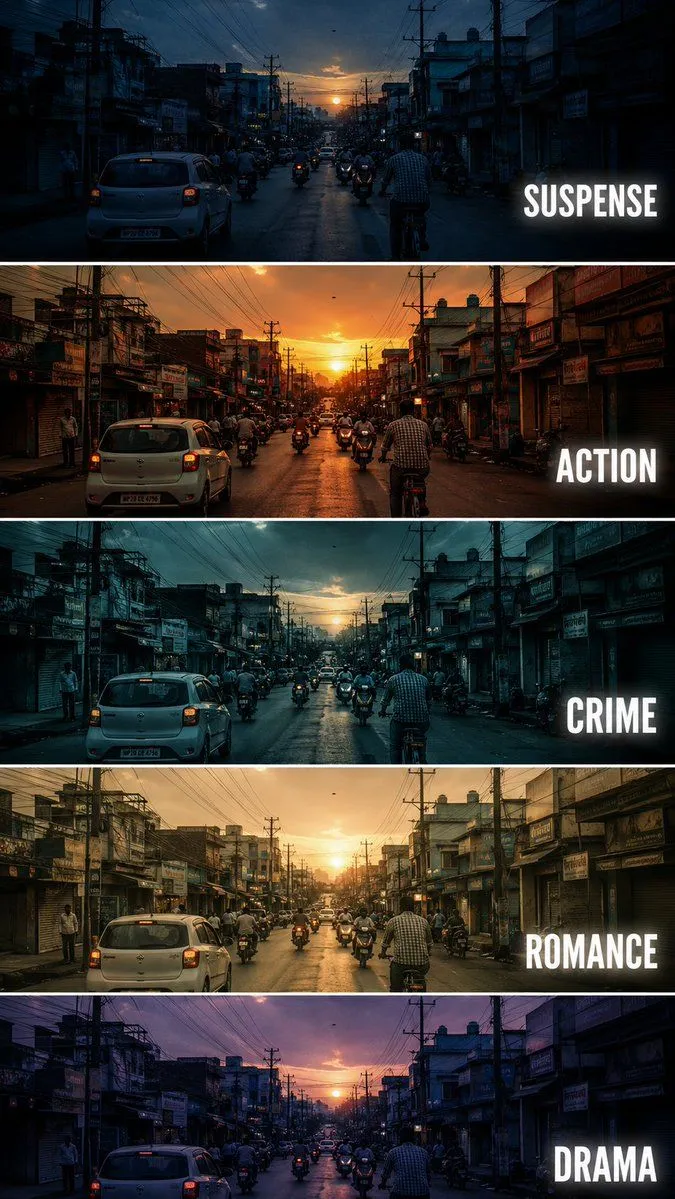
    • Cinematic Film Genre Color Grading Comparison
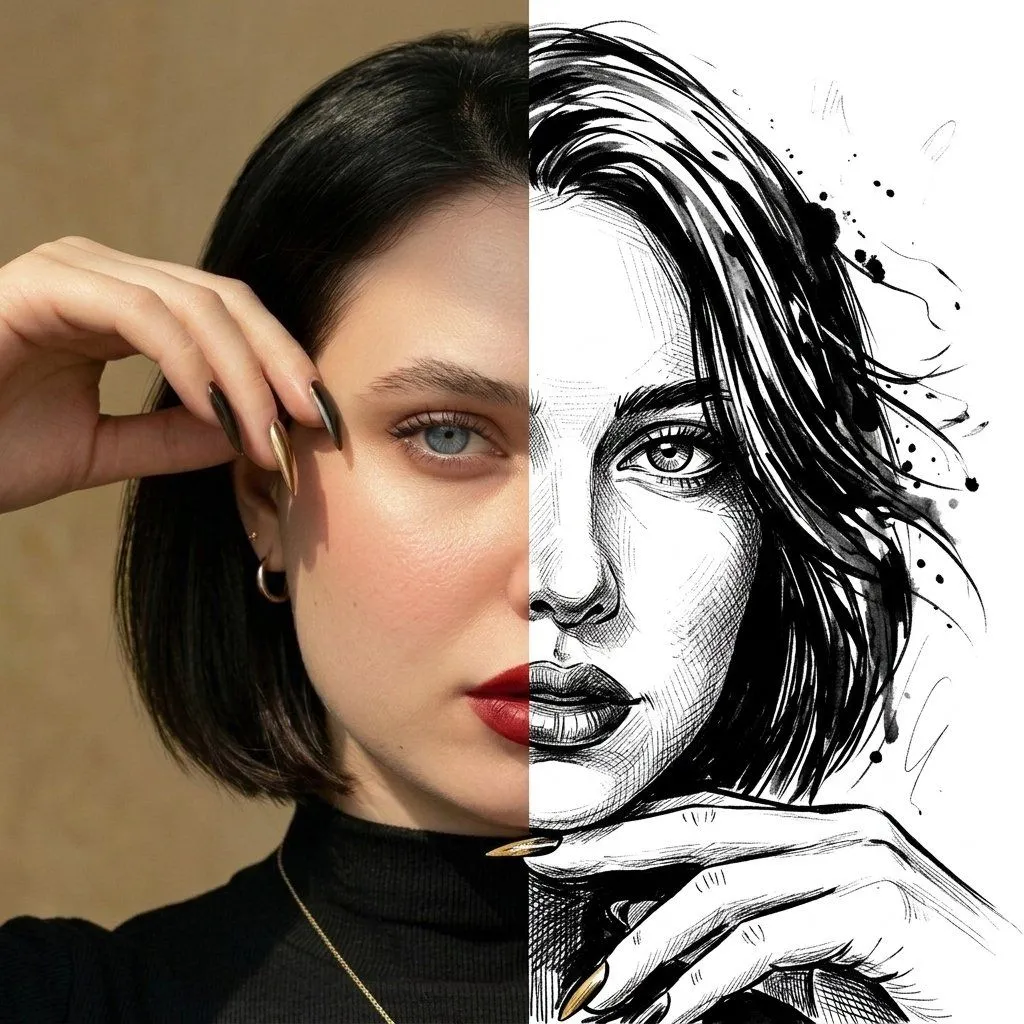
    • Split Face Photo and Ink Illustration
    • Split-Style Portrait: Photo vs. Digital Illustration

    Show more

    Run it on your phone

    1. Prompt copiedRead it

      Create one vertically stacked before-and-after comparison using the supplied image as the only source. LAYOUT:Exactly two equal-height panels: original image on top, transformed image on bottom. Both panels have the source image's aspect ratio and identical width. The complete canvas is twice the source image's height. Join the panels directly at a clean horizontal seam. No thick divider, extra panel, decorative frame, labels, or added text. TOP PANEL — ORIGINAL:Place the supplied image unchanged in the upper half. Preserve its full composition, original colors, lighting, details, existing text, and crop. Do not redraw, retouch, stylize, or apply texture to this panel. BOTTOM PANEL — OUTSIDER ART:Redraw the same scene as a flat, densely textured naïve folk-art print. Preserve the main subject, recognizable silhouettes, relative positions, important objects, and overall composition. Do not invent additional subjects or props. Flatten the ground into map-like color zones, with people, trees, buildings, and objects shown in simple frontal or side elevation. Remove converging perspective, photographic depth, directional lighting, and cast shadows.Use warm paper white, warm ink black, and two to four subdued colors derived from the source. Choose one existing object or connected detail as the only saturated accent. Give each large zone one consistent handmade texture: stitch marks, irregular window grids, or dense foliage marks. Keep the texture dense, rhythmic, and slightly imperfect. Where people appear, use small, solid, faceless figures with filled clothing and limbs of visible width. Render every surface as opaque printed ink on matte paper, with no photographic remnants.Keep all illustration, paper texture, and color changes strictly inside the lower panel. No gradients, glossy vector finish, watercolor, stick figures, cute cartoon proportions, invented lettering, or watermark.

    2. Open your app

      This prompt is long, so it is copied instead of sent in the link. Paste it in the app.

    3. Paste and run

      Press and hold the message box, then tap Paste. Add your photo first if the prompt uses one. You may need to sign in.

    GPT Image 2 Prompt: Naïve Folk Art Transformation