Tell us anything

An idea, a bug, something you love. We read every note.

⌘↵ to send. The page you're on comes along.

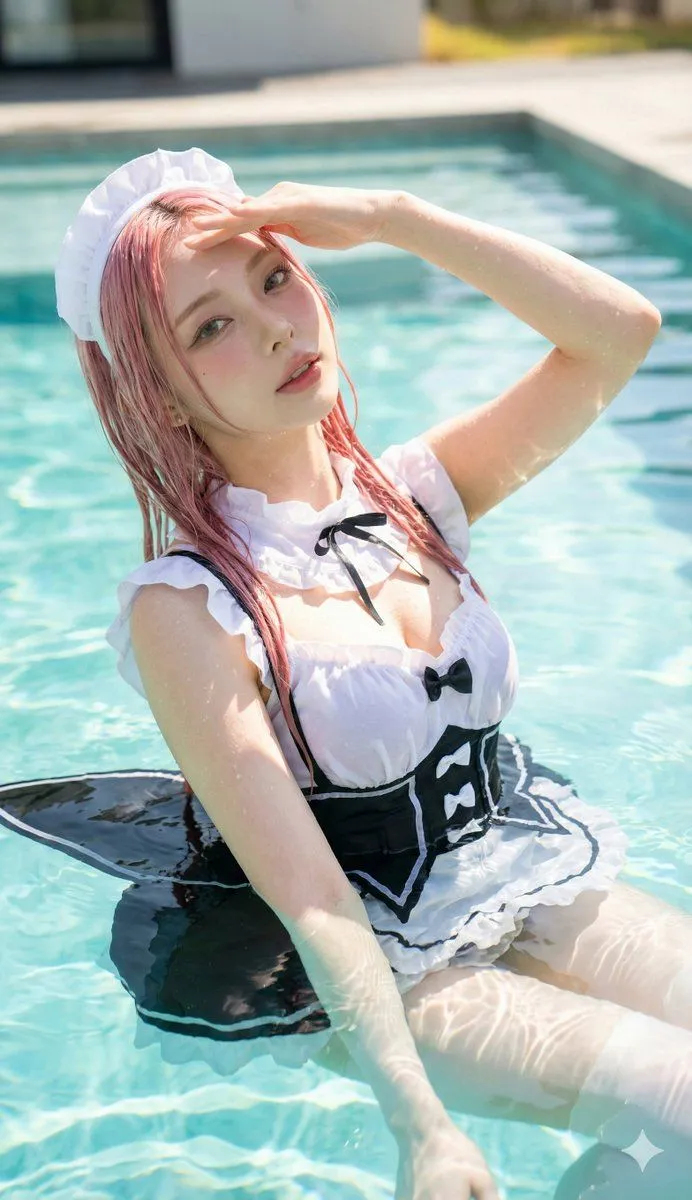
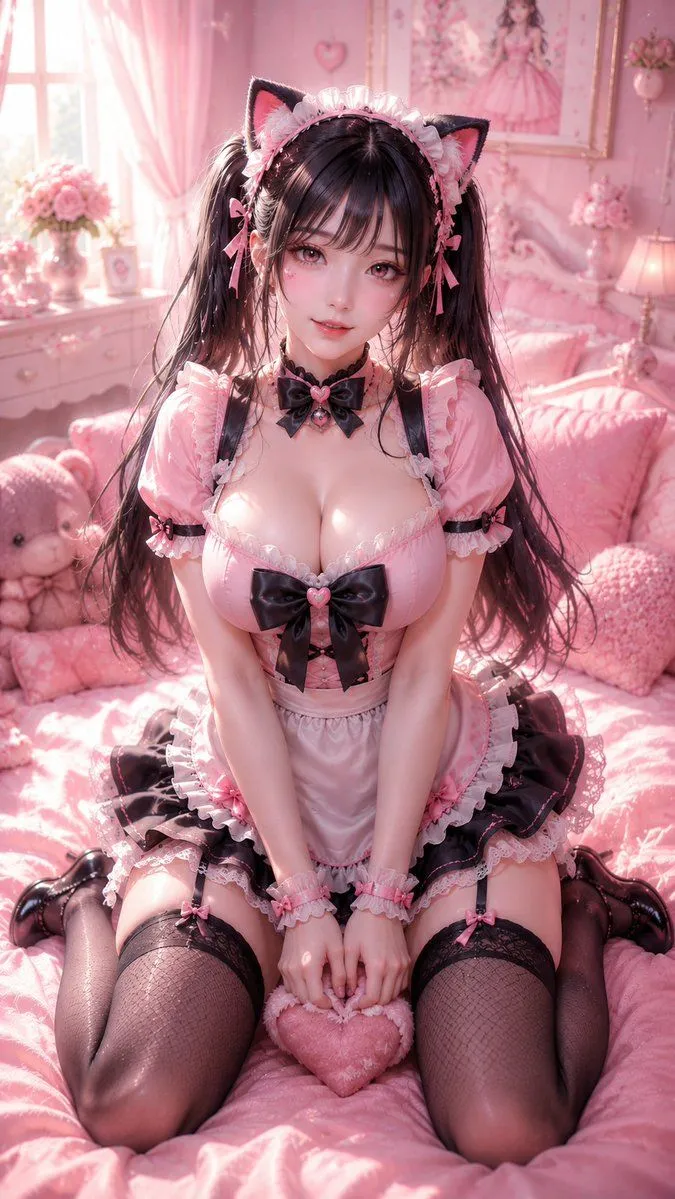
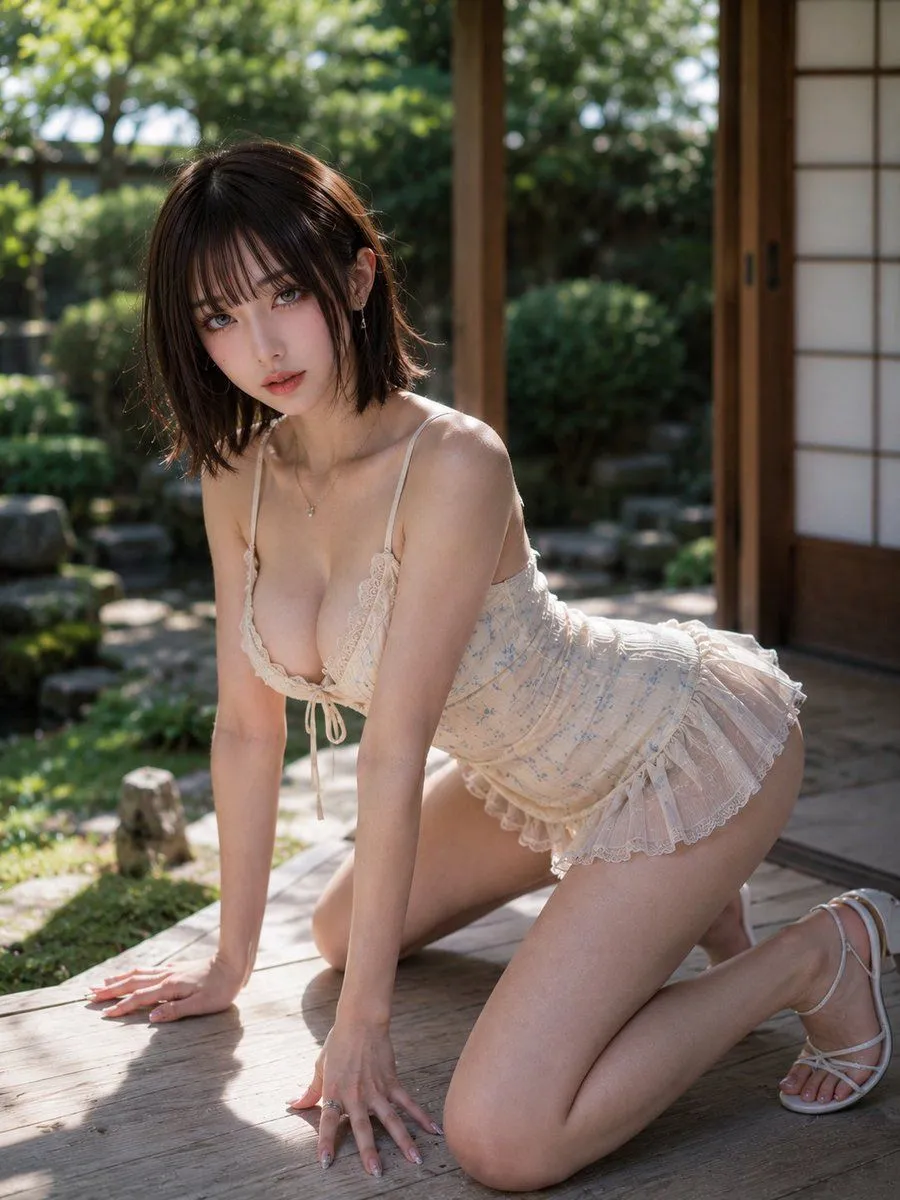
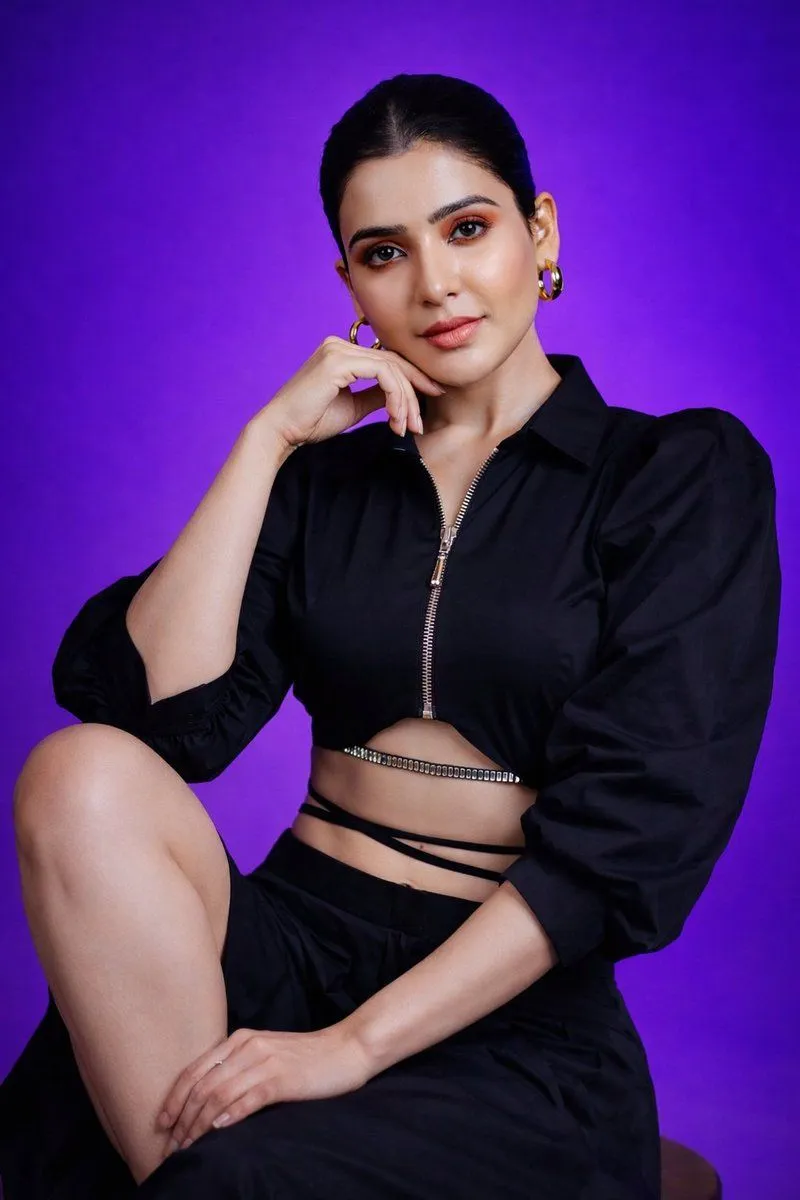
GPT Image 2 Denoise Purification Instruction

Made with GPT Image 2 in ChatGPT by Library Avatars. Promptclay never generates images.

Did it work?

No reports yet. Tell others if it worked for you.

No comments yet. Be the first.

    GPT Image 2 Denoise Purification Instruction

    GPT Image 29:16AI-generated

    Prompt

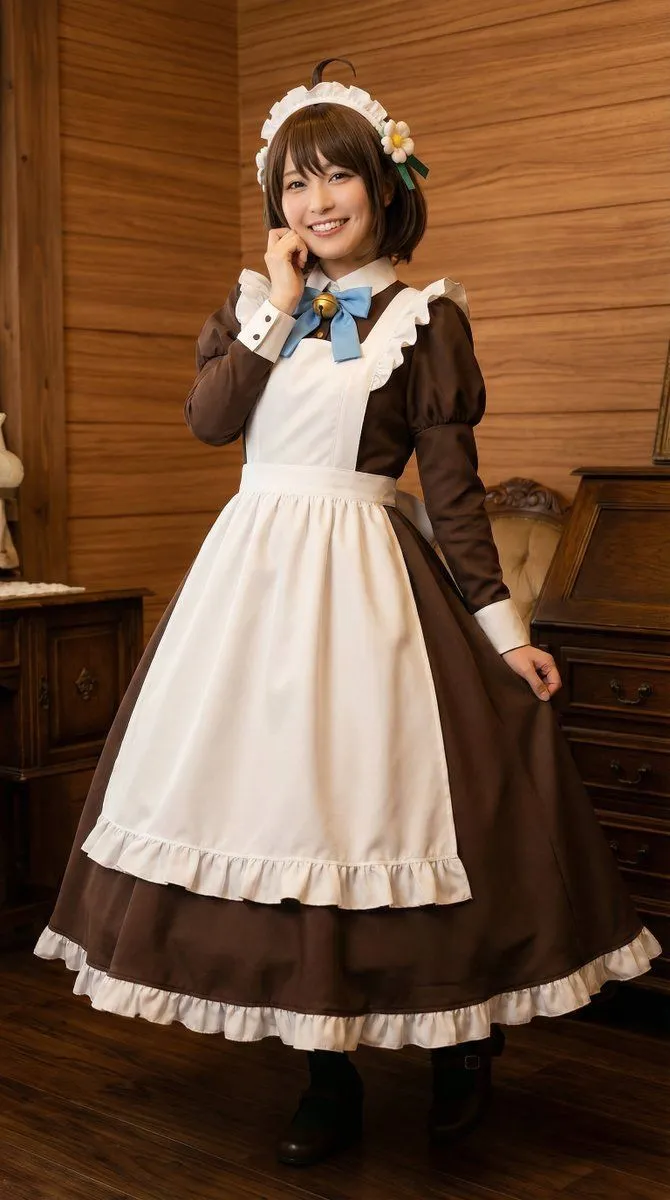
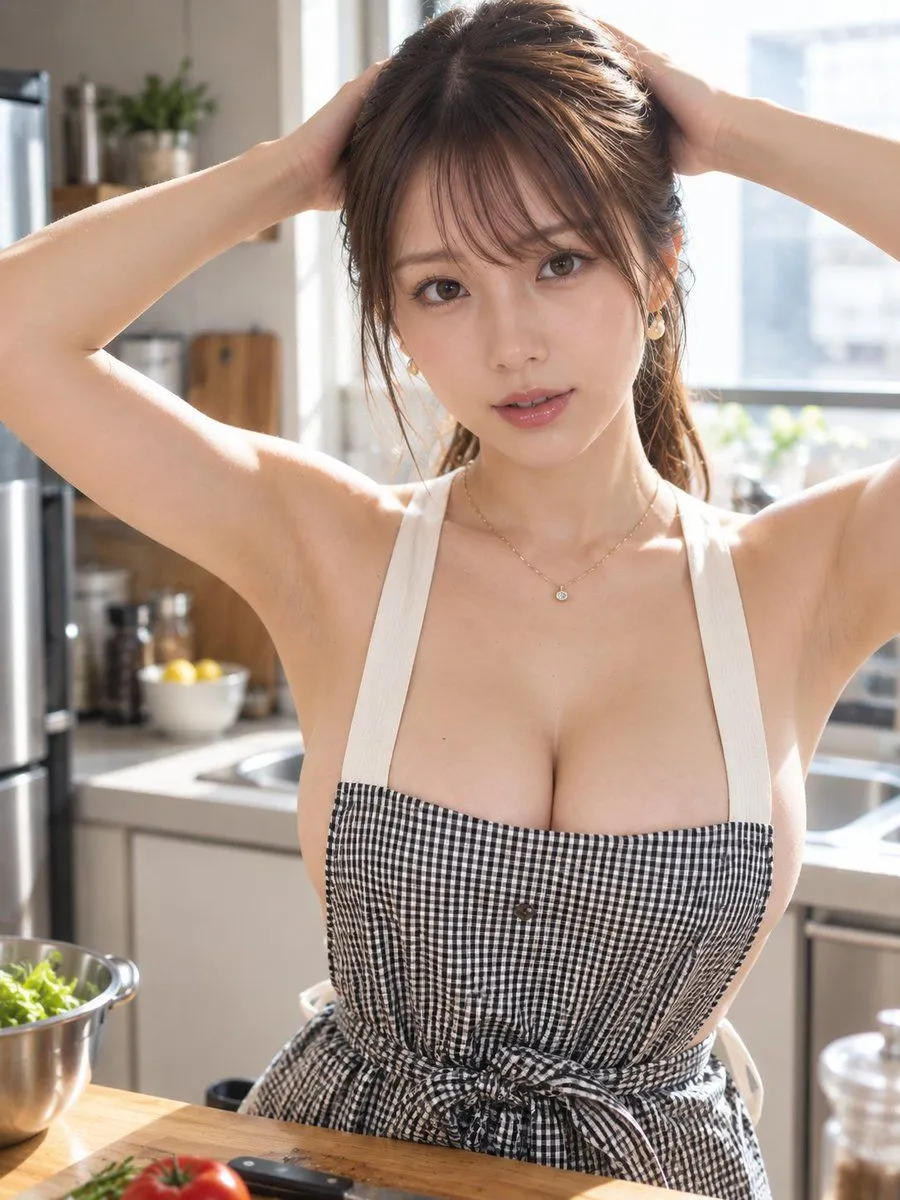
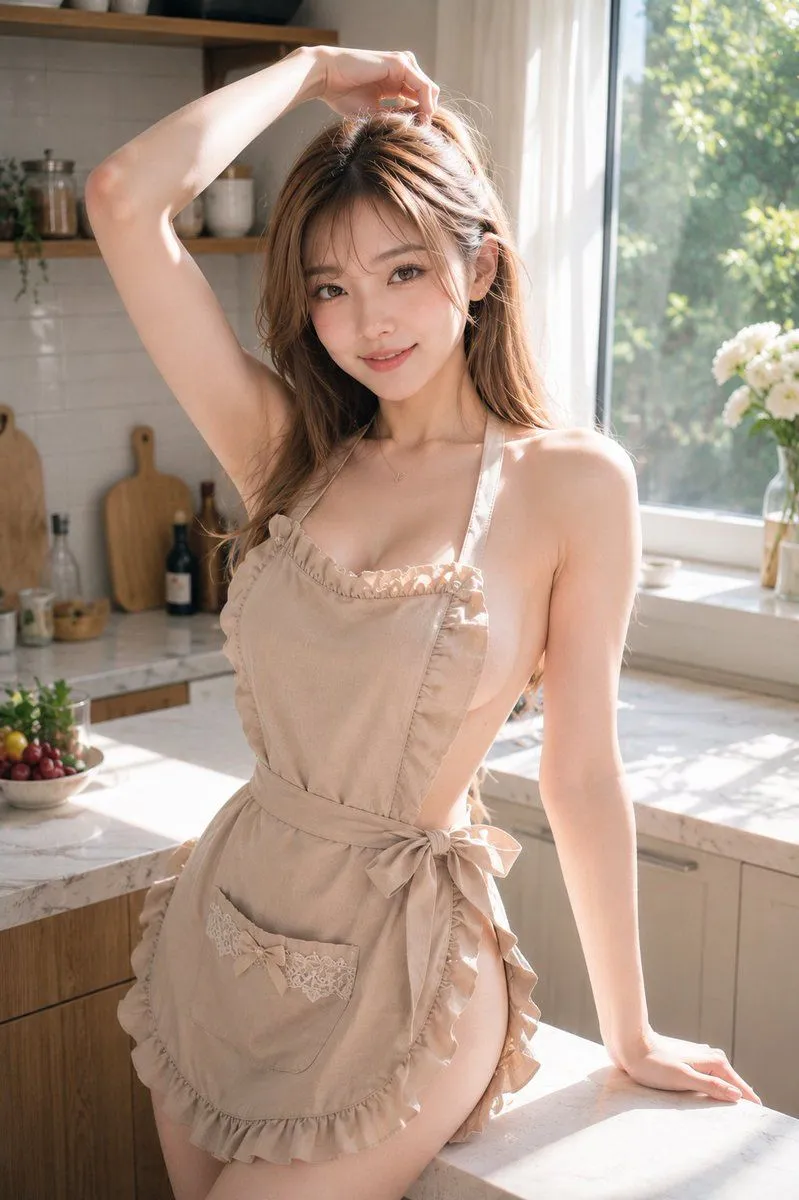
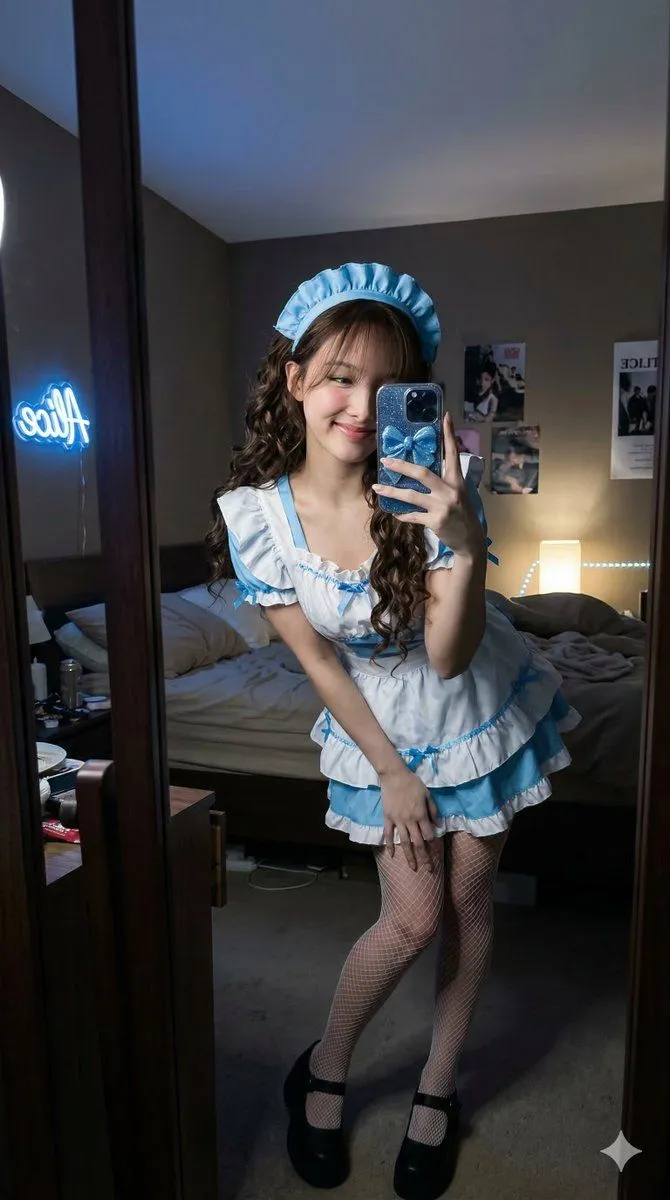
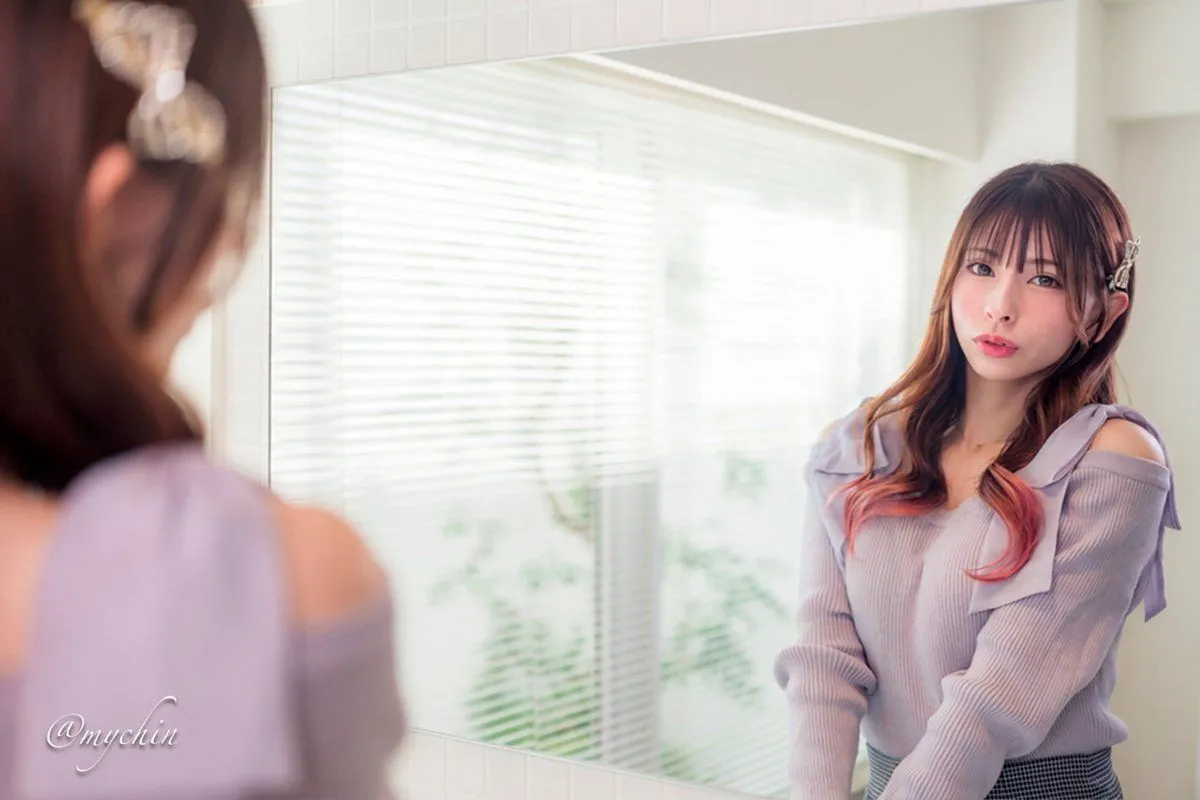
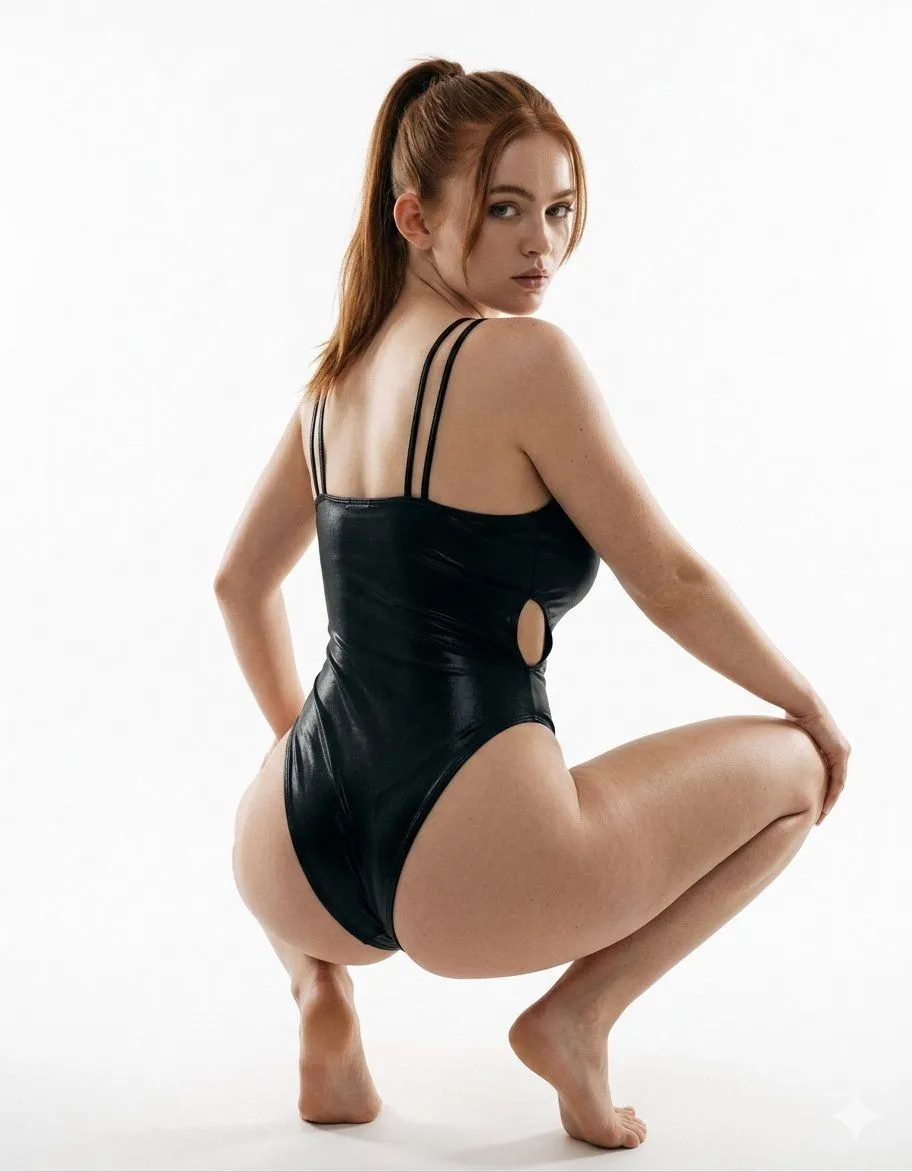
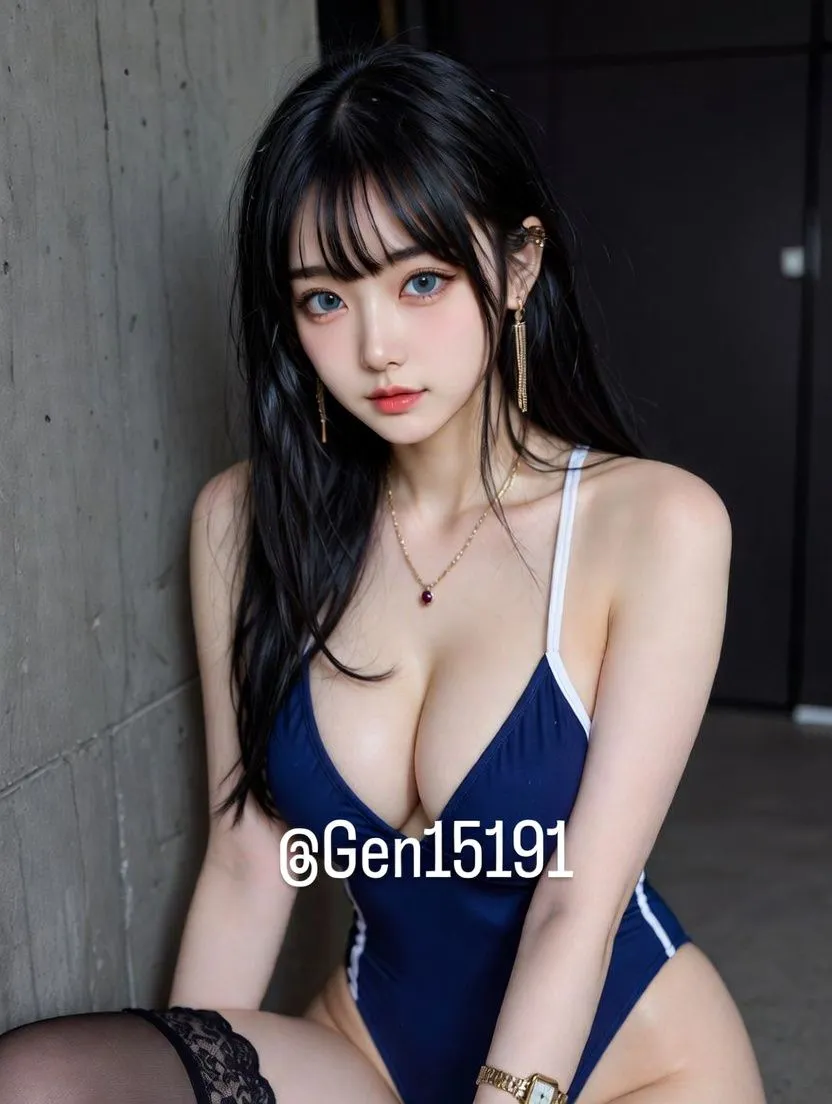
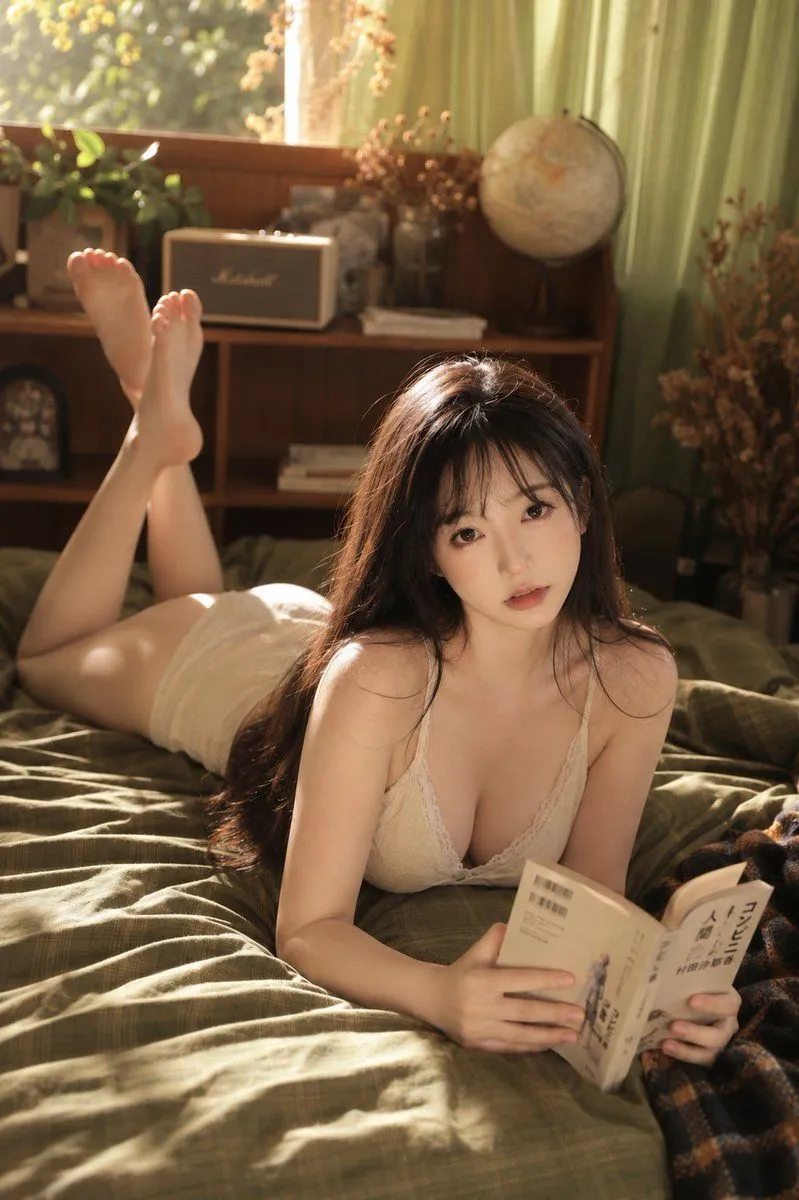
    The image must be extremely clean. Do not include any photographic grain, digital noise, or blurry artifacts. Keep the skin and background perfectly smooth and pure.

    Works in
    ChatGPT, Gemini
    Status
    Free to copy
    0
    DetailsVersions, settings and questions

    Written for

    What's in the prompt

    Subject
    Model
    GPT Image 2

    If your face changes

    keep my face exactly the same

    Questions

    Does this work in the ChatGPT app?
    Yes. Paste the prompt and attach your photo if it uses one.
    It changed my face. What do I do?
    Add "keep my face exactly the same" to the end and run it again.
    Can I use the images I make?
    Check the terms of the app you use. Promptclay never generates images and claims nothing you make.
    Similar prompts

    See more
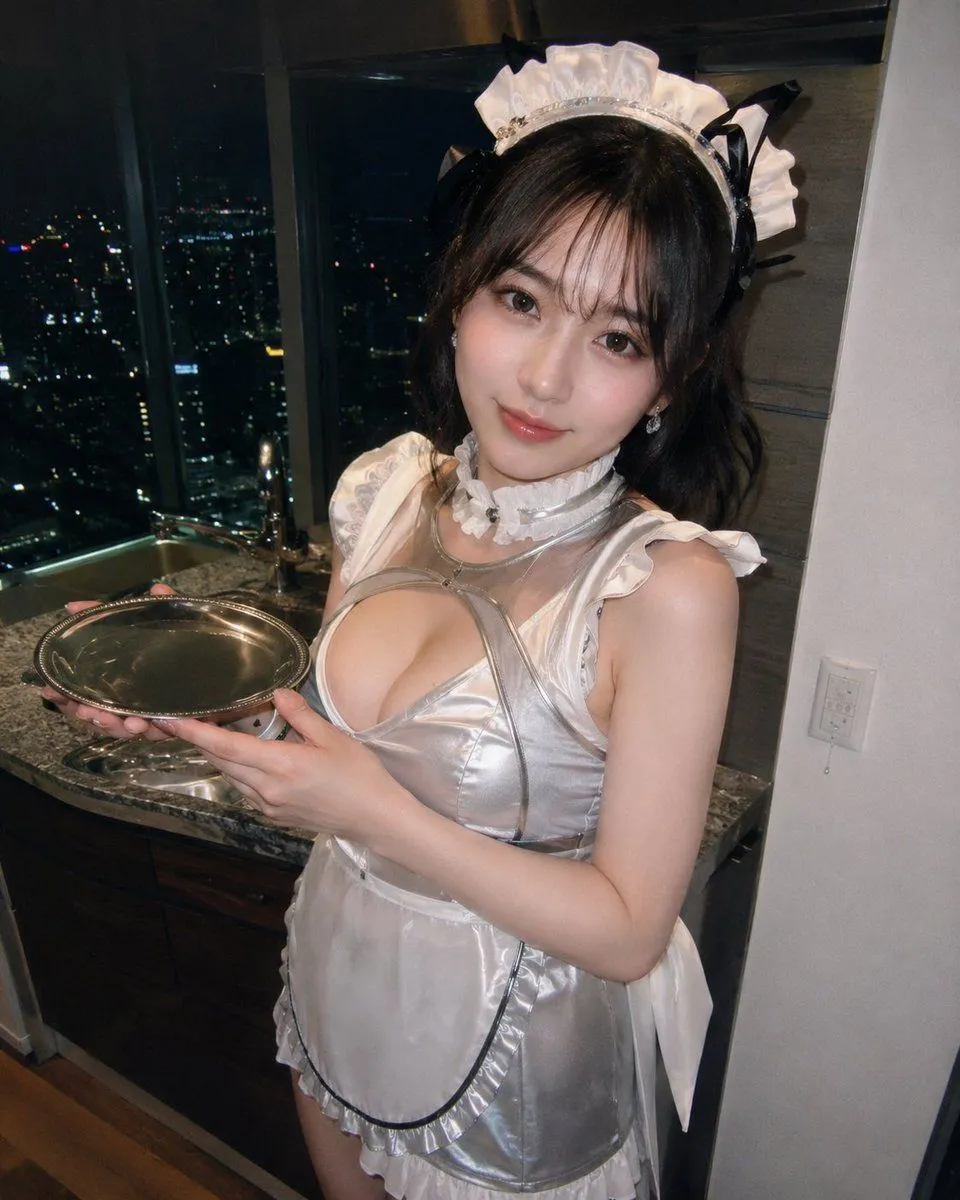
    • Silver Maid Cosplay in High-Rise Kitchen
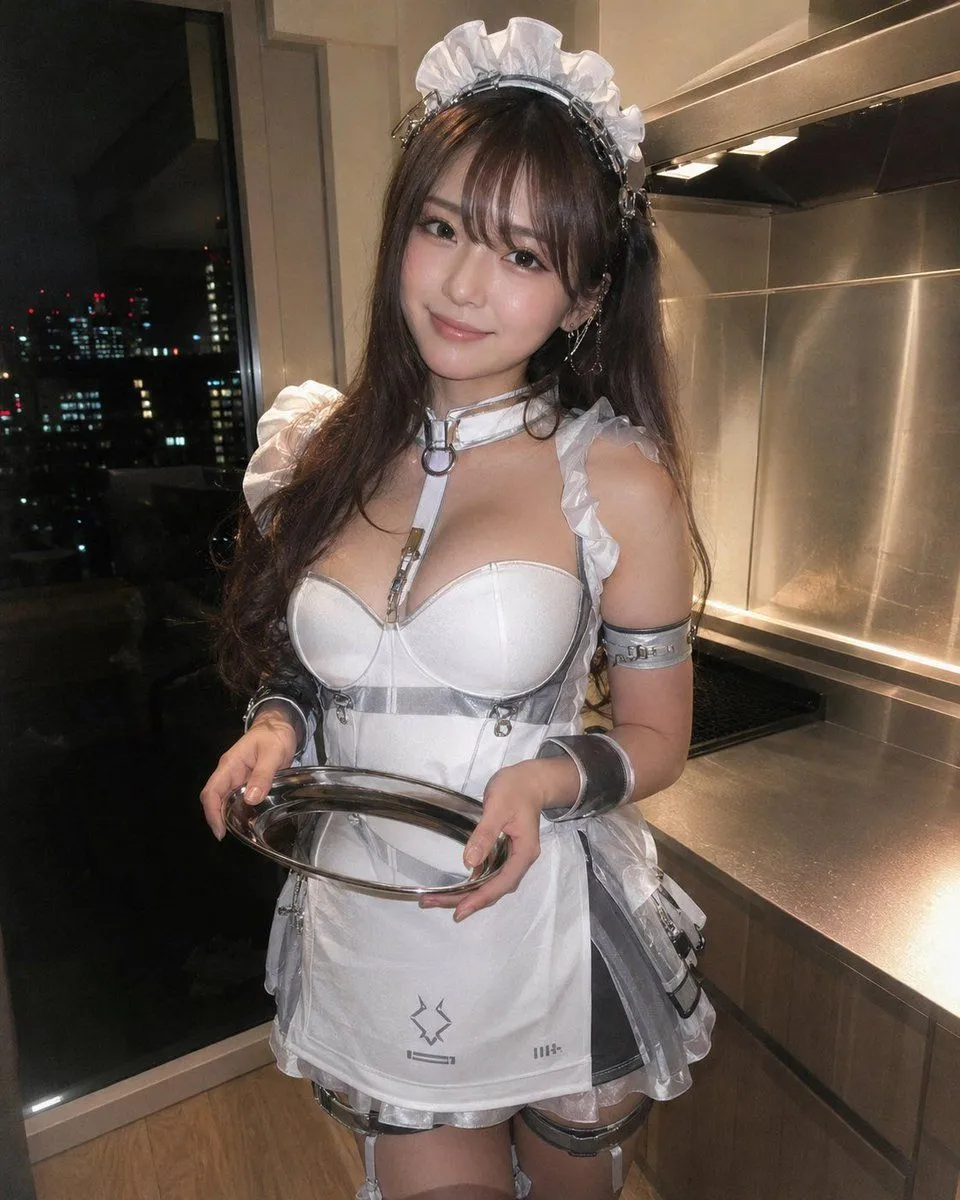
    • Cyber Maid Cosplay Flash Portrait
    • Cosplayer-Style Japanese Woman Image Generation Prompt
    • Morning Kitchen Hair Tying Prompt
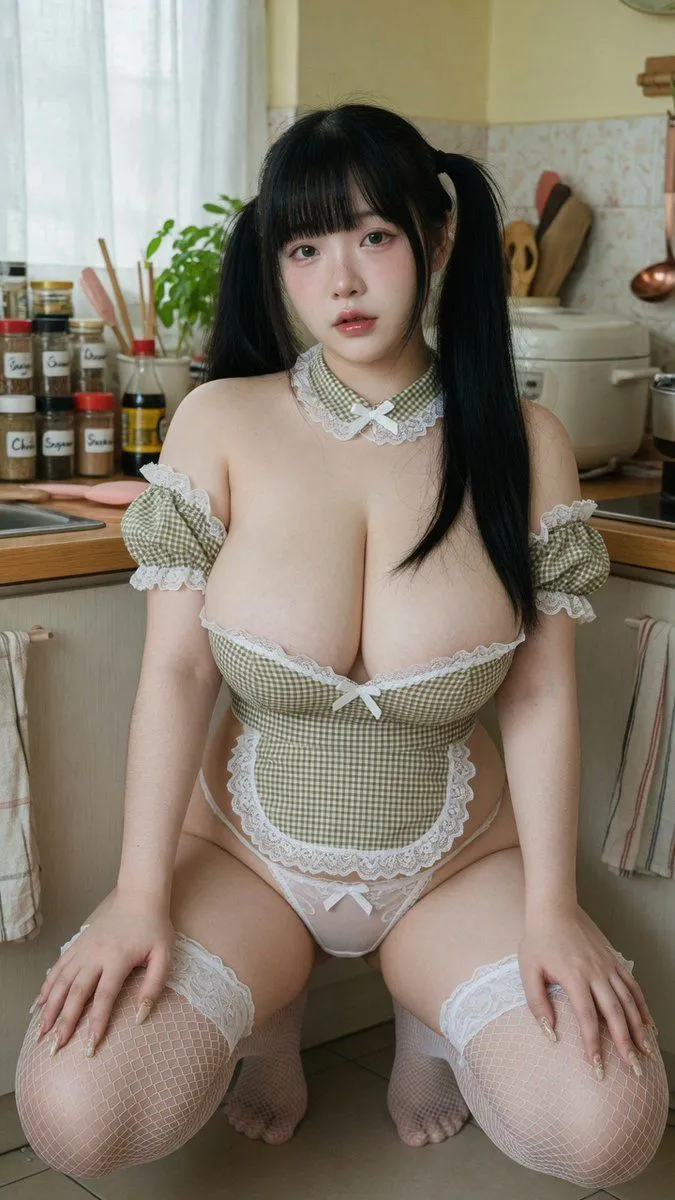
    • Morning Kitchen Apron Portrait
    • Tzuyu Maid Cosplay Mirror Selfie
    • 8K Photorealistic Cosplay in Pool with Wet Effects
    • 3D CG Pink Maid Illustration
    • Japanese Garden Engawa Portrait
    • Modern Fashion Editorial Portrait (JSON)
    • Image Editing Prompt for Mirror Seam Removal
    • Redhead Studio Swimsuit Portrait
    • T-Shirt Text Customization Prompt
    • Mature Woman Reading on Bed Portrait
    • AI Chat Screenshot With Censored Women
    • Cinematic Dark Movie Poster
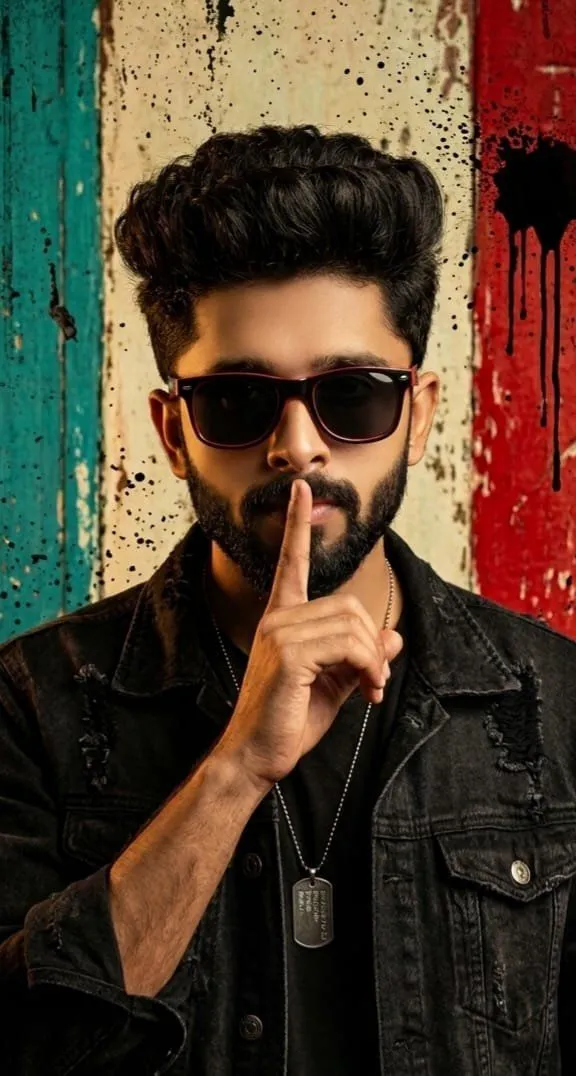
    • Cinematic Fashion Portrait with Shh Gesture
    • Convenience Store Fight Scene
    • Japanese Creator Branding Poster
    • Live-Streaming App Interface Mockup
    • Melancholic Storm Editorial Fashion
    • Pop Idol Typography Cover Art
    • Skyscraper Climbing Action Shot
    • Victorian Railroad Ceremony Scene

    Show more

    Run it on your phone

    1. Prompt copiedRead it

      The image must be extremely clean. Do not include any photographic grain, digital noise, or blurry artifacts. Keep the skin and background perfectly smooth and pure.

    2. Open your app

    3. Paste and run

      Press and hold the message box, then tap Paste. Add your photo first if the prompt uses one. You may need to sign in.

    GPT Image 2 Denoise Purification Instruction