Tell us anything

An idea, a bug, something you love. We read every note.

⌘↵ to send. The page you're on comes along.

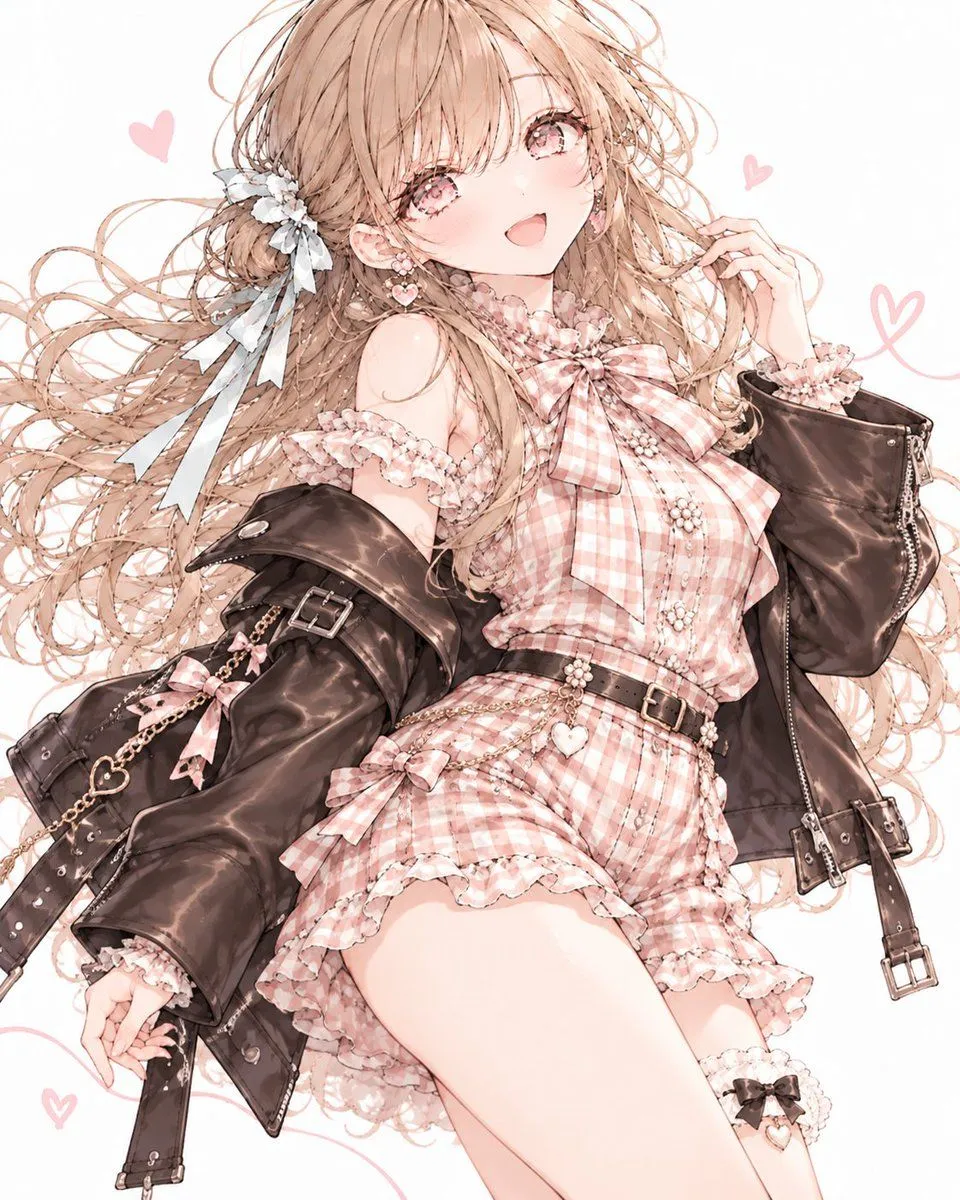
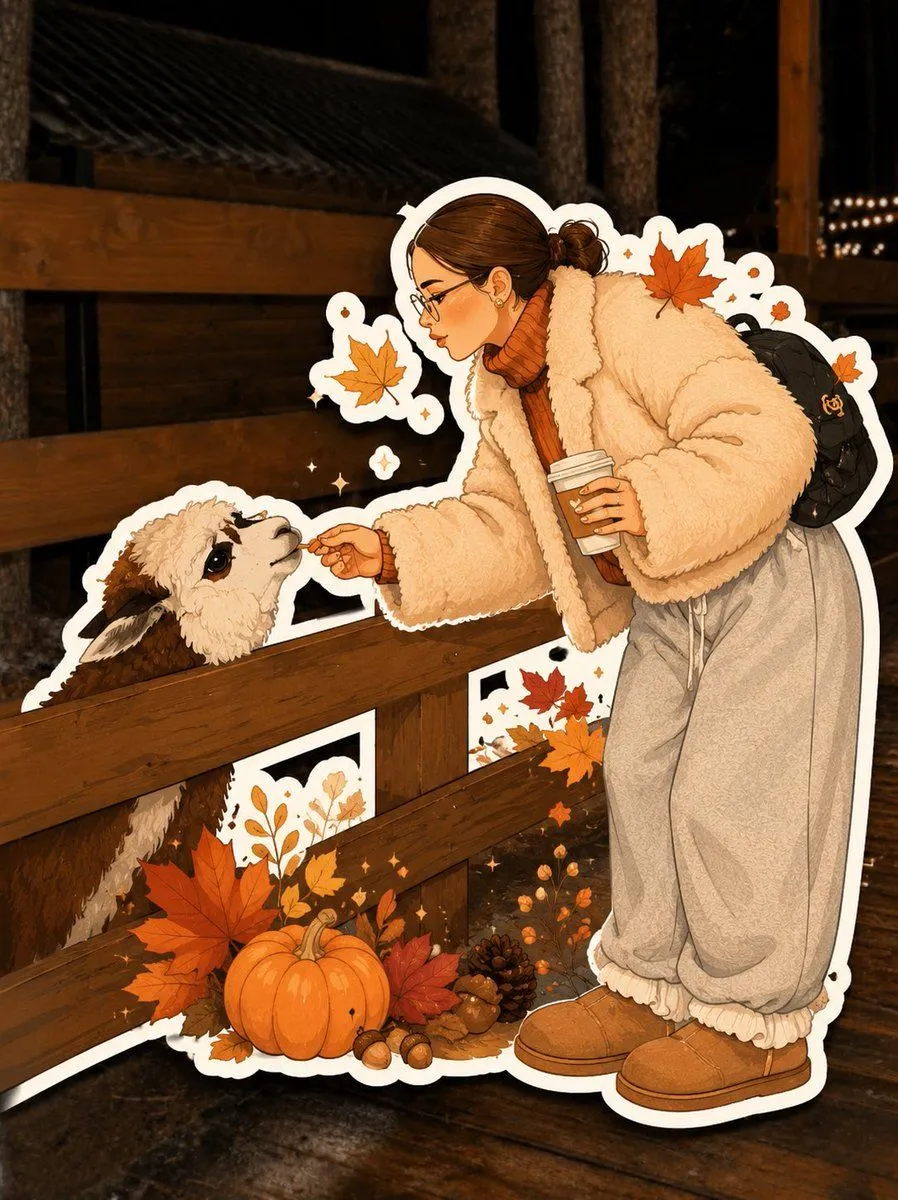
GPT Image 2 Autumn Sticker Art

Made with GPT Image 2 in ChatGPT by Library Avatars. Promptclay never generates images.

Did it work?

No reports yet. Tell others if it worked for you.

No comments yet. Be the first.

    GPT Image 2 Autumn Sticker Art

    GPT Image 23:4Needs your photoAI-generated

    Prompt

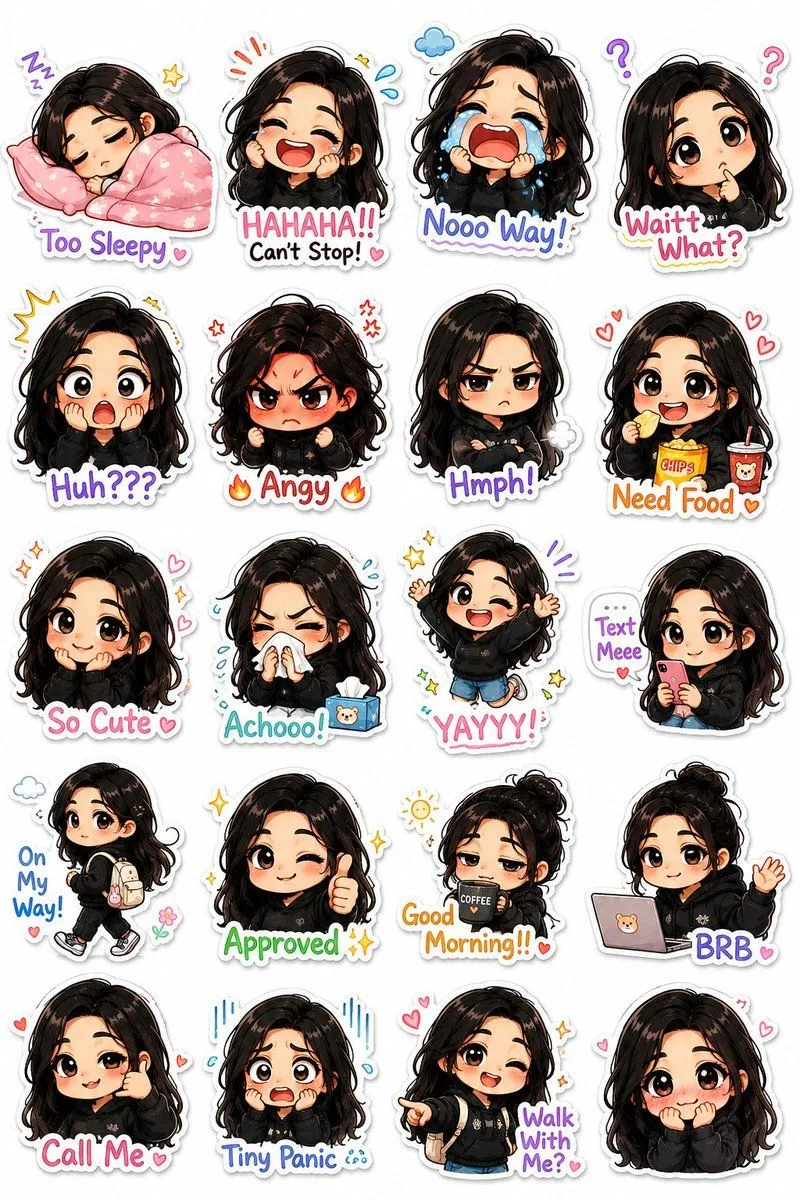
    Transform the uploaded photo into a charming, hand-drawn AUTUMN ILLUSTRATED STICKER. Preserve the original subject: Accurately recreate the person, pet, or group, maintaining recognizable facial features, hairstyle, clothing, colors, pose, expression, and distinctive details. Illustration style: Completely redraw the subject as polished digital character art with soft hand-painted shading, clean organic outlines, expressive features, subtle textures, and warm autumn colors. Avoid photorealism and 3D rendering. Sticker effect: Add a thick, smooth white die-cut border around the entire illustrated subject, with a subtle shadow for a realistic sticker effect. Autumn aesthetic: Incorporate tasteful seasonal details such as orange leaves, tiny pumpkins, cozy clothing, berries, acorns, or warm sparkles. Use burnt orange, terracotta, caramel, cream, and warm brown. Background: Keep the original photographic background visible behind the sticker, gently softened if necessary. Final result: A cozy, personalized, collectible autumn sticker with a clear contrast between the fully illustrated subject and the real photographic background. Do not simply apply a filter or outline to the original photo.

    Use only photos you have the right to usePhoto tips
    • Your photo stays with your app. You upload it to Gemini, ChatGPT or the app you use. Promptclay never sees or stores it.
    • Crop to what the prompt needs. Your face for a portrait. Leave out other people, house numbers, cards and screens.
    • Check the result before you post. Apps sometimes add things that were not in your photo, like a mole, a tattoo or bare shoulders. Run it again or ask the app to remove them.
    Works in
    ChatGPT, Gemini
    Status
    Free to copy
    0
    DetailsVersions, settings and questions

    Written for

    What's in the prompt

    Subject
    Model
    GPT Image 2

    If your face changes

    keep my face exactly the same

    Questions

    Does this work in the ChatGPT app?
    Yes. Paste the prompt and attach your photo if it uses one.
    It changed my face. What do I do?
    Add "keep my face exactly the same" to the end and run it again.
    Can I use the images I make?
    Check the terms of the app you use. Promptclay never generates images and claims nothing you make.
    Similar prompts

    See more
    • Flat Vector Llama Emoji Prompt
    • Kawaii Chibi Sticker Pack Creator
    • Pachinko Auntie LINE Sticker Sheet
    • 3D Layered Paper-Cut Chibi Art
    • Cute Stylish Calendar Illustration
    • Autumn Check Style Outfit Prompt
    • ChatGPT Image 2 Autumn Outfit Prompt
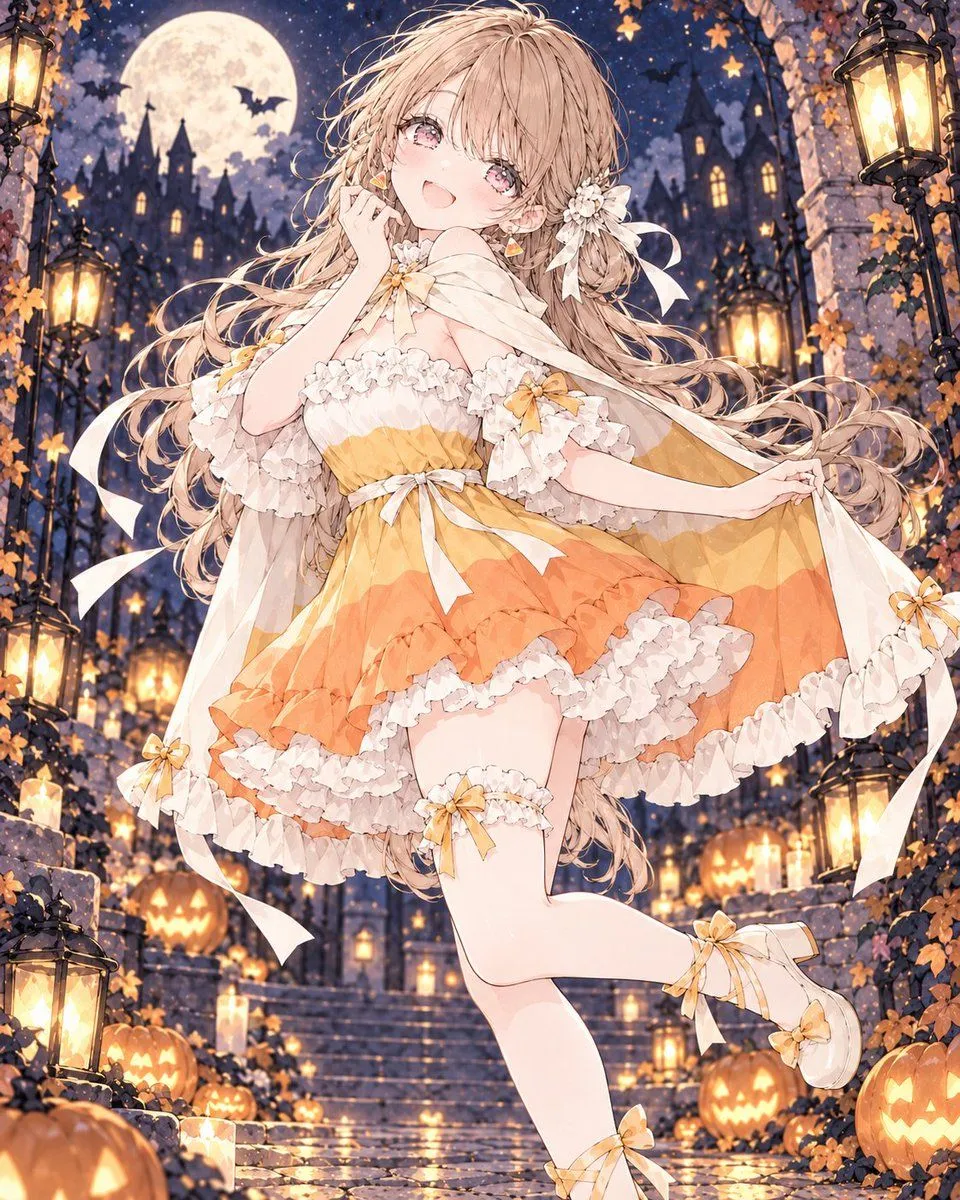
    • Halloween Candy Corn Dress Girl
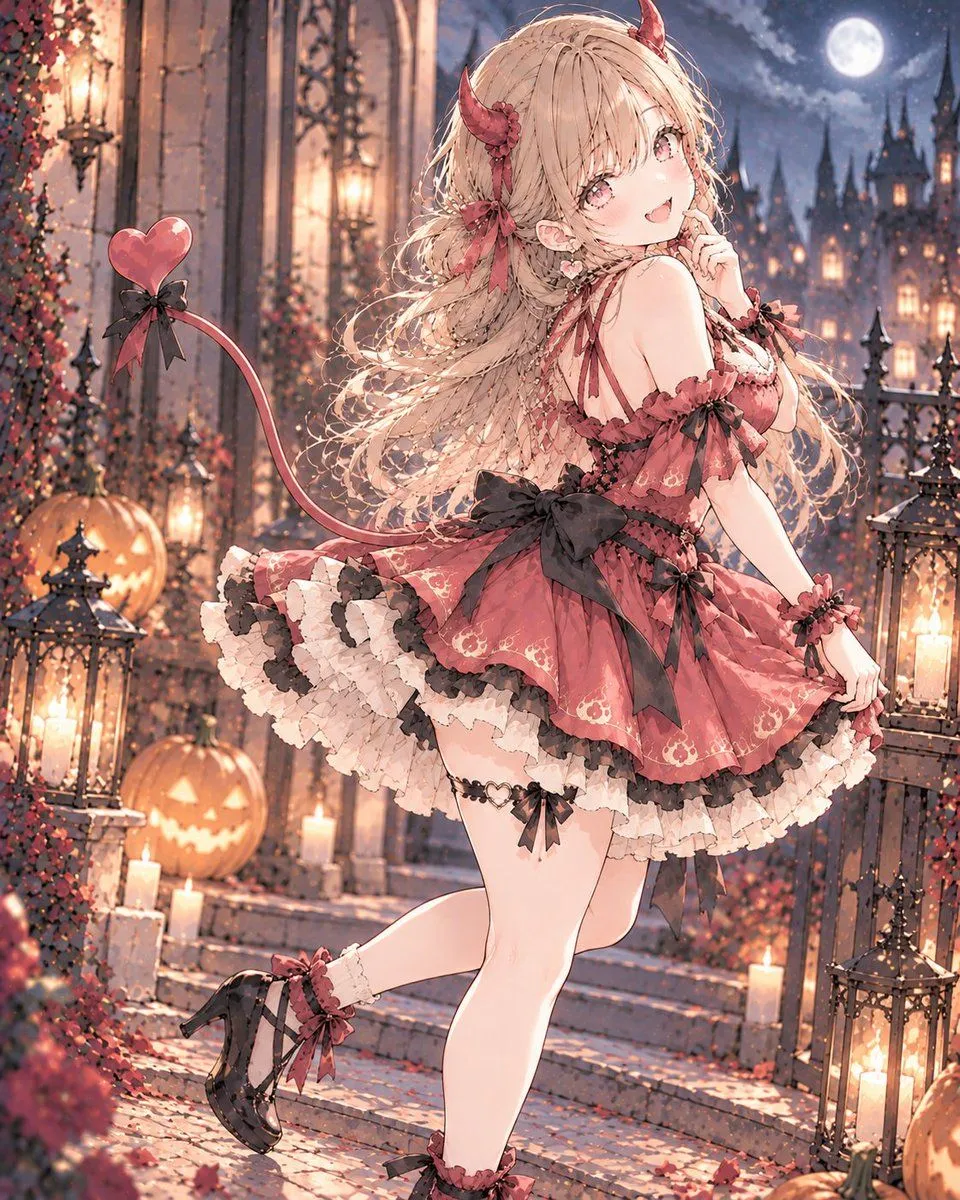
    • Halloween Devil Dress Character
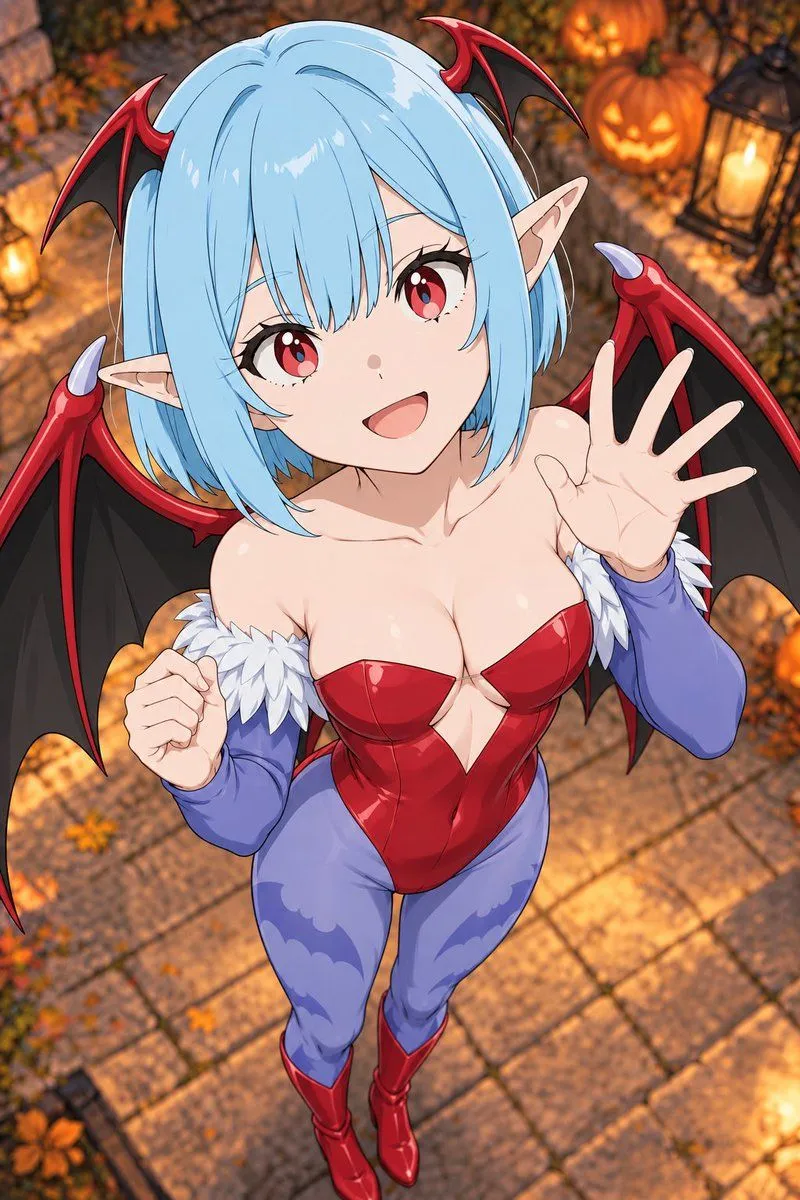
    • Halloween Succubus Costume Transformation
    • Hamster Autumn Leaf Doorway
    • Geometric Editorial Poster Prompt
    • Vintage Whimsical Halloween Illustration
    • Grimm's Fairy Tale Woodcut Poster
    • Character Prompt with Drinking Action for Anifusion/Nano Banana
    • Vintage Fashion Illustration Prompt
    • Larin: Dinner is almost ready
    • Elegant Accessories Maximization Prompt for Nano Banana
    • European Hamster Wildlife Photography
    • Gentle Autumn Mood Mixed-Media Portrait Poster Prompt
    • Whimsical Folk-Art Illustration Scene
    • Culinary Poster with Split Photo/Illustration Design
    • Traditional Japanese Ink Children Illustration
    • Photo to Hand-drawn Illustration Poster Prompt

    Show more

    Run it on your phone

    1. Prompt copiedRead it

      Transform the uploaded photo into a charming, hand-drawn AUTUMN ILLUSTRATED STICKER. Preserve the original subject: Accurately recreate the person, pet, or group, maintaining recognizable facial features, hairstyle, clothing, colors, pose, expression, and distinctive details. Illustration style: Completely redraw the subject as polished digital character art with soft hand-painted shading, clean organic outlines, expressive features, subtle textures, and warm autumn colors. Avoid photorealism and 3D rendering. Sticker effect: Add a thick, smooth white die-cut border around the entire illustrated subject, with a subtle shadow for a realistic sticker effect. Autumn aesthetic: Incorporate tasteful seasonal details such as orange leaves, tiny pumpkins, cozy clothing, berries, acorns, or warm sparkles. Use burnt orange, terracotta, caramel, cream, and warm brown. Background: Keep the original photographic background visible behind the sticker, gently softened if necessary. Final result: A cozy, personalized, collectible autumn sticker with a clear contrast between the fully illustrated subject and the real photographic background. Do not simply apply a filter or outline to the original photo.

    2. Open your app

    3. Paste and run

      Press and hold the message box, then tap Paste. Add your photo first if the prompt uses one. You may need to sign in.

    GPT Image 2 Autumn Sticker Art