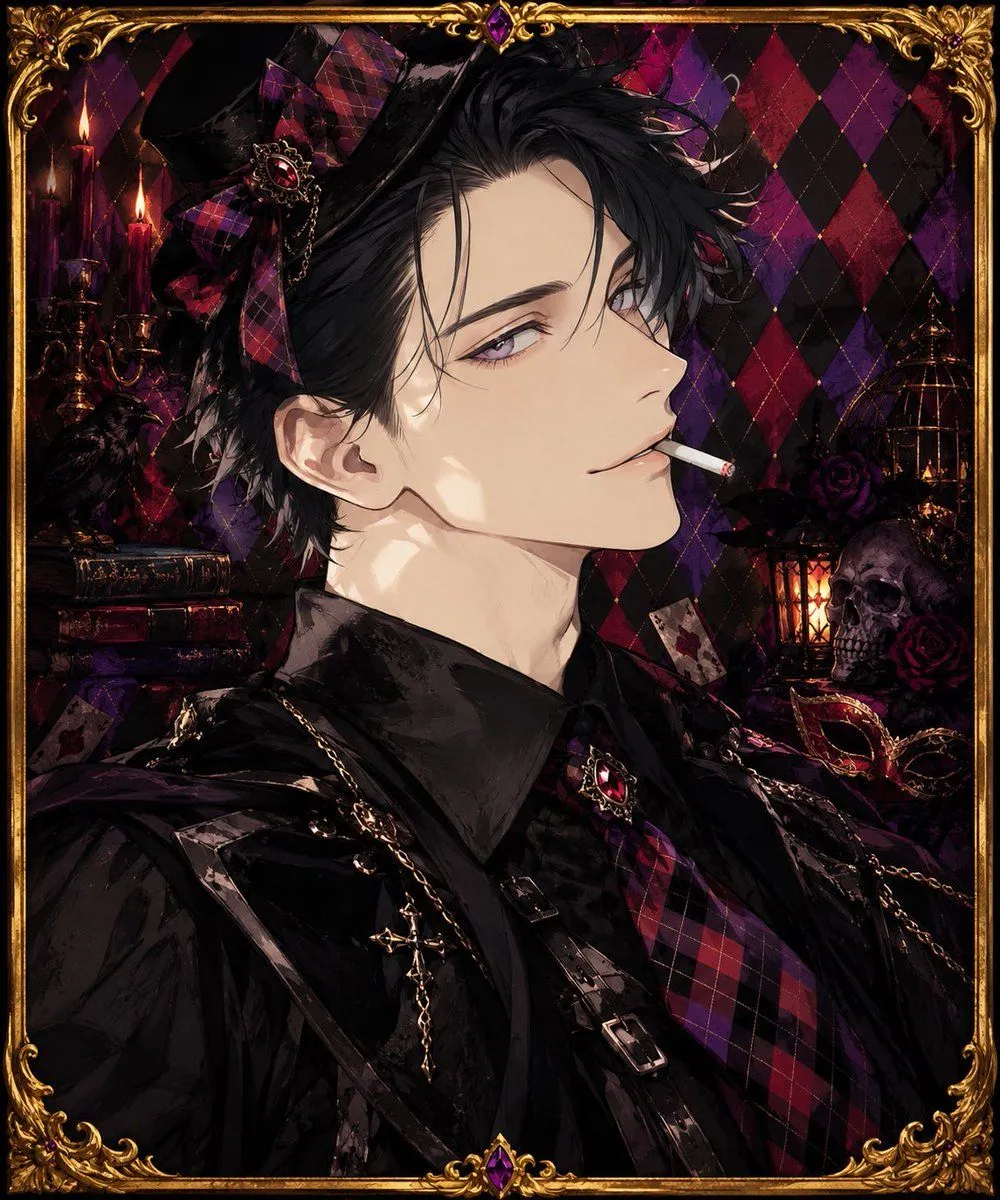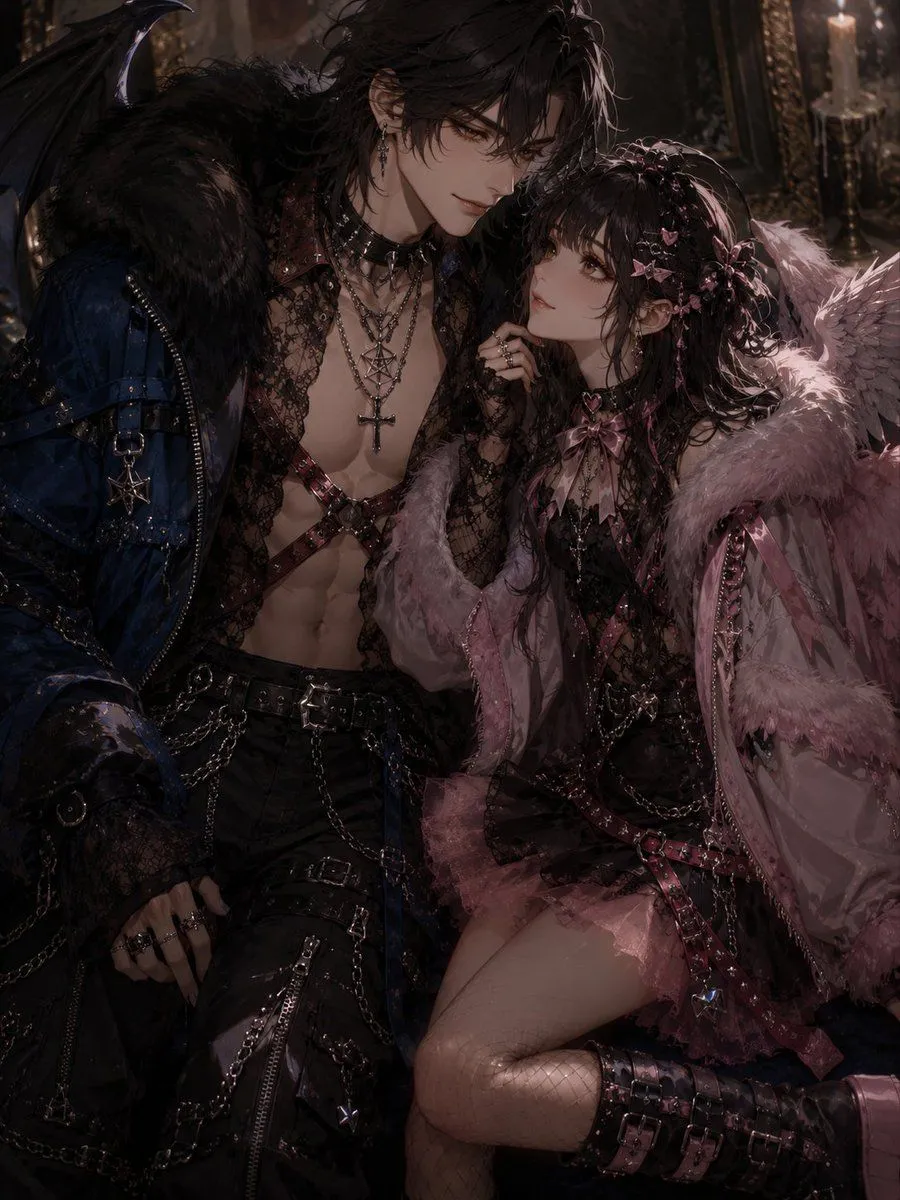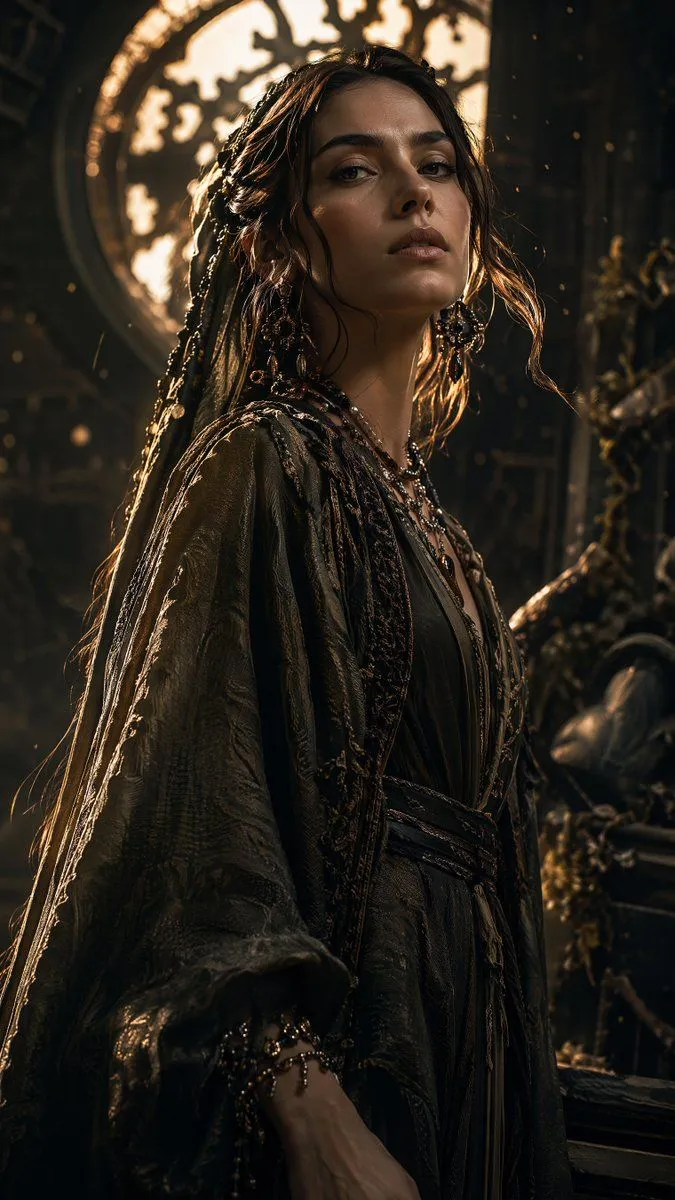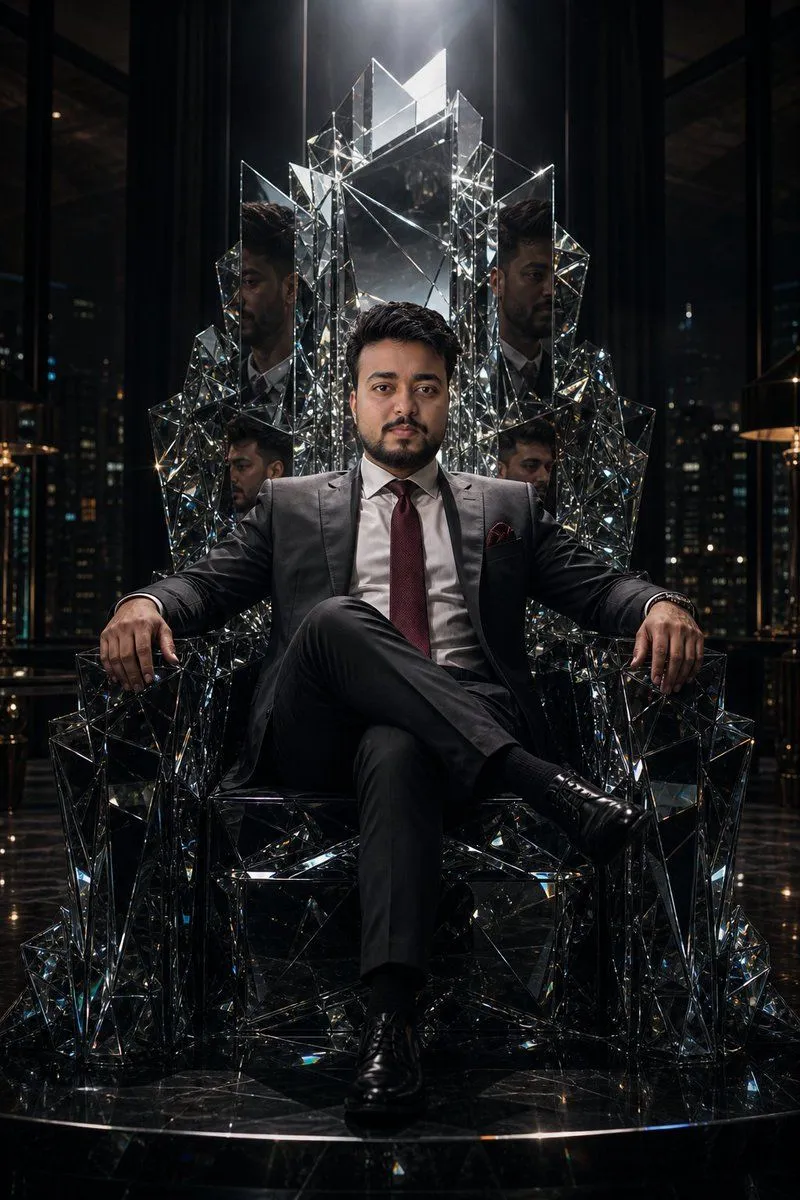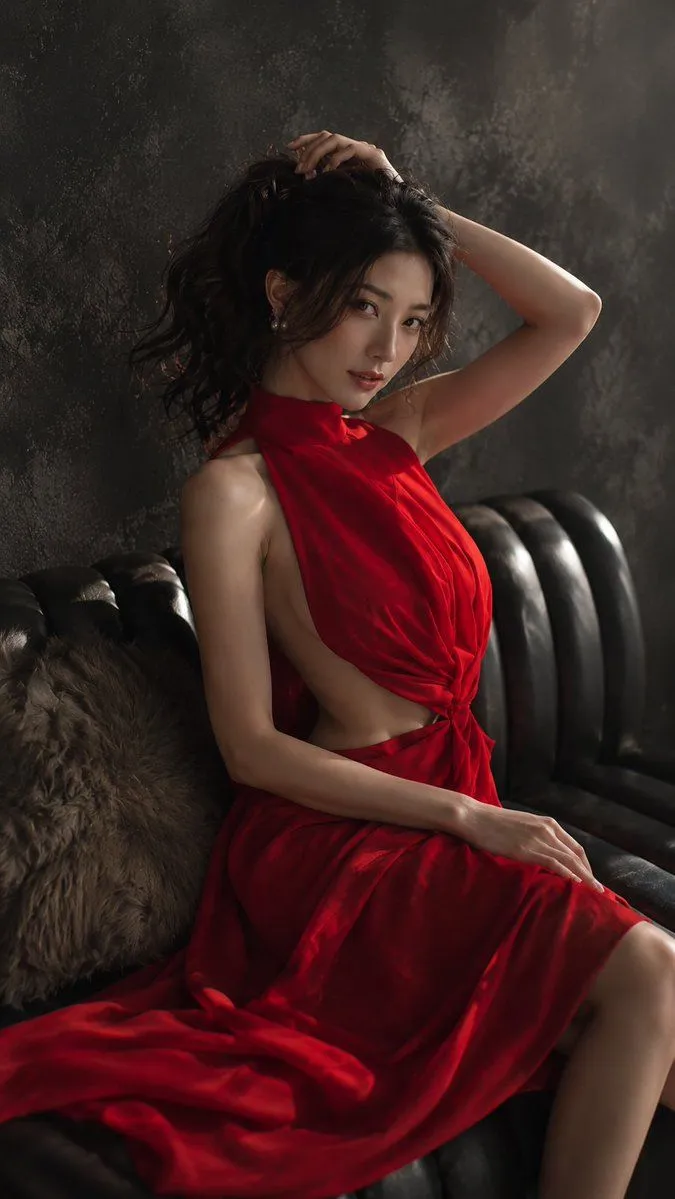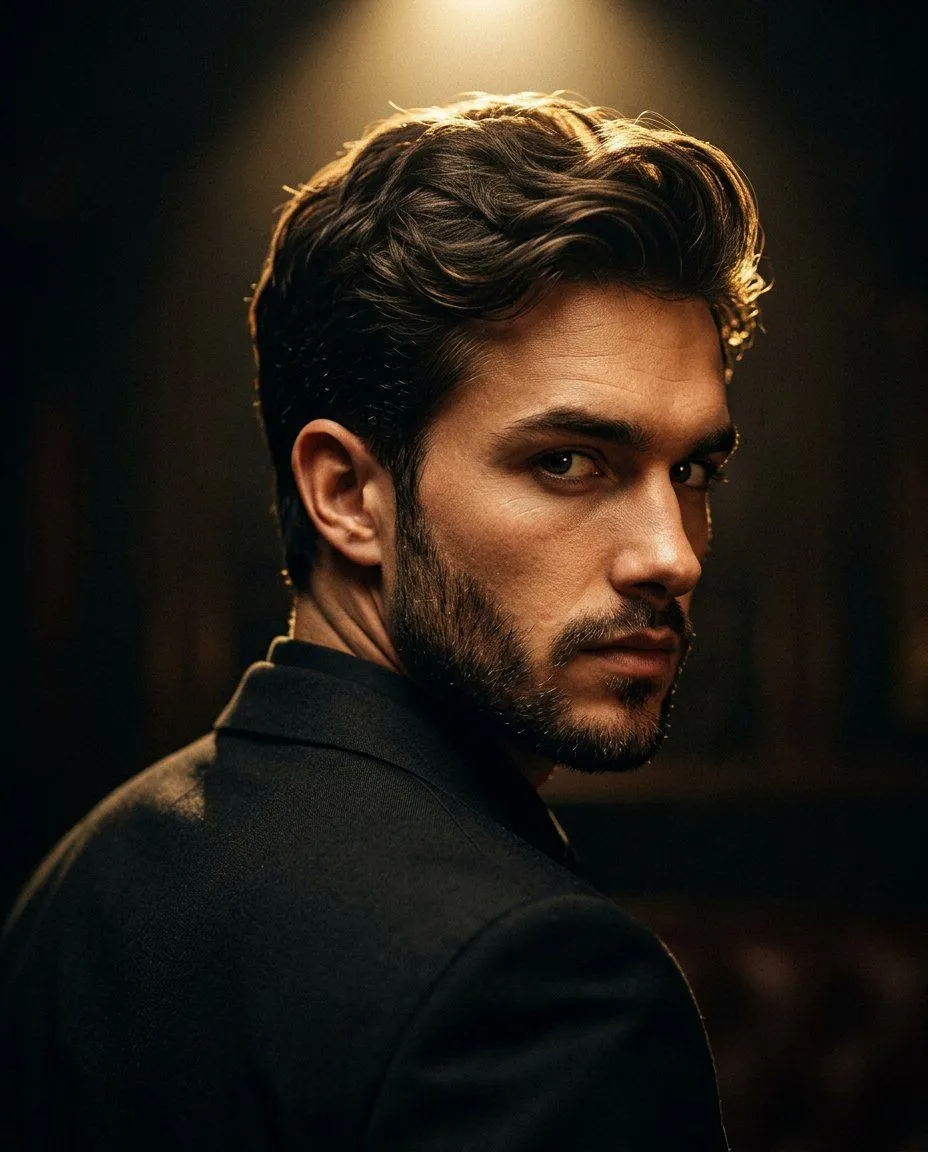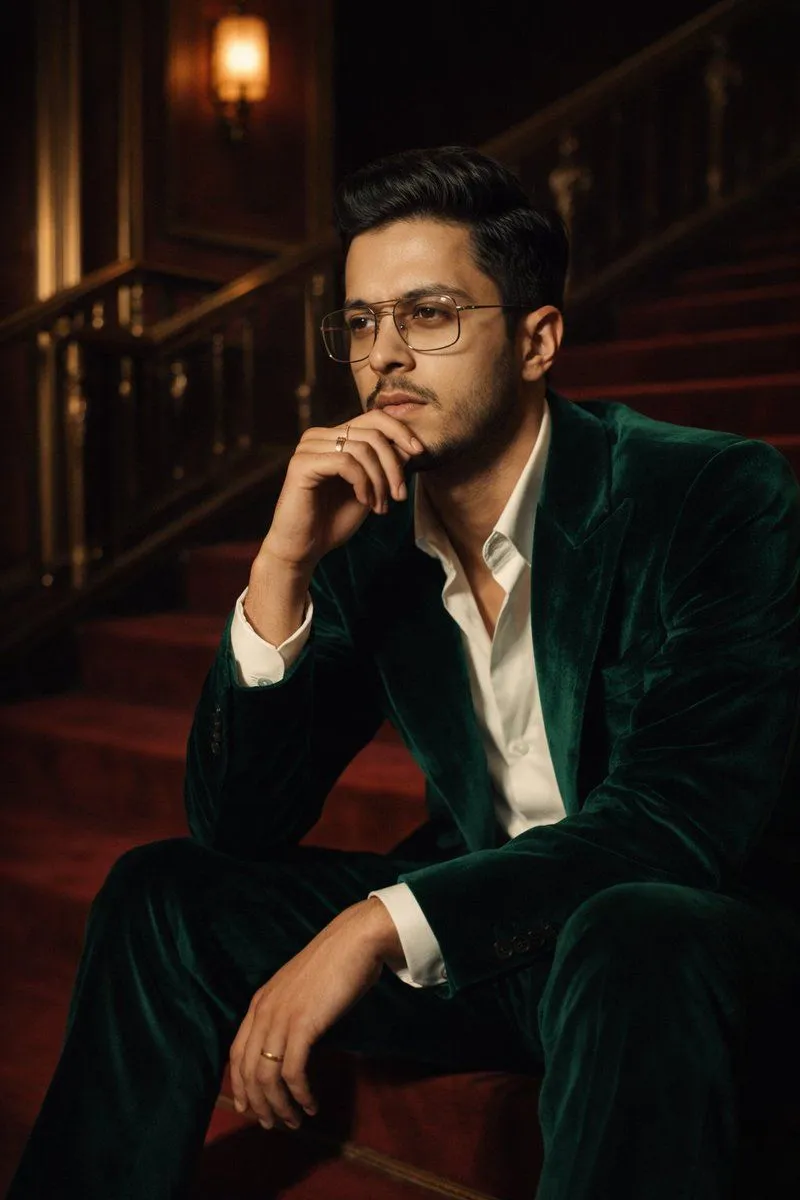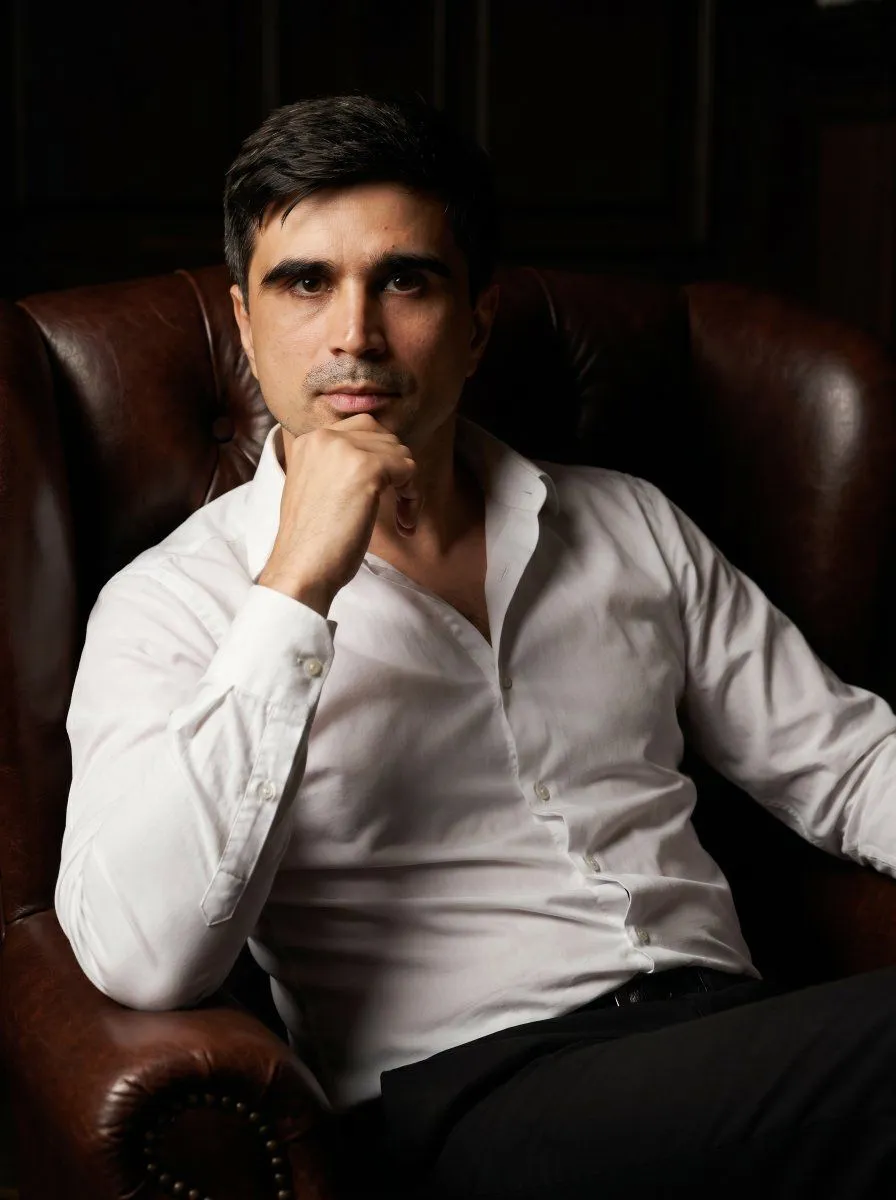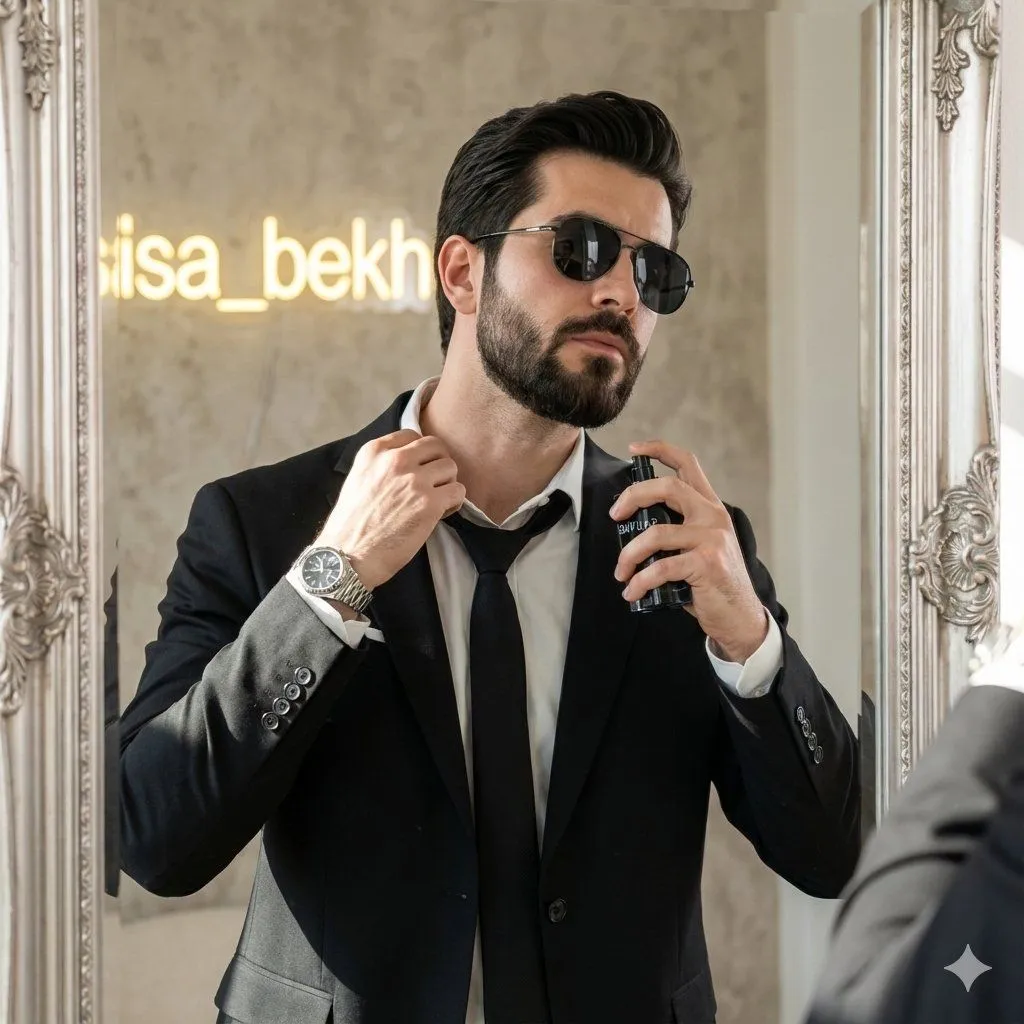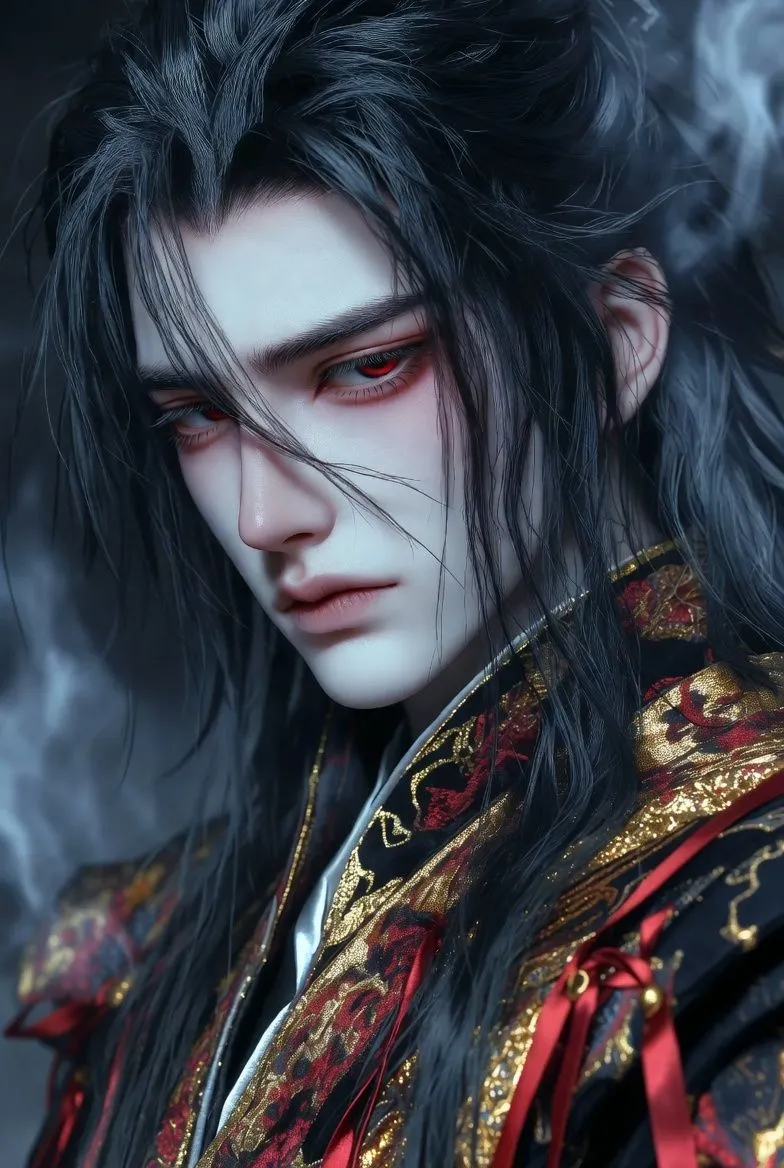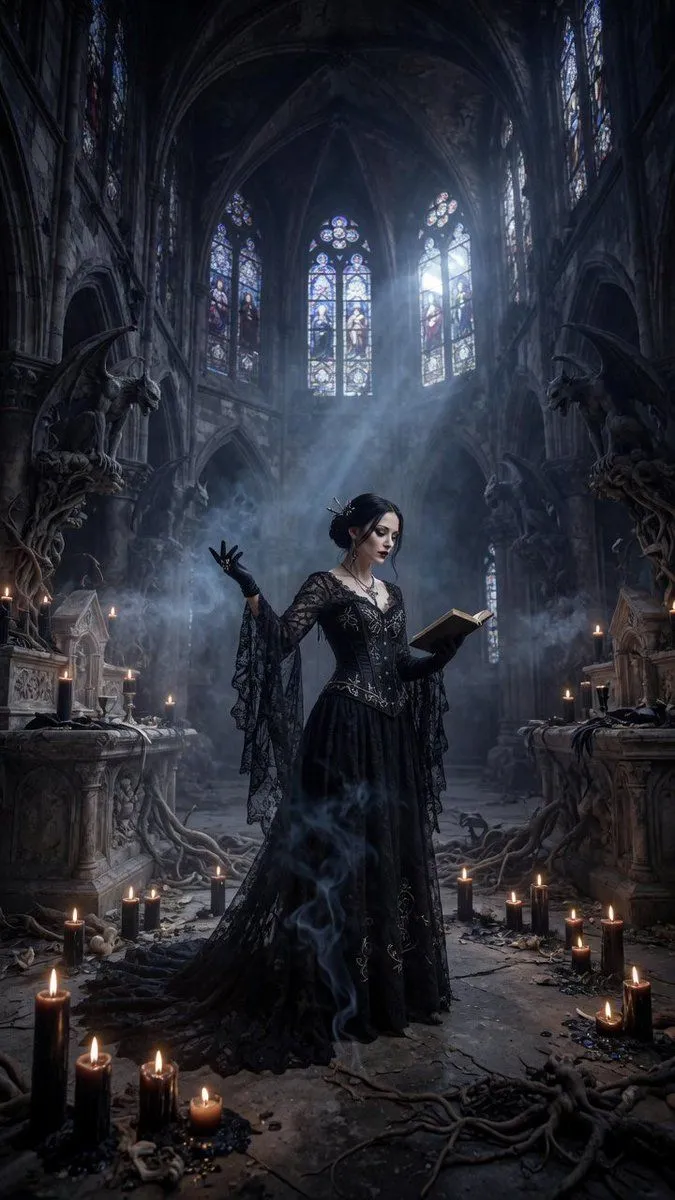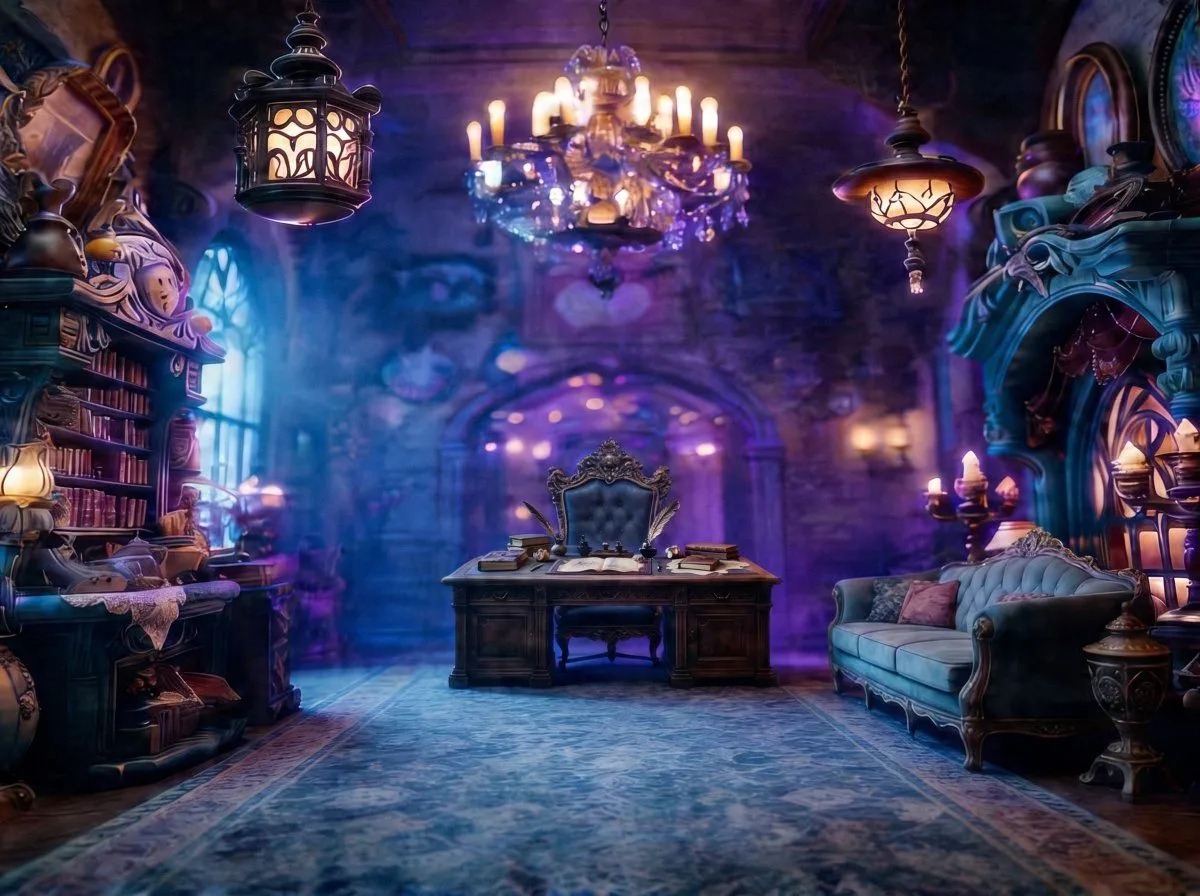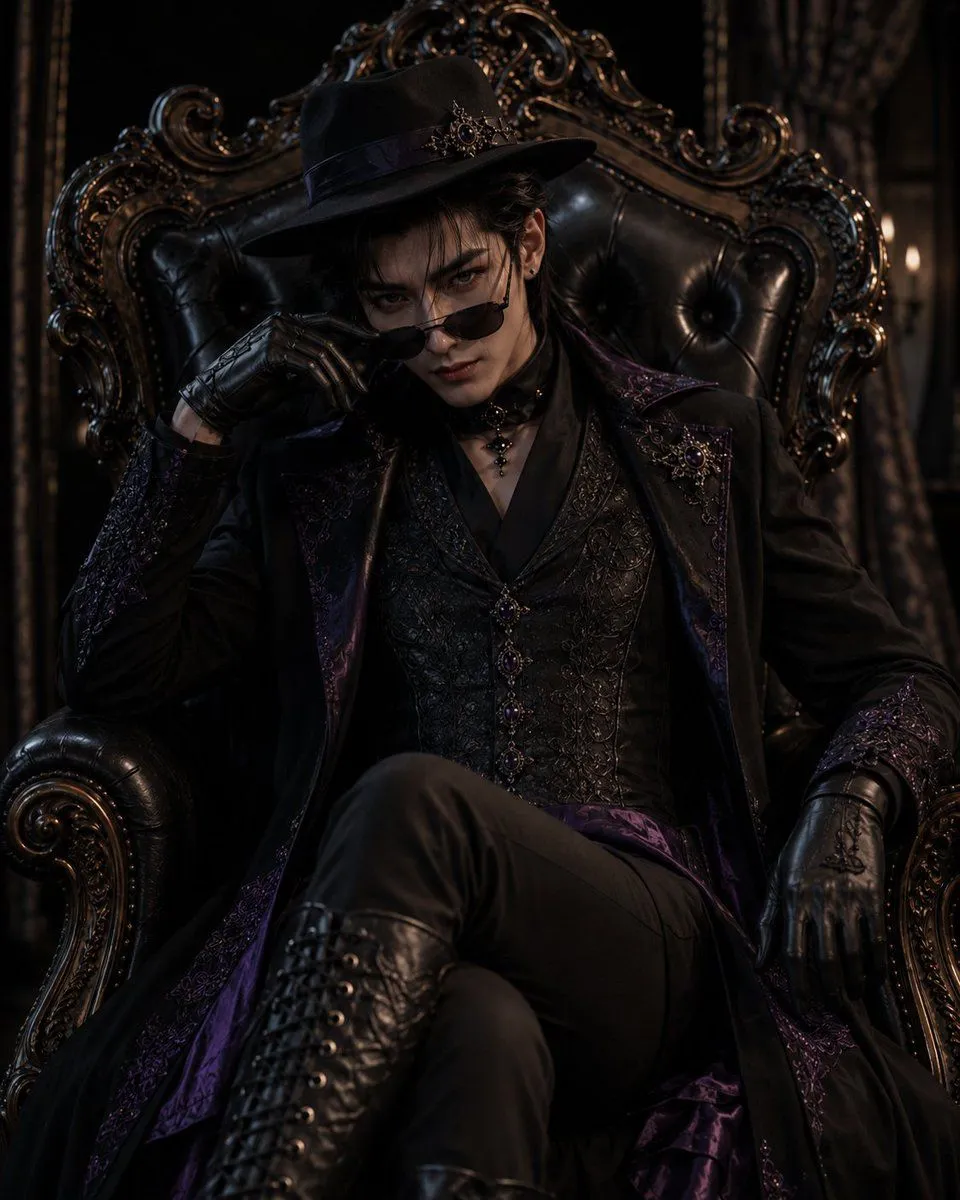
Made with GPT Image 2 in ChatGPT, collected by Library Avatars. Promptclay never generates images.
Did it work?
No reports yet. Tell others if it worked for you.
Gothic Throne Outfit Transformation
Prompt
2 blanks to fillUsing REFERENCE_0 as the outfit and accessory reference, create a cinematic dark-gothic portrait of {character_gender} wearing the same black-and-deep-purple aristocratic gothic clothing: the decorated hat, long embroidered coat, ornate vest, choker, gloves, fitted pants, and tall lace-up boots. Transform the reference-sheet presentation into a dramatic seated scene: the character sits on an oversized ornate black leather throne, legs crossed, leaning back with a confident intimidating aura, one gloved hand lowering small black sunglasses to look directly at the viewer. Keep the outfit’s purple jewel accents, lace, embroidery, chains, and metal ornamentation faithful to the reference, but adapt the fit naturally to the new character. Scene and mood: place the character in {setting} with dark curtains, carved gilded wood details, and very low warm candlelike side lighting. Use high-contrast cinematic lighting, deep shadows, realistic textures, glossy black leather, subtle purple highlights, and a powerful elegant villain-like atmosphere. Composition: vertical portrait, waist-to-boots visible, throne filling the background, centered character, dramatic close perspective. No reference-sheet labels, no Japanese text, no design-document layout, no extra characters.
Preview of your prompt
Using REFERENCE_0 as the outfit and accessory reference, create a cinematic dark-gothic portrait of a young man wearing the same black-and-deep-purple aristocratic gothic clothing: the decorated hat, long embroidered coat, ornate vest, choker, gloves, fitted pants, and tall lace-up boots. Transform the reference-sheet presentation into a dramatic seated scene: the character sits on an oversized ornate black leather throne, legs crossed, leaning back with a confident intimidating aura, one gloved hand lowering small black sunglasses to look directly at the viewer. Keep the outfit’s purple jewel accents, lace, embroidery, chains, and metal ornamentation faithful to the reference, but adapt the fit naturally to the new character. Scene and mood: place the character in a dim Victorian gothic room with dark curtains, carved gilded wood details, and very low warm candlelike side lighting. Use high-contrast cinematic lighting, deep shadows, realistic textures, glossy black leather, subtle purple highlights, and a powerful elegant villain-like atmosphere. Composition: vertical portrait, waist-to-boots visible, throne filling the background, centered character, dramatic close perspective. No reference-sheet labels, no Japanese text, no design-document layout, no extra characters.
DetailsVersions, settings and questions
Written for
What's in the prompt
- Subject
- Model
- GPT Image 2
If your face changes
keep my face exactly the sameQuestions
- Does this work in the ChatGPT app?
- Yes. Paste the prompt and attach your photo if it uses one.
- It changed my face. What do I do?
- Add "keep my face exactly the same" to the end and run it again.
- Can I use the images I make?
- Check the terms of the app you use. Promptclay never generates images and claims nothing you make.