Tell us anything

An idea, a bug, something you love. We read every note.

⌘↵ to send. The page you're on comes along.

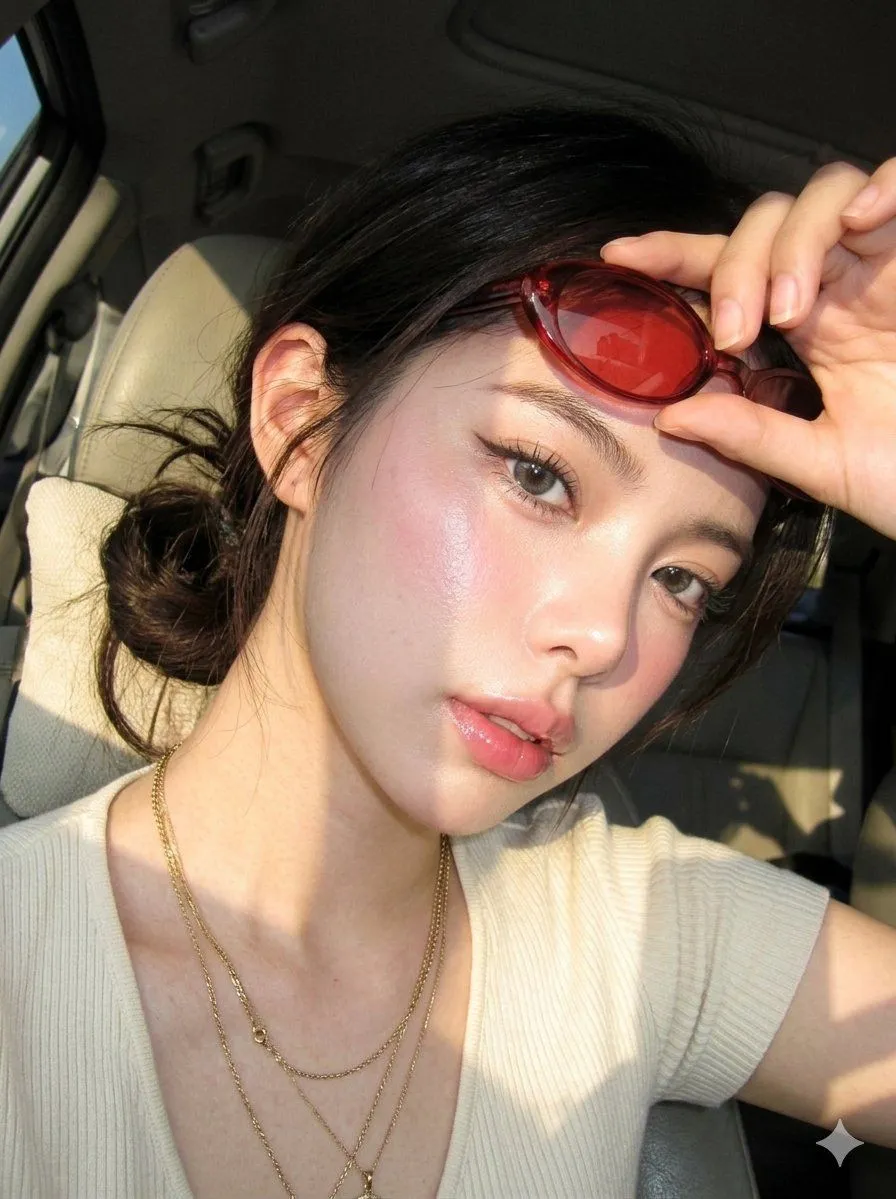
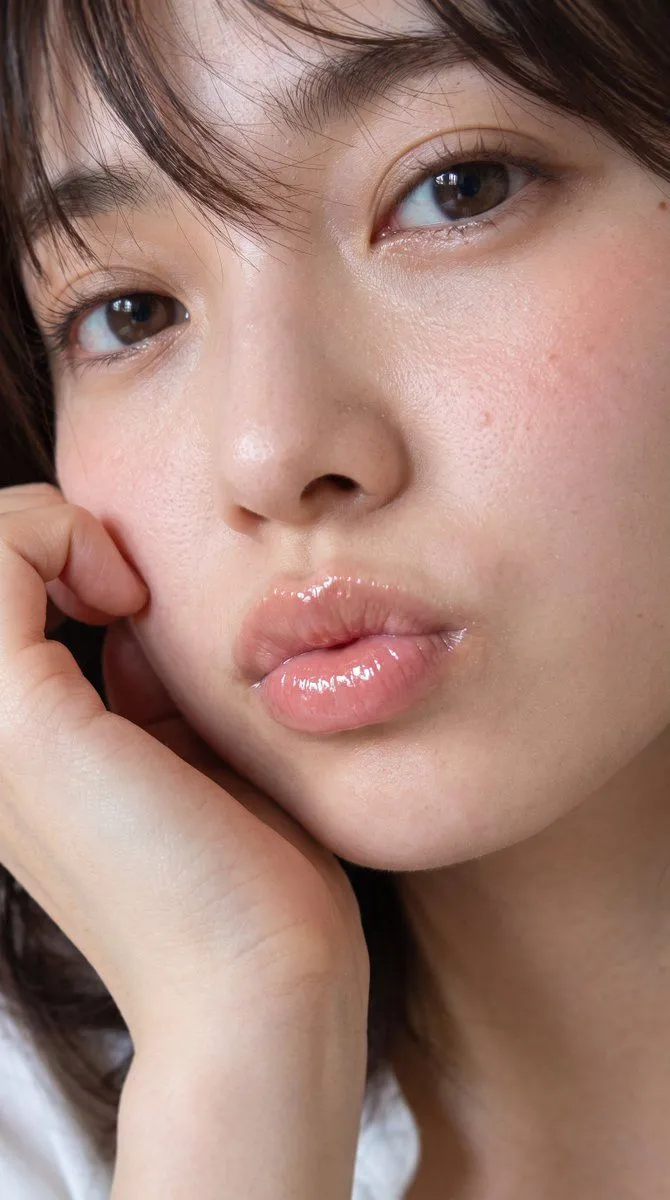
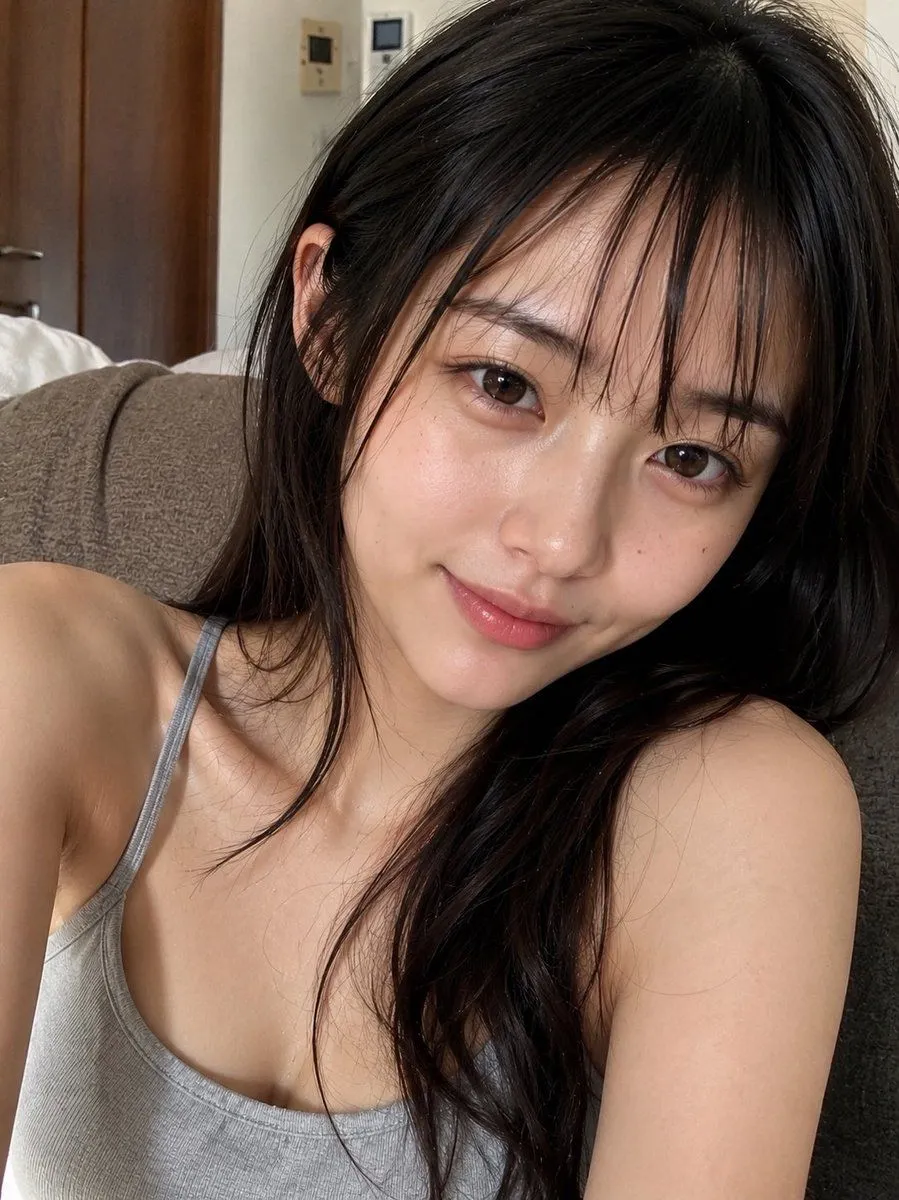
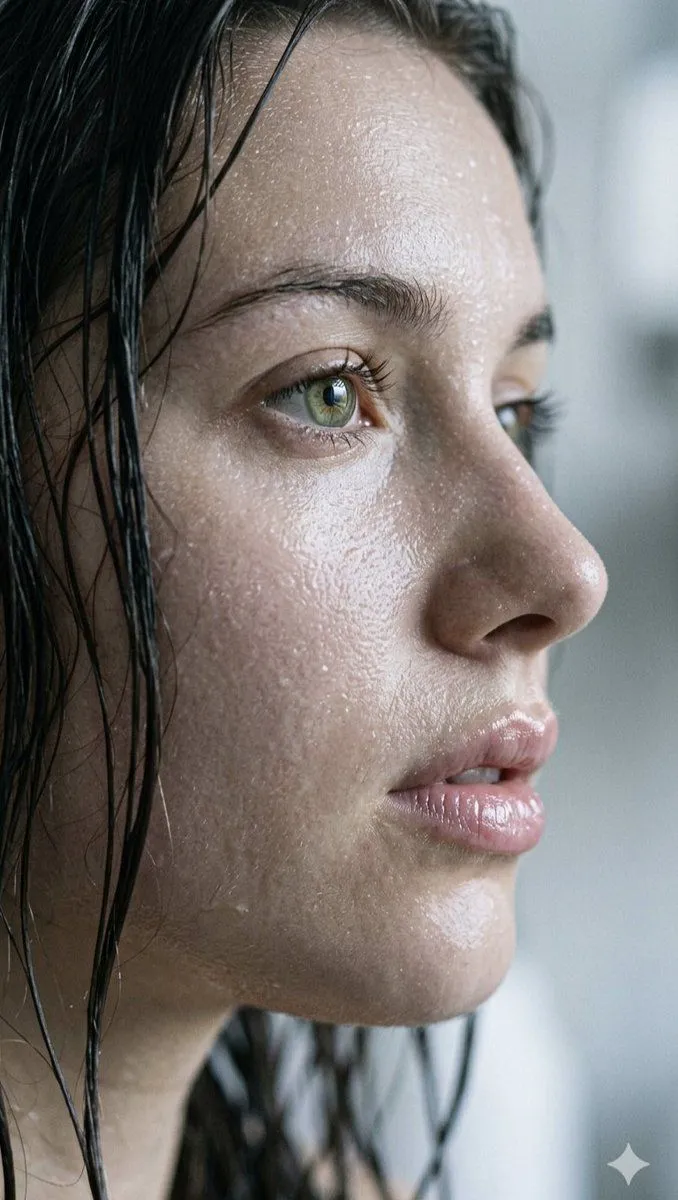
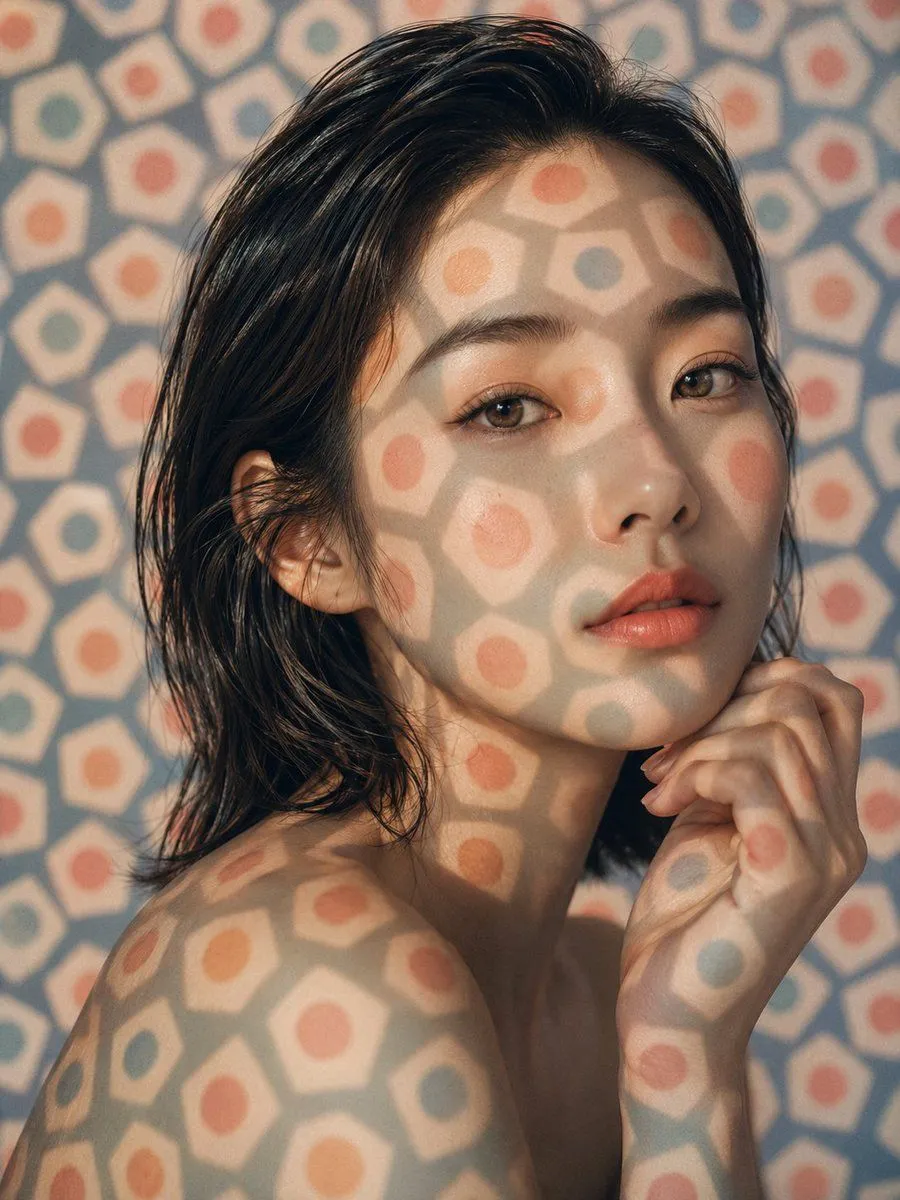
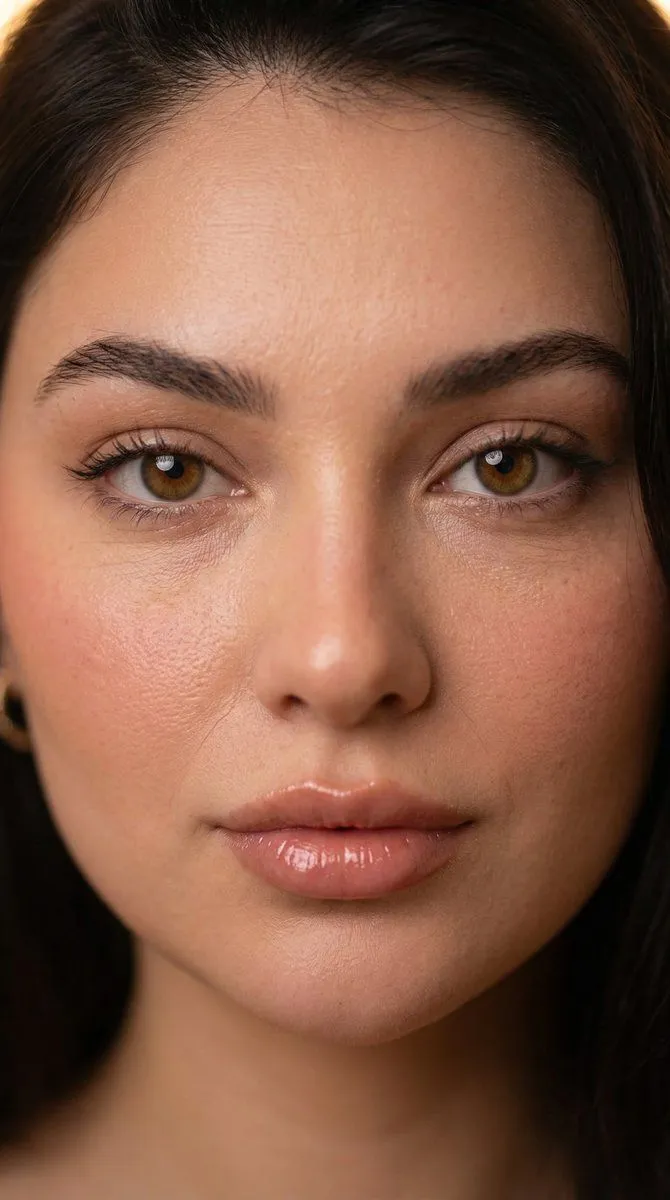
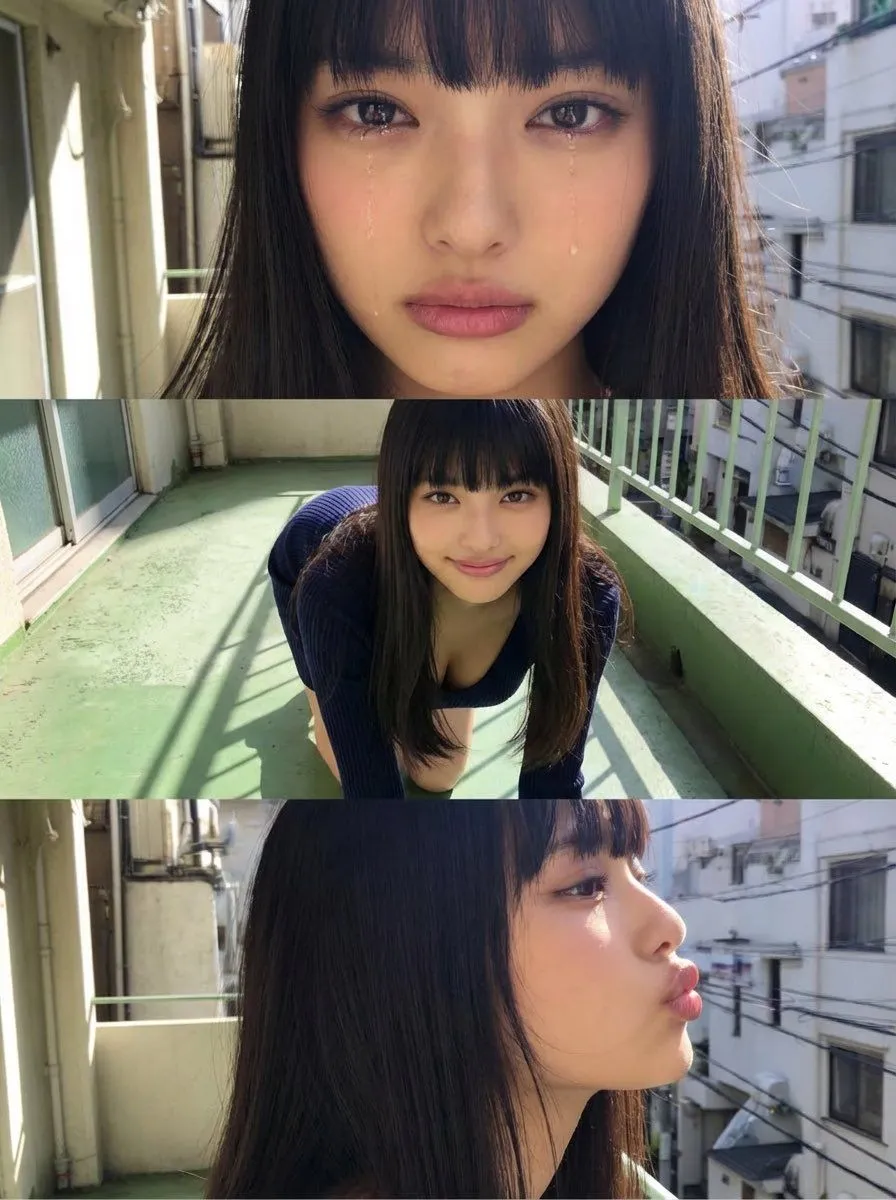
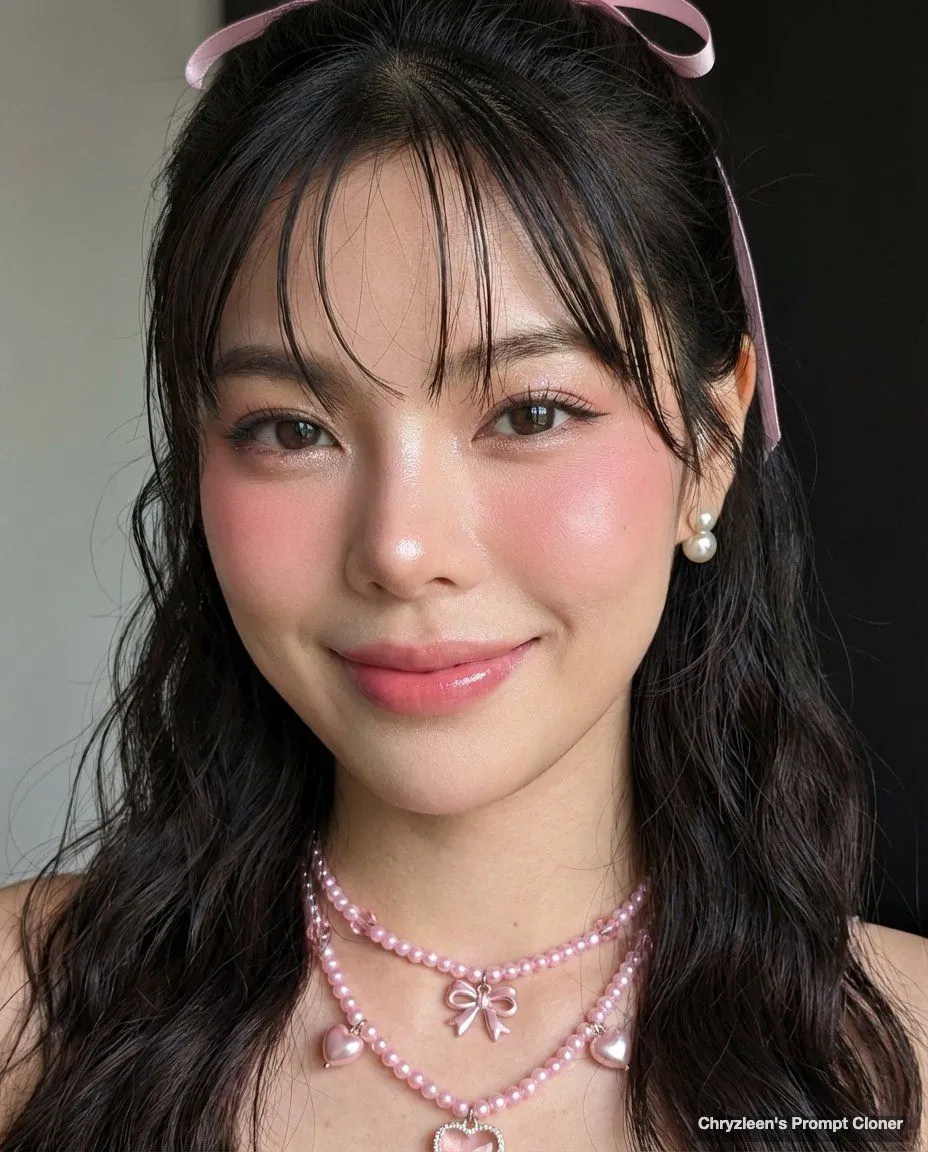
Google Pixel Aesthetic Portrait

Made with Nano Banana Pro in Gemini by Library Portraits. Promptclay never generates images.

Did it work?

No reports yet. Tell others if it worked for you.

No comments yet. Be the first.

    Google Pixel Aesthetic Portrait

    Nano Banana Pro4:5AI-generated

    Prompt

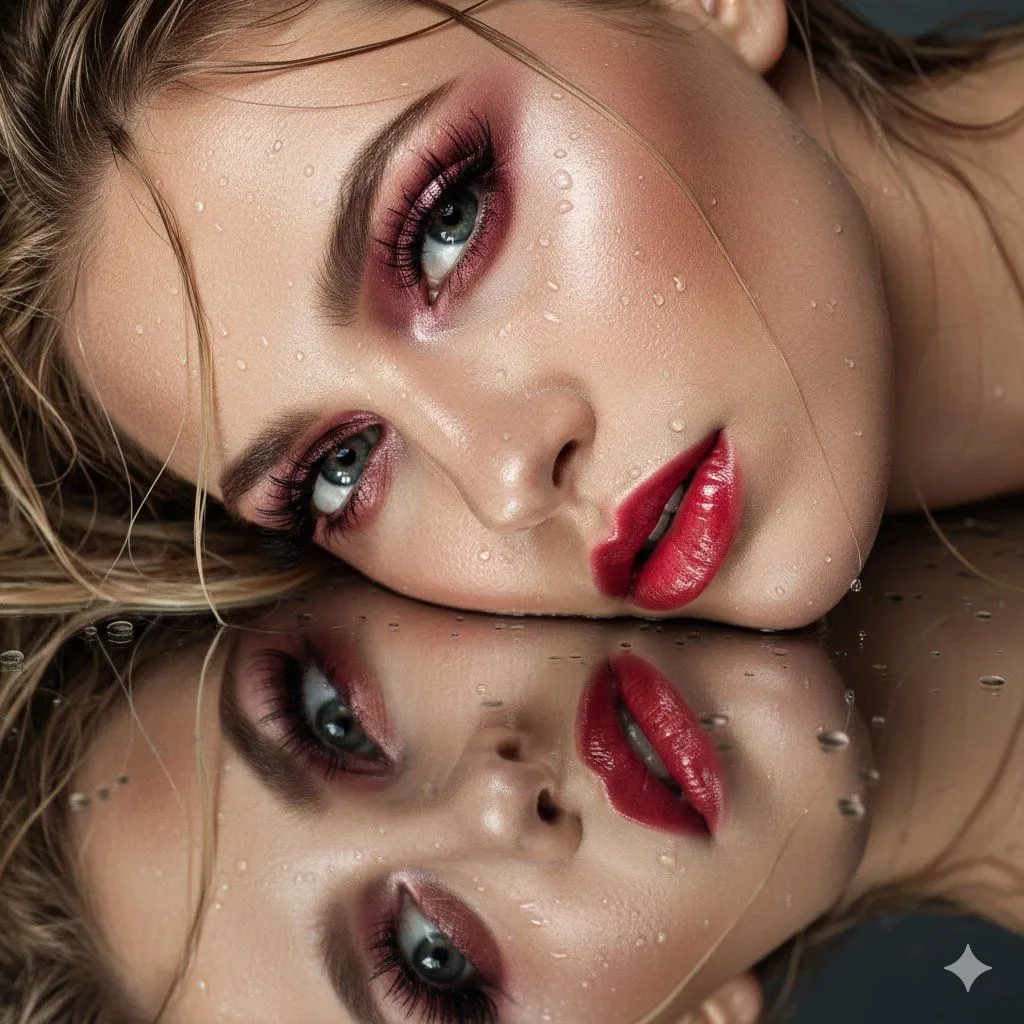
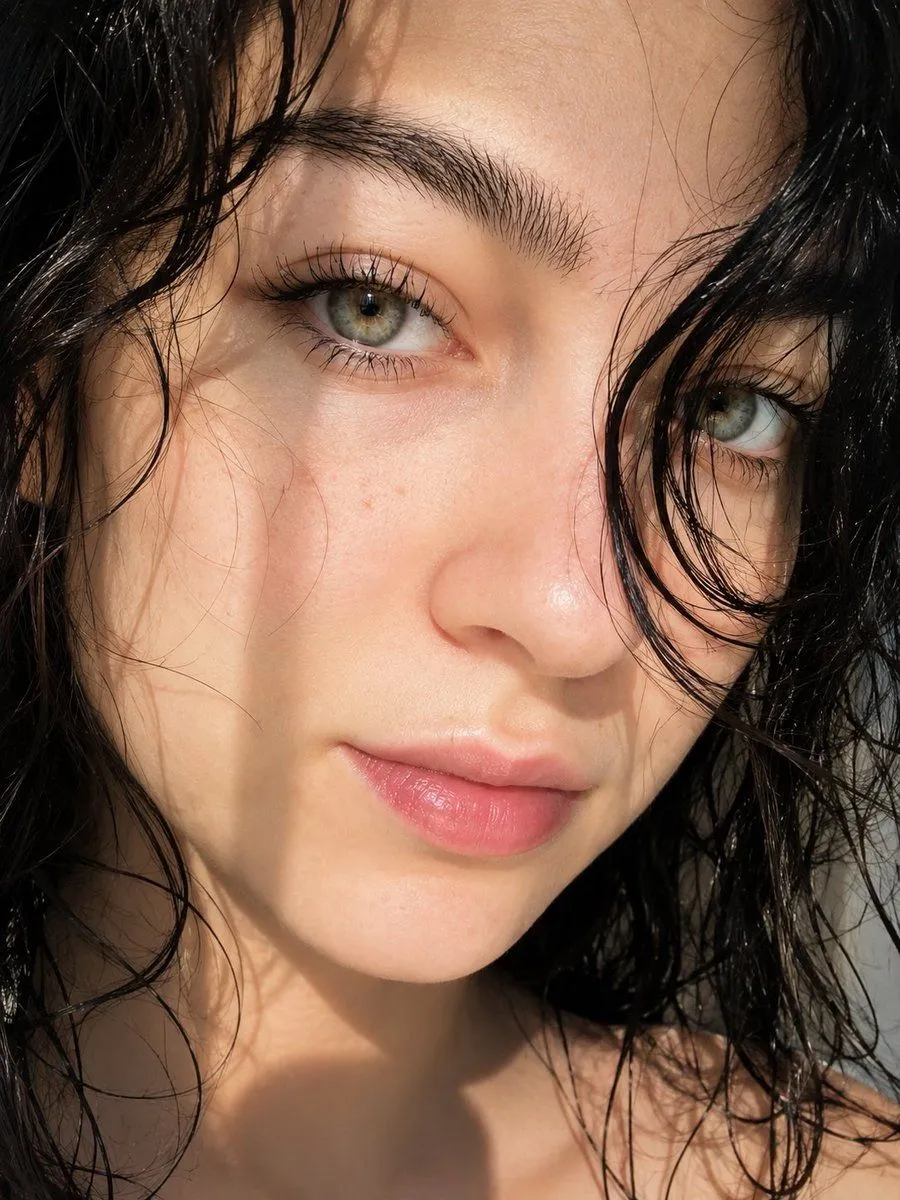
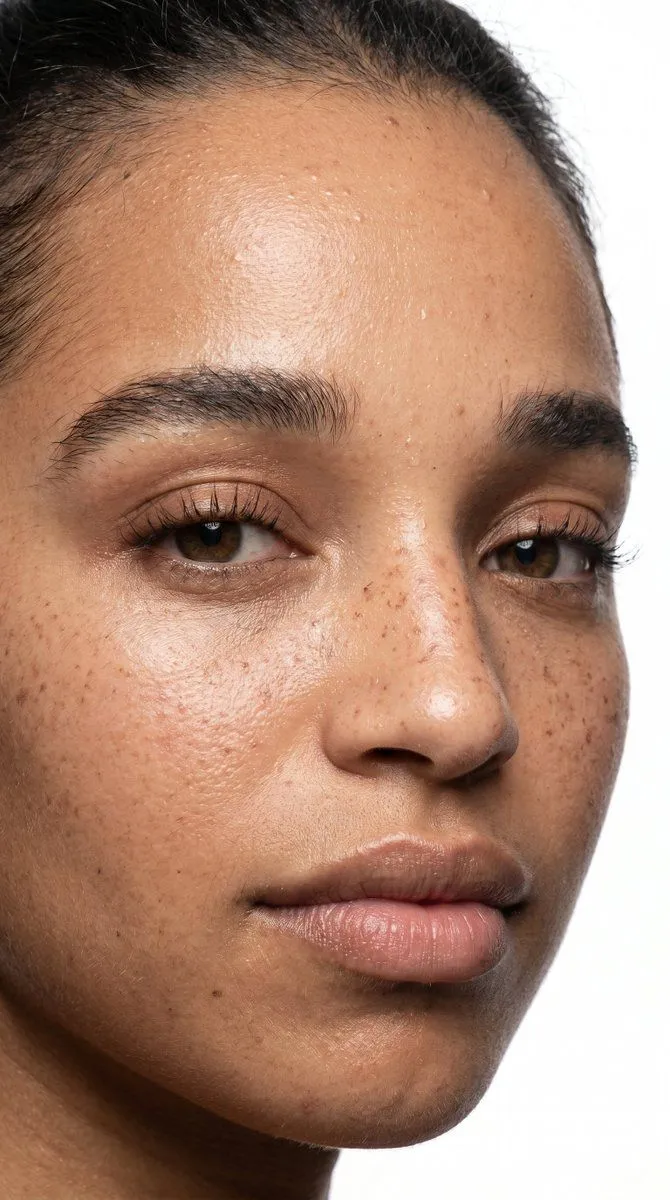
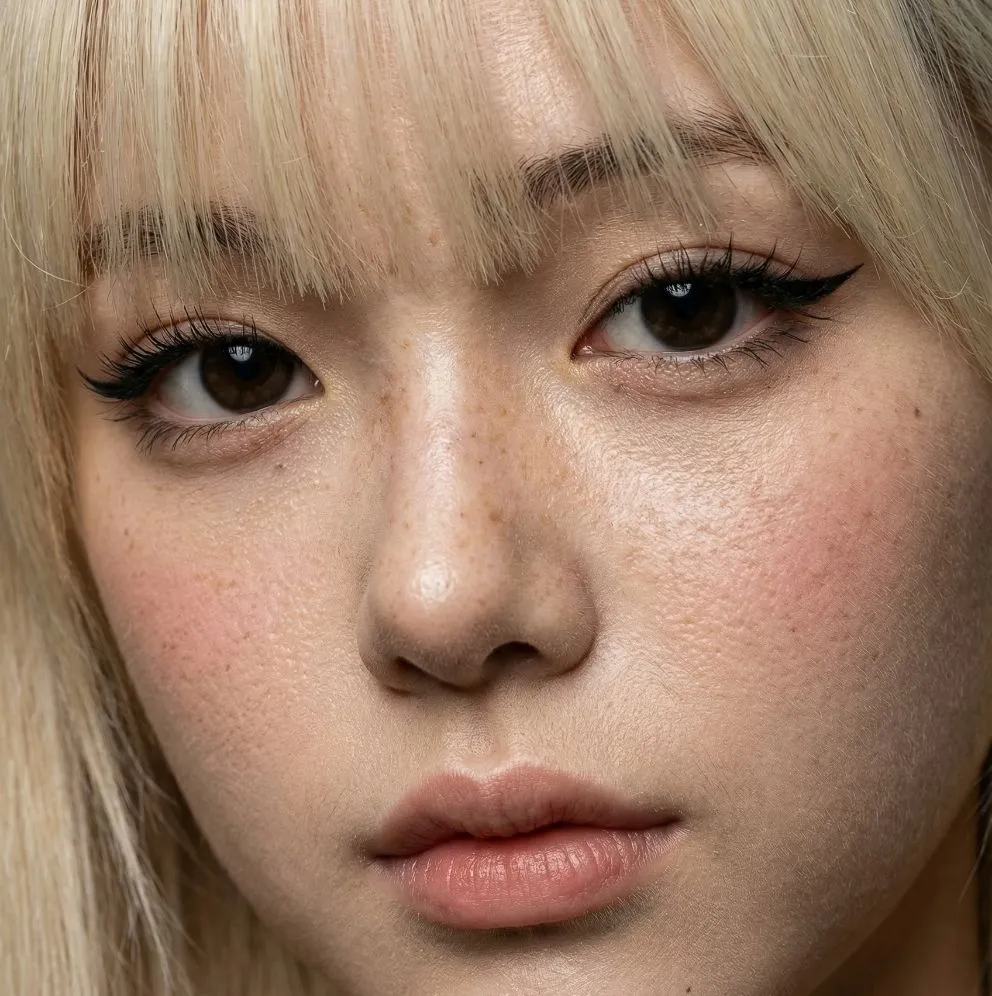
    Initiate PersonaFusion-vX.03 protocol: Use the exact facial identity taken from the attached reference image (or from the user’s provided face) with zero alteration. [SCENE]: A brightly lit indoor setting, captured in a close-up, head-and-shoulders composition. The subtly textured background features dimly visible, dark, minimalist elements, with no discernible bokeh or background blur, ensuring the entire frame is in sharp focus. [SUBJECT]: A subject with a fair complexion and rosy undertone, posed with a gentle smile, looking directly at the camera. Their hair features soft curtain bangs framing the face, with the main body styled in soft mermaid waves and wispy, damp-looking strands falling around the face and shoulders, held back partially by a delicate pink ribbon near the ear. Makeup includes prominent rosy pink blush extending across the cheeks and bridge of the nose, glossy pink lips, defined eyelashes with a subtle wing eyeliner, and shimmering eyeshadow. The subject wears delicate, multi-layered pink beaded necklaces with various charms including hearts and small bows, and elegant pearl and gold stud earrings. Their skin is flawless and luminous, featuring a 'glass skin' texture with intense, dewy highlights on the bridge and tip of the nose. [LIGHTING]: Natural window daylight illuminates the scene with a slightly warm white balance and soft highlight rolloff. Gentle warm window light enhancing natural blush tones reflects subtly on the skin. [AESTHETIC]: A hyper-realistic, ultra-sharp photograph taken on a modern smartphone, characterized by its digital clarity, specifically a Google Pixel 8. The entire scene is in sharp focus, showcasing realistic digital textures with discernible skin pores and crisp details on accessories. Minimal HDR flattening and preserved blush saturation are evident, resulting in true-to-life, vibrant colors. ar 4:5

    Works in
    Gemini, ChatGPT
    Status
    Free to copy
    0
    DetailsVersions, settings and questions

    Written for

    What's in the prompt

    Subject
    Model
    Nano Banana Pro

    If your face changes

    keep my face exactly the same

    Questions

    Does this work in the Gemini app?
    Yes. Gemini runs Nano Banana, so paste the prompt and attach your photo if it uses one.
    It changed my face. What do I do?
    Add "keep my face exactly the same" to the end and run it again.
    Can I use the images I make?
    Check the terms of the app you use. Promptclay never generates images and claims nothing you make.

    Similar prompts

    See more
    • Extreme Close-up Beauty Selfie with Heavy Blush
    • Hyper-Realistic Digicam Portrait
    • Digicam Style Glass-Skin Portrait
    • Ultra-Closeup Wet Reflection Couture Beauty Portrait
    • Ultra-Realistic Beauty Portrait
    • Glossy Lips Beauty Close-Up
    • Ultra-Realistic Beauty Close-Up
    • High-fashion close-up portrait of a woman with simple elegance
    • East Asian Woman Cinematic Portrait
    • Natural Face Realism Modifier
    • Ultra-High Resolution Upscale and Skin Texture Transfer Prompt
    • Extreme Close-up Portrait with Glistening Skin
    • Patterned Light Beauty Portrait
    • Nano Banana Prompt for Close-up Immersion with Skin Texture
    • Horizontal three-panel emotional portrait from one image
    • Makeup Before After Magazine Spread
    • Cyberpunk Science Portrait
    • Hand-Carved Wooden Miniature Figure
    • Human Fragments Editorial Poster
    • Hyperrealistic Tattooed Elf Couple
    • Multi-Angle Scene Generation Prompt (Oshi no Ko Style)
    • Nano Banana Pro Thumbnail Generation Example
    • Newspaper Collage Shadow Portrait
    • Stylized Wicker Caricature Figurine

    Show more

    Run it on your phone

    1. Prompt copiedRead it

      Initiate PersonaFusion-vX.03 protocol: Use the exact facial identity taken from the attached reference image (or from the user’s provided face) with zero alteration. [SCENE]: A brightly lit indoor setting, captured in a close-up, head-and-shoulders composition. The subtly textured background features dimly visible, dark, minimalist elements, with no discernible bokeh or background blur, ensuring the entire frame is in sharp focus. [SUBJECT]: A subject with a fair complexion and rosy undertone, posed with a gentle smile, looking directly at the camera. Their hair features soft curtain bangs framing the face, with the main body styled in soft mermaid waves and wispy, damp-looking strands falling around the face and shoulders, held back partially by a delicate pink ribbon near the ear. Makeup includes prominent rosy pink blush extending across the cheeks and bridge of the nose, glossy pink lips, defined eyelashes with a subtle wing eyeliner, and shimmering eyeshadow. The subject wears delicate, multi-layered pink beaded necklaces with various charms including hearts and small bows, and elegant pearl and gold stud earrings. Their skin is flawless and luminous, featuring a 'glass skin' texture with intense, dewy highlights on the bridge and tip of the nose. [LIGHTING]: Natural window daylight illuminates the scene with a slightly warm white balance and soft highlight rolloff. Gentle warm window light enhancing natural blush tones reflects subtly on the skin. [AESTHETIC]: A hyper-realistic, ultra-sharp photograph taken on a modern smartphone, characterized by its digital clarity, specifically a Google Pixel 8. The entire scene is in sharp focus, showcasing realistic digital textures with discernible skin pores and crisp details on accessories. Minimal HDR flattening and preserved blush saturation are evident, resulting in true-to-life, vibrant colors. ar 4:5

    2. Open your app

    3. Paste and run

      Press and hold the message box, then tap Paste. Add your photo first if the prompt uses one. You may need to sign in.

    Google Pixel Aesthetic Portrait