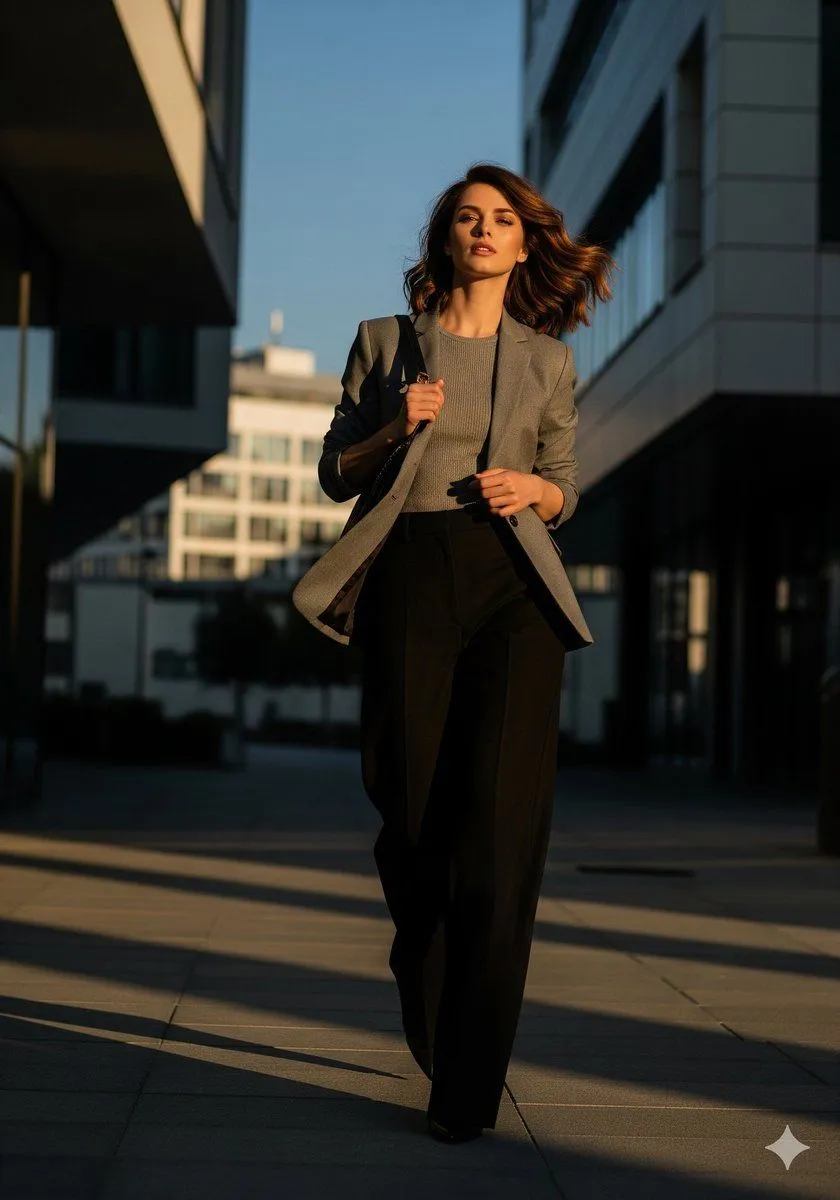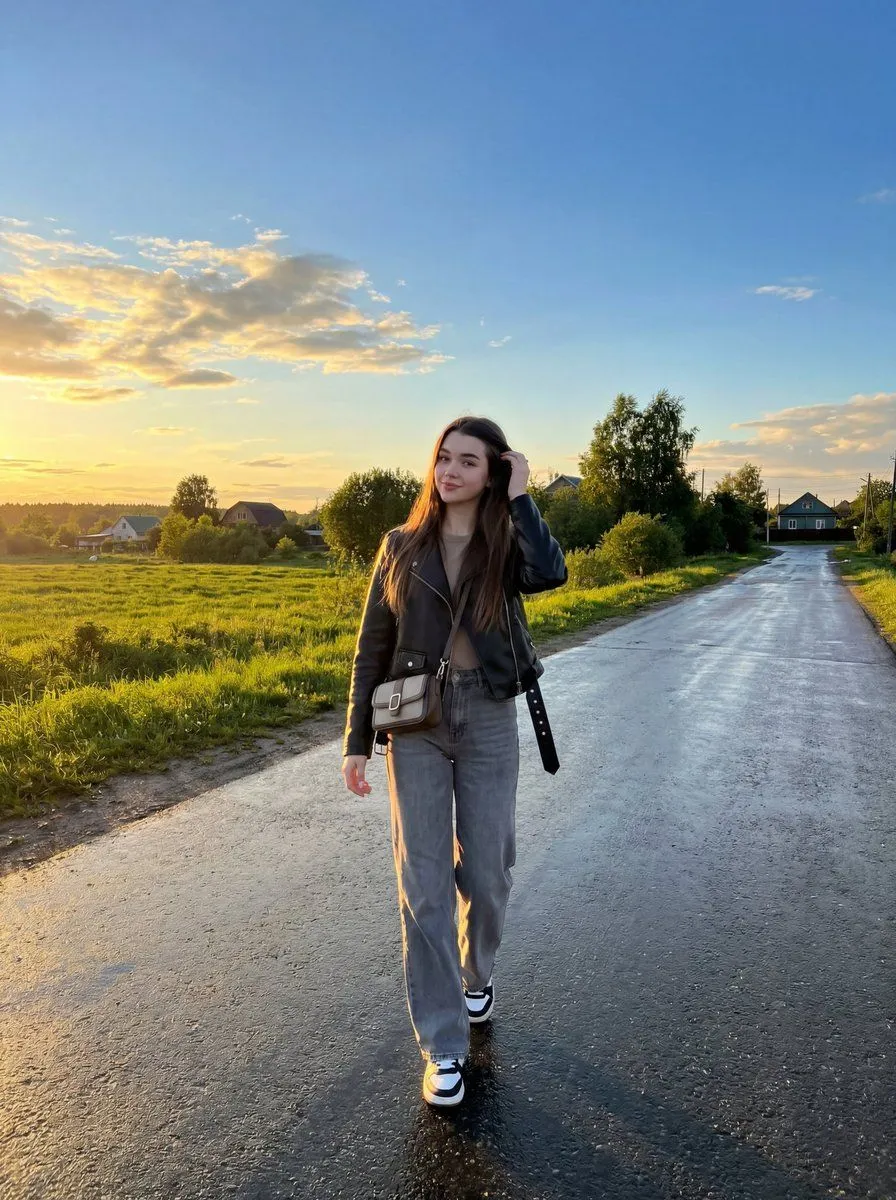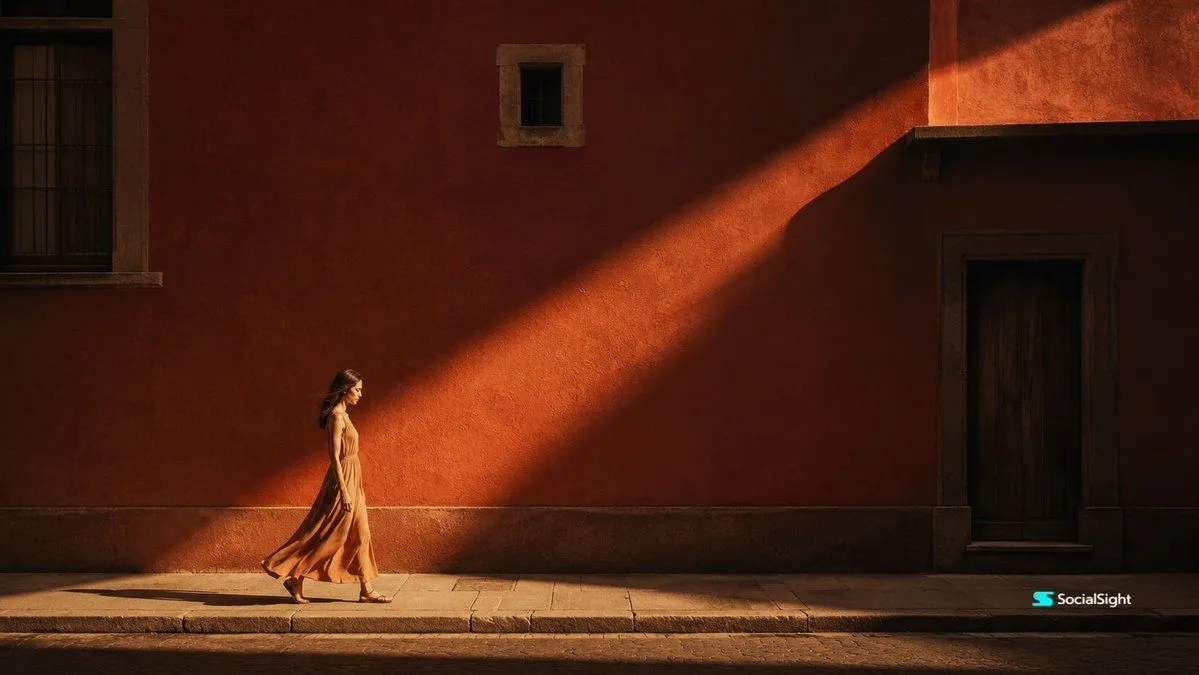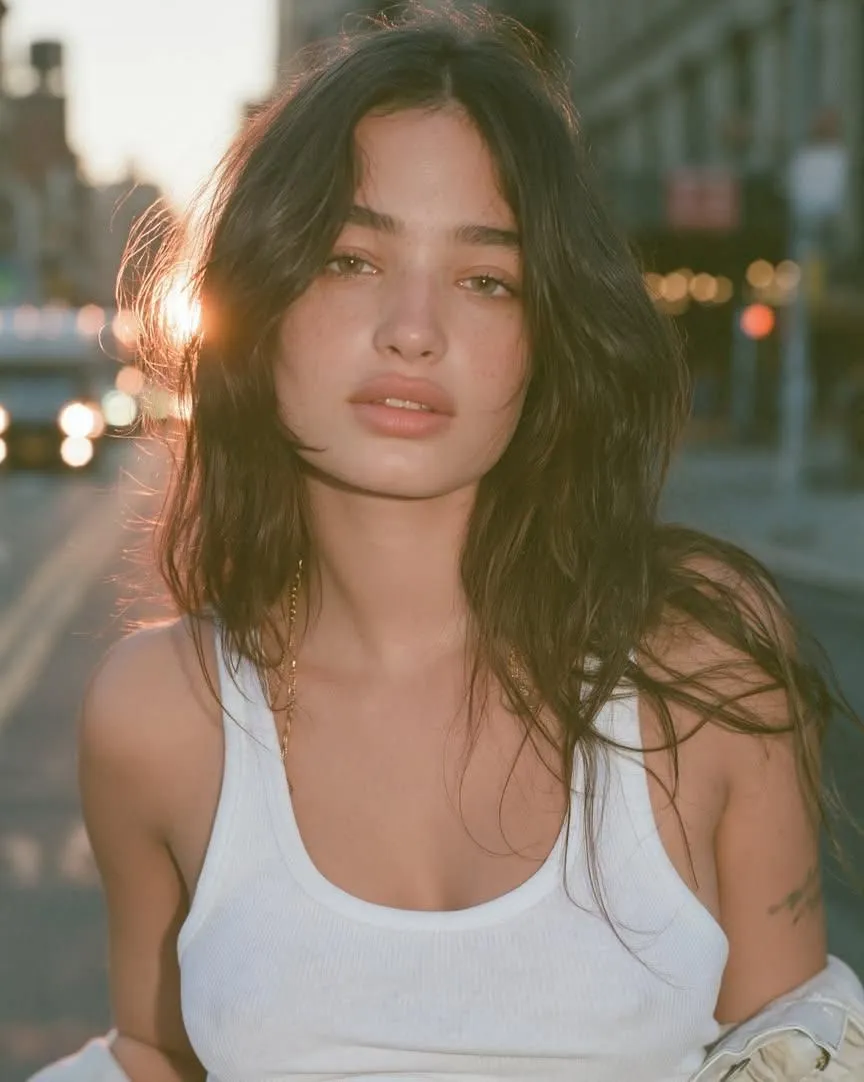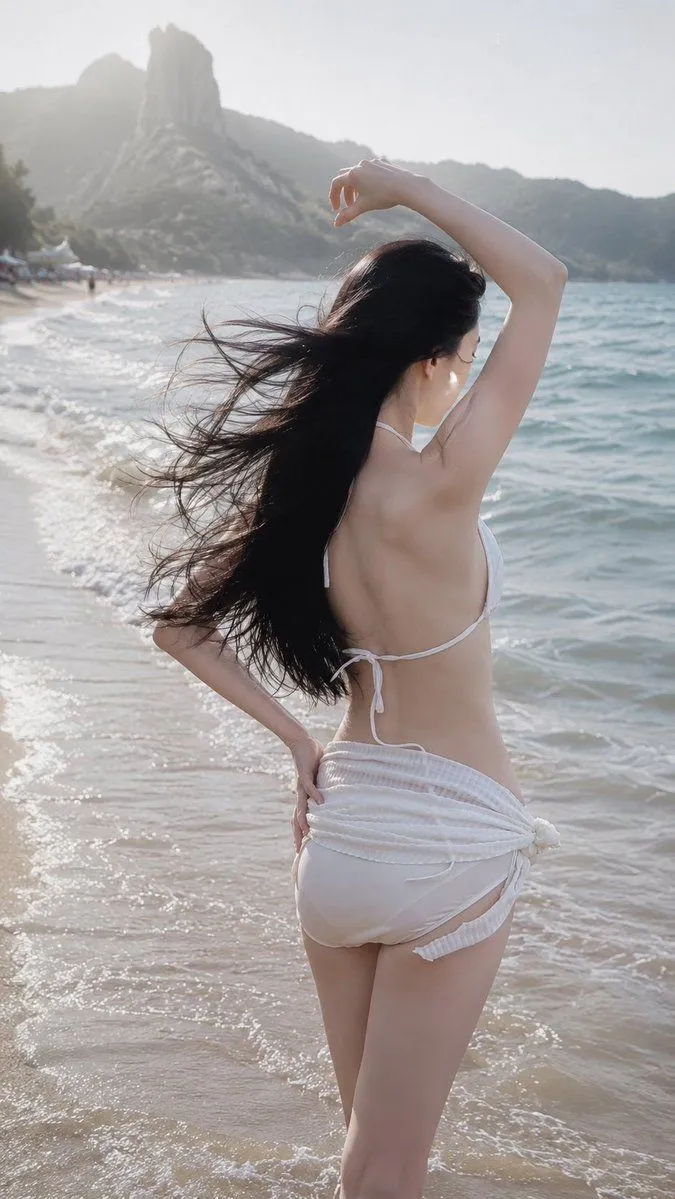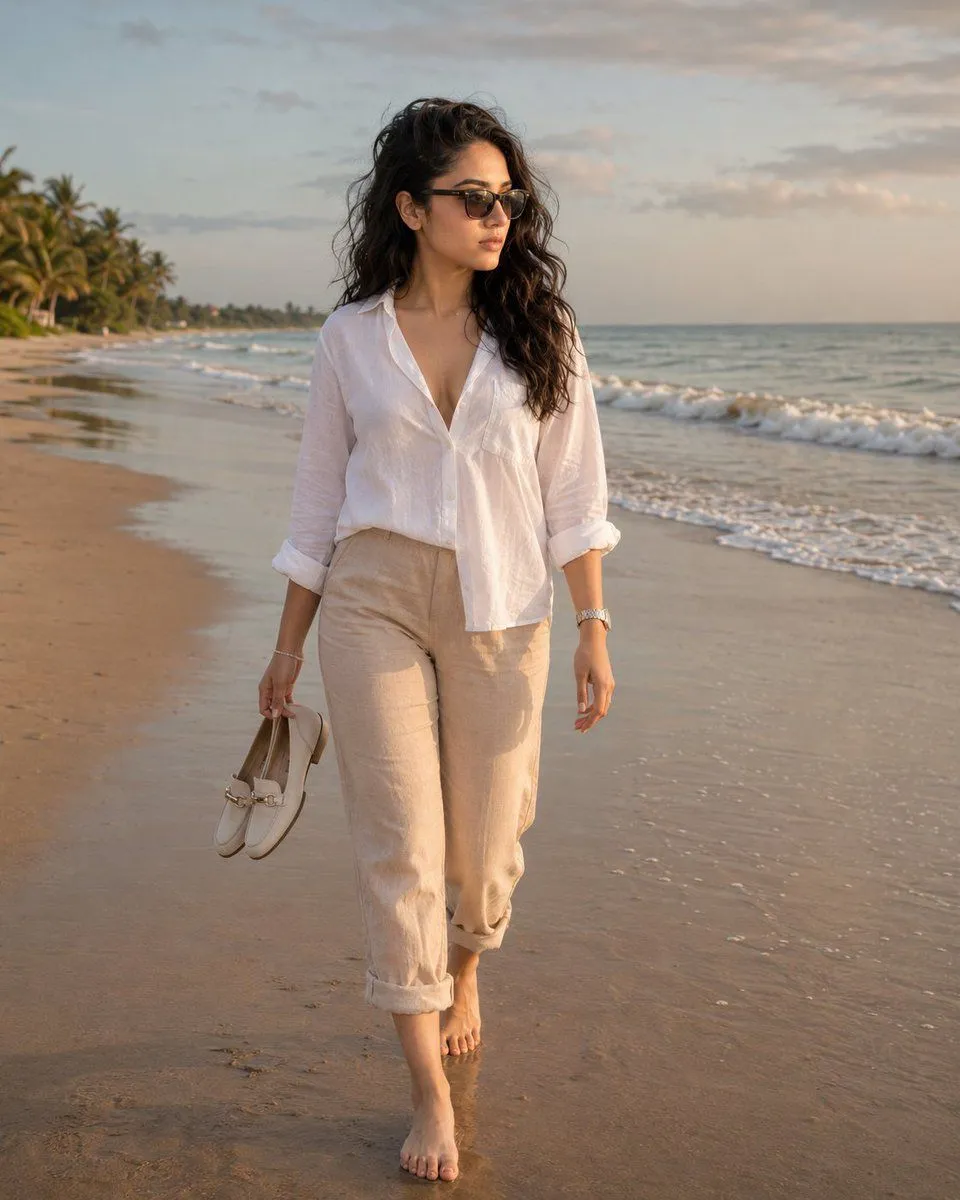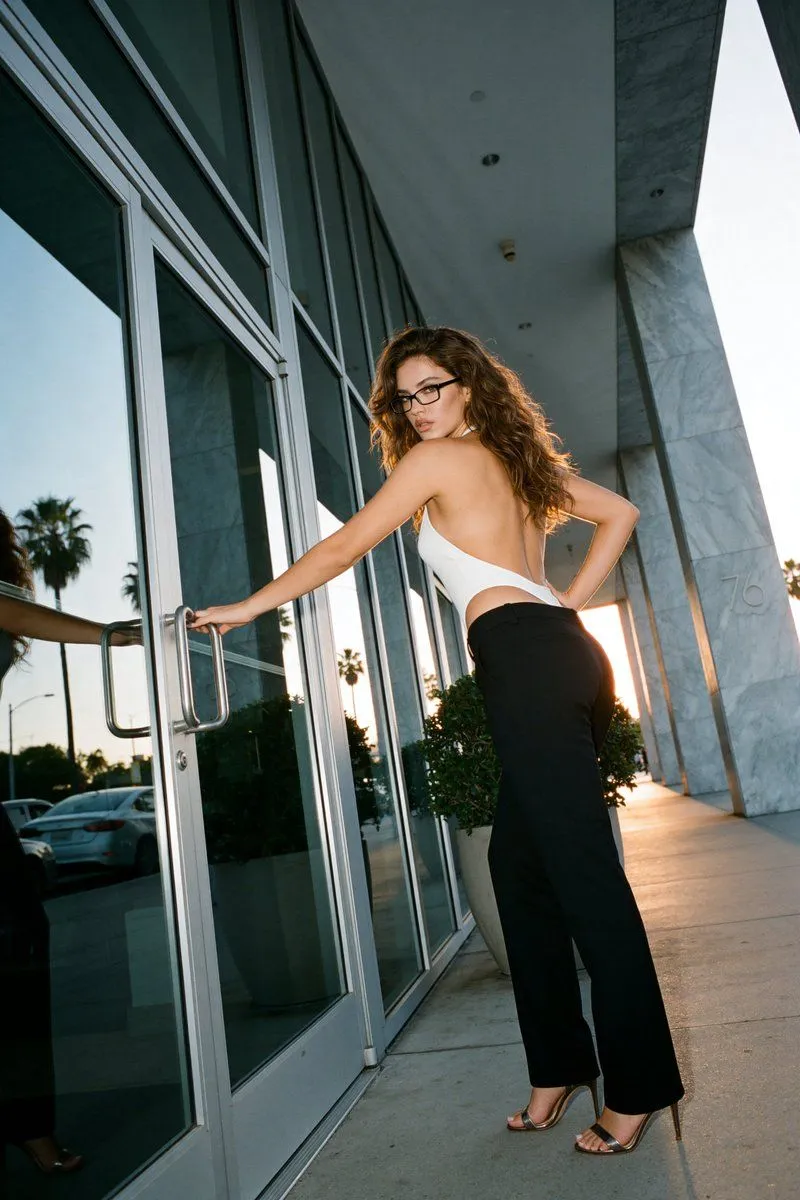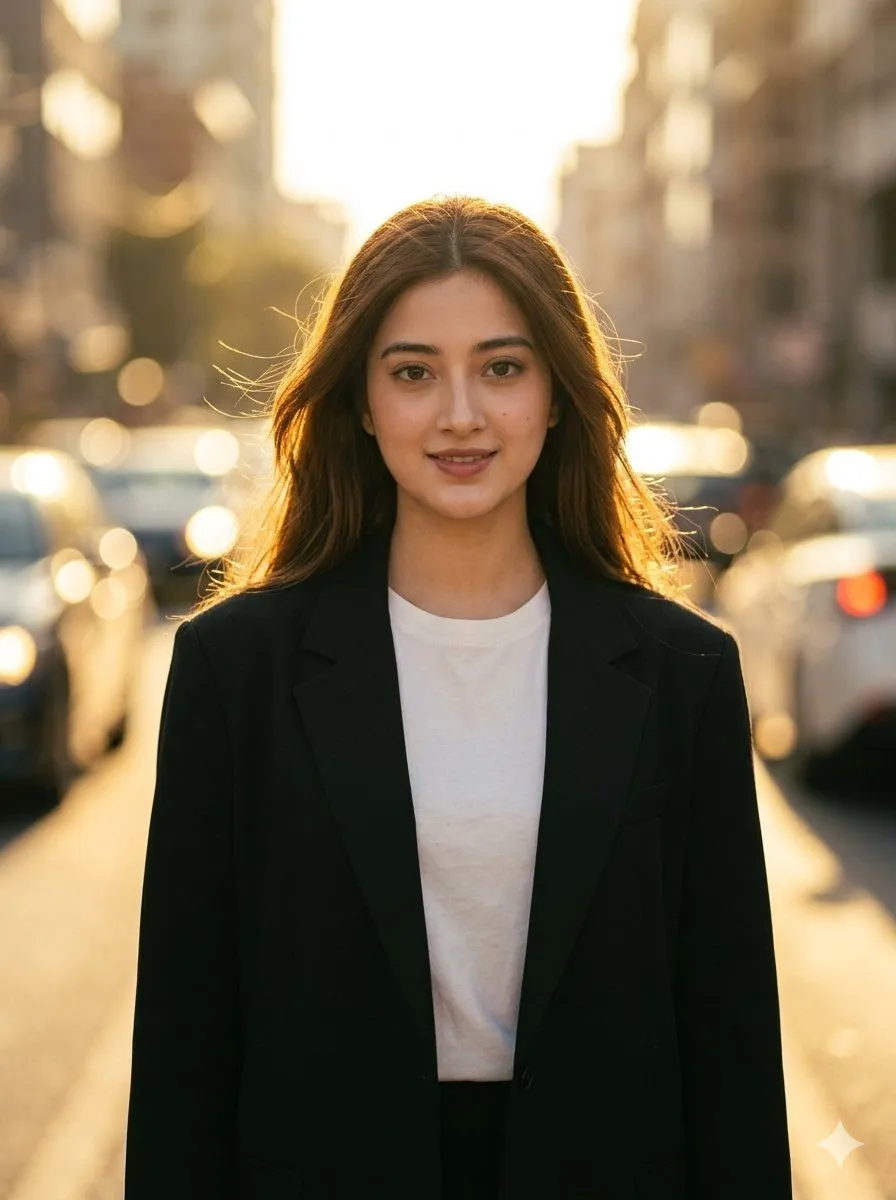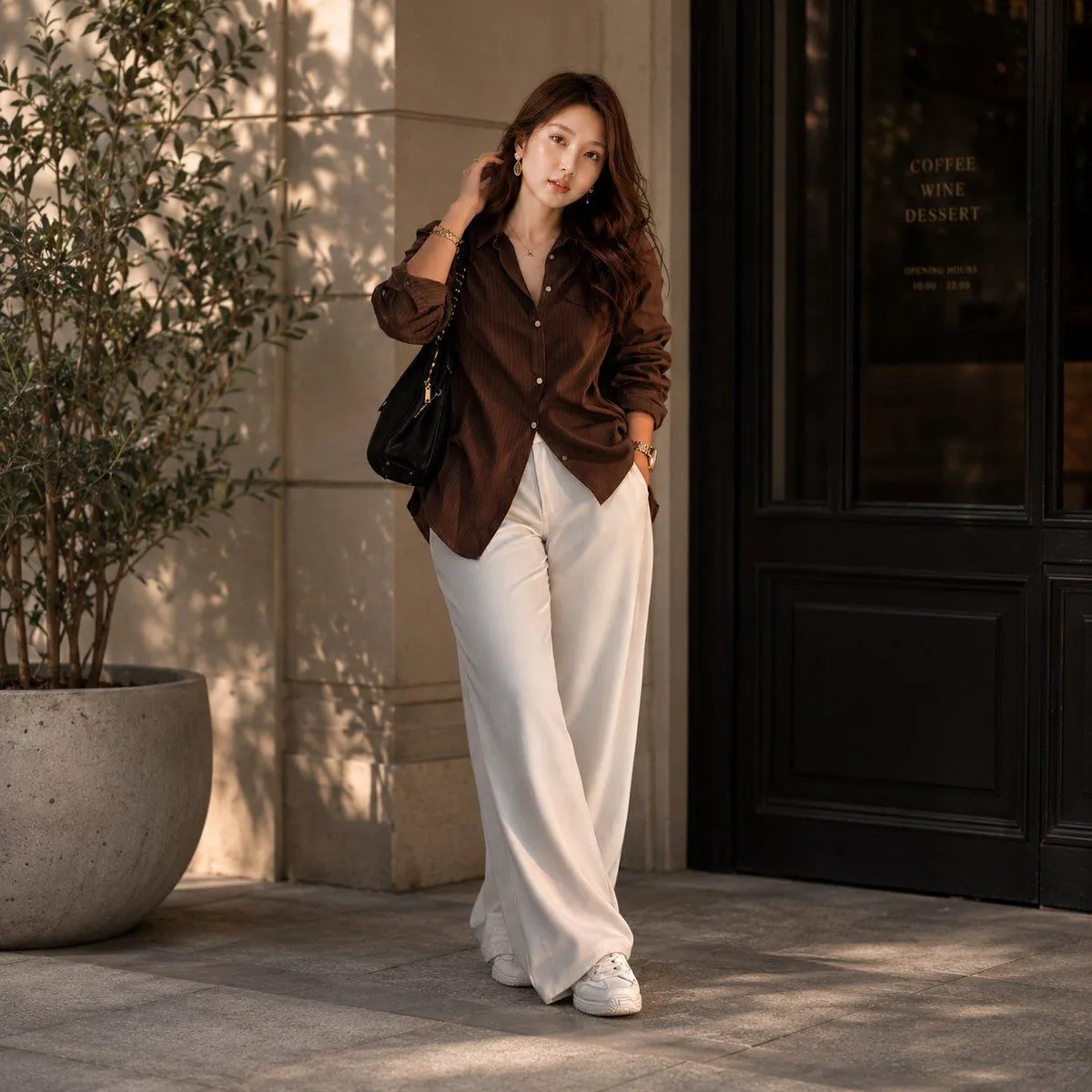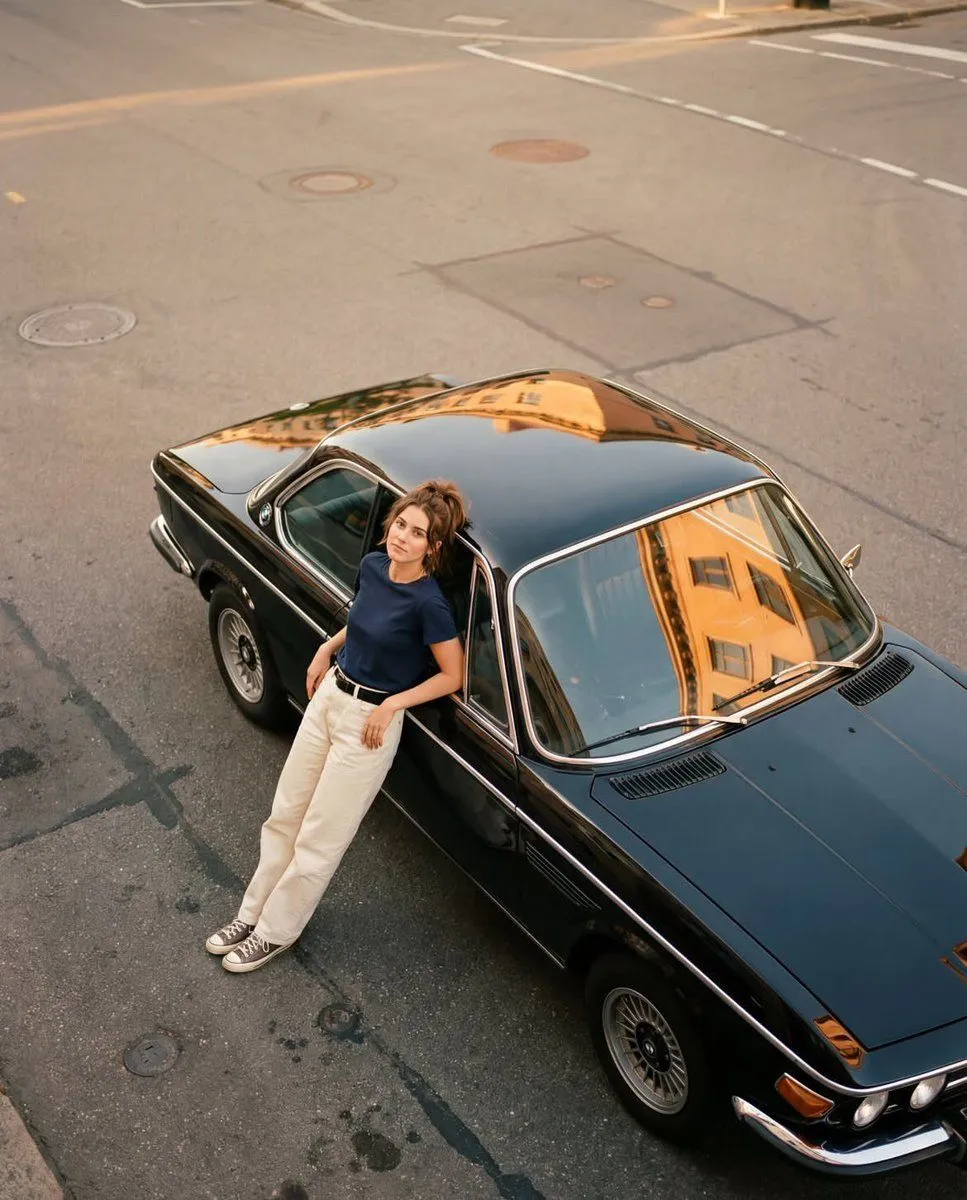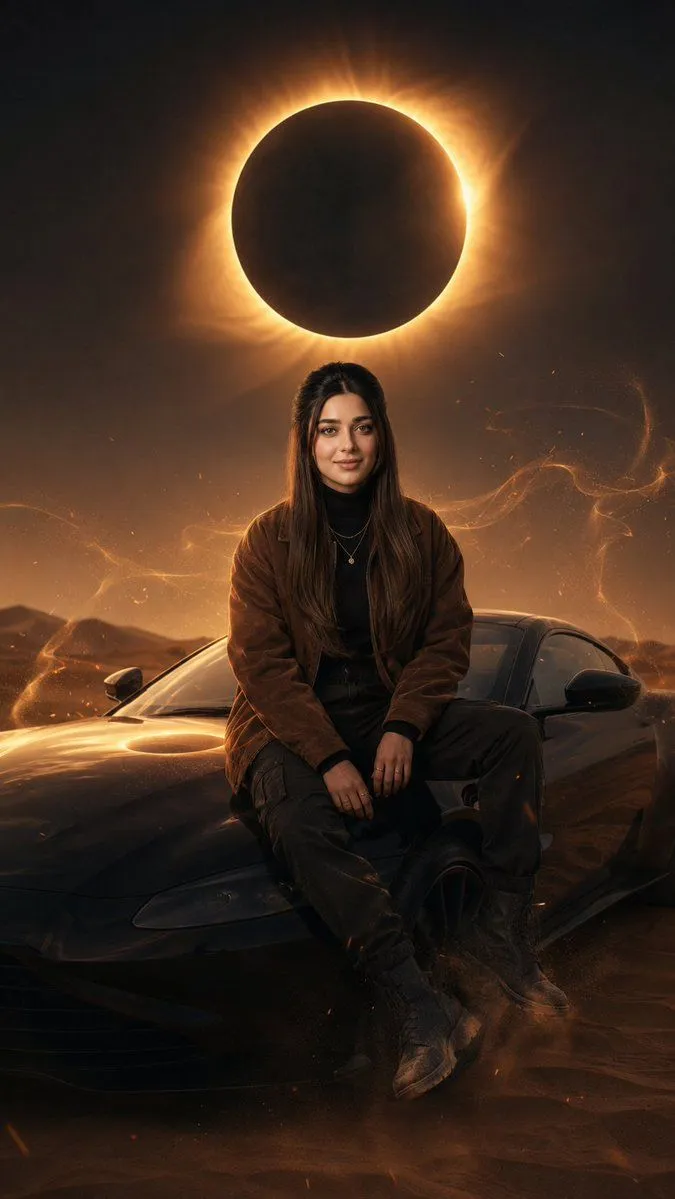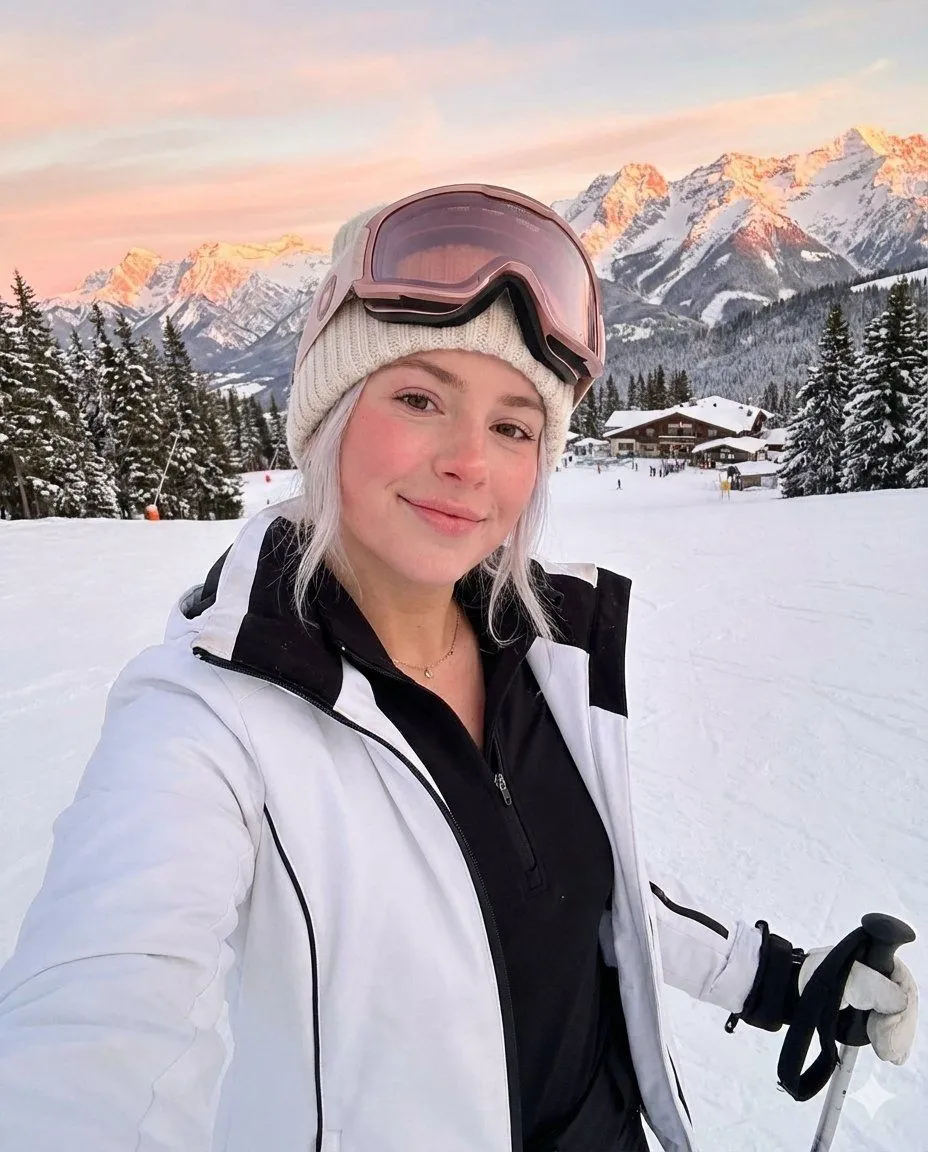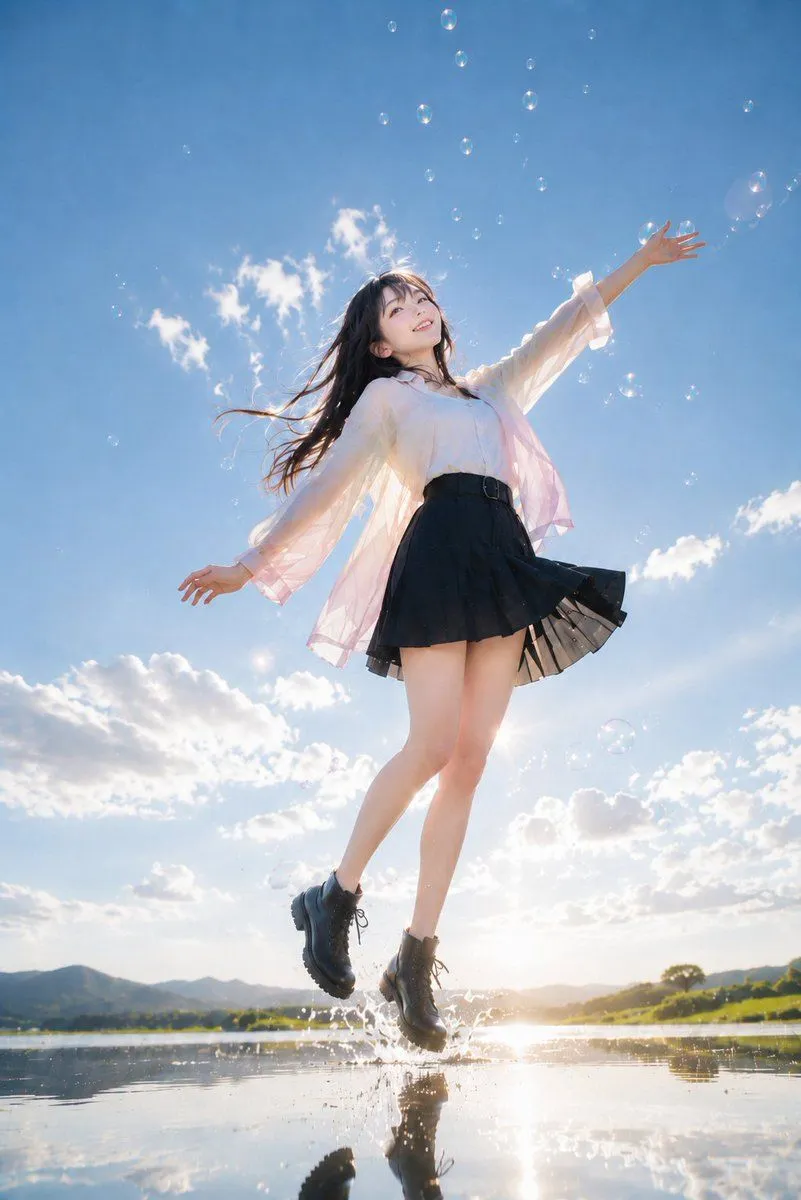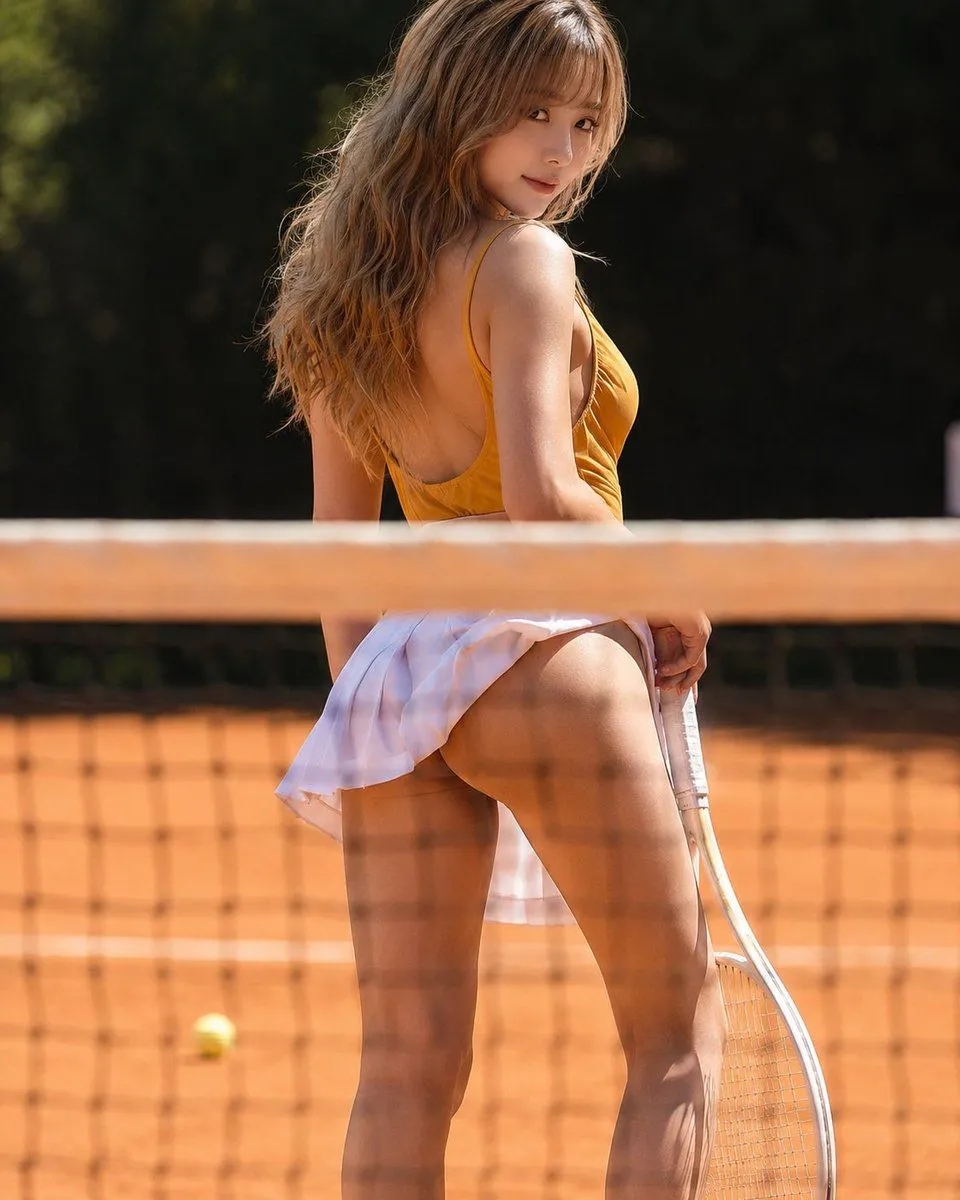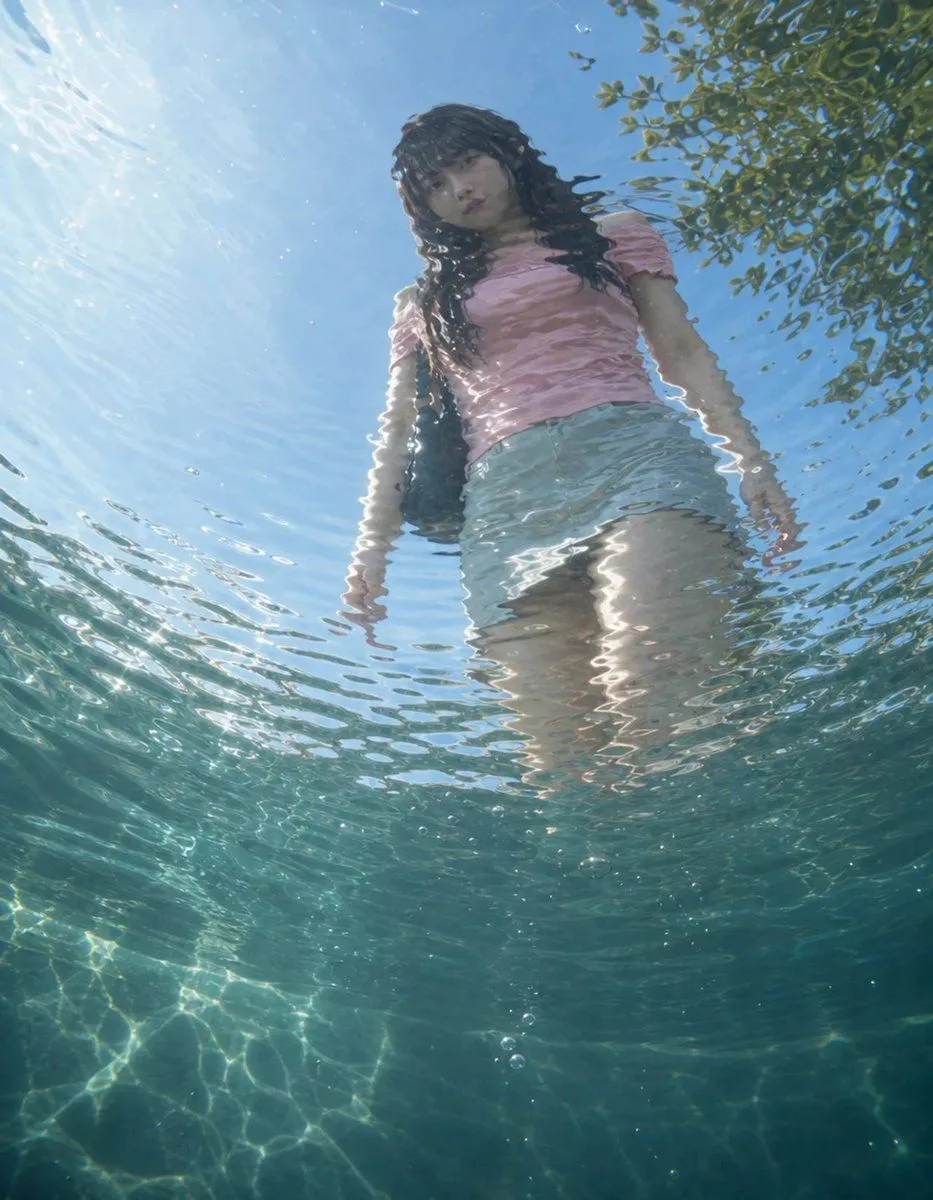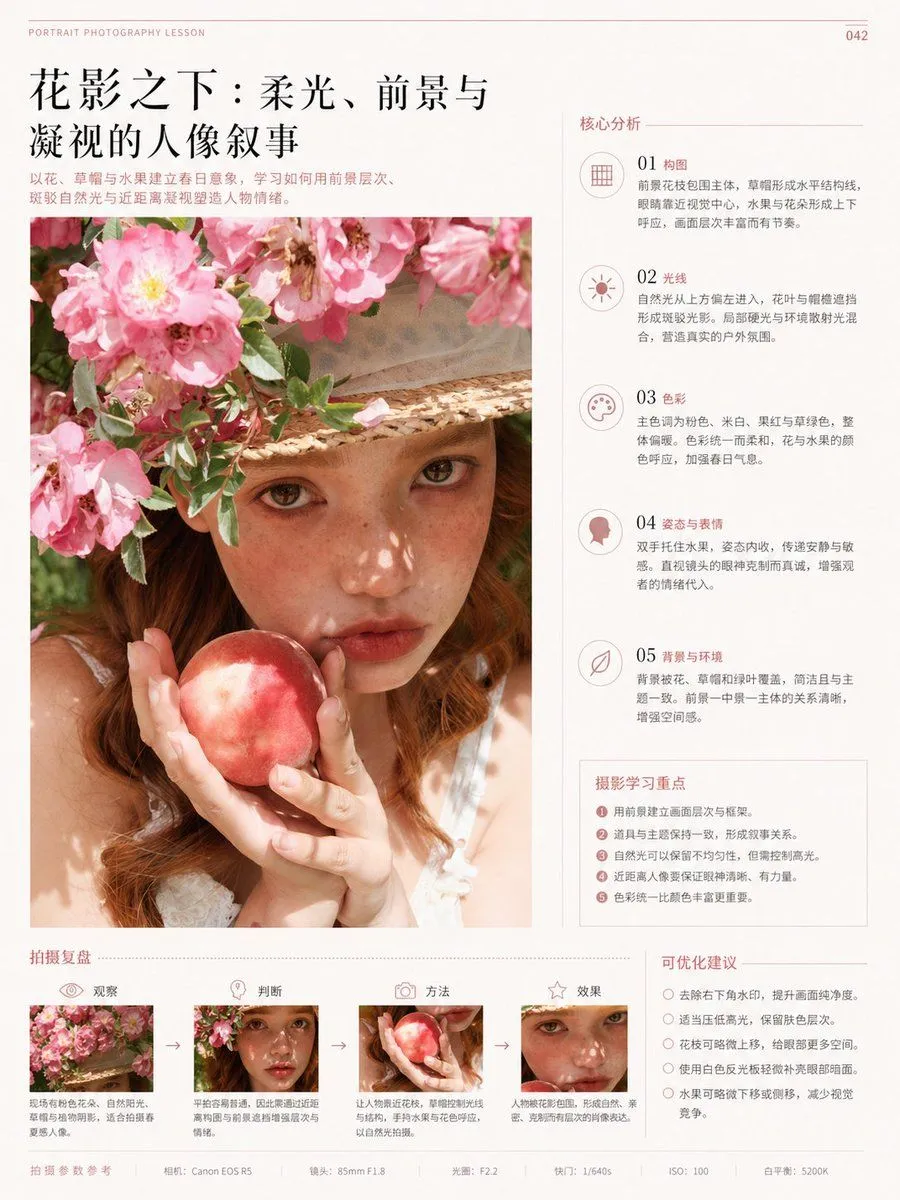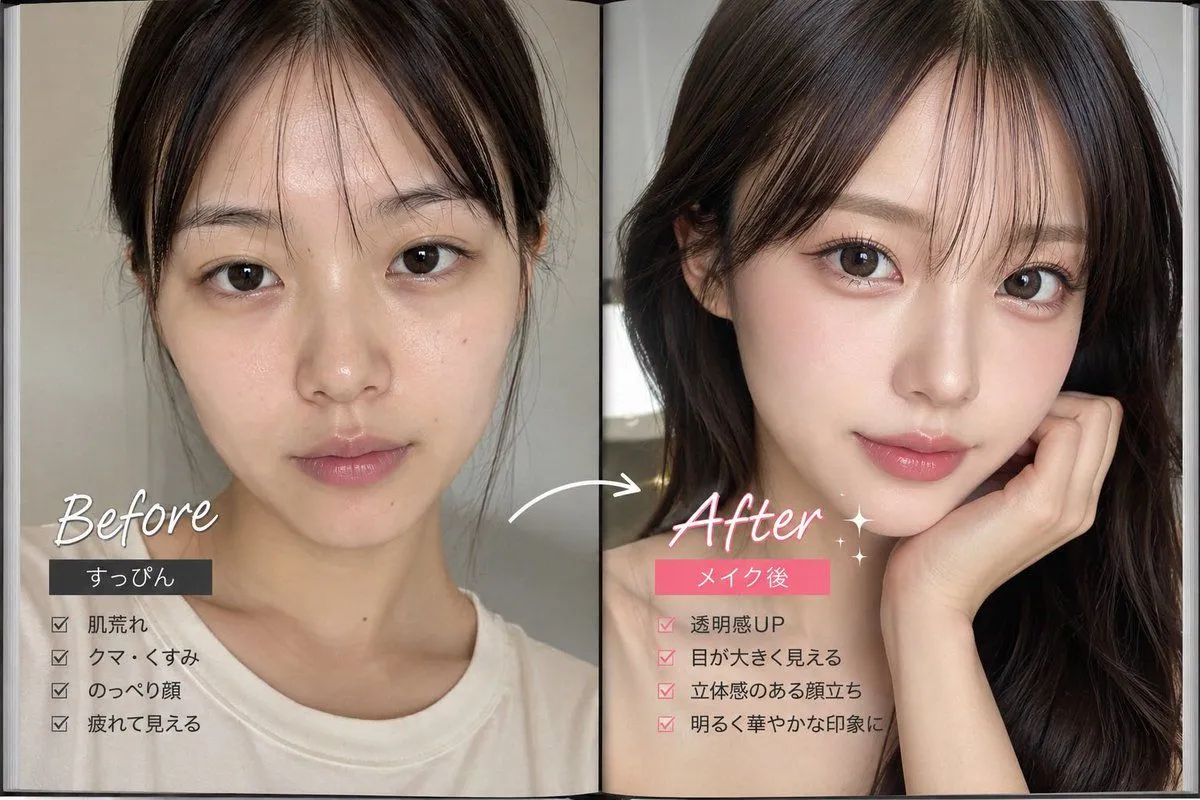
Made with GPT Image 2 in ChatGPT by Library Brand. Promptclay never generates images.
Did it work?
No reports yet. Tell others if it worked for you.
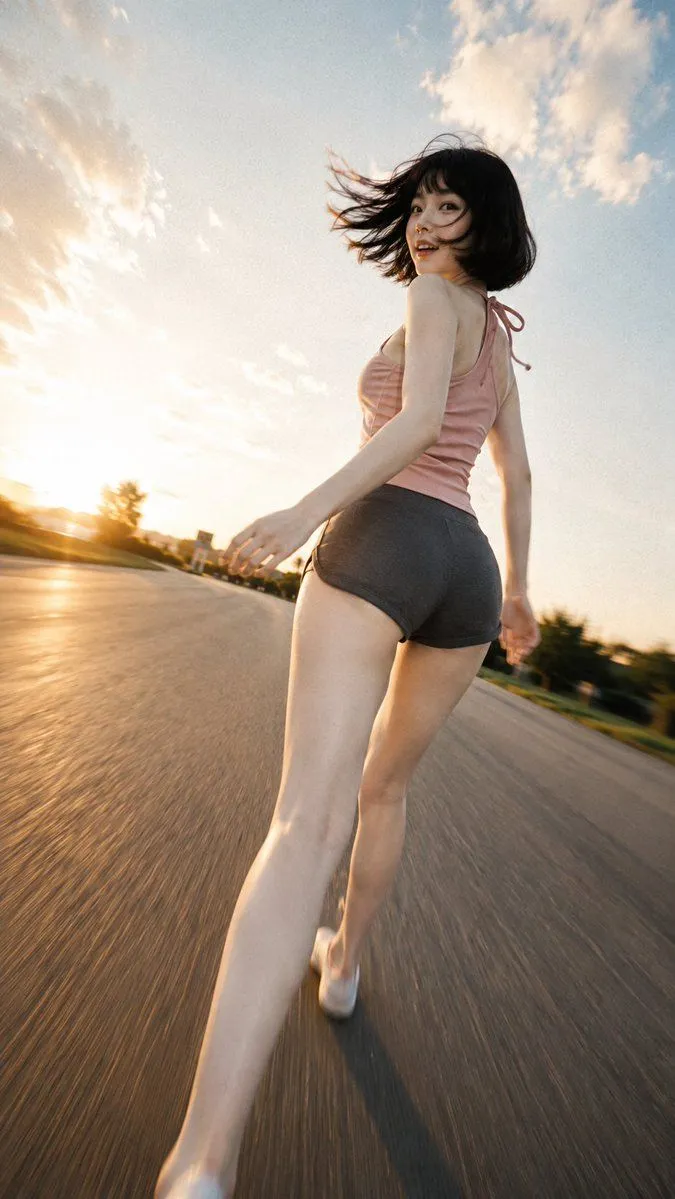
Golden Hour Running Fashion Photo
Prompt
3 blanks to fillCreate a photorealistic vertical magazine-style fashion photo of {character_name} running away from the camera on an empty wide asphalt road at golden hour, captured from an extremely low rear tracking angle with a dynamic wide-angle lens. She is mid-stride and turning her head back over her shoulder toward the camera with a bright spontaneous smile, short black bob hair blowing dramatically in the wind. She wears {top}, {shorts}, and white sneakers. Emphasize long legs in perspective, natural skin texture, cinematic sunset rim light, warm orange sunlight from the low horizon on the left, blue sky with scattered soft clouds, subtle film grain, motion blur streaking along the road surface, shallow depth of field, realistic lens distortion, lively candid energy, and an editorial summer road-trip mood. Keep the composition vertical 9:16, subject centered slightly right, no text, no watermark, no extra people, no vehicles close to the subject.
Preview of your prompt
Create a photorealistic vertical magazine-style fashion photo of a young East Asian woman running away from the camera on an empty wide asphalt road at golden hour, captured from an extremely low rear tracking angle with a dynamic wide-angle lens. She is mid-stride and turning her head back over her shoulder toward the camera with a bright spontaneous smile, short black bob hair blowing dramatically in the wind. She wears a dusty pink sleeveless tie-back tank top, dark charcoal fitted athletic shorts, and white sneakers. Emphasize long legs in perspective, natural skin texture, cinematic sunset rim light, warm orange sunlight from the low horizon on the left, blue sky with scattered soft clouds, subtle film grain, motion blur streaking along the road surface, shallow depth of field, realistic lens distortion, lively candid energy, and an editorial summer road-trip mood. Keep the composition vertical 9:16, subject centered slightly right, no text, no watermark, no extra people, no vehicles close to the subject.
DetailsVersions, settings and questions
Written for
What's in the prompt
- Subject
- Model
- GPT Image 2
If your face changes
keep my face exactly the sameQuestions
- Does this work in the ChatGPT app?
- Yes. Paste the prompt and attach your photo if it uses one.
- It changed my face. What do I do?
- Add "keep my face exactly the same" to the end and run it again.
- Can I use the images I make?
- Check the terms of the app you use. Promptclay never generates images and claims nothing you make.