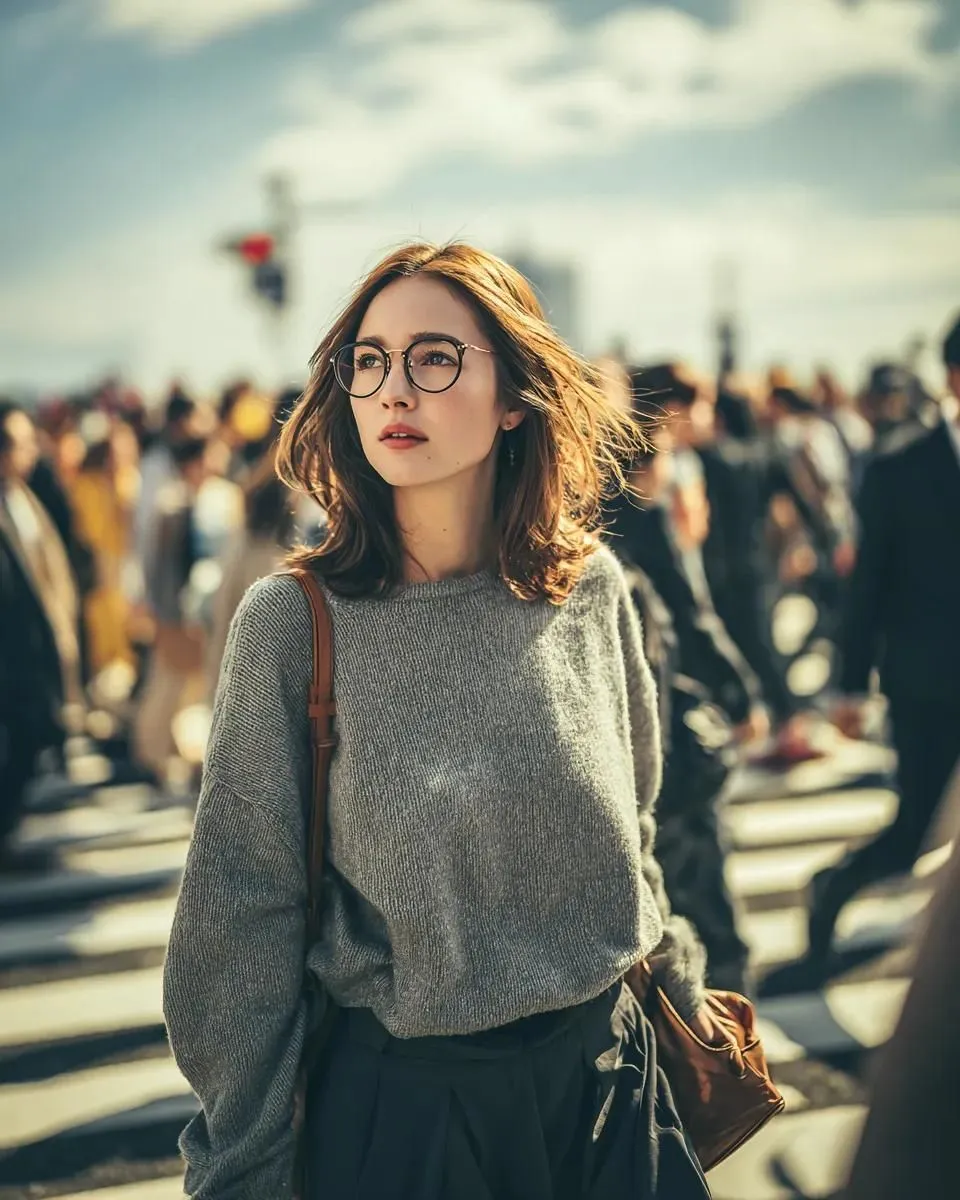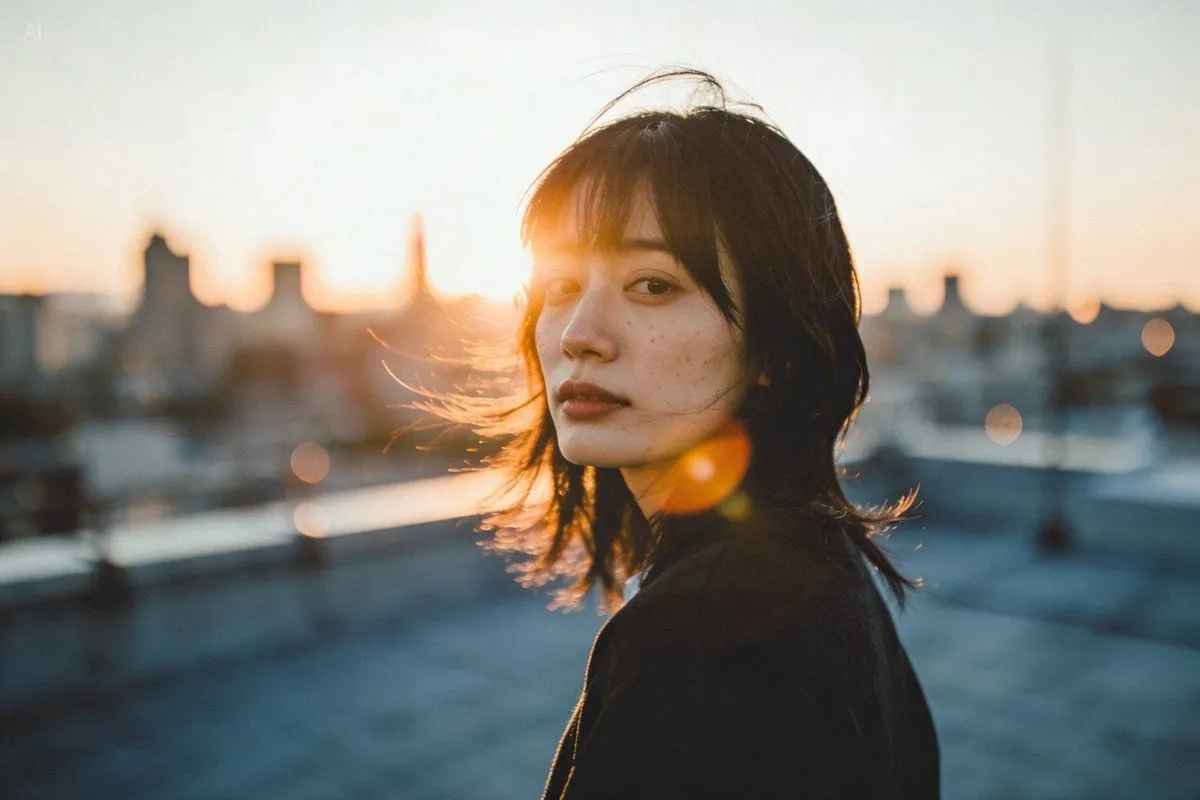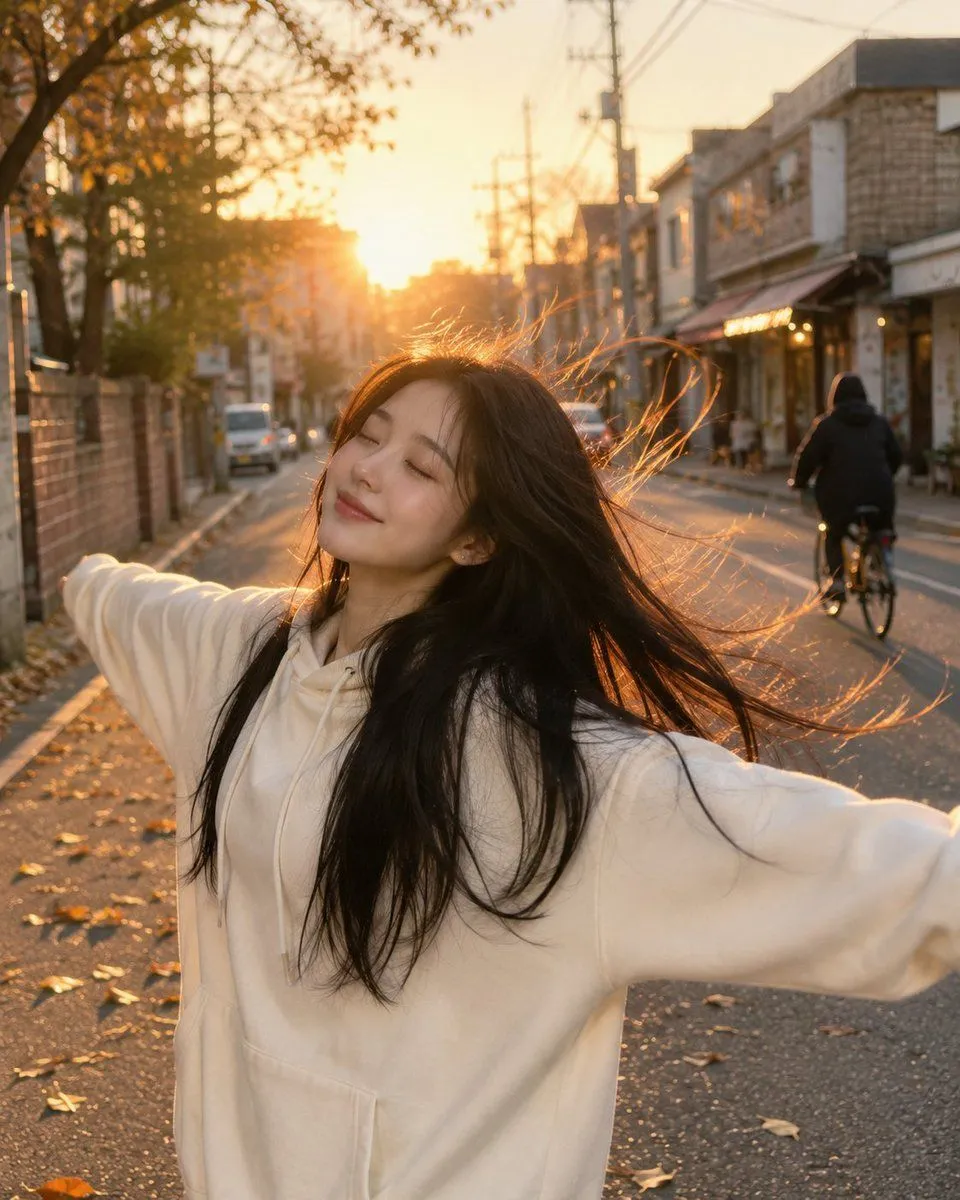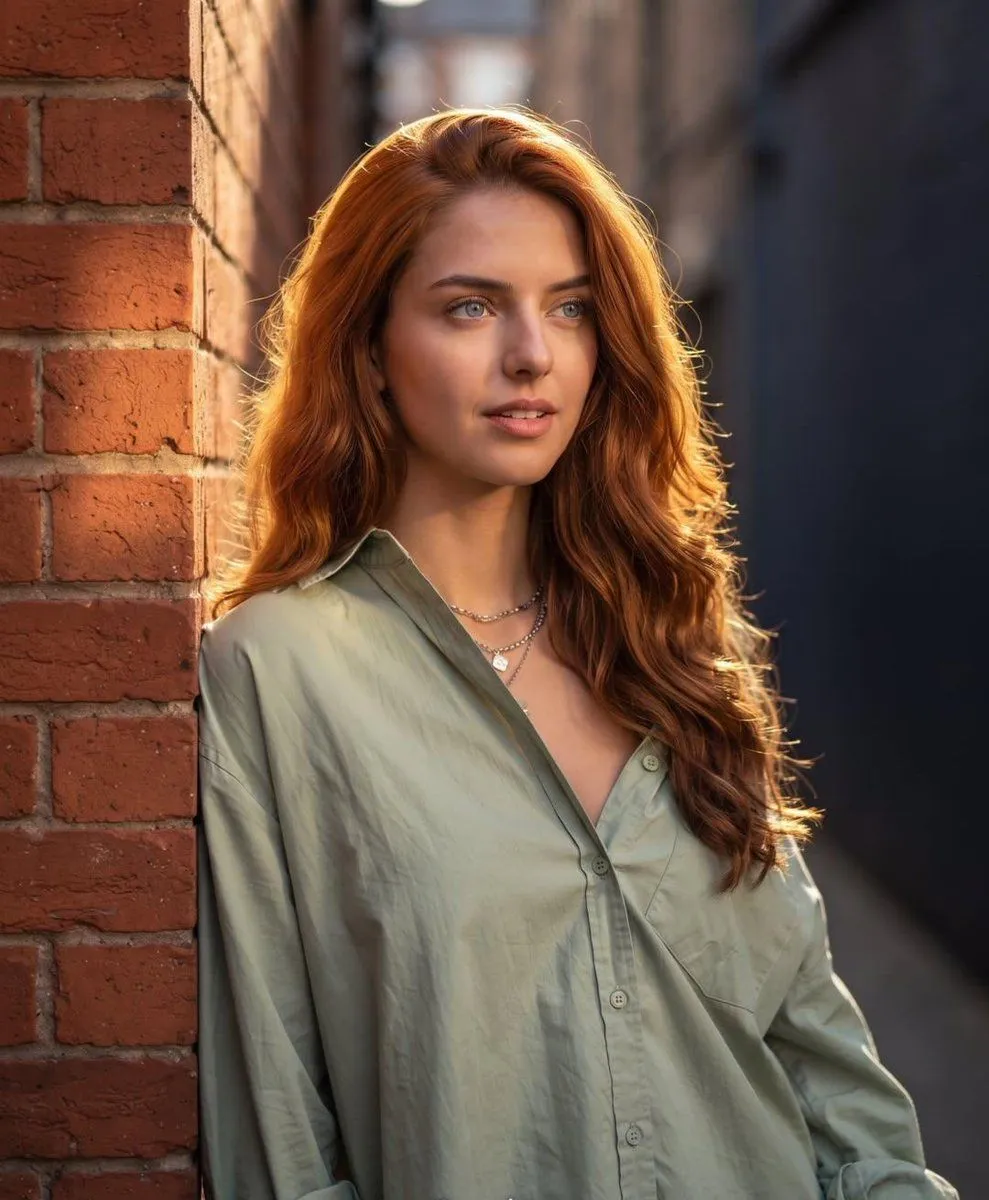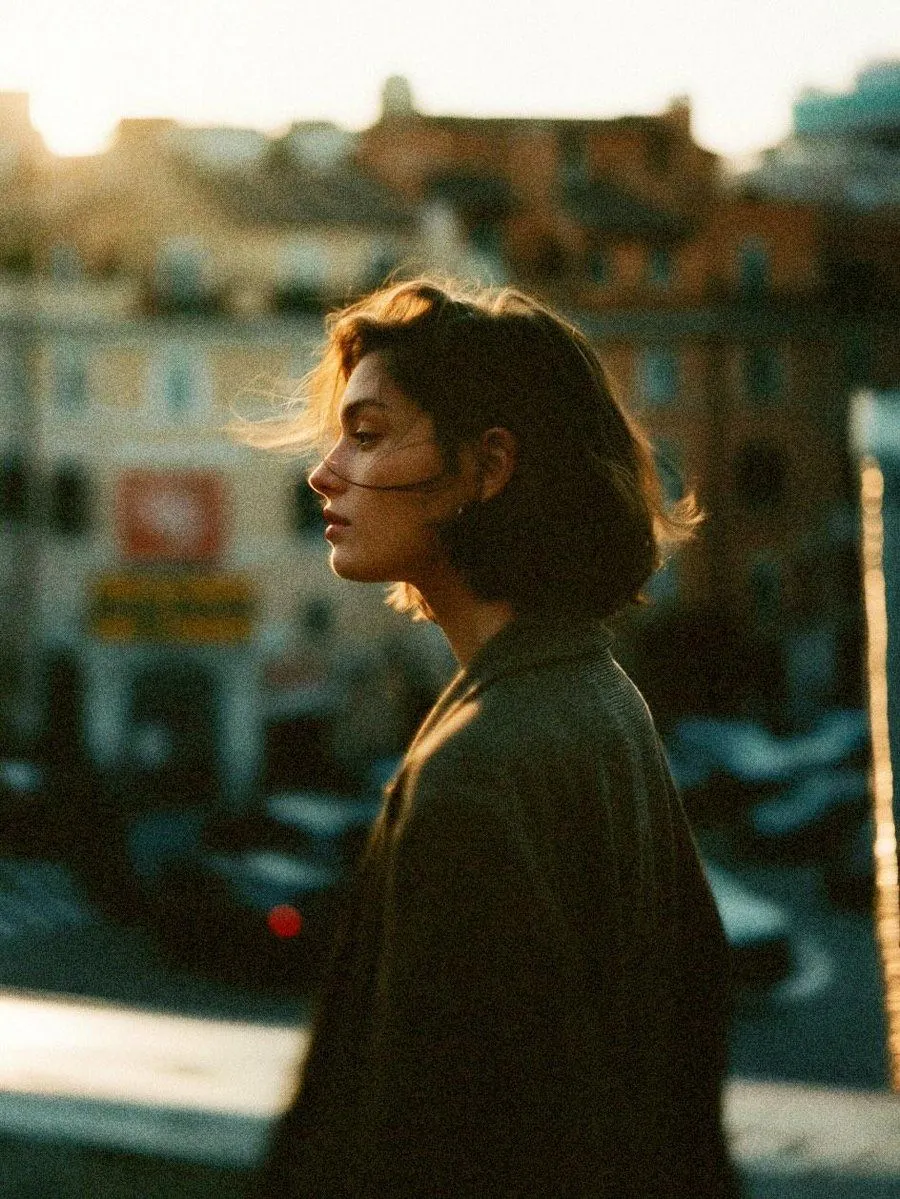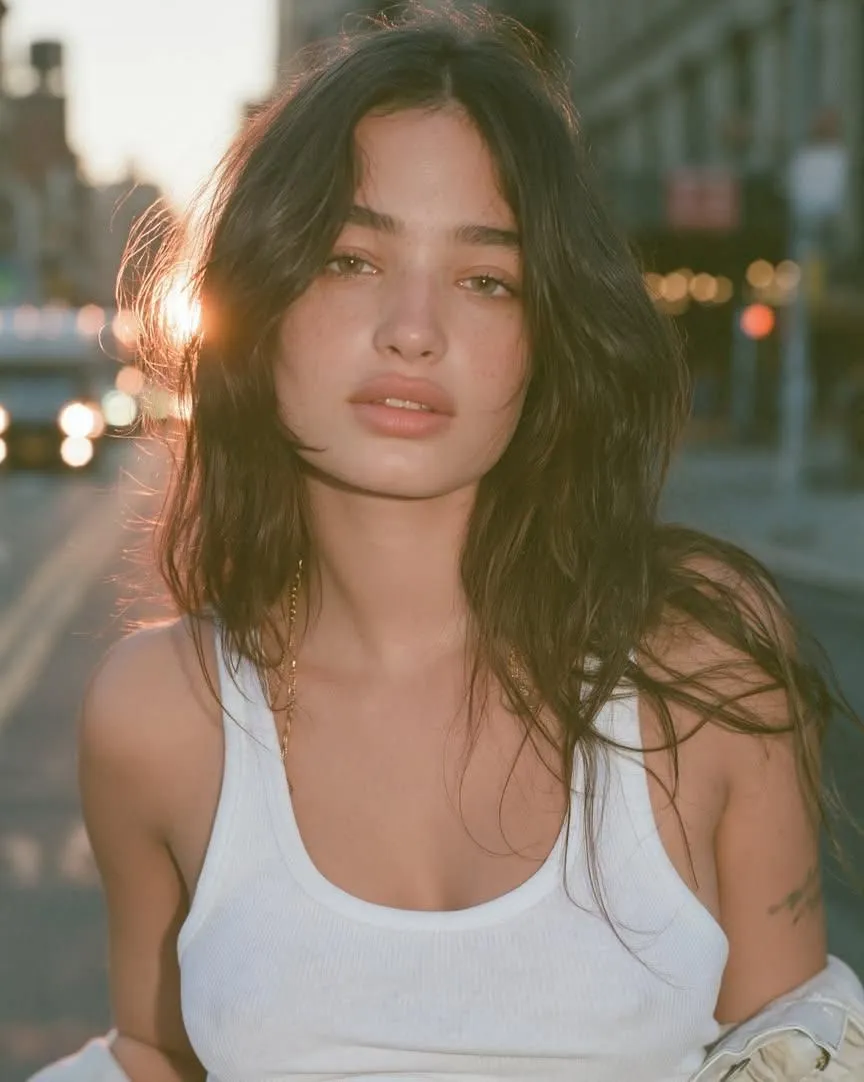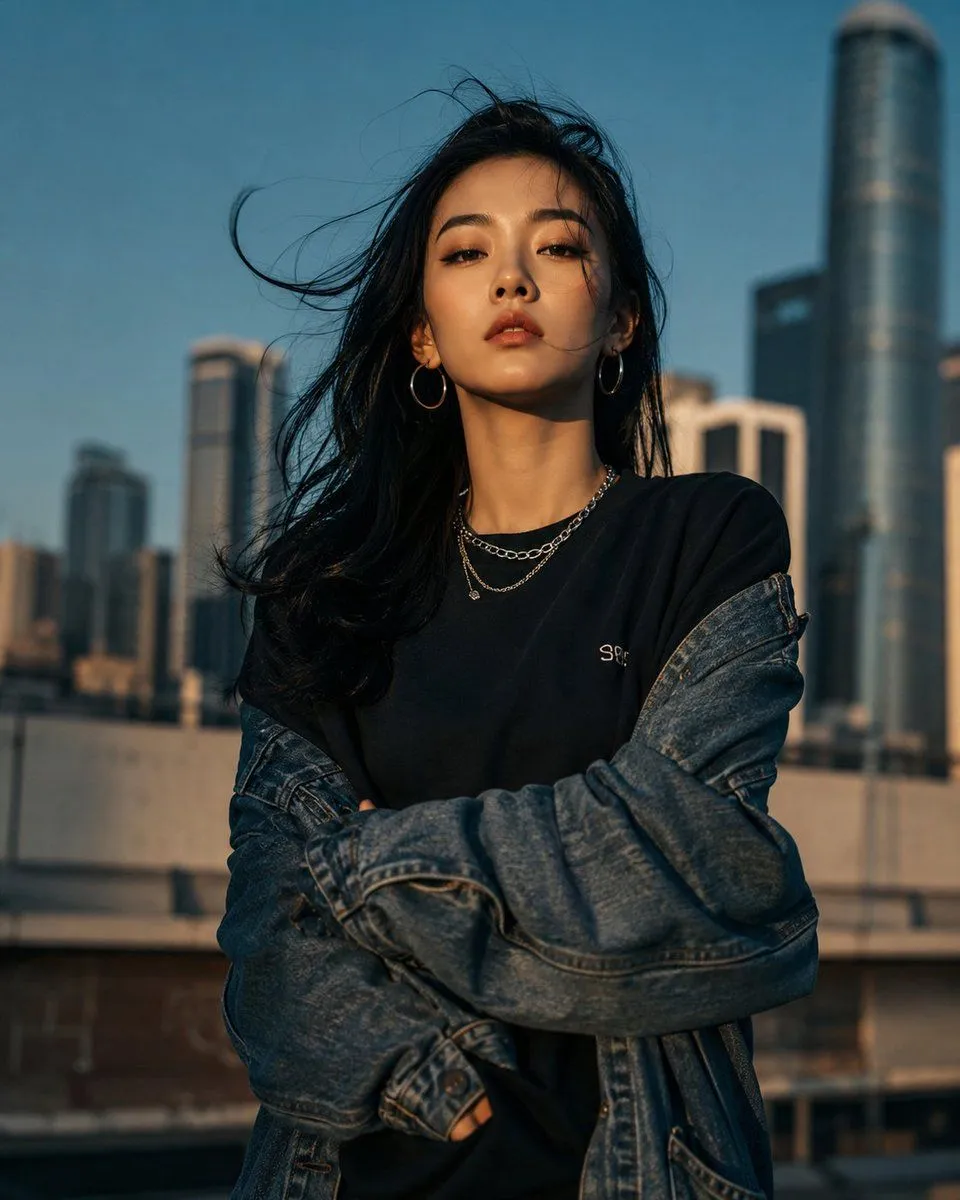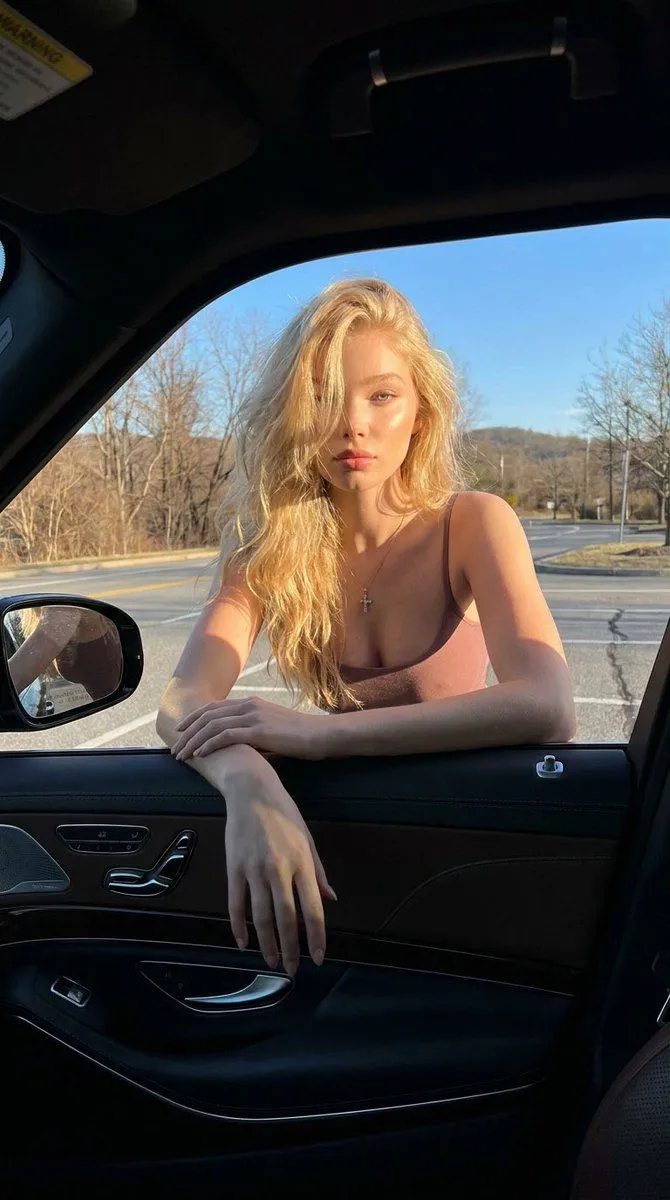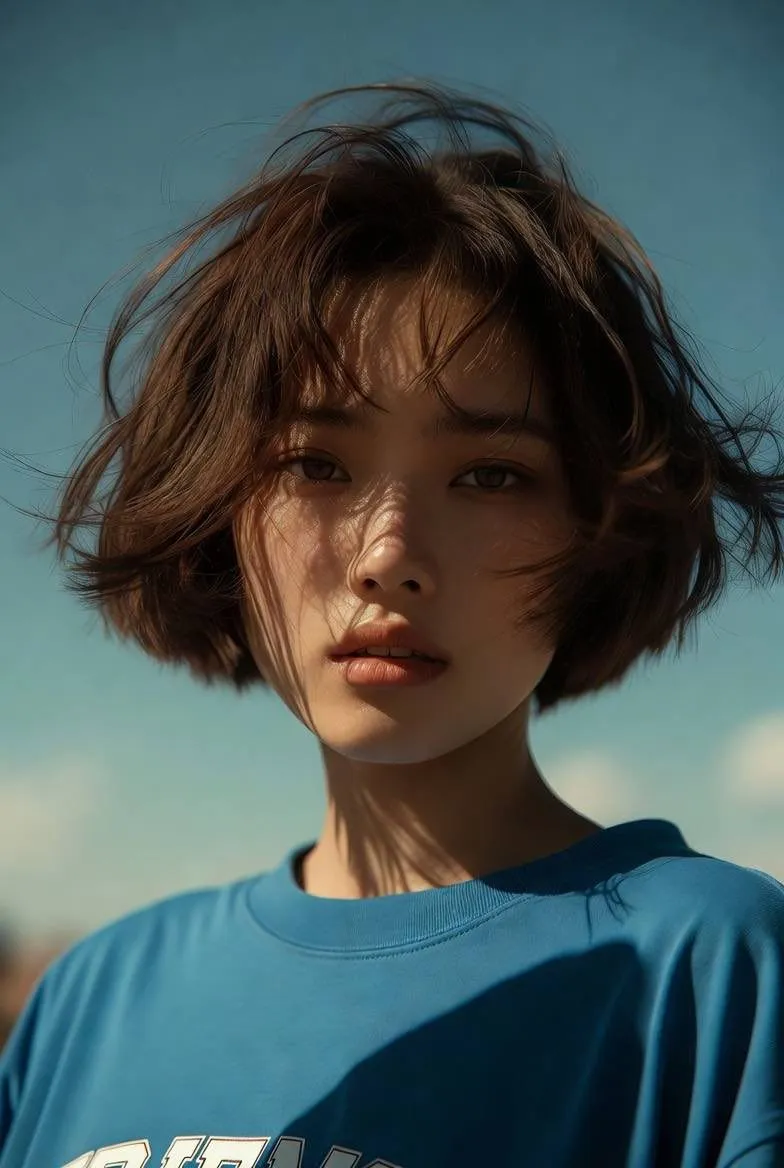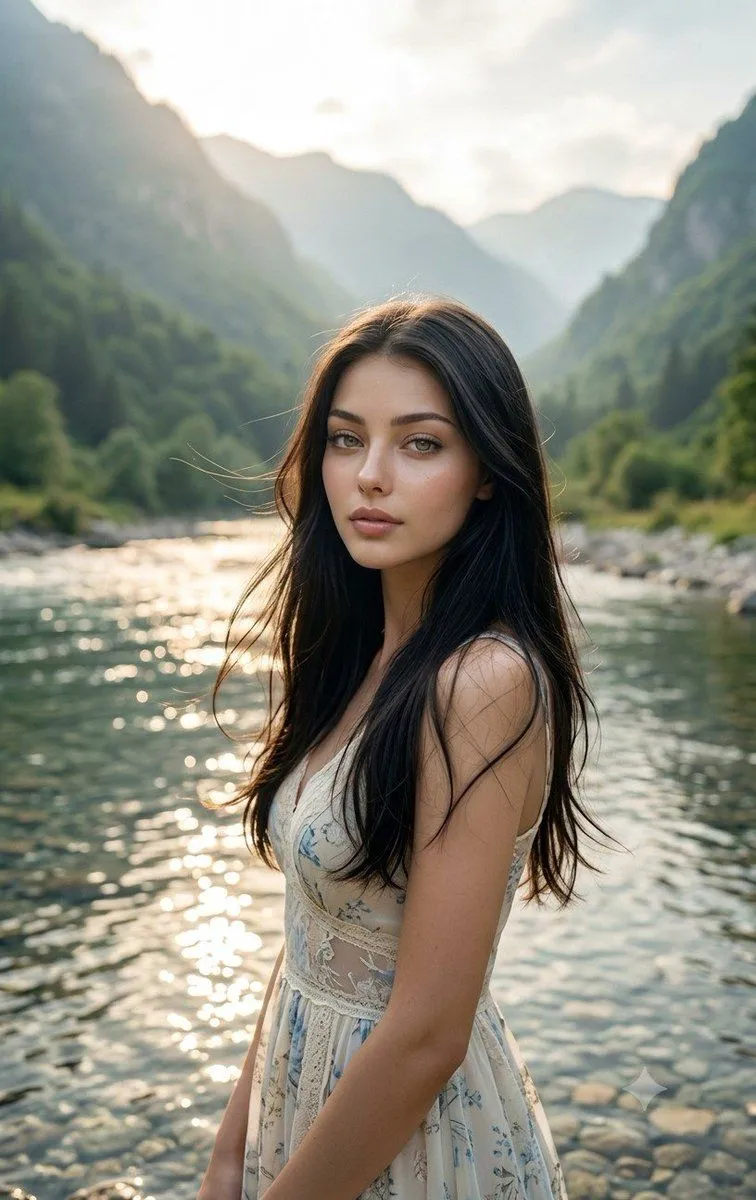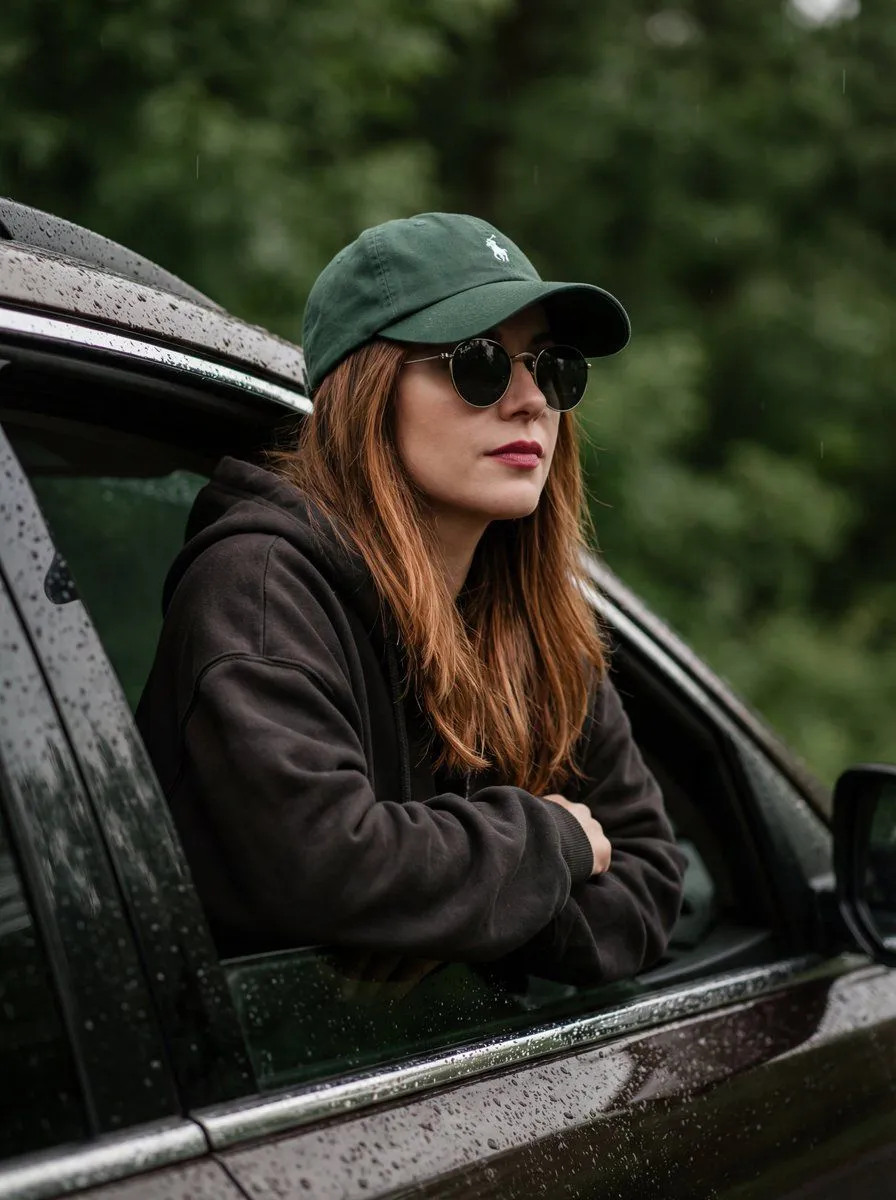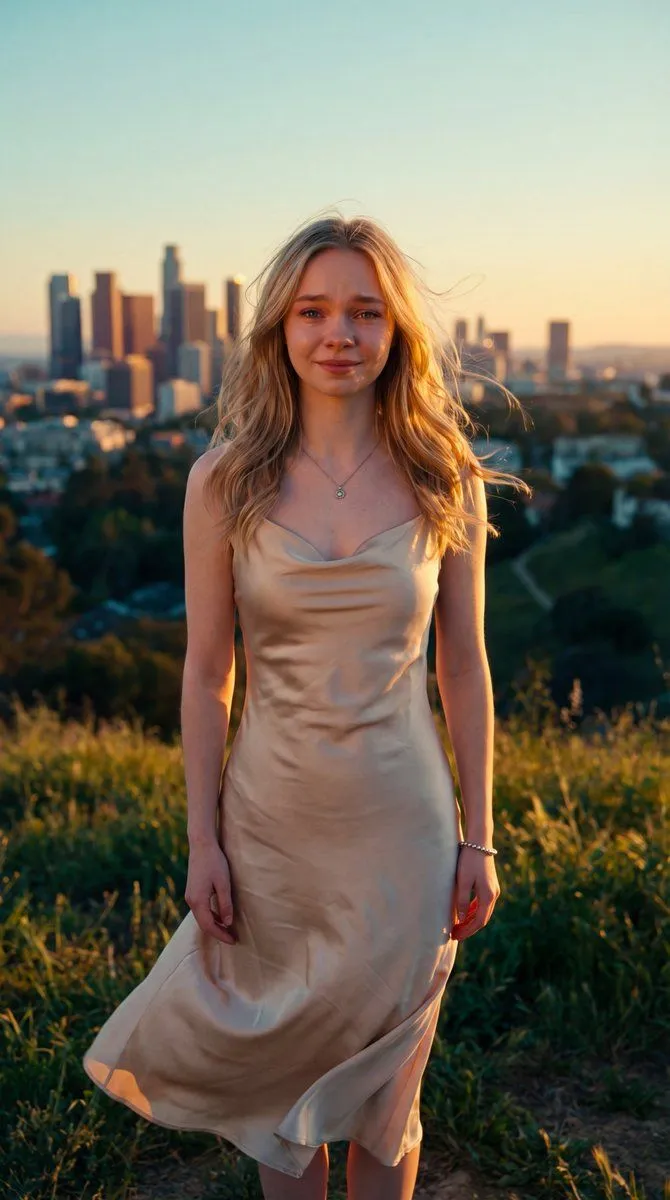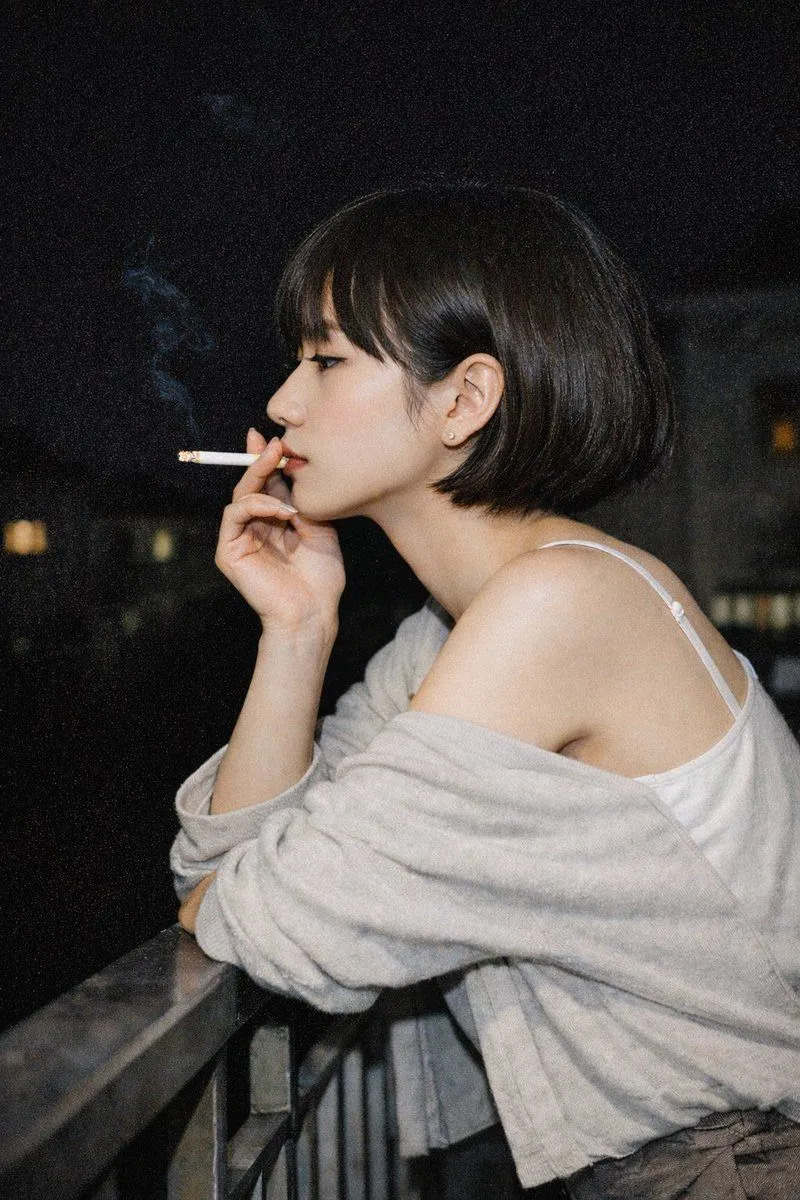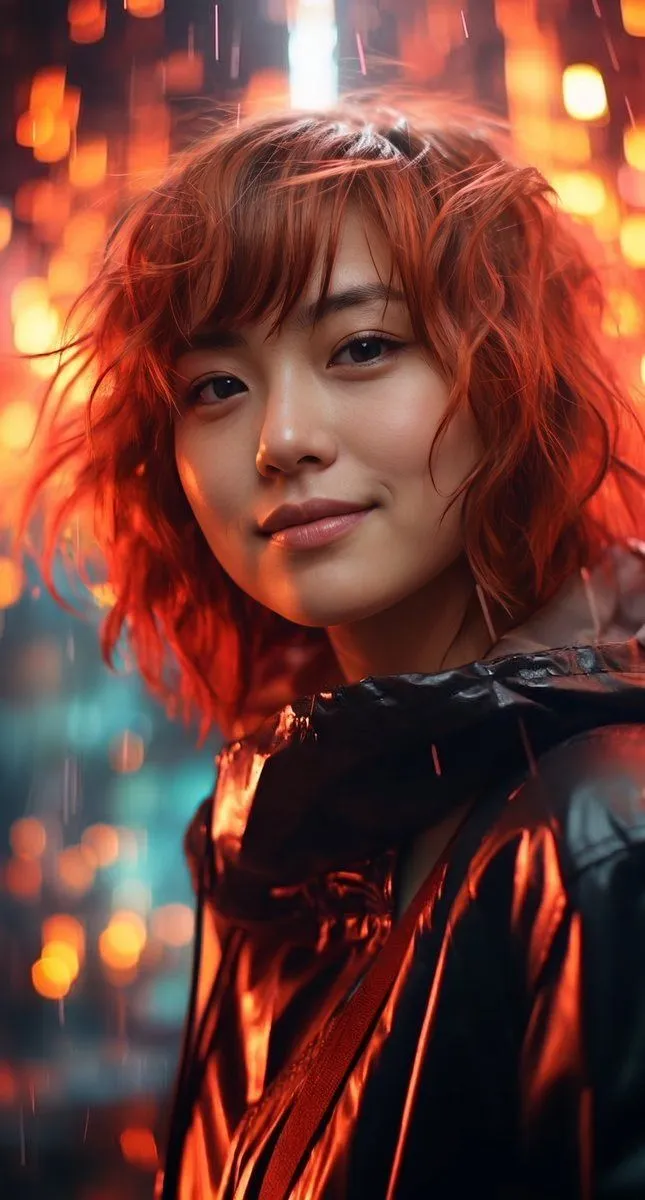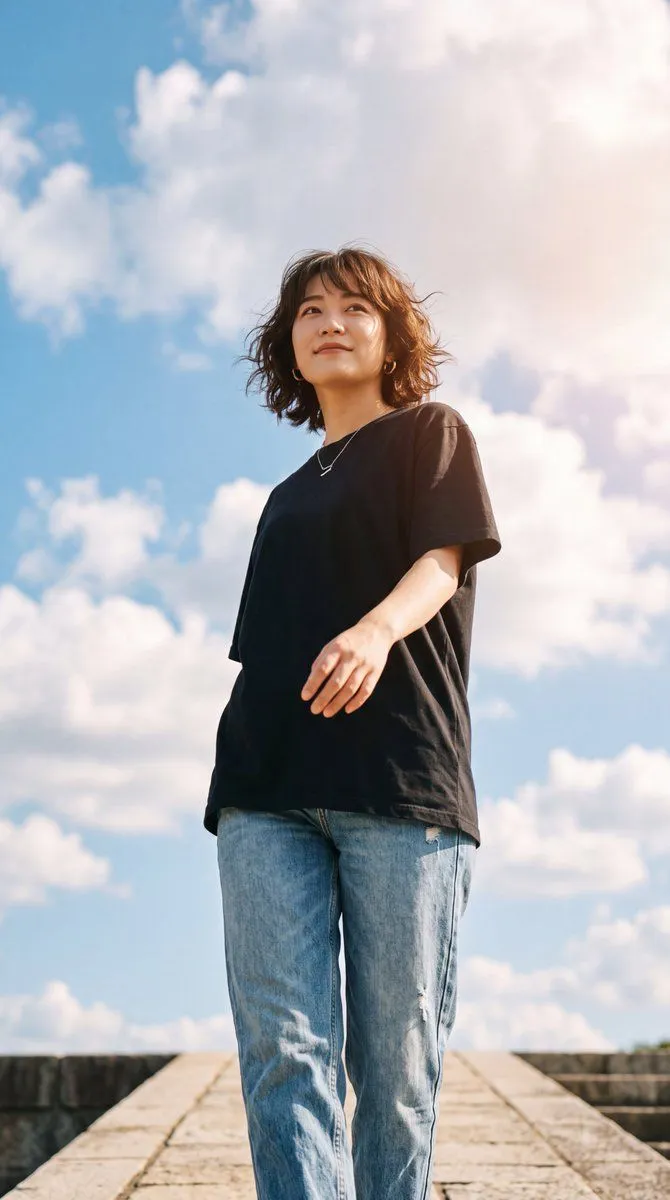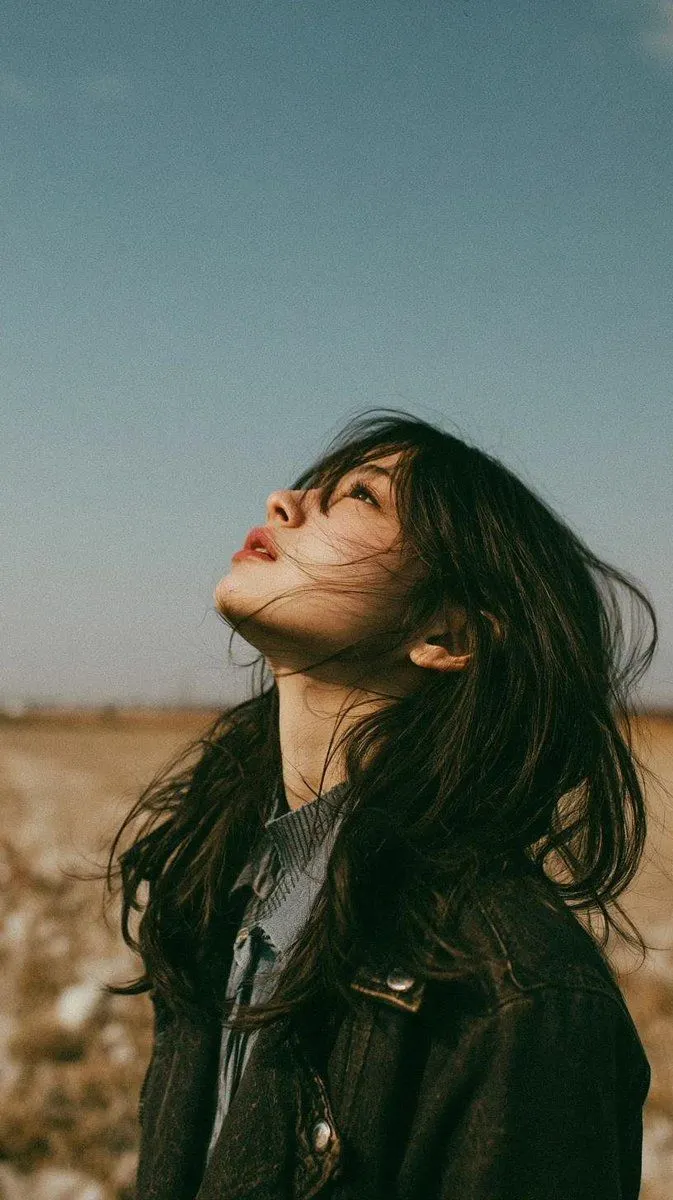
Made with GPT Image 2 in ChatGPT by Library Lifestyle. Promptclay never generates images.
Did it work?
No reports yet. Tell others if it worked for you.
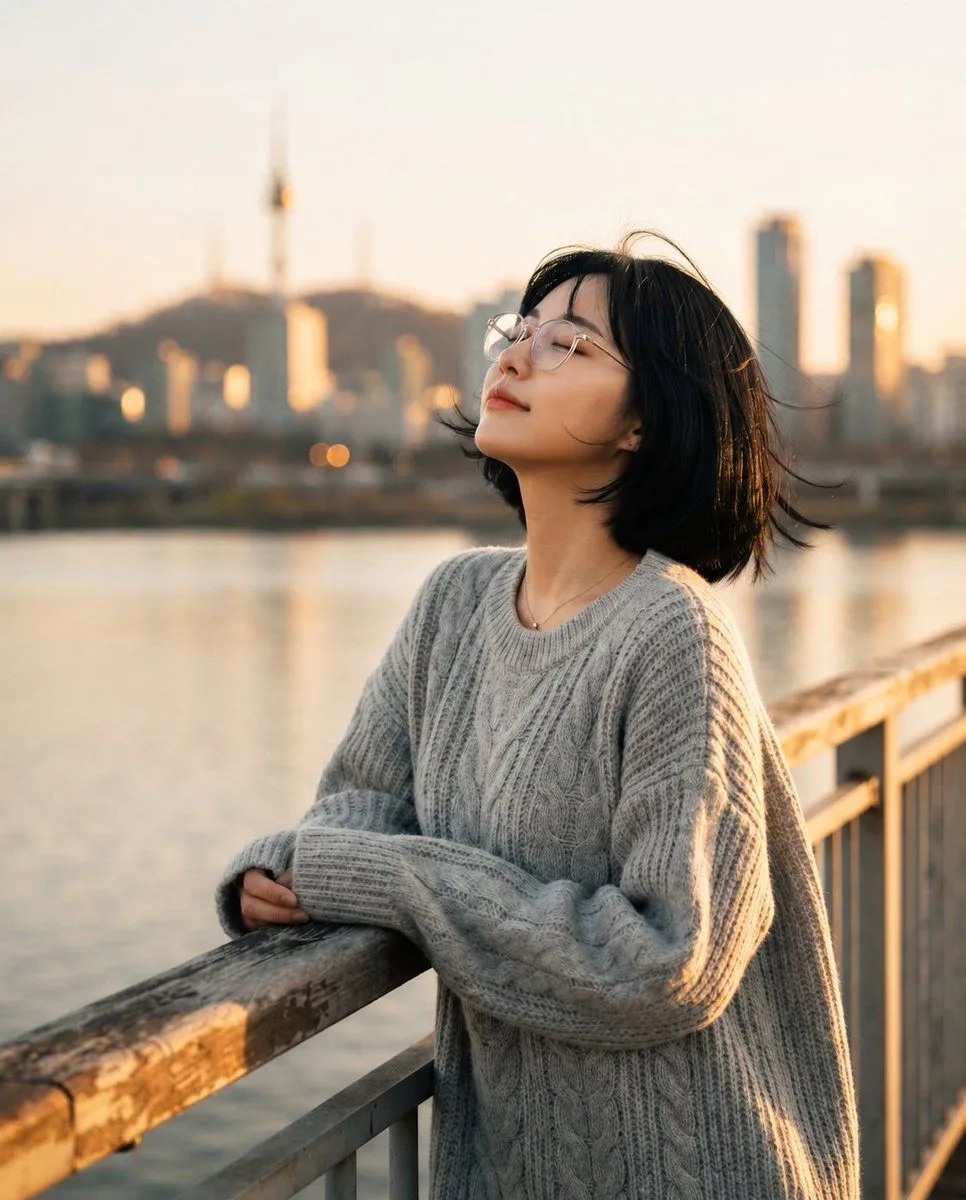
Golden Hour Riverside Portrait
Prompt
2 blanks to fillCreate a cinematic lifestyle portrait of {character_name} leaning peacefully on a riverside bridge railing during golden hour. She has a short black bob haircut with soft wind-blown strands, delicate facial features, fair skin, and round clear eyeglasses. She is looking slightly upward with her eyes gently closed and a subtle relaxed smile, conveying quiet peace and solitude. She wears an oversized {sweater_color} chunky cable-knit sweater with long sleeves covering part of her hands, plus a small delicate necklace. Her arms rest casually on a weathered wooden bridge rail, with metal vertical railings receding into the distance on the right. The background shows a calm river reflecting warm sunset light, a softly blurred urban skyline with tall buildings, and a distant hill with a slender tower, all in creamy bokeh. Use warm backlighting, soft rim light on her hair and sweater, shallow depth of field, natural skin texture, realistic photography, 85mm lens look, cinematic color grading, serene atmosphere, no text, no watermark.
Preview of your prompt
Create a cinematic lifestyle portrait of a young East Asian woman leaning peacefully on a riverside bridge railing during golden hour. She has a short black bob haircut with soft wind-blown strands, delicate facial features, fair skin, and round clear eyeglasses. She is looking slightly upward with her eyes gently closed and a subtle relaxed smile, conveying quiet peace and solitude. She wears an oversized light gray chunky cable-knit sweater with long sleeves covering part of her hands, plus a small delicate necklace. Her arms rest casually on a weathered wooden bridge rail, with metal vertical railings receding into the distance on the right. The background shows a calm river reflecting warm sunset light, a softly blurred urban skyline with tall buildings, and a distant hill with a slender tower, all in creamy bokeh. Use warm backlighting, soft rim light on her hair and sweater, shallow depth of field, natural skin texture, realistic photography, 85mm lens look, cinematic color grading, serene atmosphere, no text, no watermark.
DetailsVersions, settings and questions
Written for
What's in the prompt
- Subject
- Model
- GPT Image 2
If your face changes
keep my face exactly the sameQuestions
- Does this work in the ChatGPT app?
- Yes. Paste the prompt and attach your photo if it uses one.
- It changed my face. What do I do?
- Add "keep my face exactly the same" to the end and run it again.
- Can I use the images I make?
- Check the terms of the app you use. Promptclay never generates images and claims nothing you make.