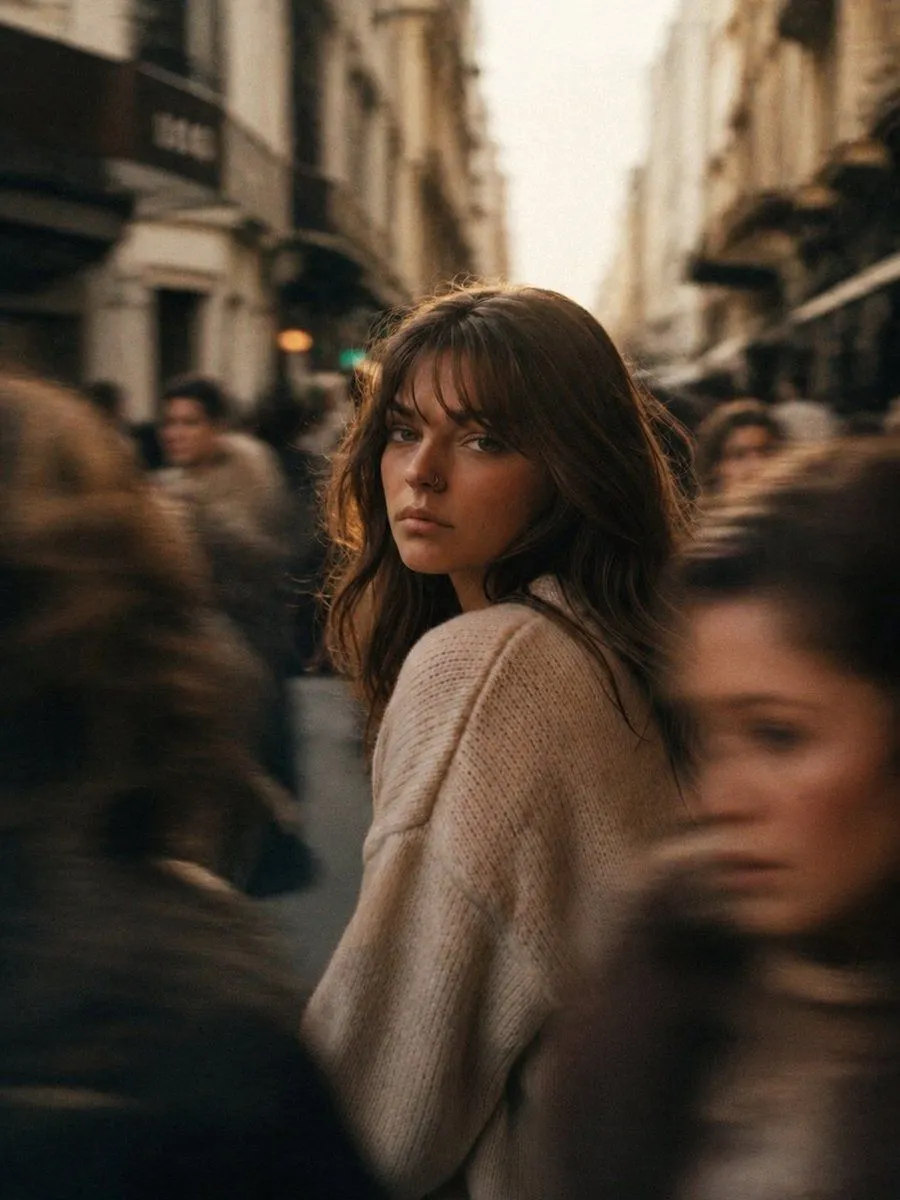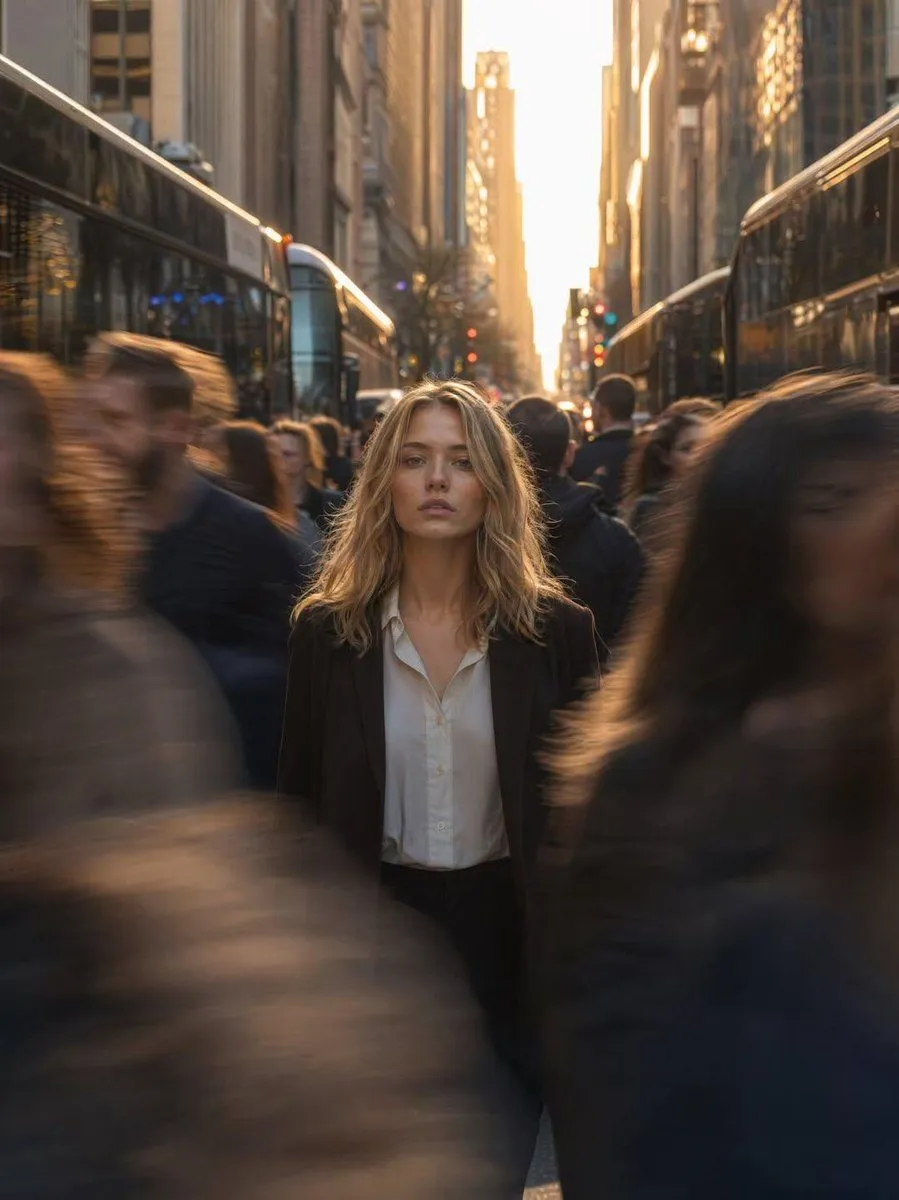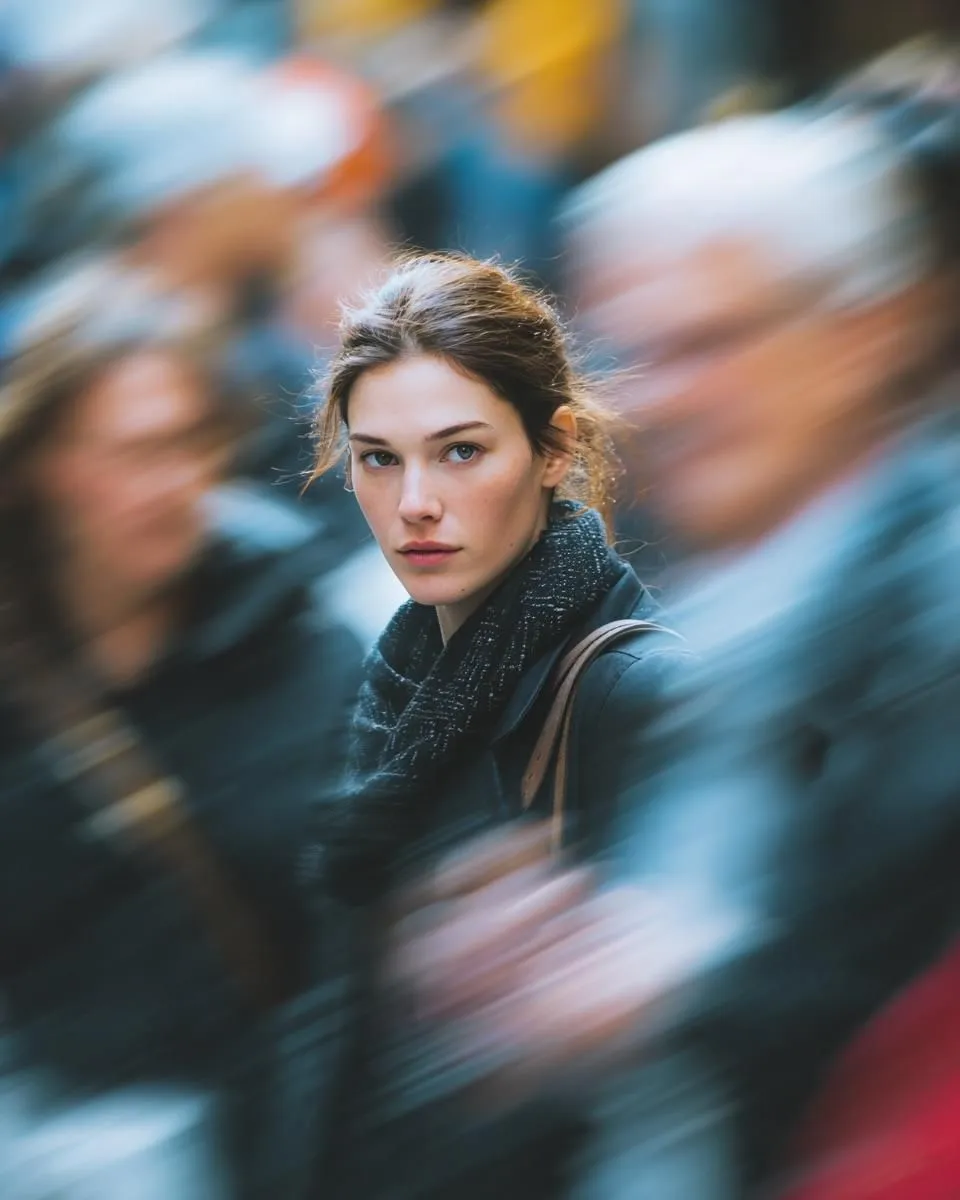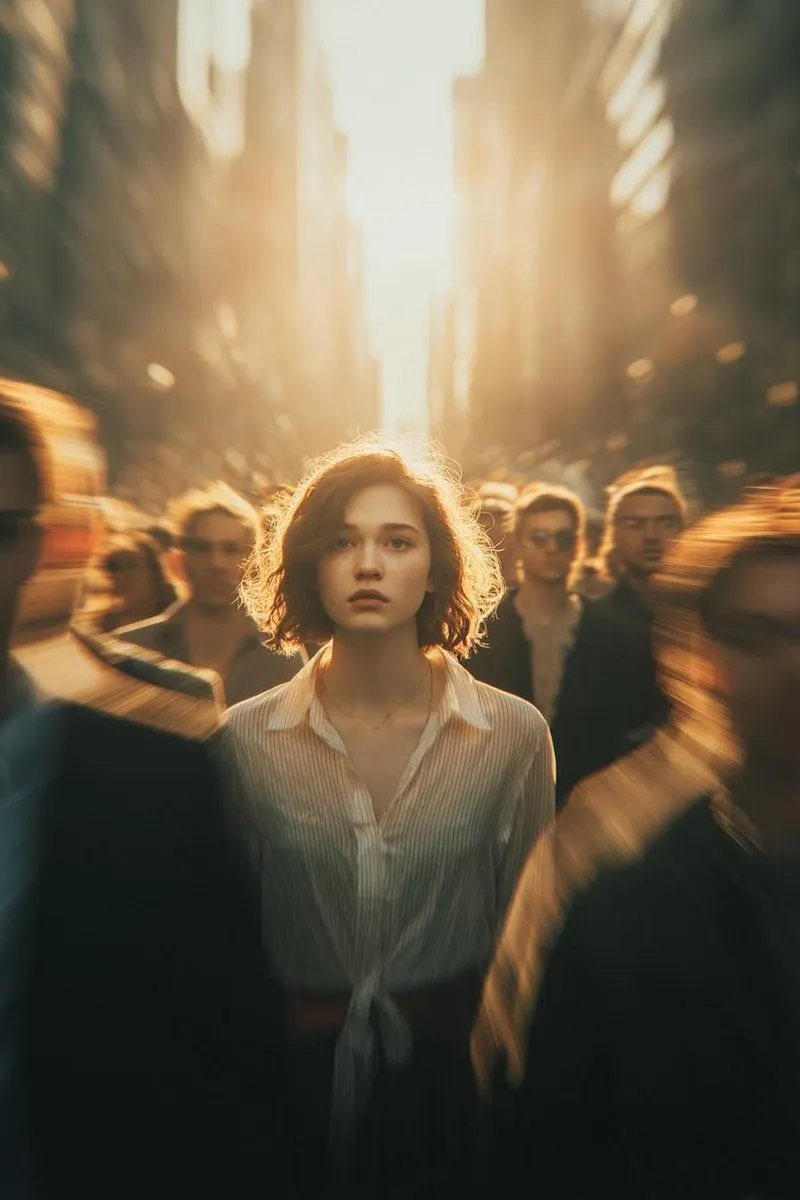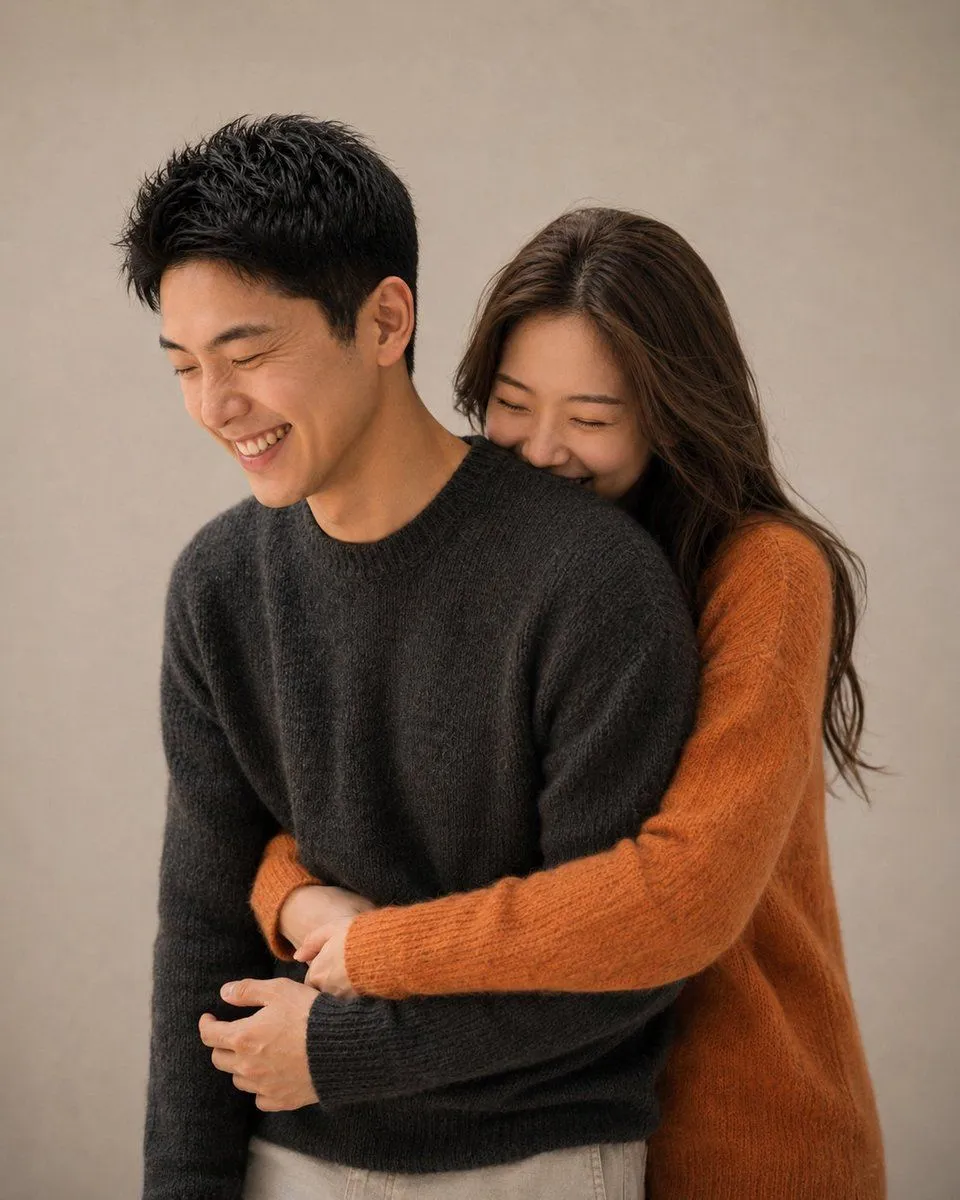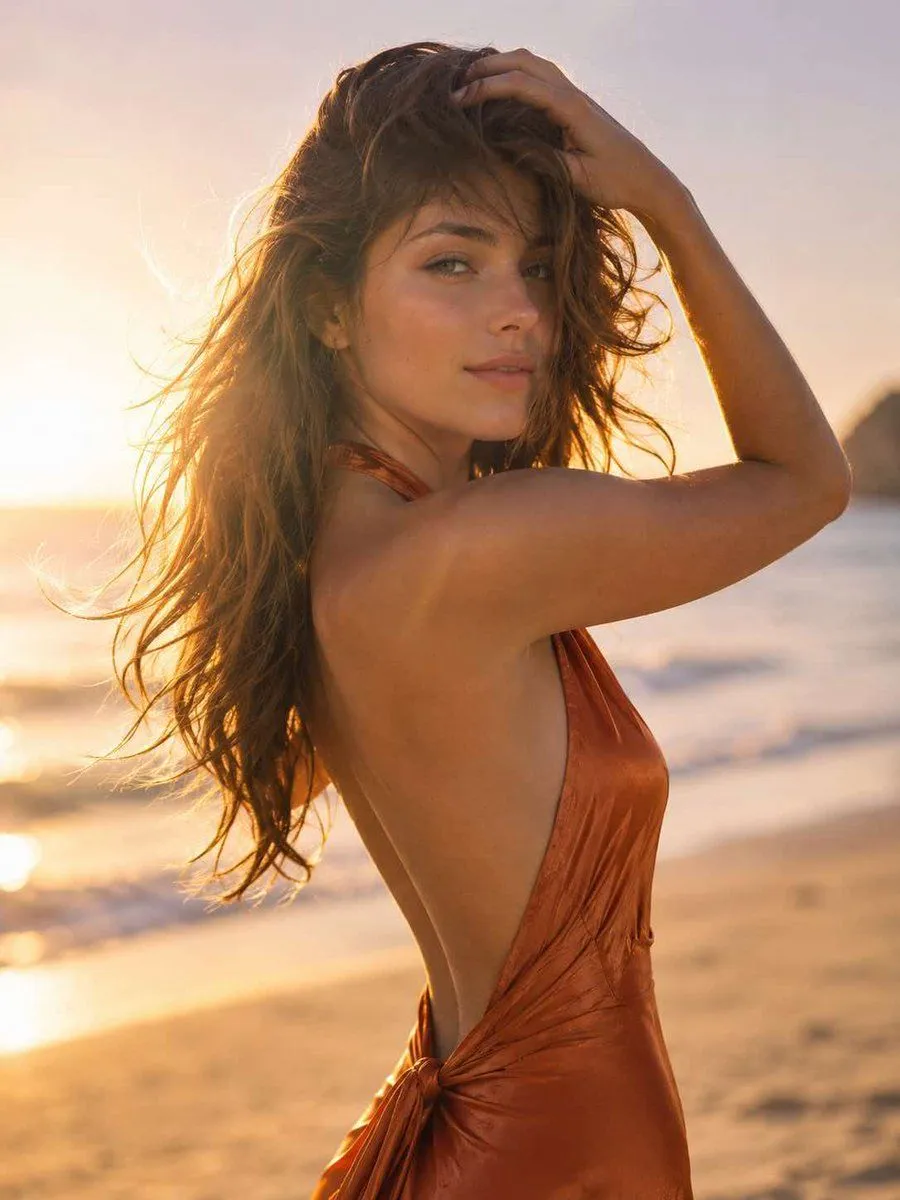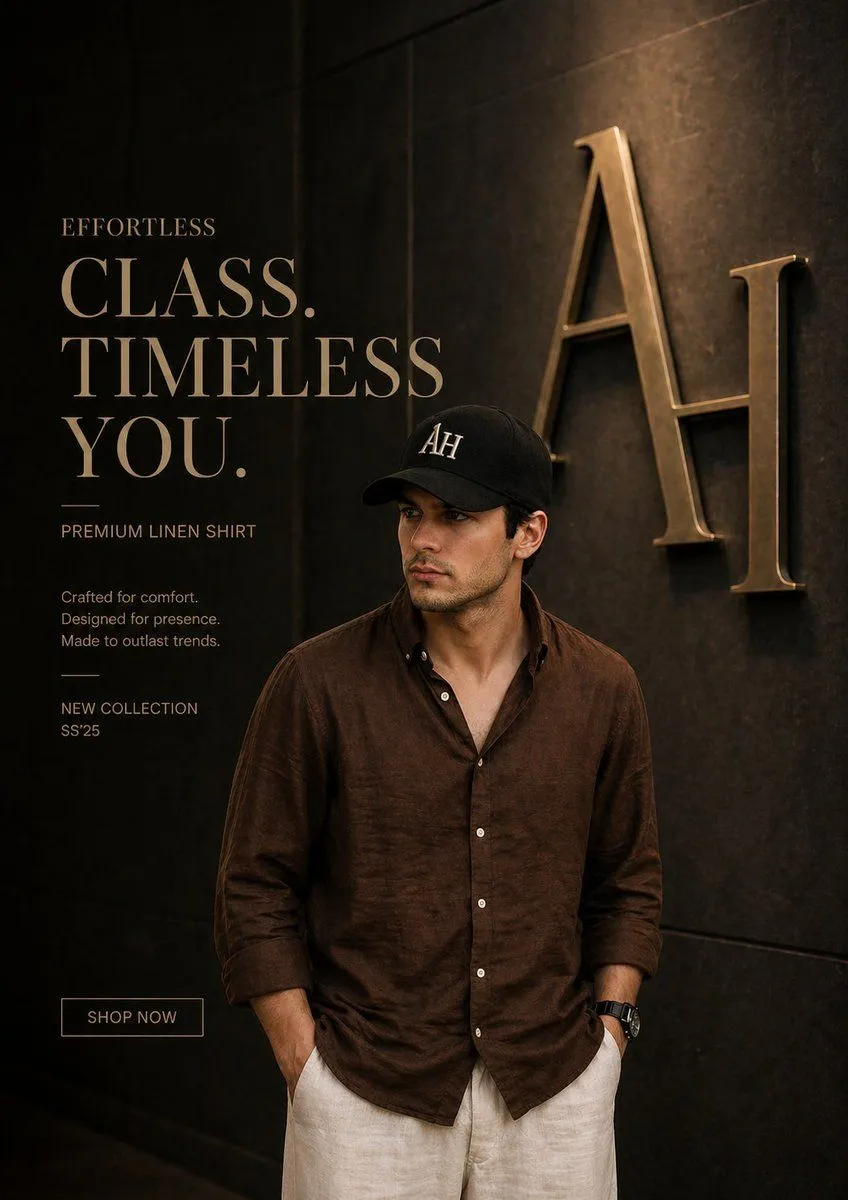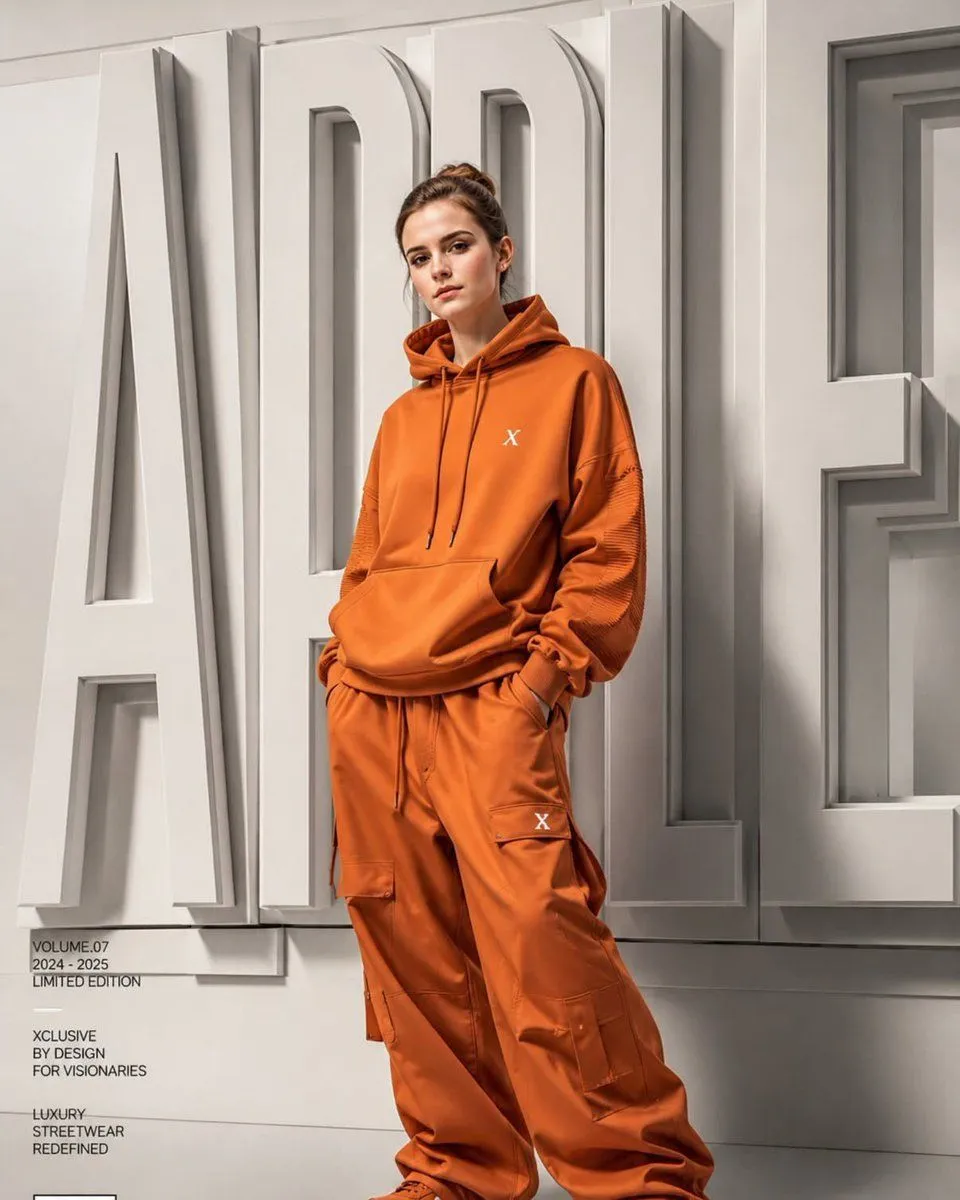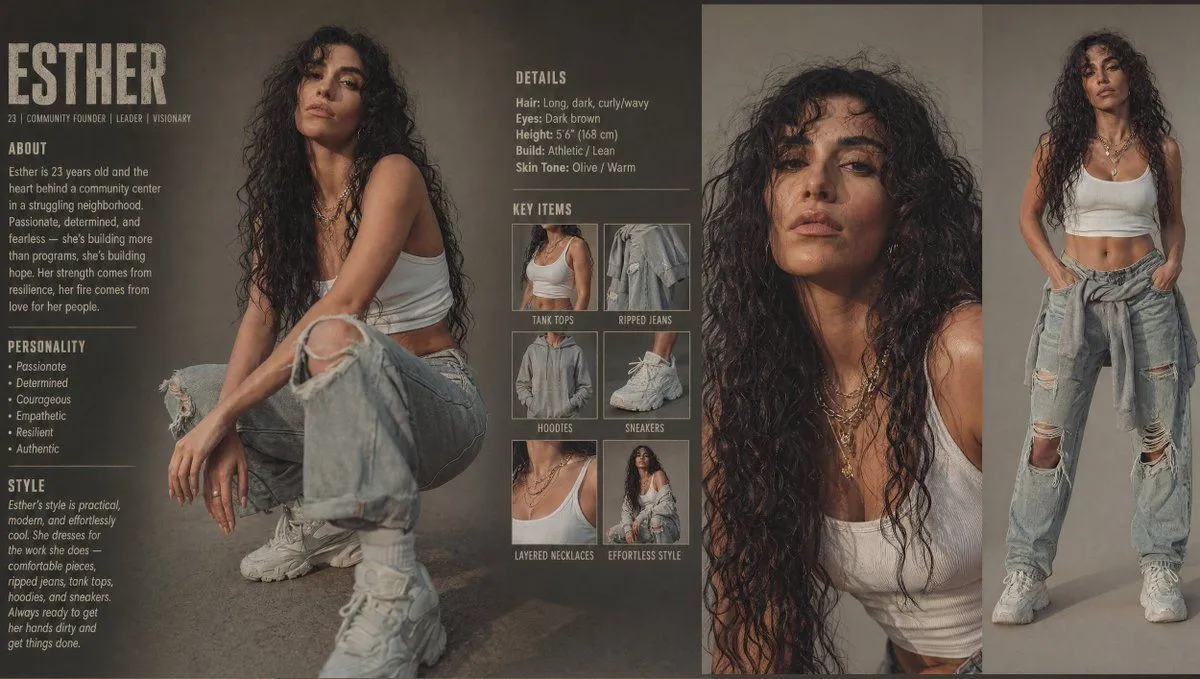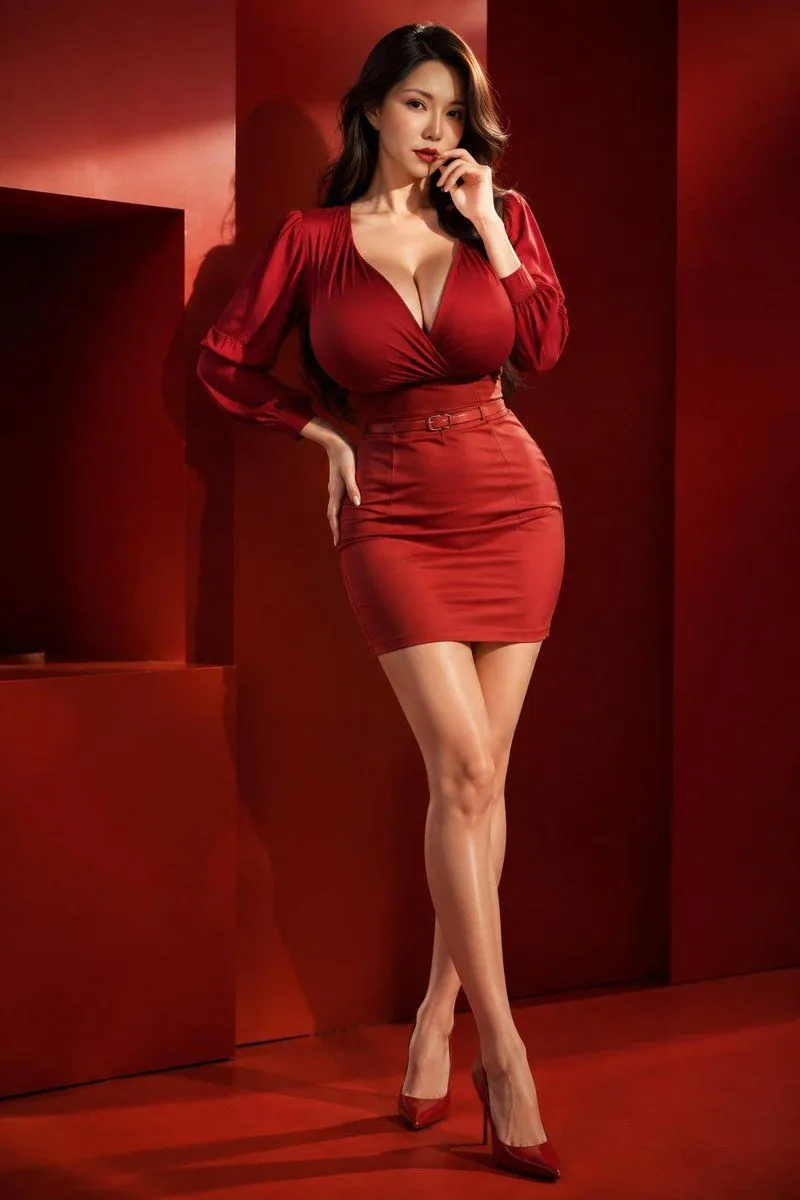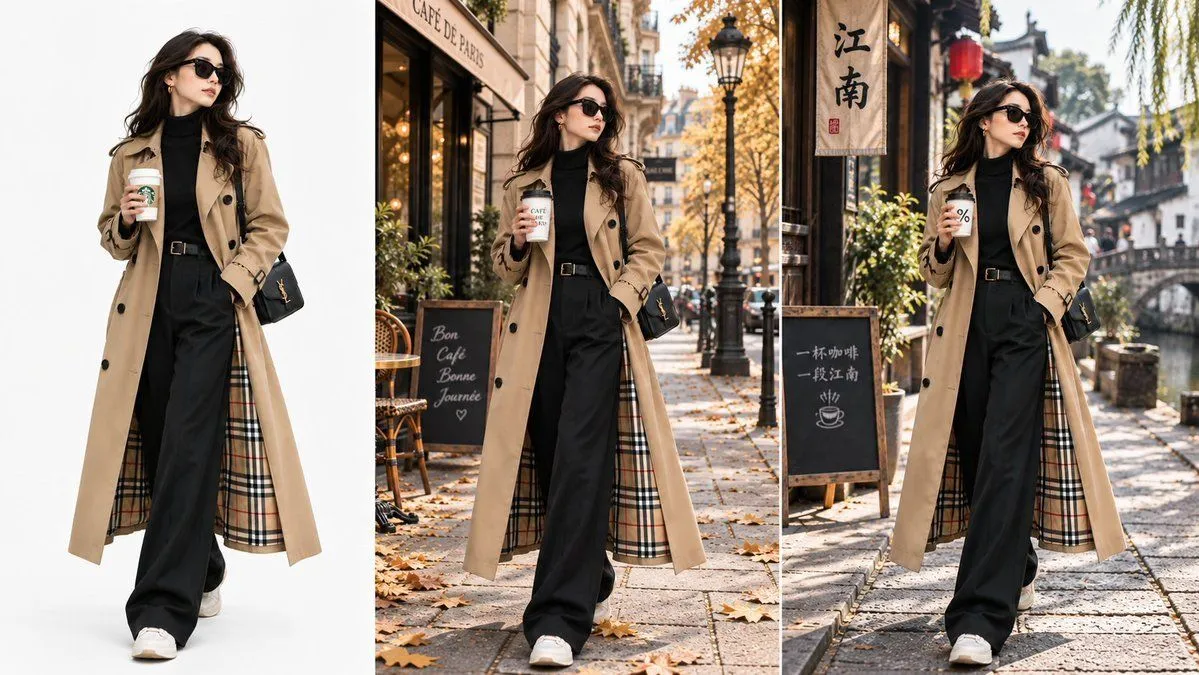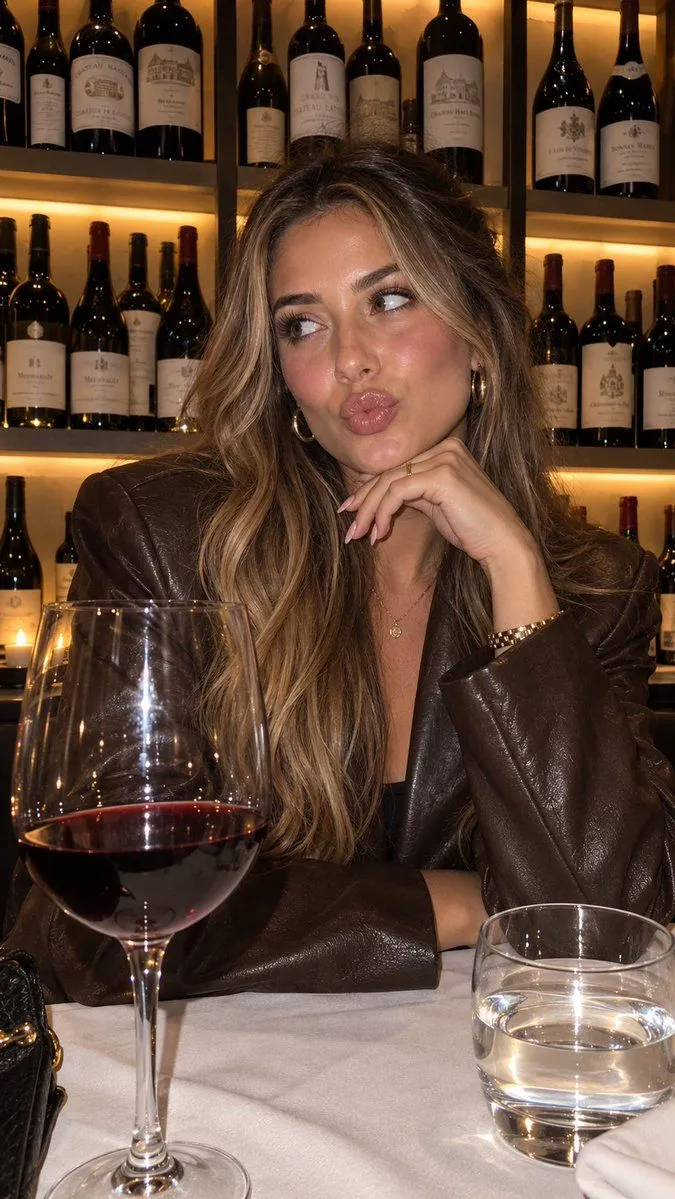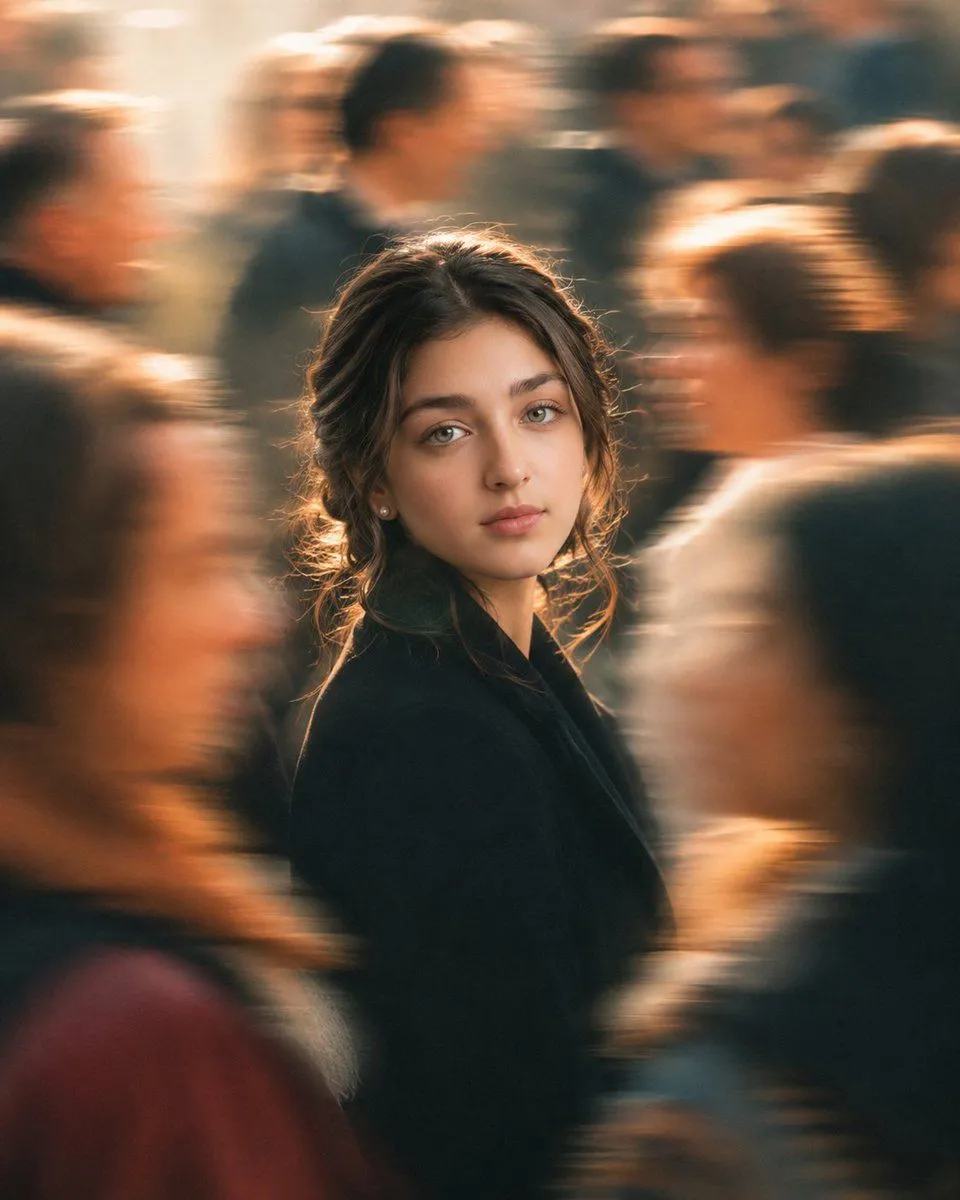
Made with GPT Image 2 in ChatGPT by Library Lifestyle. Promptclay never generates images.
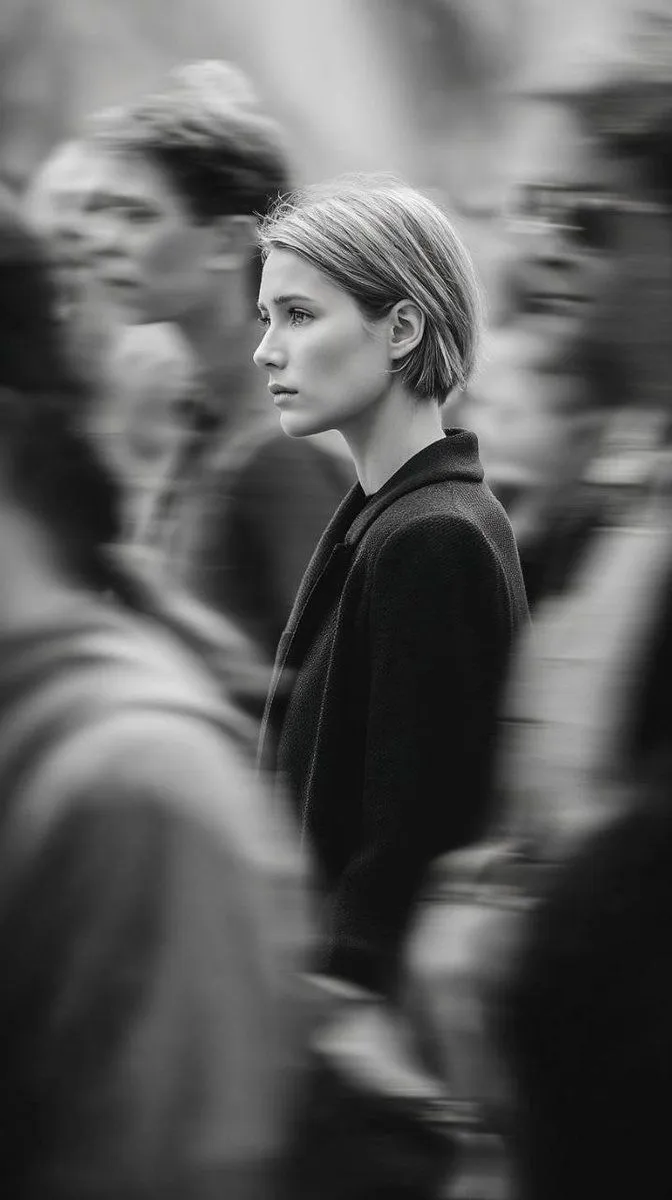
Golden Hour Crowd Portrait
Prompt
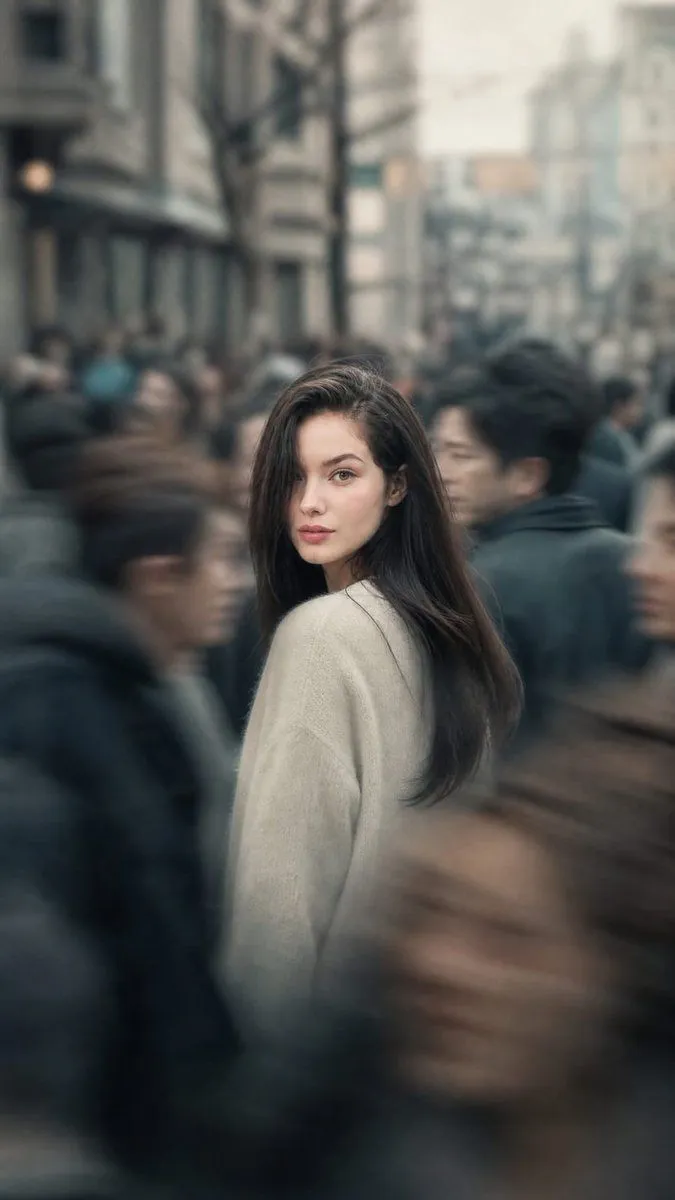
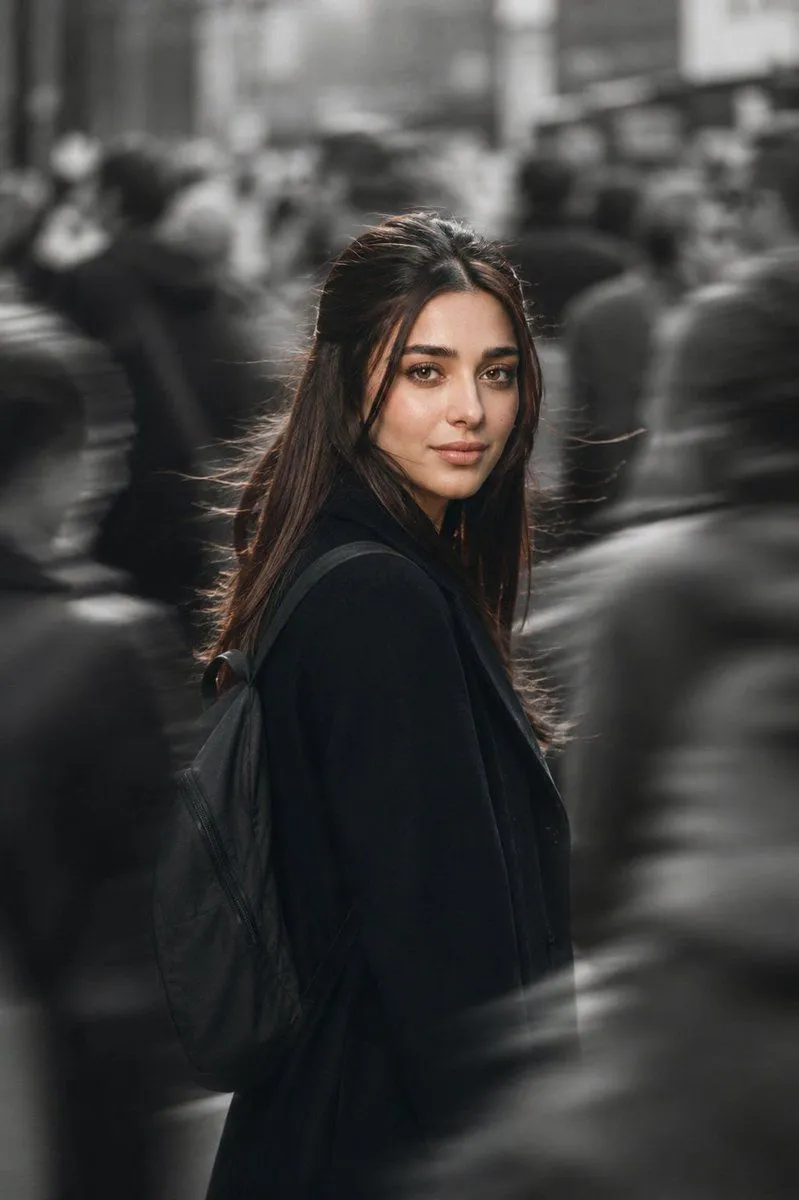
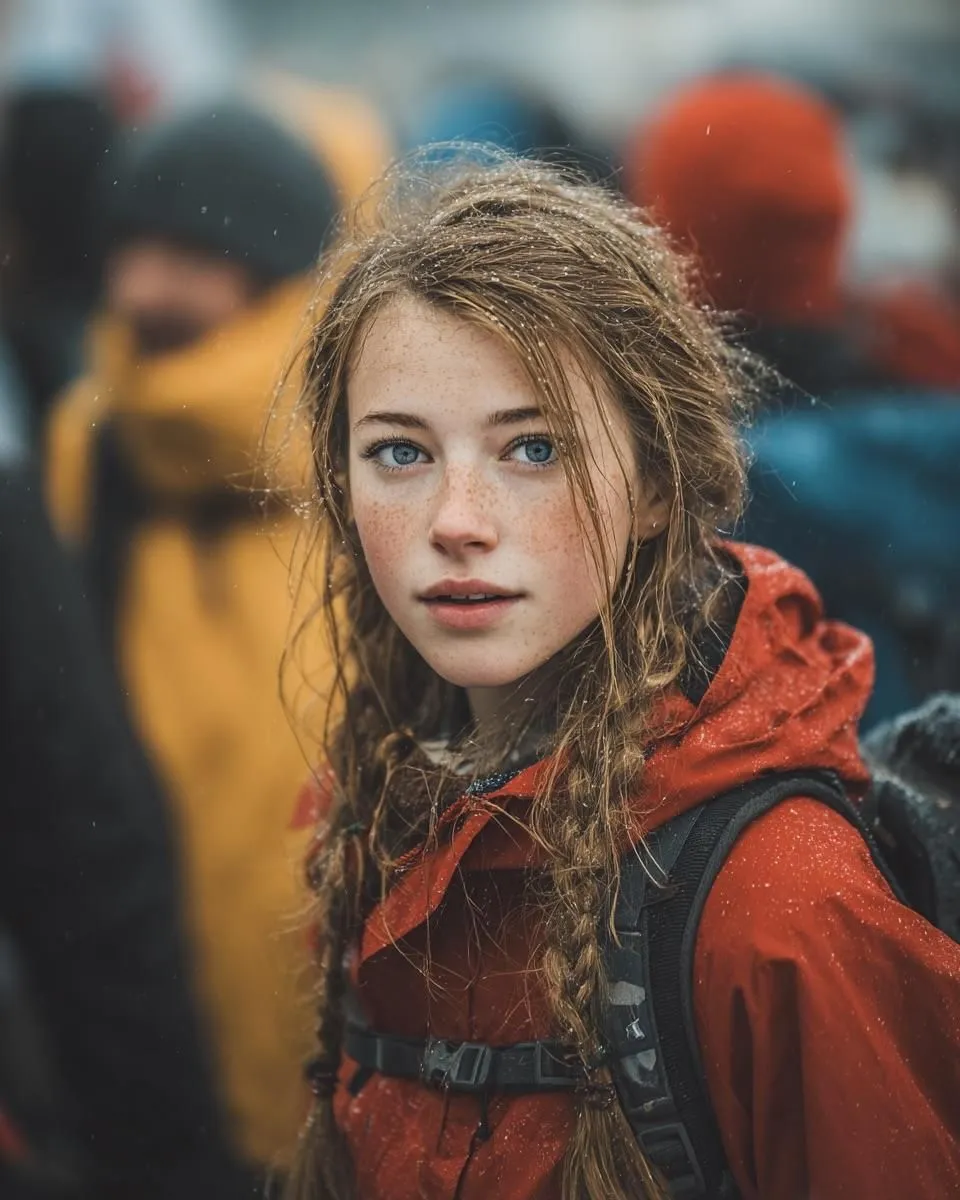
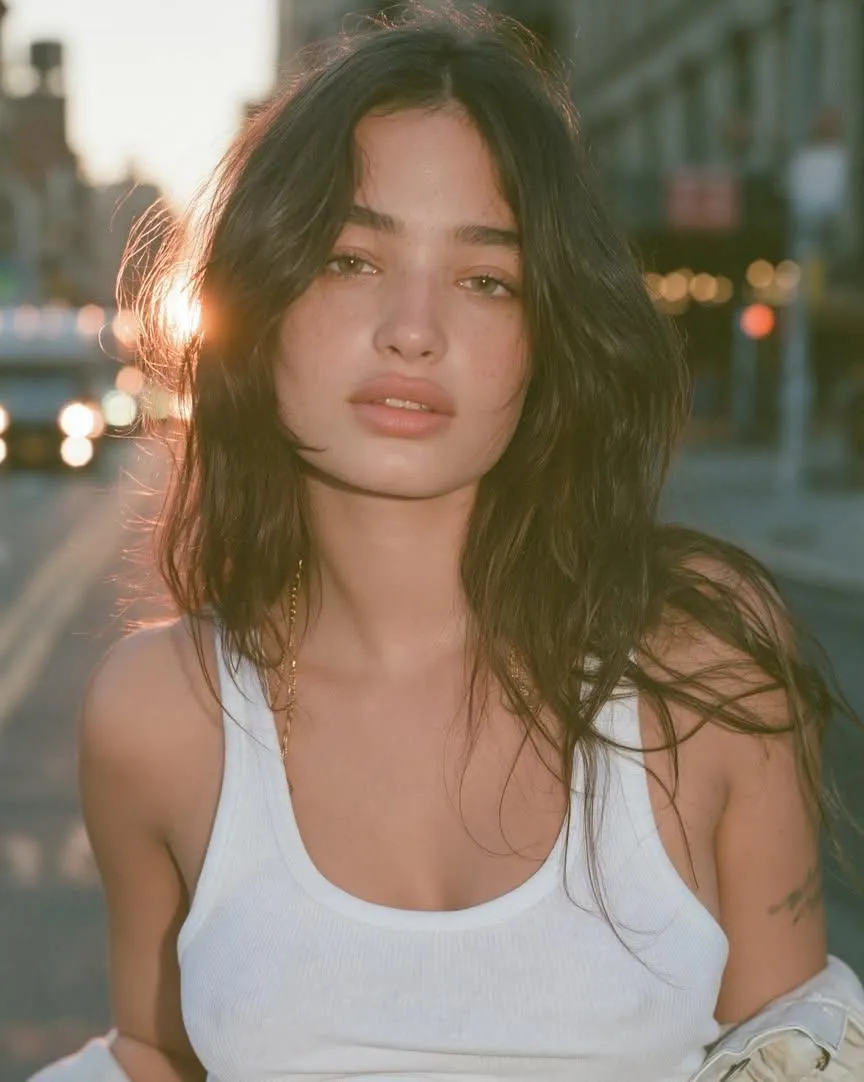
4 blanks to fillCreate a cinematic editorial portrait photograph of {character_name} standing still in the center of a crowded urban street during warm golden hour. She has {hair_color} hair loosely tied back with wispy strands catching rim light, light hazel-green eyes, natural makeup, small pearl stud earrings, and a calm, slightly wistful expression while looking directly into the camera. She wears a {coat_color} coat or blazer, framed from mid-torso upward in a vertical 4:5 composition. Surround her with exactly 9 blurred pedestrians in motion: 1 foreground left profile figure, 1 lower-left partial figure in muted red, 1 top-left partial face, 1 top-center blonde figure, 1 top-center dark-haired figure, 1 top-right male figure, 1 right-middle woman with a bun, 1 far-right dark figure, and 1 foreground-right dark shoulder silhouette. Use strong motion blur on the crowd while keeping the woman’s face sharply focused, creating the feeling that time has slowed around her. Lighting should be golden, backlit, and atmospheric, with soft bokeh, warm highlights on hair edges, shallow depth of field, realistic skin texture, natural facial proportions, and a high-end fashion editorial mood. Use a {lens_style} look, cinematic color grading, gentle film grain, and no text or watermark.
Preview of your prompt
Create a cinematic editorial portrait photograph of a young woman standing still in the center of a crowded urban street during warm golden hour. She has soft brown hair loosely tied back with wispy strands catching rim light, light hazel-green eyes, natural makeup, small pearl stud earrings, and a calm, slightly wistful expression while looking directly into the camera. She wears a black coat or blazer, framed from mid-torso upward in a vertical 4:5 composition. Surround her with exactly 9 blurred pedestrians in motion: 1 foreground left profile figure, 1 lower-left partial figure in muted red, 1 top-left partial face, 1 top-center blonde figure, 1 top-center dark-haired figure, 1 top-right male figure, 1 right-middle woman with a bun, 1 far-right dark figure, and 1 foreground-right dark shoulder silhouette. Use strong motion blur on the crowd while keeping the woman’s face sharply focused, creating the feeling that time has slowed around her. Lighting should be golden, backlit, and atmospheric, with soft bokeh, warm highlights on hair edges, shallow depth of field, realistic skin texture, natural facial proportions, and a high-end fashion editorial mood. Use a 85mm portrait lens look, cinematic color grading, gentle film grain, and no text or watermark.
DetailsVersions, settings and questions
Written for
What's in the prompt
- Subject
- Model
- GPT Image 2
If your face changes
keep my face exactly the sameQuestions
- Does this work in the ChatGPT app?
- Yes. Paste the prompt and attach your photo if it uses one.
- It changed my face. What do I do?
- Add "keep my face exactly the same" to the end and run it again.
- Can I use the images I make?
- Check the terms of the app you use. Promptclay never generates images and claims nothing you make.