Tell us anything

An idea, a bug, something you love. We read every note.

⌘↵ to send. The page you're on comes along.

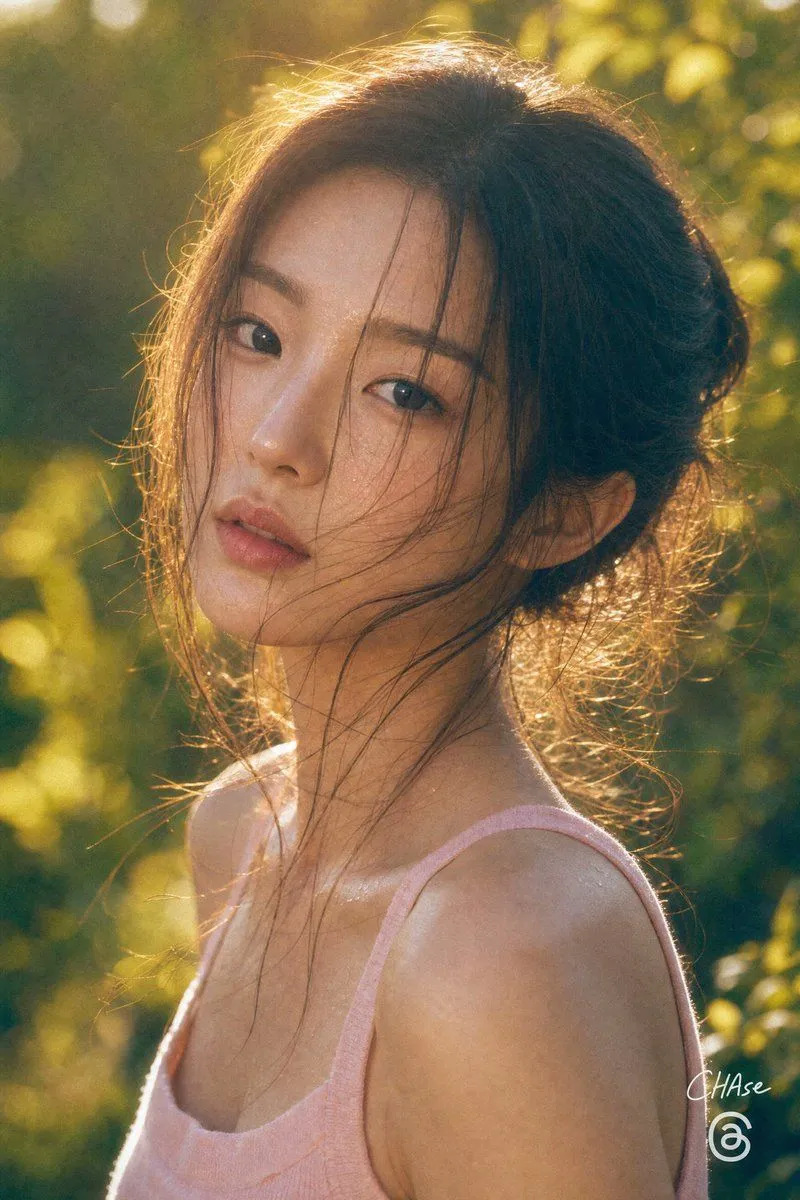
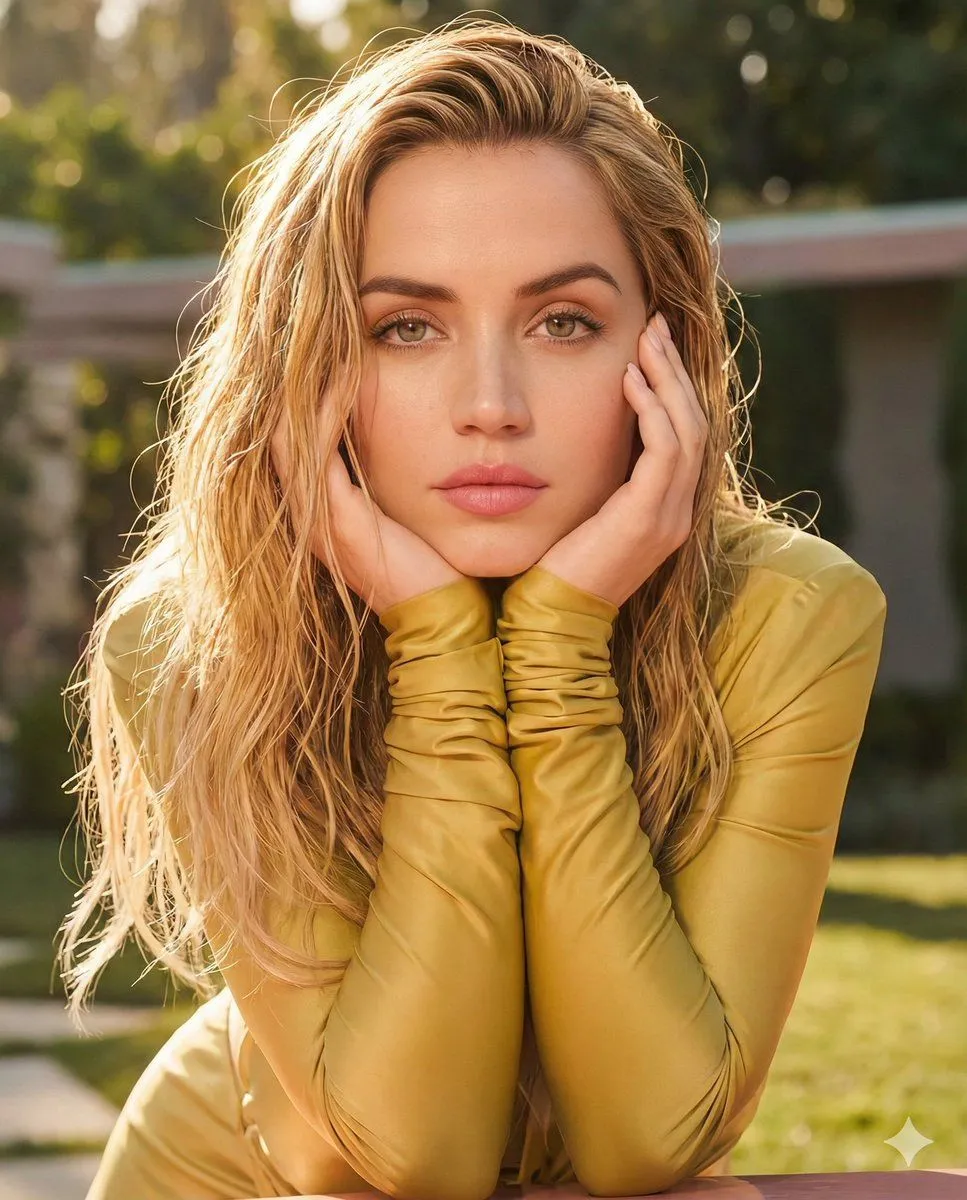
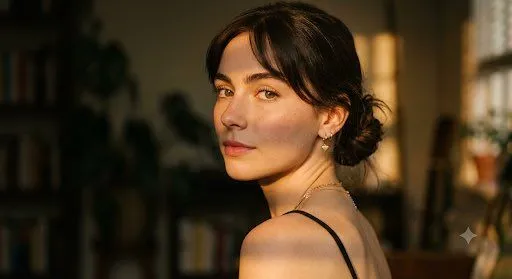
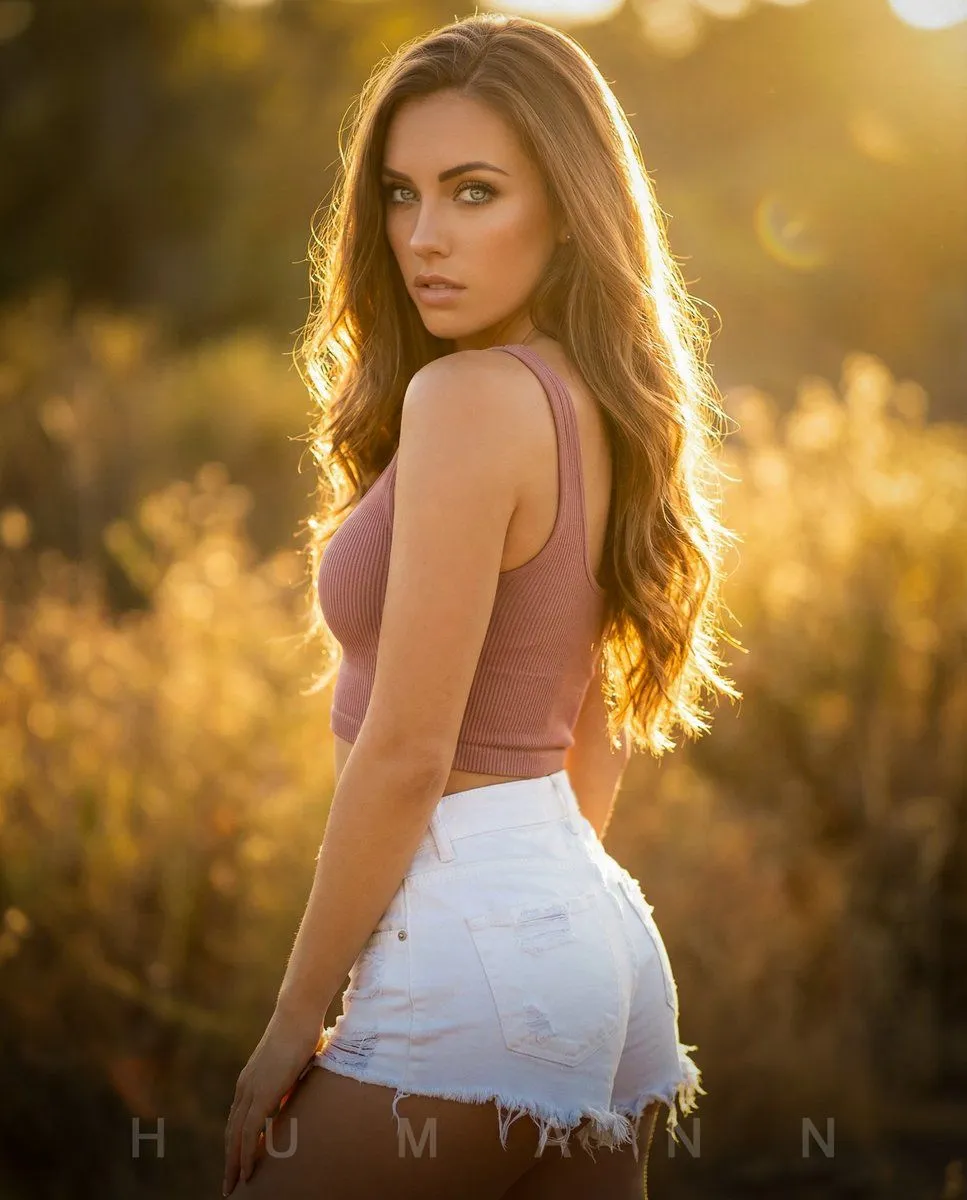
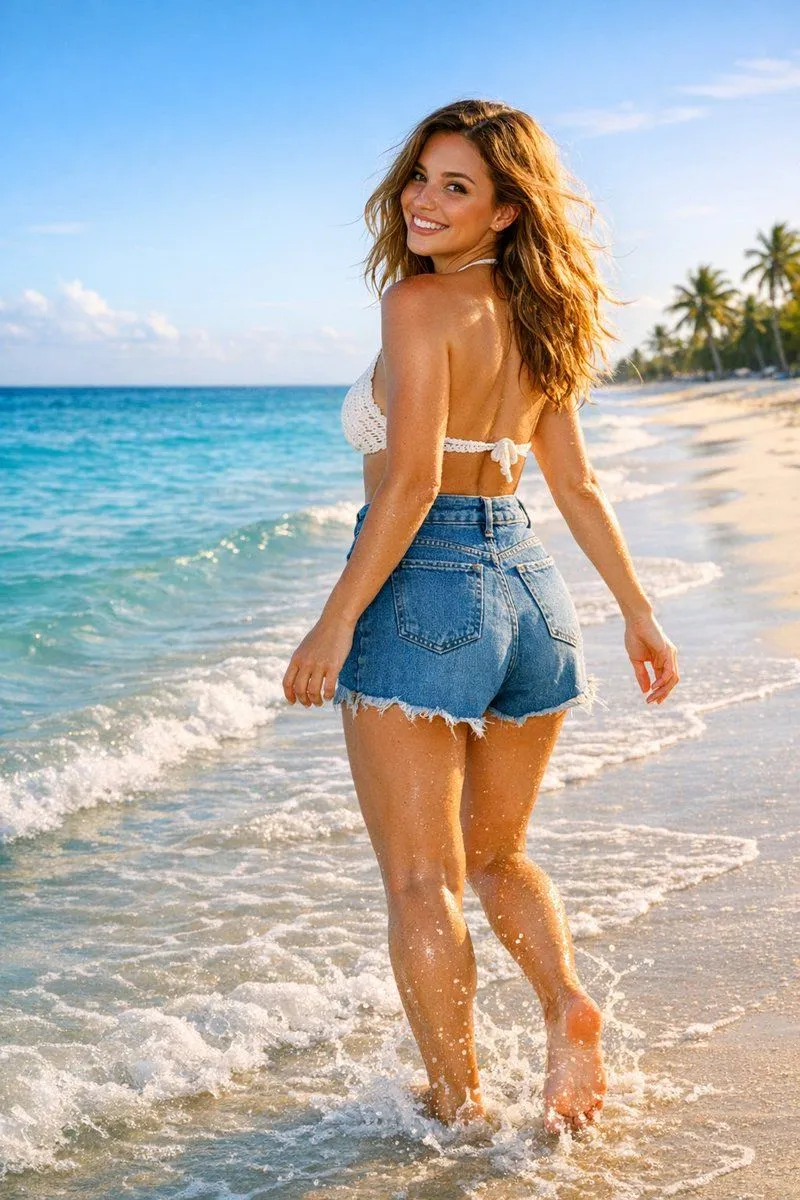
Golden Hour Backlit Portrait

Made with Nano Banana Pro in Gemini by Library Social. Promptclay never generates images.

Did it work?

No reports yet. Tell others if it worked for you.

No comments yet. Be the first.

    Golden Hour Backlit Portrait

    Nano Banana Pro4:5AI-generated

    Prompt

    { "model_config": { "target_engine": "Nano Banana Pro", "fidelity_weight": 1.0, "style_preset": "Photorealistic" }, "subject_mesh": { "entity": "Female", "features": { "hair": "Long, wavy, layered, warm-brown, backlit-translucency", "eyes": "Blue-green, high-specularity, sharp-focus", "skin": "Fair, subsurface-scattering, golden-hour-warmth" }, "pose": "Contrapuntal, 180-degree-head-turn, over-the-shoulder-gaze" }, "material_shading": [ { "element": "Crop-Top", "texture": "Vertical-ribbed-knit", "color": "Dusty-rose", "opacity": 1.0, "roughness": 0.8 }, { "element": "Shorts", "texture": "Heavy-denim", "color": "Titanium-white", "edges": "Frayed, distressed, micro-fibers", "specular": 0.2 } ], "lighting_environment": { "primary_source": "Sunlight (Backlit)", "color_profile": "K-Value: 3200 (Warm)", "effects": [ "Volumetric-haze", "Anamorphic-lens-flare", "Rim-light-contour: 2px-glow", "Golden-hour-saturation" ] }, "optics_and_composition": { "focal_length": "85mm", "aperture": "f/1.8 (Shallow-DOF)", "focus_plane": "Subject-iris", "background": "Gaussian-blur, vegetation-bokeh, warm-gradient" }, "prompt_injection": "Extreme-detail, 8k-resolution, masterwork, highly-accurate-fabric-physics, realistic-human-anatomy" }

    Works in
    Gemini, ChatGPT
    Status
    Free to copy
    0
    DetailsVersions, settings and questions

    Written for

    What's in the prompt

    Subject
    Model
    Nano Banana Pro

    If your face changes

    keep my face exactly the same

    Questions

    Does this work in the Gemini app?
    Yes. Gemini runs Nano Banana, so paste the prompt and attach your photo if it uses one.
    It changed my face. What do I do?
    Add "keep my face exactly the same" to the end and run it again.
    Can I use the images I make?
    Check the terms of the app you use. Promptclay never generates images and claims nothing you make.
    Similar prompts

    See more
    • Red Hair Denim Shorts Lifestyle Portrait
    • Golden Hour Beach Walk Instagram Aesthetic Prompt
    • Golden Hour Pastel Pink Portrait
    • Elegant Woman at Golden Hour in Modern City
    • Korean Woman Golden Hour Desert Portrait
    • Golden Hour Cinematic Portrait Prompt
    • Cinematic Golden Hour Urban Portrait
    • Cinematic Golden Hour Close-up Portrait
    • Golden Hour Studio Portrait
    • Sydney Sweeney Golden Hour Portrait Prompt (Bilingual)
    • Realistic Lace Fashion Portrait
    • Studio Pose Identity Lock Prompt
    • High-Fashion Double Exposure Portrait with Reflection
    • Cinematic Podcast Studio Portrait
    • Hand-Carved Wooden Miniature Figure
    • Imagination Coming to Life
    • Stylized Wicker Caricature Figurine
    • Charcoal and Pencil Couple Drawings
    • Human Fragments Editorial Poster
    • Hyperrealistic Tattooed Elf Couple
    • Multi-Angle Scene Generation Prompt (Oshi no Ko Style)
    • Nano Banana Pro Thumbnail Generation Example
    • Newspaper Collage Shadow Portrait
    • Ultra-Realistic Studio Portrait of Man in Green Hoodie

    Show more

    Run it on your phone

    1. Prompt copiedRead it

      { "model_config": { "target_engine": "Nano Banana Pro", "fidelity_weight": 1.0, "style_preset": "Photorealistic" }, "subject_mesh": { "entity": "Female", "features": { "hair": "Long, wavy, layered, warm-brown, backlit-translucency", "eyes": "Blue-green, high-specularity, sharp-focus", "skin": "Fair, subsurface-scattering, golden-hour-warmth" }, "pose": "Contrapuntal, 180-degree-head-turn, over-the-shoulder-gaze" }, "material_shading": [ { "element": "Crop-Top", "texture": "Vertical-ribbed-knit", "color": "Dusty-rose", "opacity": 1.0, "roughness": 0.8 }, { "element": "Shorts", "texture": "Heavy-denim", "color": "Titanium-white", "edges": "Frayed, distressed, micro-fibers", "specular": 0.2 } ], "lighting_environment": { "primary_source": "Sunlight (Backlit)", "color_profile": "K-Value: 3200 (Warm)", "effects": [ "Volumetric-haze", "Anamorphic-lens-flare", "Rim-light-contour: 2px-glow", "Golden-hour-saturation" ] }, "optics_and_composition": { "focal_length": "85mm", "aperture": "f/1.8 (Shallow-DOF)", "focus_plane": "Subject-iris", "background": "Gaussian-blur, vegetation-bokeh, warm-gradient" }, "prompt_injection": "Extreme-detail, 8k-resolution, masterwork, highly-accurate-fabric-physics, realistic-human-anatomy" }

    2. Open your app

    3. Paste and run

      Press and hold the message box, then tap Paste. Add your photo first if the prompt uses one. You may need to sign in.

    Golden Hour Backlit Portrait