Tell us anything

An idea, a bug, something you love. We read every note.

⌘↵ to send. The page you're on comes along.

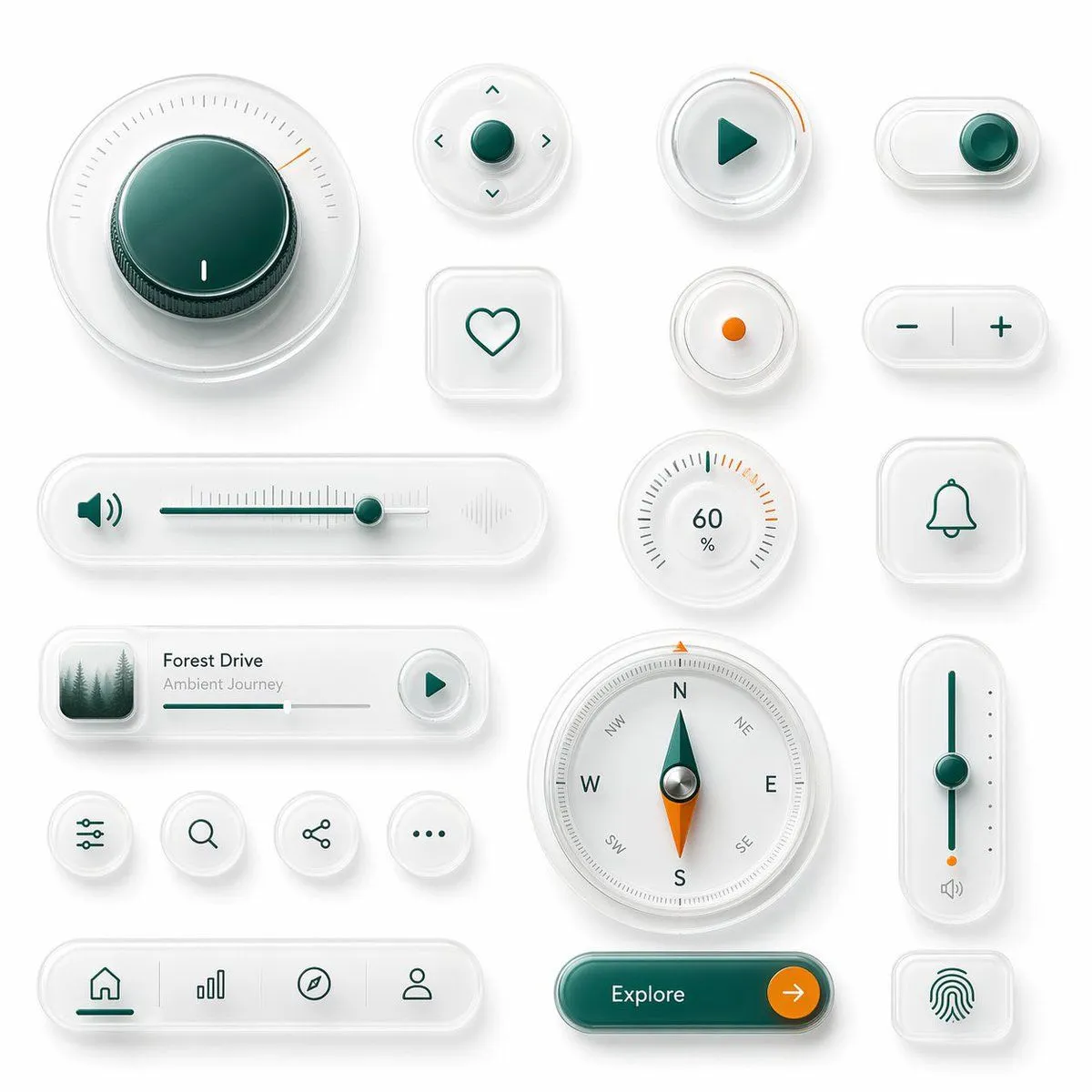
Glassmorphism UI Component Kit

Made with GPT Image 2 in ChatGPT by Library Game Art. Promptclay never generates images.

Did it work?

No reports yet. Tell others if it worked for you.

No comments yet. Be the first.

    Glassmorphism UI Component Kit

    GPT Image 21:1AI-generated

    Prompt

    {"type":"glassmorphism UI component showcase","style":"premium minimalist neumorphic interface kit, frosted translucent white acrylic, soft shadows, subtle reflections, rounded corners, clean white background, teal green and orange accent colors, ultra-detailed 3D product render, top-down view","palette":{"background":"soft light gray-white","primary":"deep teal green","secondary":"bright orange","material":"milky translucent glass with satin plastic details"},"layout":{"composition":"single canvas with evenly spaced floating UI widgets arranged in a clean design-system presentation","sections":[{"title":"large dial","position":"top left","count":1,"labels":["circular rotary knob with radial tick marks and one orange indicator"]},{"title":"direction pad","position":"upper center","count":1,"labels":["round four-way control with center button and four arrow icons"]},{"title":"play button","position":"upper center-right","count":1,"labels":["round button with teal play triangle and orange progress arc"]},{"title":"toggle switch","position":"upper right","count":1,"labels":["horizontal pill toggle switched on"]},{"title":"favorite button","position":"mid upper center-left","count":1,"labels":["rounded square tile with heart outline"]},{"title":"status dot","position":"mid upper center-right","count":1,"labels":["small circular button with orange center dot"]},{"title":"stepper","position":"mid upper right","count":1,"labels":["horizontal pill with minus and plus symbols"]},{"title":"audio slider","position":"middle left","count":1,"labels":["long horizontal volume slider with speaker icon on left and waveform emboss on right"]},{"title":"percentage gauge","position":"middle center-right","count":1,"labels":["round gauge showing 60 % with radial ticks"]},{"title":"notification tile","position":"middle right","count":1,"labels":["rounded square tile with bell outline"]},{"title":"music card","position":"lower middle-left","count":1,"labels":["media card with forest thumbnail, title {argument name=\"track title\" default=\"Forest Drive\"}, subtitle {argument name=\"track subtitle\" default=\"Ambient Journey\"}, progress bar, and circular play button"]},{"title":"utility icons","position":"lower left-center","count":4,"labels":["sliders settings icon","search icon","share icon","more menu icon"]},{"title":"compass","position":"lower center","count":1,"labels":["large circular compass with N E S W markings and teal-orange needle"]},{"title":"vertical slider","position":"lower right-center","count":1,"labels":["tall rounded slider with teal track, teal knob, orange endpoint, and small speaker icon"]},{"title":"bottom navigation","position":"bottom left","count":1,"labels":["pill navigation bar with 4 icons: home, bar chart, compass, profile"]},{"title":"call to action","position":"bottom center-right","count":1,"labels":["pill button labeled {argument name=\"button text\" default=\"Explore\"} with orange circular arrow segment"]},{"title":"biometric tile","position":"bottom right","count":1,"labels":["rounded square tile with fingerprint icon"]}]},"rendering":{"lighting":"soft studio lighting from upper left","shadow":"diffuse layered shadows for floating depth","finish":"high-end consumer electronics aesthetic, polished yet minimal","quality":"sharp, clean, realistic 3D interface mockup suitable for a design system hero image"}}

    Works in
    ChatGPT, Gemini
    Status
    Free to copy
    0
    DetailsVersions, settings and questions

    Written for

    What's in the prompt

    Subject
    Model
    GPT Image 2

    If your face changes

    keep my face exactly the same

    Questions

    Does this work in the ChatGPT app?
    Yes. Paste the prompt and attach your photo if it uses one.
    It changed my face. What do I do?
    Add "keep my face exactly the same" to the end and run it again.
    Can I use the images I make?
    Check the terms of the app you use. Promptclay never generates images and claims nothing you make.
    Similar prompts

    See more
    • Neumorphic Glass UI Kit Board
    • Neumorphic Smart UI Kit
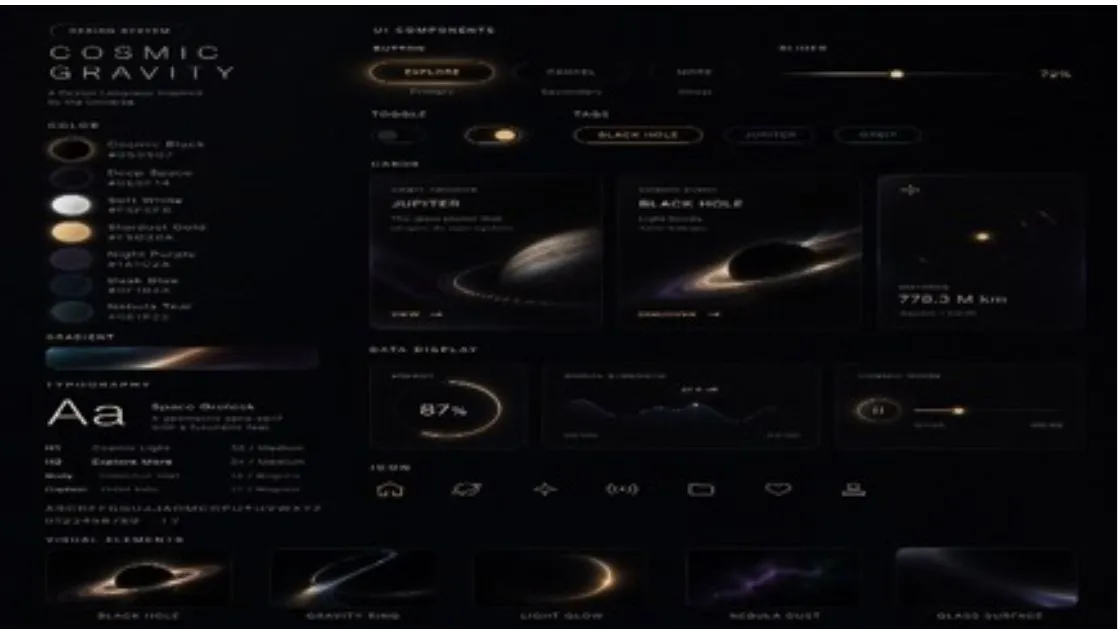
    • Cosmic Gravity Glass UI System
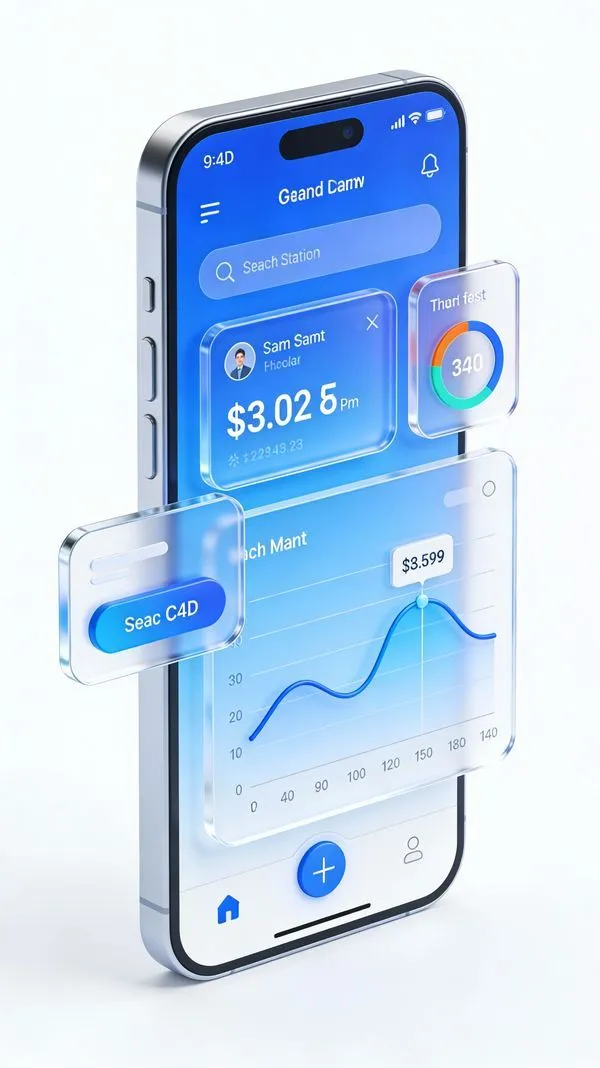
    • C4D-Style Finance App UI (Variant)
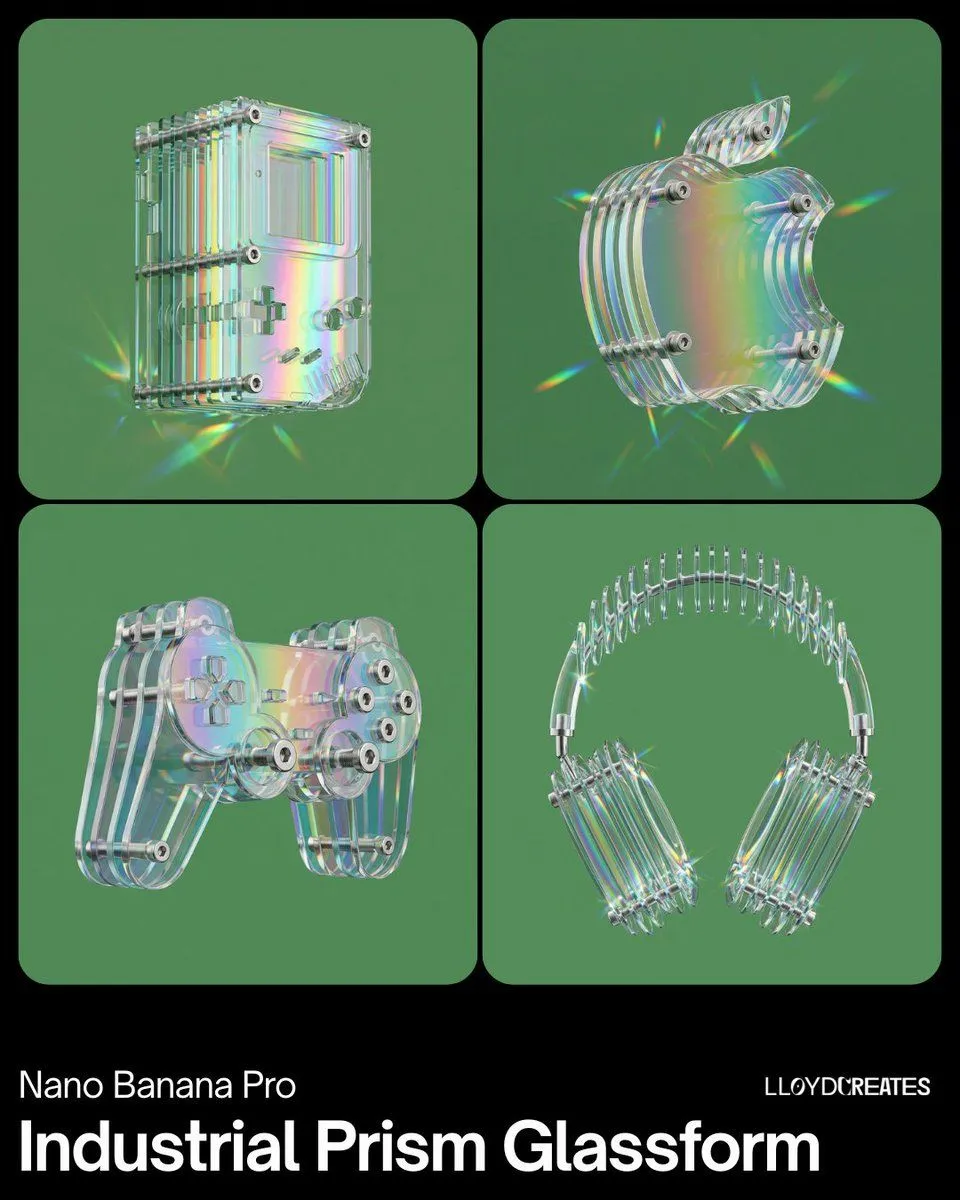
    • Industrial Prismatic Glassform Product Visual
    • Frosted Glass Portfolio Cover Aesthetic
    • Futuristic Fluffy Glass Typography Art
    • Neon Loop Mode Music App Poster
    • AgentBoard SaaS Landing and Dashboard UI
    • Five High-Efficiency Nano Banana Pro Prompts for Business Graphics
    • Nano Banana Pro Pictogram Generation Prompt
    • Glossy 3D Website Category Icons
    • Nano Banana Pro for 4K Art and Research Agents
    • Manga Composition Prompt (LLM/Text)
    • Number Puzzle App Icon Concepts
    • Warm Schematic Design System Board
    • Game UI Component Library Expansion
    • AI Inspiration Gallery Grid
    • 3D Artsy Video Game Controller Grid
    • Isometric Gallery People Set
    • Minimal Male Avatar Logo Grid
    • Floating Google Services Portrait Poster
    • Cozy Café Chat Screenshot
    • Luxury E-Commerce Landing Page Mockup

    Show more

    Run it on your phone

    1. Prompt copiedRead it

      {"type":"glassmorphism UI component showcase","style":"premium minimalist neumorphic interface kit, frosted translucent white acrylic, soft shadows, subtle reflections, rounded corners, clean white background, teal green and orange accent colors, ultra-detailed 3D product render, top-down view","palette":{"background":"soft light gray-white","primary":"deep teal green","secondary":"bright orange","material":"milky translucent glass with satin plastic details"},"layout":{"composition":"single canvas with evenly spaced floating UI widgets arranged in a clean design-system presentation","sections":[{"title":"large dial","position":"top left","count":1,"labels":["circular rotary knob with radial tick marks and one orange indicator"]},{"title":"direction pad","position":"upper center","count":1,"labels":["round four-way control with center button and four arrow icons"]},{"title":"play button","position":"upper center-right","count":1,"labels":["round button with teal play triangle and orange progress arc"]},{"title":"toggle switch","position":"upper right","count":1,"labels":["horizontal pill toggle switched on"]},{"title":"favorite button","position":"mid upper center-left","count":1,"labels":["rounded square tile with heart outline"]},{"title":"status dot","position":"mid upper center-right","count":1,"labels":["small circular button with orange center dot"]},{"title":"stepper","position":"mid upper right","count":1,"labels":["horizontal pill with minus and plus symbols"]},{"title":"audio slider","position":"middle left","count":1,"labels":["long horizontal volume slider with speaker icon on left and waveform emboss on right"]},{"title":"percentage gauge","position":"middle center-right","count":1,"labels":["round gauge showing 60 % with radial ticks"]},{"title":"notification tile","position":"middle right","count":1,"labels":["rounded square tile with bell outline"]},{"title":"music card","position":"lower middle-left","count":1,"labels":["media card with forest thumbnail, title {argument name=\"track title\" default=\"Forest Drive\"}, subtitle {argument name=\"track subtitle\" default=\"Ambient Journey\"}, progress bar, and circular play button"]},{"title":"utility icons","position":"lower left-center","count":4,"labels":["sliders settings icon","search icon","share icon","more menu icon"]},{"title":"compass","position":"lower center","count":1,"labels":["large circular compass with N E S W markings and teal-orange needle"]},{"title":"vertical slider","position":"lower right-center","count":1,"labels":["tall rounded slider with teal track, teal knob, orange endpoint, and small speaker icon"]},{"title":"bottom navigation","position":"bottom left","count":1,"labels":["pill navigation bar with 4 icons: home, bar chart, compass, profile"]},{"title":"call to action","position":"bottom center-right","count":1,"labels":["pill button labeled {argument name=\"button text\" default=\"Explore\"} with orange circular arrow segment"]},{"title":"biometric tile","position":"bottom right","count":1,"labels":["rounded square tile with fingerprint icon"]}]},"rendering":{"lighting":"soft studio lighting from upper left","shadow":"diffuse layered shadows for floating depth","finish":"high-end consumer electronics aesthetic, polished yet minimal","quality":"sharp, clean, realistic 3D interface mockup suitable for a design system hero image"}}

    2. Open your app

      This prompt is long, so it is copied instead of sent in the link. Paste it in the app.

    3. Paste and run

      Press and hold the message box, then tap Paste. Add your photo first if the prompt uses one. You may need to sign in.

    Glassmorphism UI Component Kit