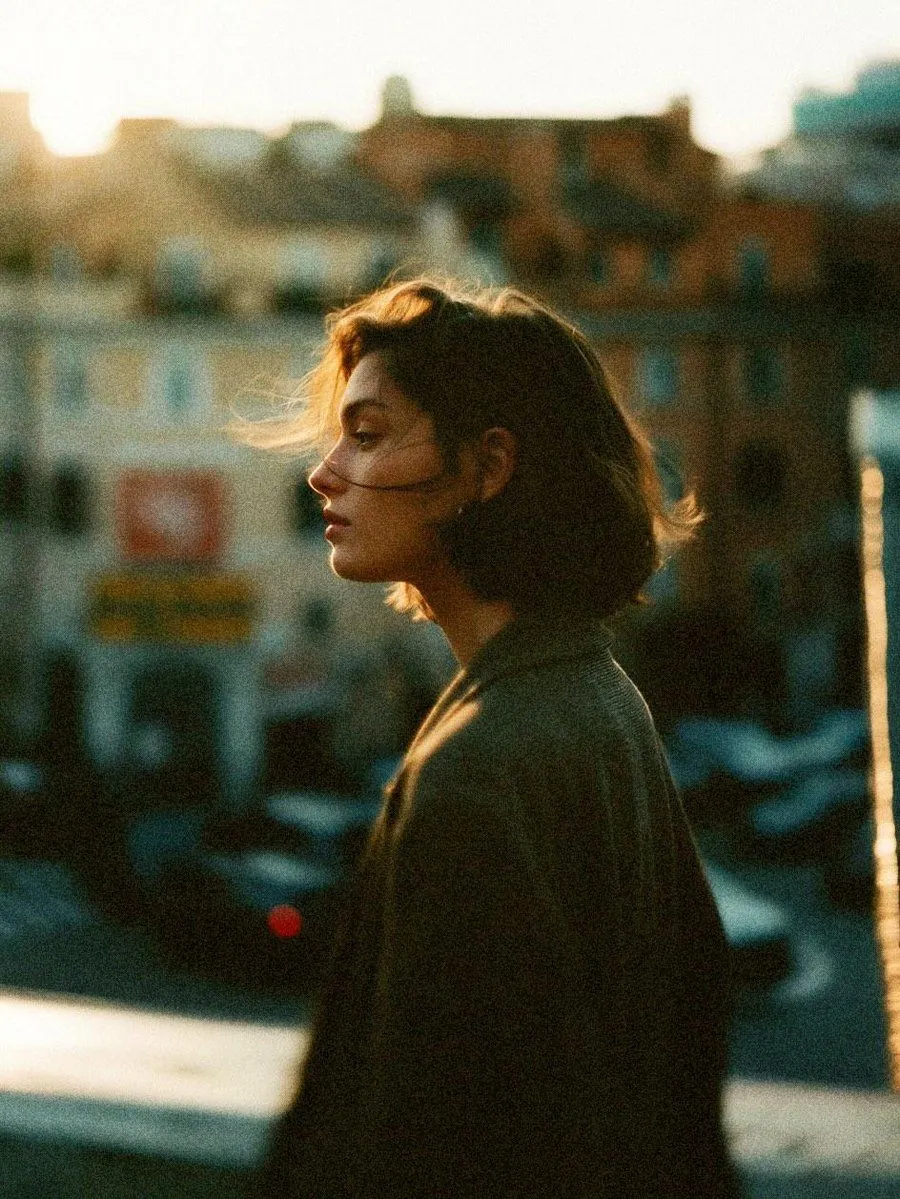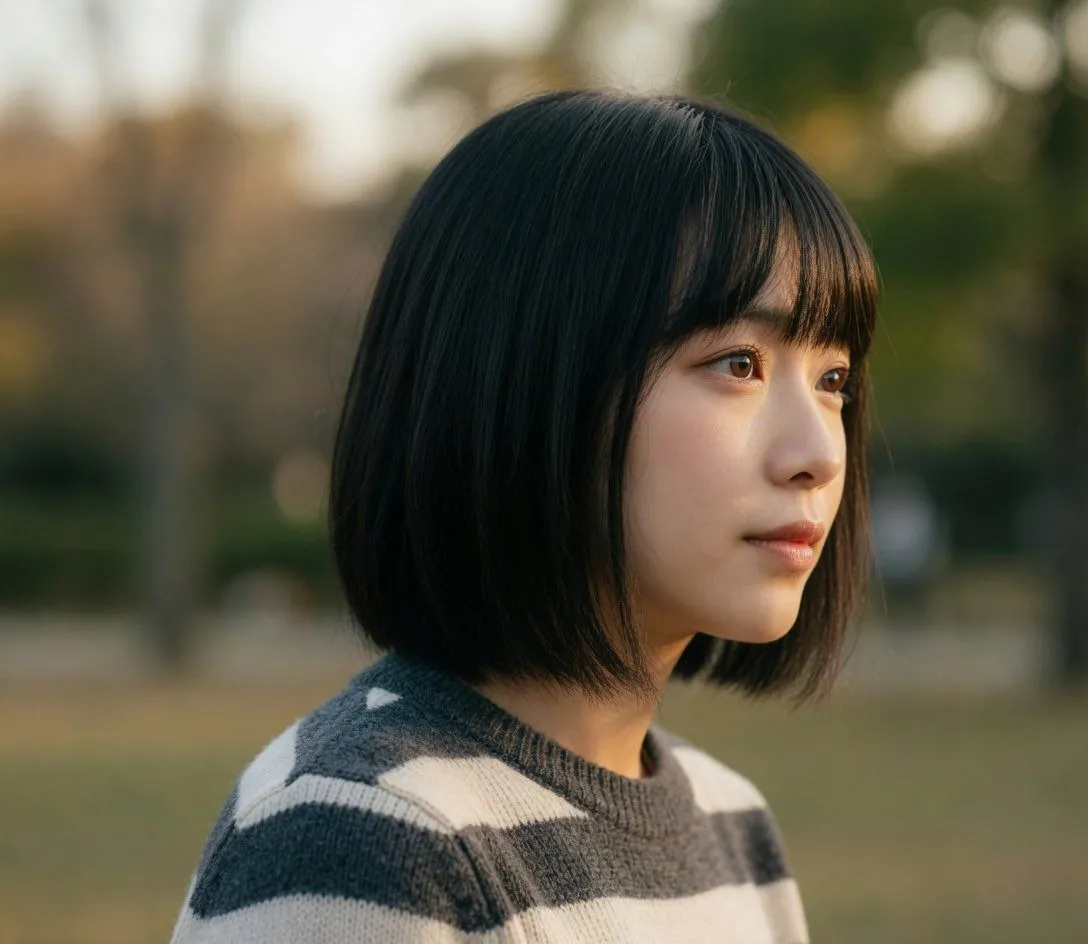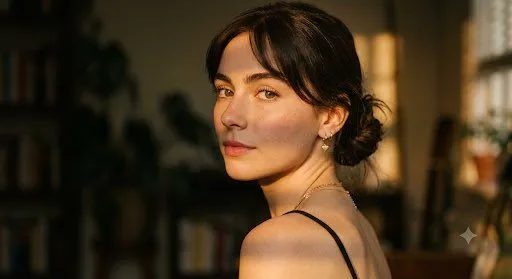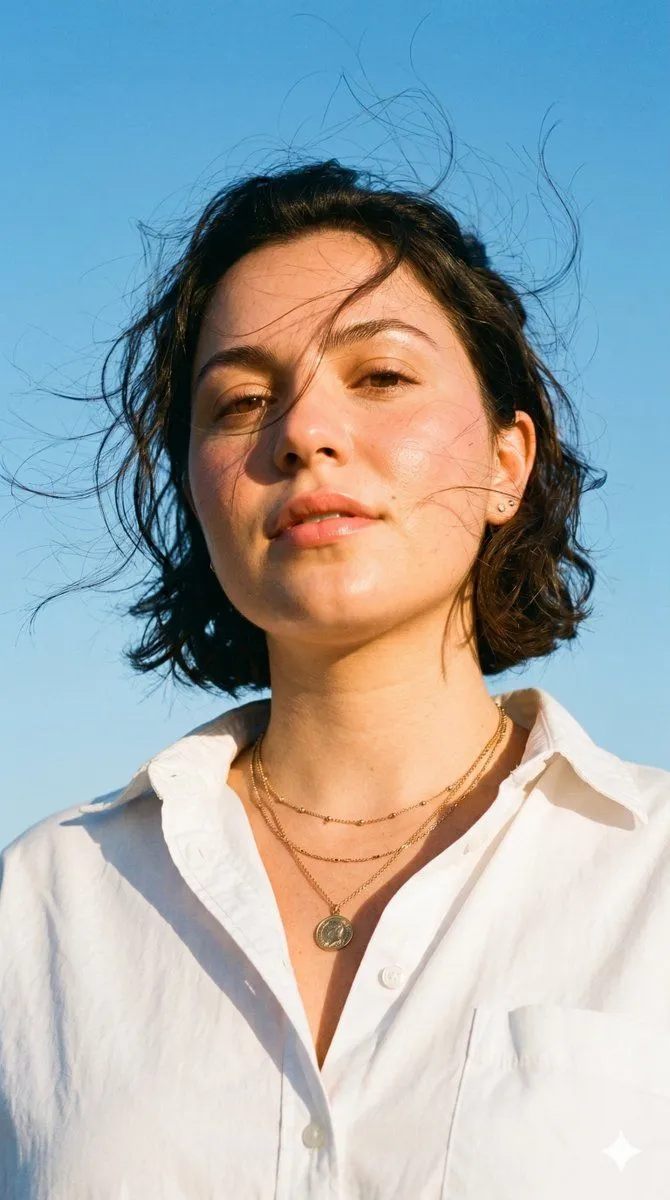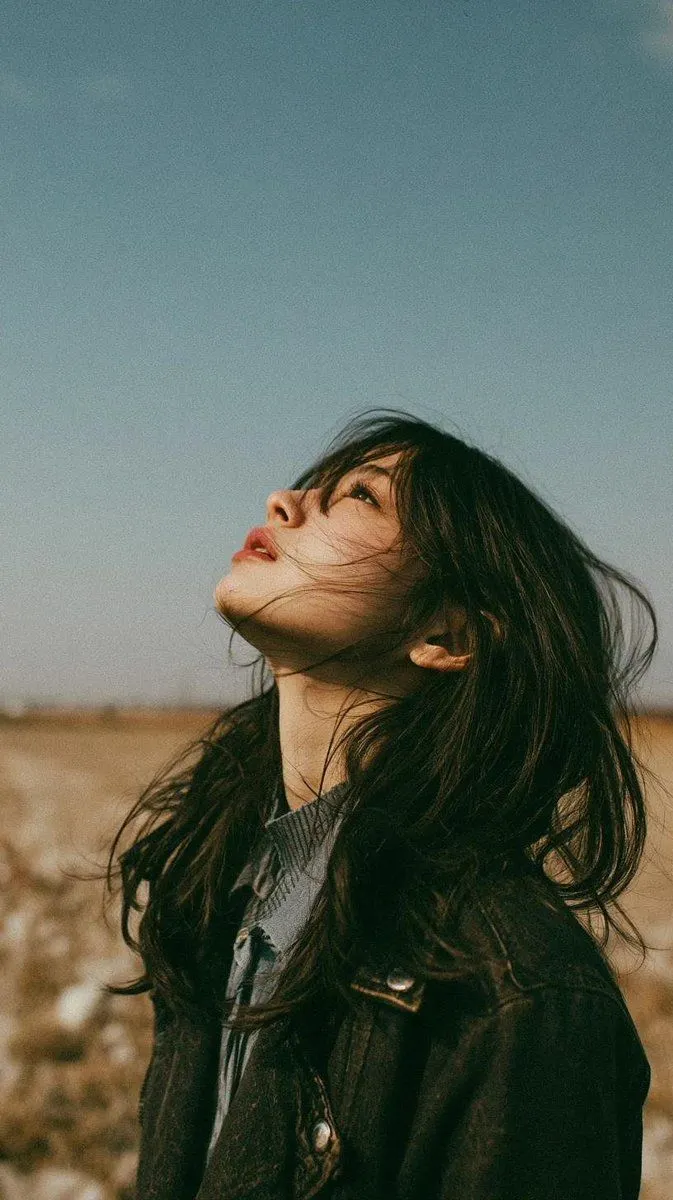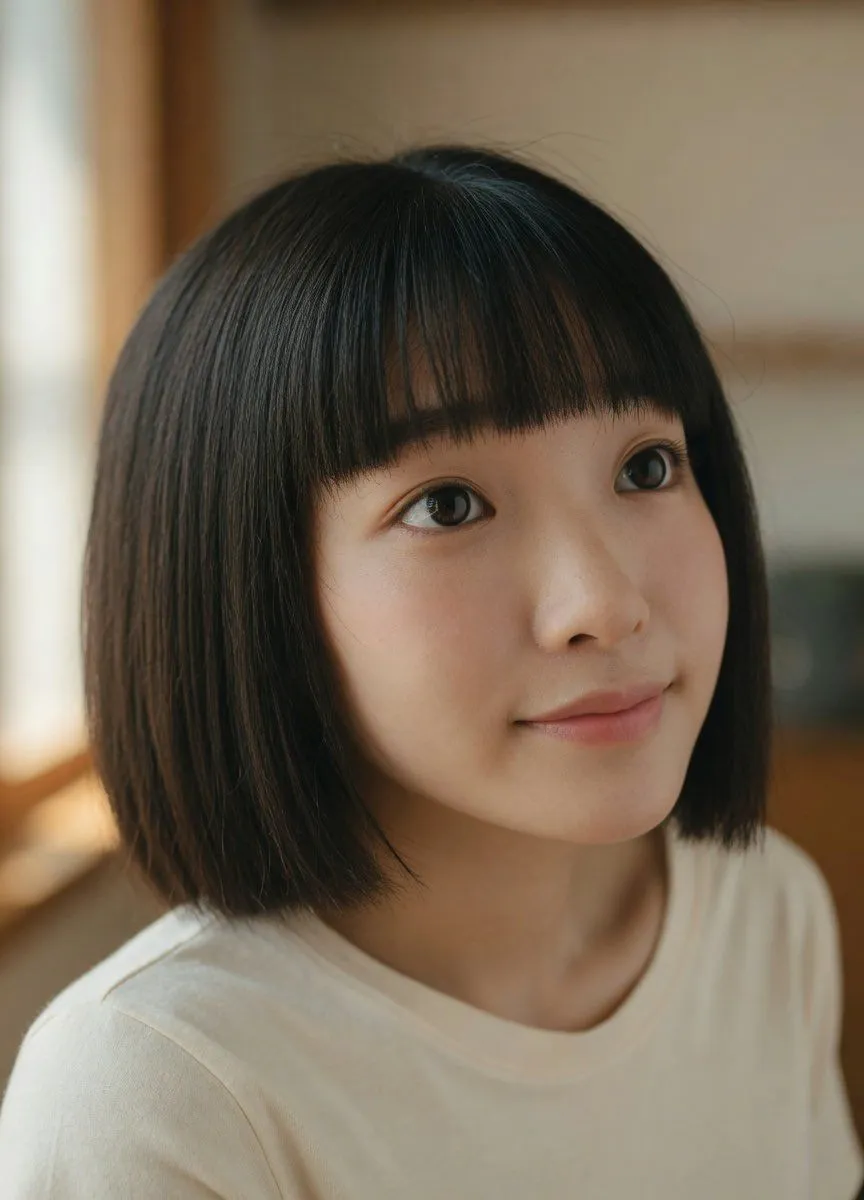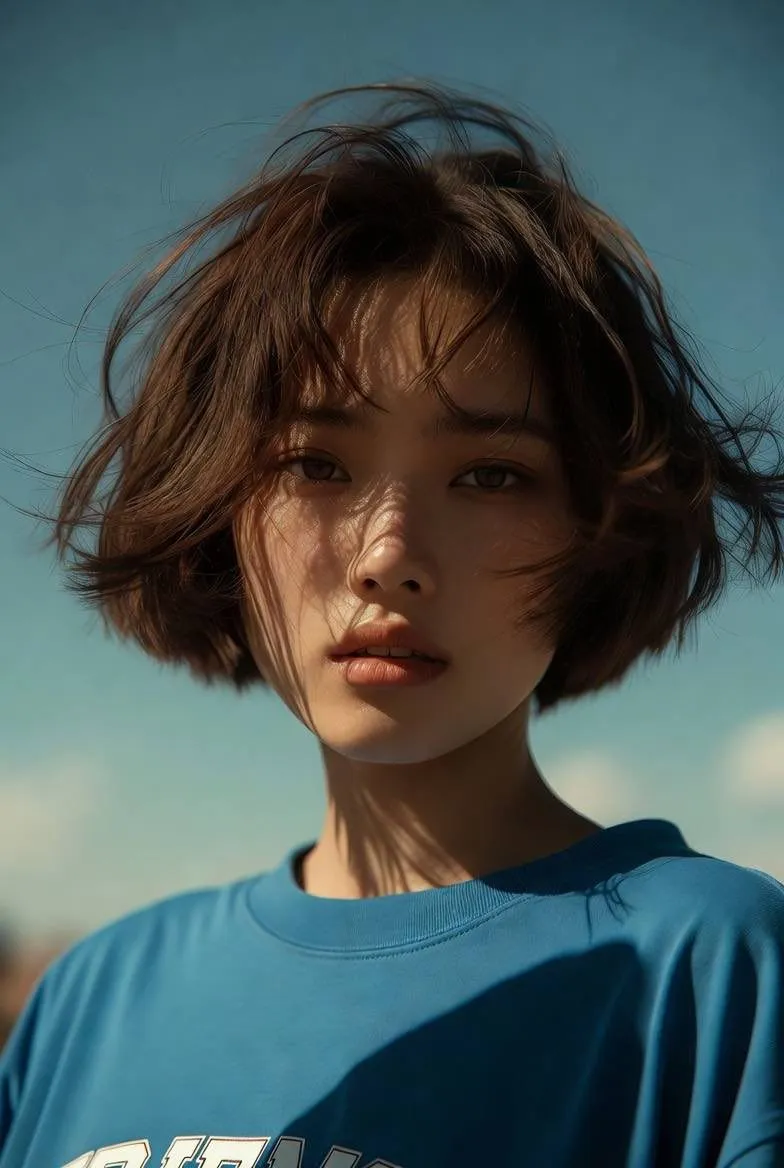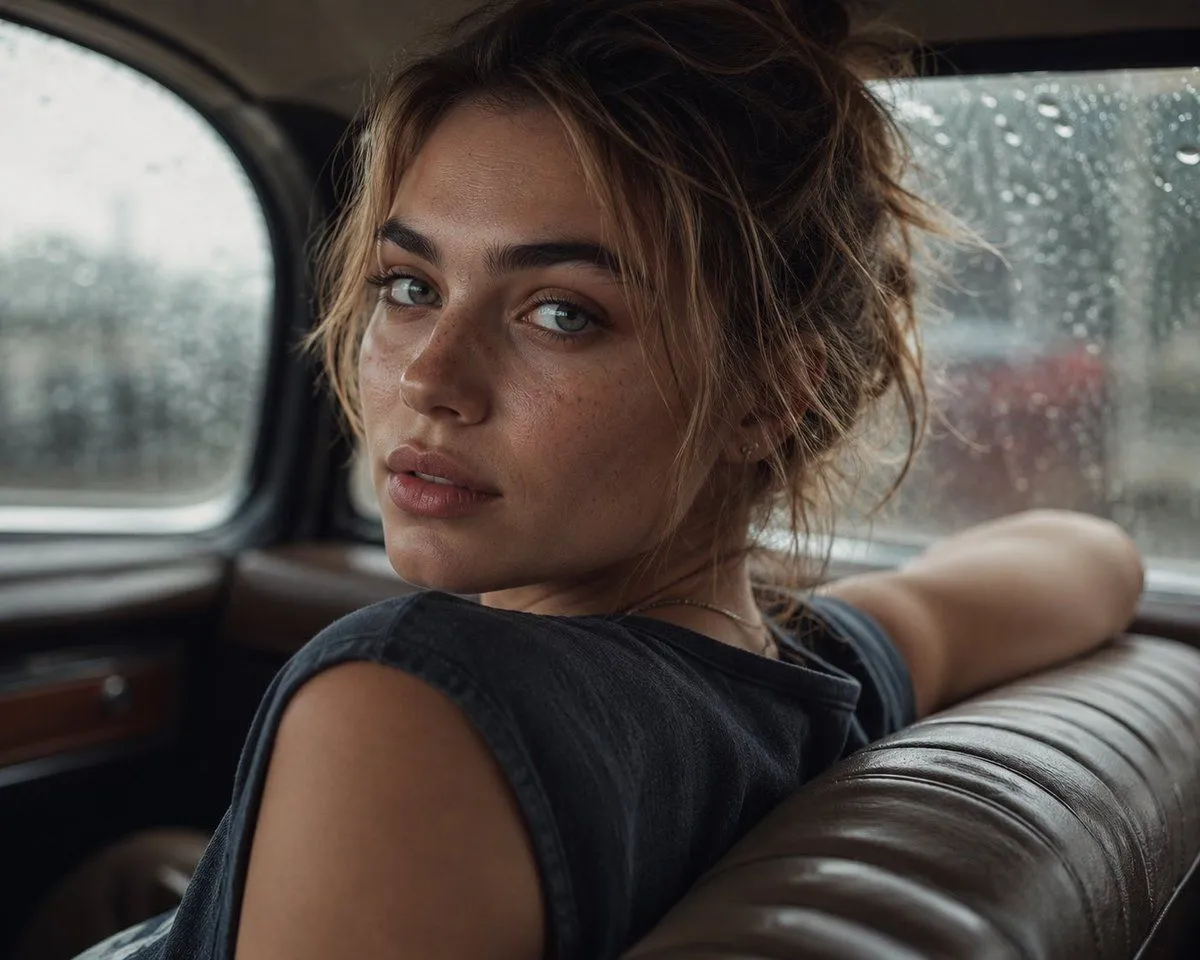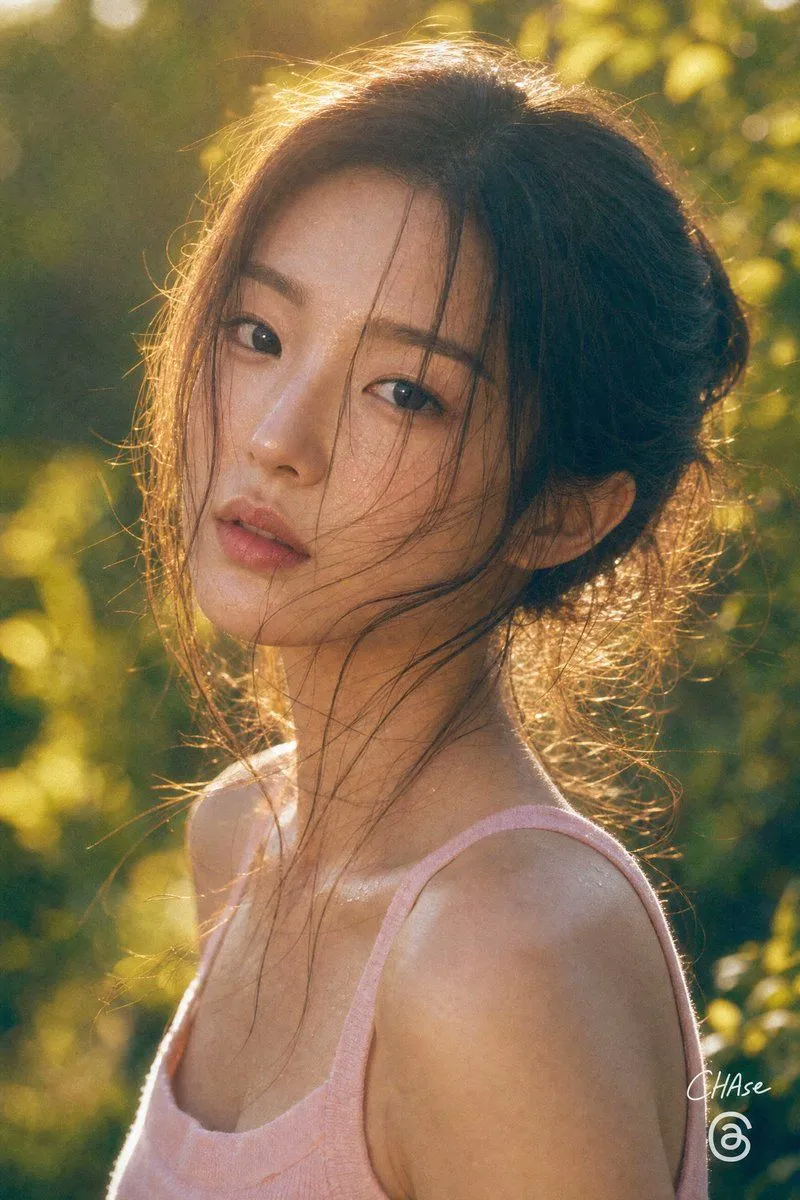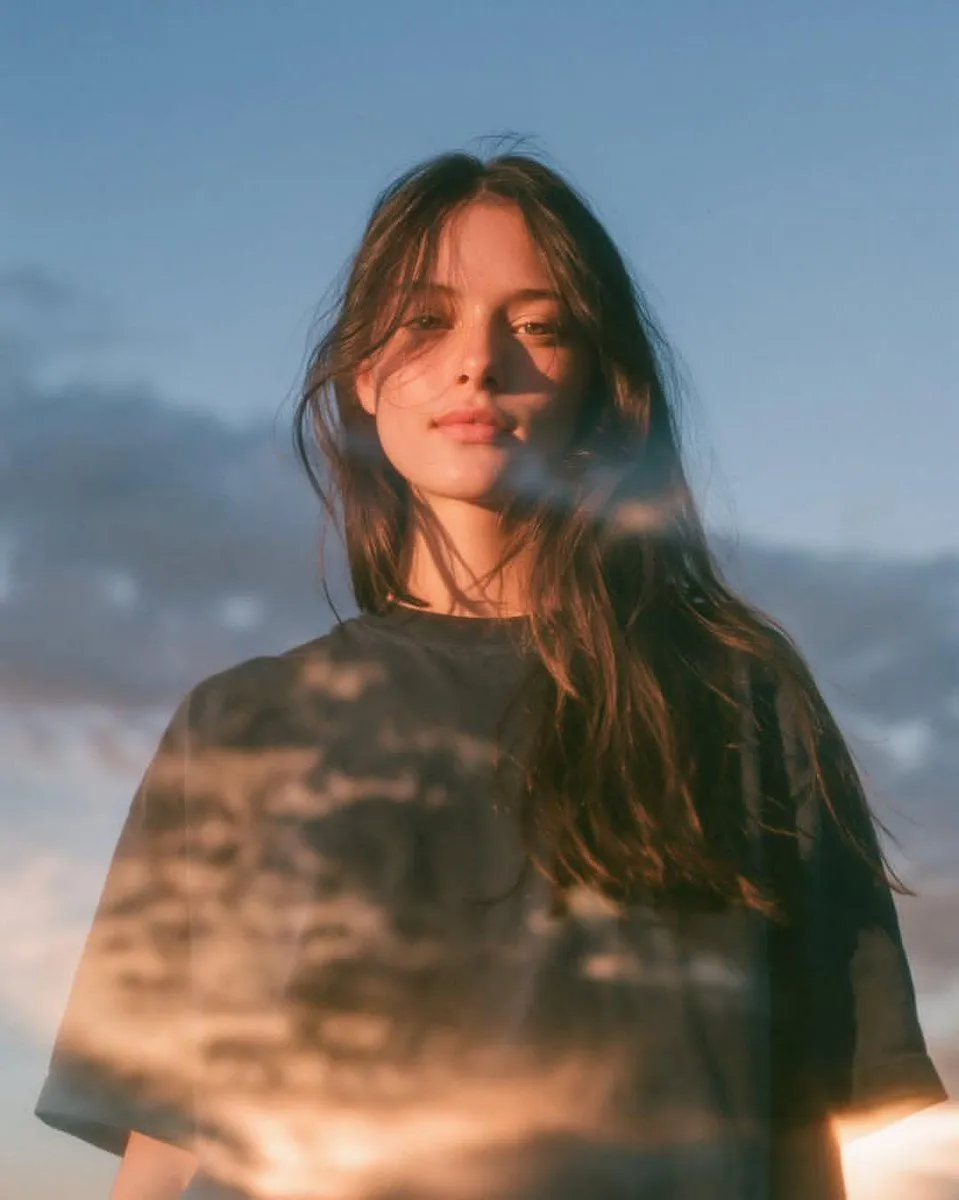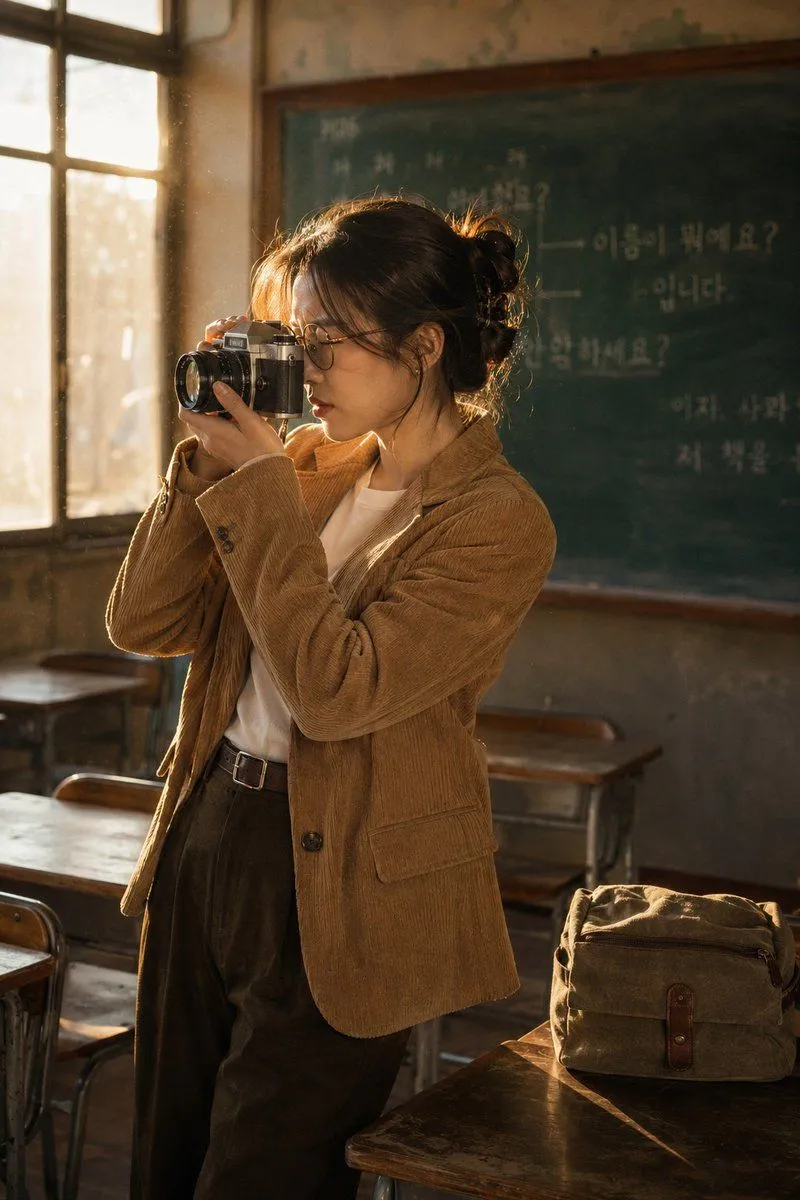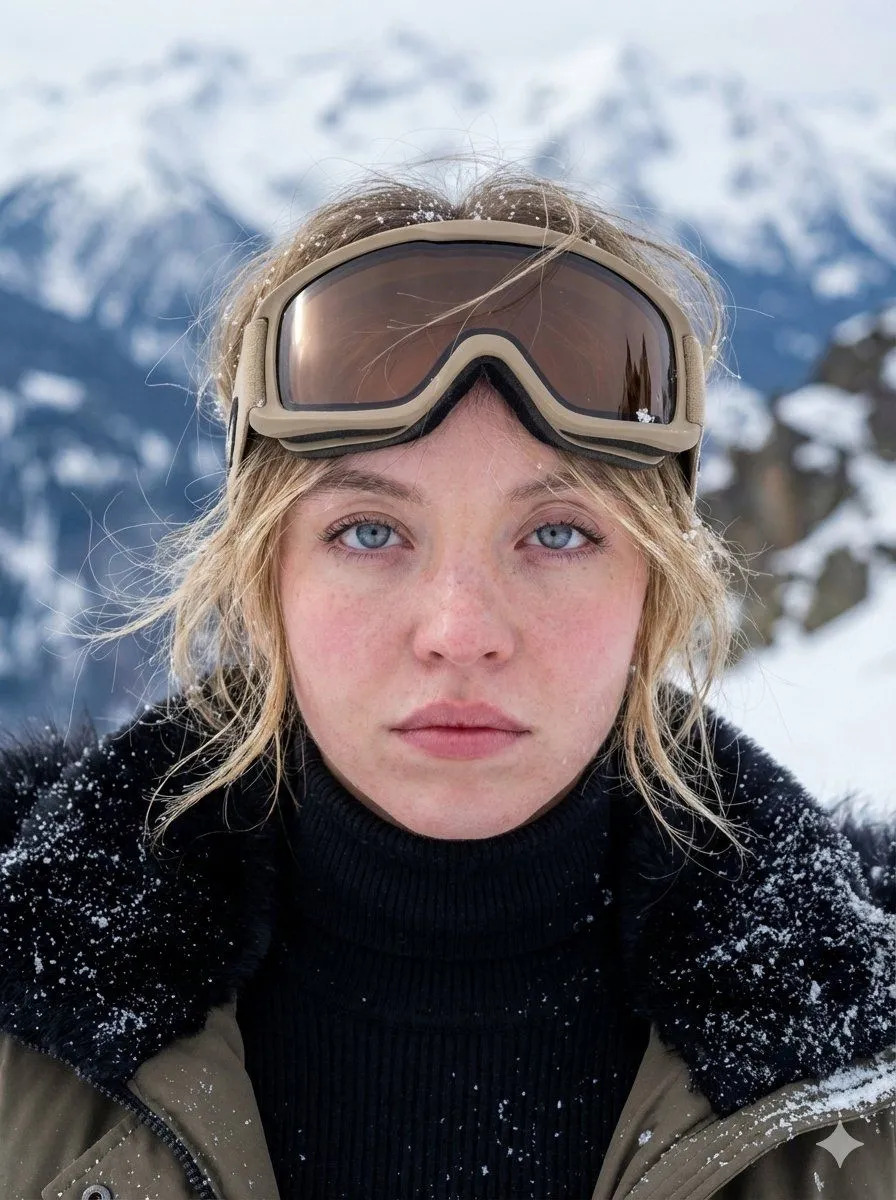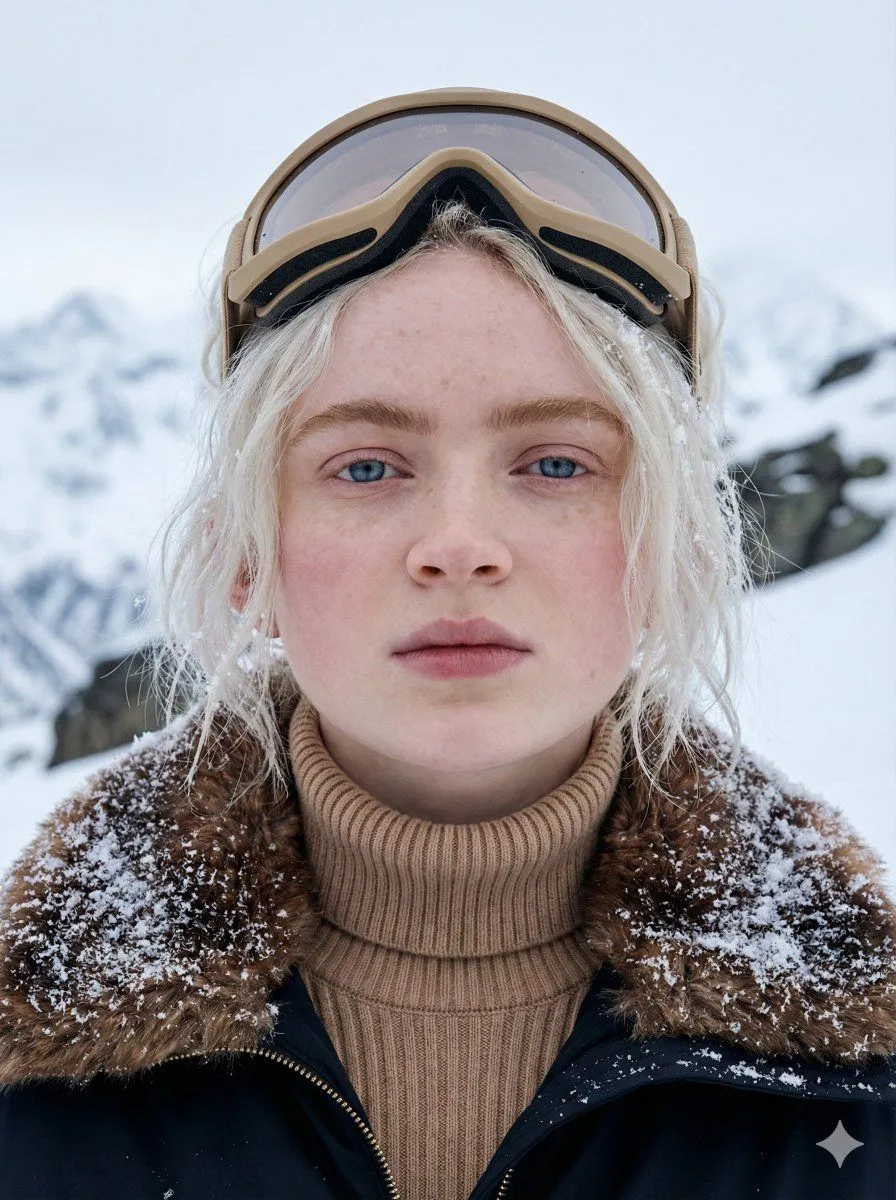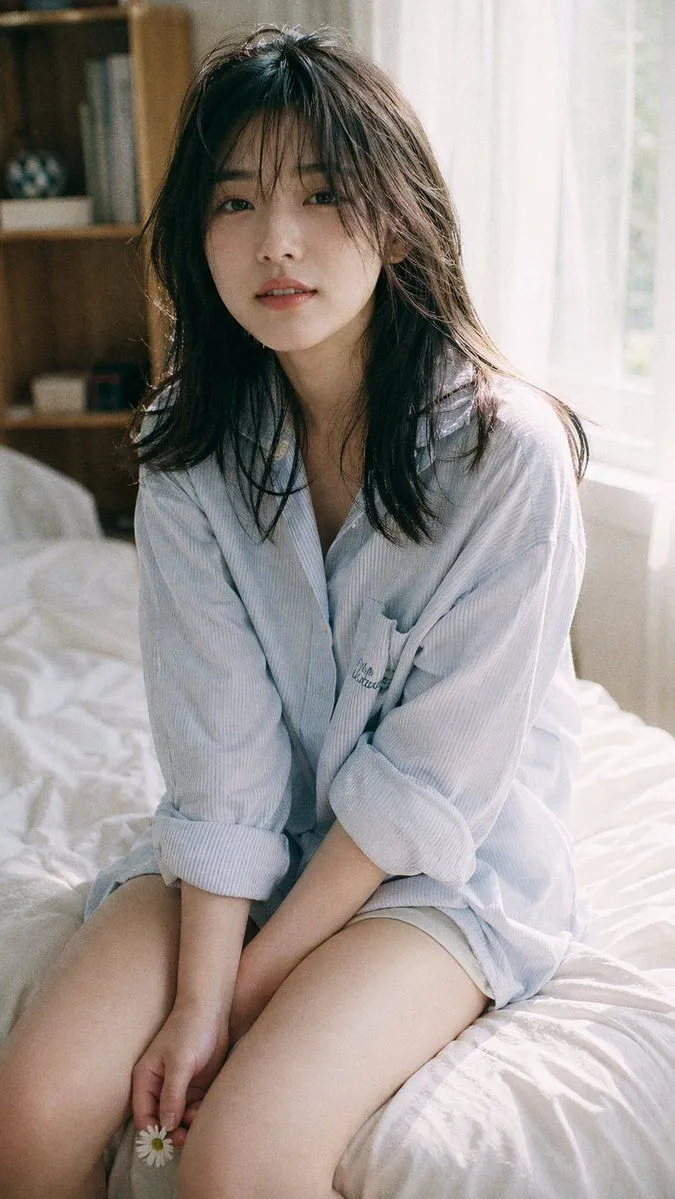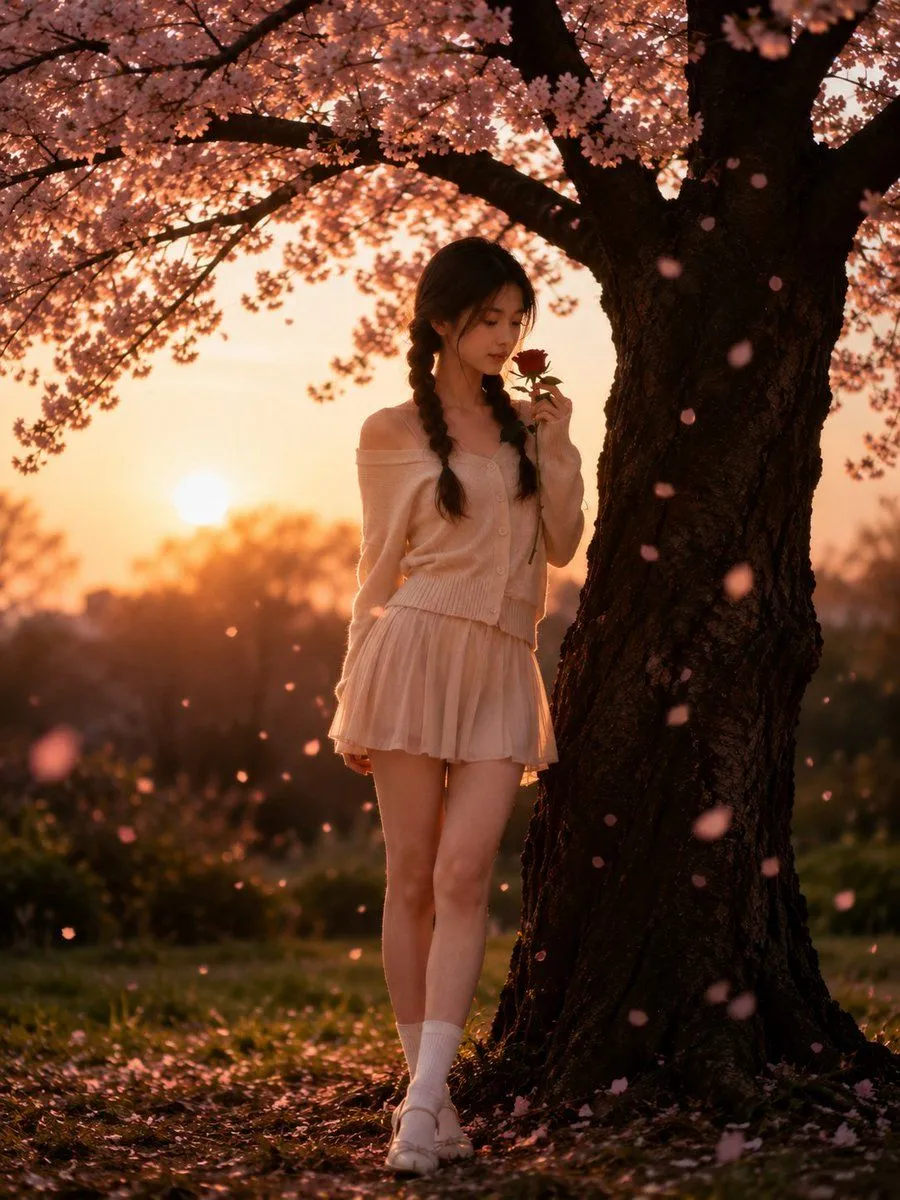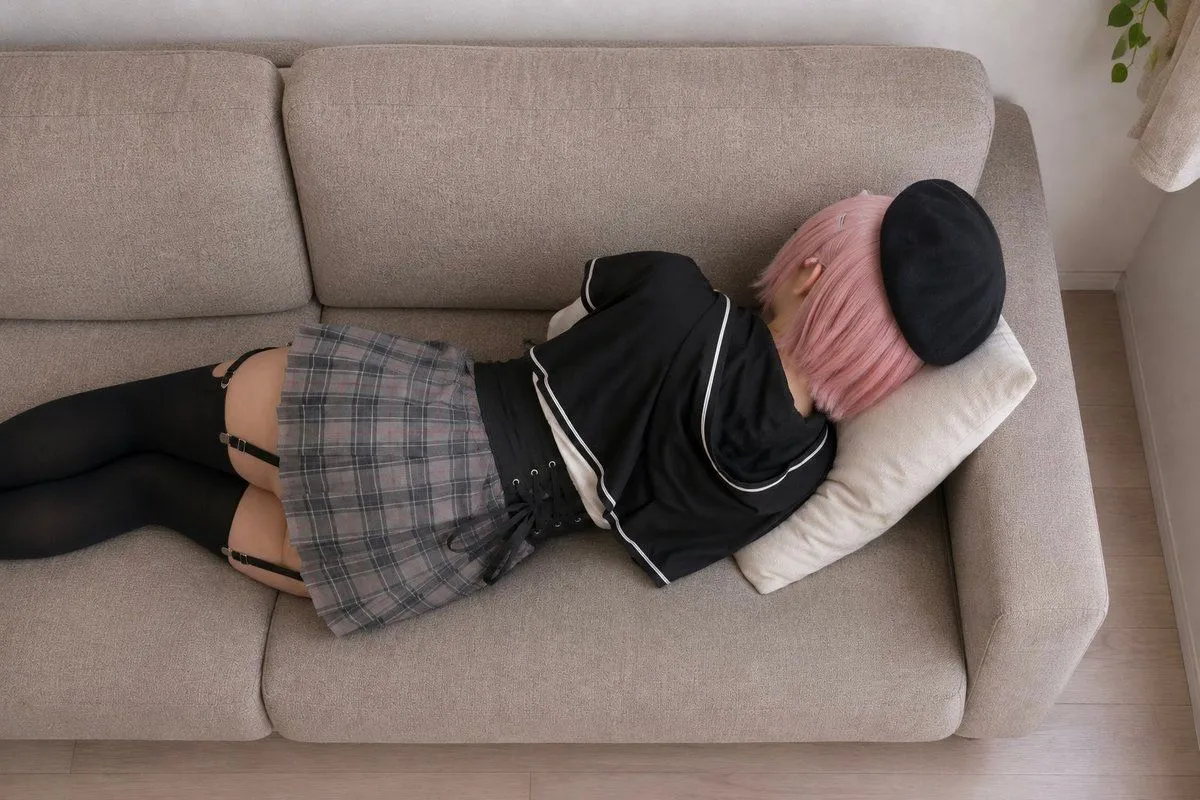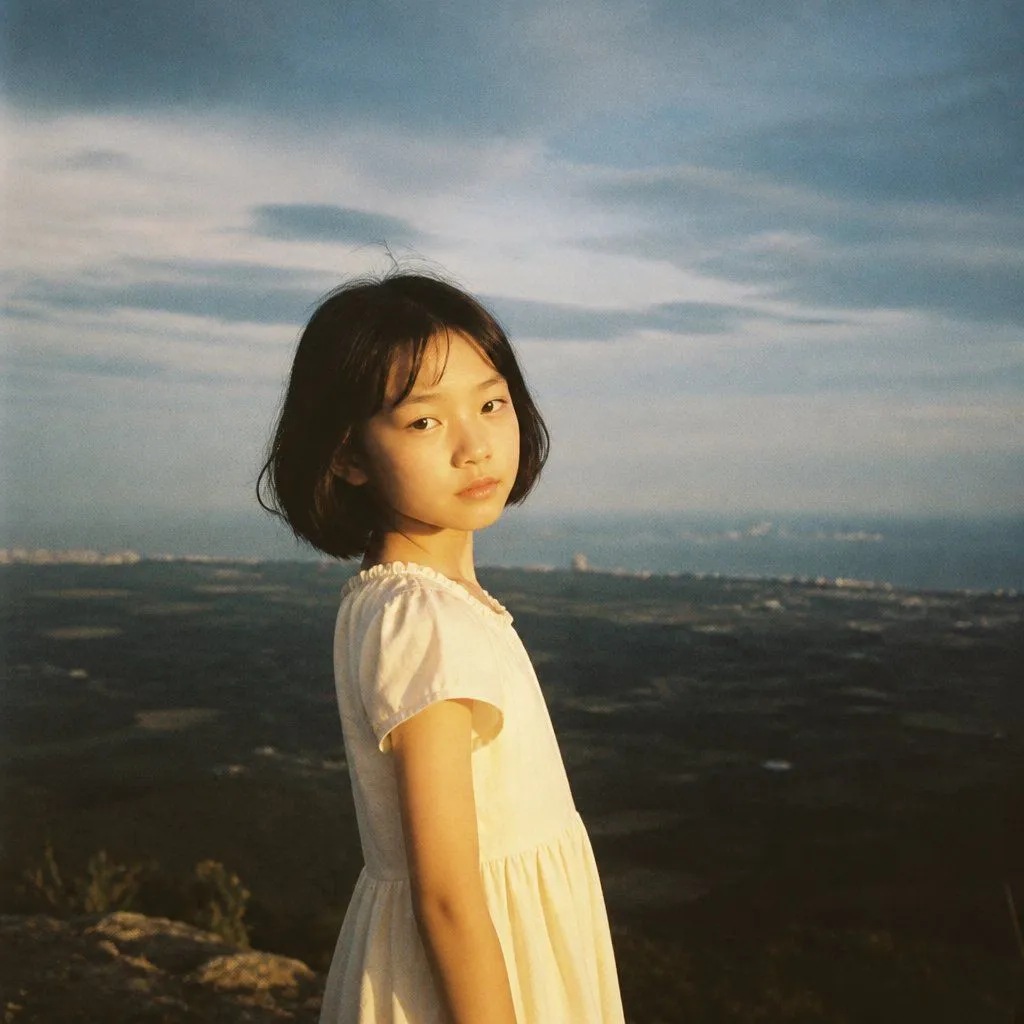
Made with GPT Image 2 in ChatGPT by Library Avatars. Promptclay never generates images.
Did it work?
No reports yet. Tell others if it worked for you.
Girl on Vast Overlook
Prompt
2 blanks to fillCreate a square cinematic film photograph of {subject} standing on a high rocky overlook above a vast open landscape. She is shown from mid-thigh up, positioned slightly left of center, body turned in profile to the right while looking back directly at the camera with a quiet, serious expression. She has a short black bob haircut with loose windblown strands and wears {dress}. The background is an expansive dark valley or plain stretching to a distant coastline or city lights, softly out of focus, with a wide dramatic cloudy sky occupying the upper half of the frame. Use warm golden-hour sunlight from the left/front to illuminate her face and dress, contrasting with cool blue-gray clouds and a hazy distant horizon. Style it like an analog 35mm film snapshot: natural skin tones, soft focus, gentle grain, subtle vignetting, muted colors, realistic lens blur, nostalgic atmosphere, no text, no watermark, no extra people.
Preview of your prompt
Create a square cinematic film photograph of a young East Asian girl standing on a high rocky overlook above a vast open landscape. She is shown from mid-thigh up, positioned slightly left of center, body turned in profile to the right while looking back directly at the camera with a quiet, serious expression. She has a short black bob haircut with loose windblown strands and wears a simple cream-white short-sleeved cotton dress with a gathered waist and small ruffled neckline. The background is an expansive dark valley or plain stretching to a distant coastline or city lights, softly out of focus, with a wide dramatic cloudy sky occupying the upper half of the frame. Use warm golden-hour sunlight from the left/front to illuminate her face and dress, contrasting with cool blue-gray clouds and a hazy distant horizon. Style it like an analog 35mm film snapshot: natural skin tones, soft focus, gentle grain, subtle vignetting, muted colors, realistic lens blur, nostalgic atmosphere, no text, no watermark, no extra people.
DetailsVersions, settings and questions
Written for
What's in the prompt
- Subject
- Model
- GPT Image 2
If your face changes
keep my face exactly the sameQuestions
- Does this work in the ChatGPT app?
- Yes. Paste the prompt and attach your photo if it uses one.
- It changed my face. What do I do?
- Add "keep my face exactly the same" to the end and run it again.
- Can I use the images I make?
- Check the terms of the app you use. Promptclay never generates images and claims nothing you make.