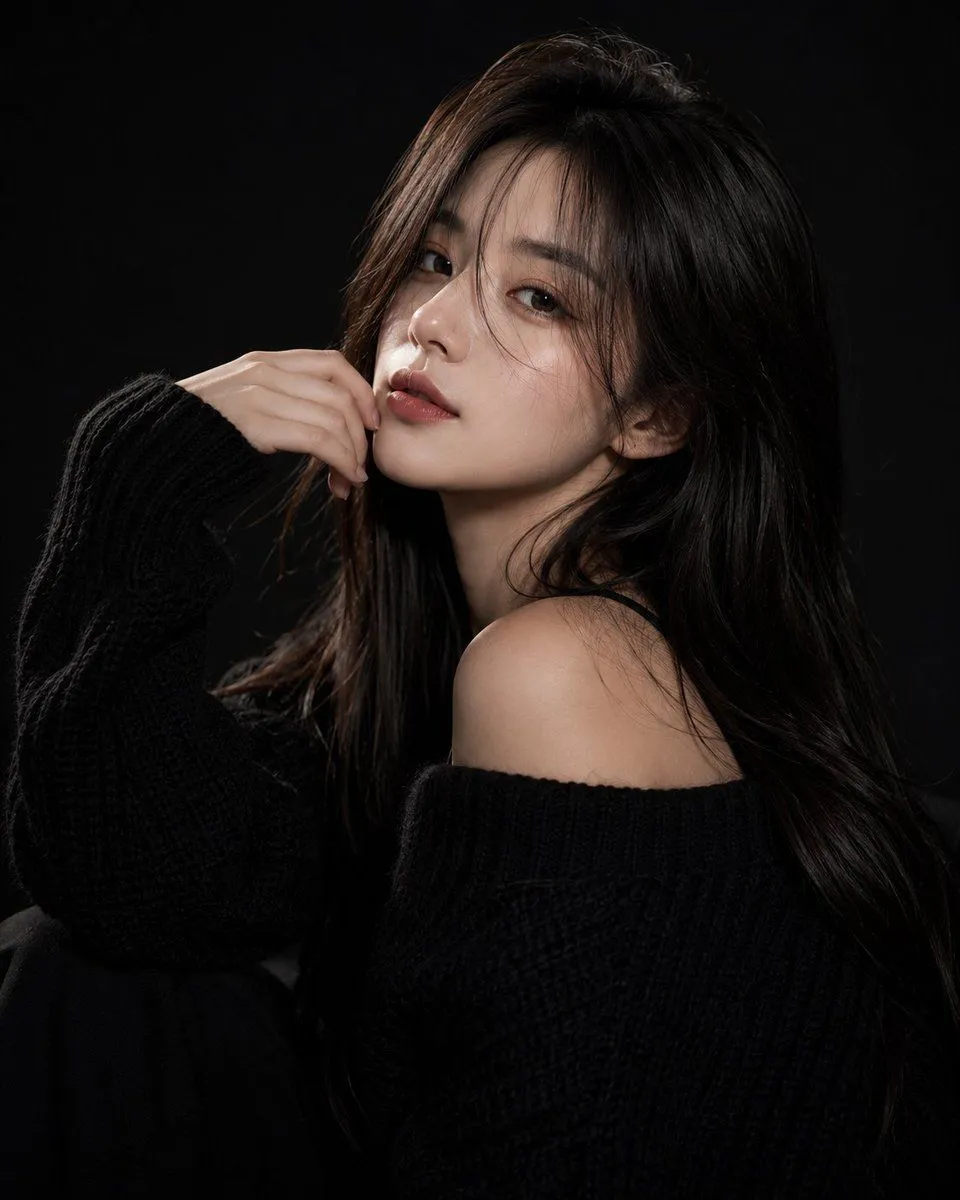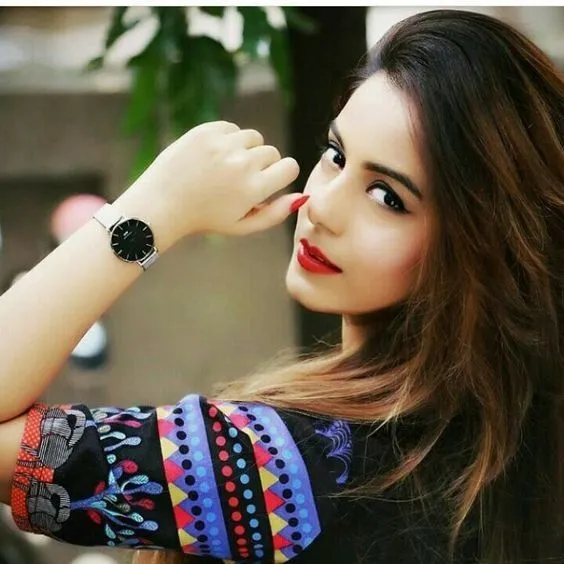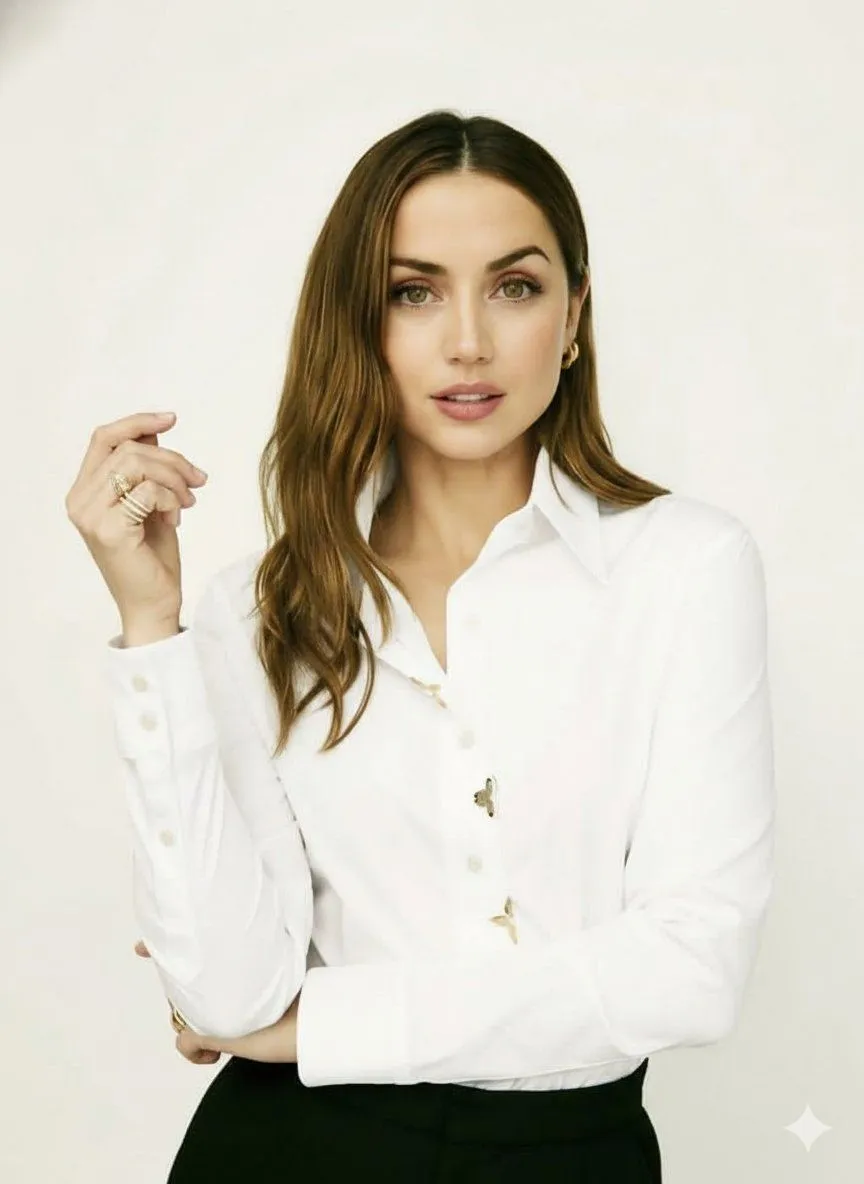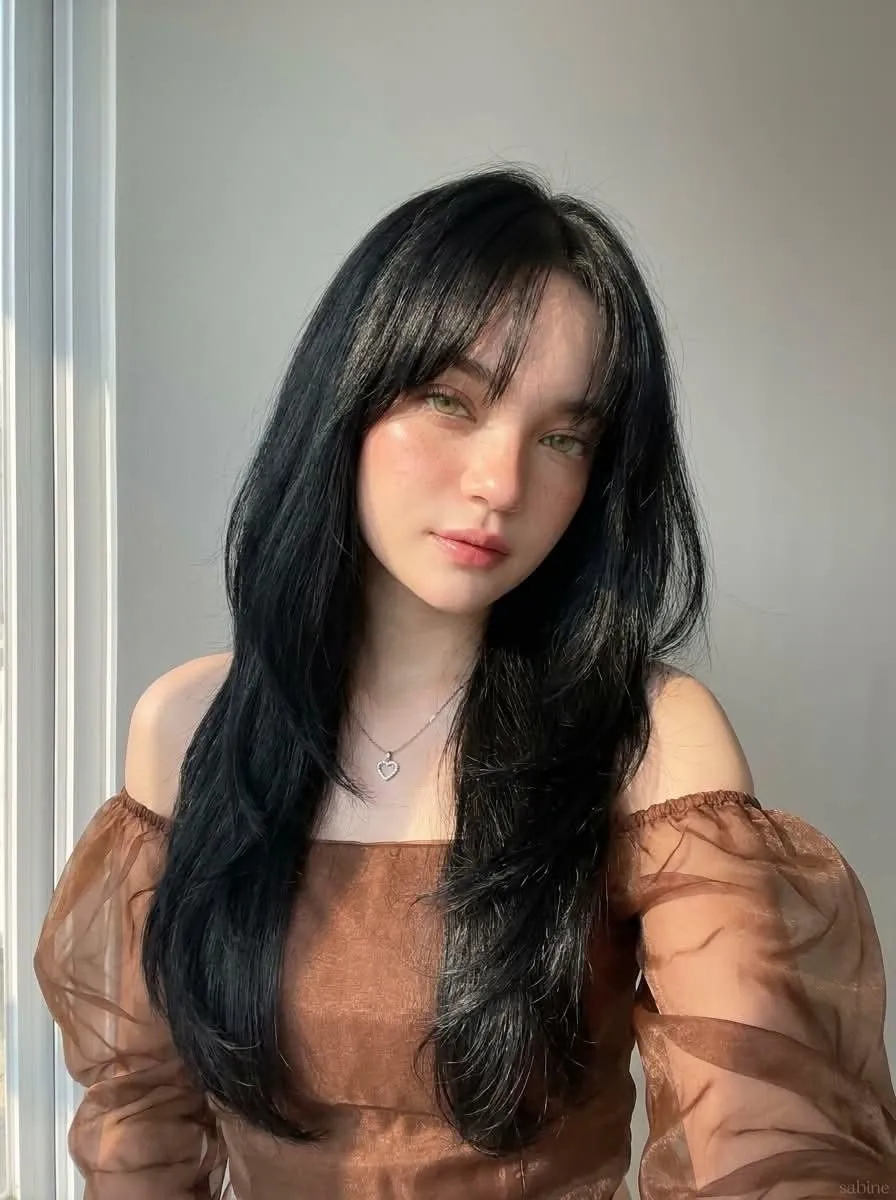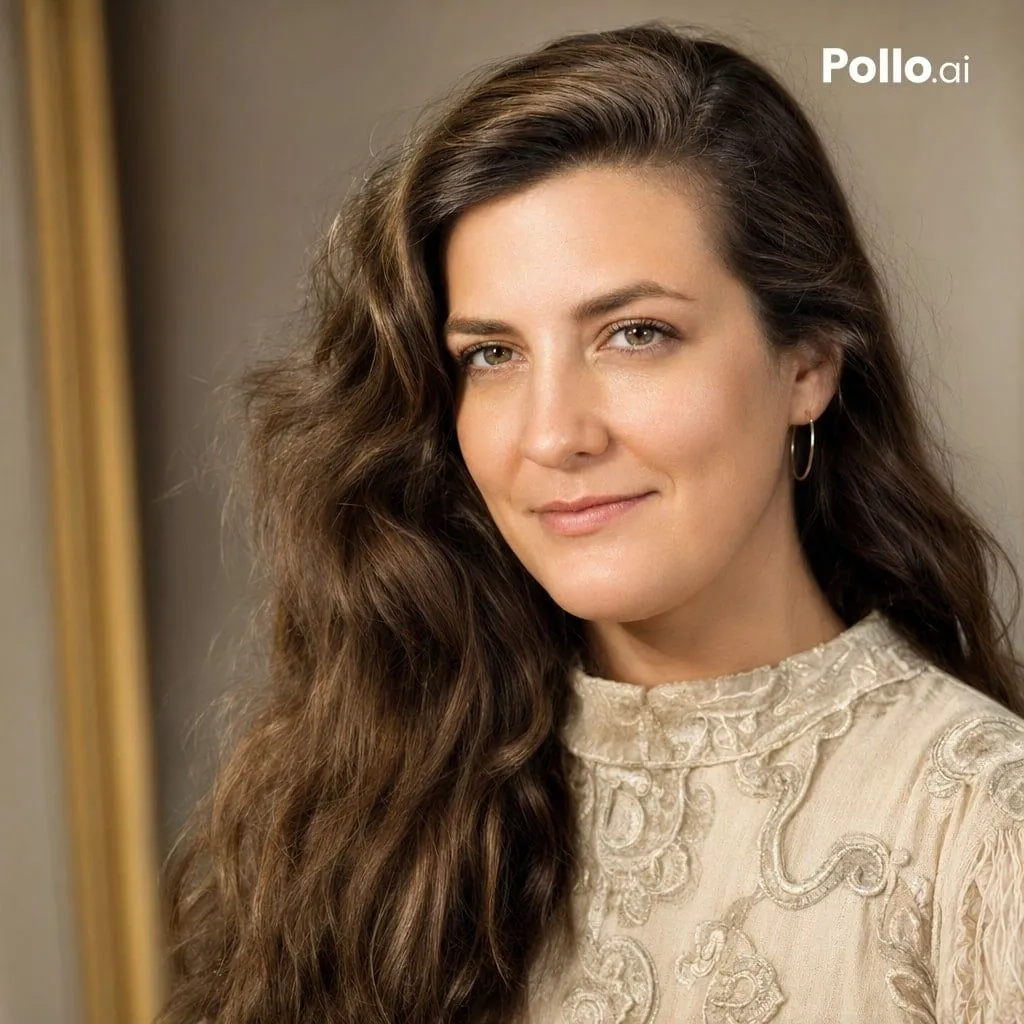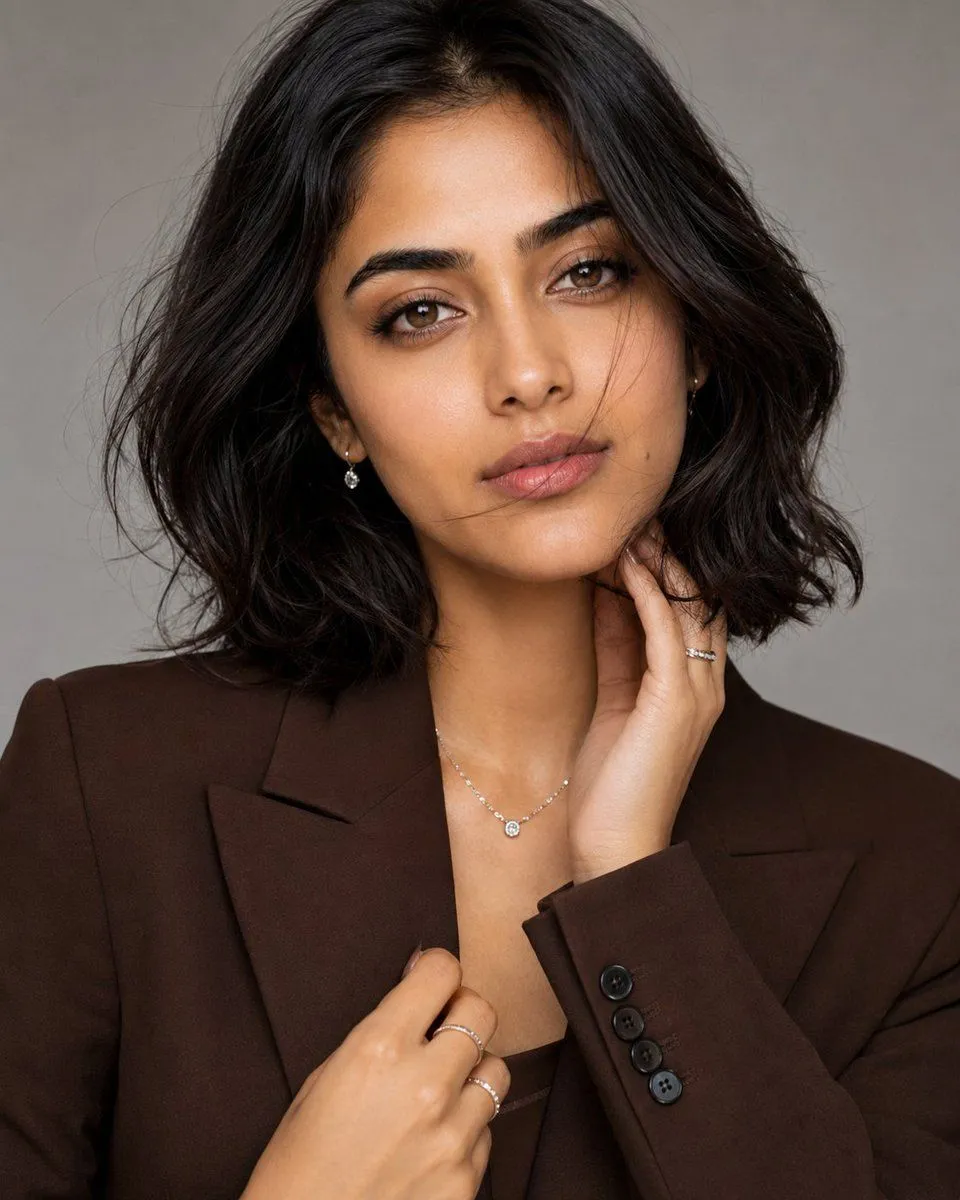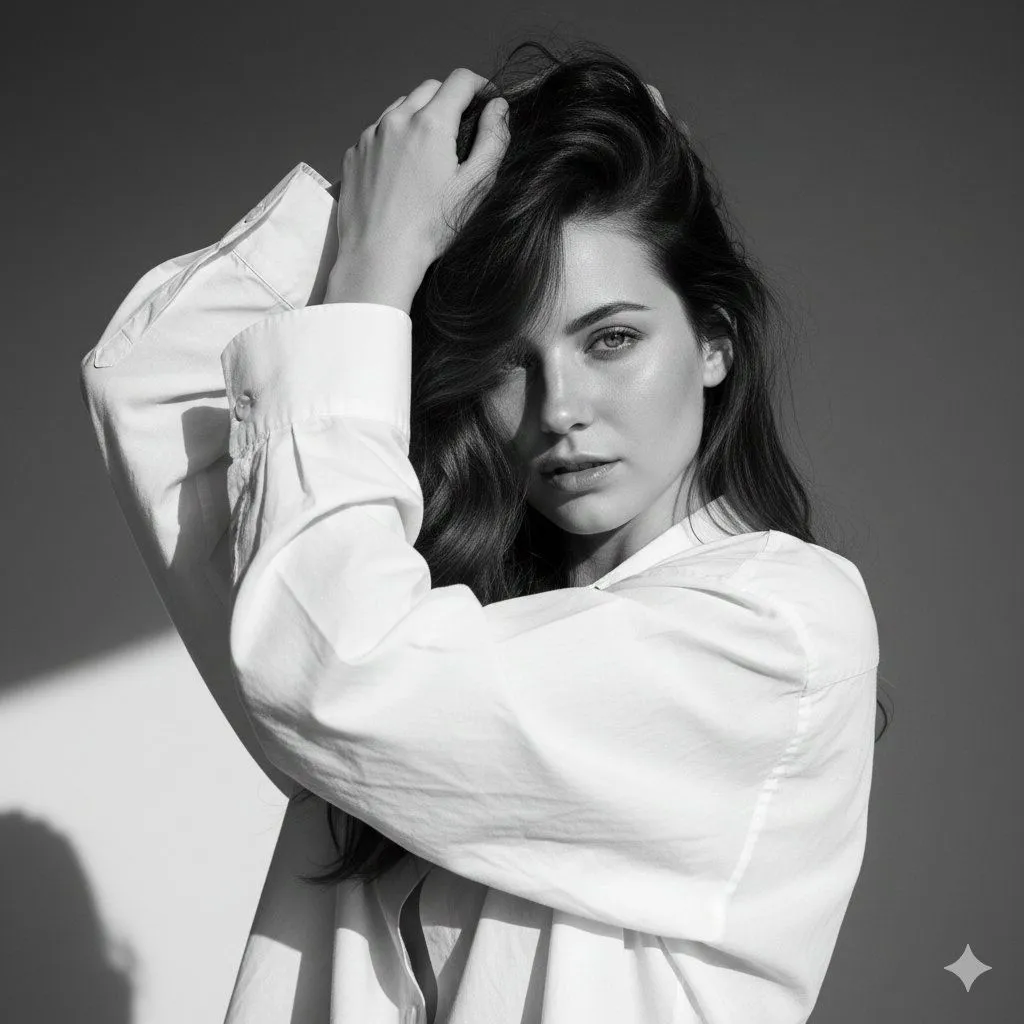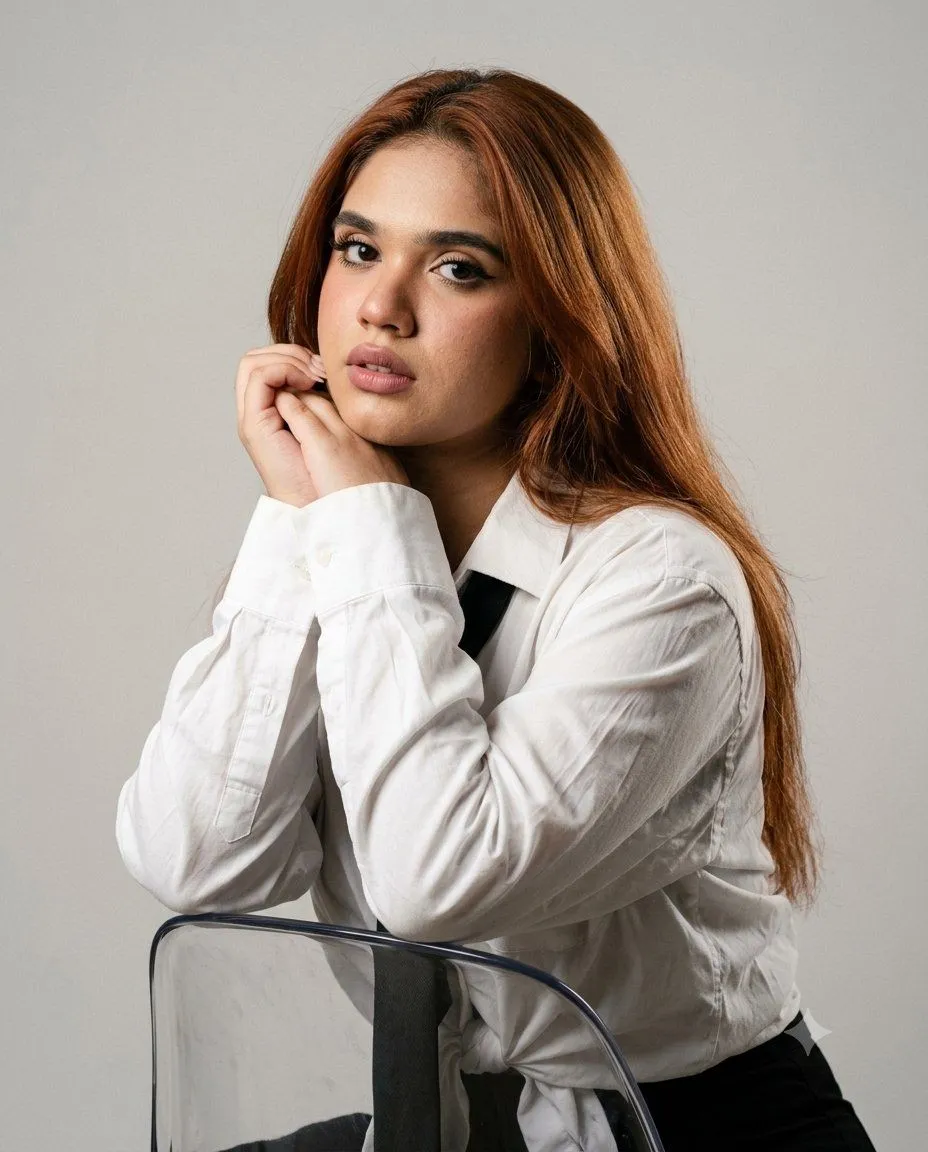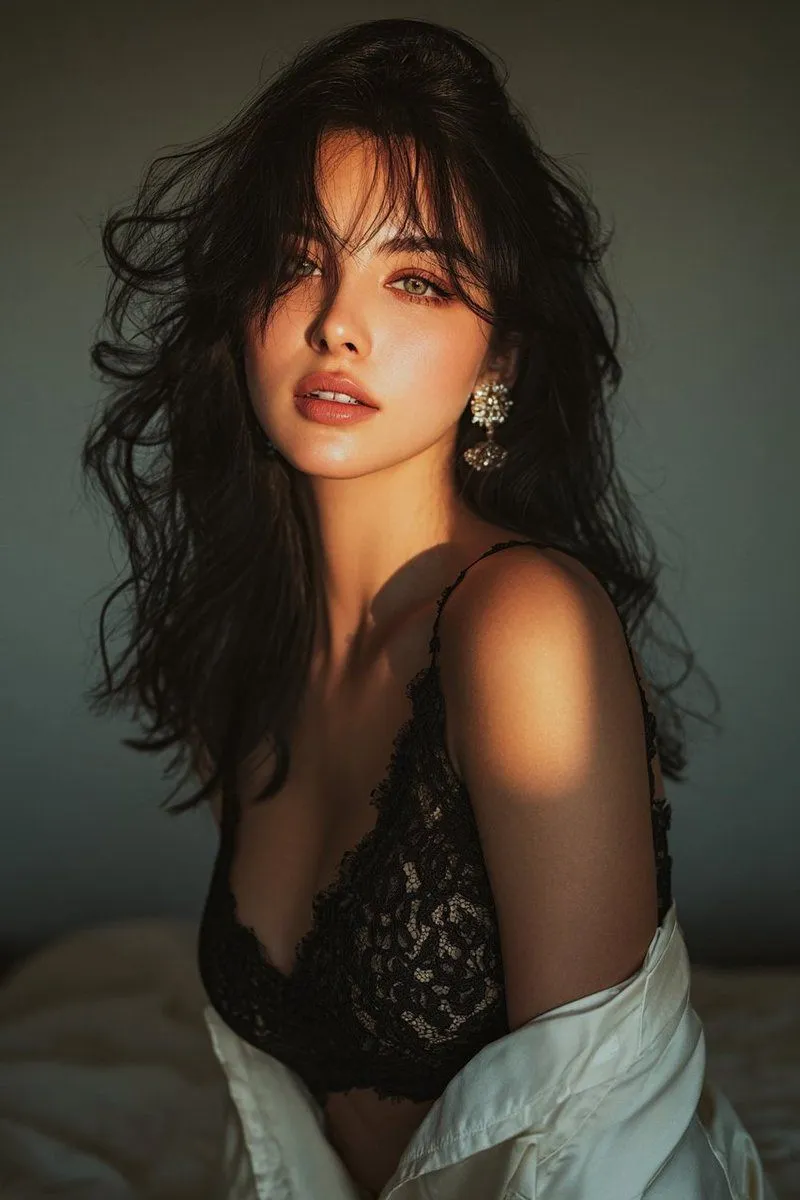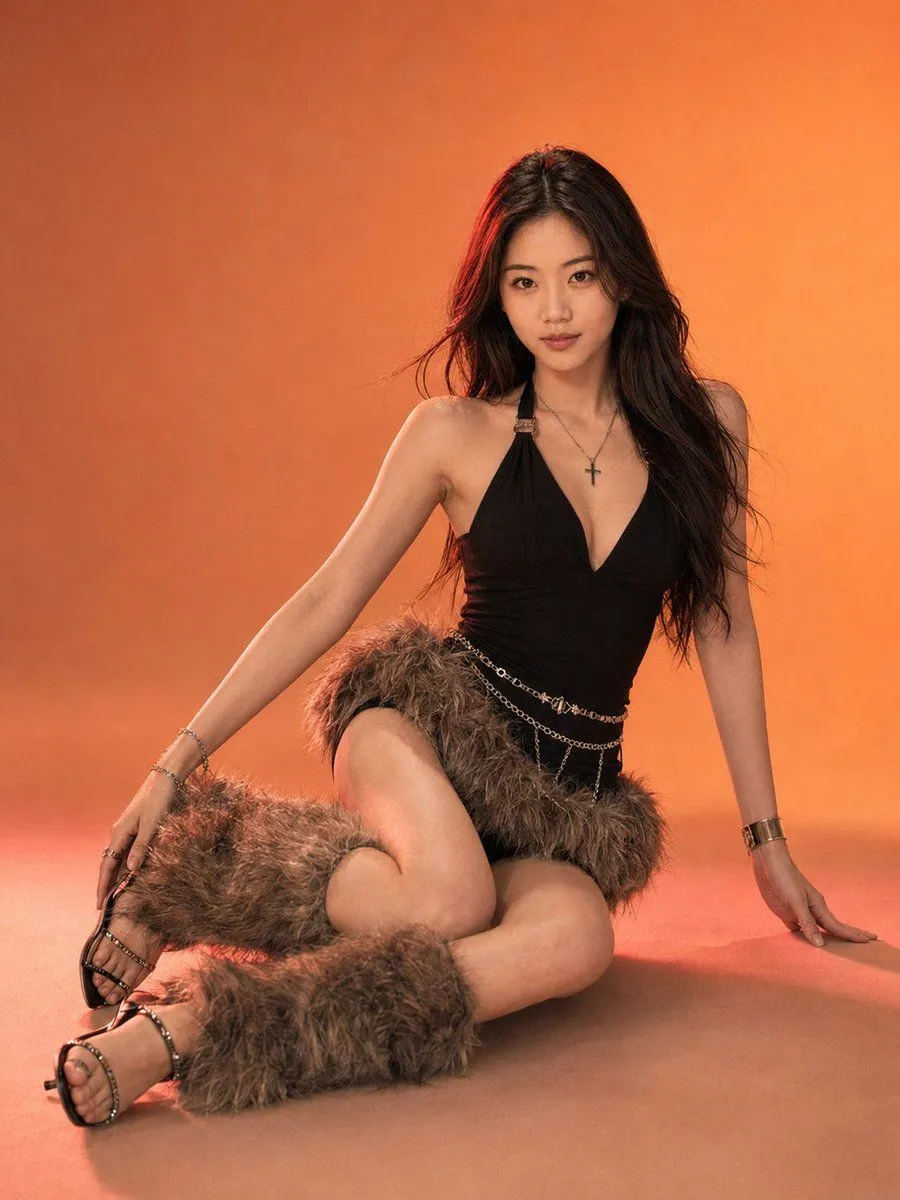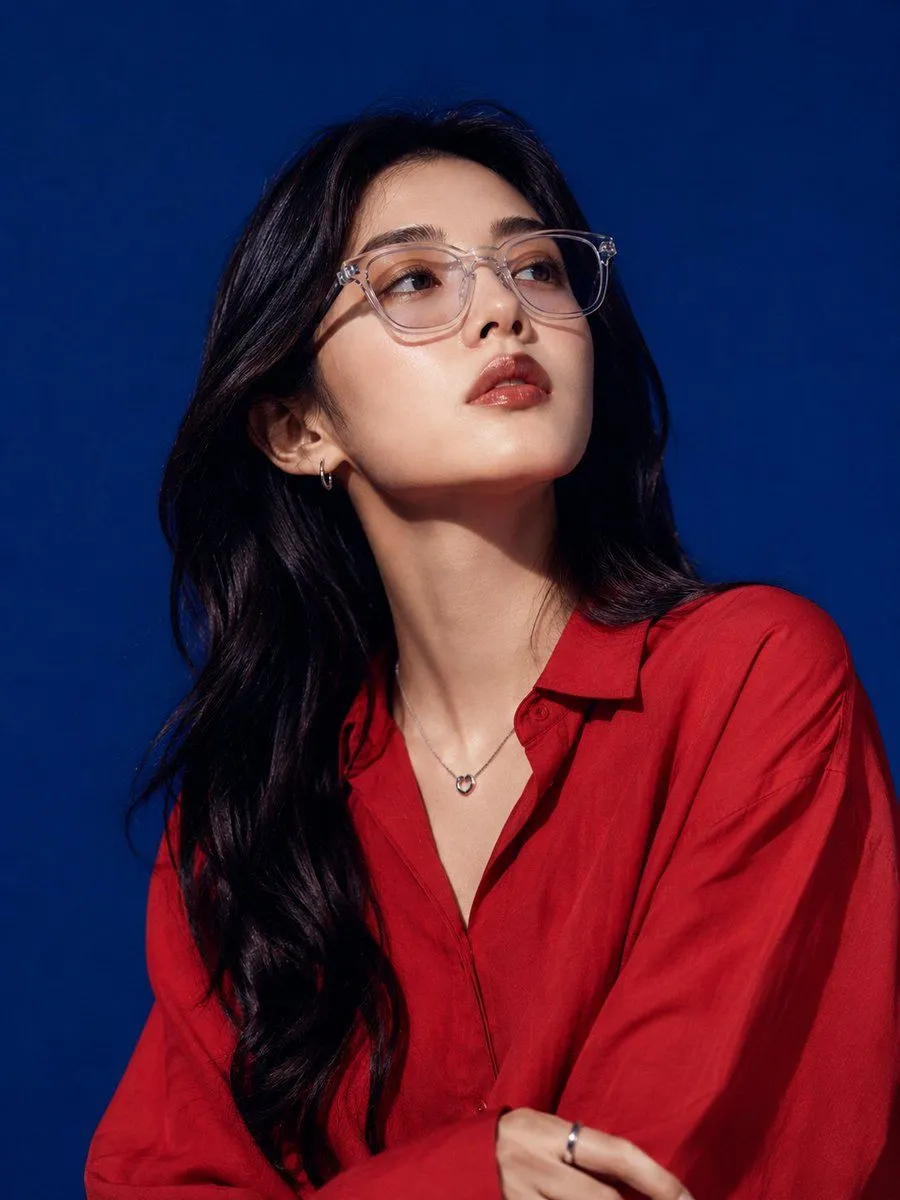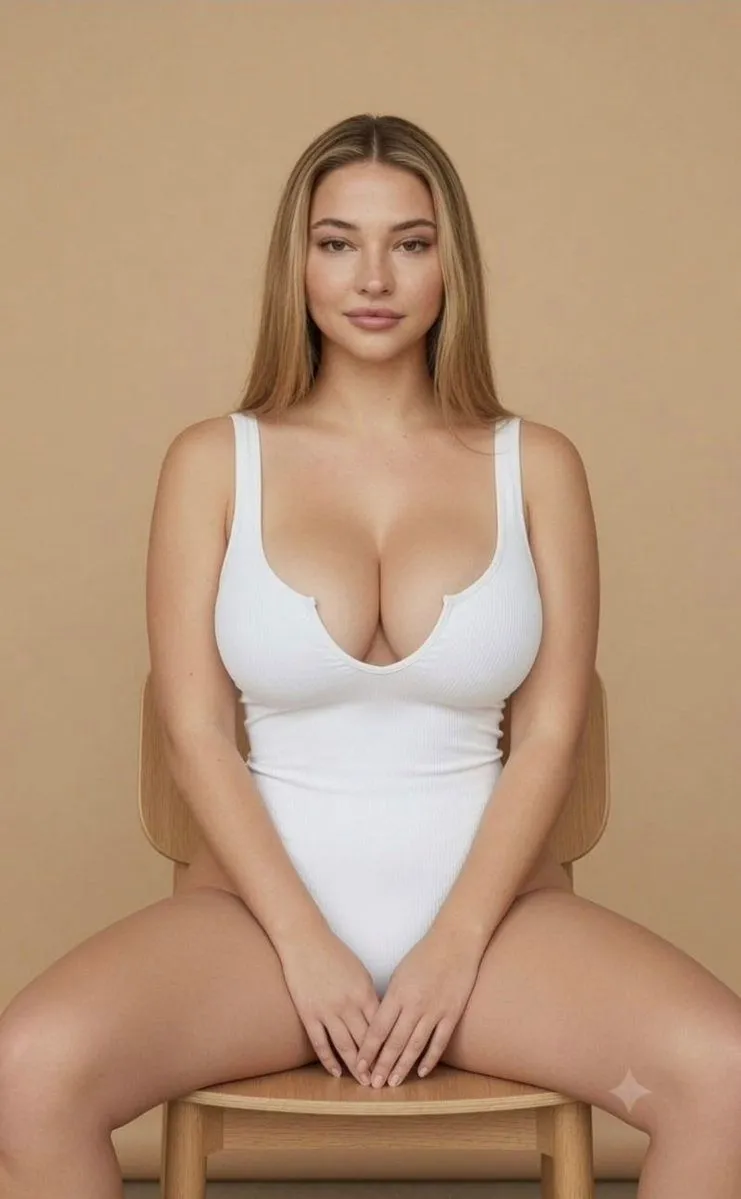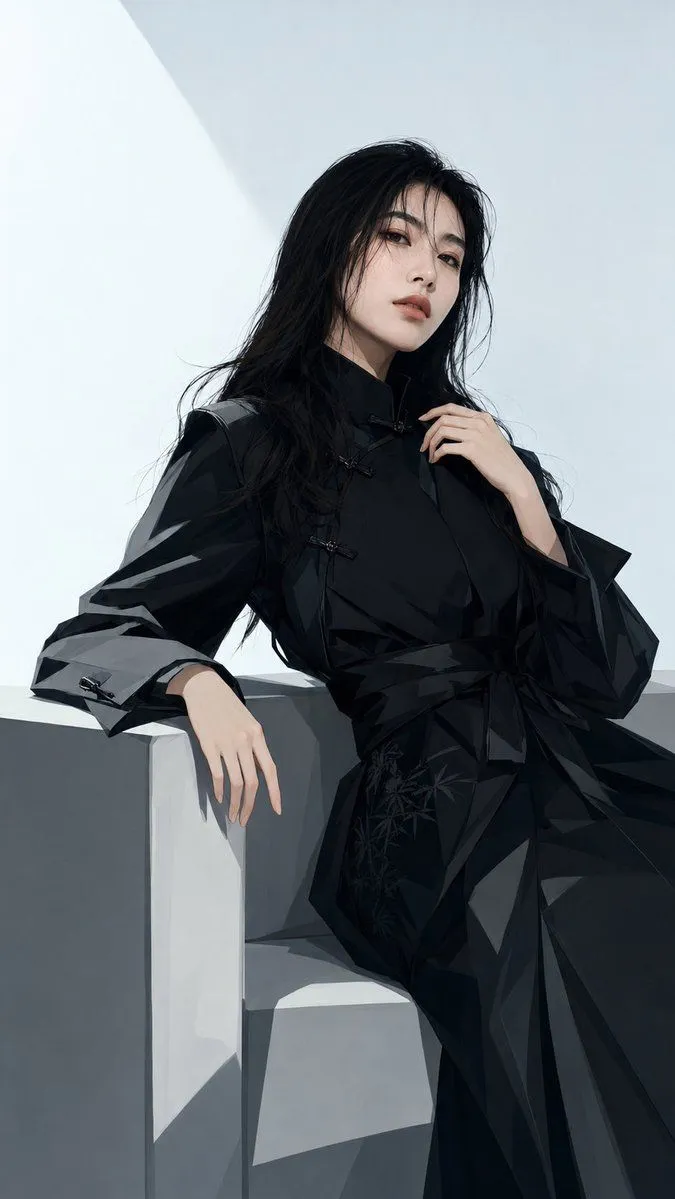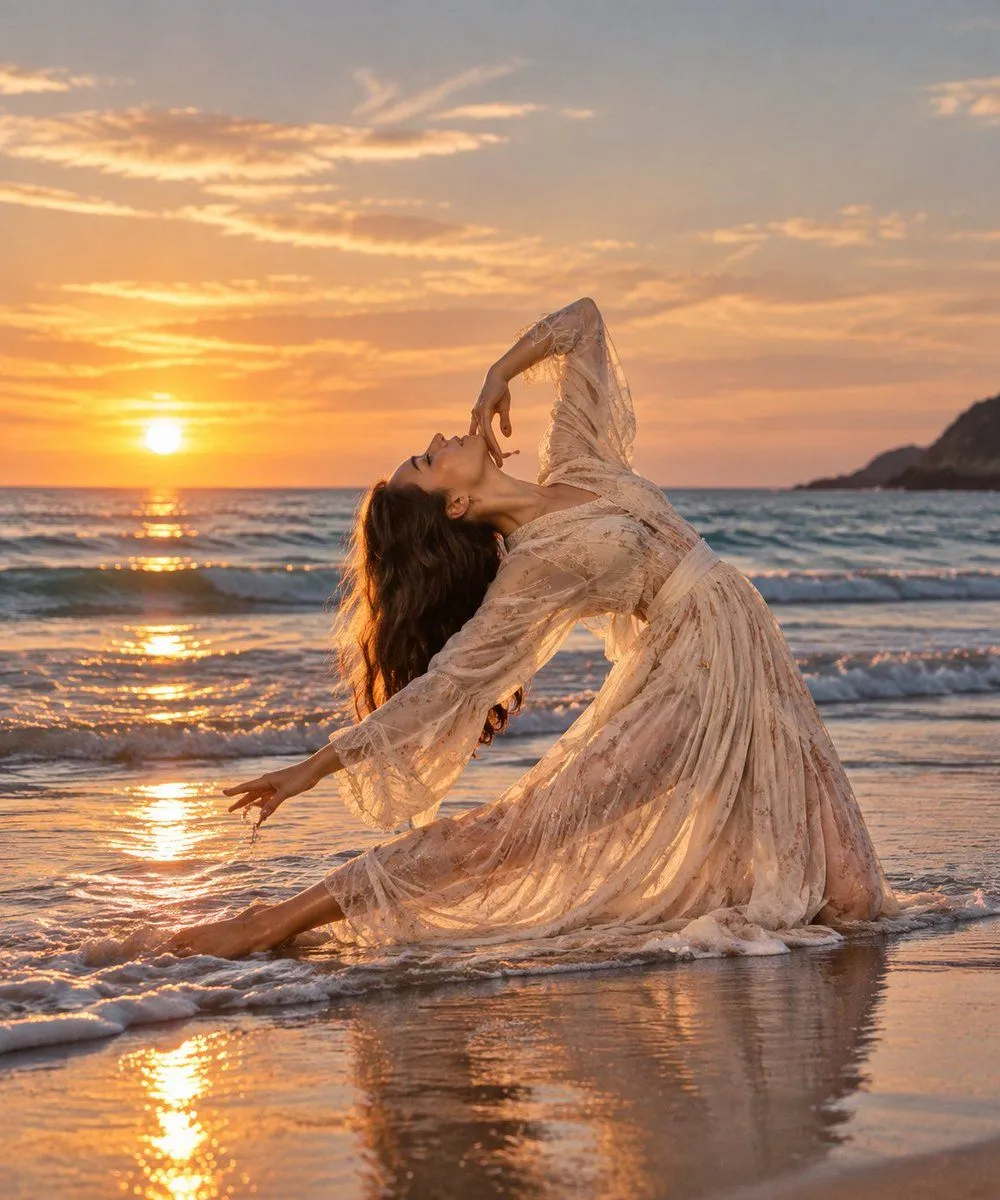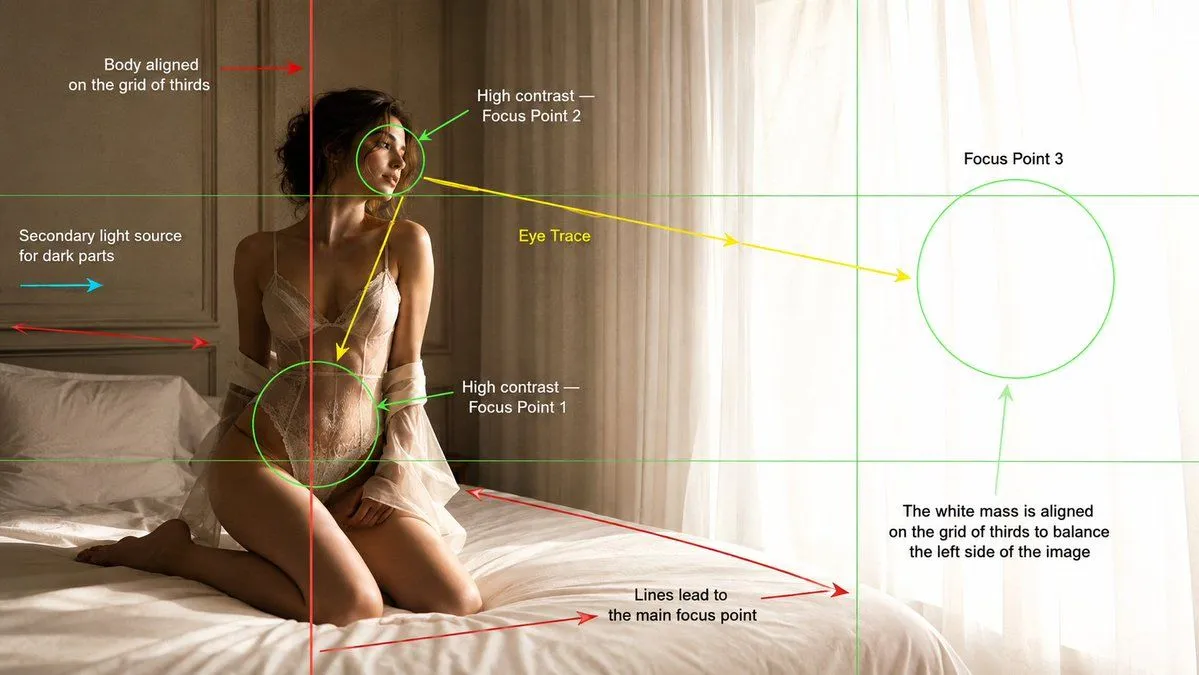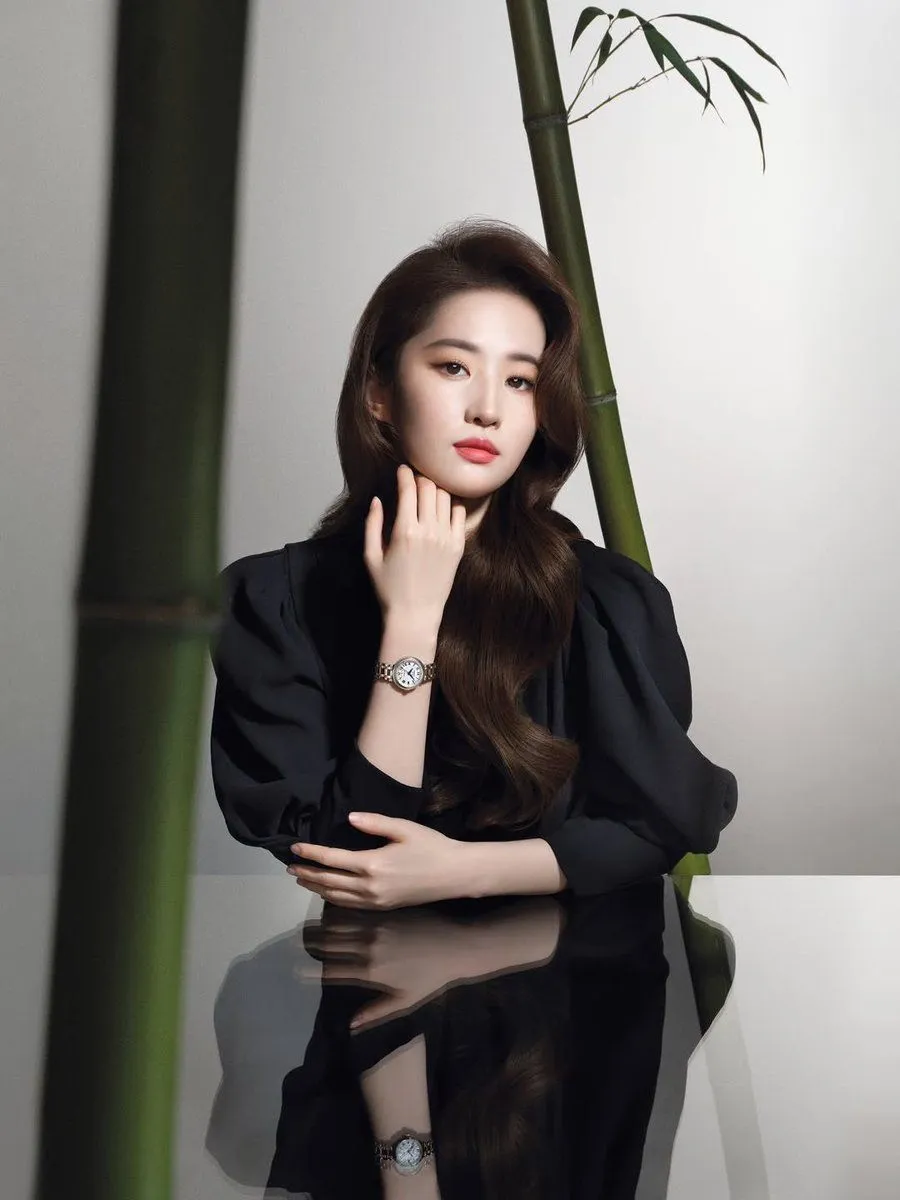
Made with GPT Image 2 in ChatGPT by Library Lifestyle. Promptclay never generates images.
Did it work?
No reports yet. Tell others if it worked for you.
GIF Sprite Sheet Animation Generator
Prompt
3 blanks to fillGenerate every frame of a GIF emoji spritesheet of the character in the image in a {style} as a bust. Ensure headwear and hairstyle are accurate. Use a 4x4 grid layout to generate a total of 16 small images. These 16 images should represent continuous split actions for a "{action}" animation, which can be combined to form a complete, realistic looping animation where the last frame flows smoothly back to the first. Include the Chinese characters "{text}" in each of the 16 images using a font that matches the visual style. Ensure sufficient white space between the 16 small images for easy cutting, and each image must not exceed its own area. Do not copy the original image exactly; only use the character. The background should be pure white without divider lines. The aspect ratio is 1:1.
Preview of your prompt
Generate every frame of a GIF emoji spritesheet of the character in the image in a cartoon Line style as a bust. Ensure headwear and hairstyle are accurate. Use a 4x4 grid layout to generate a total of 16 small images. These 16 images should represent continuous split actions for a "blowing a kiss" animation, which can be combined to form a complete, realistic looping animation where the last frame flows smoothly back to the first. Include the Chinese characters "Love you" in each of the 16 images using a font that matches the visual style. Ensure sufficient white space between the 16 small images for easy cutting, and each image must not exceed its own area. Do not copy the original image exactly; only use the character. The background should be pure white without divider lines. The aspect ratio is 1:1.
DetailsVersions, settings and questions
Written for
What's in the prompt
- Subject
- Model
- GPT Image 2
If your face changes
keep my face exactly the sameQuestions
- Does this work in the ChatGPT app?
- Yes. Paste the prompt and attach your photo if it uses one.
- It changed my face. What do I do?
- Add "keep my face exactly the same" to the end and run it again.
- Can I use the images I make?
- Check the terms of the app you use. Promptclay never generates images and claims nothing you make.