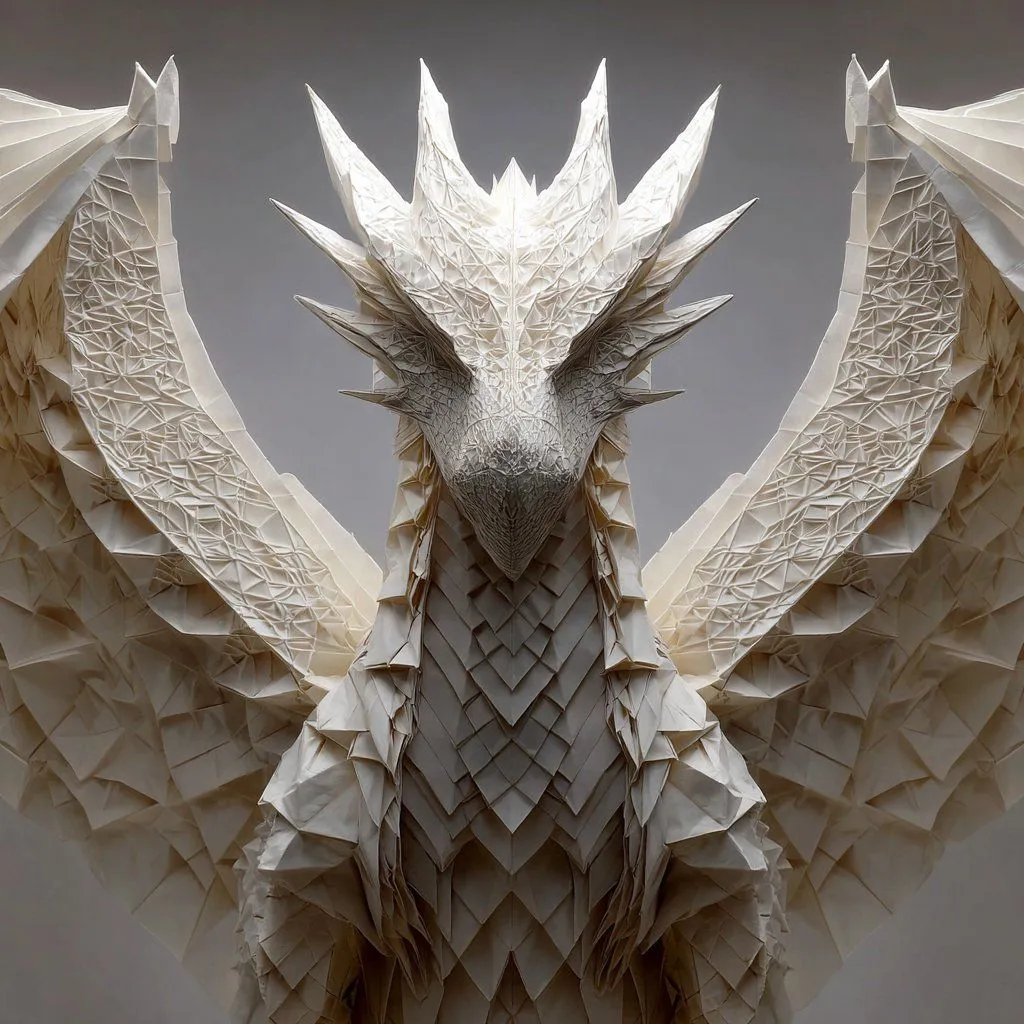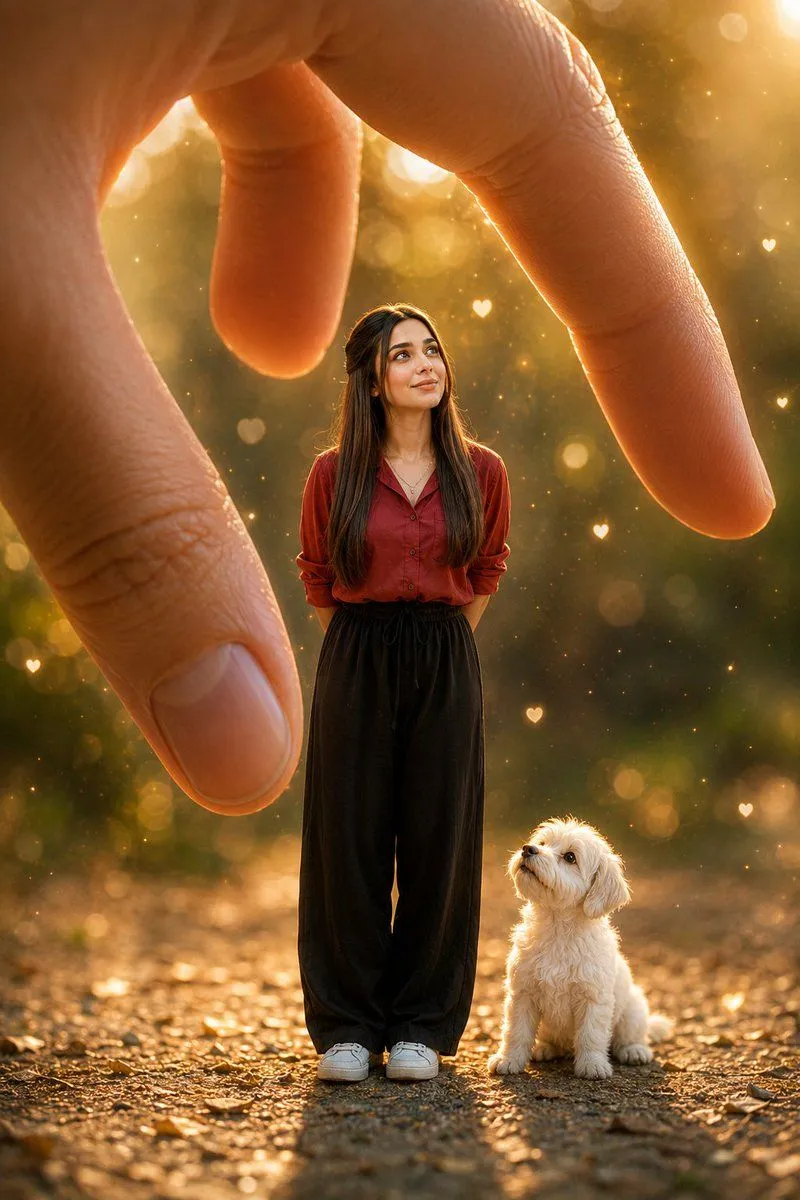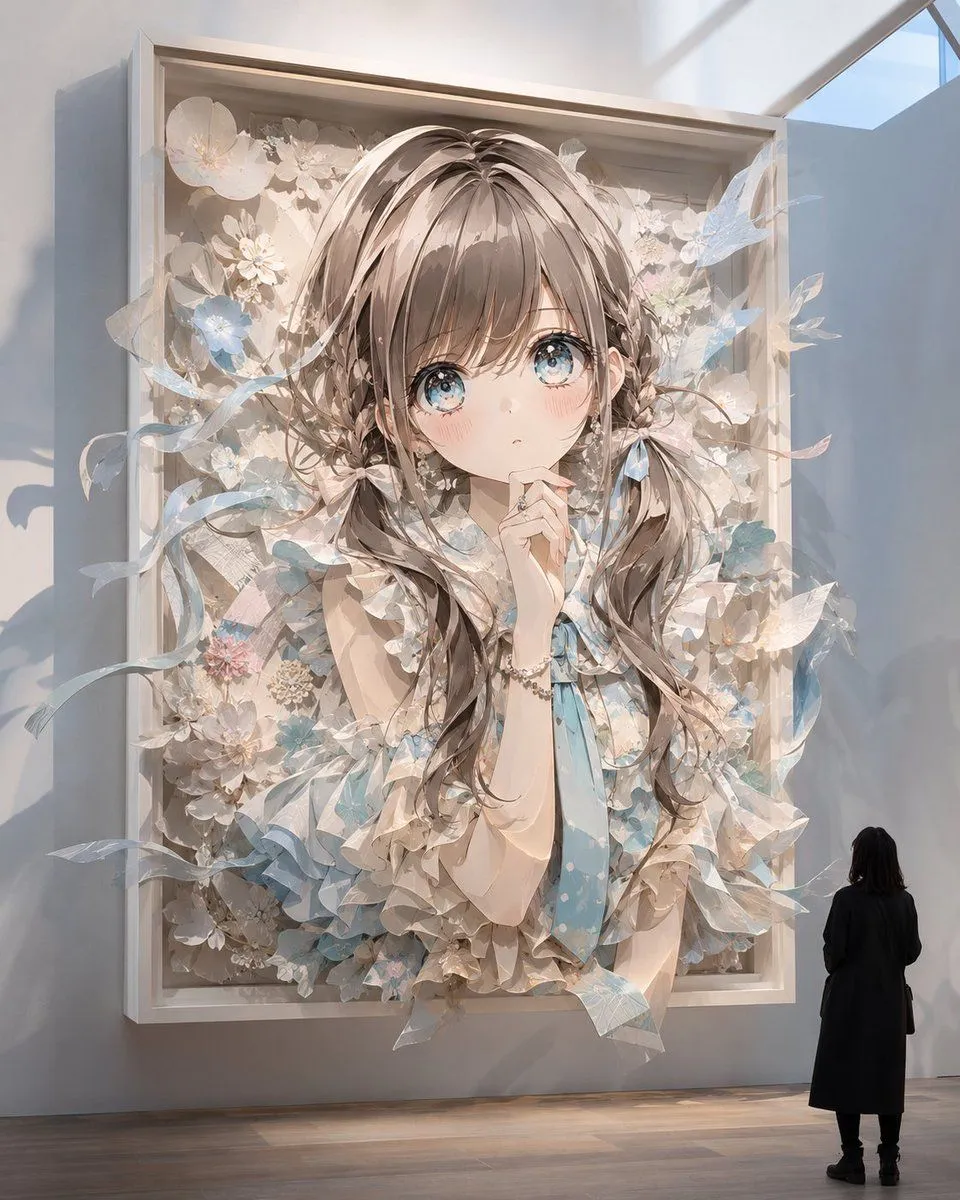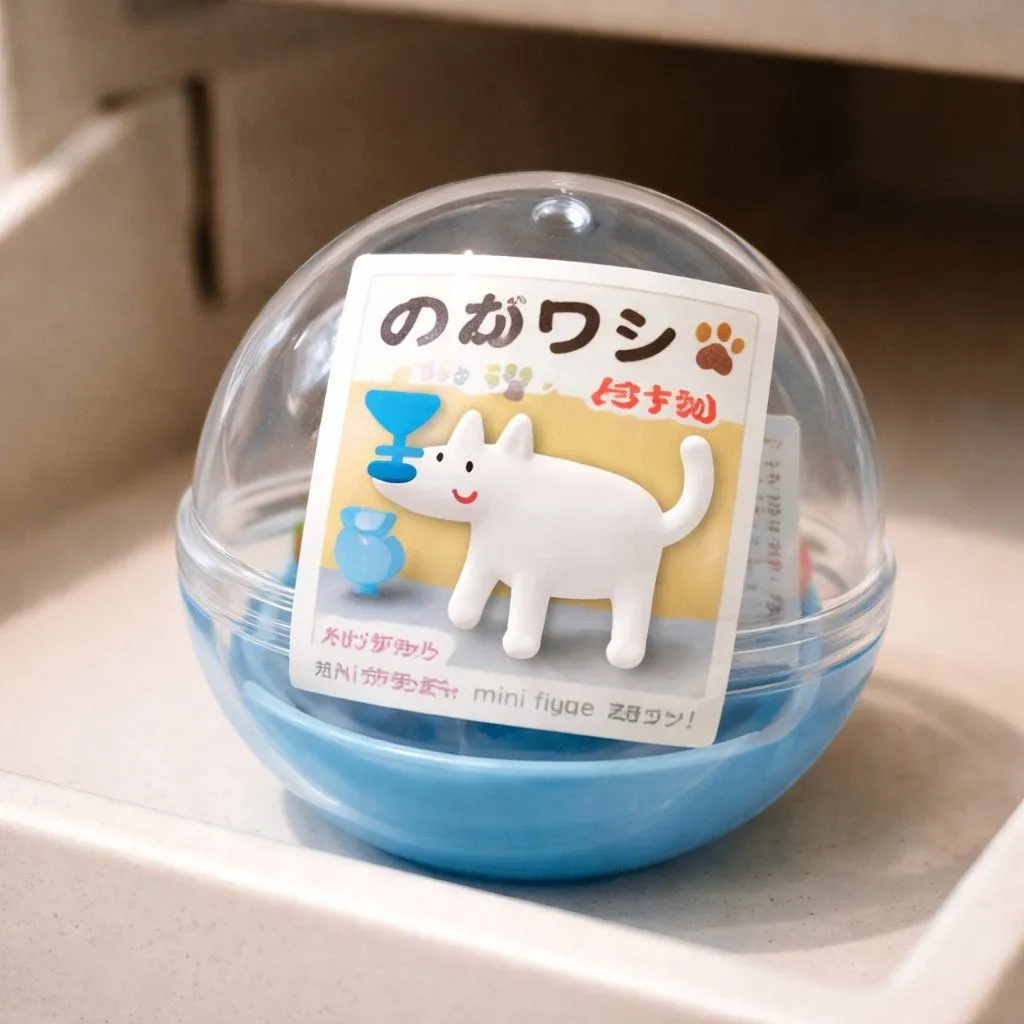
Made with GPT Image 1.5 in ChatGPT by Library Concept. Promptclay never generates images.
Did it work?
No reports yet. Tell others if it worked for you.
Gachapon Capsule Toy Design
Prompt
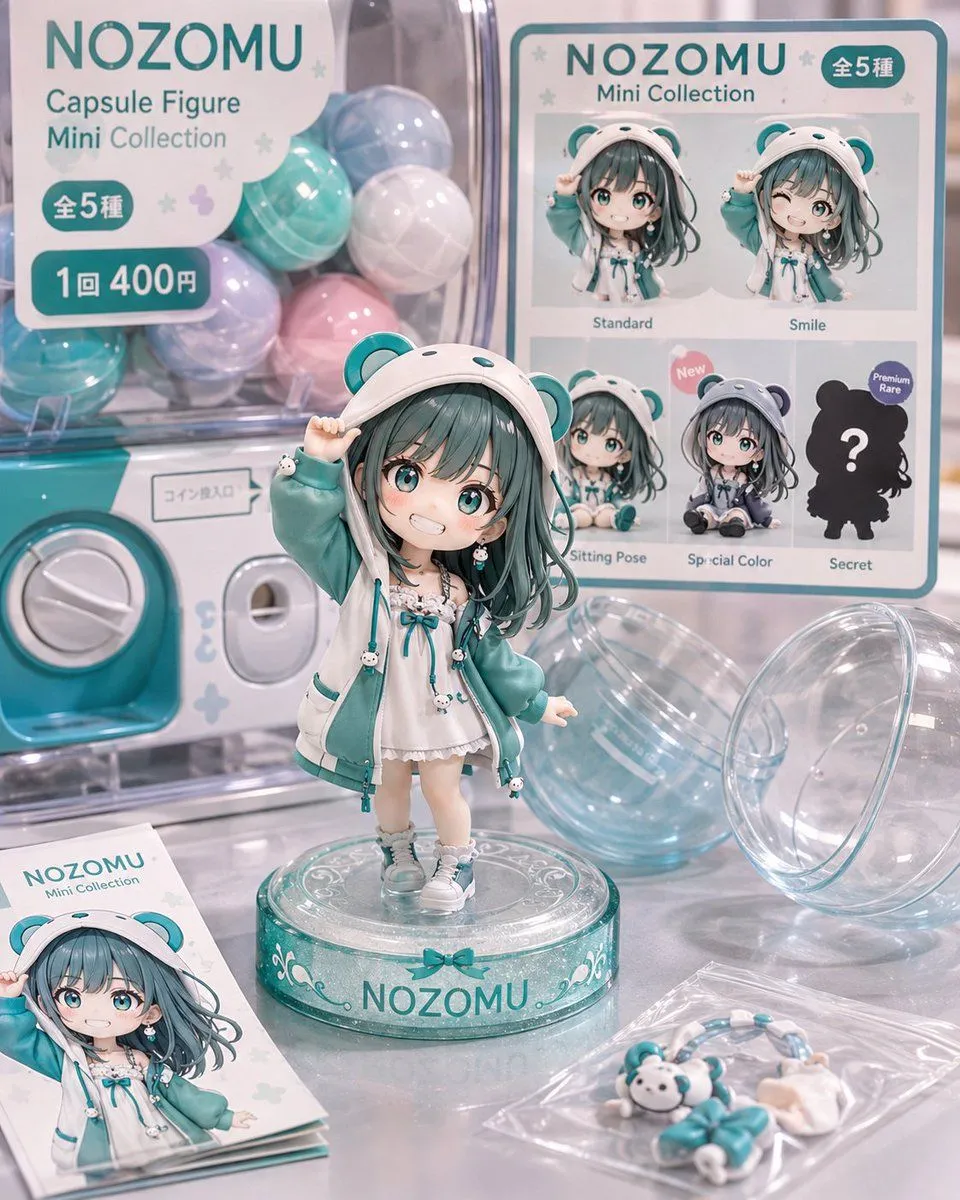
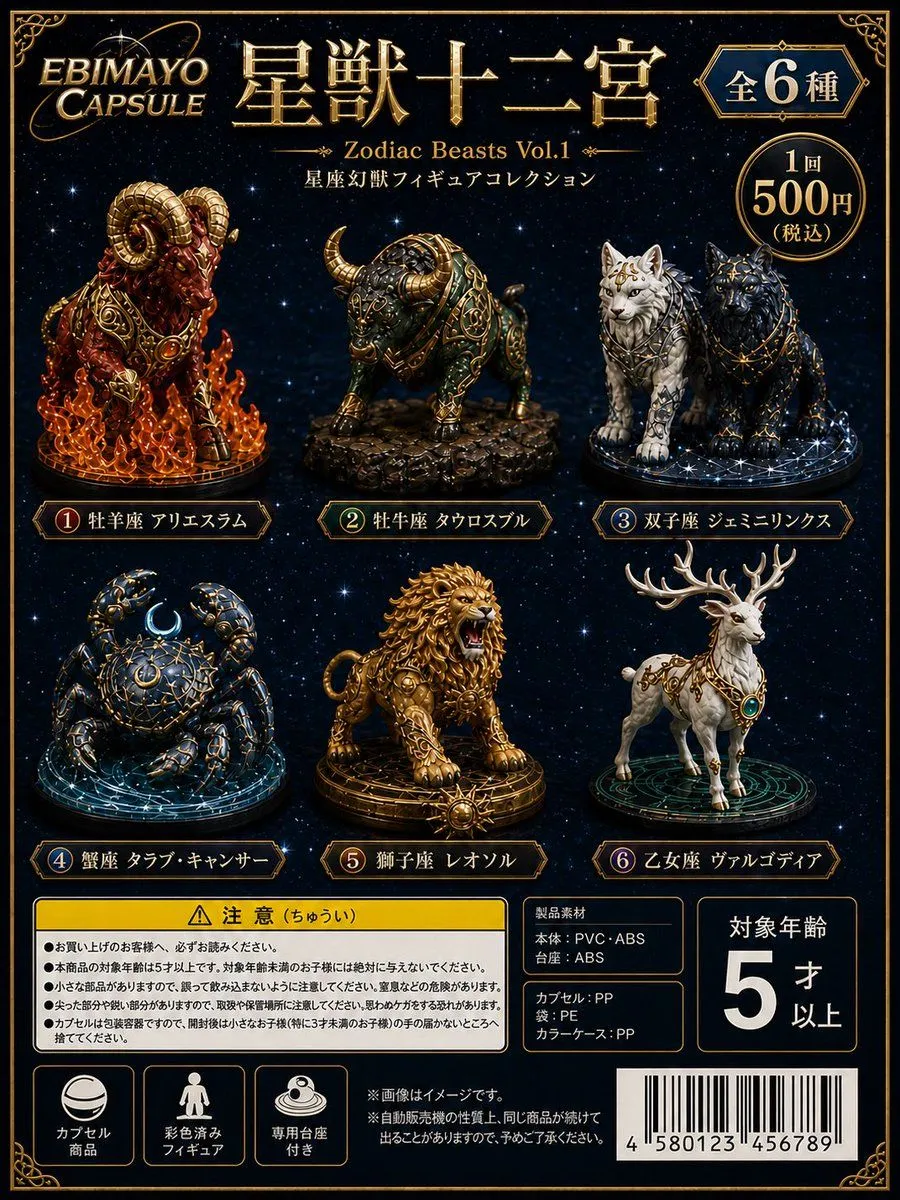
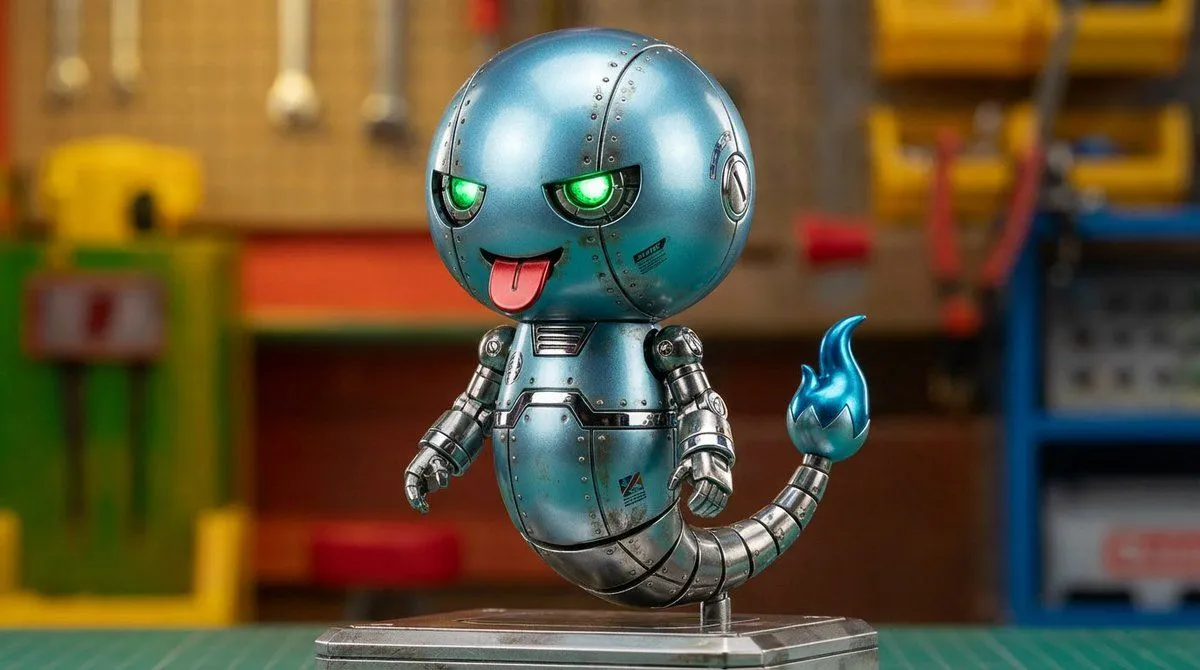
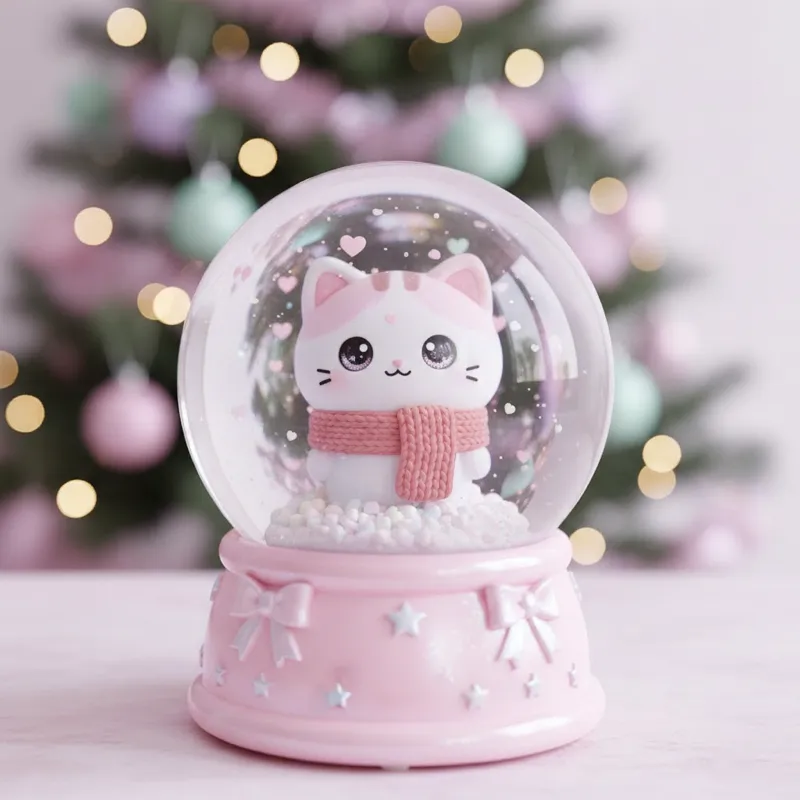
1 blank to fillCreate a miniature capsule toy in the style of a gachapon, based on a single subject ({subject}). The figure should be simple and toy-like in its deformation, sized to fit neatly inside a transparent plastic capsule. Inside the capsule, include a paper insert typical of Japanese gachapon, featuring the toy's name, a small product photo, an icon-style mark, and simple Japanese text. The capsule should be shown either inside the dispensing slot of an actual gachapon vending machine or immediately in front of it. Express the material textures realistically, showing the glossy plastic of the capsule, the slightly matte figure, and the thinly folded paper insert. The overall atmosphere should be natural, like a photo taken with an iPhone, with soft light, a slight sense of camera shake, light background bokeh, and subtle realistic imperfections or quirks. Keep the composition clean and simple, with the subject centered. Aim for a clean finish without clutter.
Preview of your prompt
Create a miniature capsule toy in the style of a gachapon, based on a single subject (person, brand mascot, or object). The figure should be simple and toy-like in its deformation, sized to fit neatly inside a transparent plastic capsule. Inside the capsule, include a paper insert typical of Japanese gachapon, featuring the toy's name, a small product photo, an icon-style mark, and simple Japanese text. The capsule should be shown either inside the dispensing slot of an actual gachapon vending machine or immediately in front of it. Express the material textures realistically, showing the glossy plastic of the capsule, the slightly matte figure, and the thinly folded paper insert. The overall atmosphere should be natural, like a photo taken with an iPhone, with soft light, a slight sense of camera shake, light background bokeh, and subtle realistic imperfections or quirks. Keep the composition clean and simple, with the subject centered. Aim for a clean finish without clutter.
DetailsVersions, settings and questions
Written for
What's in the prompt
- Subject
- Model
- GPT Image 1.5
If your face changes
keep my face exactly the sameQuestions
- Does this work in the ChatGPT app?
- Yes. Paste the prompt and attach your photo if it uses one.
- It changed my face. What do I do?
- Add "keep my face exactly the same" to the end and run it again.
- Can I use the images I make?
- Check the terms of the app you use. Promptclay never generates images and claims nothing you make.