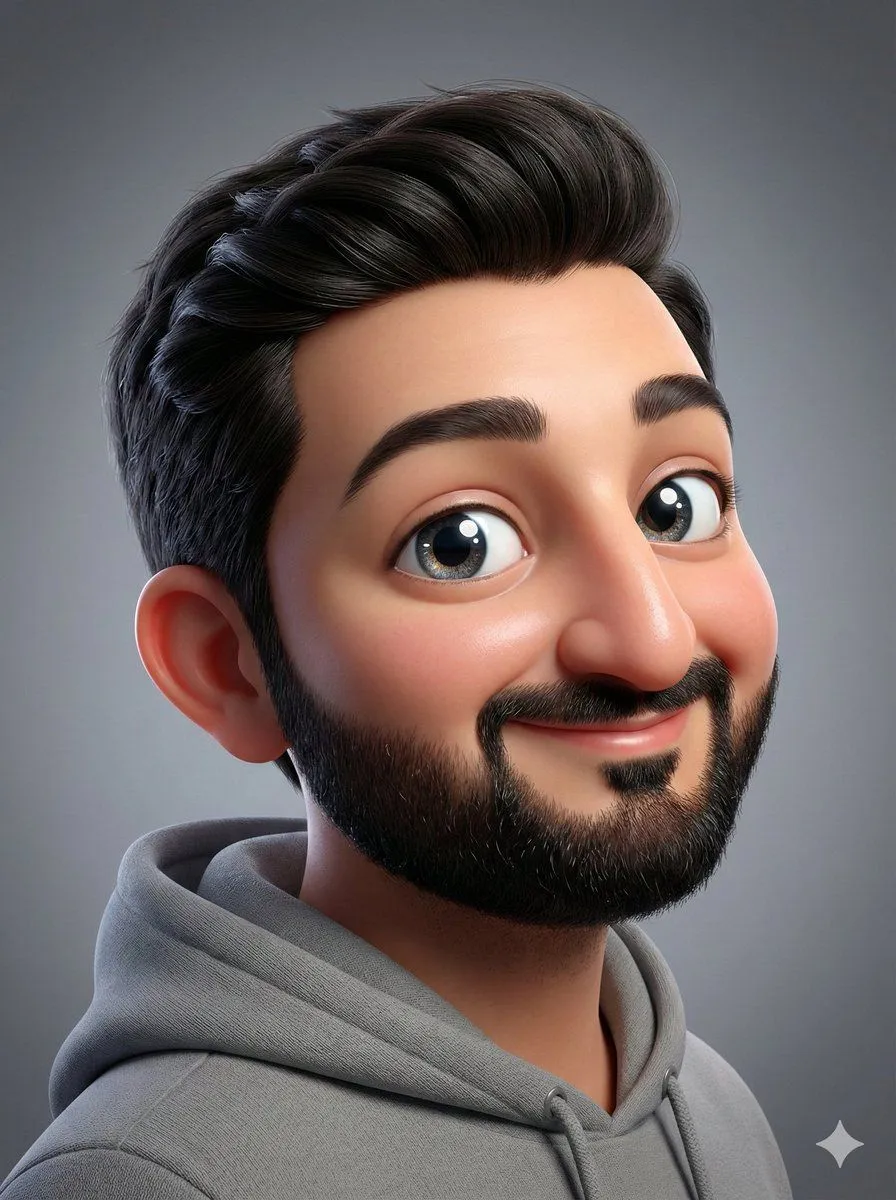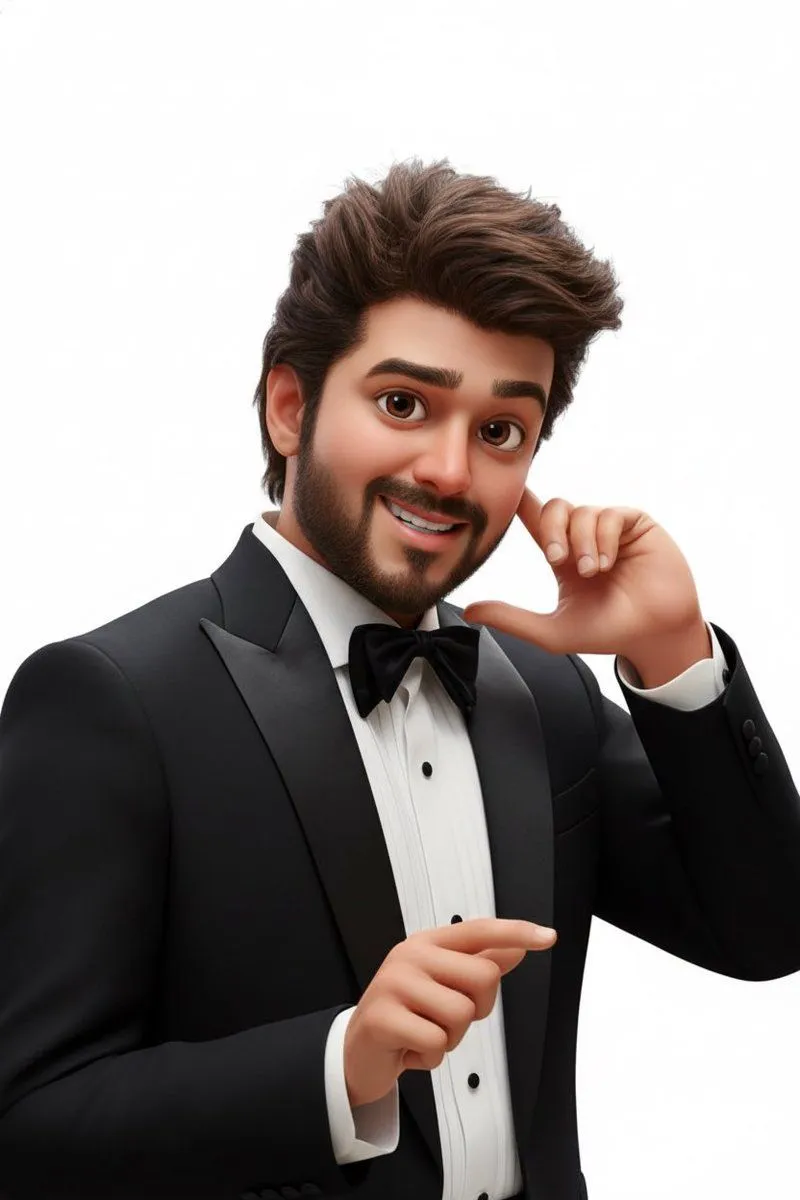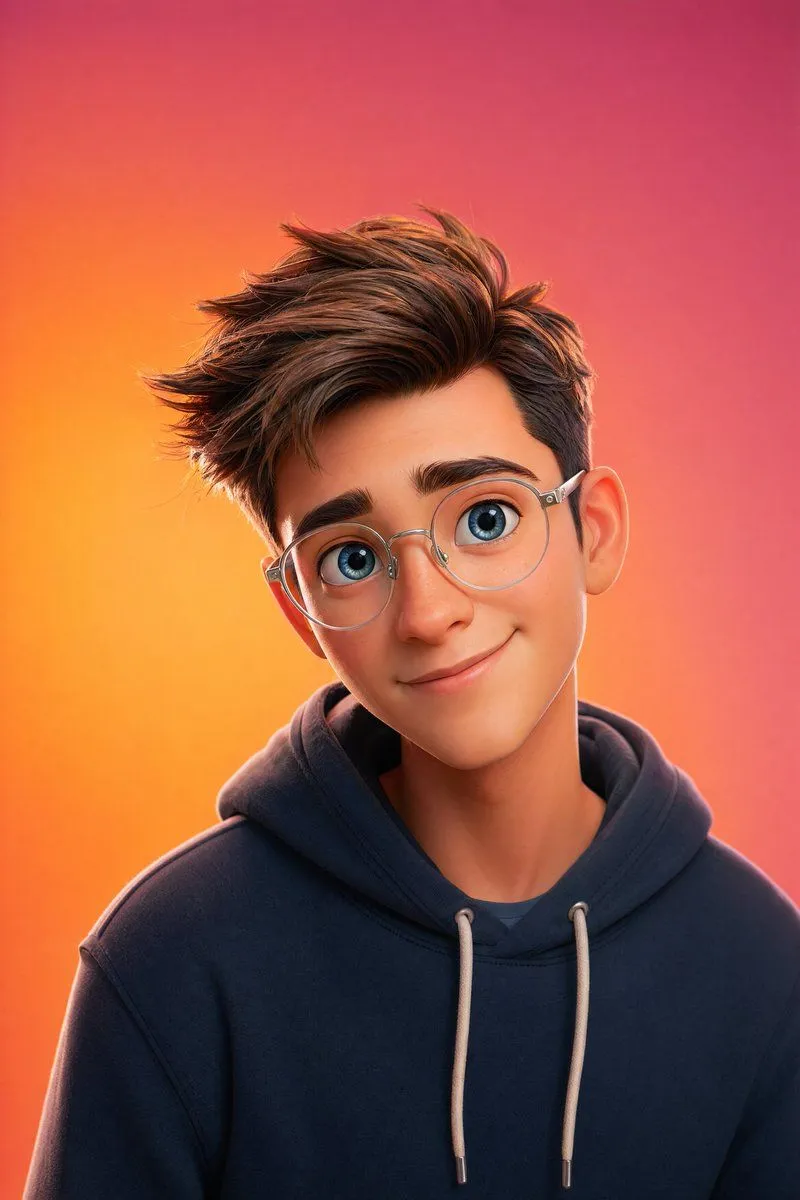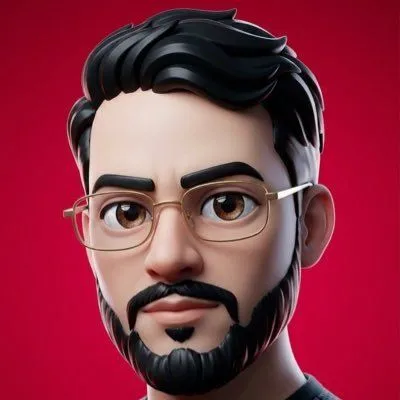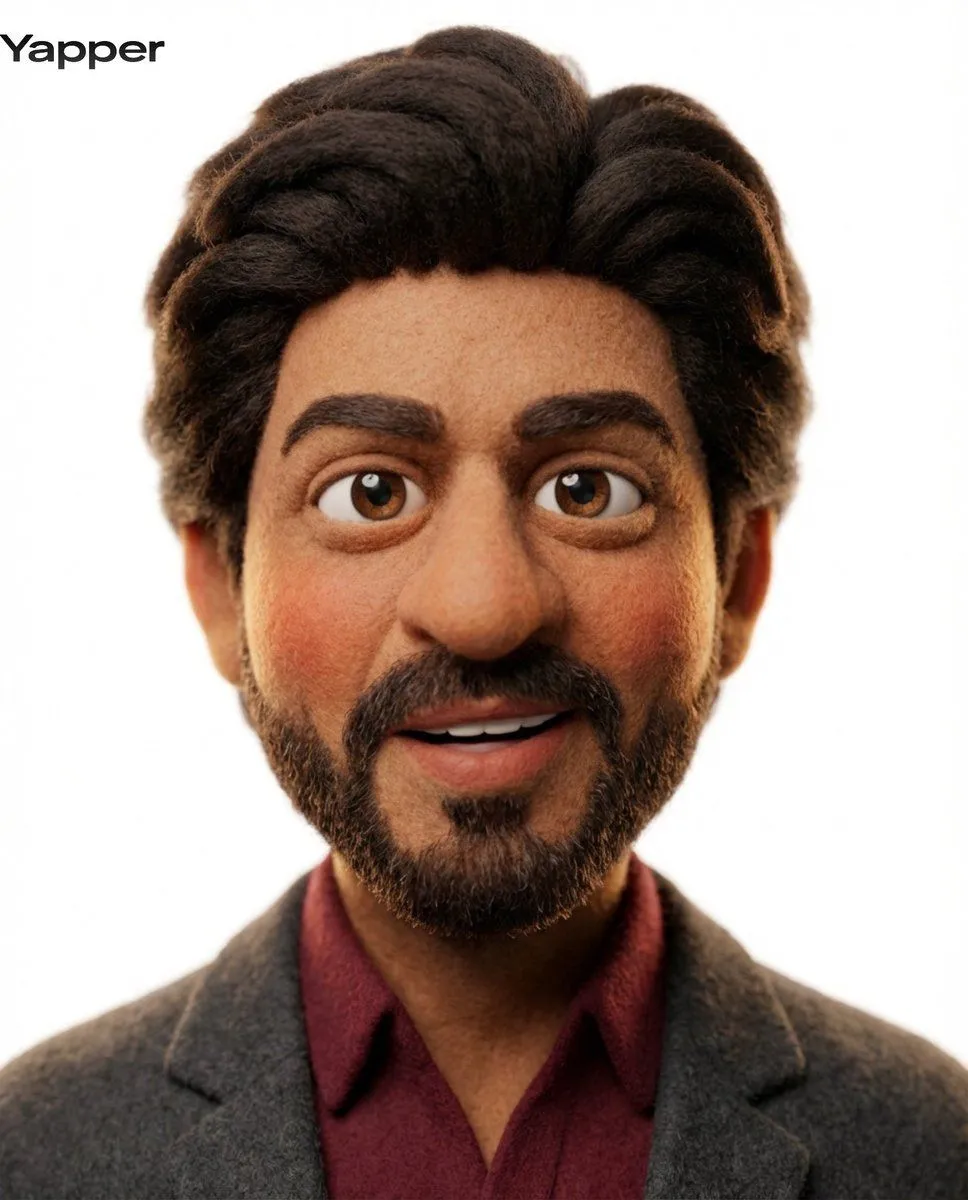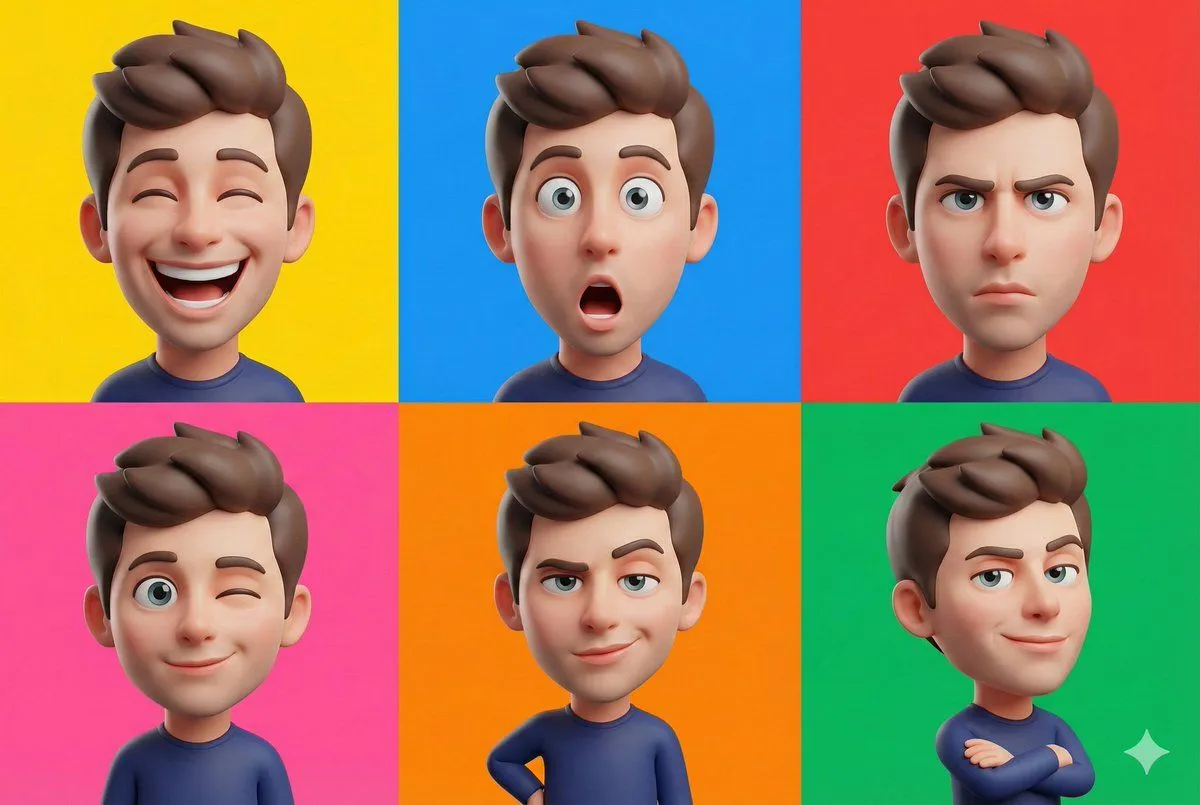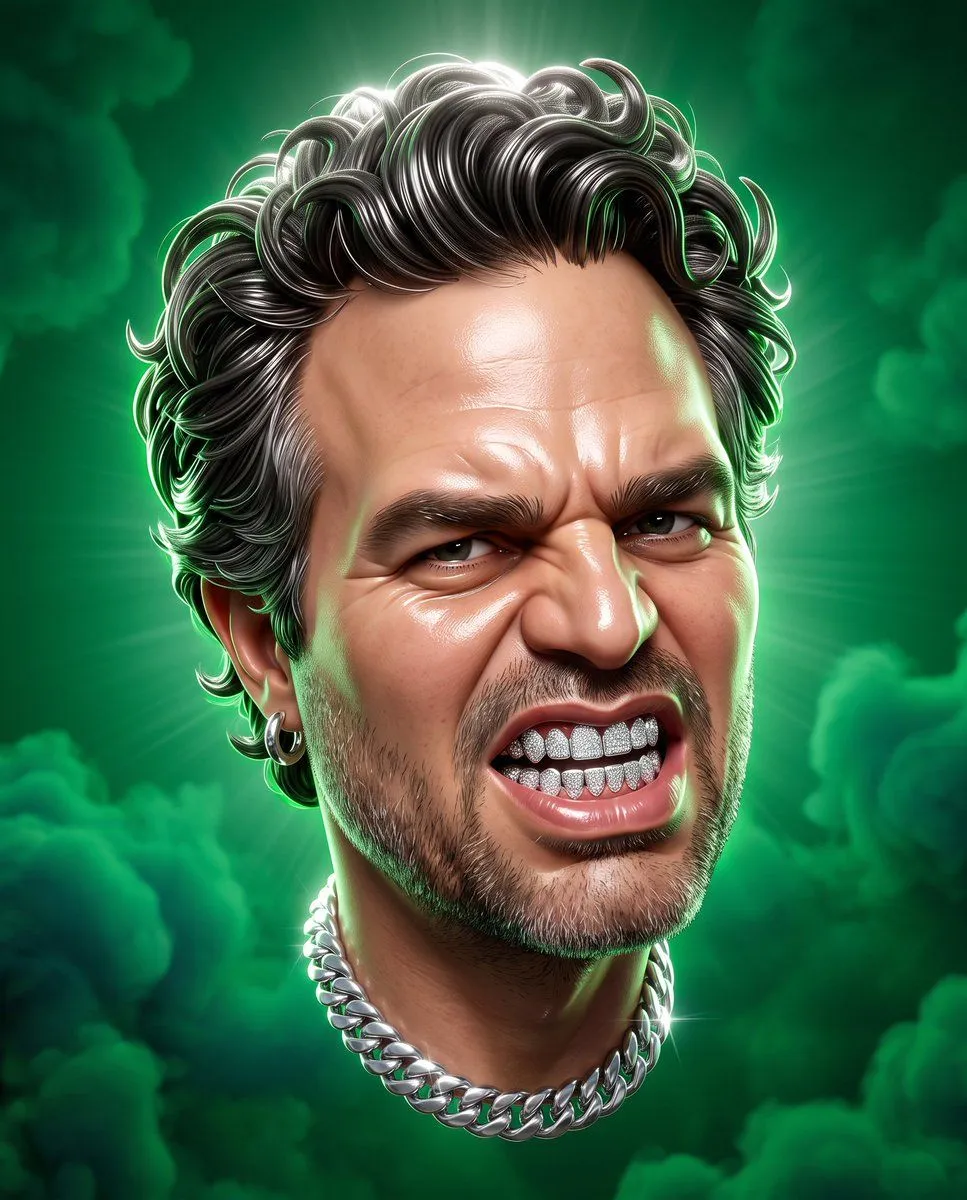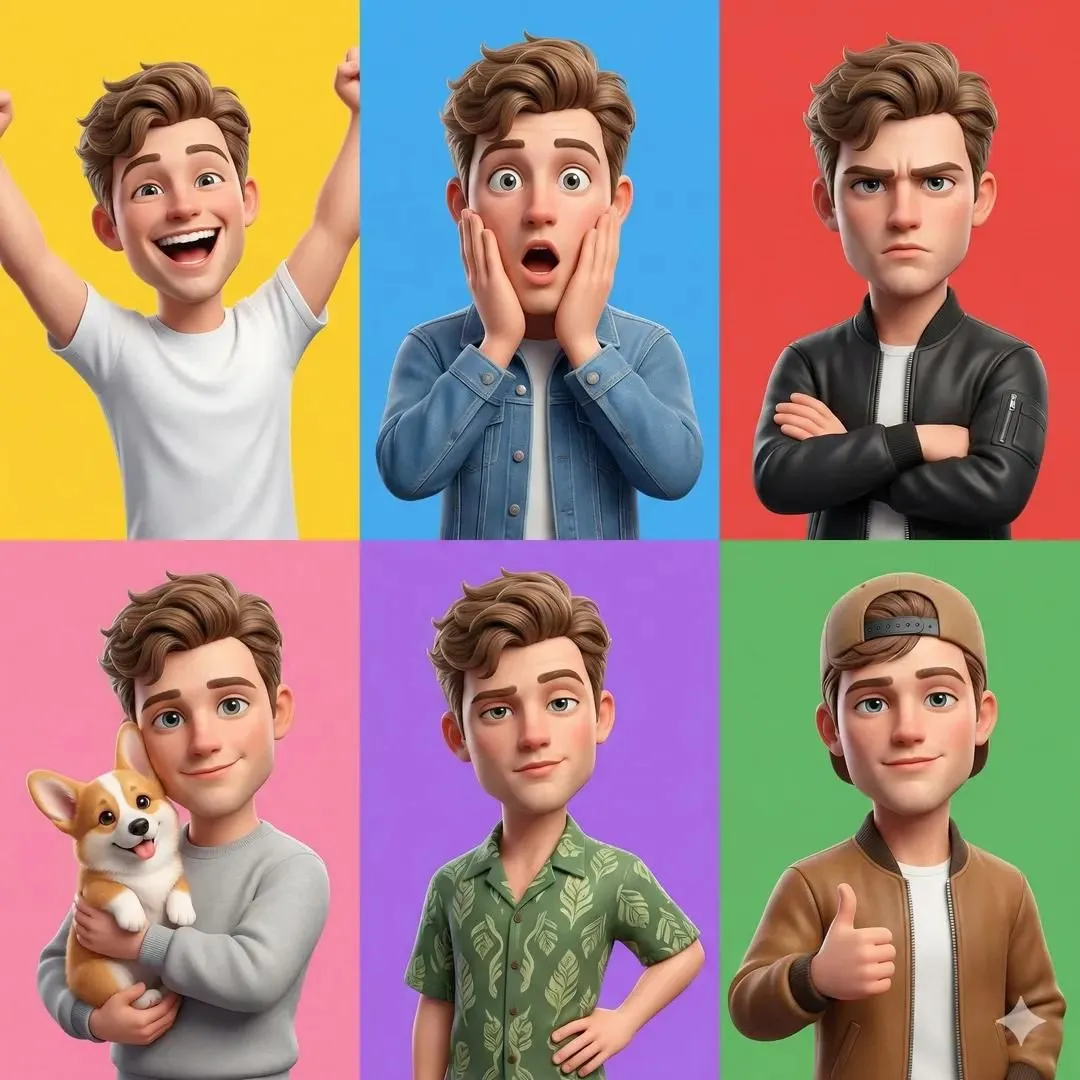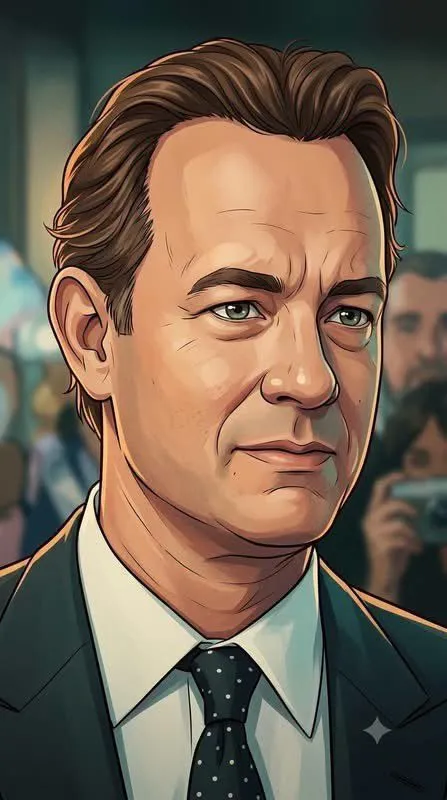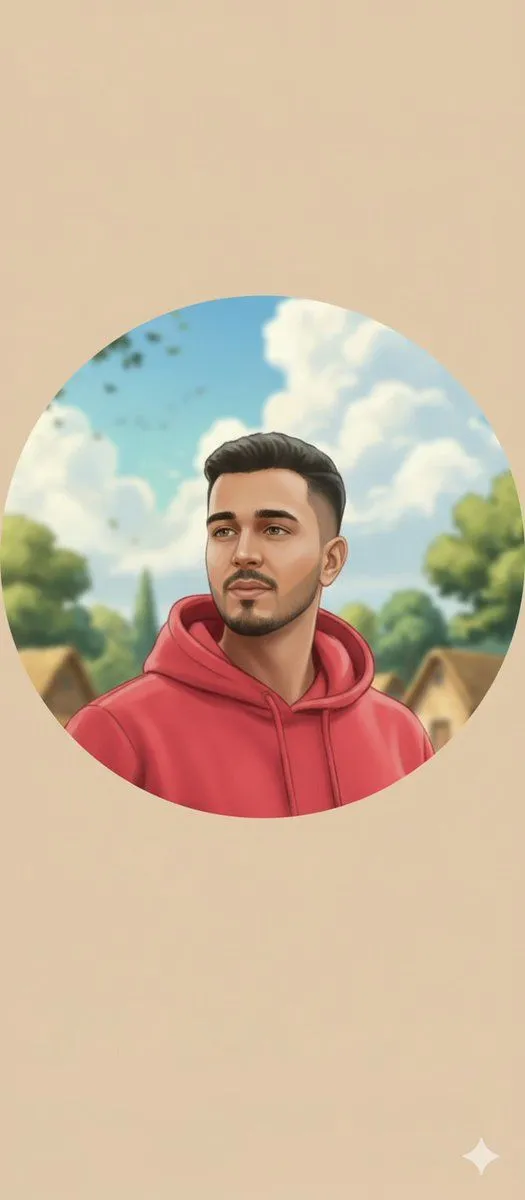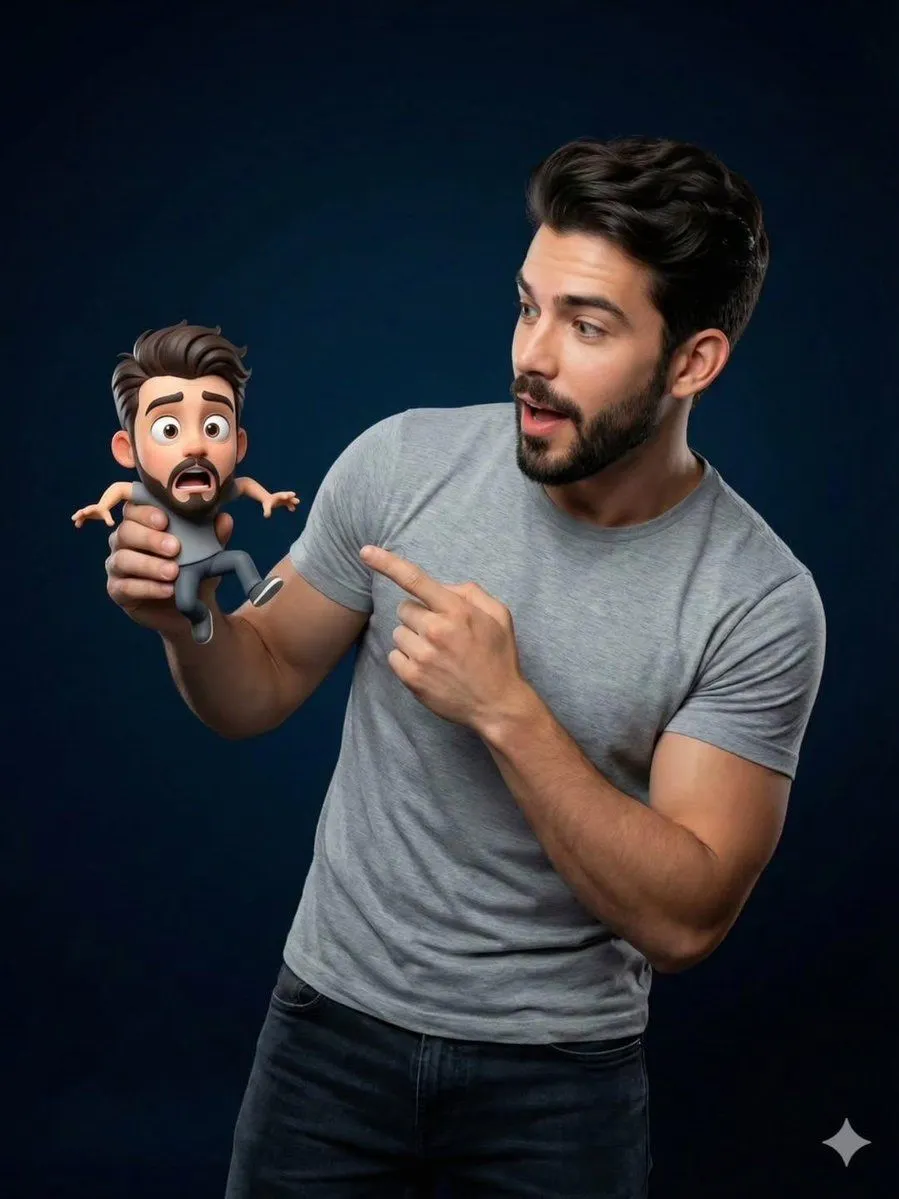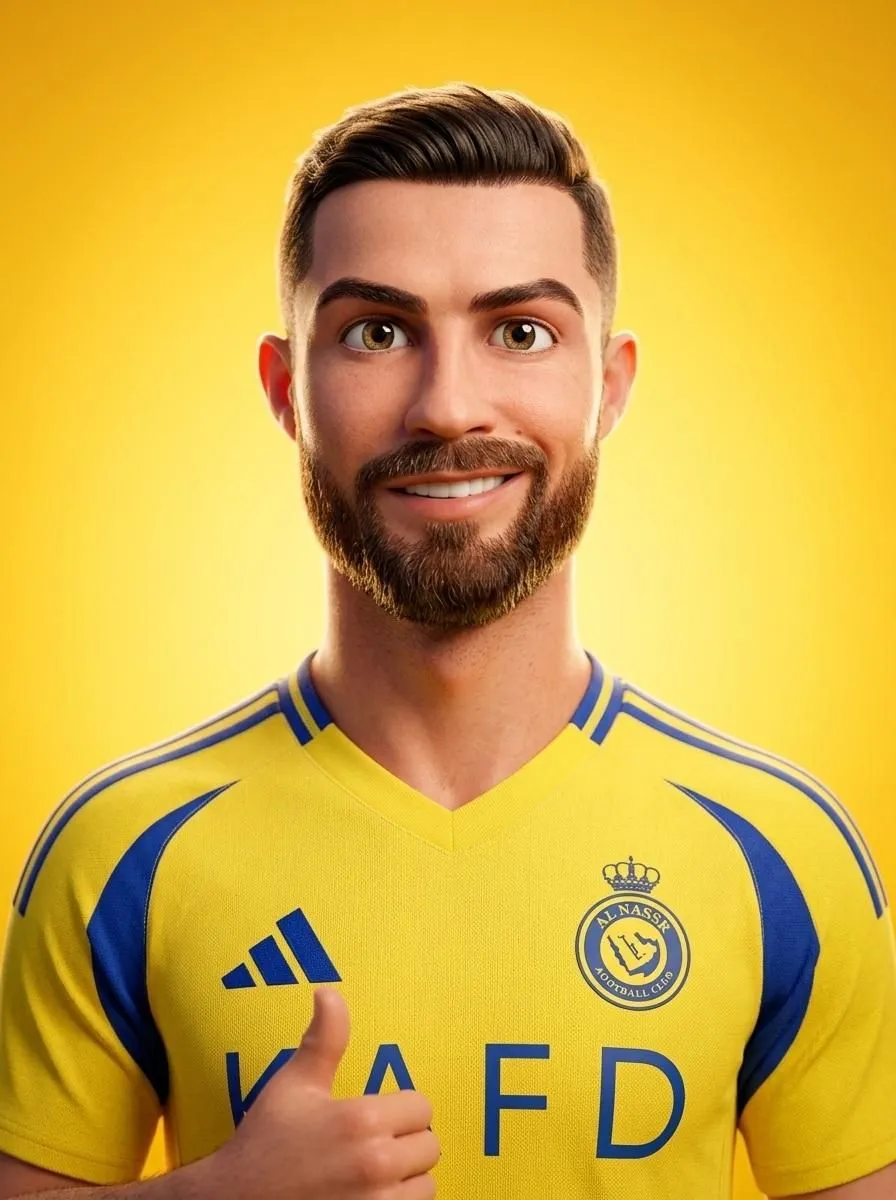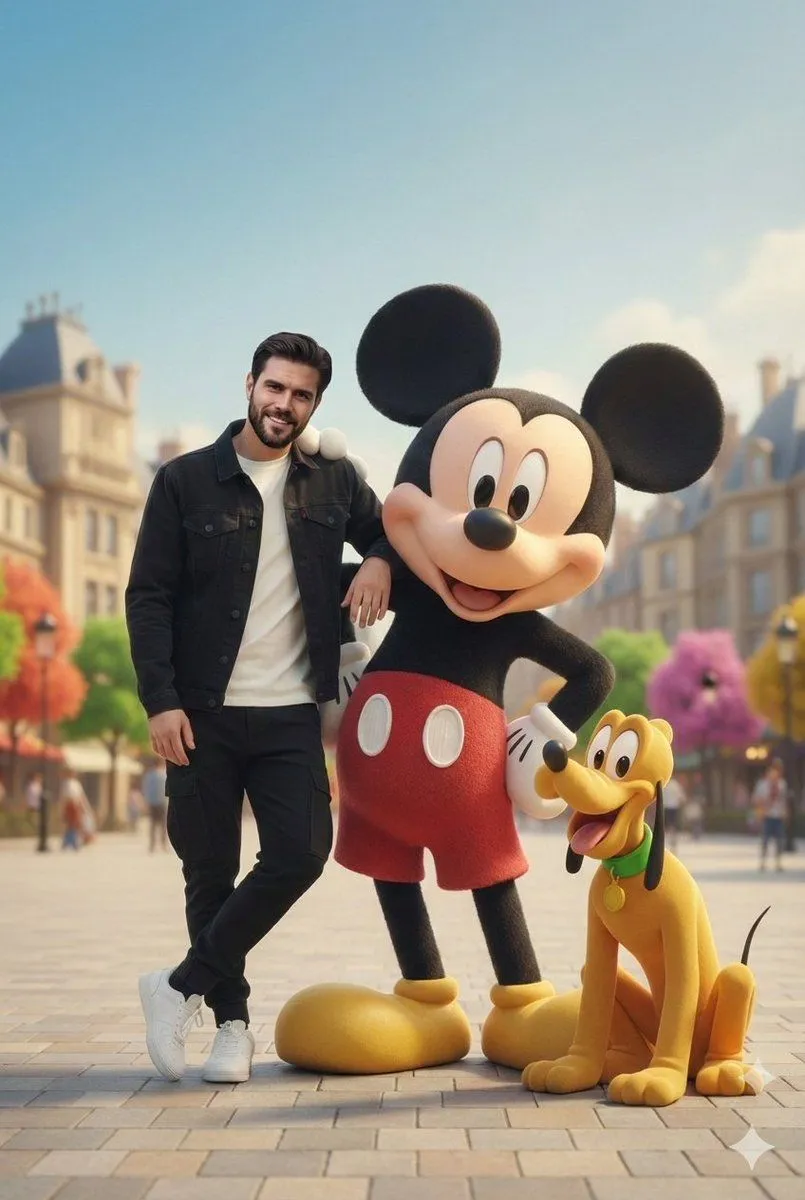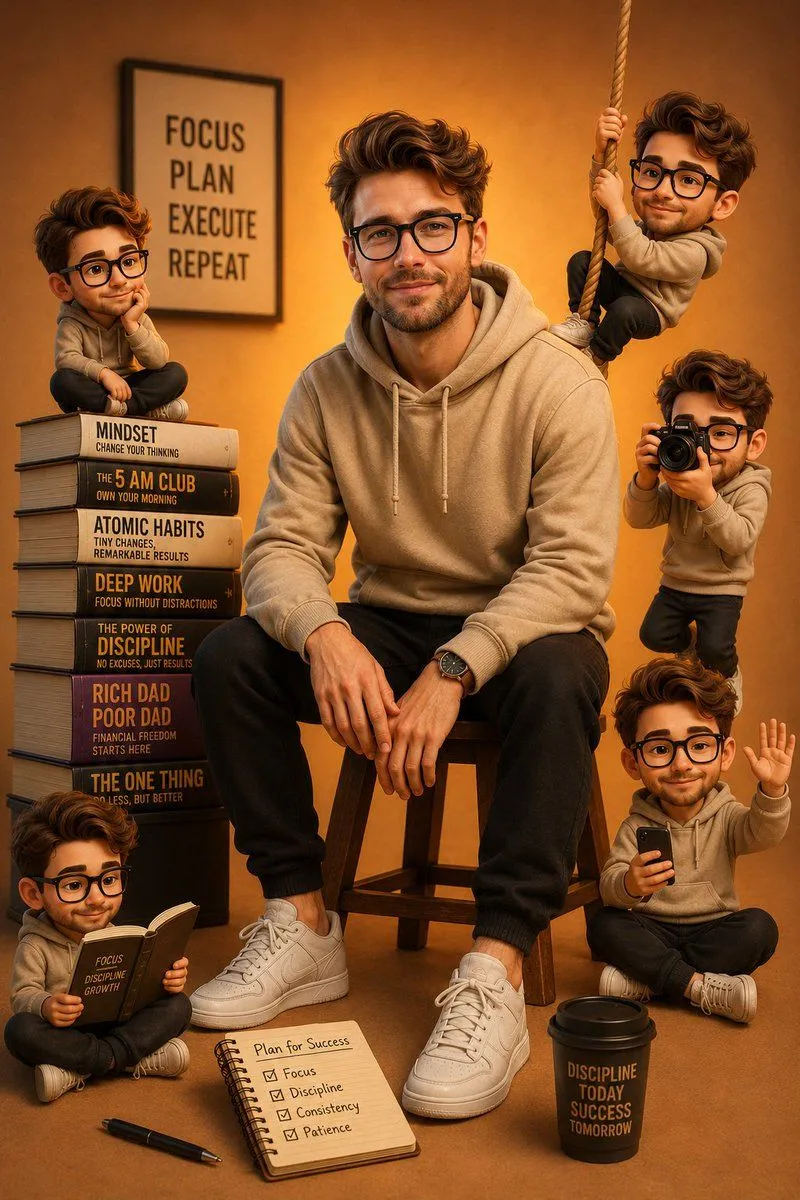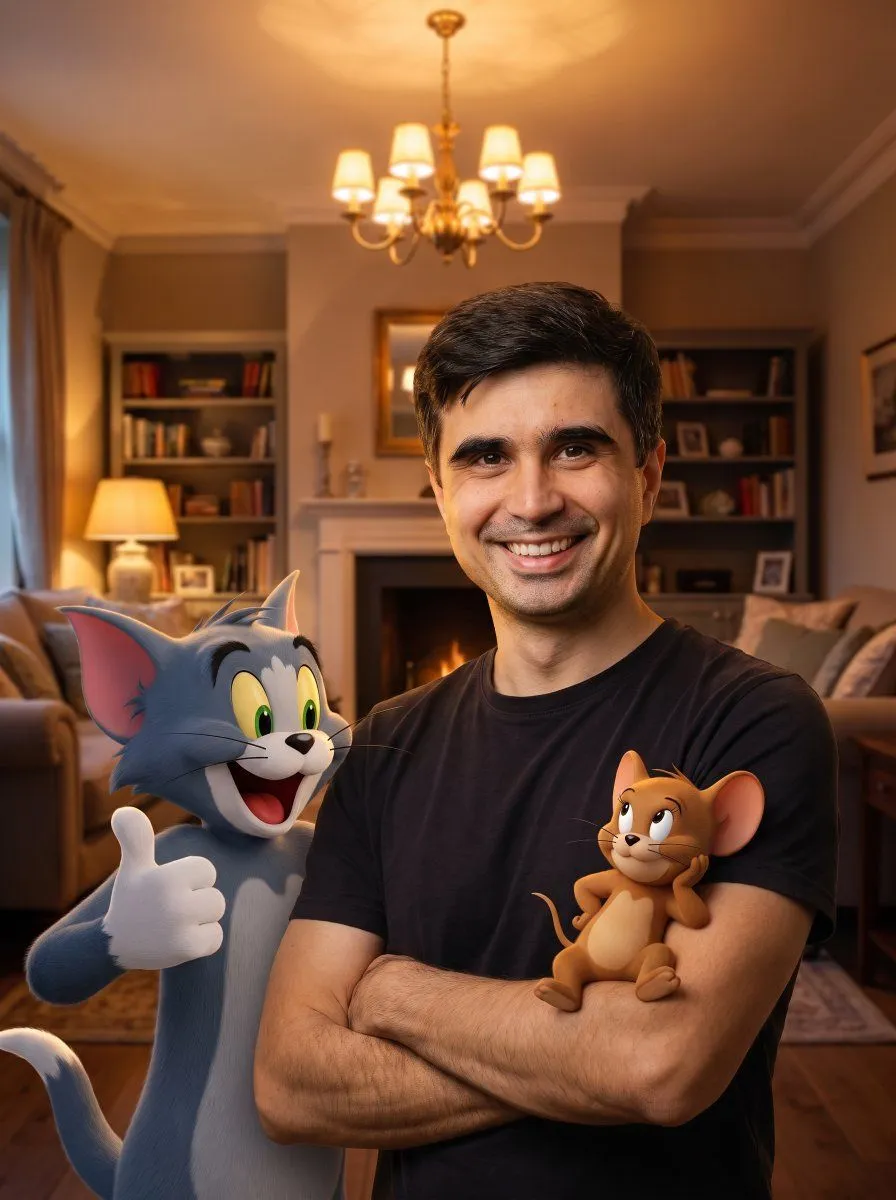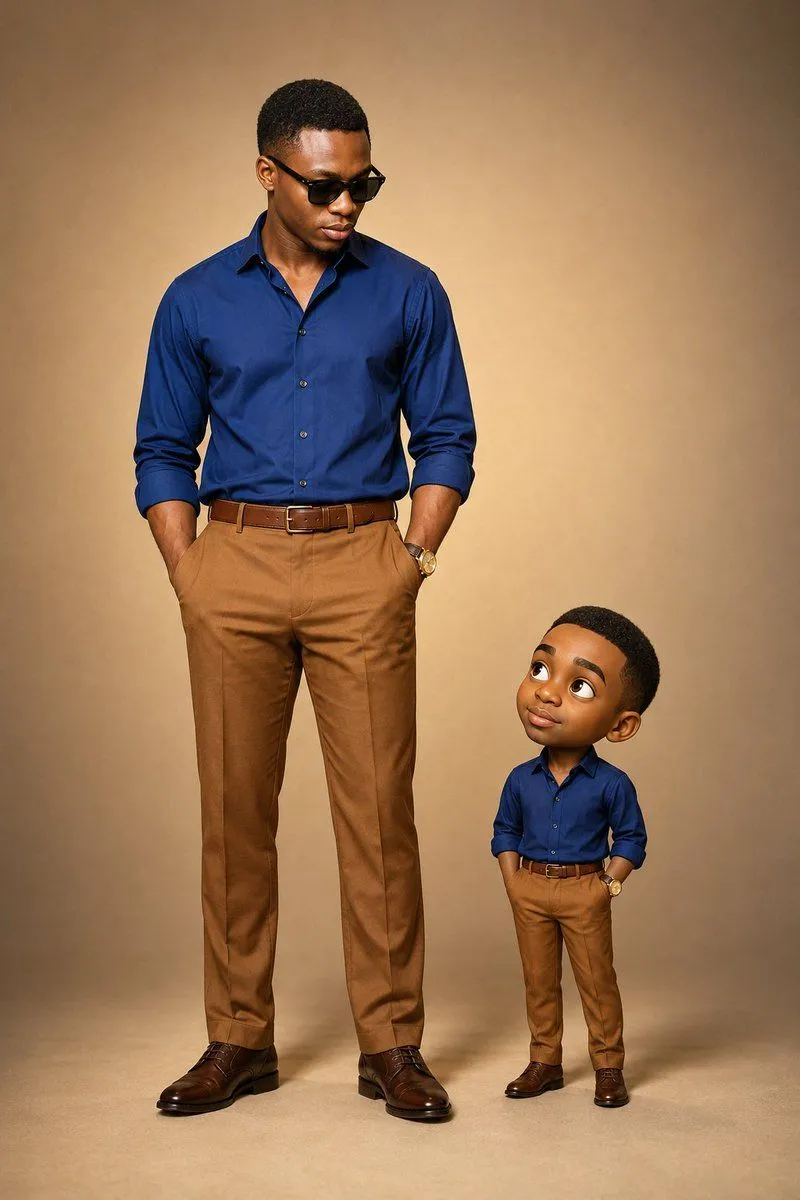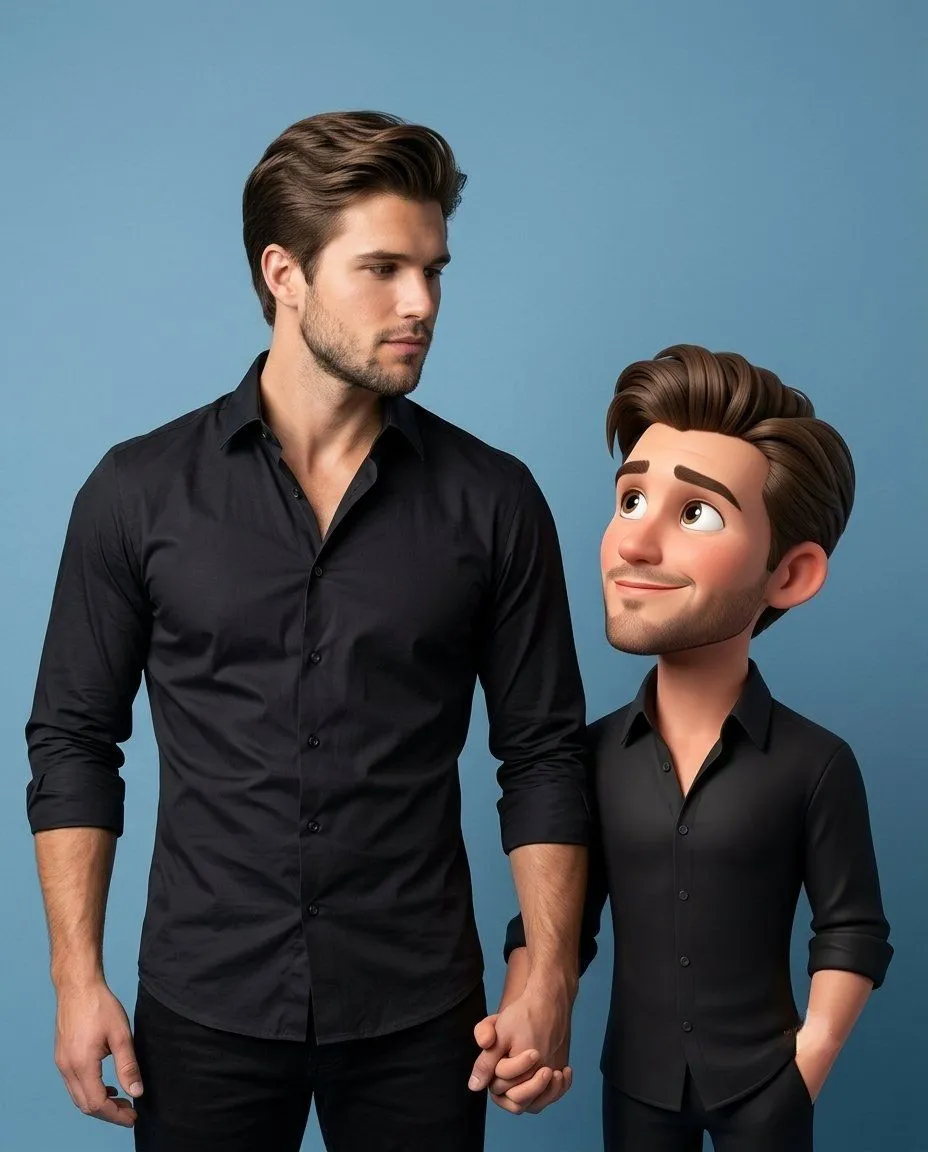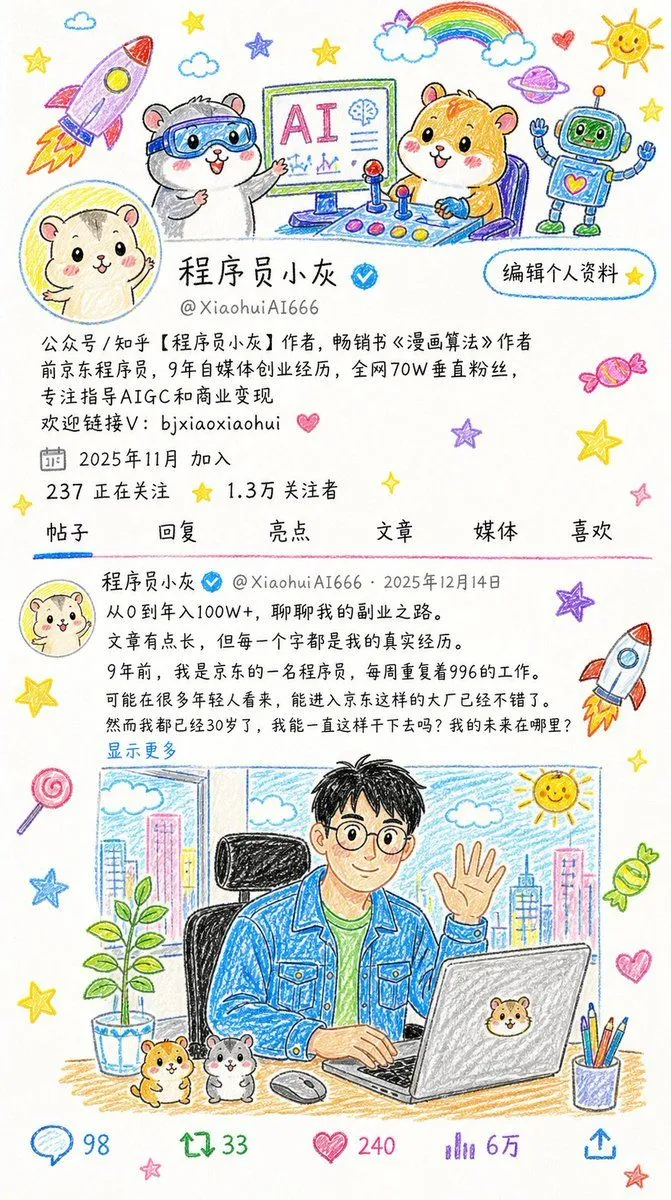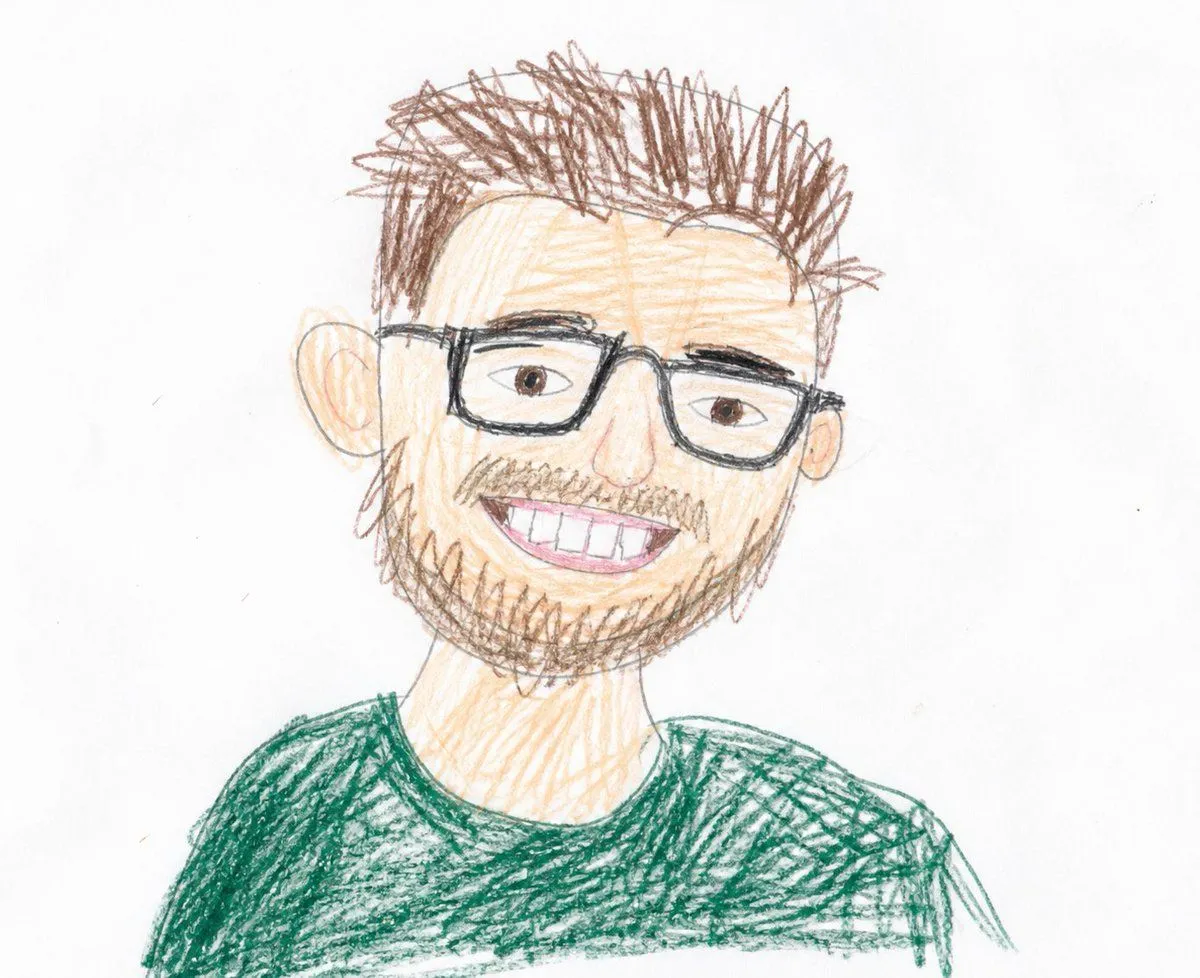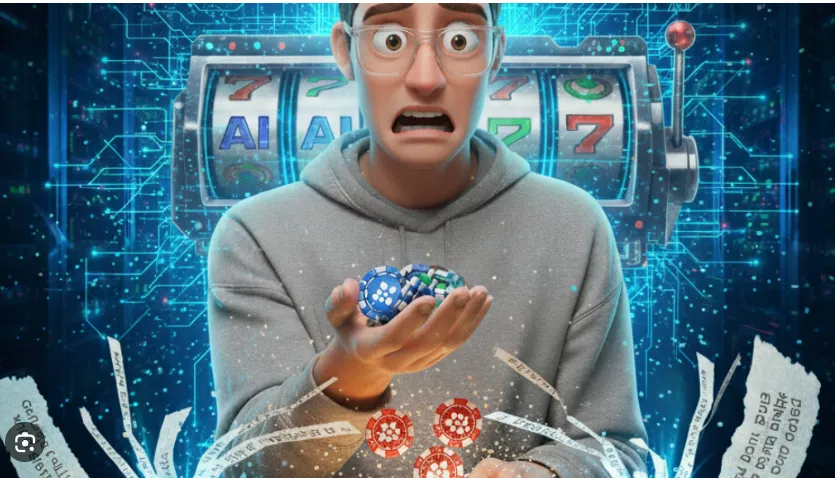
Made with GPT Image 2 in ChatGPT, collected by Library Avatars. Promptclay never generates images.
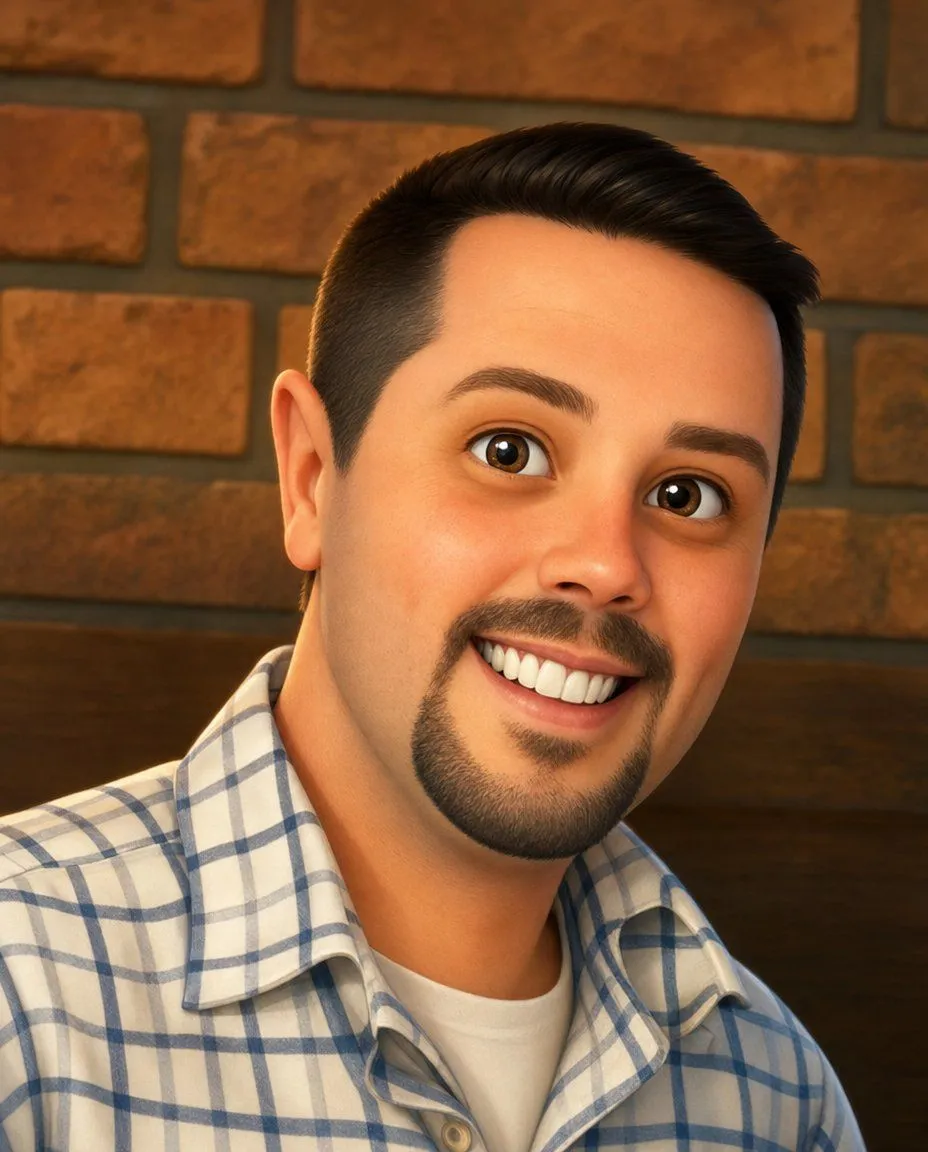
Friendly 3D Cartoon Portrait
Prompt
3 blanks to fillCreate a close-up square portrait of a cheerful {subject} in a polished semi-realistic 3D cartoon style, similar to a high-quality animated film character. He has {hair_color_and_style}, warm light-to-medium skin, large expressive brown eyes with glossy catchlights, thick brows, a trimmed mustache connected to a rounded goatee, and a broad friendly smile showing bright white teeth. He is angled slightly toward the viewer with his head tilted, filling most of the frame from chest to top of head. Dress him in a {shirt} layered over a plain white crew-neck undershirt. Use warm indoor lighting, soft facial shading, smooth skin texture, and shallow depth of field. Background: a cozy restaurant or café wall with reddish-brown rectangular bricks and dark mortar, plus a dark wooden booth backrest across the lower background, softly blurred. Composition should feel like a friendly social media profile picture, with no text, no watermark, no extra people, and no accessories.
Preview of your prompt
Create a close-up square portrait of a cheerful young adult man in a polished semi-realistic 3D cartoon style, similar to a high-quality animated film character. He has short dark brown hair with faded sides and a neatly swept top, warm light-to-medium skin, large expressive brown eyes with glossy catchlights, thick brows, a trimmed mustache connected to a rounded goatee, and a broad friendly smile showing bright white teeth. He is angled slightly toward the viewer with his head tilted, filling most of the frame from chest to top of head. Dress him in a white button-up plaid shirt with blue and gray grid lines layered over a plain white crew-neck undershirt. Use warm indoor lighting, soft facial shading, smooth skin texture, and shallow depth of field. Background: a cozy restaurant or café wall with reddish-brown rectangular bricks and dark mortar, plus a dark wooden booth backrest across the lower background, softly blurred. Composition should feel like a friendly social media profile picture, with no text, no watermark, no extra people, and no accessories.
DetailsVersions, settings and questions
Written for
What's in the prompt
- Subject
- Model
- GPT Image 2
If your face changes
keep my face exactly the sameQuestions
- Does this work in the ChatGPT app?
- Yes. Paste the prompt and attach your photo if it uses one.
- It changed my face. What do I do?
- Add "keep my face exactly the same" to the end and run it again.
- Can I use the images I make?
- Check the terms of the app you use. Promptclay never generates images and claims nothing you make.