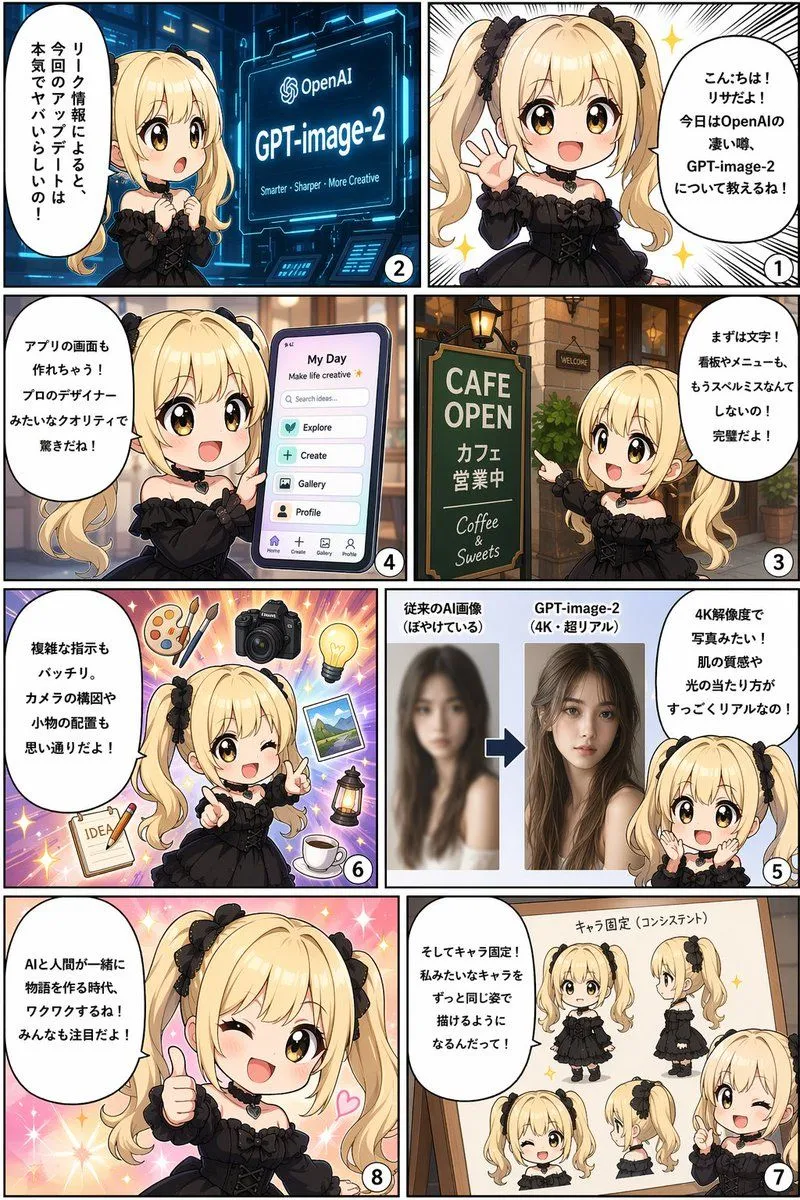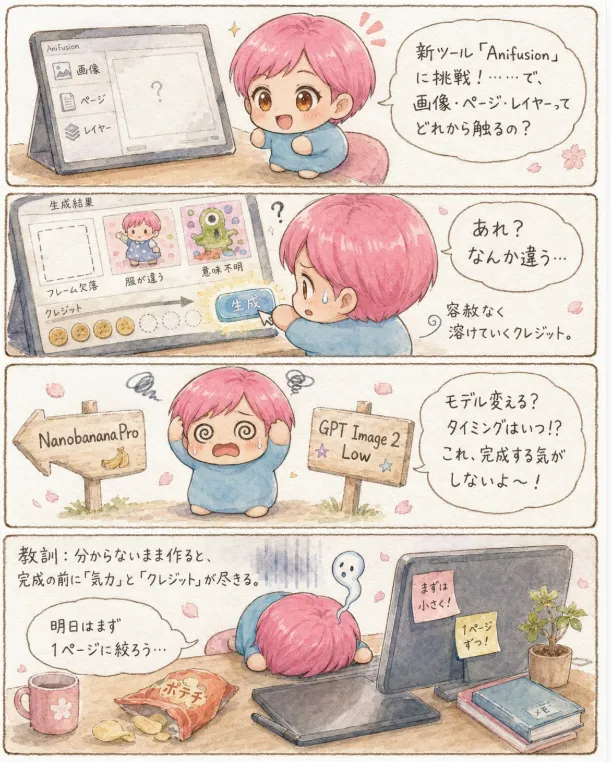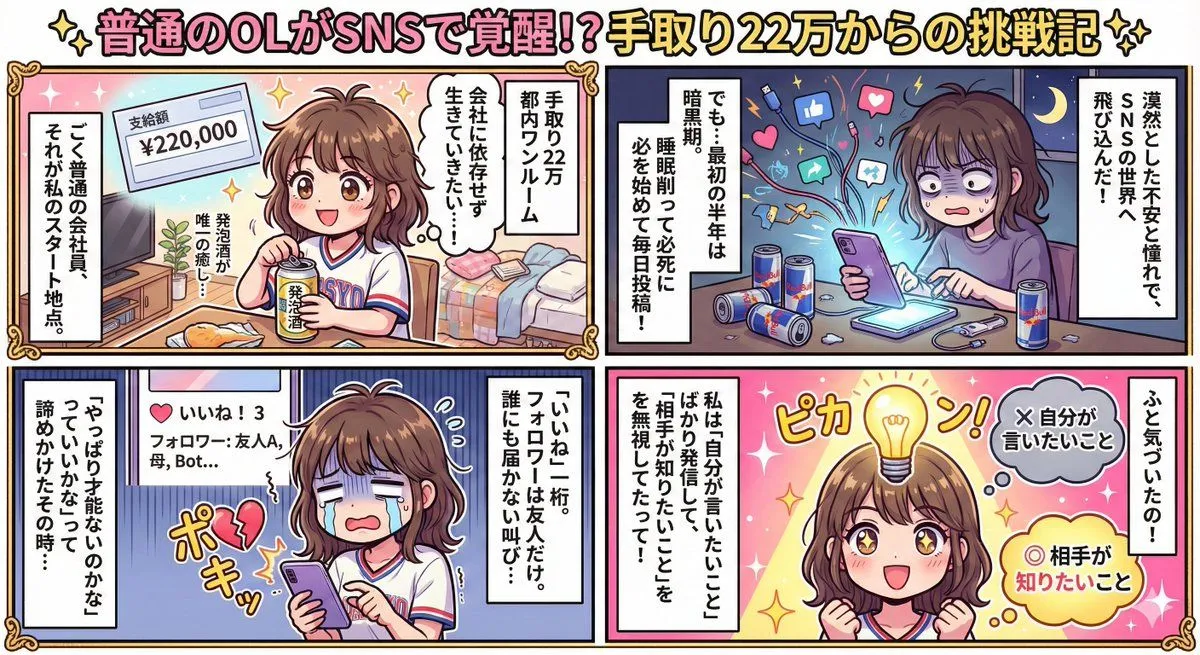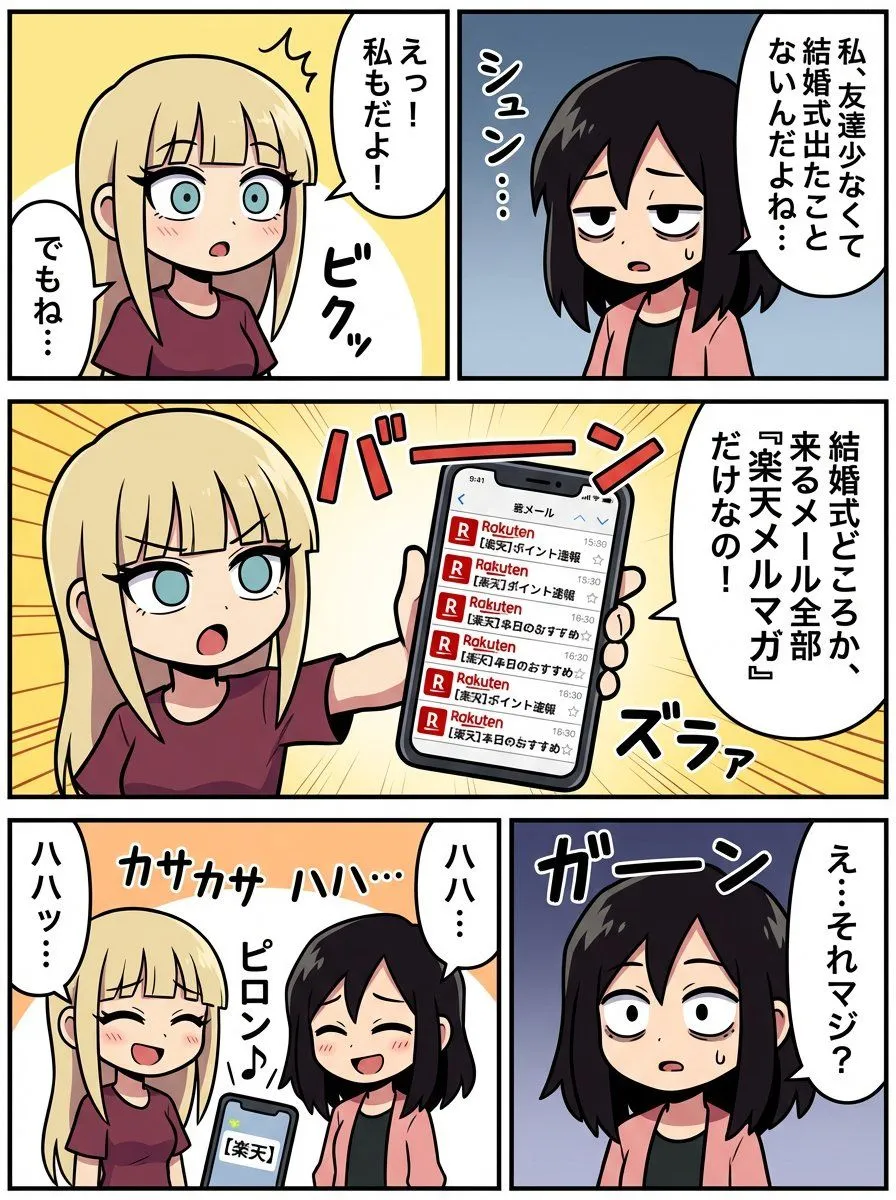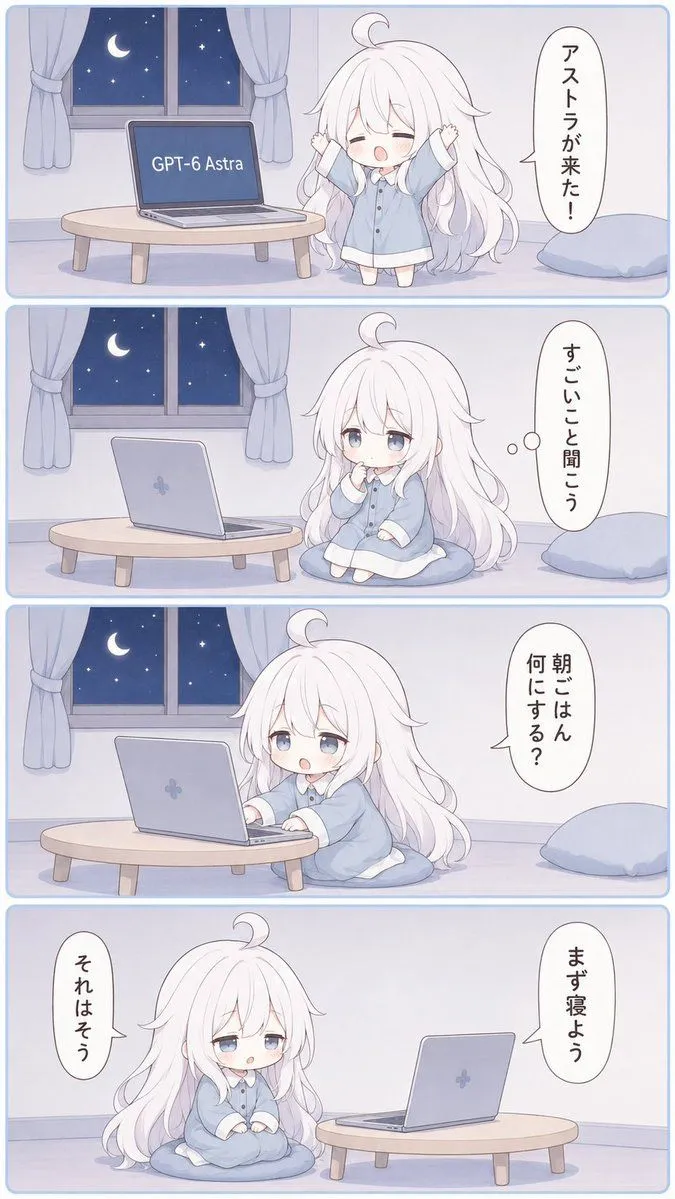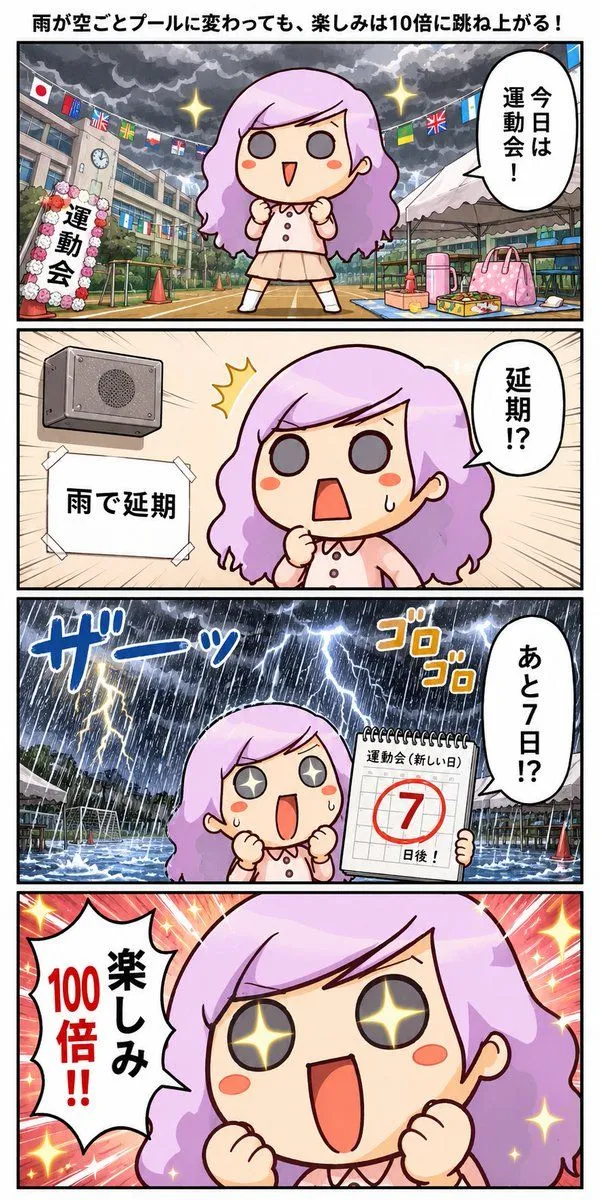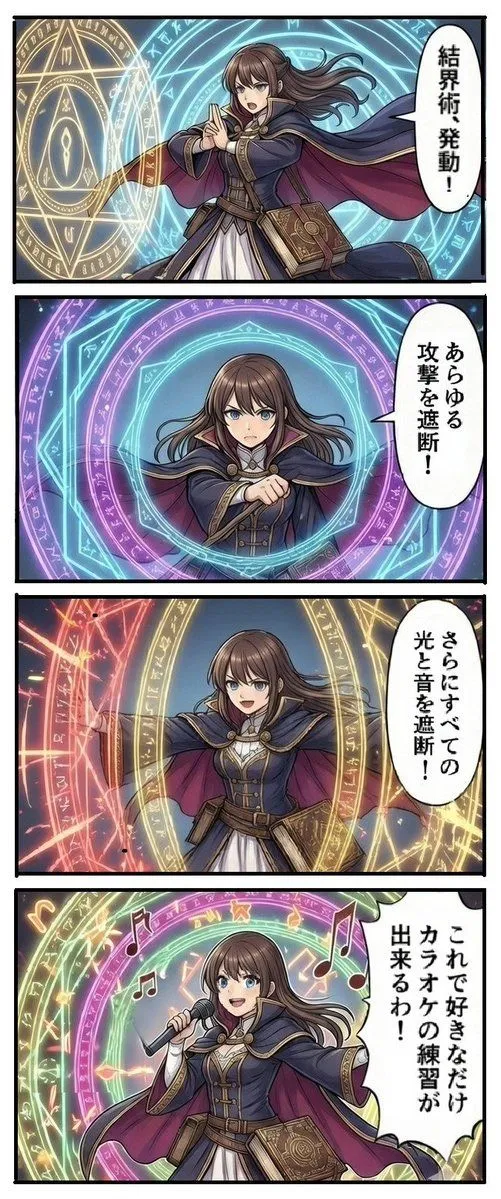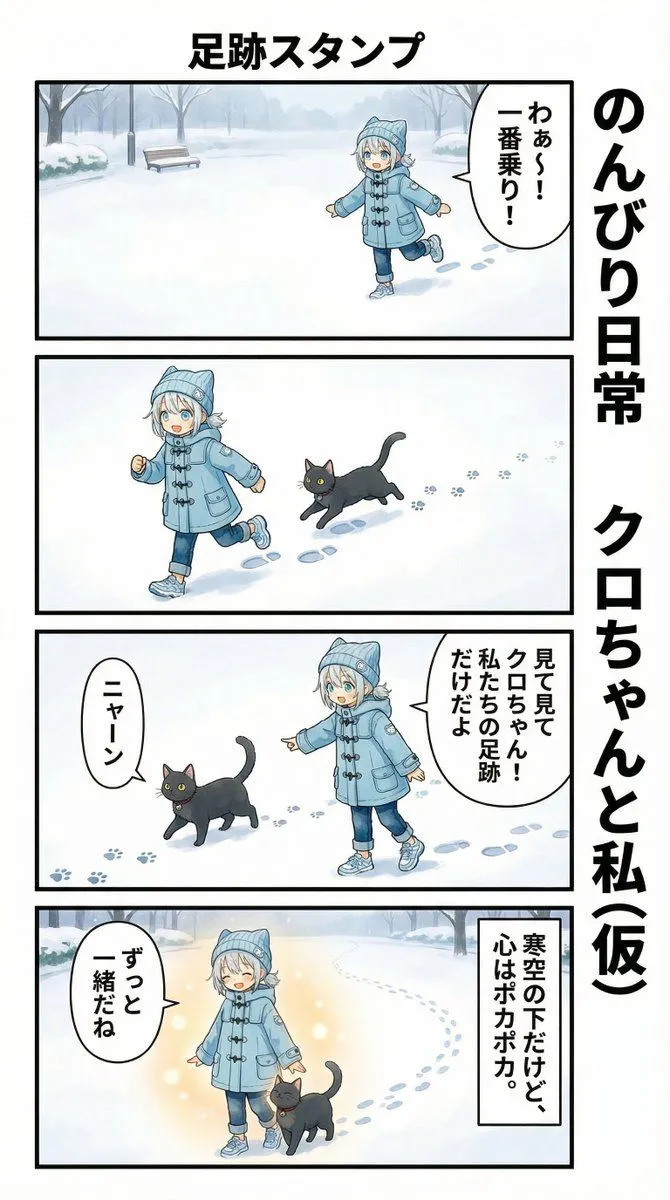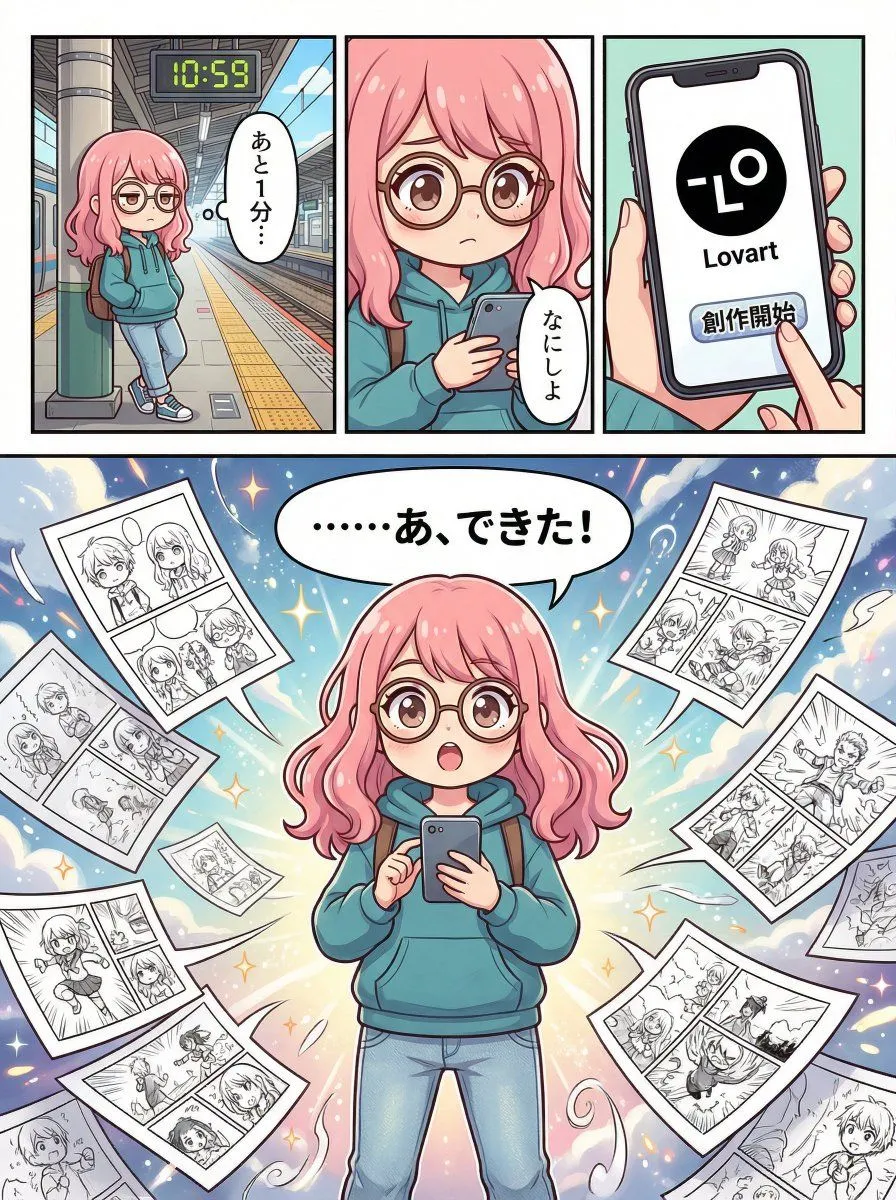
Made with Nano Banana Pro in Gemini by Library Social. Promptclay never generates images.
Did it work?
No reports yet. Tell others if it worked for you.
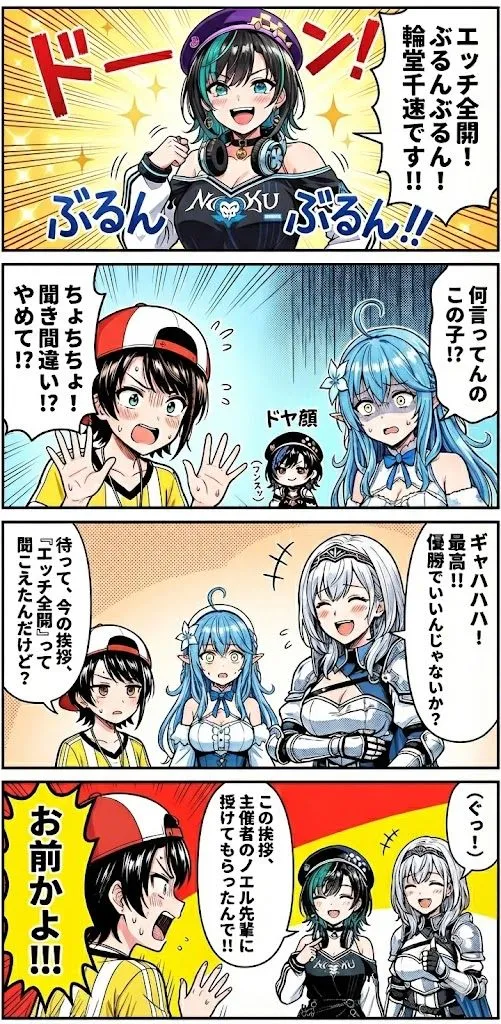
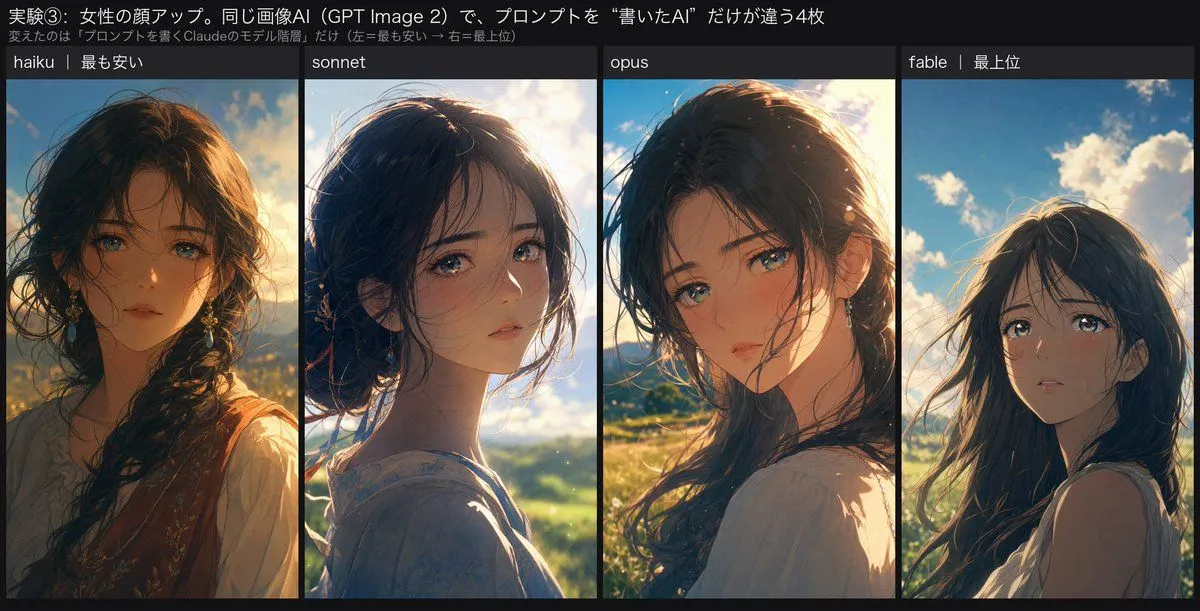
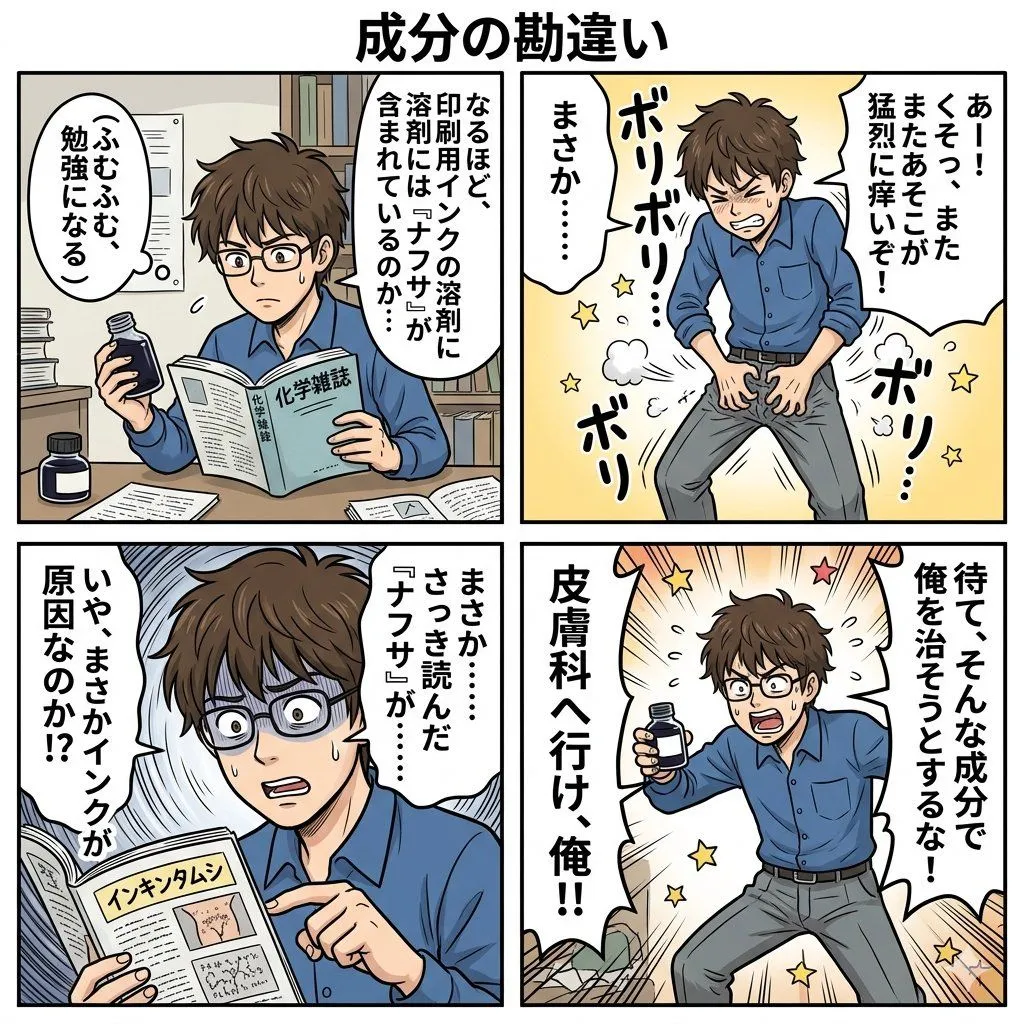
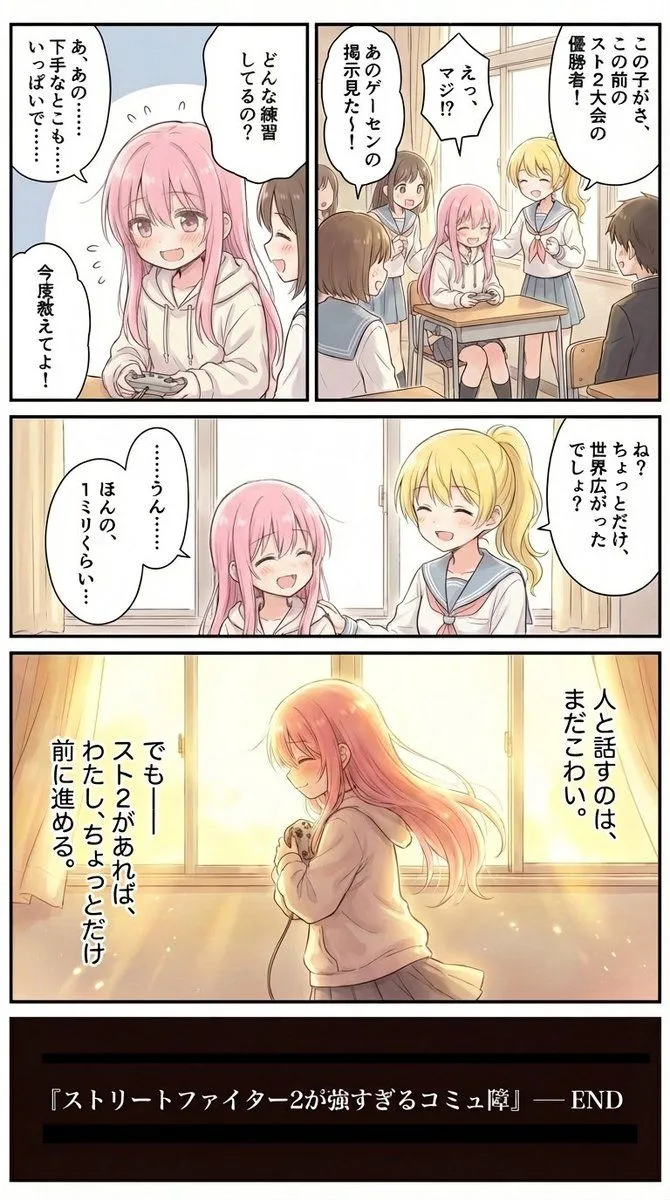
Four-Panel Manga Creation about Lovart App
Prompt
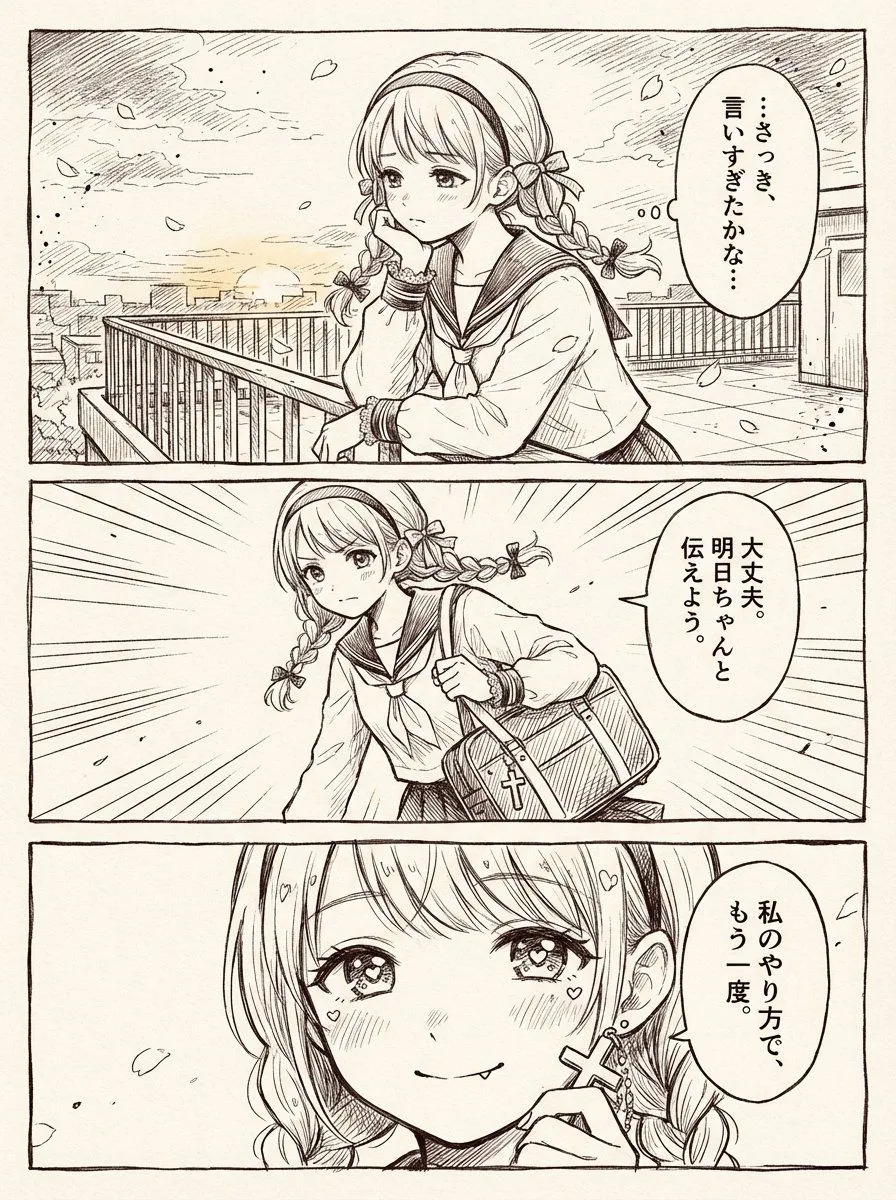
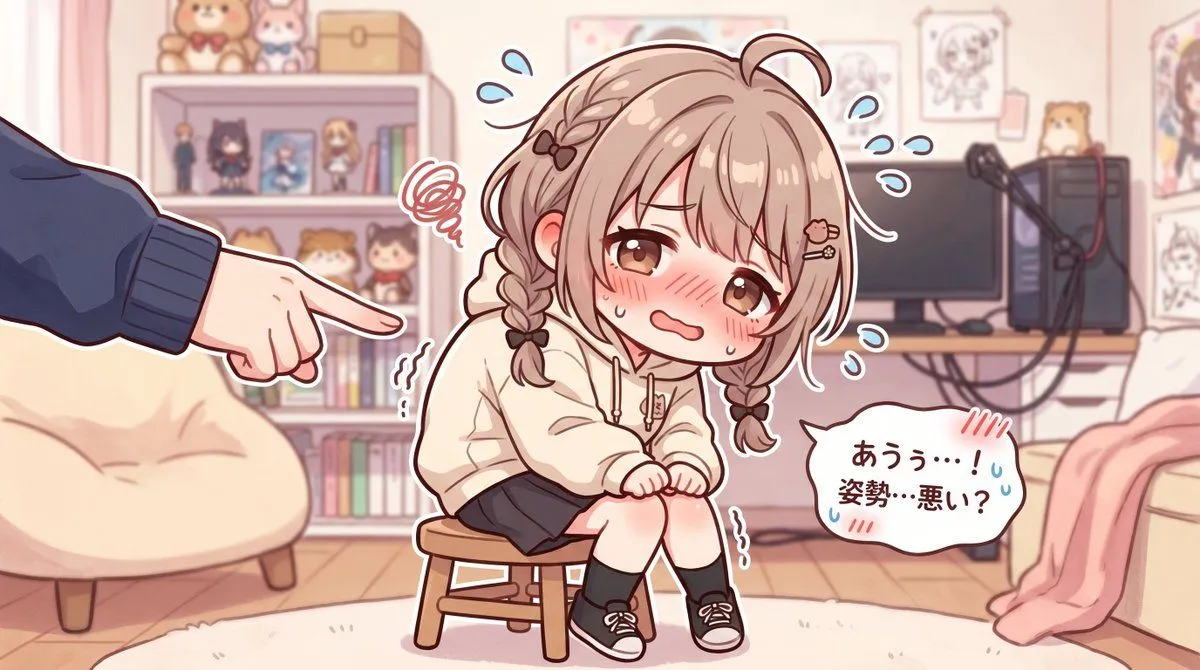
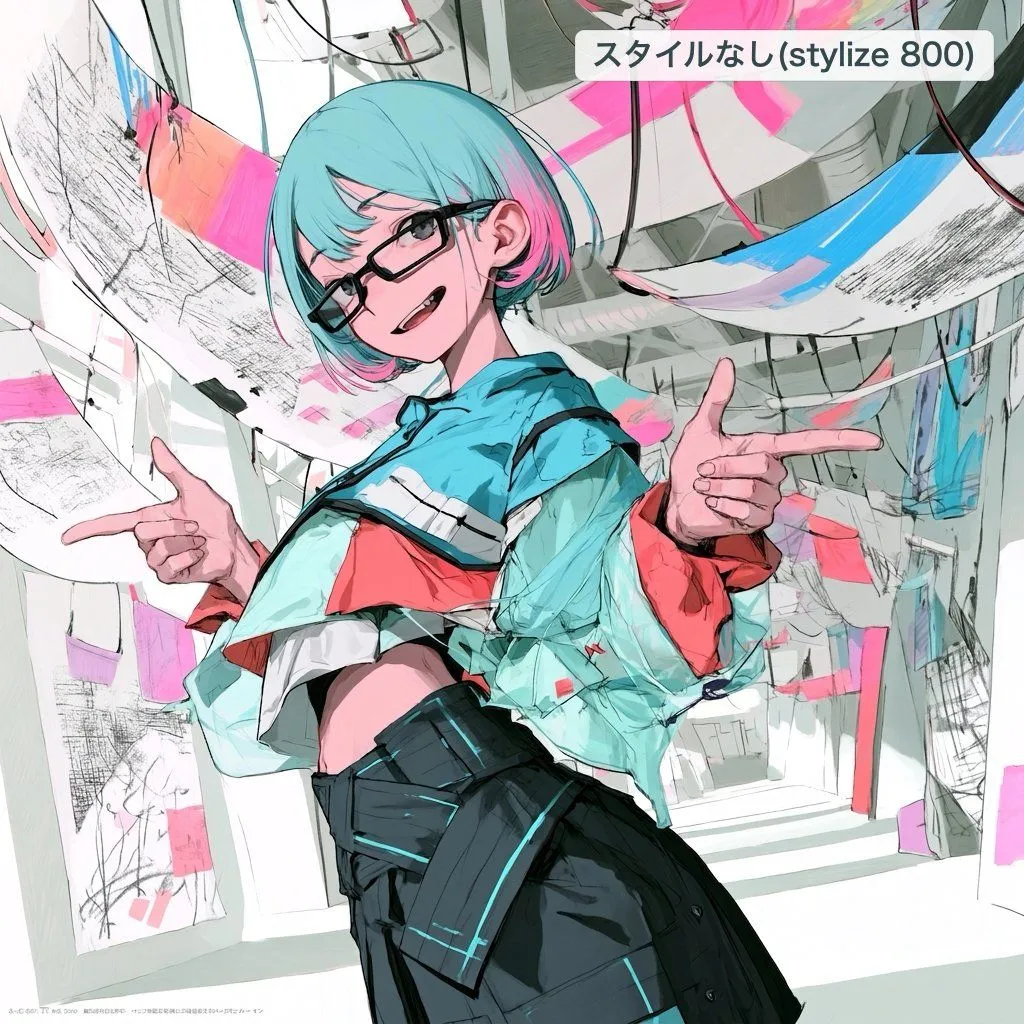
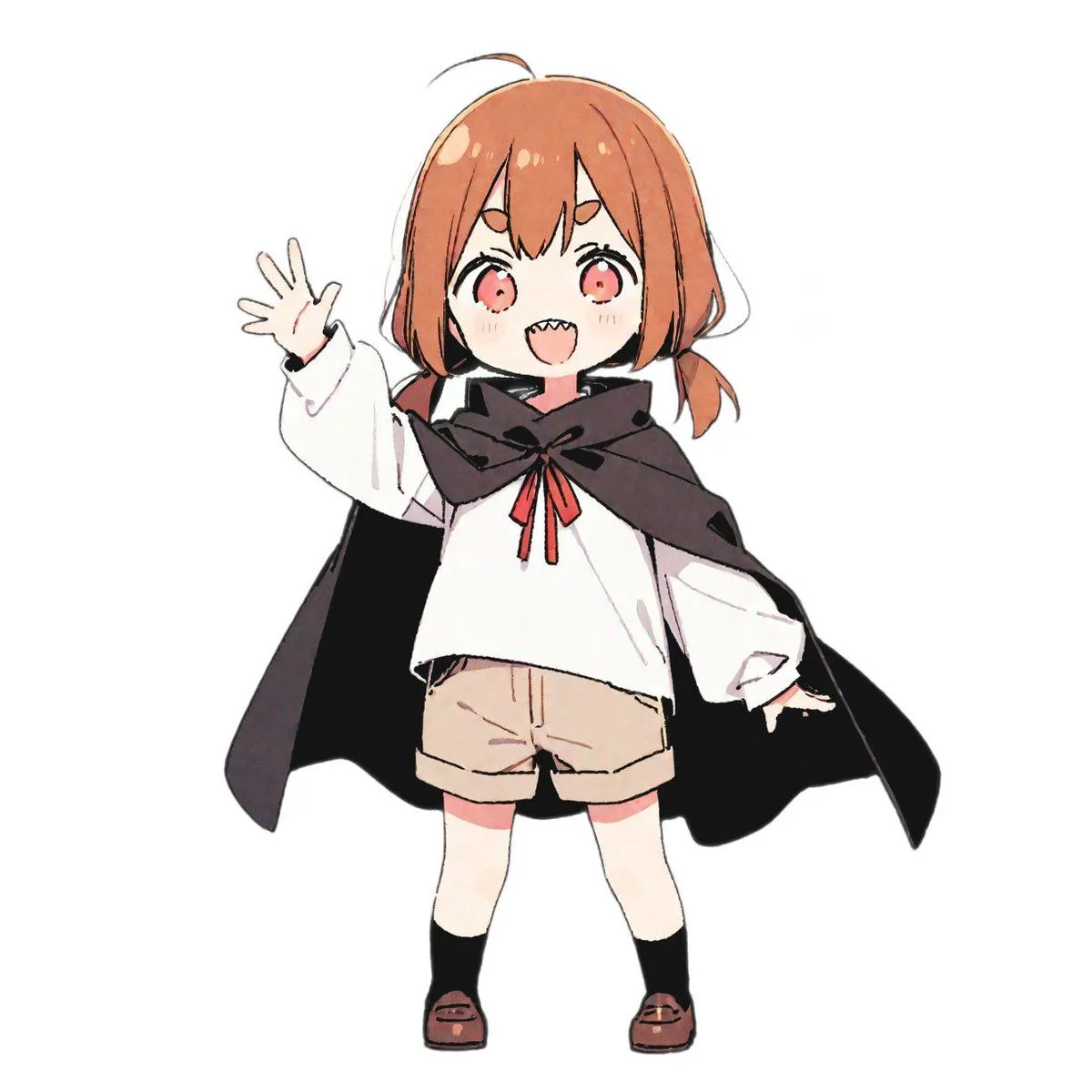
1 blank to fillPlease create a full-color four-panel manga. The main character is a "{character_type}". Panel 1: The protagonist (female) is waiting for the train. With a bored expression, she says, "Ah, 1 minute..." Panel 2: The protagonist (female) takes out her smartphone and says, "What should I do?" Panel 3: A scene where the protagonist (female) is holding her smartphone. Icons are displayed on the screen. "Lovart" is displayed below the icon. The protagonist (female) clicks the "Start Creation" button. Panel 4: The protagonist (female) is holding her smartphone, looking up at the sky in surprise. Black and white manga created by the protagonist are displayed around her, surrounding her as she says, "...Ah, it's done!" This is a four-panel manga. The fourth panel can be emphasized by taking up more space than the other three panels. The aspect ratio is 3:4.
Preview of your prompt
Please create a full-color four-panel manga. The main character is a "human-powered image". Panel 1: The protagonist (female) is waiting for the train. With a bored expression, she says, "Ah, 1 minute..." Panel 2: The protagonist (female) takes out her smartphone and says, "What should I do?" Panel 3: A scene where the protagonist (female) is holding her smartphone. Icons are displayed on the screen. "Lovart" is displayed below the icon. The protagonist (female) clicks the "Start Creation" button. Panel 4: The protagonist (female) is holding her smartphone, looking up at the sky in surprise. Black and white manga created by the protagonist are displayed around her, surrounding her as she says, "...Ah, it's done!" This is a four-panel manga. The fourth panel can be emphasized by taking up more space than the other three panels. The aspect ratio is 3:4.
DetailsVersions, settings and questions
Written for
What's in the prompt
- Subject
- Model
- Nano Banana Pro
If your face changes
keep my face exactly the sameQuestions
- Does this work in the Gemini app?
- Yes. Gemini runs Nano Banana, so paste the prompt and attach your photo if it uses one.
- It changed my face. What do I do?
- Add "keep my face exactly the same" to the end and run it again.
- Can I use the images I make?
- Check the terms of the app you use. Promptclay never generates images and claims nothing you make.