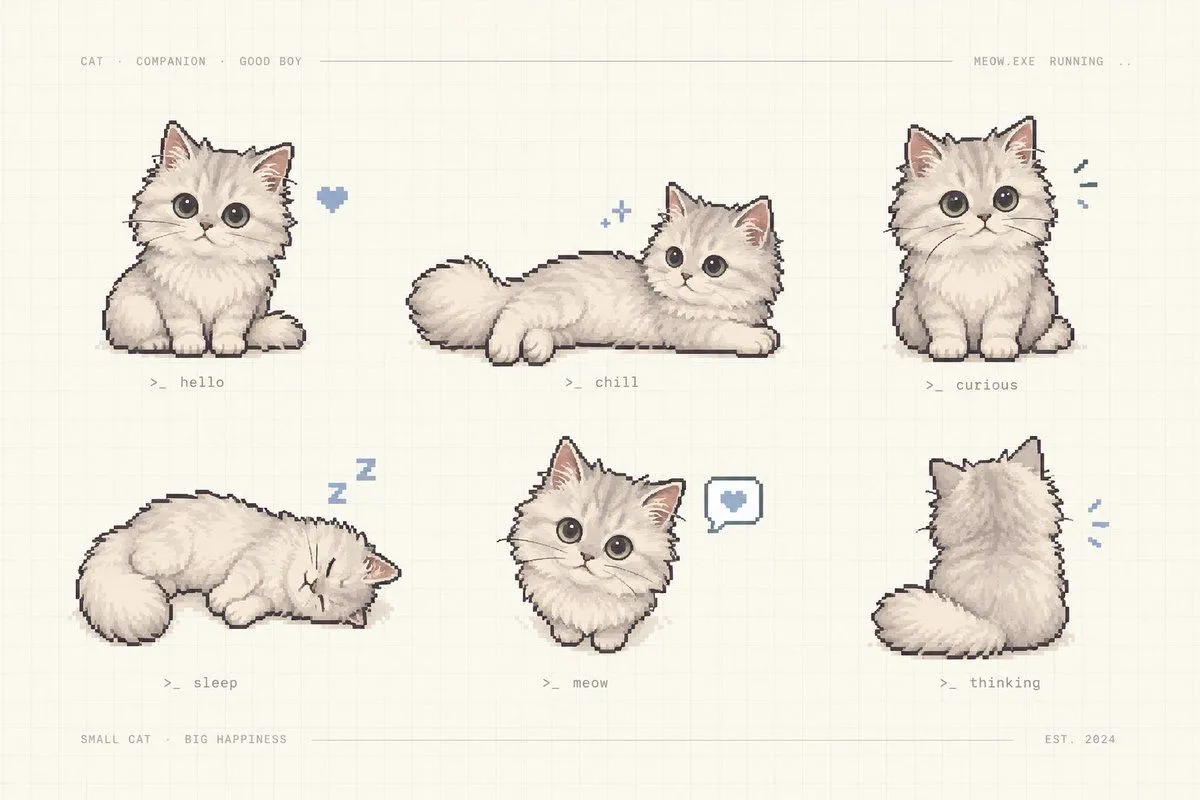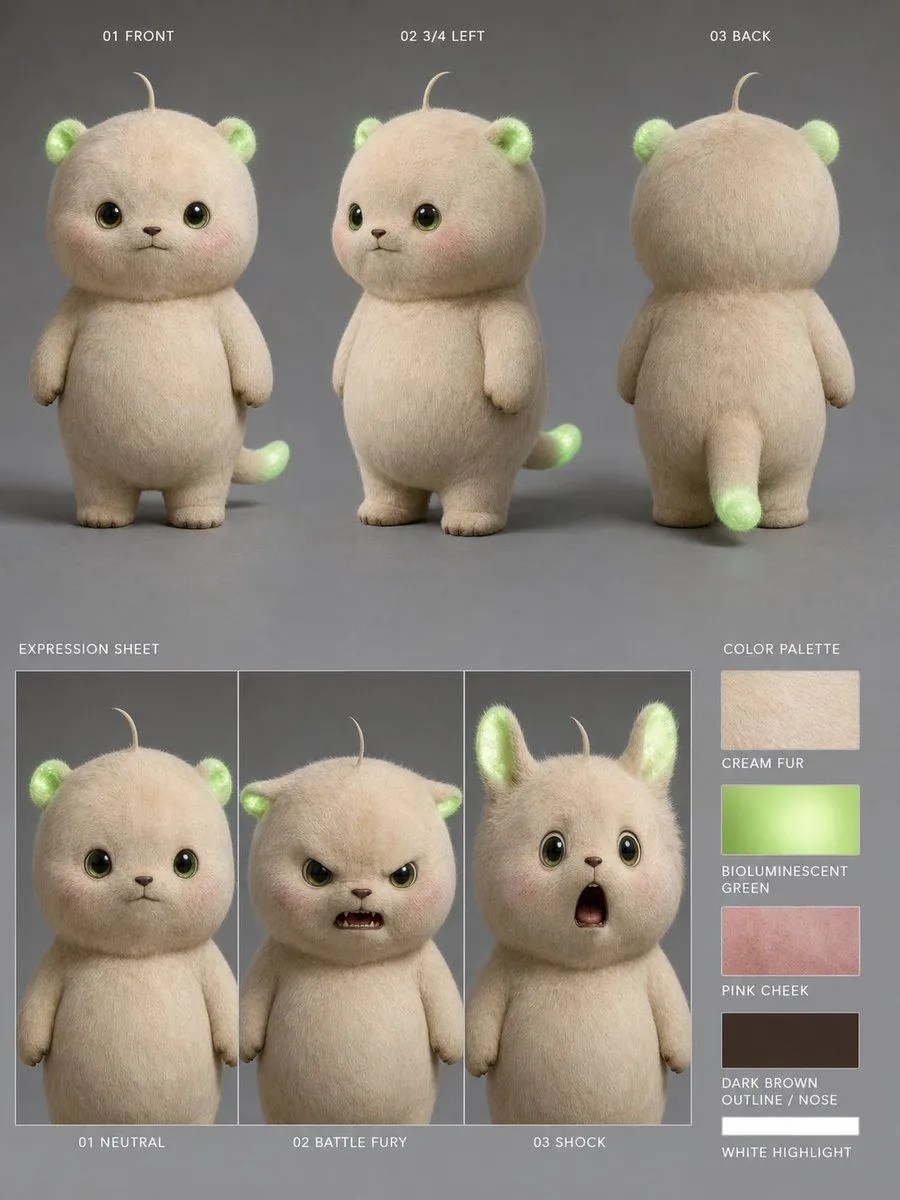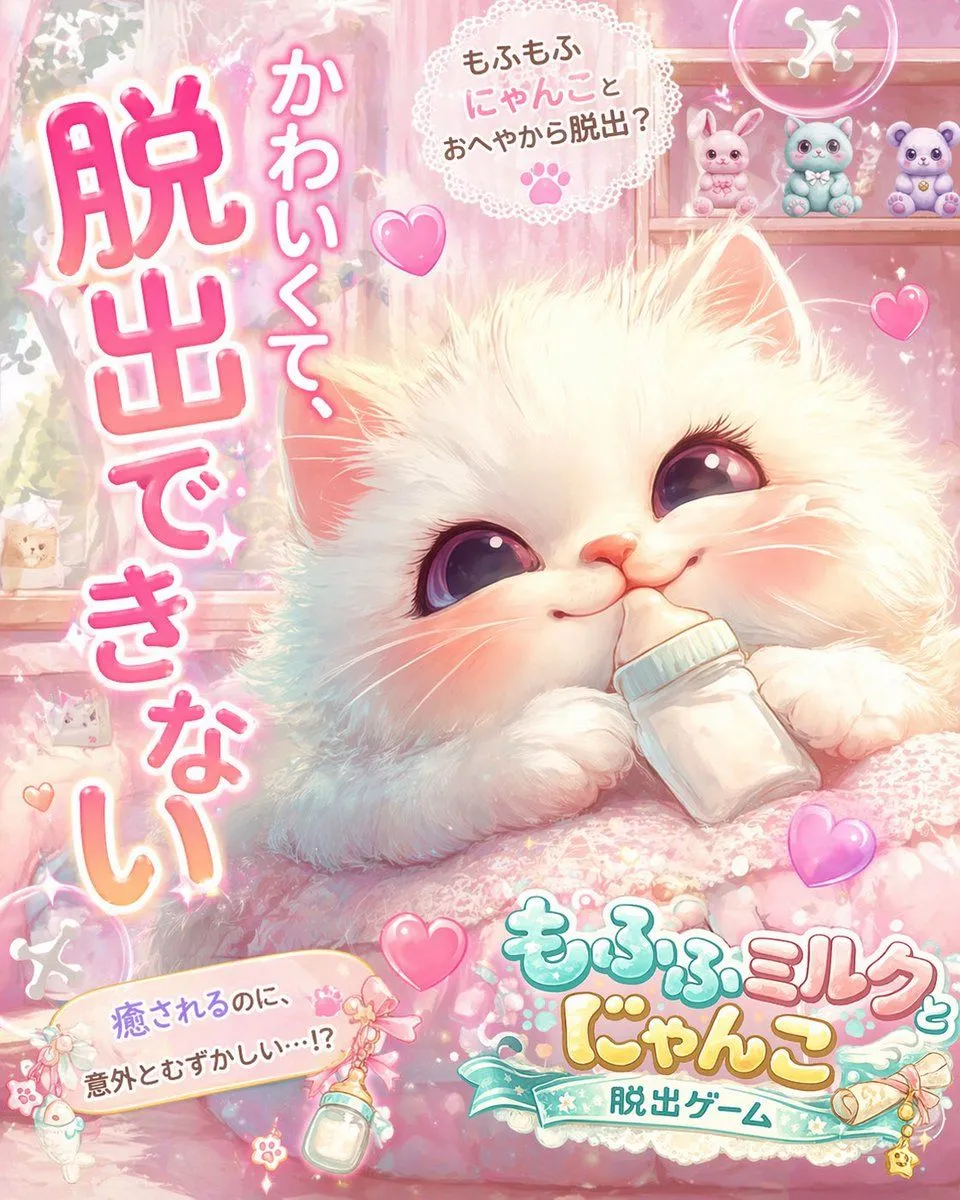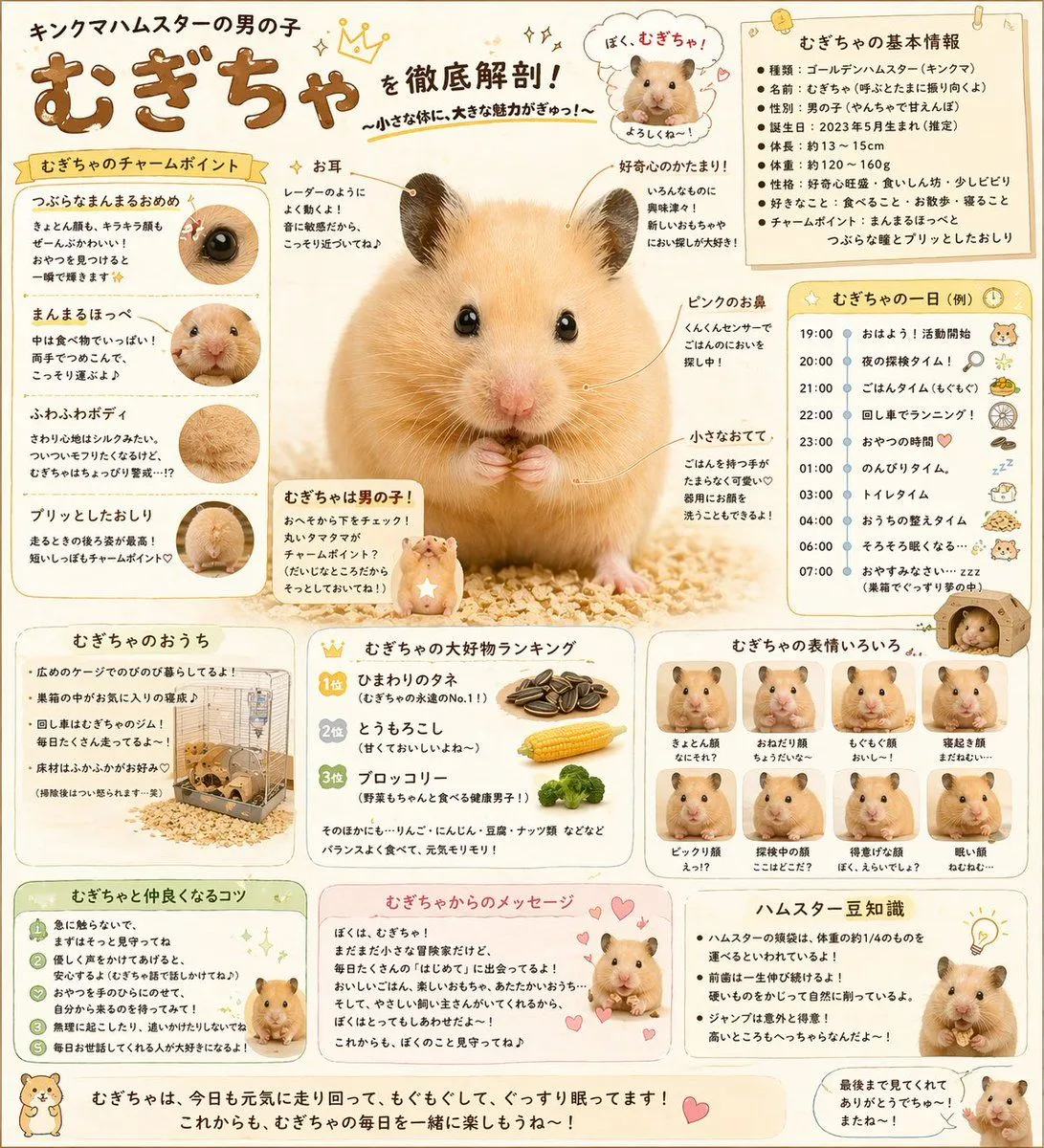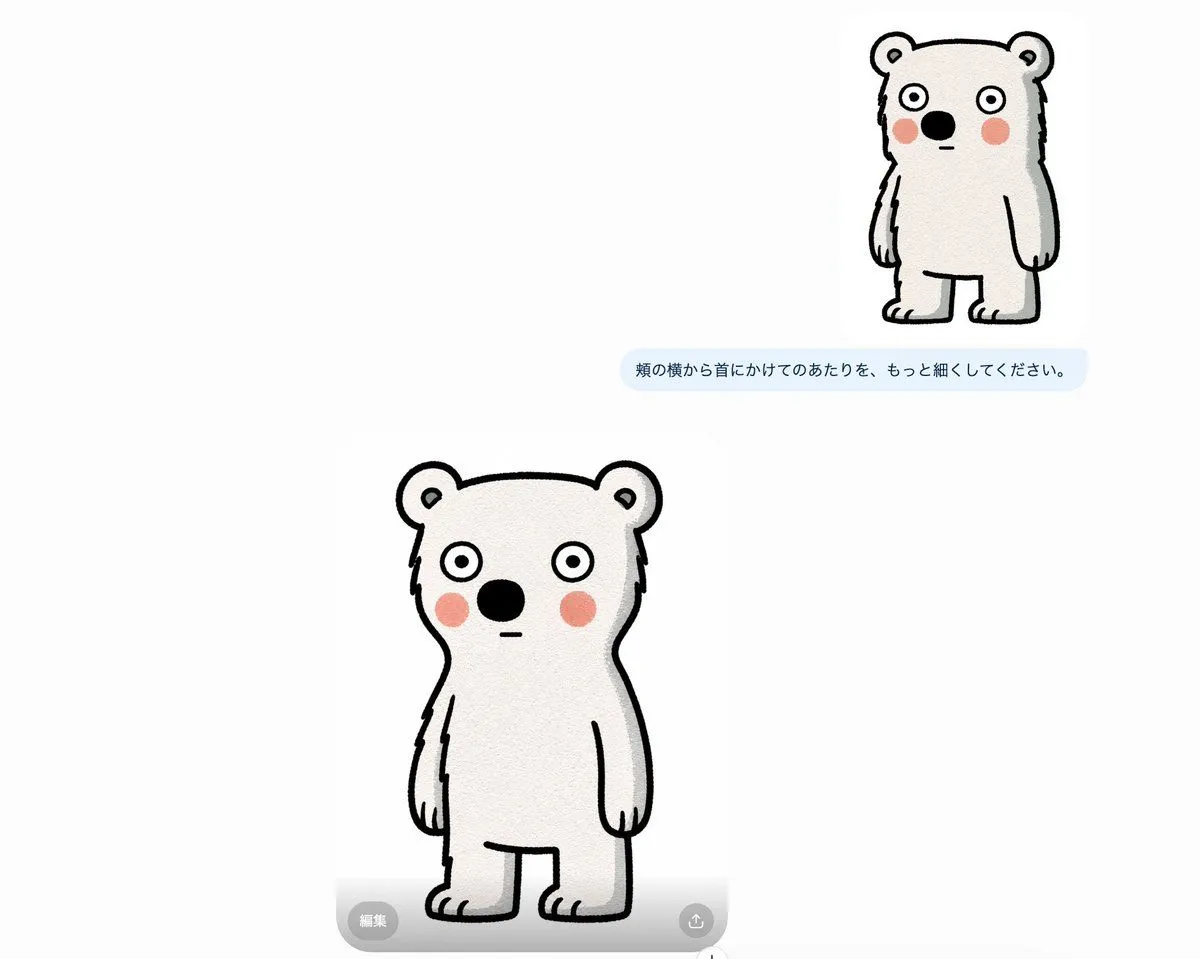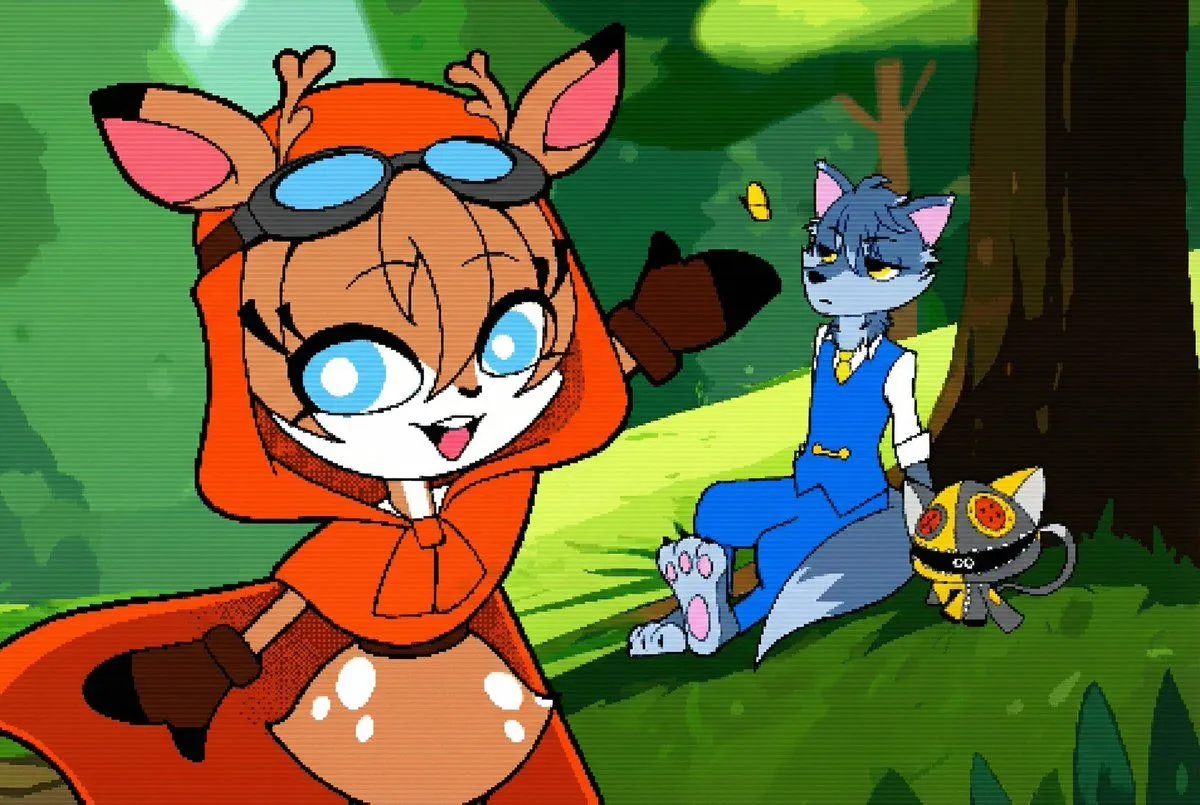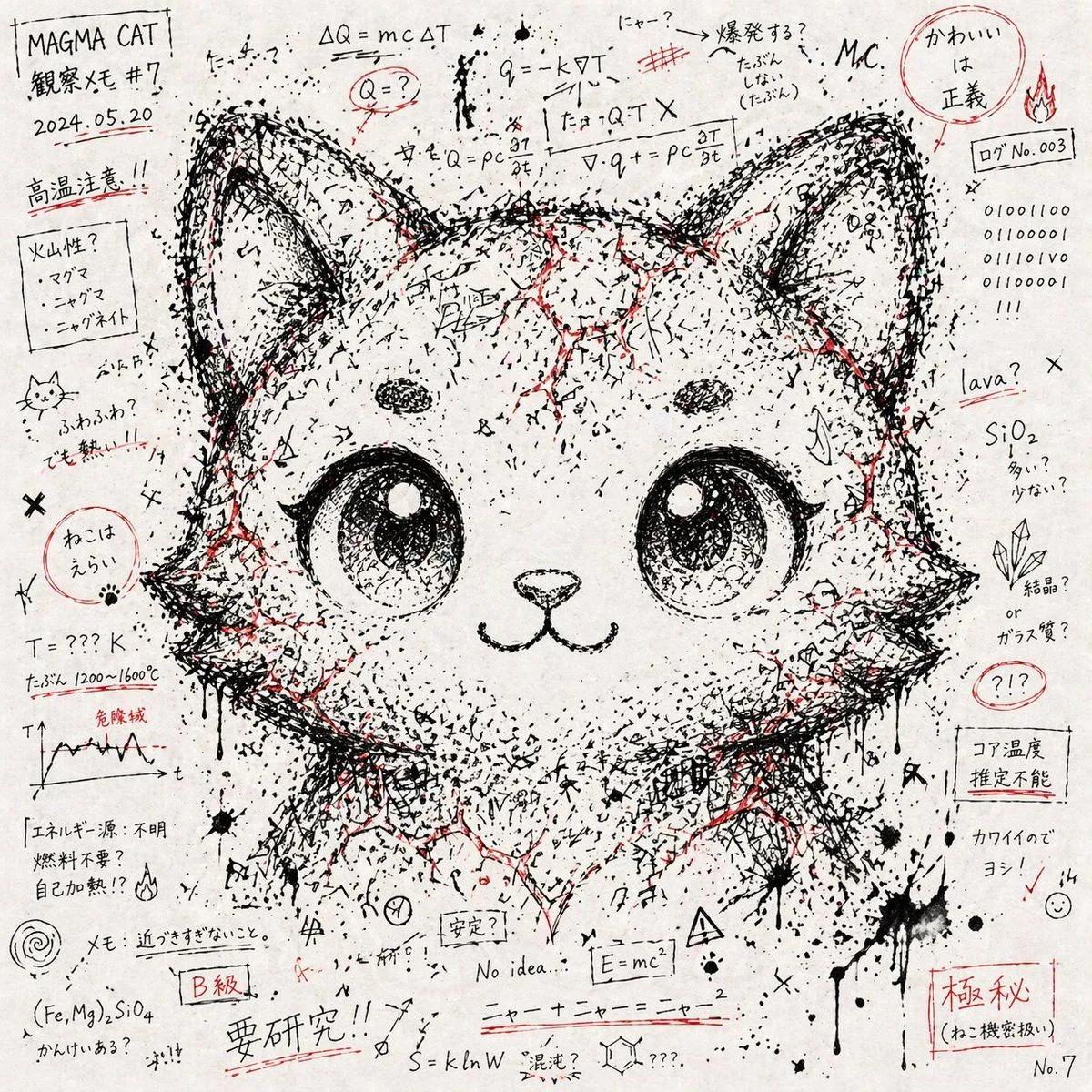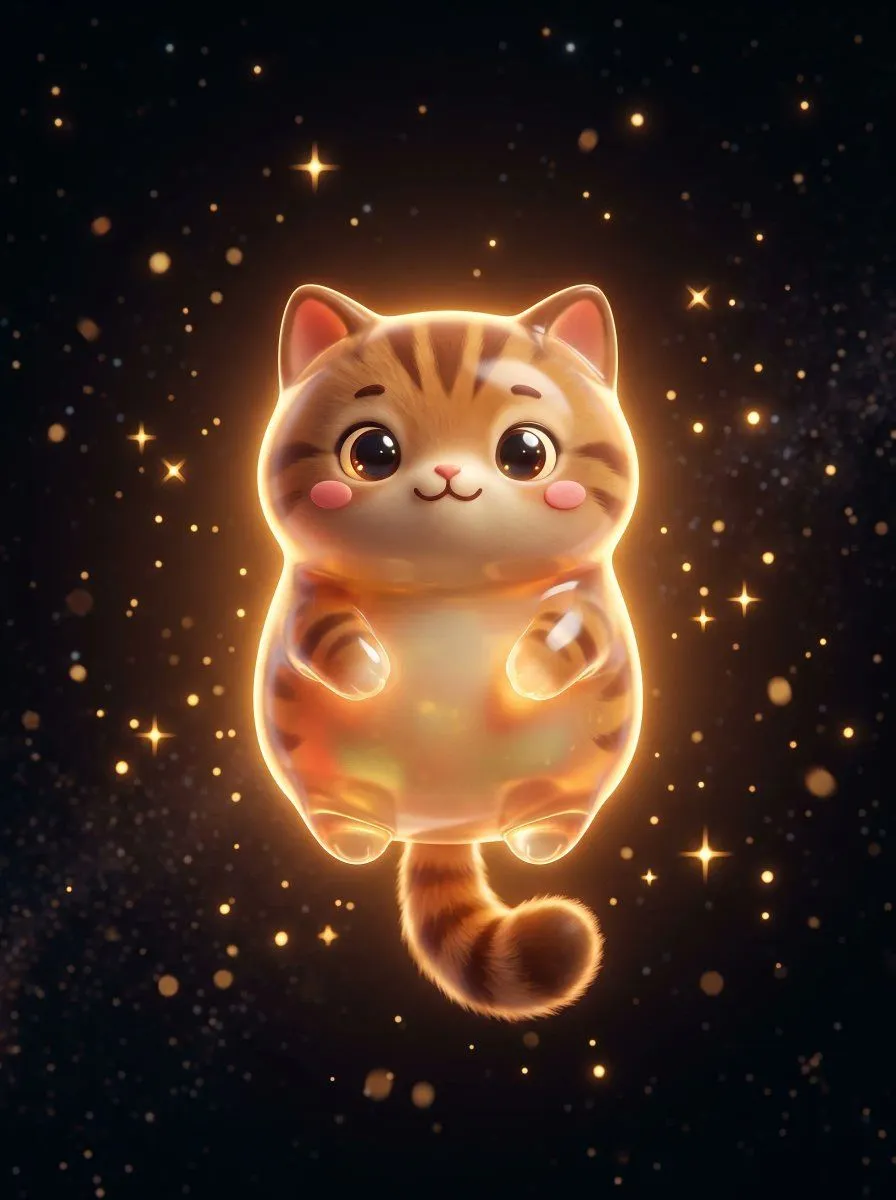
Made with GPT Image 2 in ChatGPT, collected by Library Game Art. Promptclay never generates images.
Did it work?
No reports yet. Tell others if it worked for you.
Fluffy Pet Back View Sprite
Prompt
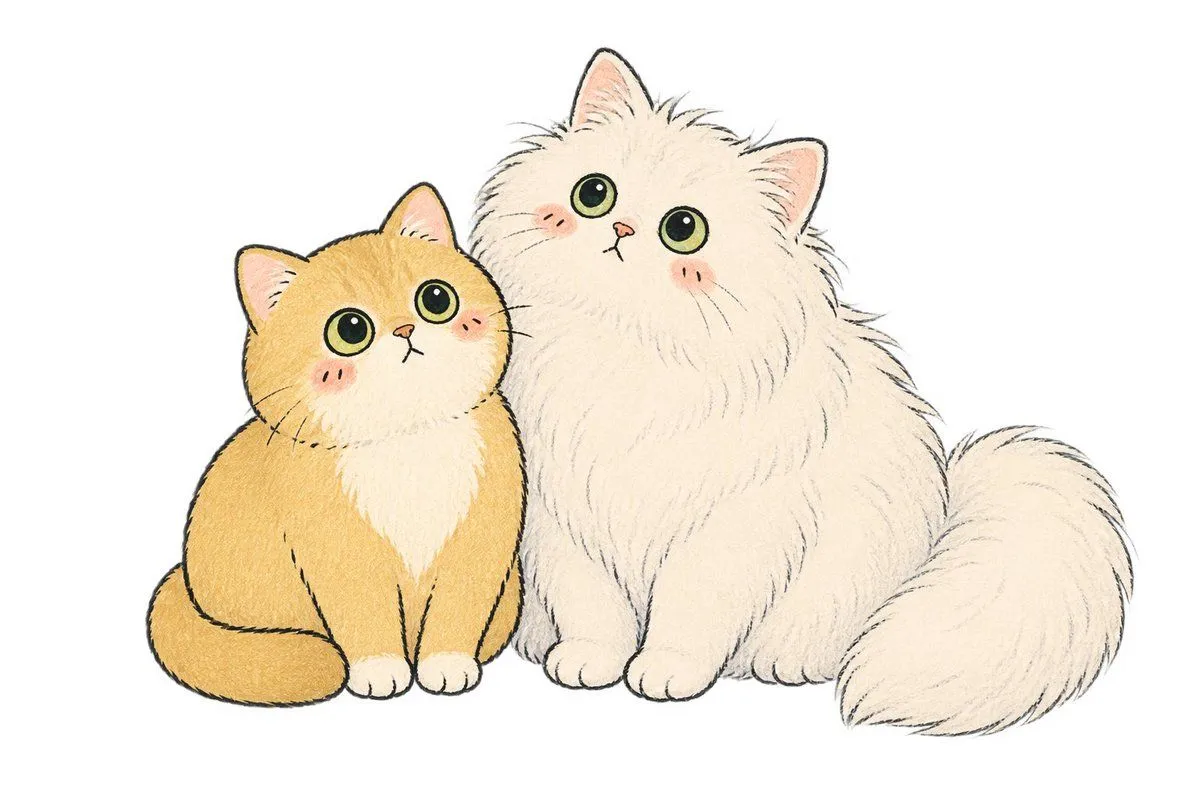
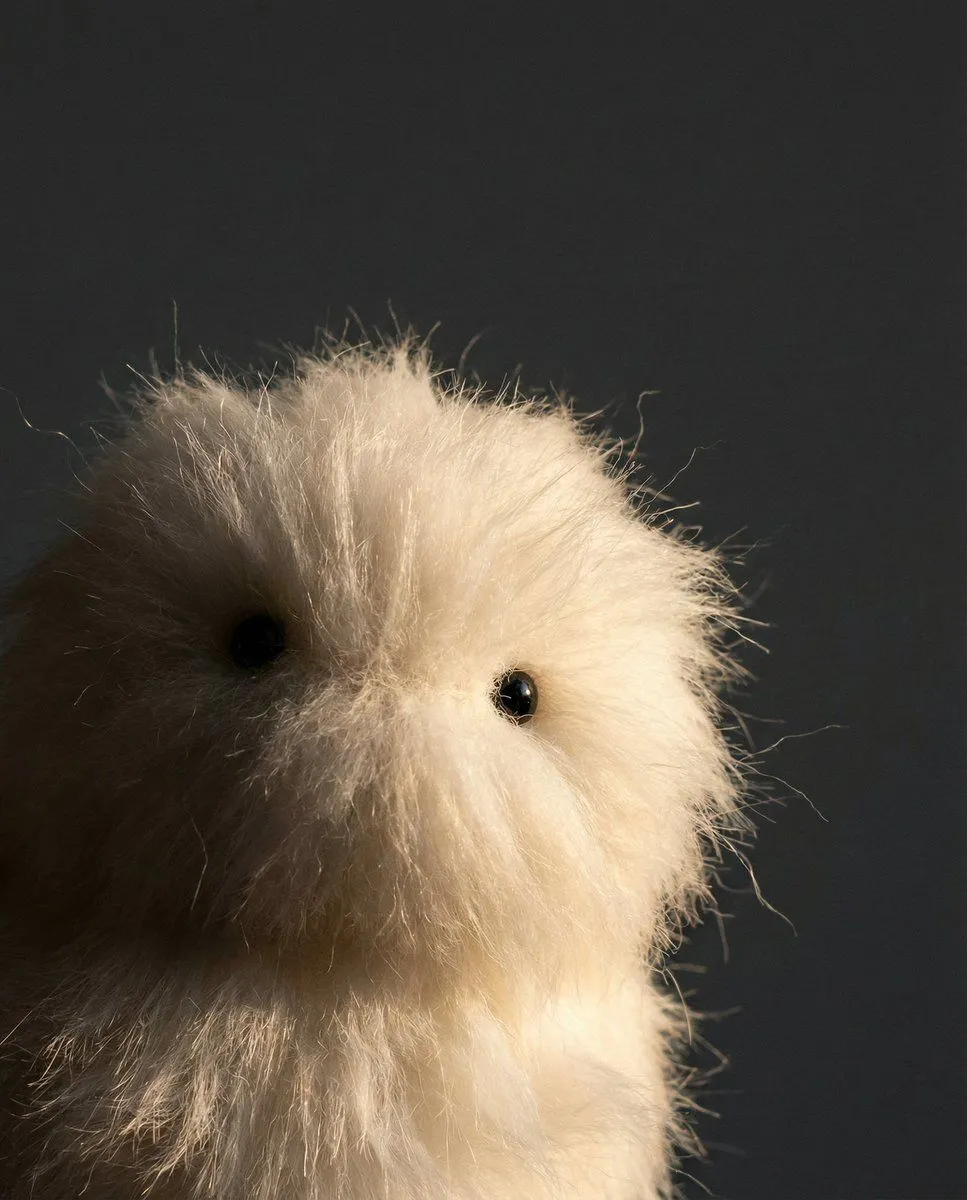
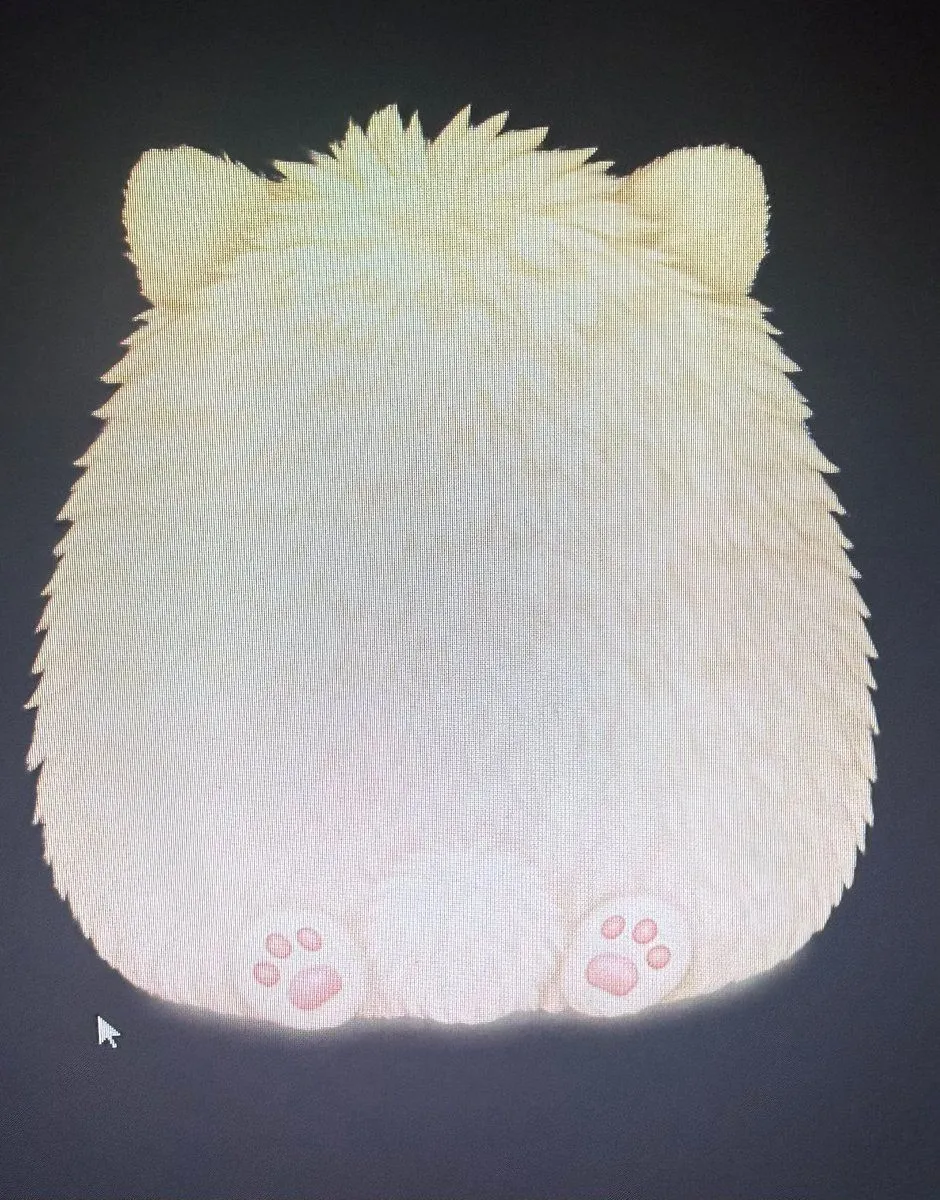
1 blank to fillCreate a single cute digital pet game sprite of {character_name}, shown from behind as a fluffy cream-white round creature sitting down. The character is centered on a dark charcoal transparent-looking game background, with a soft glow along the lower edge. It has a large pear-shaped, marshmallow-like body covered in long shaggy fur, subtle pale yellow shading, spiky tufts of fur sticking up on the top of the head, and exactly 2 small rounded bear-like ears visible at the upper left and upper right. No face is visible because the creature is facing away. At the bottom, show exactly 2 small hind paws facing the viewer, one on the left and one on the right, each with pink paw pads: each paw has 1 larger oval central pad and 3 small toe pads. Keep the pose simple and symmetrical, like an idle/action asset for a web pet-raising game. Use soft pastel coloring, adorable mascot proportions, clean silhouette, gentle lighting, and no text, no accessories, no extra characters, no front-facing facial features.
Preview of your prompt
Create a single cute digital pet game sprite of Mofumaro, shown from behind as a fluffy cream-white round creature sitting down. The character is centered on a dark charcoal transparent-looking game background, with a soft glow along the lower edge. It has a large pear-shaped, marshmallow-like body covered in long shaggy fur, subtle pale yellow shading, spiky tufts of fur sticking up on the top of the head, and exactly 2 small rounded bear-like ears visible at the upper left and upper right. No face is visible because the creature is facing away. At the bottom, show exactly 2 small hind paws facing the viewer, one on the left and one on the right, each with pink paw pads: each paw has 1 larger oval central pad and 3 small toe pads. Keep the pose simple and symmetrical, like an idle/action asset for a web pet-raising game. Use soft pastel coloring, adorable mascot proportions, clean silhouette, gentle lighting, and no text, no accessories, no extra characters, no front-facing facial features.
DetailsVersions, settings and questions
Written for
What's in the prompt
- Subject
- Model
- GPT Image 2
If your face changes
keep my face exactly the sameQuestions
- Does this work in the ChatGPT app?
- Yes. Paste the prompt and attach your photo if it uses one.
- It changed my face. What do I do?
- Add "keep my face exactly the same" to the end and run it again.
- Can I use the images I make?
- Check the terms of the app you use. Promptclay never generates images and claims nothing you make.