Tell us anything

An idea, a bug, something you love. We read every note.

⌘↵ to send. The page you're on comes along.

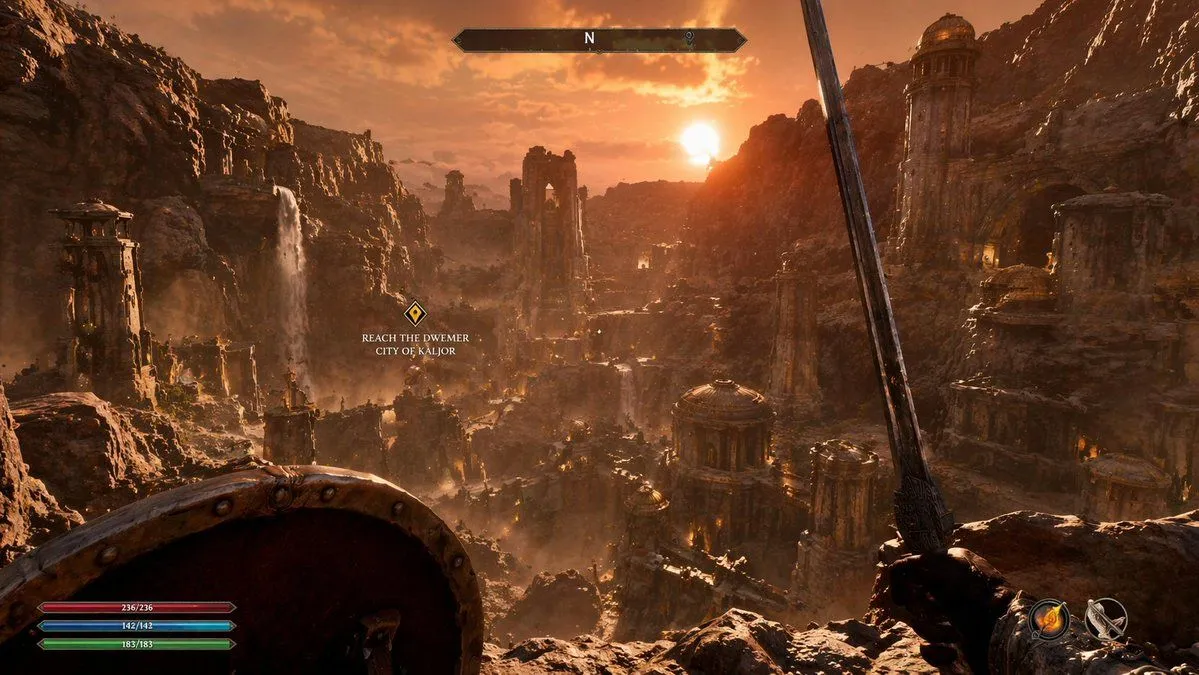
First-Person Fantasy RPG Screenshot

Made with GPT Image 2 in ChatGPT by Library Game Art. Promptclay never generates images.

Did it work?

No reports yet. Tell others if it worked for you.

No comments yet. Be the first.

    First-Person Fantasy RPG Screenshot

    GPT Image 216:9AI-generated

    Prompt

    { "type": "first-person RPG video game screenshot", "scene": { "environment": "{argument name=\"city style\" default=\"ancient ruined Dwemer city in a deep rocky canyon\"}", "lighting": "{argument name=\"lighting and atmosphere\" default=\"golden hour sunset, hazy, warm orange glow, dusty atmosphere\"}", "details": "cascading waterfalls, towering stone pillars, domed structures with brass accents, rugged cliffs" }, "first_person_view": { "left_hand": "{argument name=\"left hand equipment\" default=\"round wooden and metal shield\"}", "right_hand": "{argument name=\"right hand equipment\" default=\"long steel sword\"}" }, "ui_overlay": { "count": 4, "components": [ { "position": "top center", "description": "horizontal compass bar with 'N' and a marker" }, { "position": "middle left", "description": "floating quest marker with text", "text": "{argument name=\"quest objective\" default=\"REACH THE DWEMER CITY OF KALJOR\"}" }, { "position": "bottom left", "description": "3 stacked resource bars (red 236/236, blue 142/142, green 183/183)" }, { "position": "bottom right", "description": "2 circular quick-slot icons showing a fire spell and a bow" } ] } }

    Works in
    ChatGPT, Gemini
    Status
    Free to copy
    0
    DetailsVersions, settings and questions

    Written for

    What's in the prompt

    Subject
    Model
    GPT Image 2

    If your face changes

    keep my face exactly the same

    Questions

    Does this work in the ChatGPT app?
    Yes. Paste the prompt and attach your photo if it uses one.
    It changed my face. What do I do?
    Add "keep my face exactly the same" to the end and run it again.
    Can I use the images I make?
    Check the terms of the app you use. Promptclay never generates images and claims nothing you make.
    Similar prompts

    See more
    • Open-world RPG screenshot style
    • Next-Gen Voxel Game Screenshot
    • Combining image generation prompts for a fantasy card style
    • Egyptian Hero vs Giant Serpent
    • Dark Medieval Sorceress Scene
    • The First Gaze Narrative
    • Ultra-realistic photo from retro game interface
    • Battle-Worn Knight vs Forest Wraith
    • Hyper-realistic cinematic conversion prompt for nano-banana-pro
    • Thanos Apologizes to Spider-Man PromptVideo, 0:16
    • Battlefield In-game Screenshot Prompt
    • Storyboard Grid Generation Prompt
    • Recreate Screenshot as Next-Gen Video Game
    • Rain and Fire Warrior Portrait Prompt
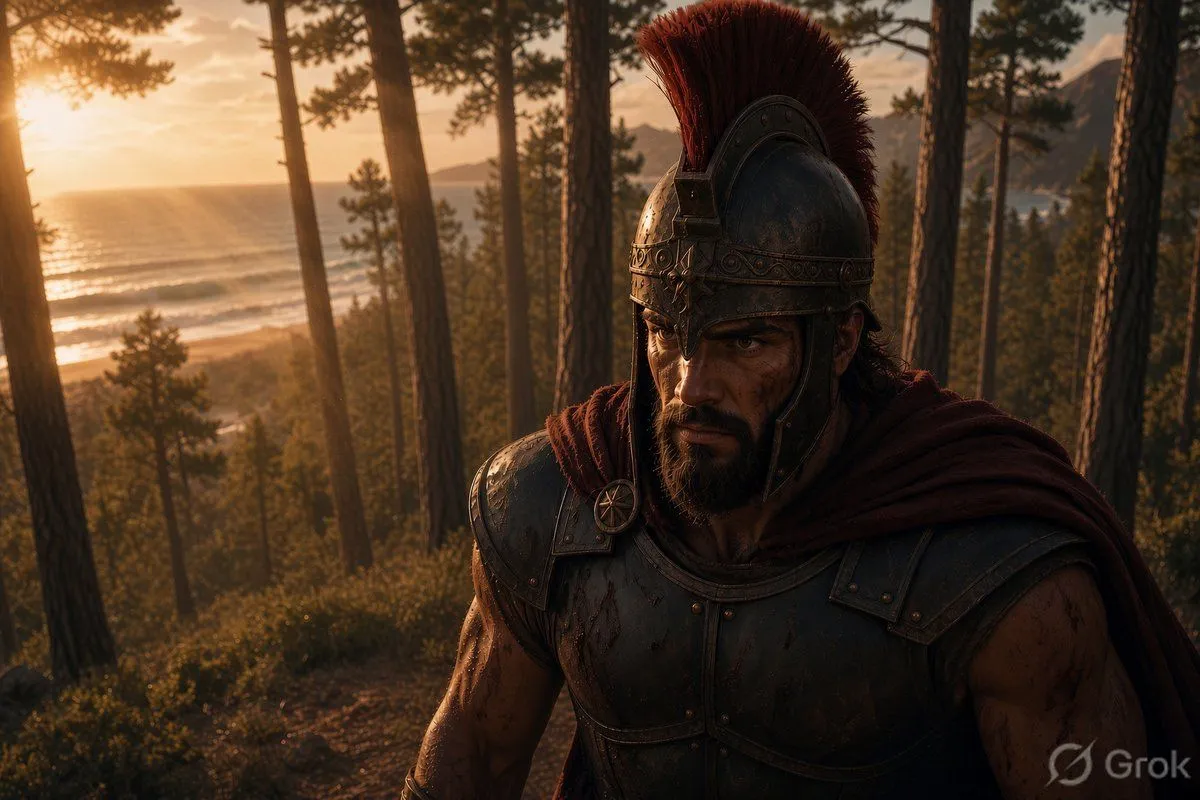
    • Spartan Warrior in Coastal Pine Forest
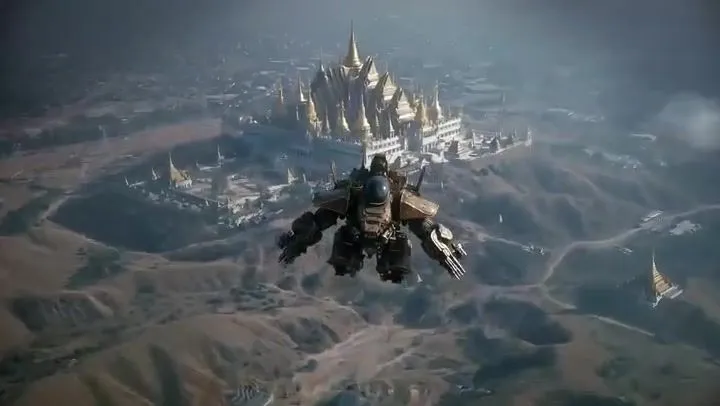
    • Seedance 2.0 Video Prompt: Aerial Dogfight over Thai TempleVideo, 0:18
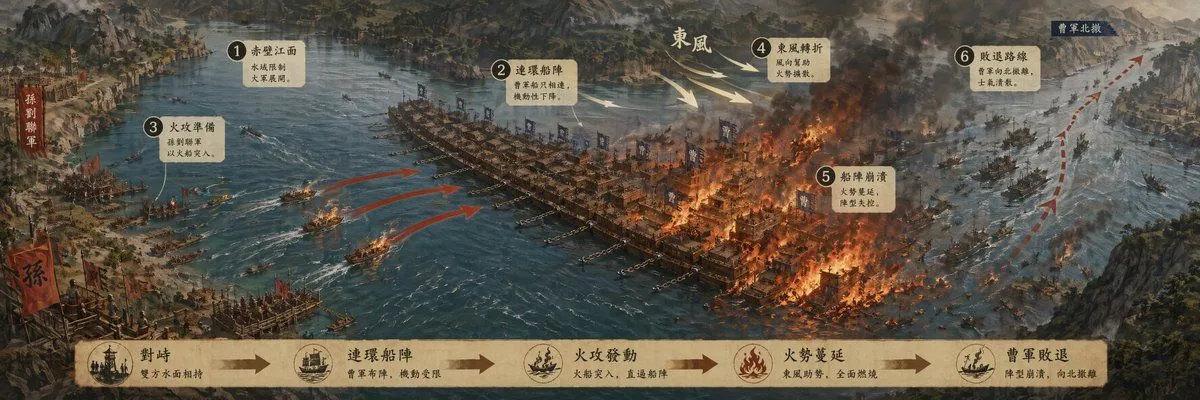
    • Historic Battle Visualization Scroll
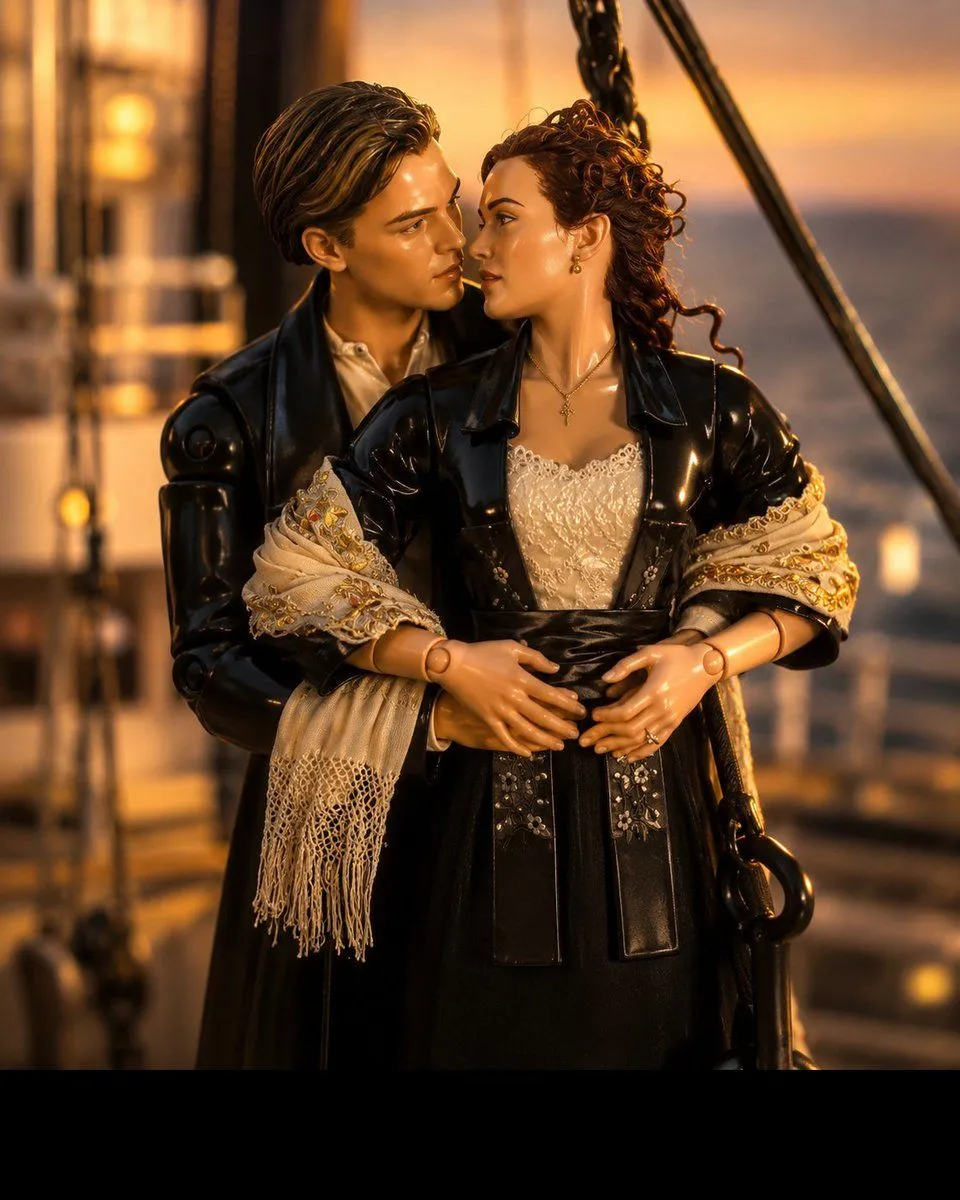
    • 3D Collectible Toy Ocean Liner Render
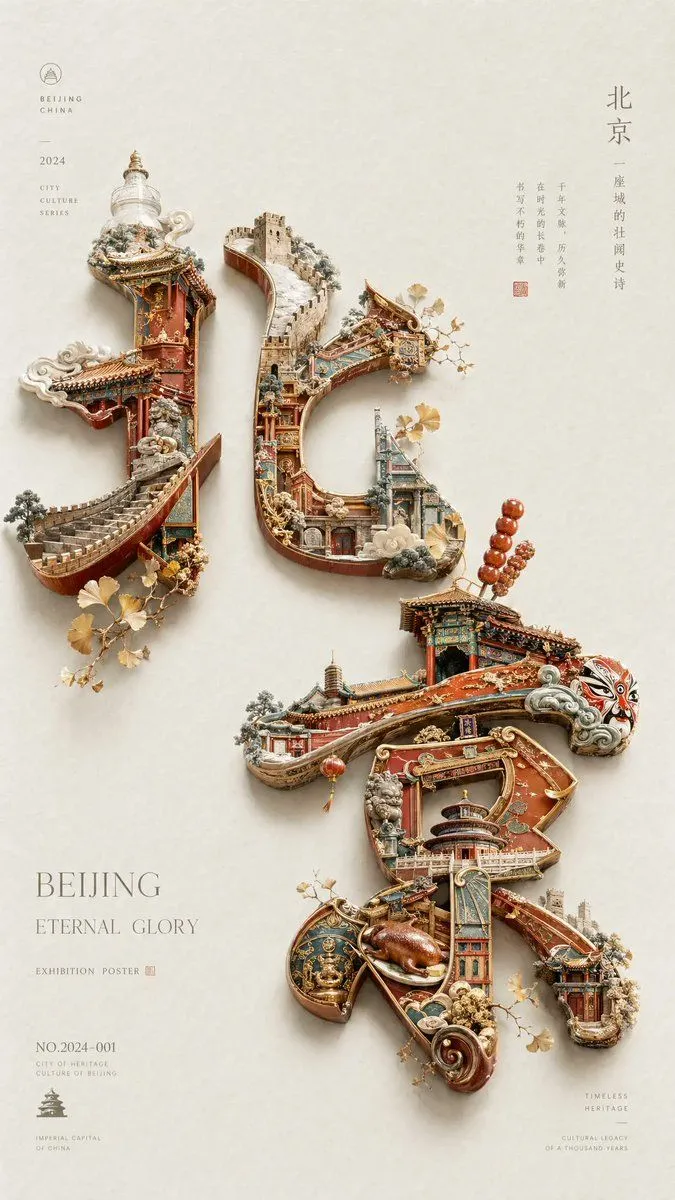
    • Beijing Cultural Heritage Poster
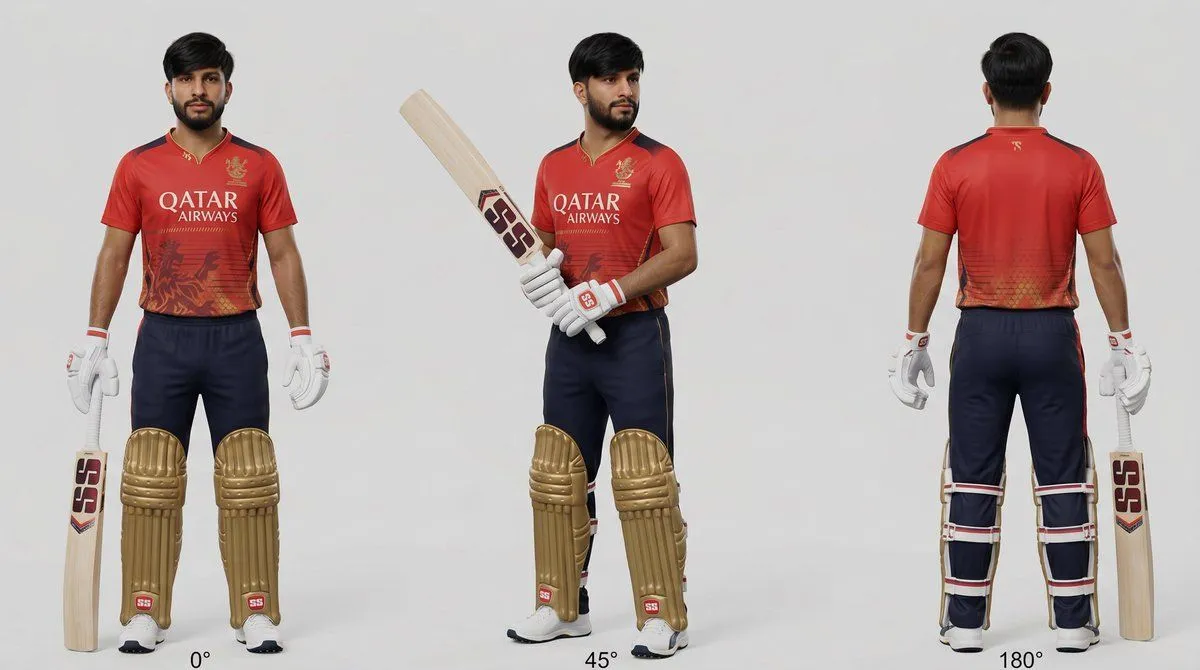
    • Cricket Player Three-Angle Character Sheet
    • Isolated Tree on Checkerboard
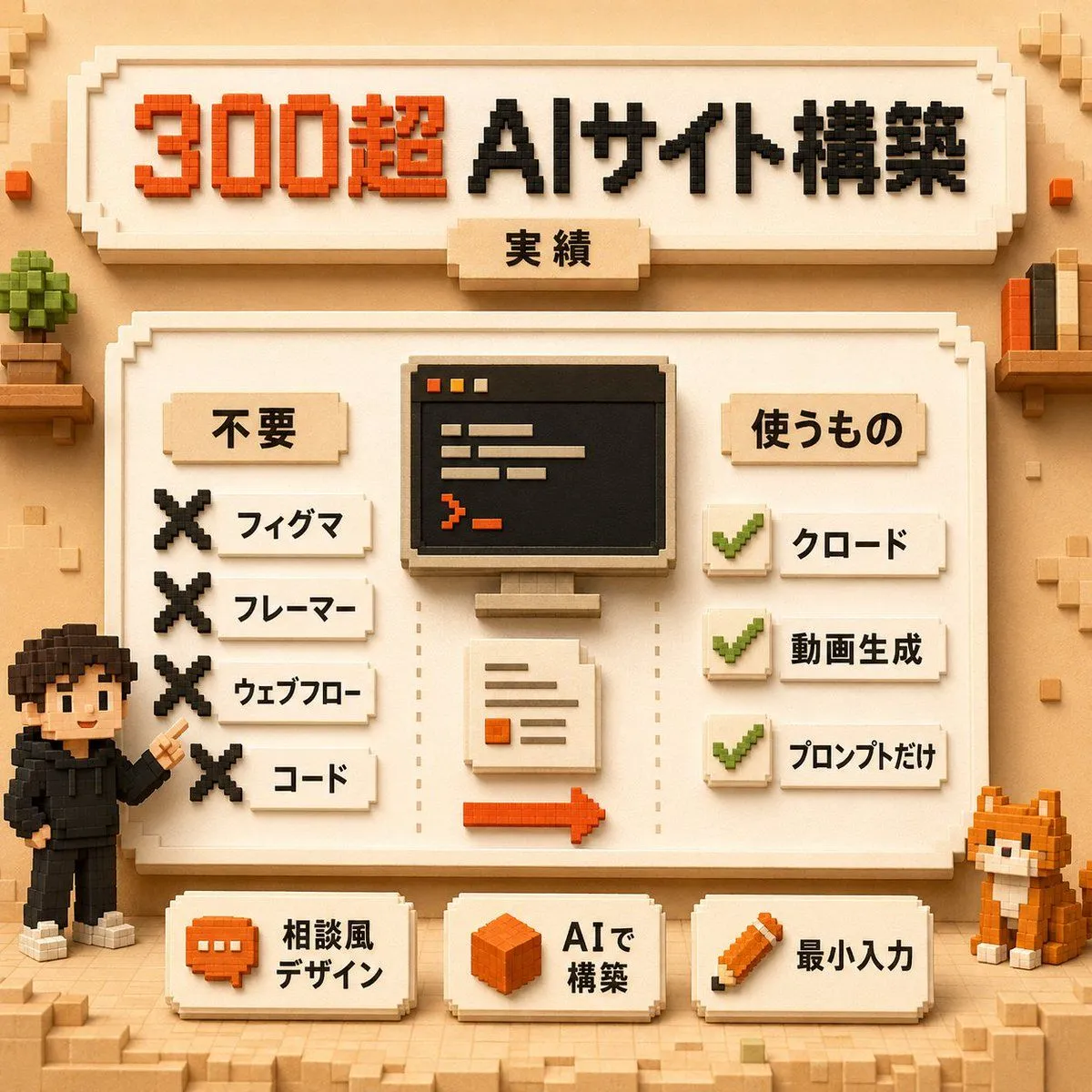
    • Voxel AI Website Building Infographic
    • Cozy Claymation Style World
    • Dark Japanese Recipe App UI

    Show more

    Run it on your phone

    1. Prompt copiedRead it

      { "type": "first-person RPG video game screenshot", "scene": { "environment": "{argument name=\"city style\" default=\"ancient ruined Dwemer city in a deep rocky canyon\"}", "lighting": "{argument name=\"lighting and atmosphere\" default=\"golden hour sunset, hazy, warm orange glow, dusty atmosphere\"}", "details": "cascading waterfalls, towering stone pillars, domed structures with brass accents, rugged cliffs" }, "first_person_view": { "left_hand": "{argument name=\"left hand equipment\" default=\"round wooden and metal shield\"}", "right_hand": "{argument name=\"right hand equipment\" default=\"long steel sword\"}" }, "ui_overlay": { "count": 4, "components": [ { "position": "top center", "description": "horizontal compass bar with 'N' and a marker" }, { "position": "middle left", "description": "floating quest marker with text", "text": "{argument name=\"quest objective\" default=\"REACH THE DWEMER CITY OF KALJOR\"}" }, { "position": "bottom left", "description": "3 stacked resource bars (red 236/236, blue 142/142, green 183/183)" }, { "position": "bottom right", "description": "2 circular quick-slot icons showing a fire spell and a bow" } ] } }

    2. Open your app

    3. Paste and run

      Press and hold the message box, then tap Paste. Add your photo first if the prompt uses one. You may need to sign in.

    First-Person Fantasy RPG Screenshot